Control Structures
Sequential execution
Statements executed one after the other in the order
written
Transfer of control
When the next statement executed is not the next one
in sequence
Bohm and Jacopini: all programs written in terms
of 3 control structures
Sequence structure
Built into C++. Programs executed sequentially by default.
Selection structures
C++ has three types - if, if/else, and switch
Repetition structures
C++ has three types - while, do/while, and for
• Flowchart
– Graphical representation of an algorithm
– Drawn using certain special-purpose symbols
connected by arrows called flowlines.
– Rectangle symbol (action symbol)
• Indicates any type of action.
– Oval symbol
• indicates beginning or end of a program, or a section of code
(circles).
• single-entry/single-exit control structures
– Connect exit point of one control structure to entry
point of the next (control-structure stacking).
– Makes programs easy to build.
The if Selection Structure
• Selection structure
– used to choose among alternative courses of action
– Pseudocode example:
If student’s grade is greater than or equal to 60
Print “Passed”
– If the condition is true
• print statement executed and program goes on to next statement
– If the condition is false
• print statement is ignored and the program goes onto the next
statement
– Indenting makes programs easier to read
• C++ ignores whitespace characters
The if Selection Structure
• Translation of pseudocode statement into C++:
if ( grade >= 60 )
cout << "Passed";
• Diamond symbol (decision symbol)
– indicates decision is to be made
– Contains an expression that can be true or false.
• Test the condition, follow appropriate path
• if structure is a single-entry/single-exit
structure
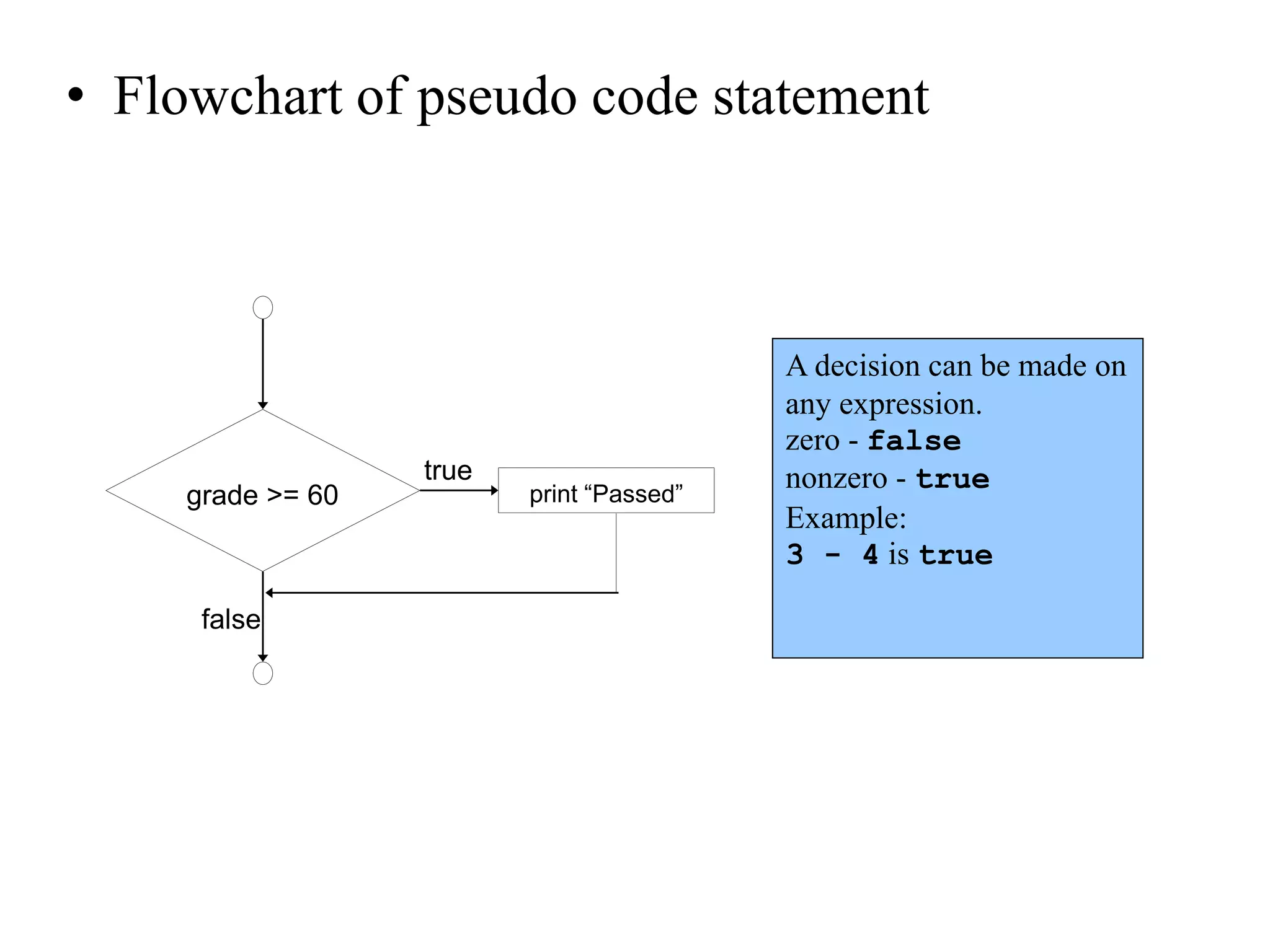
• Flowchart of pseudo code statement
true
false
grade >= 60 print “Passed”
A decision can be made on
any expression.
zero - false
nonzero - true
Example:
3 - 4 is true
The if/else Selection Structure
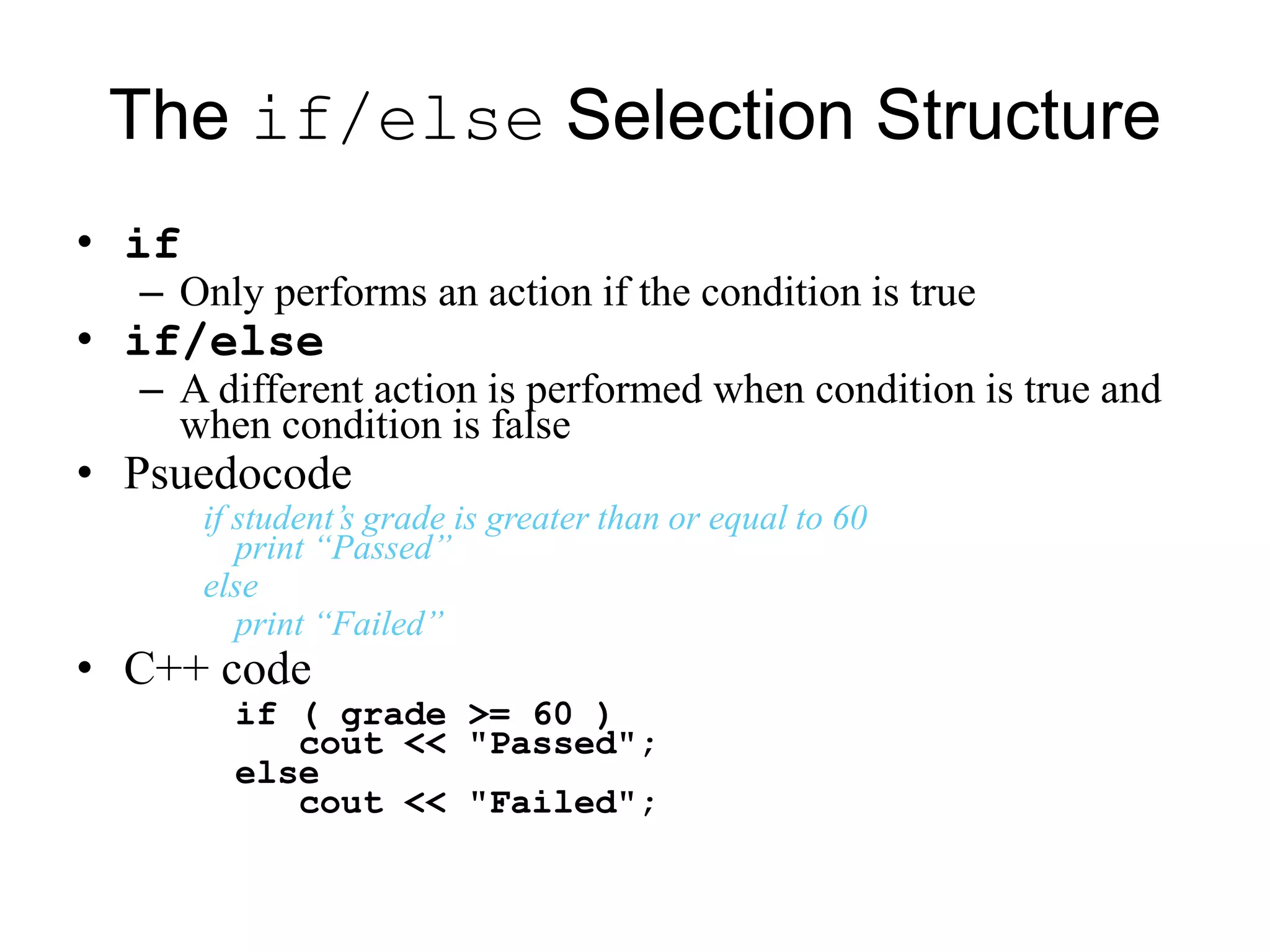
• if
– Only performs an action if the condition is true
• if/else
– A different action is performed when condition is true and
when condition is false
• Psuedocode
if student’s grade is greater than or equal to 60
print “Passed”
else
print “Failed”
• C++ code
if ( grade >= 60 )
cout << "Passed";
else
cout << "Failed";
The if/else Selection Structure
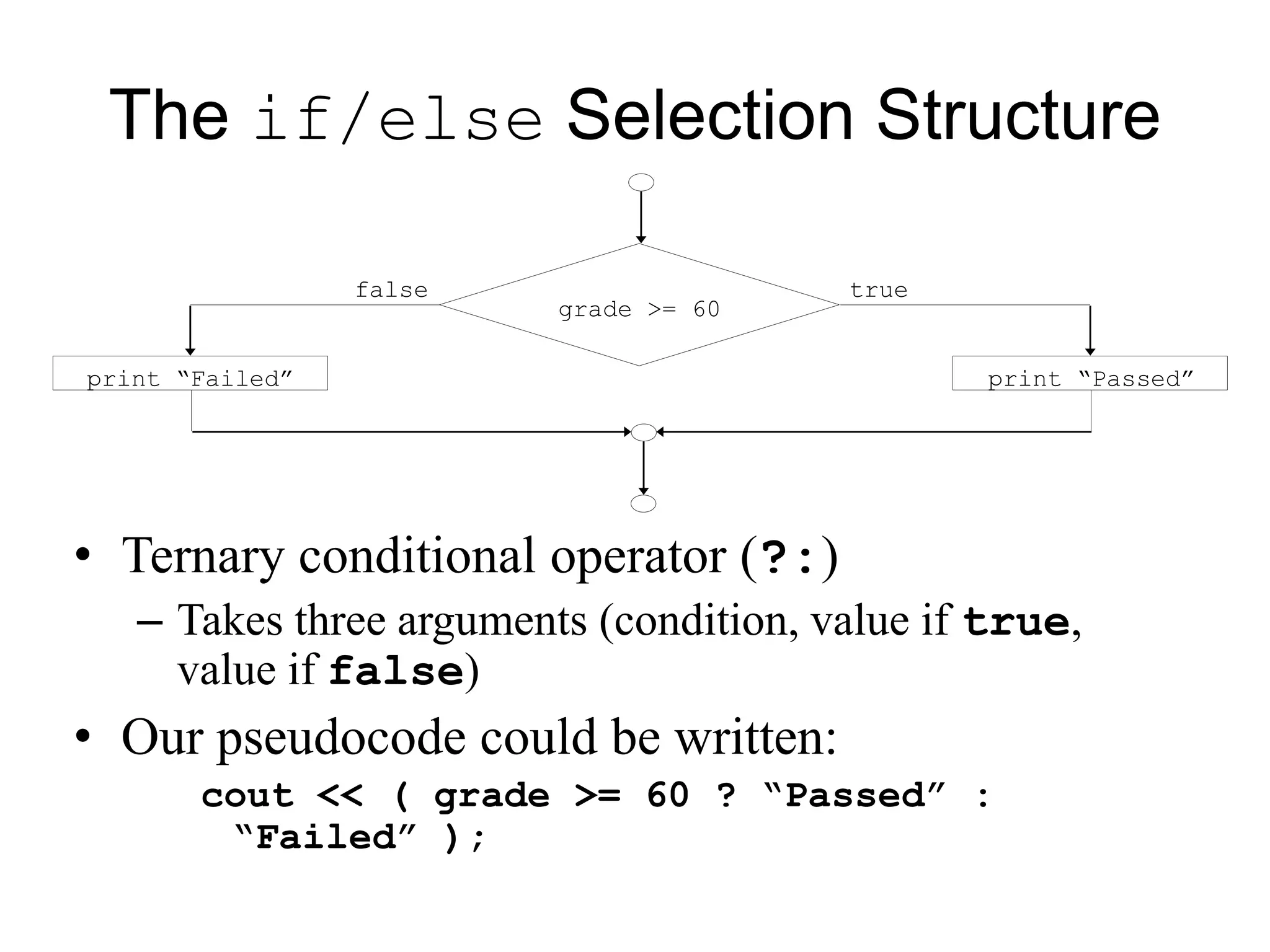
• Ternary conditional operator (?:)
– Takes three arguments (condition, value if true,
value if false)
• Our pseudocode could be written:
cout << ( grade >= 60 ? “Passed” :
“Failed” );
truefalse
print “Failed” print “Passed”
grade >= 60
The if/else Selection Structure
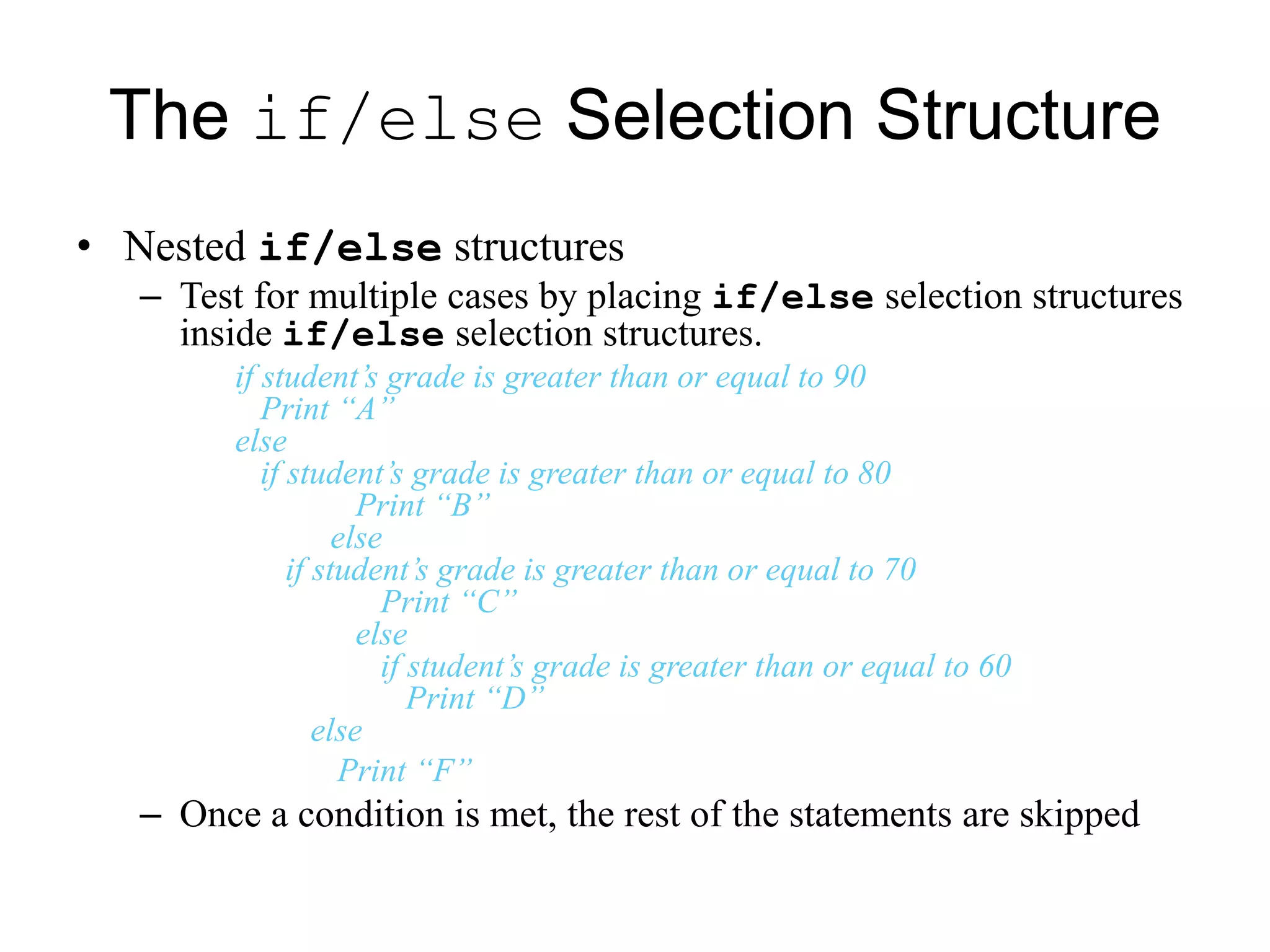
• Nested if/else structures
– Test for multiple cases by placing if/else selection structures
inside if/else selection structures.
if student’s grade is greater than or equal to 90
Print “A”
else
if student’s grade is greater than or equal to 80
Print “B”
else
if student’s grade is greater than or equal to 70
Print “C”
else
if student’s grade is greater than or equal to 60
Print “D”
else
Print “F”
– Once a condition is met, the rest of the statements are skipped
The if/else Selection Structure
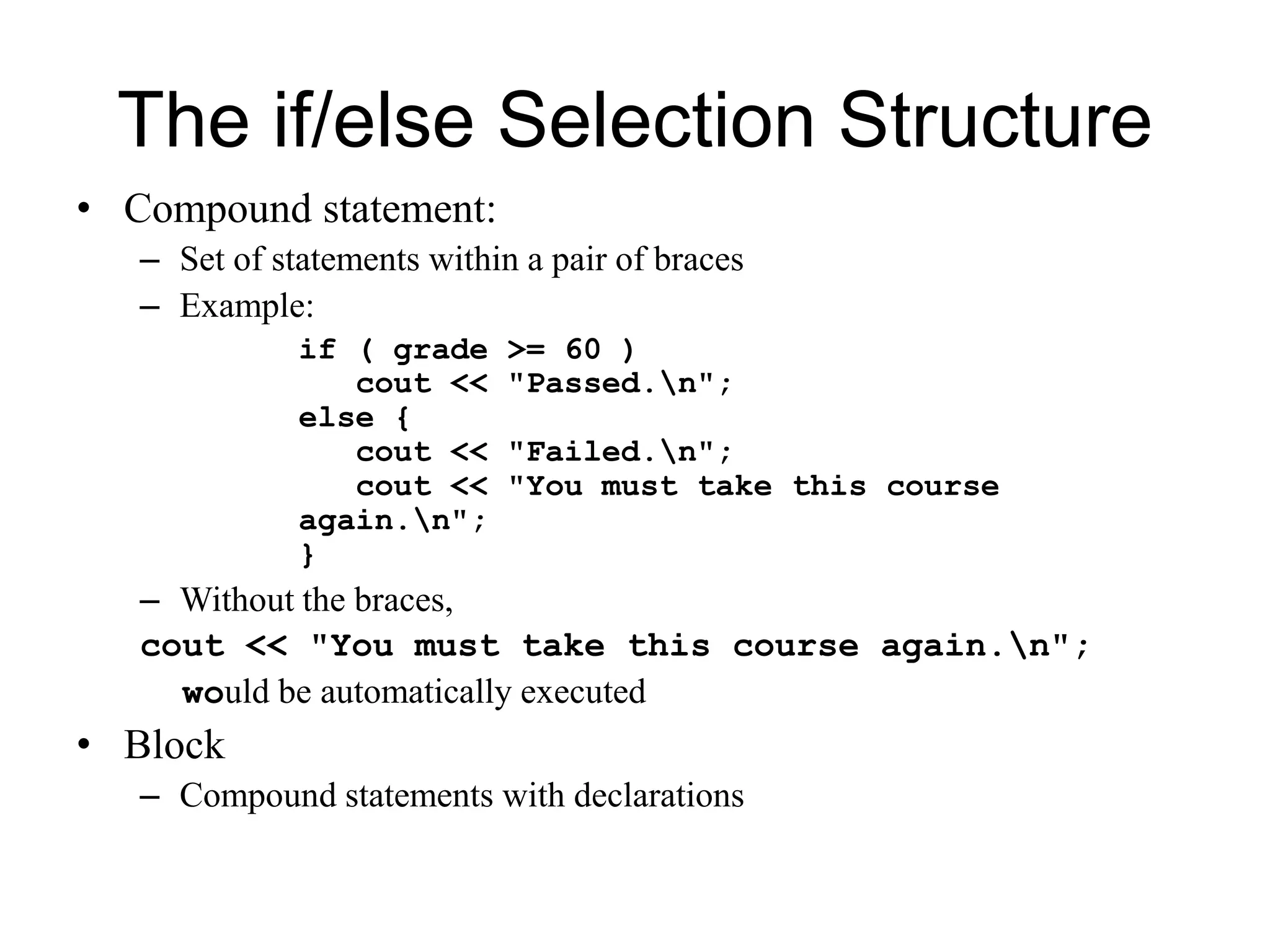
• Compound statement:
– Set of statements within a pair of braces
– Example:
if ( grade >= 60 )
cout << "Passed.n";
else {
cout << "Failed.n";
cout << "You must take this course
again.n";
}
– Without the braces,
cout << "You must take this course again.n";
would be automatically executed
• Block
– Compound statements with declarations
The if/else Selection Structure
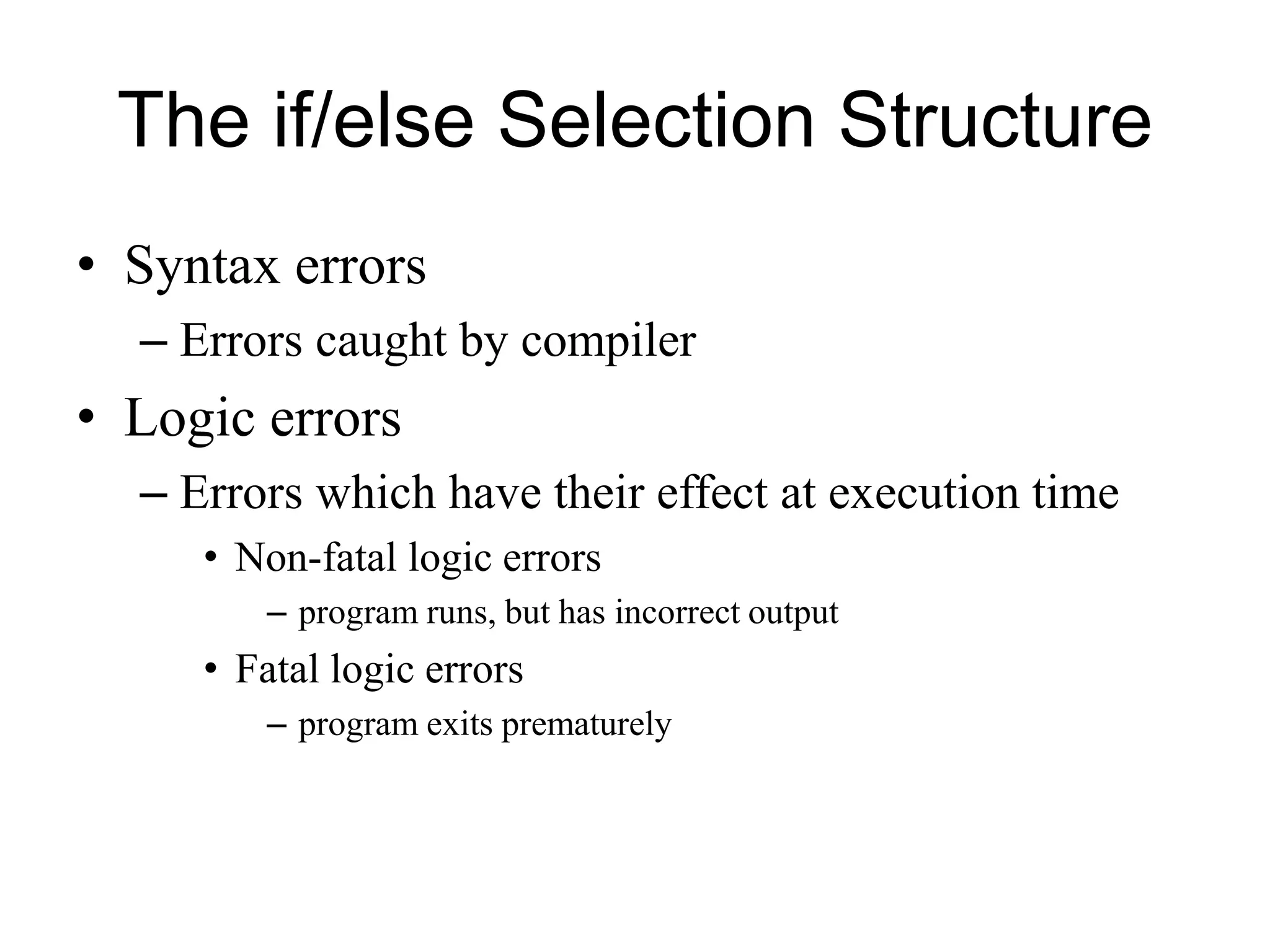
• Syntax errors
– Errors caught by compiler
• Logic errors
– Errors which have their effect at execution time
• Non-fatal logic errors
– program runs, but has incorrect output
• Fatal logic errors
– program exits prematurely
The while Repetition Structure
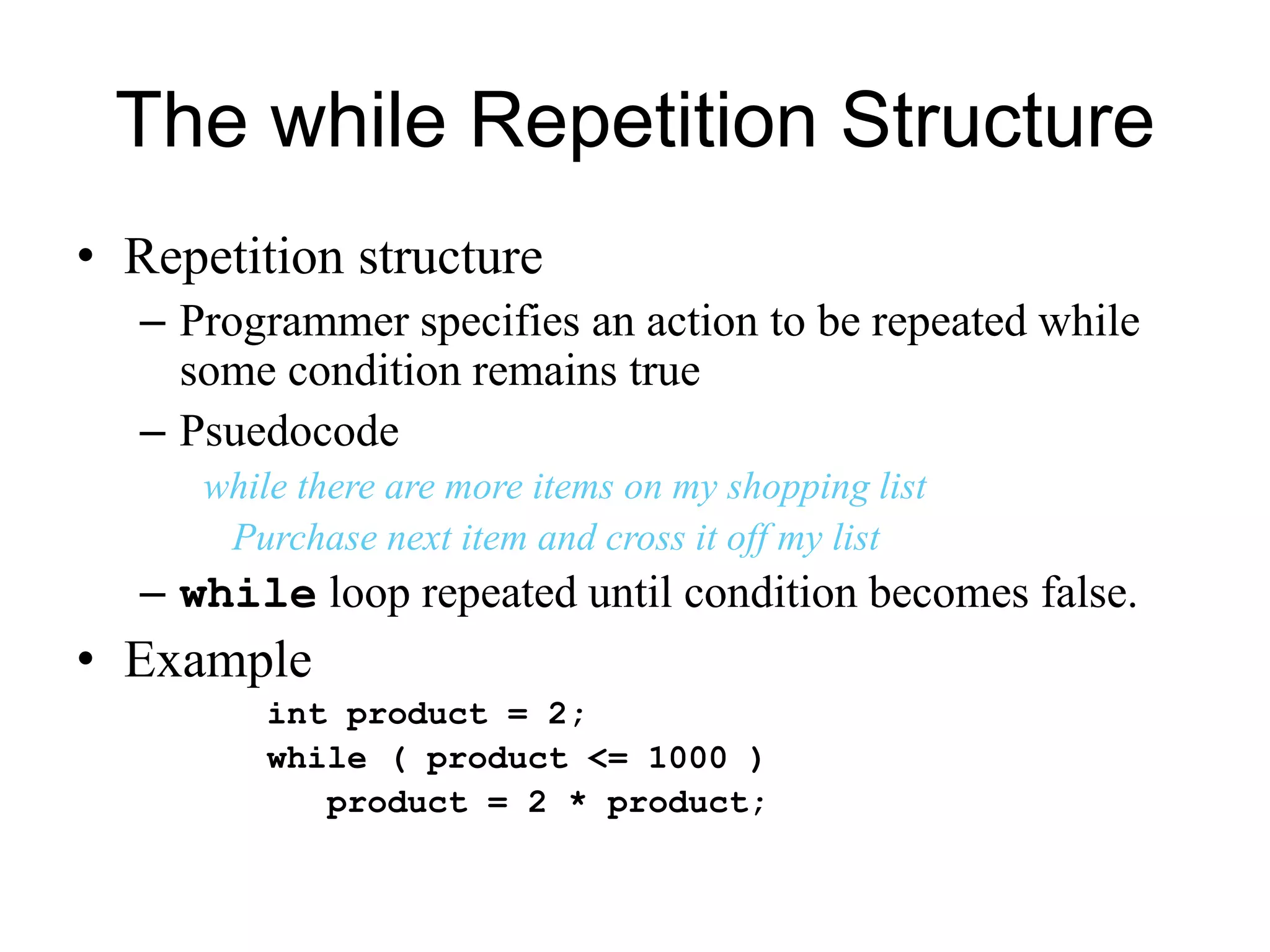
• Repetition structure
– Programmer specifies an action to be repeated while
some condition remains true
– Psuedocode
while there are more items on my shopping list
Purchase next item and cross it off my list
– while loop repeated until condition becomes false.
• Example
int product = 2;
while ( product <= 1000 )
product = 2 * product;
The while Repetition Structure
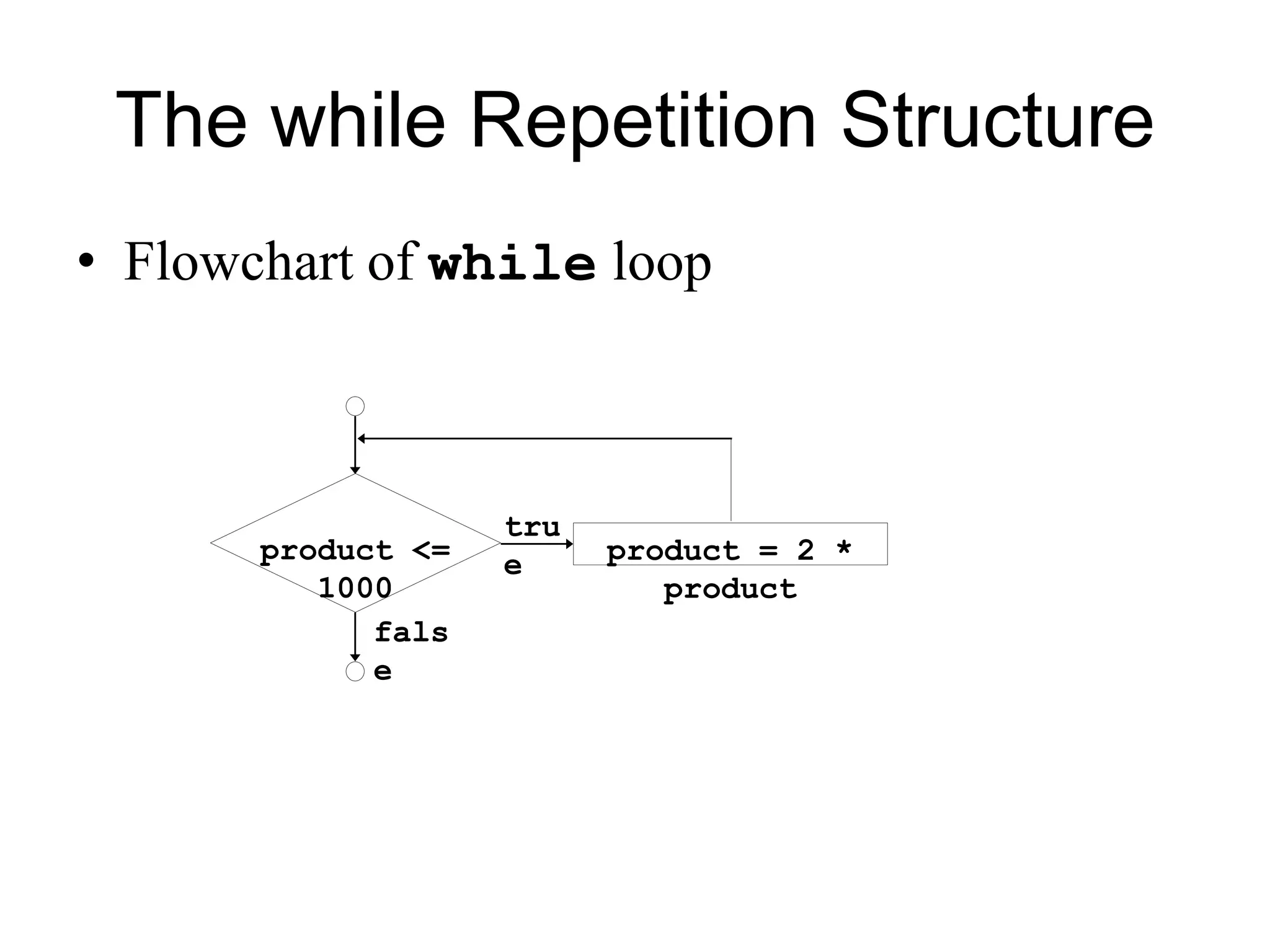
• Flowchart of while loop
product <=
1000
product = 2 *
product
tru
e
fals
e
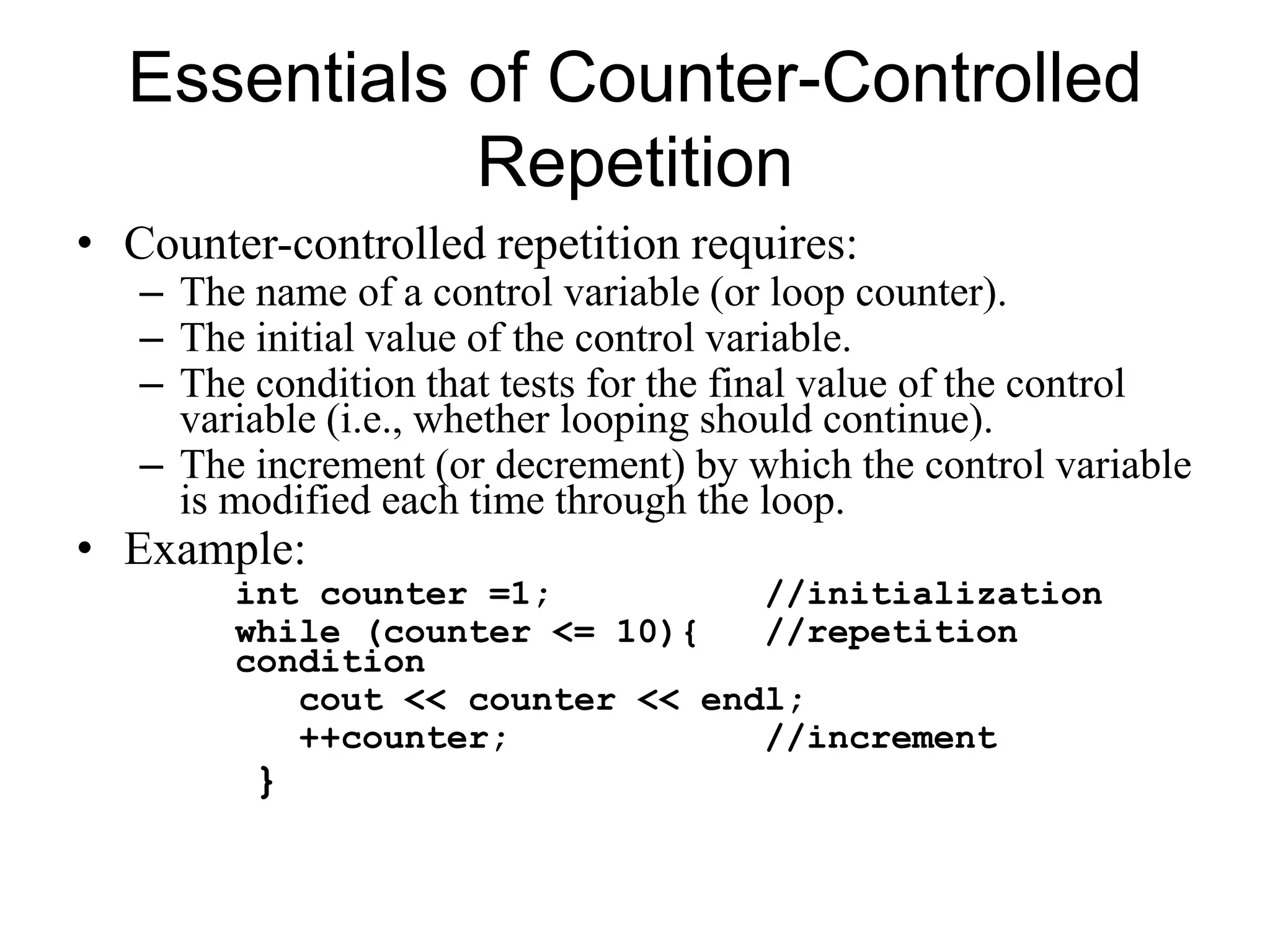
Essentials of Counter-Controlled
Repetition
• Counter-controlled repetition requires:
– The name of a control variable (or loop counter).
– The initial value of the control variable.
– The condition that tests for the final value of the control
variable (i.e., whether looping should continue).
– The increment (or decrement) by which the control variable
is modified each time through the loop.
• Example:
int counter =1; //initialization
while (counter <= 10){ //repetition
condition
cout << counter << endl;
++counter; //increment
}
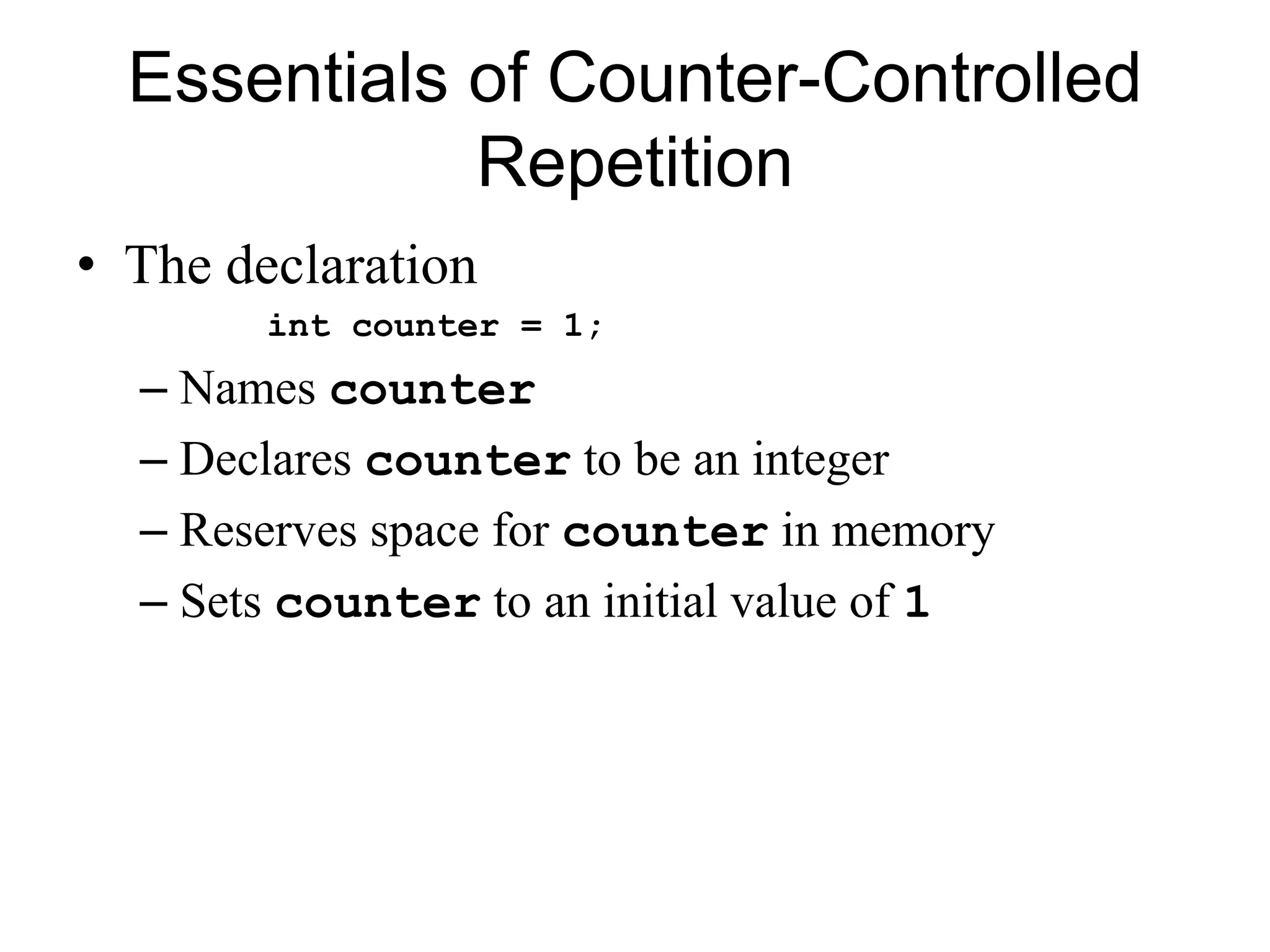
Essentials of Counter-Controlled
Repetition
• The declaration
int counter = 1;
– Names counter
– Declares counter to be an integer
– Reserves space for counter in memory
– Sets counter to an initial value of 1
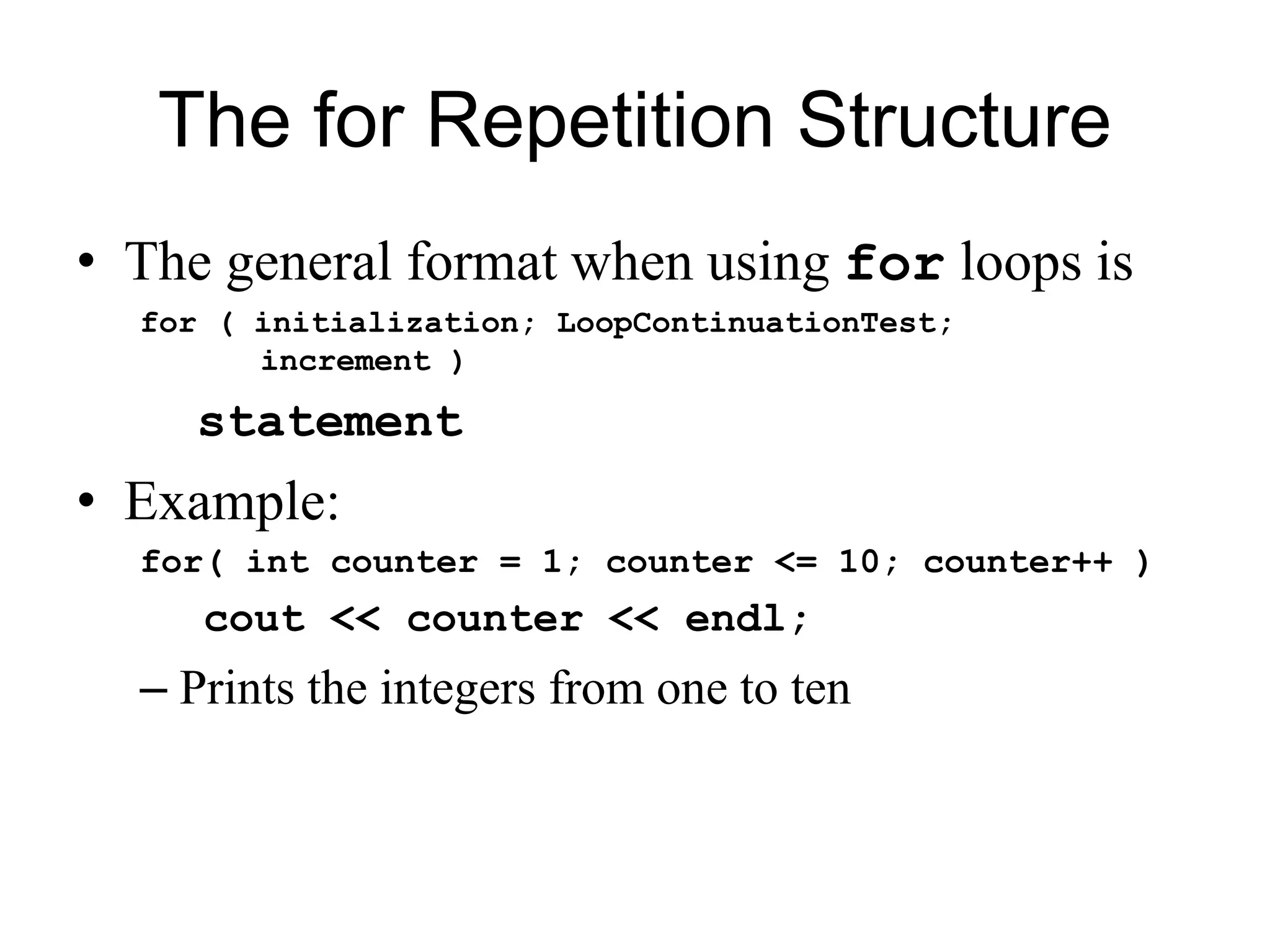
The for Repetition Structure
• The general format when using for loops is
for ( initialization; LoopContinuationTest;
increment )
statement
• Example:
for( int counter = 1; counter <= 10; counter++ )
cout << counter << endl;
– Prints the integers from one to ten
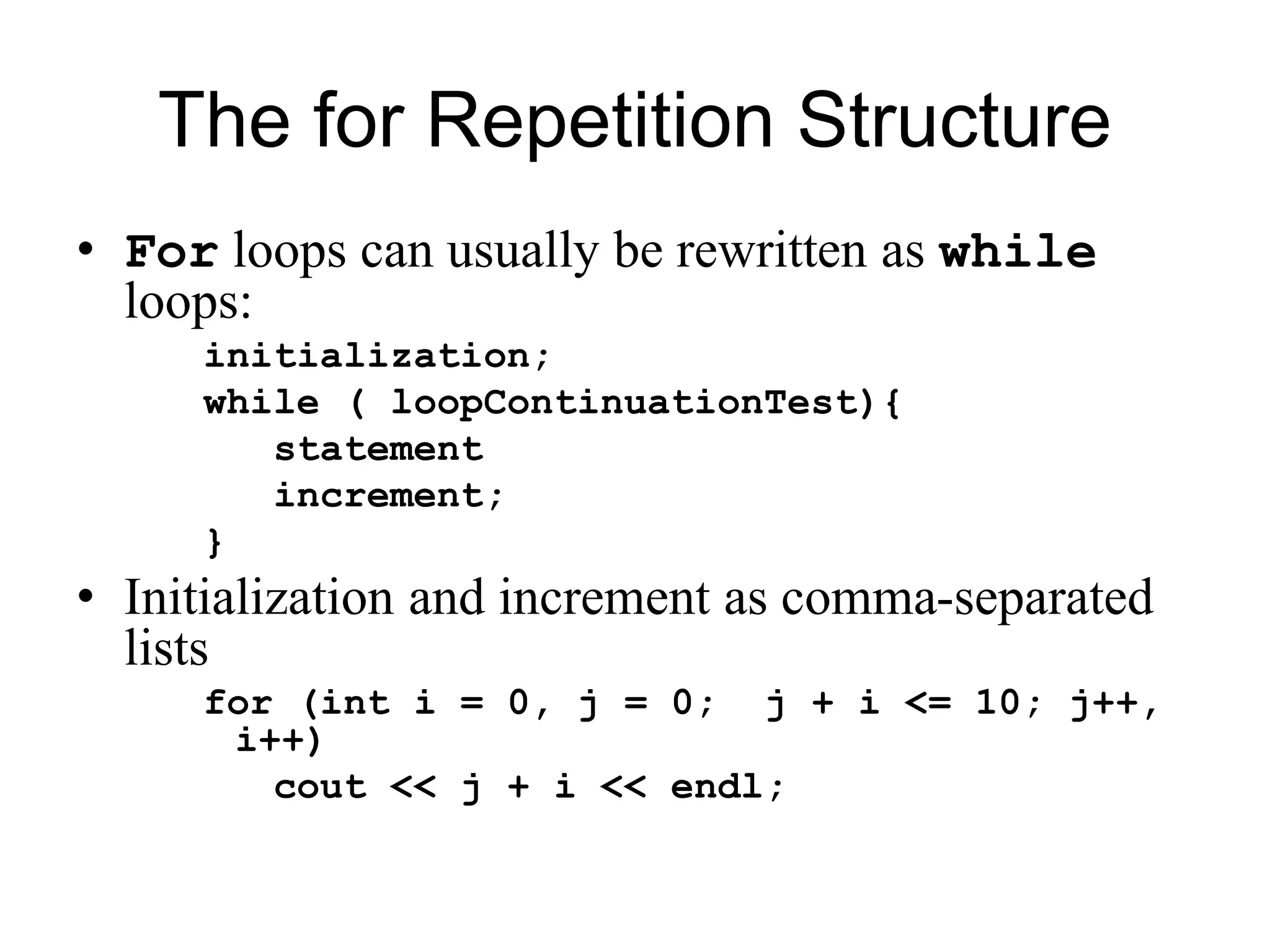
The for Repetition Structure
• For loops can usually be rewritten as while
loops:
initialization;
while ( loopContinuationTest){
statement
increment;
}
• Initialization and increment as comma-separated
lists
for (int i = 0, j = 0; j + i <= 10; j++,
i++)
cout << j + i << endl;
The switch Multiple-Selection
Structure
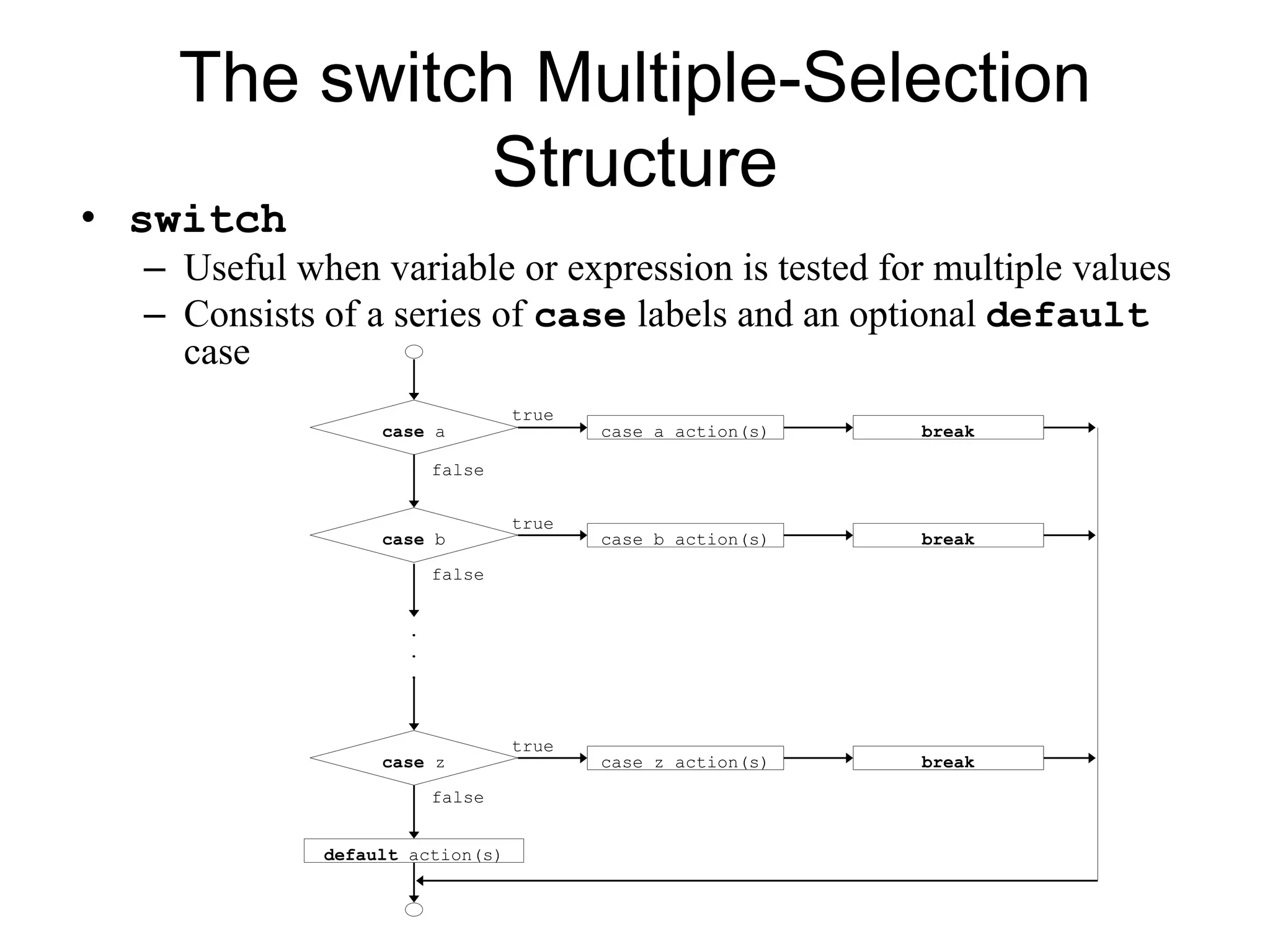
• switch
– Useful when variable or expression is tested for multiple values
– Consists of a series of case labels and an optional default
case
true
false
.
.
.
case a case a action(s) break
case b case b action(s) break
false
false
case z case z action(s) break
true
true
default action(s)
The do/while Repetition Structure
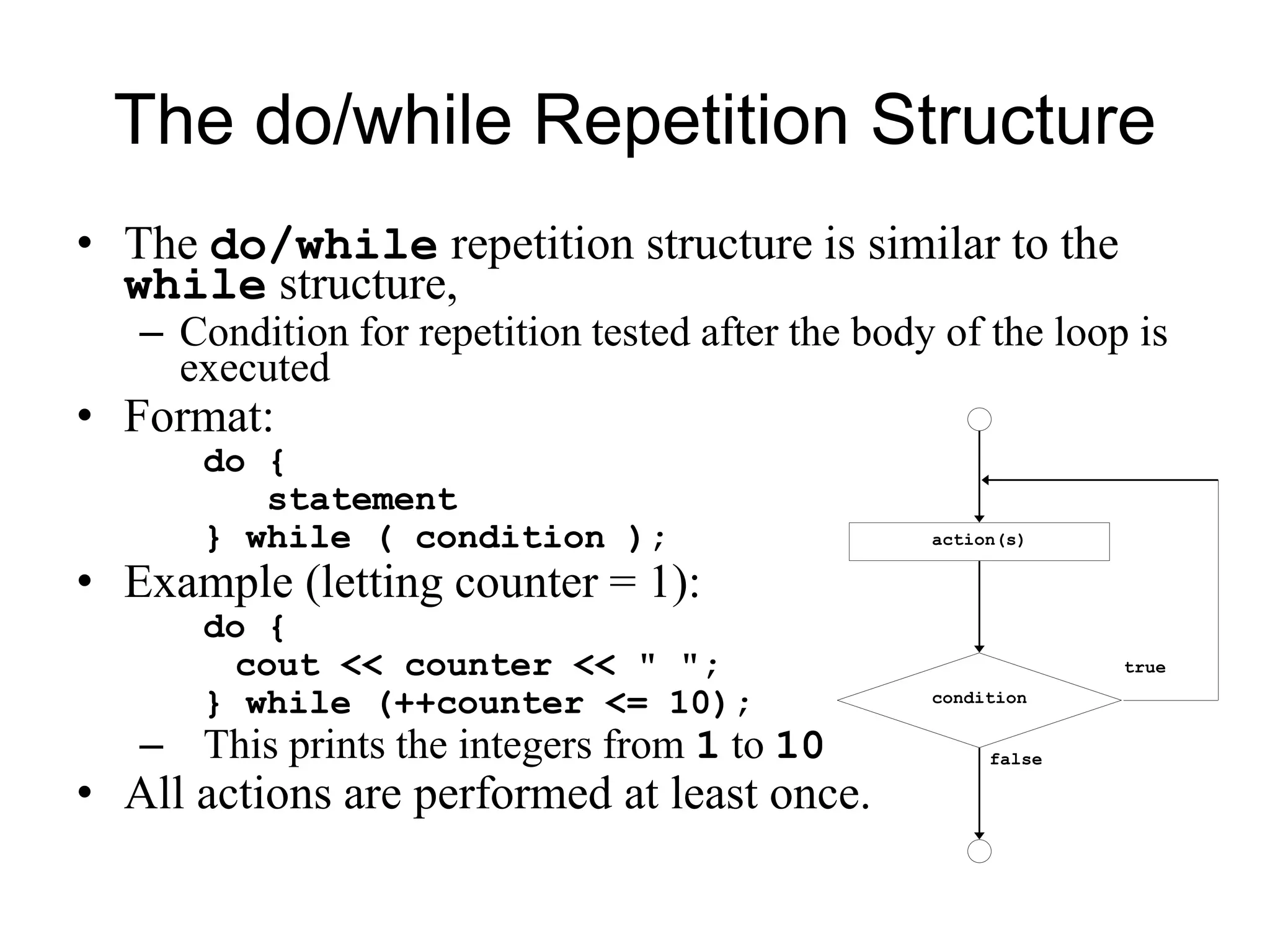
• The do/while repetition structure is similar to the
while structure,
– Condition for repetition tested after the body of the loop is
executed
• Format:
do {
statement
} while ( condition );
• Example (letting counter = 1):
do {
cout << counter << " ";
} while (++counter <= 10);
– This prints the integers from 1 to 10
• All actions are performed at least once.
true
false
action(s)
condition
The break and continue
Statements
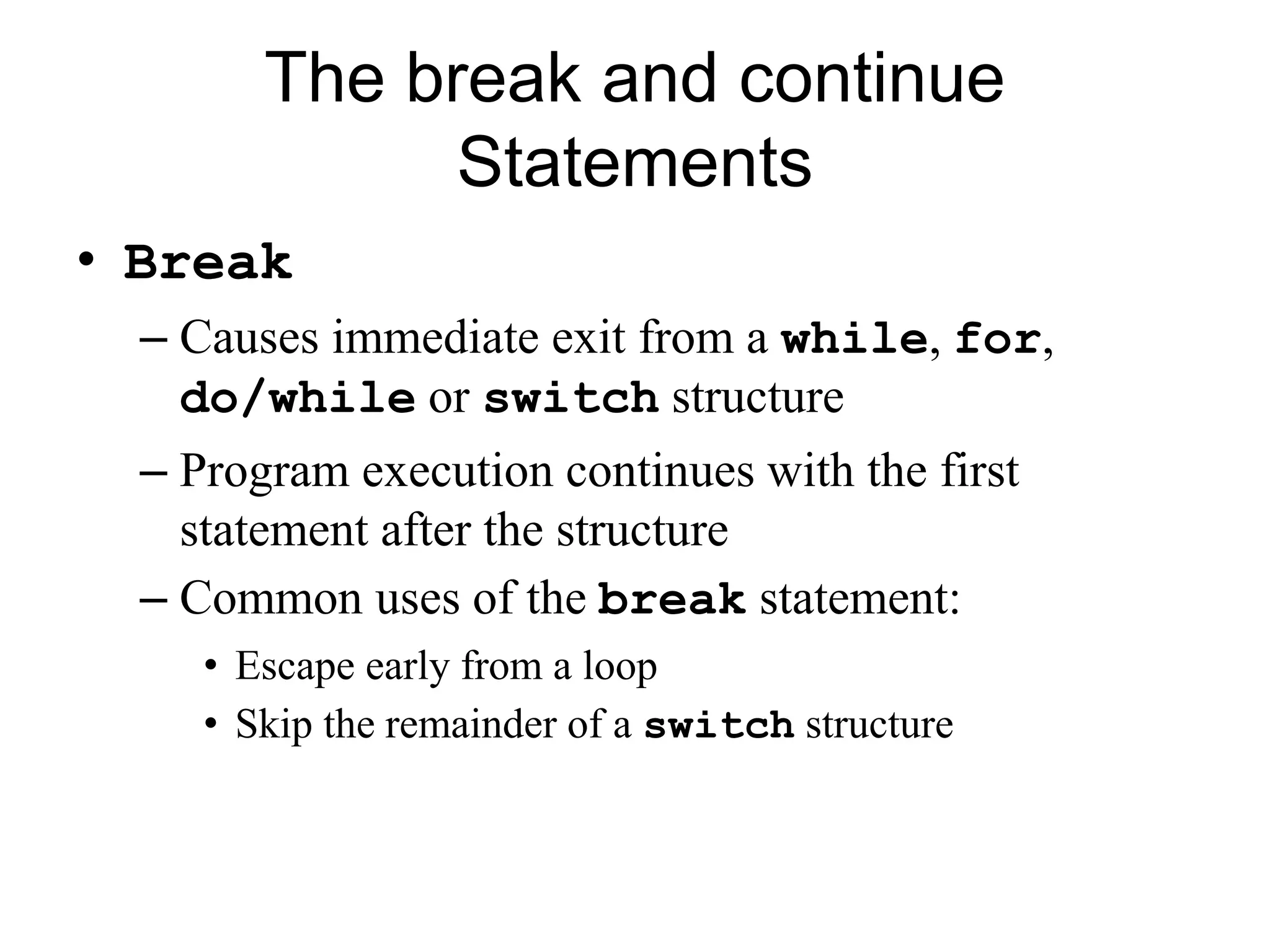
• Break
– Causes immediate exit from a while, for,
do/while or switch structure
– Program execution continues with the first
statement after the structure
– Common uses of the break statement:
• Escape early from a loop
• Skip the remainder of a switch structure
The break and continue
Statements
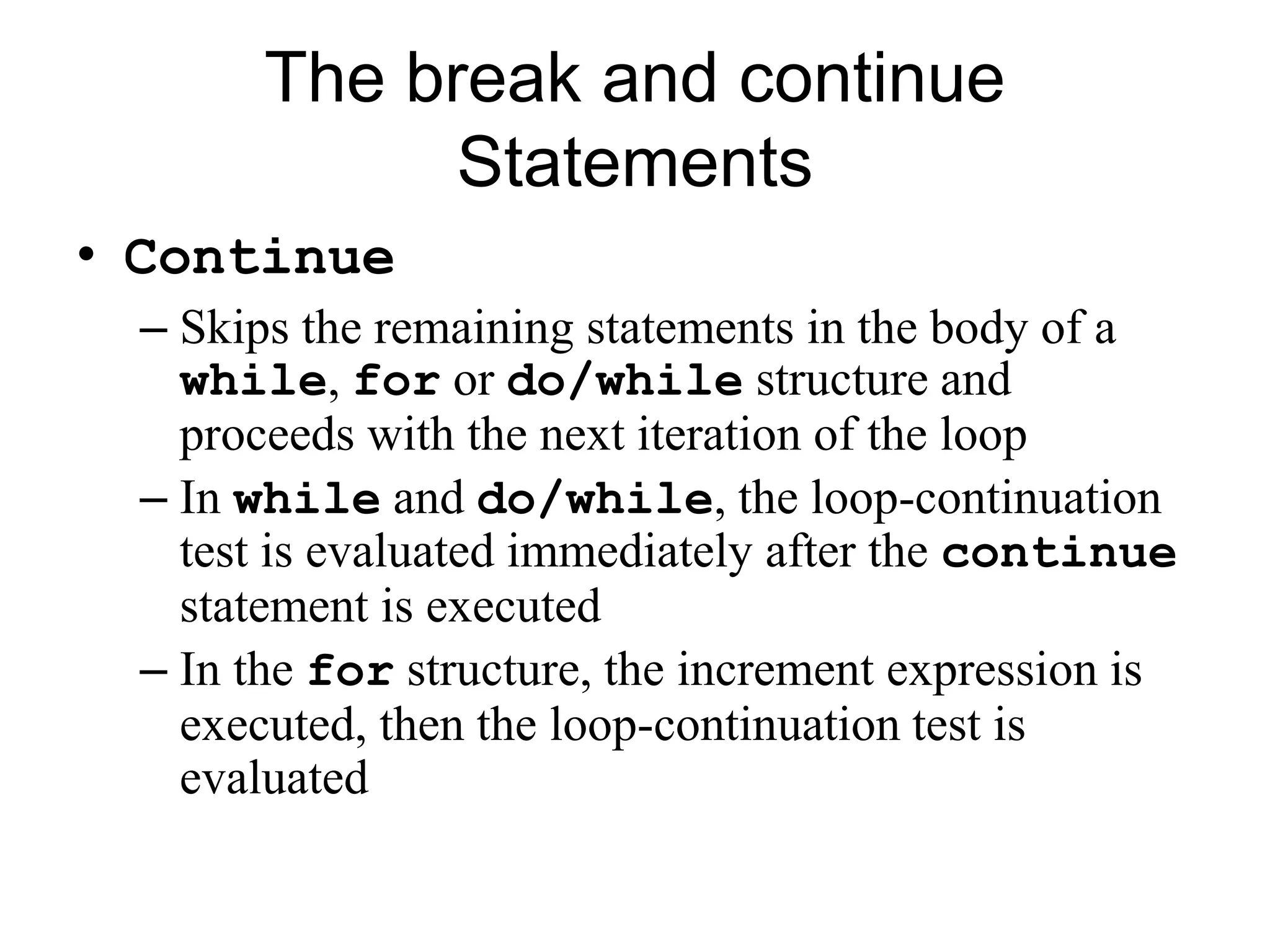
• Continue
– Skips the remaining statements in the body of a
while, for or do/while structure and
proceeds with the next iteration of the loop
– In while and do/while, the loop-continuation
test is evaluated immediately after the continue
statement is executed
– In the for structure, the increment expression is
executed, then the loop-continuation test is
evaluated
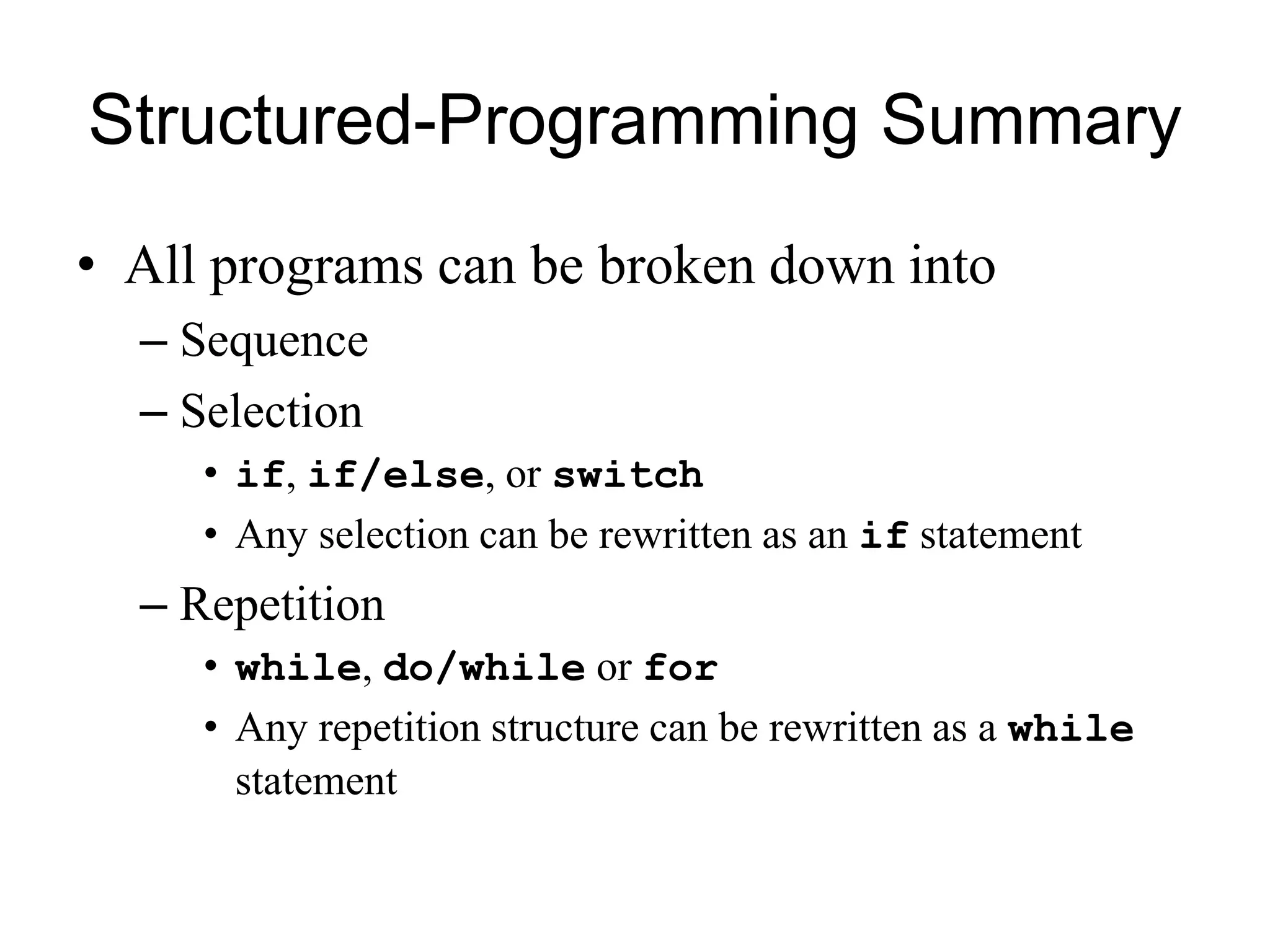
Structured-Programming Summary
• All programs can be broken down into
– Sequence
– Selection
• if, if/else, or switch
• Any selection can be rewritten as an if statement
– Repetition
• while, do/while or for
• Any repetition structure can be rewritten as a while
statement

control structure

  • 1.
    Control Structures Sequential execution Statementsexecuted one after the other in the order written Transfer of control When the next statement executed is not the next one in sequence Bohm and Jacopini: all programs written in terms of 3 control structures Sequence structure Built into C++. Programs executed sequentially by default. Selection structures C++ has three types - if, if/else, and switch Repetition structures C++ has three types - while, do/while, and for
  • 2.
    • Flowchart – Graphicalrepresentation of an algorithm – Drawn using certain special-purpose symbols connected by arrows called flowlines. – Rectangle symbol (action symbol) • Indicates any type of action. – Oval symbol • indicates beginning or end of a program, or a section of code (circles). • single-entry/single-exit control structures – Connect exit point of one control structure to entry point of the next (control-structure stacking). – Makes programs easy to build.
  • 3.
    The if SelectionStructure • Selection structure – used to choose among alternative courses of action – Pseudocode example: If student’s grade is greater than or equal to 60 Print “Passed” – If the condition is true • print statement executed and program goes on to next statement – If the condition is false • print statement is ignored and the program goes onto the next statement – Indenting makes programs easier to read • C++ ignores whitespace characters
  • 4.
    The if SelectionStructure • Translation of pseudocode statement into C++: if ( grade >= 60 ) cout << "Passed"; • Diamond symbol (decision symbol) – indicates decision is to be made – Contains an expression that can be true or false. • Test the condition, follow appropriate path • if structure is a single-entry/single-exit structure
  • 5.
    • Flowchart ofpseudo code statement true false grade >= 60 print “Passed” A decision can be made on any expression. zero - false nonzero - true Example: 3 - 4 is true
  • 6.
    The if/else SelectionStructure • if – Only performs an action if the condition is true • if/else – A different action is performed when condition is true and when condition is false • Psuedocode if student’s grade is greater than or equal to 60 print “Passed” else print “Failed” • C++ code if ( grade >= 60 ) cout << "Passed"; else cout << "Failed";
  • 7.
    The if/else SelectionStructure • Ternary conditional operator (?:) – Takes three arguments (condition, value if true, value if false) • Our pseudocode could be written: cout << ( grade >= 60 ? “Passed” : “Failed” ); truefalse print “Failed” print “Passed” grade >= 60
  • 8.
    The if/else SelectionStructure • Nested if/else structures – Test for multiple cases by placing if/else selection structures inside if/else selection structures. if student’s grade is greater than or equal to 90 Print “A” else if student’s grade is greater than or equal to 80 Print “B” else if student’s grade is greater than or equal to 70 Print “C” else if student’s grade is greater than or equal to 60 Print “D” else Print “F” – Once a condition is met, the rest of the statements are skipped
  • 9.
    The if/else SelectionStructure • Compound statement: – Set of statements within a pair of braces – Example: if ( grade >= 60 ) cout << "Passed.n"; else { cout << "Failed.n"; cout << "You must take this course again.n"; } – Without the braces, cout << "You must take this course again.n"; would be automatically executed • Block – Compound statements with declarations
  • 10.
    The if/else SelectionStructure • Syntax errors – Errors caught by compiler • Logic errors – Errors which have their effect at execution time • Non-fatal logic errors – program runs, but has incorrect output • Fatal logic errors – program exits prematurely
  • 11.
    The while RepetitionStructure • Repetition structure – Programmer specifies an action to be repeated while some condition remains true – Psuedocode while there are more items on my shopping list Purchase next item and cross it off my list – while loop repeated until condition becomes false. • Example int product = 2; while ( product <= 1000 ) product = 2 * product;
  • 12.
    The while RepetitionStructure • Flowchart of while loop product <= 1000 product = 2 * product tru e fals e
  • 13.
    Essentials of Counter-Controlled Repetition •Counter-controlled repetition requires: – The name of a control variable (or loop counter). – The initial value of the control variable. – The condition that tests for the final value of the control variable (i.e., whether looping should continue). – The increment (or decrement) by which the control variable is modified each time through the loop. • Example: int counter =1; //initialization while (counter <= 10){ //repetition condition cout << counter << endl; ++counter; //increment }
  • 14.
    Essentials of Counter-Controlled Repetition •The declaration int counter = 1; – Names counter – Declares counter to be an integer – Reserves space for counter in memory – Sets counter to an initial value of 1
  • 15.
    The for RepetitionStructure • The general format when using for loops is for ( initialization; LoopContinuationTest; increment ) statement • Example: for( int counter = 1; counter <= 10; counter++ ) cout << counter << endl; – Prints the integers from one to ten
  • 16.
    The for RepetitionStructure • For loops can usually be rewritten as while loops: initialization; while ( loopContinuationTest){ statement increment; } • Initialization and increment as comma-separated lists for (int i = 0, j = 0; j + i <= 10; j++, i++) cout << j + i << endl;
  • 17.
    The switch Multiple-Selection Structure •switch – Useful when variable or expression is tested for multiple values – Consists of a series of case labels and an optional default case true false . . . case a case a action(s) break case b case b action(s) break false false case z case z action(s) break true true default action(s)
  • 18.
    The do/while RepetitionStructure • The do/while repetition structure is similar to the while structure, – Condition for repetition tested after the body of the loop is executed • Format: do { statement } while ( condition ); • Example (letting counter = 1): do { cout << counter << " "; } while (++counter <= 10); – This prints the integers from 1 to 10 • All actions are performed at least once. true false action(s) condition
  • 19.
    The break andcontinue Statements • Break – Causes immediate exit from a while, for, do/while or switch structure – Program execution continues with the first statement after the structure – Common uses of the break statement: • Escape early from a loop • Skip the remainder of a switch structure
  • 20.
    The break andcontinue Statements • Continue – Skips the remaining statements in the body of a while, for or do/while structure and proceeds with the next iteration of the loop – In while and do/while, the loop-continuation test is evaluated immediately after the continue statement is executed – In the for structure, the increment expression is executed, then the loop-continuation test is evaluated
  • 21.
    Structured-Programming Summary • Allprograms can be broken down into – Sequence – Selection • if, if/else, or switch • Any selection can be rewritten as an if statement – Repetition • while, do/while or for • Any repetition structure can be rewritten as a while statement