Computers in Medical Education
Roles of computers in medical
education
• Provide facts and information
• Teach strategies for applying knowledge
appropriately in medical situations
• Encourage the development of lifelong
learning skills
Goals
• Students must learn about physiological
processes
• Must understand the relationship between
observed illnesses and underlying processes
• Must learn to perform medical procedures
• Must understand the effects of interventions
on health outcomes
Basic curriculum
• Premedical requirements
• Medical school
– Basic
• Physiology
• Pathophysiology
– Clinical
• Residency
• CME
Teaching strategies
• Lecture
• Interactive
– Classroom
• Socratic
• Problem based learning
– Bedside
• See one, do one, teach one
• Explicit teaching
Process
• Presentation of a situation or body of facts
containing core knowledge
• Explanation of important concepts and
relationships
• How does one derive the concepts
• Why they are important
• Strategy for guiding interaction with the
patient
Weaknesses of traditional
approach
• Rapid knowledge growth
• Reliance on memorization rather than
problem solving
• Reliance on lecture method
– Passive recipients vs active
Terms
• Computer assisted learning
• Computer based education
• Computer assisted instruction
Advantages of computers in
medical education
• Computer can augment, enhance or replace
traditional teaching methods
– Rapid access to body of information
• Data
• Images
• Immersive interfaces
– Any time, any place, any pace
– Simulated clinical situation
Advantages
• Interactive learning
– Active vs. passive solving
• Immediate student specific feedback
– Correct vs. incorrect, tailored response
• Tailored instruction
– Focus on areas of weakness
– Request help in interpretation
Advantages
• Objective testing
– Permits standardized testing
– Self-evaluation
• Fun!
Experimentation
• Safe exploration of what-if in a well done
scenario
– You can do things with simulated patients you
can’t do with real ones
Case variety
• The ability to experience disease scenarios
one otherwise wouldn’t see
– Simple: diabetes
– Complex: multiple disease, multiple
medications
Time
• Manage diseases as they evolve over time
– Rapidly evolving problems
– Chronic diseases
Problem-solving competency
• Book smart vs. real-world
• Memorization vs. thinking
• Testing
• Right answer vs. cost-effective vs. safest
vs.quickest (fewest steps)
Board examinations
• USMLE test
• CME testing
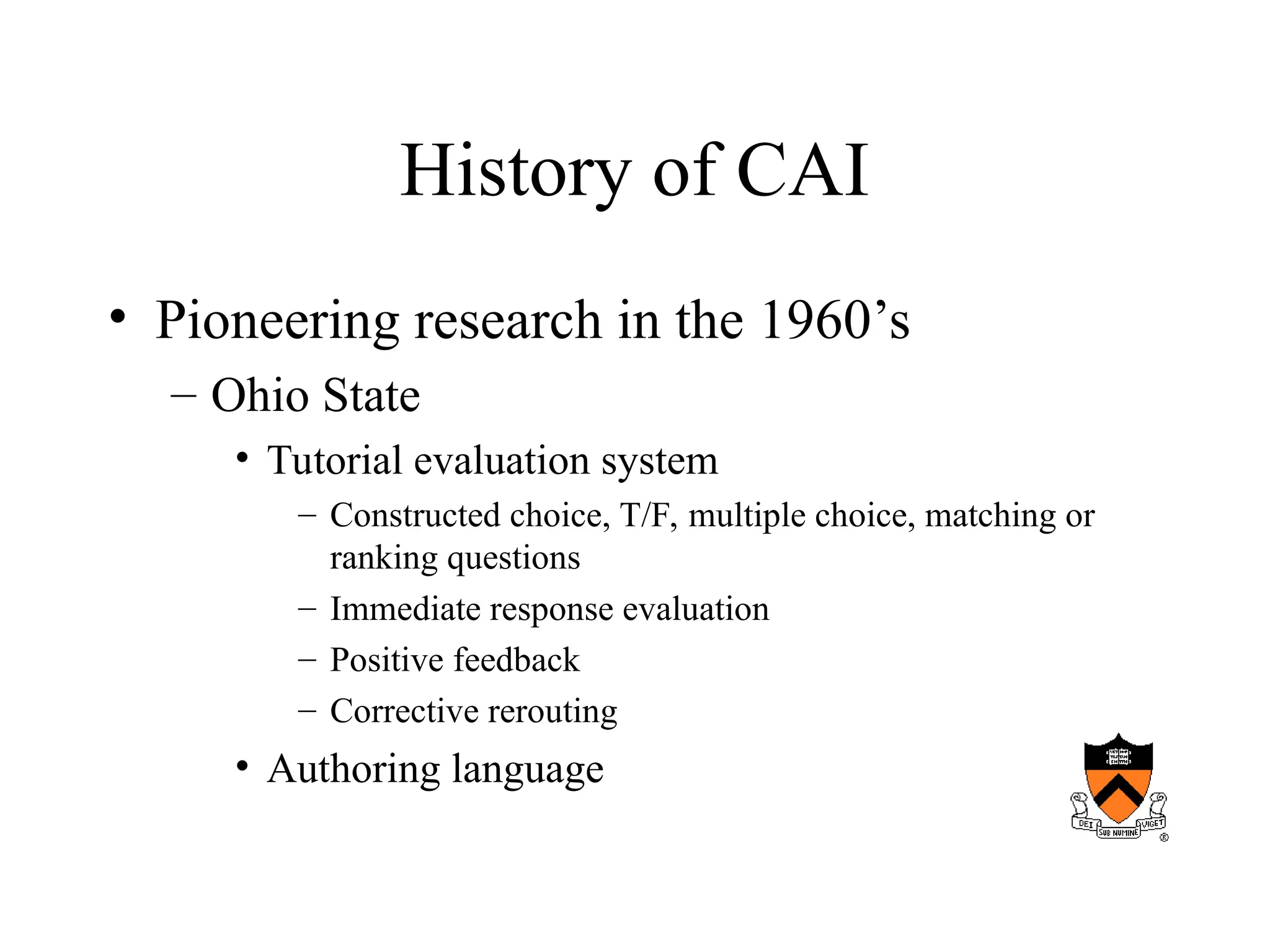
History of CAI
• Pioneering research in the 1960’s
– Ohio State
• Tutorial evaluation system
– Constructed choice, T/F, multiple choice, matching or
ranking questions
– Immediate response evaluation
– Positive feedback
– Corrective rerouting
• Authoring language
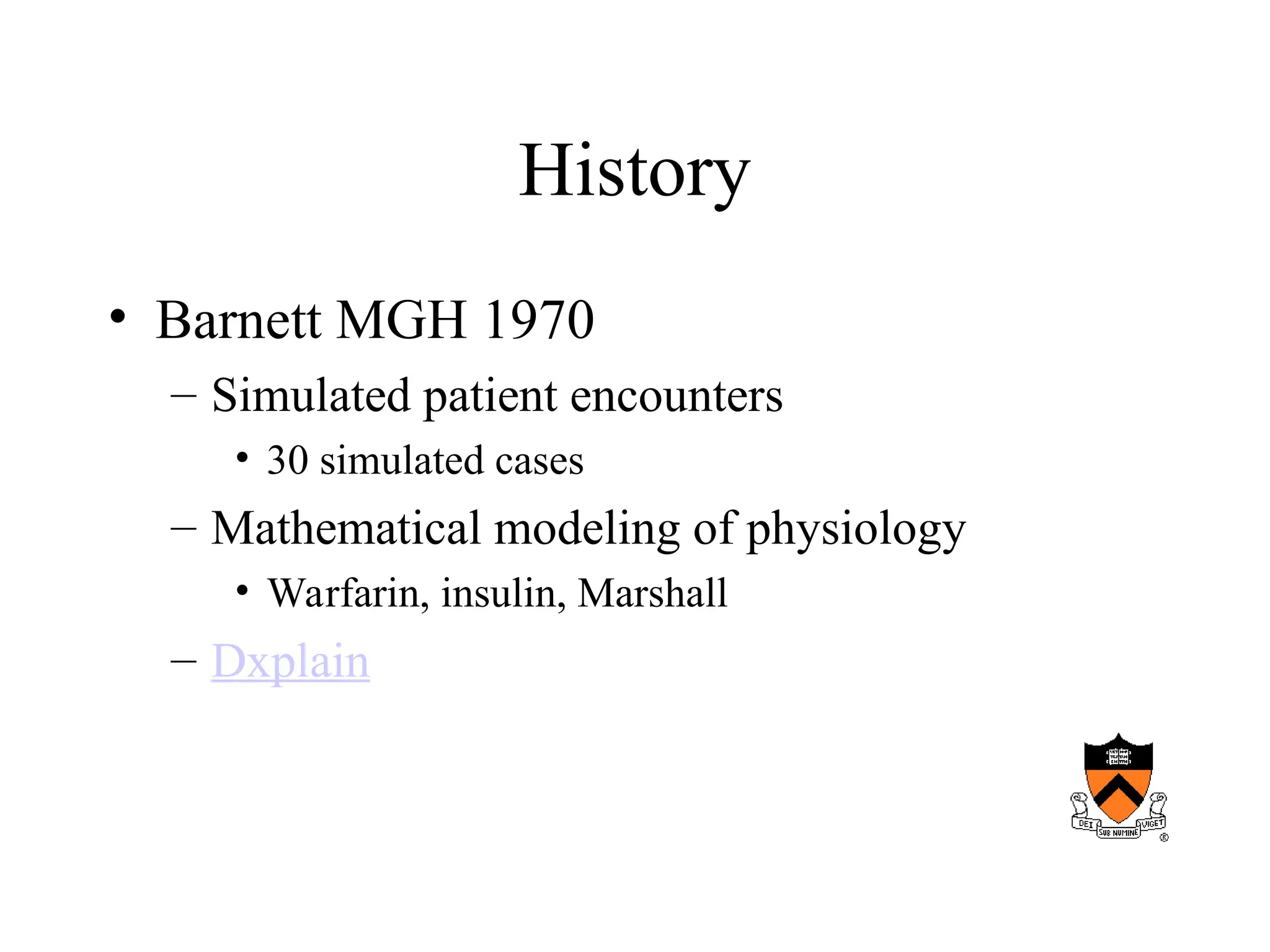
History
• Barnett MGH 1970
– Simulated patient encounters
• 30 simulated cases
– Mathematical modeling of physiology
• Warfarin, insulin, Marshall
– Dxplain
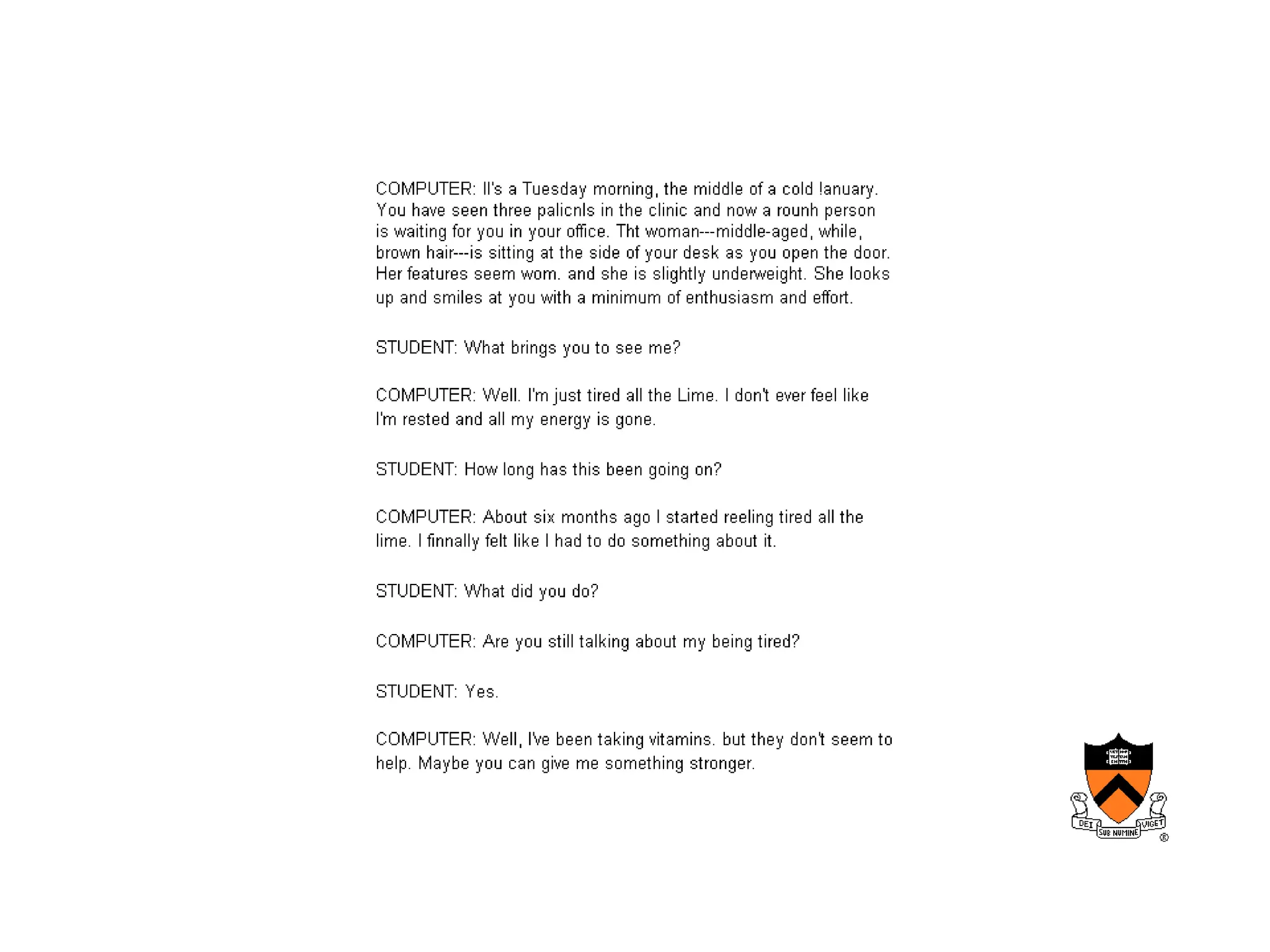
History
• University of Illinois
– Computer aided simulation of the patient
encounter
• Computer as patient
• Natural language encounter
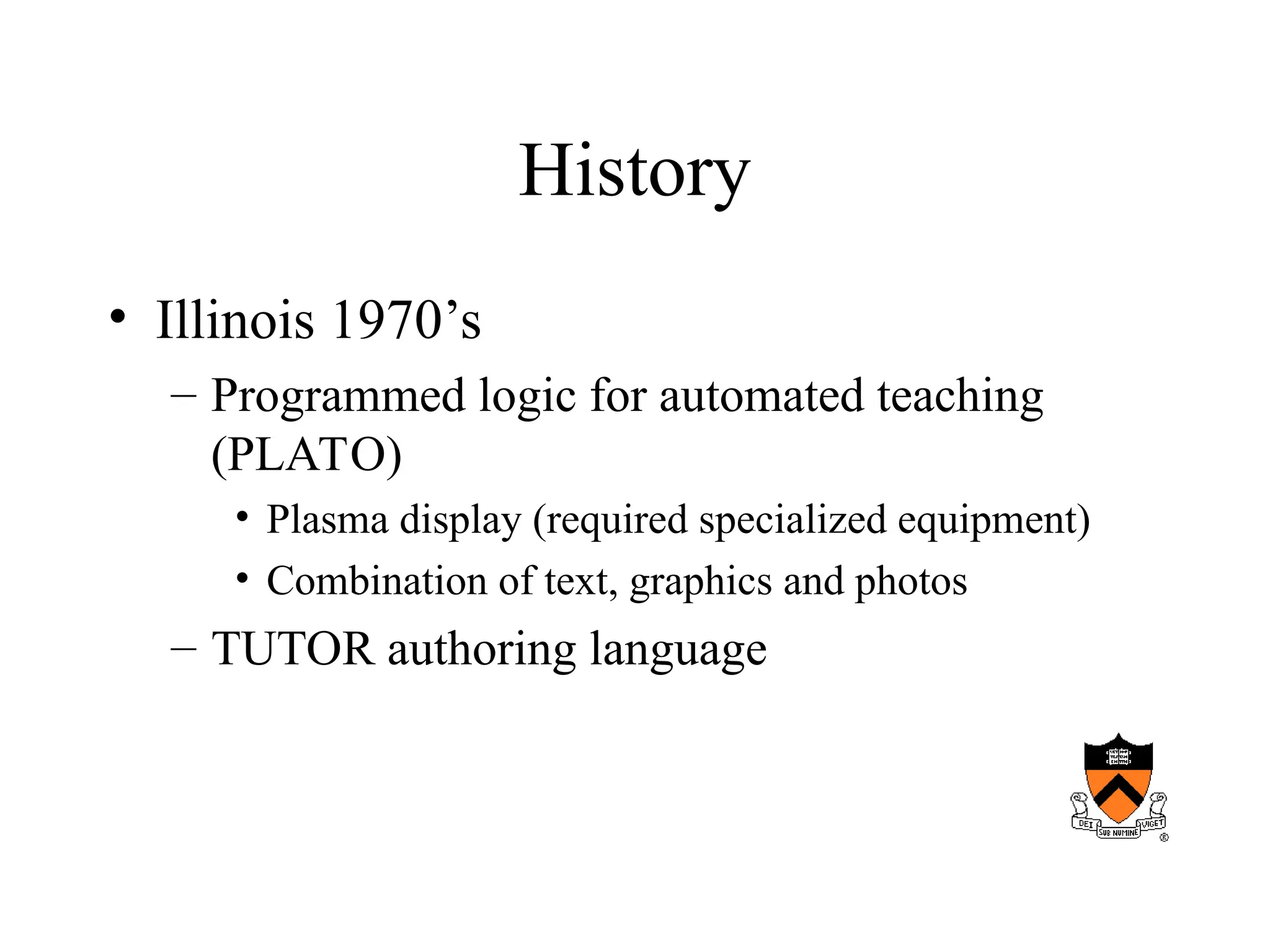
History
• Illinois 1970’s
– Programmed logic for automated teaching
(PLATO)
• Plasma display (required specialized equipment)
• Combination of text, graphics and photos
– TUTOR authoring language
History
• University of Wisconsin
– Used simulated case scenarios and estimated
the efficiency of the student in arriving at a
diagnosis (cost-effectiveness)
History
• Initial installations site limited
• Subsequent modem dial-up
• Proliferation of medical CAI, CME
development entities
• Development of the internet
– Initial material bandwidth limited
– Increasing use of streaming video
Modes of CAI
• Drill and practice
– Material presented with immediate testing
– Grading and progress or loop back
– Poor students benefit
• Didactic
– Lecture with the advantage of time and place
independence
– No questions
– Howard Hughes Institute
– Penn site
Modes
• Discrimination learning
– Many clinical situations require practitioner to
differentiate between different clinical
manifestations
• 3 days cough and fever
• Red rash
– Computer can help the student learn to
recognize subtle differences
Modes
• Exploration vs. structures interaction
– Hyperlink analogy
– Requires feedback/guidance
Modes
• Constrained vs. unconstrained response
– Student may have a pre-selected set of possible
response (learn to answer questions)
– Student may be able to probe system using
natural language
Modes
• Constructive
– Put the body together from pieces of anatomy
Simulation
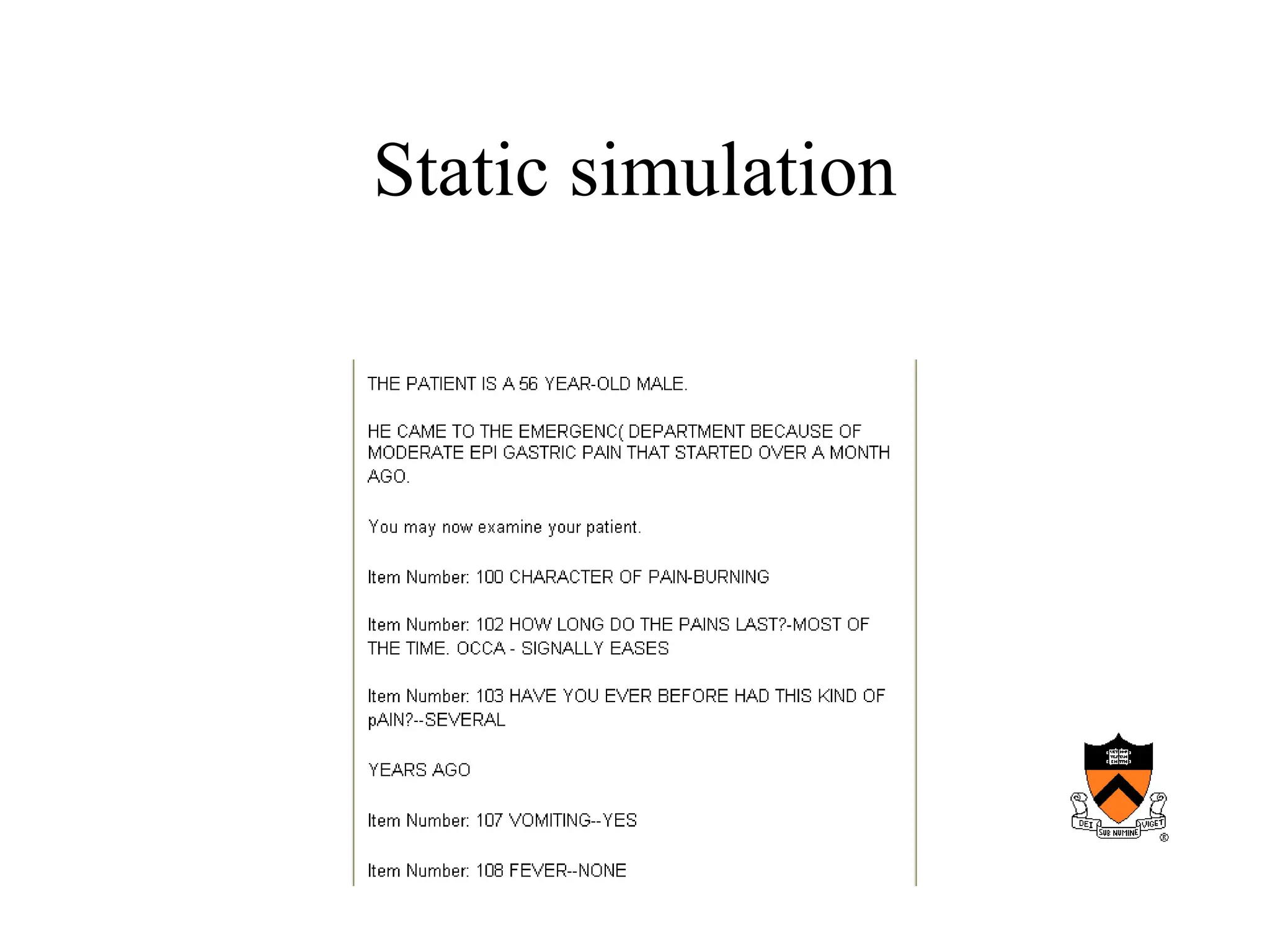
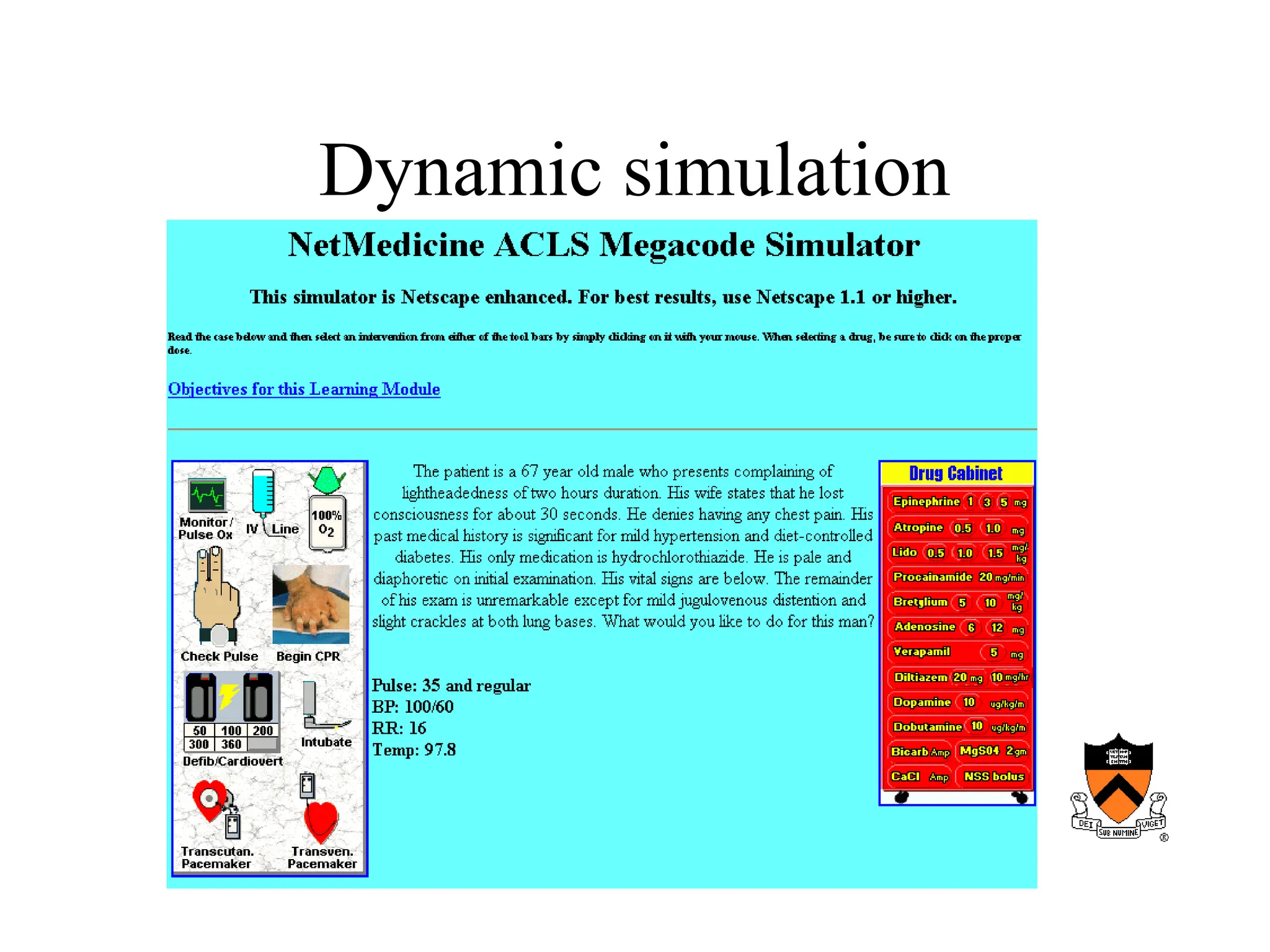
• Static vs. dynamic
Static simulation
Dynamic simulation
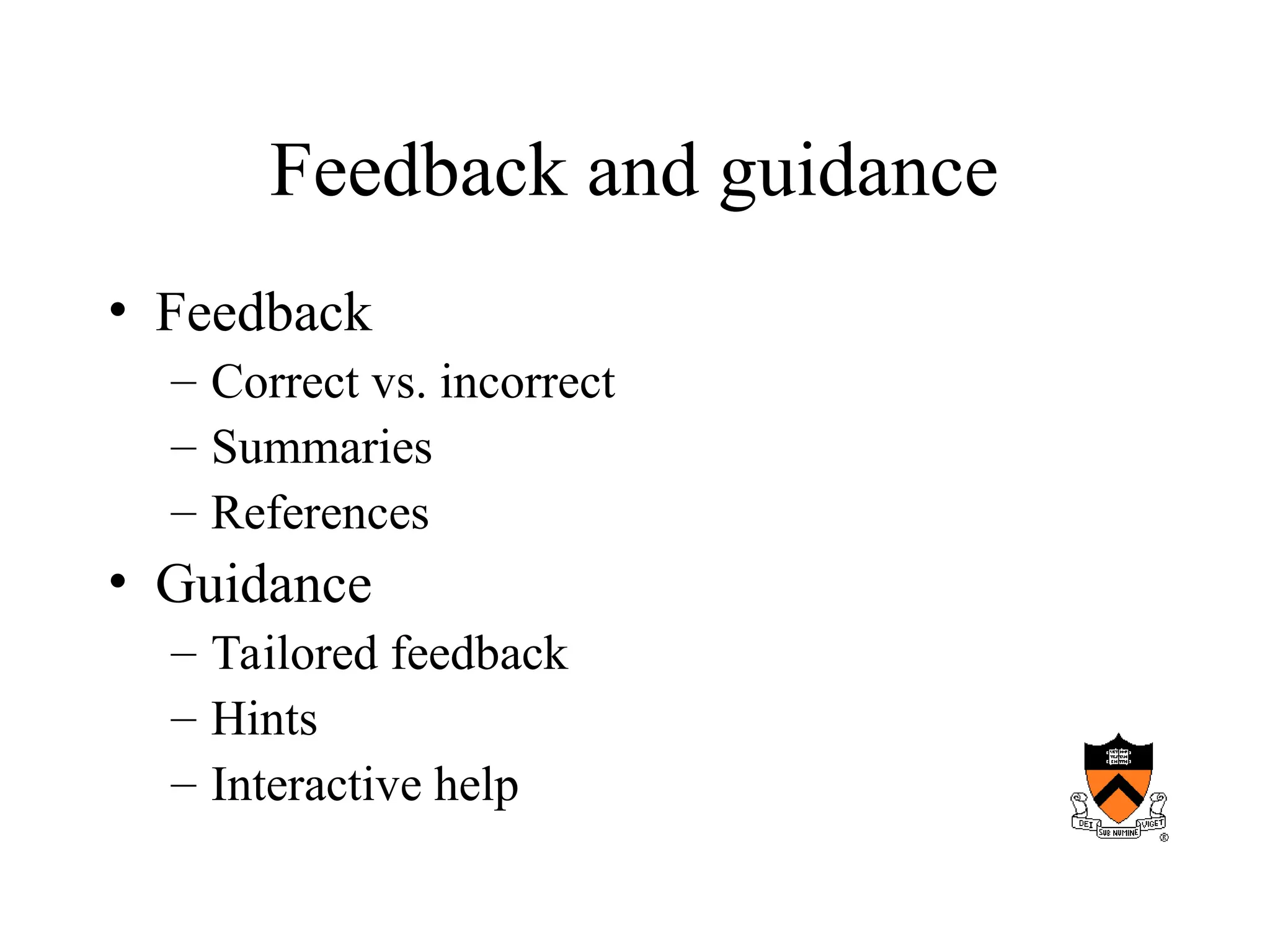
Feedback and guidance
• Feedback
– Correct vs. incorrect
– Summaries
– References
• Guidance
– Tailored feedback
– Hints
– Interactive help
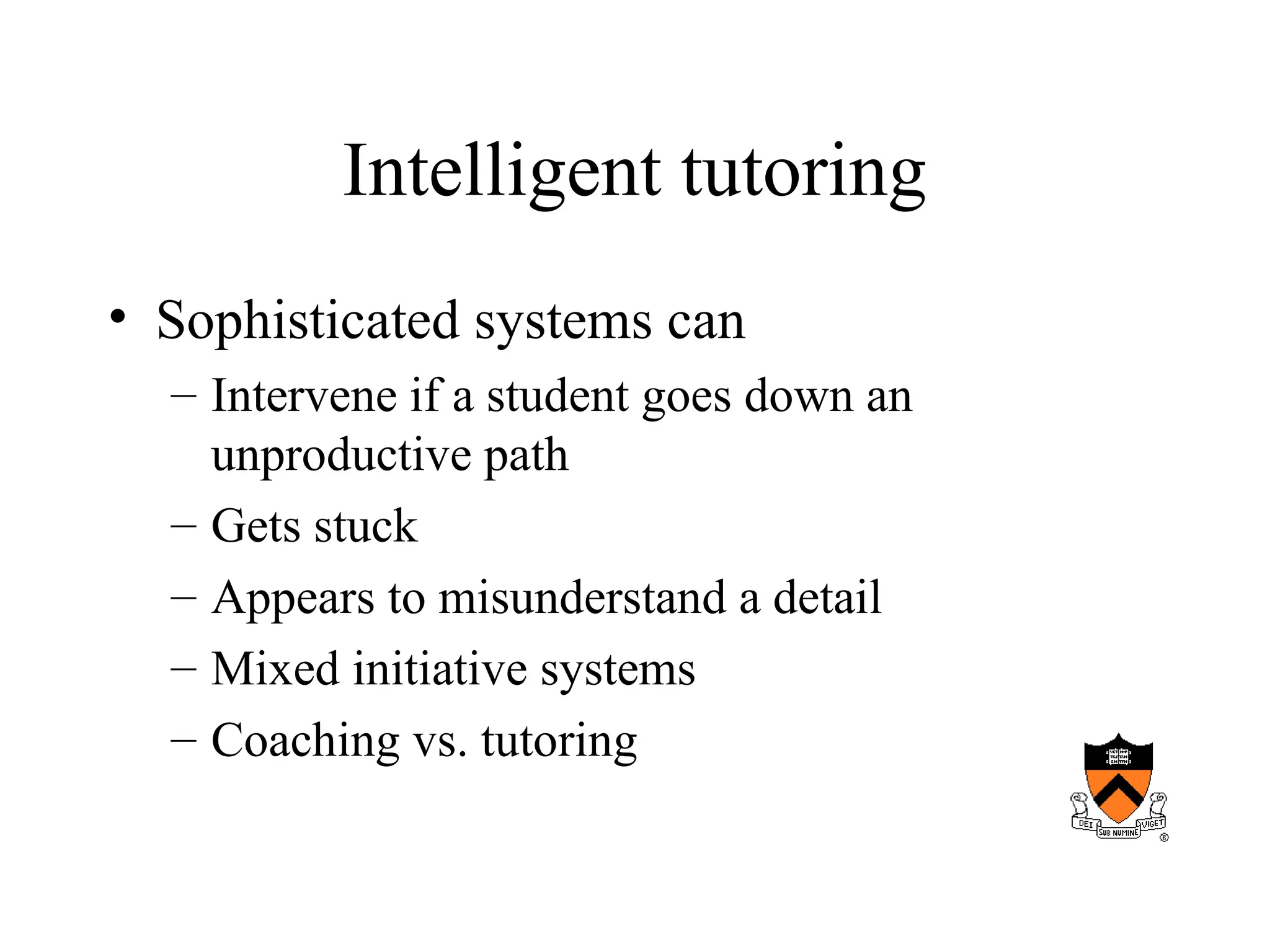
Intelligent tutoring
• Sophisticated systems can
– Intervene if a student goes down an
unproductive path
– Gets stuck
– Appears to misunderstand a detail
– Mixed initiative systems
– Coaching vs. tutoring
Graphics and Video
• Storage of images, video etc as part of a
multimedia stream
– General appearance
– Skin lesions
– Xrays
– Sounds (cardiology, breath sounds)
Authoring systems
• Generic authoring systems
– McGraw Hill, Boeing
– Simple (constraints) vs. comprehensive
(difficult to master)
Examples
• USMLE
• Lister Hill
• Stanford anatomy
• Digital anatomy
• Penn curriculum
• Medical matrix
Continuing medical education
• Echo
• PAC
• CME
Simulators
• ACLS
• Visible human
• Eye simulator
• Other simulators
Future
• Forces for change
• Impediments
– Cost
– Immaturity of authoring tools
– Bandwidth
– Barriers to sharing
• Institutional jealousy
• Copyright
Future
• Lack of standard approach
– Authoring software
– Platform
• Explicit integration of CAI into curriculum
• Access to PC’s and LAN

computers in medical education_ komputer.ppt

  • 1.
  • 2.
    Roles of computersin medical education • Provide facts and information • Teach strategies for applying knowledge appropriately in medical situations • Encourage the development of lifelong learning skills
  • 3.
    Goals • Students mustlearn about physiological processes • Must understand the relationship between observed illnesses and underlying processes • Must learn to perform medical procedures • Must understand the effects of interventions on health outcomes
  • 4.
    Basic curriculum • Premedicalrequirements • Medical school – Basic • Physiology • Pathophysiology – Clinical • Residency • CME
  • 5.
    Teaching strategies • Lecture •Interactive – Classroom • Socratic • Problem based learning – Bedside • See one, do one, teach one • Explicit teaching
  • 6.
    Process • Presentation ofa situation or body of facts containing core knowledge • Explanation of important concepts and relationships • How does one derive the concepts • Why they are important • Strategy for guiding interaction with the patient
  • 7.
    Weaknesses of traditional approach •Rapid knowledge growth • Reliance on memorization rather than problem solving • Reliance on lecture method – Passive recipients vs active
  • 11.
    Terms • Computer assistedlearning • Computer based education • Computer assisted instruction
  • 12.
    Advantages of computersin medical education • Computer can augment, enhance or replace traditional teaching methods – Rapid access to body of information • Data • Images • Immersive interfaces – Any time, any place, any pace – Simulated clinical situation
  • 13.
    Advantages • Interactive learning –Active vs. passive solving • Immediate student specific feedback – Correct vs. incorrect, tailored response • Tailored instruction – Focus on areas of weakness – Request help in interpretation
  • 14.
    Advantages • Objective testing –Permits standardized testing – Self-evaluation • Fun!
  • 15.
    Experimentation • Safe explorationof what-if in a well done scenario – You can do things with simulated patients you can’t do with real ones
  • 16.
    Case variety • Theability to experience disease scenarios one otherwise wouldn’t see – Simple: diabetes – Complex: multiple disease, multiple medications
  • 17.
    Time • Manage diseasesas they evolve over time – Rapidly evolving problems – Chronic diseases
  • 18.
    Problem-solving competency • Booksmart vs. real-world • Memorization vs. thinking • Testing • Right answer vs. cost-effective vs. safest vs.quickest (fewest steps)
  • 19.
    Board examinations • USMLEtest • CME testing
  • 20.
    History of CAI •Pioneering research in the 1960’s – Ohio State • Tutorial evaluation system – Constructed choice, T/F, multiple choice, matching or ranking questions – Immediate response evaluation – Positive feedback – Corrective rerouting • Authoring language
  • 21.
    History • Barnett MGH1970 – Simulated patient encounters • 30 simulated cases – Mathematical modeling of physiology • Warfarin, insulin, Marshall – Dxplain
  • 22.
    History • University ofIllinois – Computer aided simulation of the patient encounter • Computer as patient • Natural language encounter
  • 24.
    History • Illinois 1970’s –Programmed logic for automated teaching (PLATO) • Plasma display (required specialized equipment) • Combination of text, graphics and photos – TUTOR authoring language
  • 25.
    History • University ofWisconsin – Used simulated case scenarios and estimated the efficiency of the student in arriving at a diagnosis (cost-effectiveness)
  • 26.
    History • Initial installationssite limited • Subsequent modem dial-up • Proliferation of medical CAI, CME development entities • Development of the internet – Initial material bandwidth limited – Increasing use of streaming video
  • 27.
    Modes of CAI •Drill and practice – Material presented with immediate testing – Grading and progress or loop back – Poor students benefit • Didactic – Lecture with the advantage of time and place independence – No questions – Howard Hughes Institute – Penn site
  • 28.
    Modes • Discrimination learning –Many clinical situations require practitioner to differentiate between different clinical manifestations • 3 days cough and fever • Red rash – Computer can help the student learn to recognize subtle differences
  • 29.
    Modes • Exploration vs.structures interaction – Hyperlink analogy – Requires feedback/guidance
  • 30.
    Modes • Constrained vs.unconstrained response – Student may have a pre-selected set of possible response (learn to answer questions) – Student may be able to probe system using natural language
  • 31.
    Modes • Constructive – Putthe body together from pieces of anatomy
  • 32.
  • 33.
  • 34.
  • 35.
    Feedback and guidance •Feedback – Correct vs. incorrect – Summaries – References • Guidance – Tailored feedback – Hints – Interactive help
  • 36.
    Intelligent tutoring • Sophisticatedsystems can – Intervene if a student goes down an unproductive path – Gets stuck – Appears to misunderstand a detail – Mixed initiative systems – Coaching vs. tutoring
  • 37.
    Graphics and Video •Storage of images, video etc as part of a multimedia stream – General appearance – Skin lesions – Xrays – Sounds (cardiology, breath sounds)
  • 38.
    Authoring systems • Genericauthoring systems – McGraw Hill, Boeing – Simple (constraints) vs. comprehensive (difficult to master)
  • 39.
    Examples • USMLE • ListerHill • Stanford anatomy • Digital anatomy • Penn curriculum • Medical matrix
  • 40.
  • 41.
    Simulators • ACLS • Visiblehuman • Eye simulator • Other simulators
  • 42.
    Future • Forces forchange • Impediments – Cost – Immaturity of authoring tools – Bandwidth – Barriers to sharing • Institutional jealousy • Copyright
  • 43.
    Future • Lack ofstandard approach – Authoring software – Platform • Explicit integration of CAI into curriculum • Access to PC’s and LAN