Computer network - What you need to know to build a complete
network system
What is a computer network ? How important they are in our 4.0 life. Let's learn with
Bizfly Cloud the most basic things about computer networks including concepts and
classifications in the following article.
What is Computer Network?
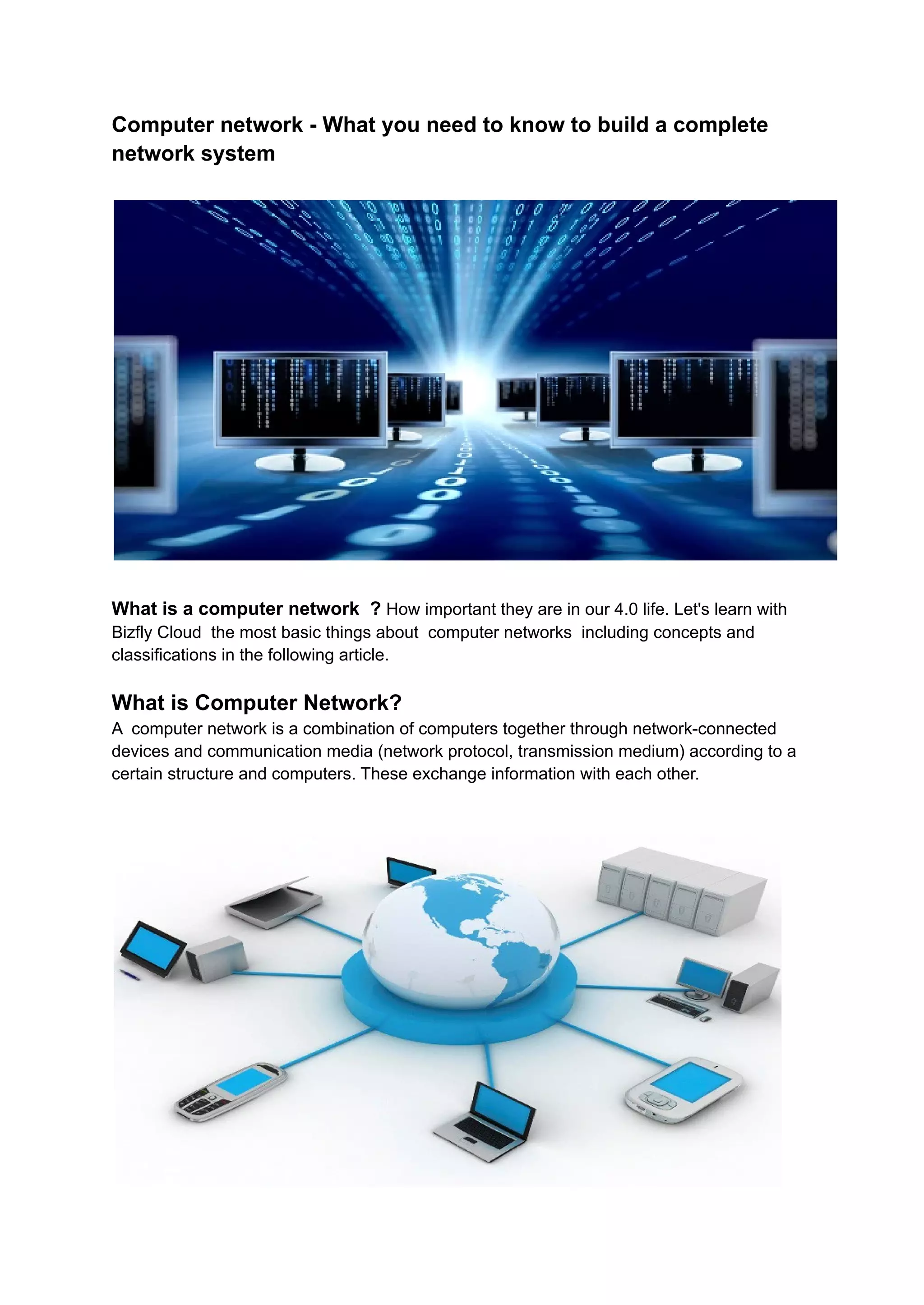
A computer network is a combination of computers together through network-connected
devices and communication media (network protocol, transmission medium) according to a
certain structure and computers. These exchange information with each other.
What are the benefits of a computer network?
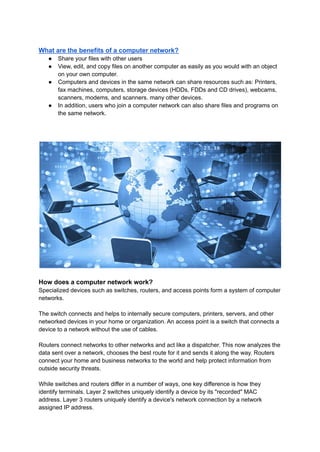
● Share your files with other users
● View, edit, and copy files on another computer as easily as you would with an object
on your own computer.
● Computers and devices in the same network can share resources such as: Printers,
fax machines, computers, storage devices (HDDs, FDDs and CD drives), webcams,
scanners, modems, and scanners. many other devices.
● In addition, users who join a computer network can also share files and programs on
the same network.
How does a computer network work?
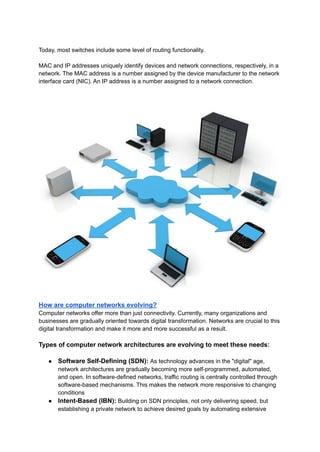
Specialized devices such as switches, routers, and access points form a system of computer
networks.
The switch connects and helps to internally secure computers, printers, servers, and other
networked devices in your home or organization. An access point is a switch that connects a
device to a network without the use of cables.
Routers connect networks to other networks and act like a dispatcher. This now analyzes the
data sent over a network, chooses the best route for it and sends it along the way. Routers
connect your home and business networks to the world and help protect information from
outside security threats.
While switches and routers differ in a number of ways, one key difference is how they
identify terminals. Layer 2 switches uniquely identify a device by its "recorded" MAC
address. Layer 3 routers uniquely identify a device's network connection by a network
assigned IP address.
Today, most switches include some level of routing functionality.
MAC and IP addresses uniquely identify devices and network connections, respectively, in a
network. The MAC address is a number assigned by the device manufacturer to the network
interface card (NIC). An IP address is a number assigned to a network connection.
How are computer networks evolving?
Computer networks offer more than just connectivity. Currently, many organizations and
businesses are gradually oriented towards digital transformation. Networks are crucial to this
digital transformation and make it more and more successful as a result.
Types of computer network architectures are evolving to meet these needs:
● Software Self-Defining (SDN): As technology advances in the "digital" age,
network architectures are gradually becoming more self-programmed, automated,
and open. In software-defined networks, traffic routing is centrally controlled through
software-based mechanisms. This makes the network more responsive to changing
conditions
● Intent-Based (IBN): Building on SDN principles, not only delivering speed, but
establishing a private network to achieve desired goals by automating extensive
operations , analyze performance, identify problem areas, provide comprehensive
security, and integrate with business processes.
● Virtualization: The physical network base can be logically partitioned, creating
multiple "covered" networks. Each of these logical networks can be tailored to help
meet specific security, quality of service (QoS) and other requirements.
● Controller-based: Network controllers are critical to network scalability and
security. Controllers automate network functions by shifting business intent to device
configuration, and they continuously monitor devices to help ensure performance and
security. Controllers simplify operations and help organizations respond to changing
business requirements.
● Multi-domain integration : Larger businesses can build separate networks, also
known as network domains, for their offices, WANs, and data centers. These
networks communicate with each other through their controllers. Such cross-network
or multi-domain integrations often involve the exchange of relevant operational
parameters to help ensure that desired business outcomes are achieved across
network domains.
Classification of computer networks
The main types of computer networks can be mentioned as: LAN, WAN, INTRANET, SAN.
As follows:
LAN
A LAN (Local Area Network) is often used in a business to provide Internet connectivity to
all people in the same space with a single Internet connection. All Internet-capable devices
are configured as nodes in a LAN and can be connected to the Internet through a separate
computer.
Computers in the LAN are also used to connect office workstations to grant access to
printers. However, LAN computer networks only have coverage in a very small area in just 1
building.
WAN
Completely different from LAN, WAN (Wide Area Network) can cover a large geographical
area, cross national or international borders.
A WAN is implemented using subscriber lines provided by a service provider or by using
switched network packets for data transmission.
INTRANET
An Intrarnet is an extensible intranet, it's basically a computer network where users from
within a company can find all their resources without having to go outside of another
company.
The INTRANET may include LANs, WANs, and MANs
SAN . Network
A SAN (Storage Area Network) provides a high-speed infrastructure for moving data
between storage devices and file servers. SAN network performance is very fast,
redundancy features are available, the distance between machines in the SAN network can
be up to 10 km
San Network has an extremely low cost but it has high efficiency, the optimal choice for
businesses.
Computer network model
Star Network (Star Network)
All stations are connected through a central device, which supports receiving signals from
stations and transferring them to the destination station. Depending on the purpose of the
request from the network, the central device can be a hub, switch, router or central server.
The star network model helps to establish Point-to-Point links through the central station and
equipment.
Advantages: Simple network setup, allowing network configuration (adding, removing
stations), controlling and repairing problems, using maximum physical transmission speed.
Cons: The connection distance from the station to the central device is limited (suitable
radius is about 100m)
Bus Network
The stations will be divided on a common transmission line (called Bus). The main
transmission line will take care of the connection through two special connectors called
Terminator. Each station will be connected directly to the main shaft through a T-connector
(T-Connect) or through a transceiver (transceiver).
Linear network model operating on Point-to-Multipoint or Broadcast links
Advantages: Easy design and operation, low installation cost
Cons: Unstable, if one node goes down the whole network will stop working.
Ring Network
Each receiving station is connected through a relay, which receives the signal and passes it
on to the next station. As a result, the signal is transmitted in only one direction (ring shape).
The ring network follows a consecutive sequence of Point-to-Point links between repeaters.
Advantages: Like a star network, it helps to optimize the transmission speed.
Cons: If unfortunately one station is damaged, the whole station will stop working, adding or
removing stations will be more difficult.
Mesh Network (Mesh Network)
The combination of two linear networks and a star network (Star Bus Network): There is a
separate signal separator that acts as a central device, the network cabling system is
configured as Star Topology and Linear Bus Topology. This configuration allows multiple
teams to work at a distance, making it easy to arrange compatible lines for any building.
Combination of two star and ring networks (Star Ring Network): Configuration allows
communication (Token) to be routed around a central HUB. This helps to bridge the gap
between workstations and helps to increase the required distance.
With the complete information above, it will help readers and businesses understand
the basics of computer networks. As a result, there will be better infrastructure
investment decisions for businesses in the future!

Computer network

  • 1.
    Computer network -What you need to know to build a complete network system What is a computer network ? How important they are in our 4.0 life. Let's learn with Bizfly Cloud the most basic things about computer networks including concepts and classifications in the following article. What is Computer Network? A computer network is a combination of computers together through network-connected devices and communication media (network protocol, transmission medium) according to a certain structure and computers. These exchange information with each other.
  • 2.
    What are thebenefits of a computer network? ● Share your files with other users ● View, edit, and copy files on another computer as easily as you would with an object on your own computer. ● Computers and devices in the same network can share resources such as: Printers, fax machines, computers, storage devices (HDDs, FDDs and CD drives), webcams, scanners, modems, and scanners. many other devices. ● In addition, users who join a computer network can also share files and programs on the same network. How does a computer network work? Specialized devices such as switches, routers, and access points form a system of computer networks. The switch connects and helps to internally secure computers, printers, servers, and other networked devices in your home or organization. An access point is a switch that connects a device to a network without the use of cables. Routers connect networks to other networks and act like a dispatcher. This now analyzes the data sent over a network, chooses the best route for it and sends it along the way. Routers connect your home and business networks to the world and help protect information from outside security threats. While switches and routers differ in a number of ways, one key difference is how they identify terminals. Layer 2 switches uniquely identify a device by its "recorded" MAC address. Layer 3 routers uniquely identify a device's network connection by a network assigned IP address.
  • 3.
    Today, most switchesinclude some level of routing functionality. MAC and IP addresses uniquely identify devices and network connections, respectively, in a network. The MAC address is a number assigned by the device manufacturer to the network interface card (NIC). An IP address is a number assigned to a network connection. How are computer networks evolving? Computer networks offer more than just connectivity. Currently, many organizations and businesses are gradually oriented towards digital transformation. Networks are crucial to this digital transformation and make it more and more successful as a result. Types of computer network architectures are evolving to meet these needs: ● Software Self-Defining (SDN): As technology advances in the "digital" age, network architectures are gradually becoming more self-programmed, automated, and open. In software-defined networks, traffic routing is centrally controlled through software-based mechanisms. This makes the network more responsive to changing conditions ● Intent-Based (IBN): Building on SDN principles, not only delivering speed, but establishing a private network to achieve desired goals by automating extensive
  • 4.
    operations , analyzeperformance, identify problem areas, provide comprehensive security, and integrate with business processes. ● Virtualization: The physical network base can be logically partitioned, creating multiple "covered" networks. Each of these logical networks can be tailored to help meet specific security, quality of service (QoS) and other requirements. ● Controller-based: Network controllers are critical to network scalability and security. Controllers automate network functions by shifting business intent to device configuration, and they continuously monitor devices to help ensure performance and security. Controllers simplify operations and help organizations respond to changing business requirements. ● Multi-domain integration : Larger businesses can build separate networks, also known as network domains, for their offices, WANs, and data centers. These networks communicate with each other through their controllers. Such cross-network or multi-domain integrations often involve the exchange of relevant operational parameters to help ensure that desired business outcomes are achieved across network domains. Classification of computer networks The main types of computer networks can be mentioned as: LAN, WAN, INTRANET, SAN. As follows: LAN A LAN (Local Area Network) is often used in a business to provide Internet connectivity to all people in the same space with a single Internet connection. All Internet-capable devices are configured as nodes in a LAN and can be connected to the Internet through a separate computer. Computers in the LAN are also used to connect office workstations to grant access to printers. However, LAN computer networks only have coverage in a very small area in just 1 building. WAN Completely different from LAN, WAN (Wide Area Network) can cover a large geographical area, cross national or international borders. A WAN is implemented using subscriber lines provided by a service provider or by using switched network packets for data transmission. INTRANET An Intrarnet is an extensible intranet, it's basically a computer network where users from within a company can find all their resources without having to go outside of another company. The INTRANET may include LANs, WANs, and MANs SAN . Network
  • 5.
    A SAN (StorageArea Network) provides a high-speed infrastructure for moving data between storage devices and file servers. SAN network performance is very fast, redundancy features are available, the distance between machines in the SAN network can be up to 10 km San Network has an extremely low cost but it has high efficiency, the optimal choice for businesses. Computer network model Star Network (Star Network) All stations are connected through a central device, which supports receiving signals from stations and transferring them to the destination station. Depending on the purpose of the request from the network, the central device can be a hub, switch, router or central server. The star network model helps to establish Point-to-Point links through the central station and equipment. Advantages: Simple network setup, allowing network configuration (adding, removing stations), controlling and repairing problems, using maximum physical transmission speed. Cons: The connection distance from the station to the central device is limited (suitable radius is about 100m) Bus Network The stations will be divided on a common transmission line (called Bus). The main transmission line will take care of the connection through two special connectors called Terminator. Each station will be connected directly to the main shaft through a T-connector (T-Connect) or through a transceiver (transceiver). Linear network model operating on Point-to-Multipoint or Broadcast links Advantages: Easy design and operation, low installation cost Cons: Unstable, if one node goes down the whole network will stop working. Ring Network Each receiving station is connected through a relay, which receives the signal and passes it on to the next station. As a result, the signal is transmitted in only one direction (ring shape). The ring network follows a consecutive sequence of Point-to-Point links between repeaters. Advantages: Like a star network, it helps to optimize the transmission speed. Cons: If unfortunately one station is damaged, the whole station will stop working, adding or removing stations will be more difficult. Mesh Network (Mesh Network) The combination of two linear networks and a star network (Star Bus Network): There is a separate signal separator that acts as a central device, the network cabling system is configured as Star Topology and Linear Bus Topology. This configuration allows multiple teams to work at a distance, making it easy to arrange compatible lines for any building.
  • 6.
    Combination of twostar and ring networks (Star Ring Network): Configuration allows communication (Token) to be routed around a central HUB. This helps to bridge the gap between workstations and helps to increase the required distance. With the complete information above, it will help readers and businesses understand the basics of computer networks. As a result, there will be better infrastructure investment decisions for businesses in the future!