LECTURE#26
YASMIN AFZAAL
 Computer and Society
 Security
 Privacy
 Ecommerce
2
Computer Security
 Cyber security, computer security or IT security
“ is the protection of computer systems from theft of or
damage to their hardware, software or electronic data, as well
as from disruption or misdirection of the services they provide.”
 Cyber security includes
 Controlling physical access to system hardware, as well as
protecting against harm that may be done via network
access, malicious data and code injection. Also, due
to malpractice by operators, whether intentional or accidental.
*Malicious data is data that, when introduced to a computer—usually by an operator unaware that
he or she is doing so—will cause the computer to perform actions undesirable to the computer's
owner. E.g Examples of malicious code include computer viruses, worms, Trojan horses etc.
3
Why we need computer security
 The field is of growing importance due to increasing
reliance on computer systems,
the Internet and wireless networks such
as Bluetooth and Wi-Fi, and due to the growth
of "smart" devices,
including smartphones, televisions and the various tiny
devices that constitute the Internet of Things.
 Good security standards follow the “90 / 10” rule.
 90% of security safeguards rely on You to maintain
good computing practices.
 10% of security safeguards are Technical.
 Example: The lock on your front door at home is the 10%.
You remembering to lock your door, keeping control of the
keys, not leaving your door open, etc. is the 90%. You
need both parts for effective security.
4
Cyber attacks and security methods
 some of the most common types of cyber attacks, and some of
the cyber security methods used to fight back.
 Malware, or malicious software, is any program or file that is
harmful to a computer user. Malware includes computer viruses,
worms, Trojan horses and spyware.
 A computer worm is a standalone malware computer program that
replicates itself in order to spread to other computers. Often, it uses
a computer network to spread itself, relying on security failures on
the target computer to access it.
 Cyber security strategies for malware
 For both homes and businesses, a good anti-malware software is
essential. Anti-malware programs can both find and remove malware that
has been installed on a computer, and prevent malware from installing
itself in the first place. Also essential is instructing users to practice
common sense when using the internet: never open unexpected email or
chat attachments, and be careful when clicking links on the internet if you
can't be certain where they'll lead.
5
 Denial-of-Service (DoS) attack
 is an attack meant to shut down a machine or
network, making it inaccessible to its intended
users. DoS attacks accomplish this by flooding the
target with traffic, or sending it information that
triggers a crash.
 The simplest method for thwarting/prevent DoS
attacks is having extra bandwidth. If you fear your
business might be targeted for DoS attacks, simply
having enough server space to handle the increased
traffic can render the attacks moot. There are also
third-party services who can help your company stay
online during a DoS attack
6
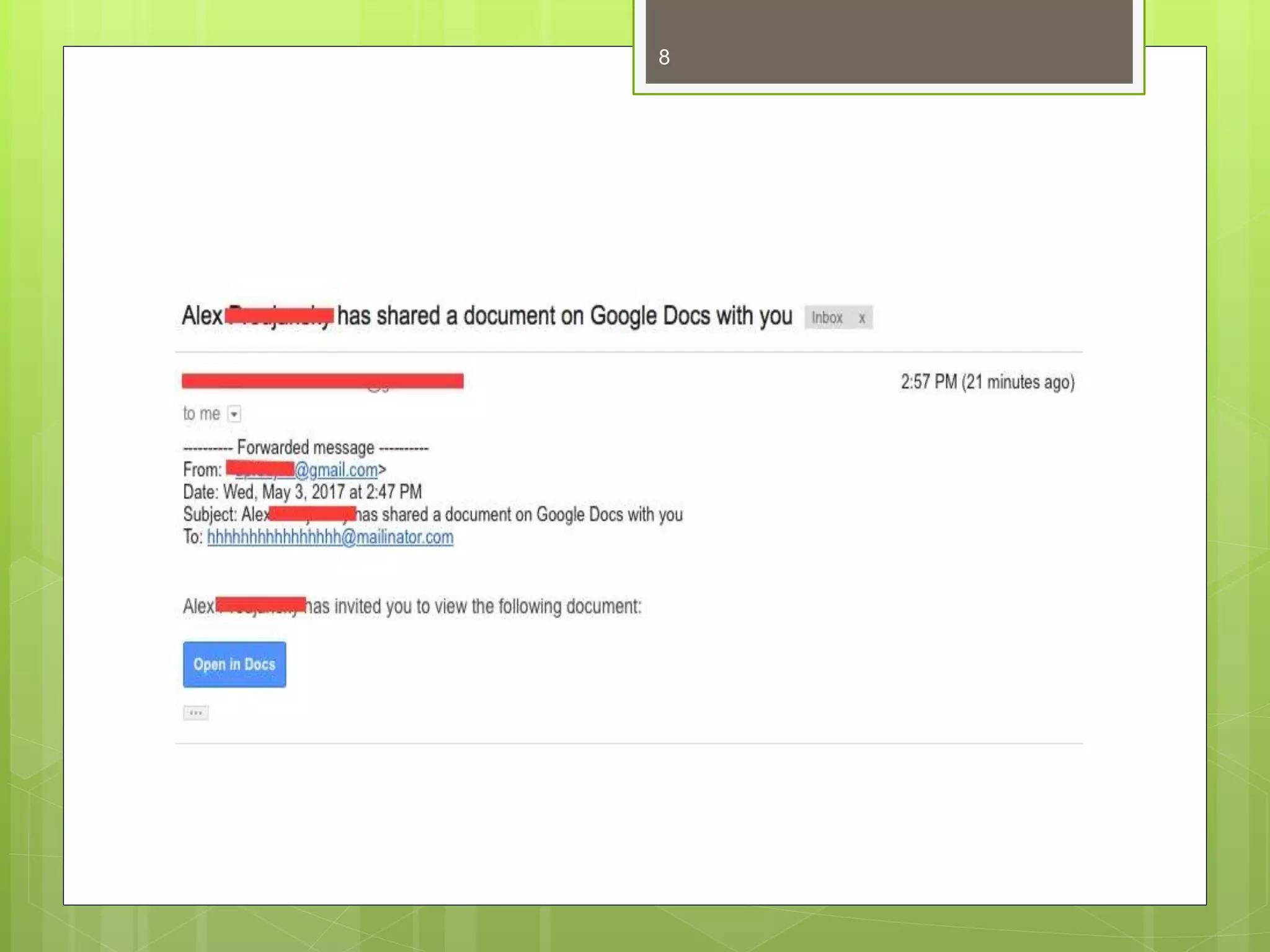
 In a Phishing attack, is trying to obtain sensitive
information such as usernames, passwords, and
credit card details (and money) using deceptive e-
mails and websites(phishing mails and websites).
 A recent phishing scam used Google Docs to trick
users into entering their Google login information.
 The simplest way to combat phishing is to make sure
employees know both of how common and damaging
attacks can be; remind them to keep their guard up
when checking emails and to report any email they
find suspicious. Additionally, have employees use 2-
Step Verification for their email accounts. This can
prevent scammers from accessing compromised
accounts
7
8
 Amazon Phishing:
 Phishing scam targets Amazon users with fake
order emails.
 An Amazon user receives an email that says a
recently-placed order wasn't processed. The
message may say something like this: "Amazon is
having issues with your order. You will not be able
to access your account or make future purchases
until we confirm your password and login email
address. Click here to confirm."
9
Computer Privacy
 “Computer Privacy is the right of the individual
to choose which kind of information involving
himself he wants to share and with whom and
when he wants to share it.”
 Security is the level of protection we provide to
control access to certain information.
 Privacy is a right and security is a policy.
10
Cont..
 Depending on the nature of your computer use,
your data could be seen by other local or remote
users. In order to safeguard your information, it is
important to fully understand the visibility of data on
a computer.
 Privacy is extremely important when multiple users
access the same computer and when a computer is
often used on the Internet.
11
Examples:
 User Accounts:
 Separate password protected user account for each
user. Within these accounts, the desktop configurations,
personal file folders, and software settings are all specific
to a user. each user can keep his/her personal files and
settings private.
 close any open programs before you leave the computer
 log out of your operating system account or shut down
the computer entirely
 File Protection:
 Password protected and encrypted file.
 Internet Privacy:
 Turning off cookies
 Clear browsing data on daily basis
 Sign-out of any internet account
12
Commerce:
 Exchange of goods or services for money or
in kind, usually on a scale large enough to
require transportation from place to place or
across city, state, or national boundaries.
13
E-commerce
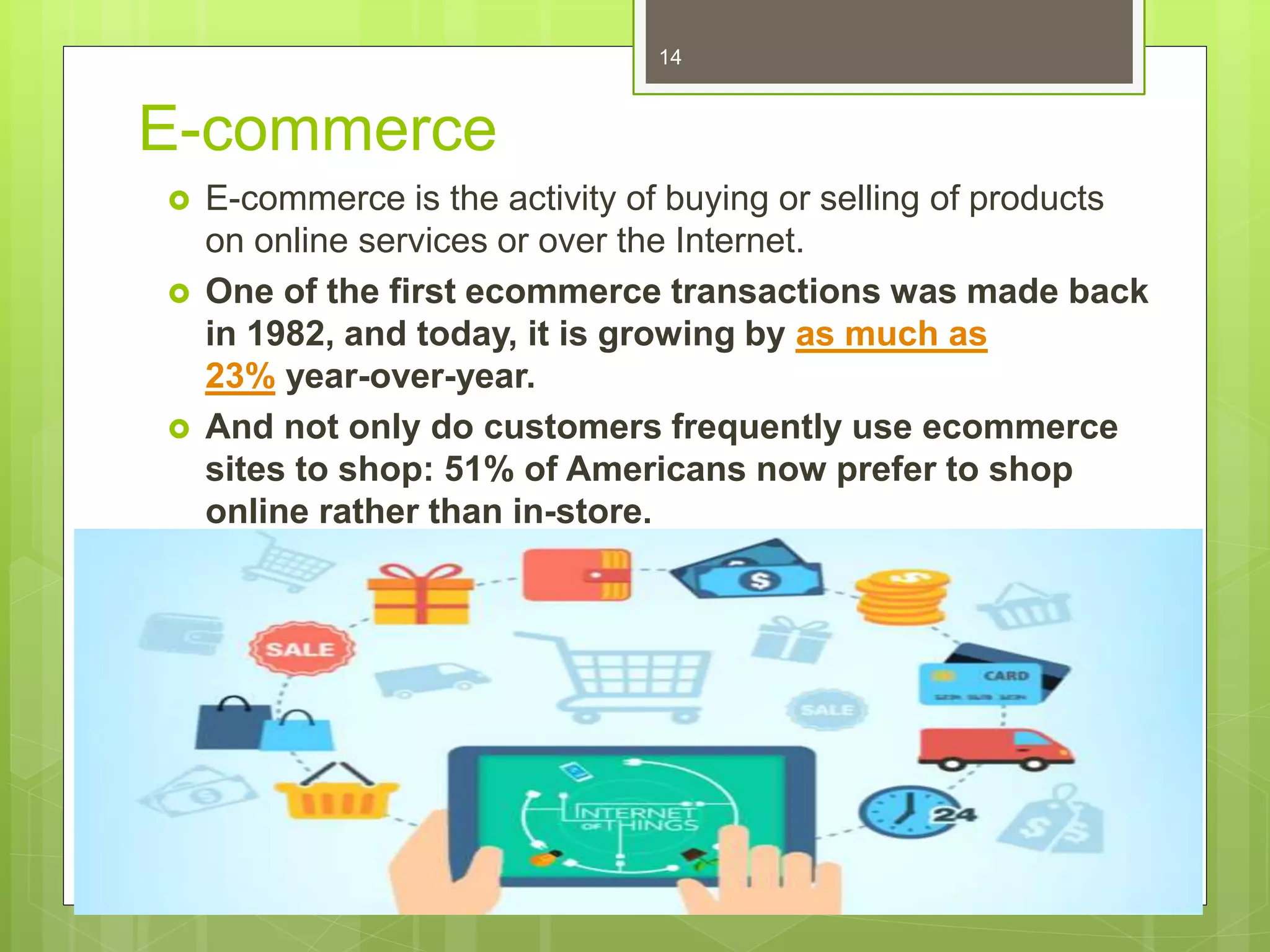
 E-commerce is the activity of buying or selling of products
on online services or over the Internet.
 One of the first ecommerce transactions was made back
in 1982, and today, it is growing by as much as
23% year-over-year.
 And not only do customers frequently use ecommerce
sites to shop: 51% of Americans now prefer to shop
online rather than in-store.
14
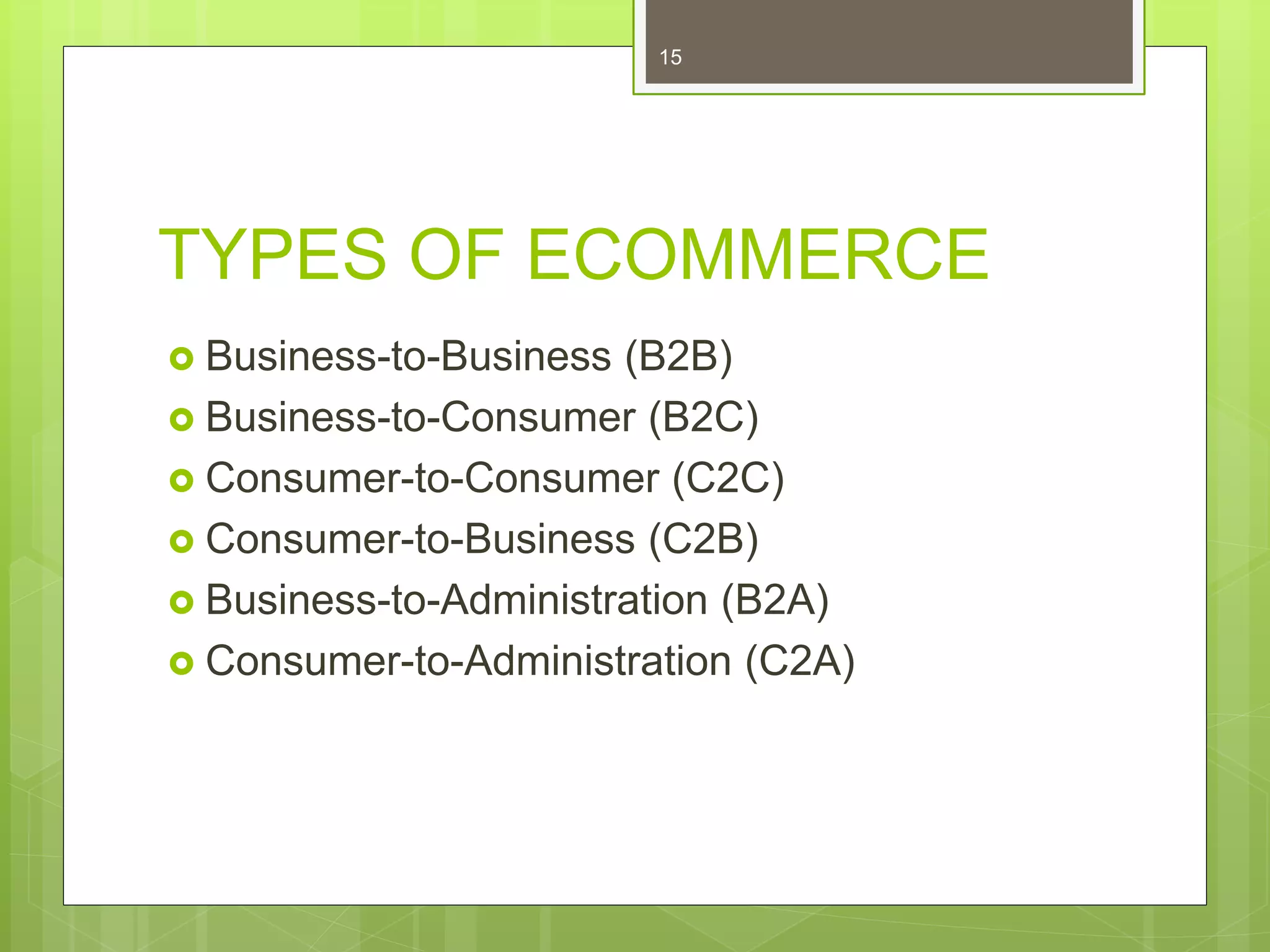
TYPES OF ECOMMERCE
 Business-to-Business (B2B)
 Business-to-Consumer (B2C)
 Consumer-to-Consumer (C2C)
 Consumer-to-Business (C2B)
 Business-to-Administration (B2A)
 Consumer-to-Administration (C2A)
15
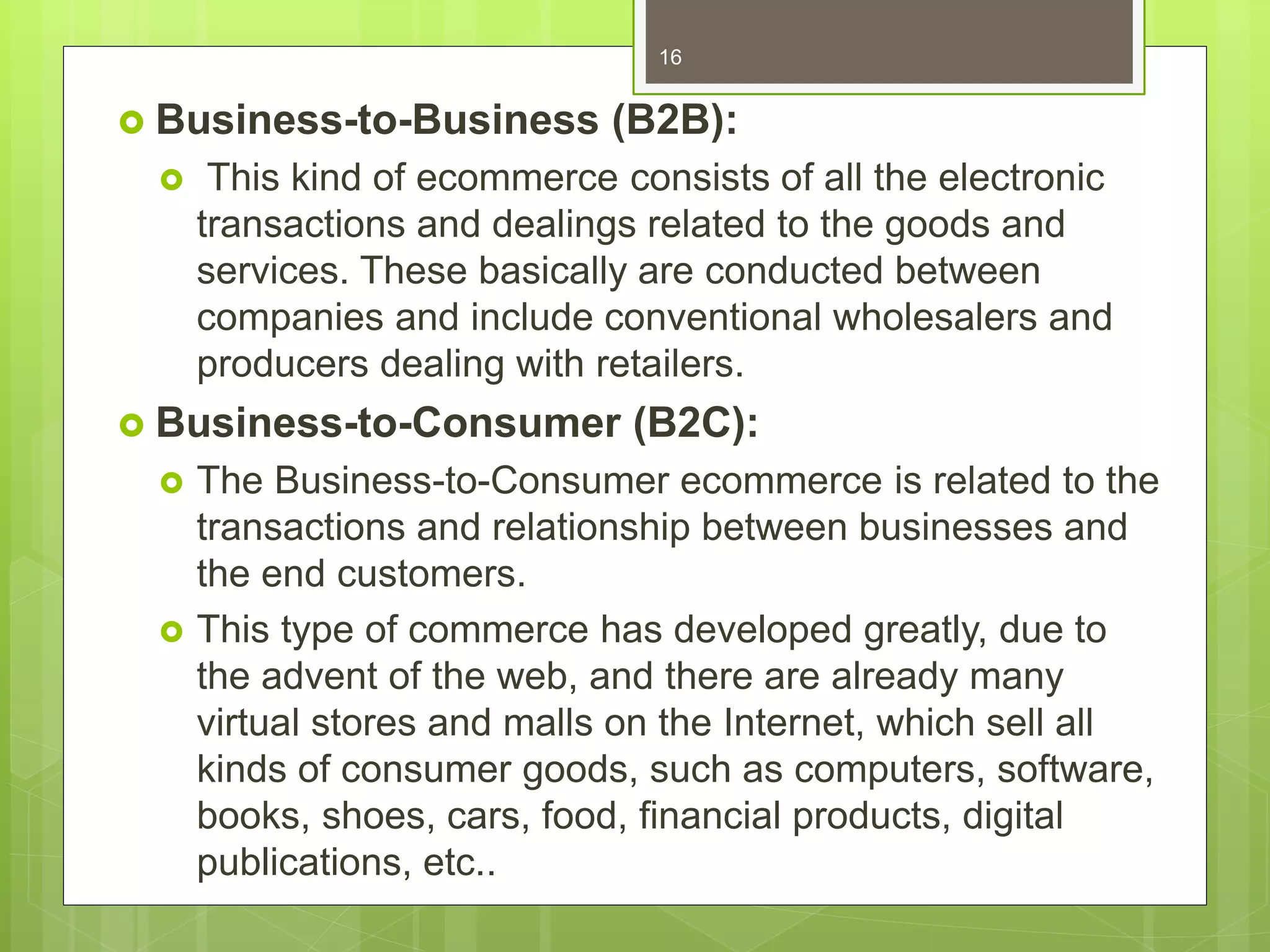
 Business-to-Business (B2B):
 This kind of ecommerce consists of all the electronic
transactions and dealings related to the goods and
services. These basically are conducted between
companies and include conventional wholesalers and
producers dealing with retailers.
 Business-to-Consumer (B2C):
 The Business-to-Consumer ecommerce is related to the
transactions and relationship between businesses and
the end customers.
 This type of commerce has developed greatly, due to
the advent of the web, and there are already many
virtual stores and malls on the Internet, which sell all
kinds of consumer goods, such as computers, software,
books, shoes, cars, food, financial products, digital
publications, etc..
16
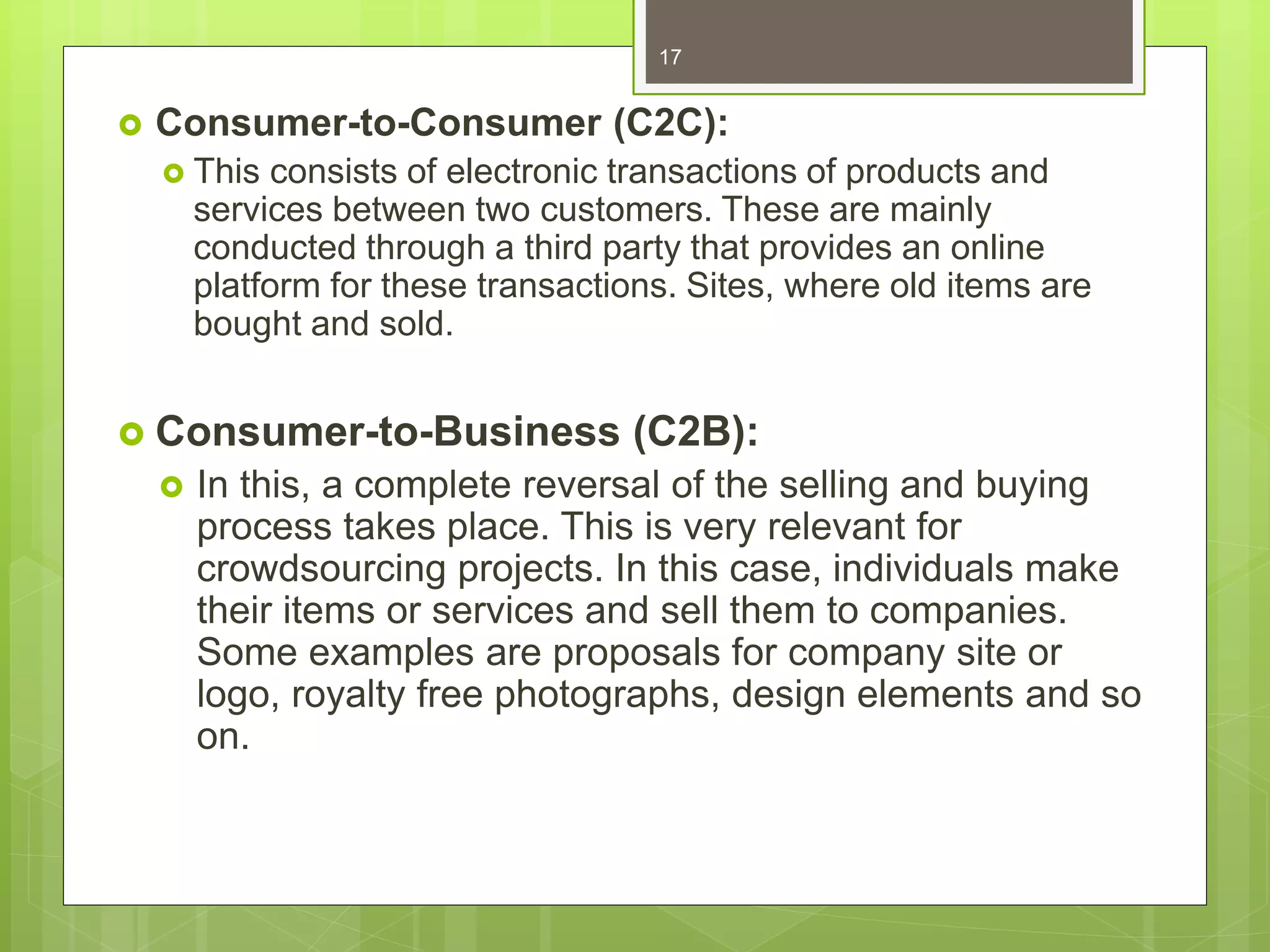
 Consumer-to-Consumer (C2C):
 This consists of electronic transactions of products and
services between two customers. These are mainly
conducted through a third party that provides an online
platform for these transactions. Sites, where old items are
bought and sold.
 Consumer-to-Business (C2B):
 In this, a complete reversal of the selling and buying
process takes place. This is very relevant for
crowdsourcing projects. In this case, individuals make
their items or services and sell them to companies.
Some examples are proposals for company site or
logo, royalty free photographs, design elements and so
on.
17
 Business-to-Administration (B2A):
 In this kind of ecommerce transaction, there are
dealings between companies and public administration.
It encompasses different services, such as social
security, fiscal measures, legal documents, employment
and so on.
 Consumer-to-Administration (C2A):
 In this ecommerce model, electronic transactions are
carried between individuals and public administration.
Some examples are distance learning, information
sharing, electronic tax filing, and so on.
 The main objective of both the B2A and C2A types of
ecommerce is to increase flexibility, efficiency, and
transparency in public administration.
18
Advantages of Ecommerce:
 Faster buying for customers
 For customers, ecommerce makes shopping from anywhere
and at any time possible.
 Personalized experiences
 With the help of automation and rich customer profiles(past
purchase behavior), you can deliver highly personalized
online experiences for your ecommerce customers.
 Companies can easily reach new customers
 With the added benefit of social media advertising, brands
have the potential to connect with massive relevant
audiences who are in a ready-to-buy mind-set.
 Lower operational costs
 Without a need for a physical storefront (and employees to
staff it), ecommerce retailers can launch stores with minimal
operating costs
19
Disadvantages of Ecommerce
 Technology breakdowns can impact ability to sell:
 Site crashes and technology failures can damage relationships
with customers and negatively impact your bottom line.
 No ability to test or try-on:
 For shoppers who want to get hands-on with a product
(especially in the realm of physical goods like clothing, shoes,
and beauty products) the ecommerce experience can be
limiting.
 Limited interactions with customers:
 Without being face-to-face, it can be harder to understand the
wants, needs, and concerns of your ecommerce customers.
20
The Future of Ecommerce
 Research predicts that the future of ecommerce is
a bright one.
 By 2022, ecommerce revenue in the U.S, alone
is expected to reach $638 million
 Many Americans now see online shopping as a
must-have: 40% say they can’t live without it.
21
Cont.…
 Explore online -shopping websites.
22
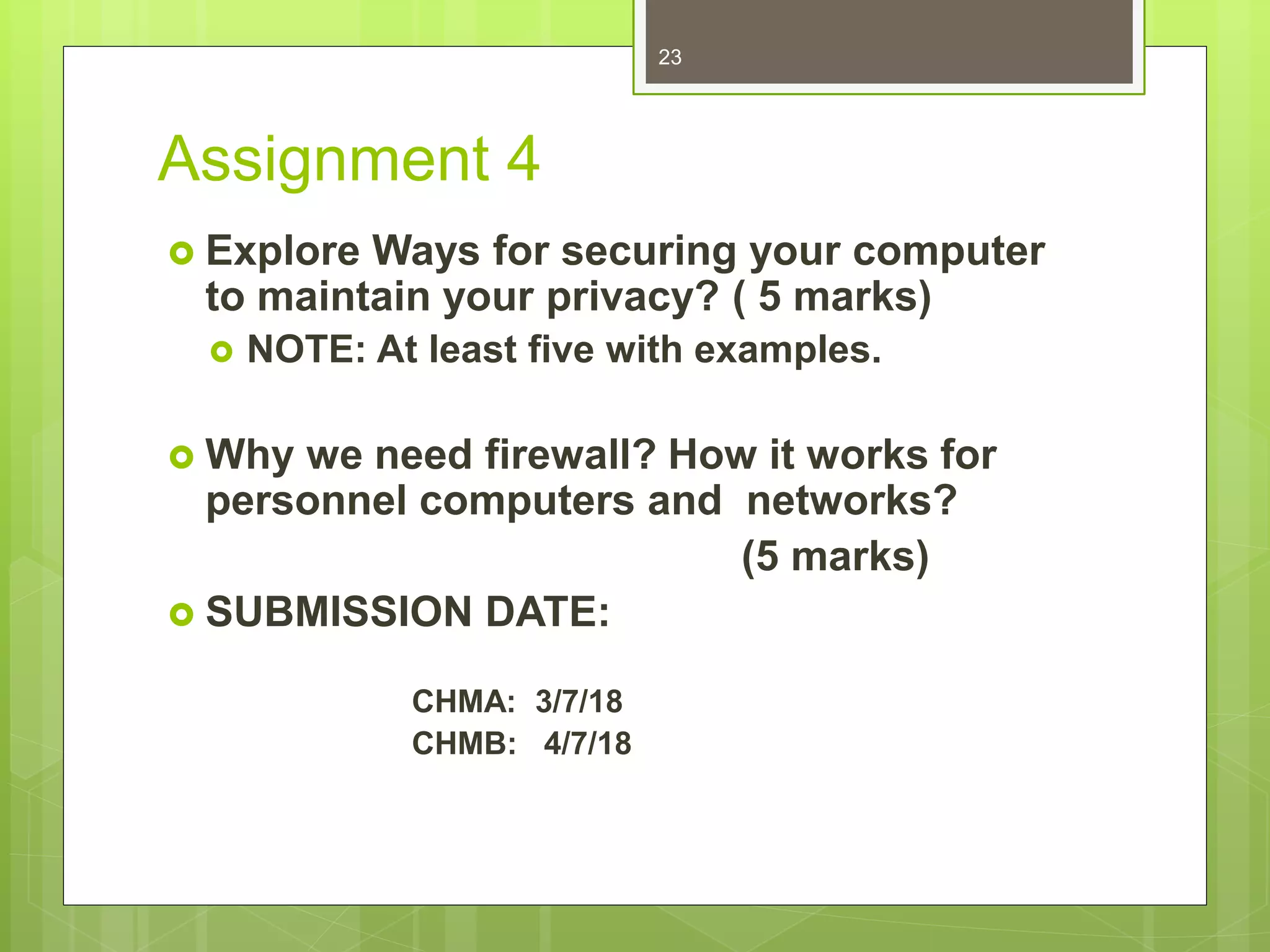
Assignment 4
 Explore Ways for securing your computer
to maintain your privacy? ( 5 marks)
 NOTE: At least five with examples.
 Why we need firewall? How it works for
personnel computers and networks?
(5 marks)
 SUBMISSION DATE:
CHMA: 3/7/18
CHMB: 4/7/18
23
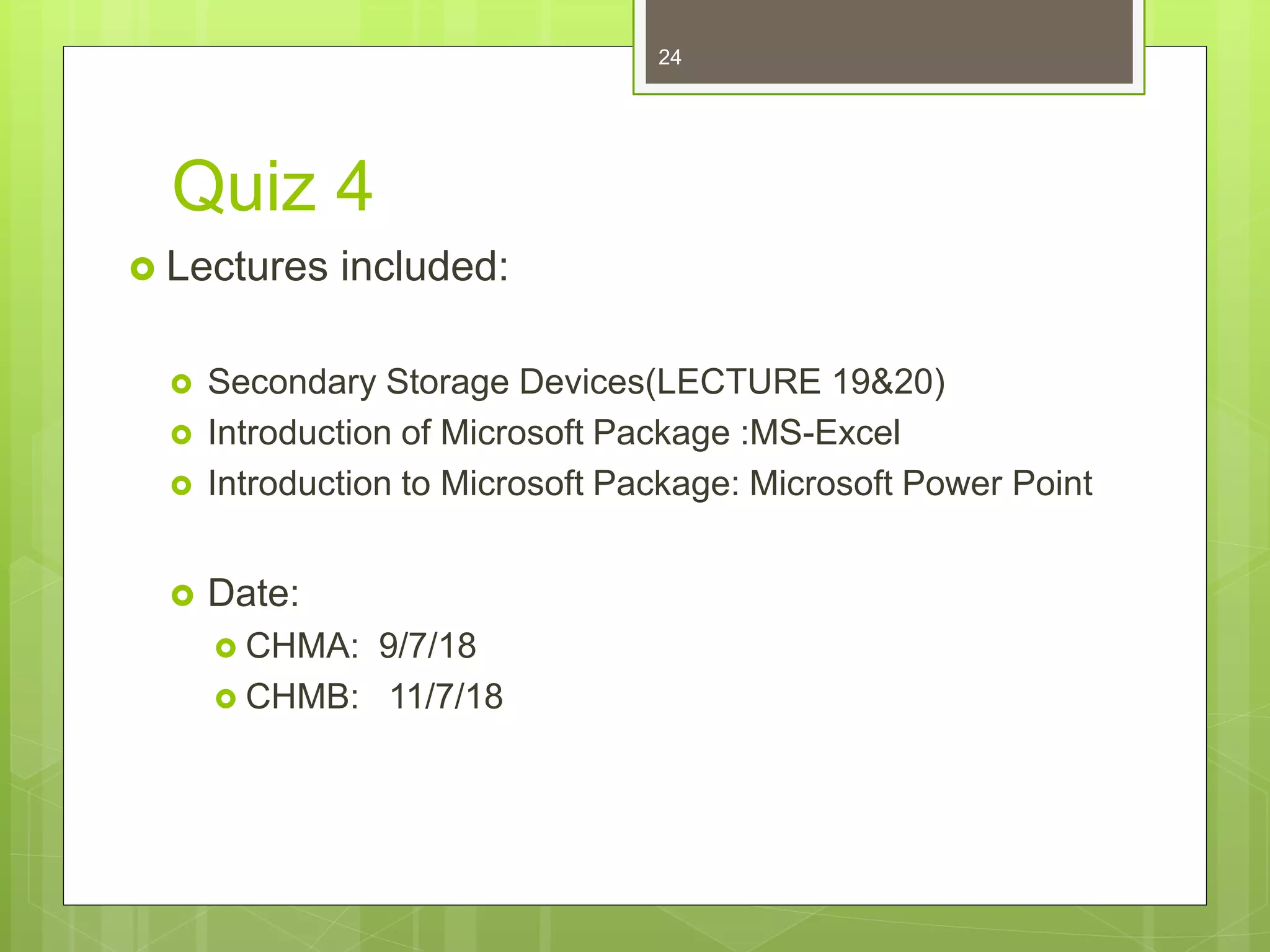
Quiz 4
 Lectures included:
 Secondary Storage Devices(LECTURE 19&20)
 Introduction of Microsoft Package :MS-Excel
 Introduction to Microsoft Package: Microsoft Power Point
 Date:
 CHMA: 9/7/18
 CHMB: 11/7/18
24

computer and security

  • 1.
  • 2.
     Computer andSociety  Security  Privacy  Ecommerce 2
  • 3.
    Computer Security  Cybersecurity, computer security or IT security “ is the protection of computer systems from theft of or damage to their hardware, software or electronic data, as well as from disruption or misdirection of the services they provide.”  Cyber security includes  Controlling physical access to system hardware, as well as protecting against harm that may be done via network access, malicious data and code injection. Also, due to malpractice by operators, whether intentional or accidental. *Malicious data is data that, when introduced to a computer—usually by an operator unaware that he or she is doing so—will cause the computer to perform actions undesirable to the computer's owner. E.g Examples of malicious code include computer viruses, worms, Trojan horses etc. 3
  • 4.
    Why we needcomputer security  The field is of growing importance due to increasing reliance on computer systems, the Internet and wireless networks such as Bluetooth and Wi-Fi, and due to the growth of "smart" devices, including smartphones, televisions and the various tiny devices that constitute the Internet of Things.  Good security standards follow the “90 / 10” rule.  90% of security safeguards rely on You to maintain good computing practices.  10% of security safeguards are Technical.  Example: The lock on your front door at home is the 10%. You remembering to lock your door, keeping control of the keys, not leaving your door open, etc. is the 90%. You need both parts for effective security. 4
  • 5.
    Cyber attacks andsecurity methods  some of the most common types of cyber attacks, and some of the cyber security methods used to fight back.  Malware, or malicious software, is any program or file that is harmful to a computer user. Malware includes computer viruses, worms, Trojan horses and spyware.  A computer worm is a standalone malware computer program that replicates itself in order to spread to other computers. Often, it uses a computer network to spread itself, relying on security failures on the target computer to access it.  Cyber security strategies for malware  For both homes and businesses, a good anti-malware software is essential. Anti-malware programs can both find and remove malware that has been installed on a computer, and prevent malware from installing itself in the first place. Also essential is instructing users to practice common sense when using the internet: never open unexpected email or chat attachments, and be careful when clicking links on the internet if you can't be certain where they'll lead. 5
  • 6.
     Denial-of-Service (DoS)attack  is an attack meant to shut down a machine or network, making it inaccessible to its intended users. DoS attacks accomplish this by flooding the target with traffic, or sending it information that triggers a crash.  The simplest method for thwarting/prevent DoS attacks is having extra bandwidth. If you fear your business might be targeted for DoS attacks, simply having enough server space to handle the increased traffic can render the attacks moot. There are also third-party services who can help your company stay online during a DoS attack 6
  • 7.
     In aPhishing attack, is trying to obtain sensitive information such as usernames, passwords, and credit card details (and money) using deceptive e- mails and websites(phishing mails and websites).  A recent phishing scam used Google Docs to trick users into entering their Google login information.  The simplest way to combat phishing is to make sure employees know both of how common and damaging attacks can be; remind them to keep their guard up when checking emails and to report any email they find suspicious. Additionally, have employees use 2- Step Verification for their email accounts. This can prevent scammers from accessing compromised accounts 7
  • 8.
  • 9.
     Amazon Phishing: Phishing scam targets Amazon users with fake order emails.  An Amazon user receives an email that says a recently-placed order wasn't processed. The message may say something like this: "Amazon is having issues with your order. You will not be able to access your account or make future purchases until we confirm your password and login email address. Click here to confirm." 9
  • 10.
    Computer Privacy  “ComputerPrivacy is the right of the individual to choose which kind of information involving himself he wants to share and with whom and when he wants to share it.”  Security is the level of protection we provide to control access to certain information.  Privacy is a right and security is a policy. 10
  • 11.
    Cont..  Depending onthe nature of your computer use, your data could be seen by other local or remote users. In order to safeguard your information, it is important to fully understand the visibility of data on a computer.  Privacy is extremely important when multiple users access the same computer and when a computer is often used on the Internet. 11
  • 12.
    Examples:  User Accounts: Separate password protected user account for each user. Within these accounts, the desktop configurations, personal file folders, and software settings are all specific to a user. each user can keep his/her personal files and settings private.  close any open programs before you leave the computer  log out of your operating system account or shut down the computer entirely  File Protection:  Password protected and encrypted file.  Internet Privacy:  Turning off cookies  Clear browsing data on daily basis  Sign-out of any internet account 12
  • 13.
    Commerce:  Exchange ofgoods or services for money or in kind, usually on a scale large enough to require transportation from place to place or across city, state, or national boundaries. 13
  • 14.
    E-commerce  E-commerce isthe activity of buying or selling of products on online services or over the Internet.  One of the first ecommerce transactions was made back in 1982, and today, it is growing by as much as 23% year-over-year.  And not only do customers frequently use ecommerce sites to shop: 51% of Americans now prefer to shop online rather than in-store. 14
  • 15.
    TYPES OF ECOMMERCE Business-to-Business (B2B)  Business-to-Consumer (B2C)  Consumer-to-Consumer (C2C)  Consumer-to-Business (C2B)  Business-to-Administration (B2A)  Consumer-to-Administration (C2A) 15
  • 16.
     Business-to-Business (B2B): This kind of ecommerce consists of all the electronic transactions and dealings related to the goods and services. These basically are conducted between companies and include conventional wholesalers and producers dealing with retailers.  Business-to-Consumer (B2C):  The Business-to-Consumer ecommerce is related to the transactions and relationship between businesses and the end customers.  This type of commerce has developed greatly, due to the advent of the web, and there are already many virtual stores and malls on the Internet, which sell all kinds of consumer goods, such as computers, software, books, shoes, cars, food, financial products, digital publications, etc.. 16
  • 17.
     Consumer-to-Consumer (C2C): This consists of electronic transactions of products and services between two customers. These are mainly conducted through a third party that provides an online platform for these transactions. Sites, where old items are bought and sold.  Consumer-to-Business (C2B):  In this, a complete reversal of the selling and buying process takes place. This is very relevant for crowdsourcing projects. In this case, individuals make their items or services and sell them to companies. Some examples are proposals for company site or logo, royalty free photographs, design elements and so on. 17
  • 18.
     Business-to-Administration (B2A): In this kind of ecommerce transaction, there are dealings between companies and public administration. It encompasses different services, such as social security, fiscal measures, legal documents, employment and so on.  Consumer-to-Administration (C2A):  In this ecommerce model, electronic transactions are carried between individuals and public administration. Some examples are distance learning, information sharing, electronic tax filing, and so on.  The main objective of both the B2A and C2A types of ecommerce is to increase flexibility, efficiency, and transparency in public administration. 18
  • 19.
    Advantages of Ecommerce: Faster buying for customers  For customers, ecommerce makes shopping from anywhere and at any time possible.  Personalized experiences  With the help of automation and rich customer profiles(past purchase behavior), you can deliver highly personalized online experiences for your ecommerce customers.  Companies can easily reach new customers  With the added benefit of social media advertising, brands have the potential to connect with massive relevant audiences who are in a ready-to-buy mind-set.  Lower operational costs  Without a need for a physical storefront (and employees to staff it), ecommerce retailers can launch stores with minimal operating costs 19
  • 20.
    Disadvantages of Ecommerce Technology breakdowns can impact ability to sell:  Site crashes and technology failures can damage relationships with customers and negatively impact your bottom line.  No ability to test or try-on:  For shoppers who want to get hands-on with a product (especially in the realm of physical goods like clothing, shoes, and beauty products) the ecommerce experience can be limiting.  Limited interactions with customers:  Without being face-to-face, it can be harder to understand the wants, needs, and concerns of your ecommerce customers. 20
  • 21.
    The Future ofEcommerce  Research predicts that the future of ecommerce is a bright one.  By 2022, ecommerce revenue in the U.S, alone is expected to reach $638 million  Many Americans now see online shopping as a must-have: 40% say they can’t live without it. 21
  • 22.
    Cont.…  Explore online-shopping websites. 22
  • 23.
    Assignment 4  ExploreWays for securing your computer to maintain your privacy? ( 5 marks)  NOTE: At least five with examples.  Why we need firewall? How it works for personnel computers and networks? (5 marks)  SUBMISSION DATE: CHMA: 3/7/18 CHMB: 4/7/18 23
  • 24.
    Quiz 4  Lecturesincluded:  Secondary Storage Devices(LECTURE 19&20)  Introduction of Microsoft Package :MS-Excel  Introduction to Microsoft Package: Microsoft Power Point  Date:  CHMA: 9/7/18  CHMB: 11/7/18 24