In these part we’ll be looking at:

• THE SERVER
• SERVER TYPES AND ROLES
• PLANNING
  ( PROJECT GOAL, CONFIGURATION, BUDGETING ETC)
• VERIFICATION
   ( HARDWARE, UPS, POWER SOURCE, NETWORK ETC)
• HARDWARE INSTALLATION
   ( HARDISK, RAM, SERVER FORM FACTORS ETC)
• HARDWARE CONFIGURATION WHICH INCLUDES:

I. MOTHERBOARD AND PROCESSORS
II. STORAGE COMPONENTS AND DEVICES
III. FAULT TOLERANCE AND REDUNDANCY
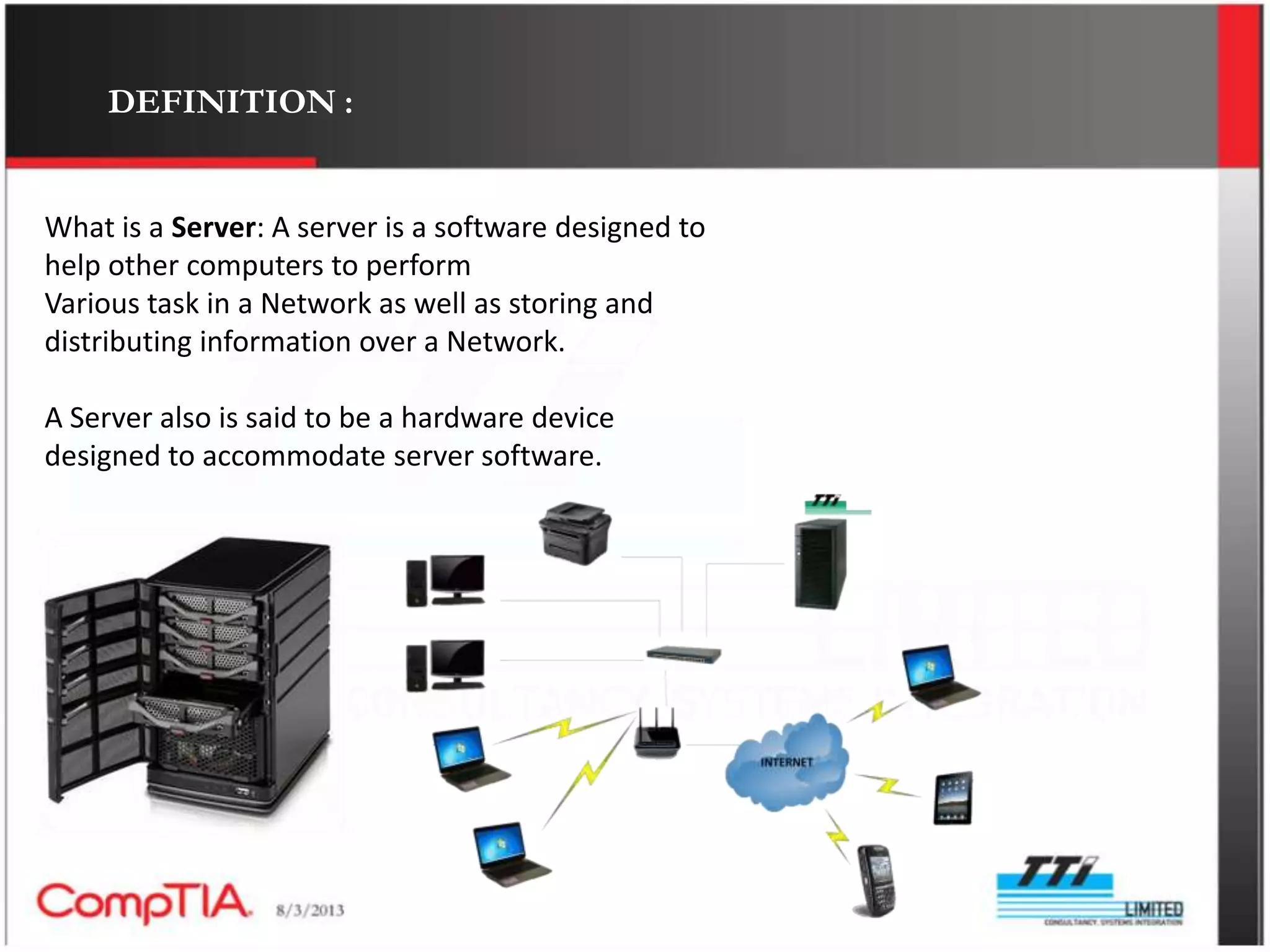
DEFINITION :


What is a Server: A server is a software designed to
help other computers to perform
Various task in a Network as well as storing and
distributing information over a Network.

A Server also is said to be a hardware device
designed to accommodate server software.
TYPE OF SEVERS


   Application server        Print servers
   Catalog server            Sound servers
   Communication server      Proxy servers
   Data base servers         Stand alone servers
   Computer servers          HTTP servers
   Fax servers
   Files servers
   Game servers
   Name servers or DNS
THE SEVER AS A SOFTWARE


The function ability of a computer is dependent on its ability to
use or work with an
OS(operating system). The OS gives the computer the platform or
the code it functions
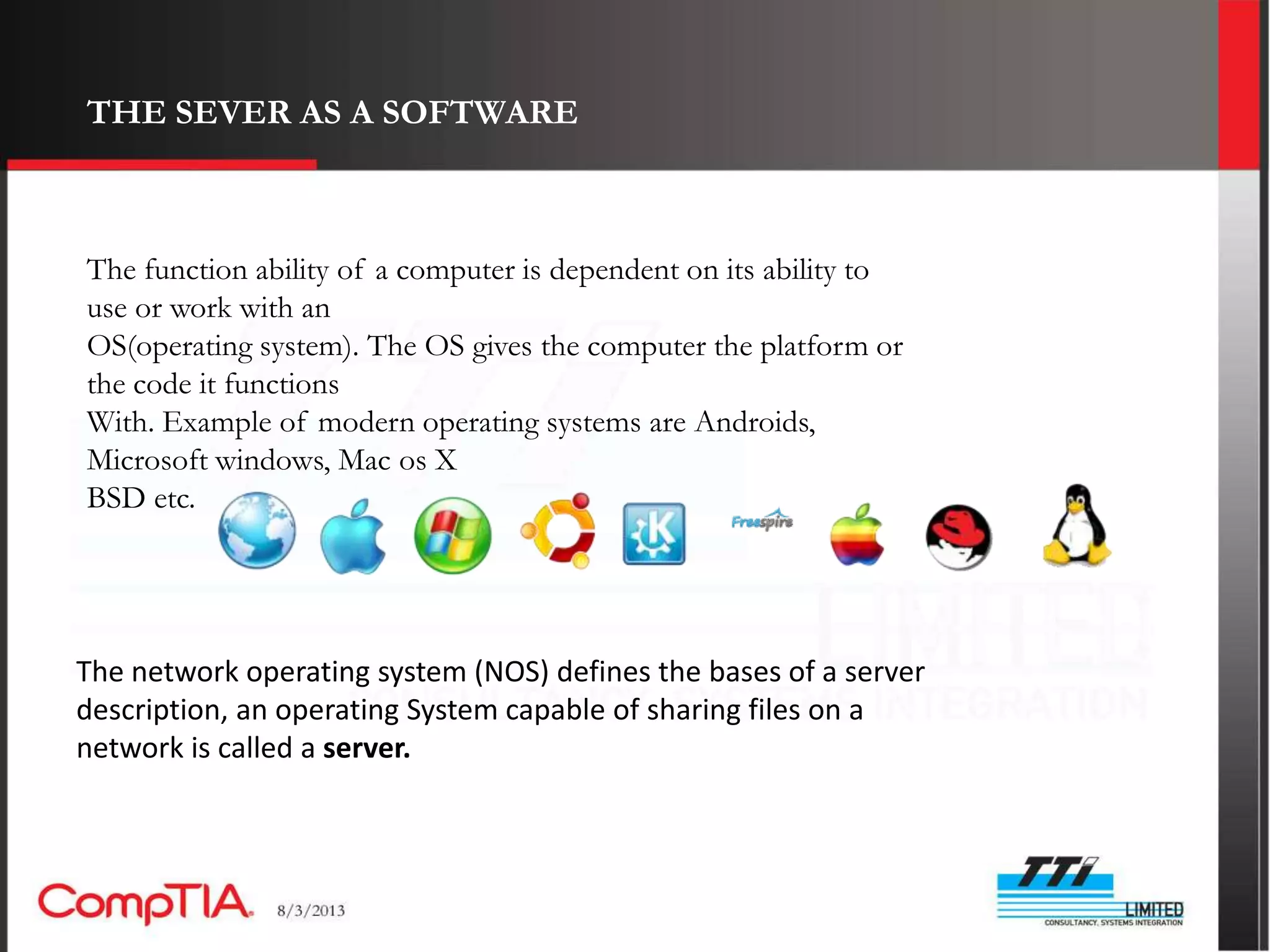
With. Example of modern operating systems are Androids,
Microsoft windows, Mac os X
BSD etc.


The network operating system (NOS) defines the bases of a server
description, an operating System capable of sharing files on a
network is called a server.
SEVER CLASS OPERATING SYSTEM


Server class operating system are those software that
are installed on a sever which thereby run that particular
server machine. We have different kinds of server class
operating systems listed below.

i.     NETWARE
ii.    OS/2
iii.   SOLARIS
iv.    WINDOWS 2000 SERVER
THE SEVER AS A SOFTWARE continued.


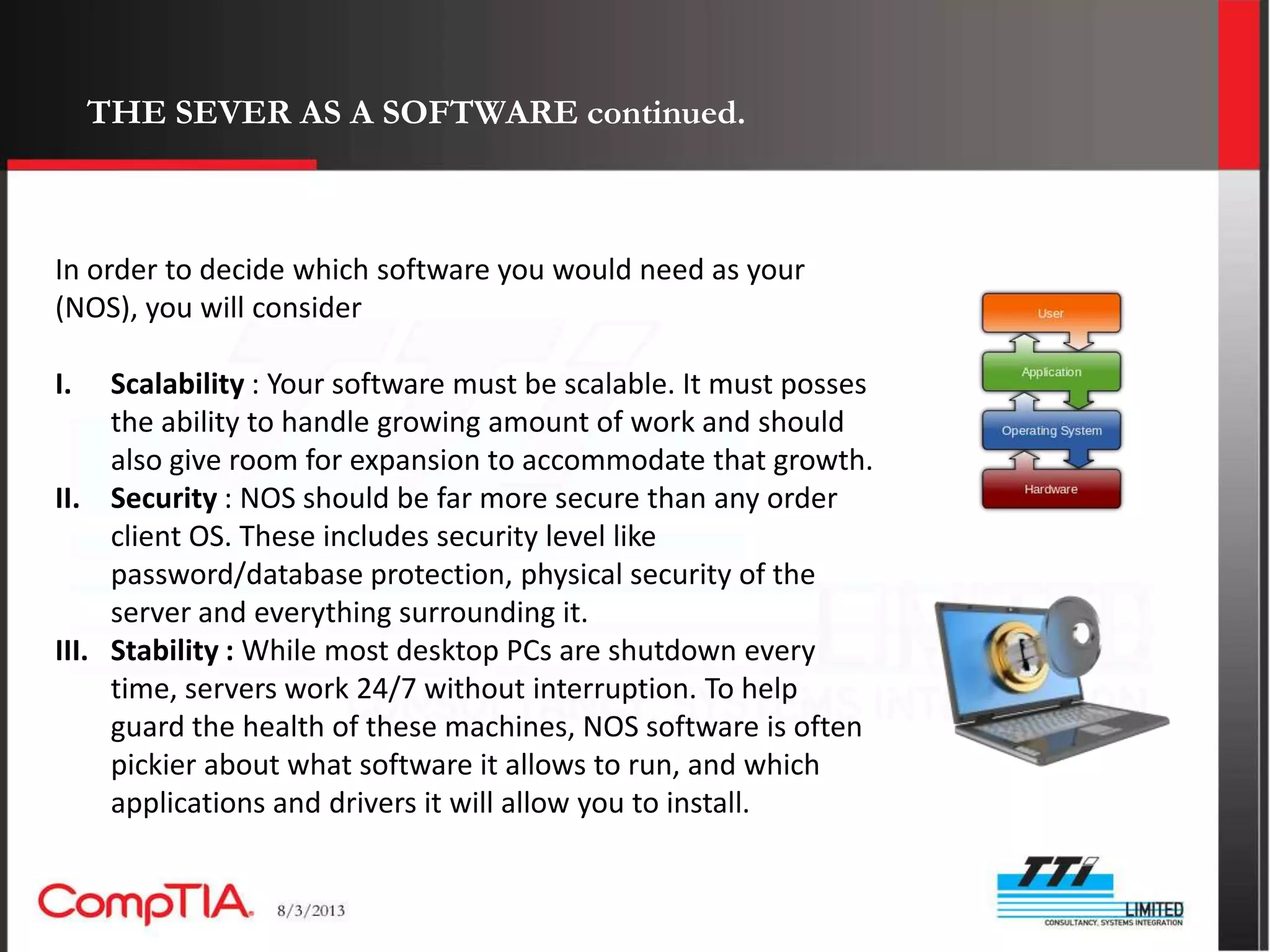
In order to decide which software you would need as your
(NOS), you will consider

I.   Scalability : Your software must be scalable. It must posses
     the ability to handle growing amount of work and should
     also give room for expansion to accommodate that growth.
II. Security : NOS should be far more secure than any order
     client OS. These includes security level like
     password/database protection, physical security of the
     server and everything surrounding it.
III. Stability : While most desktop PCs are shutdown every
     time, servers work 24/7 without interruption. To help
     guard the health of these machines, NOS software is often
     pickier about what software it allows to run, and which
     applications and drivers it will allow you to install.
THE SERVER AS A HARDWARE


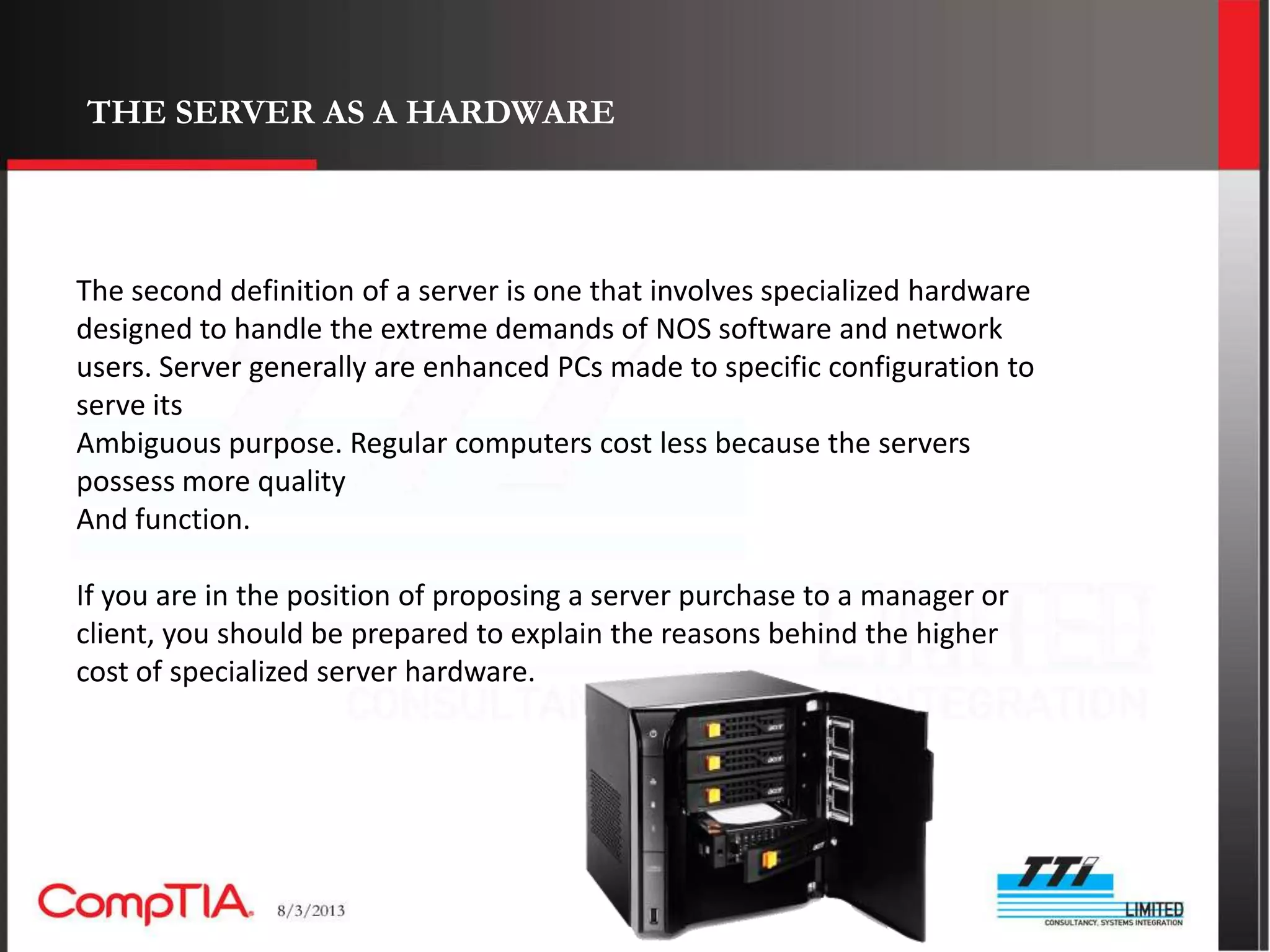
The second definition of a server is one that involves specialized hardware
designed to handle the extreme demands of NOS software and network
users. Server generally are enhanced PCs made to specific configuration to
serve its
Ambiguous purpose. Regular computers cost less because the servers
possess more quality
And function.

If you are in the position of proposing a server purchase to a manager or
client, you should be prepared to explain the reasons behind the higher
cost of specialized server hardware.
THE SERVER AS A HARDWARE continued

Putting more light of why you should be prepared to explain reasons
behind the higher cost Of specialized hardware.

Expandability : One of the most important characteristics of server-
class hardware is that it is generally built with generous expansion
capability. Most servers allow for far more RAM (often over 4GB).

We have modern i7 systems that supports like 8 processors, but the
Sun’s Solaris advanced server supports up to 128 processors on a
single system. Besides network operating systems are designed to
allow for features like clustering and load balancing.
Clustering – Server clustering is the ability for more than one server
to allow sharing of resources, whereby a single virtual server is
created out of a number of machines. They share same IP and array
of data.
Load balancing – Similar to clustering. It allows 2 or more servers to
team up and do a single job, both servers are distinguished by there
ability to retain each copy of needed resources in both servers.
THE SERVER AS A HARDWARE continued


 Dependability :

 Quality :
TYPE OF SEVERS
TYPE OF SEVERS

Comptia server presentation

  • 2.
    In these partwe’ll be looking at: • THE SERVER • SERVER TYPES AND ROLES • PLANNING ( PROJECT GOAL, CONFIGURATION, BUDGETING ETC) • VERIFICATION ( HARDWARE, UPS, POWER SOURCE, NETWORK ETC) • HARDWARE INSTALLATION ( HARDISK, RAM, SERVER FORM FACTORS ETC) • HARDWARE CONFIGURATION WHICH INCLUDES: I. MOTHERBOARD AND PROCESSORS II. STORAGE COMPONENTS AND DEVICES III. FAULT TOLERANCE AND REDUNDANCY
  • 3.
    DEFINITION : What isa Server: A server is a software designed to help other computers to perform Various task in a Network as well as storing and distributing information over a Network. A Server also is said to be a hardware device designed to accommodate server software.
  • 4.
    TYPE OF SEVERS  Application server  Print servers  Catalog server  Sound servers  Communication server  Proxy servers  Data base servers  Stand alone servers  Computer servers  HTTP servers  Fax servers  Files servers  Game servers  Name servers or DNS
  • 5.
    THE SEVER ASA SOFTWARE The function ability of a computer is dependent on its ability to use or work with an OS(operating system). The OS gives the computer the platform or the code it functions With. Example of modern operating systems are Androids, Microsoft windows, Mac os X BSD etc. The network operating system (NOS) defines the bases of a server description, an operating System capable of sharing files on a network is called a server.
  • 6.
    SEVER CLASS OPERATINGSYSTEM Server class operating system are those software that are installed on a sever which thereby run that particular server machine. We have different kinds of server class operating systems listed below. i. NETWARE ii. OS/2 iii. SOLARIS iv. WINDOWS 2000 SERVER
  • 7.
    THE SEVER ASA SOFTWARE continued. In order to decide which software you would need as your (NOS), you will consider I. Scalability : Your software must be scalable. It must posses the ability to handle growing amount of work and should also give room for expansion to accommodate that growth. II. Security : NOS should be far more secure than any order client OS. These includes security level like password/database protection, physical security of the server and everything surrounding it. III. Stability : While most desktop PCs are shutdown every time, servers work 24/7 without interruption. To help guard the health of these machines, NOS software is often pickier about what software it allows to run, and which applications and drivers it will allow you to install.
  • 8.
    THE SERVER ASA HARDWARE The second definition of a server is one that involves specialized hardware designed to handle the extreme demands of NOS software and network users. Server generally are enhanced PCs made to specific configuration to serve its Ambiguous purpose. Regular computers cost less because the servers possess more quality And function. If you are in the position of proposing a server purchase to a manager or client, you should be prepared to explain the reasons behind the higher cost of specialized server hardware.
  • 9.
    THE SERVER ASA HARDWARE continued Putting more light of why you should be prepared to explain reasons behind the higher cost Of specialized hardware. Expandability : One of the most important characteristics of server- class hardware is that it is generally built with generous expansion capability. Most servers allow for far more RAM (often over 4GB). We have modern i7 systems that supports like 8 processors, but the Sun’s Solaris advanced server supports up to 128 processors on a single system. Besides network operating systems are designed to allow for features like clustering and load balancing. Clustering – Server clustering is the ability for more than one server to allow sharing of resources, whereby a single virtual server is created out of a number of machines. They share same IP and array of data. Load balancing – Similar to clustering. It allows 2 or more servers to team up and do a single job, both servers are distinguished by there ability to retain each copy of needed resources in both servers.
  • 10.
    THE SERVER ASA HARDWARE continued Dependability : Quality :
  • 11.
  • 12.