IT Security Policy
Webinar
Series
July 2017
About Community IT
Advancing mission
through the effective use
of technology.
100% Employee Owned
Presenter
Matthew Eshleman
CTO
Background Reading
• Co-sponsored Idealware Security Report in 2016
• http://www.idealware.org/reports/nonprofits-
need-know-security-practical-guide-managing-
risk/
• Community IT Security Playbook
• http://www.communityit.com/blog/security-
playbook/
• Security webinars
• http://www.communityit.com/resources/2016-
jan-it-security-threats/
• http://www.communityit.com/resources/webi
nar-february-18-2016-backups-and-disaster-
recovery-for-nonprofits/
• http://www.communityit.com/resources/2017-
march-webinar-security-readiness/
• SANS Security Policy Templates
• https://www.sans.org/security-
resources/policies/
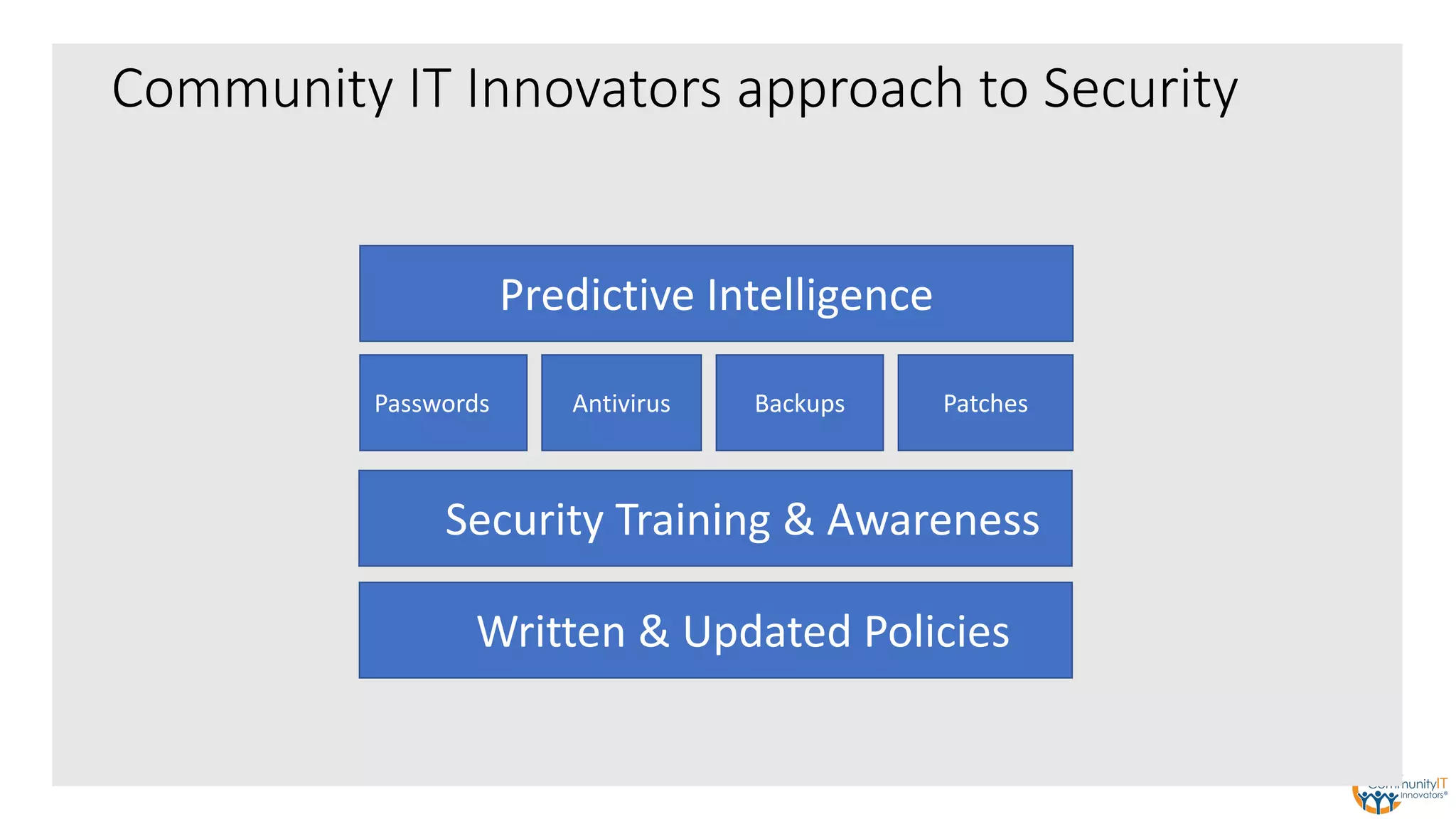
Community IT Innovators approach to Security
Written & Updated Policies
Predictive Intelligence
Security Training & Awareness
Passwords Antivirus Backups Patches
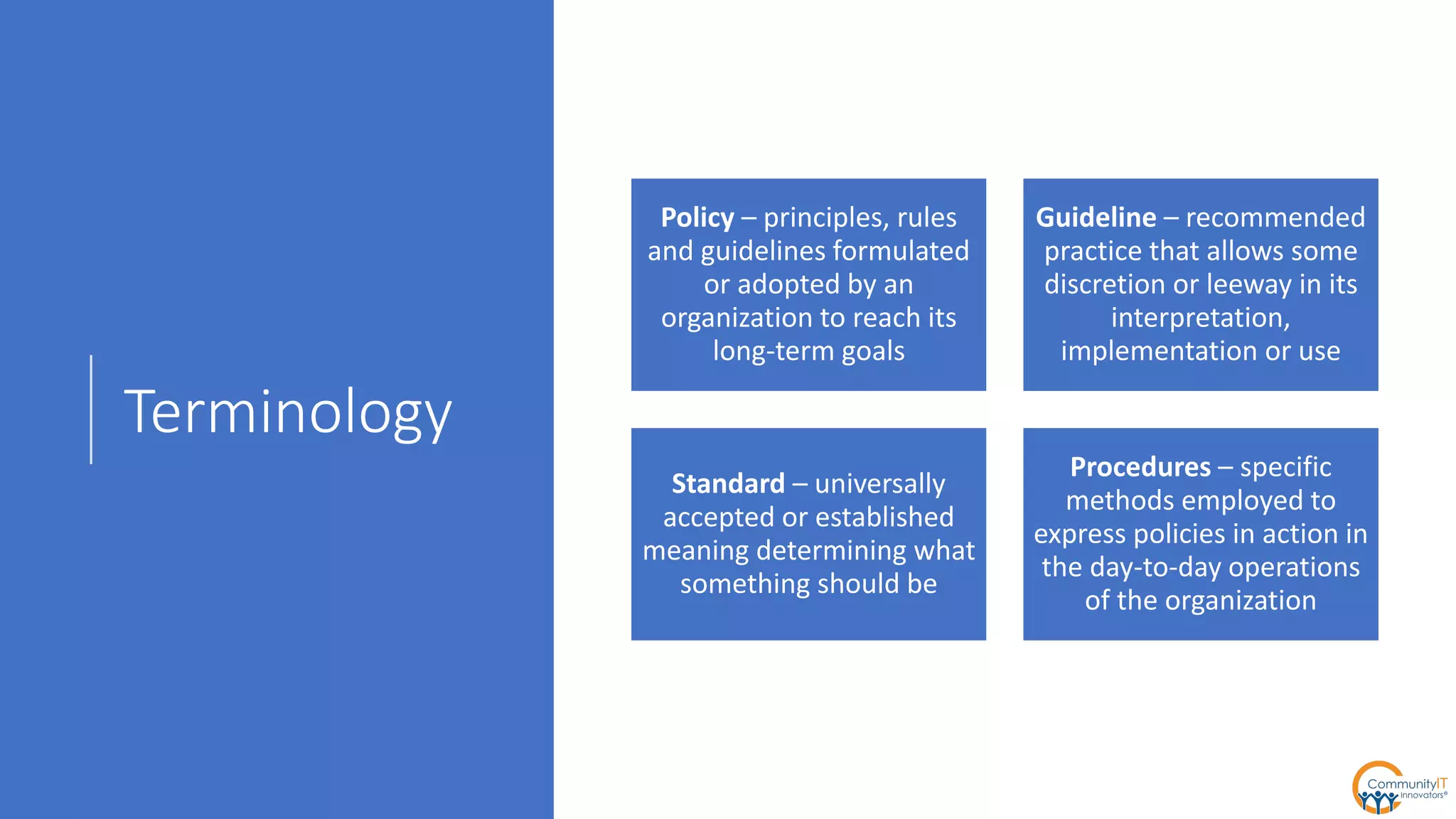
Terminology
Policy – principles, rules
and guidelines formulated
or adopted by an
organization to reach its
long-term goals
Guideline – recommended
practice that allows some
discretion or leeway in its
interpretation,
implementation or use
Standard – universally
accepted or established
meaning determining what
something should be
Procedures – specific
methods employed to
express policies in action in
the day-to-day operations
of the organization
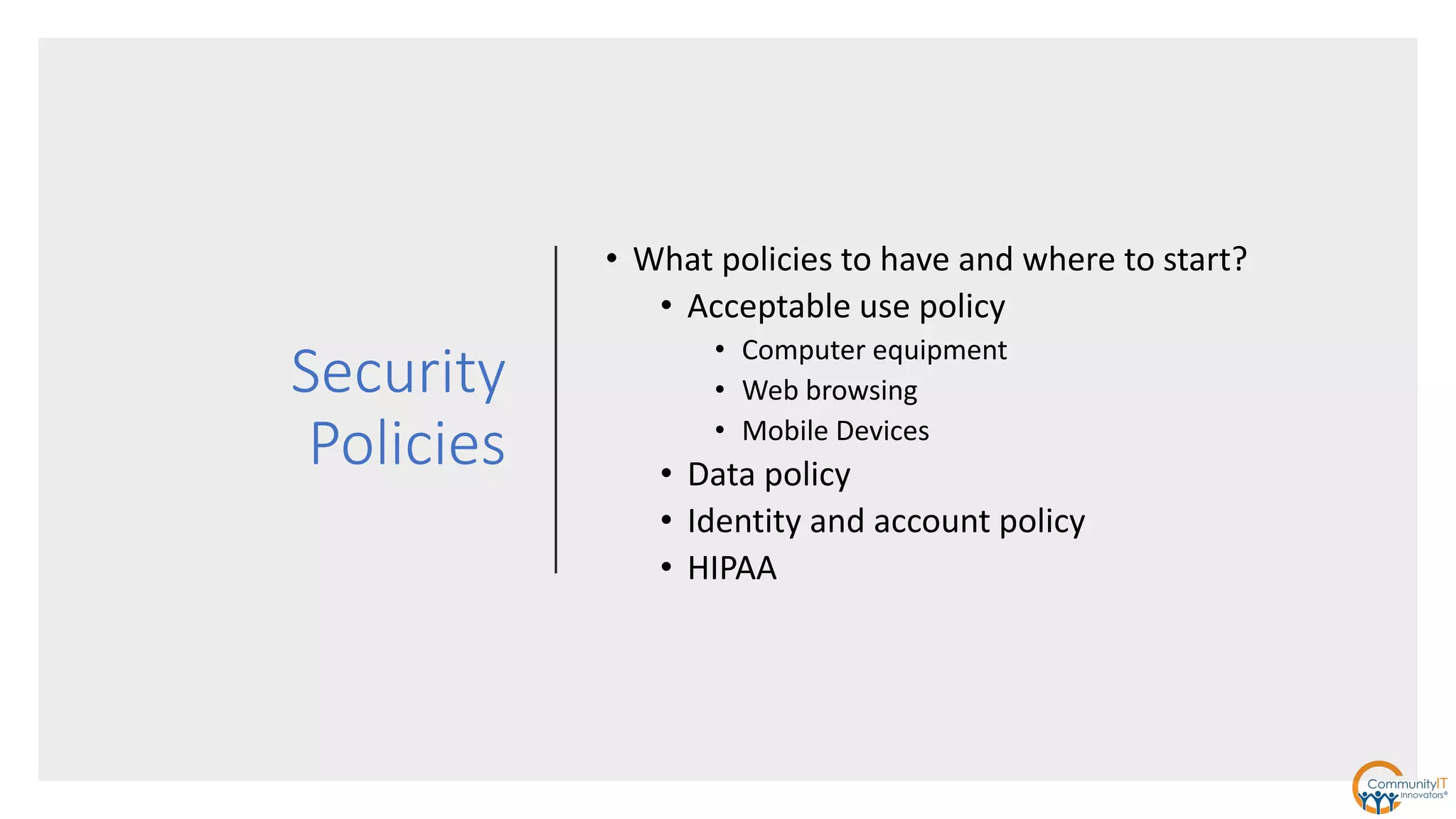
Security
Policies
• What policies to have and where to start?
• Acceptable use policy
• Computer equipment
• Web browsing
• Mobile Devices
• Data policy
• Identity and account policy
• HIPAA
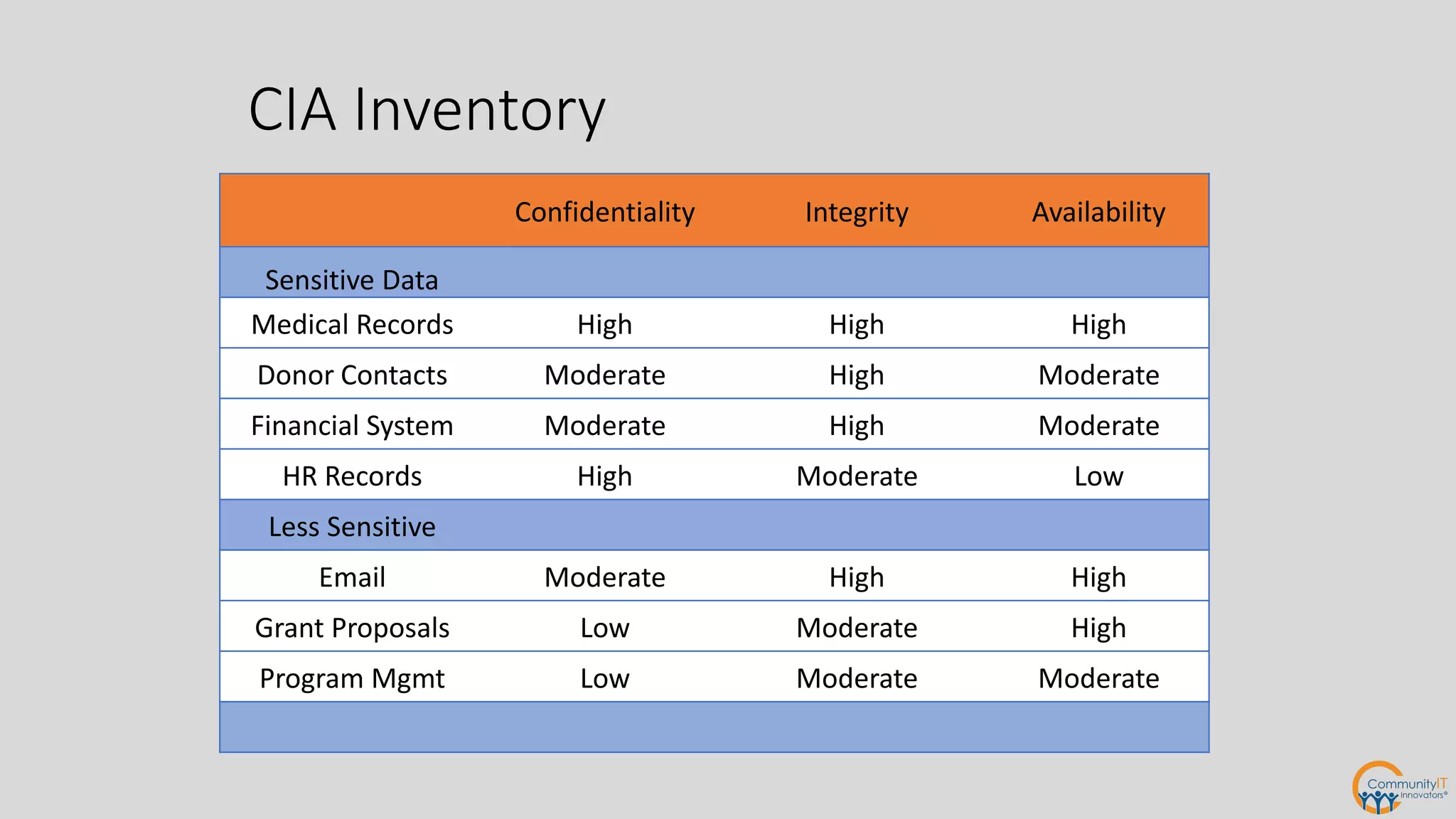
CIA Inventory
Confidentiality Integrity Availability
Sensitive Data
Medical Records High High High
Donor Contacts Moderate High Moderate
Financial System Moderate High Moderate
HR Records High Moderate Low
Less Sensitive
Email Moderate High High
Grant Proposals Low Moderate High
Program Mgmt Low Moderate Moderate
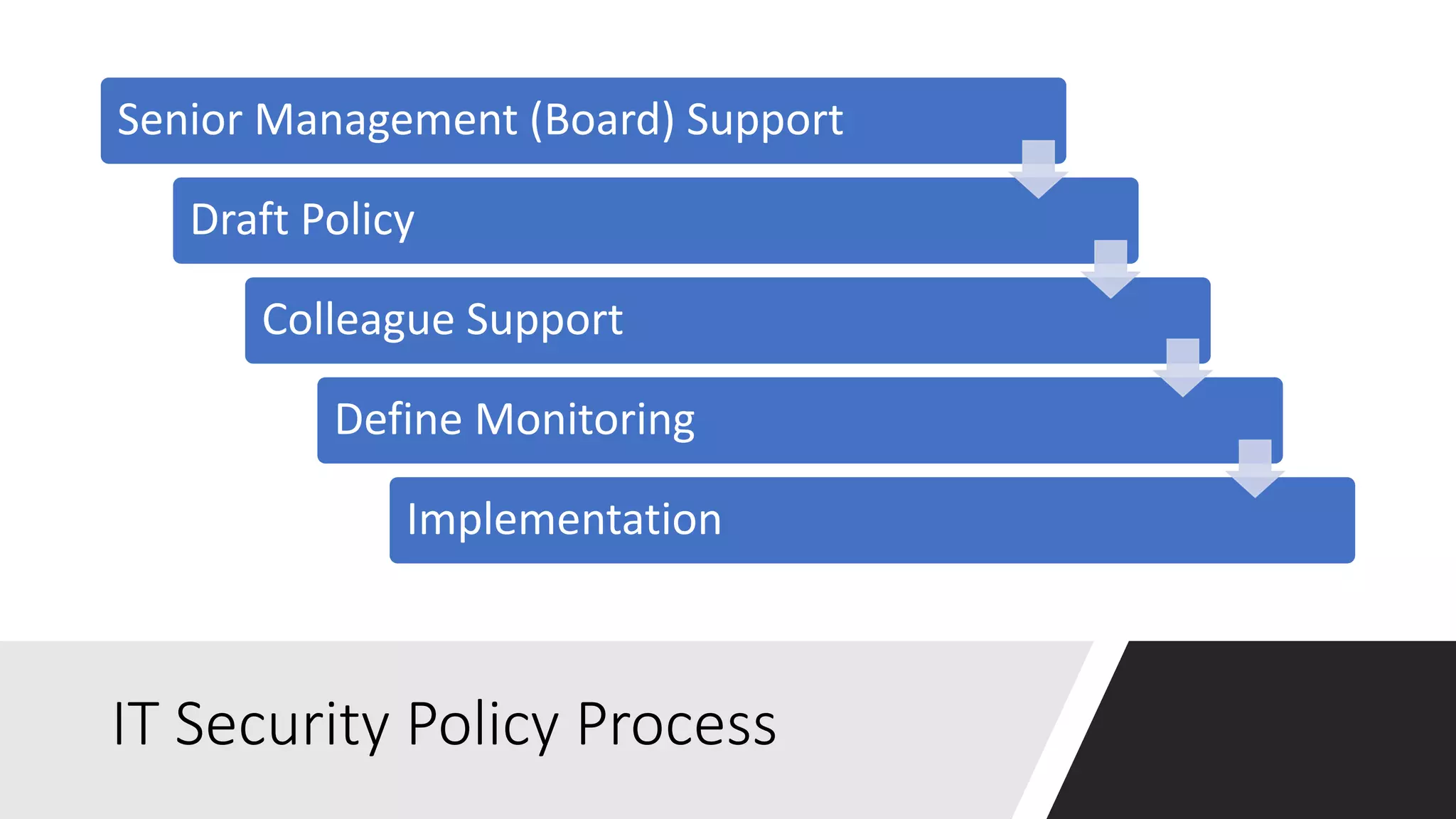
IT Security Policy Process
Senior Management (Board) Support
Draft Policy
Colleague Support
Define Monitoring
Implementation
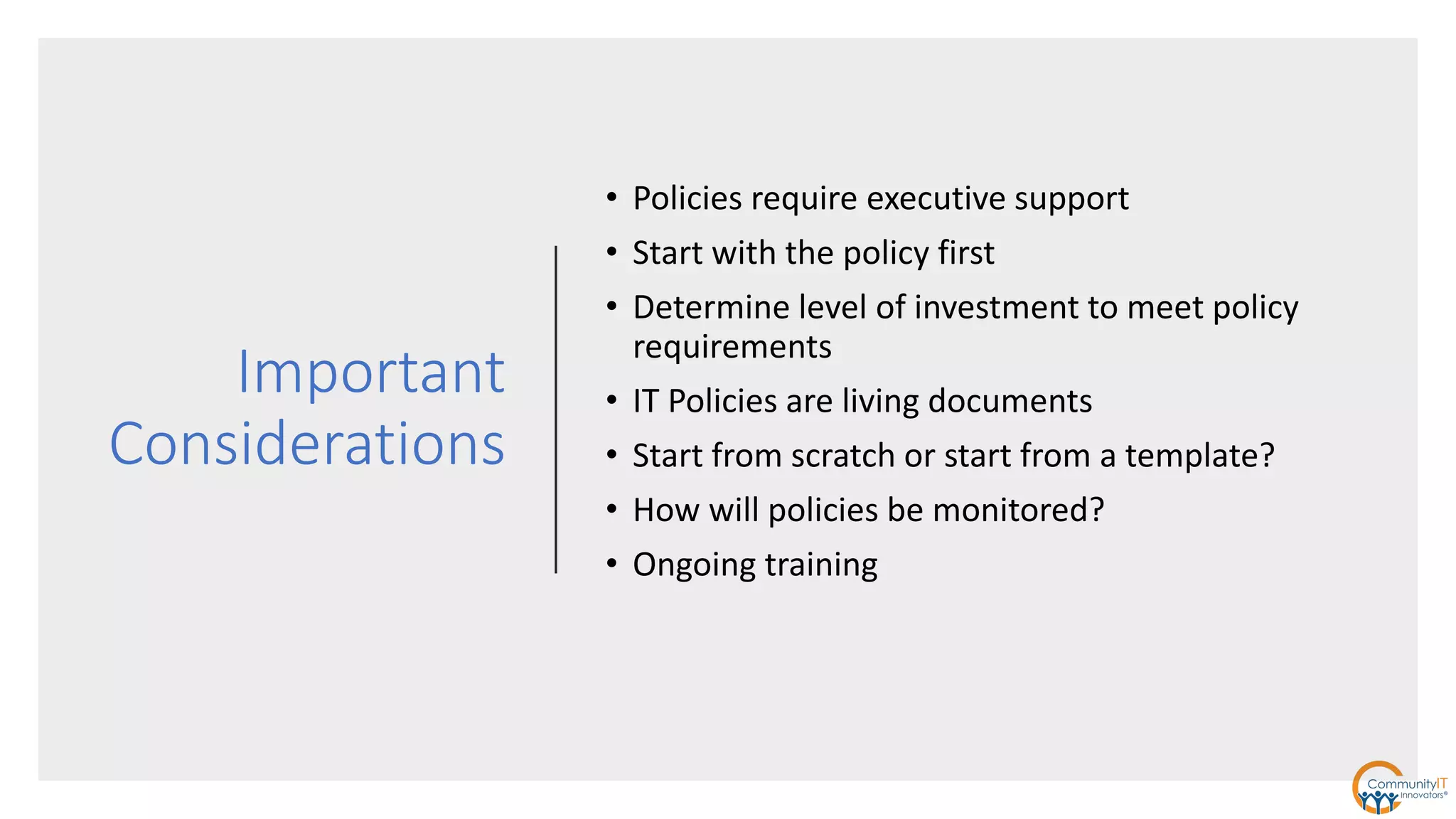
Important
Considerations
• Policies require executive support
• Start with the policy first
• Determine level of investment to meet policy
requirements
• IT Policies are living documents
• Start from scratch or start from a template?
• How will policies be monitored?
• Ongoing training
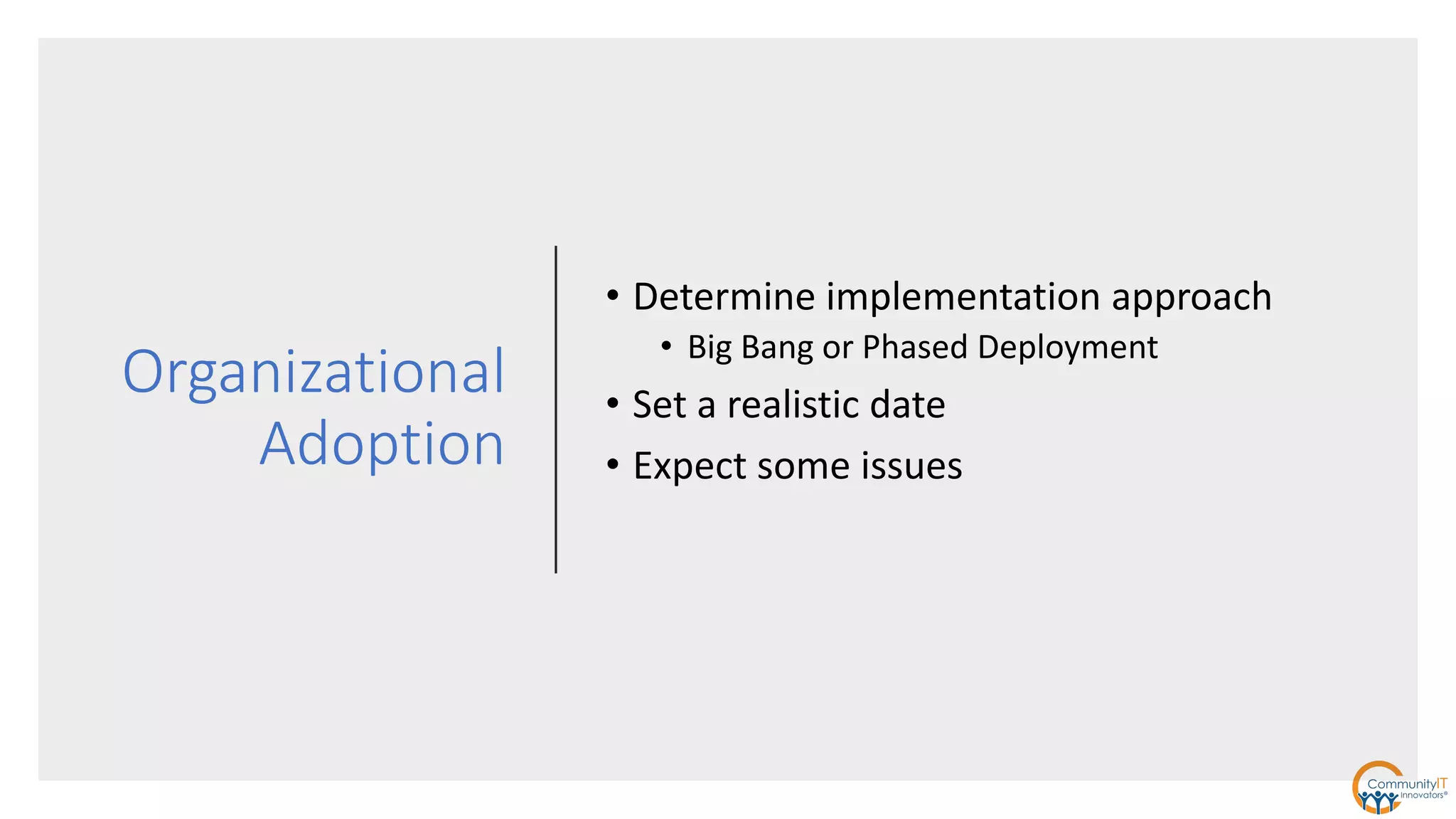
Organizational
Adoption
• Determine implementation approach
• Big Bang or Phased Deployment
• Set a realistic date
• Expect some issues
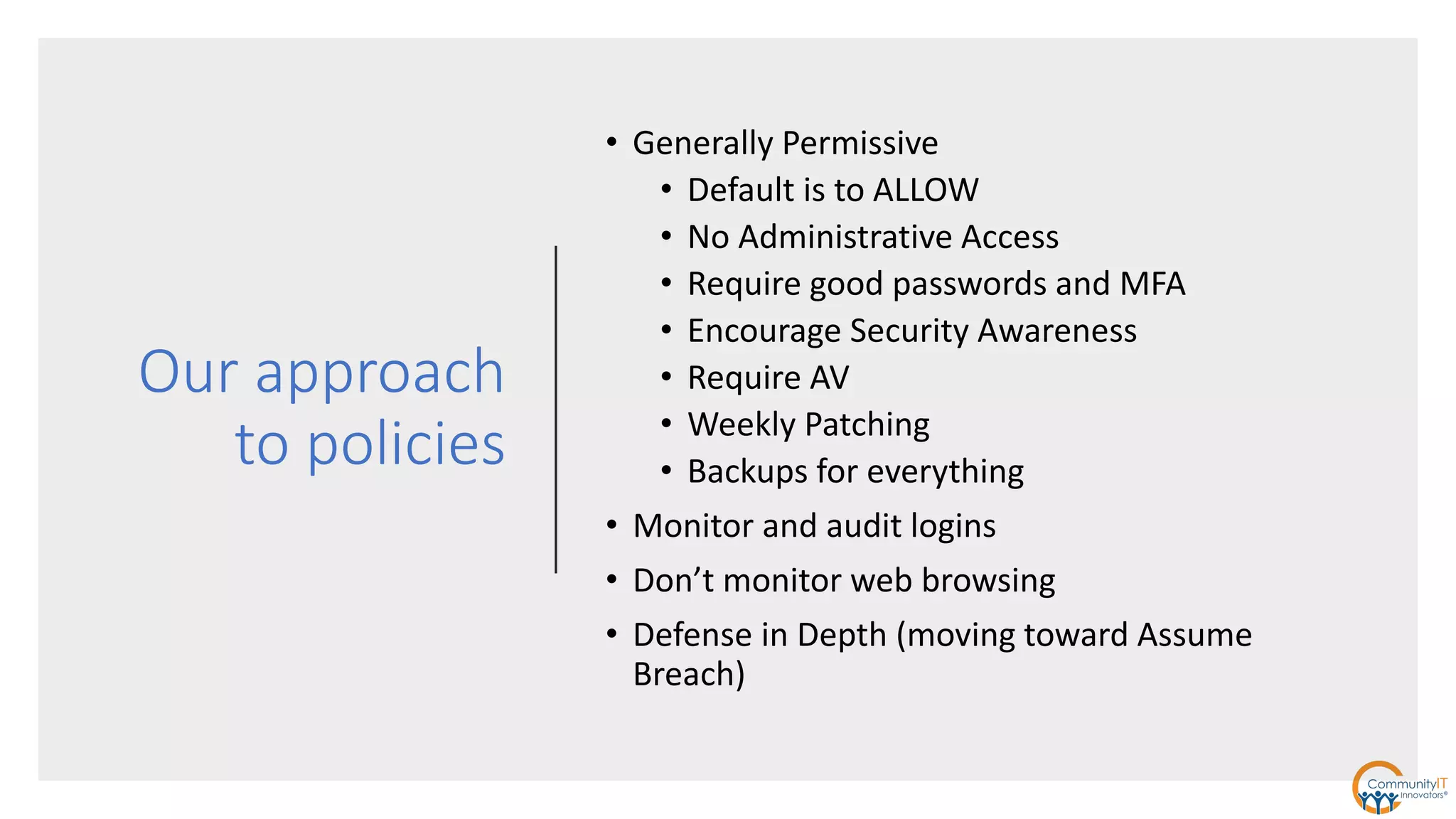
Our approach
to policies
• Generally Permissive
• Default is to ALLOW
• No Administrative Access
• Require good passwords and MFA
• Encourage Security Awareness
• Require AV
• Weekly Patching
• Backups for everything
• Monitor and audit logins
• Don’t monitor web browsing
• Defense in Depth (moving toward Assume
Breach)
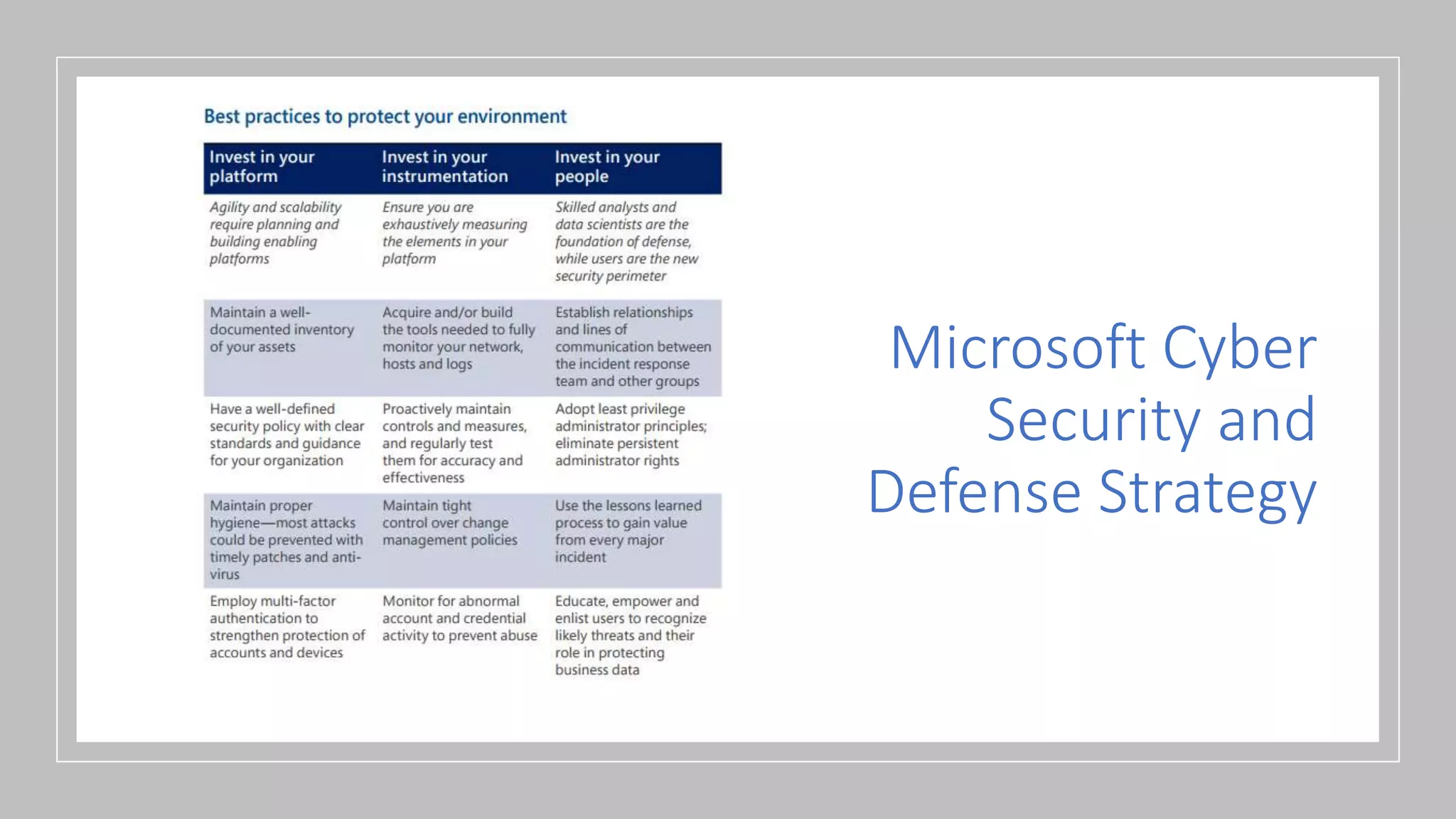
Microsoft Cyber
Security and
Defense Strategy
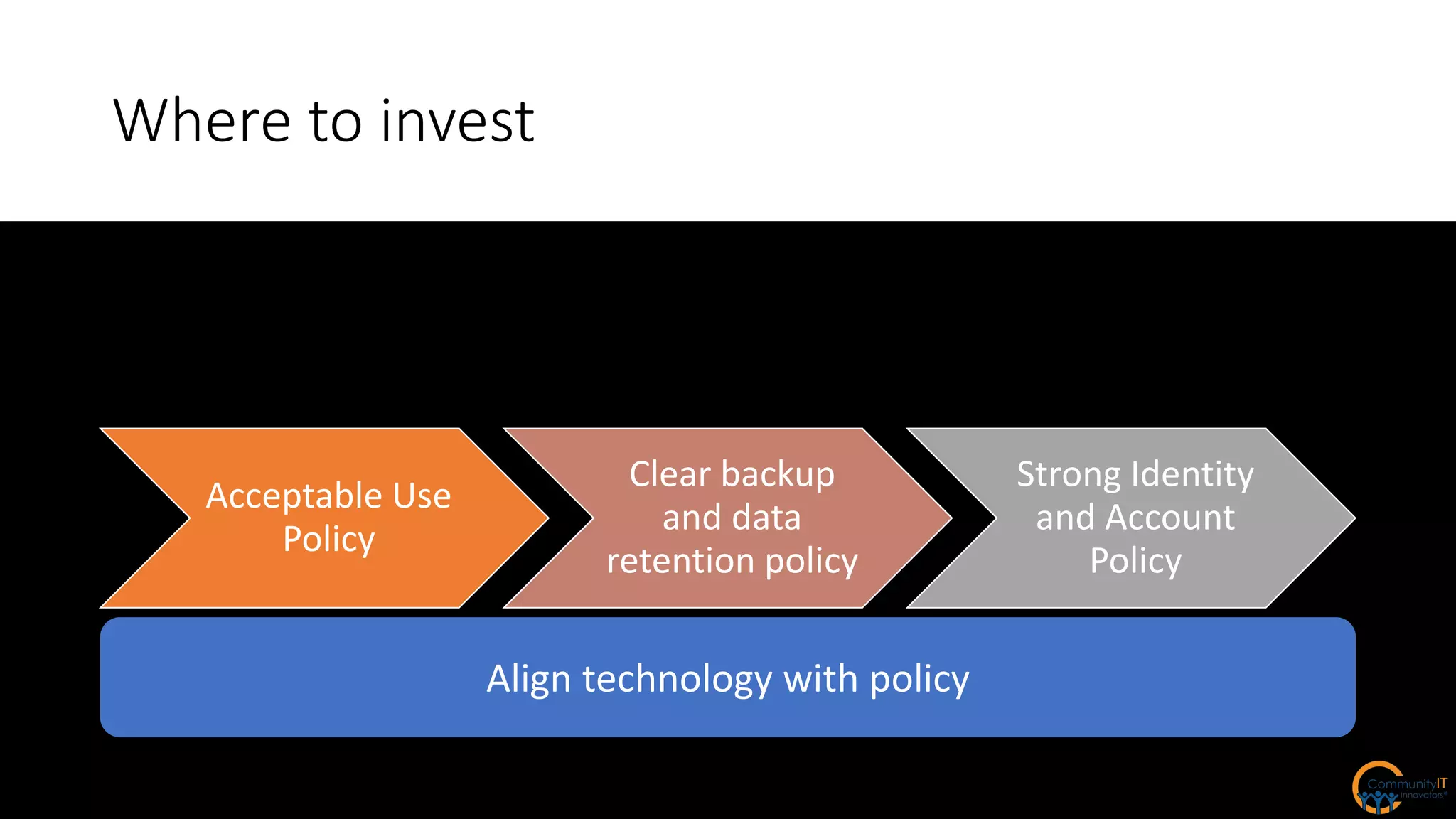
Where to invest
Acceptable Use
Policy
Clear backup
and data
retention policy
Strong Identity
and Account
Policy
Align technology with policy
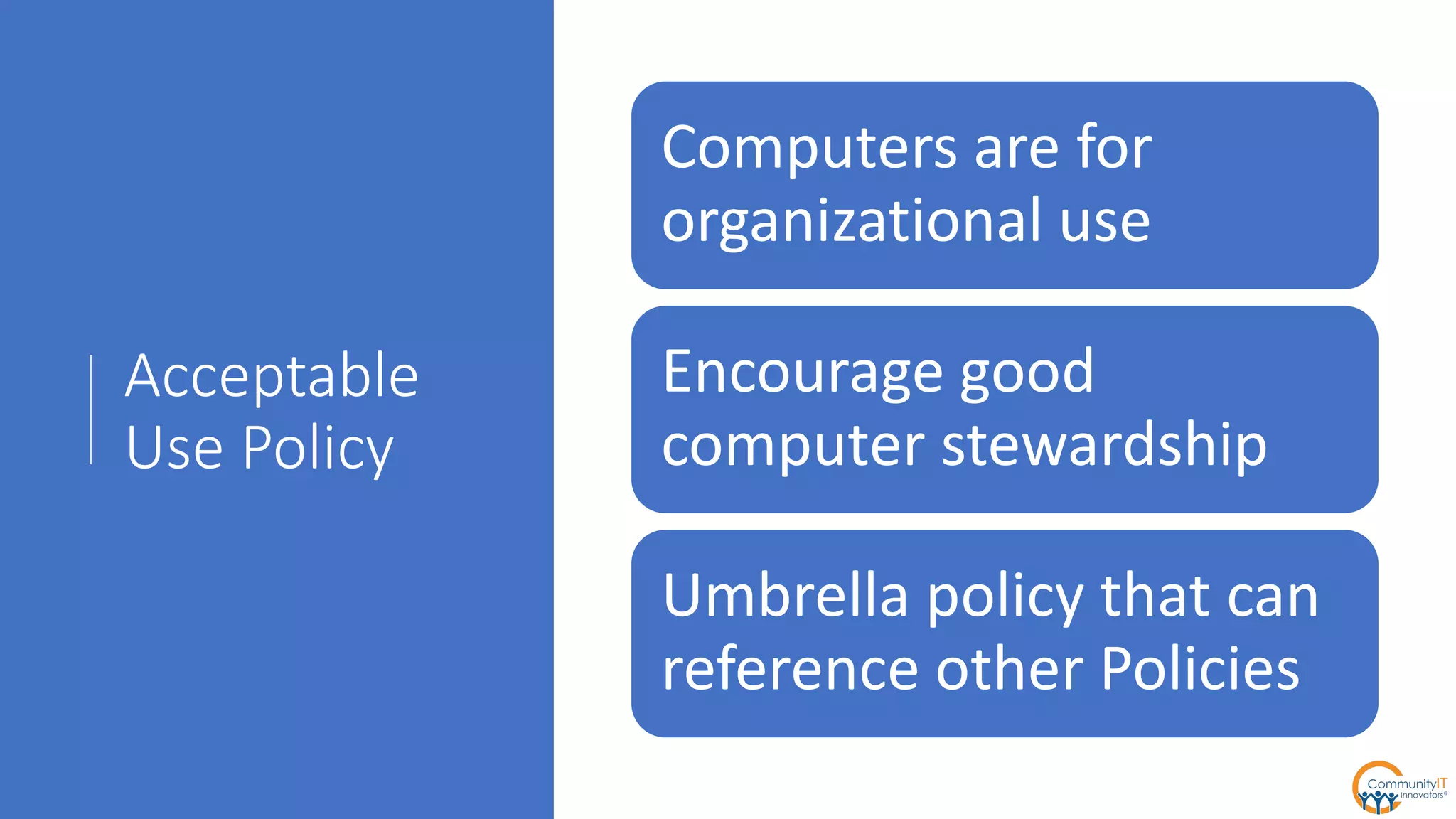
Acceptable
Use Policy
Computers are for
organizational use
Encourage good
computer stewardship
Umbrella policy that can
reference other Policies
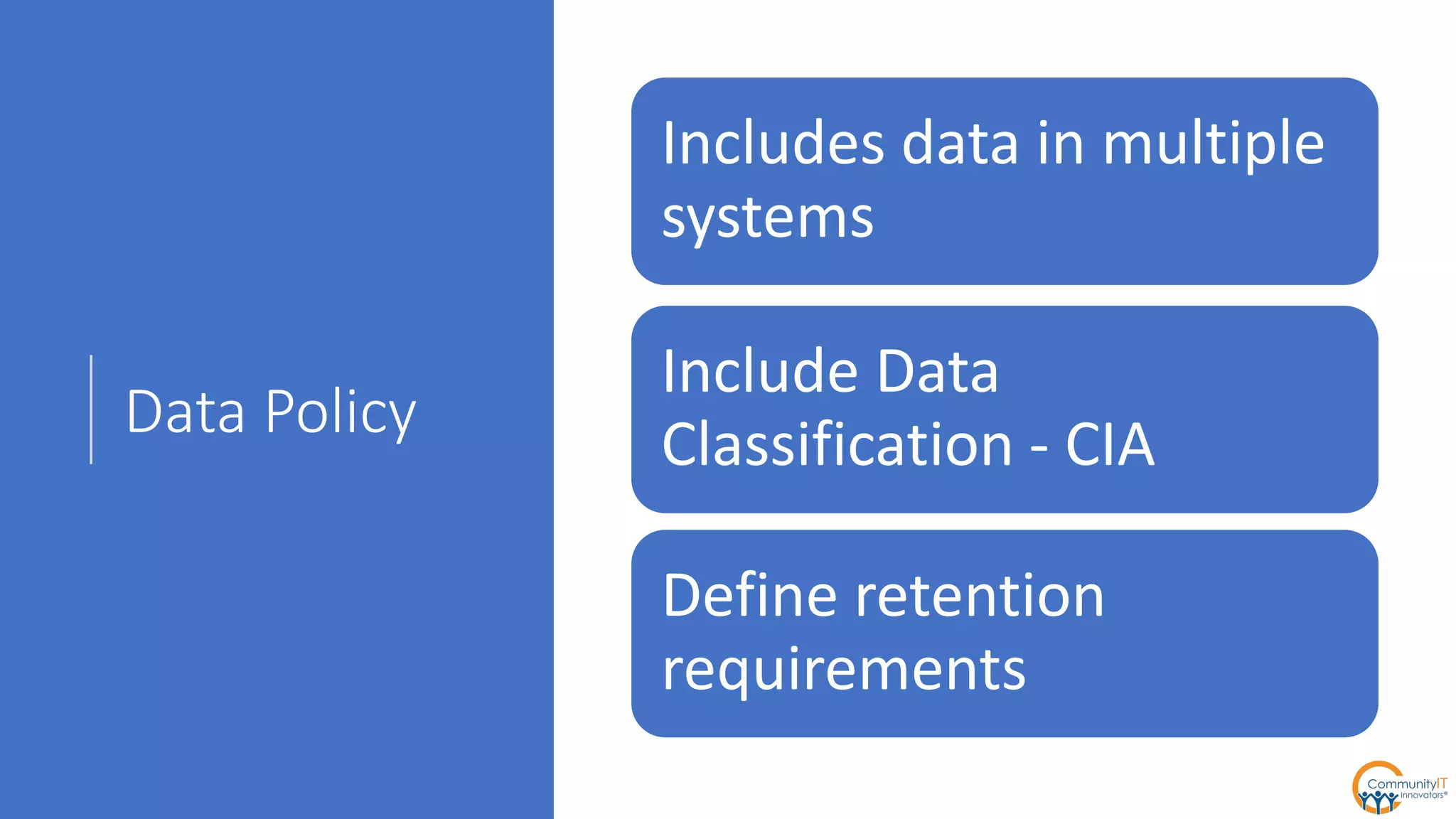
Data Policy
Includes data in multiple
systems
Include Data
Classification - CIA
Define retention
requirements
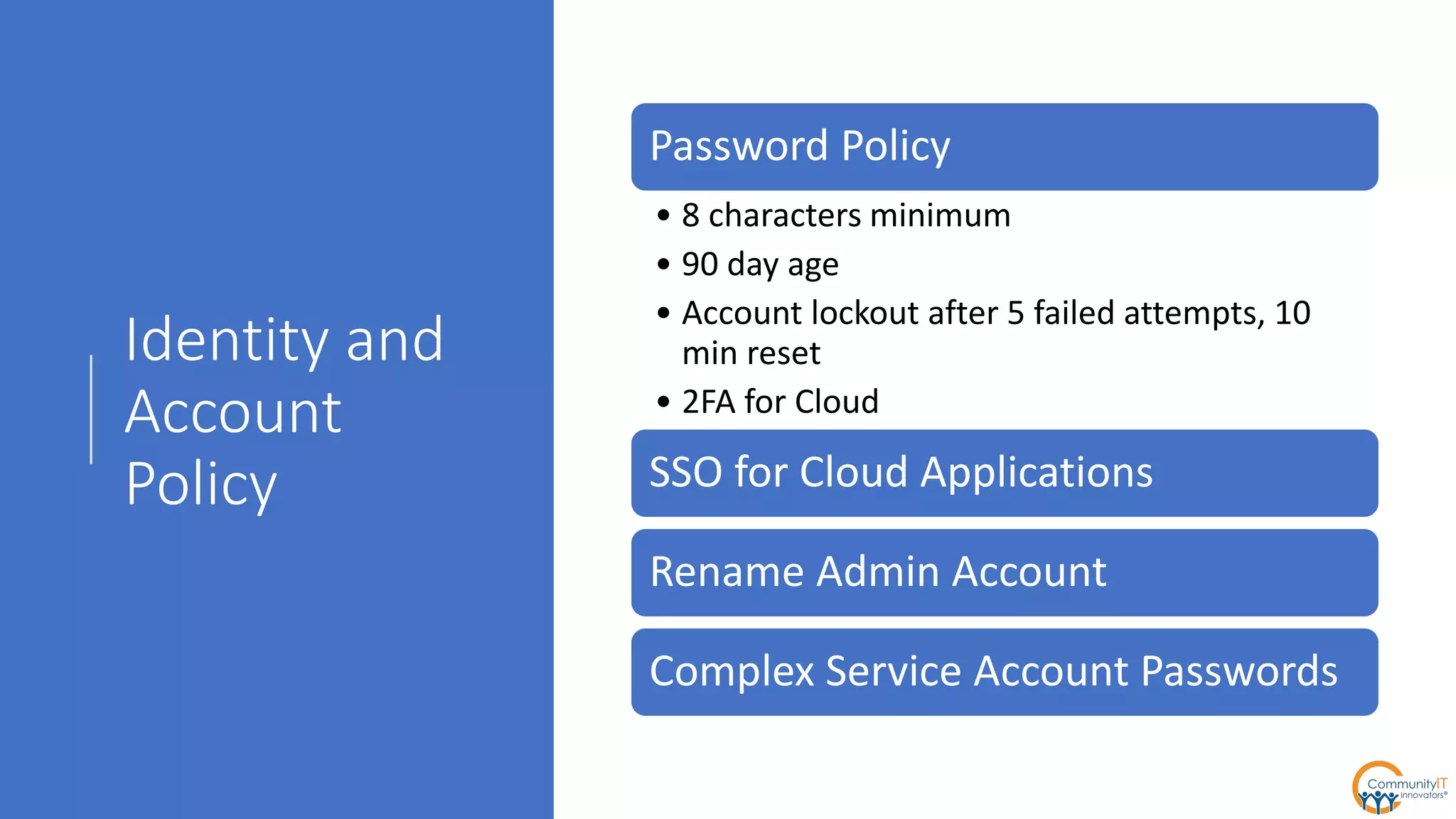
Identity and
Account
Policy
Password Policy
• 8 characters minimum
• 90 day age
• Account lockout after 5 failed attempts, 10
min reset
• 2FA for Cloud
SSO for Cloud Applications
Rename Admin Account
Complex Service Account Passwords
Questions?
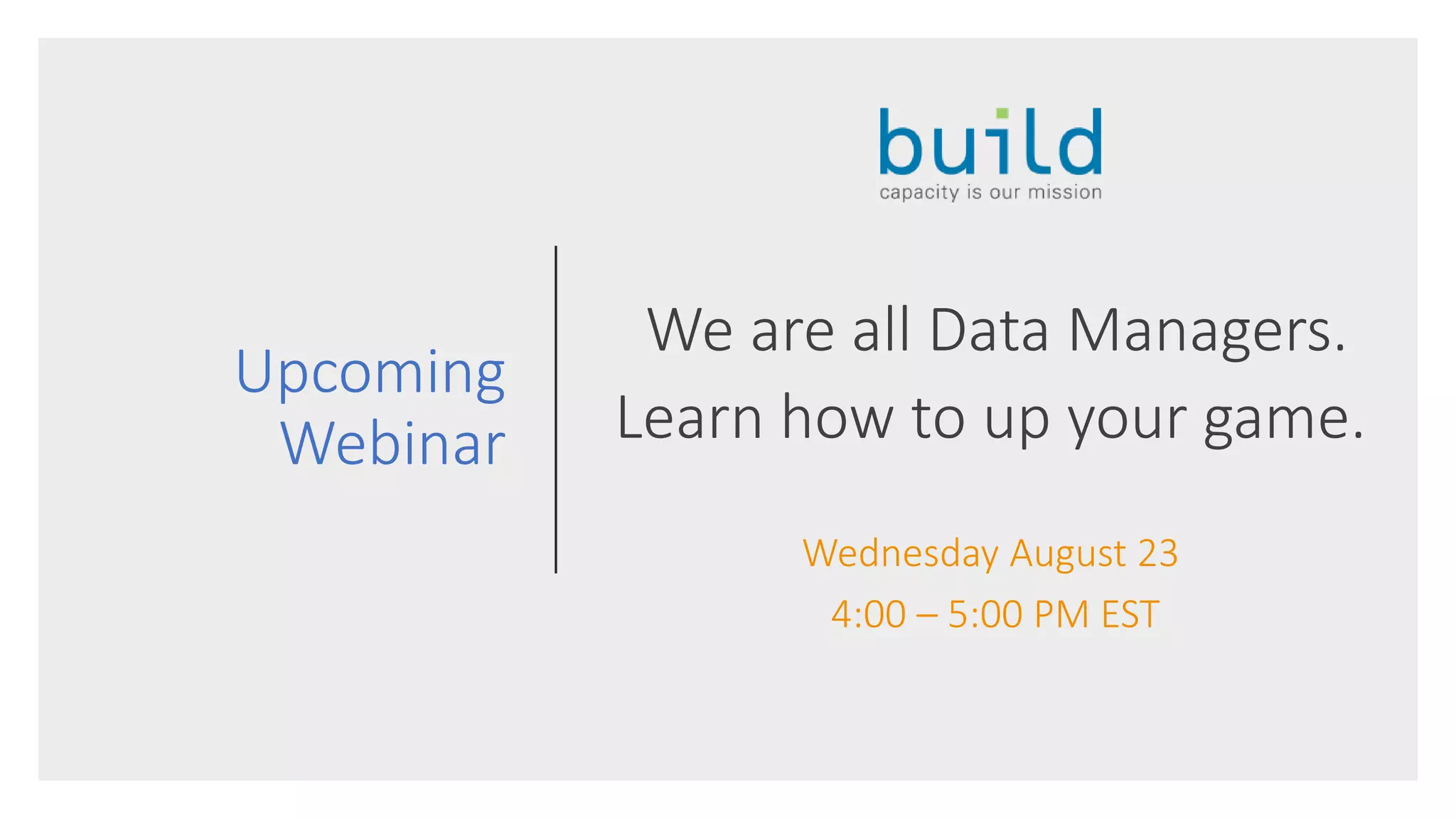
Upcoming
Webinar
We are all Data Managers.
Learn how to up your game.
Wednesday August 23
4:00 – 5:00 PM EST

Community IT - Crafting Nonprofit IT Security Policy

  • 1.
  • 2.
    About Community IT Advancingmission through the effective use of technology. 100% Employee Owned
  • 3.
  • 4.
    Background Reading • Co-sponsoredIdealware Security Report in 2016 • http://www.idealware.org/reports/nonprofits- need-know-security-practical-guide-managing- risk/ • Community IT Security Playbook • http://www.communityit.com/blog/security- playbook/ • Security webinars • http://www.communityit.com/resources/2016- jan-it-security-threats/ • http://www.communityit.com/resources/webi nar-february-18-2016-backups-and-disaster- recovery-for-nonprofits/ • http://www.communityit.com/resources/2017- march-webinar-security-readiness/ • SANS Security Policy Templates • https://www.sans.org/security- resources/policies/
  • 5.
    Community IT Innovatorsapproach to Security Written & Updated Policies Predictive Intelligence Security Training & Awareness Passwords Antivirus Backups Patches
  • 6.
    Terminology Policy – principles,rules and guidelines formulated or adopted by an organization to reach its long-term goals Guideline – recommended practice that allows some discretion or leeway in its interpretation, implementation or use Standard – universally accepted or established meaning determining what something should be Procedures – specific methods employed to express policies in action in the day-to-day operations of the organization
  • 7.
    Security Policies • What policiesto have and where to start? • Acceptable use policy • Computer equipment • Web browsing • Mobile Devices • Data policy • Identity and account policy • HIPAA
  • 8.
    CIA Inventory Confidentiality IntegrityAvailability Sensitive Data Medical Records High High High Donor Contacts Moderate High Moderate Financial System Moderate High Moderate HR Records High Moderate Low Less Sensitive Email Moderate High High Grant Proposals Low Moderate High Program Mgmt Low Moderate Moderate
  • 9.
    IT Security PolicyProcess Senior Management (Board) Support Draft Policy Colleague Support Define Monitoring Implementation
  • 10.
    Important Considerations • Policies requireexecutive support • Start with the policy first • Determine level of investment to meet policy requirements • IT Policies are living documents • Start from scratch or start from a template? • How will policies be monitored? • Ongoing training
  • 11.
    Organizational Adoption • Determine implementationapproach • Big Bang or Phased Deployment • Set a realistic date • Expect some issues
  • 12.
    Our approach to policies •Generally Permissive • Default is to ALLOW • No Administrative Access • Require good passwords and MFA • Encourage Security Awareness • Require AV • Weekly Patching • Backups for everything • Monitor and audit logins • Don’t monitor web browsing • Defense in Depth (moving toward Assume Breach)
  • 13.
  • 14.
    Where to invest AcceptableUse Policy Clear backup and data retention policy Strong Identity and Account Policy Align technology with policy
  • 15.
    Acceptable Use Policy Computers arefor organizational use Encourage good computer stewardship Umbrella policy that can reference other Policies
  • 16.
    Data Policy Includes datain multiple systems Include Data Classification - CIA Define retention requirements
  • 17.
    Identity and Account Policy Password Policy •8 characters minimum • 90 day age • Account lockout after 5 failed attempts, 10 min reset • 2FA for Cloud SSO for Cloud Applications Rename Admin Account Complex Service Account Passwords
  • 18.
  • 19.
    Upcoming Webinar We are allData Managers. Learn how to up your game. Wednesday August 23 4:00 – 5:00 PM EST

Editor's Notes

  • #19 - What is your best guidance for balancing security, with reasonable policies that do not unreasonably impede team productivity?