SecurityPolicies :INTRODUCTION
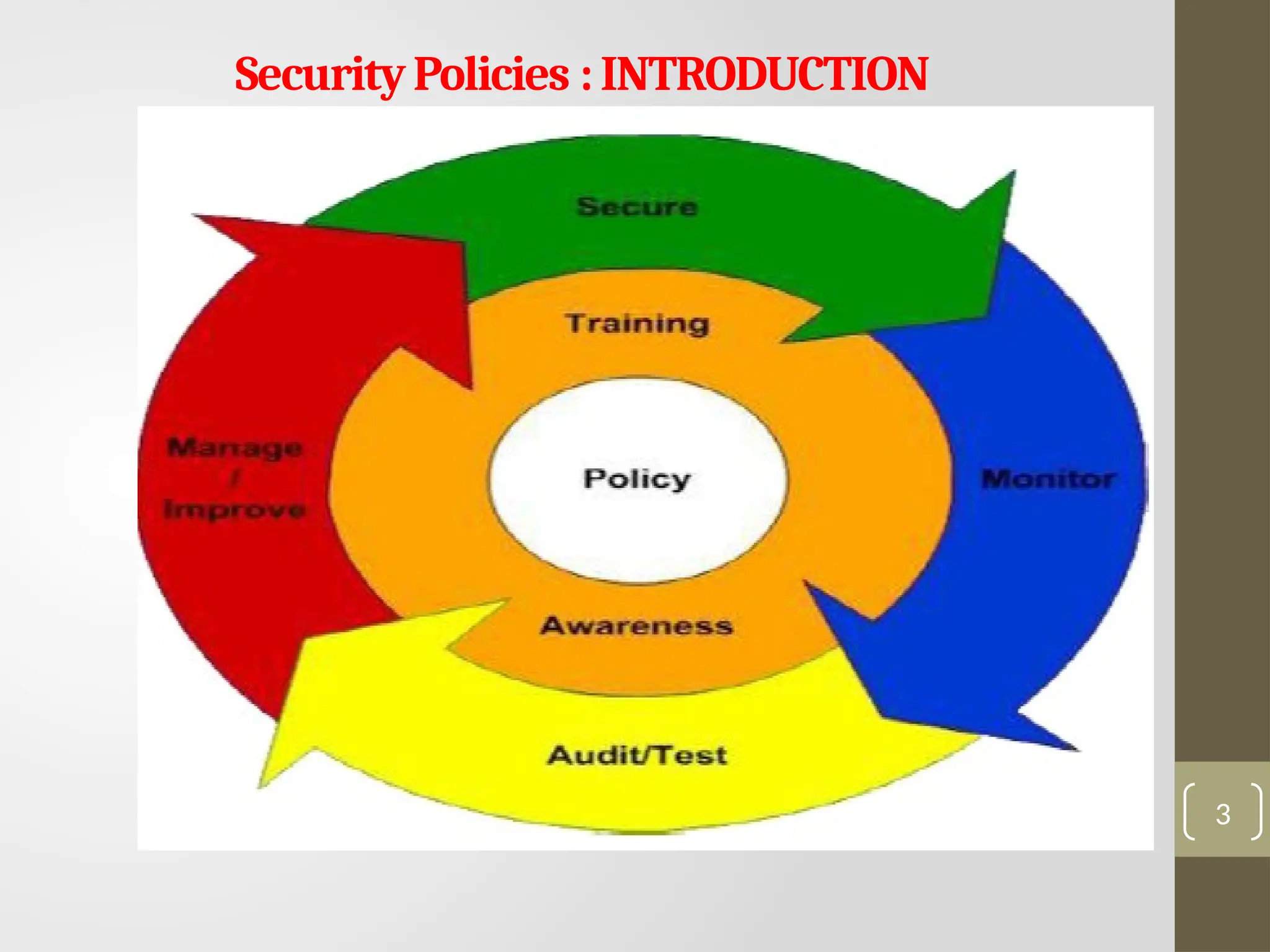
Securitypolicies are a formal set of rules which is
issued by an organization to ensure that the user
who are authorized to access company technology
and information assets comply with rules and
guidelines related to the security of information.
A security policy is a document that states in writing
how a company plans to protect its physical and
information technology (IT) assets.
It is a written document in the organization which is
responsible for how to protect the organizations
from threats and how to handles them when they
will occur.
2
PoliciesShouldDefine:
A security policyshould have, at minimum, the
following sections:
1. Overview: Provides background information
on the issue that the policy will address.
2. Purpose: Specifies why the policy is needed.
3. Scope: Lays out exactly who and what the
policy covers.
4. Target Audience: Advises for whom the
policy is intended.
4
5.
PoliciesShouldDefine:
5. Policies: Thisis the main section of the document,
and provides statements on each aspect of the policy.
For example, an Acceptable Use Policy might have
individual policy statements relating to Internet use,
email use, software installation, and network access
from home computers, etc.
6. Definitions : For clarity, any technical terms should
be defined.
7. Version: To ensure consistent use and application
of the policy, include a version number that is
changed to reflect any changes/updates to the
policy. Security policies should be concise and as brief
as possible while still fulfilling their purpose.
5
6.
NeedofSecurityPolicies
1) It increasesefficiency
A policy is being able to increase the level of consistency
which saves time, money and resources.
The policy should inform the employees about their
individual duties, and telling them what they can do and
what they cannot do with the organization sensitive
information.
2) It upholds discipline and accountability
When any human mistake will occur, and system security is
compromised, then the security policy of the organization
will back up any disciplinary action and also supporting a
case in a court of law.
The organization policies act as a contract which proves that
an organization has taken steps to protect its intellectual
property, as well as its customers and clients.
6
7.
NeedofSecurityPolicies
3) It canmake or break a business deal
It is not necessary for companies to provide a copy of their
information security policy to other vendors during a business
deal that involves the transference of their sensitive
information.
It is true in a case of bigger businesses which ensures their own
security interests are protected when dealing with smaller
businesses which have less high-end security systems in place.
4) It helps to educate employees on security literacy
A well-written security policy can also be seen as an educational
document which informs the readers about their importance of
responsibility in protecting the organization sensitive data.
It involves on choosing the right passwords, to providing
guidelines for file transfers and data storage which increases
employee's overall awareness of security and how it can be
strengthened.
7
8.
Presented
by
Ruchi
Gupta
Publishing and Notification
Requirementsof the Policies
• After the policies have been written, it should be accessible to
all users.
• A common way of doing this is to publish the policies on the
organization’s intranet.
• Policies in this area should cover both the publishing of the
policy documents and notification of when published.
• This way, not only are the policies available to all users, but
your organization will save on printing costs—and updates can
be made in one central location without having to ensure they
are distributed.
8
9.
Presented
by
Ruchi
Gupta
Types of securitypolicies
• Security policy types can be divided into three types based on the scope and
purpose of the policy:
• Organizational. These policies are a master blueprint of the entire
organization's security program.
• System-specific. A system-specific policy covers security procedures for an
information system or network.
• Issue-specific. These policies target certain aspects of the larger organizational
policy. Examples of issue-related security policies include the
following:Acceptable use policies define the rules and regulations for employee
use of company assets.
• Access control policies say which employees can access which resources.
• Change management policies provide procedures for changing IT assets so that
adverse effects are minimized.
• Disaster recovery policies ensure business continuity after a service disruption.
These policies typically are enacted after the damage from an incident has
occurred.
• Incident response policies define procedures for responding to a security
breach or incident as it is happening.
9
10.
Cyber Security Policies
Weuse security policies to manage our network security. Most types of
security policies are automatically created during the installation.
There are some important cyber security policies recommendations
describe below:-
1. Virus and Spyware Protection policy
2. Firewall Policy
3. Intrusion Prevention policy
4. LiveUpdate policy
5. Application and Device Control Policy
6. Exceptions policy
7. Host Integrity policy
8. The World Wide Web (WWW) Policy
9. The E-mail Security Policy
10. The Corporate Policy
11. Sample Security Policy
10
11.
1. Virus andSpyware Protection policy
This policy provides the following protection:
It helps to detect, removes, and repairs the side
effects of viruses and security risks by using
signatures.
It helps to detect the threats in the files which the
users try to download by using reputation data
from Download Insight.
It helps to detect the applications that exhibit
suspicious behaviour.
11
12.
2. Firewall Policy
Thispolicy provides the following protection:
It blocks the unauthorized users from
accessing the systems and networks that
connect to the Internet.
It detects the attacks by cybercriminals.
It removes the unwanted sources of network
traffic.
12
13.
3. Intrusion Preventionpolicy
This policy automatically detects and blocks
the network attacks and browser attacks.
It also protects applications from
vulnerabilities.
It checks the contents of one or more data
packages and detects malware which is
coming through legal ways.
13
14.
4. LiveUpdate Policy
Thispolicy can be categorized into two types
one is LiveUpdate Content policy, and
another is LiveUpdate Setting Policy.
The LiveUpdate policy contains the setting
which determines when and how client
computers download the content updates
from LiveUpdate.
We can define the computer that clients
contact to check for updates and schedule
when and how often clients computer check
for updates.
14
15.
5. Application andDevice Control
This policy protects a system's resources from
applications and manages the peripheral devices
that can attach to a system.
The device control policy applies to both Windows
and Mac computers whereas application control
policy can be applied only to Windows clients.
15
16.
6. Exceptions Policy
Thispolicy provides the ability to exclude applications
and processes from detection by the virus and
spyware scans.
16
17.
7. Host IntegrityPolicy
This policy provides the ability to define, enforce,
and restore the security of client computers to
keep enterprise networks and data secure.
We use this policy to ensure that the client's
computers who access our network are protected
and compliant with companies? securities
policies.
This policy requires that the client system must
have installed antivirus.
17
18.
8. WWW Policy
TheWWW is the universe of the Internet-accessible
information. While browsing the internet. Risk for the
same as follows:
The software provided to the employees for
business use can be used for any for profit outside
business activity or potentially embarrasses the
company.
The software or documents downloaded over the
WWW can contain virus.
The users of an organization while browsing the
Internet can access sites containing offensive
materials. 18
19.
8. WWW PolicyContinue…..
To avoid such risk, the organization needs to define
the WWW policy. These are as follows:
No offensive or harassing material may be made
available through company websites.
No personal commercial advertising should be
made available through company website.
The personal material on or accessible from the
website should be minimal.
No Company confidential material should be
made available.
Users of an organization should not be permitted
to install or run Web servers.
19
20.
9. E-Mail ServicePolicy
"Ten Commandments of Email." Using email policy
statements such as this is a creative way of
expressing policy that gets noticed:
You will demonstrate the same respect thou gives
to verbal communications.
You will check the spelling, grammar, and read the
own message thrice before thou send it
You will not forward any chain letter.
You will not transmit unsolicited mass email
(spam) unto anyone
You will not send messages that are hateful,
harassing, or threatening unto fellow users.
20
21.
9. E-Mail ServicePolicy
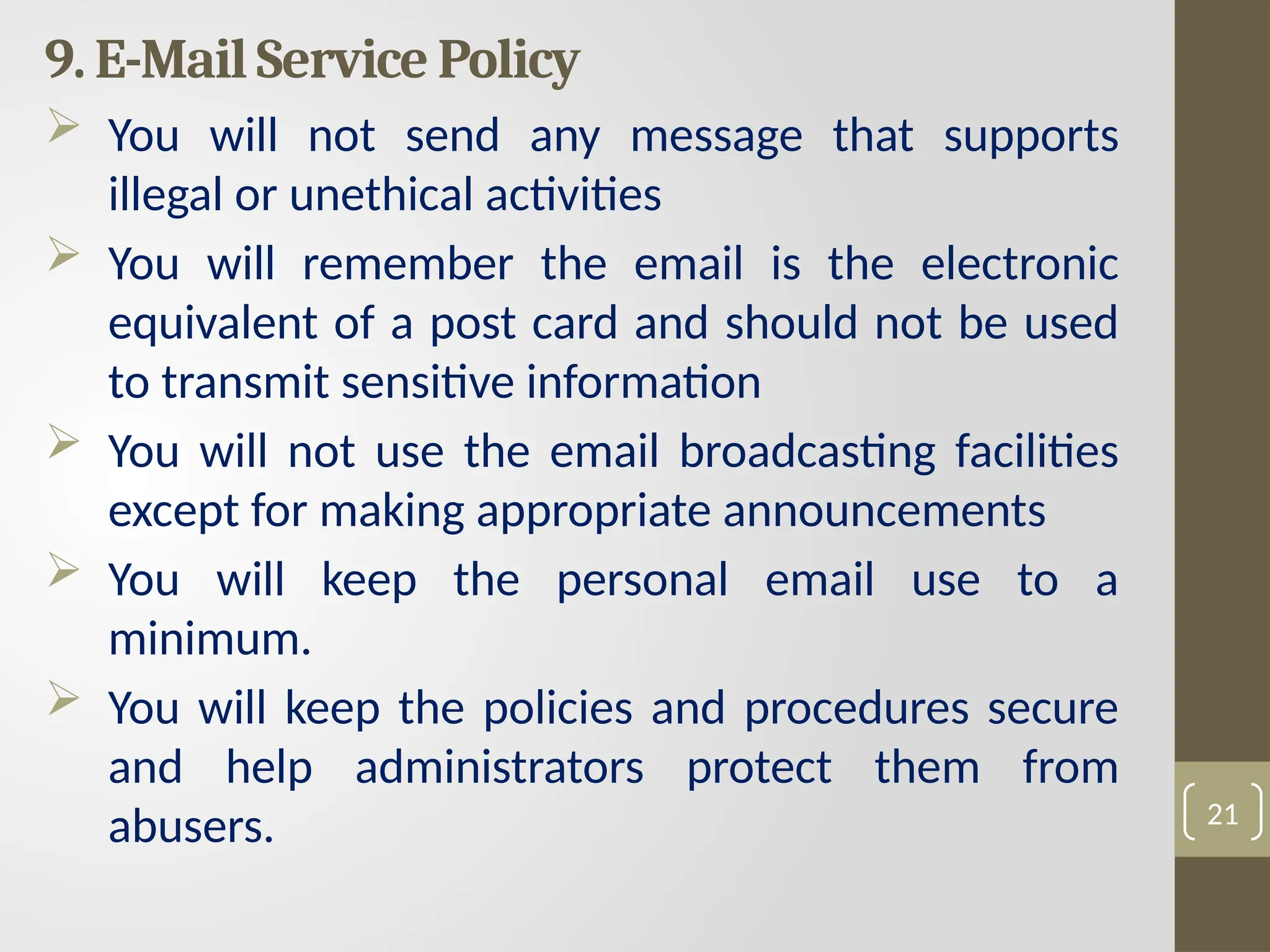
You will not send any message that supports
illegal or unethical activities
You will remember the email is the electronic
equivalent of a post card and should not be used
to transmit sensitive information
You will not use the email broadcasting facilities
except for making appropriate announcements
You will keep the personal email use to a
minimum.
You will keep the policies and procedures secure
and help administrators protect them from
abusers. 21
22.
10.Corporate Policy
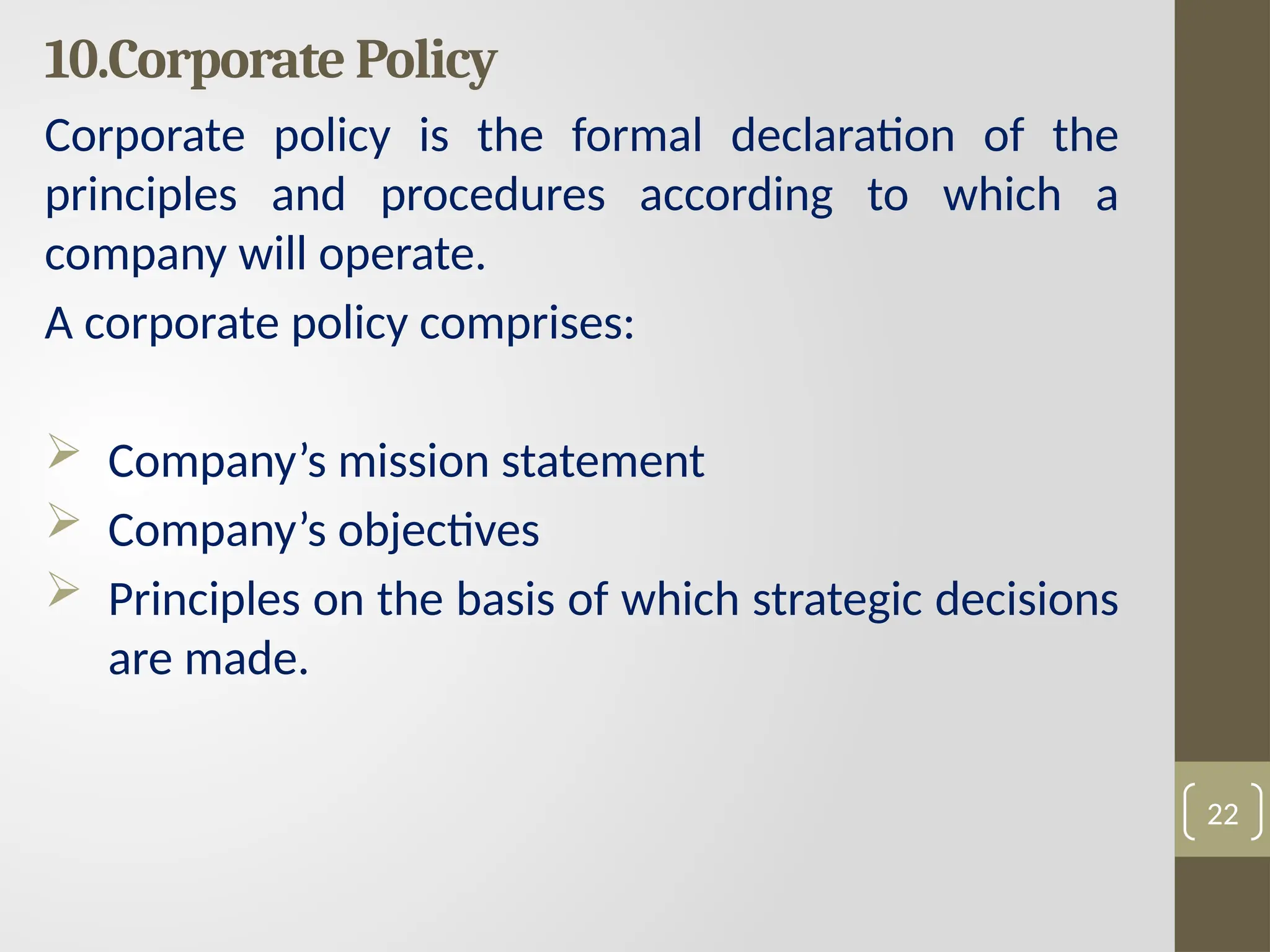
Corporate policyis the formal declaration of the
principles and procedures according to which a
company will operate.
A corporate policy comprises:
Company’s mission statement
Company’s objectives
Principles on the basis of which strategic decisions
are made.
22
23.
11. Sample Policy
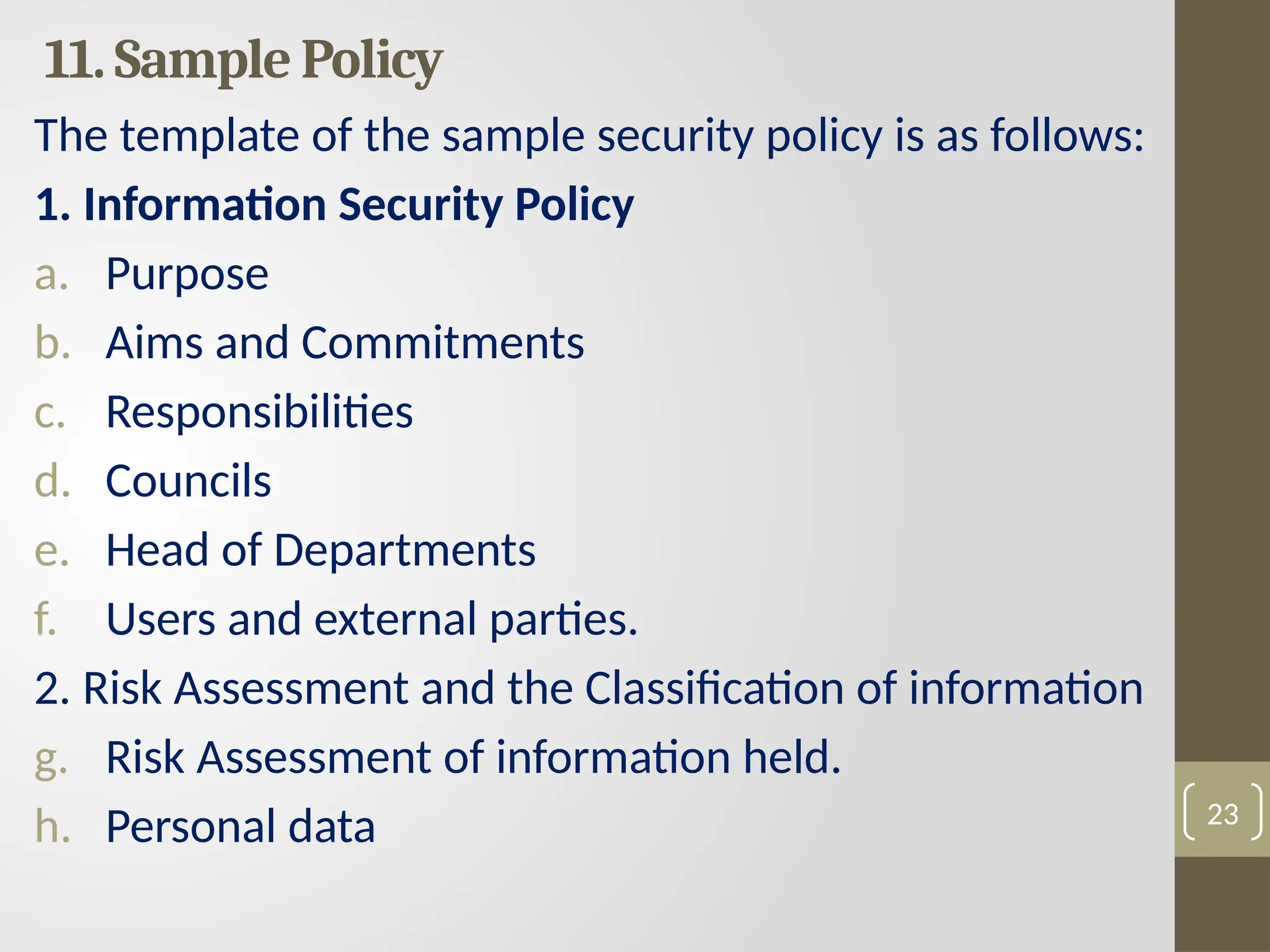
Thetemplate of the sample security policy is as follows:
1. Information Security Policy
a. Purpose
b. Aims and Commitments
c. Responsibilities
d. Councils
e. Head of Departments
f. Users and external parties.
2. Risk Assessment and the Classification of information
g. Risk Assessment of information held.
h. Personal data 23
24.
11. Sample PolicyContinue….
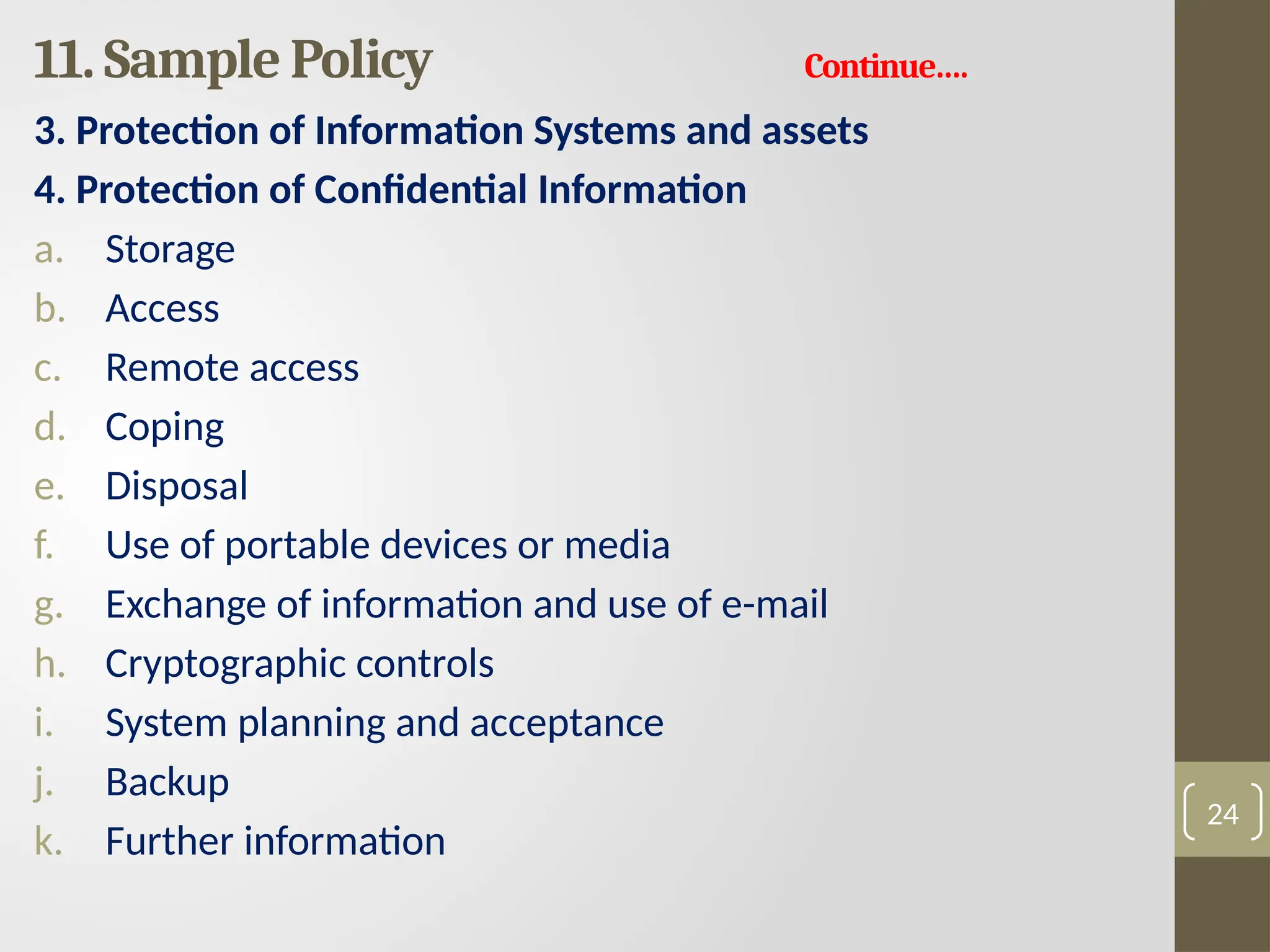
3. Protection of Information Systems and assets
4. Protection of Confidential Information
a. Storage
b. Access
c. Remote access
d. Coping
e. Disposal
f. Use of portable devices or media
g. Exchange of information and use of e-mail
h. Cryptographic controls
i. System planning and acceptance
j. Backup
k. Further information
24
25.
11. Sample PolicyContinue….
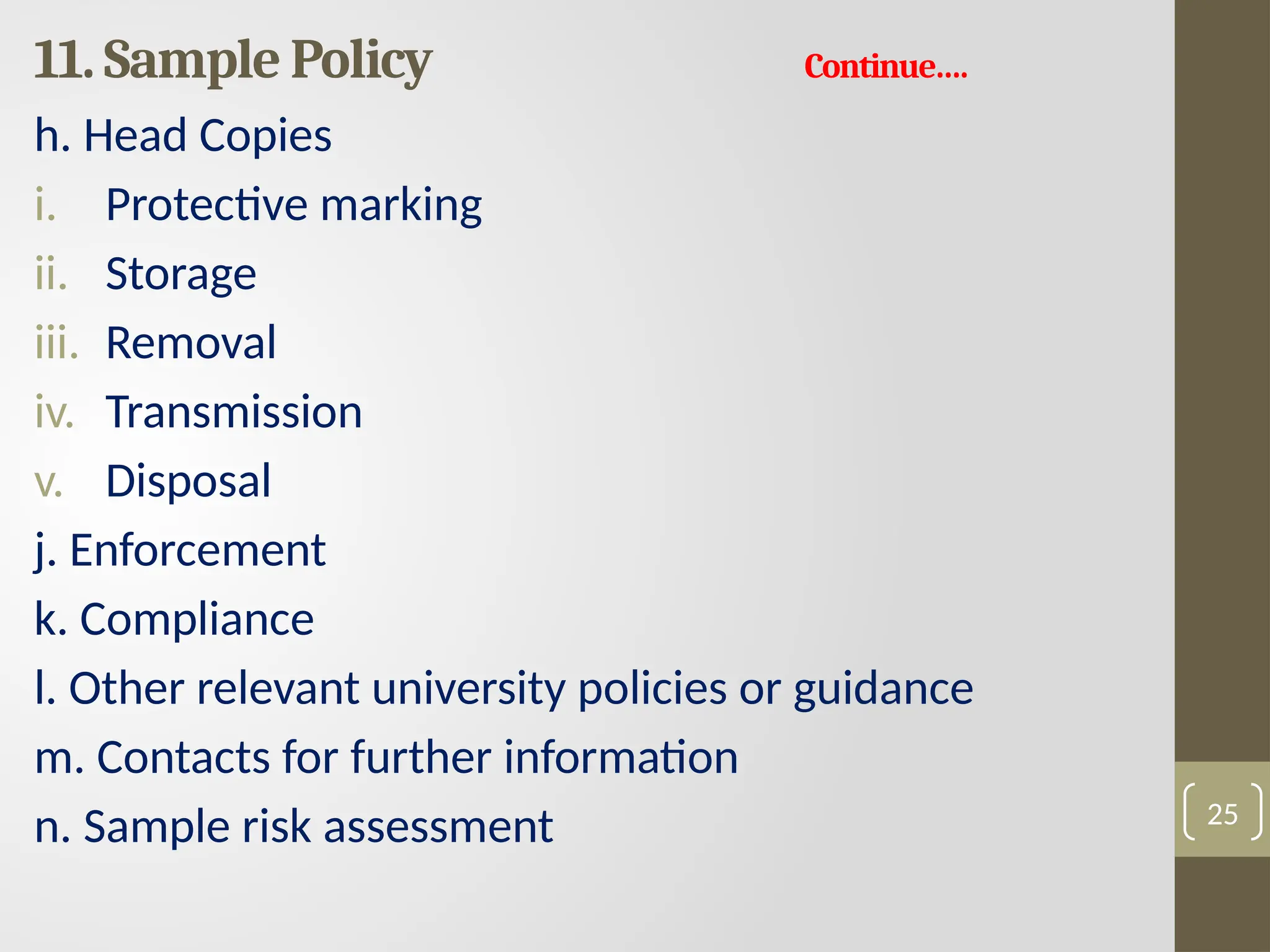
h. Head Copies
i. Protective marking
ii. Storage
iii. Removal
iv. Transmission
v. Disposal
j. Enforcement
k. Compliance
l. Other relevant university policies or guidance
m. Contacts for further information
n. Sample risk assessment 25
26.
11. Sample PolicyContinue….
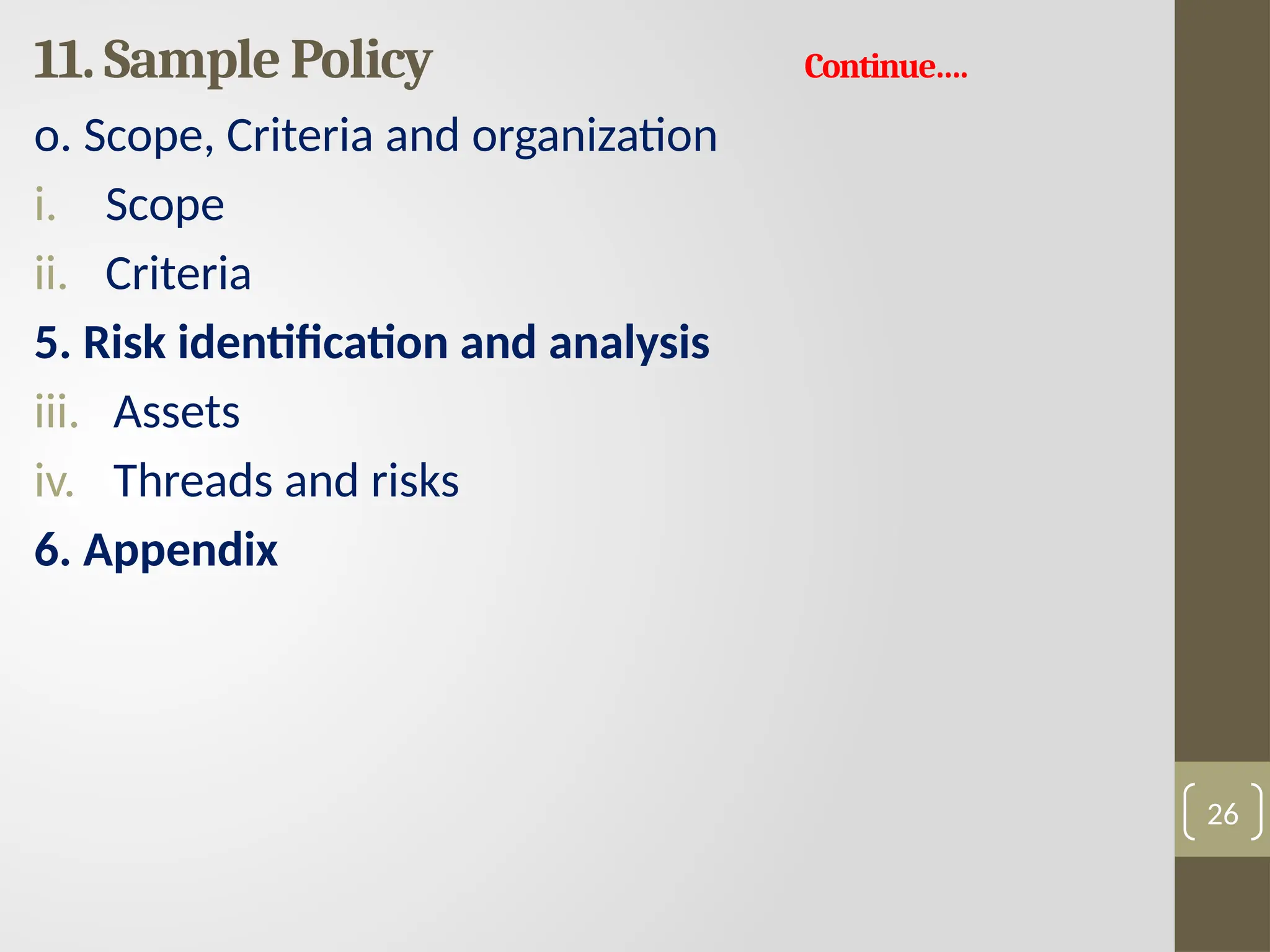
o. Scope, Criteria and organization
i. Scope
ii. Criteria
5. Risk identification and analysis
iii. Assets
iv. Threads and risks
6. Appendix
26
27.
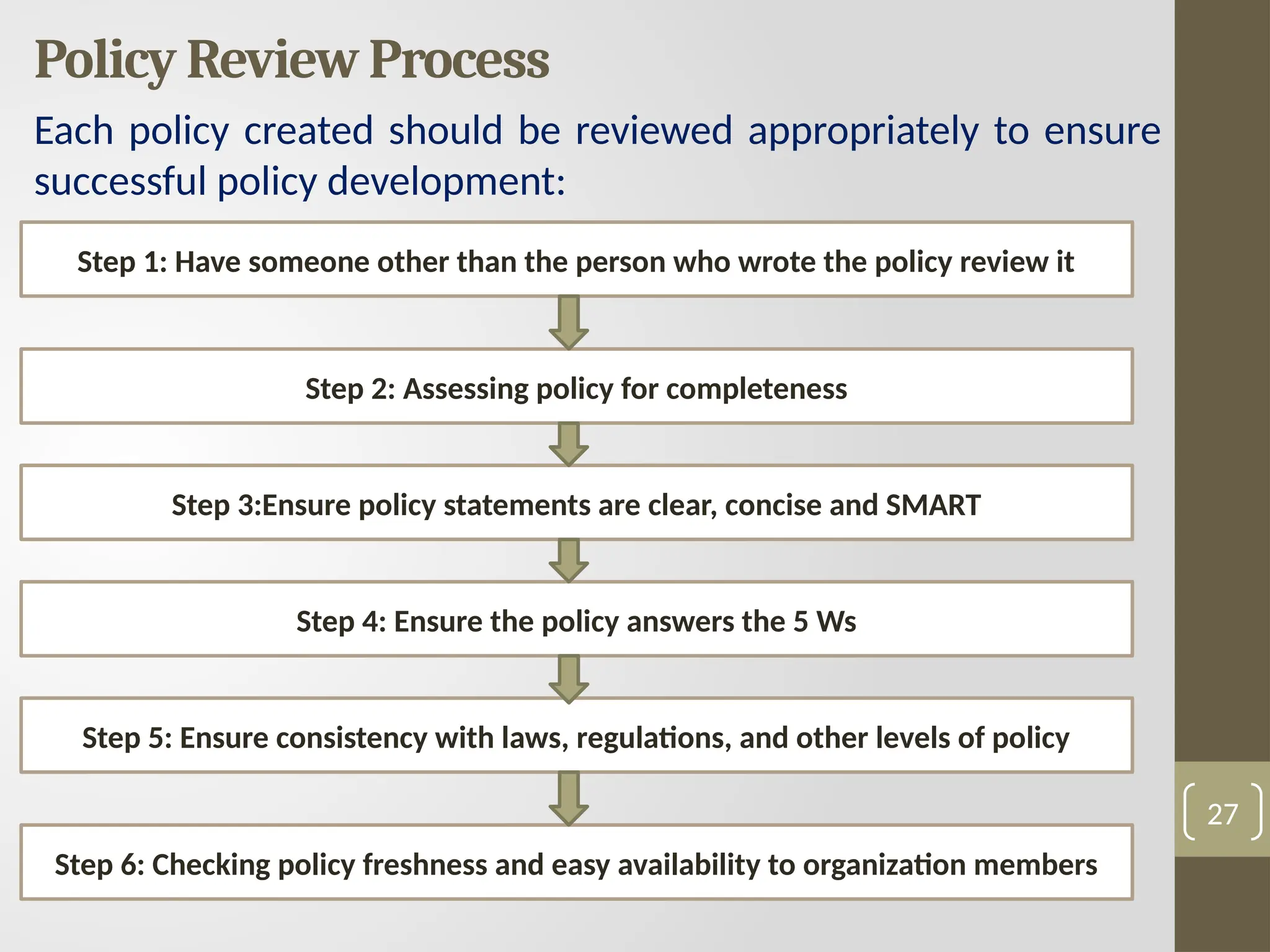
Policy Review Process
Eachpolicy created should be reviewed appropriately to ensure
successful policy development:
27
Step 1: Have someone other than the person who wrote the policy review it
Step 2: Assessing policy for completeness
Step 3:Ensure policy statements are clear, concise and SMART
Step 4: Ensure the policy answers the 5 Ws
Step 5: Ensure consistency with laws, regulations, and other levels of policy
Step 6: Checking policy freshness and easy availability to organization members