
Windows 7, Server
2008 and SQL 2008
End of Life
Webinar
Series
July 2019
About Community IT
Advancing mission
through the effective
of technology.
100% Employee
Owned
Presenter
Matthew Eshleman
CTO
AGENDA
What’s EOL &When
Managed computers at CIT
Approach to handling workstations
Approach to handling SQL
Approach to handling Server 2008
Steps to secure your organization
Windows Server and
SQL Server end of
support
is fast-approaching
Extended support forWindows Server and SQL Server is
ending – meaning Microsoft will no longer release security
updates.
This may expose you to security attacks and compliance risks
with regulations such as GDPR.
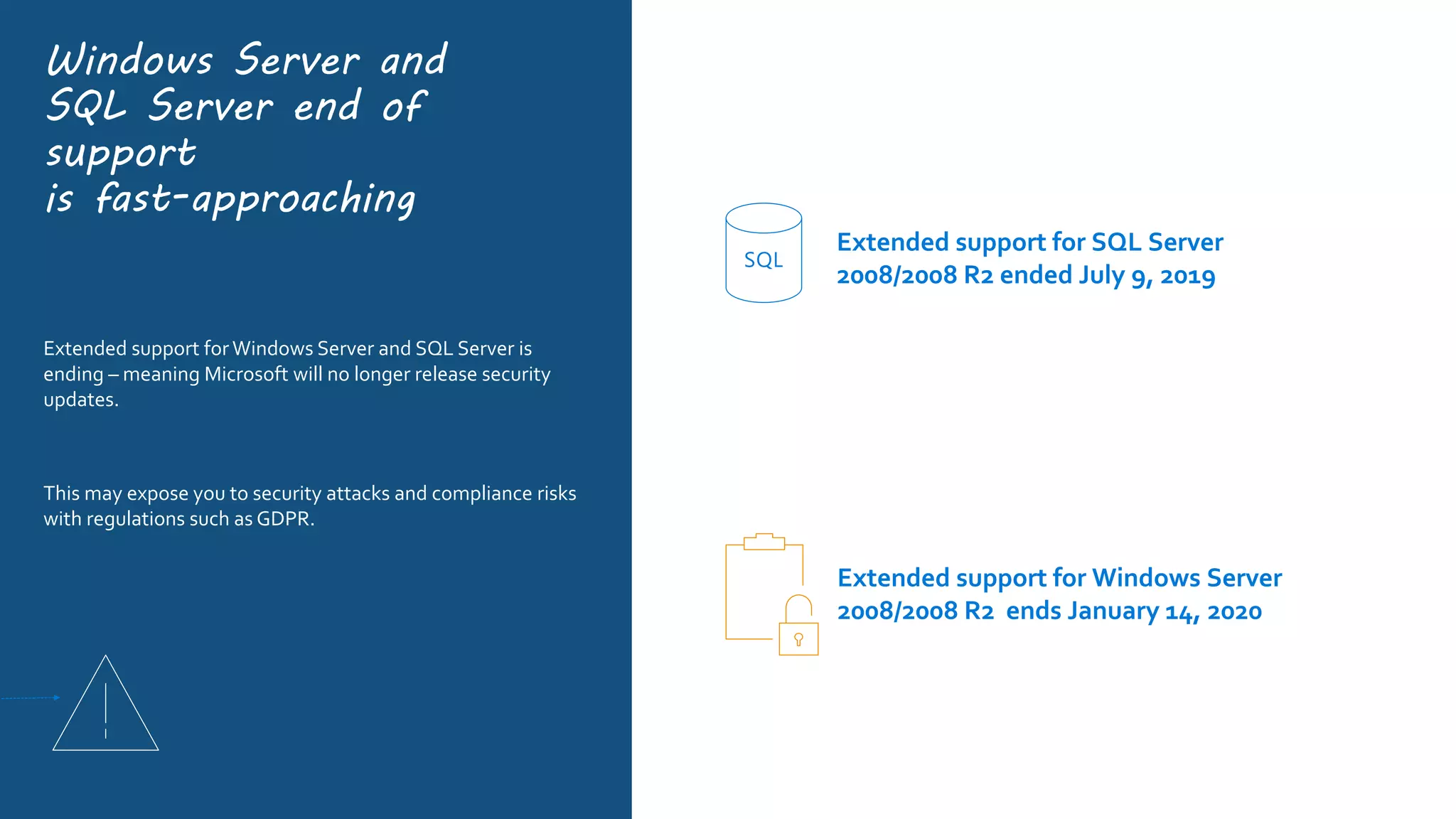
Extended support for SQL Server
2008/2008 R2 ended July 9, 2019
SQL
Extended support for Windows Server
2008/2008 R2 ends January 14, 2020
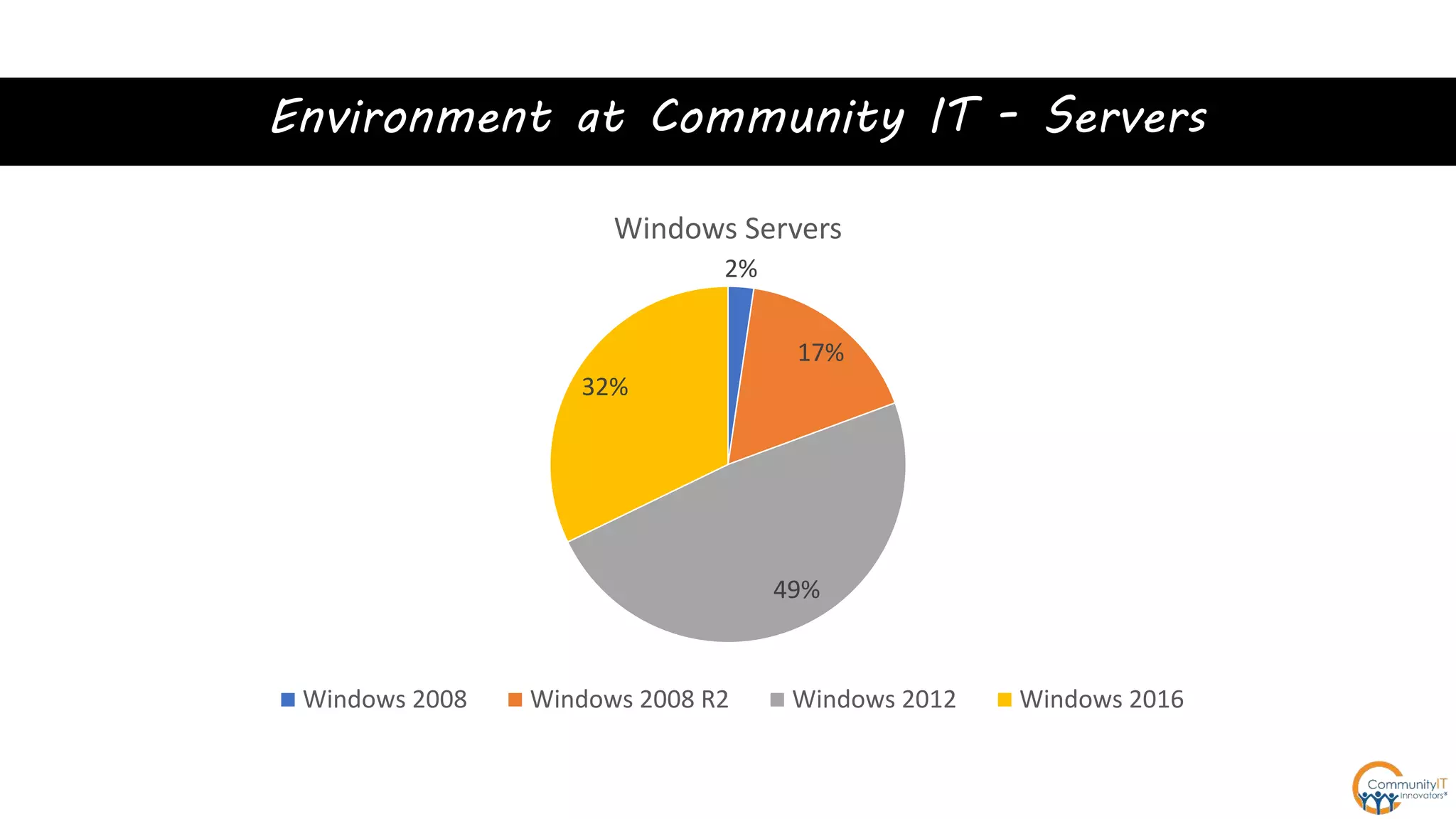
Environment at Community IT - Servers
2%
17%
49%
32%
Windows Servers
Windows 2008 Windows 2008 R2 Windows 2012 Windows 2016
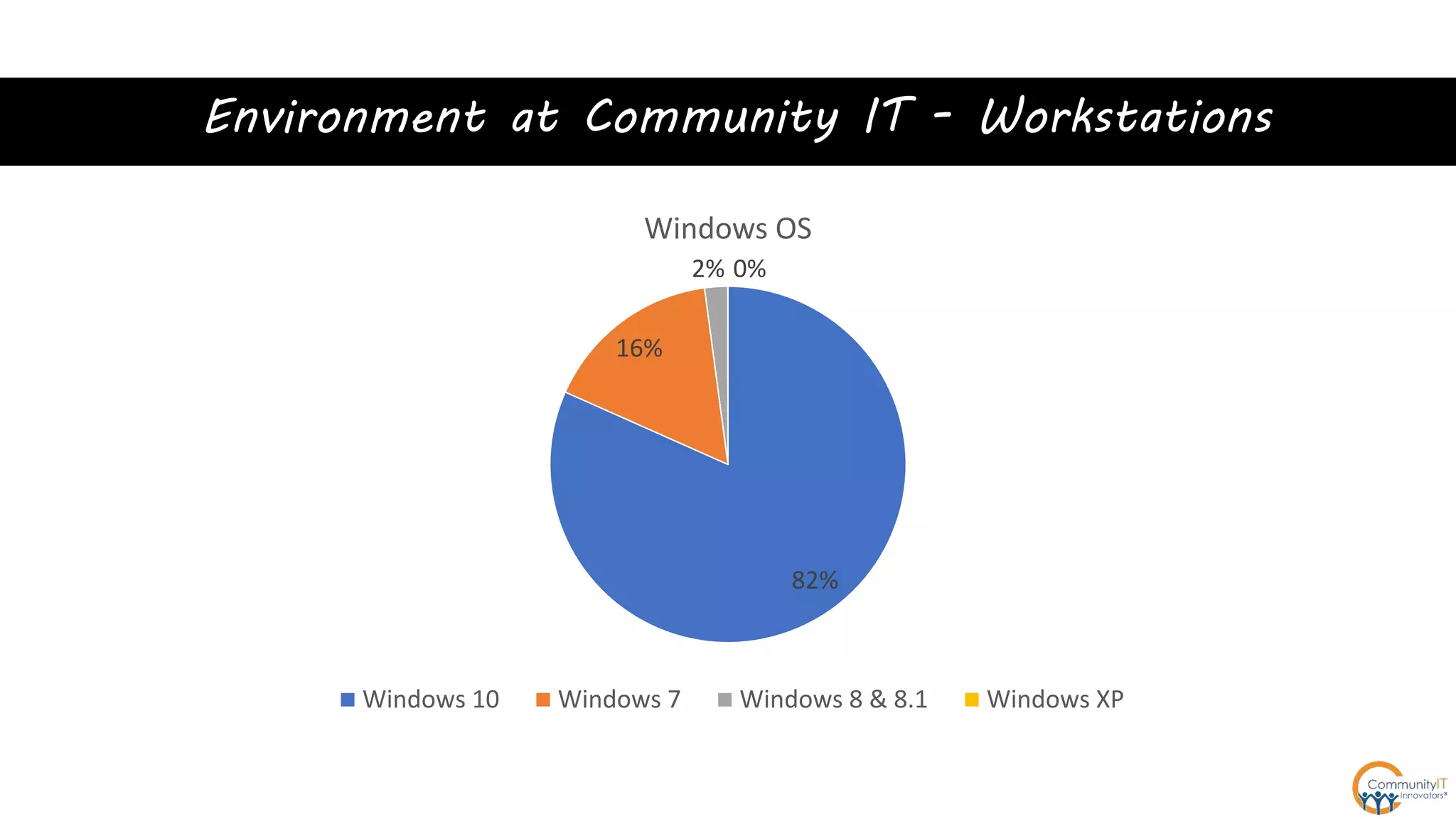
Environment at Community IT - Workstations
82%
16%
2% 0%
Windows OS
Windows 10 Windows 7 Windows 8 & 8.1 Windows XP
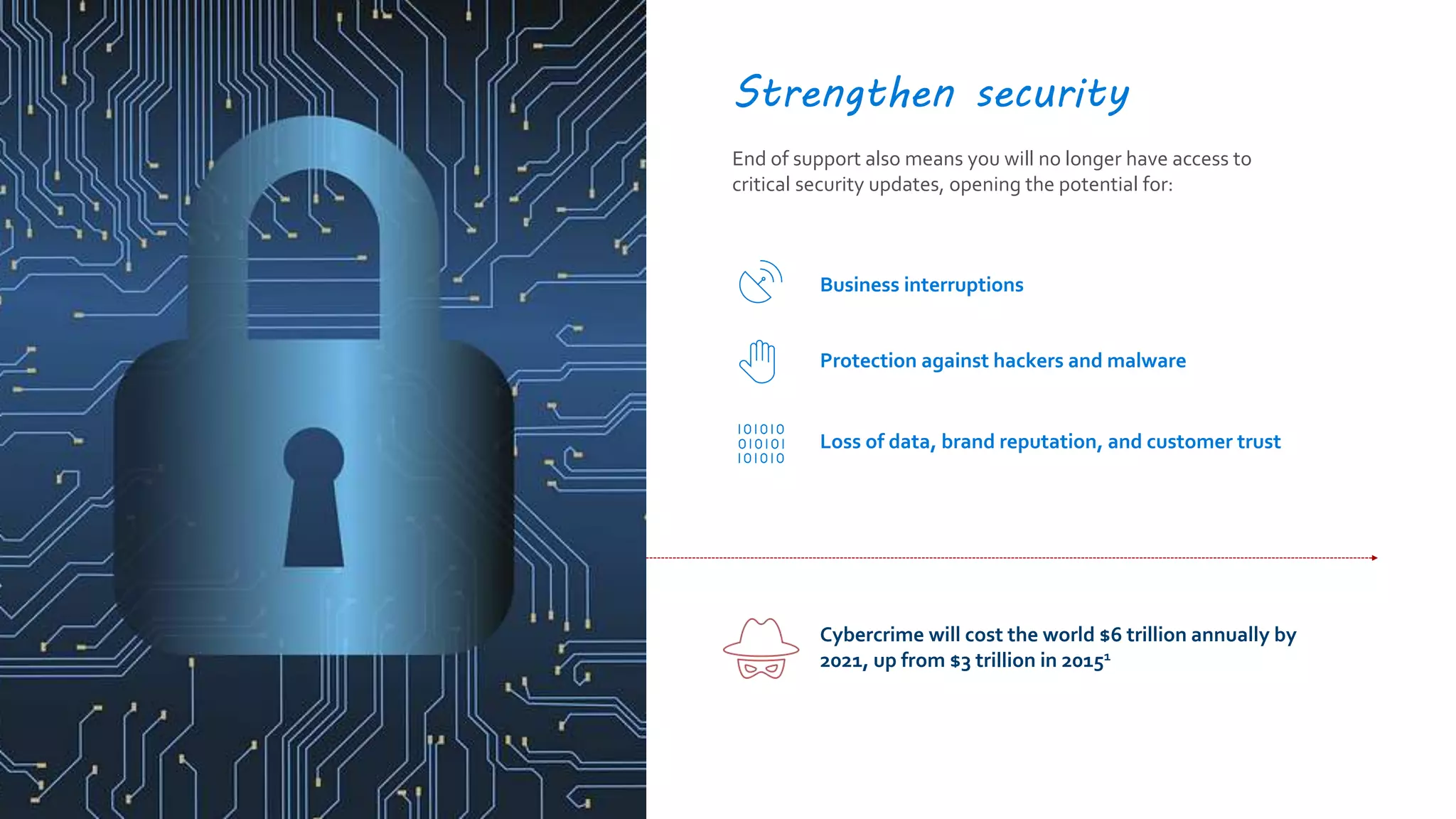
Strengthen security
End of support also means you will no longer have access to
critical security updates, opening the potential for:
Cybercrime will cost the world $6 trillion annually by
2021, up from $3 trillion in 20151
Business interruptions
Protection against hackers and malware
Loss of data, brand reputation, and customer trust
Three things
to know
End of support is coming or is here
You can get 3 more years of support in Azure
Community IT’s recommendation is to replace
Workstations
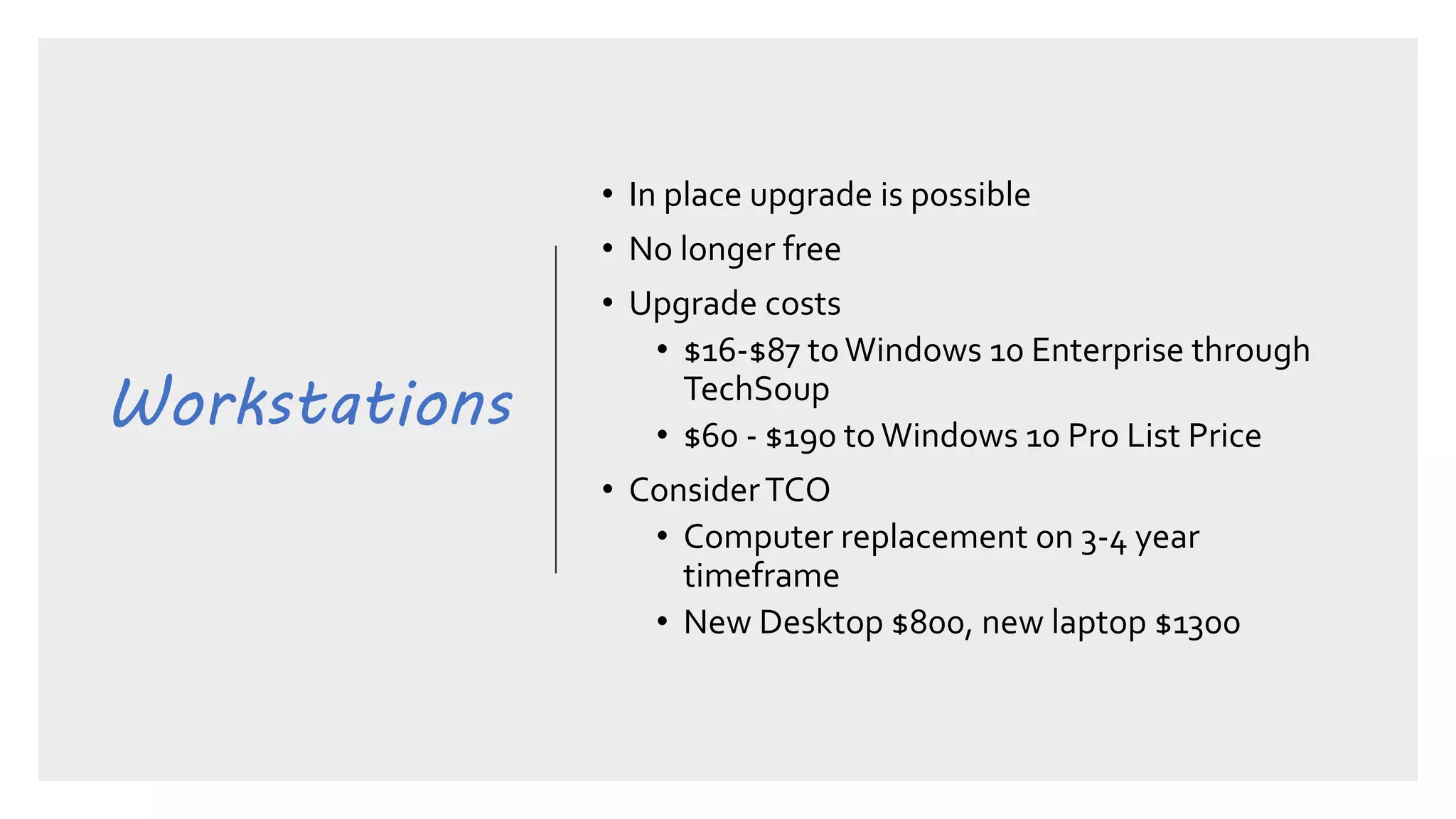
• In place upgrade is possible
• No longer free
• Upgrade costs
• $16-$87 toWindows 10 Enterprise through
TechSoup
• $60 - $190 to Windows 10 Pro List Price
• ConsiderTCO
• Computer replacement on 3-4 year
timeframe
• New Desktop $800, new laptop $1300
Workstations
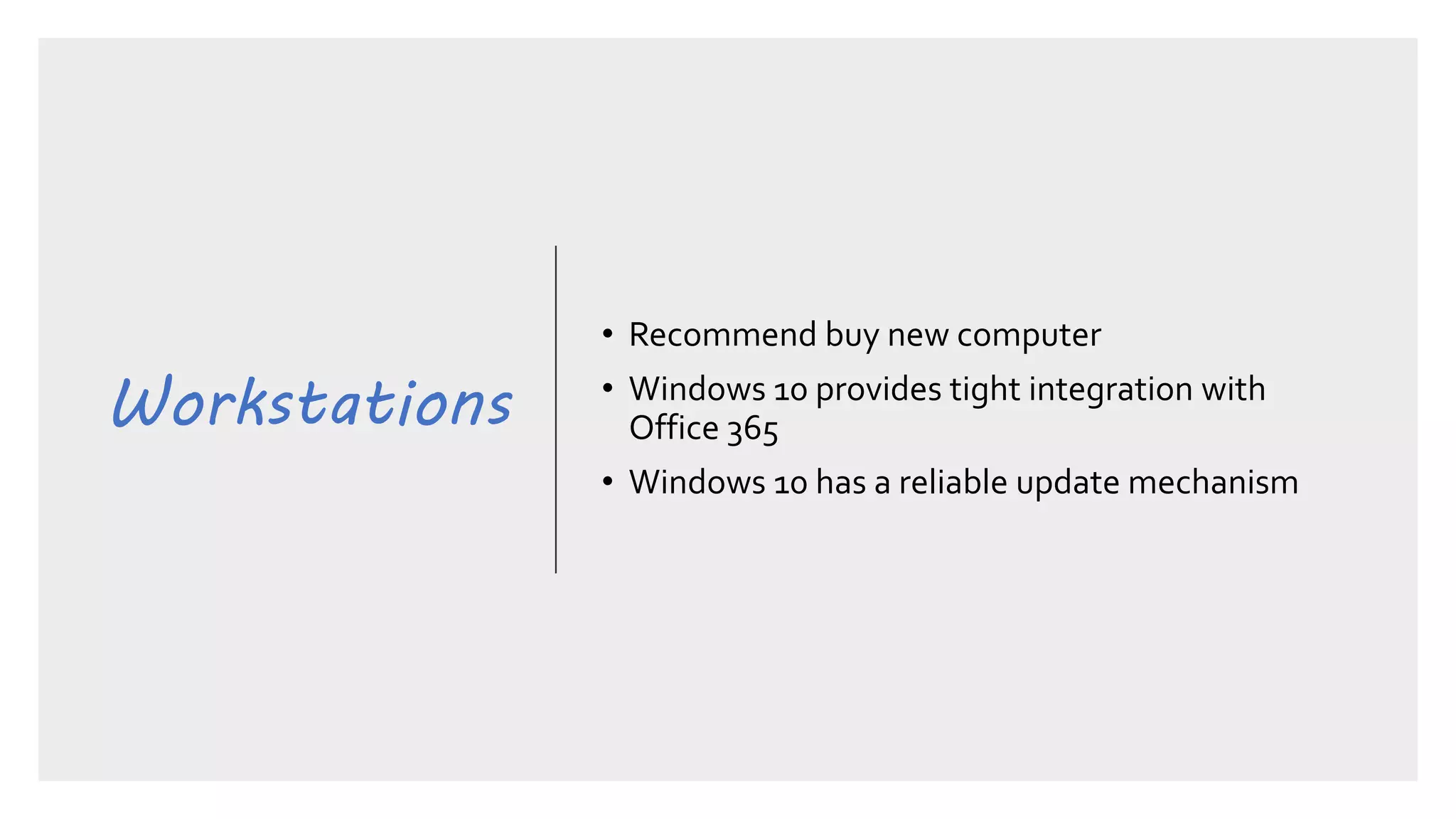
• Recommend buy new computer
• Windows 10 provides tight integration with
Office 365
• Windows 10 has a reliable update mechanism
SQL Server
2008
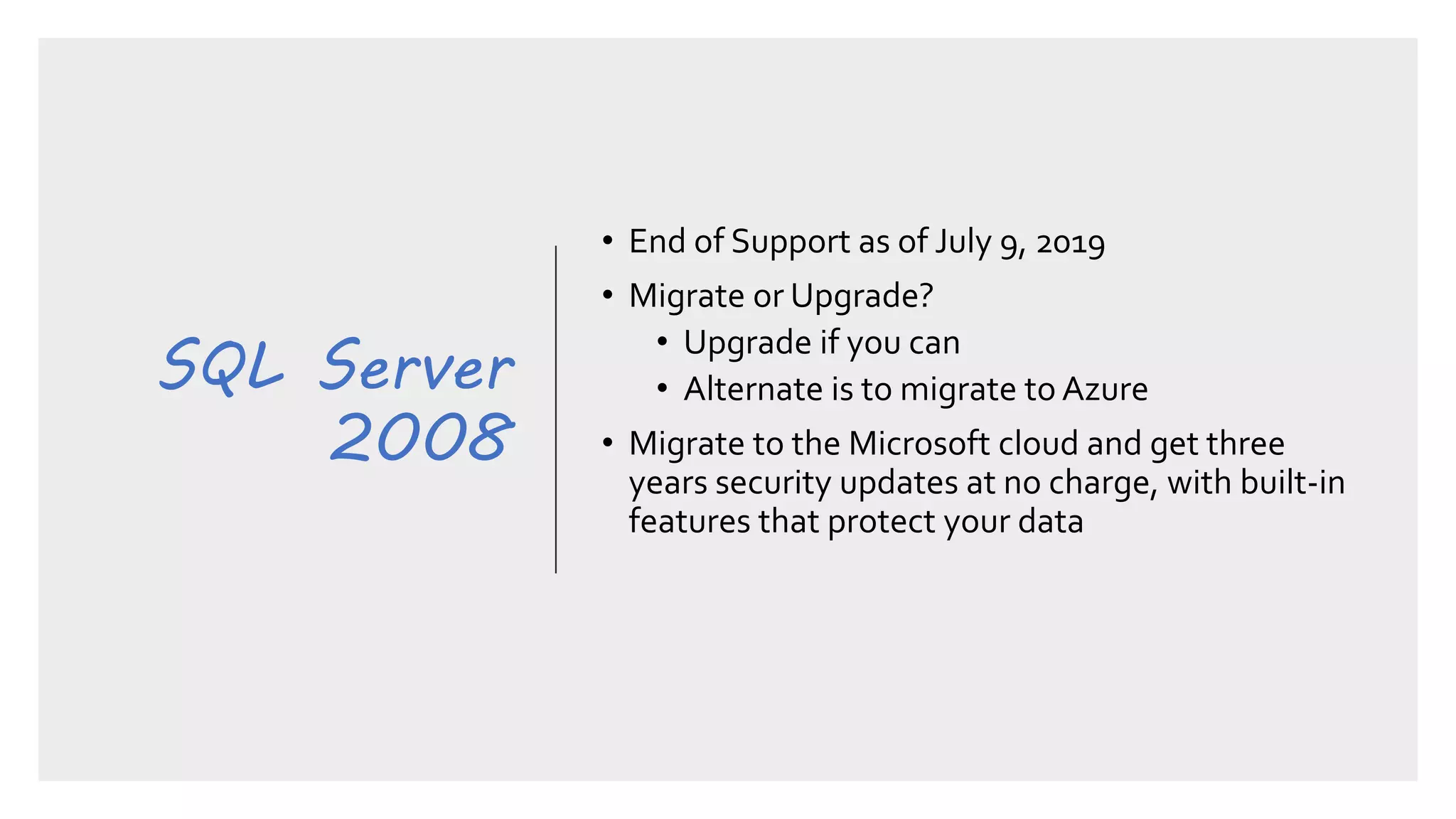
• End of Support as of July 9, 2019
• Migrate or Upgrade?
• Upgrade if you can
• Alternate is to migrate to Azure
• Migrate to the Microsoft cloud and get three
years security updates at no charge, with built-in
features that protect your data
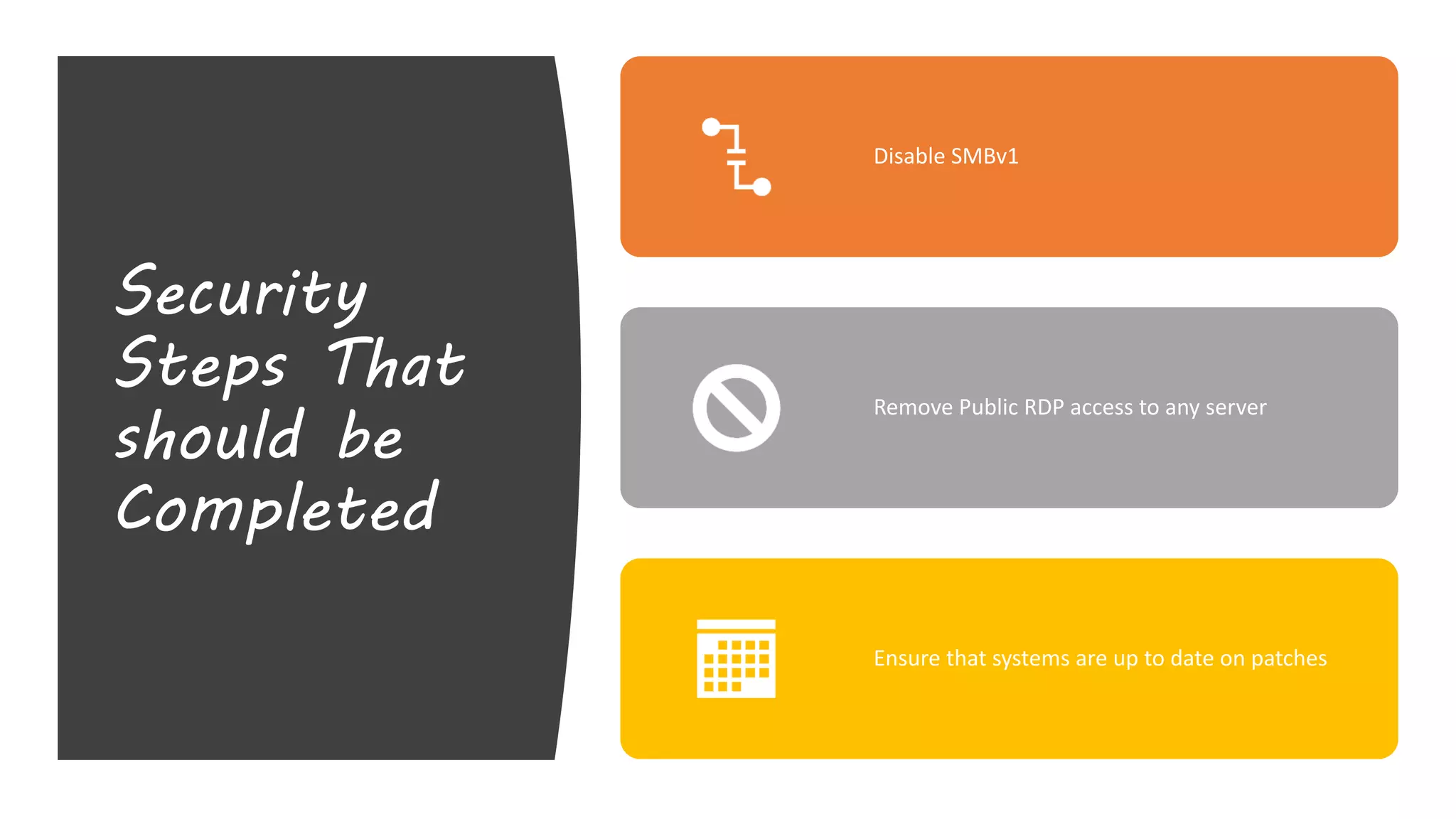
Security
Steps That
should be
Completed
Disable SMBv1
Remove Public RDP access to any server
Ensure that systems are up to date on patches
Server 2008
Server 2008
R2
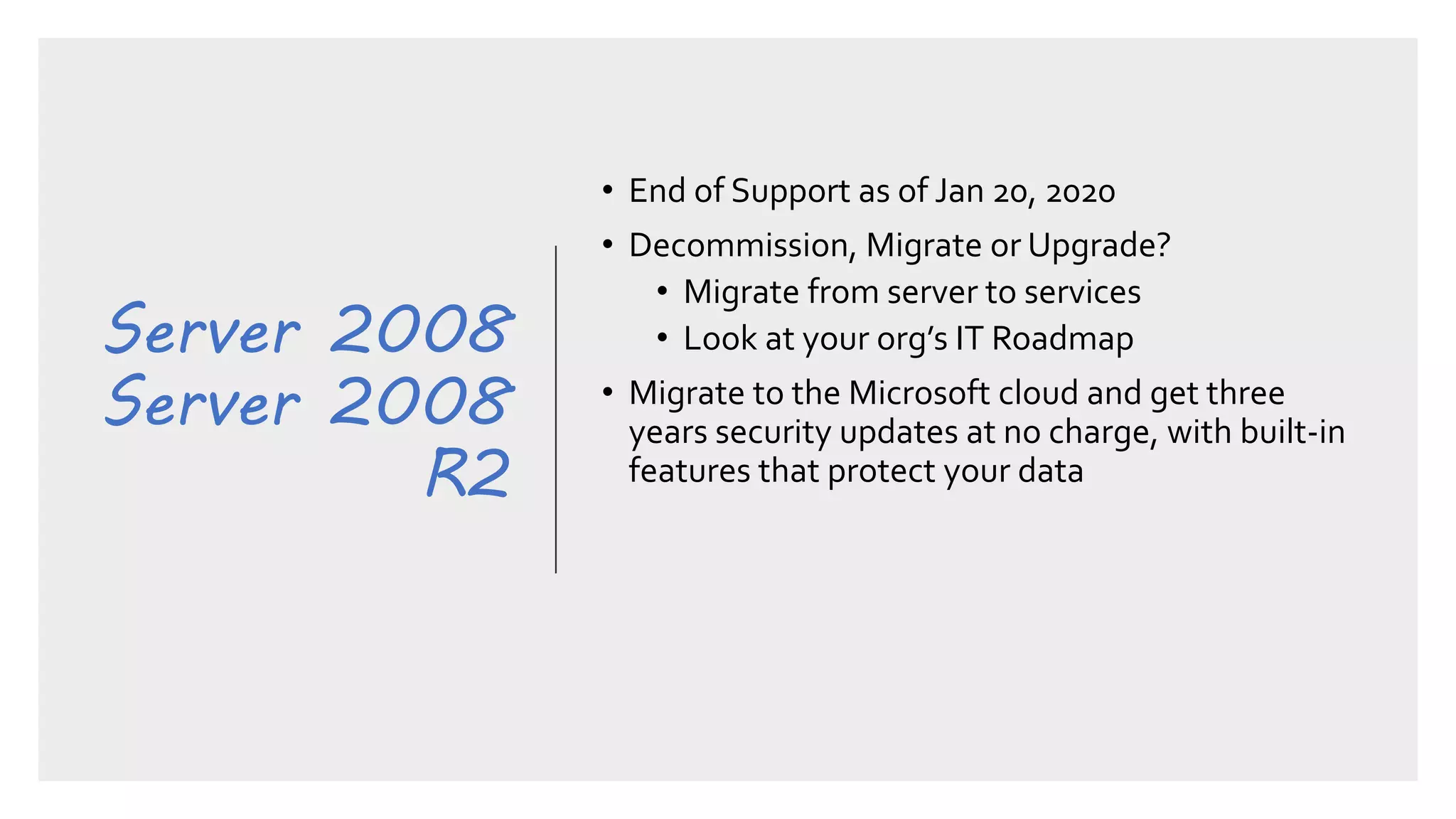
• End of Support as of Jan 20, 2020
• Decommission, Migrate or Upgrade?
• Migrate from server to services
• Look at your org’s IT Roadmap
• Migrate to the Microsoft cloud and get three
years security updates at no charge, with built-in
features that protect your data
Server 2008
Server 2008
R2
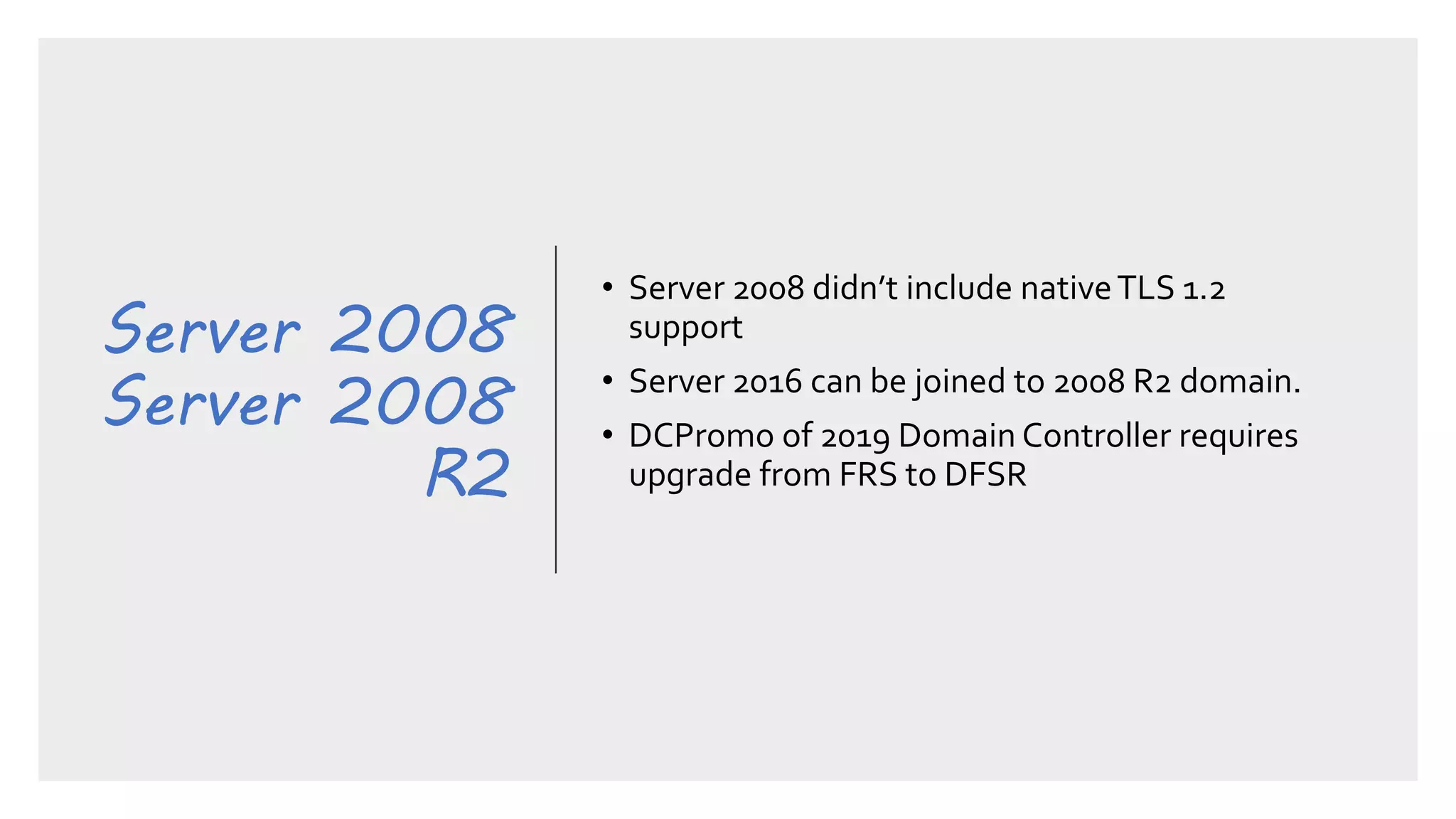
• Server 2008 didn’t include nativeTLS 1.2
support
• Server 2016 can be joined to 2008 R2 domain.
• DCPromo of 2019 Domain Controller requires
upgrade from FRS to DFSR
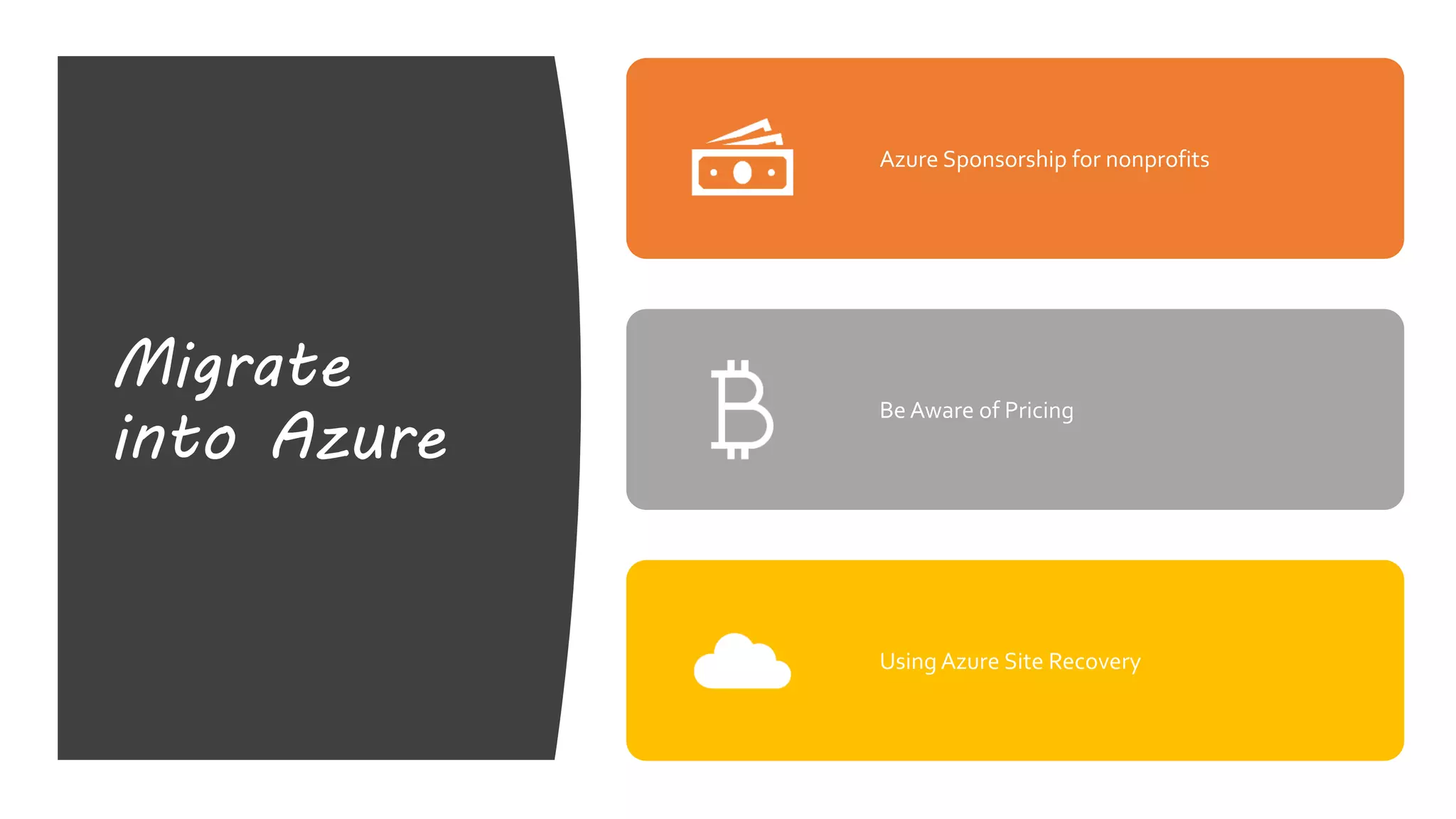
Migrate
into Azure
Azure Sponsorship for nonprofits
Be Aware of Pricing
Using Azure Site Recovery
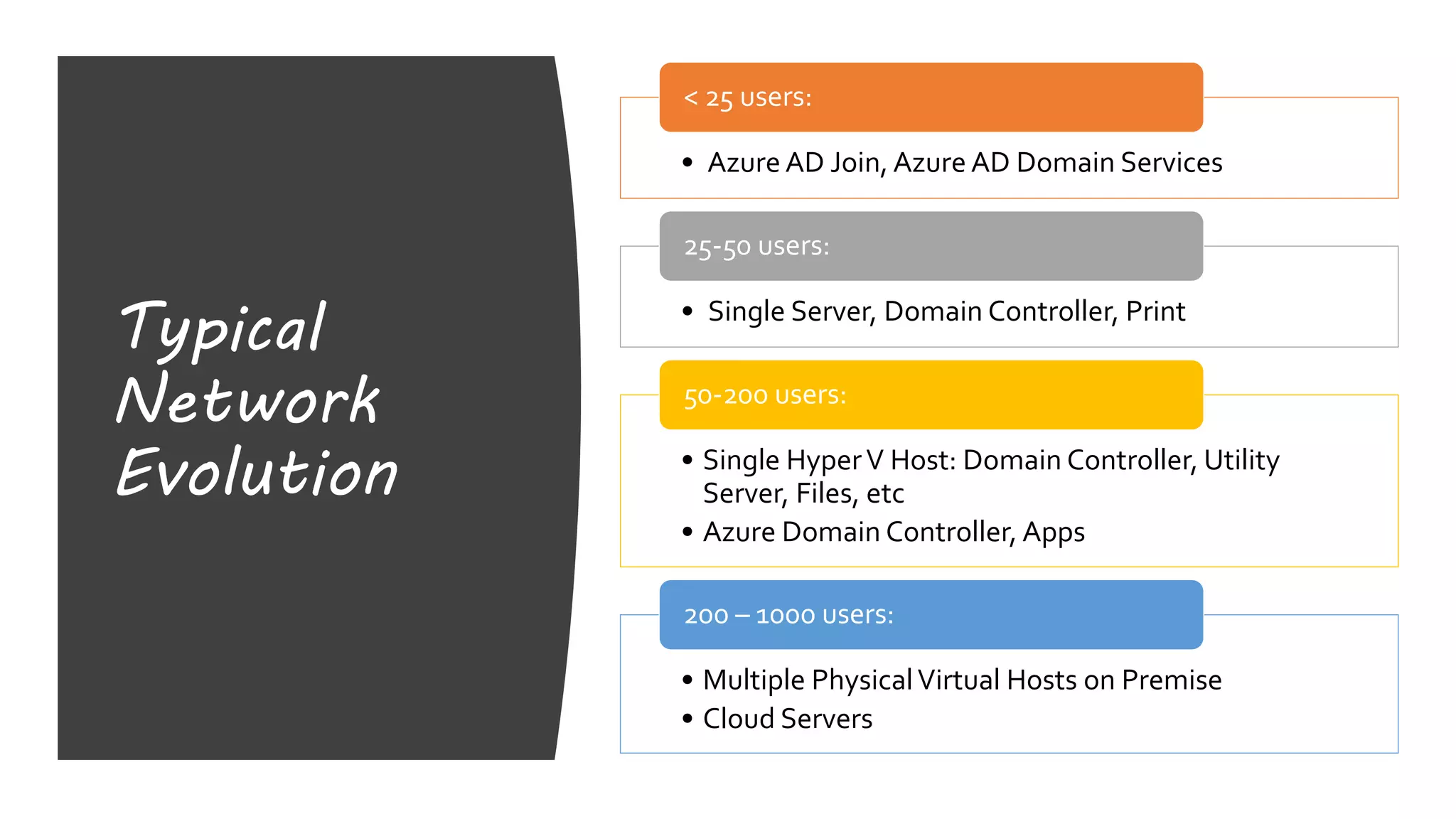
Typical
Network
Evolution
• Azure AD Join, Azure AD Domain Services
< 25 users:
• Single Server, Domain Controller, Print
25-50 users:
• Single HyperV Host: Domain Controller, Utility
Server, Files, etc
• Azure Domain Controller, Apps
50-200 users:
• Multiple PhysicalVirtual Hosts on Premise
• Cloud Servers
200 – 1000 users:
Reference
Links
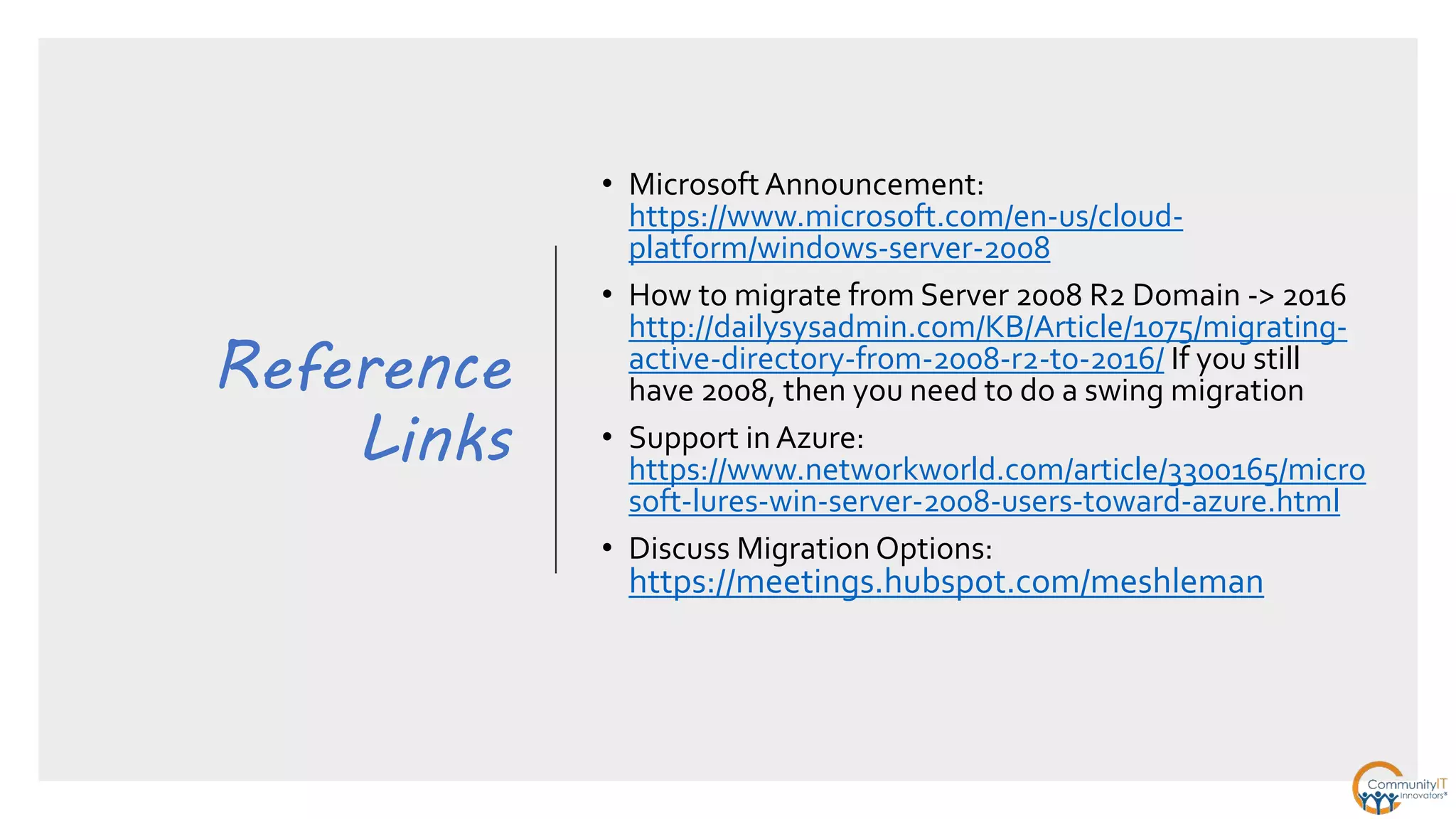
• Microsoft Announcement:
https://www.microsoft.com/en-us/cloud-
platform/windows-server-2008
• How to migrate from Server 2008 R2 Domain -> 2016
http://dailysysadmin.com/KB/Article/1075/migrating-
active-directory-from-2008-r2-to-2016/ If you still
have 2008, then you need to do a swing migration
• Support in Azure:
https://www.networkworld.com/article/3300165/micro
soft-lures-win-server-2008-users-toward-azure.html
• Discuss Migration Options:
https://meetings.hubspot.com/meshleman
Upcomin
g
Webinar
5 Steps to Create an
Information Strategy forYour
Organization
Wednesday August 21st
1:00 – 2:00 PM EDT
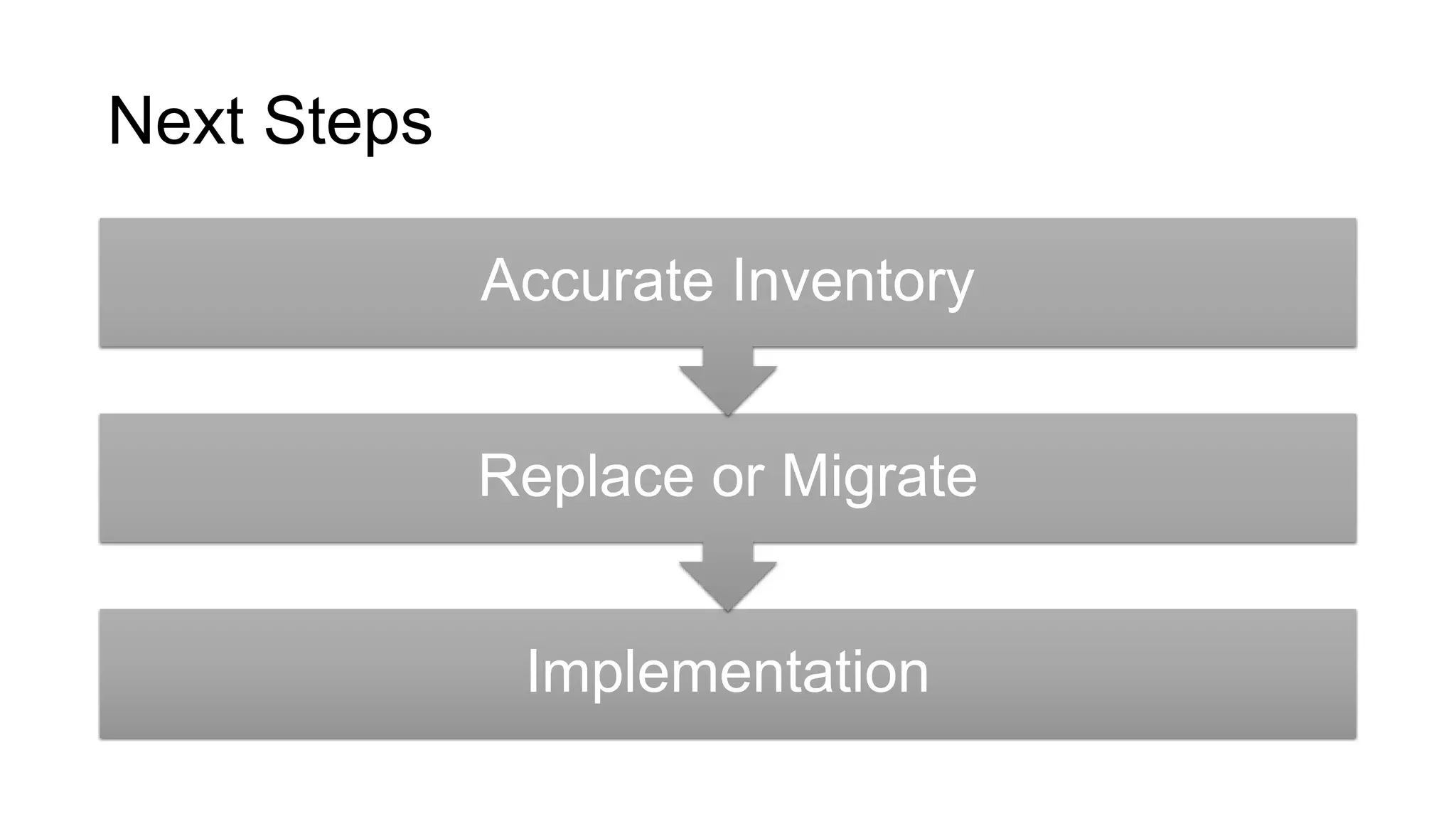
Next Steps
Implementation
Replace or Migrate
Accurate Inventory
cybersecurity@communityit.com
© 2018 Community IT Innovators, Inc.
All Rights Reserved.
www.communityit.com
THANK
YOU!

Server 2008 and Windows 7 End of Life: 3 Things You Need to Know

  • 1.
    Windows 7, Server 2008and SQL 2008 End of Life Webinar Series July 2019
  • 2.
    About Community IT Advancingmission through the effective of technology. 100% Employee Owned
  • 3.
  • 4.
    AGENDA What’s EOL &When Managedcomputers at CIT Approach to handling workstations Approach to handling SQL Approach to handling Server 2008 Steps to secure your organization
  • 5.
    Windows Server and SQLServer end of support is fast-approaching Extended support forWindows Server and SQL Server is ending – meaning Microsoft will no longer release security updates. This may expose you to security attacks and compliance risks with regulations such as GDPR. Extended support for SQL Server 2008/2008 R2 ended July 9, 2019 SQL Extended support for Windows Server 2008/2008 R2 ends January 14, 2020
  • 6.
    Environment at CommunityIT - Servers 2% 17% 49% 32% Windows Servers Windows 2008 Windows 2008 R2 Windows 2012 Windows 2016
  • 7.
    Environment at CommunityIT - Workstations 82% 16% 2% 0% Windows OS Windows 10 Windows 7 Windows 8 & 8.1 Windows XP
  • 8.
    Strengthen security End ofsupport also means you will no longer have access to critical security updates, opening the potential for: Cybercrime will cost the world $6 trillion annually by 2021, up from $3 trillion in 20151 Business interruptions Protection against hackers and malware Loss of data, brand reputation, and customer trust
  • 9.
    Three things to know Endof support is coming or is here You can get 3 more years of support in Azure Community IT’s recommendation is to replace
  • 10.
    Workstations • In placeupgrade is possible • No longer free • Upgrade costs • $16-$87 toWindows 10 Enterprise through TechSoup • $60 - $190 to Windows 10 Pro List Price • ConsiderTCO • Computer replacement on 3-4 year timeframe • New Desktop $800, new laptop $1300
  • 11.
    Workstations • Recommend buynew computer • Windows 10 provides tight integration with Office 365 • Windows 10 has a reliable update mechanism
  • 12.
    SQL Server 2008 • Endof Support as of July 9, 2019 • Migrate or Upgrade? • Upgrade if you can • Alternate is to migrate to Azure • Migrate to the Microsoft cloud and get three years security updates at no charge, with built-in features that protect your data
  • 13.
    Security Steps That should be Completed DisableSMBv1 Remove Public RDP access to any server Ensure that systems are up to date on patches
  • 14.
    Server 2008 Server 2008 R2 •End of Support as of Jan 20, 2020 • Decommission, Migrate or Upgrade? • Migrate from server to services • Look at your org’s IT Roadmap • Migrate to the Microsoft cloud and get three years security updates at no charge, with built-in features that protect your data
  • 15.
    Server 2008 Server 2008 R2 •Server 2008 didn’t include nativeTLS 1.2 support • Server 2016 can be joined to 2008 R2 domain. • DCPromo of 2019 Domain Controller requires upgrade from FRS to DFSR
  • 16.
    Migrate into Azure Azure Sponsorshipfor nonprofits Be Aware of Pricing Using Azure Site Recovery
  • 17.
    Typical Network Evolution • Azure ADJoin, Azure AD Domain Services < 25 users: • Single Server, Domain Controller, Print 25-50 users: • Single HyperV Host: Domain Controller, Utility Server, Files, etc • Azure Domain Controller, Apps 50-200 users: • Multiple PhysicalVirtual Hosts on Premise • Cloud Servers 200 – 1000 users:
  • 18.
    Reference Links • Microsoft Announcement: https://www.microsoft.com/en-us/cloud- platform/windows-server-2008 •How to migrate from Server 2008 R2 Domain -> 2016 http://dailysysadmin.com/KB/Article/1075/migrating- active-directory-from-2008-r2-to-2016/ If you still have 2008, then you need to do a swing migration • Support in Azure: https://www.networkworld.com/article/3300165/micro soft-lures-win-server-2008-users-toward-azure.html • Discuss Migration Options: https://meetings.hubspot.com/meshleman
  • 19.
    Upcomin g Webinar 5 Steps toCreate an Information Strategy forYour Organization Wednesday August 21st 1:00 – 2:00 PM EDT
  • 20.
    Next Steps Implementation Replace orMigrate Accurate Inventory
  • 21.
    cybersecurity@communityit.com © 2018 CommunityIT Innovators, Inc. All Rights Reserved. www.communityit.com THANK YOU!

Editor's Notes

  • #4 since 1993, Community IT has been supporting non-profits in Advancing their mission through the effective use of technology. Community IT is a 100% employee owned company and we have been recognized as a top MSP nationally by MSP mentor
  • #6 As always, this webinar is being recorded and will be sent out to all registrants after we finish today We’ll also be publishing this to our slideshare page
  • #7 Avoid business disruptions and use this as an opportunity to modernize your application stack by moving to it to Microsoft cloud.
  • #9 I don’t show the breakdown by Win 10 build here: Strangely enough we do have a chunk of Windows 8.1 computers in the mix We have 1 windows XP computer still hanging around… That support ended April 8, 2014…
  • #10 End of support also means you will no longer have access to critical security updates, opening the potential for business interruptions​. Worse still, without regular security bulletins it impossible to guarantee protection against hackers and malware, or prevent unwanted access to your sensitive data. Without upgrading you risk losing precious data, or having issues with your business applications performance, because of potential weaknesses in your environment 1. https://cybersecurityventures.com/hackerpocalypse-cybercrime-report-2016/  
  • #11 Windows 7 was first commercially available in October of 2009, so we have about 10 years of evolution and patching and updates to contend with Server 2008 was first commercially available in February of 2008 Server 2009 was first commercially released in October of 2009 and was x64 bit only
  • #12 The “Free” upgrade ended on July 29, 2016 There are some reports that it still works, however it’s not an officially sanctioned process and our assumption is that if you’re thinking of upgrading you’d be better off putting that money towards a new computer with a longer expected life.
  • #14 Microsoft Lifecycle Policy offers 10 years of support (5 years of Mainstream Support and 5 years of Extended Support) for 2008 and 2008 R2 versions of SQL Server and Windows Server. As per the policy, after the end of the Extended Support period there will be no patches or security updates, which may cause security risks. Learn more at the  Exchange 2010 is EOL too https://docs.microsoft.com/en-us/office365/enterprise/exchange-2010-end-of-support
  • #16 End of support means the end of regular security updates. With cyberattacks becoming more sophisticated and frequent, running apps and data on unsupported versions can create significant security and compliance risks. The 2008 family of products was great for its time, but we highly recommend upgrading to the most current versions for better performance, efficiency, and regular security updates
  • #18 Azure sponsorship is $3500/year Reserved Instance (not available in Sponsorship) Hybrid License benefit (BYOL) Replicate workloads into Azure Can be a DR solution or a migration path