
Collaborative Techniques 
Andrew Rusling 
Agile Coach
Contents 
1. Collaborative Techniques 
2. Game Plan 
3. Problem Solving 
2
Collaborative Techniques 
3
Games 
Collaborative Technique = Game 
Why use games 
• Games are a great way to learn 
• Games help us step out of mental boundaries 
• Games allow us to collaborate in safety 
• Games can be very short, or long and elaborate. 
• Small games combine well to create other games. 
4
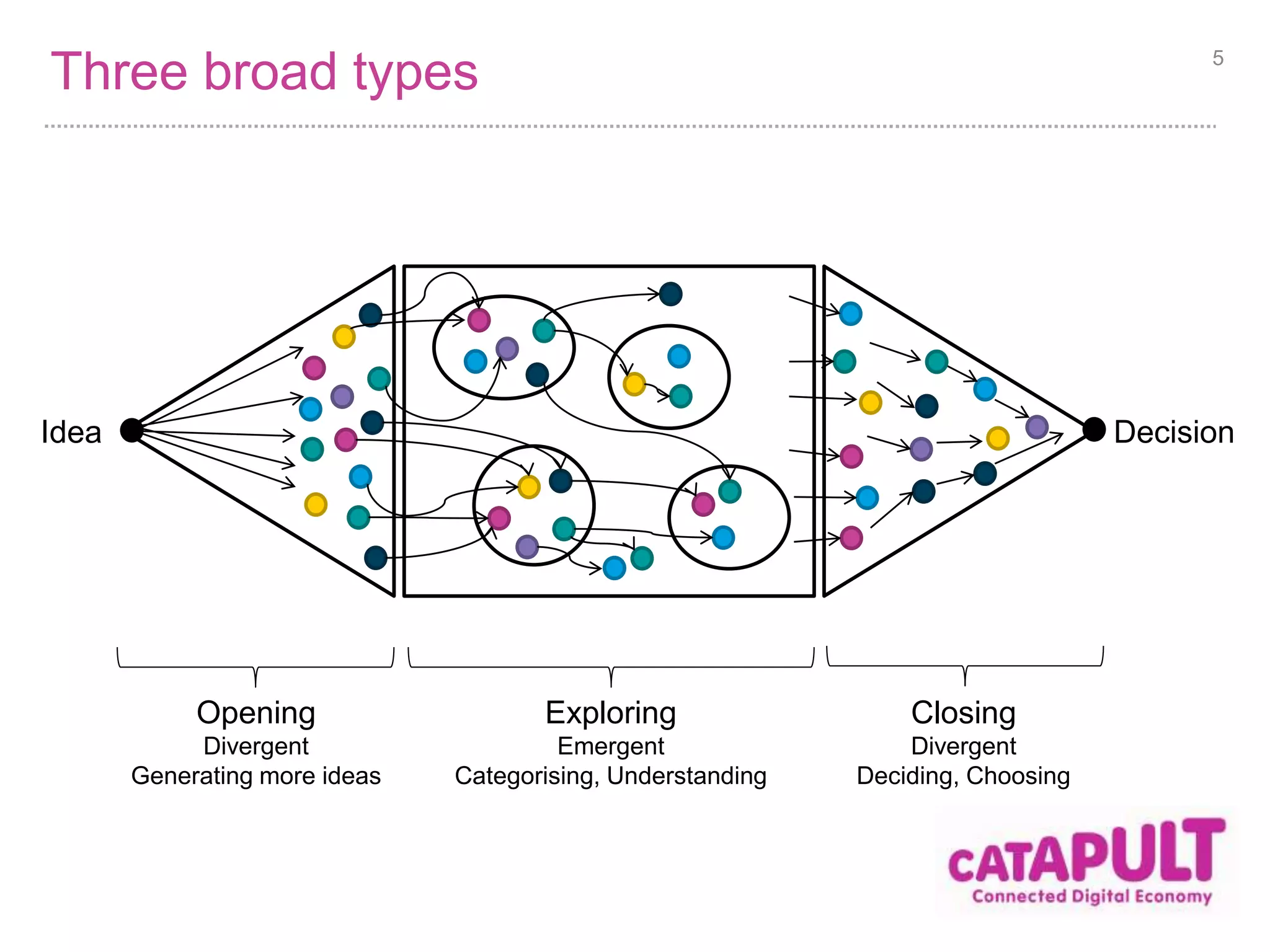
Three broad types 5 
Idea Decision 
Opening 
Divergent 
Generating more ideas 
Exploring 
Emergent 
Categorising, Understanding 
Closing 
Divergent 
Deciding, Choosing
Game Plan 
6
The situation 
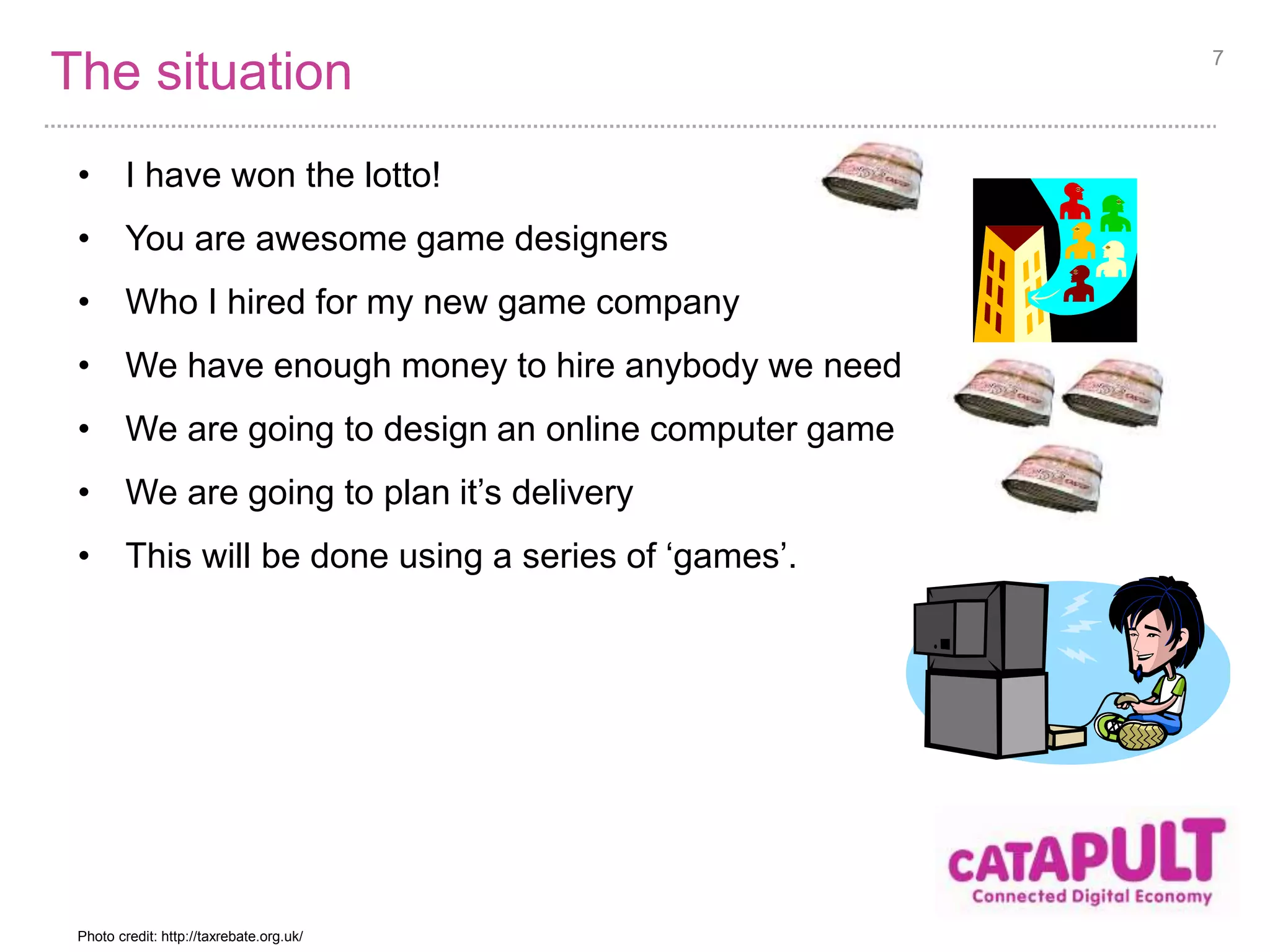
• I have won the lotto! 
• You are awesome game designers 
• Who I hired for my new game company 
• We have enough money to hire anybody we need 
• We are going to design an online computer game 
• We are going to plan it’s delivery 
• This will be done using a series of ‘games’. 
7 
Photo credit: http://taxrebate.org.uk/
Ideation of game ideas 
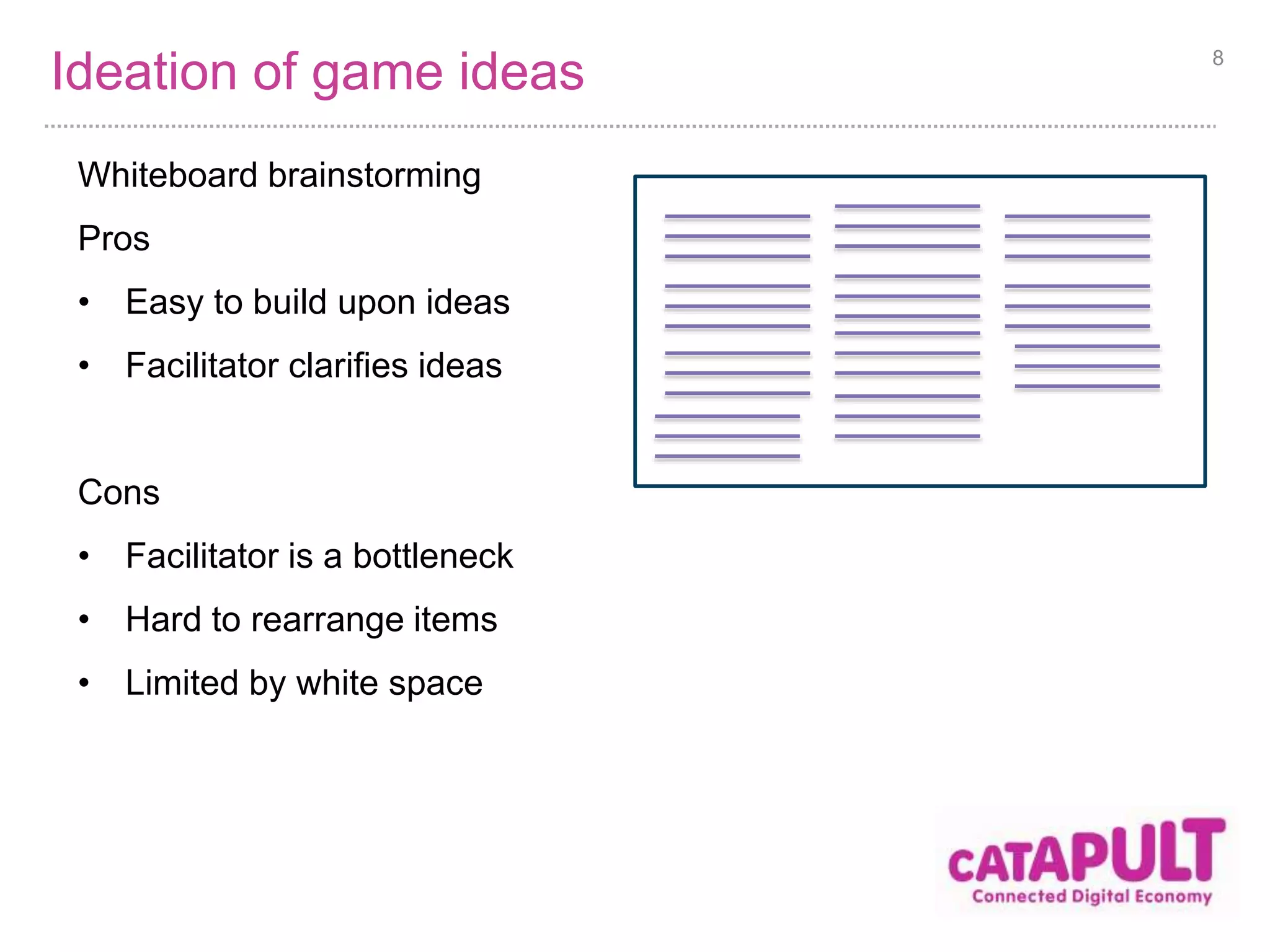
Whiteboard brainstorming 
Pros 
• Easy to build upon ideas 
• Facilitator clarifies ideas 
Cons 
• Facilitator is a bottleneck 
• Hard to rearrange items 
• Limited by white space 
8
Choose game idea 
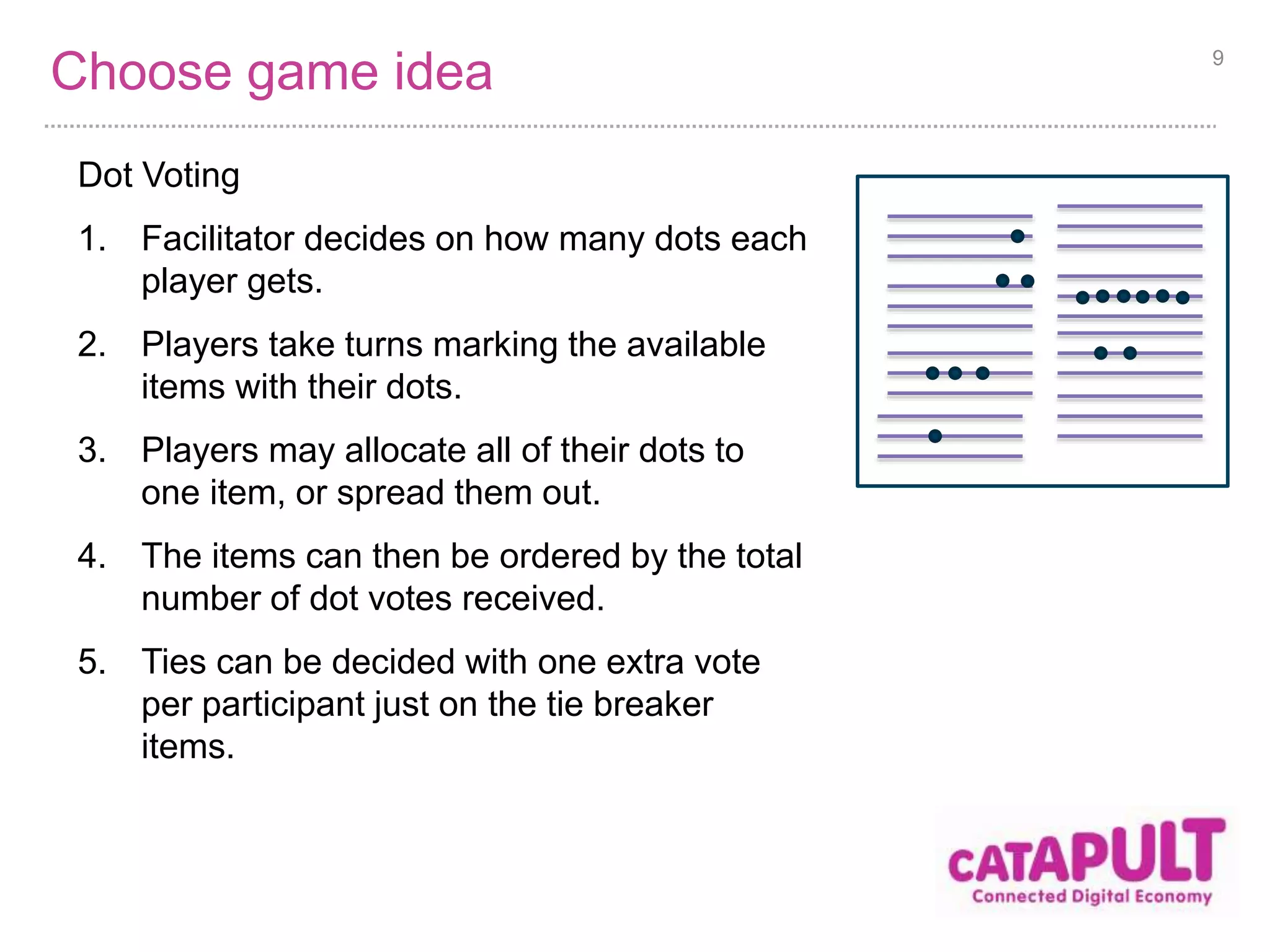
Dot Voting 
1. Facilitator decides on how many dots each 
player gets. 
2. Players take turns marking the available 
items with their dots. 
3. Players may allocate all of their dots to 
one item, or spread them out. 
4. The items can then be ordered by the total 
number of dot votes received. 
5. Ties can be decided with one extra vote 
per participant just on the tie breaker 
items. 
9
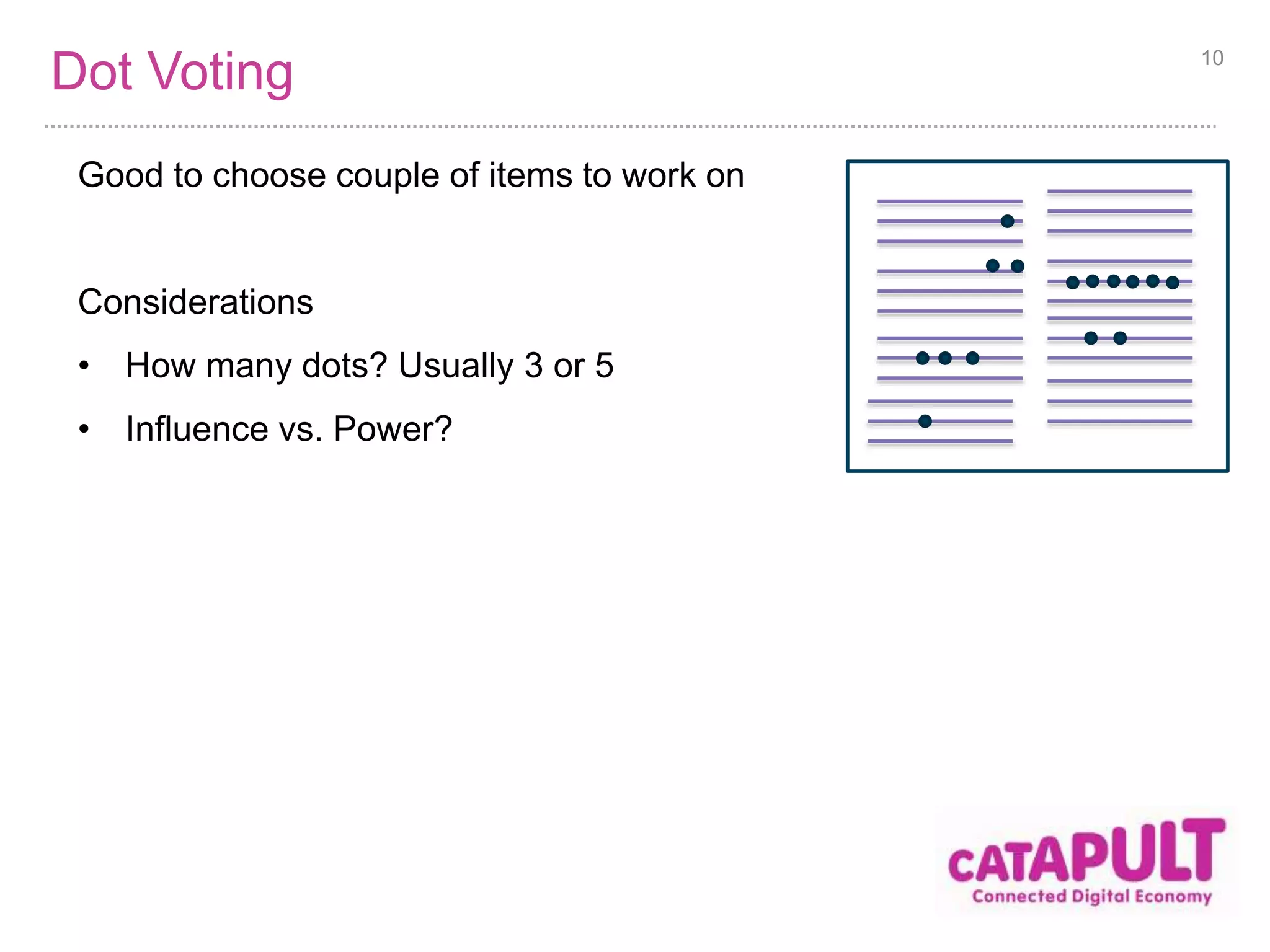
Dot Voting 
Good to choose couple of items to work on 
Considerations 
• How many dots? Usually 3 or 5 
• Influence vs. Power? 
10
User Story Mapping 
It is composed of the following games: 
1. Silent index card writing 
2. Sharing and elaborating 
3. Affinity mapping 
4. Above the line prioritisation 
11
Ideation of game features 
Aim: Generate ideas for game features 
Silent index card writing 
• Why in silence? 
• Speed 
• Remove influence 
• Why on index cards? Why not post-it notes? 
• Slide easily 
• More tangible 
• Correct size for User Stories 
• Double sided, for extra notes 
• Easy to transport 
• Why write in large font? 
• Easy to read, hence promotes understanding and elaboration 
• Easy to type up later 
12
Share and elaborate on features 
Aim: Build understanding and improve ideas 
Pros 
• Promotes shared understanding 
• Promotes building upon ideas (which is missed in Silent writing) 
• Identifies duplicate and similar items 
Cons 
• Much slower than everyone just placing their own items 
13
Categorisation of features 
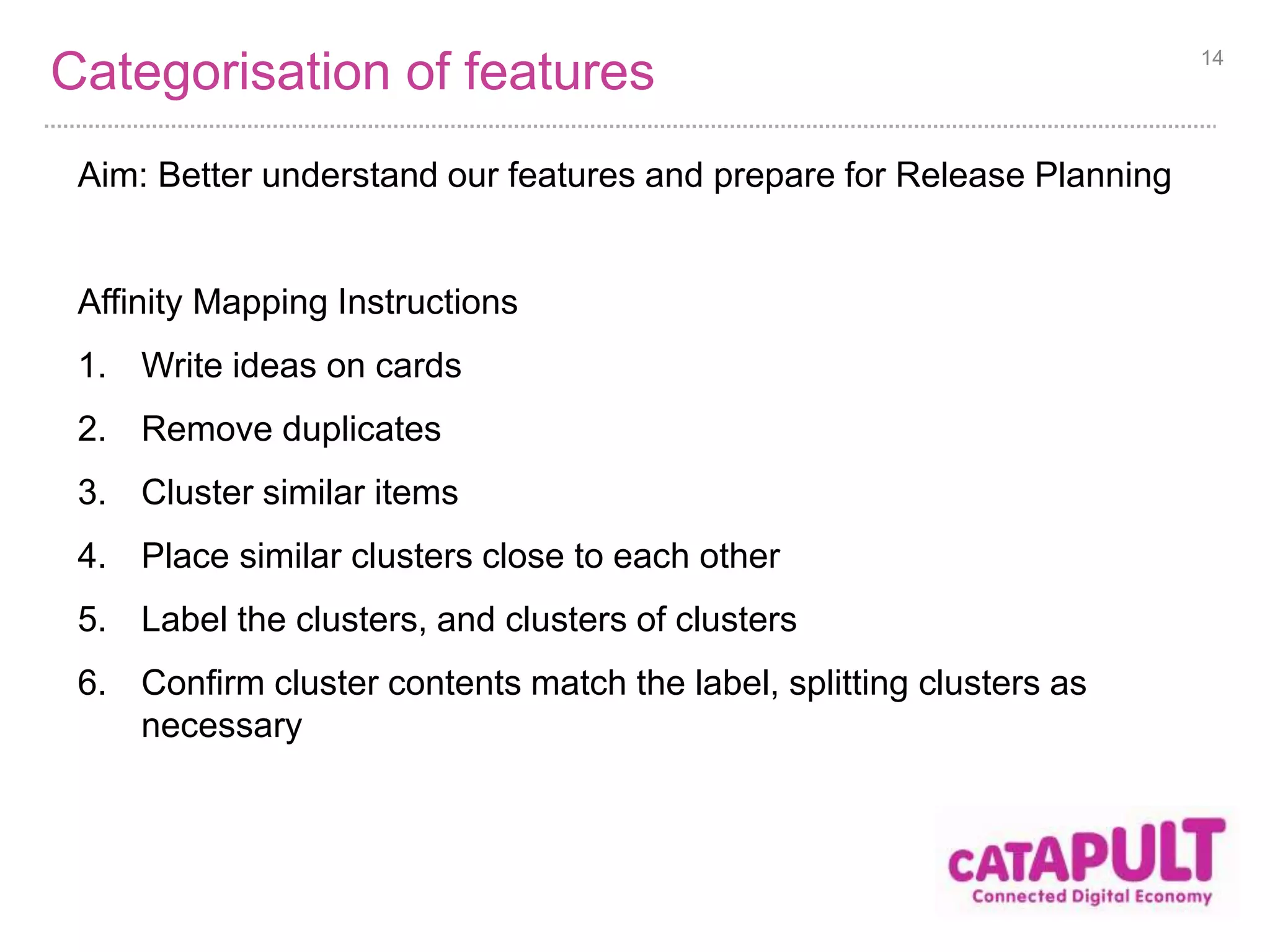
Aim: Better understand our features and prepare for Release Planning 
Affinity Mapping Instructions 
1. Write ideas on cards 
2. Remove duplicates 
3. Cluster similar items 
4. Place similar clusters close to each other 
5. Label the clusters, and clusters of clusters 
6. Confirm cluster contents match the label, splitting clusters as 
necessary 
14
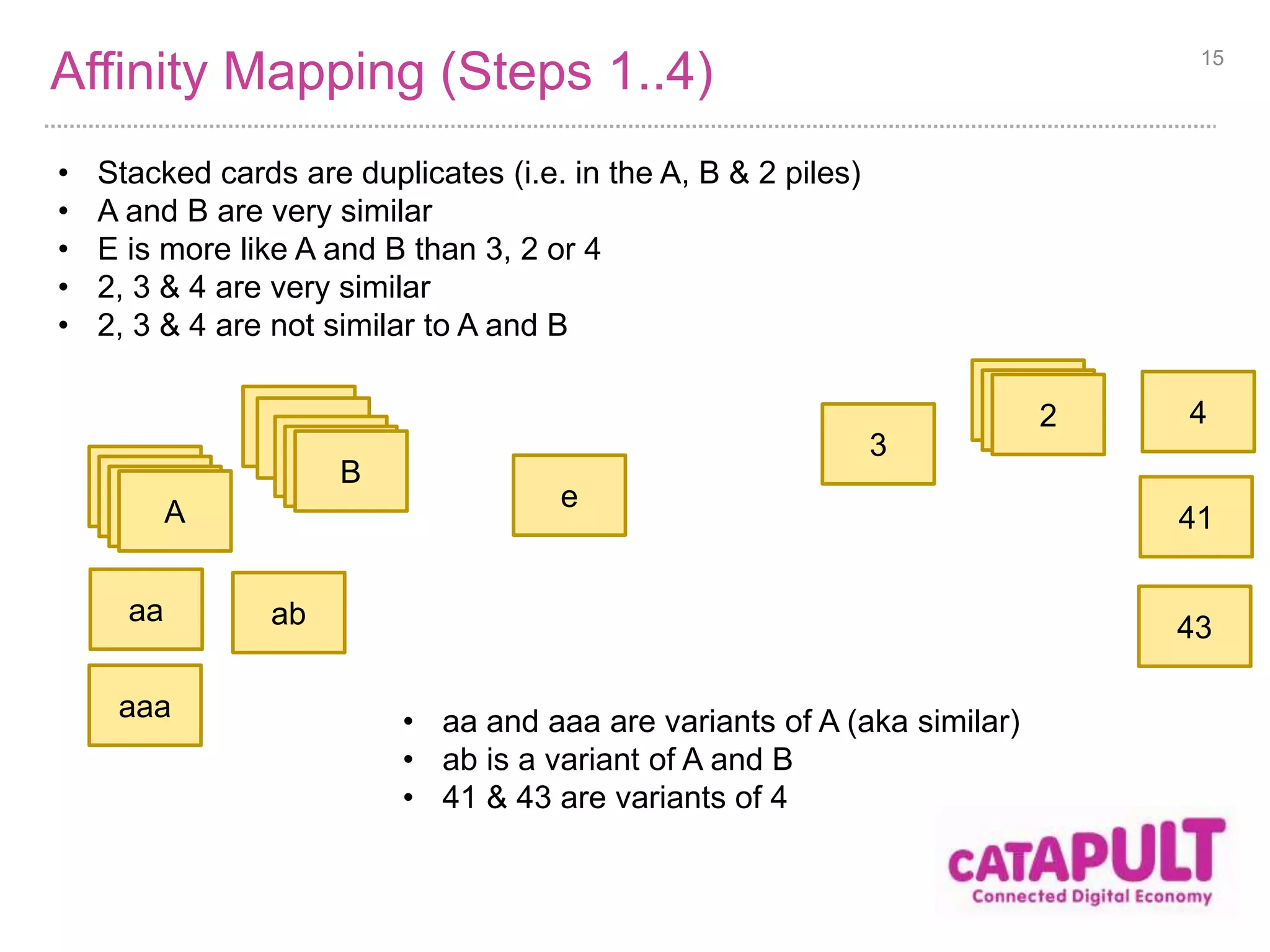
Affinity Mapping (Steps 1..4) 15 
Dupli 
cates 
Dupli 
cates 
Dupli 
catAes 
Dupli 
cates 
Dupli 
catBes 
Dupli 
cates 
Dupli 
cat2es 
ab 
e 
aa 
aaa 
3 
4 
41 
43 
• Stacked cards are duplicates (i.e. in the A, B & 2 piles) 
• A and B are very similar 
• E is more like A and B than 3, 2 or 4 
• 2, 3 & 4 are very similar 
• 2, 3 & 4 are not similar to A and B 
• aa and aaa are variants of A (aka similar) 
• ab is a variant of A and B 
• 41 & 43 are variants of 4
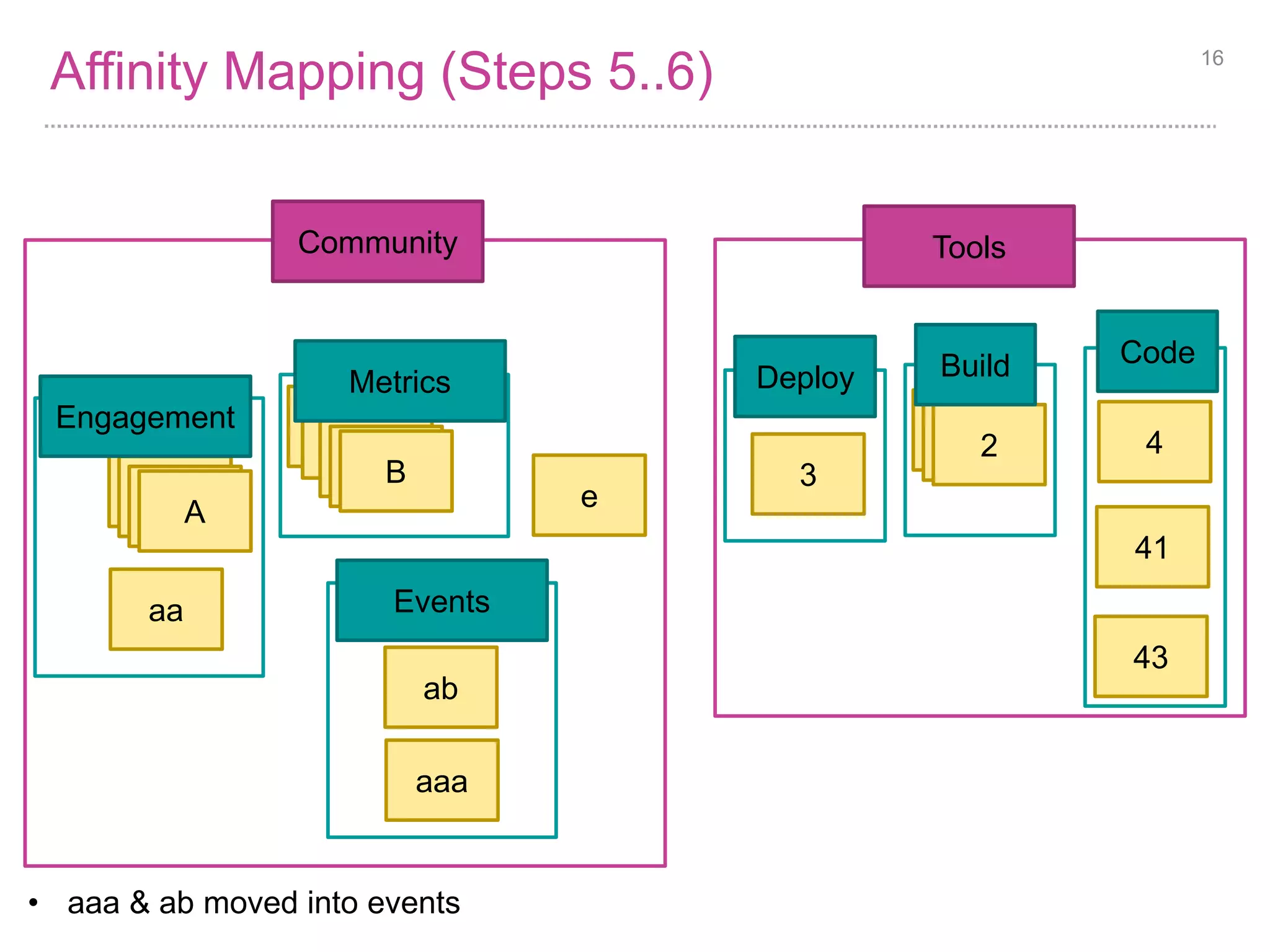
Affinity Mapping (Steps 5..6) 16 
Dupli 
cates 
Dupli 
cates 
Dupli 
catAes 
Metrics 
Dupli 
cates 
Dupli 
catBes 
Tools 
Dupli 
cates 
Dupli 
cat2es 
e 
aa 
3 
4 
41 
43 
Engagement 
Events 
ab 
Build 
Code 
Deploy 
Community 
aaa 
• aaa & ab moved into events
Release Planning 
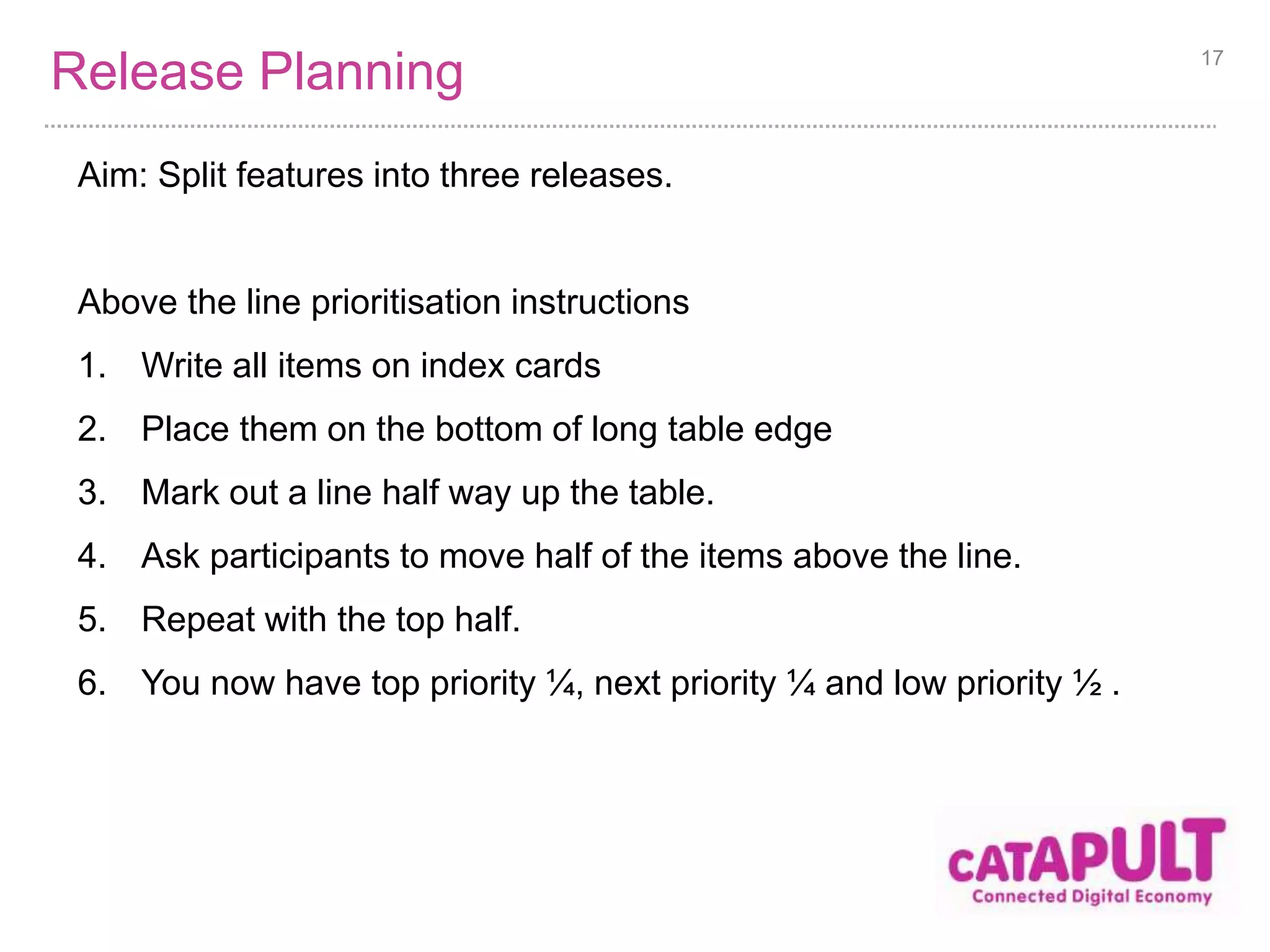
Aim: Split features into three releases. 
Above the line prioritisation instructions 
1. Write all items on index cards 
2. Place them on the bottom of long table edge 
3. Mark out a line half way up the table. 
4. Ask participants to move half of the items above the line. 
5. Repeat with the top half. 
6. You now have top priority ¼, next priority ¼ and low priority ½ . 
17
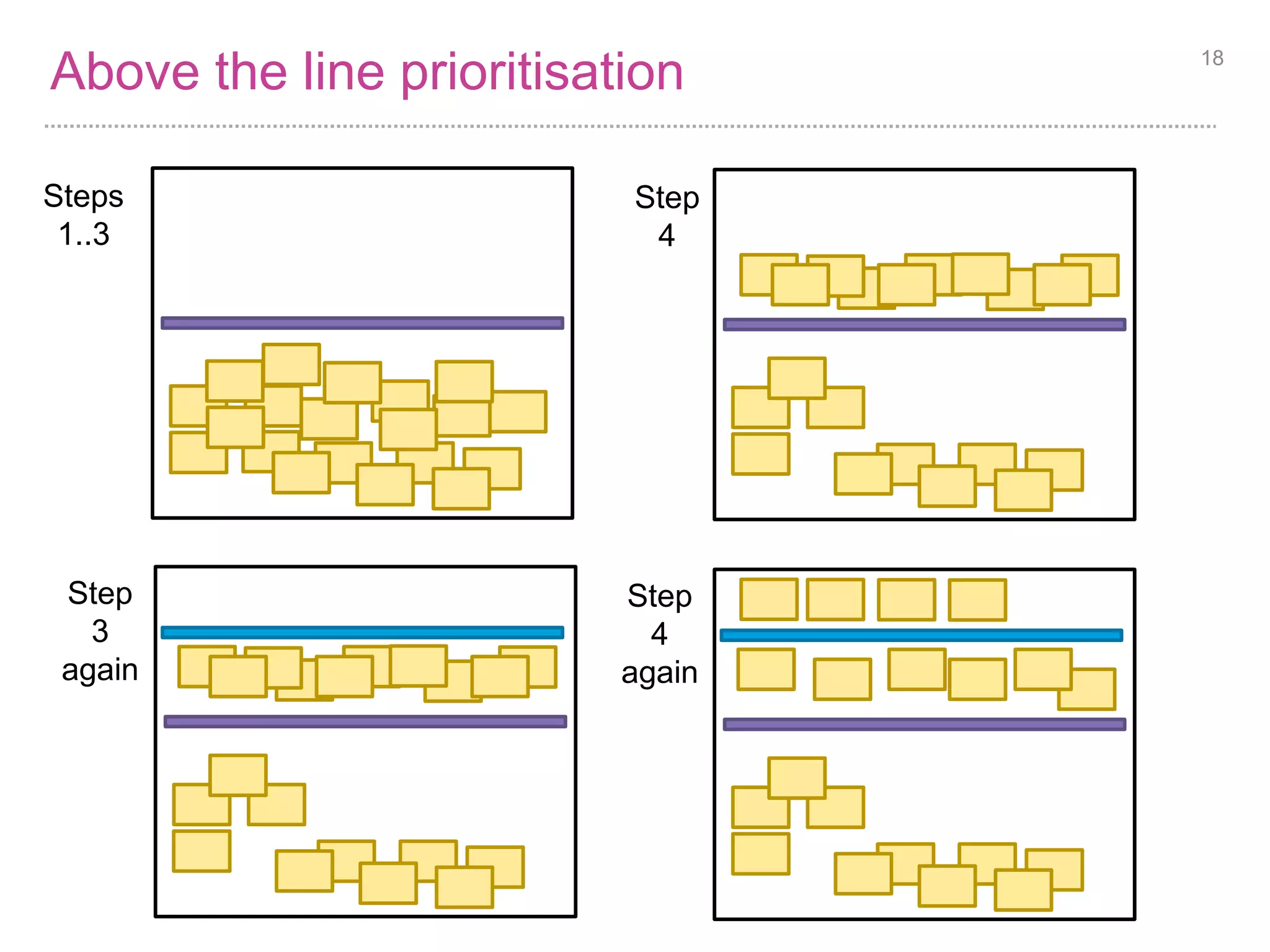
Above the line prioritisation 18 
Steps 
1..3 
Step 
4 
Step 
4 
again 
Step 
3 
again
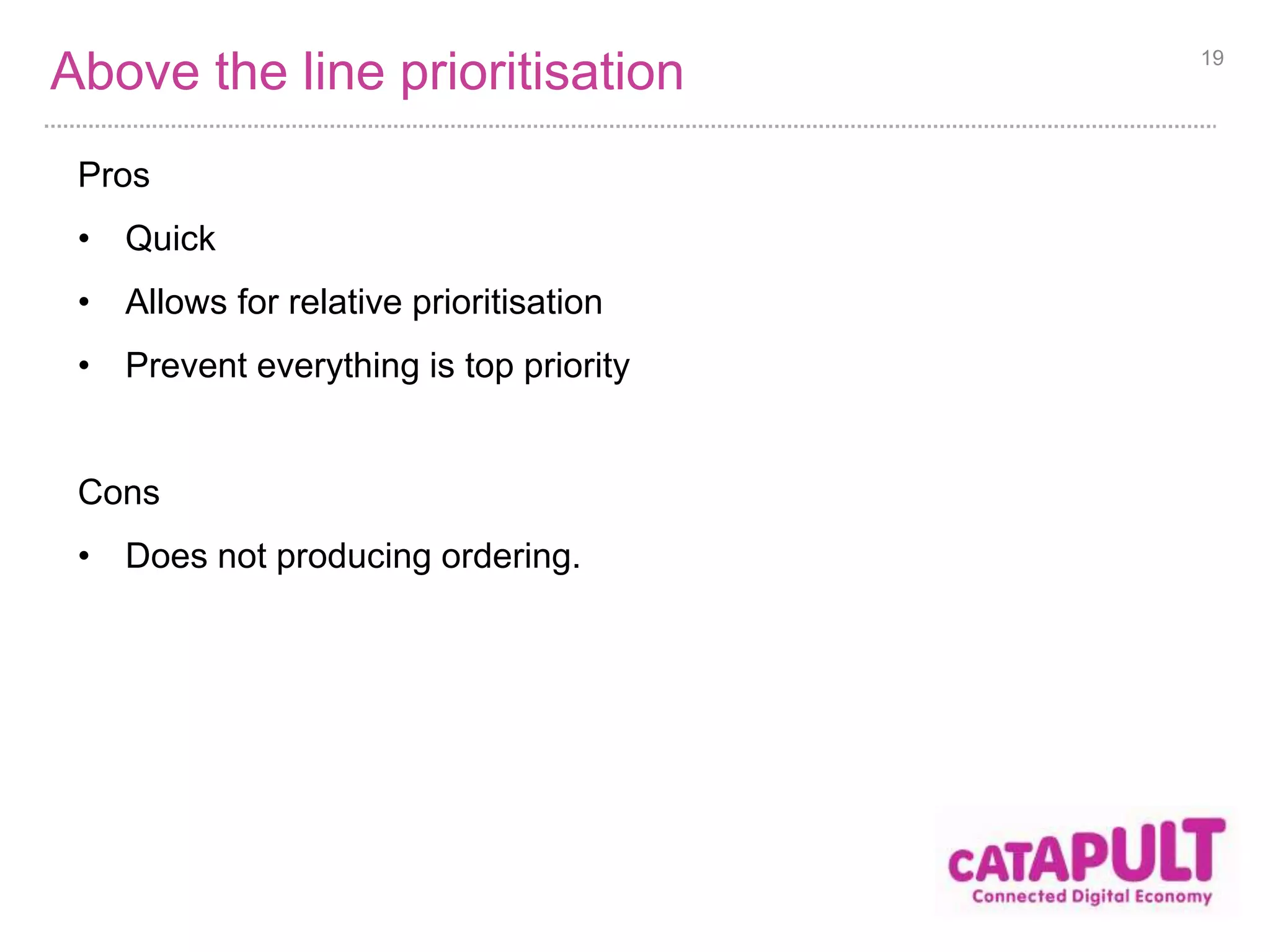
Above the line prioritisation 
Pros 
• Quick 
• Allows for relative prioritisation 
• Prevent everything is top priority 
Cons 
• Does not producing ordering. 
19
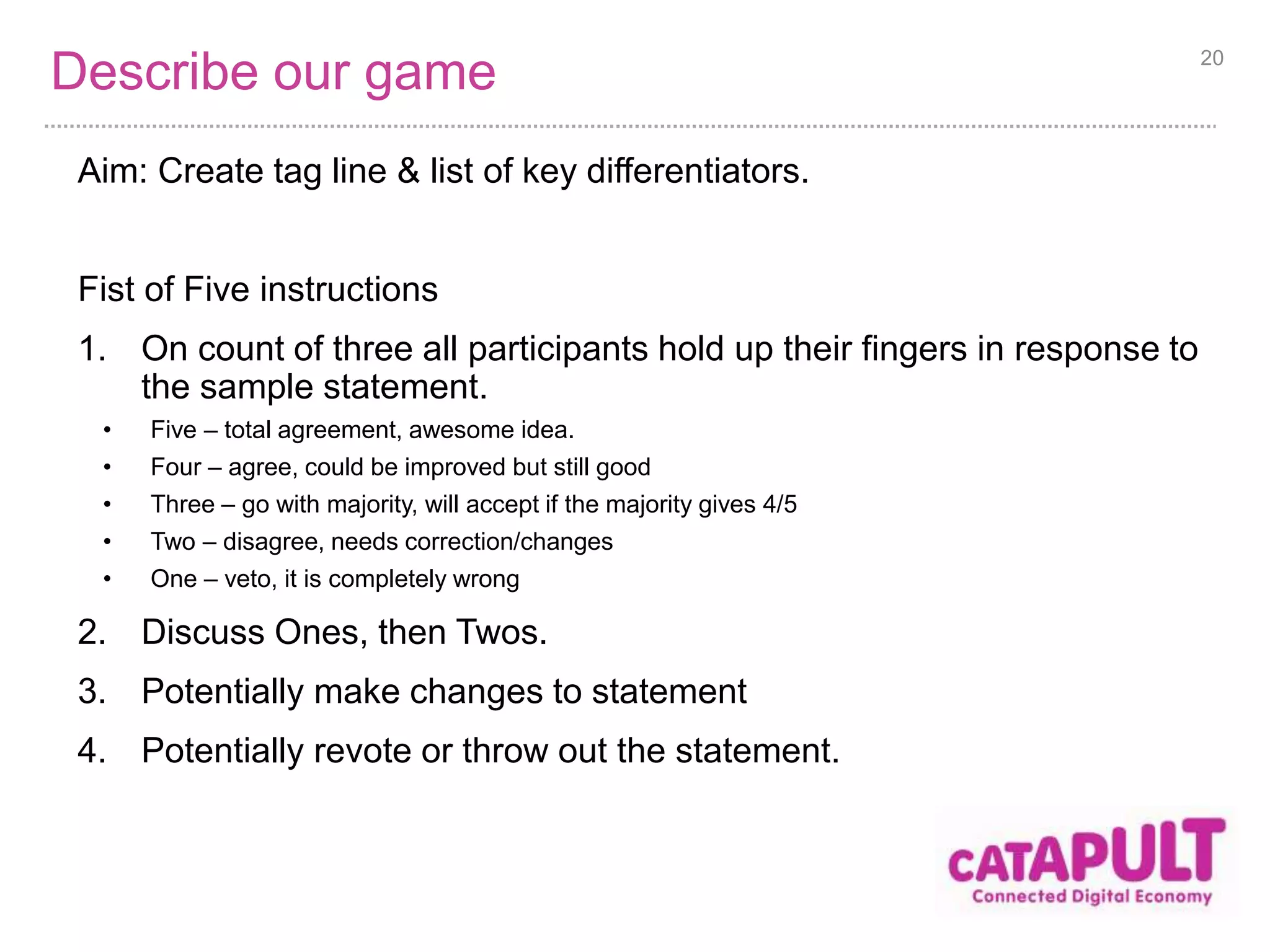
Describe our game 
Aim: Create tag line & list of key differentiators. 
Fist of Five instructions 
1. On count of three all participants hold up their fingers in response to 
the sample statement. 
• Five – total agreement, awesome idea. 
• Four – agree, could be improved but still good 
• Three – go with majority, will accept if the majority gives 4/5 
• Two – disagree, needs correction/changes 
• One – veto, it is completely wrong 
2. Discuss Ones, then Twos. 
3. Potentially make changes to statement 
4. Potentially revote or throw out the statement. 
20
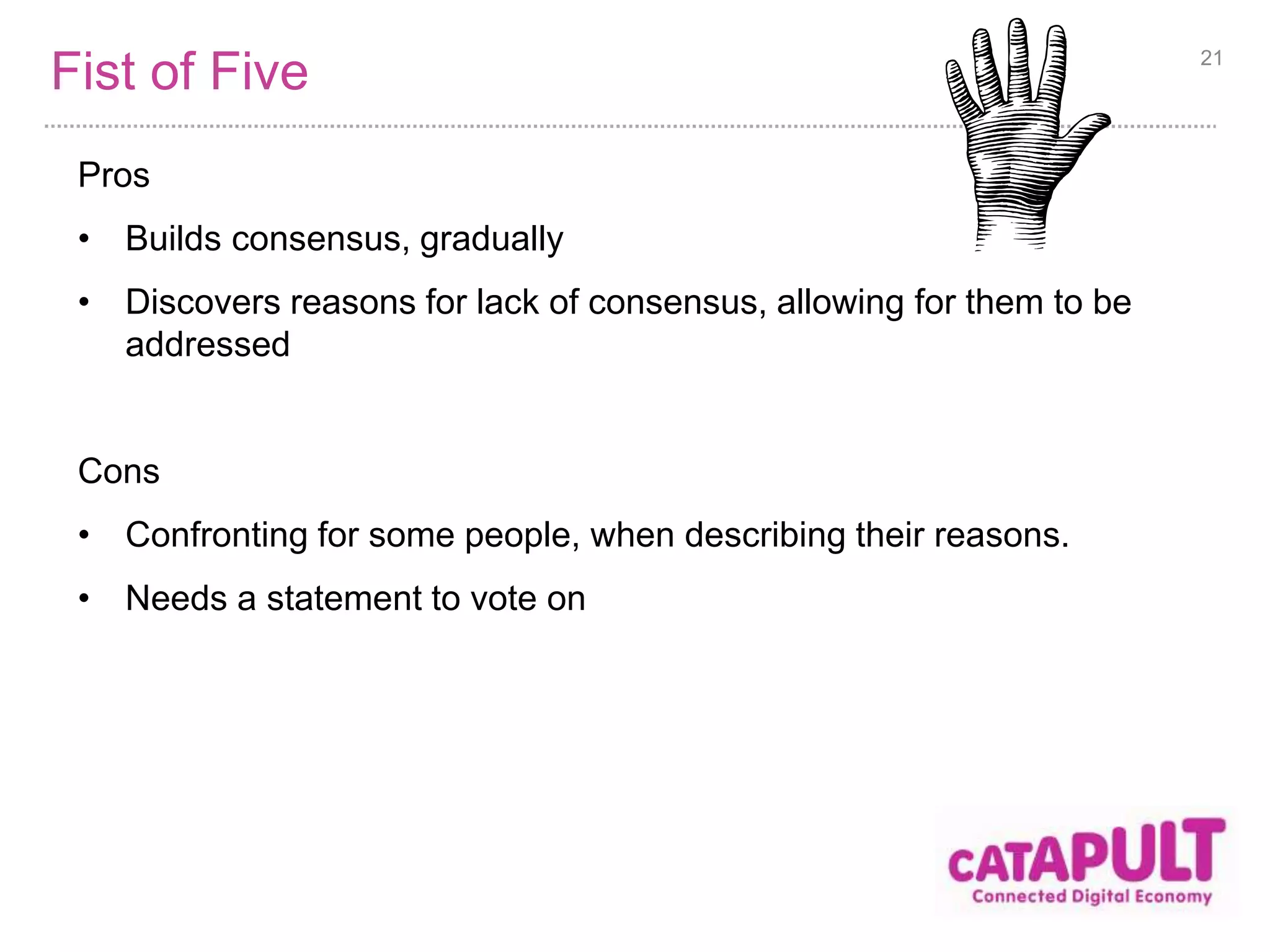
Fist of Five 
Pros 
• Builds consensus, gradually 
• Discovers reasons for lack of consensus, allowing for them to be 
addressed 
Cons 
• Confronting for some people, when describing their reasons. 
• Needs a statement to vote on 
21
Problem Solving 
22
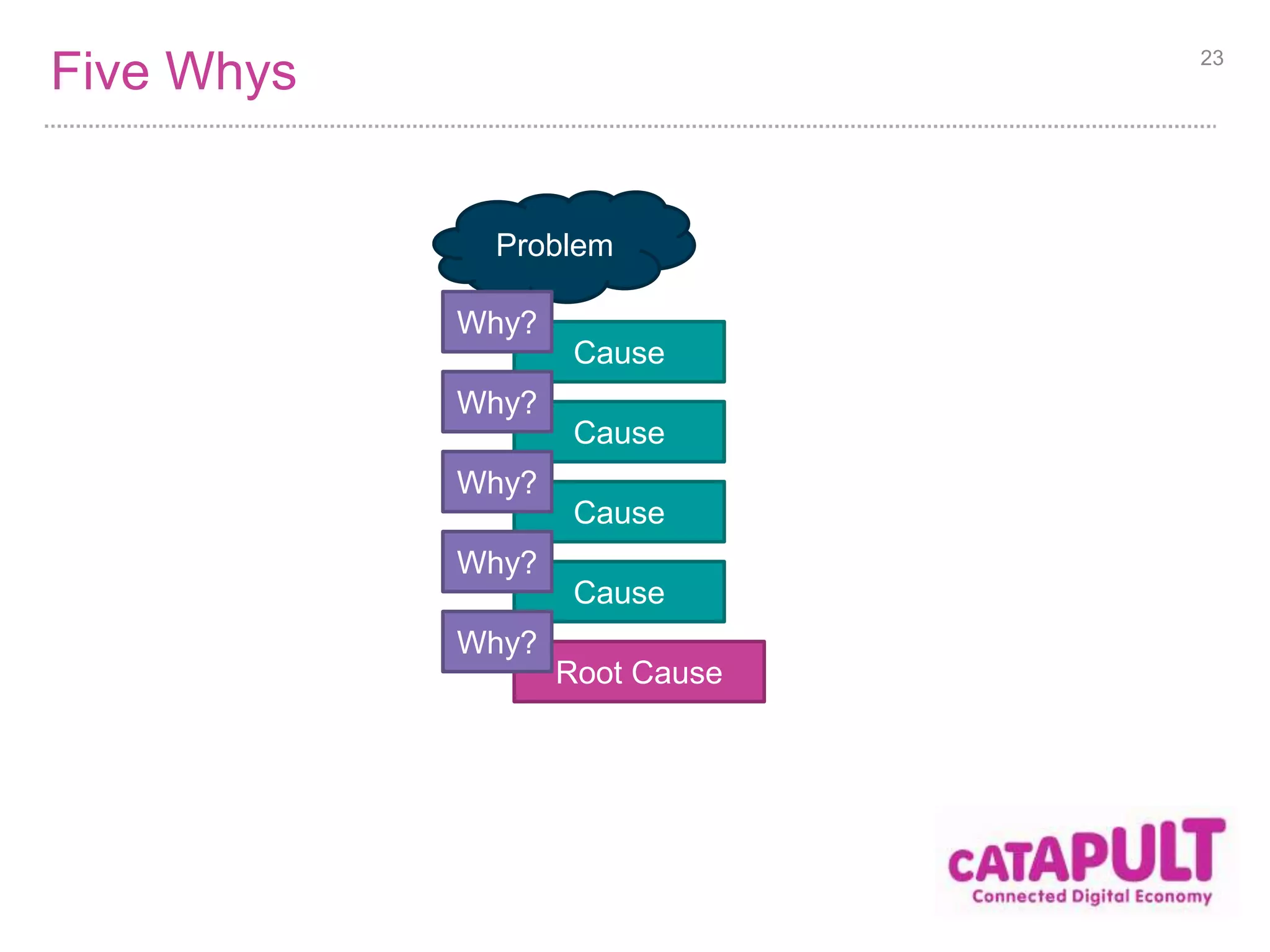
Five Whys 23 
Problem 
Cause 
Why? 
Cause 
Why? 
Cause 
Why? 
Cause 
Why? 
Root Cause 
Why?
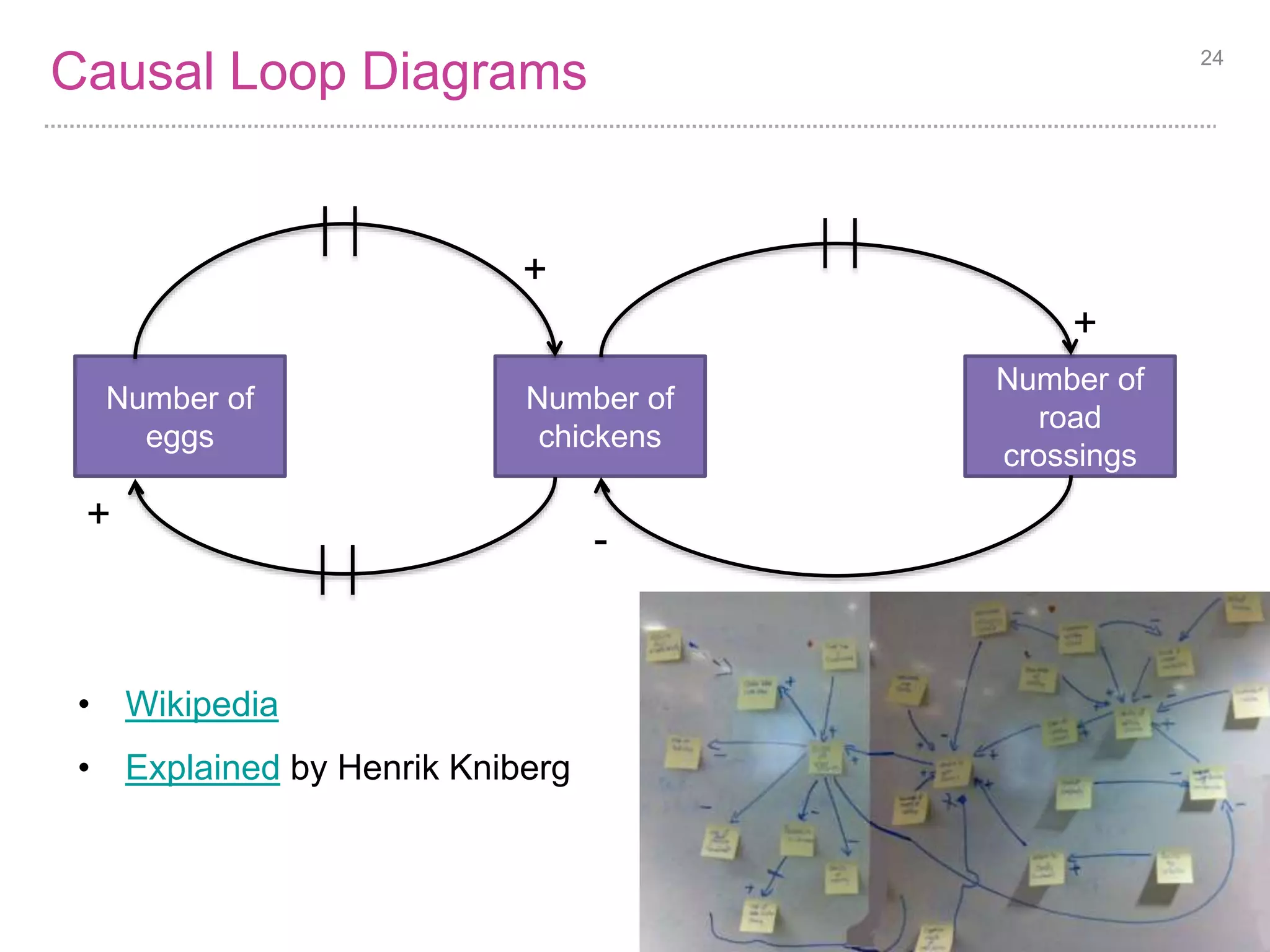
Causal Loop Diagrams 
• Wikipedia 
• Explained by Henrik Kniberg 
24 
Number of 
chickens 
Number of 
road 
crossings 
Number of 
eggs 
+ 
+ 
+ 
-
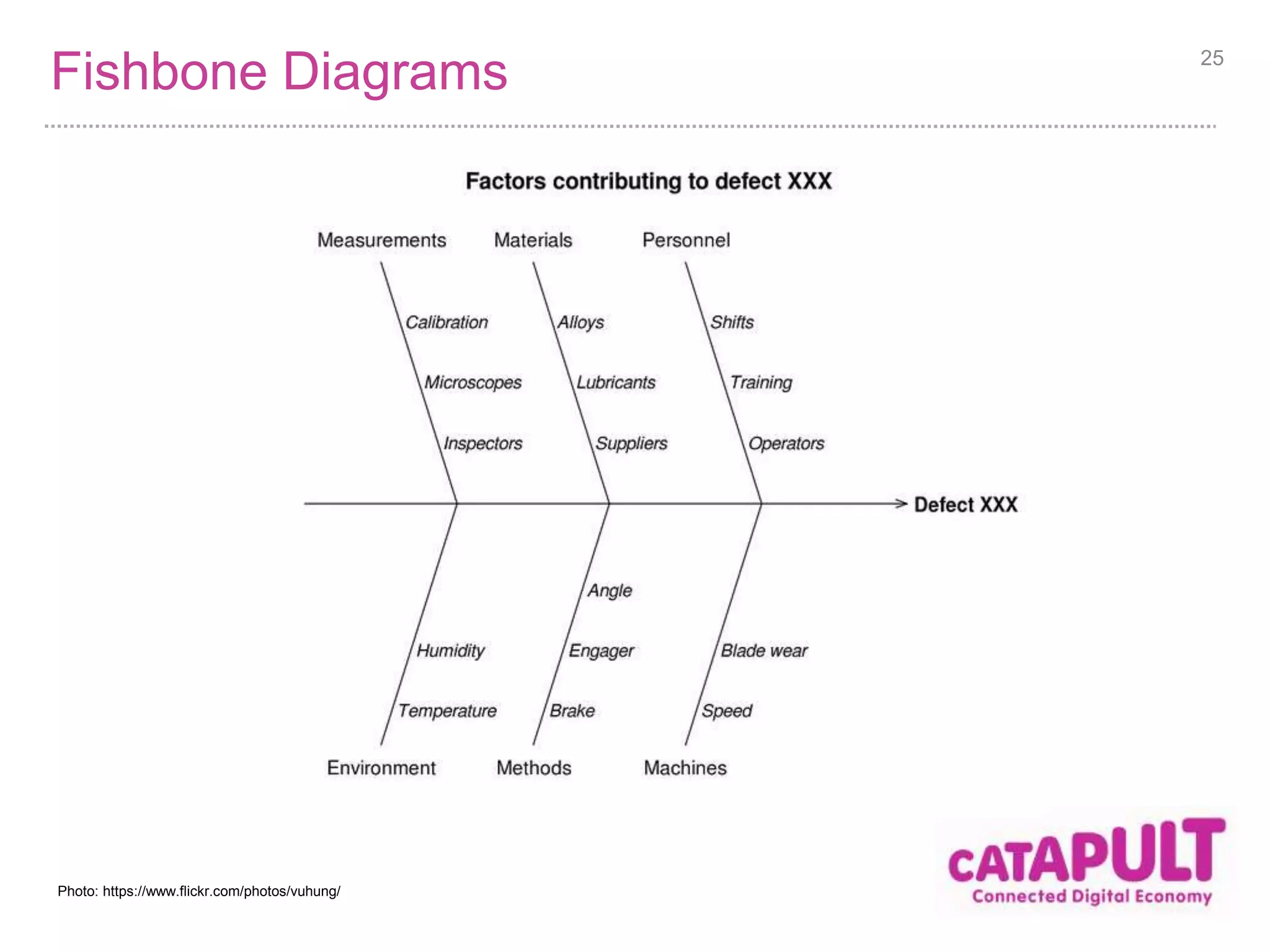
Fishbone Diagrams 25 
Photo: https://www.flickr.com/photos/vuhung/
Wrap up 
26
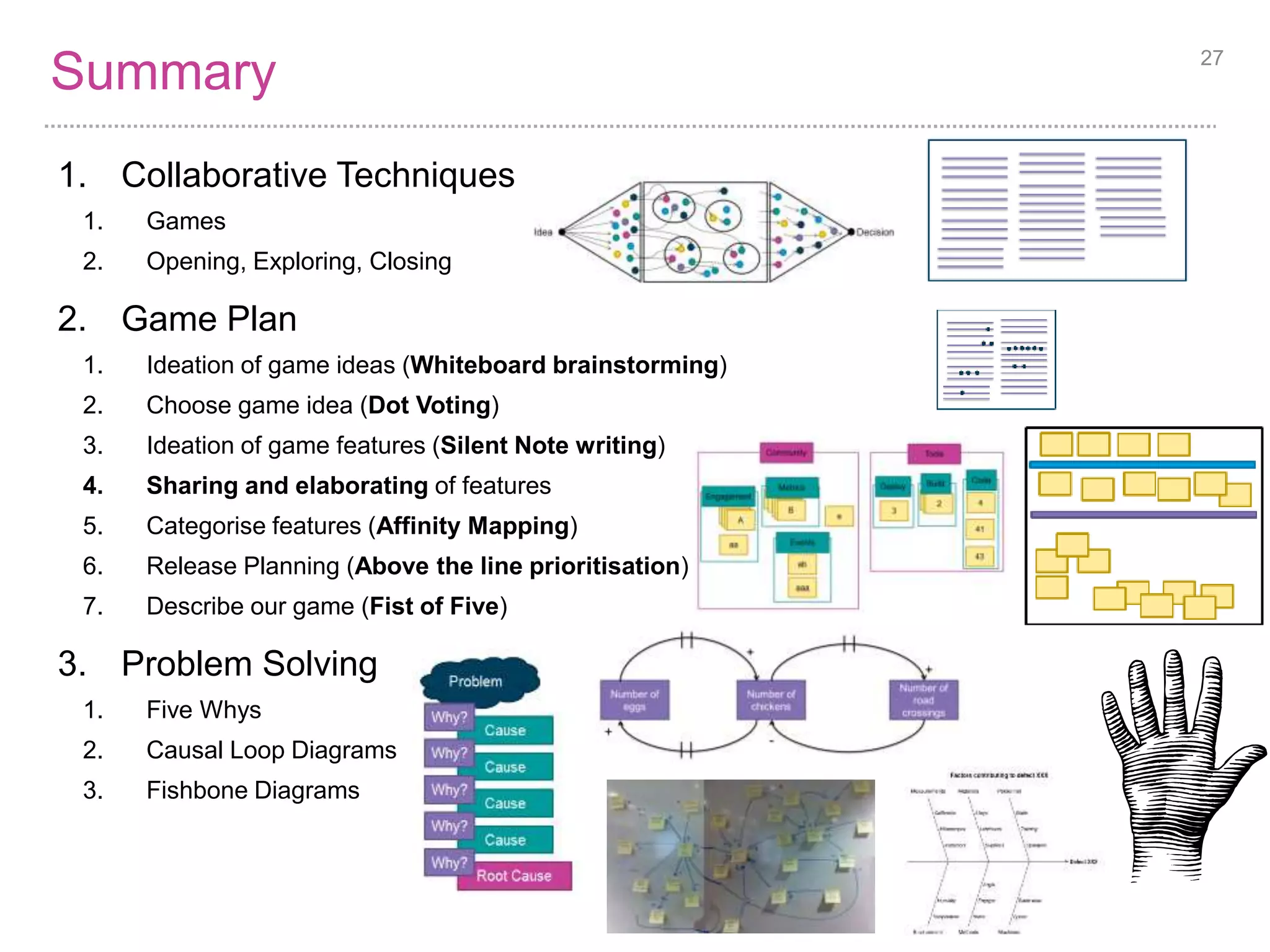
Summary 27 
1. Collaborative Techniques 
1. Games 
2. Opening, Exploring, Closing 
2. Game Plan 
1. Ideation of game ideas (Whiteboard brainstorming) 
2. Choose game idea (Dot Voting) 
3. Ideation of game features (Silent Note writing) 
4. Sharing and elaborating of features 
5. Categorise features (Affinity Mapping) 
6. Release Planning (Above the line prioritisation) 
7. Describe our game (Fist of Five) 
3. Problem Solving 
1. Five Whys 
2. Causal Loop Diagrams 
3. Fishbone Diagrams
28 
https://www.flickr.com/photos/carlos_maya/ 
1 - 3 
Key Learning Points 
One person at a time 
Your answers don’t 
have to be unique
Reference Material 
Tasty Cup Cakes – stupid name, good free games 
29

Collaborative Techniques

  • 1.
  • 2.
    Contents 1. CollaborativeTechniques 2. Game Plan 3. Problem Solving 2
  • 3.
  • 4.
    Games Collaborative Technique= Game Why use games • Games are a great way to learn • Games help us step out of mental boundaries • Games allow us to collaborate in safety • Games can be very short, or long and elaborate. • Small games combine well to create other games. 4
  • 5.
    Three broad types5 Idea Decision Opening Divergent Generating more ideas Exploring Emergent Categorising, Understanding Closing Divergent Deciding, Choosing
  • 6.
  • 7.
    The situation •I have won the lotto! • You are awesome game designers • Who I hired for my new game company • We have enough money to hire anybody we need • We are going to design an online computer game • We are going to plan it’s delivery • This will be done using a series of ‘games’. 7 Photo credit: http://taxrebate.org.uk/
  • 8.
    Ideation of gameideas Whiteboard brainstorming Pros • Easy to build upon ideas • Facilitator clarifies ideas Cons • Facilitator is a bottleneck • Hard to rearrange items • Limited by white space 8
  • 9.
    Choose game idea Dot Voting 1. Facilitator decides on how many dots each player gets. 2. Players take turns marking the available items with their dots. 3. Players may allocate all of their dots to one item, or spread them out. 4. The items can then be ordered by the total number of dot votes received. 5. Ties can be decided with one extra vote per participant just on the tie breaker items. 9
  • 10.
    Dot Voting Goodto choose couple of items to work on Considerations • How many dots? Usually 3 or 5 • Influence vs. Power? 10
  • 11.
    User Story Mapping It is composed of the following games: 1. Silent index card writing 2. Sharing and elaborating 3. Affinity mapping 4. Above the line prioritisation 11
  • 12.
    Ideation of gamefeatures Aim: Generate ideas for game features Silent index card writing • Why in silence? • Speed • Remove influence • Why on index cards? Why not post-it notes? • Slide easily • More tangible • Correct size for User Stories • Double sided, for extra notes • Easy to transport • Why write in large font? • Easy to read, hence promotes understanding and elaboration • Easy to type up later 12
  • 13.
    Share and elaborateon features Aim: Build understanding and improve ideas Pros • Promotes shared understanding • Promotes building upon ideas (which is missed in Silent writing) • Identifies duplicate and similar items Cons • Much slower than everyone just placing their own items 13
  • 14.
    Categorisation of features Aim: Better understand our features and prepare for Release Planning Affinity Mapping Instructions 1. Write ideas on cards 2. Remove duplicates 3. Cluster similar items 4. Place similar clusters close to each other 5. Label the clusters, and clusters of clusters 6. Confirm cluster contents match the label, splitting clusters as necessary 14
  • 15.
    Affinity Mapping (Steps1..4) 15 Dupli cates Dupli cates Dupli catAes Dupli cates Dupli catBes Dupli cates Dupli cat2es ab e aa aaa 3 4 41 43 • Stacked cards are duplicates (i.e. in the A, B & 2 piles) • A and B are very similar • E is more like A and B than 3, 2 or 4 • 2, 3 & 4 are very similar • 2, 3 & 4 are not similar to A and B • aa and aaa are variants of A (aka similar) • ab is a variant of A and B • 41 & 43 are variants of 4
  • 16.
    Affinity Mapping (Steps5..6) 16 Dupli cates Dupli cates Dupli catAes Metrics Dupli cates Dupli catBes Tools Dupli cates Dupli cat2es e aa 3 4 41 43 Engagement Events ab Build Code Deploy Community aaa • aaa & ab moved into events
  • 17.
    Release Planning Aim:Split features into three releases. Above the line prioritisation instructions 1. Write all items on index cards 2. Place them on the bottom of long table edge 3. Mark out a line half way up the table. 4. Ask participants to move half of the items above the line. 5. Repeat with the top half. 6. You now have top priority ¼, next priority ¼ and low priority ½ . 17
  • 18.
    Above the lineprioritisation 18 Steps 1..3 Step 4 Step 4 again Step 3 again
  • 19.
    Above the lineprioritisation Pros • Quick • Allows for relative prioritisation • Prevent everything is top priority Cons • Does not producing ordering. 19
  • 20.
    Describe our game Aim: Create tag line & list of key differentiators. Fist of Five instructions 1. On count of three all participants hold up their fingers in response to the sample statement. • Five – total agreement, awesome idea. • Four – agree, could be improved but still good • Three – go with majority, will accept if the majority gives 4/5 • Two – disagree, needs correction/changes • One – veto, it is completely wrong 2. Discuss Ones, then Twos. 3. Potentially make changes to statement 4. Potentially revote or throw out the statement. 20
  • 21.
    Fist of Five Pros • Builds consensus, gradually • Discovers reasons for lack of consensus, allowing for them to be addressed Cons • Confronting for some people, when describing their reasons. • Needs a statement to vote on 21
  • 22.
  • 23.
    Five Whys 23 Problem Cause Why? Cause Why? Cause Why? Cause Why? Root Cause Why?
  • 24.
    Causal Loop Diagrams • Wikipedia • Explained by Henrik Kniberg 24 Number of chickens Number of road crossings Number of eggs + + + -
  • 25.
    Fishbone Diagrams 25 Photo: https://www.flickr.com/photos/vuhung/
  • 26.
  • 27.
    Summary 27 1.Collaborative Techniques 1. Games 2. Opening, Exploring, Closing 2. Game Plan 1. Ideation of game ideas (Whiteboard brainstorming) 2. Choose game idea (Dot Voting) 3. Ideation of game features (Silent Note writing) 4. Sharing and elaborating of features 5. Categorise features (Affinity Mapping) 6. Release Planning (Above the line prioritisation) 7. Describe our game (Fist of Five) 3. Problem Solving 1. Five Whys 2. Causal Loop Diagrams 3. Fishbone Diagrams
  • 28.
    28 https://www.flickr.com/photos/carlos_maya/ 1- 3 Key Learning Points One person at a time Your answers don’t have to be unique
  • 29.
    Reference Material TastyCup Cakes – stupid name, good free games 29