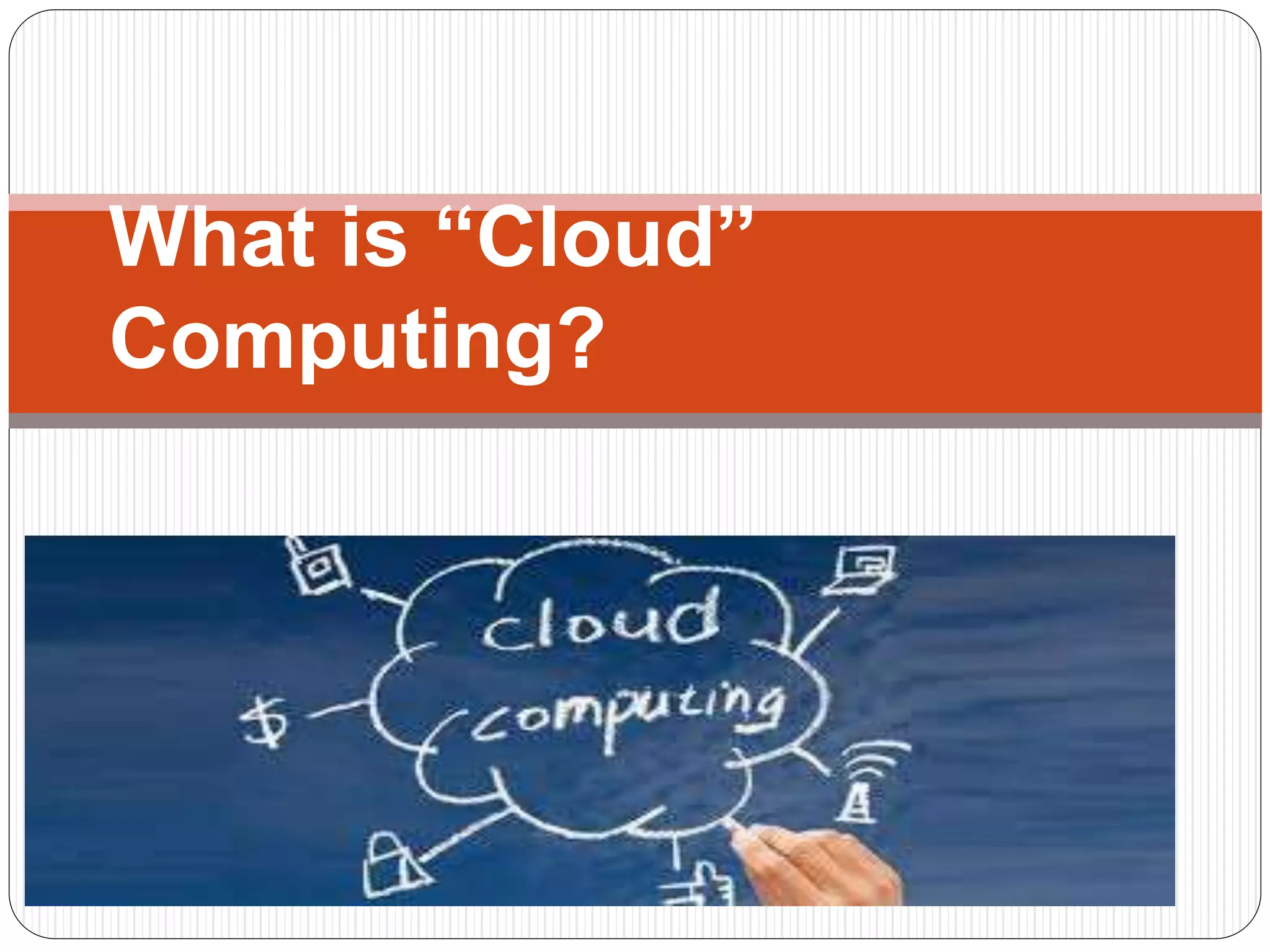
What is “Cloud”
Computing?
What is “Cloud”
Computing?
Cloud computing is a recently
evolved computing terminology or
metaphor based on utility and
consumption of computing
resources
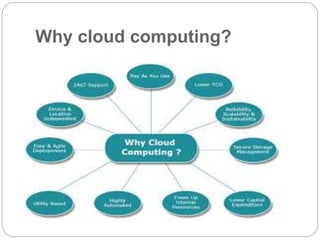
Why cloud computing?
Some example of cloud
computing applications that
could be useful for institutions of
higher education:
1- sky Drive service from
Microsoft
Sky Drive is the best because the user has
to 7 GB free bytes Unlike other services that
area does not exceed 5 GB As for the
service and sacrifice of Microsoft operating
systems
support both Windows and Mac.
2.Google Drive
service
Is a service provided by Google give you an area
of 5 GB free, supports multiple files and multiple
formats. Featuring service use across the web and
through (Android only), computers (Mac,
Windows), you can share files with several people
or with the public, which best supports the
amendment to the neuro files and create such as
Word and Excel, and PowerPoint.
3. Drop Box Drop box
service
Month is considered at all, and the oldest.
Give you the service initially area 2 GB and
allow overpaid Amabaldawat or follow
through stages start to increase the space
free of charge. Featuring service that can be
used over the Web from any place or mobile
devices (iPhone, iPad, Android, Blackberry),
or through your computer (Windows, Mac,
Linux) your, well, you can specific file sharing
with a group of people and see the last
additions and modifications on behalf of all
people, you can raise all kinds of files on that
Cloud Computing System
Cloud Computing System like other
technologies contain the pros and cons, but in
the field of education will be a major tributary of
the e-learning and mobile private education,
education, widespread, and perhaps the only
challenge that must be overcome is the overall
service and fast Internet access coverage.
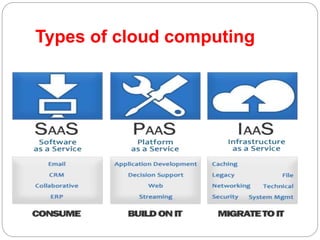
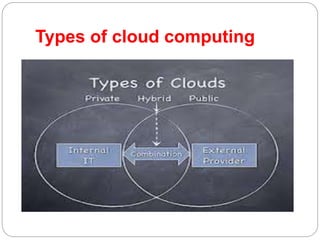
Types of cloud computing
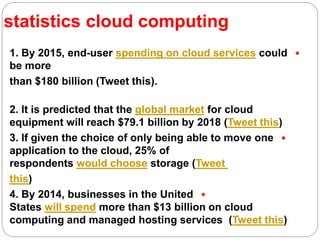
statistics cloud computing
1. By 2015, end-user spending on cloud services could
be more
than $180 billion (Tweet this).
2. It is predicted that the global market for cloud
equipment will reach $79.1 billion by 2018 (Tweet this)
3. If given the choice of only being able to move one
application to the cloud, 25% of
respondents would choose storage (Tweet
this)
4. By 2014, businesses in the United
States will spend more than $13 billion on cloud
computing and managed hosting services (Tweet this)
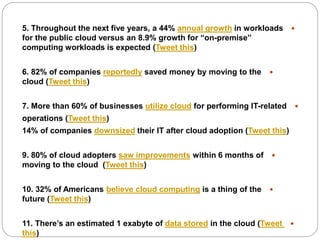
5. Throughout the next five years, a 44% annual growth in workloads
for the public cloud versus an 8.9% growth for “on-premise”
computing workloads is expected (Tweet this)
6. 82% of companies reportedly saved money by moving to the
cloud (Tweet this)
7. More than 60% of businesses utilize cloud for performing IT-related
operations (Tweet this)
14% of companies downsized their IT after cloud adoption (Tweet this)
9. 80% of cloud adopters saw improvements within 6 months of
moving to the cloud (Tweet this)
10. 32% of Americans believe cloud computing is a thing of the
future (Tweet this)
11. There’s an estimated 1 exabyte of data stored in the cloud (Tweet
this)
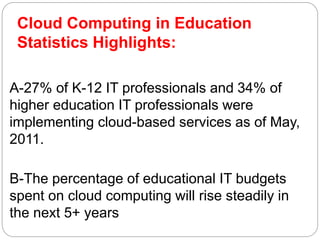
Cloud Computing in Education
Statistics Highlights:
A-27% of K-12 IT professionals and 34% of
higher education IT professionals were
implementing cloud-based services as of May,
2011.
B-The percentage of educational IT budgets
spent on cloud computing will rise steadily in
the next 5+ years
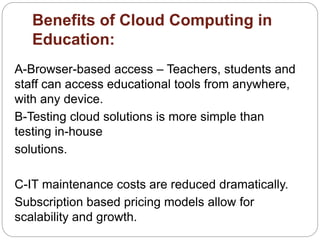
Benefits of Cloud Computing in
Education:
A-Browser-based access – Teachers, students and
staff can access educational tools from anywhere,
with any device.
B-Testing cloud solutions is more simple than
testing in-house
solutions.
C-IT maintenance costs are reduced dramatically.
Subscription based pricing models allow for
scalability and growth.
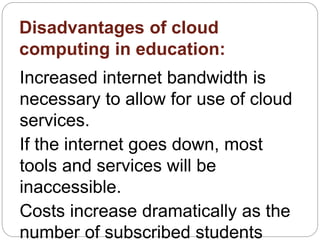
Disadvantages of cloud
computing in education:
Increased internet bandwidth is
necessary to allow for use of cloud
services.
If the internet goes down, most
tools and services will be
inaccessible.
Costs increase dramatically as the
number of subscribed students
Cloud computing   in education (الحوسبة السحابية )

Cloud computing in education (الحوسبة السحابية )

  • 1.
  • 2.
    What is “Cloud” Computing? Cloudcomputing is a recently evolved computing terminology or metaphor based on utility and consumption of computing resources
  • 3.
  • 4.
    Some example ofcloud computing applications that could be useful for institutions of higher education:
  • 5.
    1- sky Driveservice from Microsoft Sky Drive is the best because the user has to 7 GB free bytes Unlike other services that area does not exceed 5 GB As for the service and sacrifice of Microsoft operating systems support both Windows and Mac.
  • 6.
    2.Google Drive service Is aservice provided by Google give you an area of 5 GB free, supports multiple files and multiple formats. Featuring service use across the web and through (Android only), computers (Mac, Windows), you can share files with several people or with the public, which best supports the amendment to the neuro files and create such as Word and Excel, and PowerPoint.
  • 7.
    3. Drop BoxDrop box service Month is considered at all, and the oldest. Give you the service initially area 2 GB and allow overpaid Amabaldawat or follow through stages start to increase the space free of charge. Featuring service that can be used over the Web from any place or mobile devices (iPhone, iPad, Android, Blackberry), or through your computer (Windows, Mac, Linux) your, well, you can specific file sharing with a group of people and see the last additions and modifications on behalf of all people, you can raise all kinds of files on that
  • 8.
    Cloud Computing System CloudComputing System like other technologies contain the pros and cons, but in the field of education will be a major tributary of the e-learning and mobile private education, education, widespread, and perhaps the only challenge that must be overcome is the overall service and fast Internet access coverage.
  • 9.
    Types of cloudcomputing
  • 10.
    Types of cloudcomputing
  • 11.
    statistics cloud computing 1.By 2015, end-user spending on cloud services could be more than $180 billion (Tweet this). 2. It is predicted that the global market for cloud equipment will reach $79.1 billion by 2018 (Tweet this) 3. If given the choice of only being able to move one application to the cloud, 25% of respondents would choose storage (Tweet this) 4. By 2014, businesses in the United States will spend more than $13 billion on cloud computing and managed hosting services (Tweet this)
  • 12.
    5. Throughout thenext five years, a 44% annual growth in workloads for the public cloud versus an 8.9% growth for “on-premise” computing workloads is expected (Tweet this) 6. 82% of companies reportedly saved money by moving to the cloud (Tweet this) 7. More than 60% of businesses utilize cloud for performing IT-related operations (Tweet this) 14% of companies downsized their IT after cloud adoption (Tweet this) 9. 80% of cloud adopters saw improvements within 6 months of moving to the cloud (Tweet this) 10. 32% of Americans believe cloud computing is a thing of the future (Tweet this) 11. There’s an estimated 1 exabyte of data stored in the cloud (Tweet this)
  • 13.
    Cloud Computing inEducation Statistics Highlights: A-27% of K-12 IT professionals and 34% of higher education IT professionals were implementing cloud-based services as of May, 2011. B-The percentage of educational IT budgets spent on cloud computing will rise steadily in the next 5+ years
  • 14.
    Benefits of CloudComputing in Education: A-Browser-based access – Teachers, students and staff can access educational tools from anywhere, with any device. B-Testing cloud solutions is more simple than testing in-house solutions. C-IT maintenance costs are reduced dramatically. Subscription based pricing models allow for scalability and growth.
  • 15.
    Disadvantages of cloud computingin education: Increased internet bandwidth is necessary to allow for use of cloud services. If the internet goes down, most tools and services will be inaccessible. Costs increase dramatically as the number of subscribed students