Classes and Objects in C++


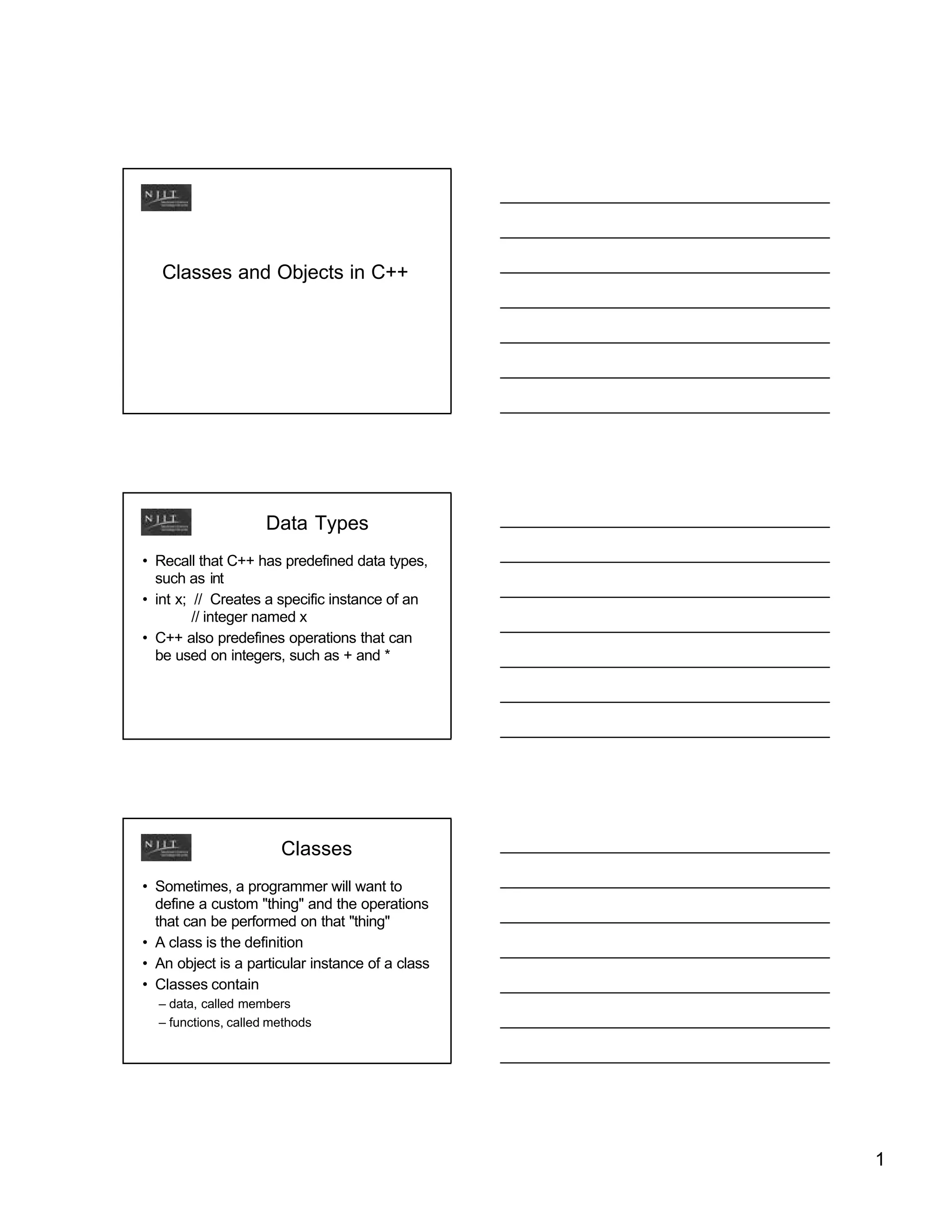
                    Data Types
• Recall that C++ has predefined data types,
  such as int
• int x; // Creates a specific instance of an
         // integer named x
• C++ also predefines operations that can
  be used on integers, such as + and *


                       Classes
• Sometimes, a programmer will want to
  define a custom "thing" and the operations
  that can be performed on that "thing"
• A class is the definition
• An object is a particular instance of a class
• Classes contain
  – data, called members
  – functions, called methods


                                                  1
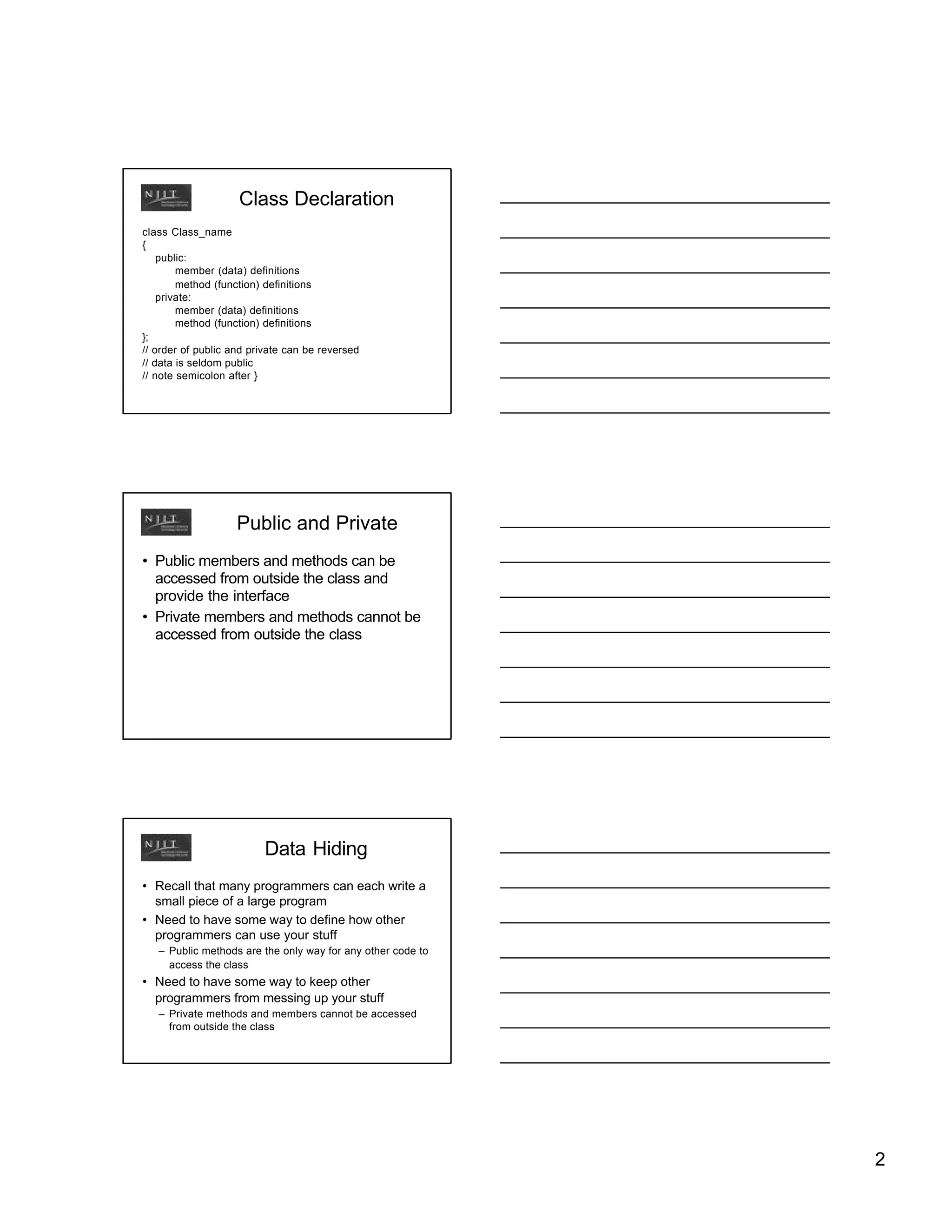
Class Declaration
class Class_name
{
    public:
        member (data) definitions
        method (function) definitions
    private:
        member (data) definitions
        method (function) definitions
};
// order of public and private can be reversed
// data is seldom public
// note semicolon after }


                    Public and Private
• Public members and methods can be
  accessed from outside the class and
  provide the interface
• Private members and methods cannot be
  accessed from outside the class


                         Data Hiding
• Recall that many programmers can each write a
  small piece of a large program
• Need to have some way to define how other
  programmers can use your stuff
   – Public methods are the only way for any other code to
     access the class
• Need to have some way to keep other
  programmers from messing up your stuff
   – Private methods and members cannot be accessed
     from outside the class


                                                             2
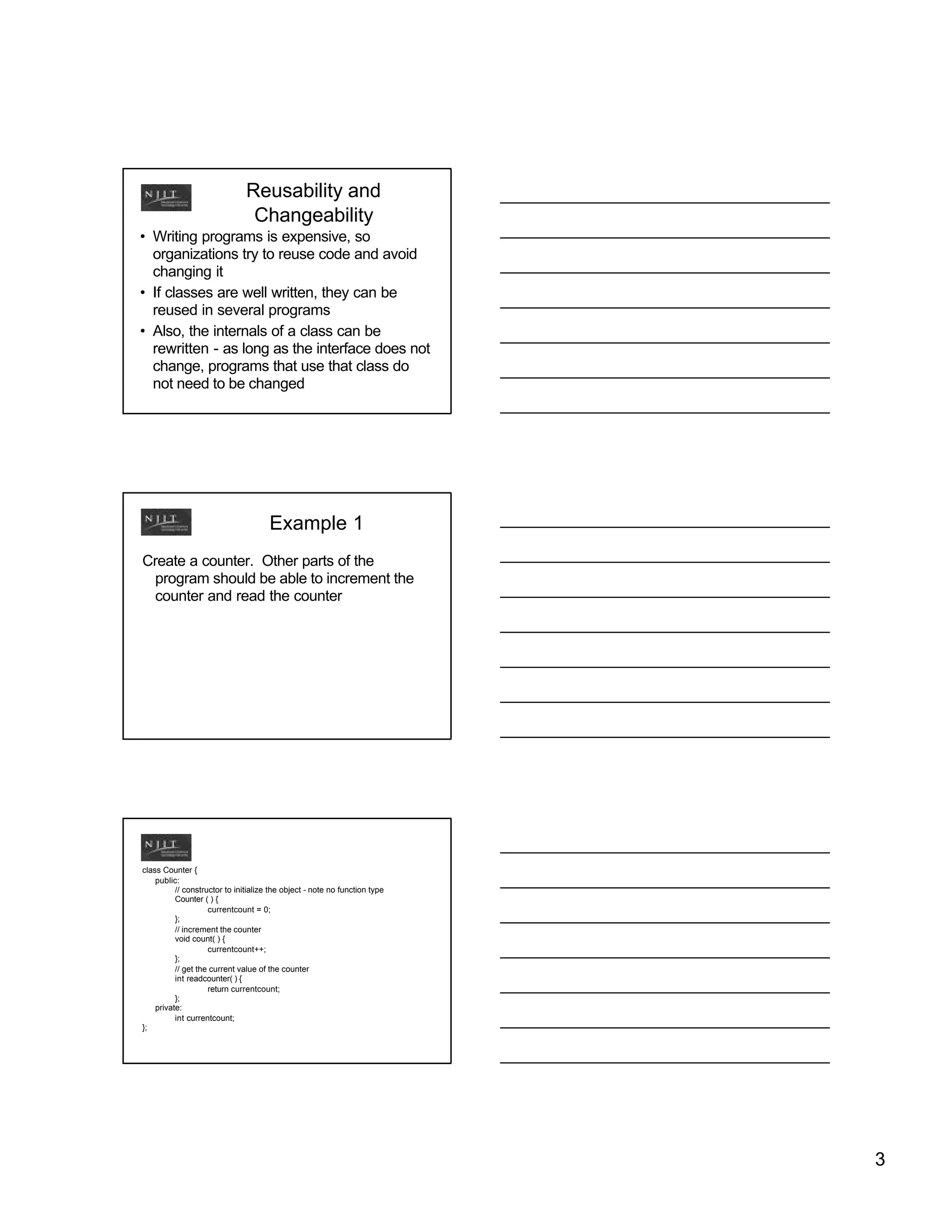
Reusability and
                                Changeability
• Writing programs is expensive, so
  organizations try to reuse code and avoid
  changing it
• If classes are well written, they can be
  reused in several programs
• Also, the internals of a class can be
  rewritten - as long as the interface does not
  change, programs that use that class do
  not need to be changed


                                      Example 1
Create a counter. Other parts of the
 program should be able to increment the
 counter and read the counter


class Counter {
    public:
          // constructor to initialize the object - note no function type
          Counter ( ) {
                    currentcount = 0;
          };
          // increment the counter
          void count( ) {
                    currentcount++;
          };
          // get the current value of the counter
          int readcounter( ) {
                    return currentcount;
          };
    private:
          int currentcount;
};


                                                                            3
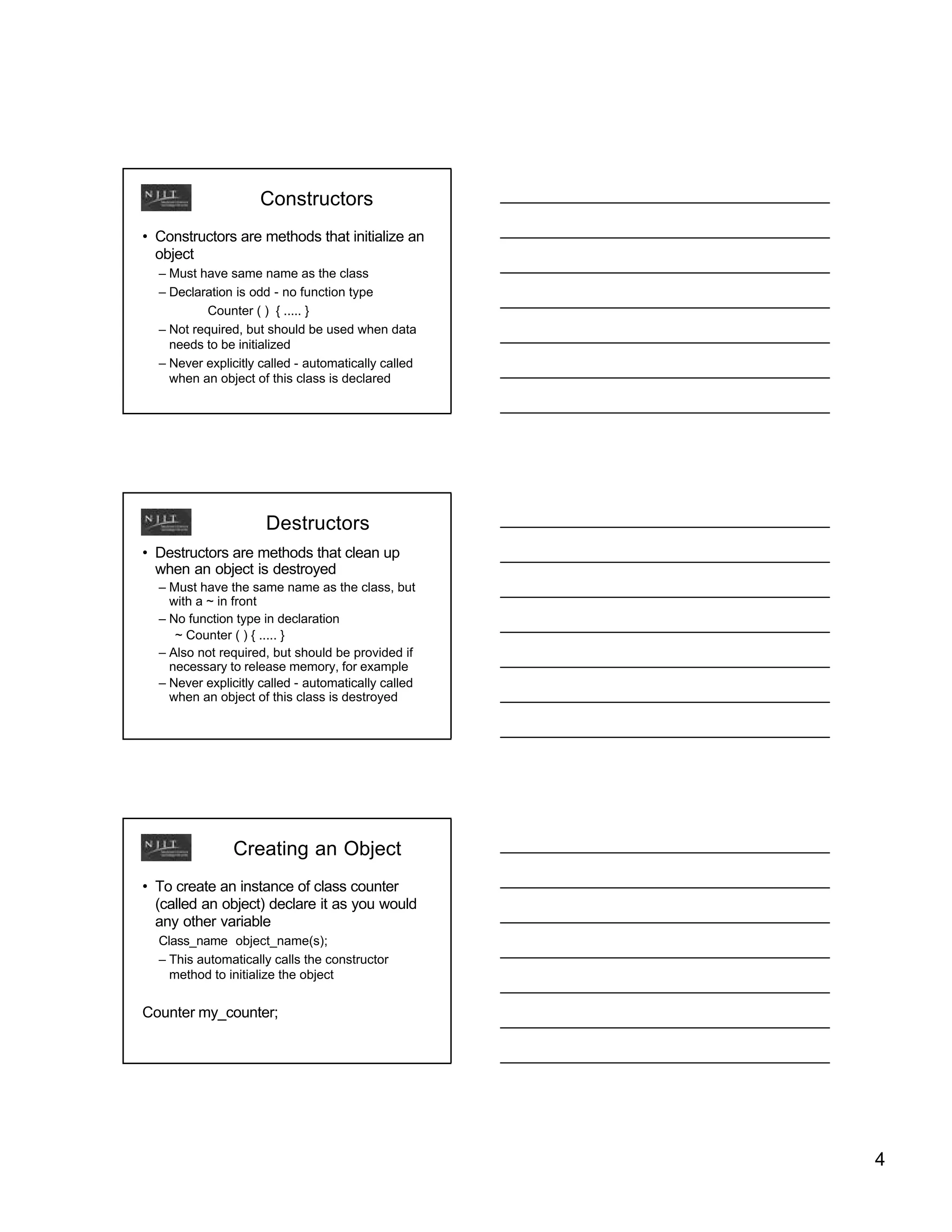
Constructors
• Constructors are methods that initialize an
  object
  – Must have same name as the class
  – Declaration is odd - no function type
           Counter ( ) { ..... }
  – Not required, but should be used when data
    needs to be initialized
  – Never explicitly called - automatically called
    when an object of this class is declared


                      Destructors
• Destructors are methods that clean up
  when an object is destroyed
  – Must have the same name as the class, but
    with a ~ in front
  – No function type in declaration
     ~ Counter ( ) { ..... }
  – Also not required, but should be provided if
    necessary to release memory, for example
  – Never explicitly called - automatically called
    when an object of this class is destroyed


               Creating an Object
• To create an instance of class counter
  (called an object) declare it as you would
  any other variable
  Class_name object_name(s);
  – This automatically calls the constructor
    method to initialize the object


Counter my_counter;


                                                     4
Using an Object
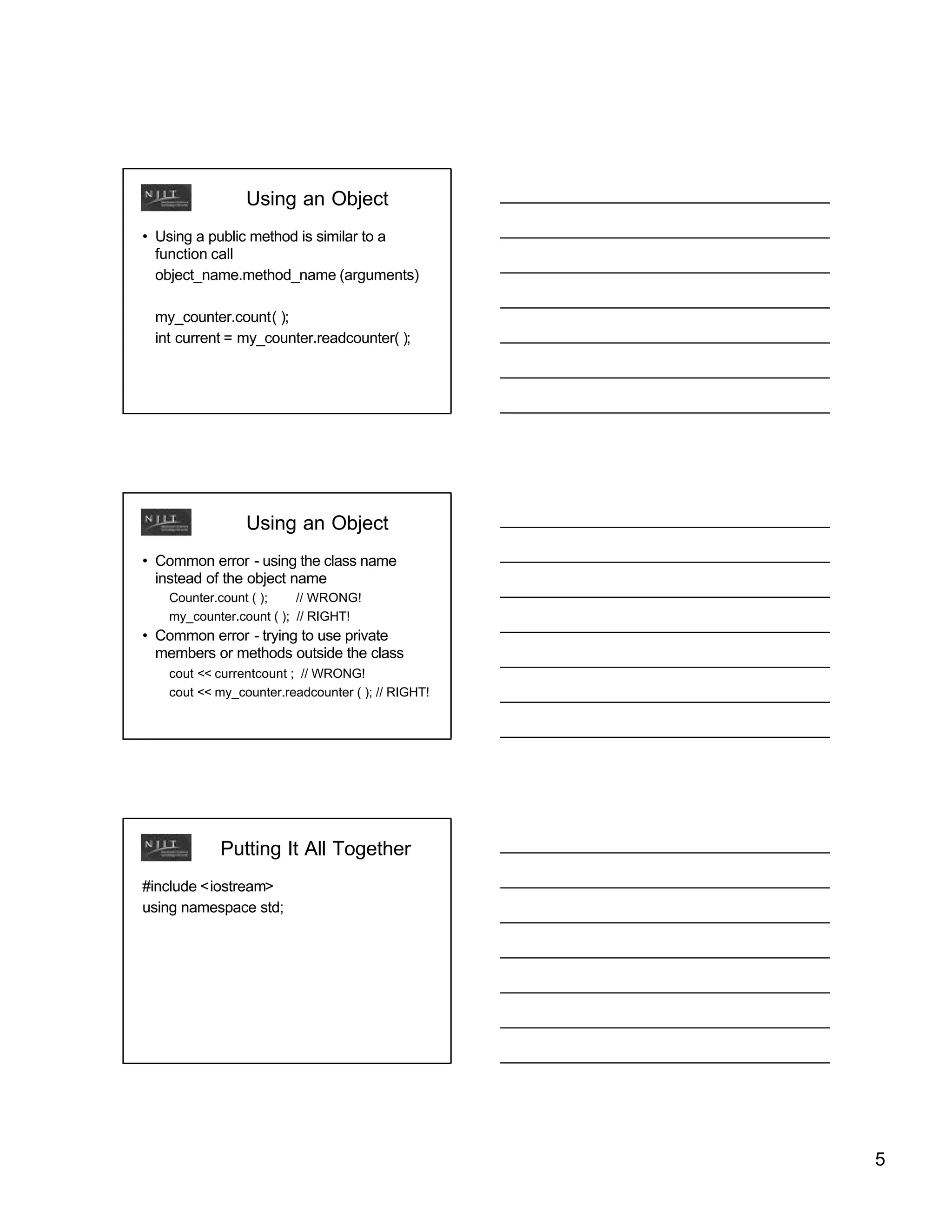
• Using a public method is similar to a
  function call
  object_name.method_name (arguments)

 my_counter.count( );
 int current = my_counter.readcounter( );


                Using an Object
• Common error - using the class name
  instead of the object name
   Counter.count ( );    // WRONG!
   my_counter.count ( ); // RIGHT!
• Common error - trying to use private
  members or methods outside the class
   cout << currentcount ; // WRONG!
   cout << my_counter.readcounter ( ); // RIGHT!


           Putting It All Together
#include <iostream>
using namespace std;


                                                   5
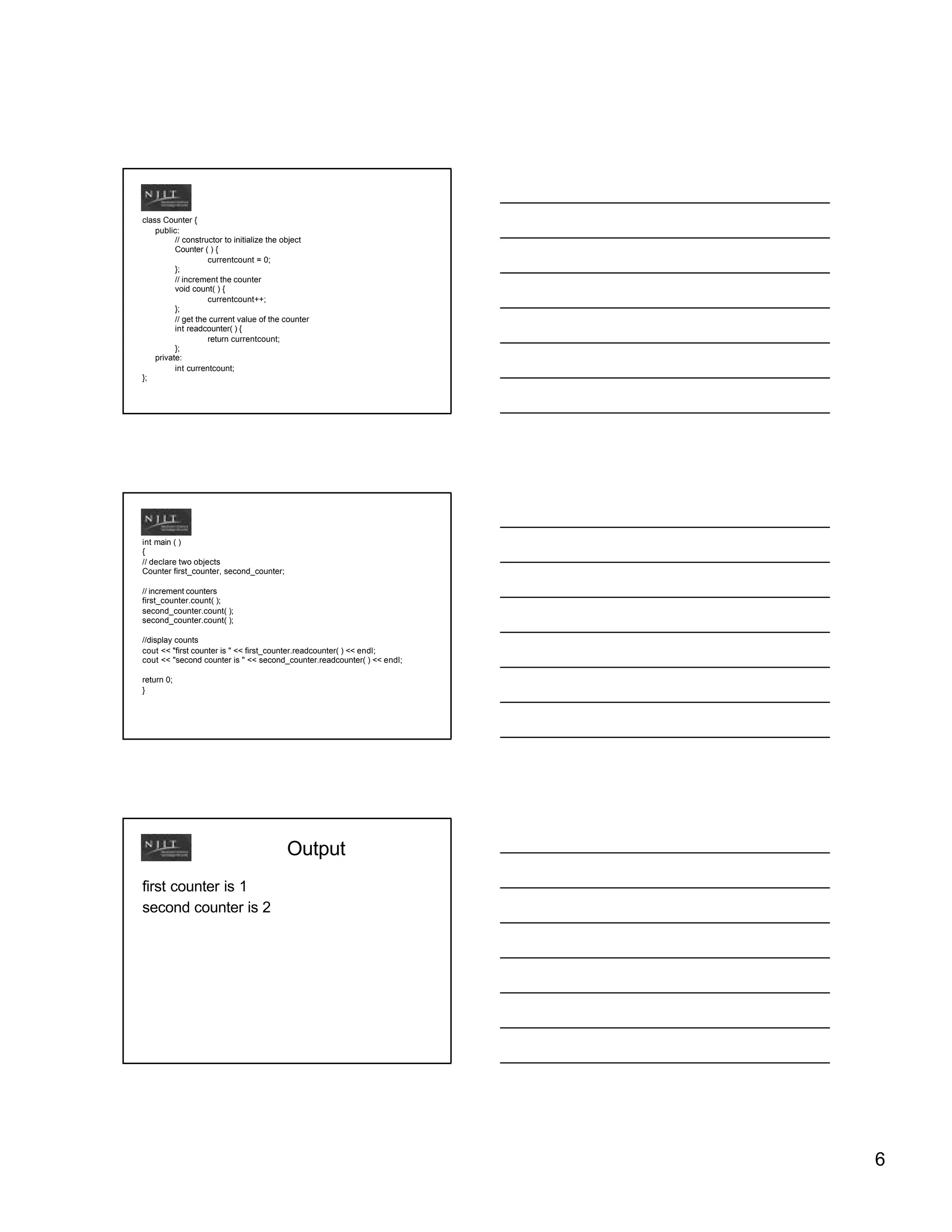
class Counter {
    public:
          // constructor to initialize the object
          Counter ( ) {
                    currentcount = 0;
          };
          // increment the counter
          void count( ) {
                    currentcount++;
          };
          // get the current value of the counter
          int readcounter( ) {
                    return currentcount;
          };
    private:
          int currentcount;
};


int main ( )
{
// declare two objects
Counter first_counter, second_counter;

// increment counters
first_counter.count( );
second_counter.count( );

//display counts
cout << "first counter is " << first_counter.readcounter( ) << endl;
cout << "second counter is " << second_counter.readcounter( ) << endl;

return 0;
}


                                          Output
first counter is 1
second counter is 2


                                                                         6
Global Scope
• Anything declared outside of a function,
  such as the class in this example or a
  variable, can be used by any function in
  the program and is global
• Anything declared inside a function can
  only be used in that function
• Usual to declare classes to be global
• Global variables are bad programming
  practice and should be avoided


              Function Prototypes in
               Class Declarations
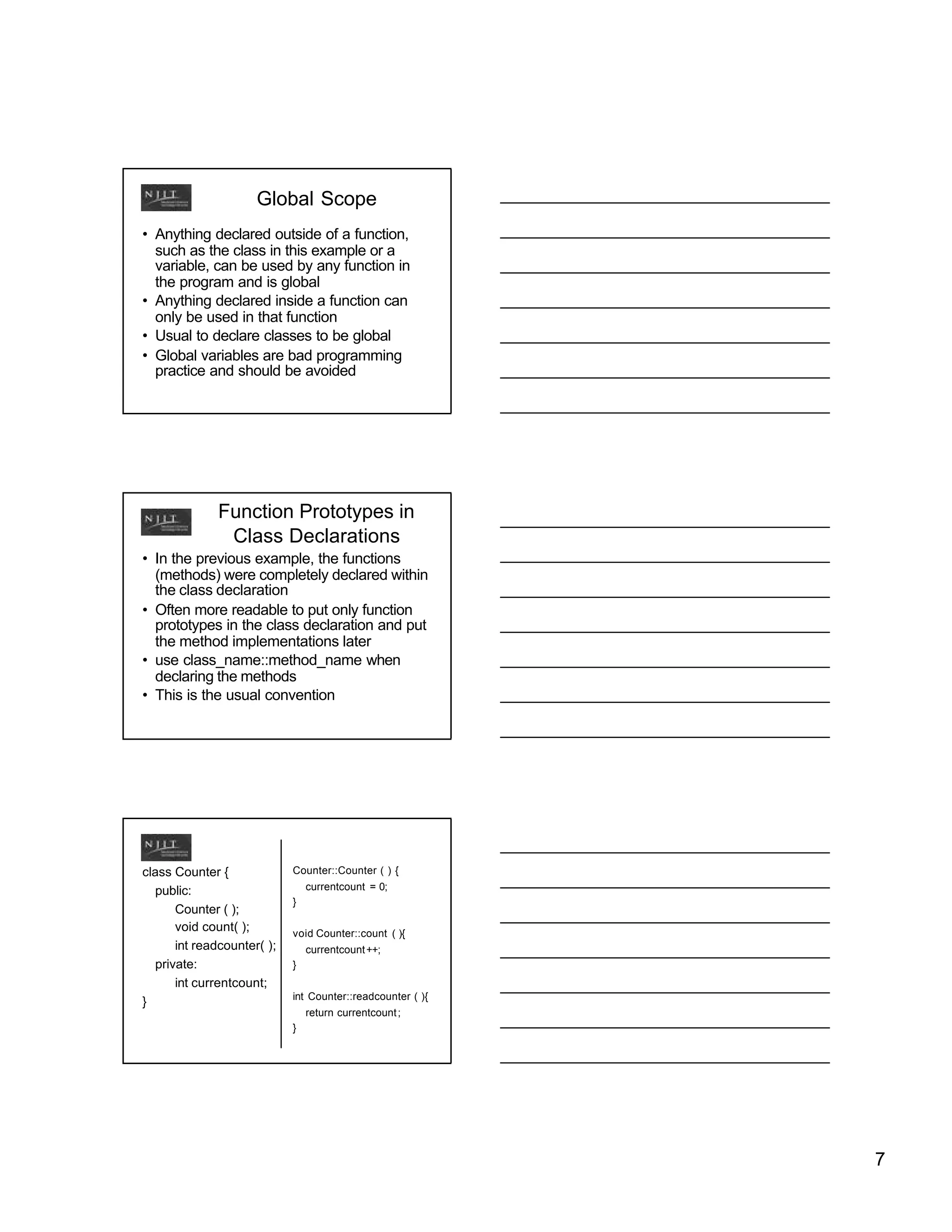
• In the previous example, the functions
  (methods) were completely declared within
  the class declaration
• Often more readable to put only function
  prototypes in the class declaration and put
  the method implementations later
• use class_name::method_name when
  declaring the methods
• This is the usual convention


class Counter {             Counter::Counter ( ) {

  public:                       currentcount = 0;
                            }
      Counter ( );
      void count( );        void Counter::count ( ){
      int readcounter( );       currentcount ++;
  private:                  }
      int currentcount;
                            int Counter::readcounter ( ){
}
                                return currentcount ;
                            }


                                                            7
Identifying Classes
• Often, it is not immediately obvious what
  the classes should be to solve a particular
  problem
• One hint is to consider some of the nouns
  in the problem statement to be the
  classes. The verbs in the problem
  statement will then be the methods.


                           Example 2
• Write a program that manages a
  checkbook. The user should be able to
  set the original account balance, deposit
  money in the account, remove money
  when a check is written, and query the
  current balance.


                           Example 2
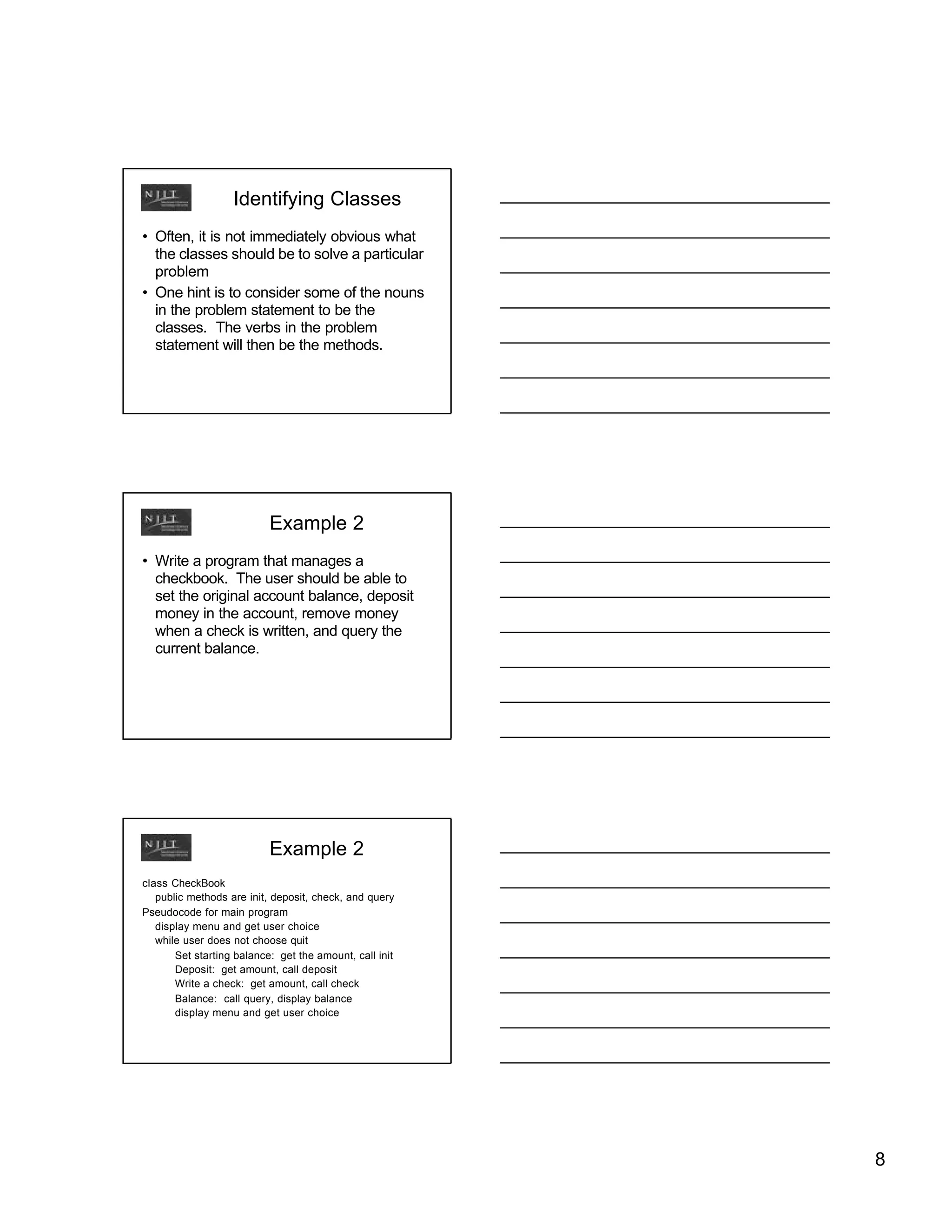
class CheckBook
   public methods are init, deposit, check, and query
Pseudocode for main program
   display menu and get user choice
   while user does not choose quit
       Set starting balance: get the amount, call init
       Deposit: get amount, call deposit
       Write a check: get amount, call check
       Balance: call query, display balance
       display menu and get user choice


                                                         8
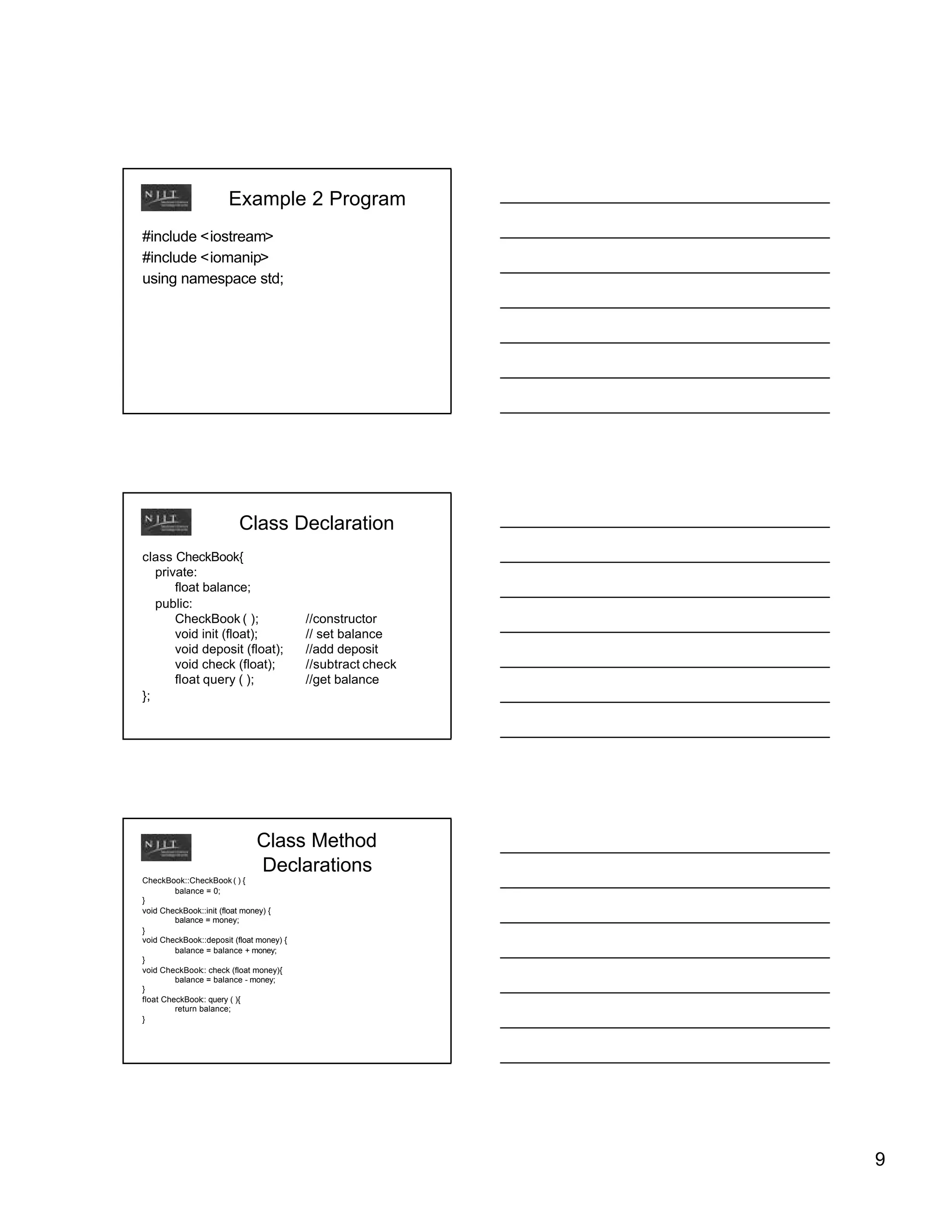
Example 2 Program
#include <iostream>
#include <iomanip>
using namespace std;


                          Class Declaration
class CheckBook{
   private:
       float balance;
   public:
       CheckBook ( );                     //constructor
       void init (float);                 // set balance
       void deposit (float);              //add deposit
       void check (float);                //subtract check
       float query ( );                   //get balance
};


                              Class Method
                              Declarations
CheckBook::CheckBook ( ) {
         balance = 0;
}
void CheckBook::init (float money) {
         balance = money;
}
void CheckBook::deposit (float money) {
         balance = balance + money;
}
void CheckBook:: check (float money){
         balance = balance - money;
}
float CheckBook:: query ( ){
         return balance;
}


                                                             9
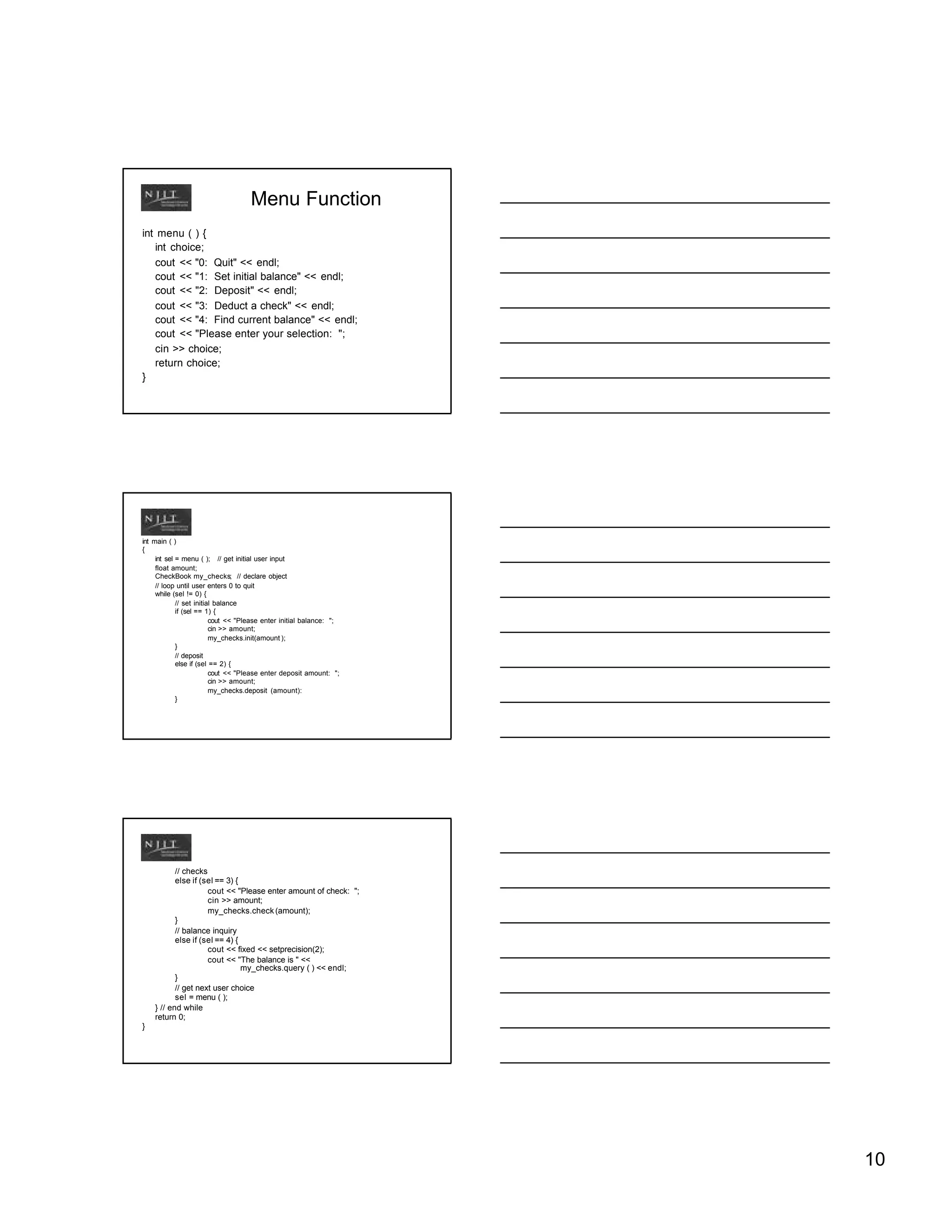
Menu Function
int menu ( ) {
   int choice;
   cout << "0: Quit" << endl;
   cout << "1: Set initial balance" << endl;
   cout << "2: Deposit" << endl;
   cout << "3: Deduct a check" << endl;
   cout << "4: Find current balance" << endl;
   cout << "Please enter your selection: ";
   cin >> choice;
   return choice;
}


int main ( )
{
     int sel = menu ( ); // get initial user input
     float amount;
     CheckBook my_checks; // declare object
     // loop until user enters 0 to quit
     while (sel != 0) {
             // set initial balance
             if (sel == 1) {
                          cout << "Please enter initial balance: ";
                          cin >> amount;
                          my_checks.init(amount );
             }
             // deposit
             else if (sel == 2) {
                          cout << "Please enter deposit amount: ";
                          cin >> amount;
                          my_checks.deposit (amount):
             }


           // checks
           else if (sel == 3) {
                     cout << "Please enter amount of check: ";
                     cin >> amount;
                     my_checks.check (amount);
           }
           // balance inquiry
           else if (sel == 4) {
                     cout << fixed << setprecision(2);
                     cout << "The balance is " <<
                                my_checks.query ( ) << endl;
           }
           // get next user choice
           sel = menu ( );
    } // end while
    return 0;
}


                                                                      10
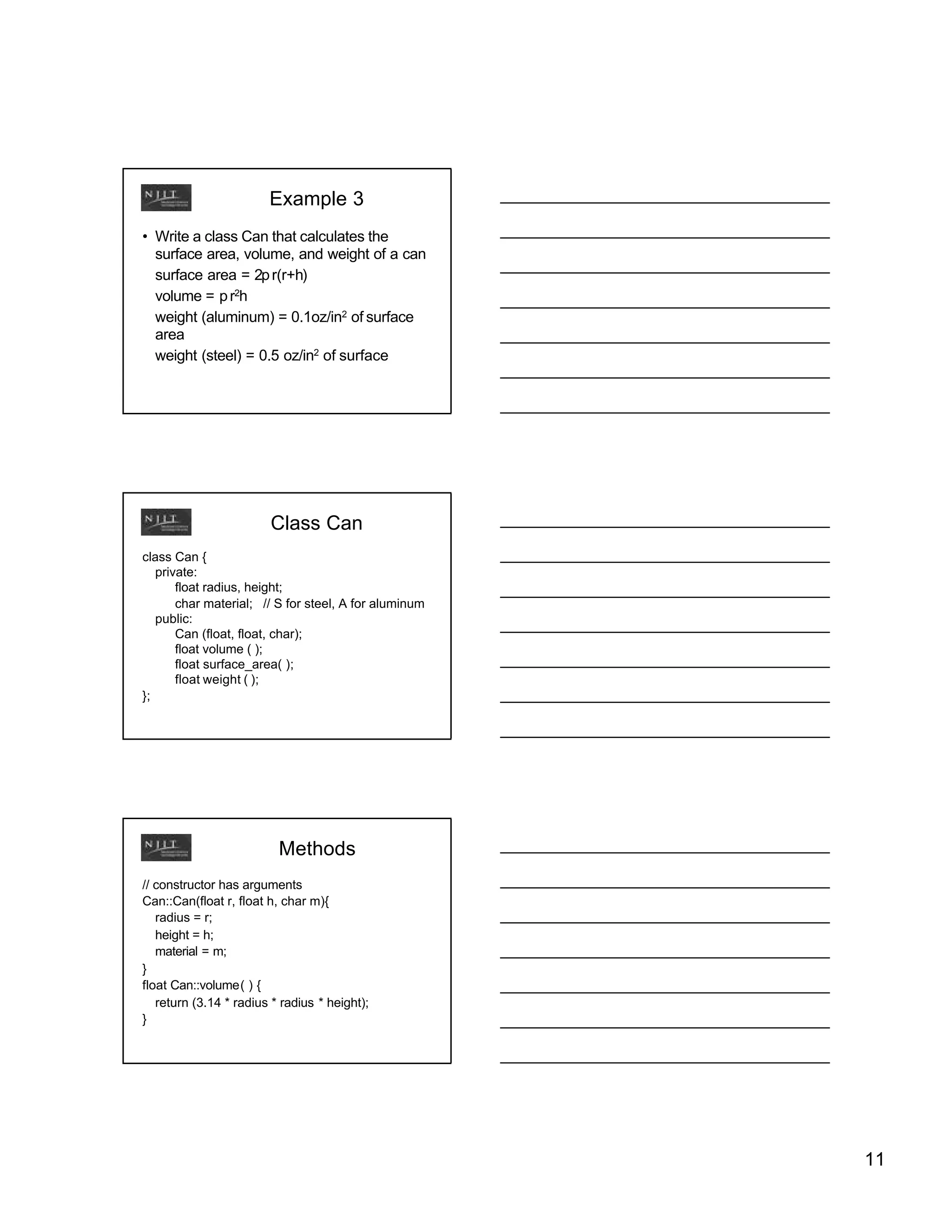
Example 3
• Write a class Can that calculates the
  surface area, volume, and weight of a can
  surface area = 2p r(r+h)
  volume = p r2h
  weight (aluminum) = 0.1oz/in2 of surface
  area
  weight (steel) = 0.5 oz/in2 of surface


                        Class Can
class Can {
   private:
       float radius, height;
       char material; // S for steel, A for aluminum
   public:
       Can (float, float, char);
       float volume ( );
       float surface_area( );
       float weight ( );
};


                          Methods
// constructor has arguments
Can::Can(float r, float h, char m){
   radius = r;
   height = h;
   material = m;
}
float Can::volume( ) {
   return (3.14 * radius * radius * height);
}


                                                       11
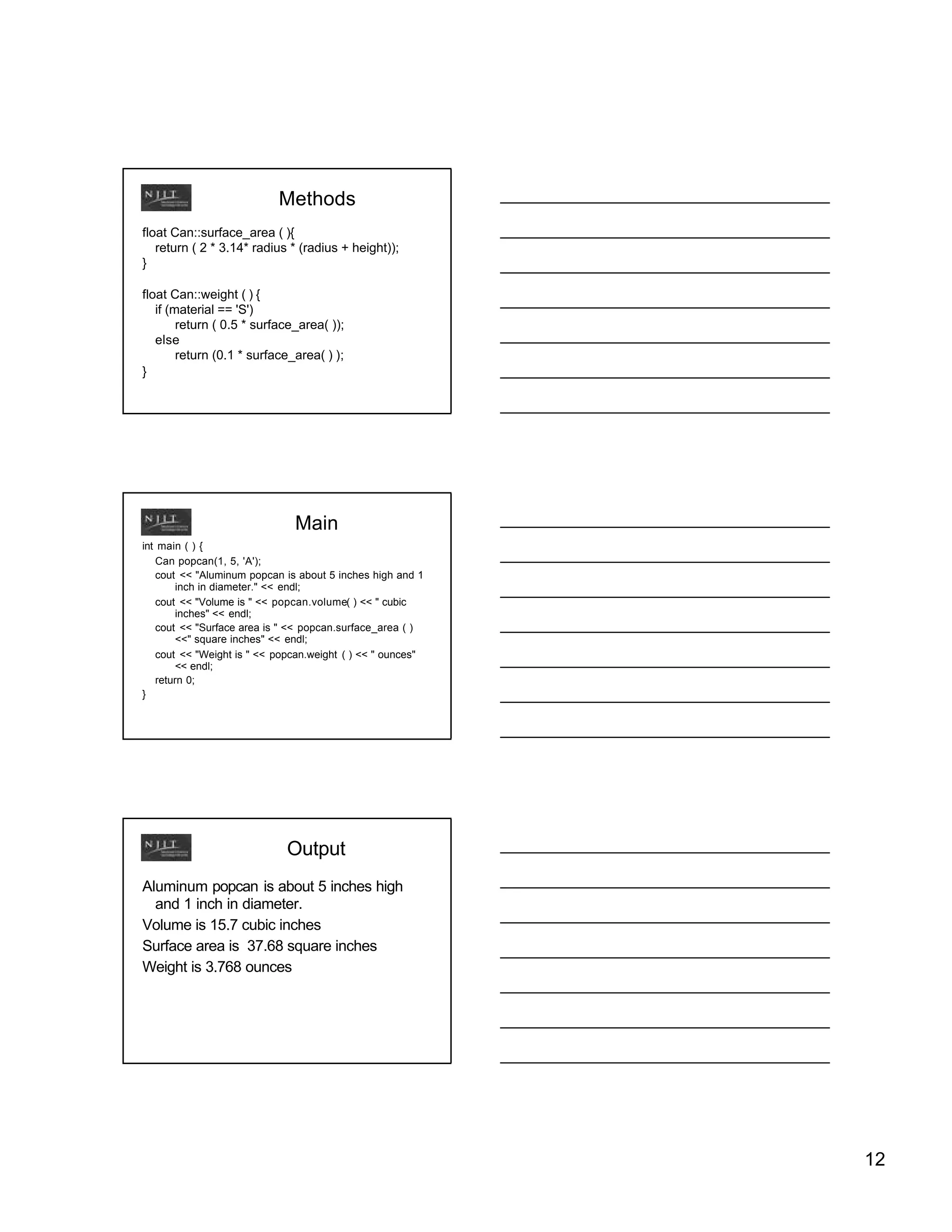
Methods
float Can::surface_area ( ){
   return ( 2 * 3.14* radius * (radius + height));
}

float Can::weight ( ) {
   if (material == 'S')
        return ( 0.5 * surface_area( ));
   else
        return (0.1 * surface_area( ) );
}


                              Main
int main ( ) {
   Can popcan(1, 5, 'A');
   cout << "Aluminum popcan is about 5 inches high and 1
        inch in diameter." << endl;
   cout << "Volume is " << popcan.volume( ) << " cubic
        inches" << endl;
   cout << "Surface area is " << popcan.surface_area ( )
        <<" square inches" << endl;
   cout << "Weight is " << popcan.weight ( ) << " ounces"
        << endl;
   return 0;
}


                             Output
Aluminum popcan is about 5 inches high
  and 1 inch in diameter.
Volume is 15.7 cubic inches
Surface area is 37.68 square inches
Weight is 3.768 ounces


                                                            12
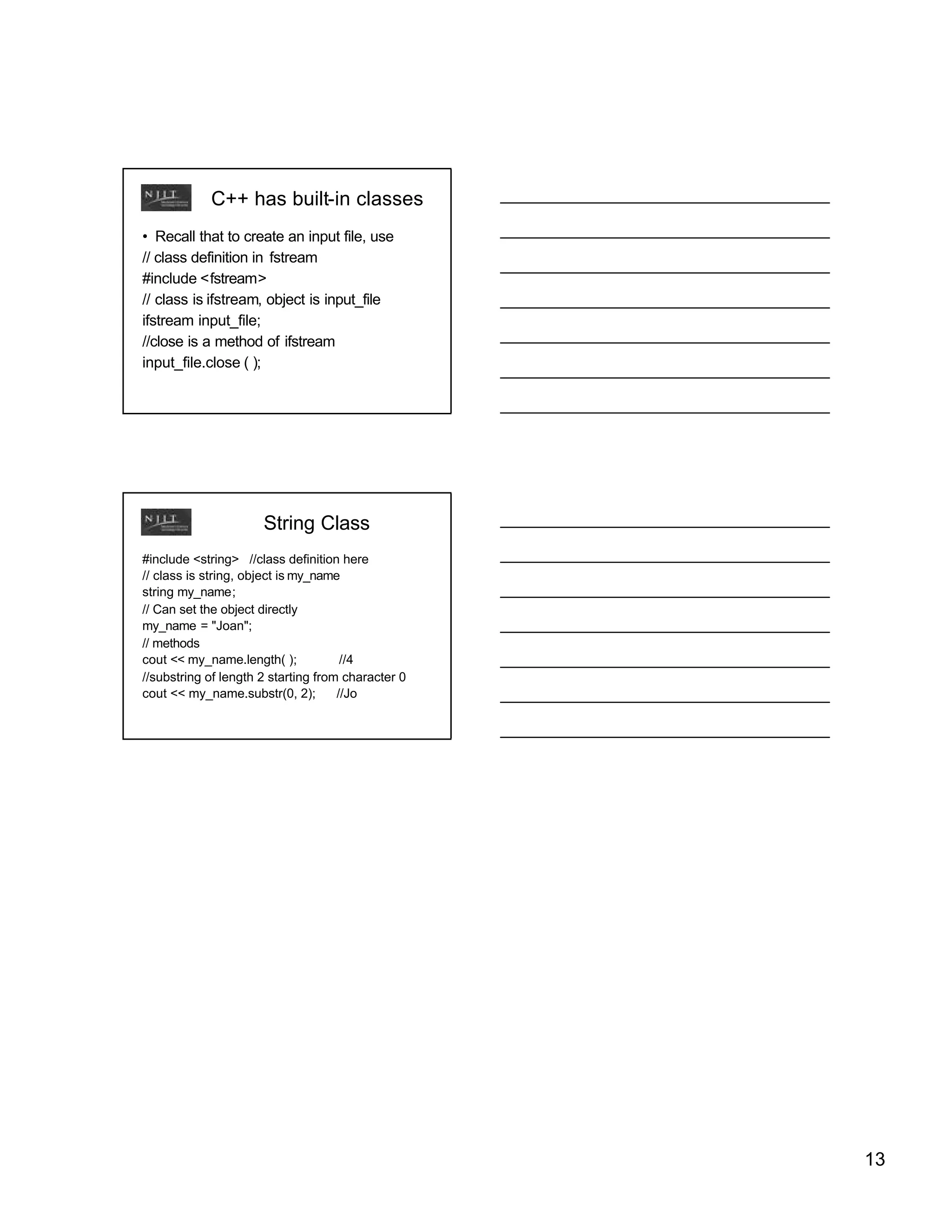
C++ has built-in classes
• Recall that to create an input file, use
// class definition in fstream
#include <fstream>
// class is ifstream, object is input_file
ifstream input_file;
//close is a method of ifstream
input_file.close ( );


                      String Class
#include <string> //class definition here
// class is string, object is my_name
string my_name;
// Can set the object directly
my_name = "Joan";
// methods
cout << my_name.length( );            //4
//substring of length 2 starting from character 0
cout << my_name.substr(0, 2);        //Jo


                                                    13

Class

  • 1.
    Classes and Objectsin C++ Data Types • Recall that C++ has predefined data types, such as int • int x; // Creates a specific instance of an // integer named x • C++ also predefines operations that can be used on integers, such as + and * Classes • Sometimes, a programmer will want to define a custom "thing" and the operations that can be performed on that "thing" • A class is the definition • An object is a particular instance of a class • Classes contain – data, called members – functions, called methods 1
  • 2.
    Class Declaration class Class_name { public: member (data) definitions method (function) definitions private: member (data) definitions method (function) definitions }; // order of public and private can be reversed // data is seldom public // note semicolon after } Public and Private • Public members and methods can be accessed from outside the class and provide the interface • Private members and methods cannot be accessed from outside the class Data Hiding • Recall that many programmers can each write a small piece of a large program • Need to have some way to define how other programmers can use your stuff – Public methods are the only way for any other code to access the class • Need to have some way to keep other programmers from messing up your stuff – Private methods and members cannot be accessed from outside the class 2
  • 3.
    Reusability and Changeability • Writing programs is expensive, so organizations try to reuse code and avoid changing it • If classes are well written, they can be reused in several programs • Also, the internals of a class can be rewritten - as long as the interface does not change, programs that use that class do not need to be changed Example 1 Create a counter. Other parts of the program should be able to increment the counter and read the counter class Counter { public: // constructor to initialize the object - note no function type Counter ( ) { currentcount = 0; }; // increment the counter void count( ) { currentcount++; }; // get the current value of the counter int readcounter( ) { return currentcount; }; private: int currentcount; }; 3
  • 4.
    Constructors • Constructors aremethods that initialize an object – Must have same name as the class – Declaration is odd - no function type Counter ( ) { ..... } – Not required, but should be used when data needs to be initialized – Never explicitly called - automatically called when an object of this class is declared Destructors • Destructors are methods that clean up when an object is destroyed – Must have the same name as the class, but with a ~ in front – No function type in declaration ~ Counter ( ) { ..... } – Also not required, but should be provided if necessary to release memory, for example – Never explicitly called - automatically called when an object of this class is destroyed Creating an Object • To create an instance of class counter (called an object) declare it as you would any other variable Class_name object_name(s); – This automatically calls the constructor method to initialize the object Counter my_counter; 4
  • 5.
    Using an Object •Using a public method is similar to a function call object_name.method_name (arguments) my_counter.count( ); int current = my_counter.readcounter( ); Using an Object • Common error - using the class name instead of the object name Counter.count ( ); // WRONG! my_counter.count ( ); // RIGHT! • Common error - trying to use private members or methods outside the class cout << currentcount ; // WRONG! cout << my_counter.readcounter ( ); // RIGHT! Putting It All Together #include <iostream> using namespace std; 5
  • 6.
    class Counter { public: // constructor to initialize the object Counter ( ) { currentcount = 0; }; // increment the counter void count( ) { currentcount++; }; // get the current value of the counter int readcounter( ) { return currentcount; }; private: int currentcount; }; int main ( ) { // declare two objects Counter first_counter, second_counter; // increment counters first_counter.count( ); second_counter.count( ); second_counter.count( ); //display counts cout << "first counter is " << first_counter.readcounter( ) << endl; cout << "second counter is " << second_counter.readcounter( ) << endl; return 0; } Output first counter is 1 second counter is 2 6
  • 7.
    Global Scope • Anythingdeclared outside of a function, such as the class in this example or a variable, can be used by any function in the program and is global • Anything declared inside a function can only be used in that function • Usual to declare classes to be global • Global variables are bad programming practice and should be avoided Function Prototypes in Class Declarations • In the previous example, the functions (methods) were completely declared within the class declaration • Often more readable to put only function prototypes in the class declaration and put the method implementations later • use class_name::method_name when declaring the methods • This is the usual convention class Counter { Counter::Counter ( ) { public: currentcount = 0; } Counter ( ); void count( ); void Counter::count ( ){ int readcounter( ); currentcount ++; private: } int currentcount; int Counter::readcounter ( ){ } return currentcount ; } 7
  • 8.
    Identifying Classes • Often,it is not immediately obvious what the classes should be to solve a particular problem • One hint is to consider some of the nouns in the problem statement to be the classes. The verbs in the problem statement will then be the methods. Example 2 • Write a program that manages a checkbook. The user should be able to set the original account balance, deposit money in the account, remove money when a check is written, and query the current balance. Example 2 class CheckBook public methods are init, deposit, check, and query Pseudocode for main program display menu and get user choice while user does not choose quit Set starting balance: get the amount, call init Deposit: get amount, call deposit Write a check: get amount, call check Balance: call query, display balance display menu and get user choice 8
  • 9.
    Example 2 Program #include<iostream> #include <iomanip> using namespace std; Class Declaration class CheckBook{ private: float balance; public: CheckBook ( ); //constructor void init (float); // set balance void deposit (float); //add deposit void check (float); //subtract check float query ( ); //get balance }; Class Method Declarations CheckBook::CheckBook ( ) { balance = 0; } void CheckBook::init (float money) { balance = money; } void CheckBook::deposit (float money) { balance = balance + money; } void CheckBook:: check (float money){ balance = balance - money; } float CheckBook:: query ( ){ return balance; } 9
  • 10.
    Menu Function int menu( ) { int choice; cout << "0: Quit" << endl; cout << "1: Set initial balance" << endl; cout << "2: Deposit" << endl; cout << "3: Deduct a check" << endl; cout << "4: Find current balance" << endl; cout << "Please enter your selection: "; cin >> choice; return choice; } int main ( ) { int sel = menu ( ); // get initial user input float amount; CheckBook my_checks; // declare object // loop until user enters 0 to quit while (sel != 0) { // set initial balance if (sel == 1) { cout << "Please enter initial balance: "; cin >> amount; my_checks.init(amount ); } // deposit else if (sel == 2) { cout << "Please enter deposit amount: "; cin >> amount; my_checks.deposit (amount): } // checks else if (sel == 3) { cout << "Please enter amount of check: "; cin >> amount; my_checks.check (amount); } // balance inquiry else if (sel == 4) { cout << fixed << setprecision(2); cout << "The balance is " << my_checks.query ( ) << endl; } // get next user choice sel = menu ( ); } // end while return 0; } 10
  • 11.
    Example 3 • Writea class Can that calculates the surface area, volume, and weight of a can surface area = 2p r(r+h) volume = p r2h weight (aluminum) = 0.1oz/in2 of surface area weight (steel) = 0.5 oz/in2 of surface Class Can class Can { private: float radius, height; char material; // S for steel, A for aluminum public: Can (float, float, char); float volume ( ); float surface_area( ); float weight ( ); }; Methods // constructor has arguments Can::Can(float r, float h, char m){ radius = r; height = h; material = m; } float Can::volume( ) { return (3.14 * radius * radius * height); } 11
  • 12.
    Methods float Can::surface_area (){ return ( 2 * 3.14* radius * (radius + height)); } float Can::weight ( ) { if (material == 'S') return ( 0.5 * surface_area( )); else return (0.1 * surface_area( ) ); } Main int main ( ) { Can popcan(1, 5, 'A'); cout << "Aluminum popcan is about 5 inches high and 1 inch in diameter." << endl; cout << "Volume is " << popcan.volume( ) << " cubic inches" << endl; cout << "Surface area is " << popcan.surface_area ( ) <<" square inches" << endl; cout << "Weight is " << popcan.weight ( ) << " ounces" << endl; return 0; } Output Aluminum popcan is about 5 inches high and 1 inch in diameter. Volume is 15.7 cubic inches Surface area is 37.68 square inches Weight is 3.768 ounces 12
  • 13.
    C++ has built-inclasses • Recall that to create an input file, use // class definition in fstream #include <fstream> // class is ifstream, object is input_file ifstream input_file; //close is a method of ifstream input_file.close ( ); String Class #include <string> //class definition here // class is string, object is my_name string my_name; // Can set the object directly my_name = "Joan"; // methods cout << my_name.length( ); //4 //substring of length 2 starting from character 0 cout << my_name.substr(0, 2); //Jo 13