Who needs a repository
when you’ve got Google?
Information and Digital Literacy in the
new Open landscape
Nick Sheppard
24th June 2015
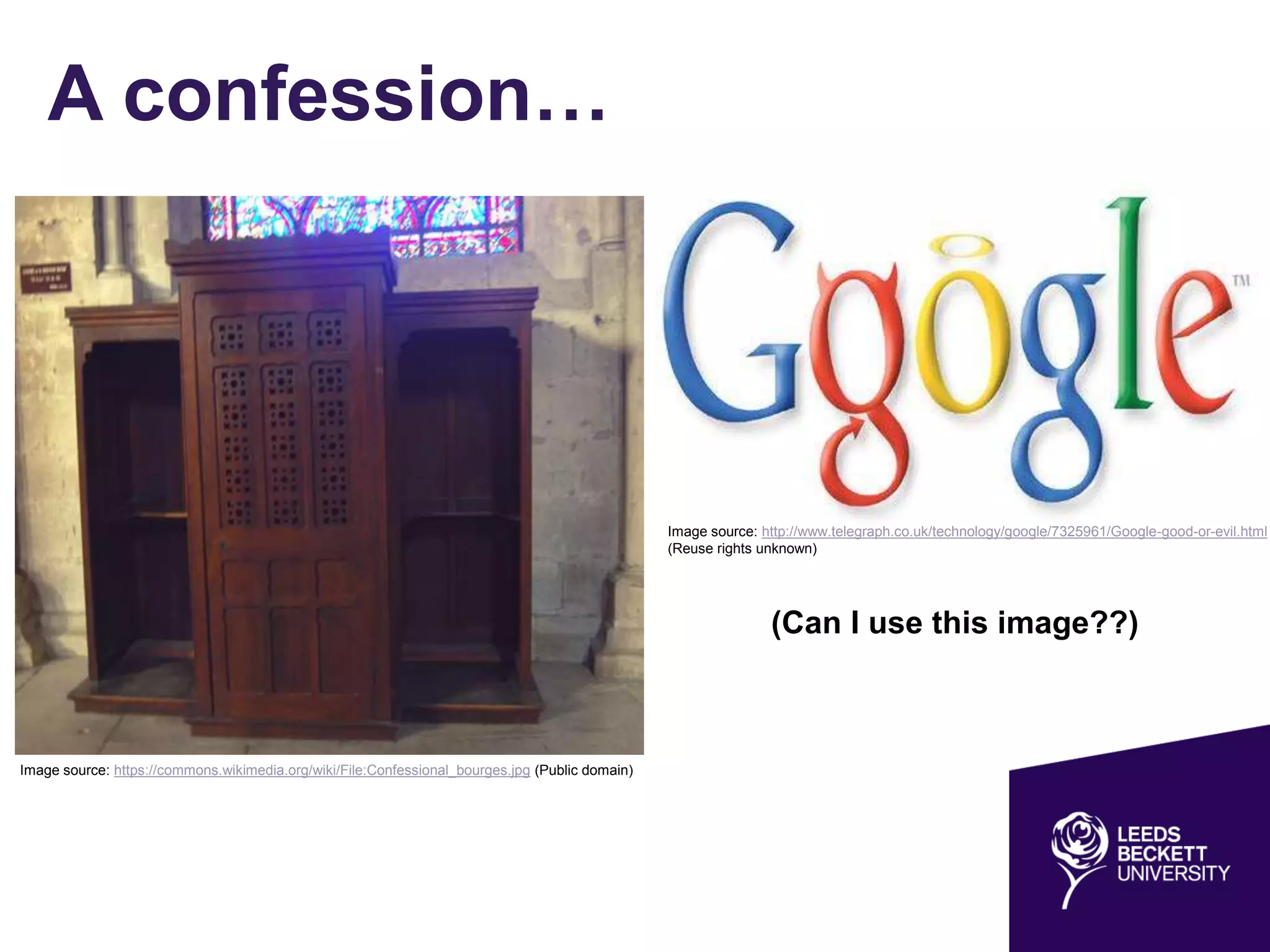
A confession…
Image source: https://commons.wikimedia.org/wiki/File:Confessional_bourges.jpg (Public domain)
Image source: http://www.telegraph.co.uk/technology/google/7325961/Google-good-or-evil.html
(Reuse rights unknown)
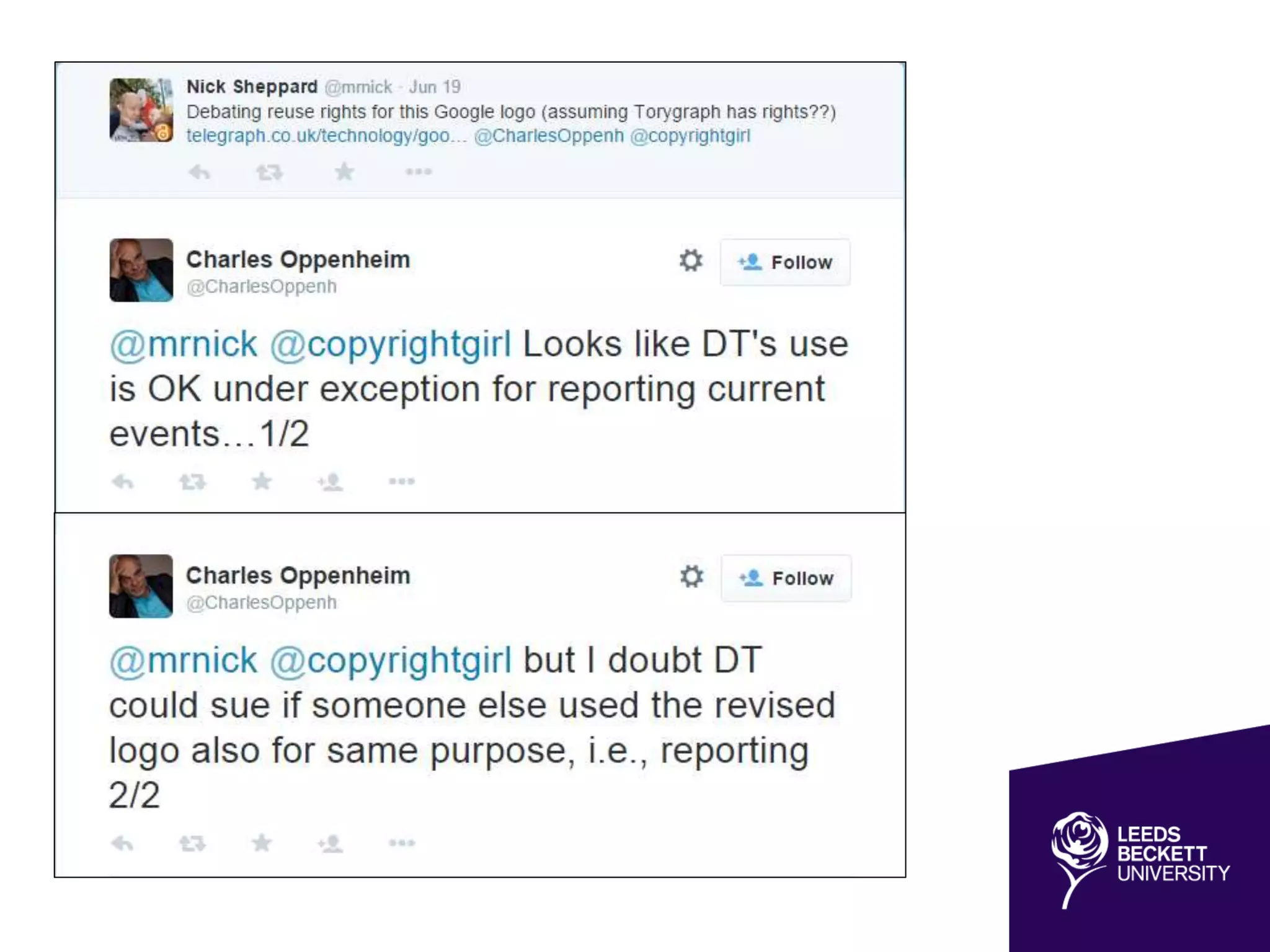
(Can I use this image??)
Repository Developer
• Began working at Leeds Metropolitan University
in 2007
• Jisc Repositories Start-up and Enhancement
Projects
• “Blended” repository of OA research and OER
• Technical Officer UKCoRR - http://ukcorr.org/
• Jisc UKOER programme (2009-2012)
• Jorum - http://www.jorum.ac.uk/
– Steering group member
Coming up…
• A new Open landscape
• Defining information & digital literacy
• What is an OER?
• An information literacy OER (case study)
– Xerte Online Toolkits (XOT)
– Developing an OER based on the SCONUL 7
Pillars of information literacy
• Copyright and licensing for reuse
– Creative Commons
– Tools to discover CC content
• Open Access in 2015
A new Open landscape
• Open Access to research
• Finch and HEFCE
• Role of (institutional) repositories
• Research Data Management
• Learning Objects and OER
• Licensing
• Role of academic libraries
– “outside in vs inside out” (Lorcan Dempsey)
– Managing and disseminating institutional assets
• New paradigms of scholarly communication
– PLOS
– Open Library of the Humanities
– Institutional publishing
Information & Digital Literacy:
towards a definition
• The Seven Pillars of Information
Skills model (1999)
• Revised 2011
• Different terminologies and concepts
• Generic “core” model for HE
• Series of “lenses”, representing
different groups of learners
Information Literacy is an umbrella term which encompasses
concepts such as digital, visual and media literacies, academic
literacy, information handling, information skills, data curation and
data management (SCONUL Working Group on Information
Literacy 2011)
What is an OER?
• Unpacking “Open”
• Suitable licence
• File format
• Software (run / edit)
• Compatibility across
devices (e.g. Flash)
Open educational resources (OER) are learning and teaching
materials, freely available online for anyone to use. Examples
include full courses, course modules, lectures, games, teaching
materials and assignments. They can take the form of text, images,
audio, video and may even be interactive. (Jisc)
Licence to share
Image source:
http://board.raidrush.ws/threads/287828-james-
bond-logo (Reuse rights unknown)
Case study
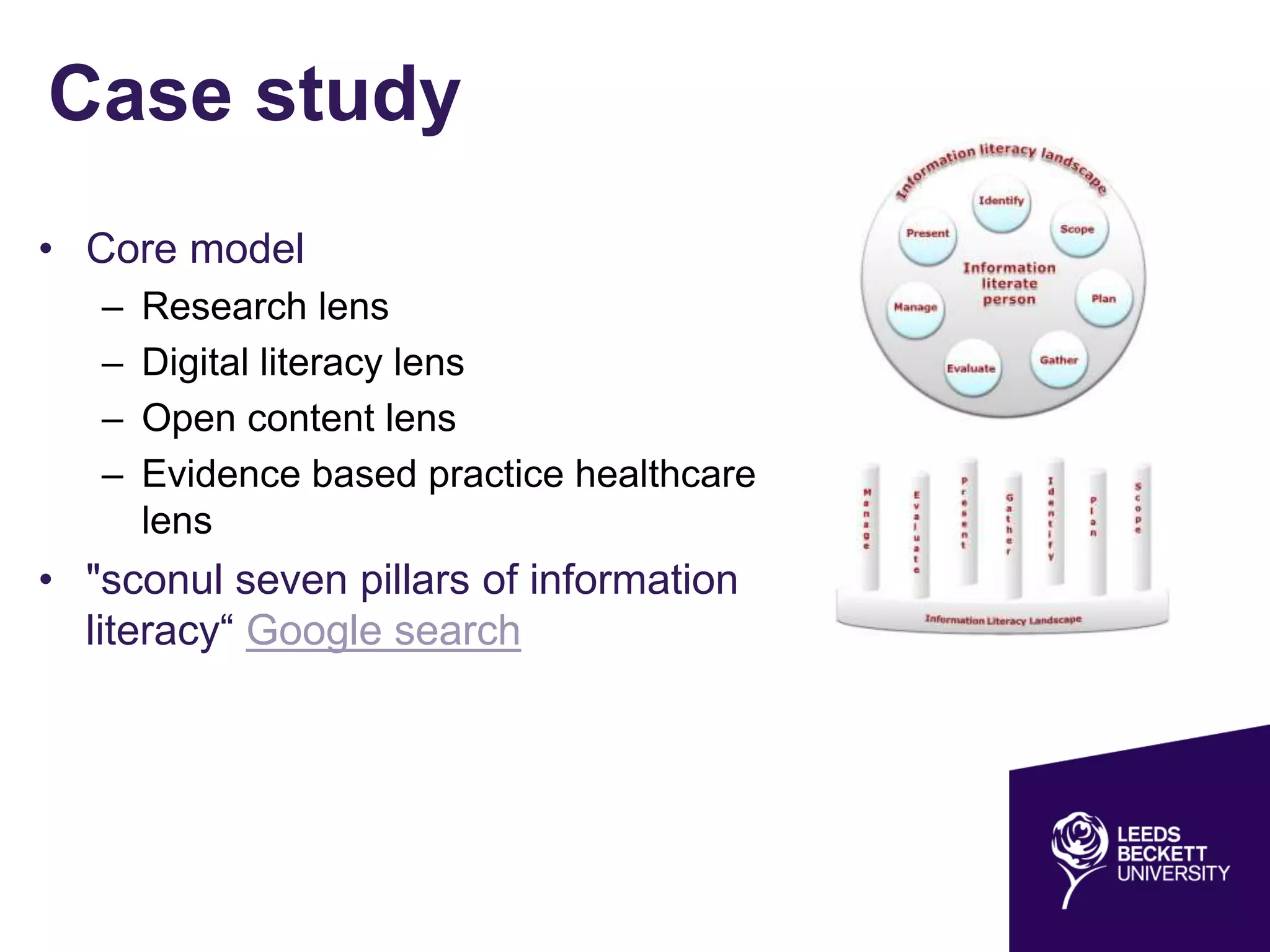
• Core model
– Research lens
– Digital literacy lens
– Open content lens
– Evidence based practice healthcare
lens
• "sconul seven pillars of information
literacy“ Google search
Xerte Online Toolkits
• Open Source elearning software
• Suite of browser-based tools
• Create interactive learning materials
• Accessed from any networked PC
• Potential tool for teaching Digital
Literacy
– Digital Literacies in the disciplines
http://www.heacademy.ac.uk/digital-
literacies
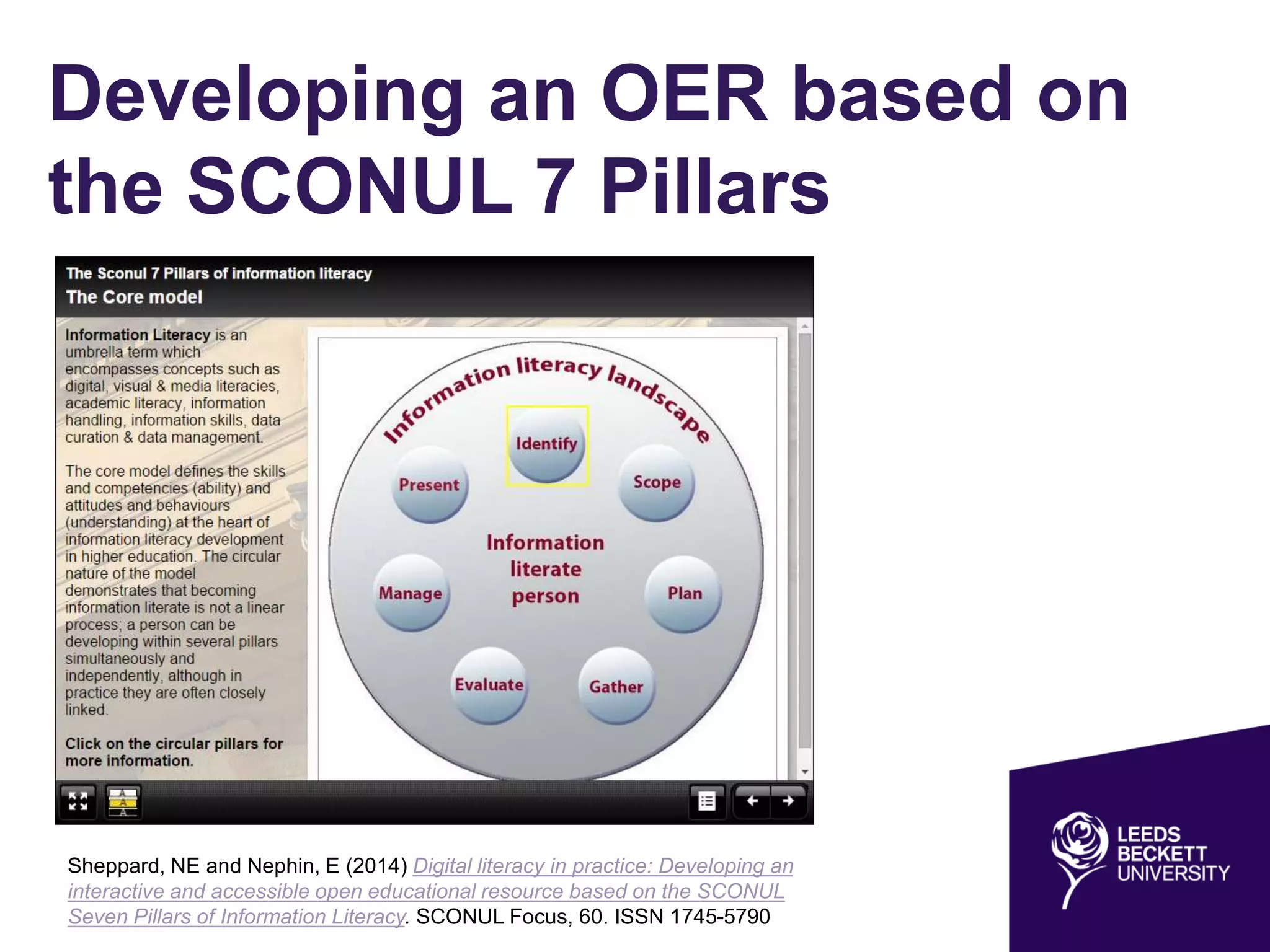
Developing an OER based on
the SCONUL 7 Pillars
Sheppard, NE and Nephin, E (2014) Digital literacy in practice: Developing an
interactive and accessible open educational resource based on the SCONUL
Seven Pillars of Information Literacy. SCONUL Focus, 60. ISSN 1745-5790
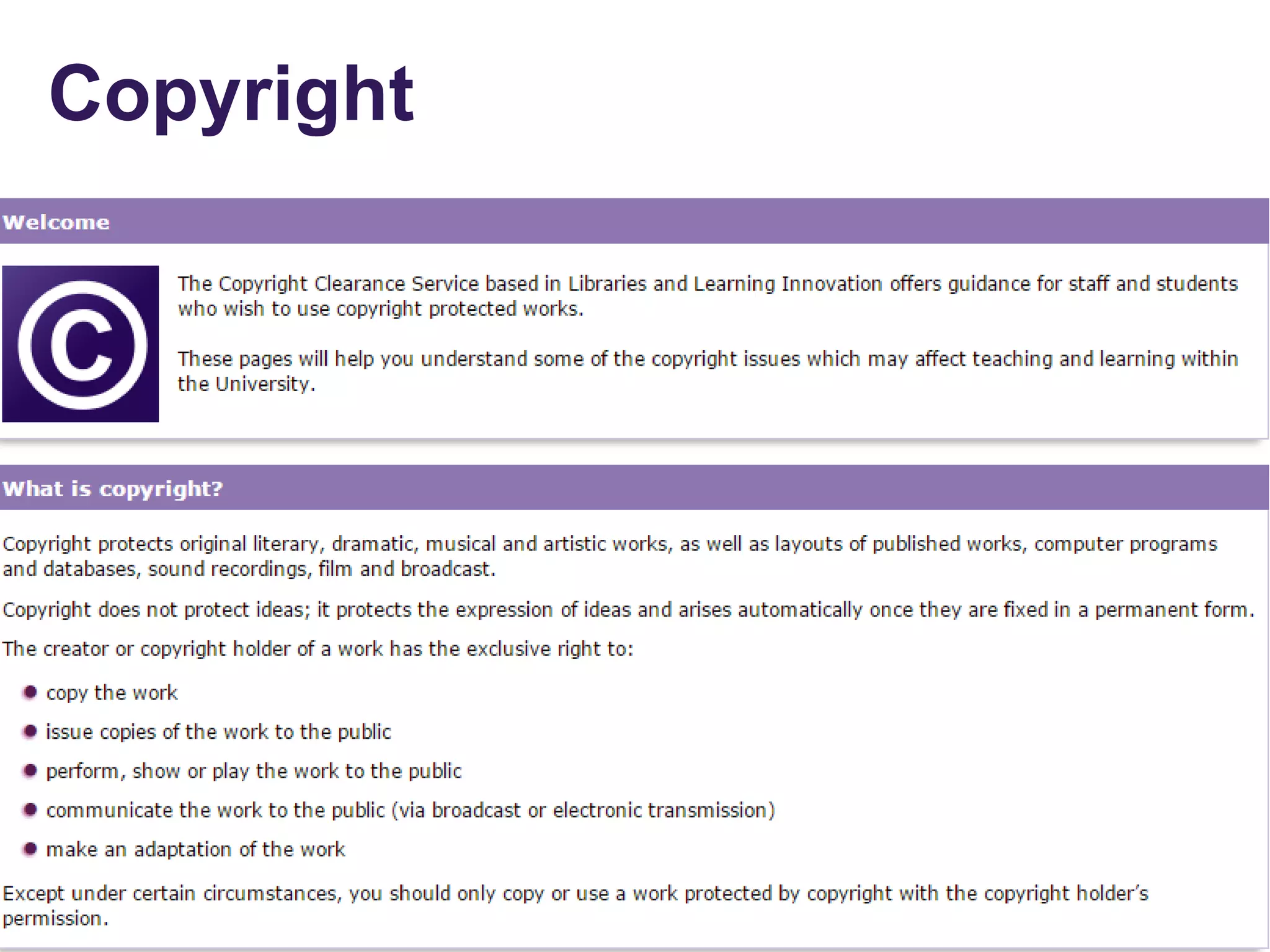
Copyright
Licensing for reuse
• Copyright
– Automatic
– All rights reserved
– Limited exceptions
• Creative commons
– Some rights reserved
– Legalese
– Human readable
– Machine readable
Our tools give everyone from individual creators to large companies and institutions
a simple, standardized way to keep their copyright while allowing certain uses of
their work — a “some rights reserved” approach to copyright — which makes their
creative, educational, and scientific content instantly more compatible with the full
potential of the internet.
https://creativecommons.org/about
©
Creative Commons
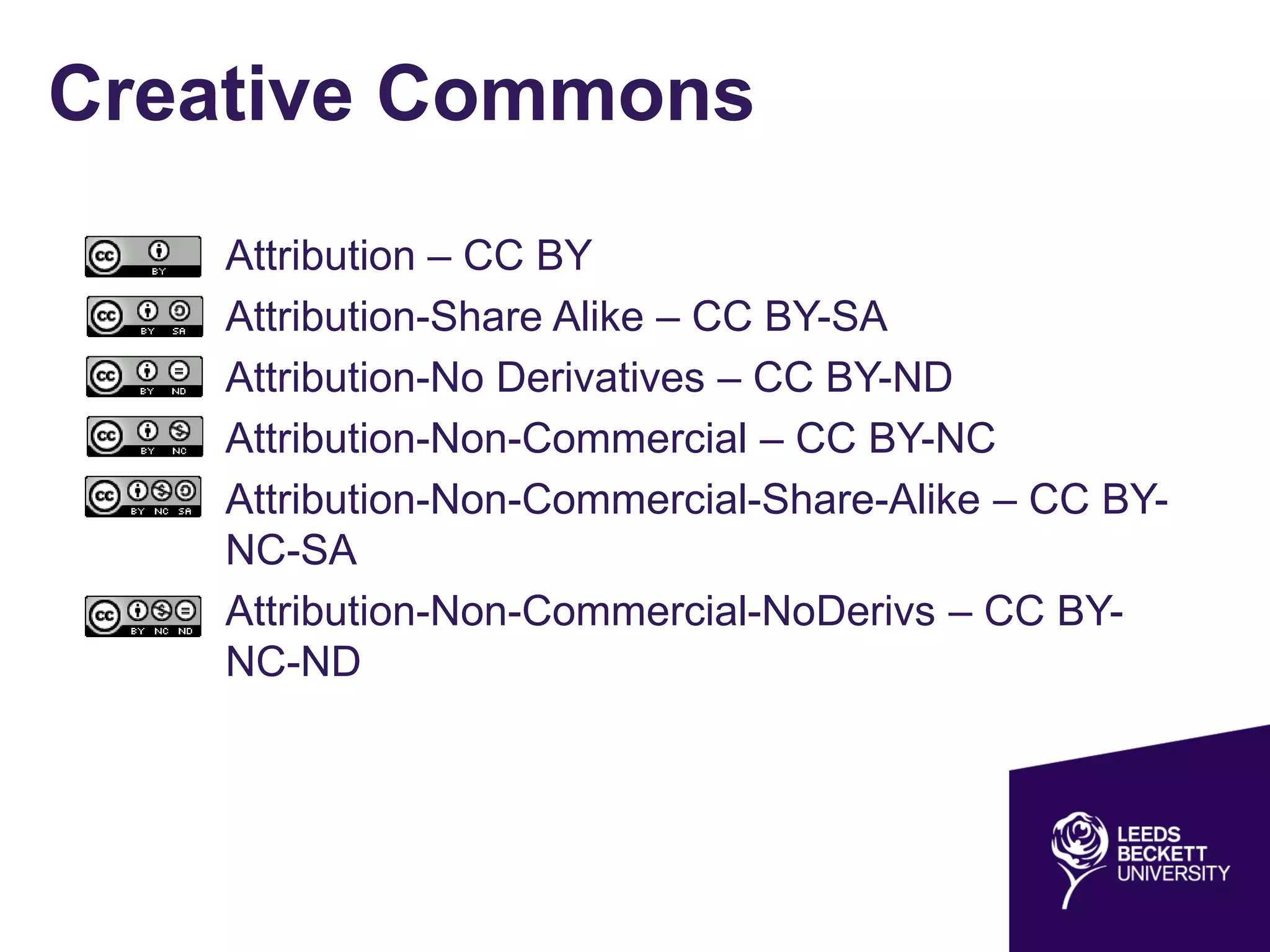
• Attribution – CC BY
• Attribution-Share Alike – CC BY-SA
• Attribution-No Derivatives – CC BY-ND
• Attribution-Non-Commercial – CC BY-NC
• Attribution-Non-Commercial-Share-Alike – CC BY-
NC-SA
• Attribution-Non-Commercial-NoDerivs – CC BY-
NC-ND
Tools to discover CC content
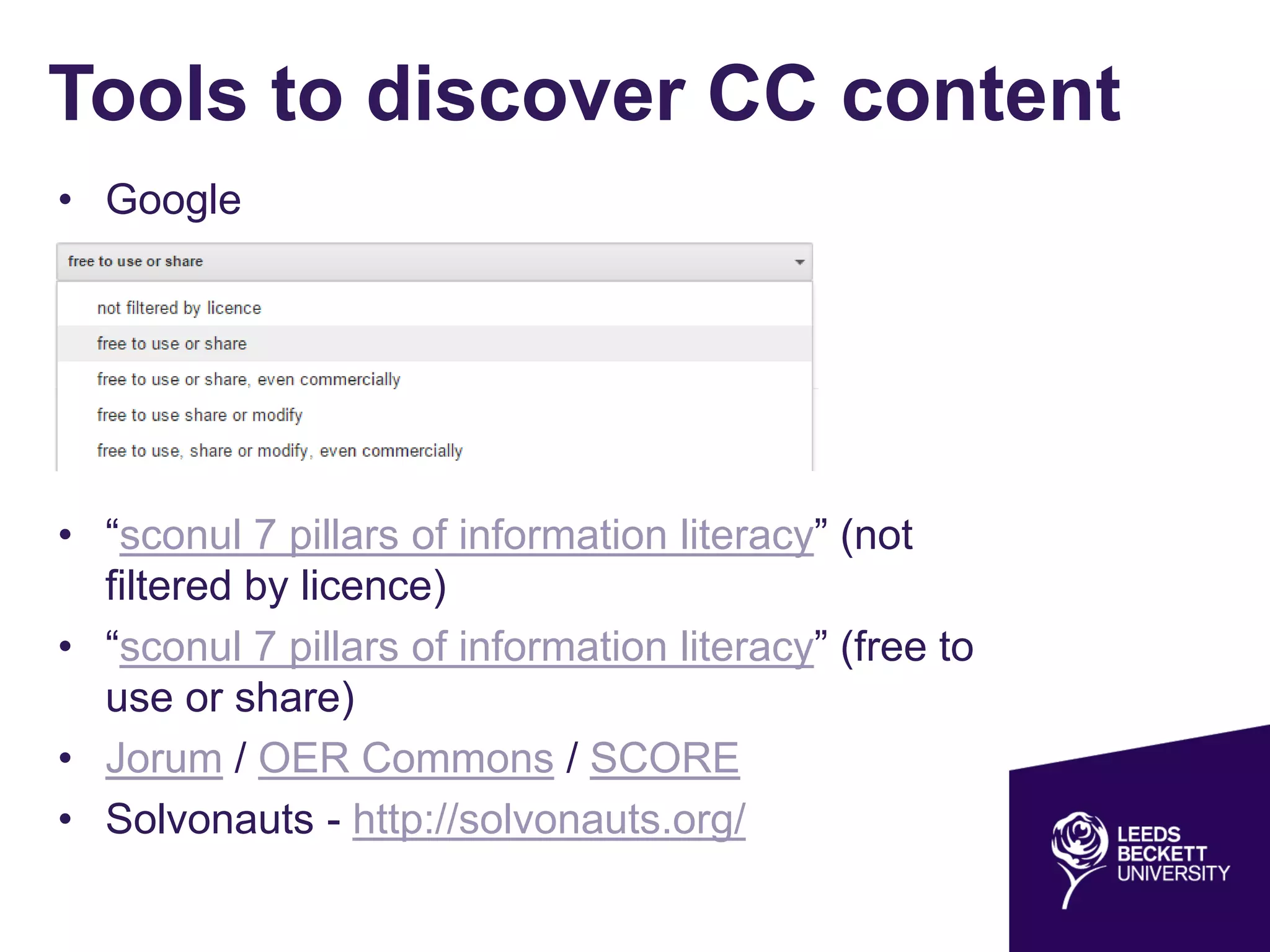
• Google
• “sconul 7 pillars of information literacy” (not
filtered by licence)
• “sconul 7 pillars of information literacy” (free to
use or share)
• Jorum / OER Commons / SCORE
• Solvonauts - http://solvonauts.org/
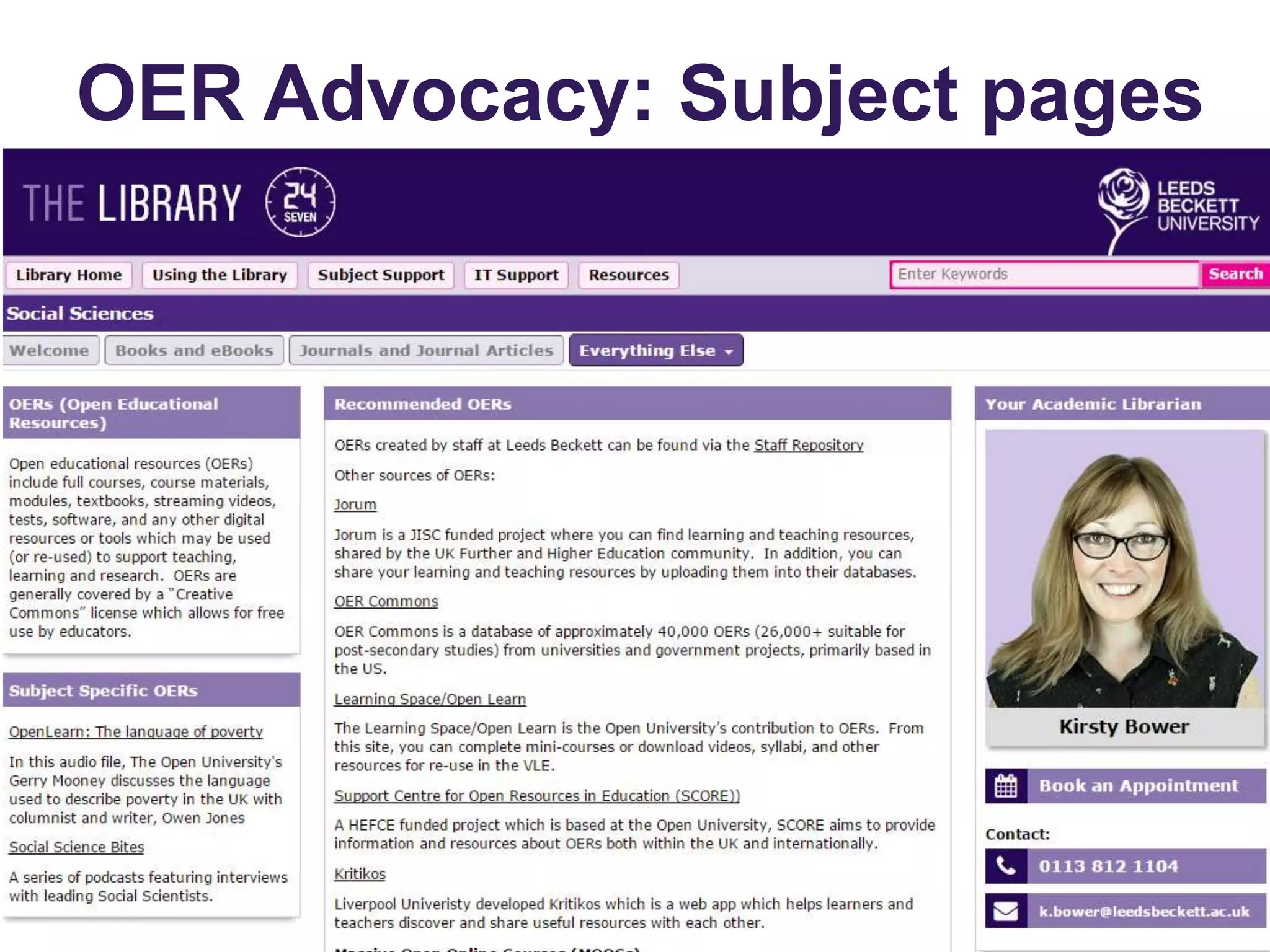
OER Advocacy: Subject pages
Guides
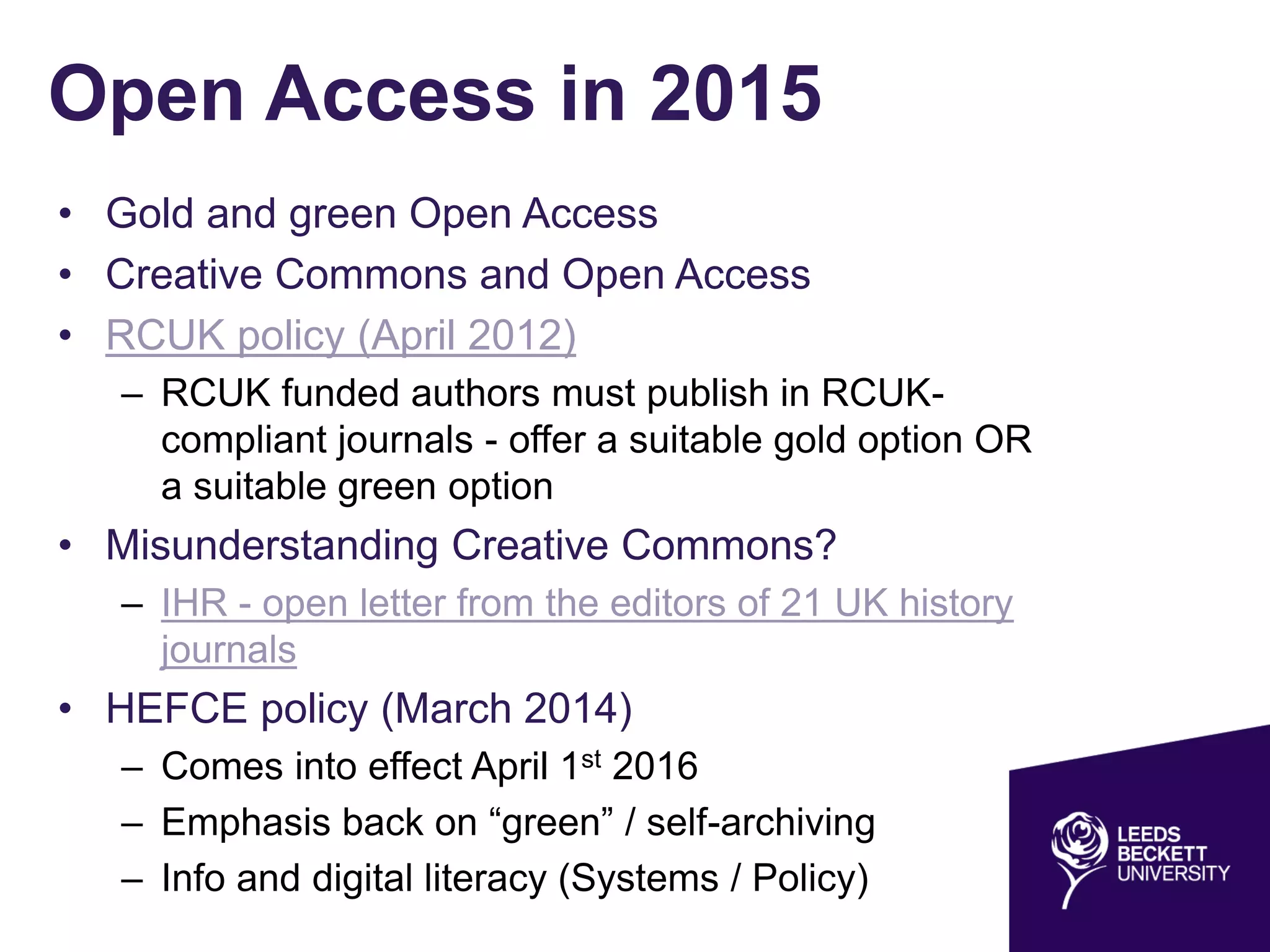
Open Access in 2015
• Gold and green Open Access
• Creative Commons and Open Access
• RCUK policy (April 2012)
– RCUK funded authors must publish in RCUK-
compliant journals - offer a suitable gold option OR
a suitable green option
• Misunderstanding Creative Commons?
– IHR - open letter from the editors of 21 UK history
journals
• HEFCE policy (March 2014)
– Comes into effect April 1st 2016
– Emphasis back on “green” / self-archiving
– Info and digital literacy (Systems / Policy)
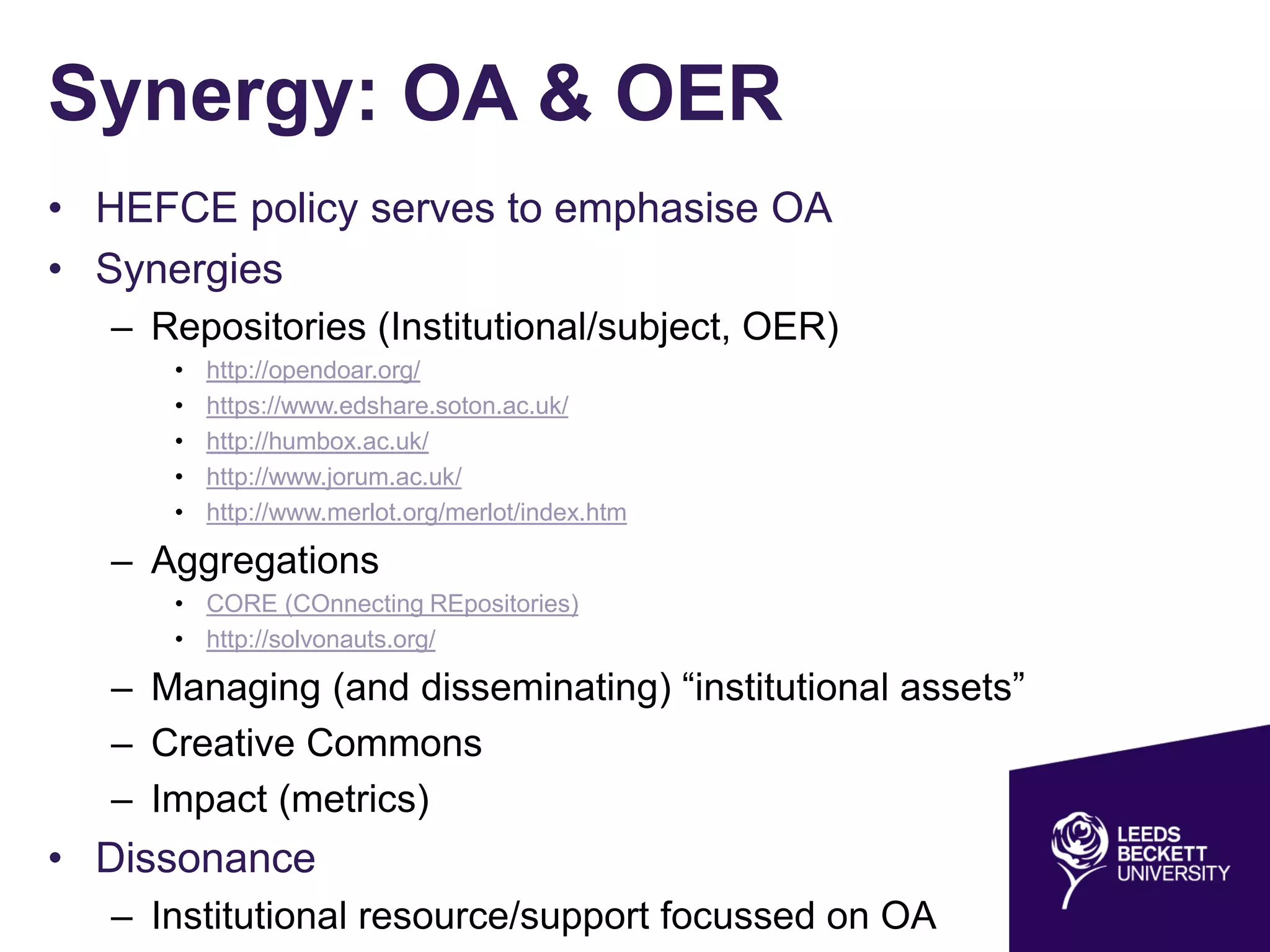
Synergy: OA & OER
• HEFCE policy serves to emphasise OA
• Synergies
– Repositories (Institutional/subject, OER)
• http://opendoar.org/
• https://www.edshare.soton.ac.uk/
• http://humbox.ac.uk/
• http://www.jorum.ac.uk/
• http://www.merlot.org/merlot/index.htm
– Aggregations
• CORE (COnnecting REpositories)
• http://solvonauts.org/
– Managing (and disseminating) “institutional assets”
– Creative Commons
– Impact (metrics)
• Dissonance
– Institutional resource/support focussed on OA
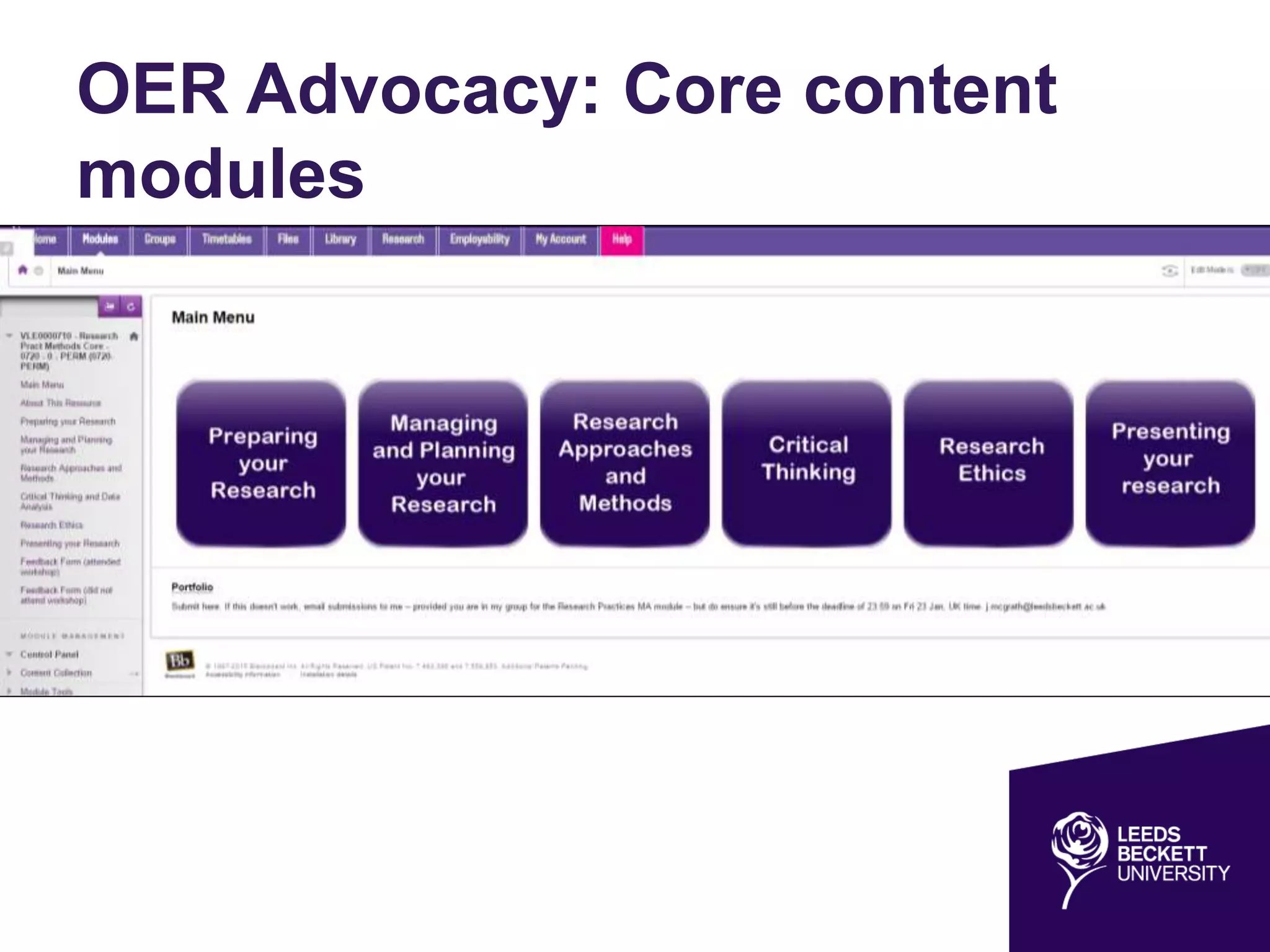
OER Advocacy: Core content
modules
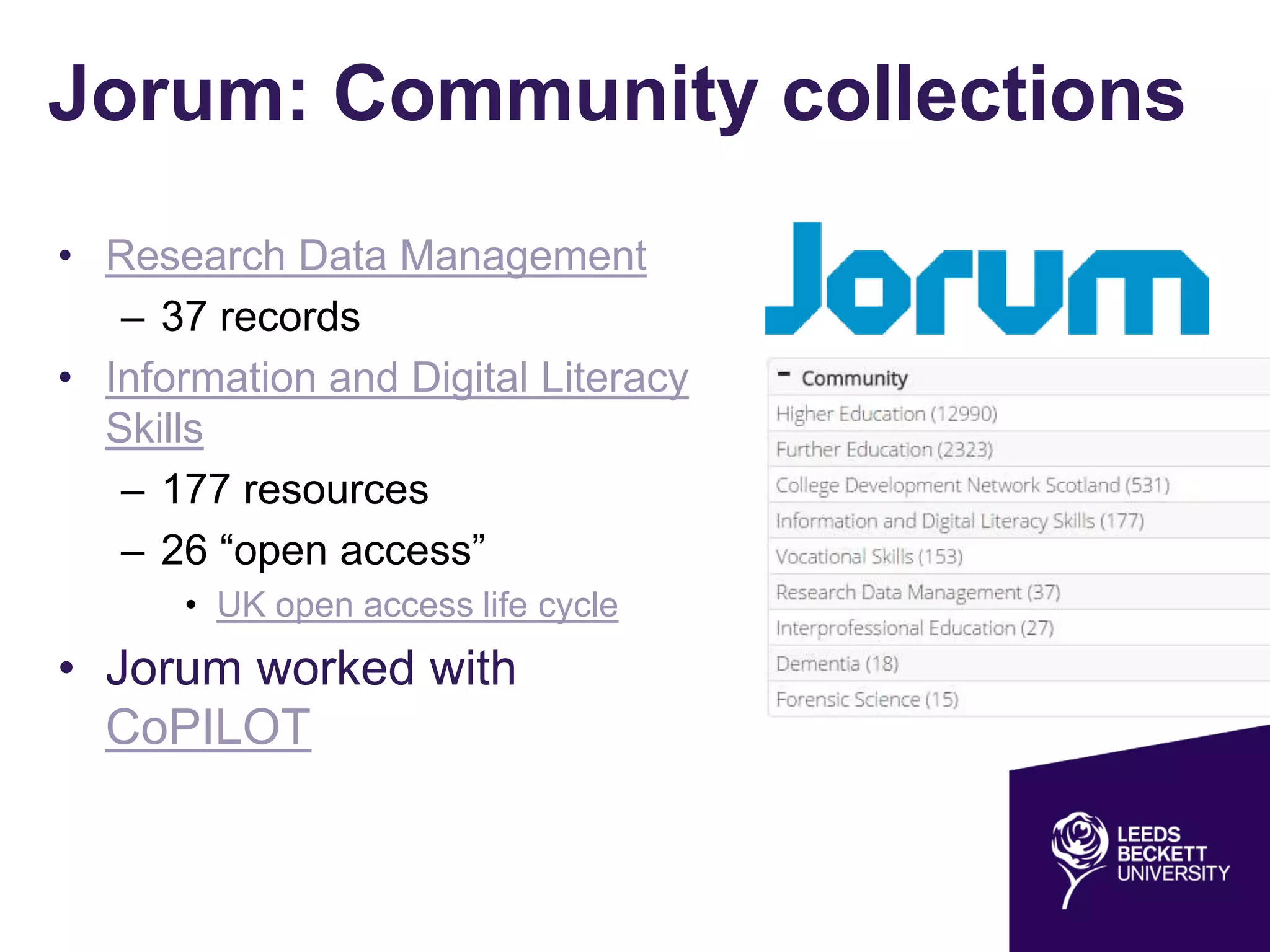
Jorum: Community collections
• Research Data Management
– 37 records
• Information and Digital Literacy
Skills
– 177 resources
– 26 “open access”
• UK open access life cycle
• Jorum worked with
CoPILOT

Who needs a repository when you’ve got Google? Information and Digital Literacy in the new Open landscape

  • 1.
    Who needs arepository when you’ve got Google? Information and Digital Literacy in the new Open landscape Nick Sheppard 24th June 2015
  • 2.
    A confession… Image source:https://commons.wikimedia.org/wiki/File:Confessional_bourges.jpg (Public domain) Image source: http://www.telegraph.co.uk/technology/google/7325961/Google-good-or-evil.html (Reuse rights unknown) (Can I use this image??)
  • 4.
    Repository Developer • Beganworking at Leeds Metropolitan University in 2007 • Jisc Repositories Start-up and Enhancement Projects • “Blended” repository of OA research and OER • Technical Officer UKCoRR - http://ukcorr.org/ • Jisc UKOER programme (2009-2012) • Jorum - http://www.jorum.ac.uk/ – Steering group member
  • 5.
    Coming up… • Anew Open landscape • Defining information & digital literacy • What is an OER? • An information literacy OER (case study) – Xerte Online Toolkits (XOT) – Developing an OER based on the SCONUL 7 Pillars of information literacy • Copyright and licensing for reuse – Creative Commons – Tools to discover CC content • Open Access in 2015
  • 6.
    A new Openlandscape • Open Access to research • Finch and HEFCE • Role of (institutional) repositories • Research Data Management • Learning Objects and OER • Licensing • Role of academic libraries – “outside in vs inside out” (Lorcan Dempsey) – Managing and disseminating institutional assets • New paradigms of scholarly communication – PLOS – Open Library of the Humanities – Institutional publishing
  • 7.
    Information & DigitalLiteracy: towards a definition • The Seven Pillars of Information Skills model (1999) • Revised 2011 • Different terminologies and concepts • Generic “core” model for HE • Series of “lenses”, representing different groups of learners Information Literacy is an umbrella term which encompasses concepts such as digital, visual and media literacies, academic literacy, information handling, information skills, data curation and data management (SCONUL Working Group on Information Literacy 2011)
  • 8.
    What is anOER? • Unpacking “Open” • Suitable licence • File format • Software (run / edit) • Compatibility across devices (e.g. Flash) Open educational resources (OER) are learning and teaching materials, freely available online for anyone to use. Examples include full courses, course modules, lectures, games, teaching materials and assignments. They can take the form of text, images, audio, video and may even be interactive. (Jisc) Licence to share Image source: http://board.raidrush.ws/threads/287828-james- bond-logo (Reuse rights unknown)
  • 9.
    Case study • Coremodel – Research lens – Digital literacy lens – Open content lens – Evidence based practice healthcare lens • "sconul seven pillars of information literacy“ Google search
  • 10.
    Xerte Online Toolkits •Open Source elearning software • Suite of browser-based tools • Create interactive learning materials • Accessed from any networked PC • Potential tool for teaching Digital Literacy – Digital Literacies in the disciplines http://www.heacademy.ac.uk/digital- literacies
  • 11.
    Developing an OERbased on the SCONUL 7 Pillars Sheppard, NE and Nephin, E (2014) Digital literacy in practice: Developing an interactive and accessible open educational resource based on the SCONUL Seven Pillars of Information Literacy. SCONUL Focus, 60. ISSN 1745-5790
  • 12.
  • 13.
    Licensing for reuse •Copyright – Automatic – All rights reserved – Limited exceptions • Creative commons – Some rights reserved – Legalese – Human readable – Machine readable Our tools give everyone from individual creators to large companies and institutions a simple, standardized way to keep their copyright while allowing certain uses of their work — a “some rights reserved” approach to copyright — which makes their creative, educational, and scientific content instantly more compatible with the full potential of the internet. https://creativecommons.org/about ©
  • 14.
    Creative Commons • Attribution– CC BY • Attribution-Share Alike – CC BY-SA • Attribution-No Derivatives – CC BY-ND • Attribution-Non-Commercial – CC BY-NC • Attribution-Non-Commercial-Share-Alike – CC BY- NC-SA • Attribution-Non-Commercial-NoDerivs – CC BY- NC-ND
  • 15.
    Tools to discoverCC content • Google • “sconul 7 pillars of information literacy” (not filtered by licence) • “sconul 7 pillars of information literacy” (free to use or share) • Jorum / OER Commons / SCORE • Solvonauts - http://solvonauts.org/
  • 16.
  • 17.
    Open Access in2015 • Gold and green Open Access • Creative Commons and Open Access • RCUK policy (April 2012) – RCUK funded authors must publish in RCUK- compliant journals - offer a suitable gold option OR a suitable green option • Misunderstanding Creative Commons? – IHR - open letter from the editors of 21 UK history journals • HEFCE policy (March 2014) – Comes into effect April 1st 2016 – Emphasis back on “green” / self-archiving – Info and digital literacy (Systems / Policy)
  • 18.
    Synergy: OA &OER • HEFCE policy serves to emphasise OA • Synergies – Repositories (Institutional/subject, OER) • http://opendoar.org/ • https://www.edshare.soton.ac.uk/ • http://humbox.ac.uk/ • http://www.jorum.ac.uk/ • http://www.merlot.org/merlot/index.htm – Aggregations • CORE (COnnecting REpositories) • http://solvonauts.org/ – Managing (and disseminating) “institutional assets” – Creative Commons – Impact (metrics) • Dissonance – Institutional resource/support focussed on OA
  • 19.
    OER Advocacy: Corecontent modules
  • 20.
    Jorum: Community collections •Research Data Management – 37 records • Information and Digital Literacy Skills – 177 resources – 26 “open access” • UK open access life cycle • Jorum worked with CoPILOT

Editor's Notes

  • #3 My name is Nick and I’ve been a Repository Developer for 7 years. I’m not a real librarian and I mostly use Google
  • #11 XOT is web rather than desktop based so needs to be installed on a web-server. Technical implementation is relatively straightforward however and has the advantage that it can be accessed from any networked PC rather than a small number of licensed machines as is often the case with specialised commercial software and means it can be made available to all staff, and potentially students, across an organisation and is itself a potential tool for teaching Digital Literacy13; input is form based, intuitive enough for beginners with the option to use HTML tags or more sophisticated web-based technology. It can also be embedded on any webpage using an iframe. Moreover, as output is HTML5, unlike proprietary software, content is accessible on any device/browser including mobile. Content can also be more easily reused even without access to the software itself - just by cut and paste / right click -> save as. Like any HTML webpage.
  • #14 Exceptions: Non-commercial research and private study Text and data mining for non-commercial research Criticism, review and reporting current events Teaching The creator or copyright holder of a work has the exclusive right to: copy the work issue copies of the work to the public perform, show or play the work to the public communicate the work to the public (via broadcast or electronic transmission) make an adaptation of the work Except under certain circumstances, you should only copy or use a work protected by copyright with the copyright holder’s permission.
  • #16 Support Centre for Open Resources in Education (SCORE))
  • #17 We also promote OER’s to students via our Subject pages
  • #18 GOLD immediate (unembargoed) OA to the version of record from its own web site under a CC-BY license must allow immediate deposit of the version of record in an OA repository (also under CC-BY) may levy an Article Processing Charge (APC) GREEN must allow deposit of the peer-reviewed manuscript in an OA repository not operated by the publisher must allow non-commercial reuse may require an embargo of up to 12 months for work funded by the AHRC and the ESRC up to six months for work funded by any other Research Council must not charge a fee for this option
  • #20 Intro to Marketing Intro to strategic management Research practice methods Project management Idea is the core content modules contain tutorials, teaching materials that academic staff can repurpose for themselves