CEL Technology Update
       11.20.12
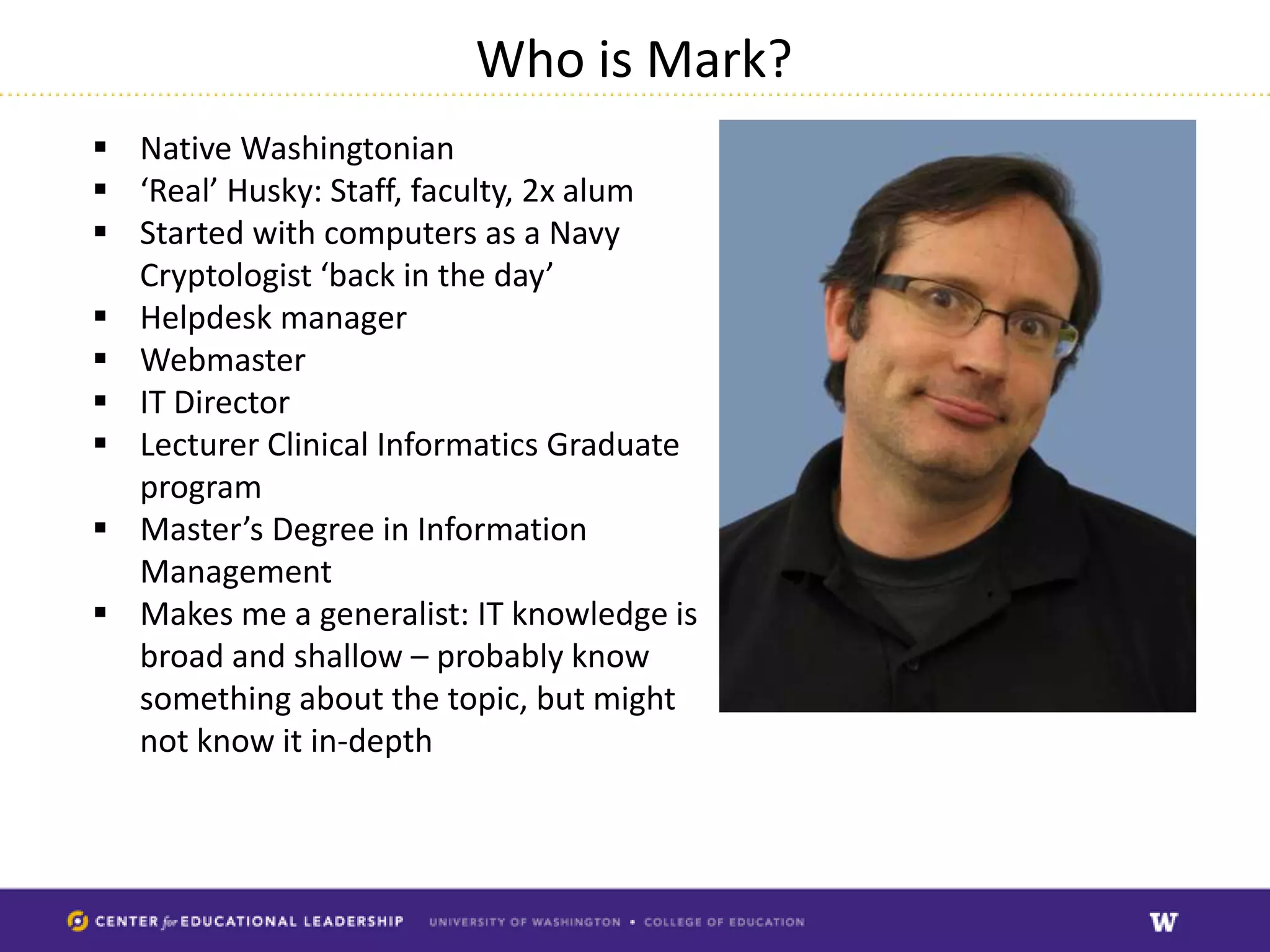
Who is Mark?
 Native Washingtonian
 ‘Real’ Husky: Staff, faculty, 2x alum
 Started with computers as a Navy
  Cryptologist ‘back in the day’
 Helpdesk manager
 Webmaster
 IT Director
 Lecturer Clinical Informatics Graduate
  program
 Master’s Degree in Information
  Management
 Makes me a generalist: IT knowledge is
  broad and shallow – probably know
  something about the topic, but might
  not know it in-depth
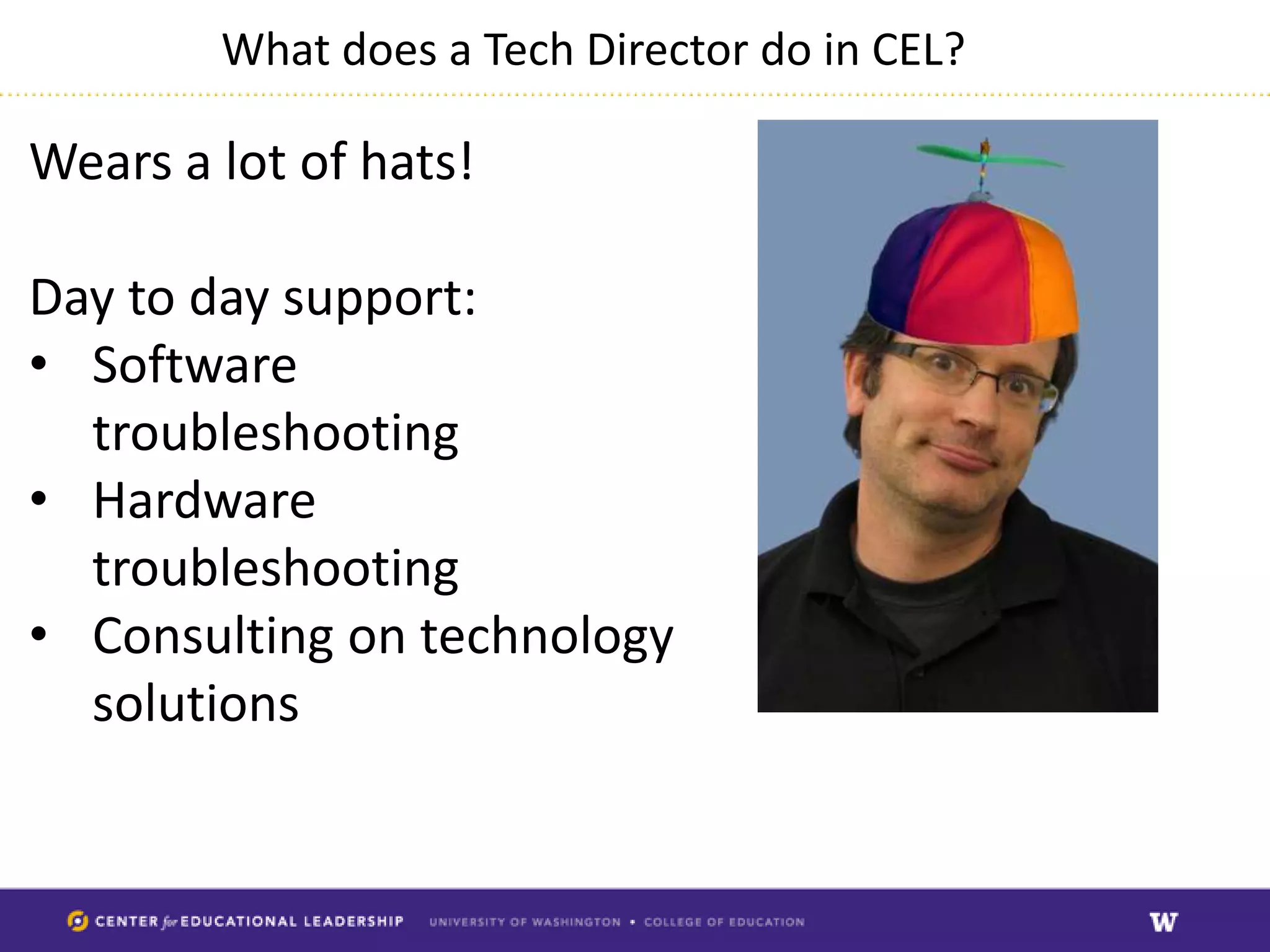
What does a Tech Director do in CEL?

Wears a lot of hats!

Day to day support:
• Software
  troubleshooting
• Hardware
  troubleshooting
• Consulting on technology
  solutions
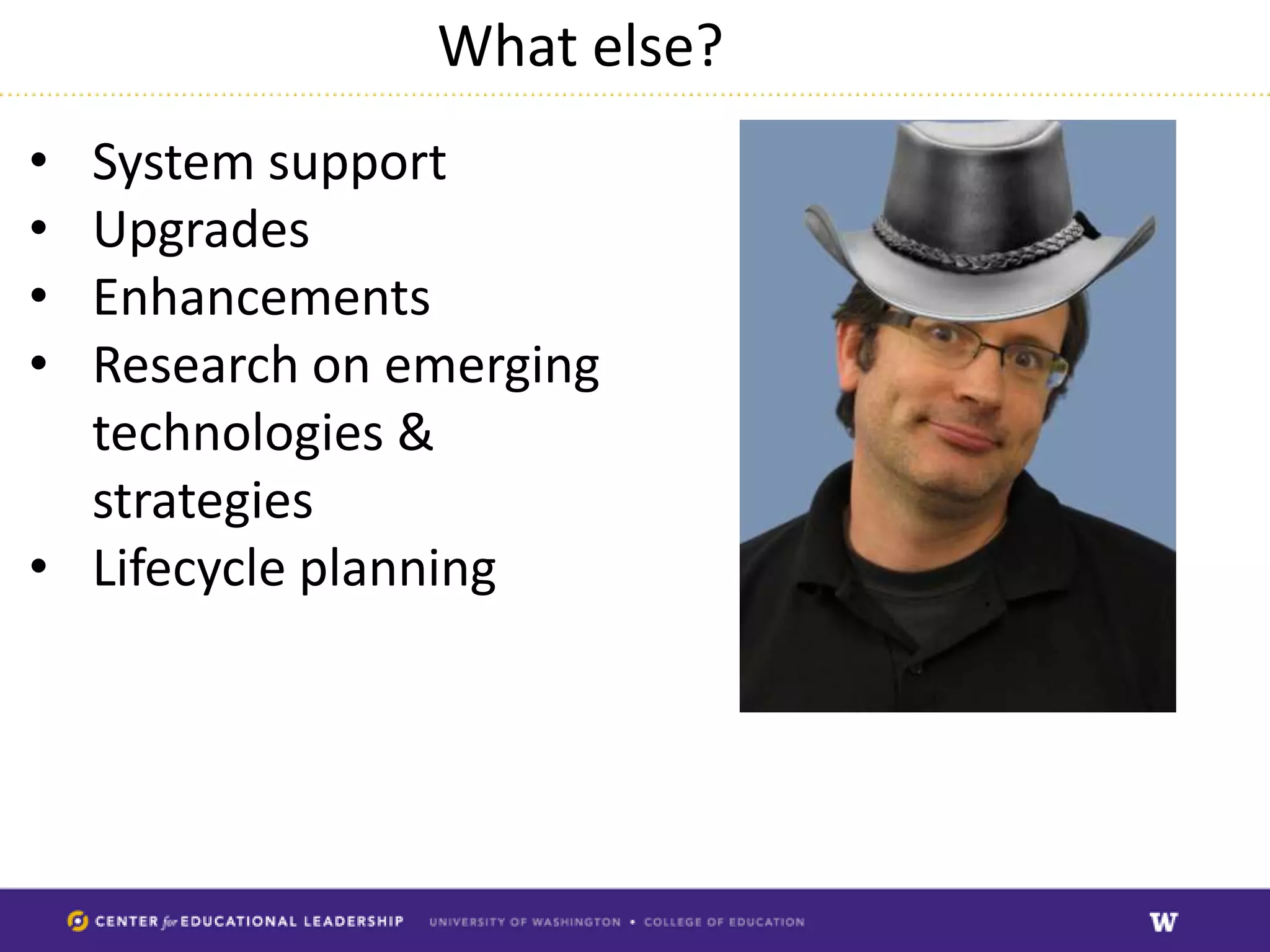
What else?
• System support
• Upgrades
• Enhancements
• Research on emerging
  technologies &
  strategies
• Lifecycle planning
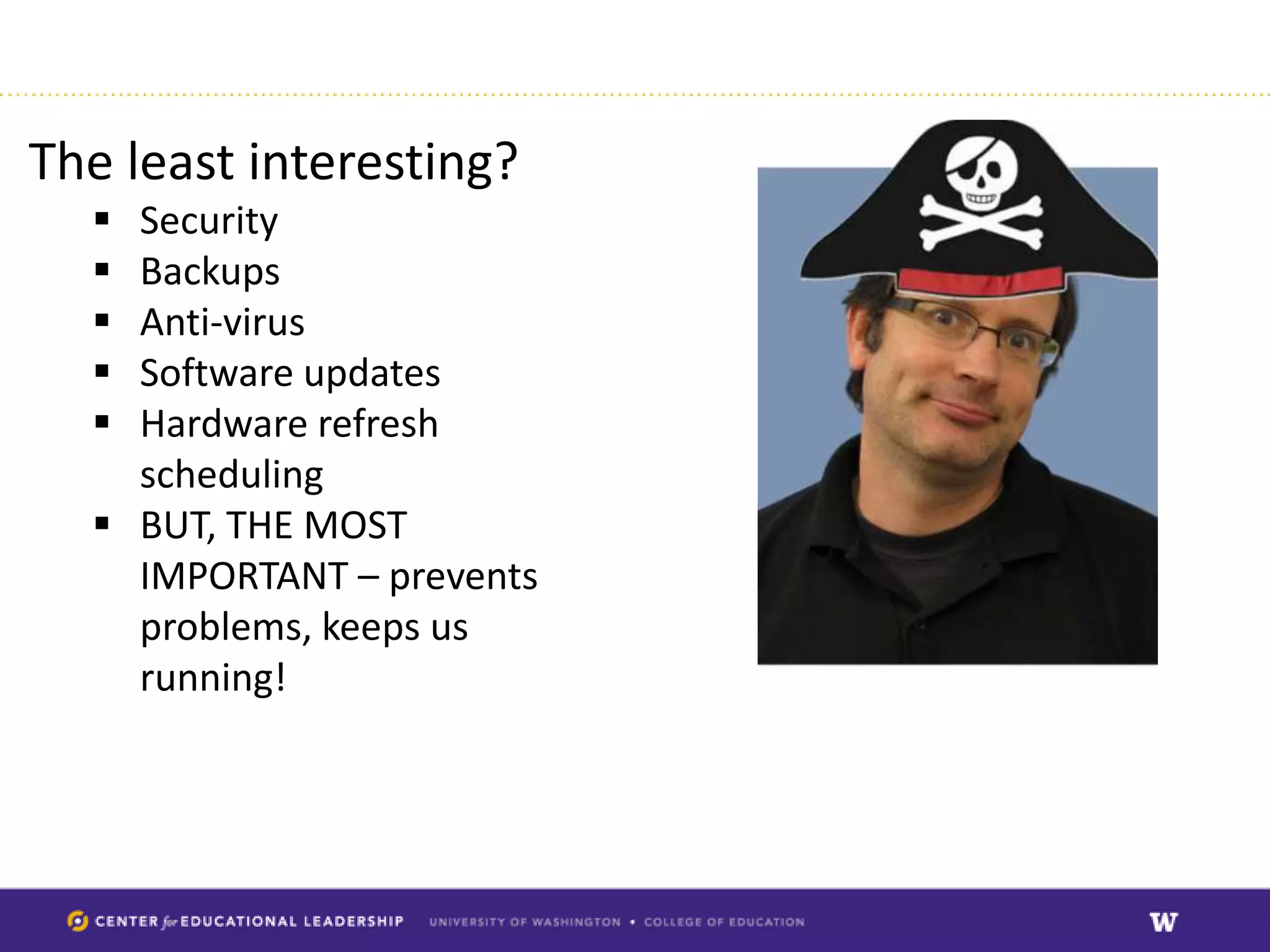
The least interesting?
   Security
   Backups
   Anti-virus
   Software updates
   Hardware refresh
    scheduling
   BUT, THE MOST
    IMPORTANT – prevents
    problems, keeps us
    running!
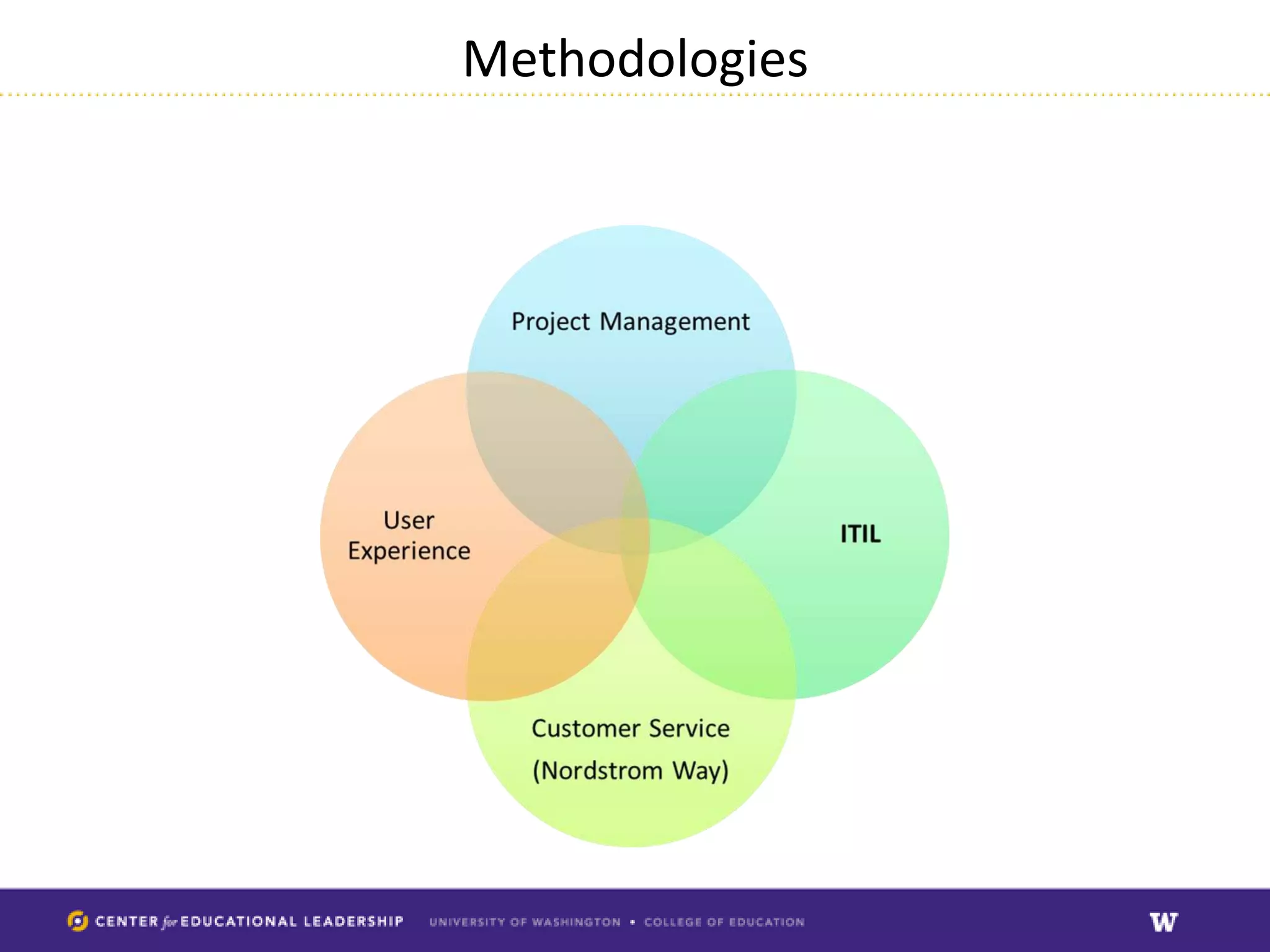
Methodologies
Approach


• Determine technologies and systems used
  within CEL
• Determine Service Areas
• Determine needs
• Prioritize
Technologies & Systems in CEL


• Nearly 100
• Many outsourced – pros and cons: less
  liability, less overhead, BUT less administrative
  control.
• Too many to master?!
Determine Service Areas

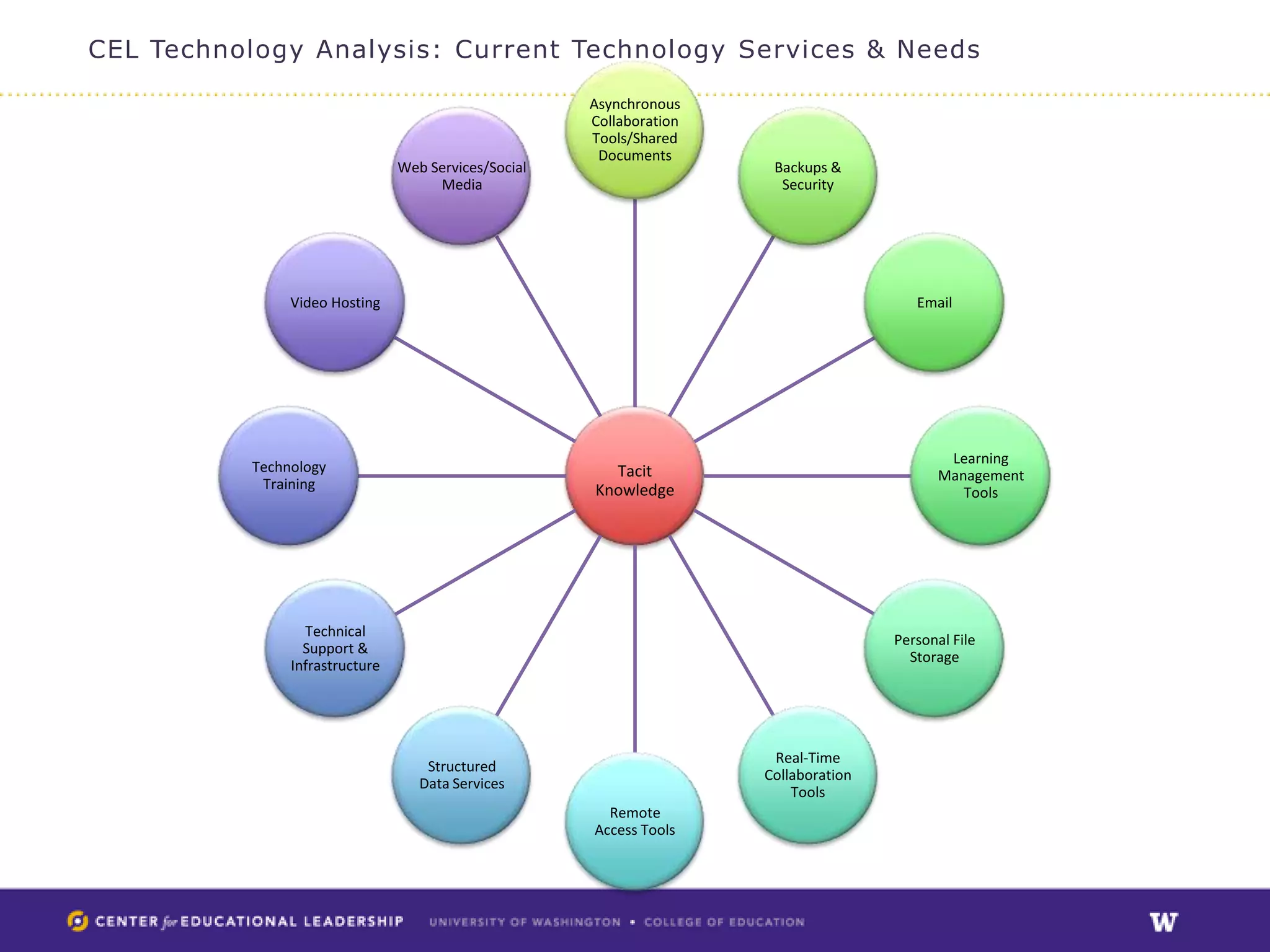
• Many technologies, but really only 12
  different services/needs
• Some overlap, in time can be reduced
CEL Technology Analysis: Current Technology Services & Needs

                                                       Asynchronous
                                                       Collaboration
                                                       Tools/Shared
                                                        Documents
                                 Web Services/Social                    Backups &
                                      Media                              Security


                Video Hosting                                                             Email


                                                                                               Learning
           Technology                                    Tacit                                Management
            Training                                   Knowledge                                 Tools


                  Technical
                                                                                       Personal File
                  Support &
                                                                                         Storage
                Infrastructure


                                                                        Real-Time
                                     Structured
                                                                       Collaboration
                                    Data Services
                                                                           Tools
                                                         Remote
                                                       Access Tools
Determine (Initial) Needs


Initial Recommendations:
• Website
• Computer systems backups & security
• Calendaring
• Trainings: video troubleshooting and
  email/computer security.
• CELSUB replacement
• Technology strategy
Prioritize


• Besides methodologies, pricing is a factor
• IT Maxim #1 as of about 2010: Do more with
  less:
  – Leverage existing resources
  – Expand usage of existing technologies
  – Training (just in time, one on one; web based)
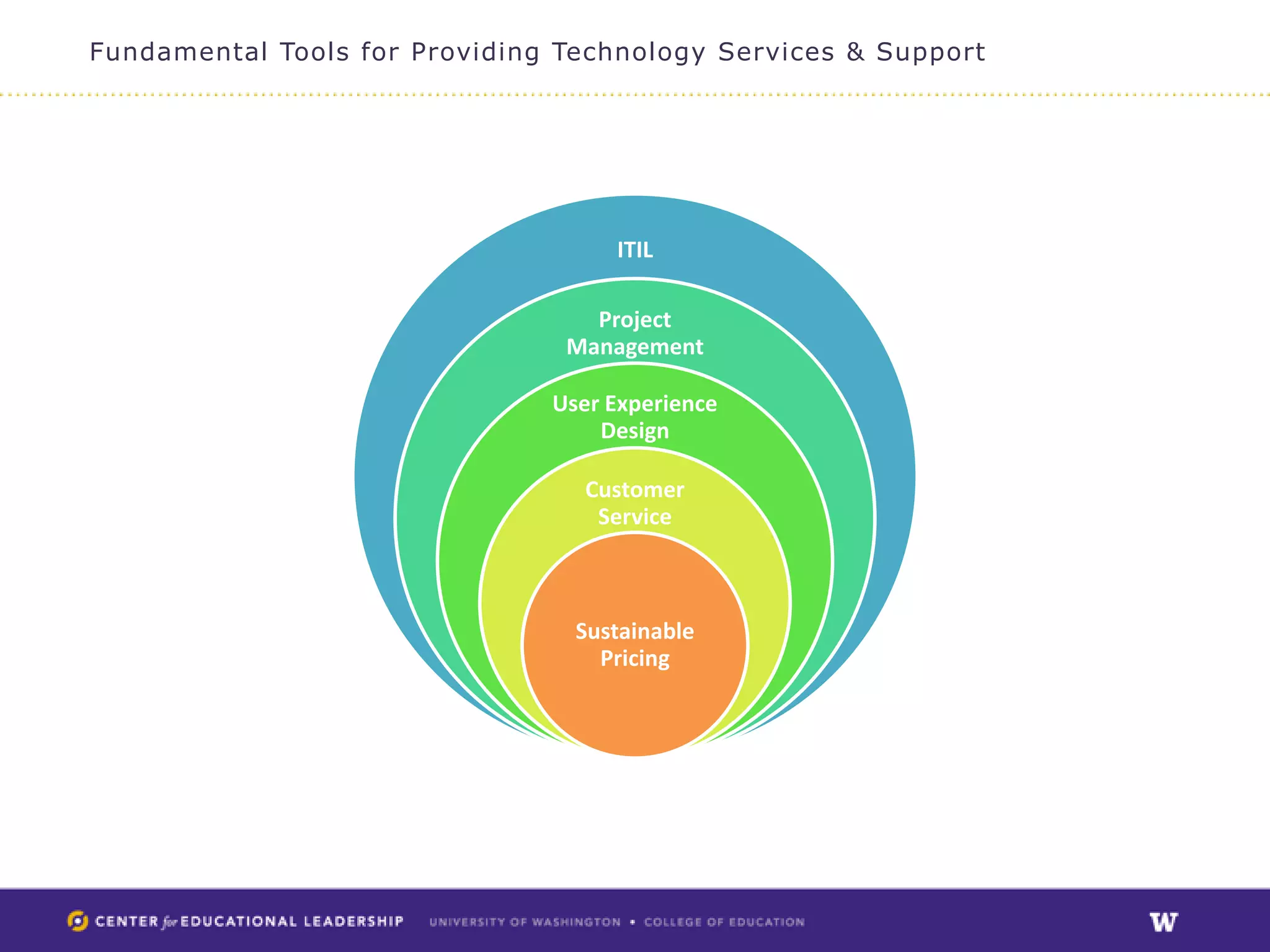
Fundamental Tools for Providing Technology Services & Support


                                    ITIL

                                  Project
                                Management

                               User Experience
                                   Design

                                 Customer
                                  Service


                                 Sustainable
                                   Pricing
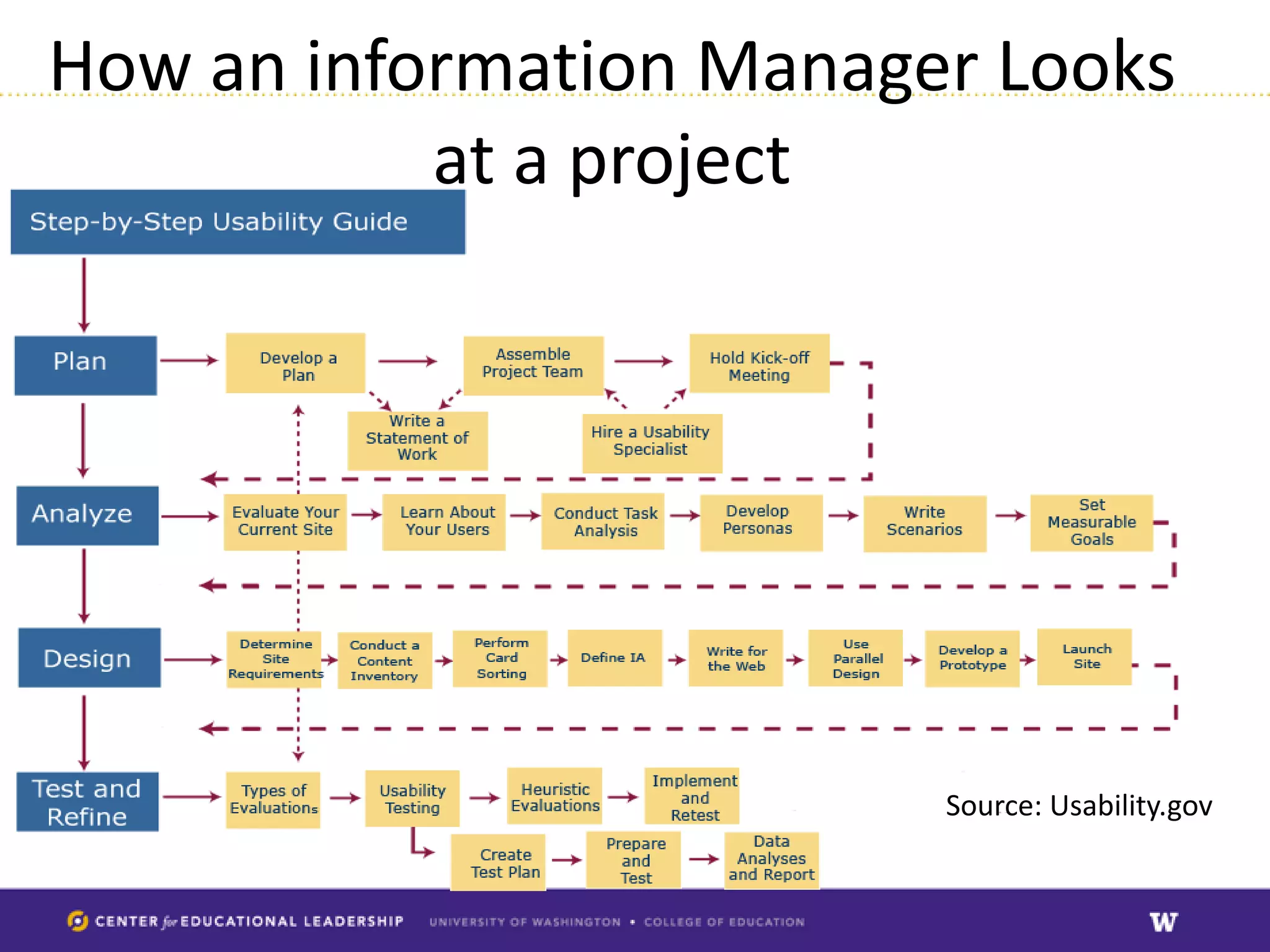
How an information Manager Looks
           at a project


                         Source: Usability.gov
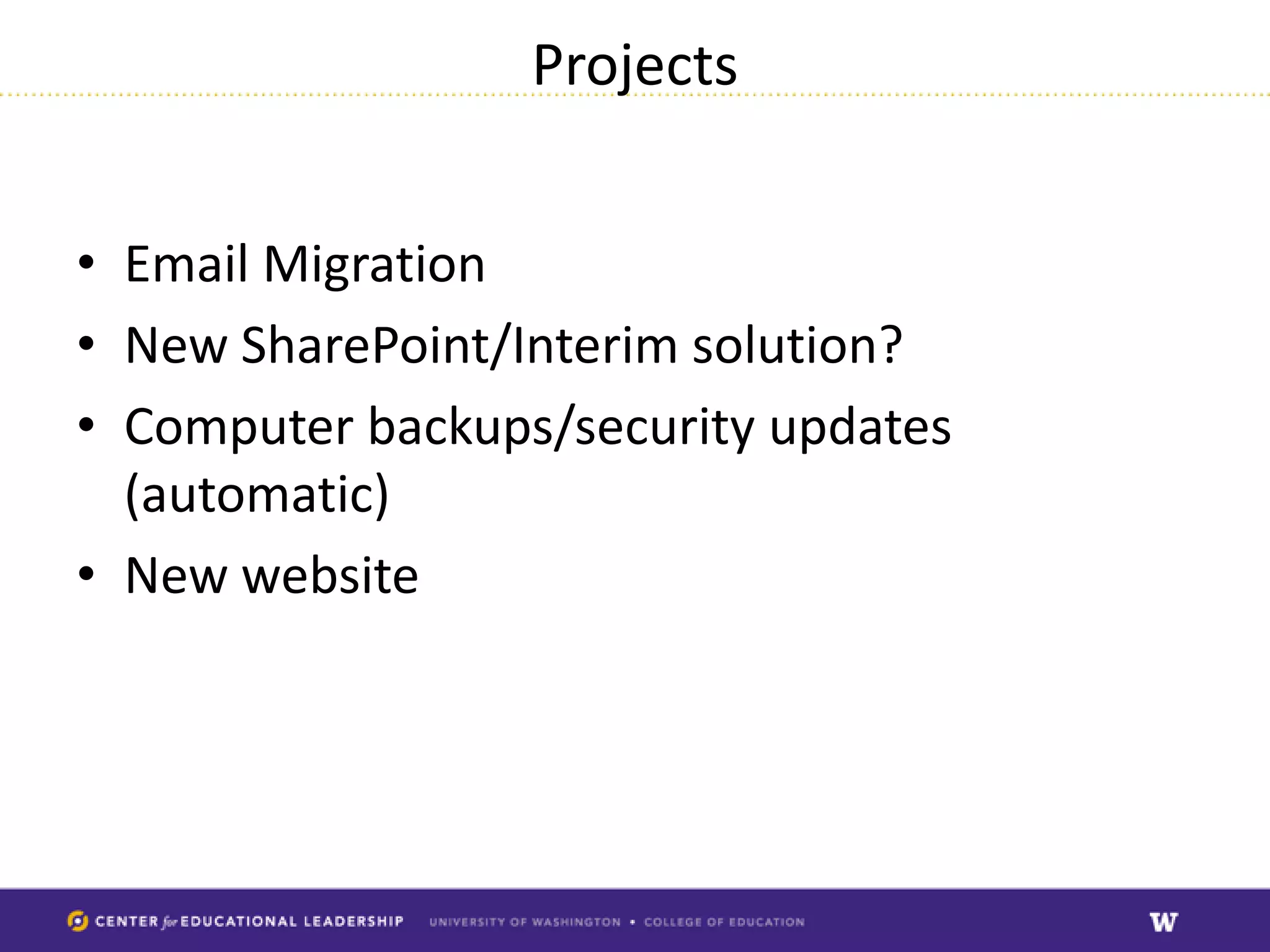
Projects


• Email Migration
• New SharePoint/Interim solution?
• Computer backups/security updates
  (automatic)
• New website
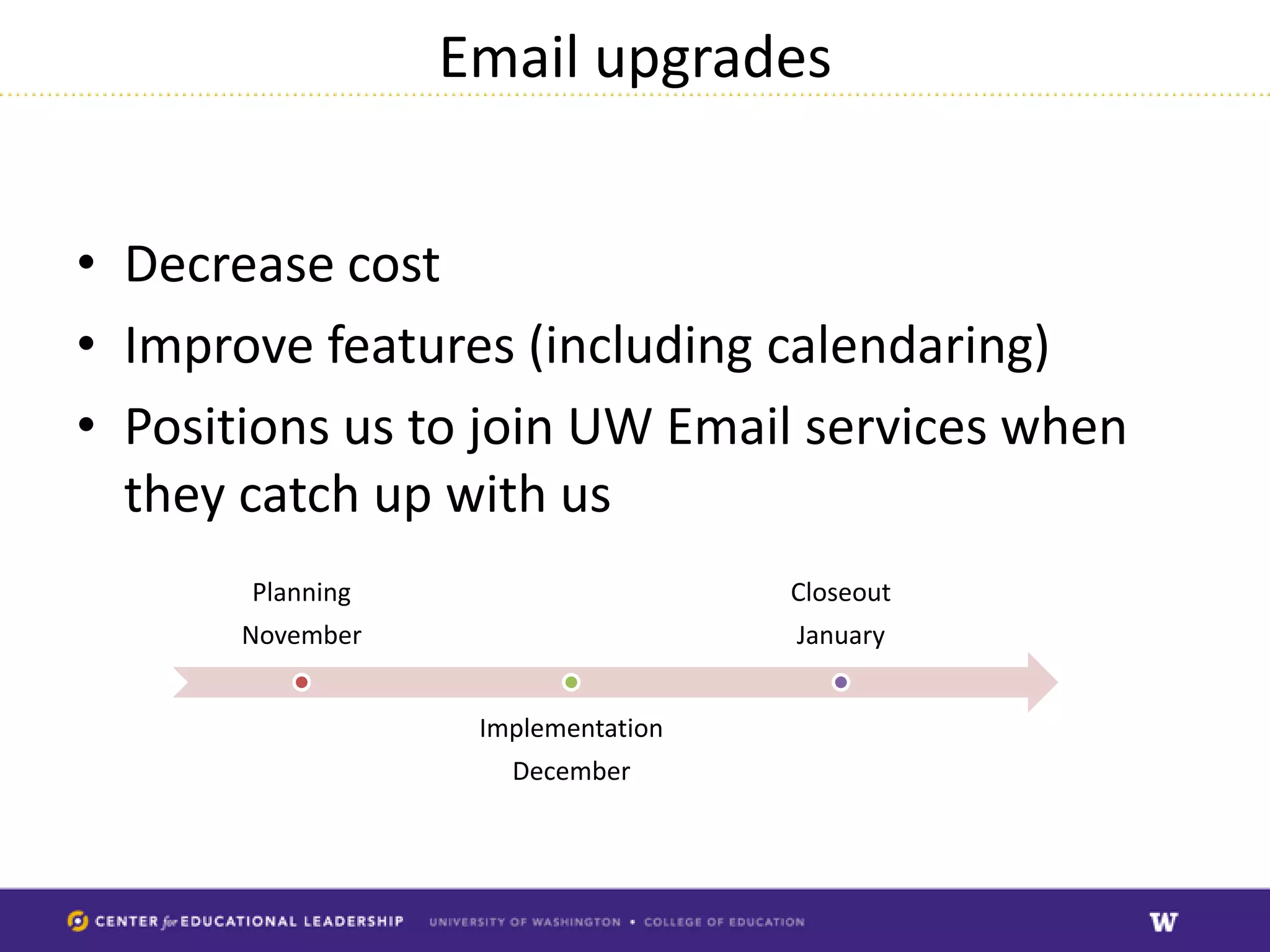
Email upgrades


• Decrease cost
• Improve features (including calendaring)
• Positions us to join UW Email services when
  they catch up with us
       Planning                     Closeout
       November                     January


                   Implementation
                     December
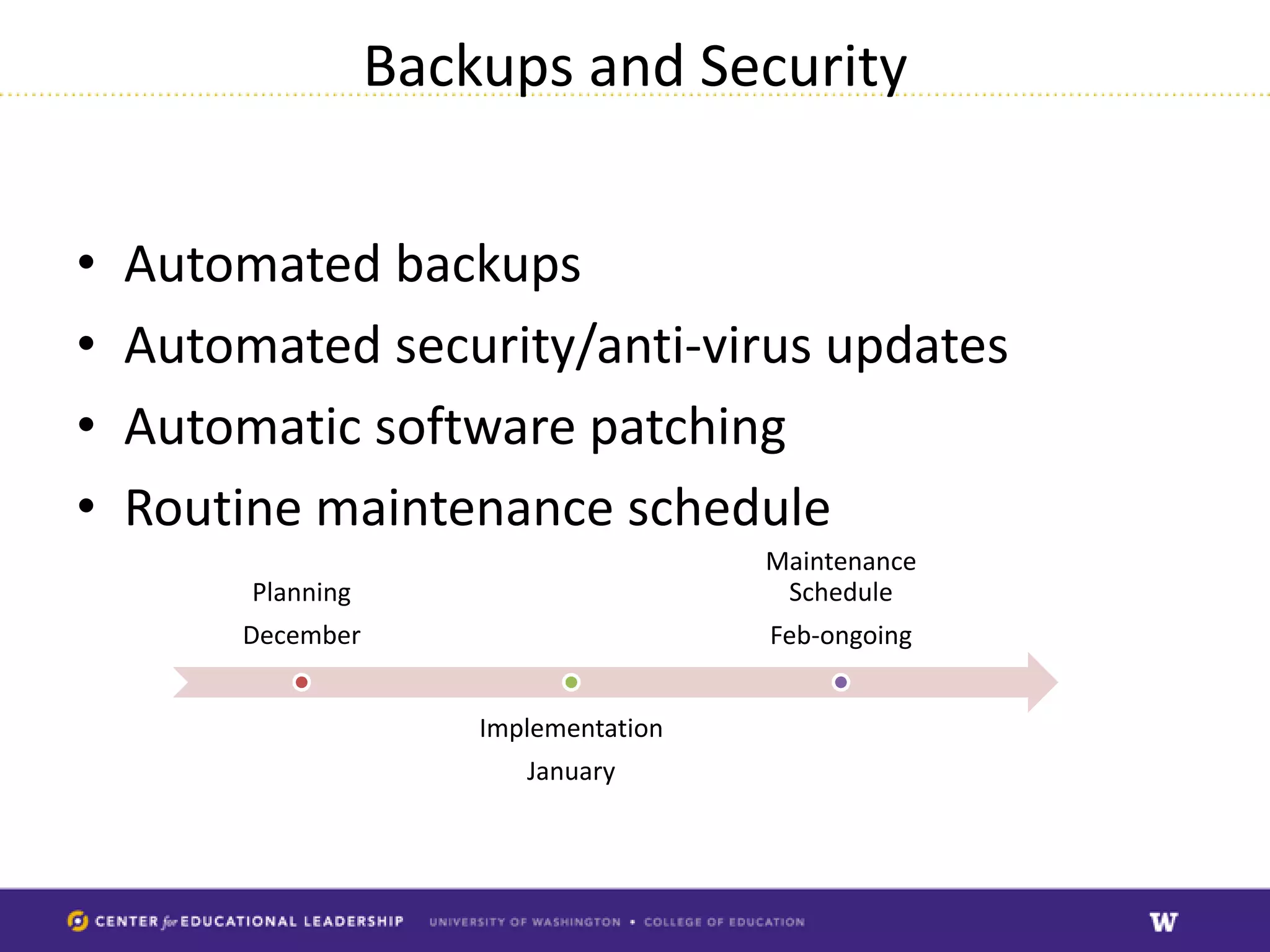
Backups and Security


•   Automated backups
•   Automated security/anti-virus updates
•   Automatic software patching
•   Routine maintenance schedule
                                         Maintenance
         Planning                         Schedule
        December                         Feb-ongoing


                        Implementation
                           January
Website


•   We use Drupal
•   Our version end of life in Summer 2013
•   New site: optimized for mobile
•   Revamped information architecture for
    improved findabilty
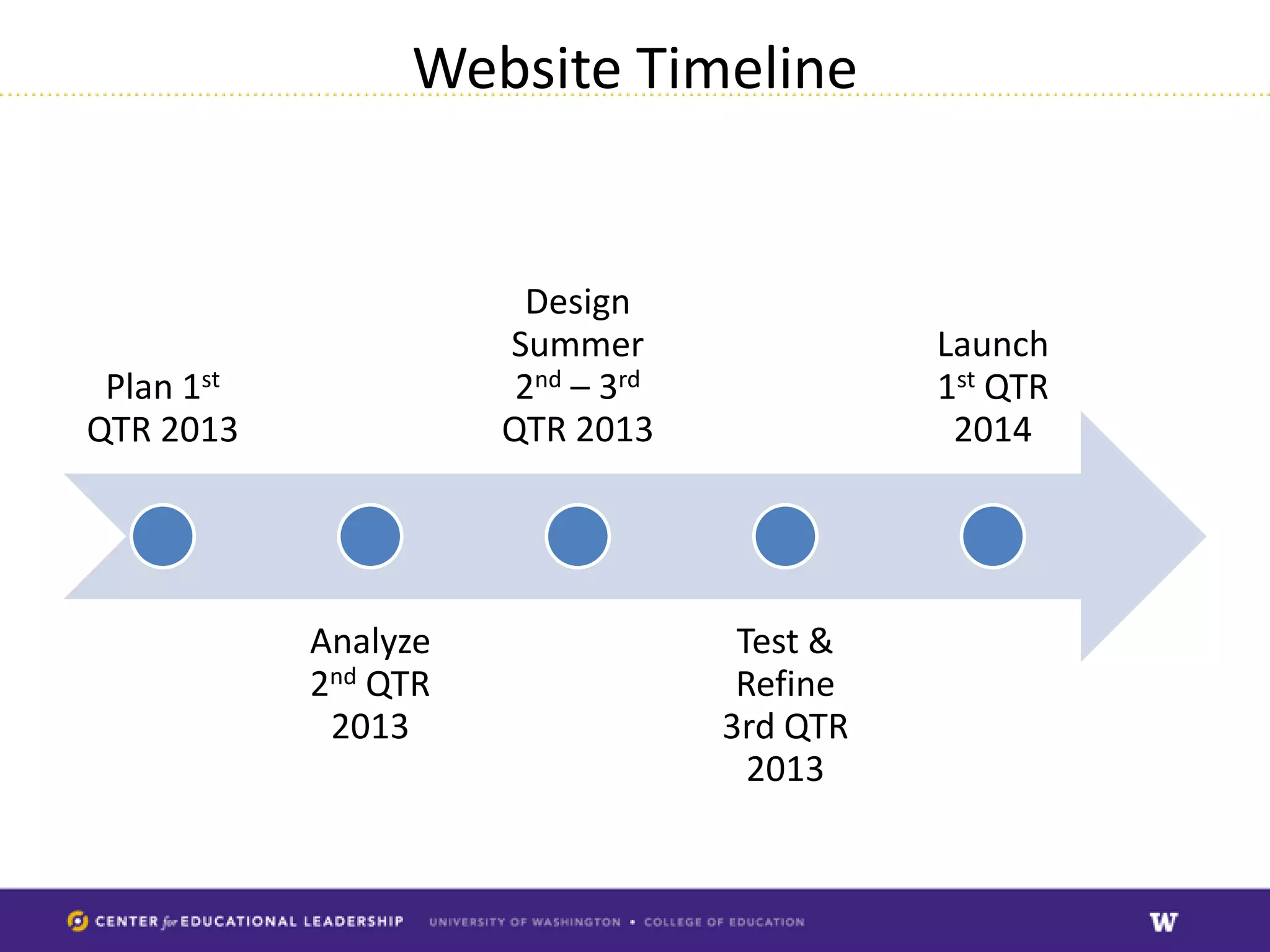
Website Timeline


                        Design
                      Summer                 Launch
 Plan 1st              2nd – 3rd             1st QTR
QTR 2013              QTR 2013                2014


            Analyze                 Test &
            2nd QTR                 Refine
             2013                  3rd QTR
                                     2013
CEL SUB

•   Bye Bye! Technology from 2002
•   You have never seen ‘real’ SharePoint!
•   Dependent on UW IT Timeline which is not finalized
•   Will provide an interim solution sooner!
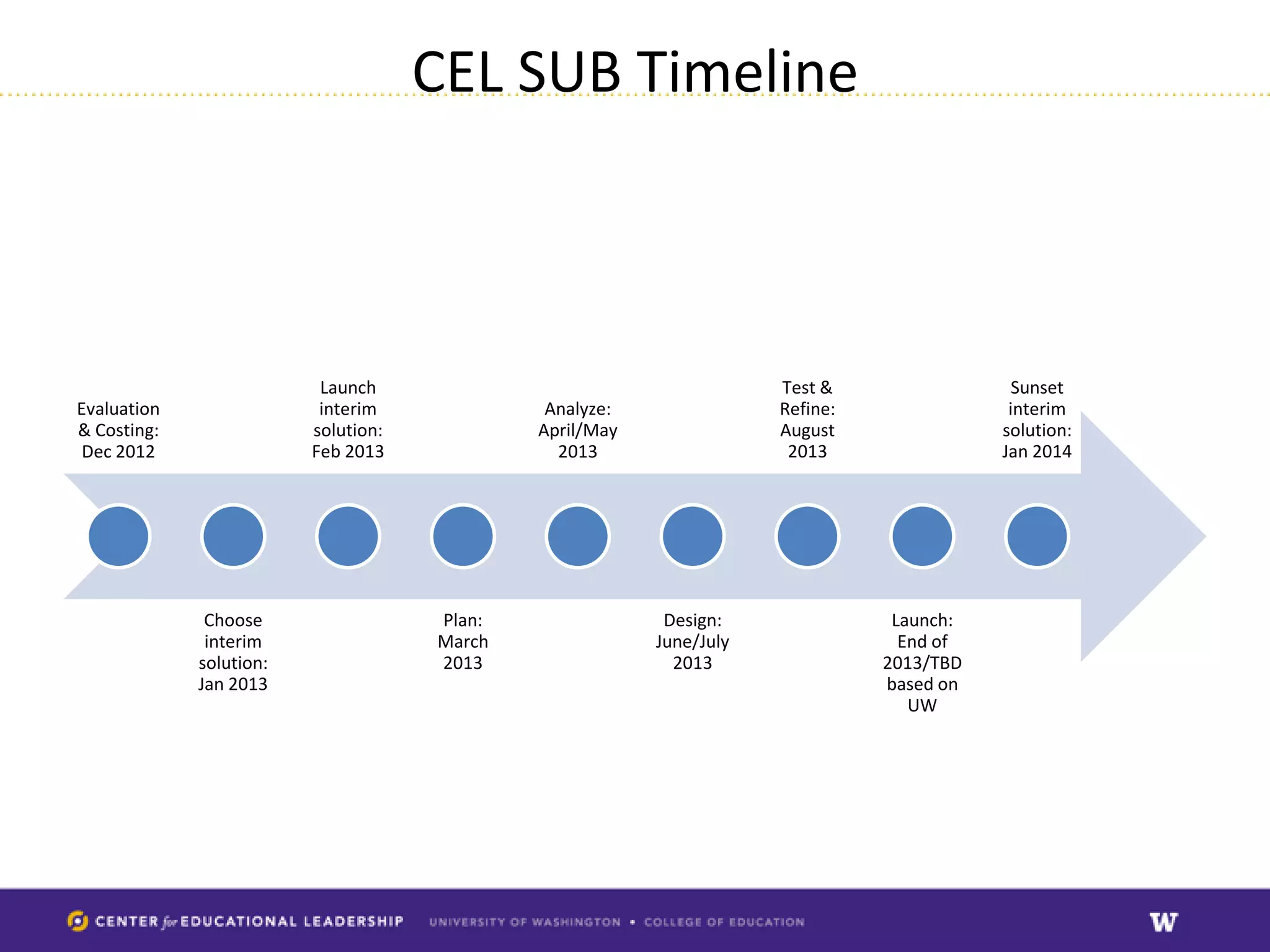
CEL SUB Timeline


                          Launch                                     Test &                 Sunset
Evaluation                interim             Analyze:               Refine:               interim
& Costing:               solution:           April/May               August               solution:
 Dec 2012                Feb 2013              2013                   2013                Jan 2014


              Choose                 Plan:                Design:               Launch:
              interim                March               June/July               End of
             solution:               2013                  2013                2013/TBD
             Jan 2013                                                          based on
                                                                                  UW
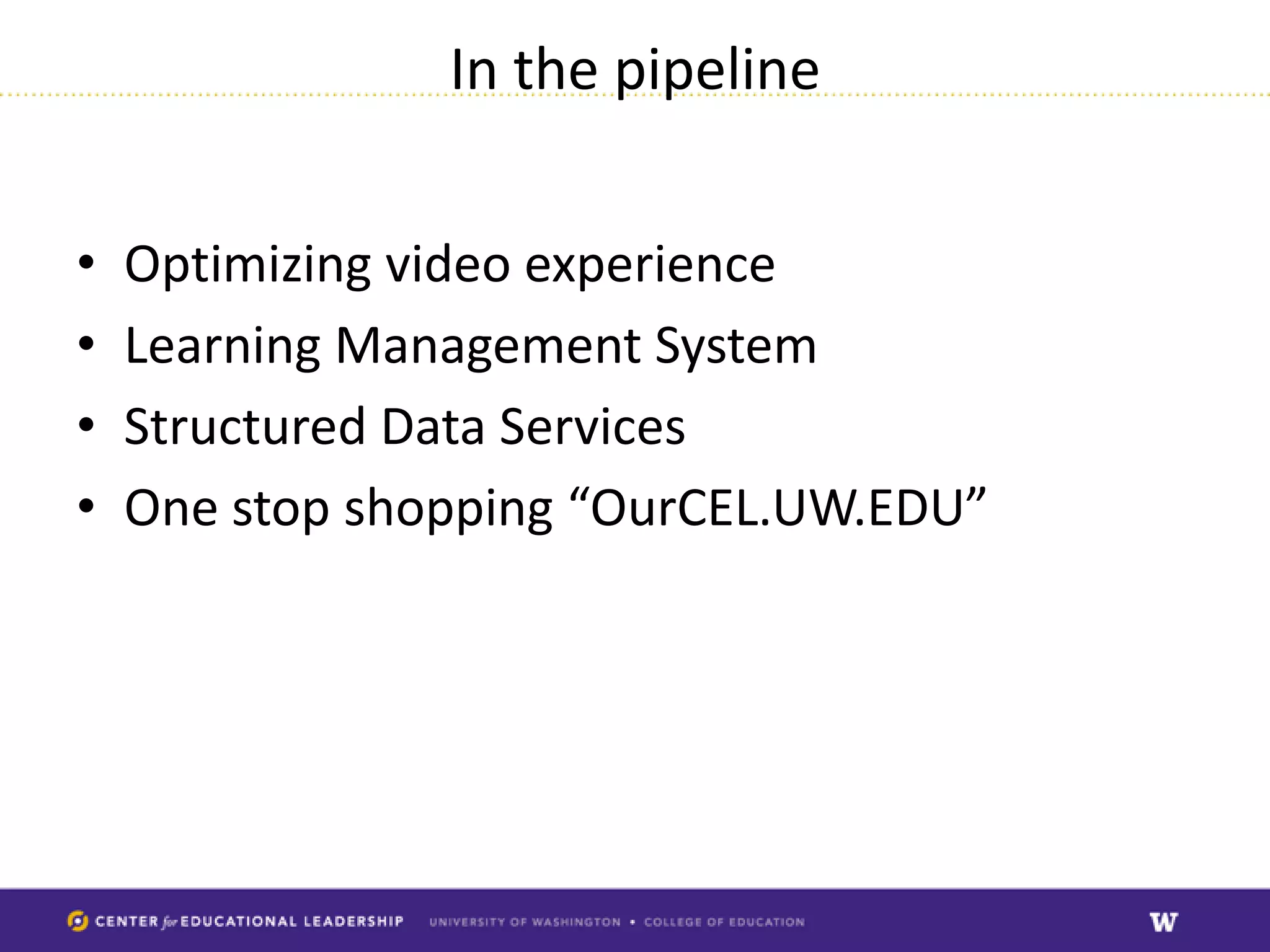
In the pipeline


•   Optimizing video experience
•   Learning Management System
•   Structured Data Services
•   One stop shopping “OurCEL.UW.EDU”
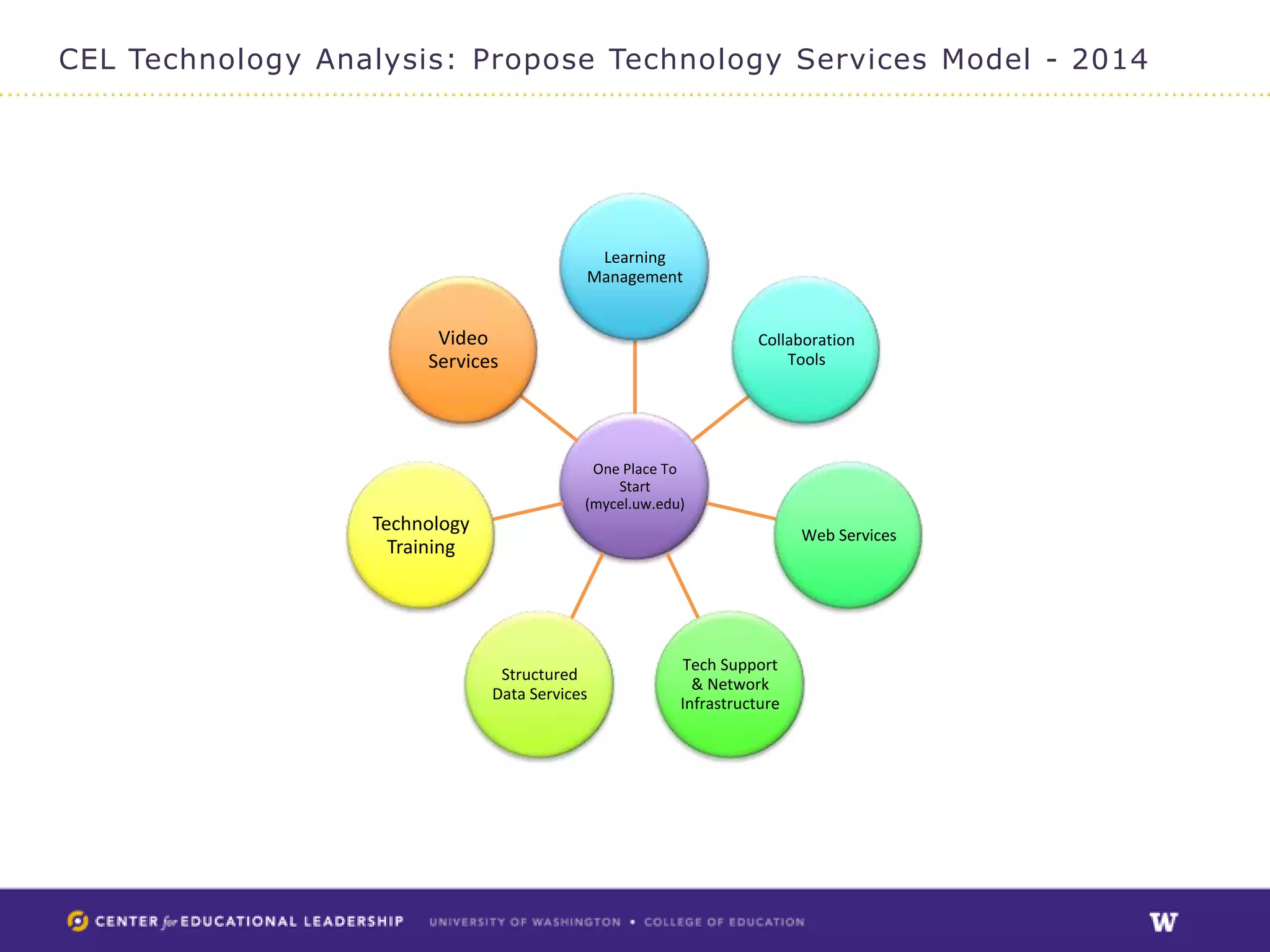
CEL Technology Analysis: Propose Technology Services Model - 2014


                                            Learning
                                           Management


                        Video                                     Collaboration
                       Services                                       Tools


                                            One Place To
                                               Start
                                           (mycel.uw.edu)
                  Technology                                             Web Services
                    Training


                                                        Tech Support
                                Structured
                                                          & Network
                               Data Services
                                                        Infrastructure
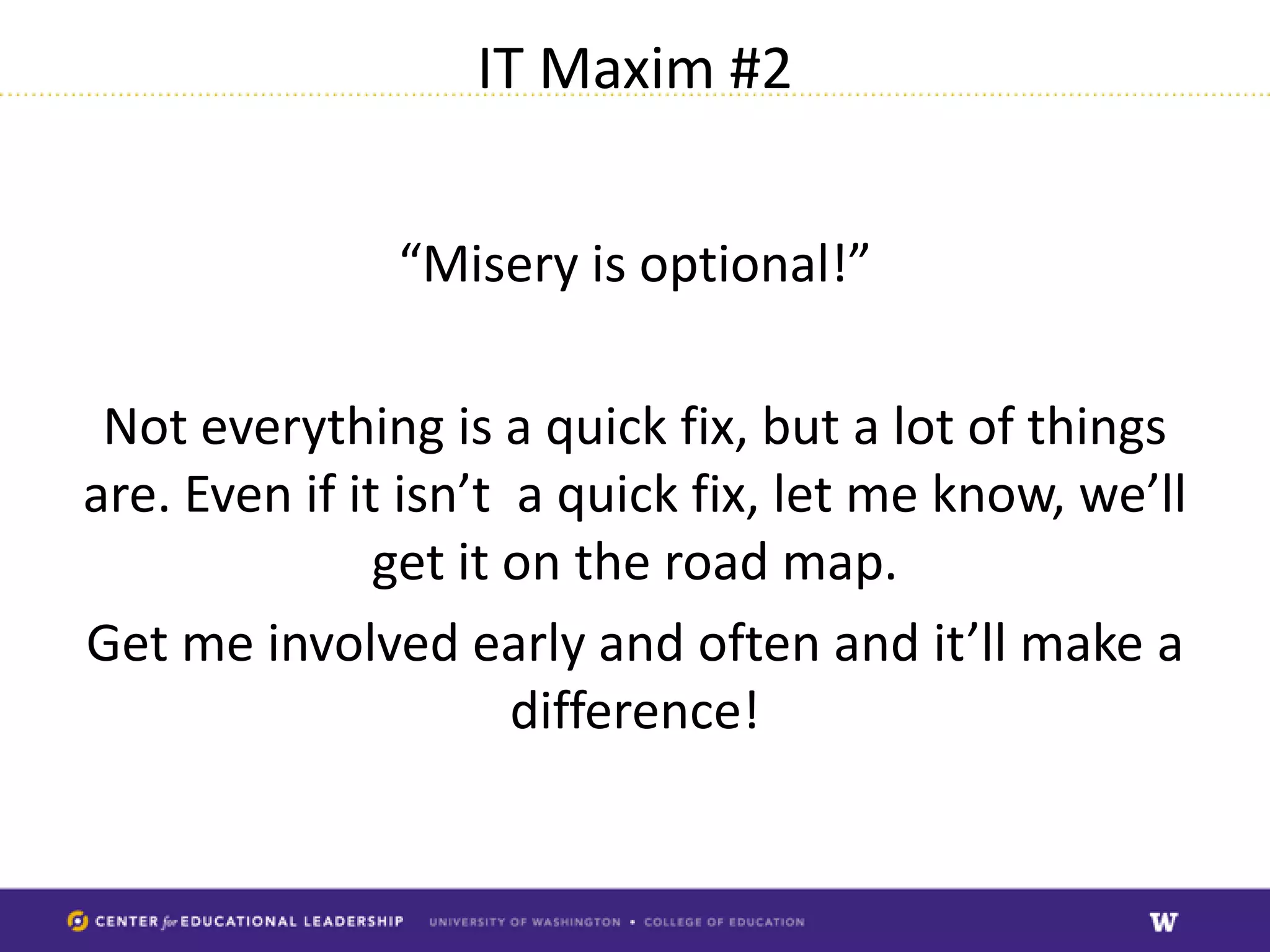
IT Maxim #2


               “Misery is optional!”

 Not everything is a quick fix, but a lot of things
are. Even if it isn’t a quick fix, let me know, we’ll
               get it on the road map.
Get me involved early and often and it’ll make a
                      difference!

CEL Technology Update

  • 1.
  • 2.
    Who is Mark? Native Washingtonian  ‘Real’ Husky: Staff, faculty, 2x alum  Started with computers as a Navy Cryptologist ‘back in the day’  Helpdesk manager  Webmaster  IT Director  Lecturer Clinical Informatics Graduate program  Master’s Degree in Information Management  Makes me a generalist: IT knowledge is broad and shallow – probably know something about the topic, but might not know it in-depth
  • 3.
    What does aTech Director do in CEL? Wears a lot of hats! Day to day support: • Software troubleshooting • Hardware troubleshooting • Consulting on technology solutions
  • 4.
    What else? • Systemsupport • Upgrades • Enhancements • Research on emerging technologies & strategies • Lifecycle planning
  • 5.
    The least interesting?  Security  Backups  Anti-virus  Software updates  Hardware refresh scheduling  BUT, THE MOST IMPORTANT – prevents problems, keeps us running!
  • 6.
  • 7.
    Approach • Determine technologiesand systems used within CEL • Determine Service Areas • Determine needs • Prioritize
  • 8.
    Technologies & Systemsin CEL • Nearly 100 • Many outsourced – pros and cons: less liability, less overhead, BUT less administrative control. • Too many to master?!
  • 9.
    Determine Service Areas •Many technologies, but really only 12 different services/needs • Some overlap, in time can be reduced
  • 10.
    CEL Technology Analysis:Current Technology Services & Needs Asynchronous Collaboration Tools/Shared Documents Web Services/Social Backups & Media Security Video Hosting Email Learning Technology Tacit Management Training Knowledge Tools Technical Personal File Support & Storage Infrastructure Real-Time Structured Collaboration Data Services Tools Remote Access Tools
  • 11.
    Determine (Initial) Needs InitialRecommendations: • Website • Computer systems backups & security • Calendaring • Trainings: video troubleshooting and email/computer security. • CELSUB replacement • Technology strategy
  • 12.
    Prioritize • Besides methodologies,pricing is a factor • IT Maxim #1 as of about 2010: Do more with less: – Leverage existing resources – Expand usage of existing technologies – Training (just in time, one on one; web based)
  • 13.
    Fundamental Tools forProviding Technology Services & Support ITIL Project Management User Experience Design Customer Service Sustainable Pricing
  • 14.
    How an informationManager Looks at a project Source: Usability.gov
  • 15.
    Projects • Email Migration •New SharePoint/Interim solution? • Computer backups/security updates (automatic) • New website
  • 16.
    Email upgrades • Decreasecost • Improve features (including calendaring) • Positions us to join UW Email services when they catch up with us Planning Closeout November January Implementation December
  • 17.
    Backups and Security • Automated backups • Automated security/anti-virus updates • Automatic software patching • Routine maintenance schedule Maintenance Planning Schedule December Feb-ongoing Implementation January
  • 18.
    Website • We use Drupal • Our version end of life in Summer 2013 • New site: optimized for mobile • Revamped information architecture for improved findabilty
  • 19.
    Website Timeline Design Summer Launch Plan 1st 2nd – 3rd 1st QTR QTR 2013 QTR 2013 2014 Analyze Test & 2nd QTR Refine 2013 3rd QTR 2013
  • 20.
    CEL SUB • Bye Bye! Technology from 2002 • You have never seen ‘real’ SharePoint! • Dependent on UW IT Timeline which is not finalized • Will provide an interim solution sooner!
  • 21.
    CEL SUB Timeline Launch Test & Sunset Evaluation interim Analyze: Refine: interim & Costing: solution: April/May August solution: Dec 2012 Feb 2013 2013 2013 Jan 2014 Choose Plan: Design: Launch: interim March June/July End of solution: 2013 2013 2013/TBD Jan 2013 based on UW
  • 22.
    In the pipeline • Optimizing video experience • Learning Management System • Structured Data Services • One stop shopping “OurCEL.UW.EDU”
  • 23.
    CEL Technology Analysis:Propose Technology Services Model - 2014 Learning Management Video Collaboration Services Tools One Place To Start (mycel.uw.edu) Technology Web Services Training Tech Support Structured & Network Data Services Infrastructure
  • 24.
    IT Maxim #2 “Misery is optional!” Not everything is a quick fix, but a lot of things are. Even if it isn’t a quick fix, let me know, we’ll get it on the road map. Get me involved early and often and it’ll make a difference!