BY : SMAB JAVED
CD-ROM
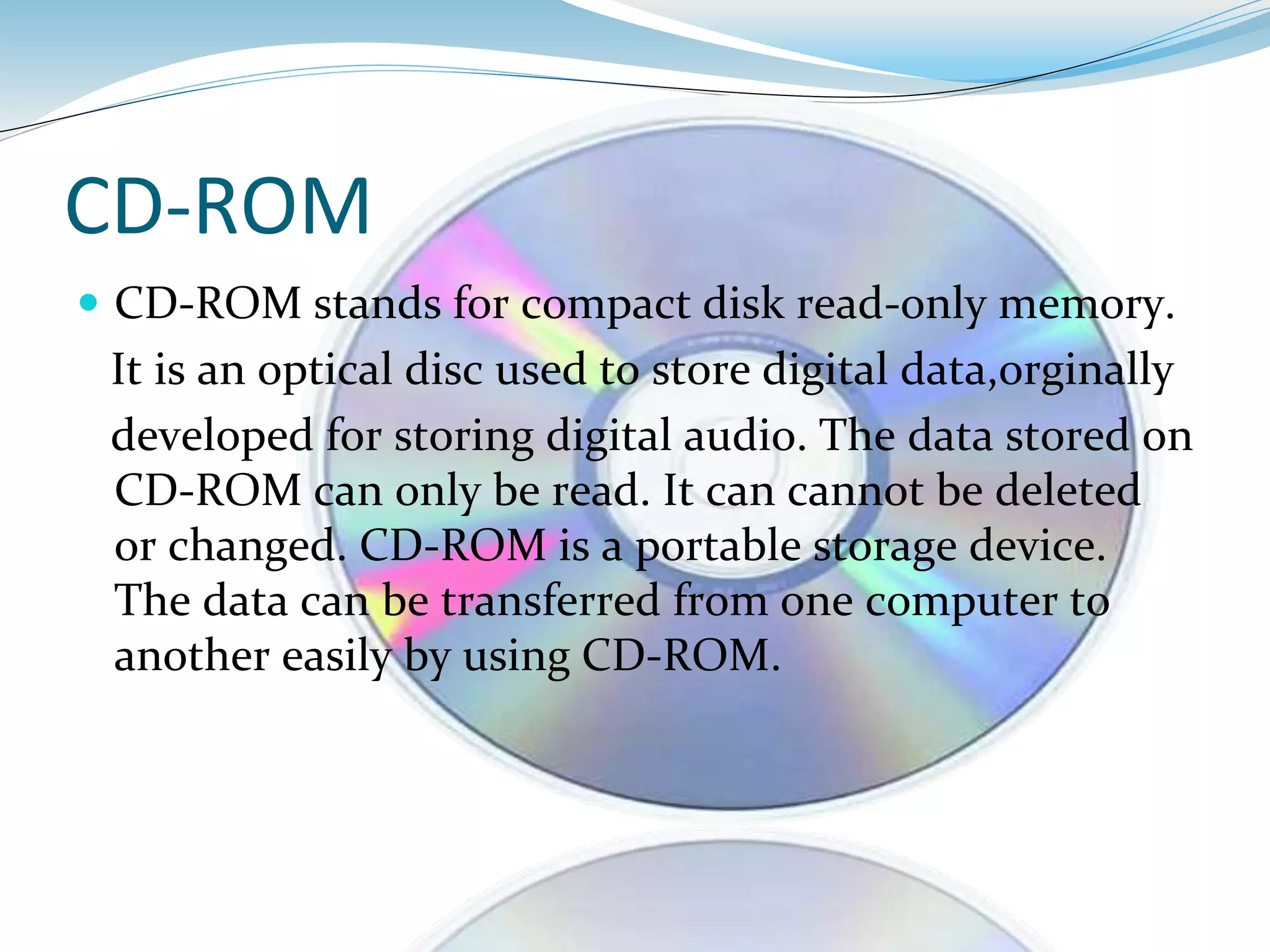
 CD-ROM stands for compact disk read-only memory.
It is an optical disc used to store digital data,orginally
developed for storing digital audio. The data stored on
CD-ROM can only be read. It can cannot be deleted
or changed. CD-ROM is a portable storage device.
The data can be transferred from one computer to
another easily by using CD-ROM.
CD Structure
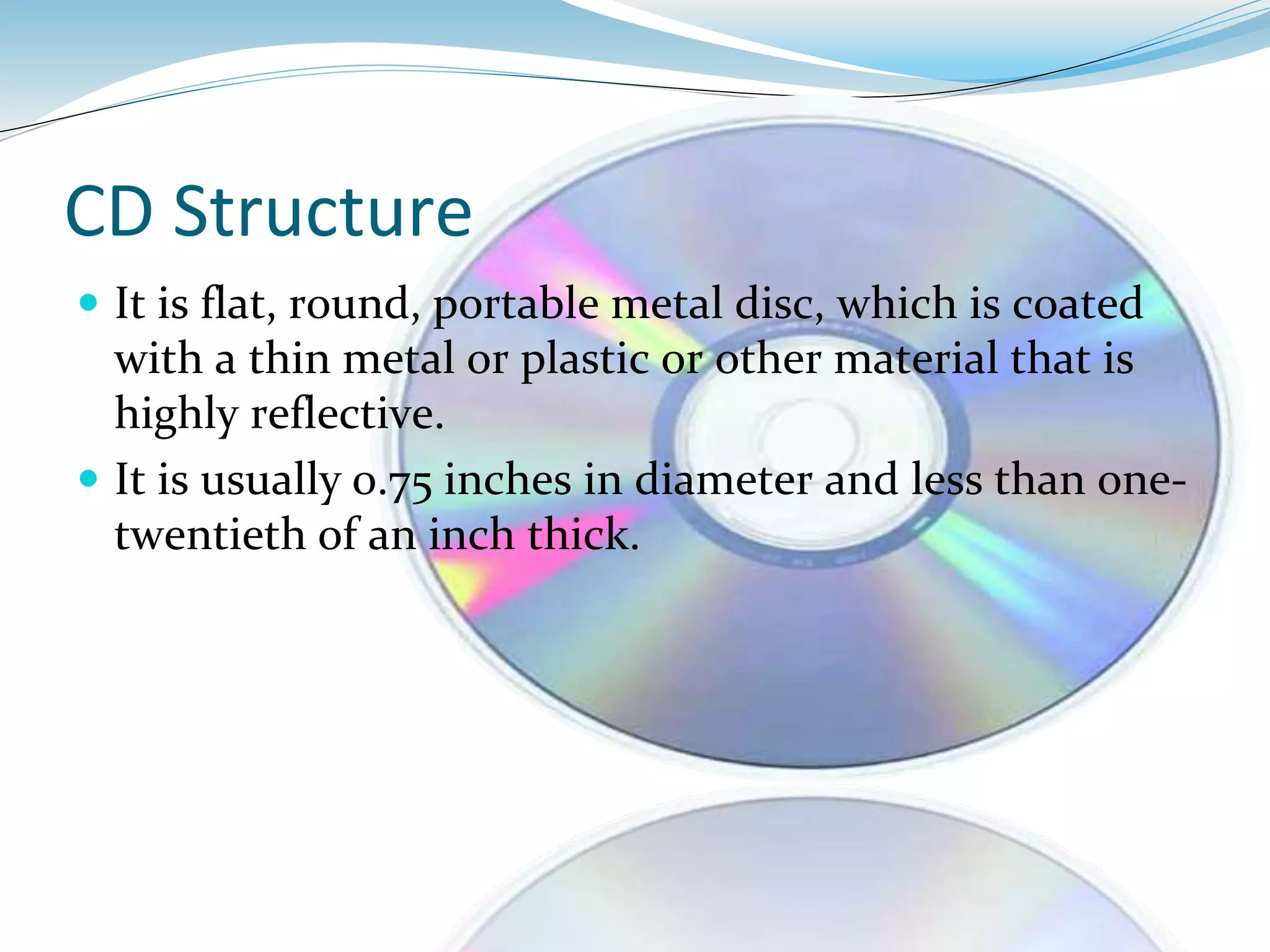
 It is flat, round, portable metal disc, which is coated
with a thin metal or plastic or other material that is
highly reflective.
 It is usually 0.75 inches in diameter and less than one-
twentieth of an inch thick.
SEMAB JAVED
CD-ROM DRIVE
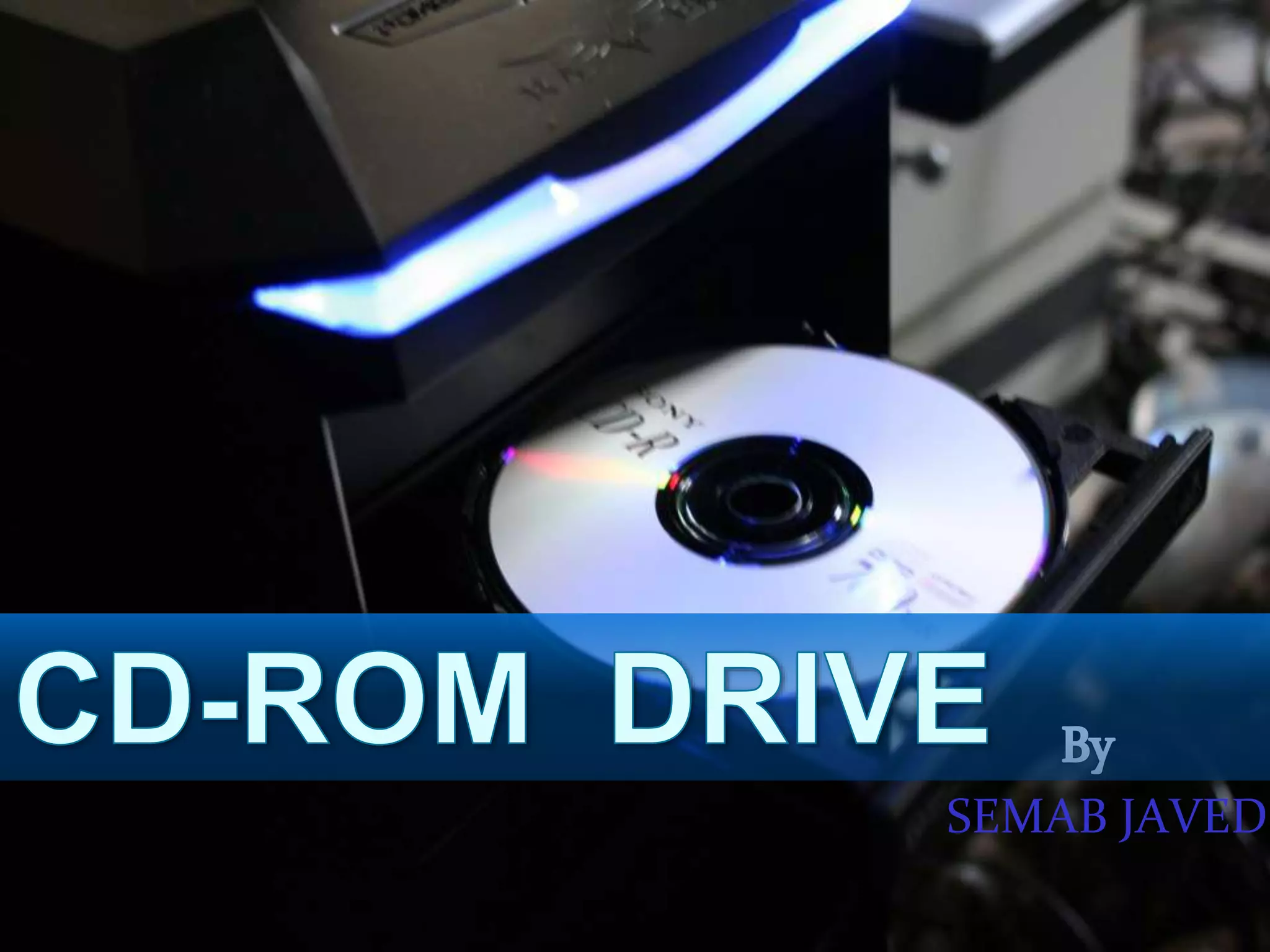
 It is also called a CD-ROM player, a device that can
read information from a CD-ROM. CD-ROM players
can be either internal, in which case they fit in a bay,
or external, in which case they generally connect to
the computer's SCSI interface or parallel port.
Reading data from CD-ROM
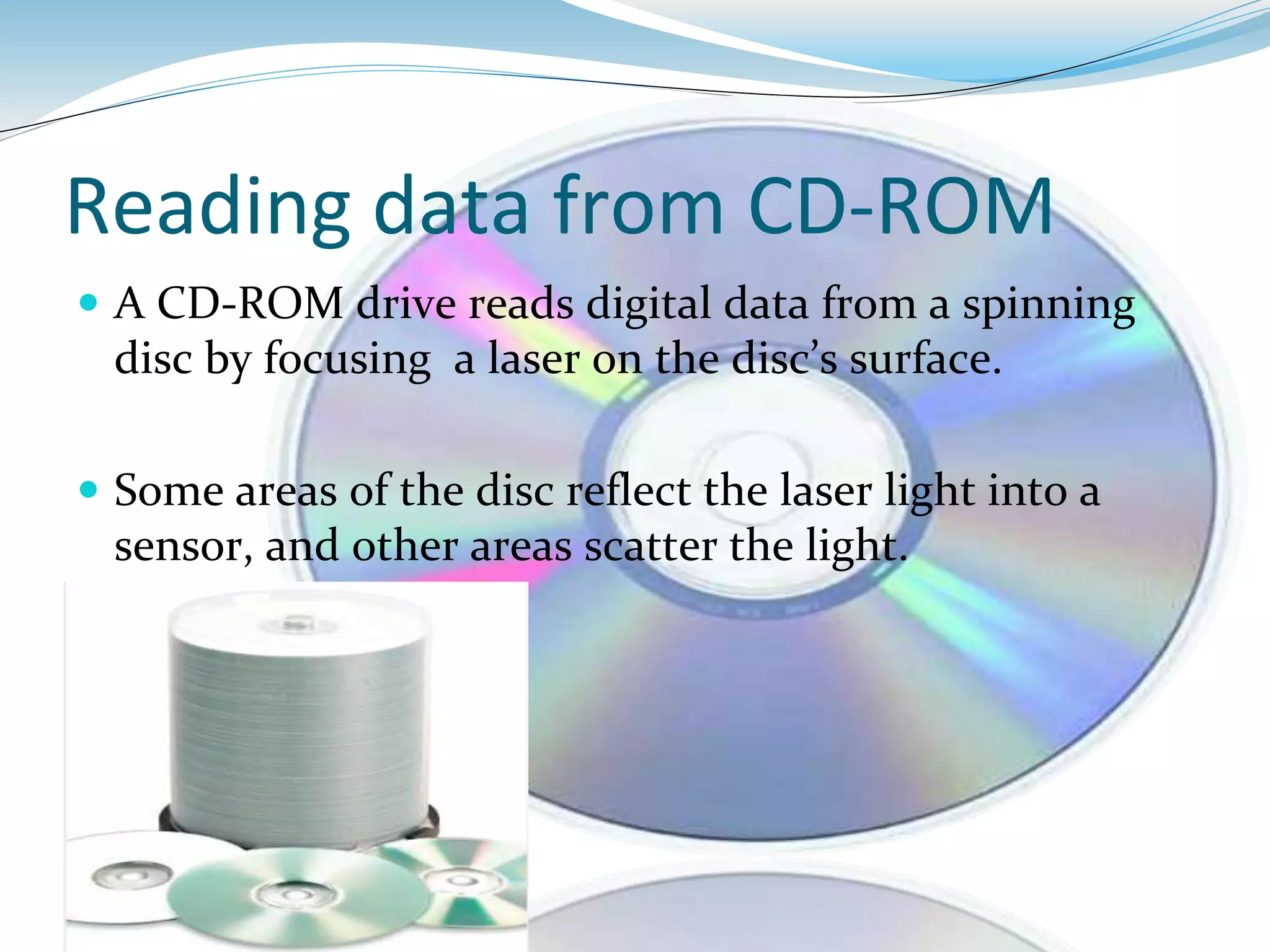
 A CD-ROM drive reads digital data from a spinning
disc by focusing a laser on the disc’s surface.
 Some areas of the disc reflect the laser light into a
sensor, and other areas scatter the light.
Pits and lands
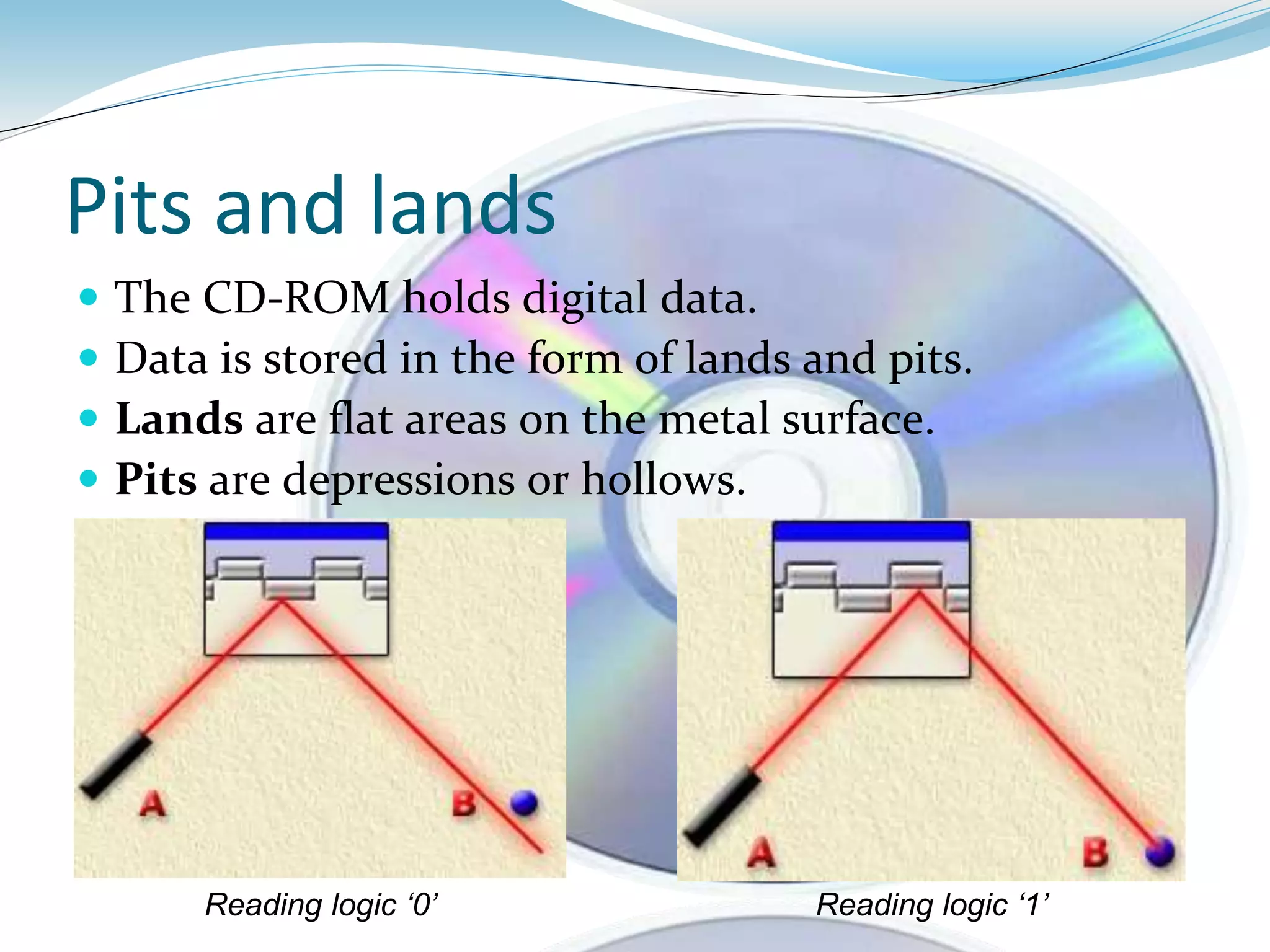
 The CD-ROM holds digital data.
 Data is stored in the form of lands and pits.
 Lands are flat areas on the metal surface.
 Pits are depressions or hollows.
Reading logic ‘1’Reading logic ‘0’
Reading Speed
 Reading speed is measured in kB/s
 Reading speed determines the transfer of data in one
second.
 1× or 1-speed which gives a data transfer rate of
150 kB/s in the most common data format.
 Maximum speed available today is 52x.
Writing Data On CD-ROM
 A laser is used to heat a chemical dye in the disc to
create marks that will be read as data.
 As marks (pits) are created through burns, this
process is also referred as burning.
 Burning a CD is comparatively slower than reading it.
 Maximum burning speed is 32x.
Tracks and Sectors
 For burning, the first process is to format a blank CD.
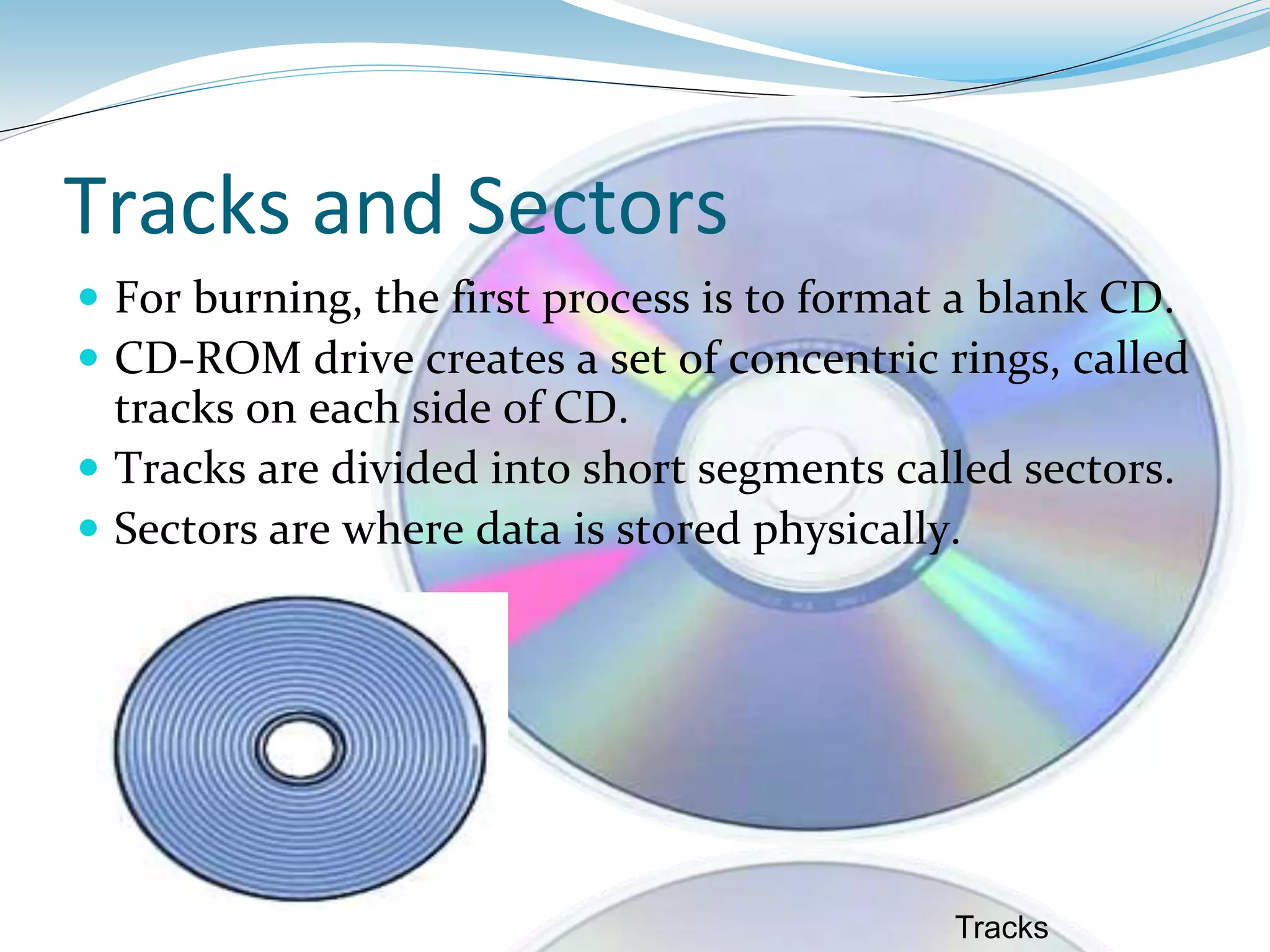
 CD-ROM drive creates a set of concentric rings, called
tracks on each side of CD.
 Tracks are divided into short segments called sectors.
 Sectors are where data is stored physically.
Tracks
File System
 The format of the CD (file system) describes how the
data is stored on the CD.
 The earliest file system was High Sierra Standard.
 The ISO 9660 format is now the most common
format.
Storage Capacity of CD-ROM
 Storage capacity is the maximum limit of data storage
on a CD.
 A standard compact disc can store 650 MB of data or
about 70 minutes of audio.
 A new generation of compact disc, however, can hold
700 MB of data or 80 minutes of audio.
Advantages of CD-ROM
 It is the least expensive way to store
large amounts of data and information.
 CD-ROM disks are durable and easy to
handle.
 Information can be stored on CD-ROM
for many years.
Disadvantage Of CD-ROM
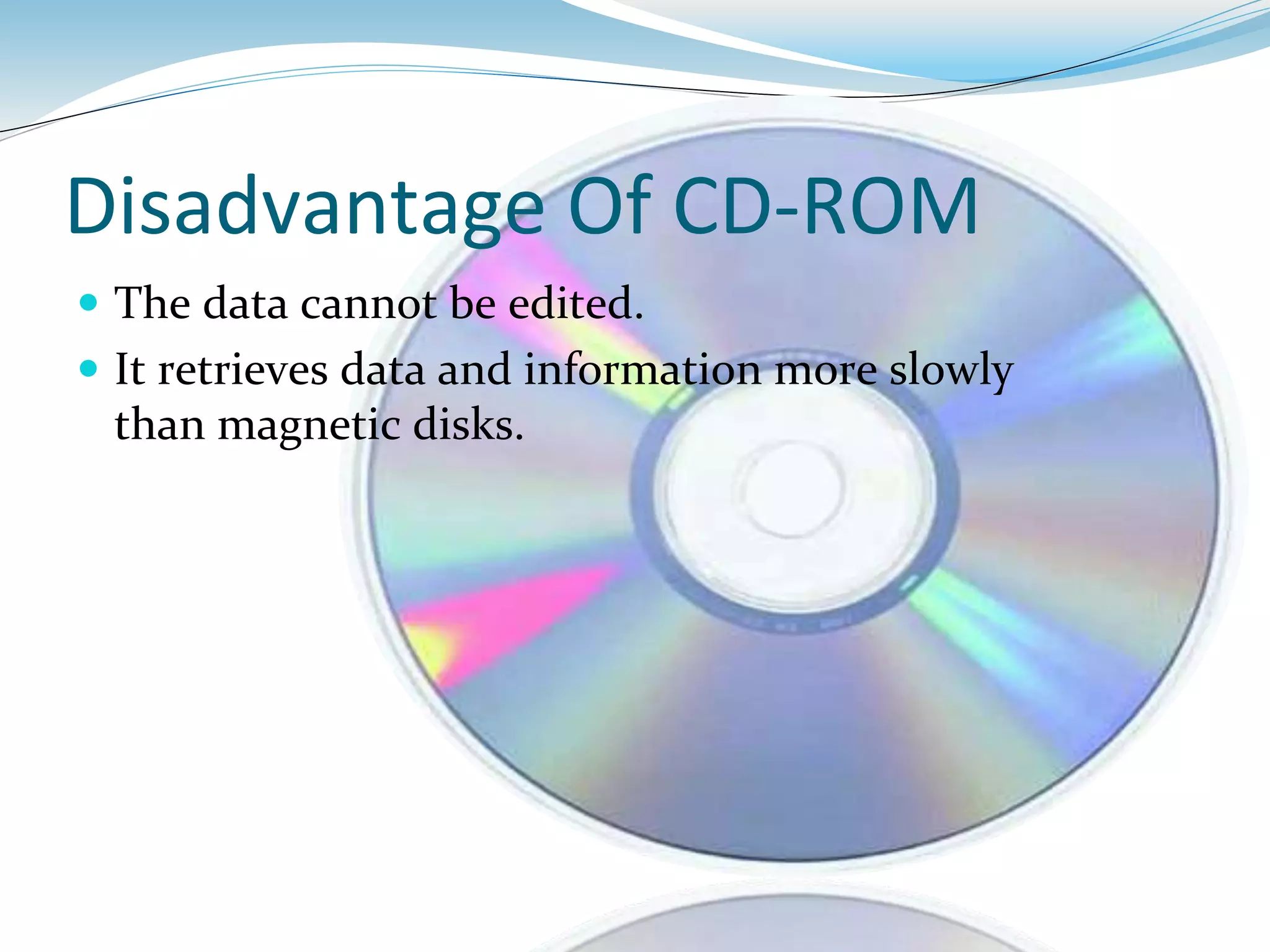
 The data cannot be edited.
 It retrieves data and information more slowly
than magnetic disks.
Summary
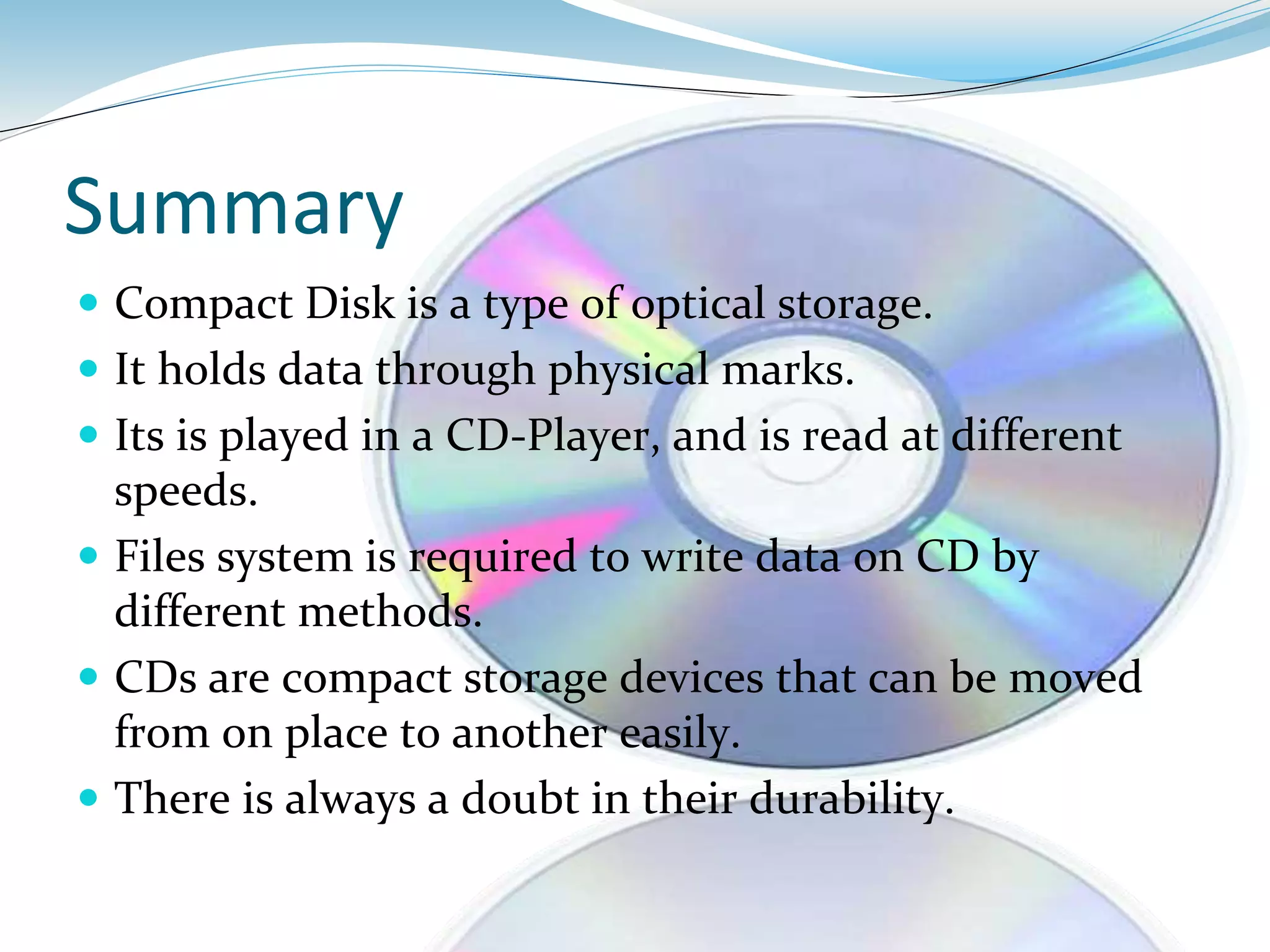
 Compact Disk is a type of optical storage.
 It holds data through physical marks.
 Its is played in a CD-Player, and is read at different
speeds.
 Files system is required to write data on CD by
different methods.
 CDs are compact storage devices that can be moved
from on place to another easily.
 There is always a doubt in their durability.
References
 www.ecarta.com
 www.howstuffworks.com
 www.kioskea.com
 www.wikipedia.org
 www.answers.com
 www.ehow.com
 http://www.desktopclass.com
Cd rom semab javed
Cd rom semab javed
Cd rom semab javed

Cd rom semab javed

  • 2.
    BY : SMABJAVED
  • 3.
    CD-ROM  CD-ROM standsfor compact disk read-only memory. It is an optical disc used to store digital data,orginally developed for storing digital audio. The data stored on CD-ROM can only be read. It can cannot be deleted or changed. CD-ROM is a portable storage device. The data can be transferred from one computer to another easily by using CD-ROM.
  • 4.
    CD Structure  Itis flat, round, portable metal disc, which is coated with a thin metal or plastic or other material that is highly reflective.  It is usually 0.75 inches in diameter and less than one- twentieth of an inch thick.
  • 5.
  • 6.
    CD-ROM DRIVE  Itis also called a CD-ROM player, a device that can read information from a CD-ROM. CD-ROM players can be either internal, in which case they fit in a bay, or external, in which case they generally connect to the computer's SCSI interface or parallel port.
  • 8.
    Reading data fromCD-ROM  A CD-ROM drive reads digital data from a spinning disc by focusing a laser on the disc’s surface.  Some areas of the disc reflect the laser light into a sensor, and other areas scatter the light.
  • 9.
    Pits and lands The CD-ROM holds digital data.  Data is stored in the form of lands and pits.  Lands are flat areas on the metal surface.  Pits are depressions or hollows. Reading logic ‘1’Reading logic ‘0’
  • 10.
    Reading Speed  Readingspeed is measured in kB/s  Reading speed determines the transfer of data in one second.  1× or 1-speed which gives a data transfer rate of 150 kB/s in the most common data format.  Maximum speed available today is 52x.
  • 12.
    Writing Data OnCD-ROM  A laser is used to heat a chemical dye in the disc to create marks that will be read as data.  As marks (pits) are created through burns, this process is also referred as burning.  Burning a CD is comparatively slower than reading it.  Maximum burning speed is 32x.
  • 13.
    Tracks and Sectors For burning, the first process is to format a blank CD.  CD-ROM drive creates a set of concentric rings, called tracks on each side of CD.  Tracks are divided into short segments called sectors.  Sectors are where data is stored physically. Tracks
  • 14.
    File System  Theformat of the CD (file system) describes how the data is stored on the CD.  The earliest file system was High Sierra Standard.  The ISO 9660 format is now the most common format.
  • 16.
    Storage Capacity ofCD-ROM  Storage capacity is the maximum limit of data storage on a CD.  A standard compact disc can store 650 MB of data or about 70 minutes of audio.  A new generation of compact disc, however, can hold 700 MB of data or 80 minutes of audio.
  • 17.
    Advantages of CD-ROM It is the least expensive way to store large amounts of data and information.  CD-ROM disks are durable and easy to handle.  Information can be stored on CD-ROM for many years.
  • 18.
    Disadvantage Of CD-ROM The data cannot be edited.  It retrieves data and information more slowly than magnetic disks.
  • 19.
    Summary  Compact Diskis a type of optical storage.  It holds data through physical marks.  Its is played in a CD-Player, and is read at different speeds.  Files system is required to write data on CD by different methods.  CDs are compact storage devices that can be moved from on place to another easily.  There is always a doubt in their durability.
  • 20.
    References  www.ecarta.com  www.howstuffworks.com www.kioskea.com  www.wikipedia.org  www.answers.com  www.ehow.com  http://www.desktopclass.com