Benchmarking in the Cloud
Gianluca Sartori
SPONSOR
Who am I?
Gianluca Sartori
Gianluca Sartori
gianluca.sartori@sqlconsulting.it
Twitter: @spaghettidba
MVP, MCTS, MCITP, MCT
DBA @ Scuderia Ferrari
BLOG: spaghettidba.com
Agenda
• Migration scenarios
• Benchmarking: tools and challenges
• Benchmarking in the cloud: less tools, more challenges
• DEMO!
What is a benchmark?
Describes performance in a given scenario
Evaluates whatif scenarios
HW/Software Upgrade
Virtualization, Migration…
Helps rating tuning efforts
Server-wide configuration changes
Addition / removal of indexes
What’s in a Benchmark?
• Performance data
• Batches / sec
• CPU
• Wait Stats
• Source workload
• Queries
• Duration
• CPU
• Reads
• Writes
Scenarios
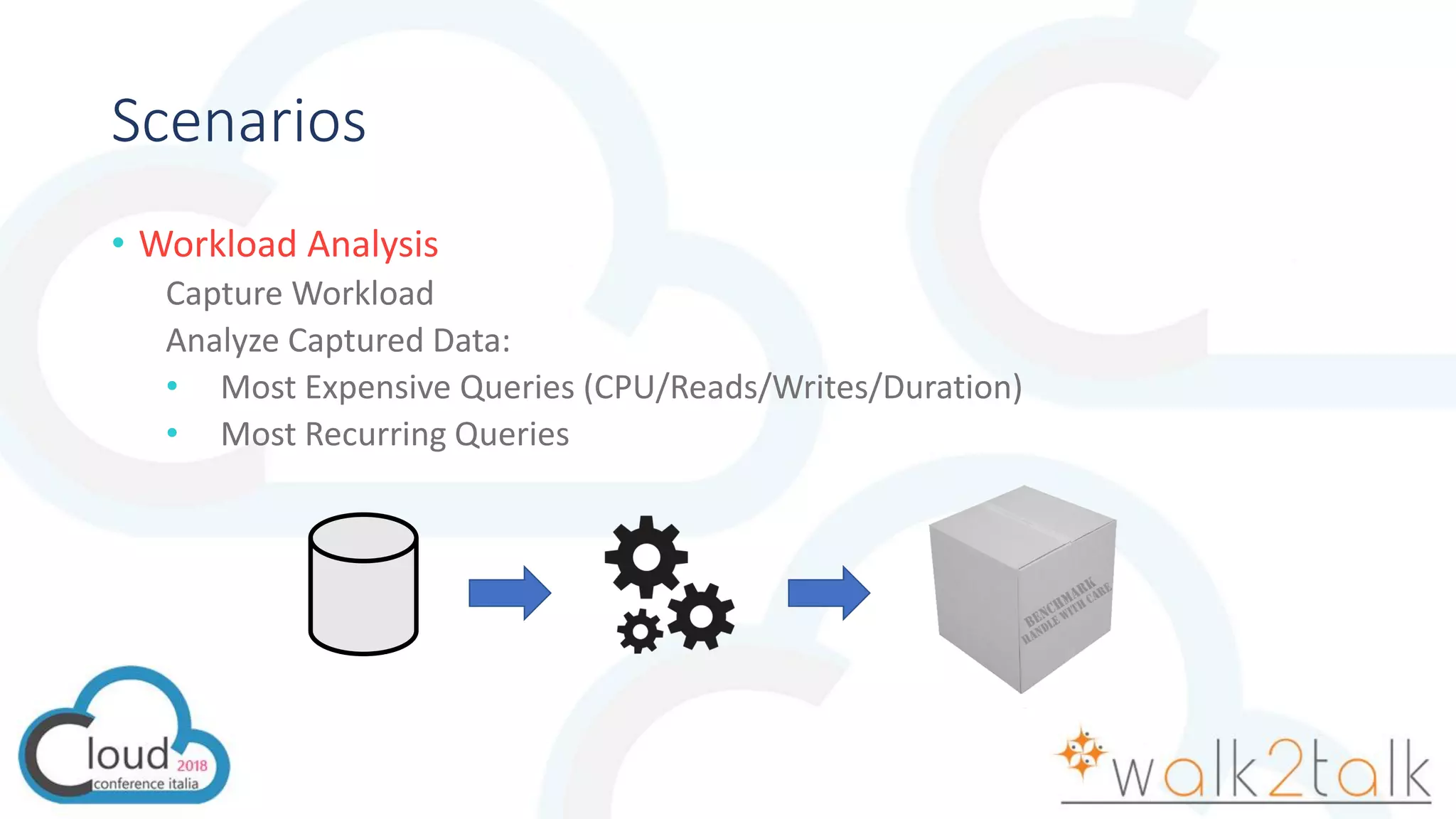
• Workload Analysis
Capture Workload
Analyze Captured Data:
• Most Expensive Queries (CPU/Reads/Writes/Duration)
• Most Recurring Queries
Scenarios
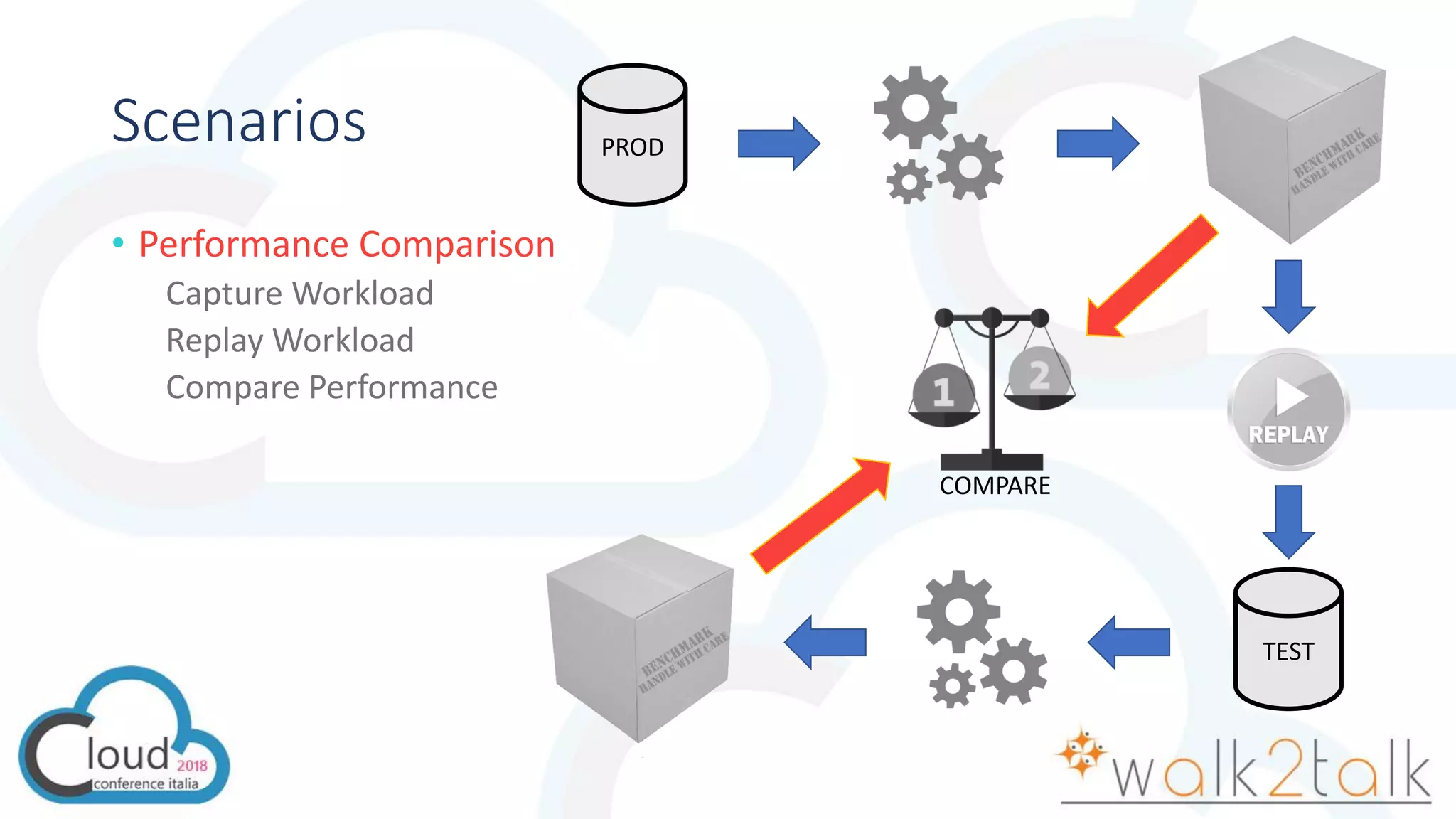
• Performance Comparison
Capture Workload
Replay Workload
Compare Performance
PROD
TEST
COMPARE
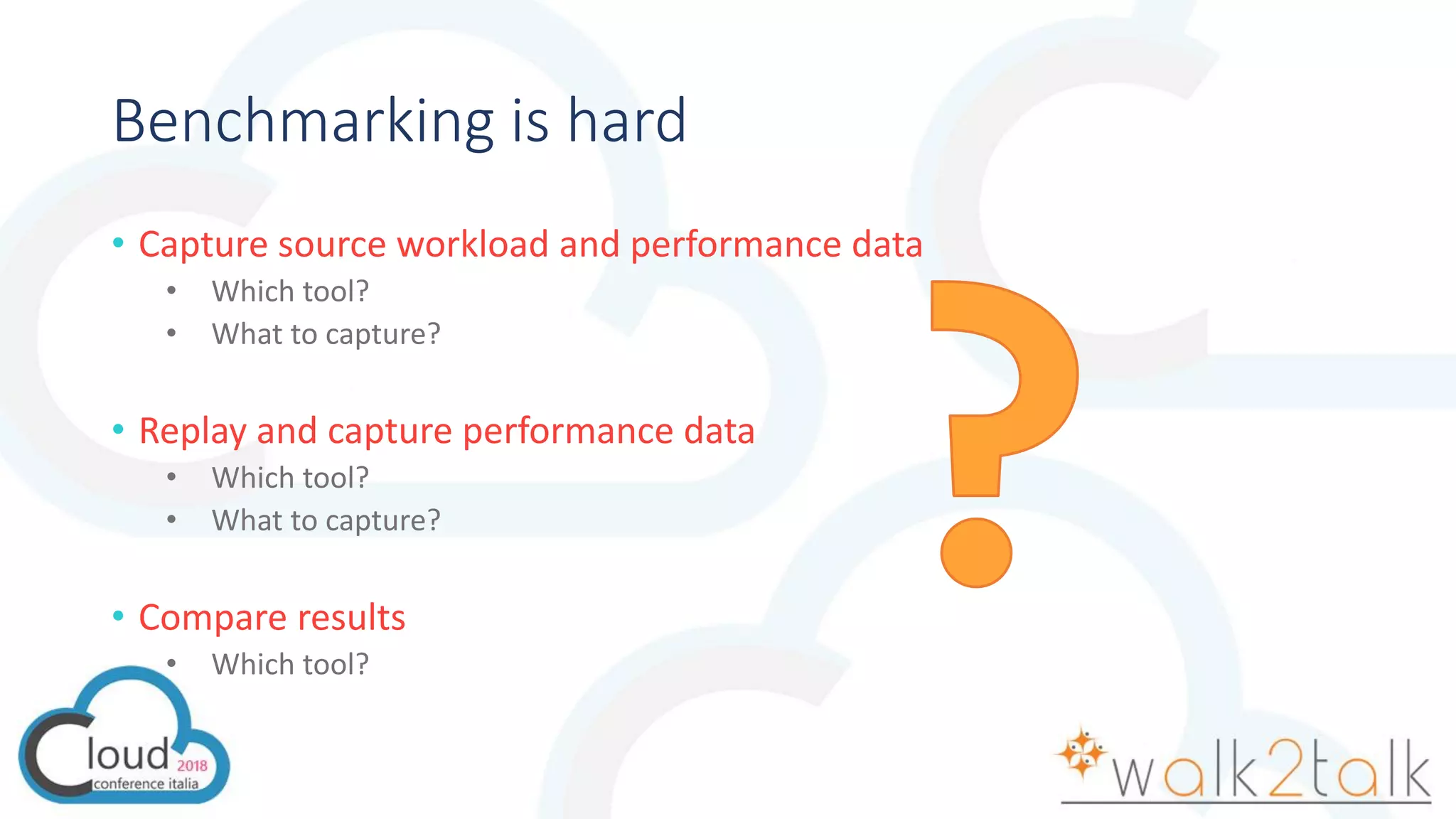
Benchmarking is hard
• Capture source workload and performance data
• Which tool?
• What to capture?
• Replay and capture performance data
• Which tool?
• What to capture?
• Compare results
• Which tool?
Capture Tools - SQLServer
• Profiler
Non-negligible performance impact on the server
• Extended Events
Low performance overhead
Big files
Non compatible with all versions of SQL Server
• SQL Trace
«Old school»
Compatible with all versions and many analysis/replay tools
Capture Tools - Windows
• Performance Counters
Windows general counters
SQL Server specific
• PAL
Provides list of important counters for MS applications
https://github.com/clinthuffman/PAL
Analysis Tools
• RML Utilities
ReadTrace
Reporter
• SQLNexus
Based on RML Utilities
• ClearTrace
Can analyze trace files
• PAL
Performance counters analysis with thresholds
Replay Tools
• Profiler
Can set breakpoints for debugging
• RML Utilities
Ostress
Stress / Replay mode
• Distributed Replay
Introduced in SQL Server 2012
Can replay a workload from multiple clients
Supports synchronization mode
Cloud Paradigms
PAAS
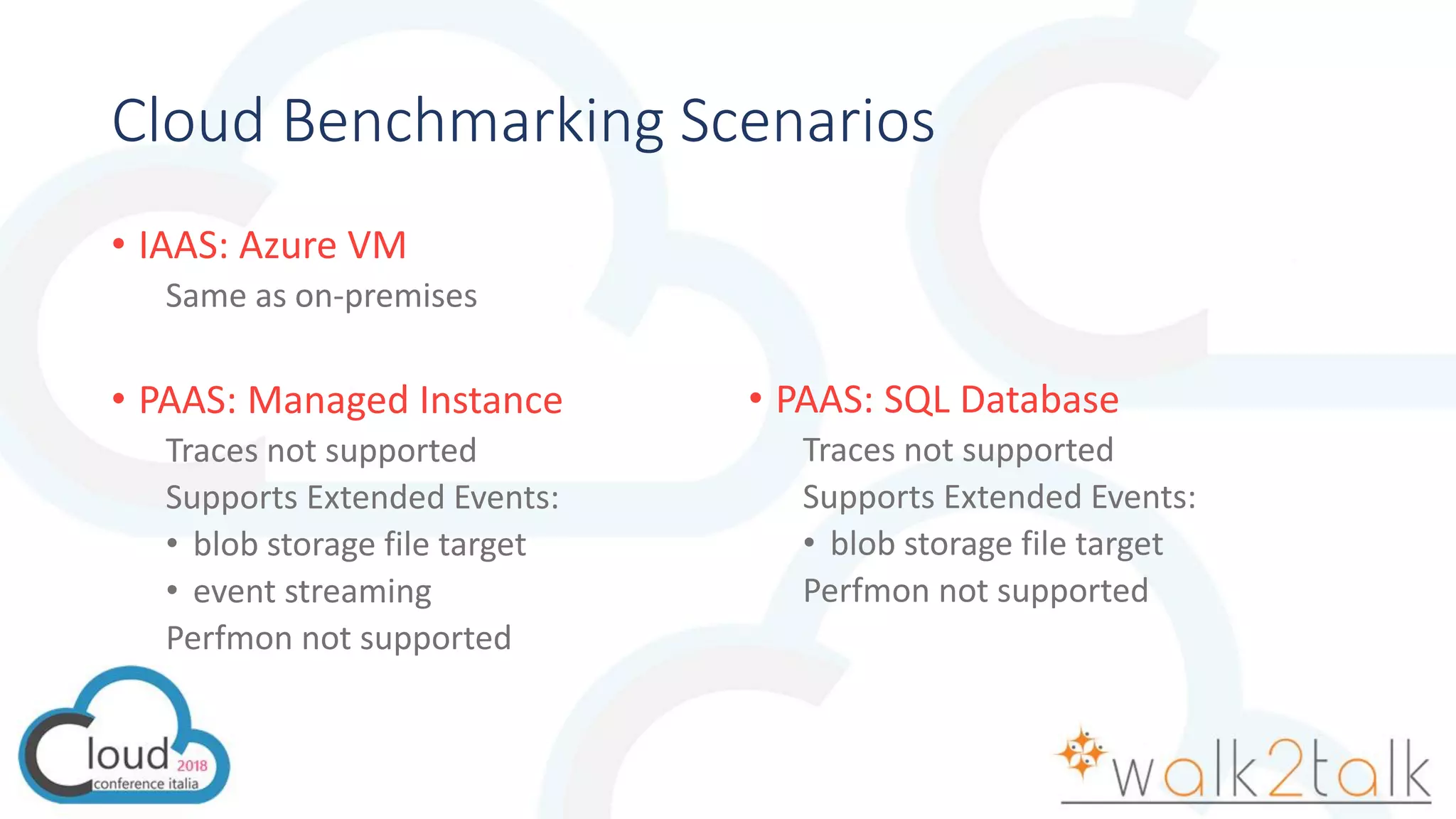
Cloud Benchmarking Scenarios
• IAAS: Azure VM
Same as on-premises
• PAAS: Managed Instance
Traces not supported
Supports Extended Events:
• blob storage file target
• event streaming
Perfmon not supported
• PAAS: SQL Database
Traces not supported
Supports Extended Events:
• blob storage file target
Perfmon not supported
Introducing WorkloadTools
• Collection of Open Source tools
https://github.com/spaghettidba/WorkloadTools
• Takes care of all aspects of benchmarking
Workload capture
Workload analysis
Workload replay
• Works against Azure SQL Database
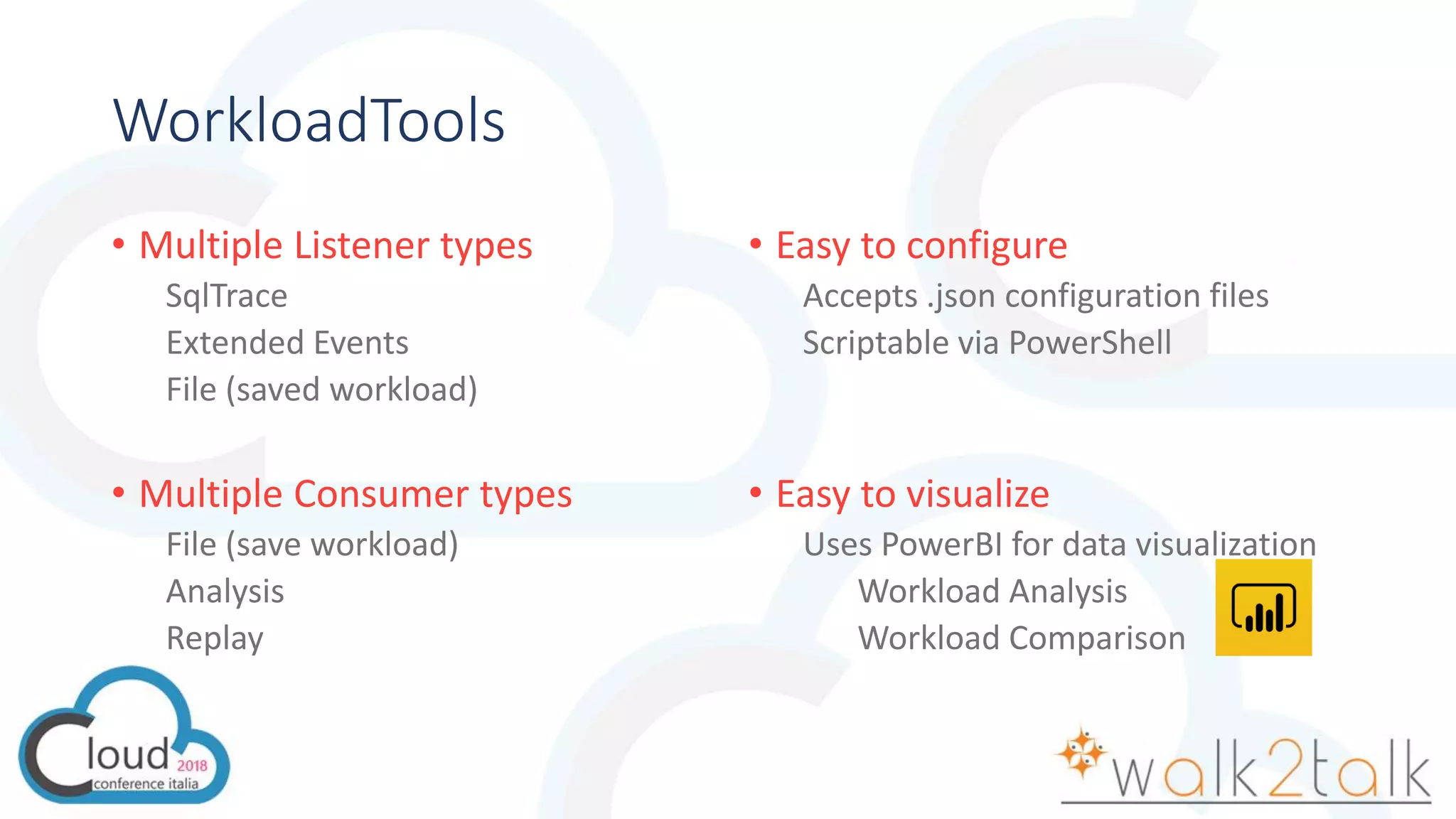
WorkloadTools
• Multiple Listener types
SqlTrace
Extended Events
File (saved workload)
• Multiple Consumer types
File (save workload)
Analysis
Replay
• Easy to configure
Accepts .json configuration files
Scriptable via PowerShell
• Easy to visualize
Uses PowerBI for data visualization
Workload Analysis
Workload Comparison
PROBLEM #1: Analyzing a Workload
• What to capture?
SqlTrace?
Extended Events?
Which Events?
Templates?
• How to analyze the workload?
Reports?
Queries?
PROBLEM #2: Capturing a workload for replay
• What type of format to use?
Raw capture format (SqlTrace, Extended Events)?
Open Standard format?
PROBLEM #3: Replaying a Workload
• How to execute the replay?
• Should I consume the query results?
Might be a non-negligible part of the query duration
• What about network latency?
Choose the appropriate location
• What happens when a query fails?
• How do I measure the replay?
Tools for this?
PROBLEM #4: Comparing benchmarks
• How do I make sense out of the data I capture?
• Which visualization tools?
PROBLEM #5: Realtime Replay
• How do I deal with huge workloads?
Benchmarking is hard
• Capture source workload and performance data
• Which tool?
• What to capture?
• Replay and capture performance data
• Which tool?
• What to capture?
• Compare results
• Which tool?
as easy as pie!
QUESTIONS?
ASK ME!
gianluca.sartori@sqlconsulting.it
Let the past go and step off into the future

CCI2018 - Benchmarking in the cloud

  • 2.
    Benchmarking in theCloud Gianluca Sartori
  • 3.
  • 4.
    Who am I? GianlucaSartori Gianluca Sartori gianluca.sartori@sqlconsulting.it Twitter: @spaghettidba MVP, MCTS, MCITP, MCT DBA @ Scuderia Ferrari BLOG: spaghettidba.com
  • 5.
    Agenda • Migration scenarios •Benchmarking: tools and challenges • Benchmarking in the cloud: less tools, more challenges • DEMO!
  • 6.
    What is abenchmark? Describes performance in a given scenario Evaluates whatif scenarios HW/Software Upgrade Virtualization, Migration… Helps rating tuning efforts Server-wide configuration changes Addition / removal of indexes
  • 7.
    What’s in aBenchmark? • Performance data • Batches / sec • CPU • Wait Stats • Source workload • Queries • Duration • CPU • Reads • Writes
  • 8.
    Scenarios • Workload Analysis CaptureWorkload Analyze Captured Data: • Most Expensive Queries (CPU/Reads/Writes/Duration) • Most Recurring Queries
  • 9.
    Scenarios • Performance Comparison CaptureWorkload Replay Workload Compare Performance PROD TEST COMPARE
  • 10.
    Benchmarking is hard •Capture source workload and performance data • Which tool? • What to capture? • Replay and capture performance data • Which tool? • What to capture? • Compare results • Which tool?
  • 12.
    Capture Tools -SQLServer • Profiler Non-negligible performance impact on the server • Extended Events Low performance overhead Big files Non compatible with all versions of SQL Server • SQL Trace «Old school» Compatible with all versions and many analysis/replay tools
  • 13.
    Capture Tools -Windows • Performance Counters Windows general counters SQL Server specific • PAL Provides list of important counters for MS applications https://github.com/clinthuffman/PAL
  • 14.
    Analysis Tools • RMLUtilities ReadTrace Reporter • SQLNexus Based on RML Utilities • ClearTrace Can analyze trace files • PAL Performance counters analysis with thresholds
  • 15.
    Replay Tools • Profiler Canset breakpoints for debugging • RML Utilities Ostress Stress / Replay mode • Distributed Replay Introduced in SQL Server 2012 Can replay a workload from multiple clients Supports synchronization mode
  • 17.
  • 18.
    Cloud Benchmarking Scenarios •IAAS: Azure VM Same as on-premises • PAAS: Managed Instance Traces not supported Supports Extended Events: • blob storage file target • event streaming Perfmon not supported • PAAS: SQL Database Traces not supported Supports Extended Events: • blob storage file target Perfmon not supported
  • 19.
    Introducing WorkloadTools • Collectionof Open Source tools https://github.com/spaghettidba/WorkloadTools • Takes care of all aspects of benchmarking Workload capture Workload analysis Workload replay • Works against Azure SQL Database
  • 20.
    WorkloadTools • Multiple Listenertypes SqlTrace Extended Events File (saved workload) • Multiple Consumer types File (save workload) Analysis Replay • Easy to configure Accepts .json configuration files Scriptable via PowerShell • Easy to visualize Uses PowerBI for data visualization Workload Analysis Workload Comparison
  • 22.
    PROBLEM #1: Analyzinga Workload • What to capture? SqlTrace? Extended Events? Which Events? Templates? • How to analyze the workload? Reports? Queries?
  • 24.
    PROBLEM #2: Capturinga workload for replay • What type of format to use? Raw capture format (SqlTrace, Extended Events)? Open Standard format?
  • 26.
    PROBLEM #3: Replayinga Workload • How to execute the replay? • Should I consume the query results? Might be a non-negligible part of the query duration • What about network latency? Choose the appropriate location • What happens when a query fails? • How do I measure the replay? Tools for this?
  • 28.
    PROBLEM #4: Comparingbenchmarks • How do I make sense out of the data I capture? • Which visualization tools?
  • 30.
    PROBLEM #5: RealtimeReplay • How do I deal with huge workloads?
  • 32.
    Benchmarking is hard •Capture source workload and performance data • Which tool? • What to capture? • Replay and capture performance data • Which tool? • What to capture? • Compare results • Which tool? as easy as pie!
  • 33.
  • 34.
    Let the pastgo and step off into the future