




Honest Performance Testing with
NDBench
Netflix Data Benchmark
Vinay Chella
Cloud Data Architect
Cassandra MVP
Cloud Database Engineering @ Netflix
• CDE, Cloud Database
Engineering
• Providing data stores as a
service
○Cassandra
○Dynomite
○Elasticsearch and RDS
Who are we?
• 98% of streaming data is stored in
Cassandra
• Data ranges from customer
details to Viewing history /
streaming bookmarks to billing
and payment
Cassandra @ Netflix
Agenda
•Background
•Why NDBench?
•Architecture
•Usage
•Achievements
•Roadmap
•Take away
Perf testing persistence layer?
Capacity in my existing fleet?
Why?
Why not already existing Perf testing tools?
What is NDBench?
Netflix Data Benchmark (NDBench) is a Pluggable
cloud-enabled benchmarking tool that can be used
across any data store system.
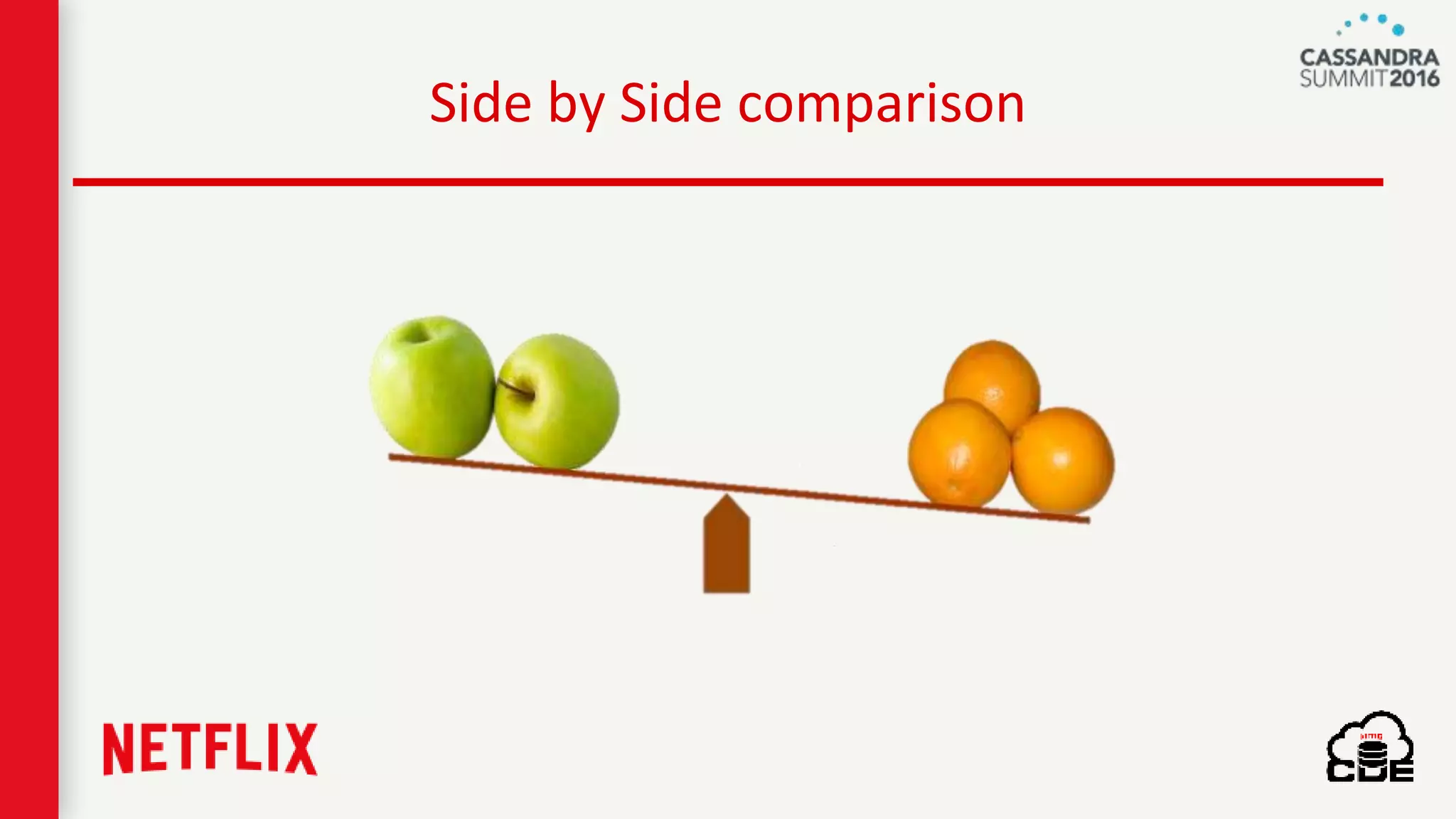
Side by Side comparison
Different driver/ software versions
Different instance types
Dynamically tunable configurations
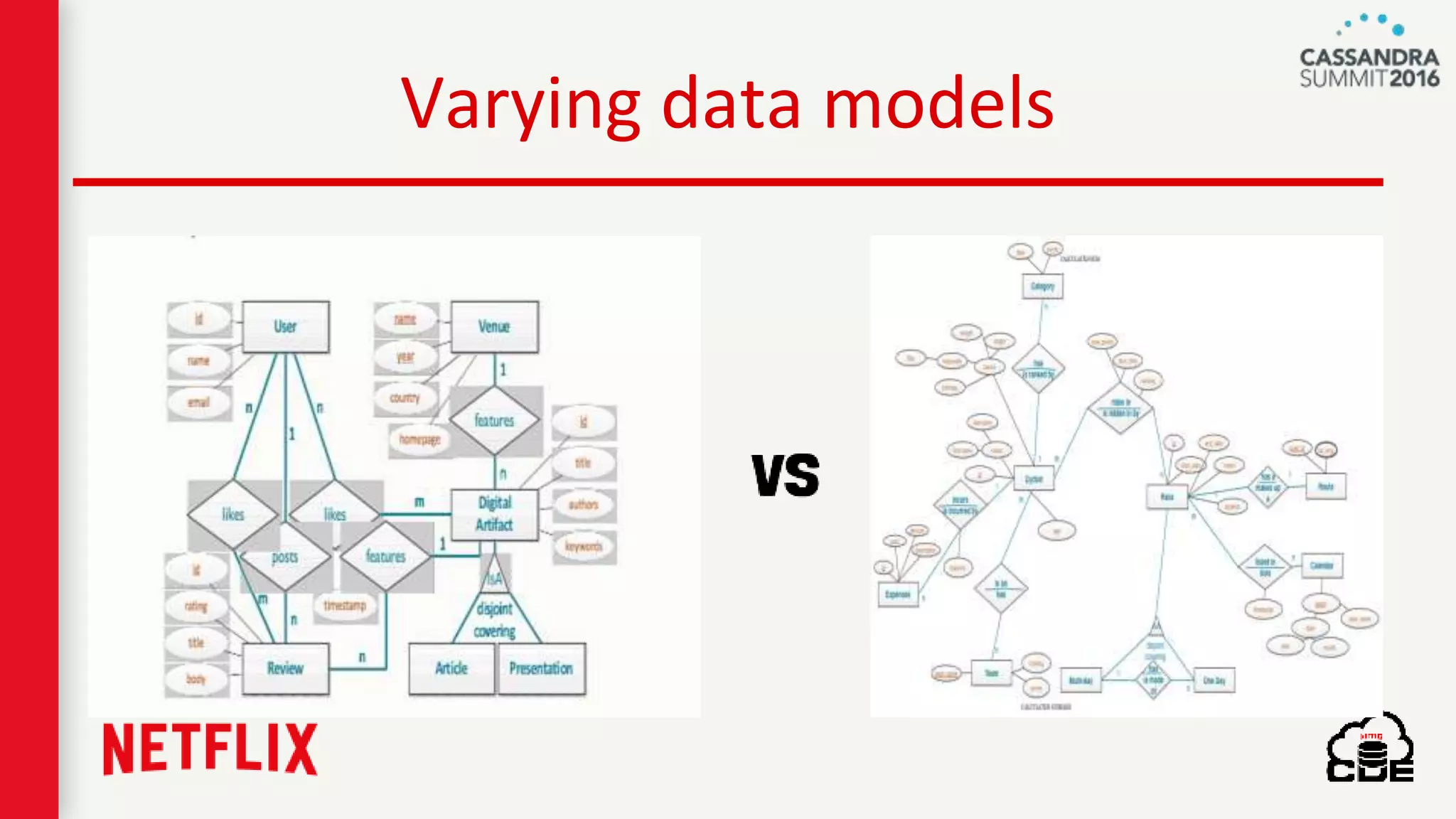
Varying data models
Pluggable Patterns & Loads
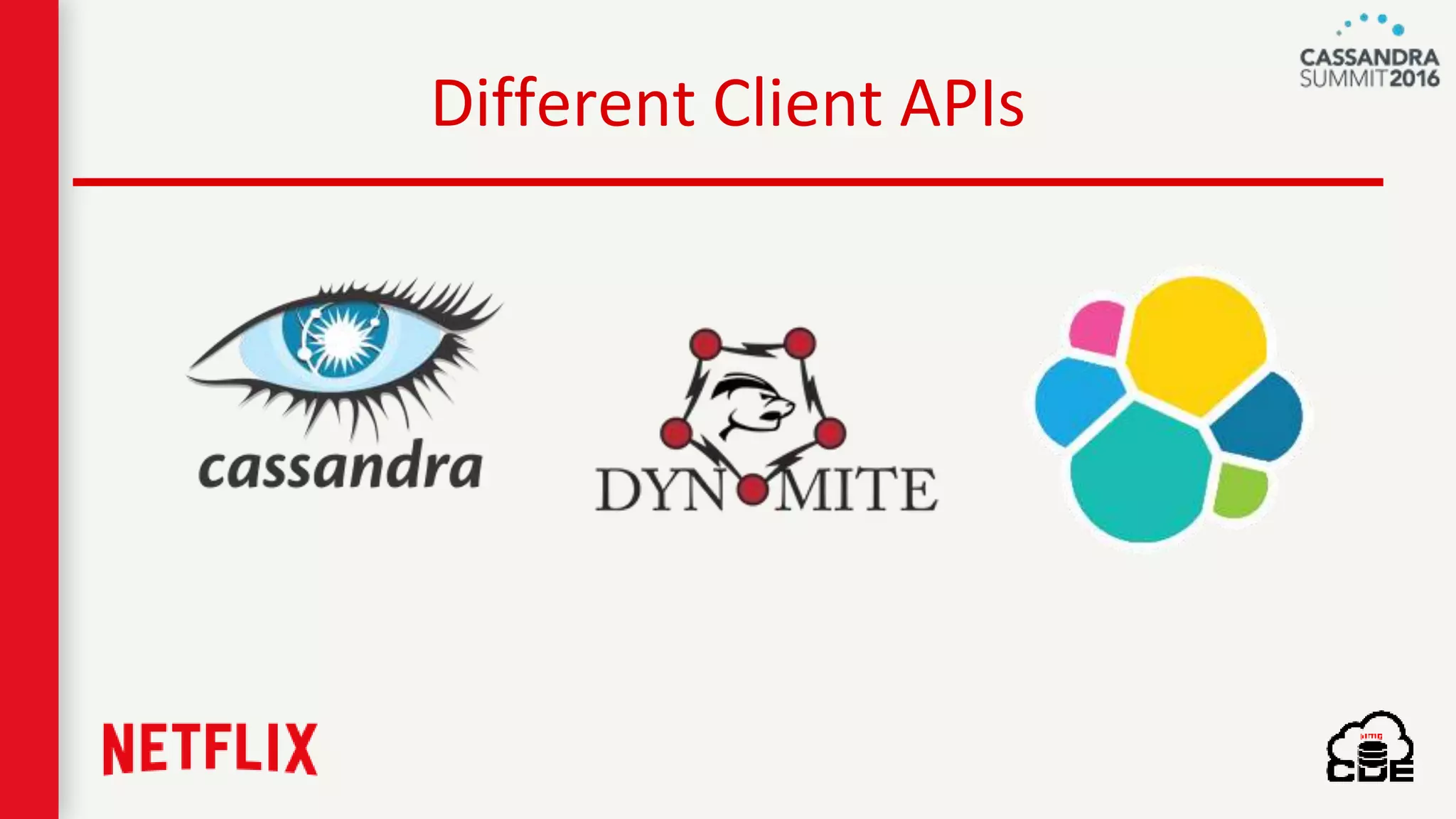
Different Client APIs
Netflix homegrown
• Well integrated with
netflix OSS infrastructure
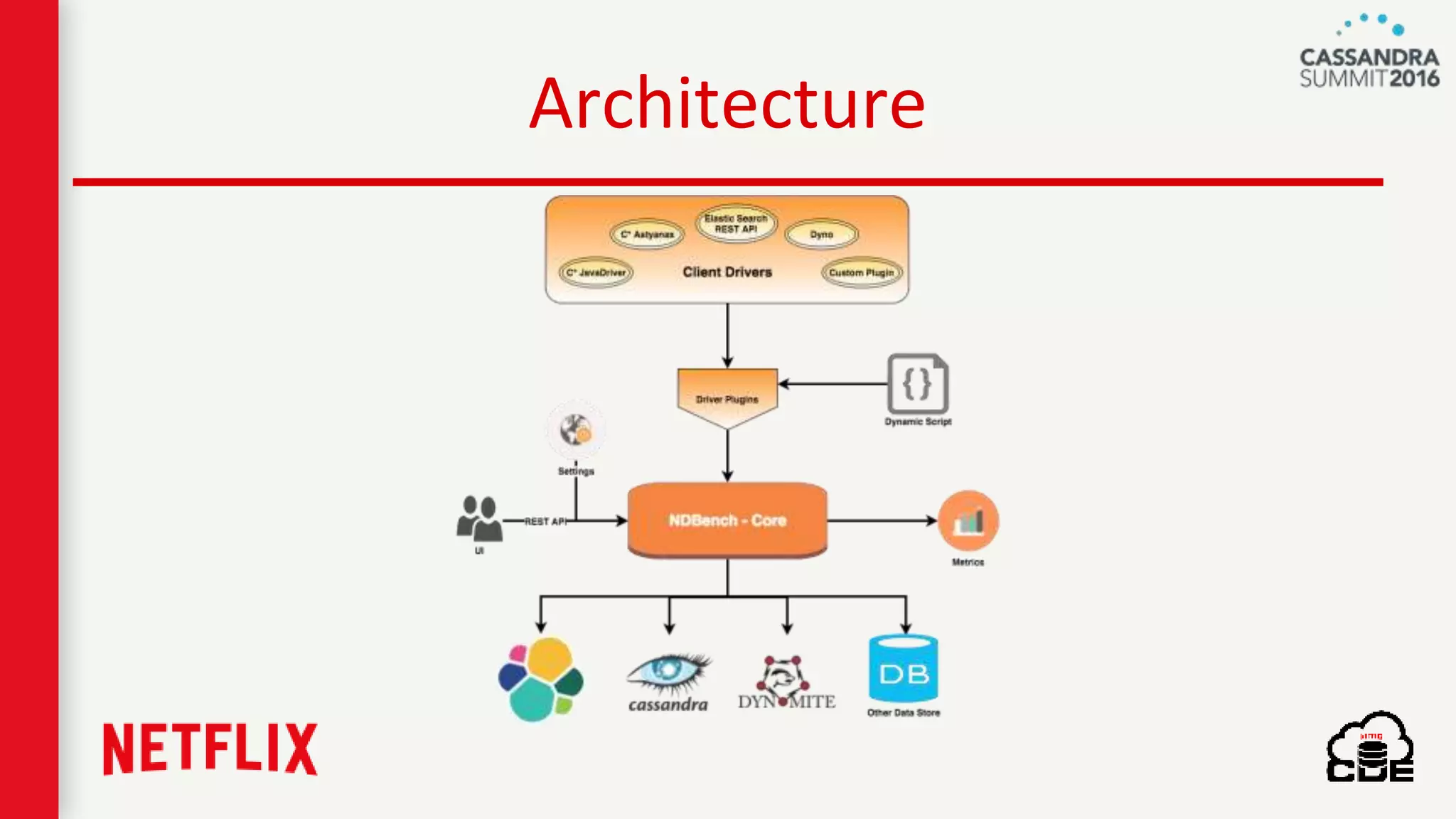
Architecture
What is Pluggable?
• Load Patterns
• Load tests
Load Patterns
• Random
• Sliding Window
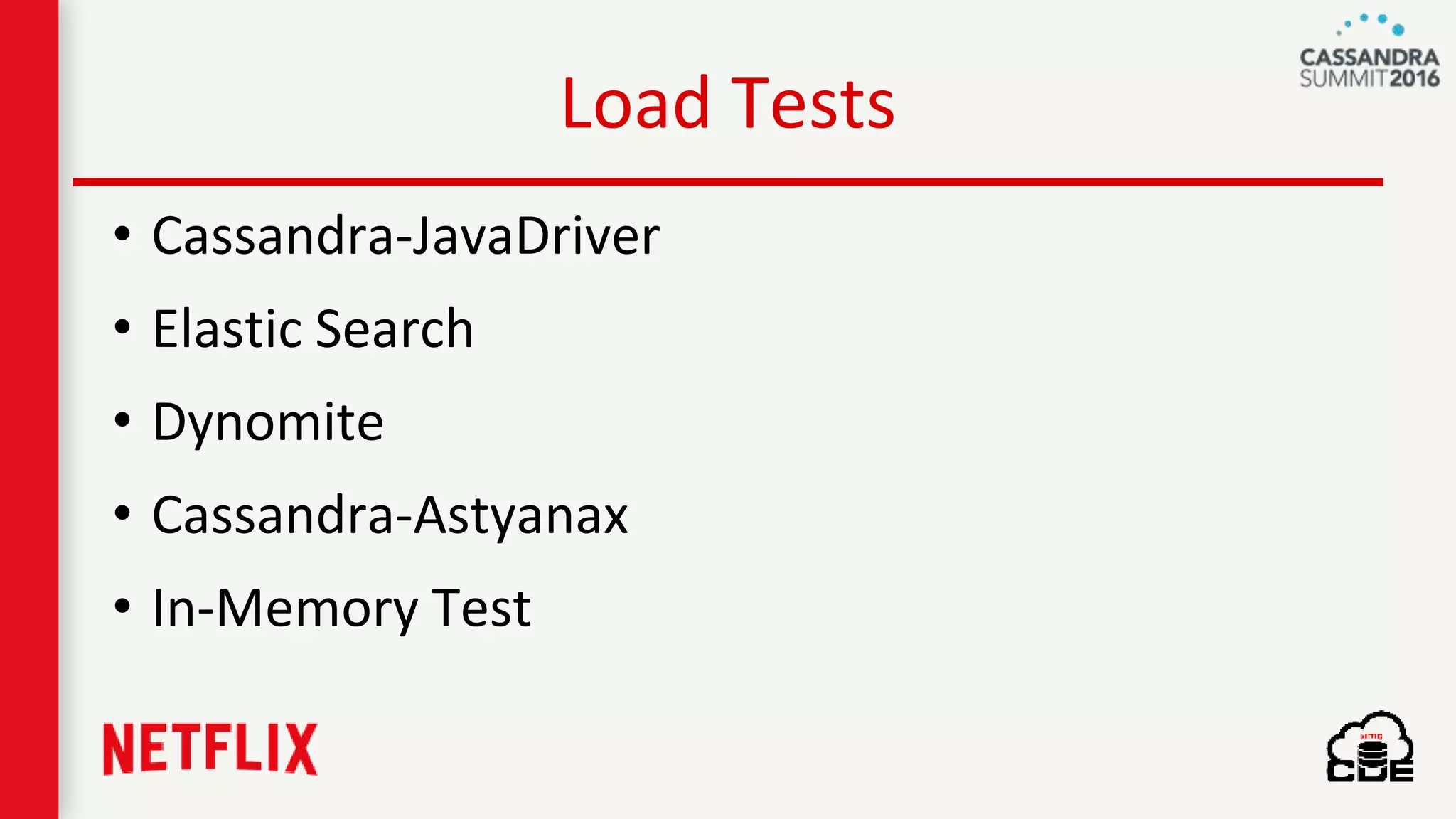
Load Tests
• Cassandra-JavaDriver
• Elastic Search
• Dynomite
• Cassandra-Astyanax
• In-Memory Test
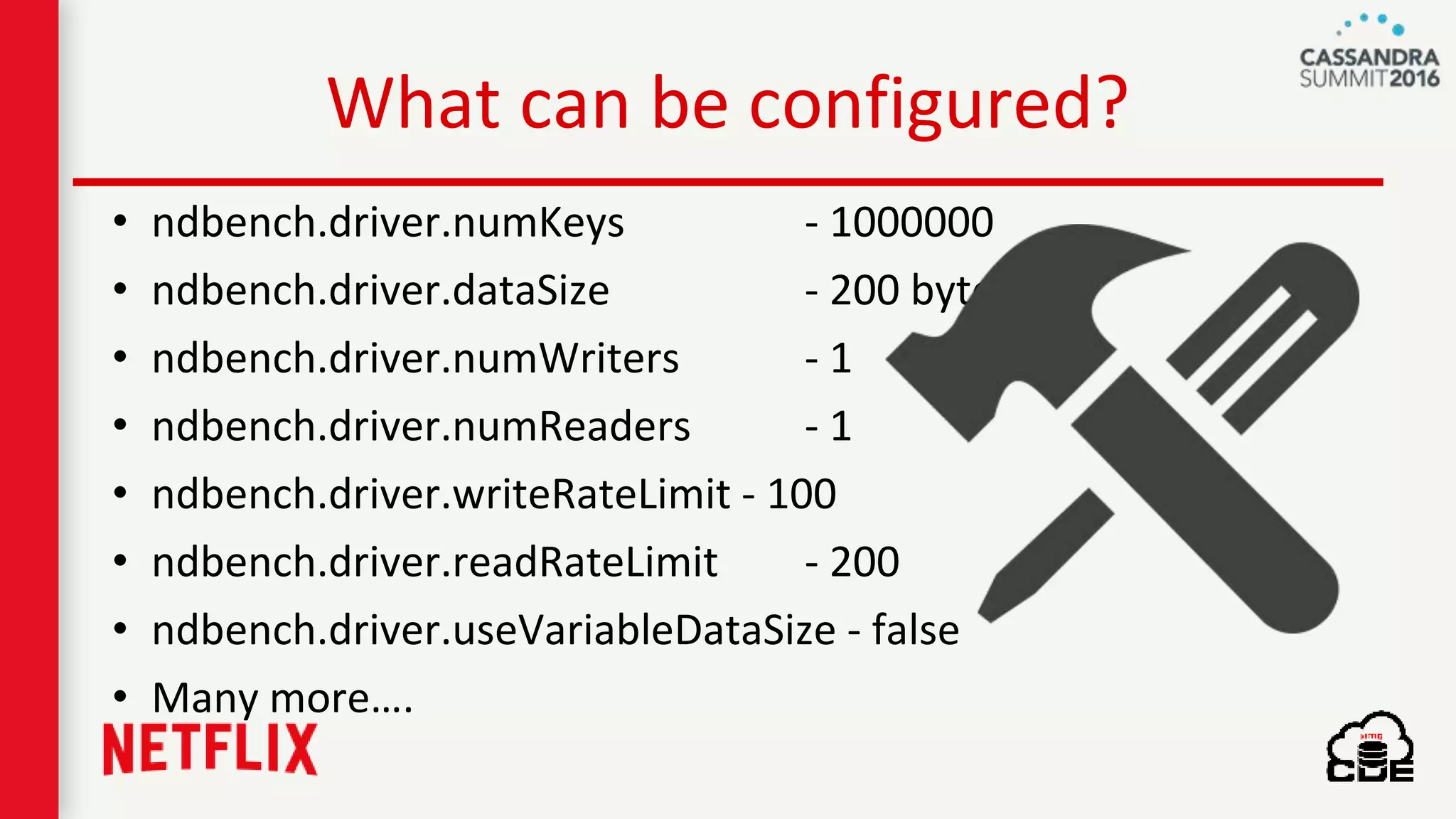
What can be configured?
• ndbench.driver.numKeys - 1000000
• ndbench.driver.dataSize - 200 bytes
• ndbench.driver.numWriters - 1
• ndbench.driver.numReaders - 1
• ndbench.driver.writeRateLimit - 100
• ndbench.driver.readRateLimit - 200
• ndbench.driver.useVariableDataSize - false
• Many more….
Dynamic Script
How to use it
• REST API
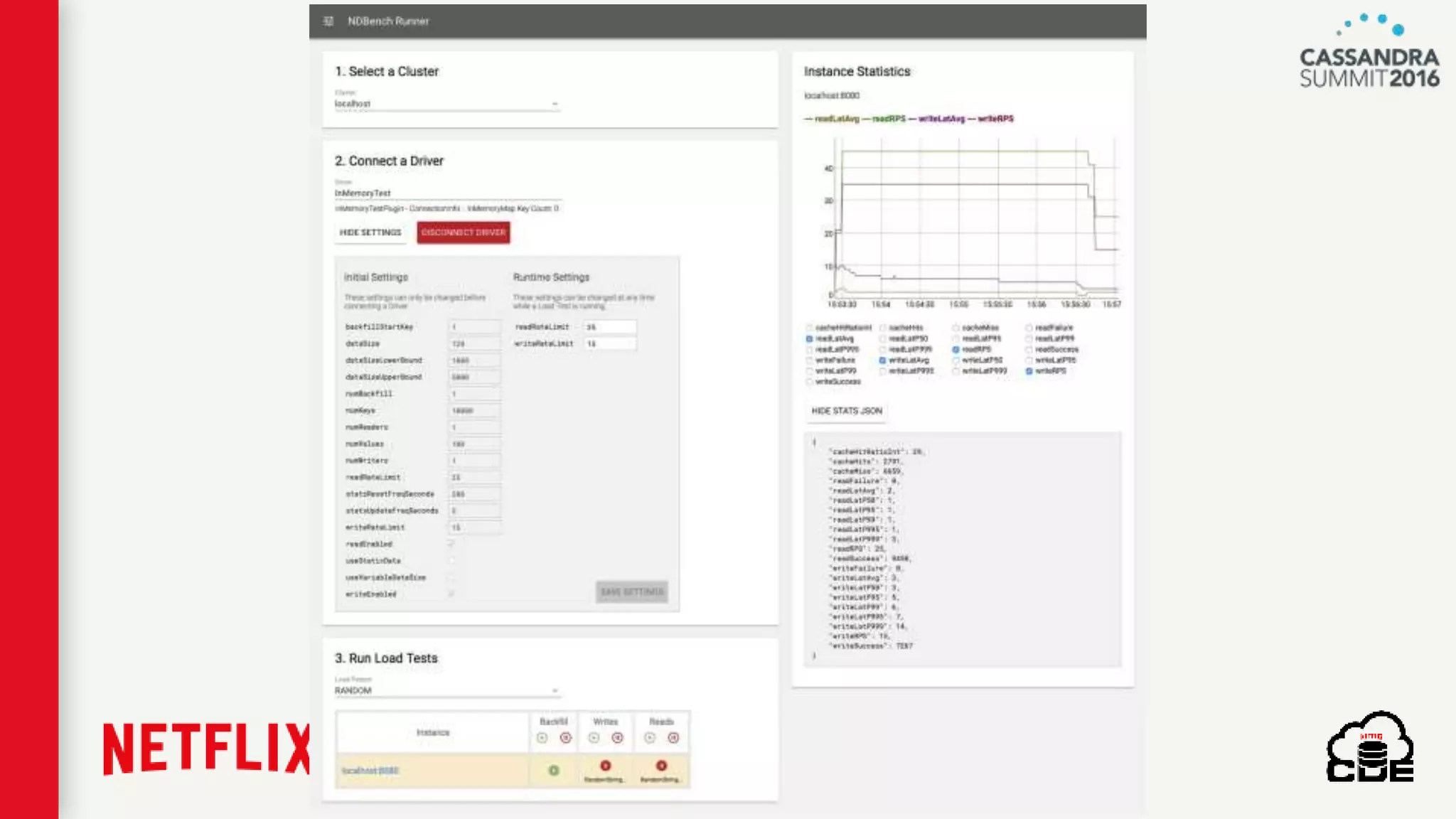
• UI
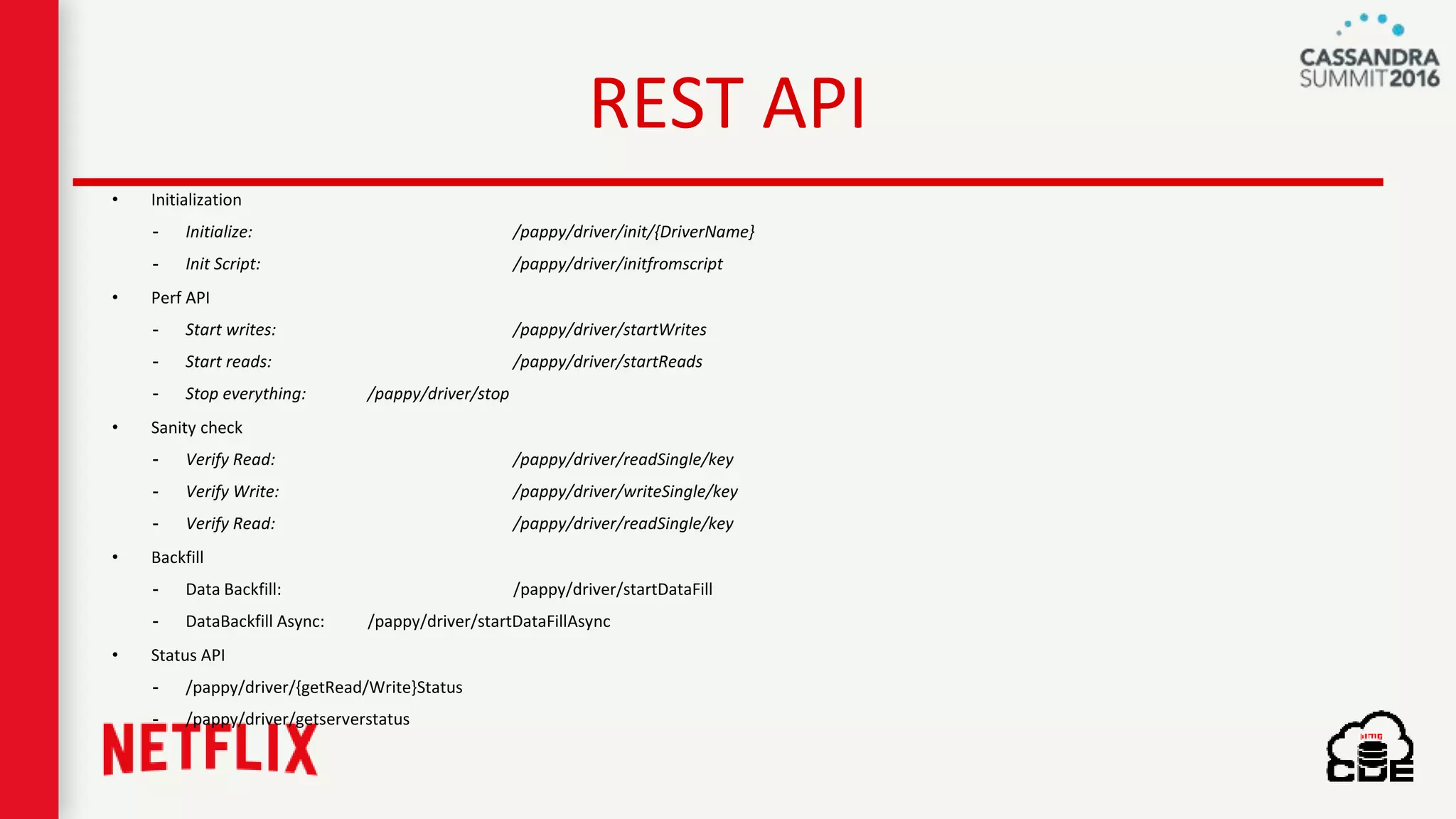
REST API
• Initialization
- Initialize: /pappy/driver/init/{DriverName}
- Init Script: /pappy/driver/initfromscript
• Perf API
- Start writes: /pappy/driver/startWrites
- Start reads: /pappy/driver/startReads
- Stop everything: /pappy/driver/stop
• Sanity check
- Verify Read: /pappy/driver/readSingle/key
- Verify Write: /pappy/driver/writeSingle/key
- Verify Read: /pappy/driver/readSingle/key
• Backfill
- Data Backfill: /pappy/driver/startDataFill
- DataBackfill Async: /pappy/driver/startDataFillAsync
• Status API
- /pappy/driver/{getRead/Write}Status
- /pappy/driver/getserverstatus
NDBench Demo...
NDBench @ Netflix
• As a
- Benchmarking Tool
- Integration Tests
- Deployment Validation
NDBench’s Achievements @ Netflix
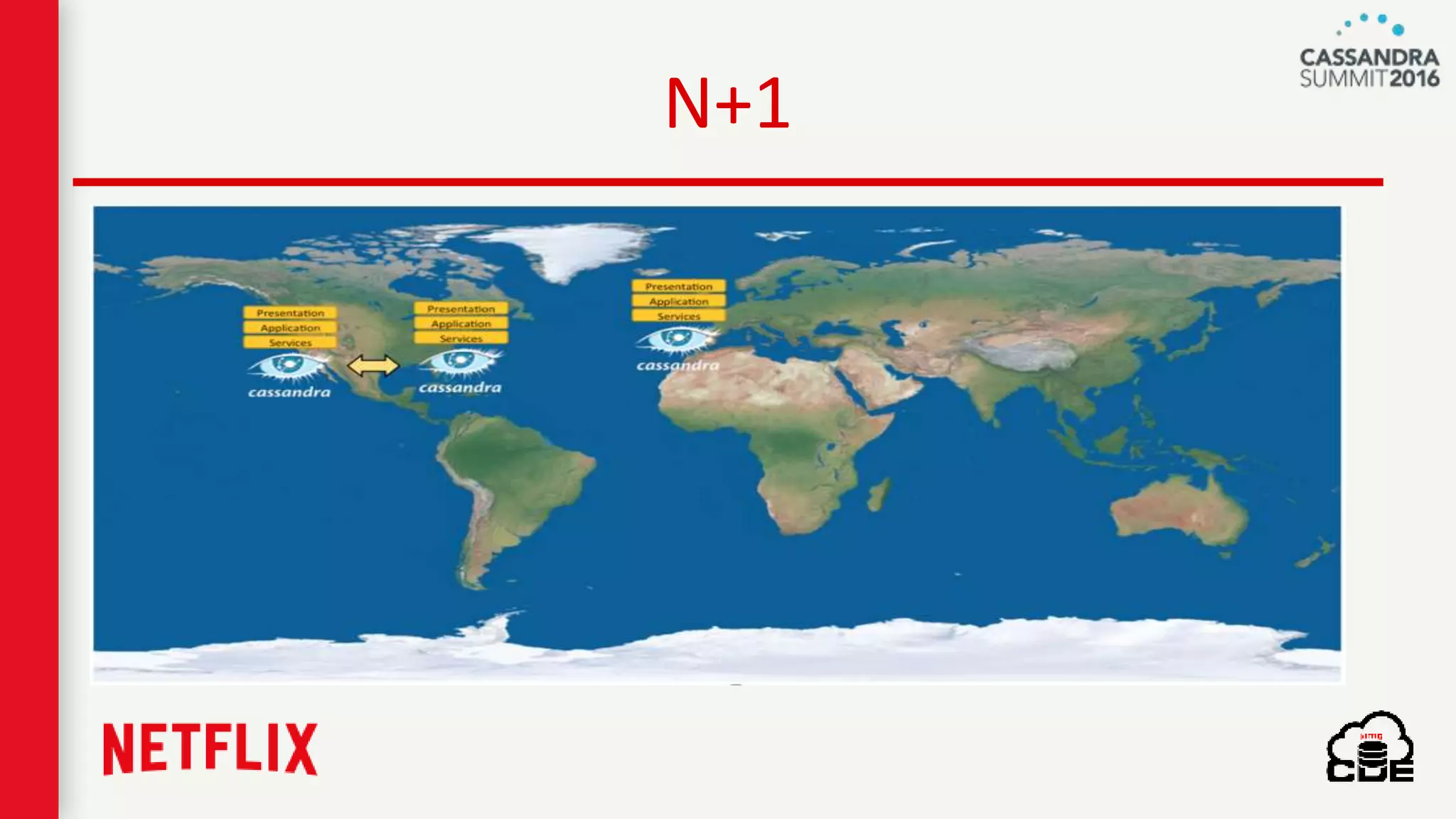
N+1
C* 1.2 → C* 2.0, C*2.0 → C* 2.1
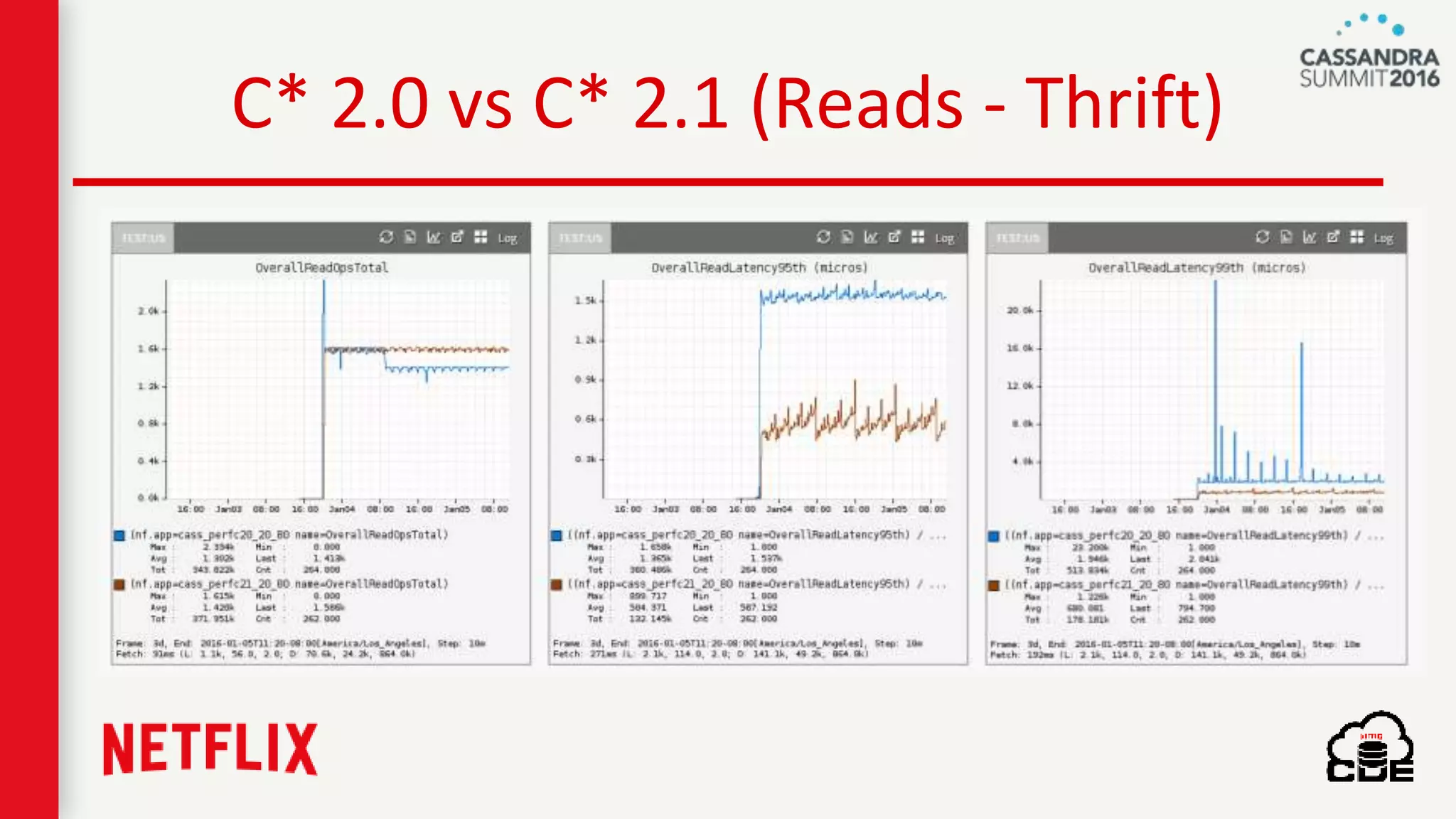
C* 2.0 vs C* 2.1 (Reads - Thrift)
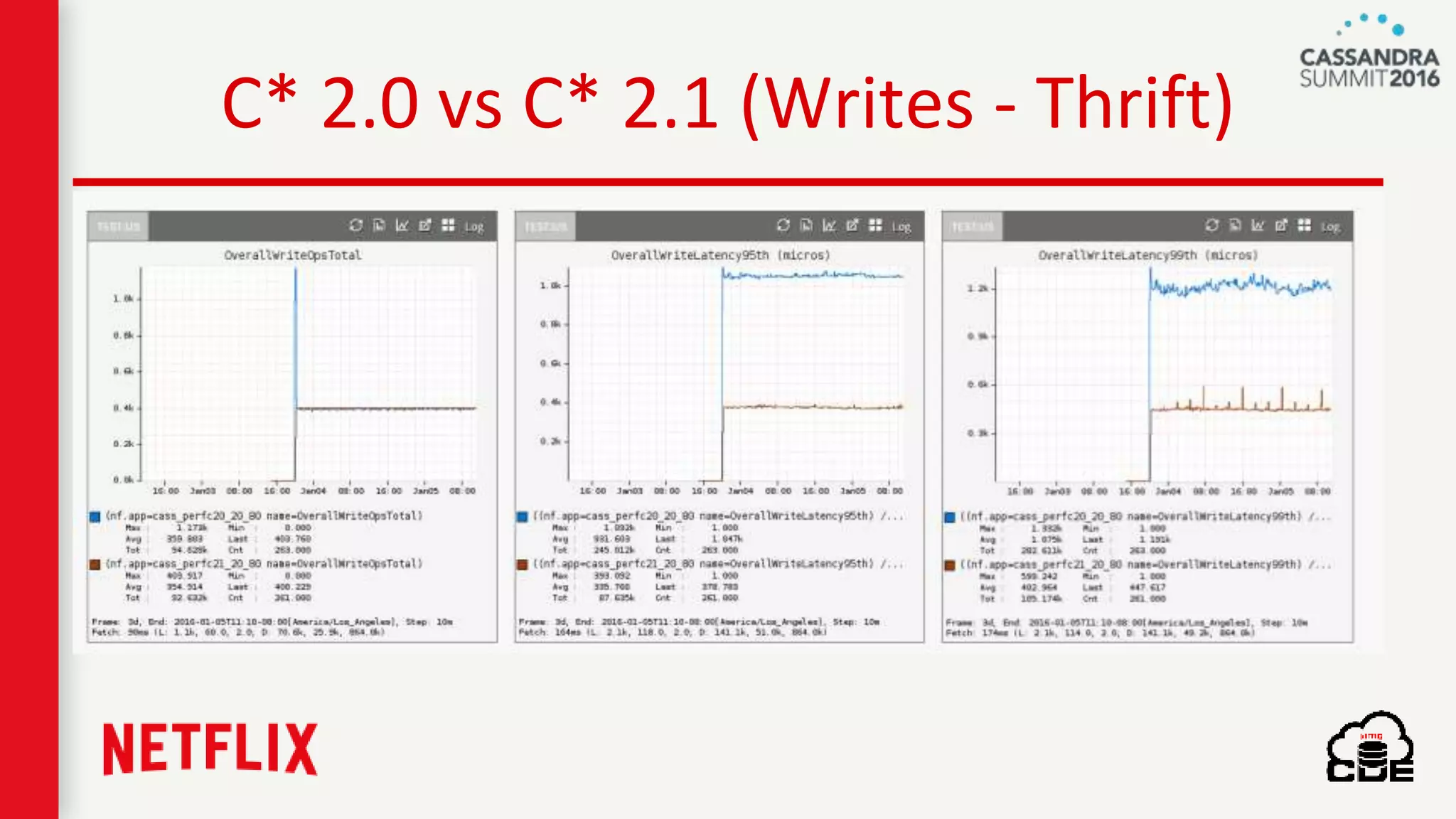
C* 2.0 vs C* 2.1 (Writes - Thrift)
CentOS ---> Trusty
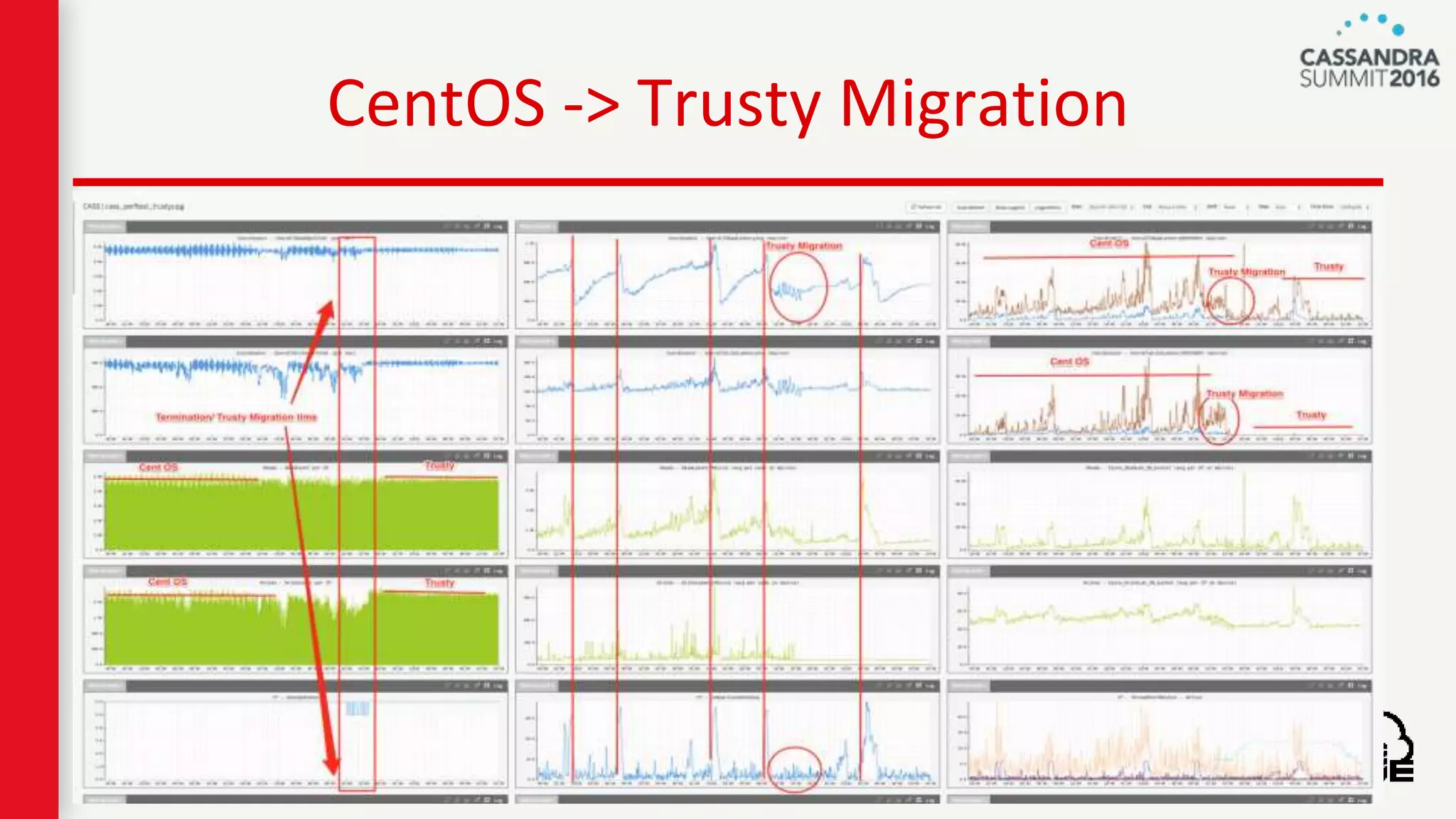
CentOS -> Trusty Migration
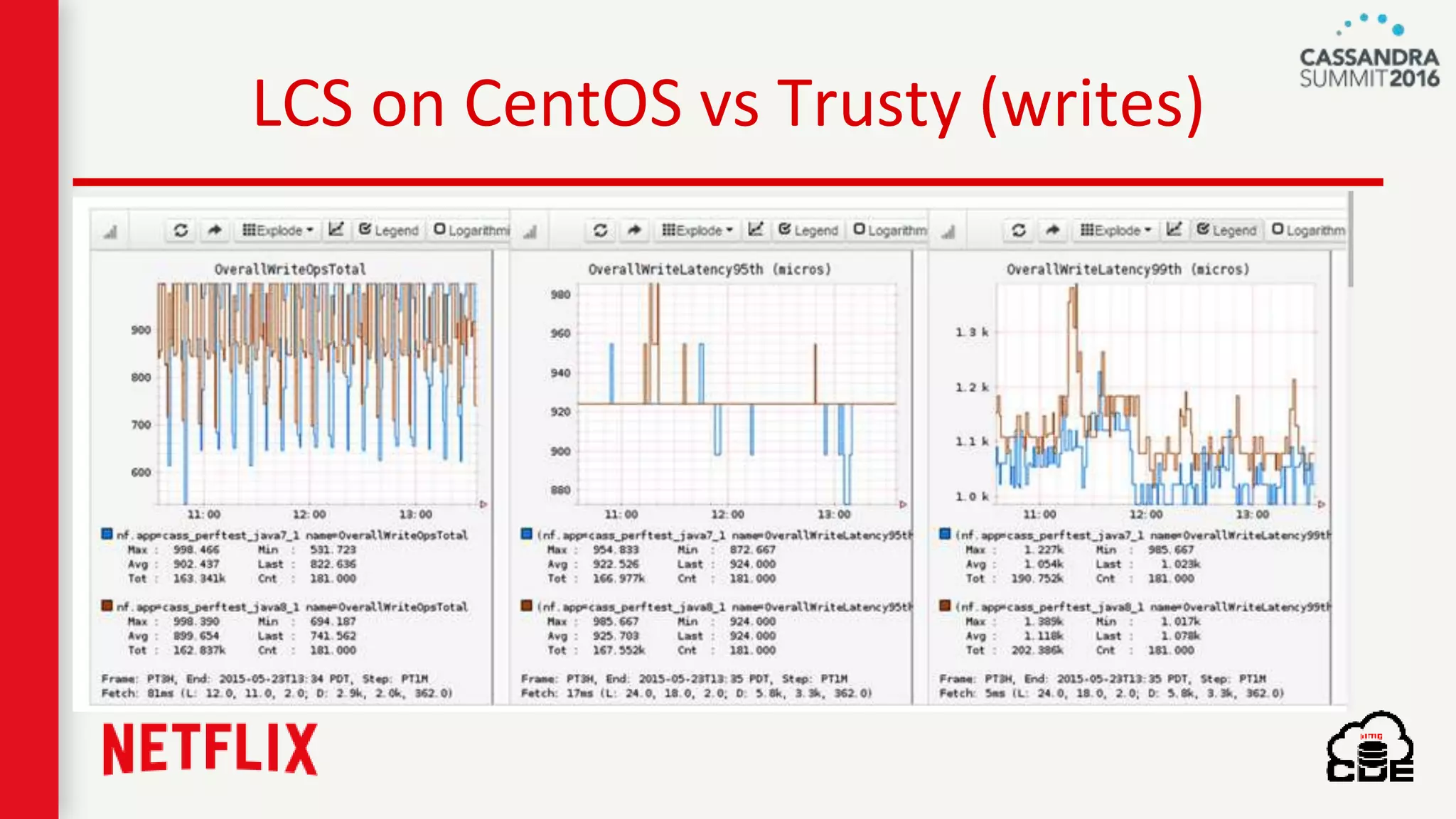
LCS on CentOS vs Trusty (writes)
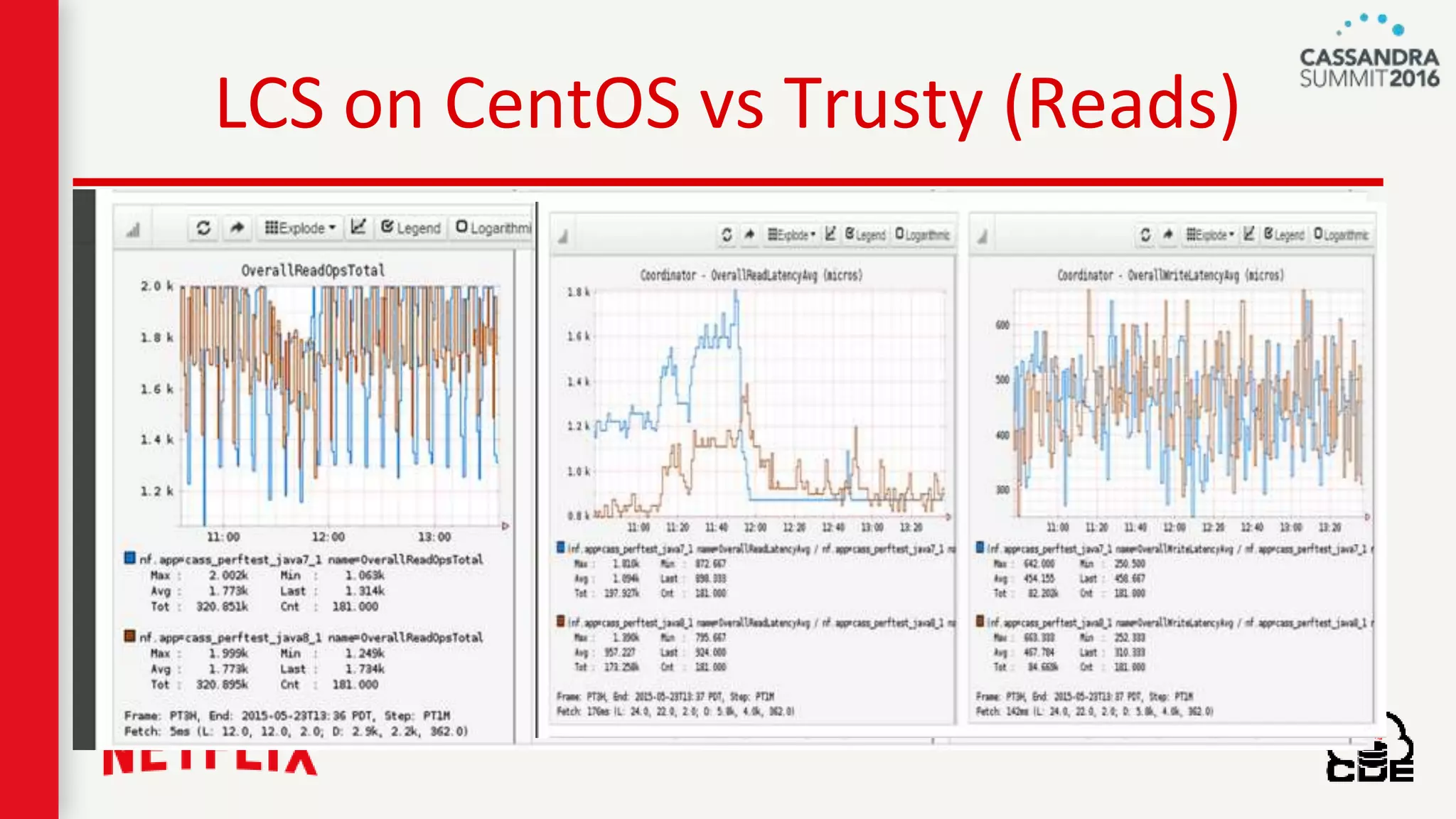
LCS on CentOS vs Trusty (Reads)
Java 7 → Java 8
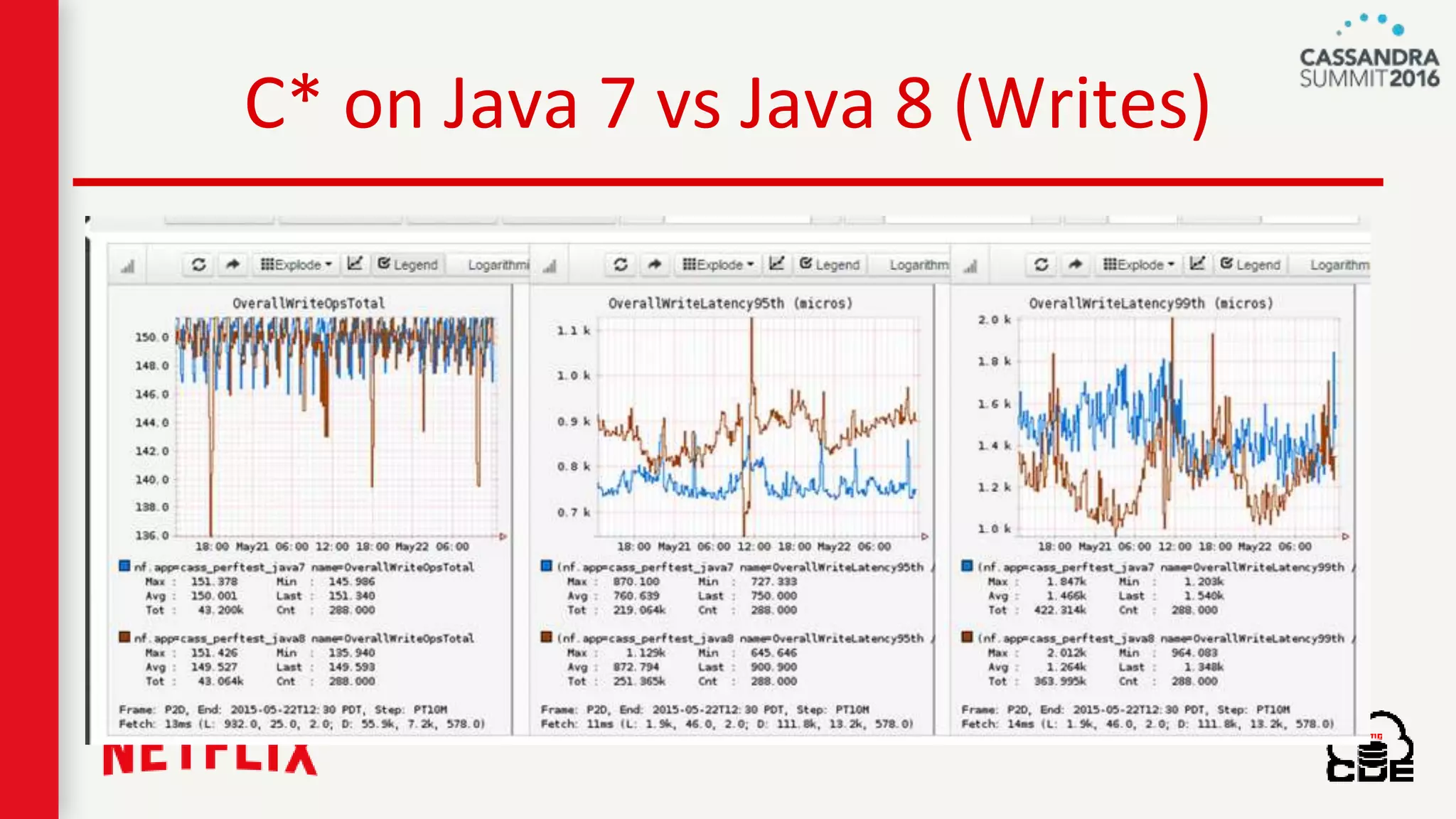
C* on Java 7 vs Java 8 (Writes)
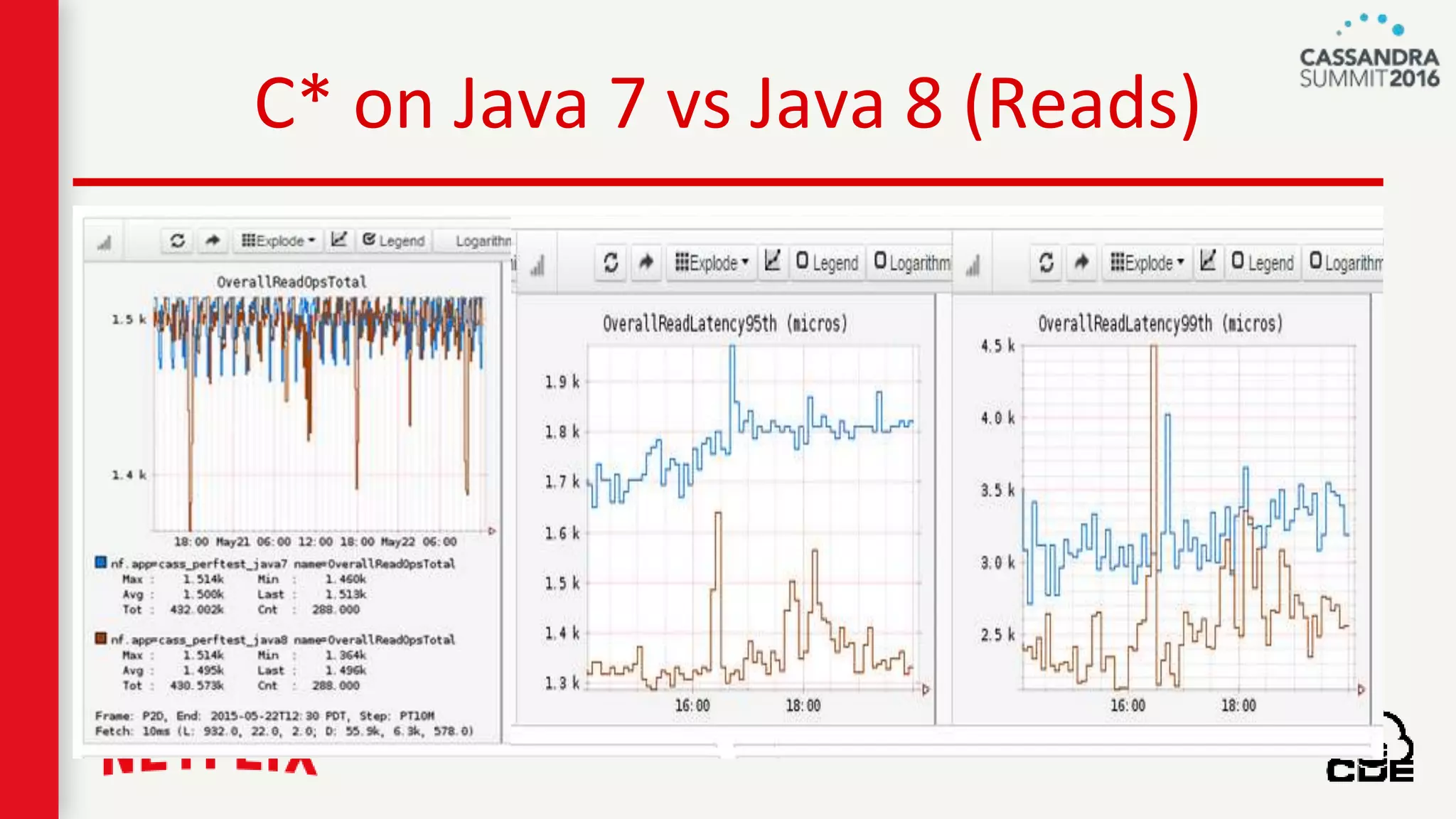
C* on Java 7 vs Java 8 (Reads)
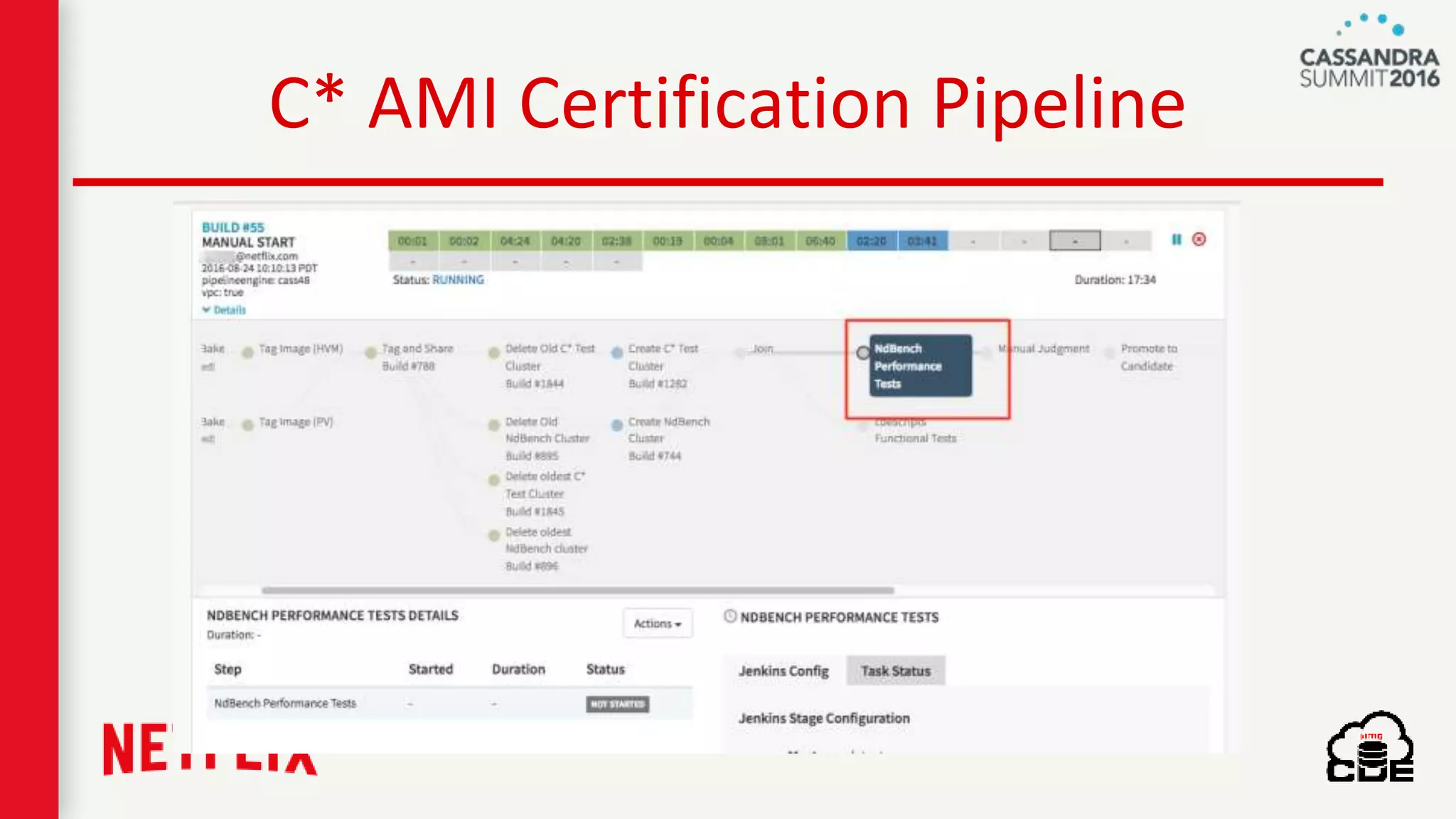
C* AMI Certification Pipeline
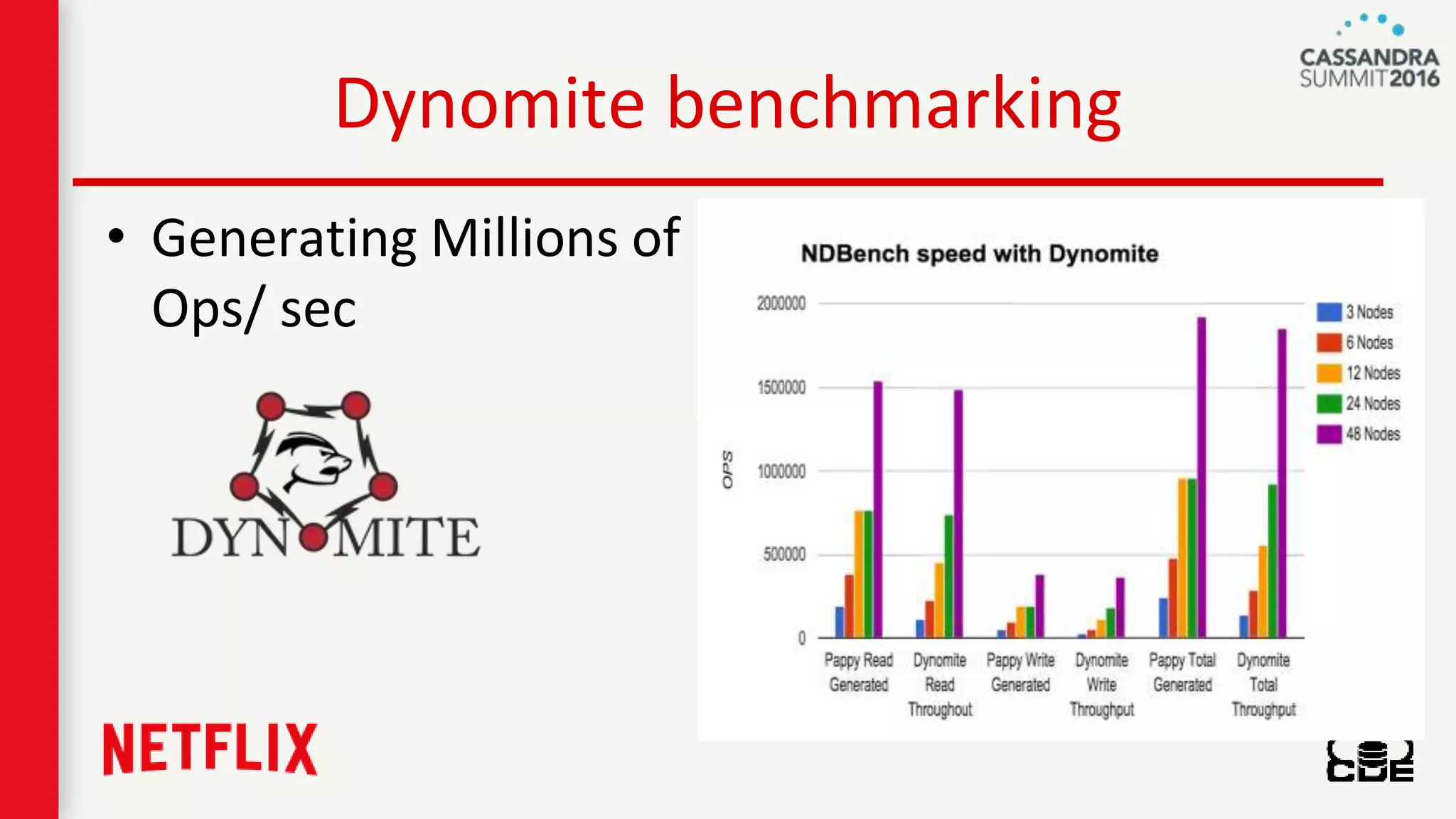
Dynomite benchmarking
• Generating Millions of
Ops/ sec
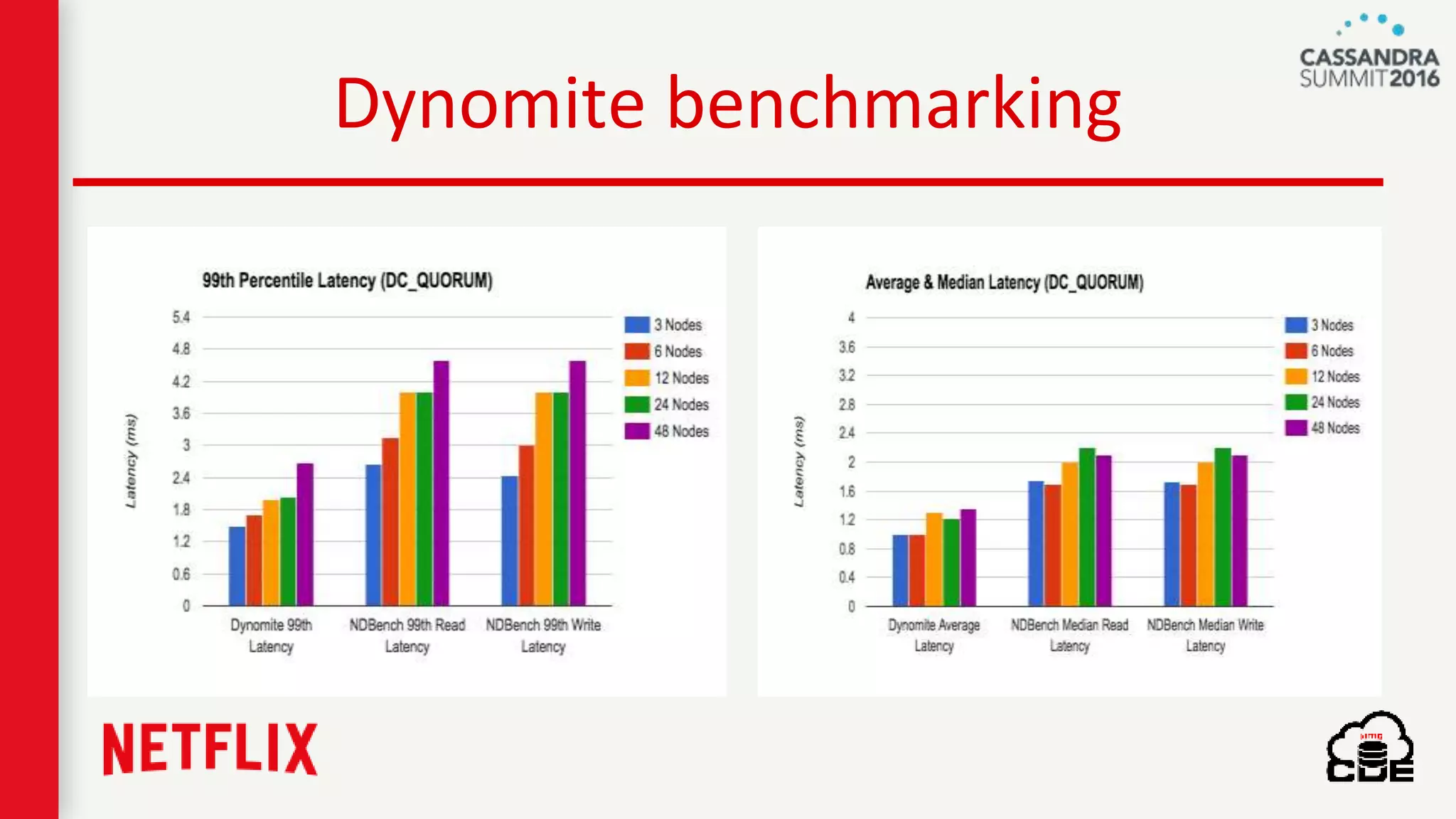
Dynomite benchmarking
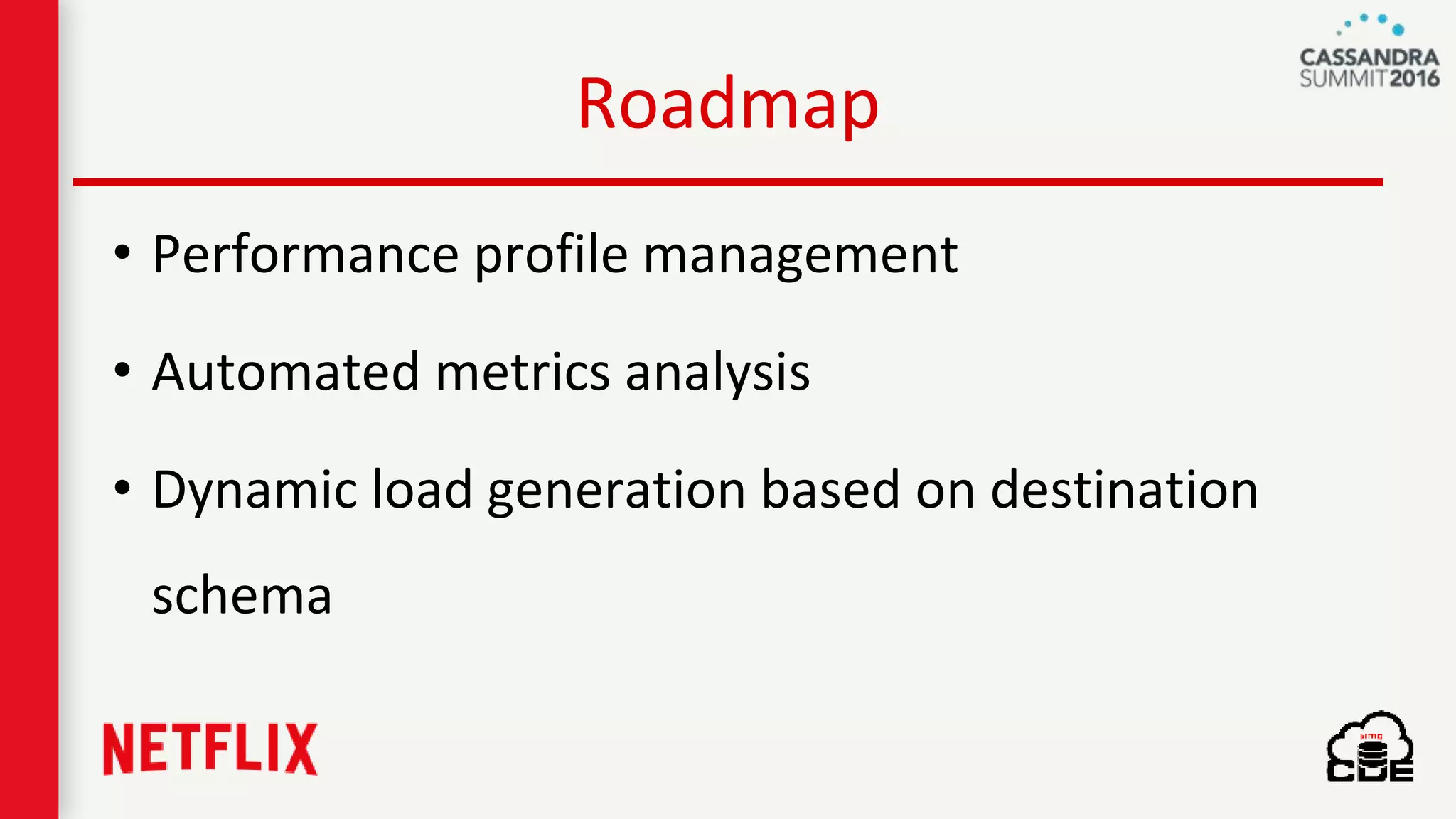
Roadmap
• Performance profile management
• Automated metrics analysis
• Dynamic load generation based on destination
schema
https://github.com/Netflix/ndbench
Take away
“Test the honesty of your data models, persistence
layers in Cloud ecosystem using NDBench”
Q & A

Honest Performance Testing with "NDBench" (Vinay Chella, Netflix) | Cassandra Summit 2016

Editor's Notes

  • #3 It was 2014, September timeframe, when we met one of our app teams for coordinating efforts on their new AB test, so every service which is involved in the line of that AB test execution was in the meeting room, so they were going around the table in planning the expected TPS increase for their service and scaling as needed. When my turn came in, I was like what, you are going to send another half million TPS to C* cluster, well let me see what my fortune teller told this week, because I have clue on how my C* cluster behaves with that increased traffic. Well that is what C* is, add nodes in the cloud you get what you want. But the question is how many nodes I need for that increased traffic.
  • #4 So, unanswered questions are “Available capacity in your cluster”
  • #5 and “Will increased load, affects my SLAs?” That is when I took a step back and thought about the actual problem and worked on NDBench project. Before getting into details of NDBench, let me introduce myself.
  • #9 Today we will cover the background of NDBench and its architecture, usage and its achievements @ Netflix since we have been using it for last 2 years.
  • #10 So, getting back to our basic issue, do we have a tool to perf test just the persistence layer?
  • #11 Is there a way for me to get the remaining capacity on my existing fleet. Well C* by its nature of cloud native and distributed, it gets it own issue in terms of predictability of its latencies and capacity. I would imagine in regular single machine RDBMS systems thing are pretty stable most of the time and it is easy to predict. But when it comes to C*. cloud and vms gets into the middle of predictions, it gets much more complicated.
  • #12 Before we started this project, we looked into why not already existing perf testing tools We looked into various benchmark tools as well as REST-based performance tools. While some tools covered a subset of our requirements, we were interested in a tool that could achieve the following: Dynamically change the benchmark configurations Be able to integrate with platform cloud services such as dynamic configurations, discovery, metrics, etc. Run for an infinite duration in order to introduce failure scenarios and test long running maintenances such as database repairs. Provide pluggable patterns and loads. Support different client APIs. Deploy, manage and monitor multiple instances from a single entry point.
  • #13 Well, on a high level what is NDBench. What are the advantages of NDBench, lets go through them one by one.
  • #14 NDBench gives us the side by side comparison of performance test runs so that is easy to take a decision.
  • #15 You can compare the performance of different driver versions of software versions with the help of NDBench.
  • #16 You can also compare the cost and performance of new instance types that are coming in the market.
  • #17 It also gives us the ability to change the load parameters while the perf test running, which is one of the rarest feature that you would find out there
  • #18 One of the challenges with C*, is its datamodel, with the years of experience and resources that we acquired over the time in RDBMS space, it is comparatively easy to model your data for better performance. But, with new data store systems like C*, dynomite it is little confusing with partitions and clustering columns, making a decision with supporting data points on which datamodel works better is alwasy good, so NDBench comes handy when comparing the data models. Varying data models in terms of payload, shard and comparators
  • #19 And it is built with pluggable architecture, so you can pretty much plug anything that you want
  • #20 As it is pluggable by its architecture, today it comes with C*, Dynomite and ES plugins but it can be extended to any datastore out there
  • #21 And it is well baked into Netflix eco system and it can be pluggable
  • #22 The following diagram shows the architecture of NDBench. The framework consists of three components: Core: The workload generator API: Allowing multiple plugins to be developed against NDBench Web: The UI and servlet context listener NDBench-core is the core component of NDBench, where one can further tune workload settings. NDBench can be used from either the command line (using REST calls), or from a web-based user interface (UI).
  • #26 Make it a table
  • #27 Remove groovy