Makes our website look like a website

 Describes the presentation of your HTML document.
 Our CSS code belongs in a separate document.
 Do do not work with CSS in our HTML document.
 .HTML
 .CSS
CSS
(Cascading Style Sheets)

 To organize our website. Tells our HTML where to
go AND what to look like.
 We can make and design comment boxes
 We can change the background and color of our font.
 We can add margins and create a navigation bar.
 Makes our website look like a website
Why do we need CSS?

 We need to connect our HTML document to our CSS
document
 This is very easy, we start by opening our HTML
document.
 Inside your <head> tag is where we will write the
code linking our HTML document to our CSS
document.
1st thing’s 1st

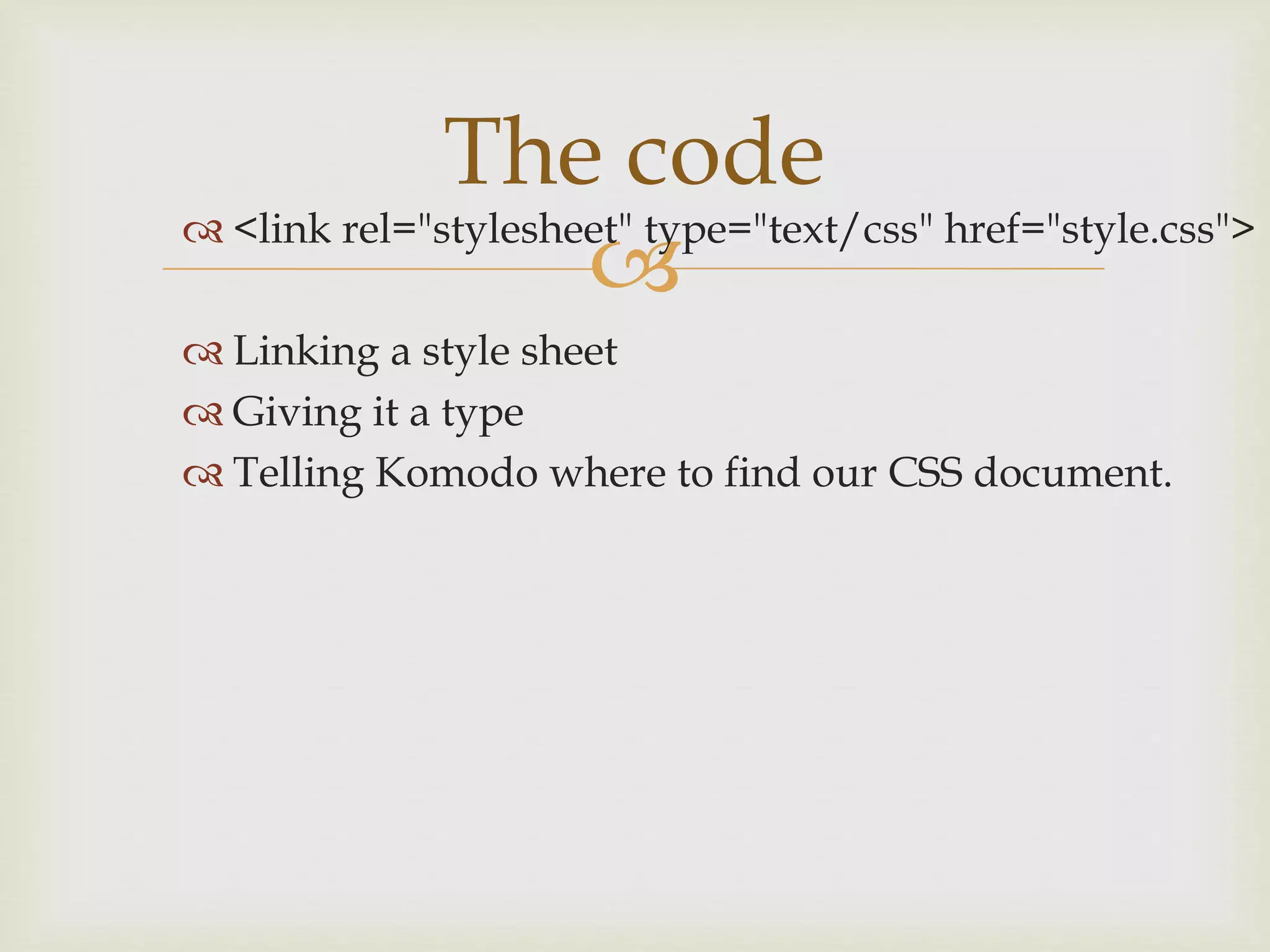
 <link rel="stylesheet" type="text/css" href="style.css">
 Linking a style sheet
 Giving it a type
 Telling Komodo where to find our CSS document.
The code

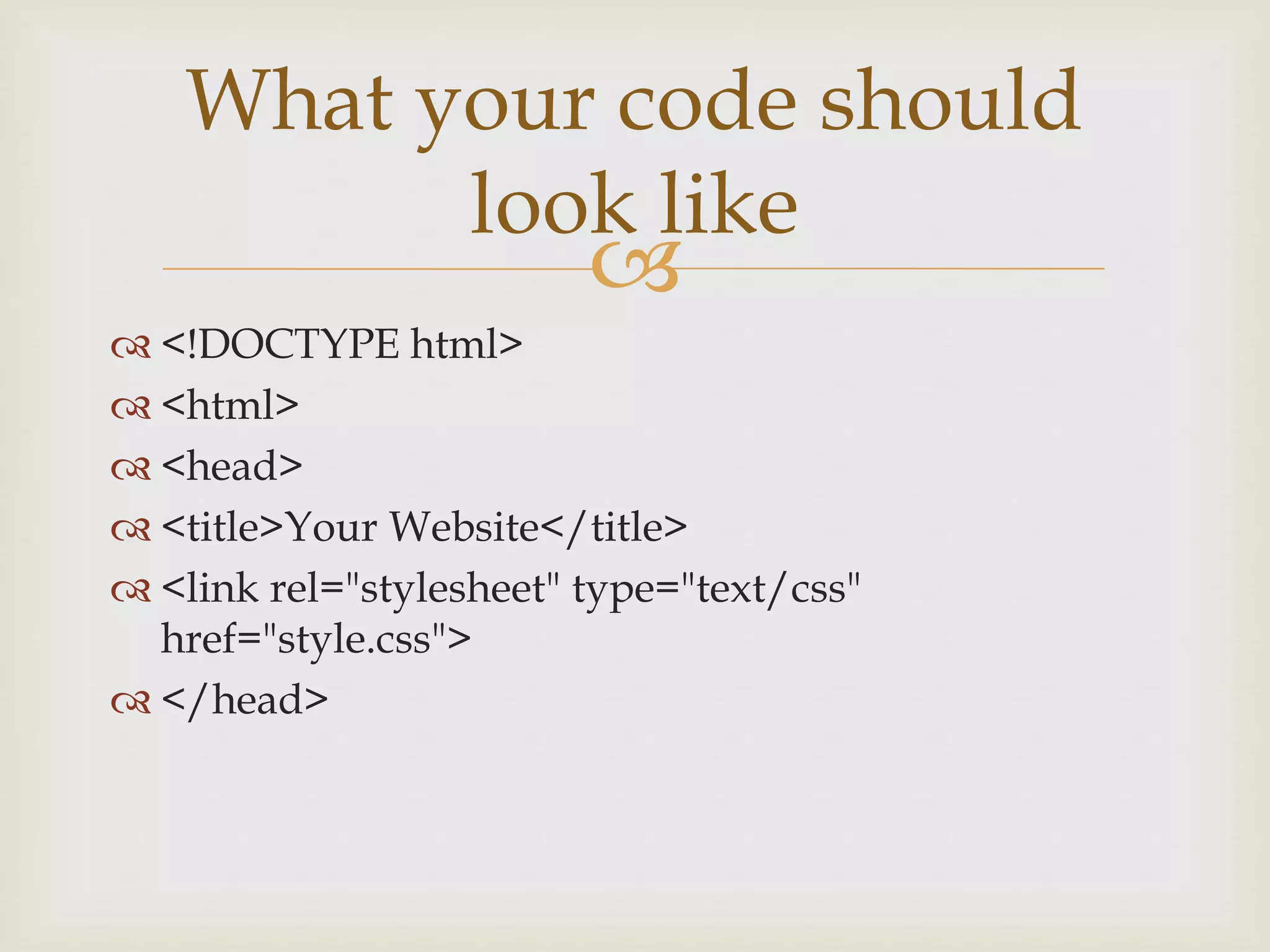
 <!DOCTYPE html>
 <html>
 <head>
 <title>Your Website</title>
 <link rel="stylesheet" type="text/css"
href="style.css">
 </head>
What your code should
look like

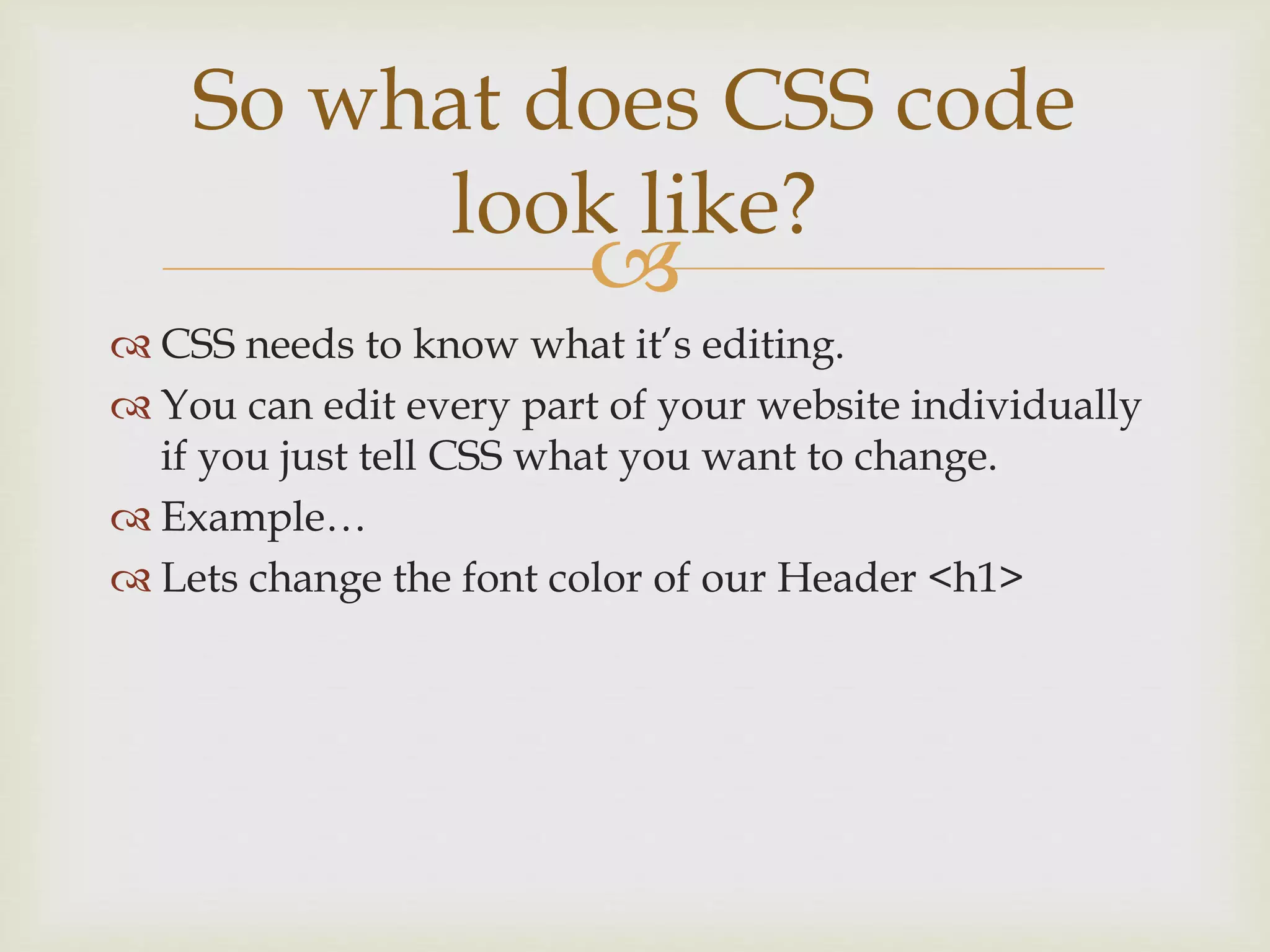
 CSS needs to know what it’s editing.
 You can edit every part of your website individually
if you just tell CSS what you want to change.
 Example…
 Lets change the font color of our Header <h1>
So what does CSS code
look like?

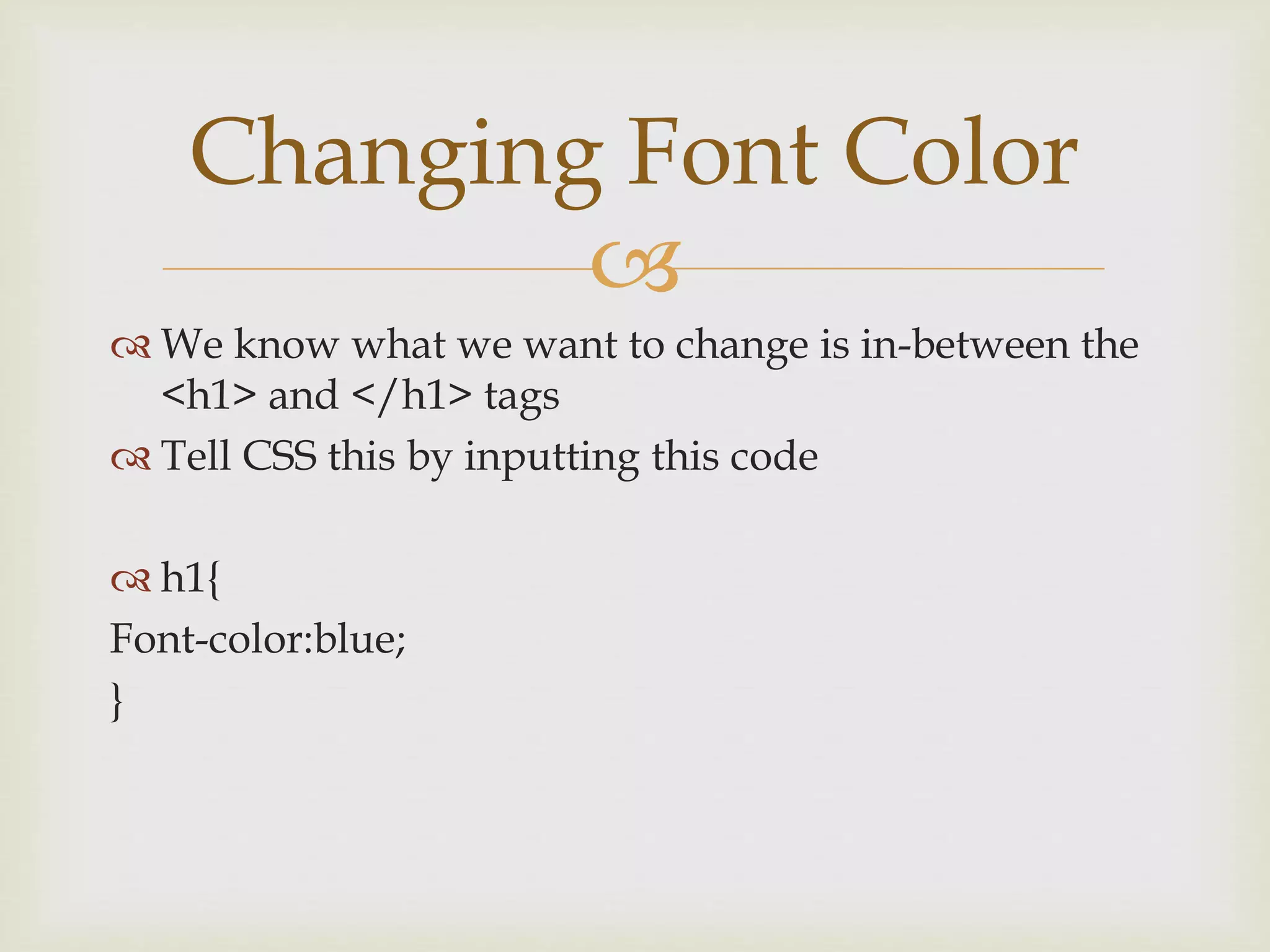
 We know what we want to change is in-between the
<h1> and </h1> tags
 Tell CSS this by inputting this code
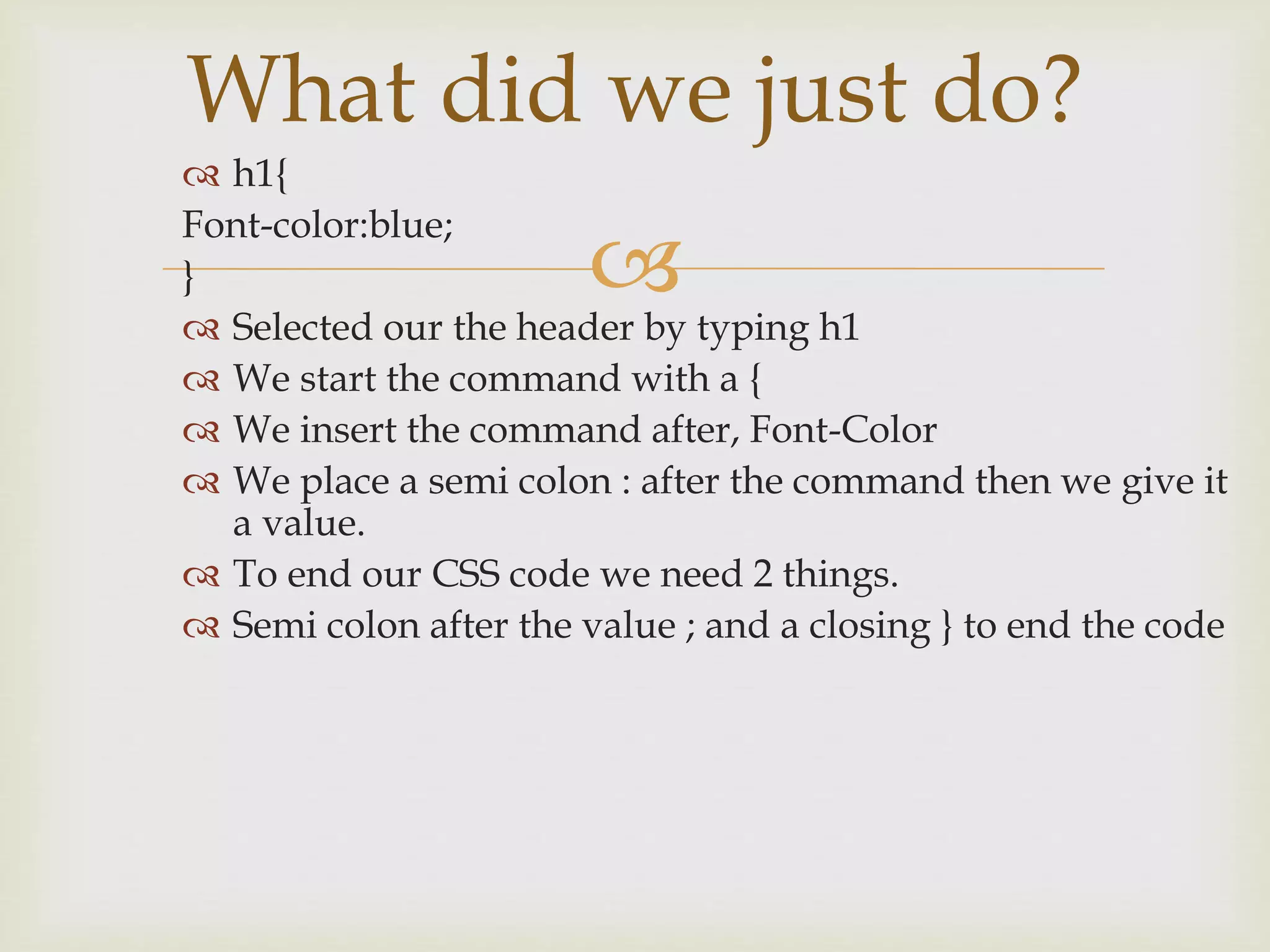
 h1{
Font-color:blue;
}
Changing Font Color

 h1{
Font-color:blue;
}
 Selected our the header by typing h1
 We start the command with a {
 We insert the command after, Font-Color
 We place a semi colon : after the command then we give it
a value.
 To end our CSS code we need 2 things.
 Semi colon after the value ; and a closing } to end the code
What did we just do?

 You need to practice and CSS will become easier.
 We find what we want to edit.
 We tell CSS how we want to edit it.
CSS isn’t that difficult.

Cascading Style Sheets

  • 1.
    Makes our websitelook like a website
  • 2.
      Describes thepresentation of your HTML document.  Our CSS code belongs in a separate document.  Do do not work with CSS in our HTML document.  .HTML  .CSS CSS (Cascading Style Sheets)
  • 3.
      To organizeour website. Tells our HTML where to go AND what to look like.  We can make and design comment boxes  We can change the background and color of our font.  We can add margins and create a navigation bar.  Makes our website look like a website Why do we need CSS?
  • 4.
      We needto connect our HTML document to our CSS document  This is very easy, we start by opening our HTML document.  Inside your <head> tag is where we will write the code linking our HTML document to our CSS document. 1st thing’s 1st
  • 5.
      <link rel="stylesheet"type="text/css" href="style.css">  Linking a style sheet  Giving it a type  Telling Komodo where to find our CSS document. The code
  • 6.
      <!DOCTYPE html> <html>  <head>  <title>Your Website</title>  <link rel="stylesheet" type="text/css" href="style.css">  </head> What your code should look like
  • 7.
      CSS needsto know what it’s editing.  You can edit every part of your website individually if you just tell CSS what you want to change.  Example…  Lets change the font color of our Header <h1> So what does CSS code look like?
  • 8.
      We knowwhat we want to change is in-between the <h1> and </h1> tags  Tell CSS this by inputting this code  h1{ Font-color:blue; } Changing Font Color
  • 9.
      h1{ Font-color:blue; }  Selectedour the header by typing h1  We start the command with a {  We insert the command after, Font-Color  We place a semi colon : after the command then we give it a value.  To end our CSS code we need 2 things.  Semi colon after the value ; and a closing } to end the code What did we just do?
  • 10.
      You needto practice and CSS will become easier.  We find what we want to edit.  We tell CSS how we want to edit it. CSS isn’t that difficult.