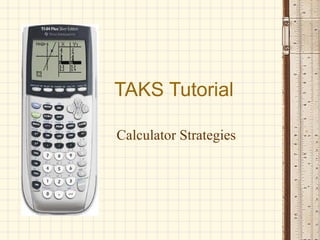
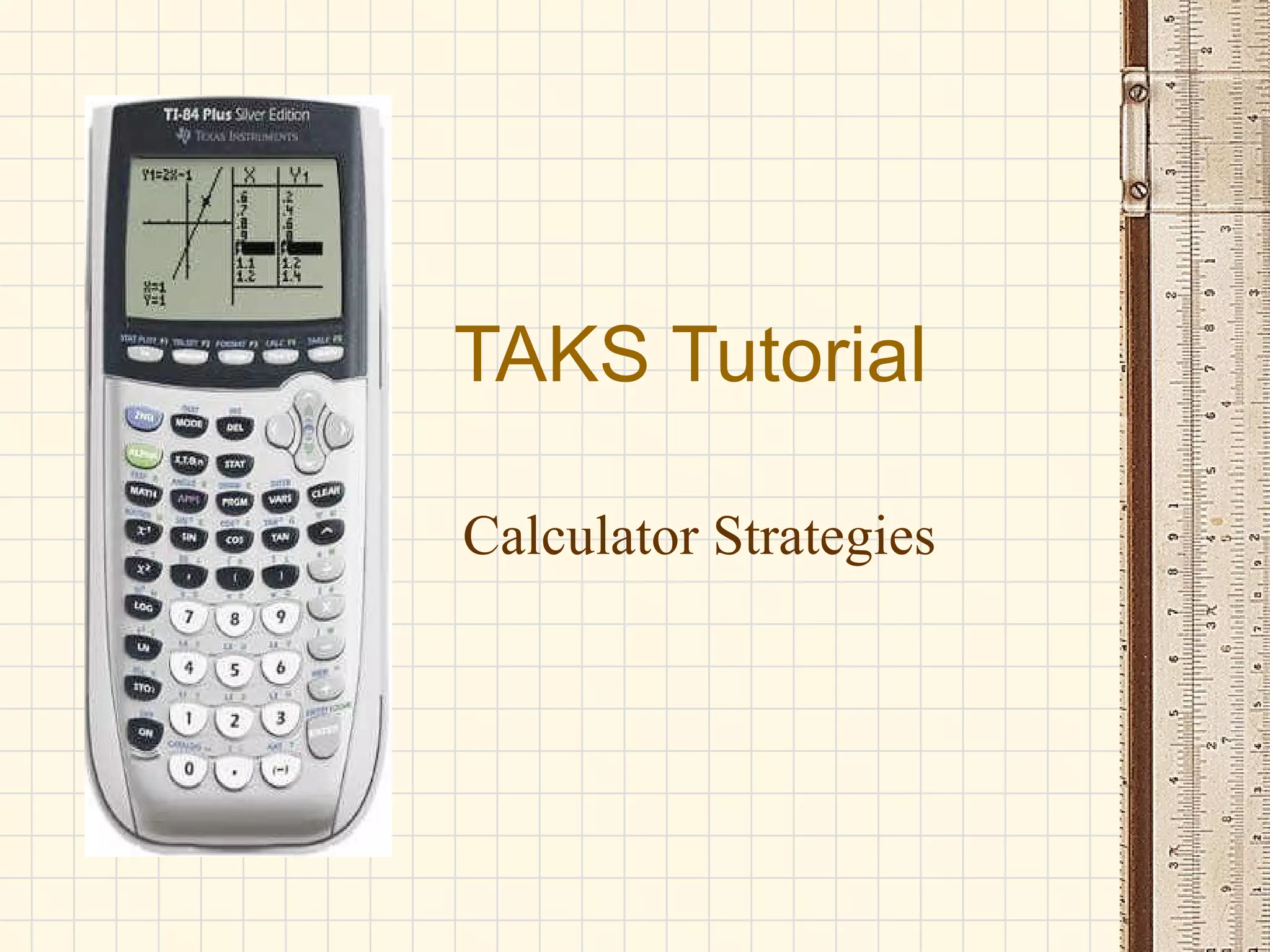
This document provides strategies and tips for using a graphing calculator on the TAKS test, including:
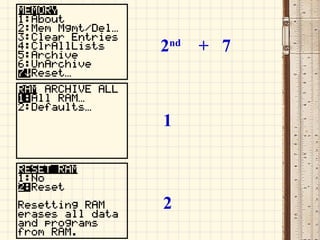
- Clearing the calculator memory if something goes wrong
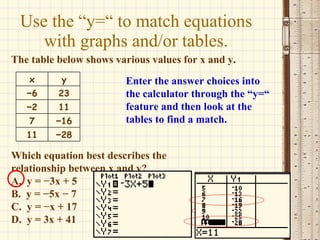
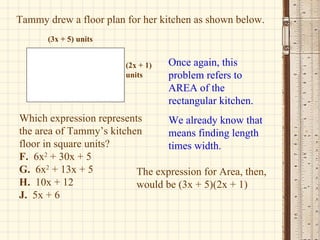
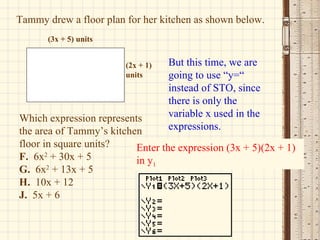
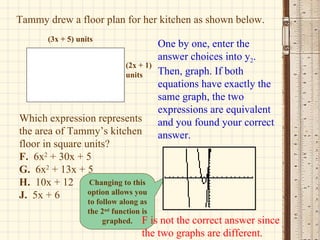
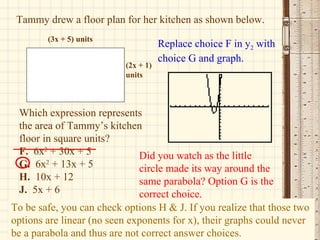
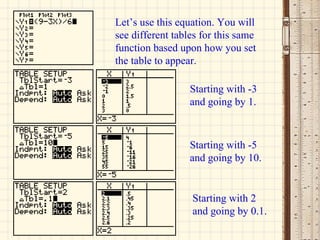
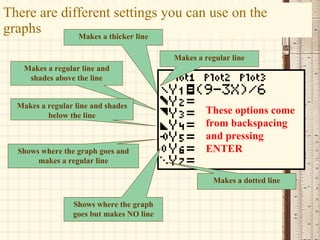
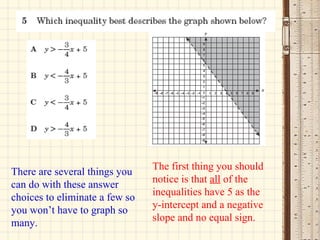
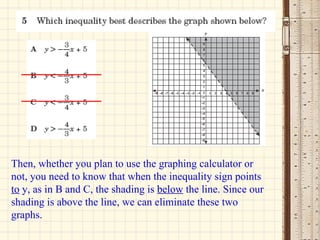
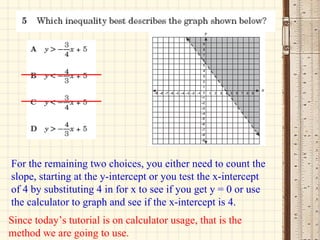
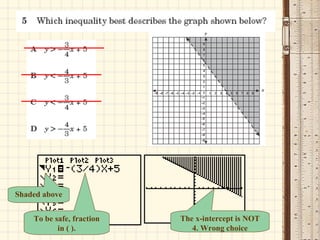
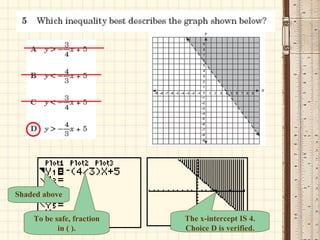
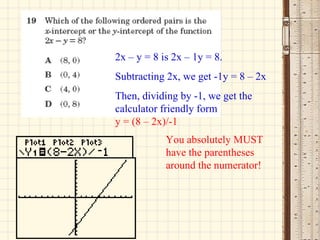
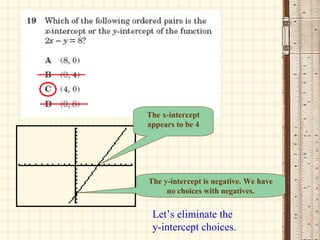
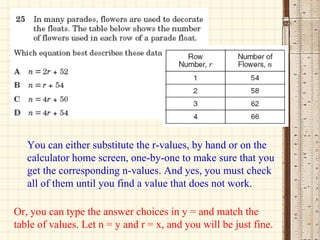
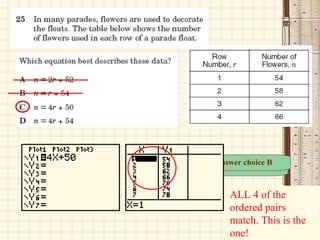
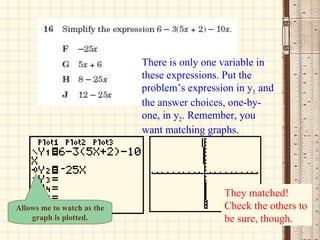
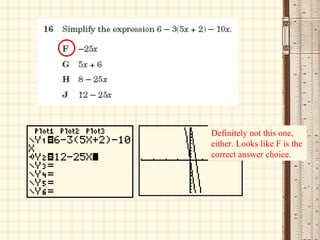
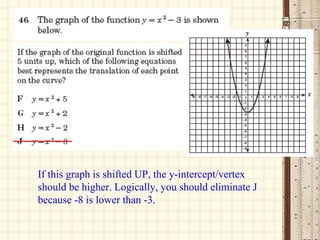
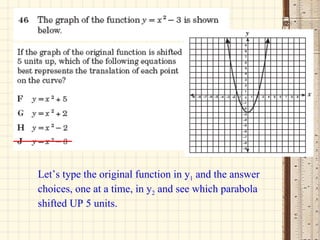
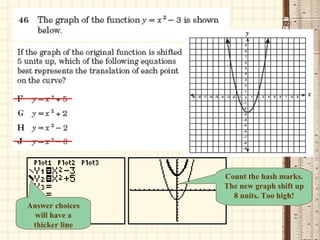
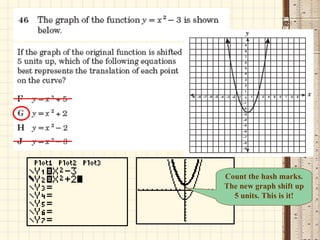
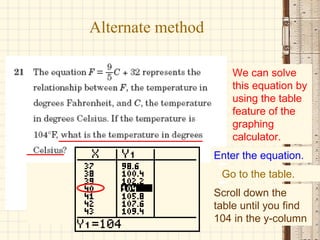
- Using the "y=" feature to match equations and graphs/tables
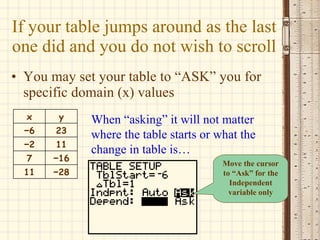
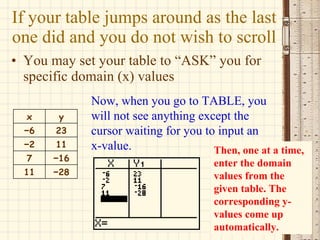
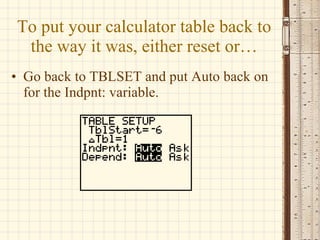
- Setting the calculator table to "ASK" for specific x-values
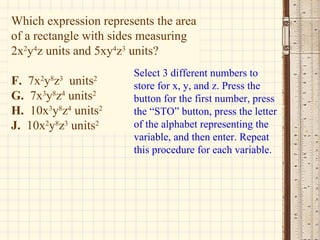
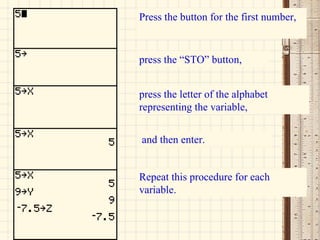
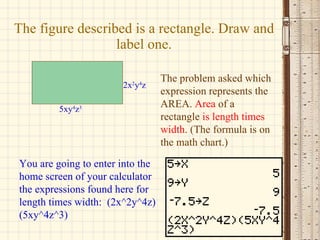
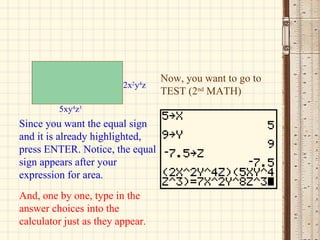
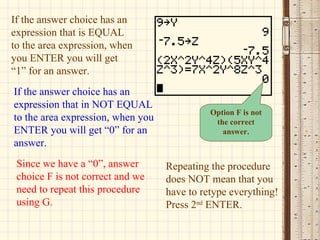
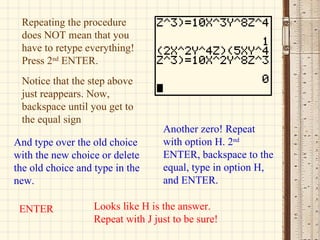
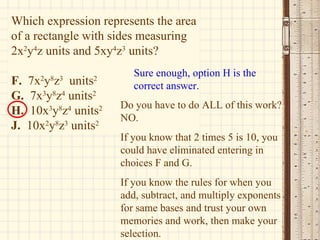
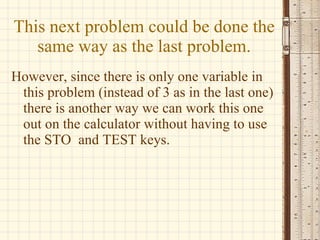
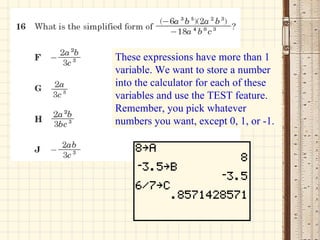
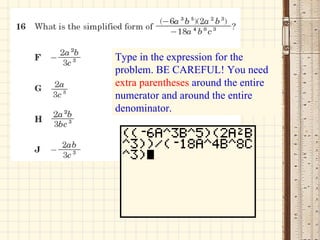
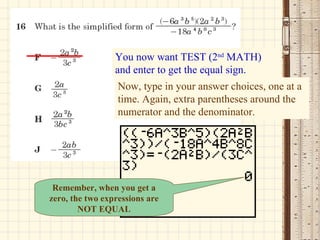
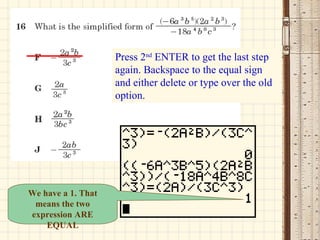
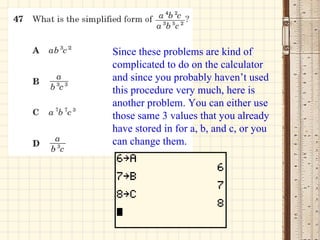
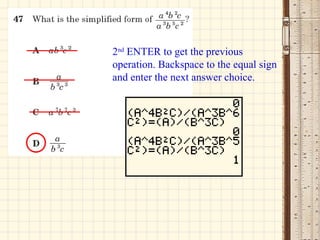
- Storing values in variables to match equivalent expressions
- Using the "STO" key to represent variables in expressions
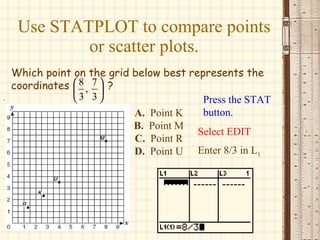
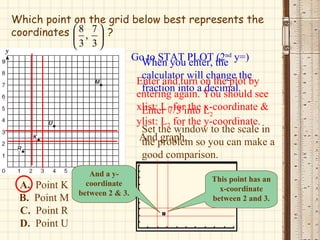
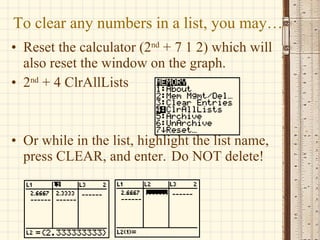
- Clearing lists using "ClrAllLists" or highlighting and clearing
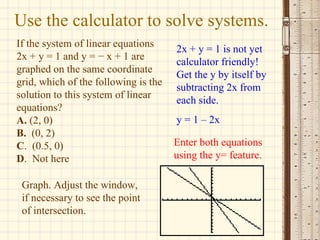
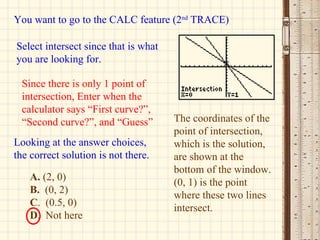
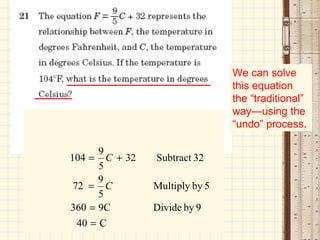
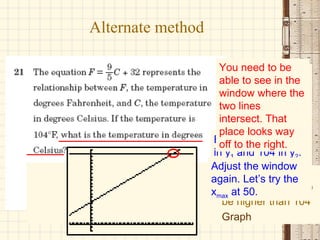
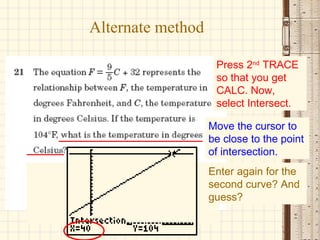
- Using the "Calc" feature to find the intersection point of graphs
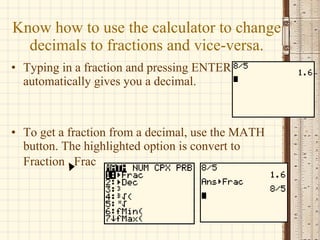
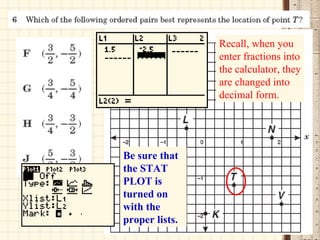
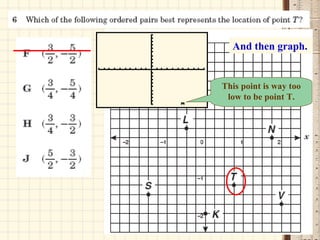
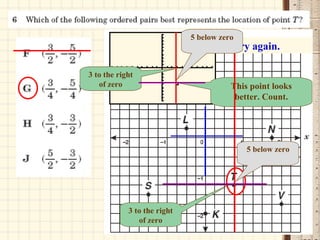
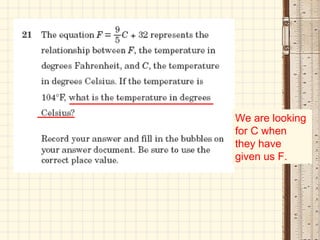
- Converting between decimals and fractions
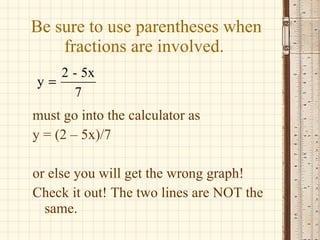
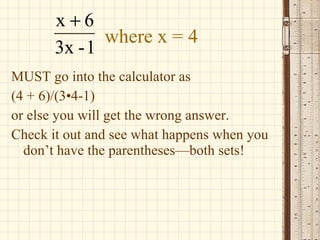
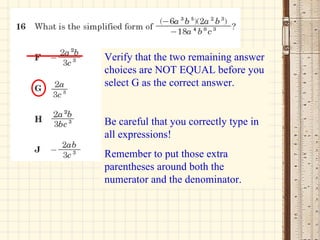
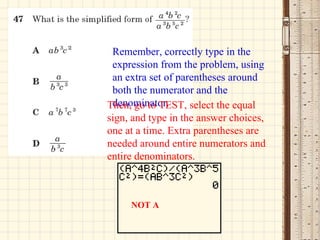
- Ensuring proper use of parentheses with fractions and operations
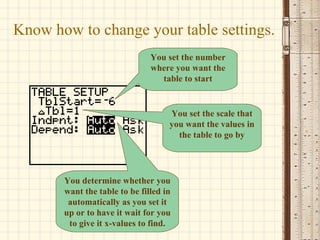
- Changing table settings for starting