www.SunilOS.com 1
C++
www.sunilos.com
www.raystec.com
www.SunilOS.com 2
C++ is a Programming Language
C++ is a programming language.
just like any other primitive language such
as C, Pascal.
It has
o Variables
o Functions
o Data Type
o Control Statement
o Arrays
www.SunilOS.com 3
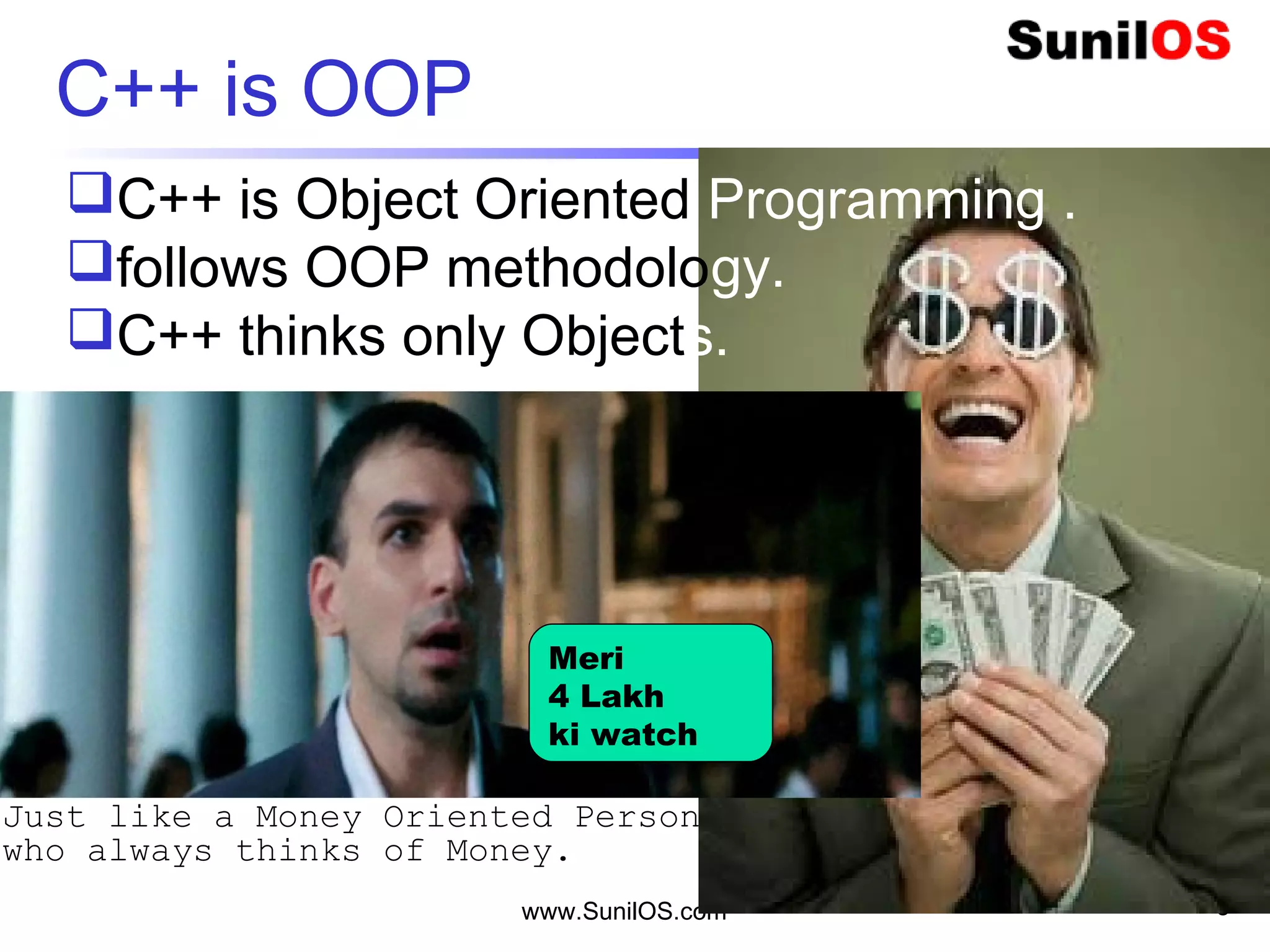
C++ is OOP
3 Idiot
C++ is Object Oriented Programming .
follows OOP methodology.
C++ thinks only Objects.
Meri
4 Lakh
ki watch
Just like a Money Oriented Person
who always thinks of Money.
www.SunilOS.com 4
Basic Unit of C++ is Object
Such as program of
o sum of two numbers is an object
o Fibonacci Series is an object
o SMS Services is an object
o Email Services is an object
o Account Services is an object
Basic unit of C++ is an Object.
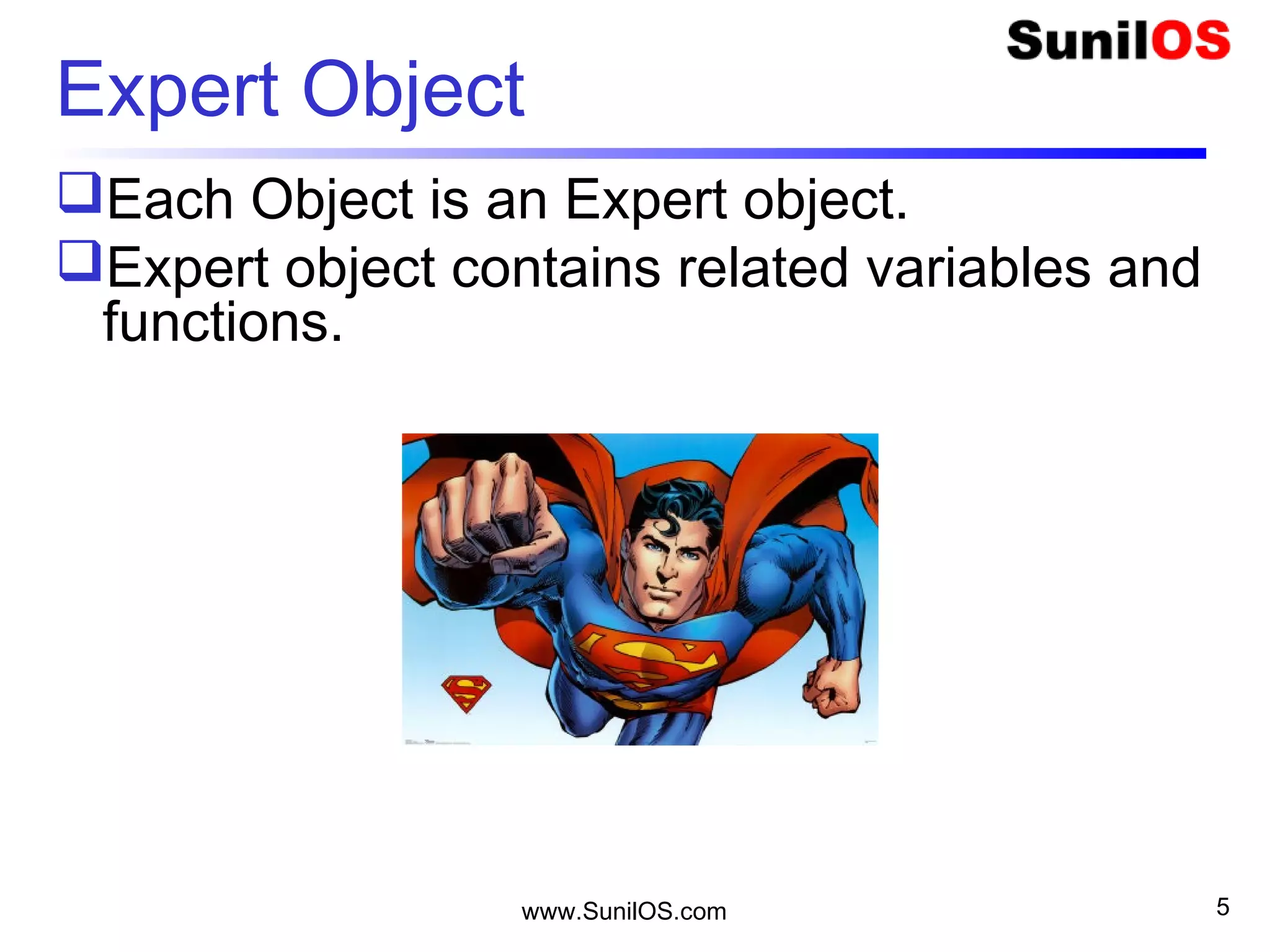
Expert Object
Each Object is an Expert object.
Expert object contains related variables and
functions.
www.SunilOS.com 5
An Expert never overlaps responsibilities
www.SunilOS.com 6
Creator
Preserver
Destroyer
Trimurti
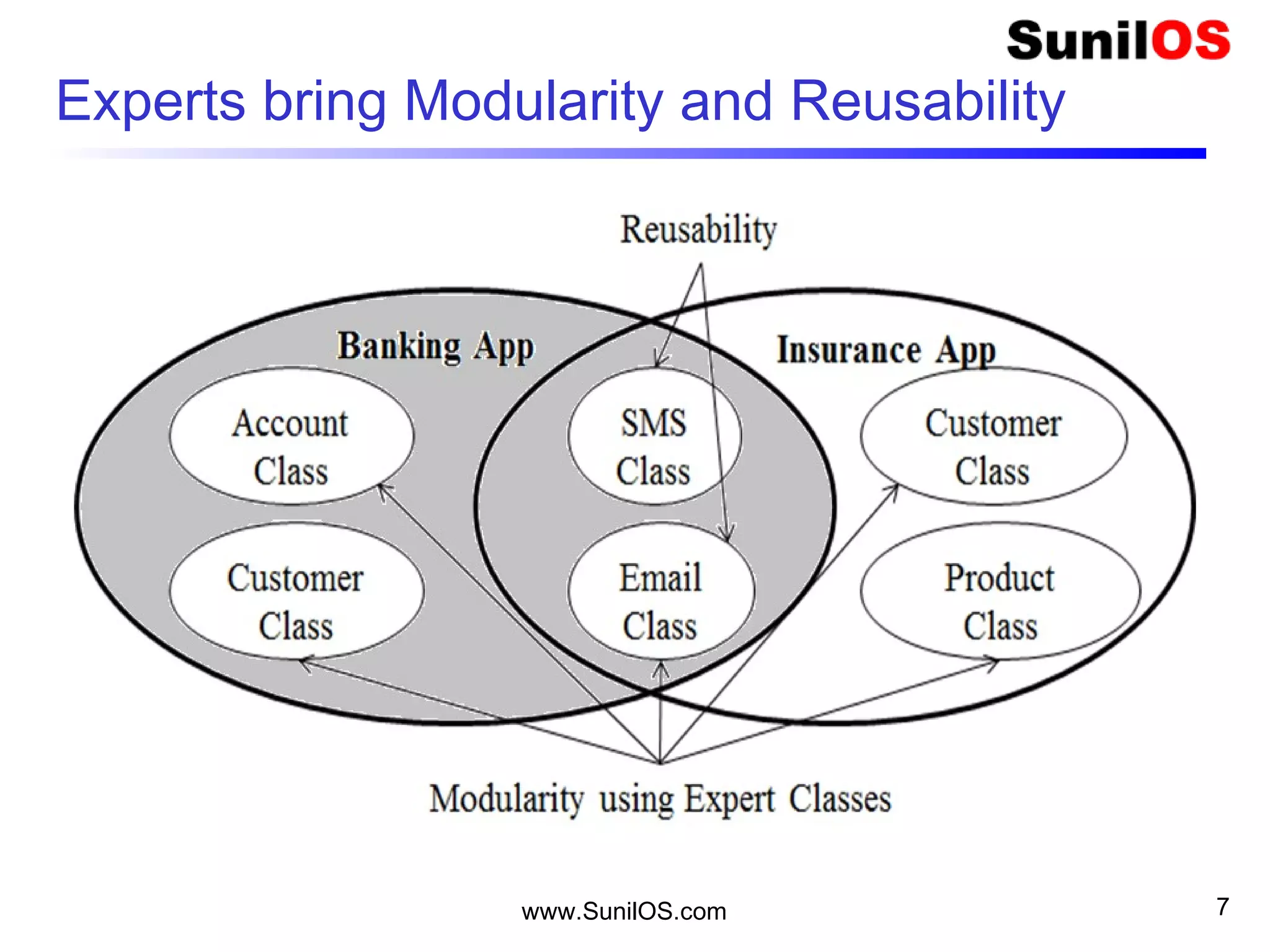
Experts bring Modularity and Reusability
www.SunilOS.com 7
www.SunilOS.com 8
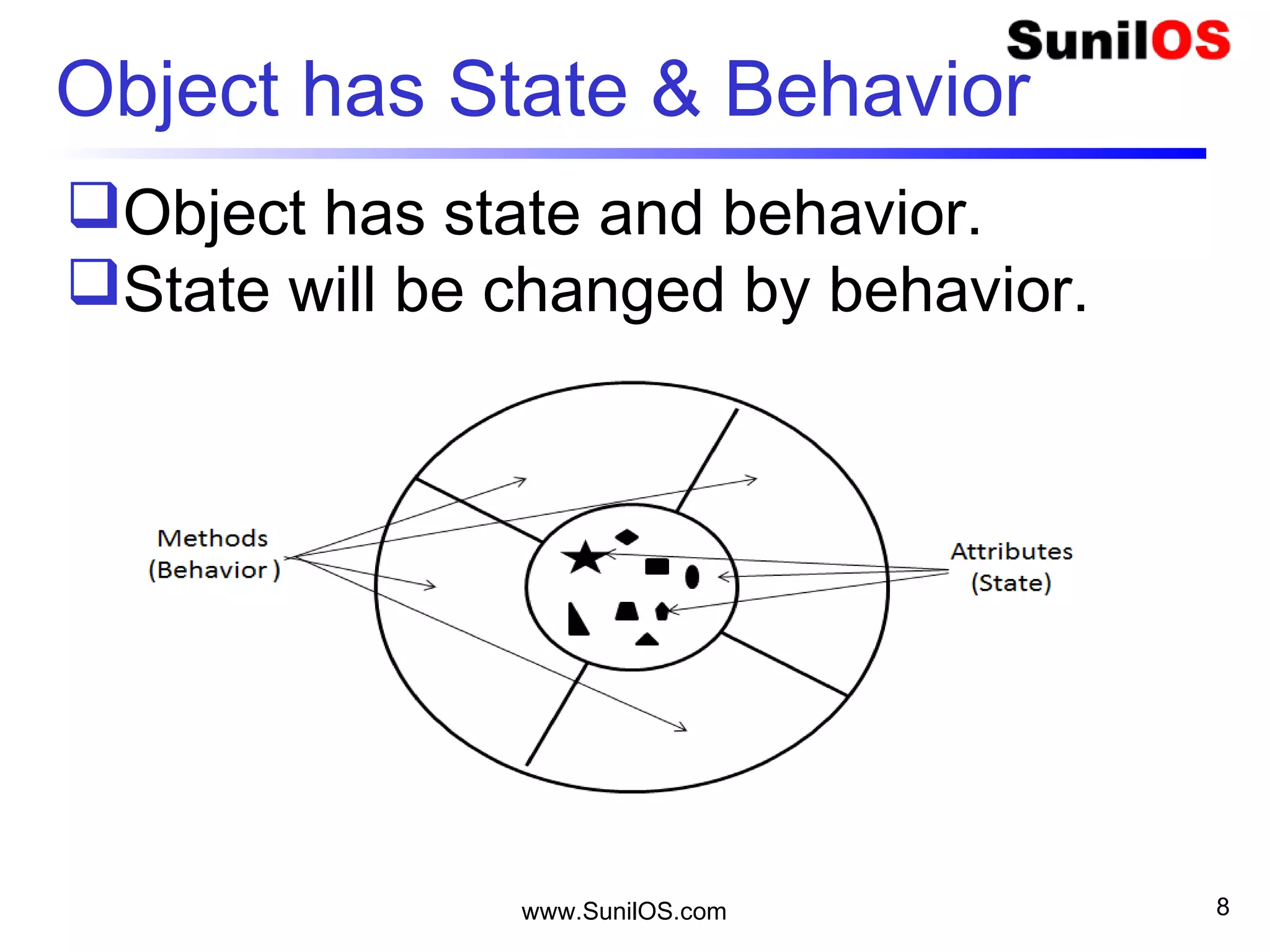
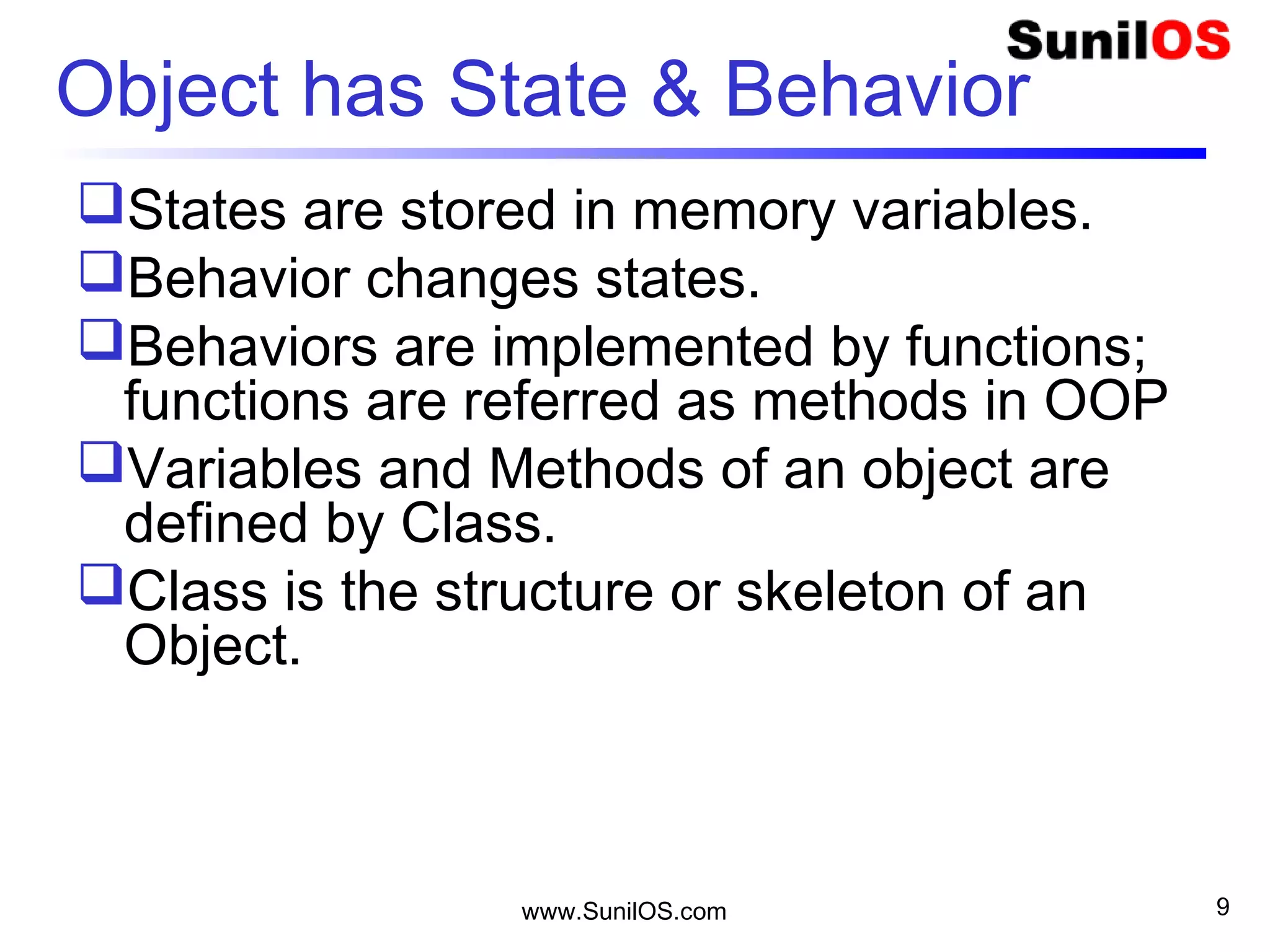
Object has State & Behavior
Object has state and behavior.
State will be changed by behavior.
www.SunilOS.com 9
Object has State & Behavior
States are stored in memory variables.
Behavior changes states.
Behaviors are implemented by functions;
functions are referred as methods in OOP
Variables and Methods of an object are
defined by Class.
Class is the structure or skeleton of an
Object.
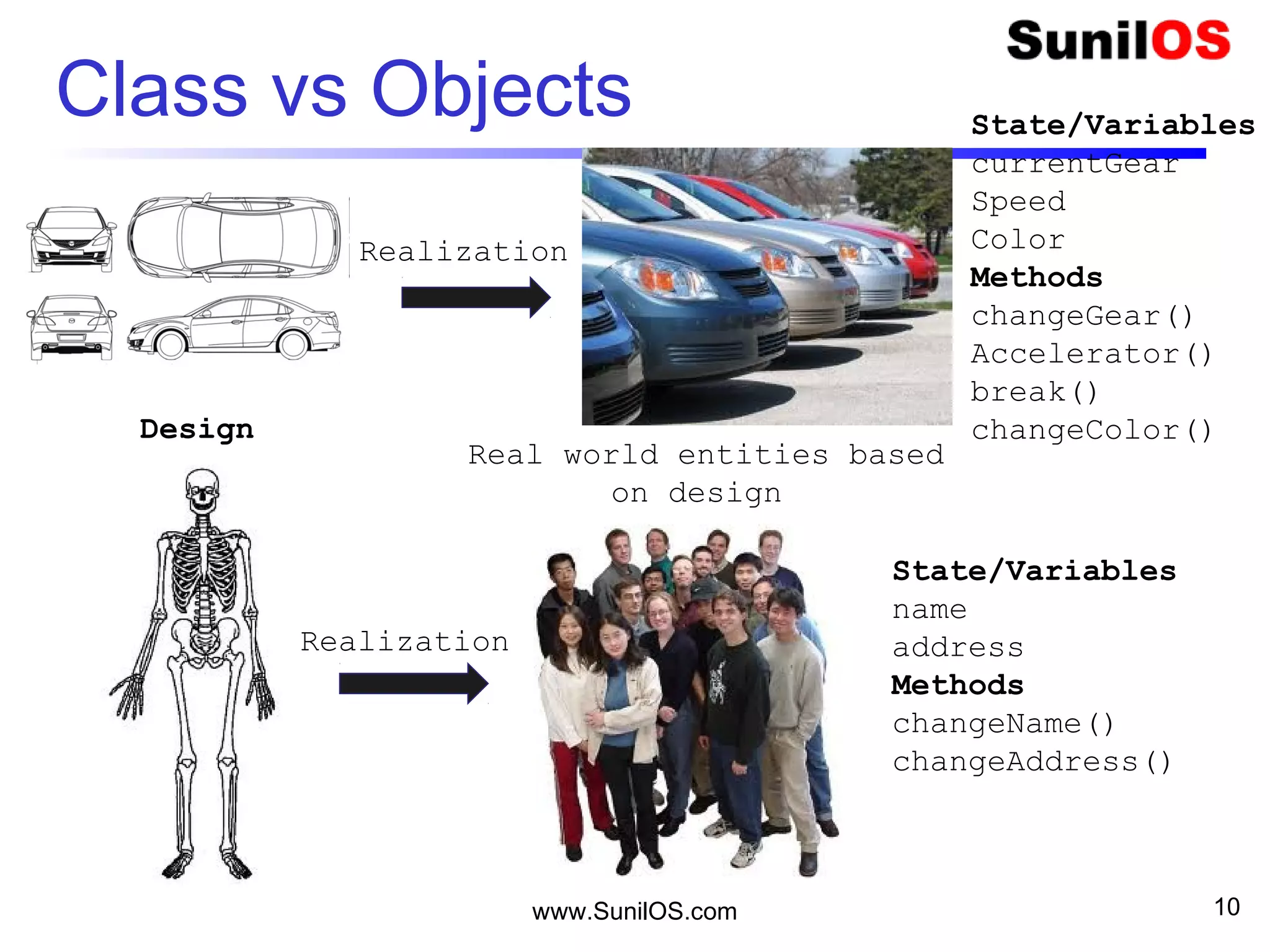
Class vs Objects
www.SunilOS.com 10
Realization
Realization
State/Variables
currentGear
Speed
Color
Methods
changeGear()
Accelerator()
break()
changeColor()
State/Variables
name
address
Methods
changeName()
changeAddress()
Design
Real world entities based
on design
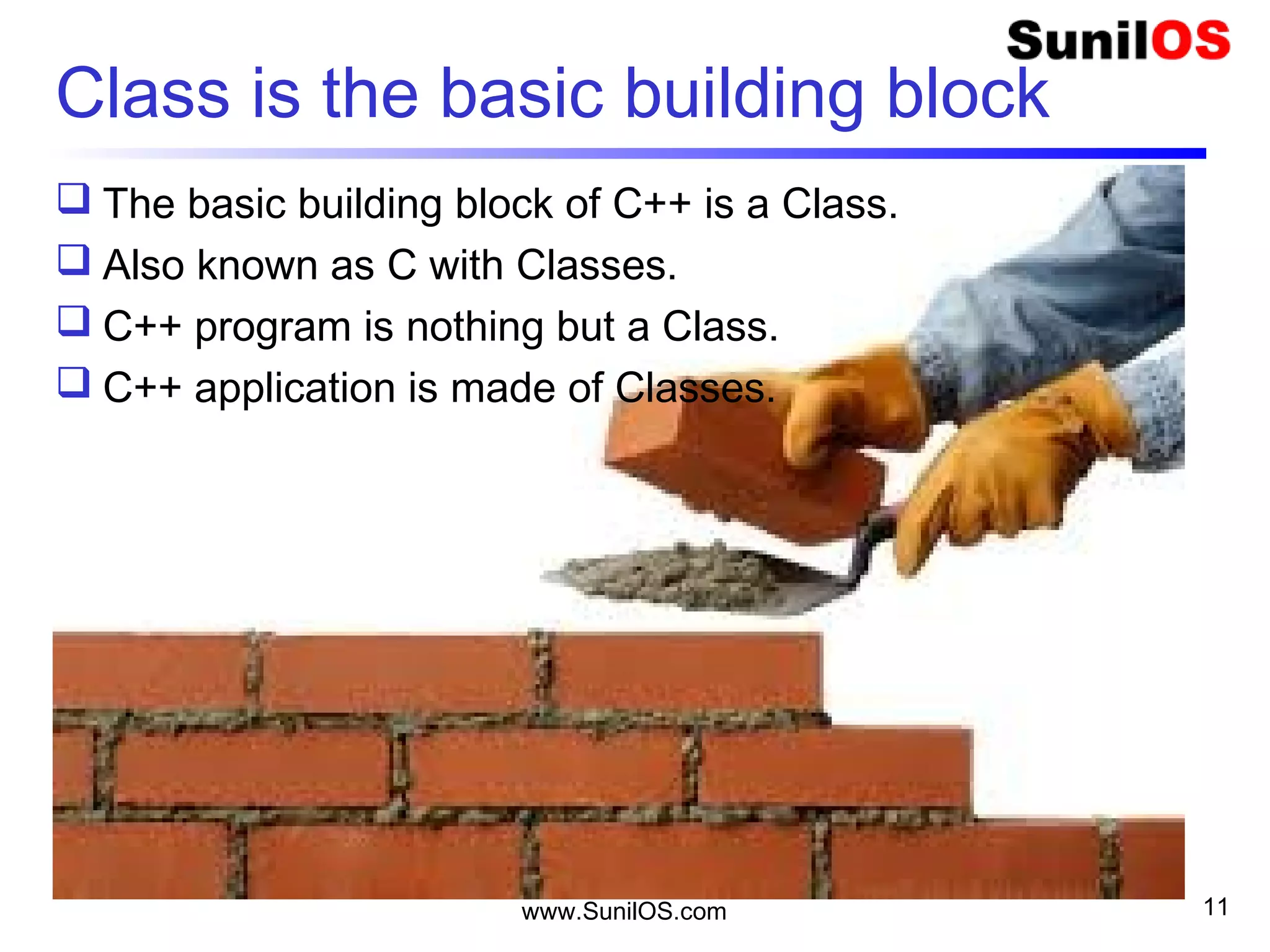
Class is the basic building block
 The basic building block of C++ is a Class.
 Also known as C with Classes.
 C++ program is nothing but a Class.
 C++ application is made of Classes.
www.SunilOS.com 11
www.SunilOS.com 12
Class
Class contains methods and variables.
Variables contain values of type int,
float, bool, char.
Methods perform operations.
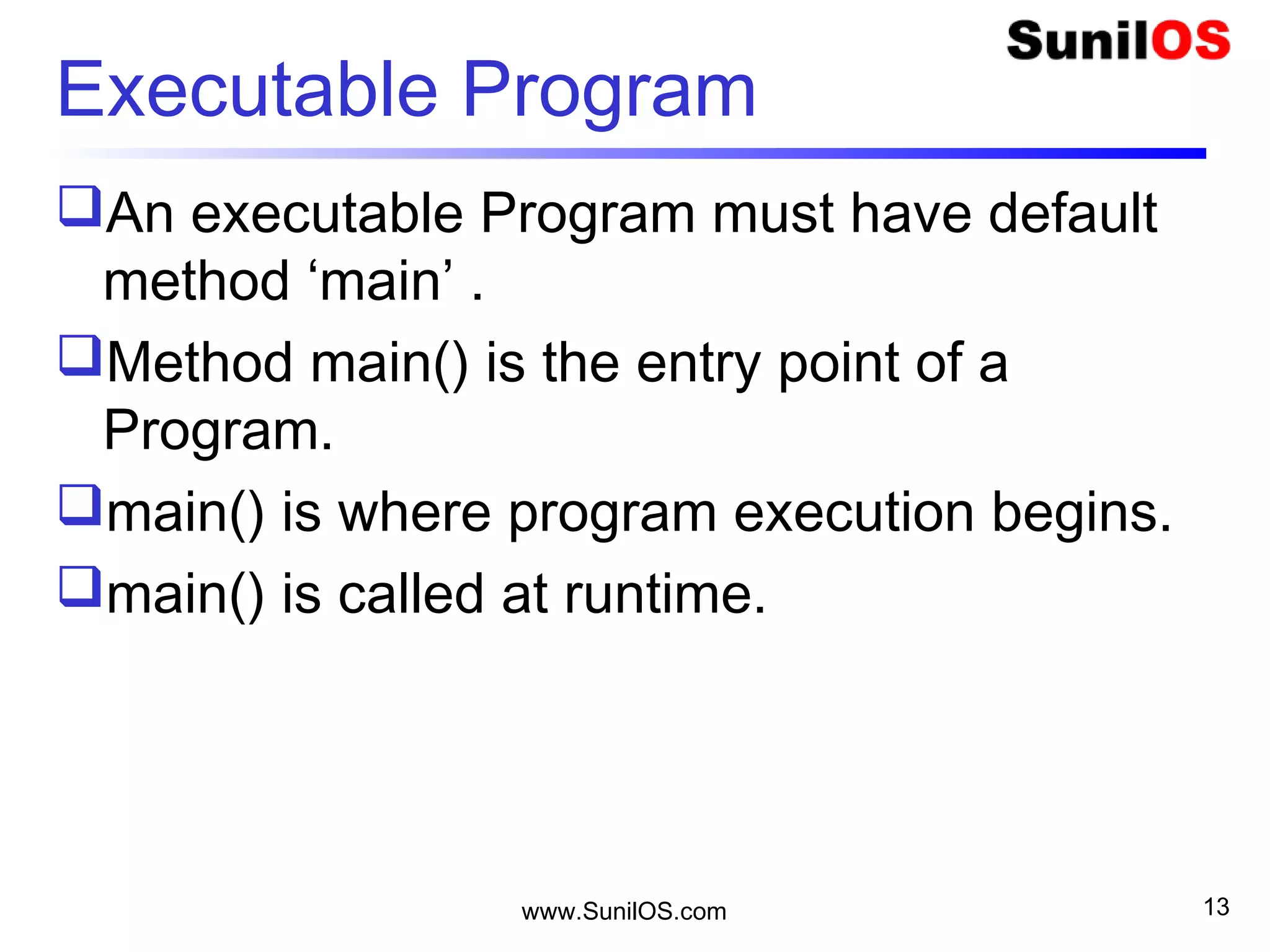
Executable Program
An executable Program must have default
method ‘main’ .
Method main() is the entry point of a
Program.
main() is where program execution begins.
main() is called at runtime.
www.SunilOS.com 13
www.SunilOS.com 14
Program
Program Structure - Primitive Language
int i = 5 //global variable
void main(){
..
a(5);
}
void a(int k){
int j = 0; //local variable
..
}
www.SunilOS.com 15
Primitive Language Library
Library
Program 1 Program 2
Program 3 Program 4
 Library is made of multiple reusable programs.
www.SunilOS.com 16
C++ Application
ApplicationApplication
Library 1 Library 2
Library 3 Library 4
 Application is made of multiple libraries
www.SunilOS.com 17
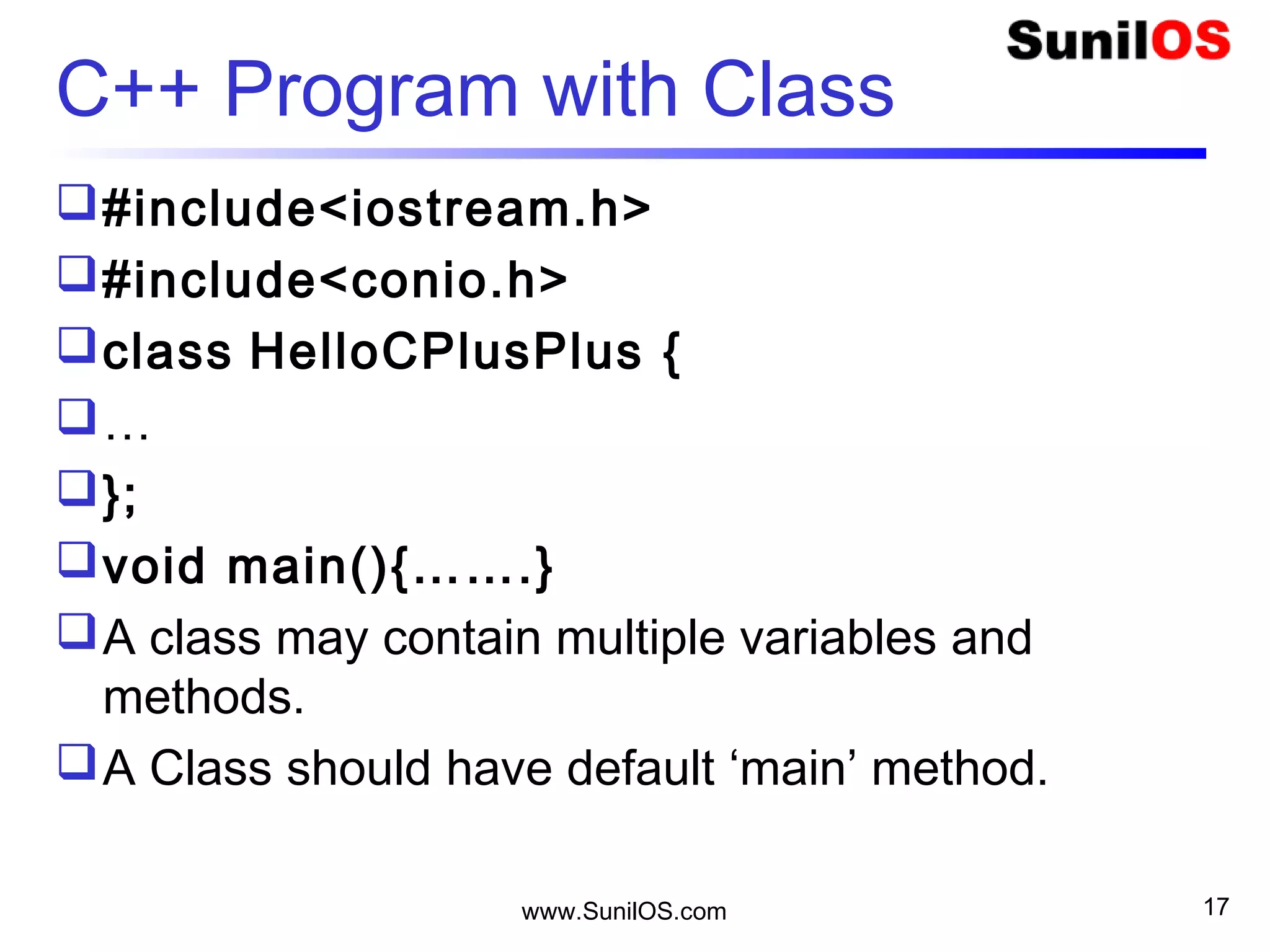
C++ Program with Class
#include<iostream.h>
#include<conio.h>
class HelloCPlusPlus {
…
};
void main(){…….}
A class may contain multiple variables and
methods.
A Class should have default ‘main’ method.
www.SunilOS.com 18
My First Program – Hello C++
#include<iostream.h>
#include<conio.h>
void main()
{
clrscr();
cout<<“Hello C++”;
getch();
}
www.SunilOS.com 19
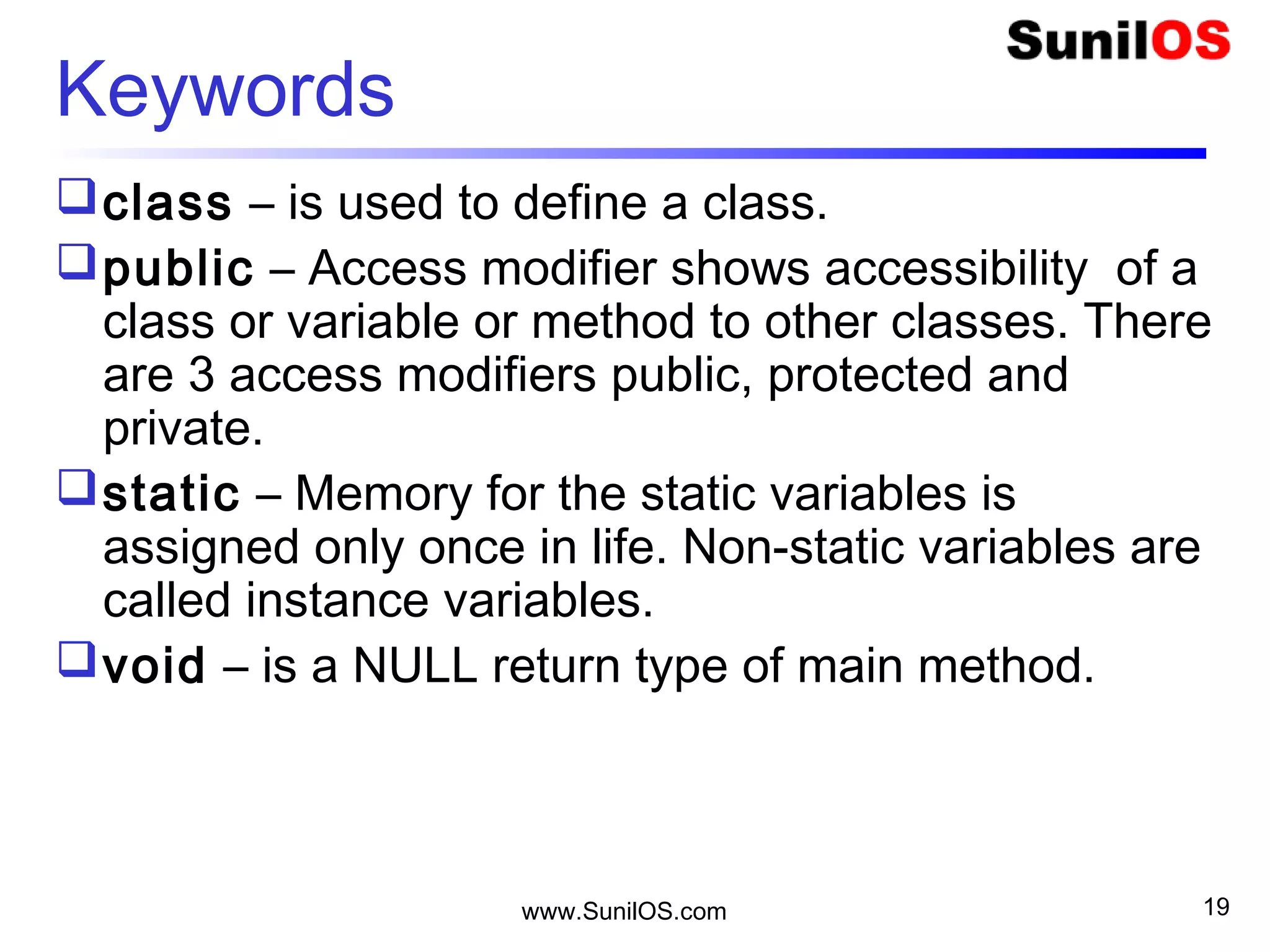
Keywords
class – is used to define a class.
public – Access modifier shows accessibility of a
class or variable or method to other classes. There
are 3 access modifiers public, protected and
private.
static – Memory for the static variables is
assigned only once in life. Non-static variables are
called instance variables.
void – is a NULL return type of main method.
www.SunilOS.com 20
Methods & Header Files
cout console output is used to write output at
standard device.
getch() method is used to get character.
clrscr() is used to clear console screen
clrscr() and getch() both are predefined function in
"conio.h" (console input output header file).
“iostream.h” Header that defines the standard
input/output stream objects:
www.SunilOS.com 21
Compile & Run Program
Save program by .cpp extension
Compile program by
o ALT+f9
Execute program by
o CTL+f9
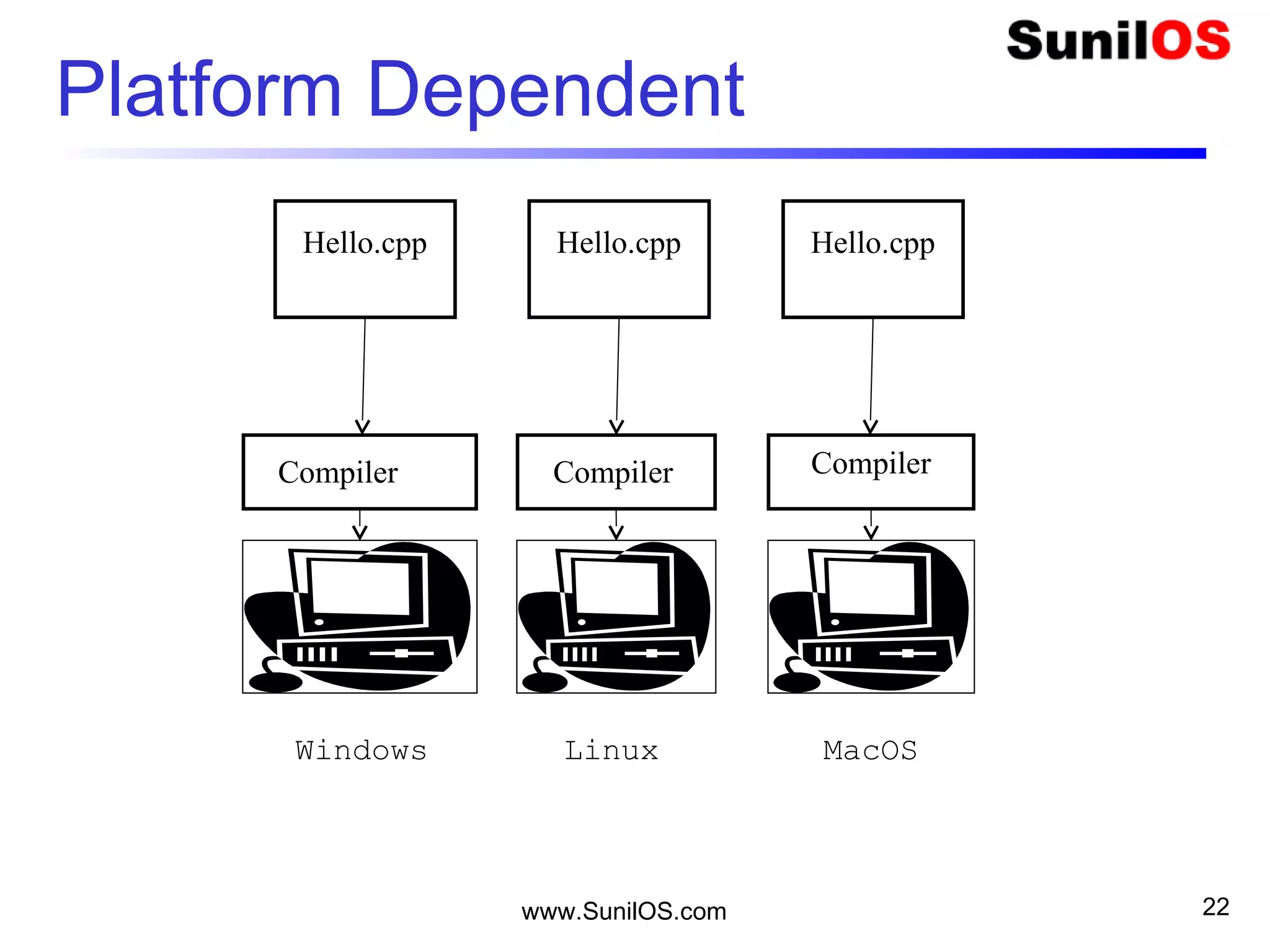
Platform Dependent
www.SunilOS.com 22
Linux
Hello.cpp
Compiler
MacOSWindows
Hello.cpp Hello.cpp
CompilerCompiler
COUT & CIN
cout is used to print output at console.
cout<<“Enter Your Age”;
cin is used to get the data from console.
cin>>age;
Extraction operator >>
Insertion operator <<
www.SunilOS.com 23
www.SunilOS.com
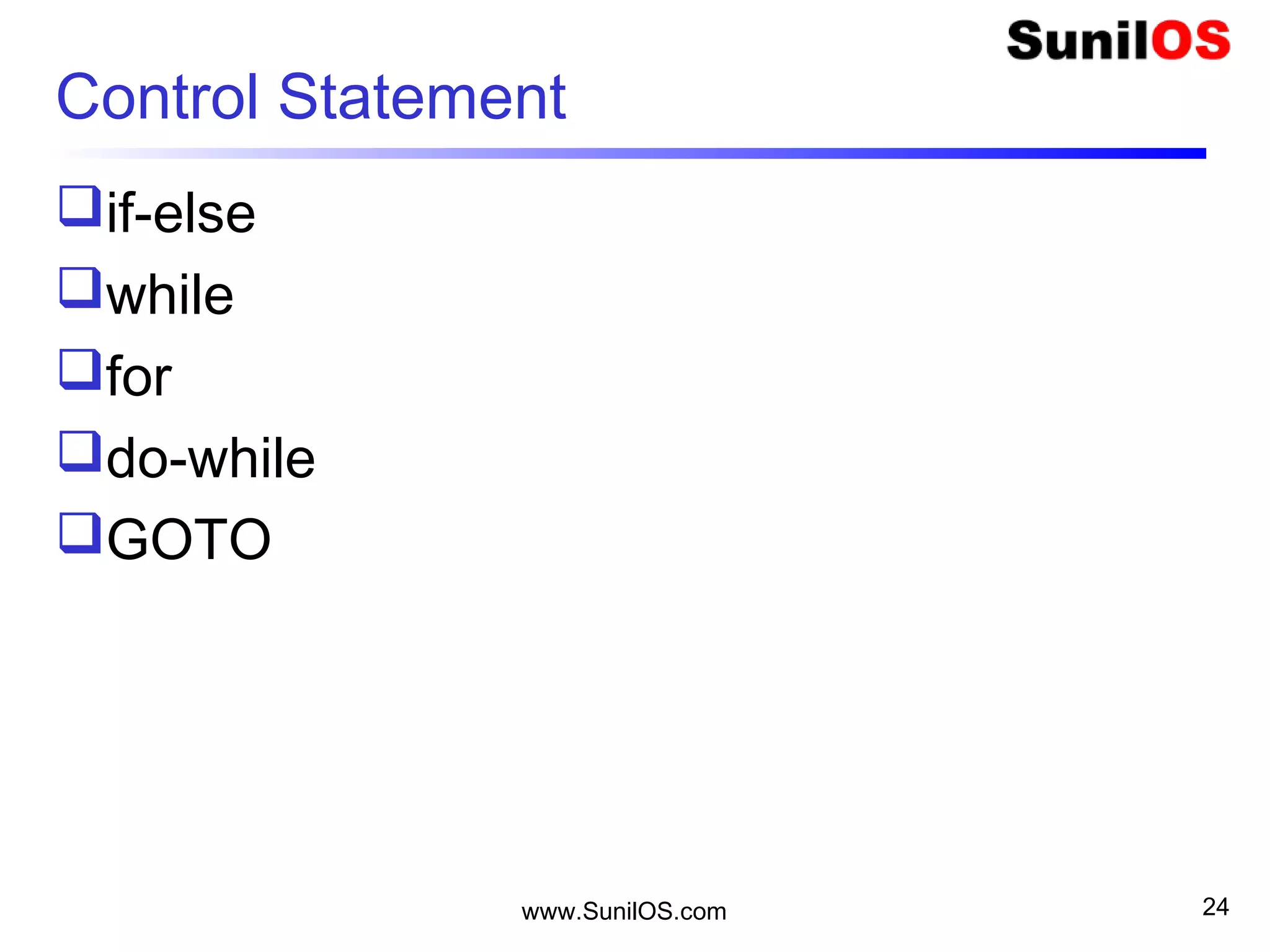
Control Statement
if-else
while
for
do-while
GOTO
24
www.SunilOS.com
While Loop
25
www.SunilOS.com
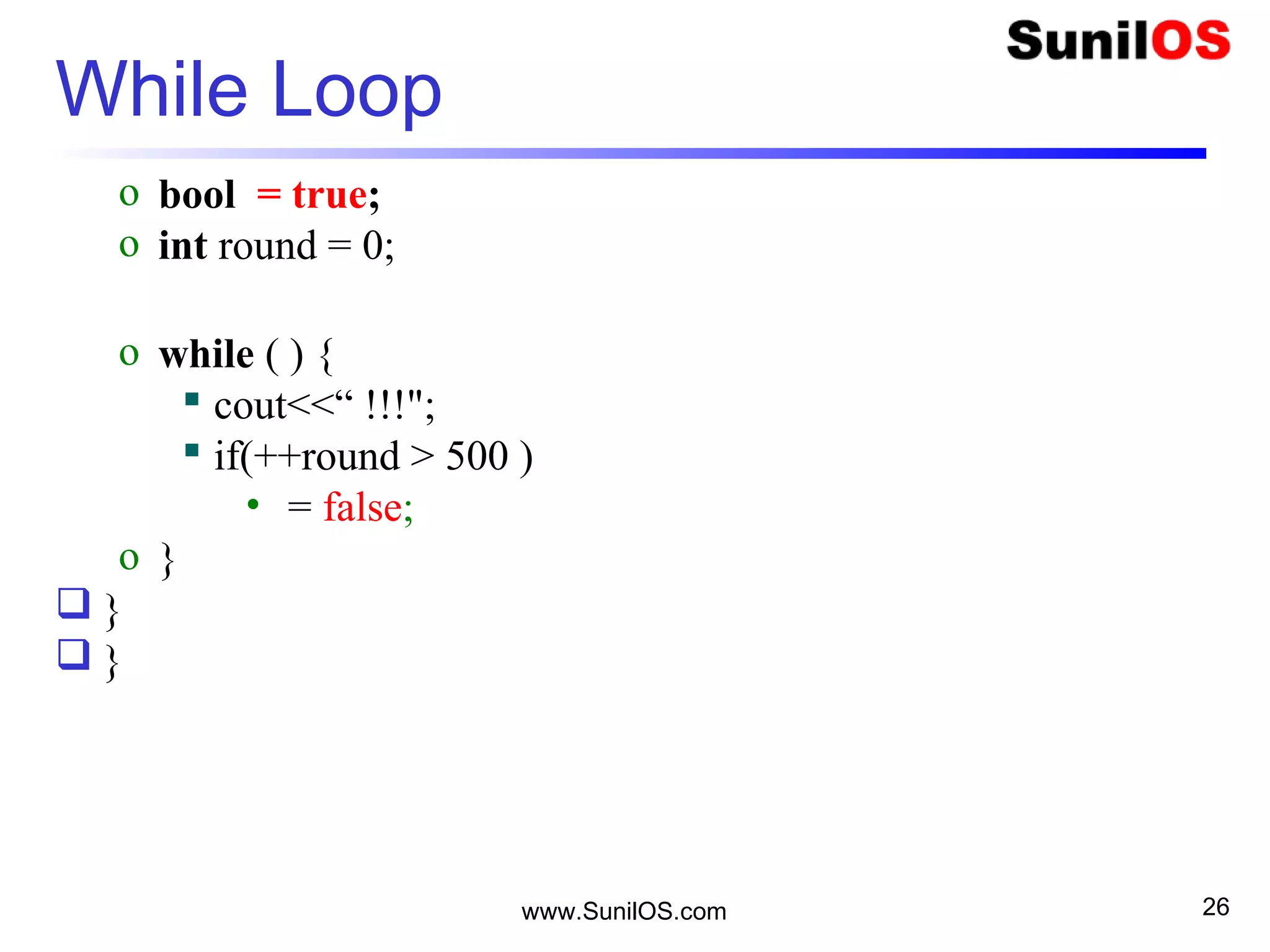
While Loop
o bool = true;
o int round = 0;
o while ( ) {
 cout<<“ !!!";
 if(++round > 500 )
• = false;
o }
 }
 }
26
www.SunilOS.com
For Loop
₹10 for 5 shots
How Much?
Okay!!
27
 void main()
 {
 int shot;
o for (shot=1; shot <= 5; shot++)
o {
o cout<<“Shot Balloon” ;
o }
 }
www.SunilOS.com
For Loop – Five shots
28
www.SunilOS.com 29
Print Hello C++ 5 times - while
void main() {
o int i = 0;
o while (i < 5) {
 cout<<“Hello C++";
 i++; // i = i+1
o }
}
www.SunilOS.com 30
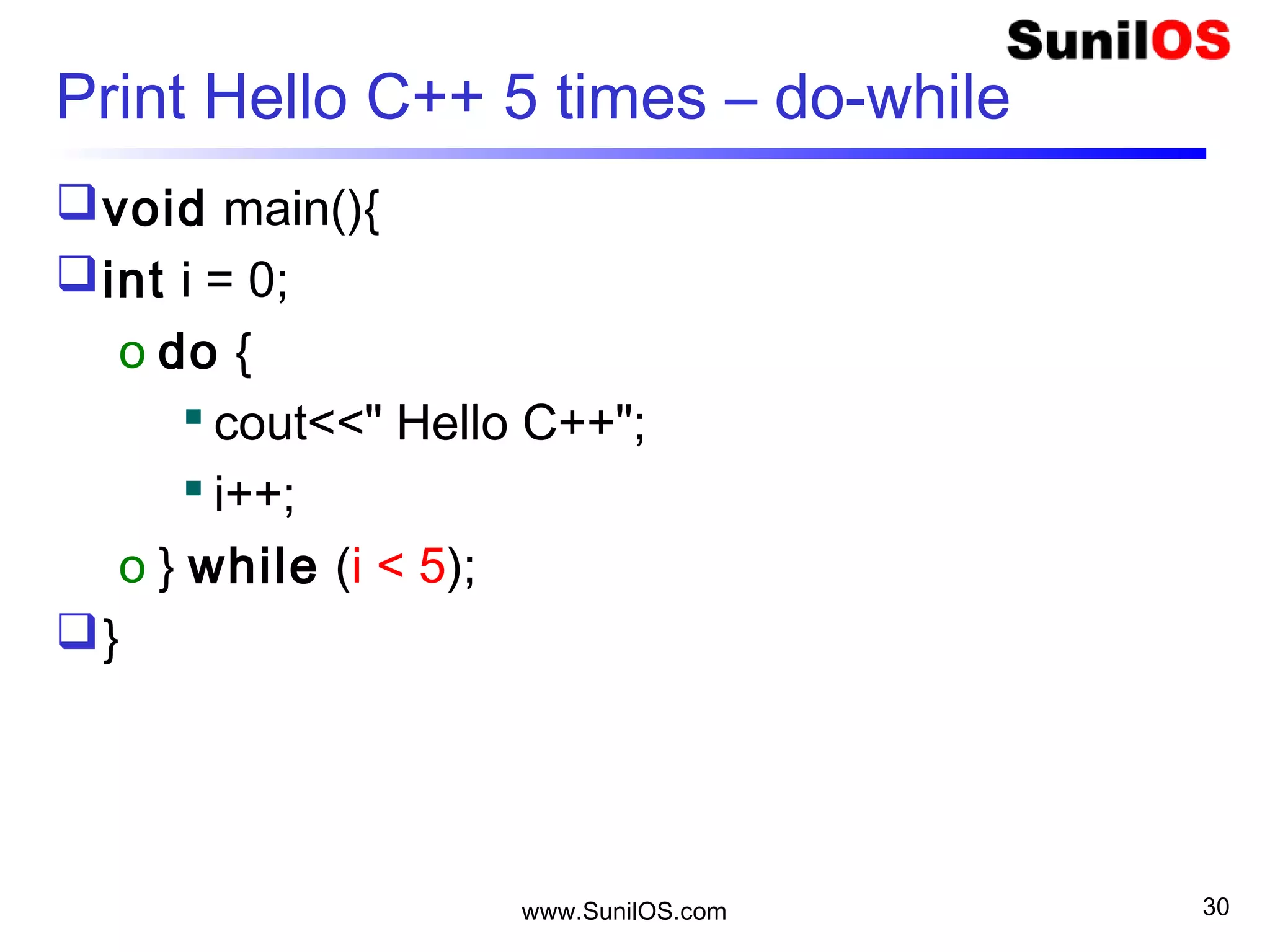
Print Hello C++ 5 times – do-while
void main(){
int i = 0;
o do {
 cout<<" Hello C++";
 i++;
o } while (i < 5);
}
www.SunilOS.com 31
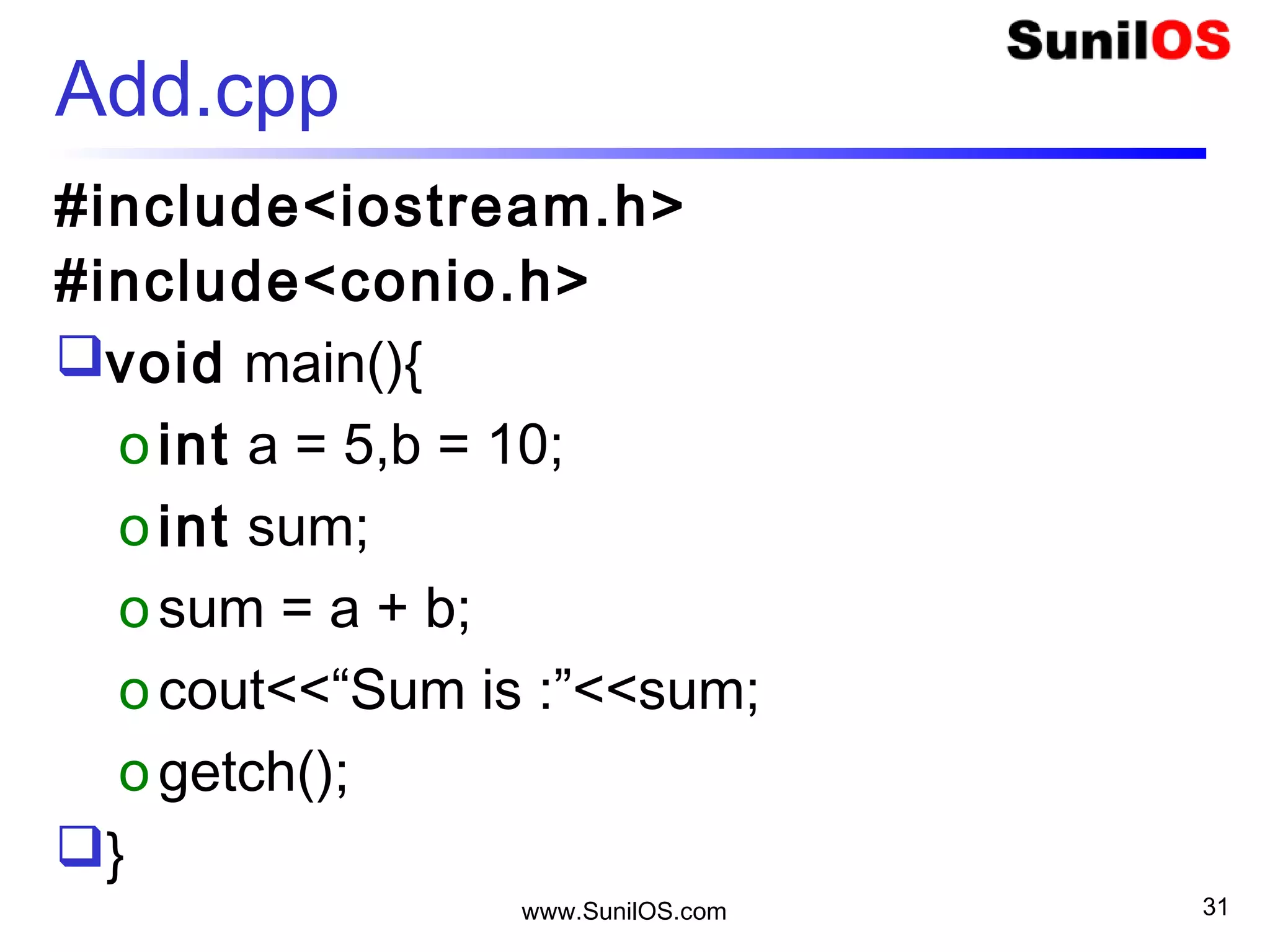
Add.cpp
#include<iostream.h>
#include<conio.h>
void main(){
oint a = 5,b = 10;
oint sum;
osum = a + b;
ocout<<“Sum is :”<<sum;
ogetch();
}
www.SunilOS.com 32
C++ Data Types
Data Types:
o bool true or false
o char 1 byte
o int 4 byte
o float 4 byte
o double 8 byte
o short int 2 byte
o long int 8 byte
o wchar_t 4 byte (wide character)
extern
extern keyword is used to declare a variable
at any place.
Though you can declare a variable multiple
times in your C++ program
It can be defined only once in a file, a
function or a block of code.
www.SunilOS.com 33
extern int a, b;
extern int c;
extern float f;
int main () {
// Variable definition:
int a, b; int c; float f;
// actual initialization
a = 10; b = 20;
c = a + b;
}
www.SunilOS.com 34
Comments
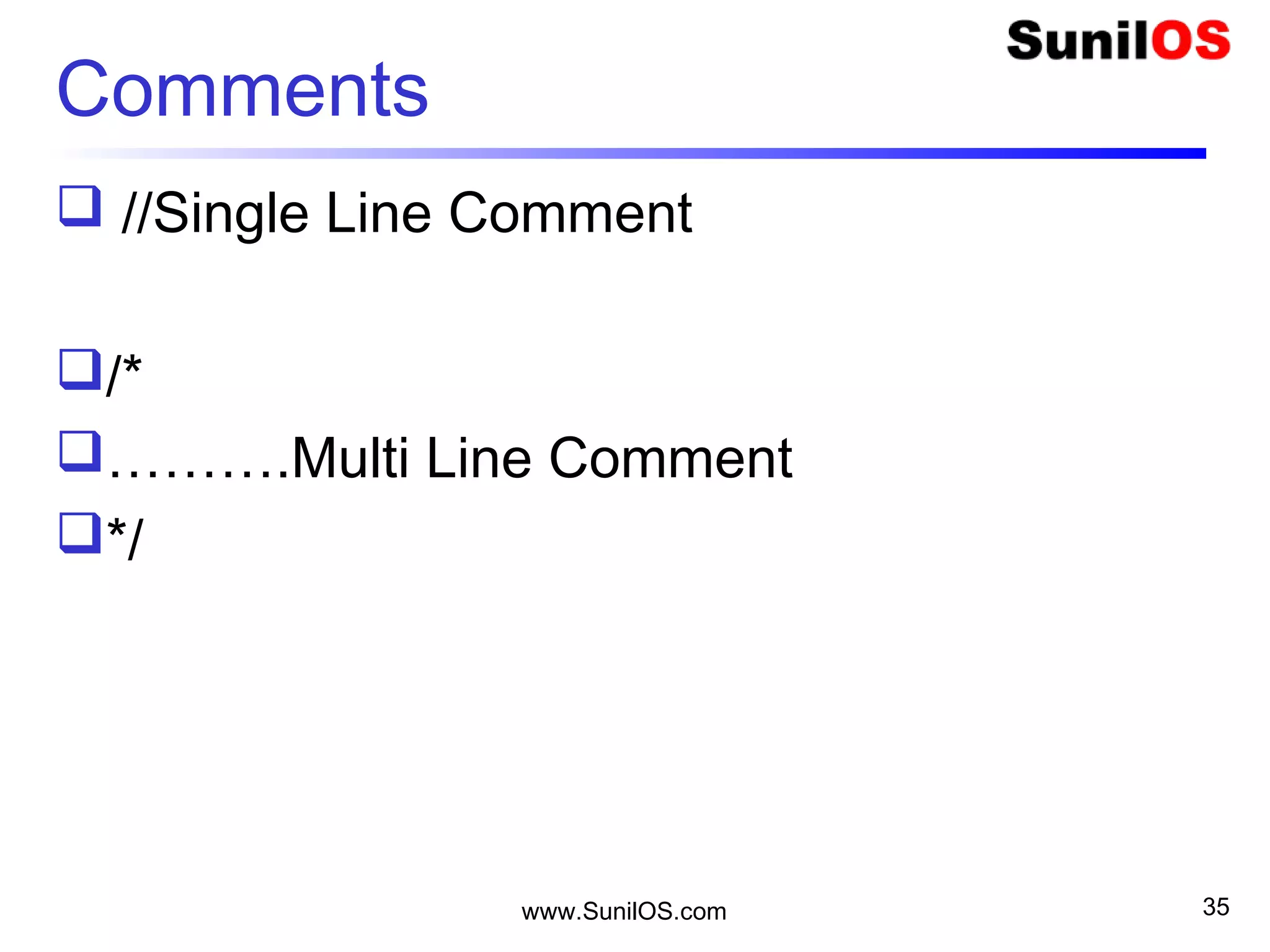
 //Single Line Comment
/*
……….Multi Line Comment
*/
www.SunilOS.com 35
Constant
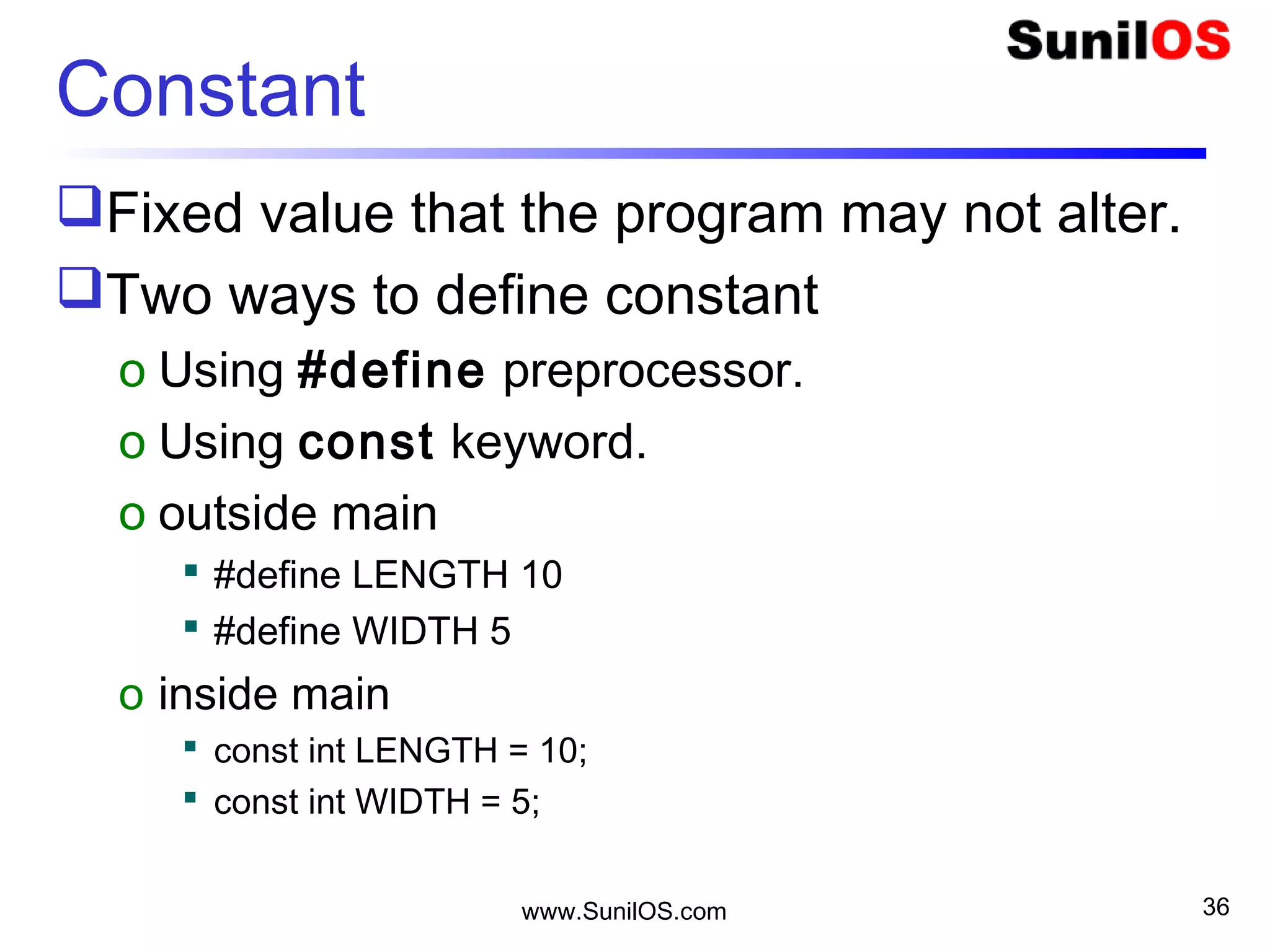
Fixed value that the program may not alter.
Two ways to define constant
o Using #define preprocessor.
o Using const keyword.
o outside main
 #define LENGTH 10
 #define WIDTH 5
o inside main
 const int LENGTH = 10;
 const int WIDTH = 5;
www.SunilOS.com 36
www.SunilOS.com 37
String.h
Create a String “Hello”;
char name[6] = { ‘V’ , ’i’ , ’j’ , ’a’ , ’y’ , ’0’ };
char name[6] = “Vijay”;
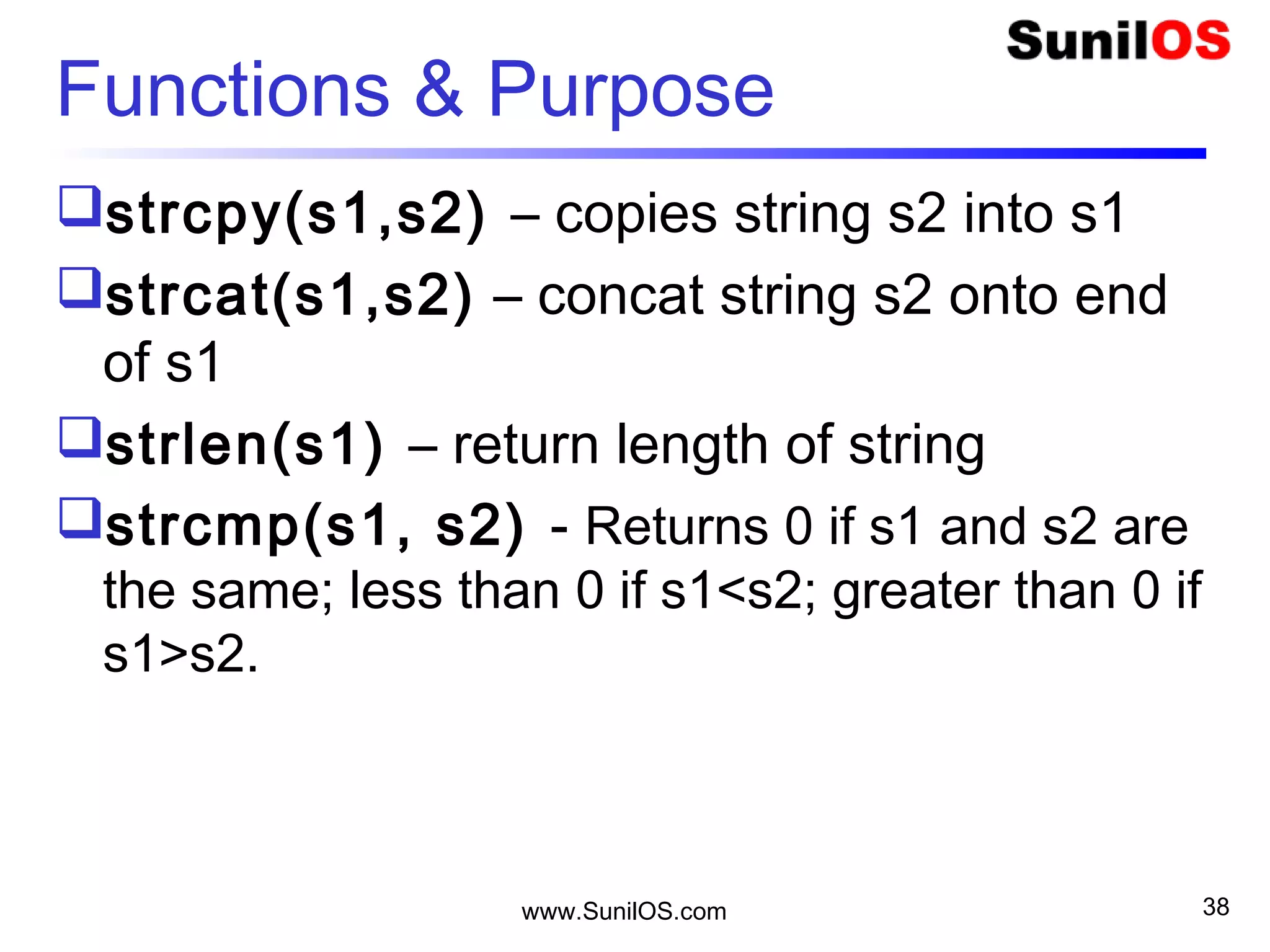
Functions & Purpose
strcpy(s1,s2) – copies string s2 into s1
strcat(s1,s2) – concat string s2 onto end
of s1
strlen(s1) – return length of string
strcmp(s1, s2) - Returns 0 if s1 and s2 are
the same; less than 0 if s1<s2; greater than 0 if
s1>s2.
www.SunilOS.com 38
www.SunilOS.com 39
Math.h
void main(){
oint a = 25;
ocout<<“Square Root ”<<sqrt(a);
ocout<<“Power ”<<pow(2,3);
ocout<<“Power ”<<abs(10);
ocout<<“Ceil ”<<ceil(2.5);
ocout<<“Floor ”<<floor(2.5);
}
www.SunilOS.com 40
10
One Dimension Array
20
[0]
18
..
10
8
6
4
2
[1]
[8]
[9]
[2]
[3]
[4]
[n]
length
int table[10];
www.SunilOS.com 41
10
Initialize an Array
20
[0]
18
..
10
8
6
4
2
[1]
[8]
[9]
[2]
[3]
[4]
[n]
length
int table[10] ;
table[0] =2;
table[1] =4;
….
Or
int table[] =
{2,4,6,8,10,12,14,16,18,20};
www.SunilOS.com 42
Other Data Type Arrays
char chList[10] ;
chList[0] = ‘A’….
o Or
char chList[] = {‘A’,’B’,’C’,’D’,’E’}
double douList[10] ;
douList[0] = 2.5….
o Or
double douList [] = {2.5 , 5.6 , 8.6 , 8.2}
www.SunilOS.com 43
One Dimension Array
int table[10];
table[0] =2;
table[1] =4;
......
table[1] =20;4B
10
[0]
[1]
[9]
length
2
4
20
1000
1000
table
www.SunilOS.com 44
10length
2D Array
[0]
20
18
..
10
8
6
4
2
[1]
[8]
[9]
[2]
[3]
[4]
[n]
30
27
..
15
12
9
6
3
40
36
..
20
16
12
8
4
90
81
..
45
36
27
18
9
100
90
..
50
40
30
20
10
…
[0] [1] [2] [7] [8]
9
9
..
9
9
9
9
9
www.SunilOS.com 45
int table[5][5];
table
1010
1000
1000
1011
1111
1010
1011
1111
www.SunilOS.com 46
Define an Array
int table[10][9];
table[1][5] = 5;
Passing function to array
o void functionName(int array_name[5]){
…………
…………
o }
Pointers
Pointer is a variable whose value is the
address of another variable.
Pointer Variable declaration
o datatype *var_name;
o int *ip;
 It stores the address of variable.
www.SunilOS.com 47
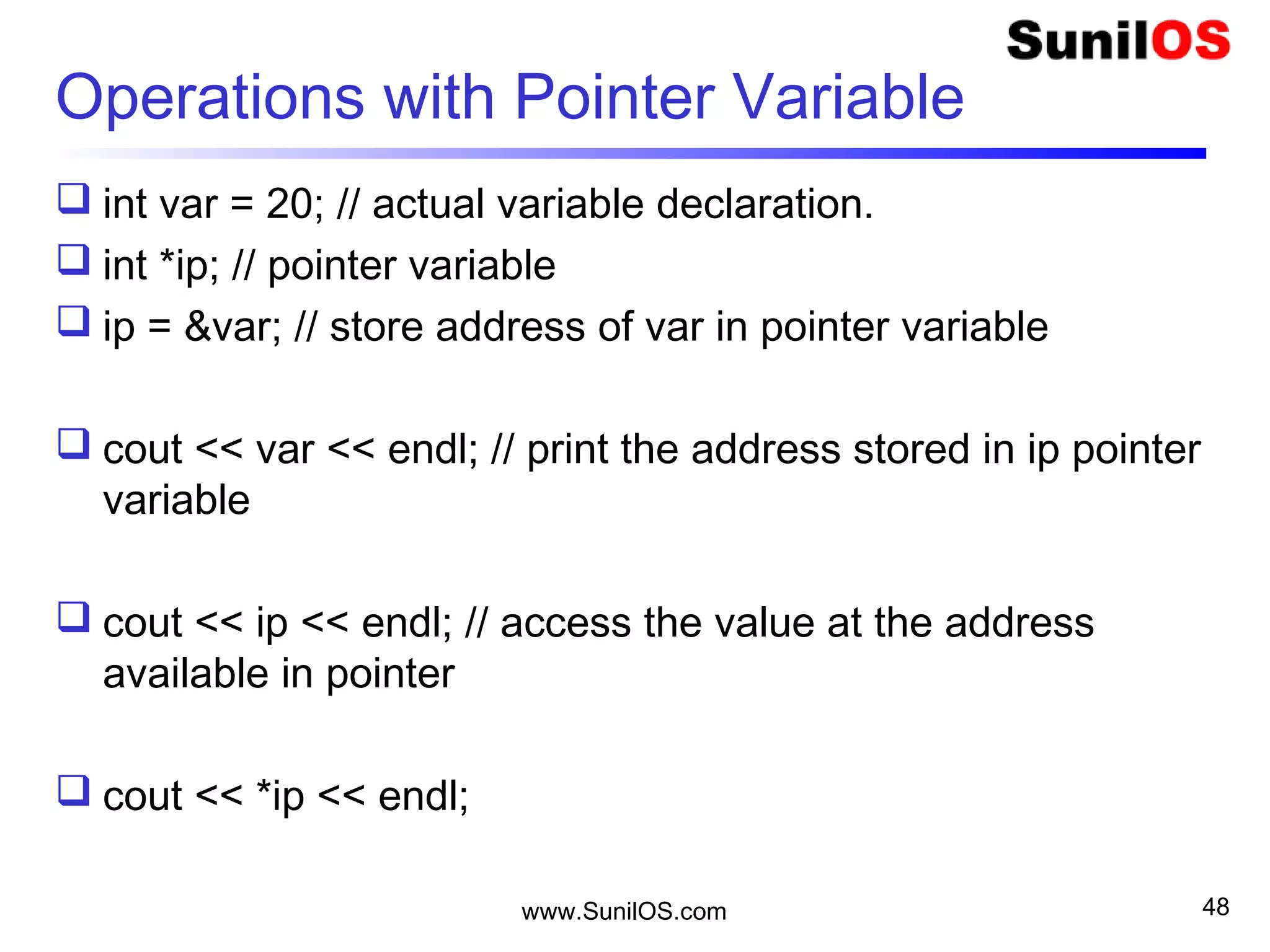
Operations with Pointer Variable
 int var = 20; // actual variable declaration.
 int *ip; // pointer variable
 ip = &var; // store address of var in pointer variable
 cout << var << endl; // print the address stored in ip pointer
variable
 cout << ip << endl; // access the value at the address
available in pointer
 cout << *ip << endl;
www.SunilOS.com 48
www.SunilOS.com 49
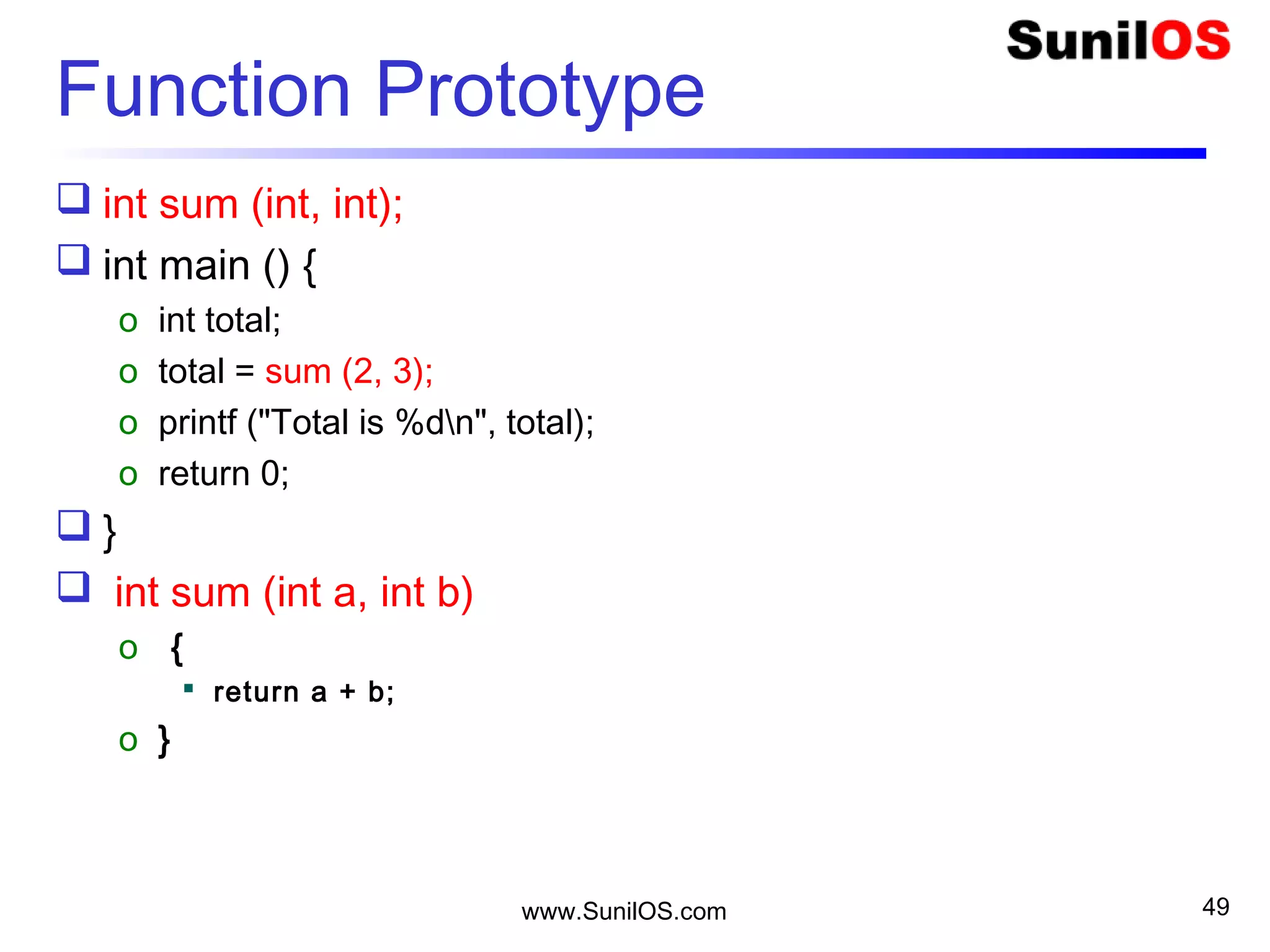
Function Prototype
 int sum (int, int);
 int main () {
o int total;
o total = sum (2, 3);
o printf ("Total is %dn", total);
o return 0;
 }
 int sum (int a, int b)
o {
 return a + b;
o }
www.SunilOS.com 50
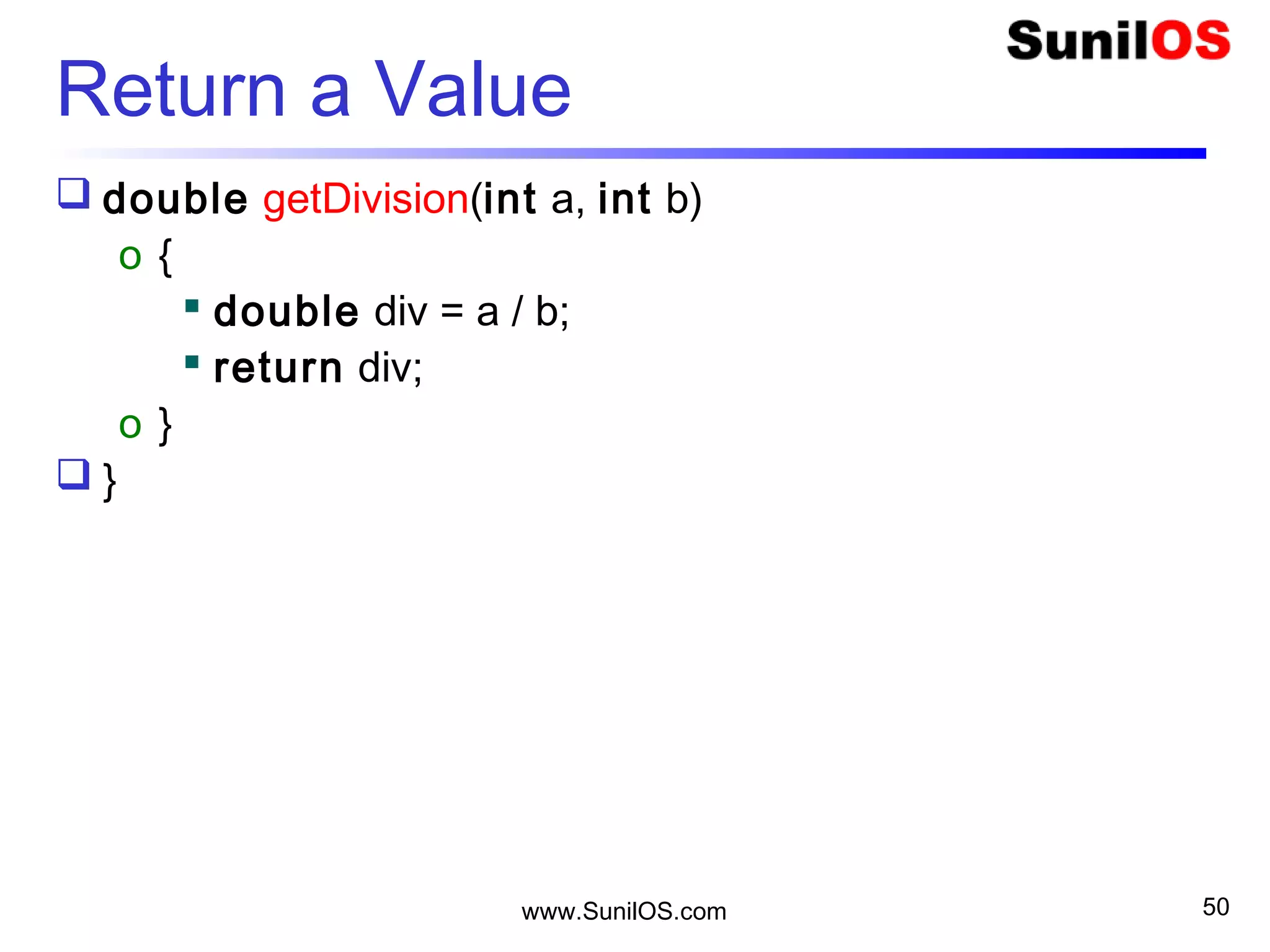
Return a Value
 double getDivision(int a, int b)
o {
 double div = a / b;
 return div;
o }
 }
Disclaimer
This is an educational presentation to enhance the
skill of computer science students.
This presentation is available for free to computer
science students.
Some internet images from different URLs are
used in this presentation to simplify technical
examples and correlate examples with the real
world.
We are grateful to owners of these URLs and
pictures.
www.SunilOS.com 51
Thank You!
www.SunilOS.com 52
www.SunilOS.com

C++