Building and Maintaining  Genealogical Websites NCAPG Meeting, 17 February 2010 Raleigh, NC JORDAN JONES   E-mail:  [email_address] Web:  genealogymedia.com   Blog:  genealogymedia.com/blog/
Agenda Websites for Genealogical Data Websites for Professional Genealogists  How to Build a Website References
Websites for Genealogical Data
Why Build a Genealogical Website? Organizing genealogical information –  Gather and organize the results of research in order to help a researcher or client Sharing genealogical information –  Especially helpful for wide dissemination to family members
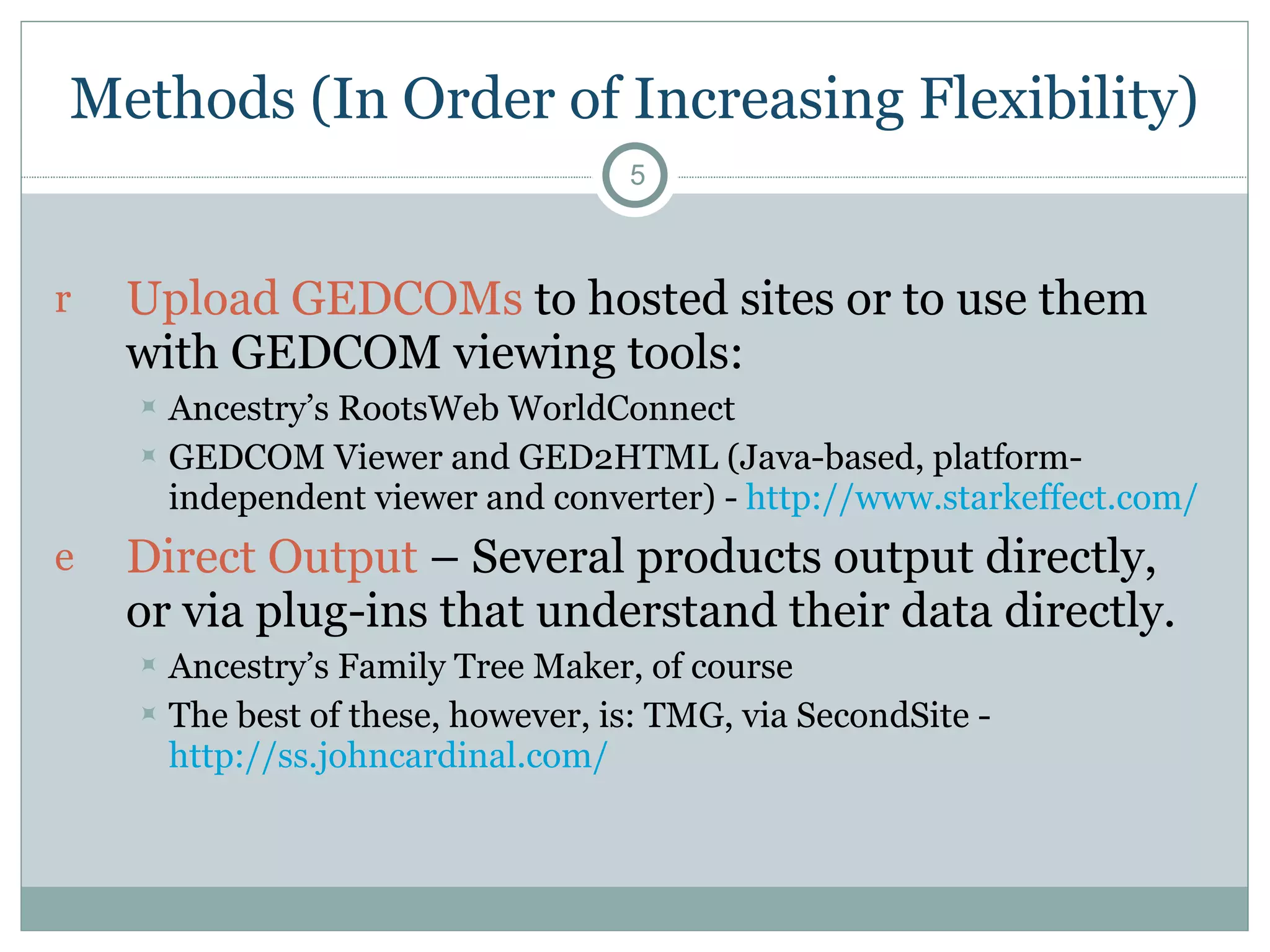
Methods (In Order of Increasing Flexibility) Upload GEDCOMs  to hosted sites or to use them with GEDCOM viewing tools: Ancestry’s RootsWeb WorldConnect  GEDCOM Viewer and GED2HTML (Java-based, platform-independent viewer and converter) -  http://www.starkeffect.com/   Direct Output  – Several products output directly, or via plug-ins that understand their data directly.  Ancestry’s Family Tree Maker, of course The best of these, however, is: TMG, via SecondSite -  http://ss.johncardinal.com/
The Best Method: Native Database Output Several programs allow for management of genealogical data within databases designed for web output: GeneaPro –   http://sourceforge.net/projects/geneapro/   PhpGedView –  http://sourceforge.net/projects/phpgedview/   The Next Generation – TNG –  http://lythgoes.net/genealogy/software.php
BUILD IT YOURSELF, OR FIND A SERVICE? Websites for Professional Genealogists
Why Build a Professional Website? Professionalism:   Websites are signs of professionalism, in genealogy as elsewhere in the culture. Websites are now as essential as business cards. Marketing:   Websites provide effective marketing at low prices, including the development of mailing lists of prospective clients. Education:   Websites can educate your customers and lead to a more rewarding experience for both parties.
Pro Gen  on Websites Pro Gen  (pp. 218-219) suggests asking the following questions before deciding to build a website: Cost:  Can you afford it? Location:  Where will your page be located? Programming:  Will you do it, or will you hire someone else do to it? Links:  Are you willing to spend the time looking for other pages to link to, and vice versa? Content:  What content will your site contain? Commitment:  Are you committed to the site? Market:  Are your potential clients using the web?
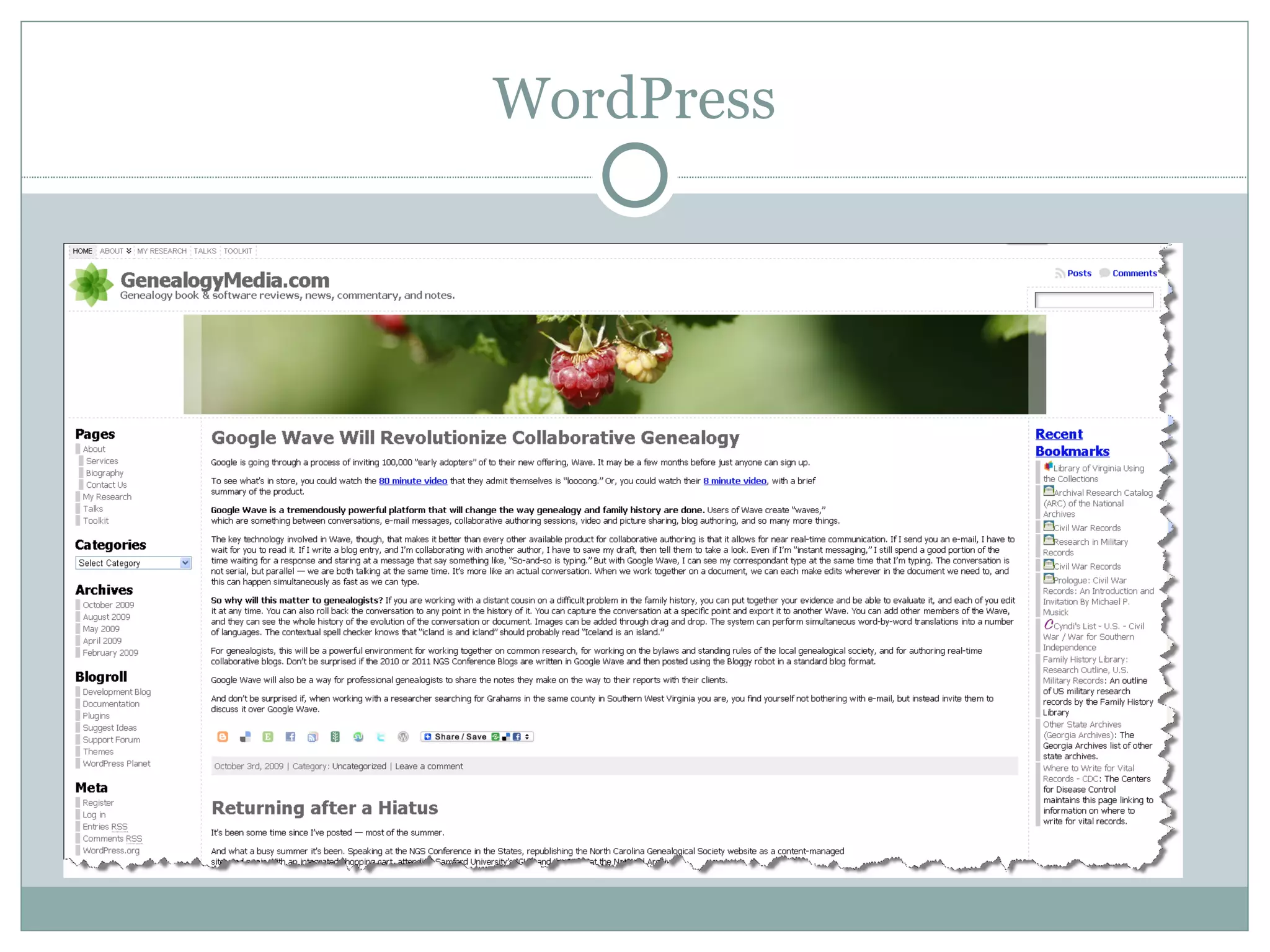
How a Website Helps Market Your Business The website is your hub. Business cards, bills, reports, and letters should point to it. Strategies to consider: Google AdWords  (paid). Drive people to your site based on their searches. E-mail Newsletters  (free or paid, $15-$30 a month).  Opt-in with links on your site. For example:  www.constantcontact.com . Social networking and sharing  (free or paid). LibraryThing, LinkedIn, Flickr,  Delicious,   Blogger,  Facebook, Twitter  Samples Nothing demonstrates the quality of your work like a sample Blogging Tools such as  WordPress  allow you to create dynamic websites E-Commerce Amazon  and others allow you to affiliate, or easily set up your own store
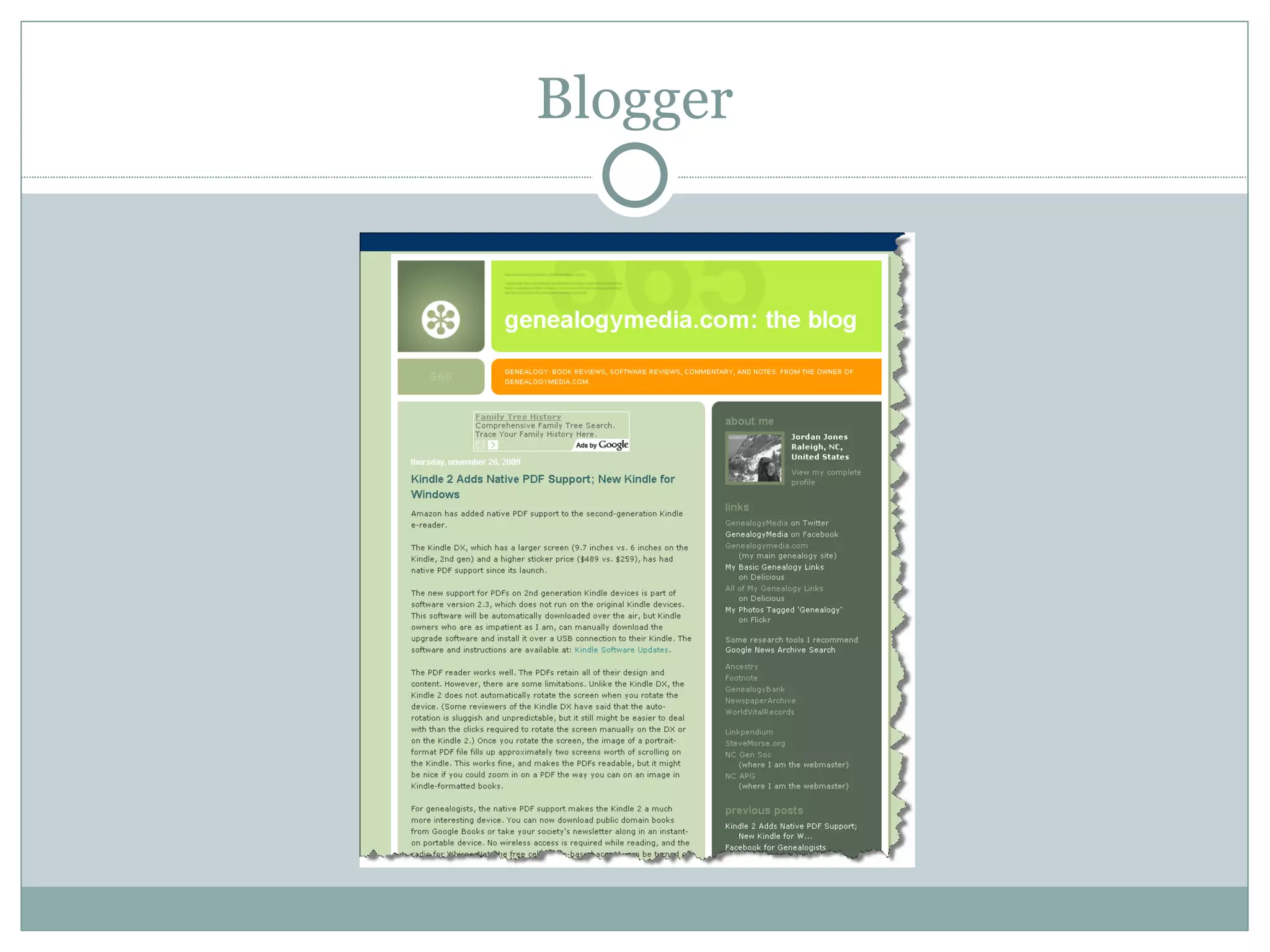
Blogger www.genealogymedia.com/blog/
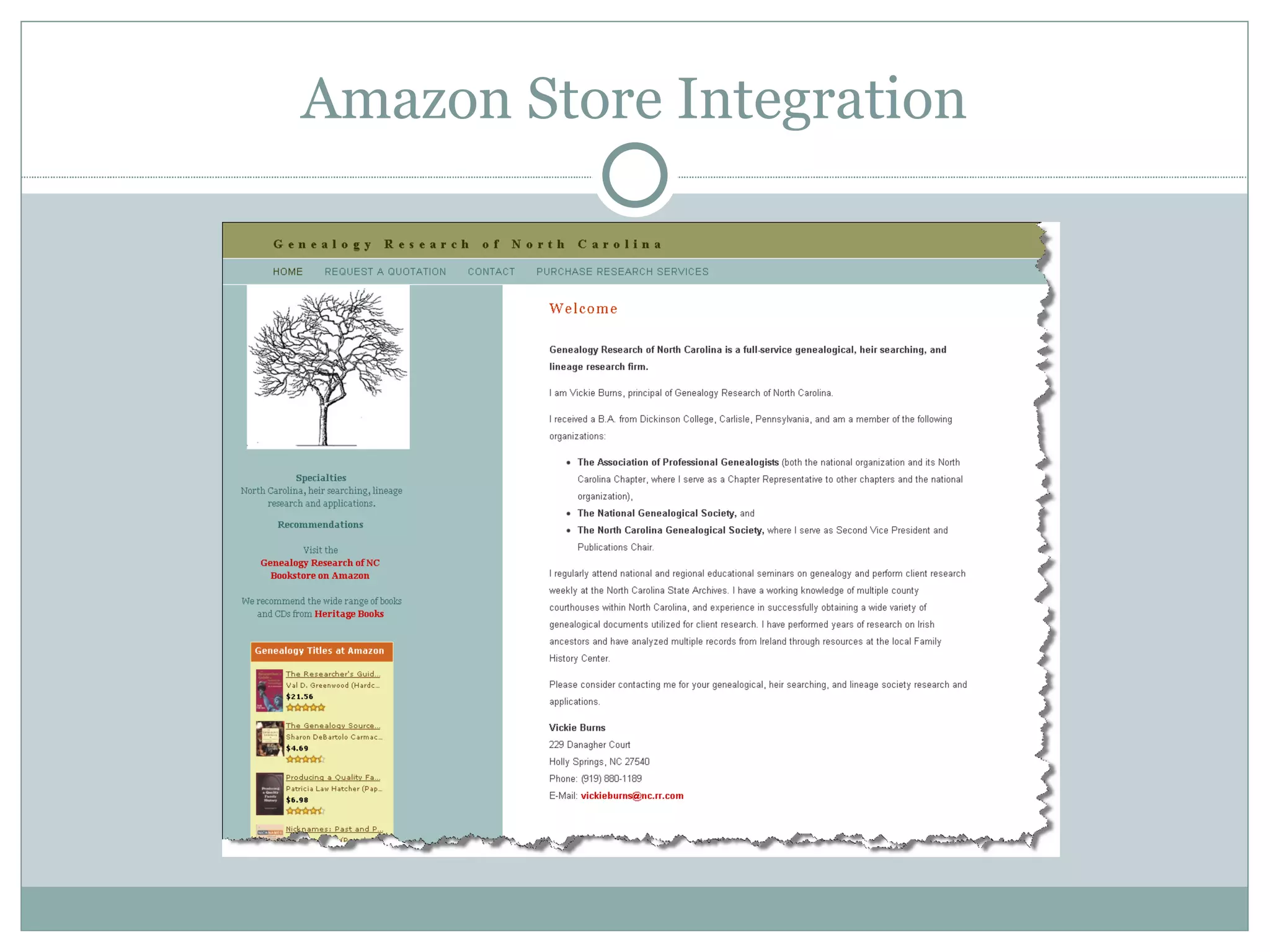
Amazon Store Integration www.ncgenealogy.net
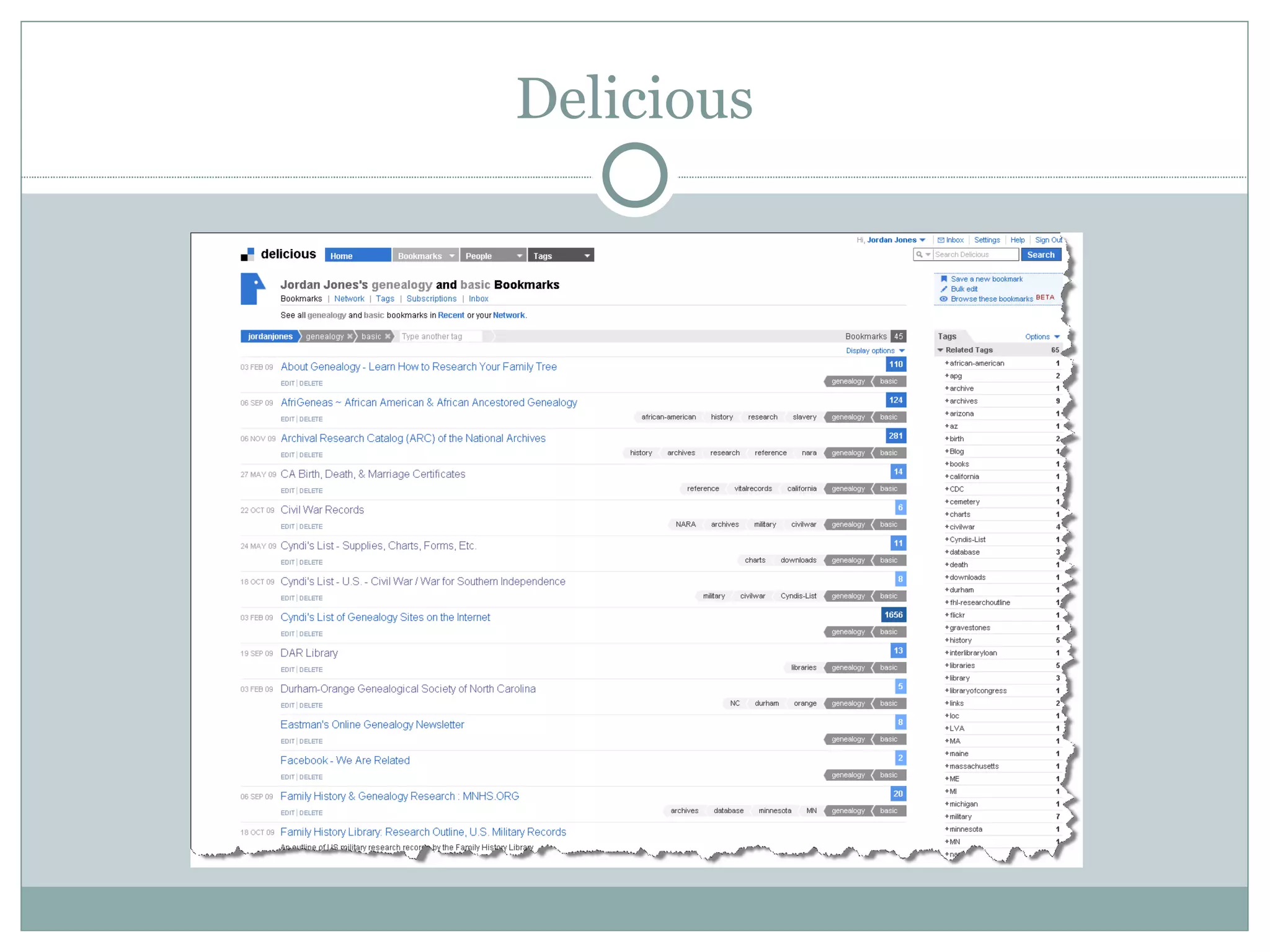
Delicious http://delicious.com/jordanjones/genealogy+basic
WordPress
P D I O O How to Build a Website
How to Build a Website Plan Design Implement Operate Optimize This process repeats. While optimizing, you’re likely to start planning again.
1. Plan What do you want from the site? How will you organize the information? Will you need technologies beyond a simple webpage?  This depends on how interactive you want the site to be. More and more technologies are coming “pre-packaged” as free or inexpensive services, which require little or no software development. Google is at the forefront here. See  labs.google.com
2. Design Scope  – How much information will you have in each category? Chunking  – A rule of thumb: Provide no more than 2 pages of scrolling. Map the site  visually on paper. Visuals  – Design for clarity, and provide plenty of white space.  This is often hired out, $20-40 an hour, or available for a small fee from your host.
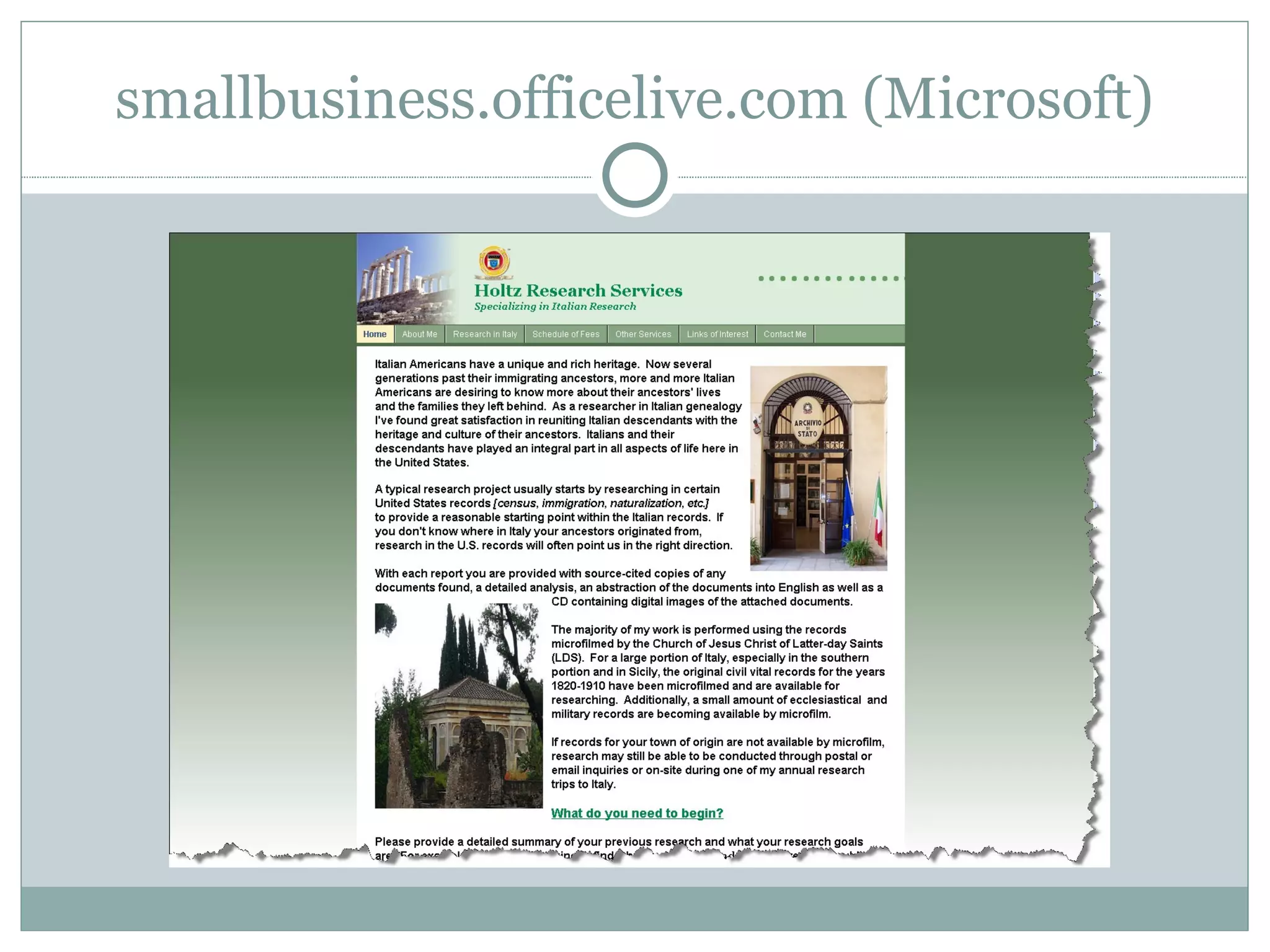
3. Implement Choose a host based on features and price.  $3-$15 a month.  Do you need database servers, a high amount of data transfer? Probably not as you get started. You can hire out the development, $60-$150 an hour, or for a set price by your host There are tools for all levels of web developer: Novice  – Apple iWeb,  sites.google.com  (free)  smallbusiness.officelive.com/  (free) and page building tools from your host Intermediate  – Adobe Dreamweaver,  http://www.microsoft.com/web/gallery/  (free) Advanced  – Java, JavaScript, MySQL, PHP, Apache developer’s tools and toolkits,
smallbusiness.officelive.com  (Microsoft) http://holtzresearch.com/
4. Operate Day-to-Day –  Most day-to-day operations should be managed by your host. Customer Tracking and Error Logs  – Use your site log to monitor comings and goings and errors caused by your site or links into it.  Many hosting companies will provide analysis of your logs for free.  See also  www.clicktracks.com  (paid) and  www.google.com/analytics/  (free).
5. Optimize Link and Site Management Test your site:  Use tools such as those available at  www.w3c.org  (free) to crawl your site in order to:  Verify links. Find slow pages, graphics, or software. Find errors in coding. Use development testing tools  and browser plug-ins (free and paid, see Firefox developer plugins and extensions) to walk through your site, looking for errors, especially when you make changes. Set up monitoring:  For example,  www.basicstate.com  (free) Set up applets or automation  to drive content from blogs, Twitter, Flickr, and other services to your site. Examples:  www.twitterfeed.com  and  www.tarpipe.com  (both free)
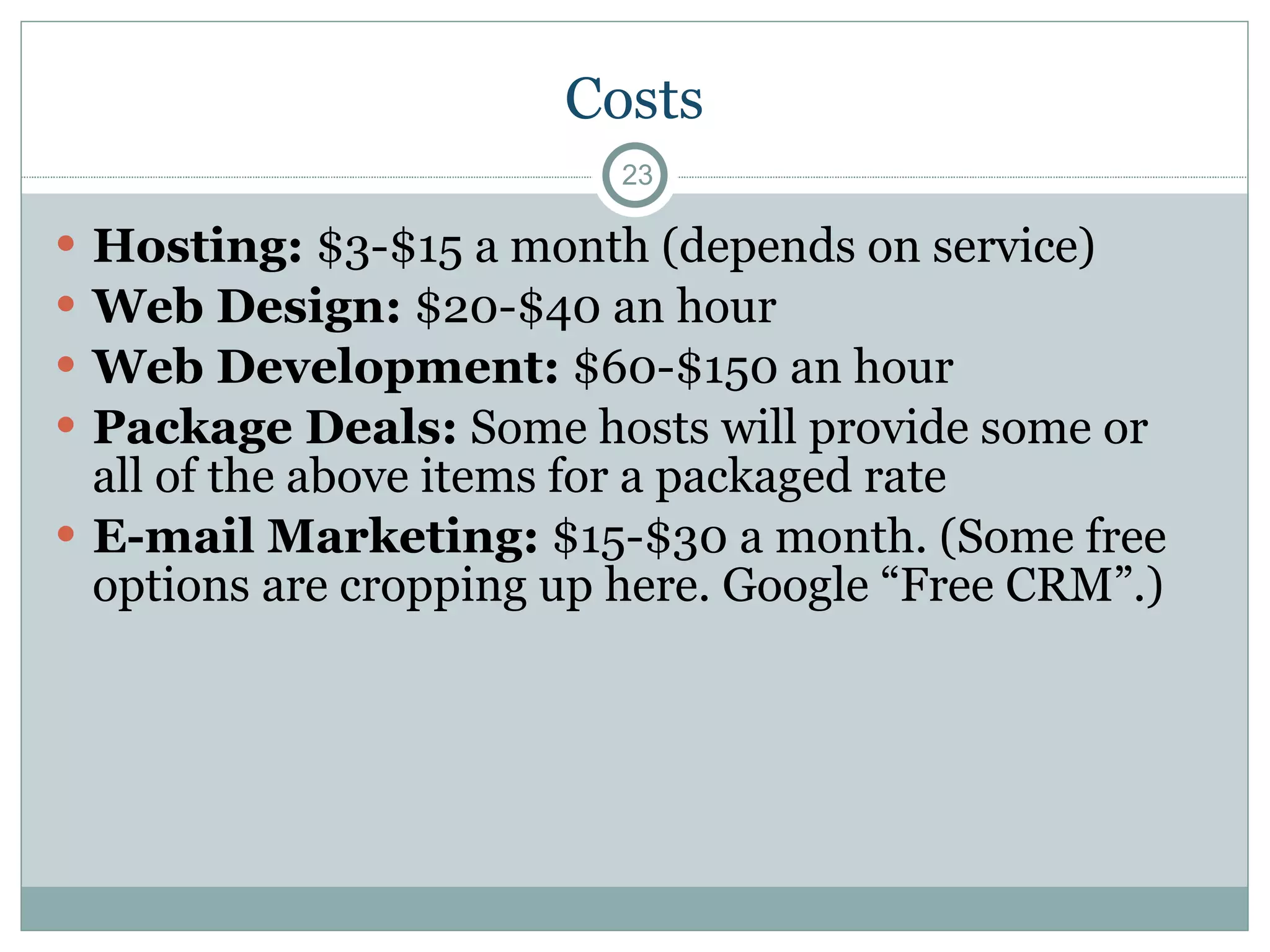
Costs Hosting:  $3-$15 a month (depends on service) Web Design:  $20-$40 an hour  Web Development:  $60-$150 an hour Package Deals:  Some hosts will provide some or all of the above items for a packaged rate E-mail Marketing:  $15-$30 a month. (Some free options are cropping up here. Google “Free CRM”.)
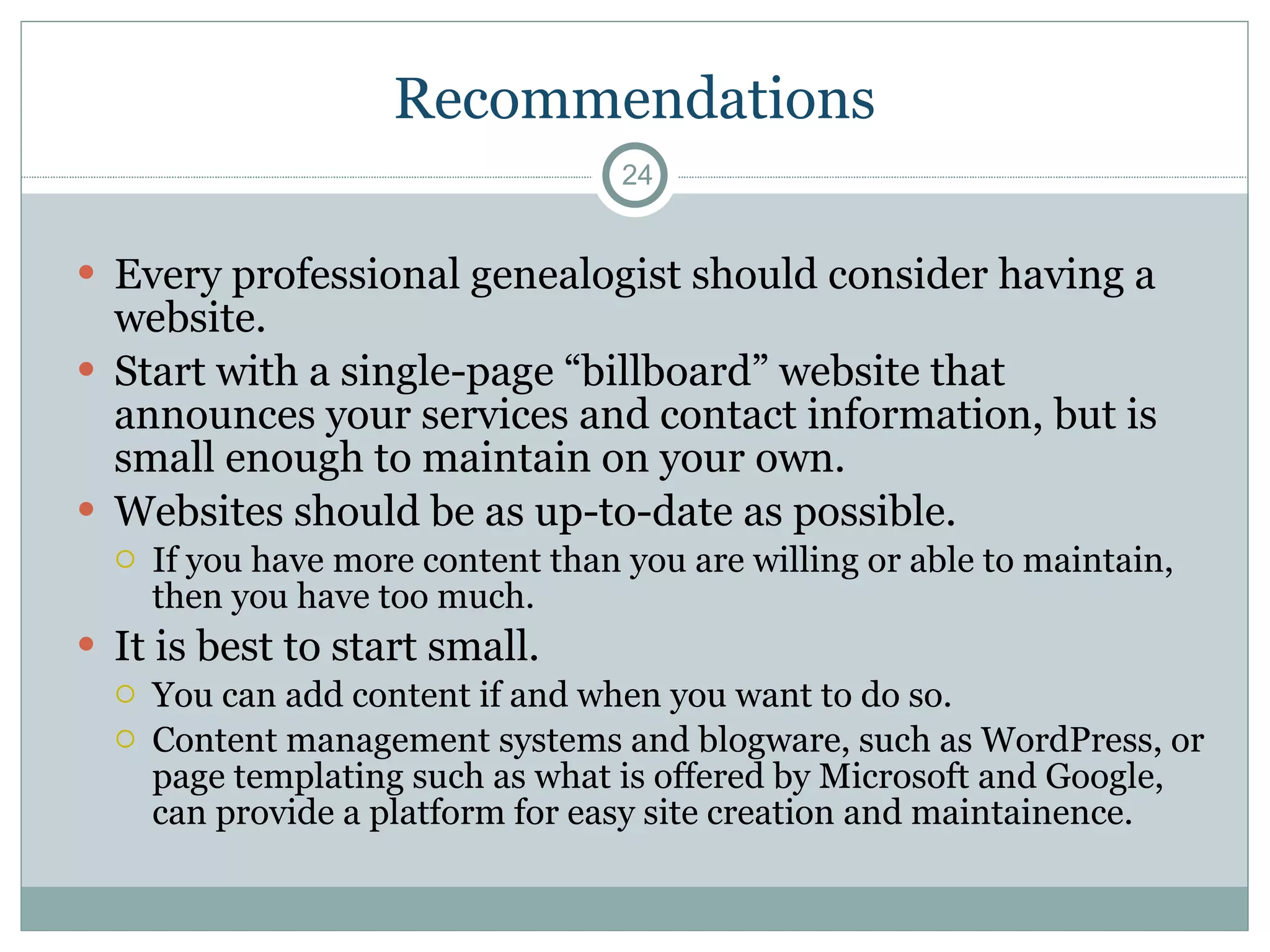
Recommendations Every professional genealogist should consider having a website. Start with a single-page “billboard” website that announces your services and contact information, but is small enough to maintain on your own.  Websites should be as up-to-date as possible.  If you have more content than you are willing or able to maintain, then you have too much. It is best to start small.  You can add content if and when you want to do so. Content management systems and blogware, such as WordPress, or page templating such as what is offered by Microsoft and Google, can provide a platform for easy site creation and maintainence.
References Addison, Doug.  Web Site Cookbook.  (O’Reilly, Sebastopol, CA: 2006) Mills, Elizabeth Shown, editor.  Professional Genealogy: A Manual for Researchers, Writers, Editors, Lecturers, and Librarians.  (Genealogical Publishing Co., Baltimore, MD: 2001)
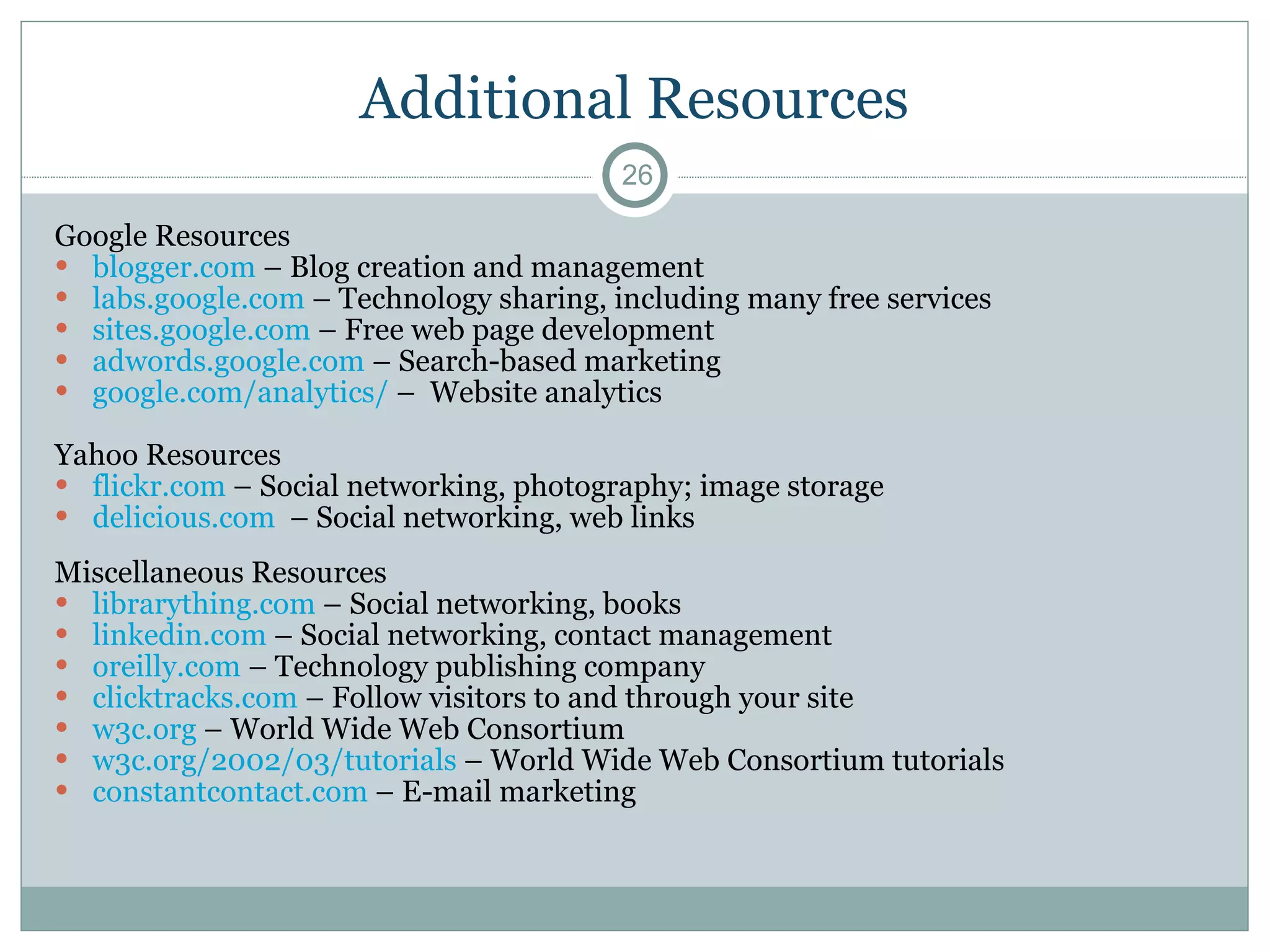
Additional Resources Google Resources  blogger.com  – Blog creation and management labs.google.com  – Technology sharing, including many free services sites.google.com  – Free web page development adwords.google.com  – Search-based marketing  google.com/analytics/  –  Website analytics Yahoo Resources  flickr.com  – Social networking, photography; image storage delicious.com   – Social networking, web links Miscellaneous Resources  librarything.com  – Social networking, books  linkedin.com  – Social networking, contact management oreilly.com  – Technology publishing company clicktracks.com  – Follow visitors to and through your site w3c.org  – World Wide Web Consortium  w3c.org/2002/03/tutorials  – World Wide Web Consortium tutorials constantcontact.com  – E-mail marketing

Building and Maintaining Genealogical Websites

  • 1.
    Building and Maintaining Genealogical Websites NCAPG Meeting, 17 February 2010 Raleigh, NC JORDAN JONES E-mail: [email_address] Web: genealogymedia.com Blog: genealogymedia.com/blog/
  • 2.
    Agenda Websites forGenealogical Data Websites for Professional Genealogists How to Build a Website References
  • 3.
  • 4.
    Why Build aGenealogical Website? Organizing genealogical information – Gather and organize the results of research in order to help a researcher or client Sharing genealogical information – Especially helpful for wide dissemination to family members
  • 5.
    Methods (In Orderof Increasing Flexibility) Upload GEDCOMs to hosted sites or to use them with GEDCOM viewing tools: Ancestry’s RootsWeb WorldConnect GEDCOM Viewer and GED2HTML (Java-based, platform-independent viewer and converter) - http://www.starkeffect.com/ Direct Output – Several products output directly, or via plug-ins that understand their data directly. Ancestry’s Family Tree Maker, of course The best of these, however, is: TMG, via SecondSite - http://ss.johncardinal.com/
  • 6.
    The Best Method:Native Database Output Several programs allow for management of genealogical data within databases designed for web output: GeneaPro – http://sourceforge.net/projects/geneapro/ PhpGedView – http://sourceforge.net/projects/phpgedview/ The Next Generation – TNG – http://lythgoes.net/genealogy/software.php
  • 7.
    BUILD IT YOURSELF,OR FIND A SERVICE? Websites for Professional Genealogists
  • 8.
    Why Build aProfessional Website? Professionalism: Websites are signs of professionalism, in genealogy as elsewhere in the culture. Websites are now as essential as business cards. Marketing: Websites provide effective marketing at low prices, including the development of mailing lists of prospective clients. Education: Websites can educate your customers and lead to a more rewarding experience for both parties.
  • 9.
    Pro Gen on Websites Pro Gen (pp. 218-219) suggests asking the following questions before deciding to build a website: Cost: Can you afford it? Location: Where will your page be located? Programming: Will you do it, or will you hire someone else do to it? Links: Are you willing to spend the time looking for other pages to link to, and vice versa? Content: What content will your site contain? Commitment: Are you committed to the site? Market: Are your potential clients using the web?
  • 10.
    How a WebsiteHelps Market Your Business The website is your hub. Business cards, bills, reports, and letters should point to it. Strategies to consider: Google AdWords (paid). Drive people to your site based on their searches. E-mail Newsletters (free or paid, $15-$30 a month). Opt-in with links on your site. For example: www.constantcontact.com . Social networking and sharing (free or paid). LibraryThing, LinkedIn, Flickr, Delicious, Blogger, Facebook, Twitter Samples Nothing demonstrates the quality of your work like a sample Blogging Tools such as WordPress allow you to create dynamic websites E-Commerce Amazon and others allow you to affiliate, or easily set up your own store
  • 11.
  • 12.
    Amazon Store Integrationwww.ncgenealogy.net
  • 13.
  • 14.
  • 15.
    P D IO O How to Build a Website
  • 16.
    How to Builda Website Plan Design Implement Operate Optimize This process repeats. While optimizing, you’re likely to start planning again.
  • 17.
    1. Plan Whatdo you want from the site? How will you organize the information? Will you need technologies beyond a simple webpage? This depends on how interactive you want the site to be. More and more technologies are coming “pre-packaged” as free or inexpensive services, which require little or no software development. Google is at the forefront here. See labs.google.com
  • 18.
    2. Design Scope – How much information will you have in each category? Chunking – A rule of thumb: Provide no more than 2 pages of scrolling. Map the site visually on paper. Visuals – Design for clarity, and provide plenty of white space. This is often hired out, $20-40 an hour, or available for a small fee from your host.
  • 19.
    3. Implement Choosea host based on features and price. $3-$15 a month. Do you need database servers, a high amount of data transfer? Probably not as you get started. You can hire out the development, $60-$150 an hour, or for a set price by your host There are tools for all levels of web developer: Novice – Apple iWeb, sites.google.com (free) smallbusiness.officelive.com/ (free) and page building tools from your host Intermediate – Adobe Dreamweaver, http://www.microsoft.com/web/gallery/ (free) Advanced – Java, JavaScript, MySQL, PHP, Apache developer’s tools and toolkits,
  • 20.
  • 21.
    4. Operate Day-to-Day– Most day-to-day operations should be managed by your host. Customer Tracking and Error Logs – Use your site log to monitor comings and goings and errors caused by your site or links into it. Many hosting companies will provide analysis of your logs for free. See also www.clicktracks.com (paid) and www.google.com/analytics/ (free).
  • 22.
    5. Optimize Linkand Site Management Test your site: Use tools such as those available at www.w3c.org (free) to crawl your site in order to: Verify links. Find slow pages, graphics, or software. Find errors in coding. Use development testing tools and browser plug-ins (free and paid, see Firefox developer plugins and extensions) to walk through your site, looking for errors, especially when you make changes. Set up monitoring: For example, www.basicstate.com (free) Set up applets or automation to drive content from blogs, Twitter, Flickr, and other services to your site. Examples: www.twitterfeed.com and www.tarpipe.com (both free)
  • 23.
    Costs Hosting: $3-$15 a month (depends on service) Web Design: $20-$40 an hour Web Development: $60-$150 an hour Package Deals: Some hosts will provide some or all of the above items for a packaged rate E-mail Marketing: $15-$30 a month. (Some free options are cropping up here. Google “Free CRM”.)
  • 24.
    Recommendations Every professionalgenealogist should consider having a website. Start with a single-page “billboard” website that announces your services and contact information, but is small enough to maintain on your own. Websites should be as up-to-date as possible. If you have more content than you are willing or able to maintain, then you have too much. It is best to start small. You can add content if and when you want to do so. Content management systems and blogware, such as WordPress, or page templating such as what is offered by Microsoft and Google, can provide a platform for easy site creation and maintainence.
  • 25.
    References Addison, Doug. Web Site Cookbook. (O’Reilly, Sebastopol, CA: 2006) Mills, Elizabeth Shown, editor. Professional Genealogy: A Manual for Researchers, Writers, Editors, Lecturers, and Librarians. (Genealogical Publishing Co., Baltimore, MD: 2001)
  • 26.
    Additional Resources GoogleResources blogger.com – Blog creation and management labs.google.com – Technology sharing, including many free services sites.google.com – Free web page development adwords.google.com – Search-based marketing google.com/analytics/ – Website analytics Yahoo Resources flickr.com – Social networking, photography; image storage delicious.com – Social networking, web links Miscellaneous Resources librarything.com – Social networking, books linkedin.com – Social networking, contact management oreilly.com – Technology publishing company clicktracks.com – Follow visitors to and through your site w3c.org – World Wide Web Consortium w3c.org/2002/03/tutorials – World Wide Web Consortium tutorials constantcontact.com – E-mail marketing