Peer Learning and Leadership Network Building a Better Resume
Building a Better Resume June 22, 2011 1 p.m.  Presenter: Michele Martin , DiscoverAbility NJ,  John J. Heldrich Center for Workforce Development Rutgers, The State University of New Jersey
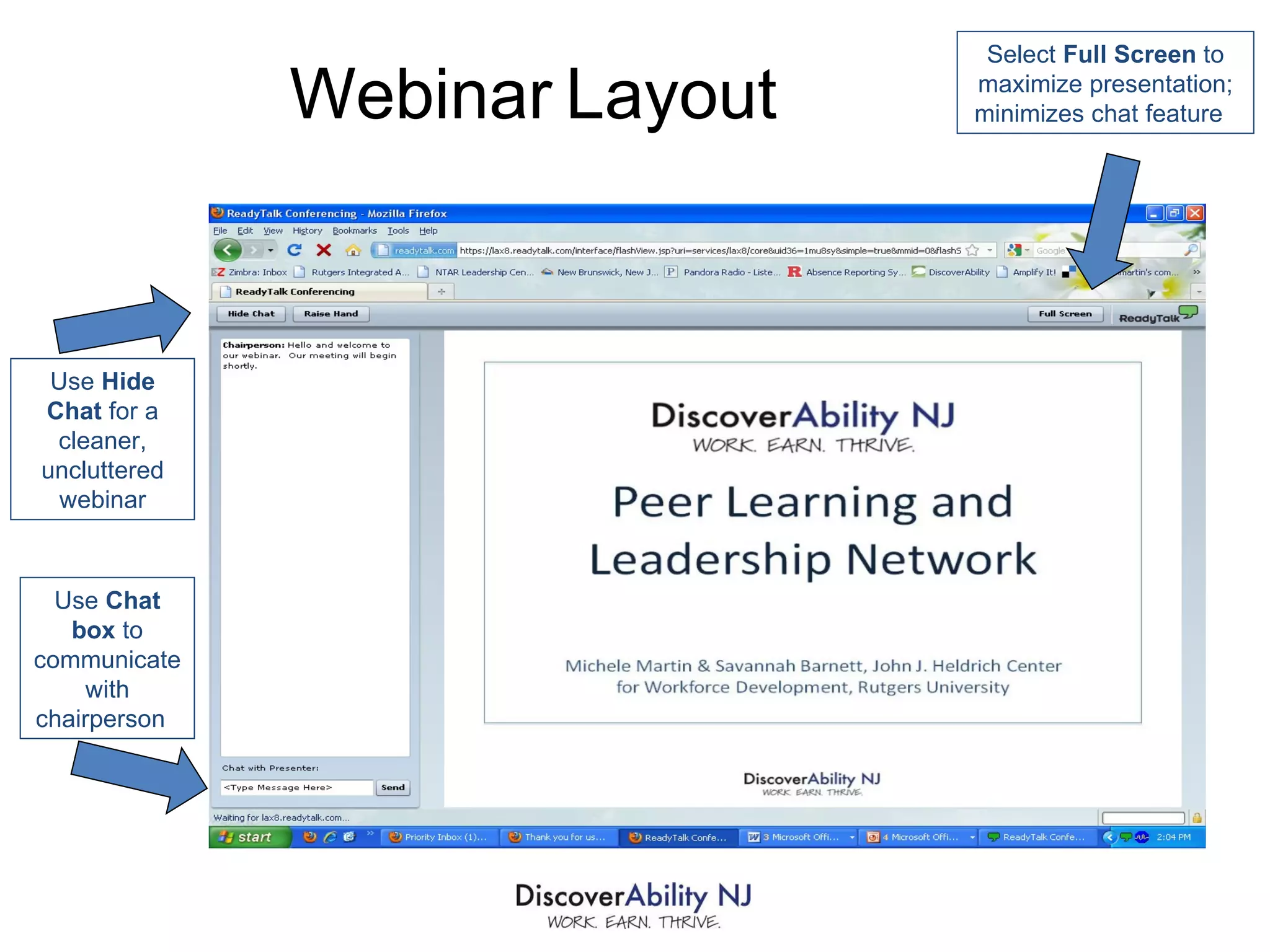
Use  Chat box  to communicate with chairperson  Use  Hide Chat  for a cleaner, uncluttered webinar Select  Full Screen  to maximize presentation; minimizes chat feature  Webinar   Layout
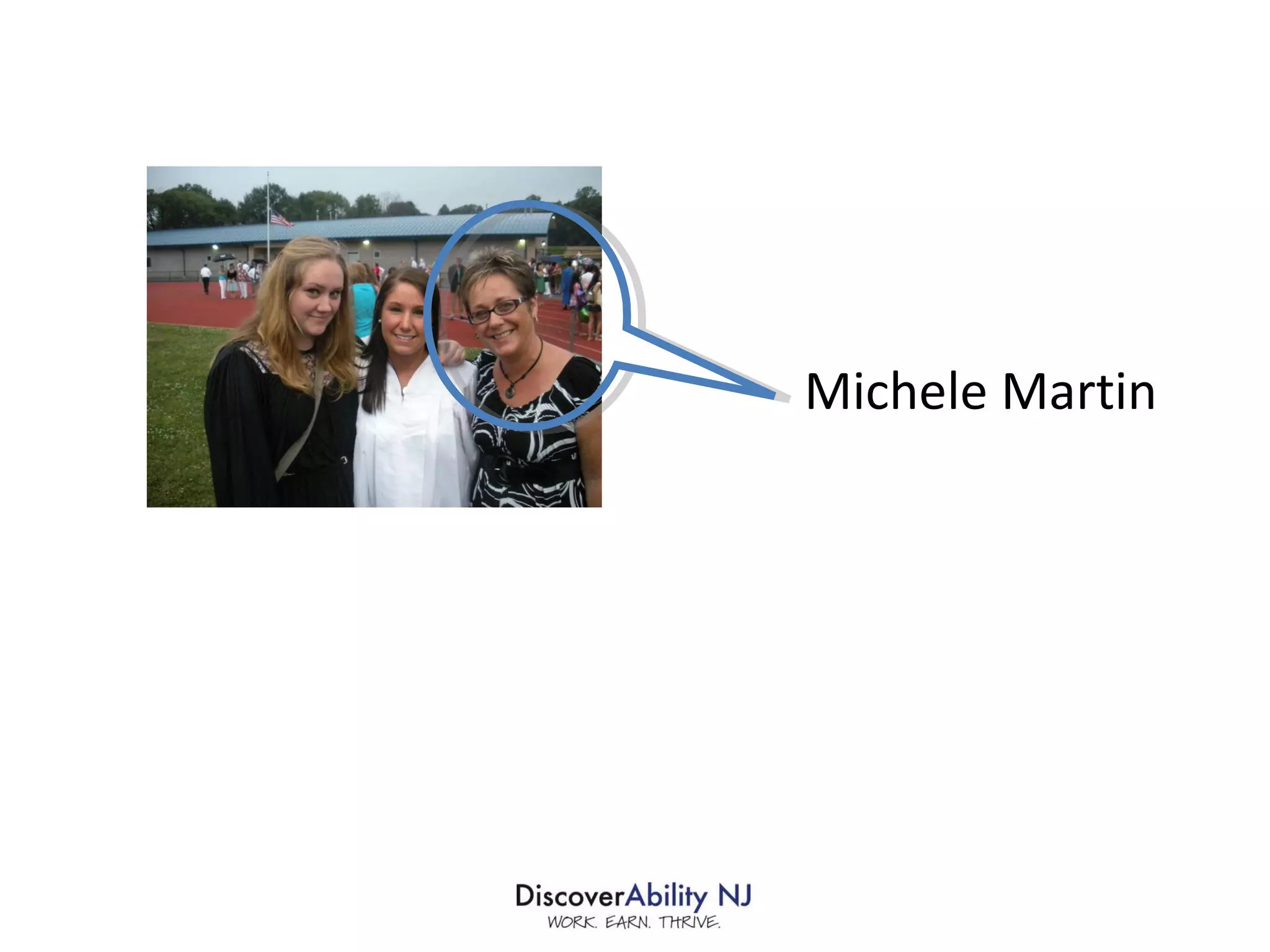
Michele Martin
Materials and an archived version of this webinar will be available at  www.discoverabilitynj.org
Agenda Purpose of the Resume How HR Managers Read Resumes Common Resume Mistakes Strategy for Constructing the Perfect Resume Sections of the Resume Putting it Together Some Final Tips
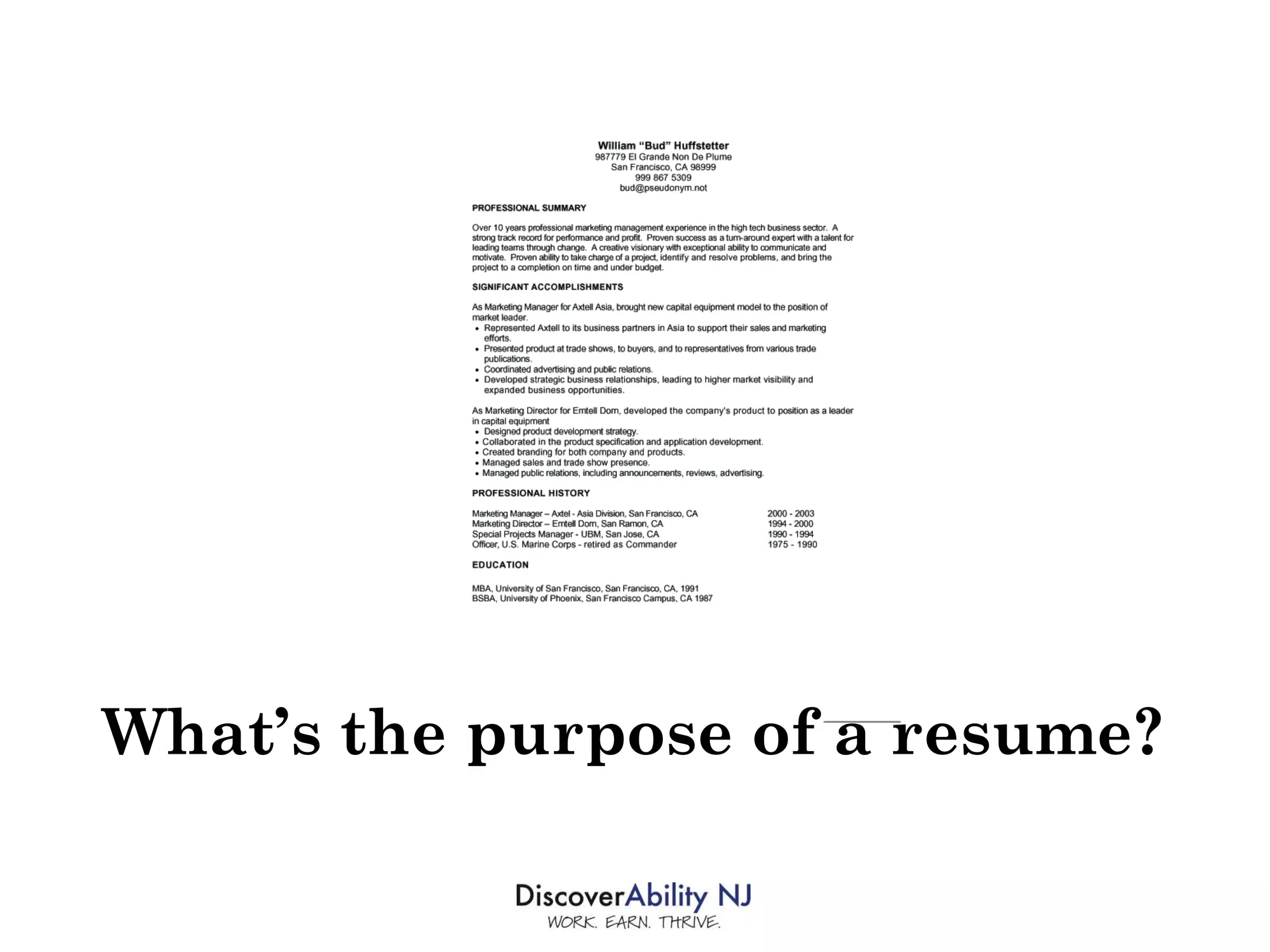
What’s the purpose of a resume?
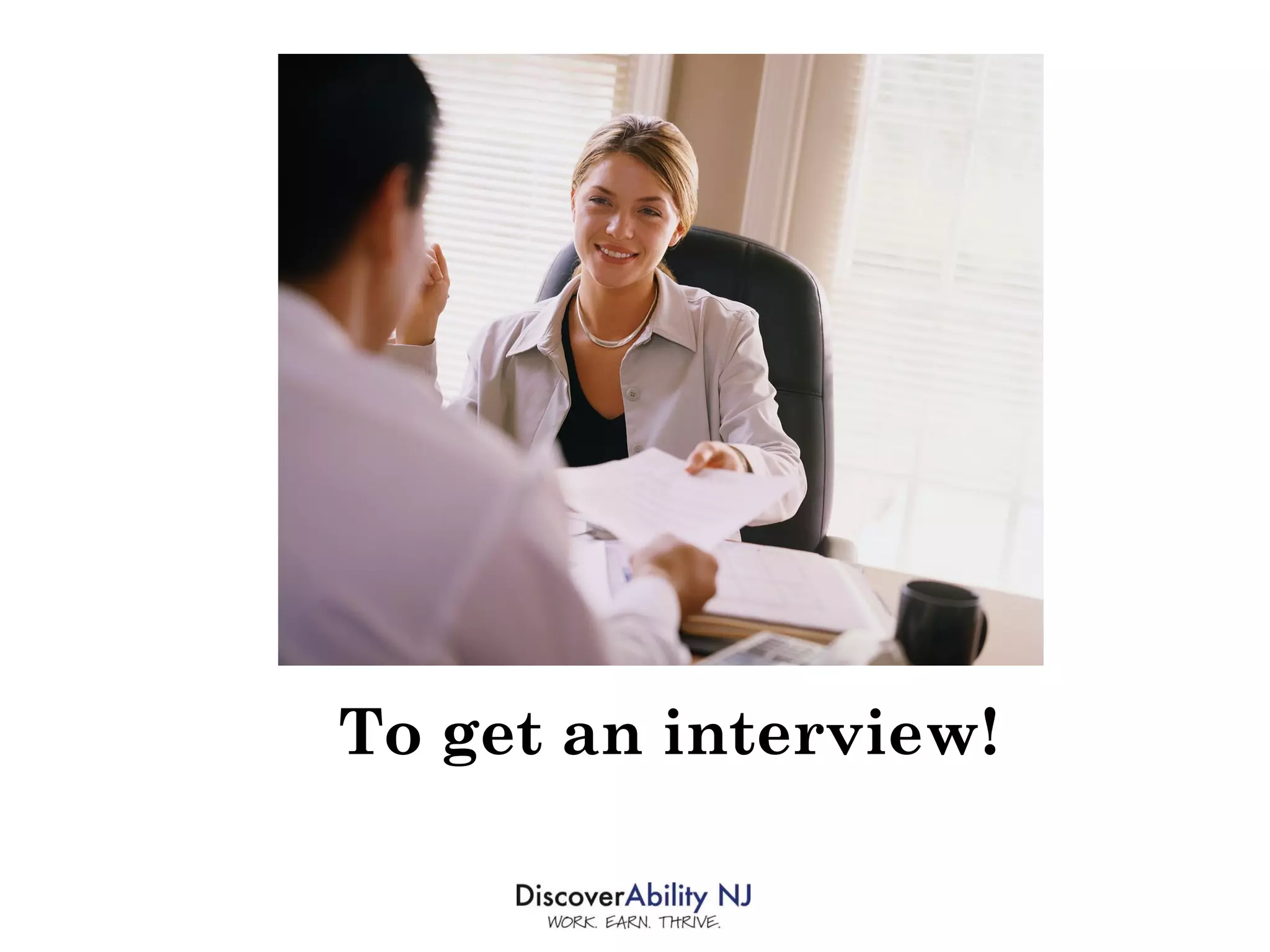
To get an interview!
HR’s goal is to . . .  SCREEN YOU OUT!
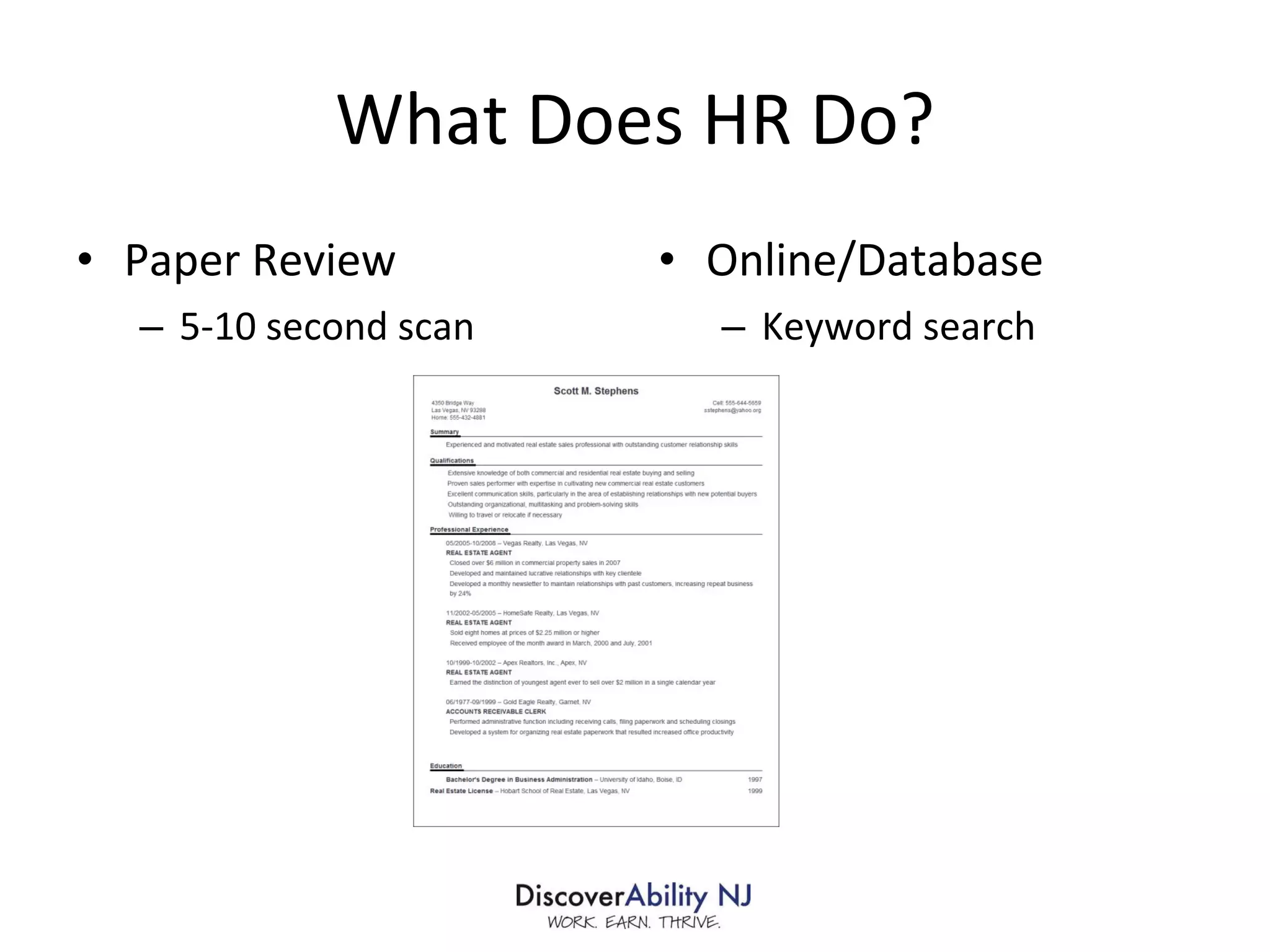
What Does HR Do? Paper Review 5-10 second scan Online/Database Keyword search
Looking for . . .  Relevant experience  Educational/certification requirements Accomplishments Mistakes
A MATCH!!
Resume Mistakes Employers Hate!
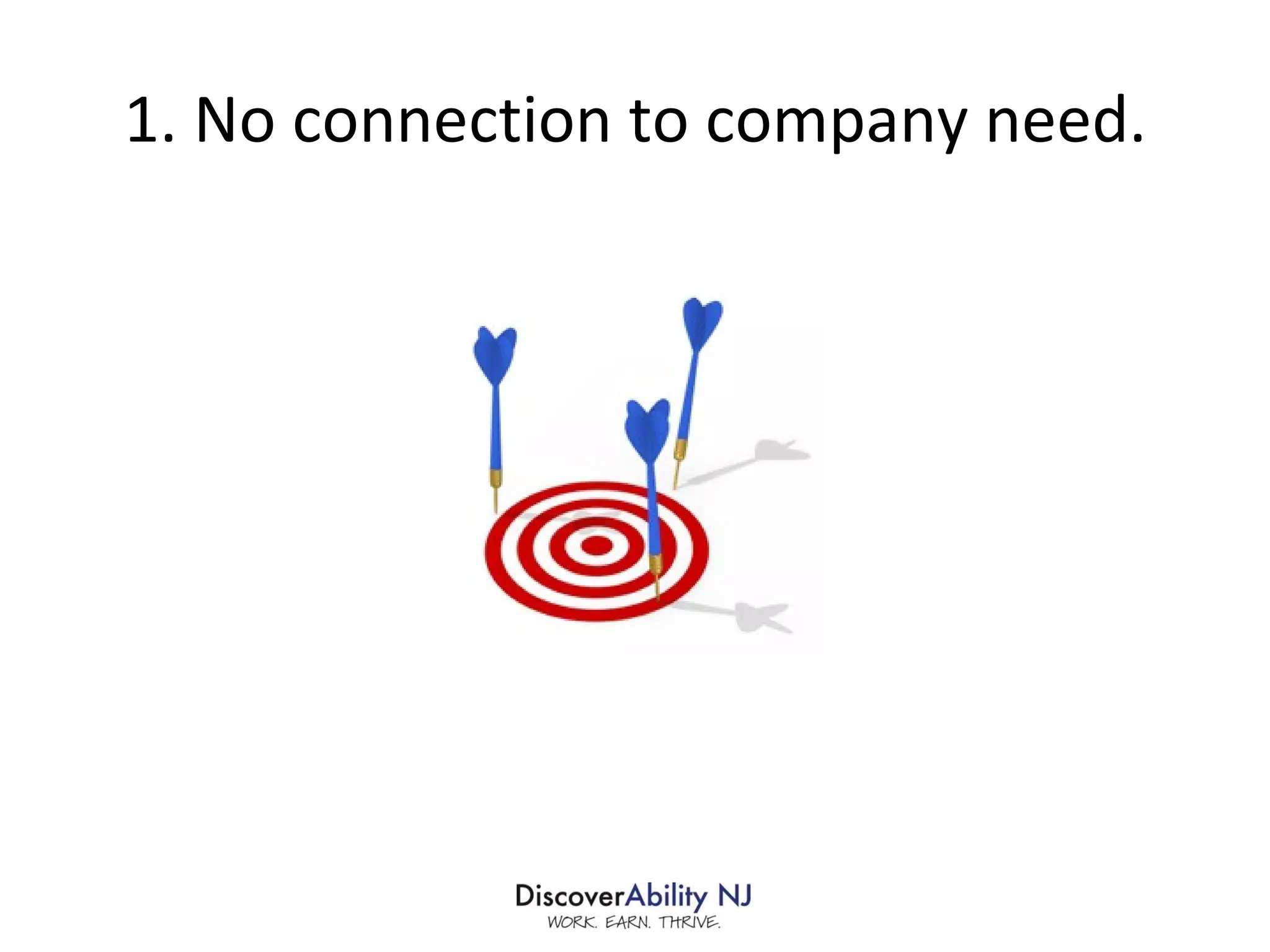
1. No connection to company need.
2. Takes too long to find relevant info
3. Lack of Focus
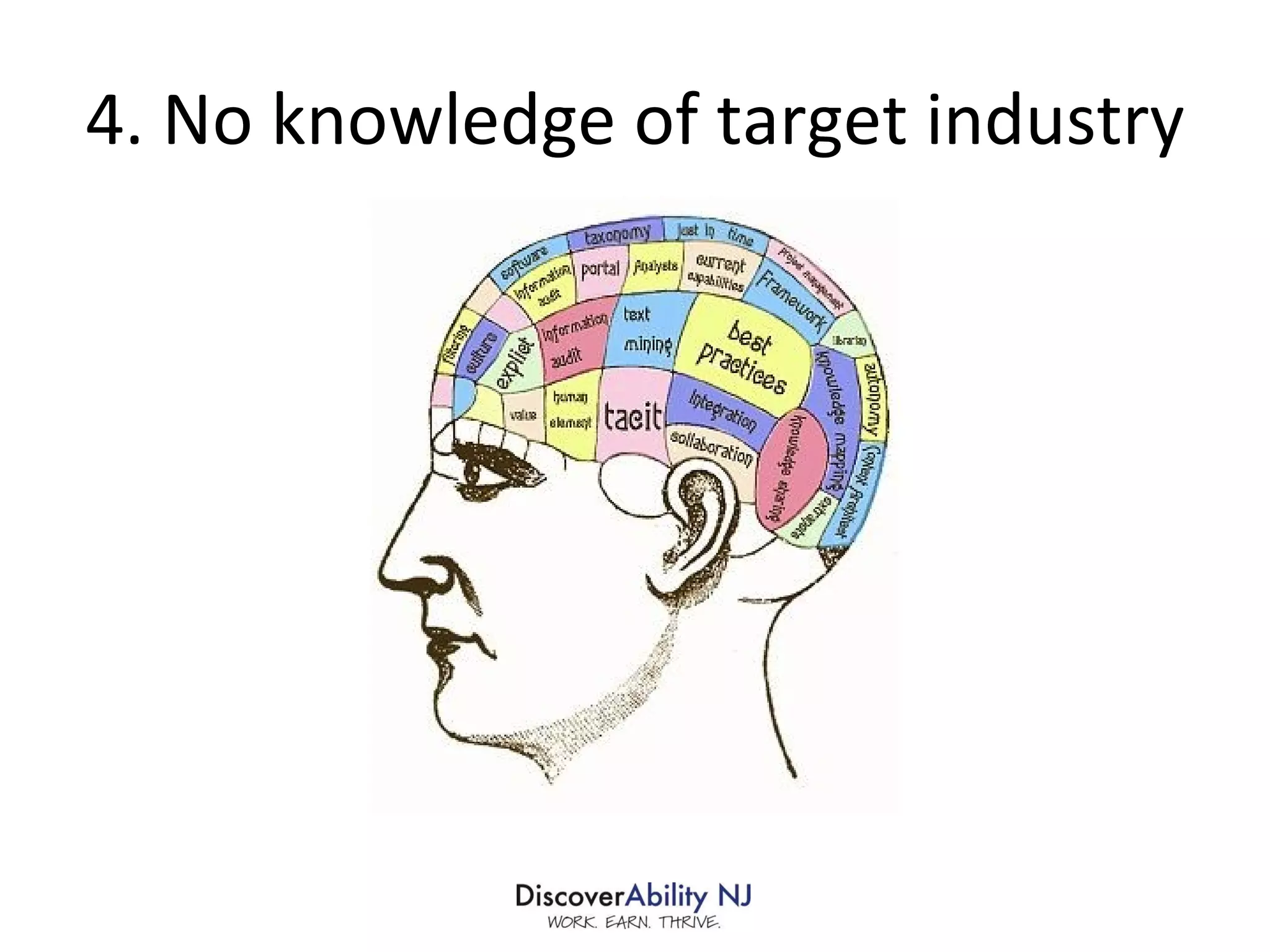
4. No knowledge of target industry
5. Poorly written
6. Lack of accomplishments
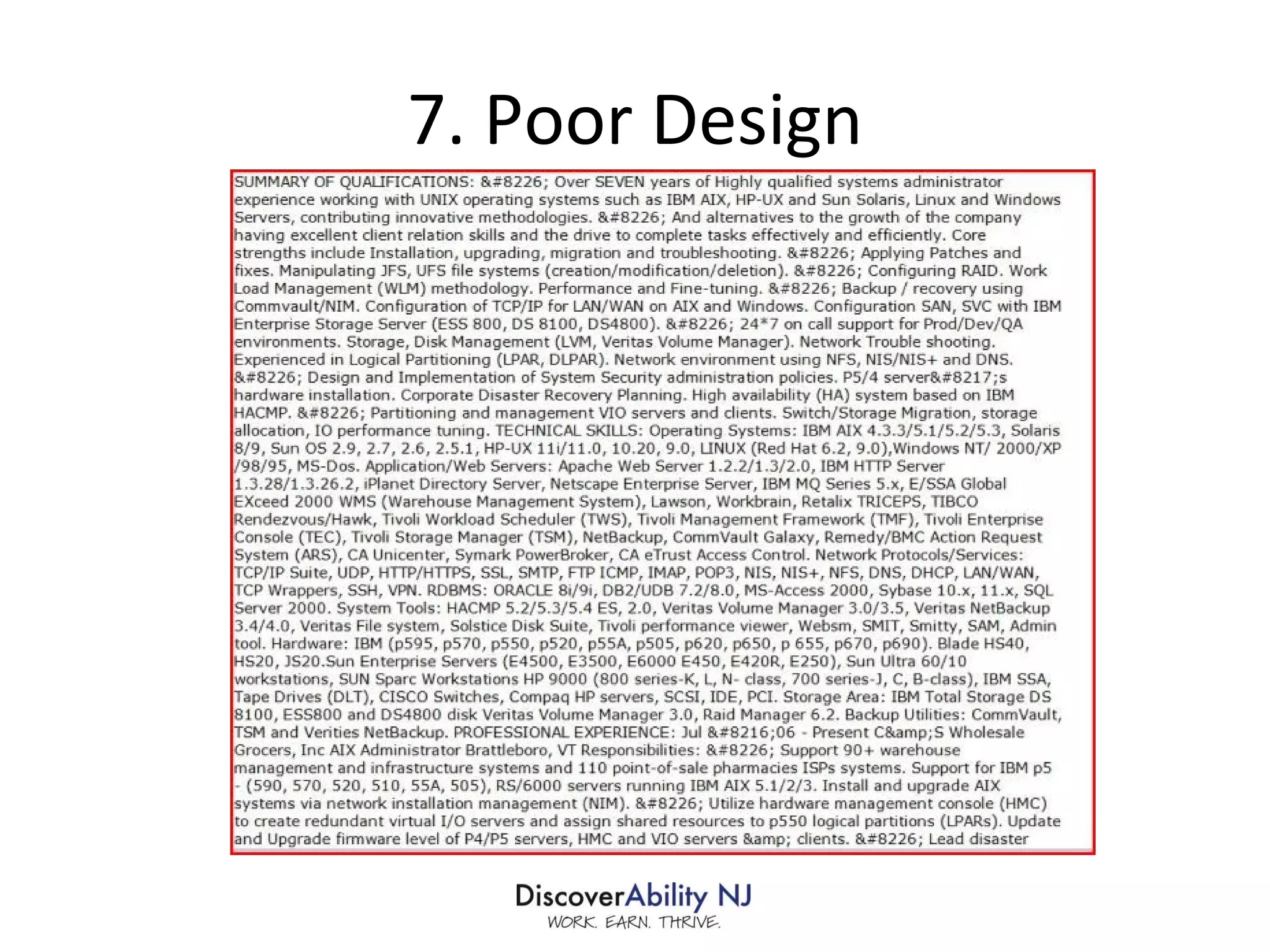
7. Poor Design
8. Lies
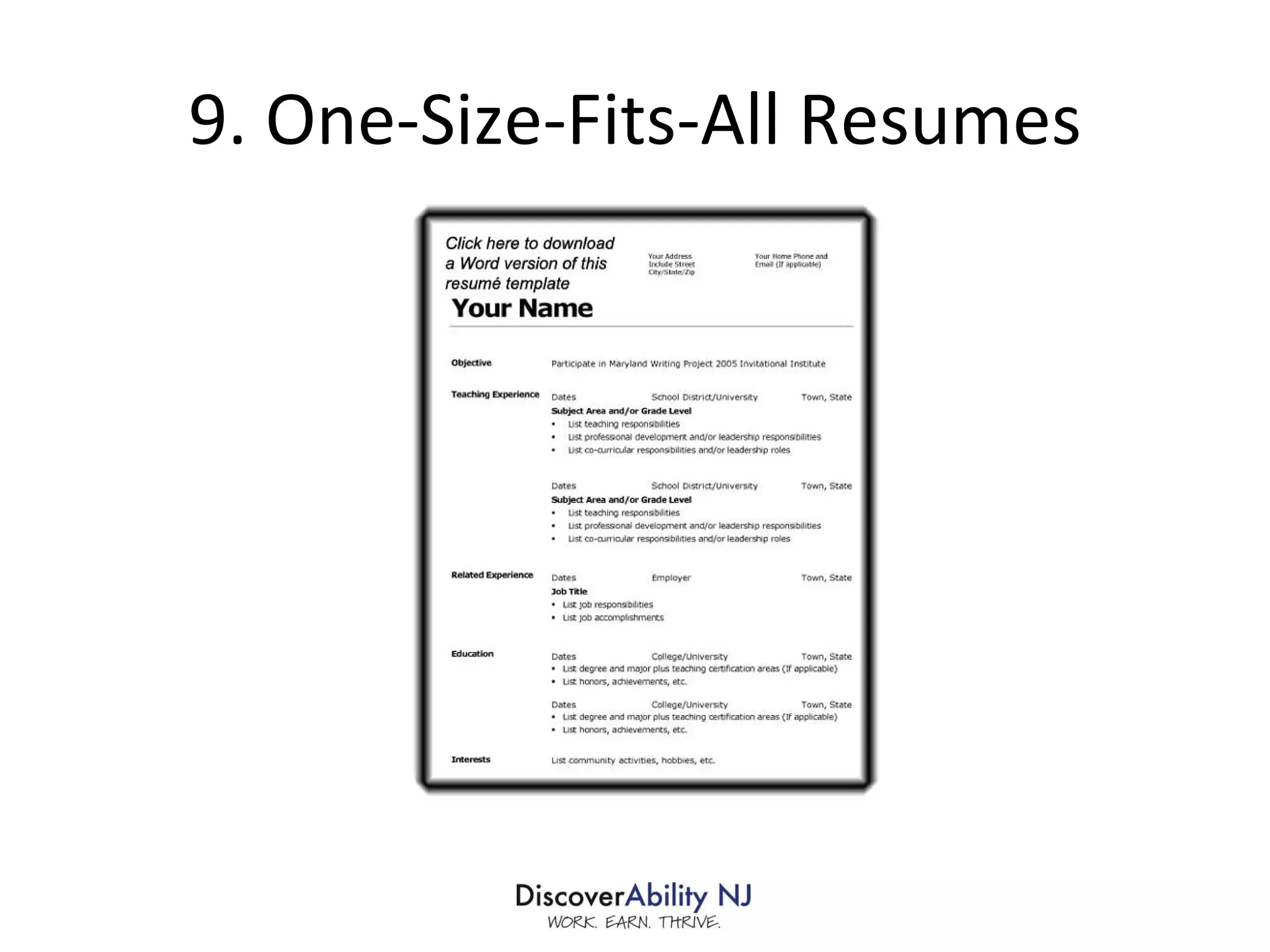
9. One-Size-Fits-All Resumes
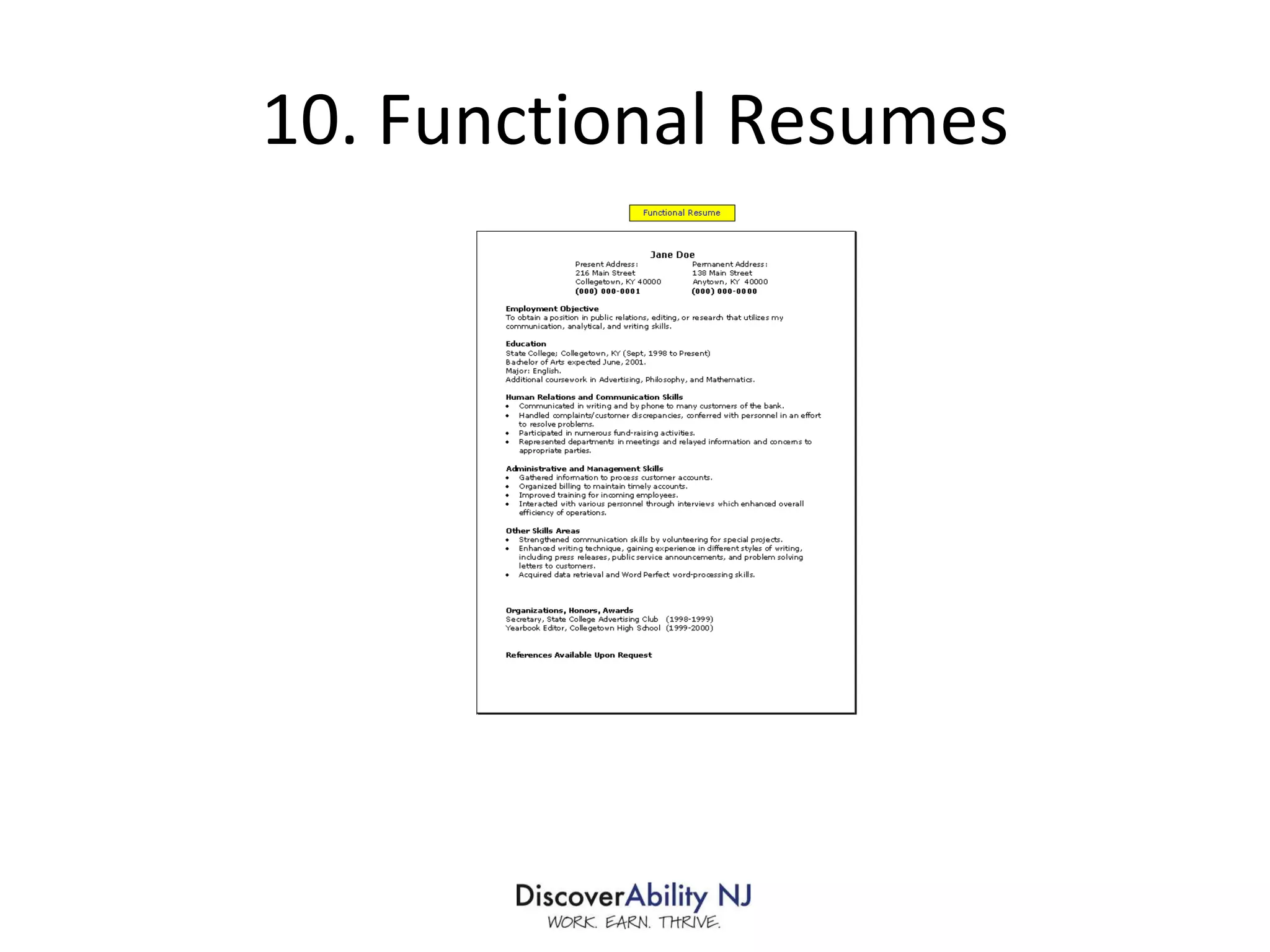
10. Functional Resumes
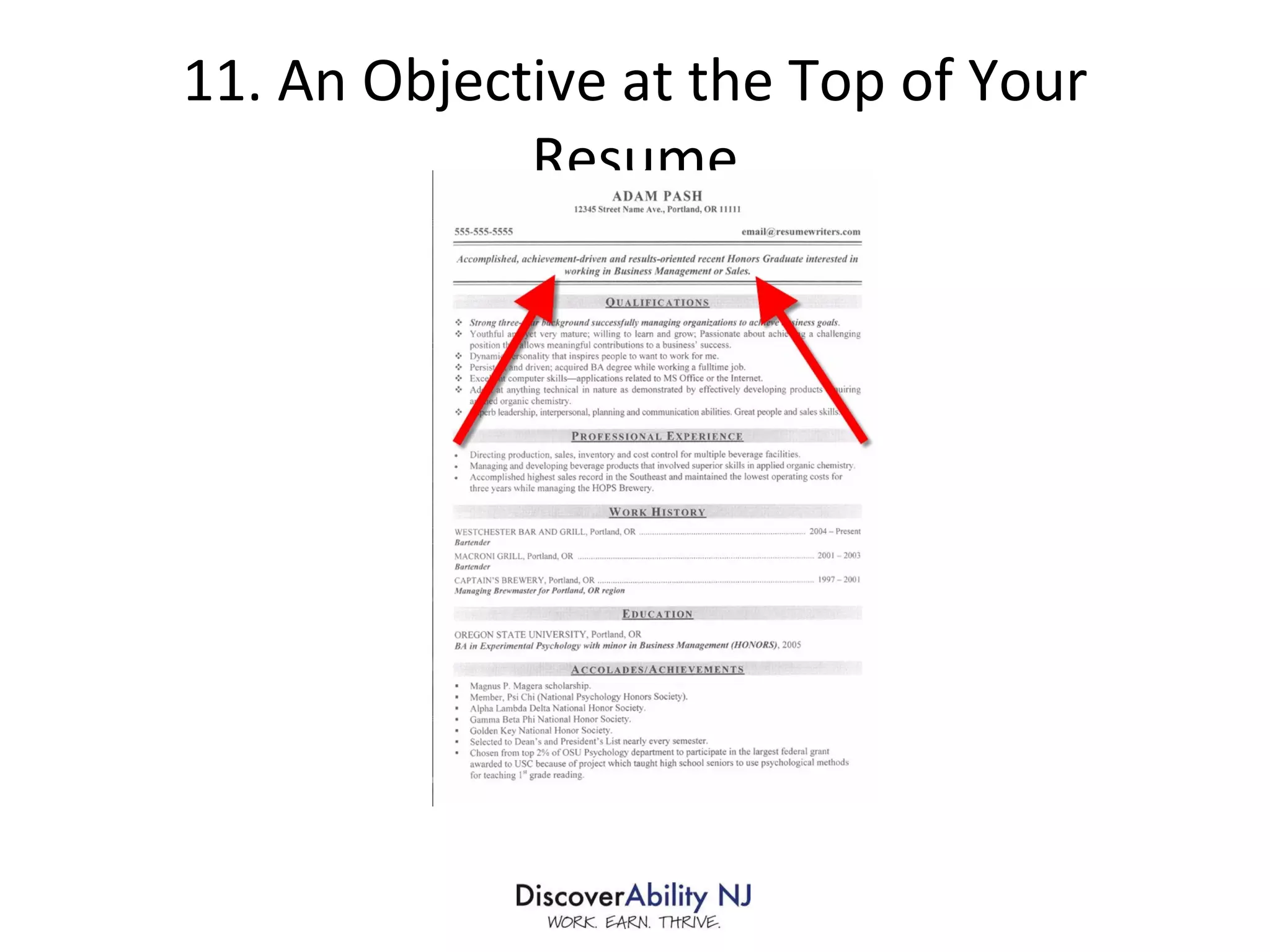
11. An Objective at the Top of Your Resume
12. Boilerplate Team player Excellent communicator Strong work ethic Met or exceeded expectations Results-oriented More than X years of progressively responsible experience Proven track record Bottom line orientation Trustworthy Problem solver Works well under pressure References available upon request
 
Crafting the Perfect Resume Focus on employer needs Customize! Use keywords. Most important info first in descending order
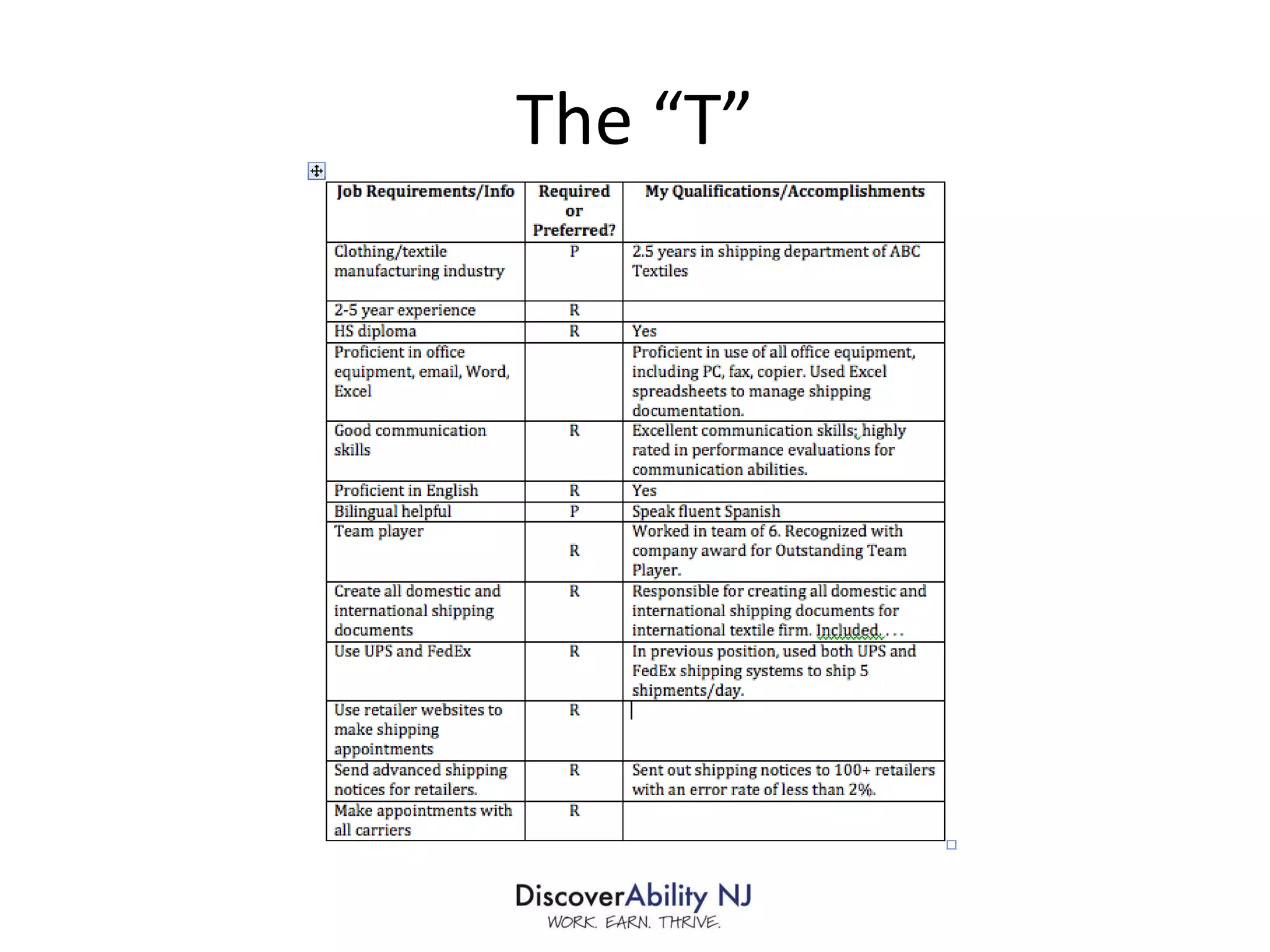
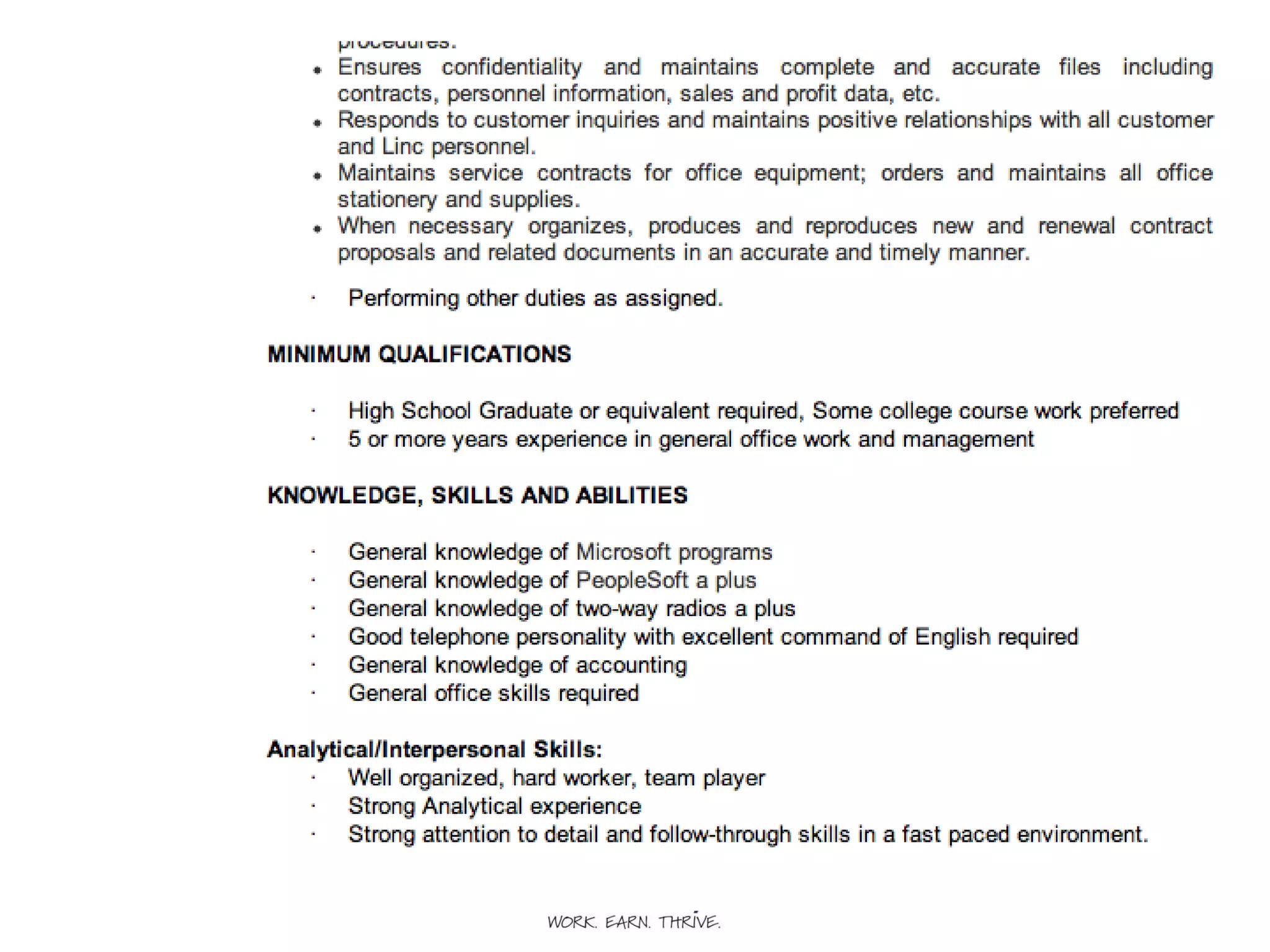
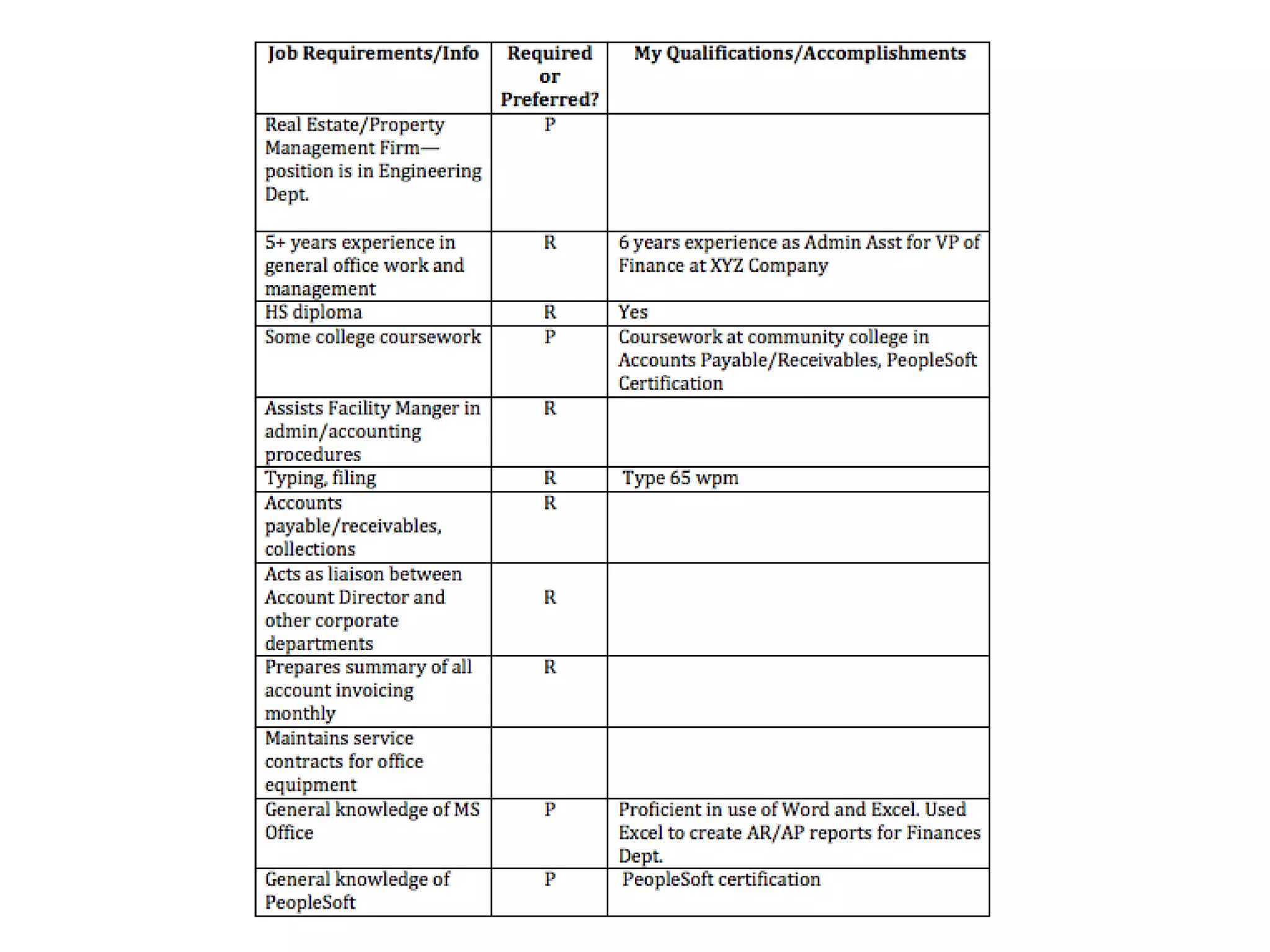
Completing the “T” Review job posting and/or company info Identify employer needs, relevant keywords For job For company/culture Fill in job seeker info to complete the T. If you can’t complete The T—DON’T APPLY! If you can, complete your resume.
 
The “T”


Rinse and Repeat
 
Putting it Together
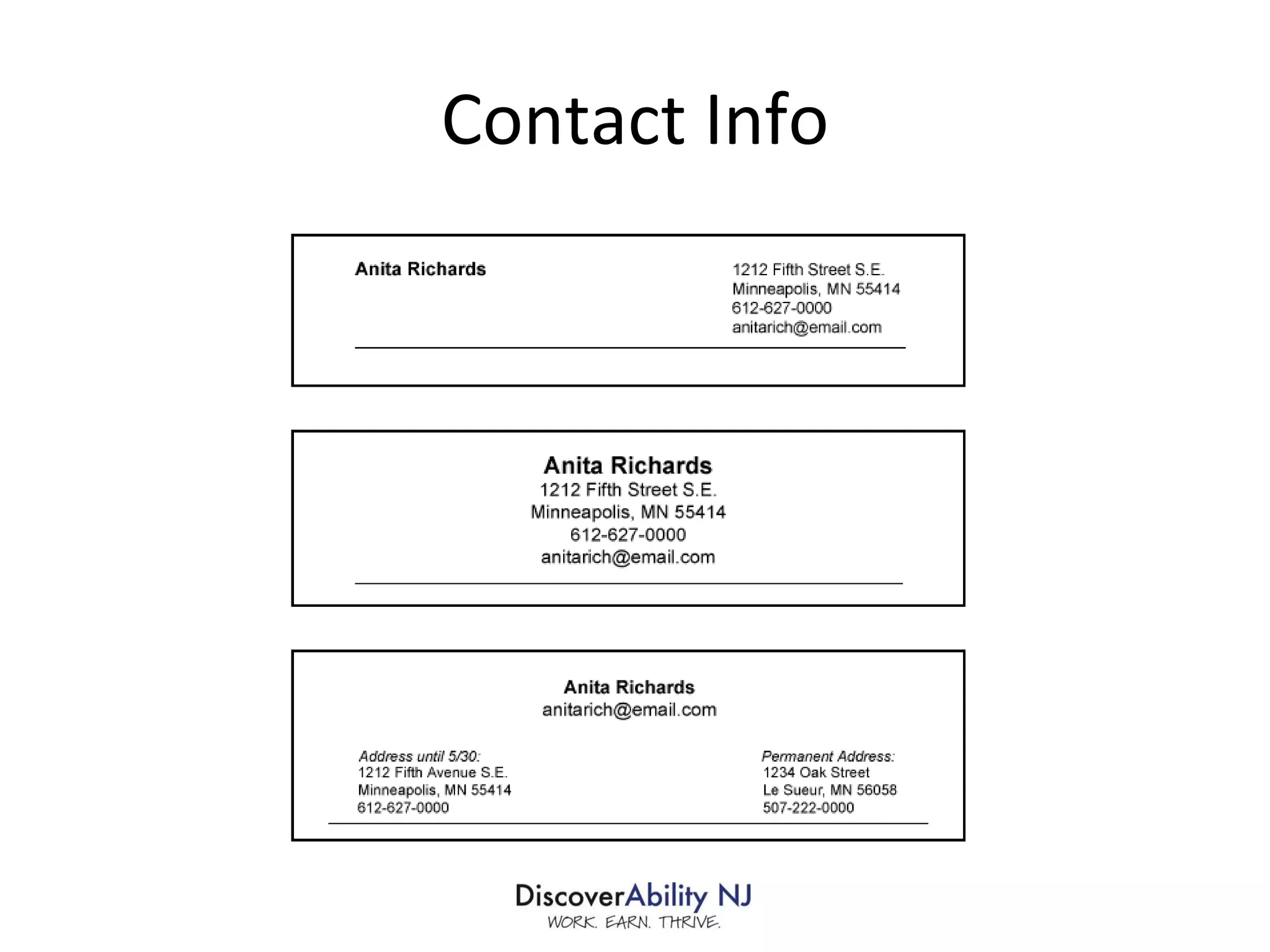
The Key Sections Contact Info Profile/Summary of Qualifications Work History/Accomplishments Education/Credentials Relevant awards, professional associations, etc.  (optional)
Contact Info
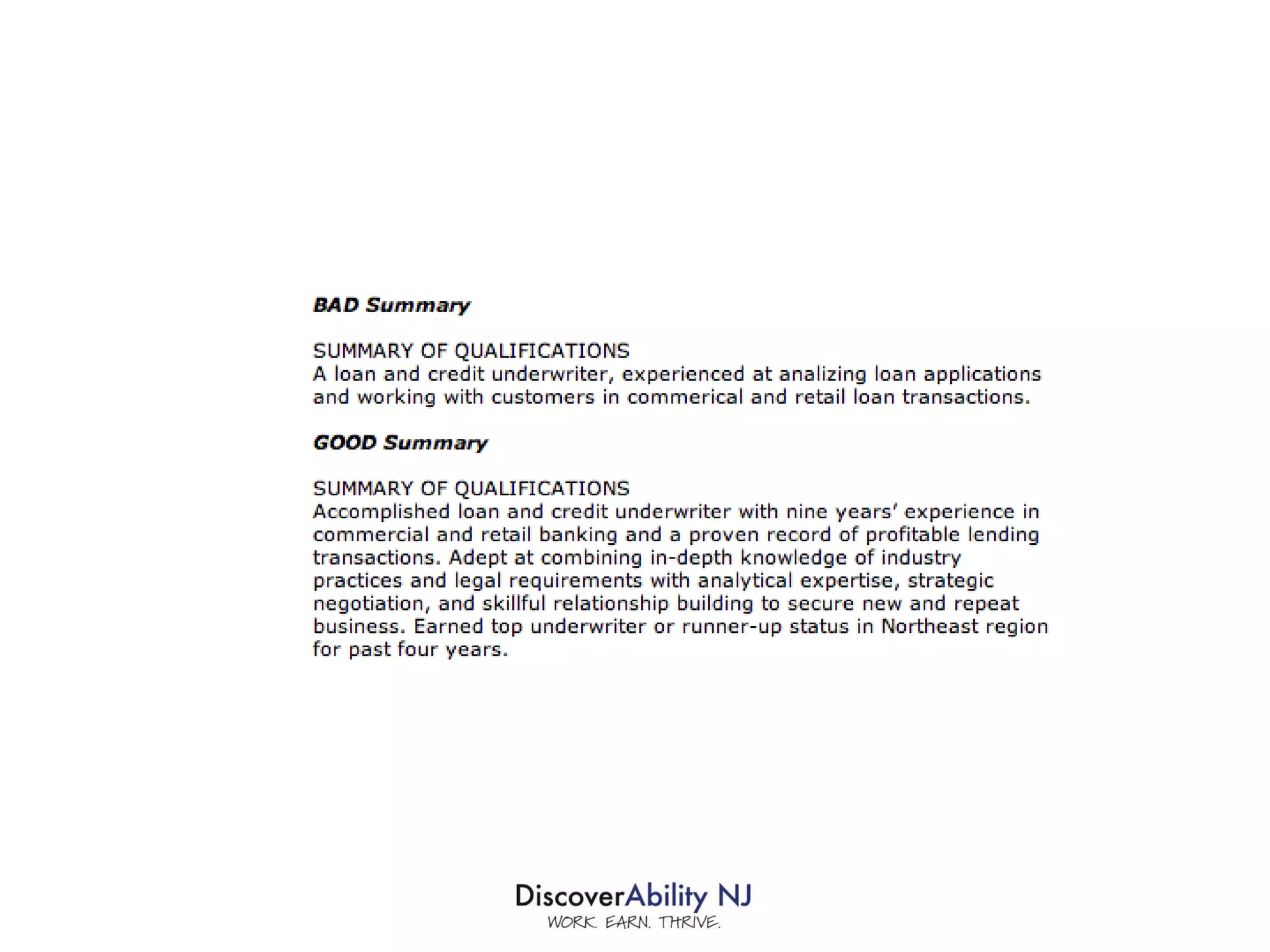
Profile/Summary of Qualifications Best place to include company/industry keywords Target company and job posting—highlight most relevant skills and qualifications Highlight key accomplishments—SHOW, don’t tell! 3-4 sentences or use bullet points
 
Work History/Accomplishments Highlight job duties/accomplishments most relevant to position. SHOW, don’t TELL! Focus on “So what?” Quantify as much as possible Use keywords liberally List employer name, location, years worked Focus on past 15 years
 
Education Section Don’t include HS if you have college degree Spell out the school name List degree Don’t include GPA unless 1) it’s over 3.0 and 2) you are a recent grad Consider omitting grad date
 
 
Dealing with Resume Gaps
Some Basic Tips Be truthful about dates Use volunteer and freelance work in experience section Acknowledge/explain in cover letter Focus on networking/connections to get interview
Final Advice
Revealing a Disability on a Resume DON’T! Be careful of accomplishments that may inadvertently reveal a disability.
For Printed Resumes Free of grammatical and spelling errors Easy to read Use white space Attractive, functional design Use Helvetica, Garamond, Calibri or Verdana. NO Times New Roman! Don’t go overboard on paper 1-2 pages
Electronic Resumes .txt file pasted into body of email .rtf file attachment—maintains most formatting.  Can use .doc, but use lowest version Test email first Load it with keywords! Use your name as doc name
Use Properties Feature
 

Building a Better Resume

  • 1.
    Peer Learning andLeadership Network Building a Better Resume
  • 2.
    Building a BetterResume June 22, 2011 1 p.m. Presenter: Michele Martin , DiscoverAbility NJ, John J. Heldrich Center for Workforce Development Rutgers, The State University of New Jersey
  • 3.
    Use Chatbox to communicate with chairperson Use Hide Chat for a cleaner, uncluttered webinar Select Full Screen to maximize presentation; minimizes chat feature Webinar Layout
  • 4.
  • 5.
    Materials and anarchived version of this webinar will be available at www.discoverabilitynj.org
  • 6.
    Agenda Purpose ofthe Resume How HR Managers Read Resumes Common Resume Mistakes Strategy for Constructing the Perfect Resume Sections of the Resume Putting it Together Some Final Tips
  • 7.
  • 8.
    To get aninterview!
  • 9.
    HR’s goal isto . . . SCREEN YOU OUT!
  • 10.
    What Does HRDo? Paper Review 5-10 second scan Online/Database Keyword search
  • 11.
    Looking for .. . Relevant experience Educational/certification requirements Accomplishments Mistakes
  • 12.
  • 13.
  • 14.
    1. No connectionto company need.
  • 15.
    2. Takes toolong to find relevant info
  • 16.
  • 17.
    4. No knowledgeof target industry
  • 18.
  • 19.
    6. Lack ofaccomplishments
  • 20.
  • 21.
  • 22.
  • 23.
  • 24.
    11. An Objectiveat the Top of Your Resume
  • 25.
    12. Boilerplate Teamplayer Excellent communicator Strong work ethic Met or exceeded expectations Results-oriented More than X years of progressively responsible experience Proven track record Bottom line orientation Trustworthy Problem solver Works well under pressure References available upon request
  • 26.
  • 27.
    Crafting the PerfectResume Focus on employer needs Customize! Use keywords. Most important info first in descending order
  • 28.
    Completing the “T”Review job posting and/or company info Identify employer needs, relevant keywords For job For company/culture Fill in job seeker info to complete the T. If you can’t complete The T—DON’T APPLY! If you can, complete your resume.
  • 29.
  • 30.
  • 31.
  • 32.
  • 33.
  • 34.
  • 35.
  • 36.
  • 37.
  • 38.
  • 39.
    The Key SectionsContact Info Profile/Summary of Qualifications Work History/Accomplishments Education/Credentials Relevant awards, professional associations, etc. (optional)
  • 40.
  • 41.
    Profile/Summary of QualificationsBest place to include company/industry keywords Target company and job posting—highlight most relevant skills and qualifications Highlight key accomplishments—SHOW, don’t tell! 3-4 sentences or use bullet points
  • 42.
  • 43.
    Work History/Accomplishments Highlightjob duties/accomplishments most relevant to position. SHOW, don’t TELL! Focus on “So what?” Quantify as much as possible Use keywords liberally List employer name, location, years worked Focus on past 15 years
  • 44.
  • 45.
    Education Section Don’tinclude HS if you have college degree Spell out the school name List degree Don’t include GPA unless 1) it’s over 3.0 and 2) you are a recent grad Consider omitting grad date
  • 46.
  • 47.
  • 48.
  • 49.
    Some Basic TipsBe truthful about dates Use volunteer and freelance work in experience section Acknowledge/explain in cover letter Focus on networking/connections to get interview
  • 50.
  • 51.
    Revealing a Disabilityon a Resume DON’T! Be careful of accomplishments that may inadvertently reveal a disability.
  • 52.
    For Printed ResumesFree of grammatical and spelling errors Easy to read Use white space Attractive, functional design Use Helvetica, Garamond, Calibri or Verdana. NO Times New Roman! Don’t go overboard on paper 1-2 pages
  • 53.
    Electronic Resumes .txtfile pasted into body of email .rtf file attachment—maintains most formatting. Can use .doc, but use lowest version Test email first Load it with keywords! Use your name as doc name
  • 54.
  • 55.

Editor's Notes