WRITING AN EFFECTIVE RESUME
GENERAL GUIDELINES, 1 of 2 Keep your resume organized & easy to read Write your own resume! Keep it one to two pages Always lead with your strongest suit Keep it positive and refrain from using any negatives Write brief, clear, & informative statements
GENERAL GUIDELINES, 2 of 2  Use the proper tense Never underestimate the power of appearance Have someone critique your resume Don’t send out a resume that is not 100% spotless
Things to put on a resume, 1 Of 3 OBJECTIVE SUMMARY OF QUALIFICATIONS EDUCATION RELATED WORK EXPERIENCE COMPUTER SKILLS LANGUAGES RESEARCH
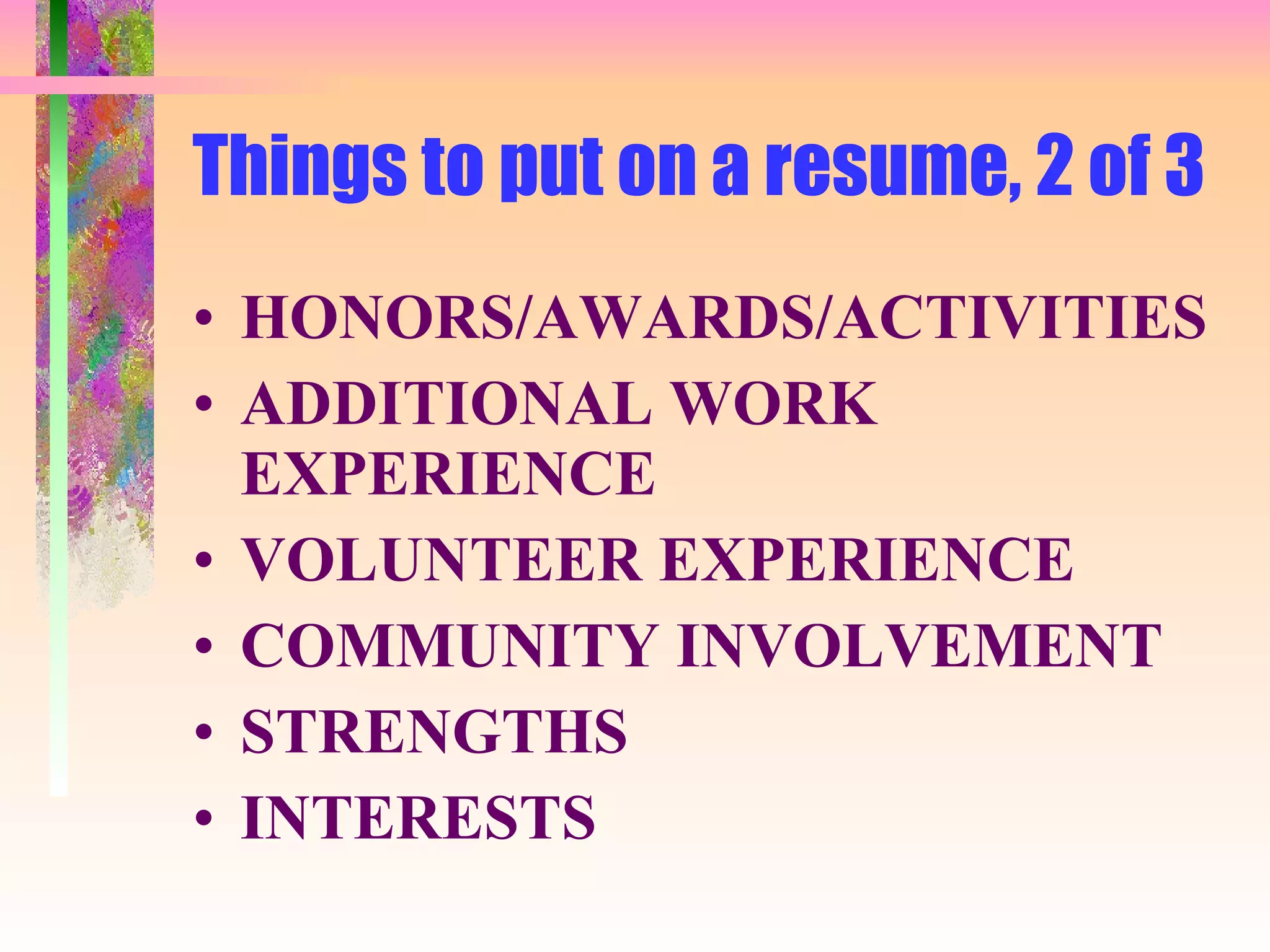
Things to put on a resume, 2 of 3 HONORS/AWARDS/ACTIVITIES ADDITIONAL WORK EXPERIENCE VOLUNTEER EXPERIENCE COMMUNITY INVOLVEMENT STRENGTHS INTERESTS
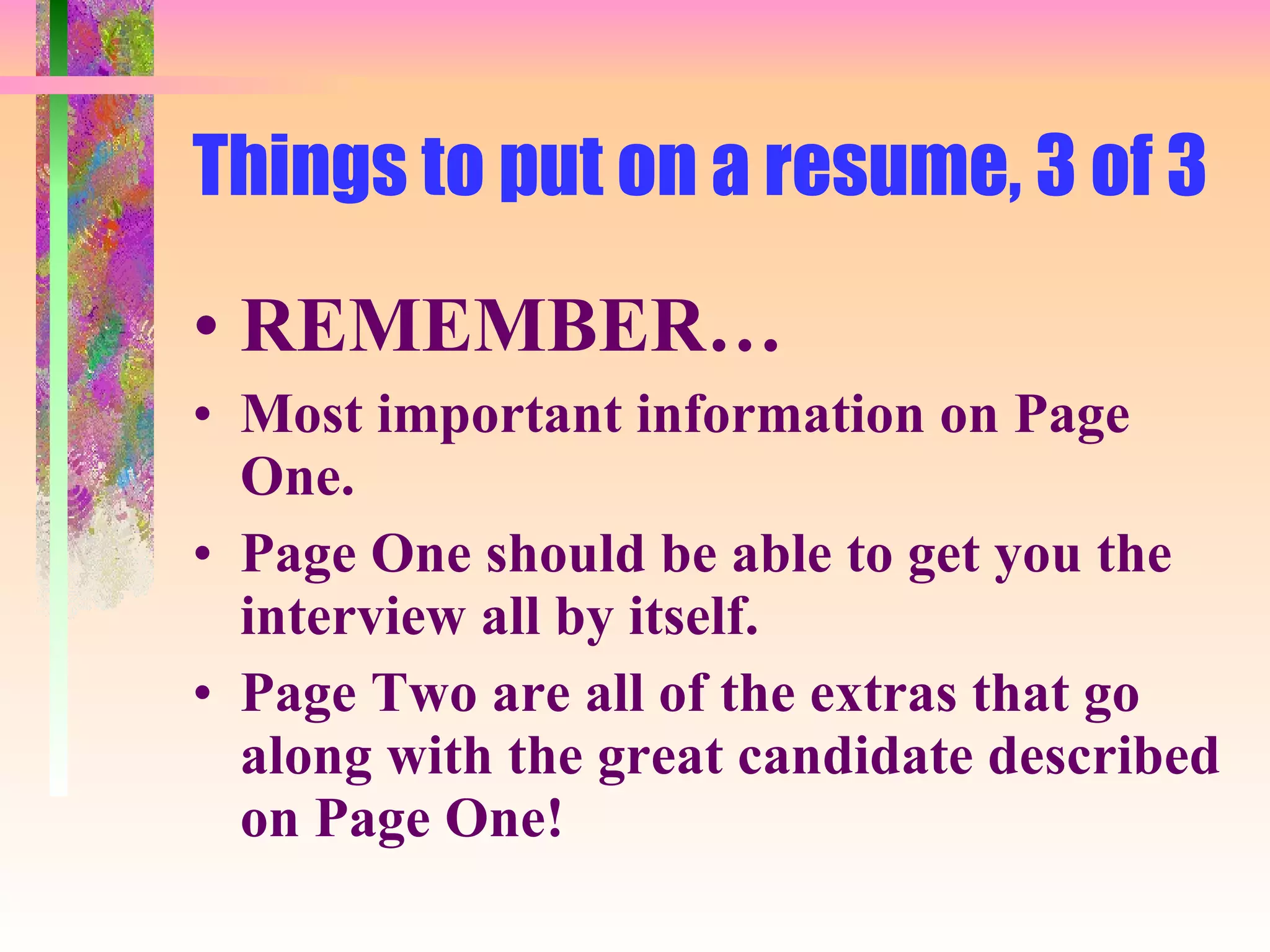
Things to put on a resume, 3 of 3 REMEMBER… Most important information on Page One.  Page One should be able to get you the interview all by itself. Page Two are all of the extras that go along with the great candidate described on Page One!
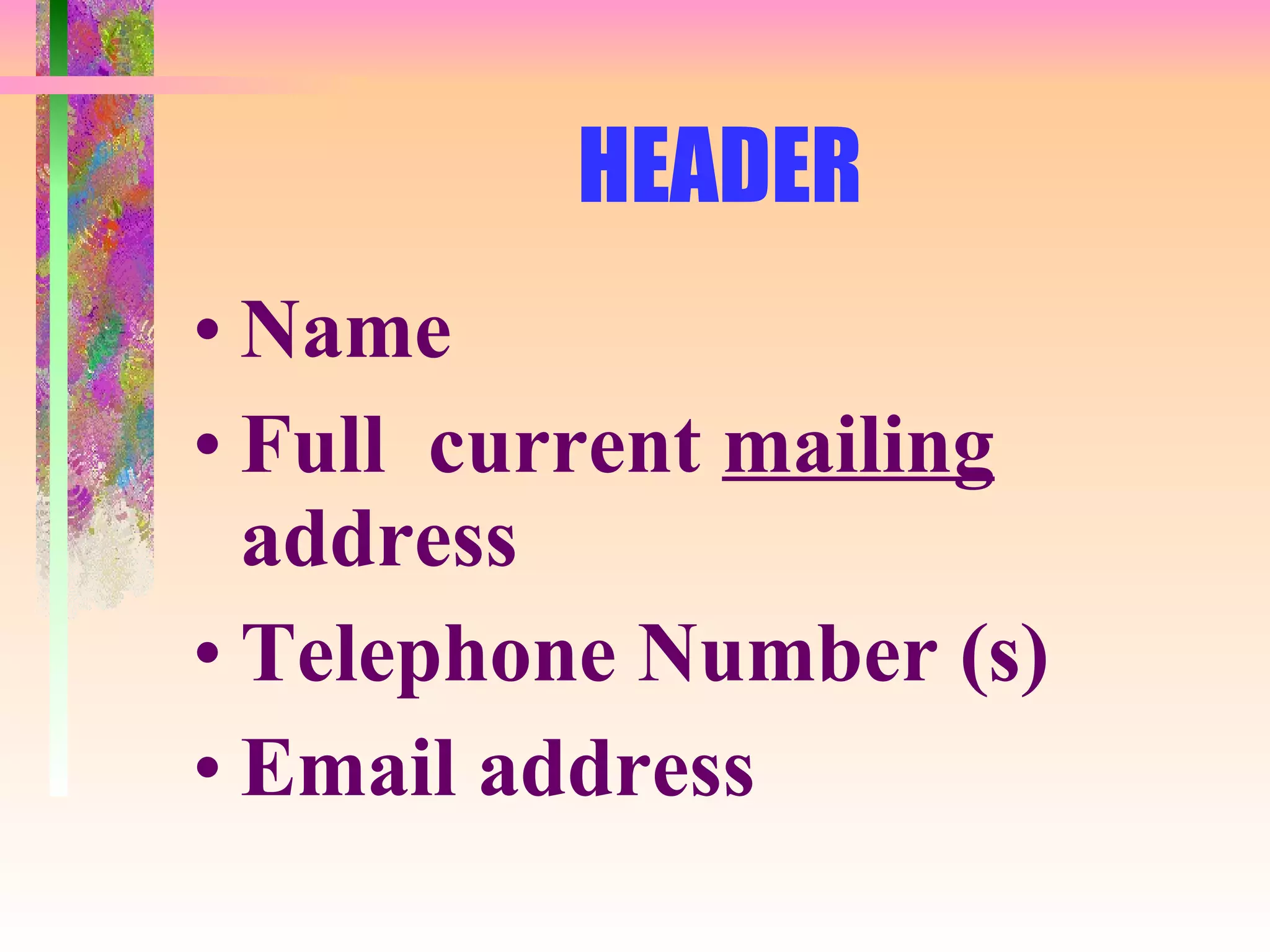
HEADER Name Full  current  mailing  address Telephone Number (s) Email address
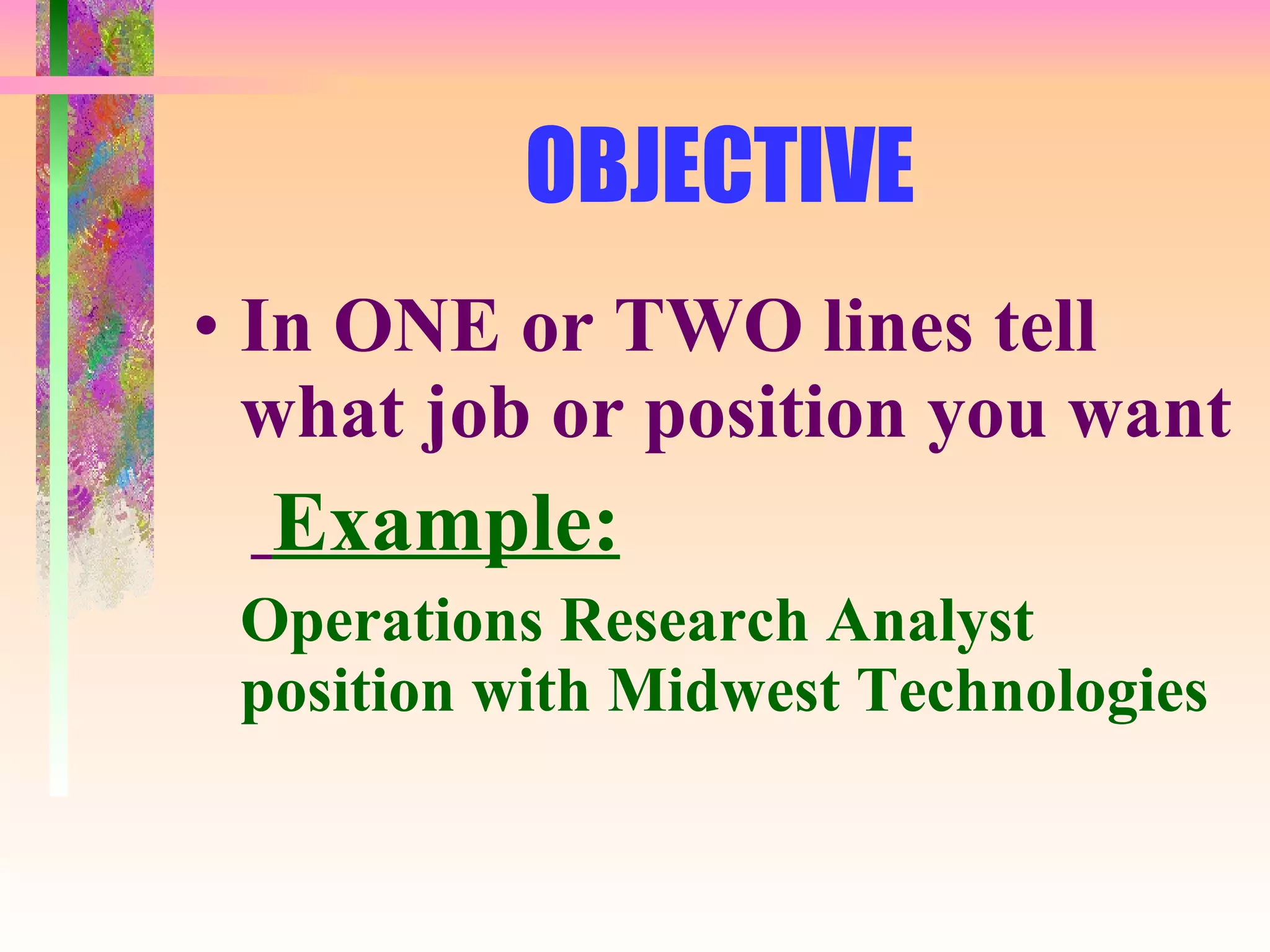
OBJECTIVE In ONE or TWO lines tell what job or position you want Example: Operations Research Analyst position with Midwest Technologies
QUALIFICATIONS List accomplishments and skills that show you can handle the job Begin with those most relevant to the position you are seeking
EDUCATION Degree Awarded School Name and Address Date degree awarded Optional: - Additional qualification - Scholarships - Relevant Classes
WORK EXPERIENCE Job Title Employer’s Name and Address Years of employment Description of your responsibilities -  Begin with your most important
SKILLS AND ABILITIES List the things that you can operate Software knowledge Procedures you know -  List everything that will help you in your new job
Resume Tips in a Nutshell Use bullets NOT paragraphs Use  ACTION   verbs to start your statements Highlight areas of importance Keep resume to 1 or 2 pages Always TARGET it to a specific job It  MUST   be 100% error free!
THE “DESCRIPTIVE” OBJECTIVE Briefly describes the type of job you’re interested in Works best in being seen as an overall candidate Used if there are no specific openings
THE “TITLED” OBJECTIVE Names the  SPECIFIC  job title for which you are applying Best used if you are applying for a specific position and do not want to be considered for any other positions Specific stuff
DO NOT USE OVERDONE CLICHES “ A chance to use my skills” “ A challenging opportunity” “ An opportunity for growth” These have been used so much they don’t even register!
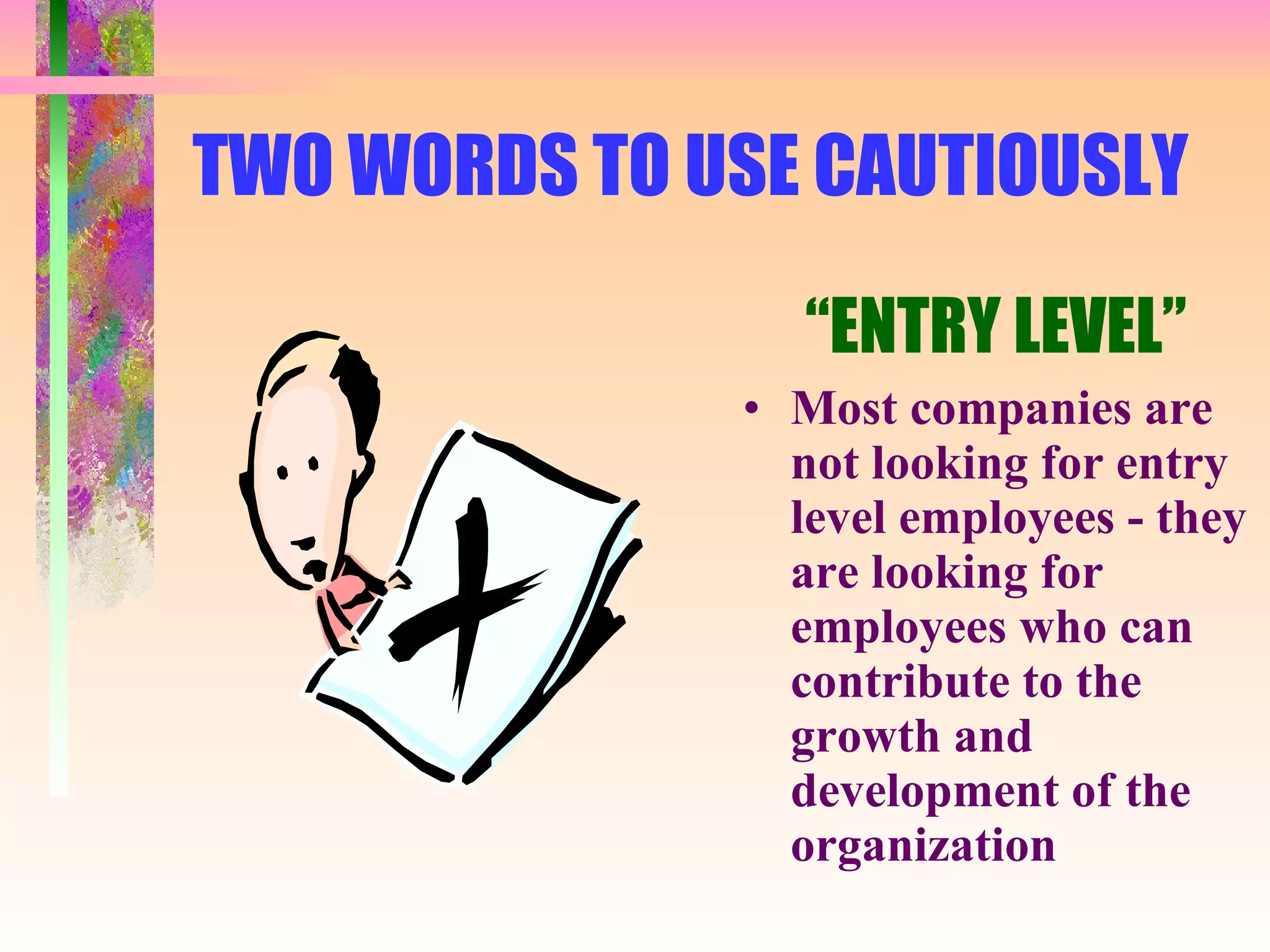
TWO WORDS TO USE CAUTIOUSLY “ ENTRY LEVEL” Most companies are not looking for entry level employees - they are looking for employees who can contribute to the growth and development of the organization
Your Resume’s MOST IMPORTANT Feature is... THE SUMMARY SECTION This section is the 10-second “sound bite” that draws the reader into the remainder of your resume. This section is  CRUCIAL   in the  “ high speed resume review” world we live in. Make sure it is there and bulleted!
RESUME TYPE: “ CHRONOLOGICAL  ”, 1 of 2 ADVANTAGES : Widely used; logical flow & easy to read Shows growth in skills & responsibilities Shows promotions and titles Shows company loyalty
RESUME TYPE: “ CHRONOLOGICAL  ”, 2 of 2 DISADVANTAGES: Shows gaps in employment Highlights frequent job changes Emphasizes employment not skills Emphasizes lack of related experience Points out demotions and career set backs
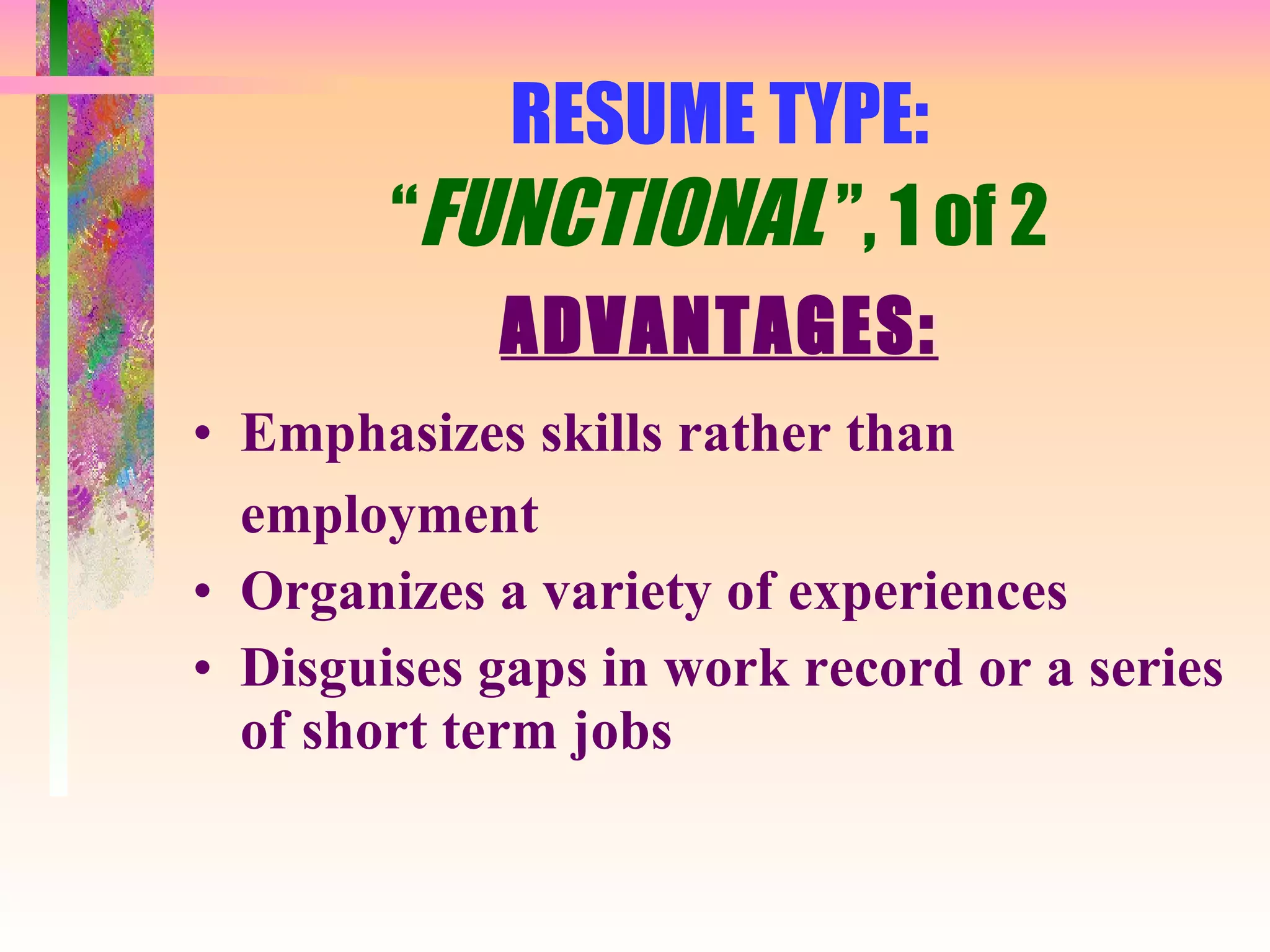
RESUME TYPE: “ FUNCTIONAL  ”, 1 of 2 ADVANTAGES: Emphasizes skills rather than employment Organizes a variety of experiences Disguises gaps in work record or a series of short term jobs
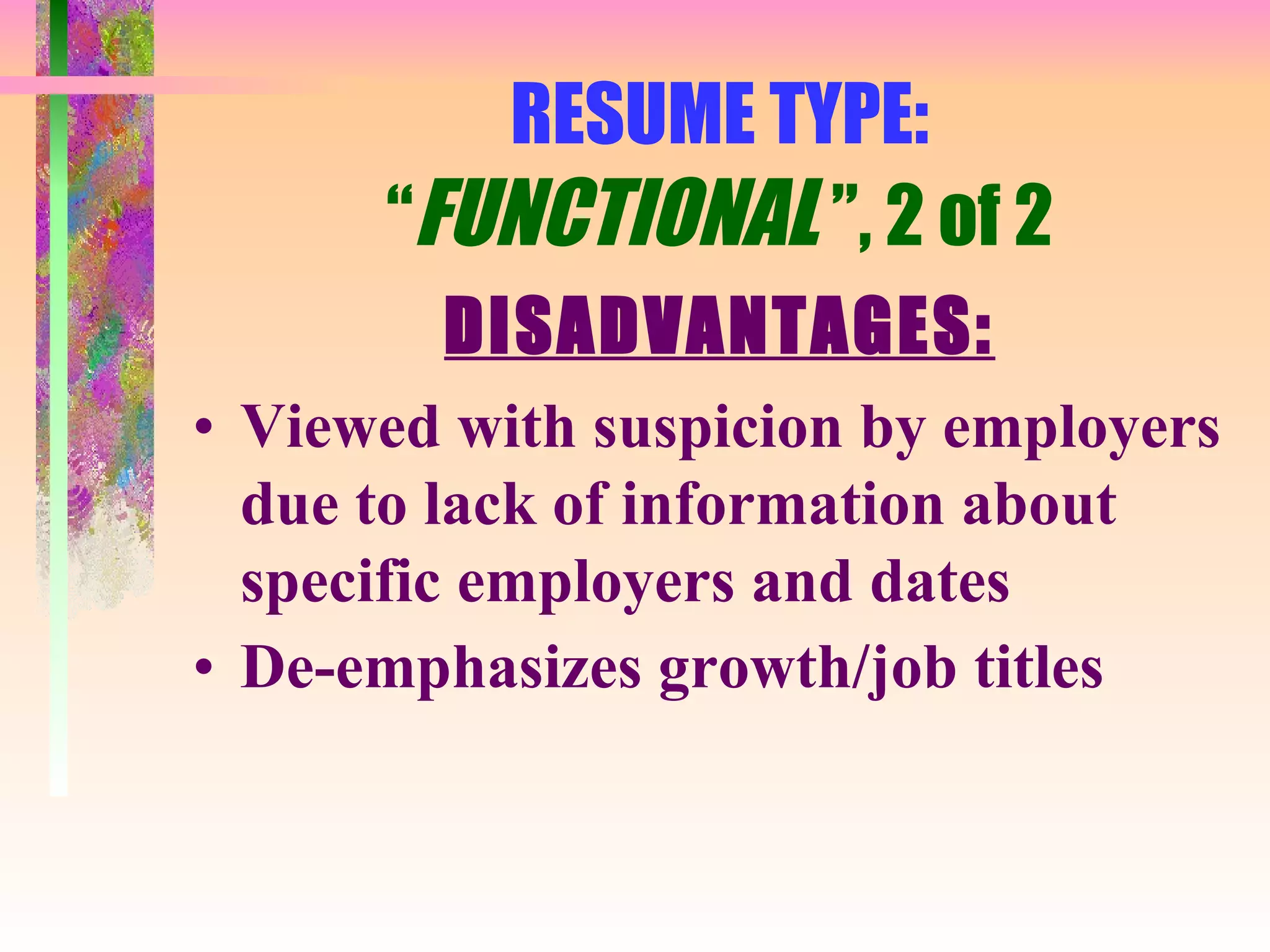
RESUME TYPE: “ FUNCTIONAL  ”, 2 of 2 DISADVANTAGES: Viewed with suspicion by employers due to lack of information about specific employers and dates De-emphasizes growth/job titles
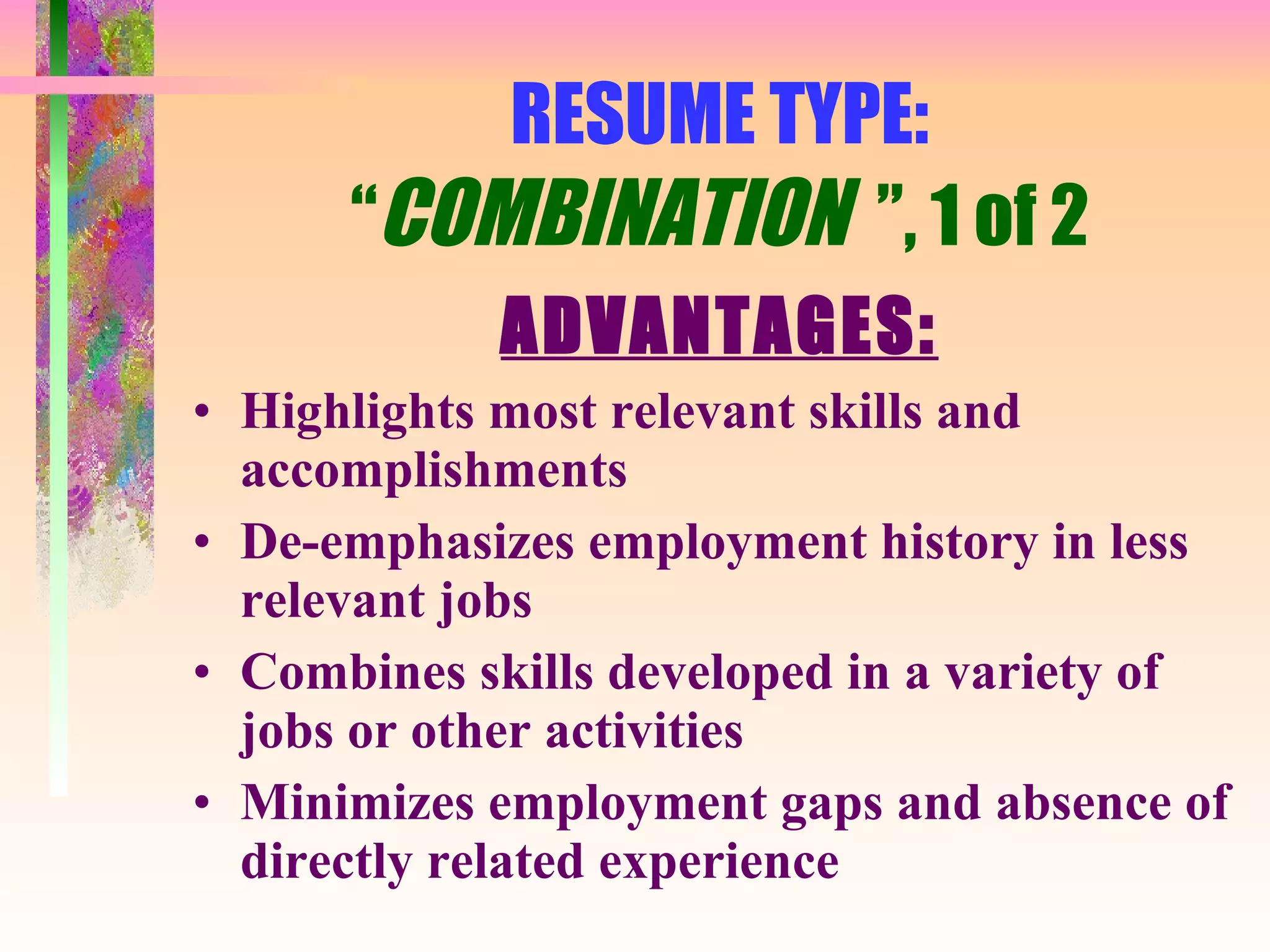
RESUME TYPE: “ COMBINATION  ”, 1 of 2 ADVANTAGES: Highlights most relevant skills and accomplishments De-emphasizes employment history in less relevant jobs Combines skills developed in a variety of jobs or other activities Minimizes employment gaps and absence of directly related experience
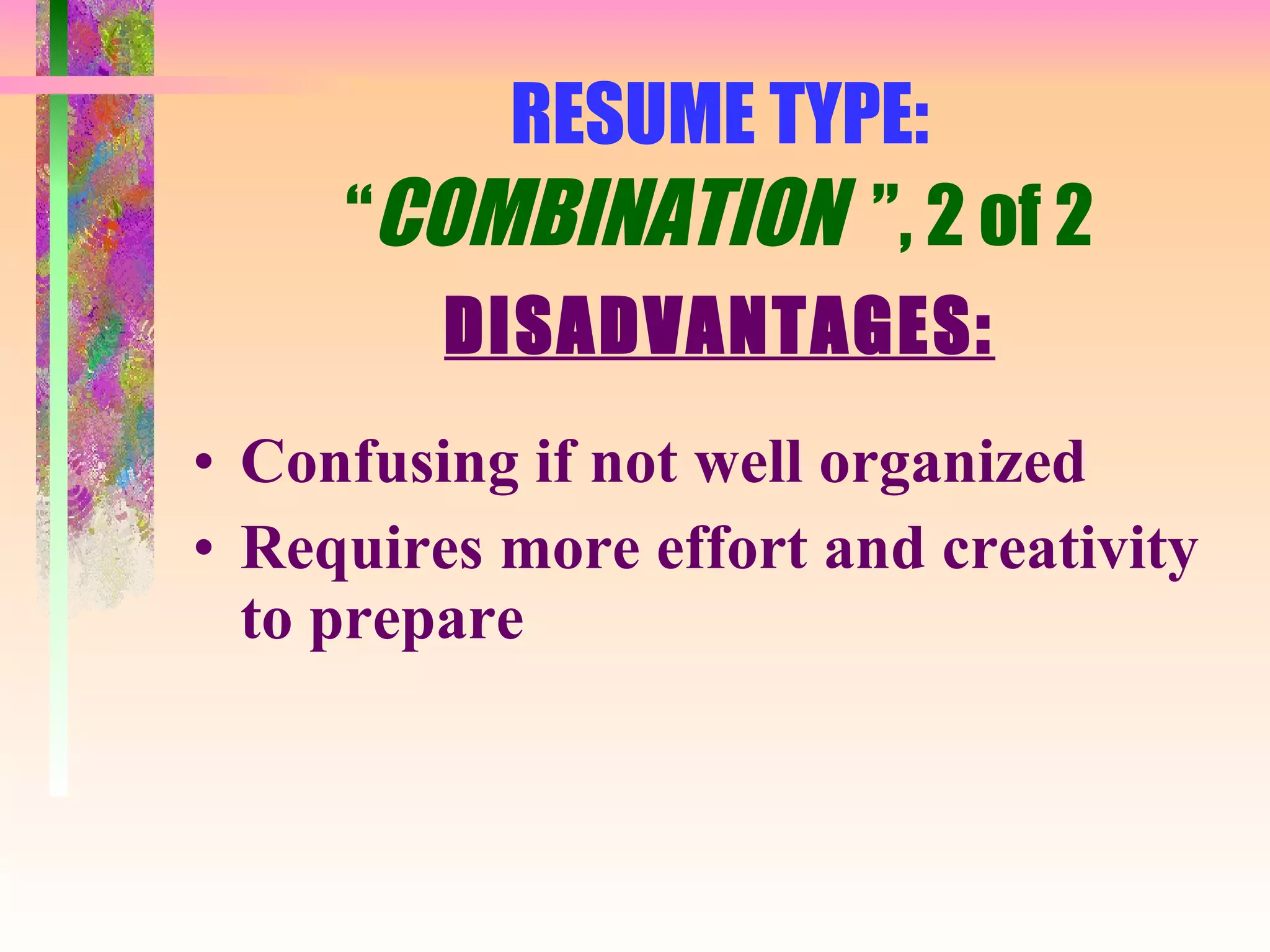
RESUME TYPE: “ COMBINATION  ”, 2 of 2 DISADVANTAGES: Confusing if not well organized Requires more effort and creativity to prepare
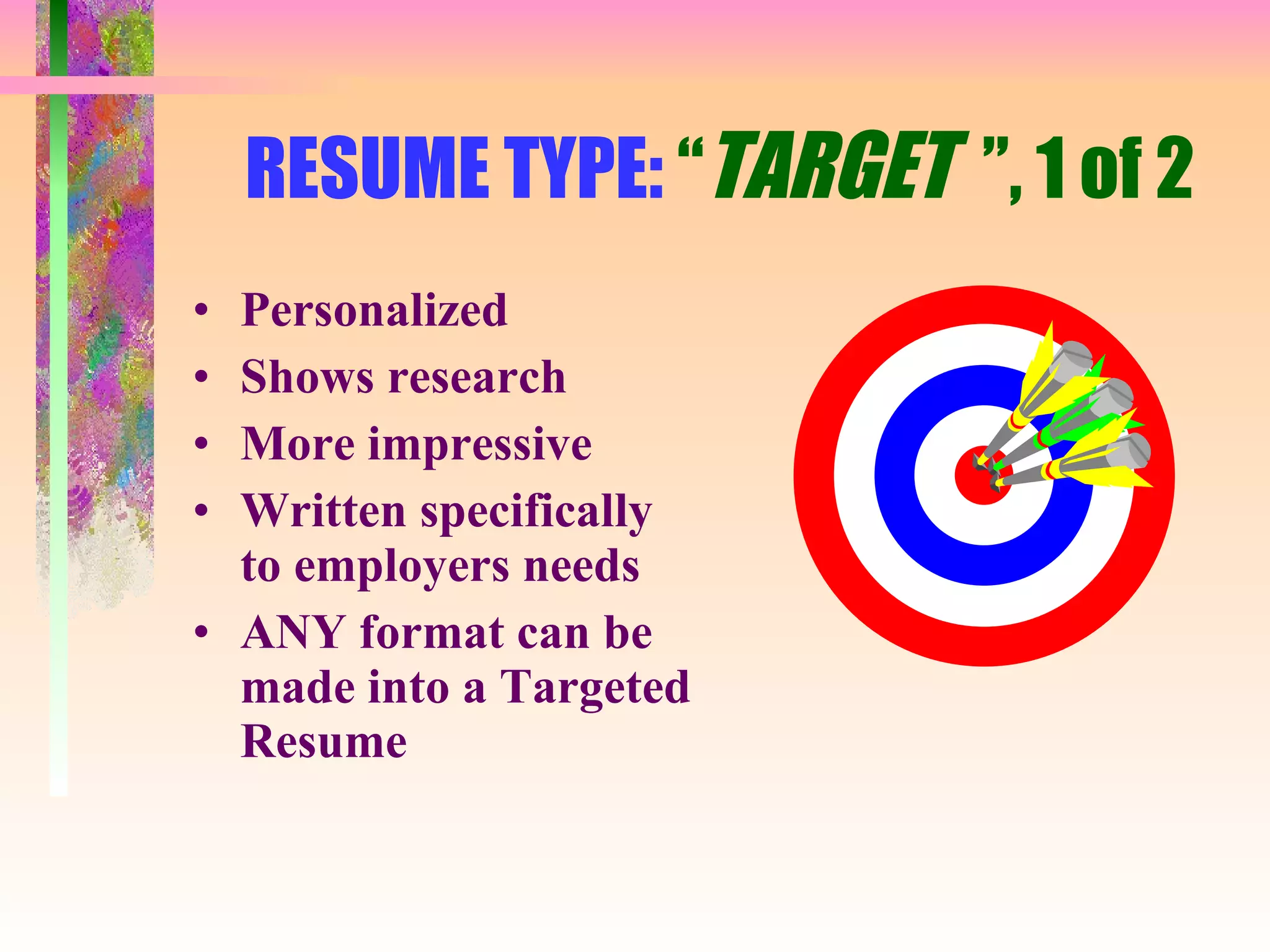
RESUME TYPE:  “ TARGET  ”, 1 of 2 Personalized Shows research More impressive Written specifically to employers needs ANY format can be made into a Targeted Resume
RESUME TYPE: “ TARGET  ”, 2 of 2 DISADVANTAGES: Time consuming to prepare Confusing if not well organized Needs to be revised for each employer
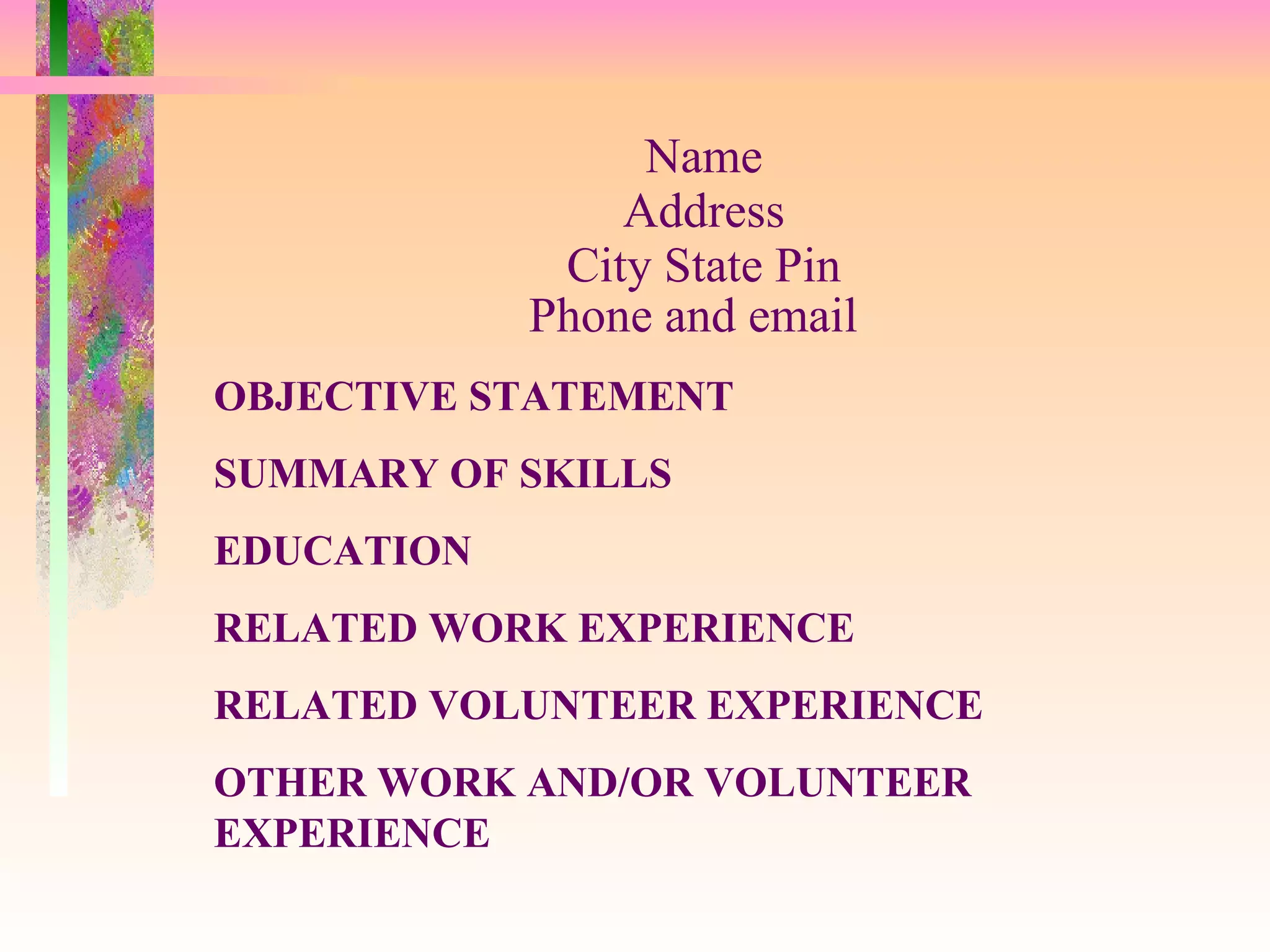
Name Address City State Pin Phone and email   OBJECTIVE STATEMENT SUMMARY OF SKILLS EDUCATION RELATED WORK EXPERIENCE RELATED VOLUNTEER EXPERIENCE OTHER WORK AND/OR VOLUNTEER EXPERIENCE
COMPUTER SKILLS ORGANIZATIONS/CLUBS AWARDS AND SCHOLARSHIPS COMMUNITY INVOLVEMENT HOBBIES INTERESTS
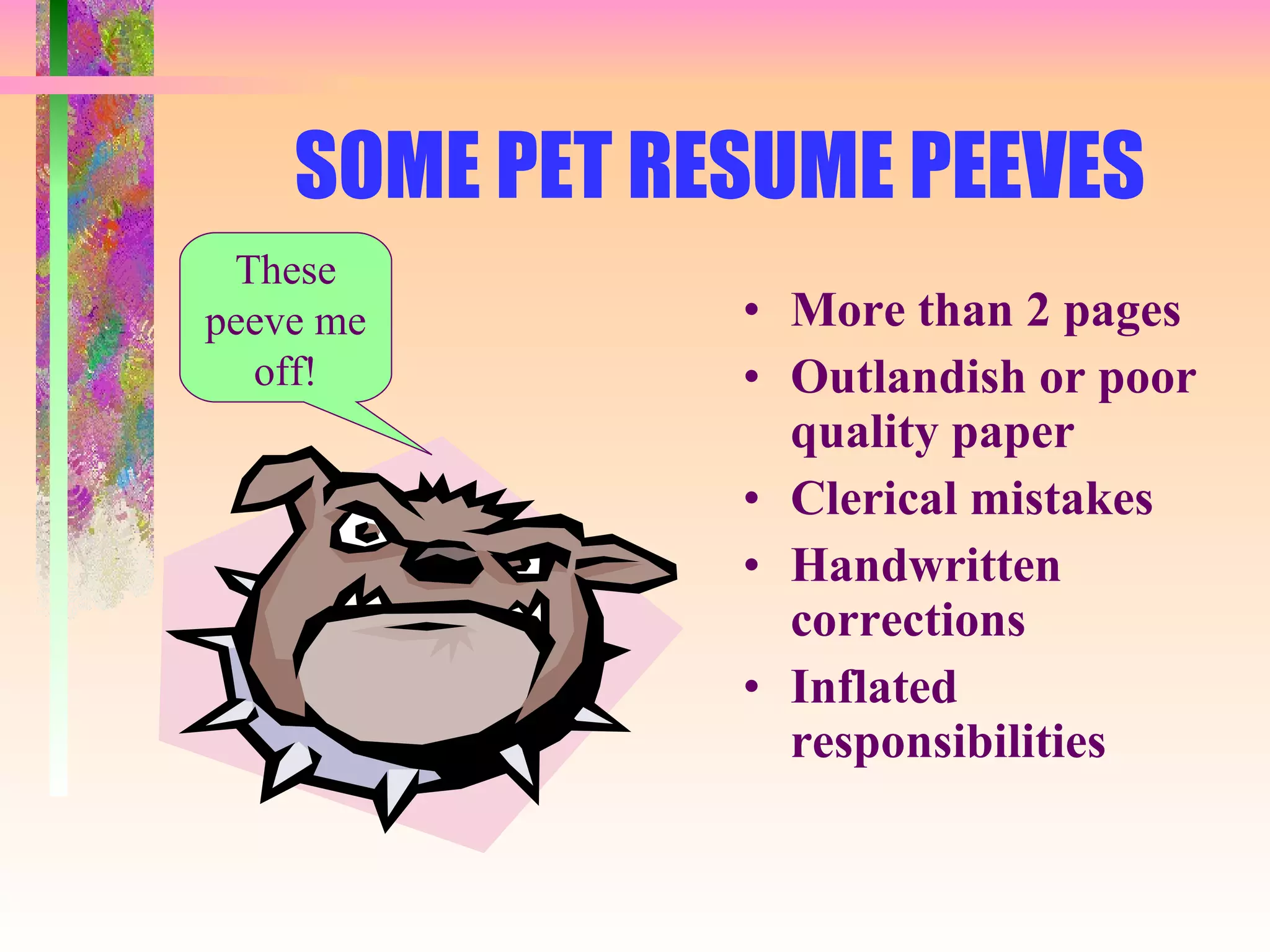
SOME PET RESUME PEEVES More than 2 pages Outlandish or poor quality paper Clerical mistakes Handwritten corrections Inflated responsibilities These peeve me off!
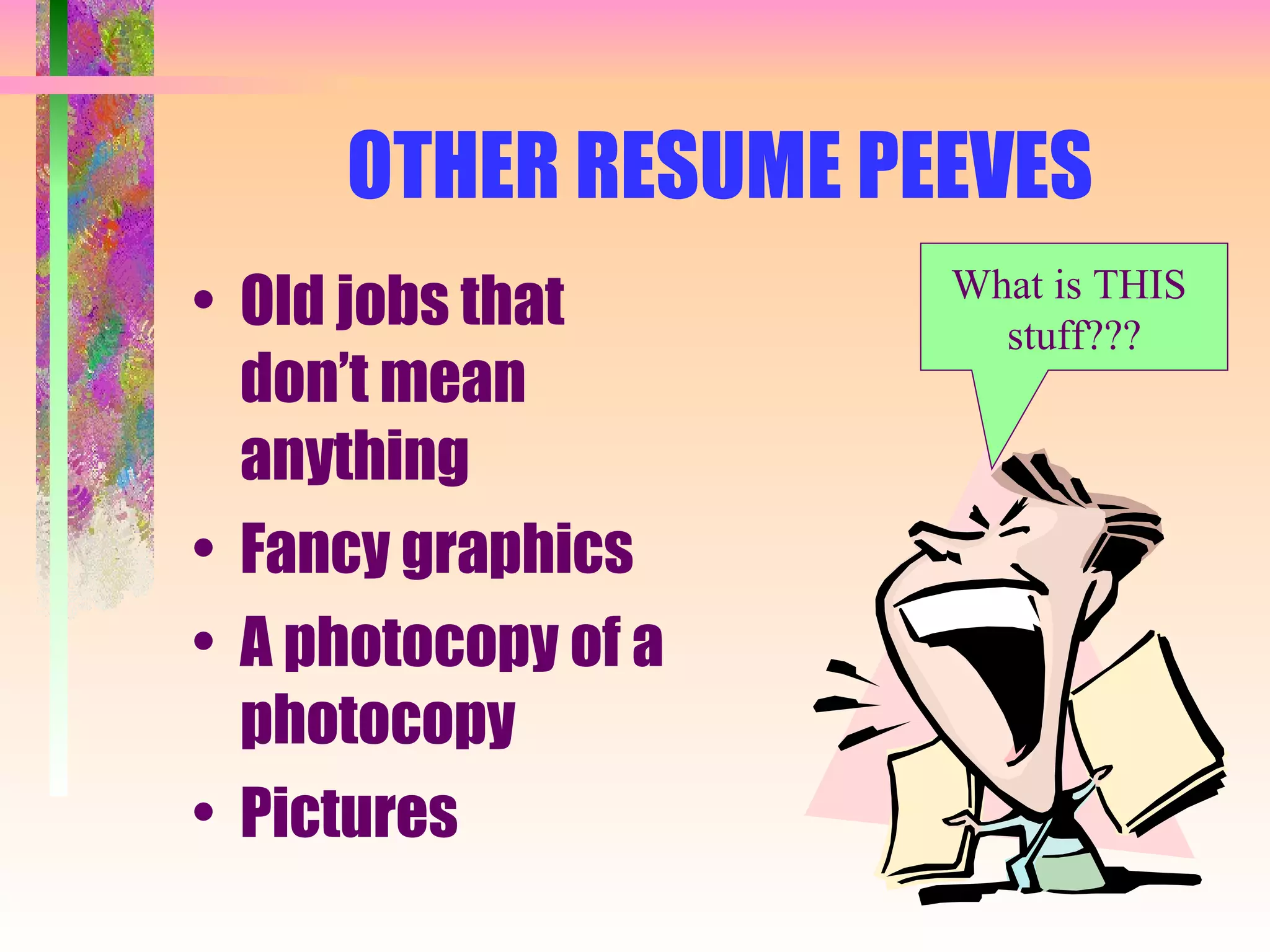
OTHER RESUME PEEVES Old jobs that don’t mean anything Fancy graphics A photocopy of a photocopy Pictures What is THIS  stuff???
TIP: DISTILL = BULLETING Long dense paragraphs makes finding information too hard with too much effort SOLUTION:  DISTILL! Create bulleted, focused statements. Short  powerful  lines show the reader, in a glance, why they should keep reading
TIP: HOW TO “BULLET”, 1 Of 2 ACTION + OBJECT + OUTCOME = “ BULLET STATEMENT” Action :  :  Verb Object  :  What, quantity or size; subject, type or kind Outcome  :  For whom, purpose or final results
BULLETING, 2 of 2 Use most of the elements when you want to emphasize an experience You are not expected to use all of the elements in every statement; sometimes you may use only a few
BEFORE DISTILLING…………. Before distilling… I’m just a “bunch”
BEFORE  DISTILLING,  EXAMPLE #1 Primary Duties: Computer repair and assembly, software troubleshooter, Internet installation and troubleshooting.
BEFORE  DISTILLING,  Example #2 Responsibilities included assisting with artist releases, compiling sheets based on information given from reservationists and box office attendants, handling photo and press release mailings to media, assisting in radio copy writing, and performing various other duties as assigned.
Attract attention to your skills Employers want  to see results Use percentages and numbers Outline actions you took and emphasize the resulting benefits List information in order of importance
Sell your skills every chance you get! ESPECIALLY COMPUTER SKILLS! List all the software programs you have knowledge of If you don’t have computer skills - GET THEM!
TIP: TARGET YOUR RESUME, 1 of 2 Tailor your resume to each position Vague, general resumes may get “lost” in the shuffle An effective resume supports and strengthens your objective
TARGETED  RESUMES, 2 of 2 Highlight your experience when it is relevant Focus on why you are qualified not necessarily on what you have done
TIP: Use  ACTION  Verbs Descriptive words add  POWER Some examples are:  - organized  - prepared - streamlined - established
TIP: Be Concise A 3-page or longer resume may not even receive the typical 15-second glance Best results are achieved with a one or two page, well-organized resume Keep your resume... short well organized to the point
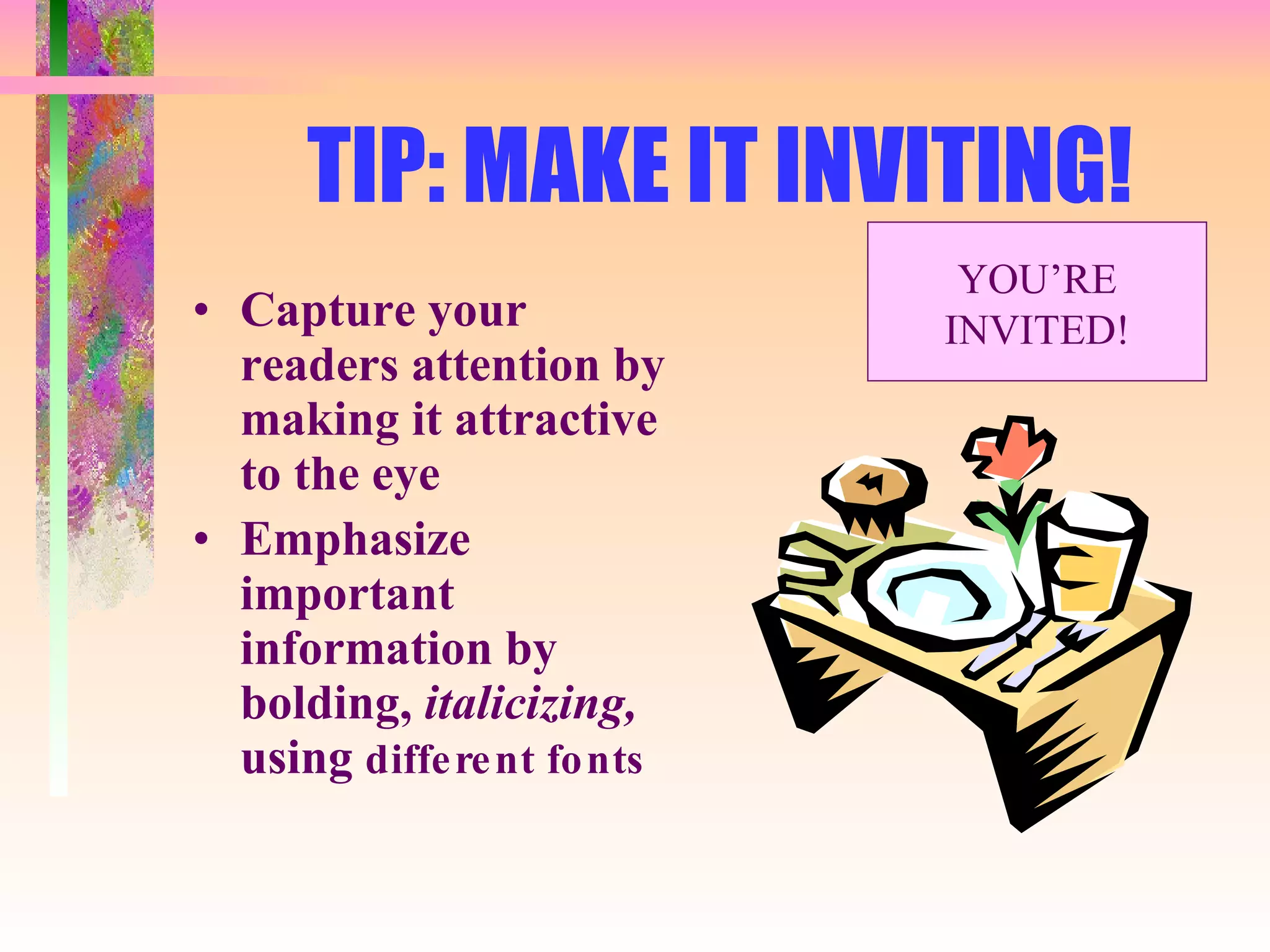
TIP: MAKE IT INVITING! Capture your readers attention by making it attractive to the eye Emphasize important information by bolding,  italicizing,  using  different fonts YOU’RE INVITED!
TIP: Be Complete Emphasize your professionalism by giving complete information Avoid abbreviations, slang, negatives Avoid the  overuse  of the personal pronouns “I” or “MY”
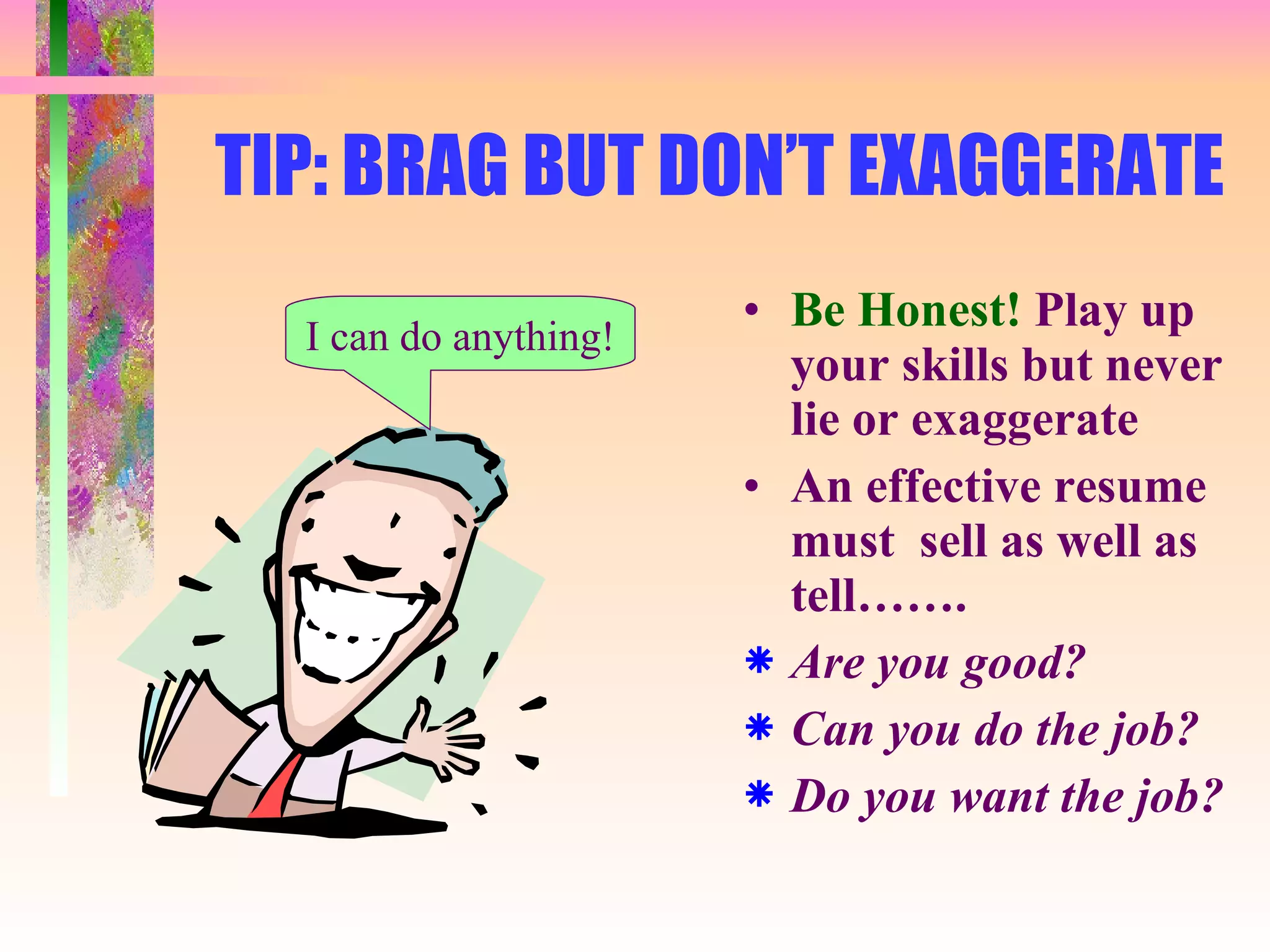
TIP: BRAG BUT DON’T EXAGGERATE Be Honest!  Play up your skills but never lie or exaggerate An effective resume must  sell as well as tell……. Are you good? Can you do the job? Do you want the job? I can do anything!
TIP: Proof and Edit An effective resume is 100% error free,  not 99%, not 99.5% but 100% Use spell check but do not rely totally on it Always check for grammar, punctuation and capitalization errors Proof at least 4 times Have someone else proof it
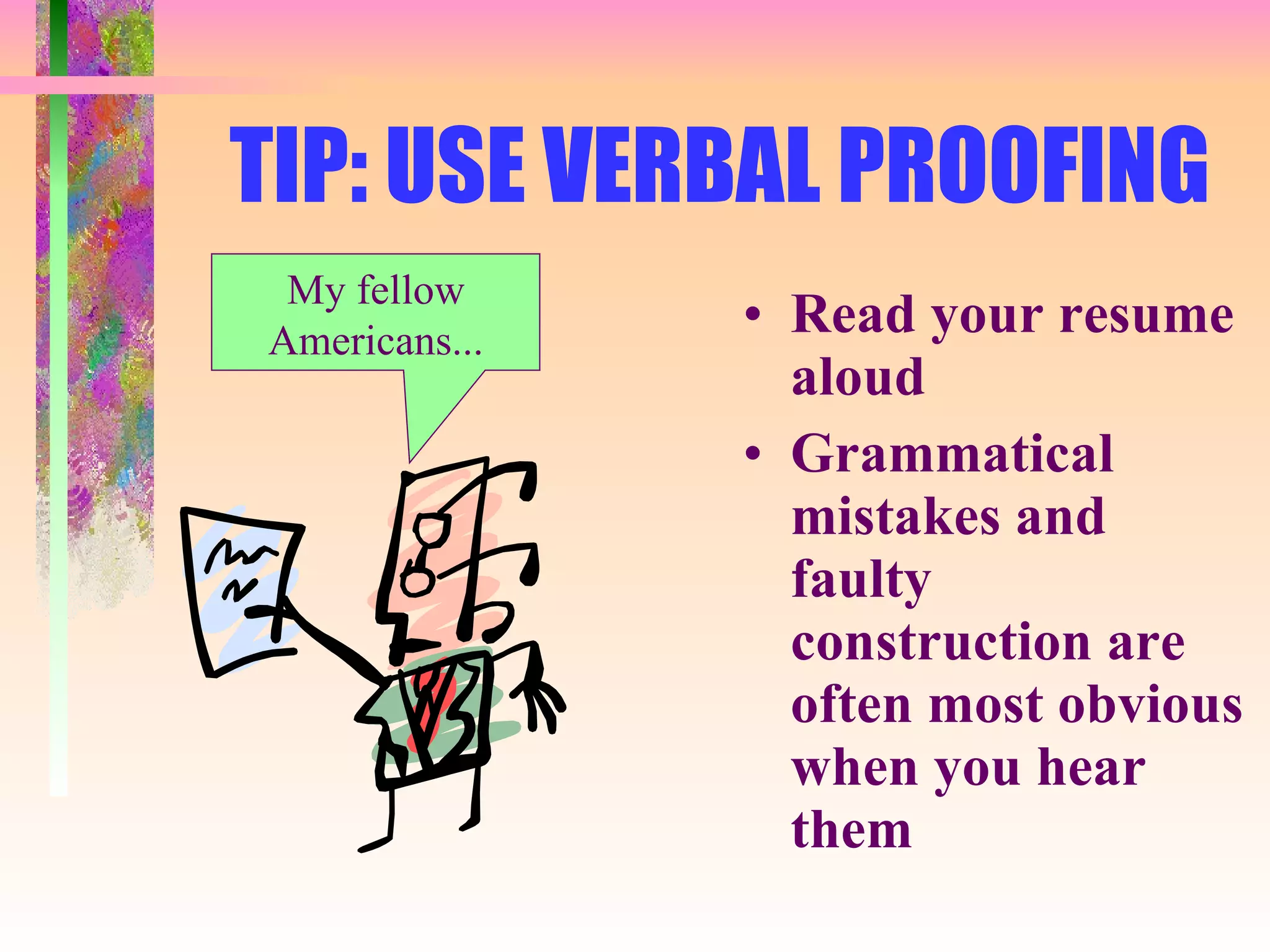
TIP: USE VERBAL PROOFING Read your resume aloud Grammatical mistakes and faulty construction are often most obvious when you hear them My fellow Americans...
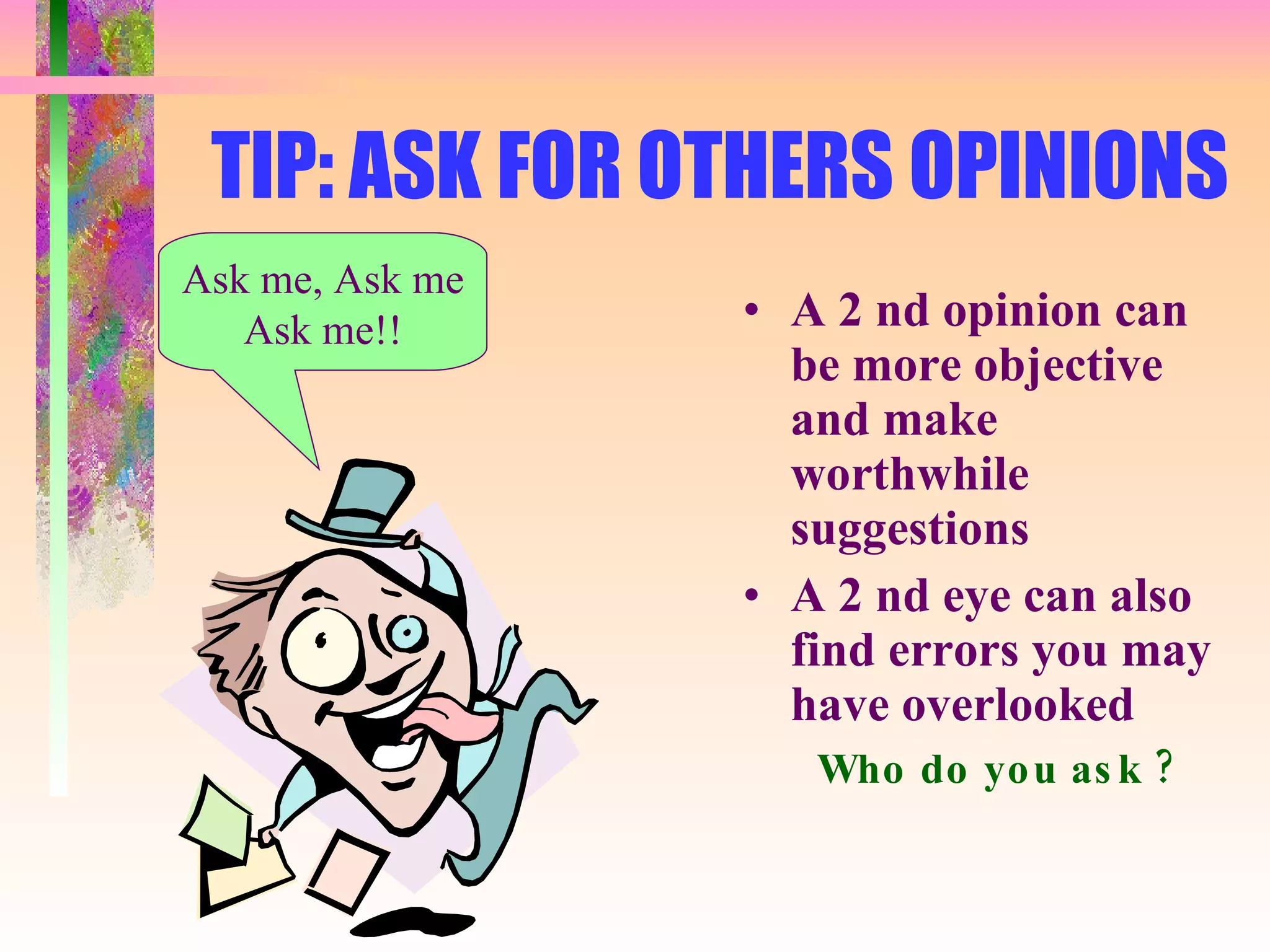
TIP: ASK FOR OTHERS OPINIONS A 2 nd opinion can be more objective and make worthwhile suggestions A 2 nd eye can also find errors you may have overlooked Who do you ask ? Ask me, Ask me Ask me!!
TIP: DO NOT INCLUDE PERSONAL STATISTICS This includes information about age, marital status, height, weight, health, etc. Requesting this info violates anti-discrimination laws so do not volunteer it
TIP: NO PHOTO COPIES!! An effective resume is an original, not a copy Use a computer and good word processing software so revisions can easily be made Whew!
COVER LETTER FORMAT Your Cover Letter should cover these important topics… WHAT CAN YOU DO  FOR THE COMPANY? WHAT CAN YOU DO FOR THE COMPANY? WHAT CAN YOU DO FOR THE COMPANY?
COVER LETTER TIPS, 1 of 2 Send to a specific individual Have a strong, positive opening statement that mentions the position and something about the company Convey enthusiasm and commitment Be brief and focused
Cover Letter Tips, 2 of 2 Identify something unique about yourself that is relevant to the position Highlight your strong points that relates to the specific job Three or four paragraphs long - that’s it! State how you will follow-up - and then make sure you do it!
Cover Letter Paragraphs, 1 of 2 PARAGRAPH 1: Why you are writing.  State your strongest point and the job for which you want to be considered. PARAGRAPH  2: Explain why you want to work for this company and why you desire this position
Cover Letter Paragraphs, 2 of 2 PARAGRAPH 3: Highlight your skills and qualifications that are relevant to this job and company PARAGRAPH 4: Request an interview and state how you will follow-up
Your resume is  “Alive” Remember… Your resume is a “ living” document Continue to add and upgrade as your career progresses

Writing An Effective Resume

  • 1.
  • 2.
    GENERAL GUIDELINES, 1of 2 Keep your resume organized & easy to read Write your own resume! Keep it one to two pages Always lead with your strongest suit Keep it positive and refrain from using any negatives Write brief, clear, & informative statements
  • 3.
    GENERAL GUIDELINES, 2of 2 Use the proper tense Never underestimate the power of appearance Have someone critique your resume Don’t send out a resume that is not 100% spotless
  • 4.
    Things to puton a resume, 1 Of 3 OBJECTIVE SUMMARY OF QUALIFICATIONS EDUCATION RELATED WORK EXPERIENCE COMPUTER SKILLS LANGUAGES RESEARCH
  • 5.
    Things to puton a resume, 2 of 3 HONORS/AWARDS/ACTIVITIES ADDITIONAL WORK EXPERIENCE VOLUNTEER EXPERIENCE COMMUNITY INVOLVEMENT STRENGTHS INTERESTS
  • 6.
    Things to puton a resume, 3 of 3 REMEMBER… Most important information on Page One. Page One should be able to get you the interview all by itself. Page Two are all of the extras that go along with the great candidate described on Page One!
  • 7.
    HEADER Name Full current mailing address Telephone Number (s) Email address
  • 8.
    OBJECTIVE In ONEor TWO lines tell what job or position you want Example: Operations Research Analyst position with Midwest Technologies
  • 9.
    QUALIFICATIONS List accomplishmentsand skills that show you can handle the job Begin with those most relevant to the position you are seeking
  • 10.
    EDUCATION Degree AwardedSchool Name and Address Date degree awarded Optional: - Additional qualification - Scholarships - Relevant Classes
  • 11.
    WORK EXPERIENCE JobTitle Employer’s Name and Address Years of employment Description of your responsibilities - Begin with your most important
  • 12.
    SKILLS AND ABILITIESList the things that you can operate Software knowledge Procedures you know - List everything that will help you in your new job
  • 13.
    Resume Tips ina Nutshell Use bullets NOT paragraphs Use ACTION verbs to start your statements Highlight areas of importance Keep resume to 1 or 2 pages Always TARGET it to a specific job It MUST be 100% error free!
  • 14.
    THE “DESCRIPTIVE” OBJECTIVEBriefly describes the type of job you’re interested in Works best in being seen as an overall candidate Used if there are no specific openings
  • 15.
    THE “TITLED” OBJECTIVENames the SPECIFIC job title for which you are applying Best used if you are applying for a specific position and do not want to be considered for any other positions Specific stuff
  • 16.
    DO NOT USEOVERDONE CLICHES “ A chance to use my skills” “ A challenging opportunity” “ An opportunity for growth” These have been used so much they don’t even register!
  • 17.
    TWO WORDS TOUSE CAUTIOUSLY “ ENTRY LEVEL” Most companies are not looking for entry level employees - they are looking for employees who can contribute to the growth and development of the organization
  • 18.
    Your Resume’s MOSTIMPORTANT Feature is... THE SUMMARY SECTION This section is the 10-second “sound bite” that draws the reader into the remainder of your resume. This section is CRUCIAL in the “ high speed resume review” world we live in. Make sure it is there and bulleted!
  • 19.
    RESUME TYPE: “CHRONOLOGICAL ”, 1 of 2 ADVANTAGES : Widely used; logical flow & easy to read Shows growth in skills & responsibilities Shows promotions and titles Shows company loyalty
  • 20.
    RESUME TYPE: “CHRONOLOGICAL ”, 2 of 2 DISADVANTAGES: Shows gaps in employment Highlights frequent job changes Emphasizes employment not skills Emphasizes lack of related experience Points out demotions and career set backs
  • 21.
    RESUME TYPE: “FUNCTIONAL ”, 1 of 2 ADVANTAGES: Emphasizes skills rather than employment Organizes a variety of experiences Disguises gaps in work record or a series of short term jobs
  • 22.
    RESUME TYPE: “FUNCTIONAL ”, 2 of 2 DISADVANTAGES: Viewed with suspicion by employers due to lack of information about specific employers and dates De-emphasizes growth/job titles
  • 23.
    RESUME TYPE: “COMBINATION ”, 1 of 2 ADVANTAGES: Highlights most relevant skills and accomplishments De-emphasizes employment history in less relevant jobs Combines skills developed in a variety of jobs or other activities Minimizes employment gaps and absence of directly related experience
  • 24.
    RESUME TYPE: “COMBINATION ”, 2 of 2 DISADVANTAGES: Confusing if not well organized Requires more effort and creativity to prepare
  • 25.
    RESUME TYPE: “ TARGET ”, 1 of 2 Personalized Shows research More impressive Written specifically to employers needs ANY format can be made into a Targeted Resume
  • 26.
    RESUME TYPE: “TARGET ”, 2 of 2 DISADVANTAGES: Time consuming to prepare Confusing if not well organized Needs to be revised for each employer
  • 27.
    Name Address CityState Pin Phone and email OBJECTIVE STATEMENT SUMMARY OF SKILLS EDUCATION RELATED WORK EXPERIENCE RELATED VOLUNTEER EXPERIENCE OTHER WORK AND/OR VOLUNTEER EXPERIENCE
  • 28.
    COMPUTER SKILLS ORGANIZATIONS/CLUBSAWARDS AND SCHOLARSHIPS COMMUNITY INVOLVEMENT HOBBIES INTERESTS
  • 29.
    SOME PET RESUMEPEEVES More than 2 pages Outlandish or poor quality paper Clerical mistakes Handwritten corrections Inflated responsibilities These peeve me off!
  • 30.
    OTHER RESUME PEEVESOld jobs that don’t mean anything Fancy graphics A photocopy of a photocopy Pictures What is THIS stuff???
  • 31.
    TIP: DISTILL =BULLETING Long dense paragraphs makes finding information too hard with too much effort SOLUTION: DISTILL! Create bulleted, focused statements. Short powerful lines show the reader, in a glance, why they should keep reading
  • 32.
    TIP: HOW TO“BULLET”, 1 Of 2 ACTION + OBJECT + OUTCOME = “ BULLET STATEMENT” Action : : Verb Object : What, quantity or size; subject, type or kind Outcome : For whom, purpose or final results
  • 33.
    BULLETING, 2 of2 Use most of the elements when you want to emphasize an experience You are not expected to use all of the elements in every statement; sometimes you may use only a few
  • 34.
    BEFORE DISTILLING…………. Beforedistilling… I’m just a “bunch”
  • 35.
    BEFORE DISTILLING, EXAMPLE #1 Primary Duties: Computer repair and assembly, software troubleshooter, Internet installation and troubleshooting.
  • 36.
    BEFORE DISTILLING, Example #2 Responsibilities included assisting with artist releases, compiling sheets based on information given from reservationists and box office attendants, handling photo and press release mailings to media, assisting in radio copy writing, and performing various other duties as assigned.
  • 37.
    Attract attention toyour skills Employers want to see results Use percentages and numbers Outline actions you took and emphasize the resulting benefits List information in order of importance
  • 38.
    Sell your skillsevery chance you get! ESPECIALLY COMPUTER SKILLS! List all the software programs you have knowledge of If you don’t have computer skills - GET THEM!
  • 39.
    TIP: TARGET YOURRESUME, 1 of 2 Tailor your resume to each position Vague, general resumes may get “lost” in the shuffle An effective resume supports and strengthens your objective
  • 40.
    TARGETED RESUMES,2 of 2 Highlight your experience when it is relevant Focus on why you are qualified not necessarily on what you have done
  • 41.
    TIP: Use ACTION Verbs Descriptive words add POWER Some examples are: - organized - prepared - streamlined - established
  • 42.
    TIP: Be ConciseA 3-page or longer resume may not even receive the typical 15-second glance Best results are achieved with a one or two page, well-organized resume Keep your resume... short well organized to the point
  • 43.
    TIP: MAKE ITINVITING! Capture your readers attention by making it attractive to the eye Emphasize important information by bolding, italicizing, using different fonts YOU’RE INVITED!
  • 44.
    TIP: Be CompleteEmphasize your professionalism by giving complete information Avoid abbreviations, slang, negatives Avoid the overuse of the personal pronouns “I” or “MY”
  • 45.
    TIP: BRAG BUTDON’T EXAGGERATE Be Honest! Play up your skills but never lie or exaggerate An effective resume must sell as well as tell……. Are you good? Can you do the job? Do you want the job? I can do anything!
  • 46.
    TIP: Proof andEdit An effective resume is 100% error free, not 99%, not 99.5% but 100% Use spell check but do not rely totally on it Always check for grammar, punctuation and capitalization errors Proof at least 4 times Have someone else proof it
  • 47.
    TIP: USE VERBALPROOFING Read your resume aloud Grammatical mistakes and faulty construction are often most obvious when you hear them My fellow Americans...
  • 48.
    TIP: ASK FOROTHERS OPINIONS A 2 nd opinion can be more objective and make worthwhile suggestions A 2 nd eye can also find errors you may have overlooked Who do you ask ? Ask me, Ask me Ask me!!
  • 49.
    TIP: DO NOTINCLUDE PERSONAL STATISTICS This includes information about age, marital status, height, weight, health, etc. Requesting this info violates anti-discrimination laws so do not volunteer it
  • 50.
    TIP: NO PHOTOCOPIES!! An effective resume is an original, not a copy Use a computer and good word processing software so revisions can easily be made Whew!
  • 51.
    COVER LETTER FORMATYour Cover Letter should cover these important topics… WHAT CAN YOU DO FOR THE COMPANY? WHAT CAN YOU DO FOR THE COMPANY? WHAT CAN YOU DO FOR THE COMPANY?
  • 52.
    COVER LETTER TIPS,1 of 2 Send to a specific individual Have a strong, positive opening statement that mentions the position and something about the company Convey enthusiasm and commitment Be brief and focused
  • 53.
    Cover Letter Tips,2 of 2 Identify something unique about yourself that is relevant to the position Highlight your strong points that relates to the specific job Three or four paragraphs long - that’s it! State how you will follow-up - and then make sure you do it!
  • 54.
    Cover Letter Paragraphs,1 of 2 PARAGRAPH 1: Why you are writing. State your strongest point and the job for which you want to be considered. PARAGRAPH 2: Explain why you want to work for this company and why you desire this position
  • 55.
    Cover Letter Paragraphs,2 of 2 PARAGRAPH 3: Highlight your skills and qualifications that are relevant to this job and company PARAGRAPH 4: Request an interview and state how you will follow-up
  • 56.
    Your resume is “Alive” Remember… Your resume is a “ living” document Continue to add and upgrade as your career progresses