
Microsoft's Big Play for Big
                       Data
                 Andrew J. Brust
                    CEO and Founder
                  Blue Badge Insights
                      Level: Intermediate
Meet Andrew
 •   CEO and Founder, Blue Badge Insights
 •   Big Data blogger for ZDNet
 •   Microsoft Regional Director, MVP
 •   Co-chair VSLive! and 17 years as a speaker
 •   Founder, Microsoft BI User Group of NYC
     – http://www.msbinyc.com
 •   Co-moderator, NYC .NET Developers Group
     – http://www.nycdotnetdev.com
 •   “Redmond Review” columnist for
     Visual Studio Magazine and Redmond Developer
     News
 •   brustblog.com, Twitter: @andrewbrust
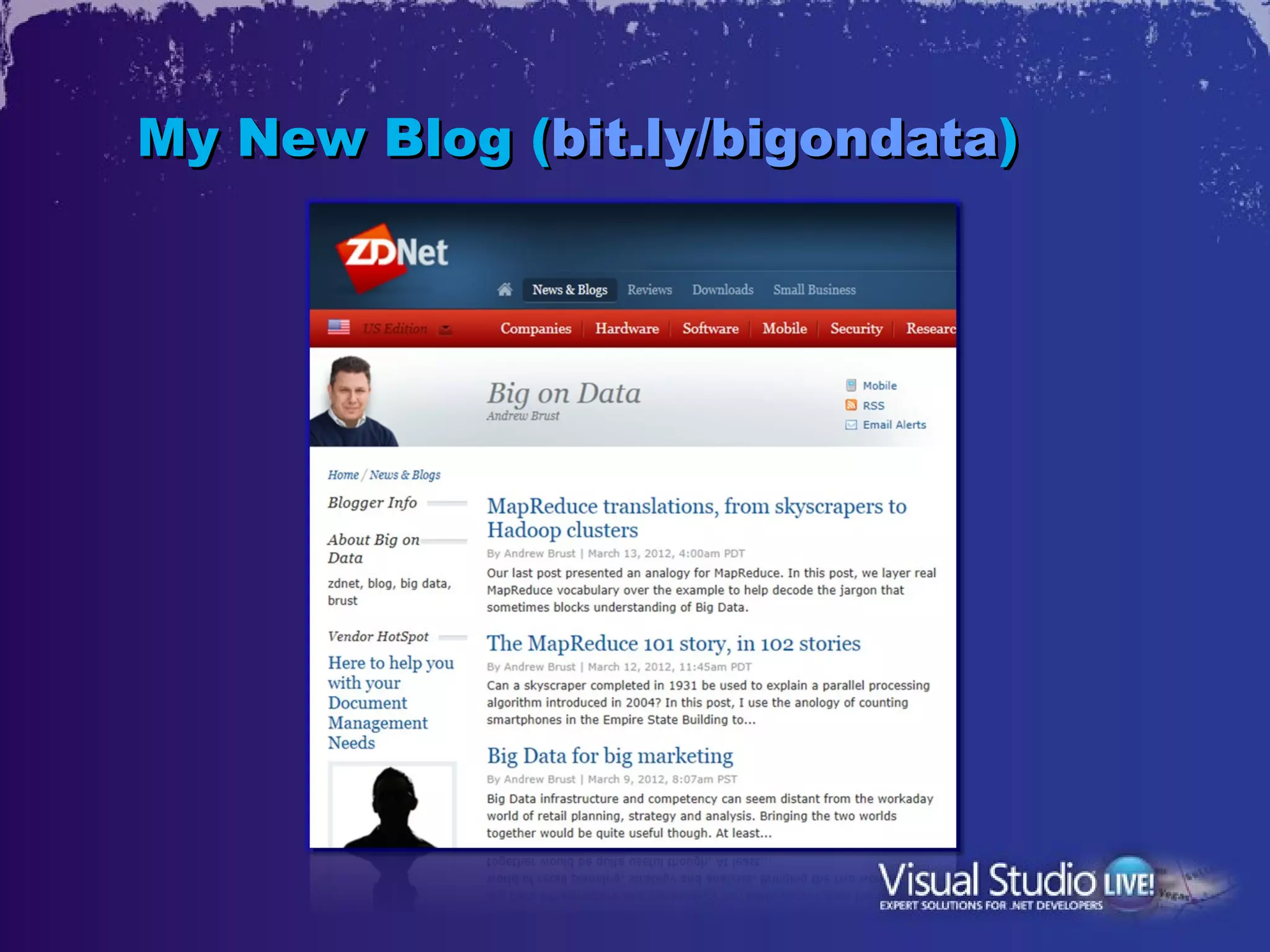
My New Blog (bit.ly/bigondata)
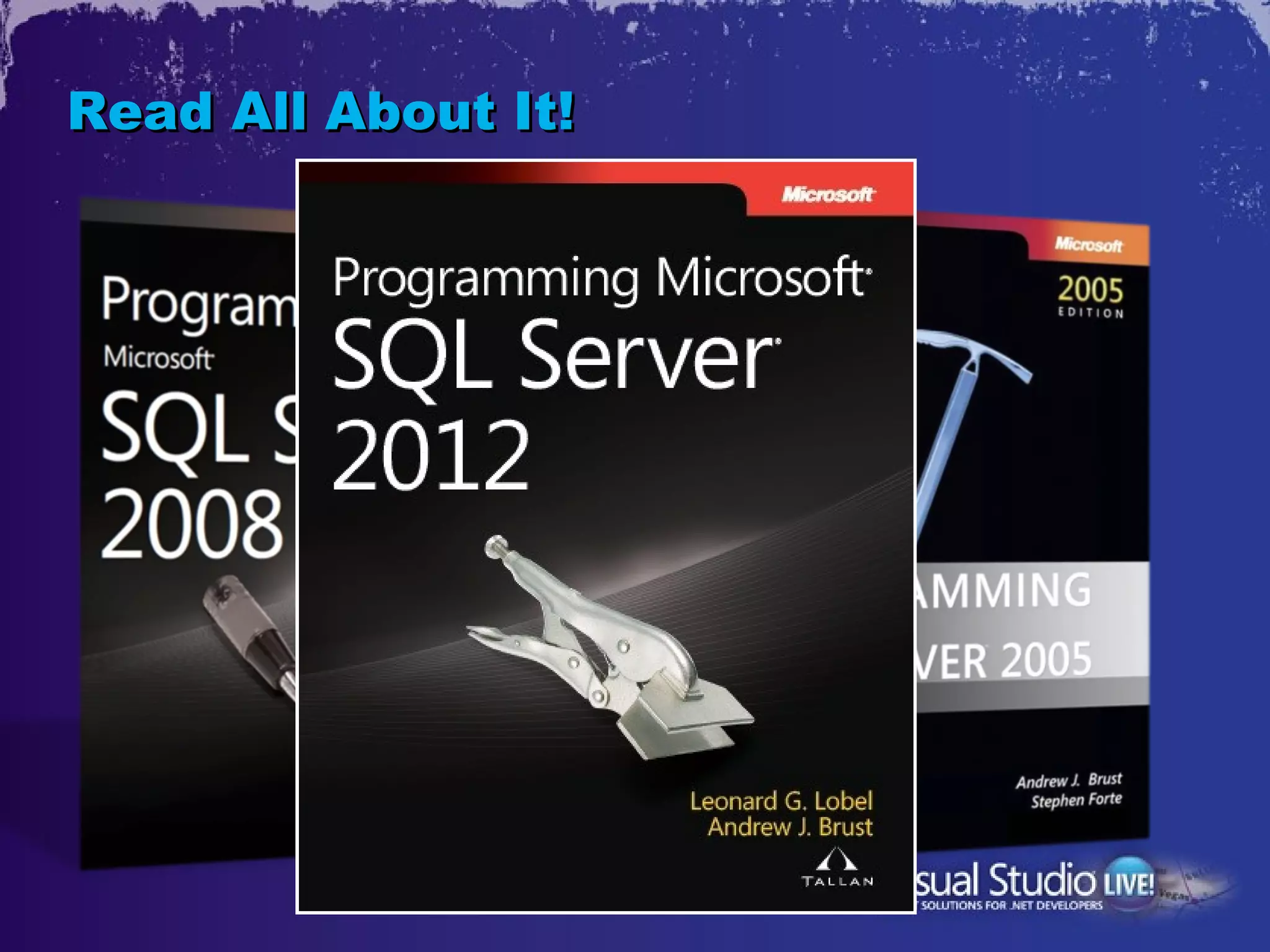
Read All About It!
What is Big Data?
•   100s of TB into PB and higher
•   Involving data from: financial data, sensors,
    Web logs, social media, etc.
•   Distributed/parallel processing often involved
    – Hadoop is emblematic, but other technologies are Big Data
      too
•   Processing of data sets too large for
    transactional databases
    – Analyzing interactions, rather than transactions
    – The three V’s: Volume, Velocity, Variety
•   Big Data tech sometimes imposed on small
    data problems
What’s MapReduce?
•   “Big” input data as key-value pair series
•   Partition the data and send to mappers
    (nodes in cluster)
•   Mappers pre-aggregate by key, then all
    output for (a) given key(s) goes to a
    reducer
•   Reducer completes aggregations; one
    output per key, with value
•   Map and Reduce code natively written as
    Java functions
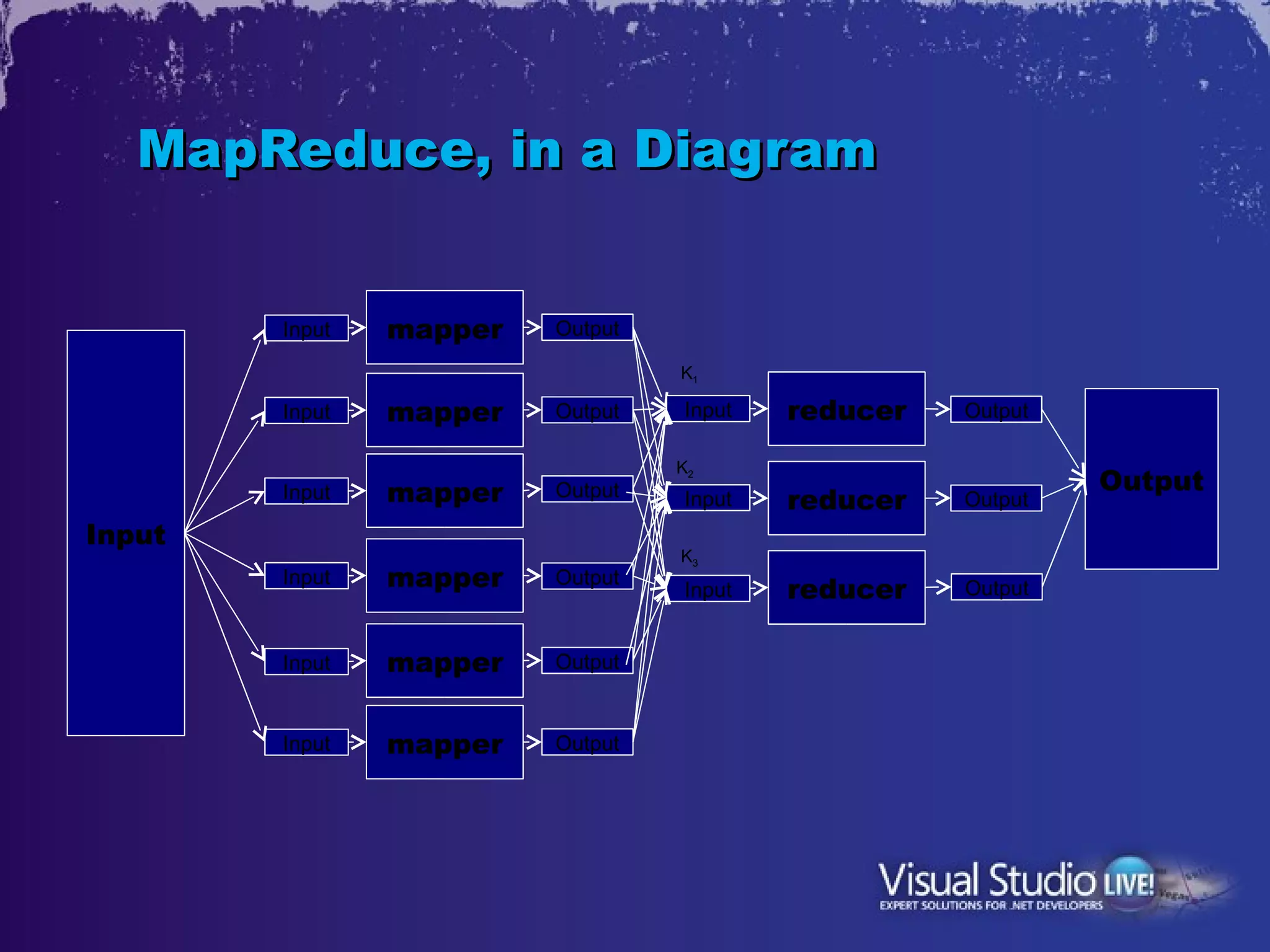
MapReduce, in a Diagram


        Input   mapper   Output

                                  K1

        Input   mapper   Output   Input   reducer   Output

                                  K2
                mapper   Output                              Output
        Input                     Input   reducer   Output
Input
                                  K3
        Input   mapper   Output
                                  Input   reducer   Output


        Input   mapper   Output


        Input   mapper   Output
What’s a Distributed File System?
•   One where data gets distributed over
    commodity drives on commodity servers
•   Data is replicated
•   If one box goes down, no data lost
    – Except the name node = SPOF!
•   BUT: HDFS is immutable
    – Files can only be written to once
    – So updates require drop + re-write (slow)
Hadoop = MapReduce + HDFS
•   Modeled after Google MapReduce + GFS
•   Have more data? Just add more nodes to
    cluster.
    – Mappers execute in parallel
    – Hardware is commodity
    – “Scaling out”
•   Use of HDFS means data may well be local
    to mapper processing
•   So, not just parallel, but minimal data
    movement, which avoids network
    bottlenecks
What’s NoSQL?
•   Databases that are non-relational (don’t let
    name fool you, some actually use SQL)
•   Four kinds:
    – Key-Value Store
      Schema-free
      FYI: Azure Table Storage is an example
    – Document Store
      All data stored in JSON objects
    – Wide-Column Store
      Define column families, but not columns
    – Graph database
      Manage relationships between objects
What’s HBase?
•   A Wide-Column Store
•   Modeled after Google BigTable
•   Born at Powerset in 2007
    – Powerset acquired by Microsoft in 2008
    – Adopted in 2010 by Facebook for messaging platform
•   Uses HDFS
    – Therefore, Hadoop-compatible
•   Hadoop often used with HBase
    – But you can use either without the other
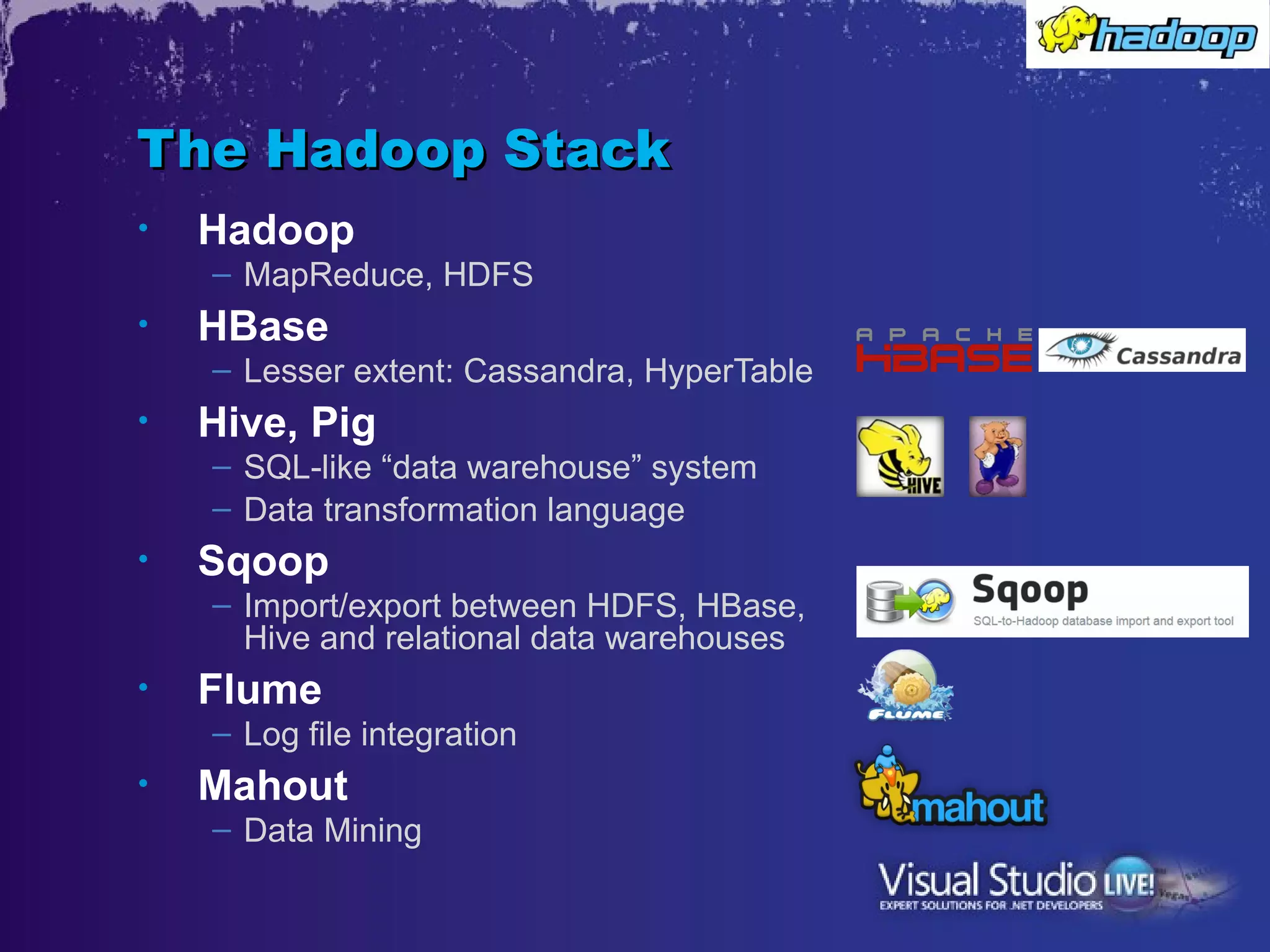
The Hadoop Stack
•   Hadoop
    – MapReduce, HDFS
•   HBase
    – Lesser extent: Cassandra, HyperTable
•   Hive, Pig
    – SQL-like “data warehouse” system
    – Data transformation language
•   Sqoop
    – Import/export between HDFS, HBase,
      Hive and relational data warehouses
•   Flume
    – Log file integration
•   Mahout
    – Data Mining
What’s Hive?
•   Began as Hadoop sub-project
    – Now top-level Apache project
•   Provides a SQL-like (“HiveQL”)
    abstraction over MapReduce
•   Has its own HDFS table file format (and it’s
    fully schema-bound)
•   Can also work over HBase
•   Acts as a bridge to many BI products
    which expect tabular data
Hadoop Distributions
•   Cloudera
•   Hortonworks
    – HCatalog: Hive/Pig/MR Interop
•   MapR
    – Network File System replaces HDFS
•   IBM InfoSphere BigInsights
    – HDFS<->DB2 integration
•   And now Microsoft…
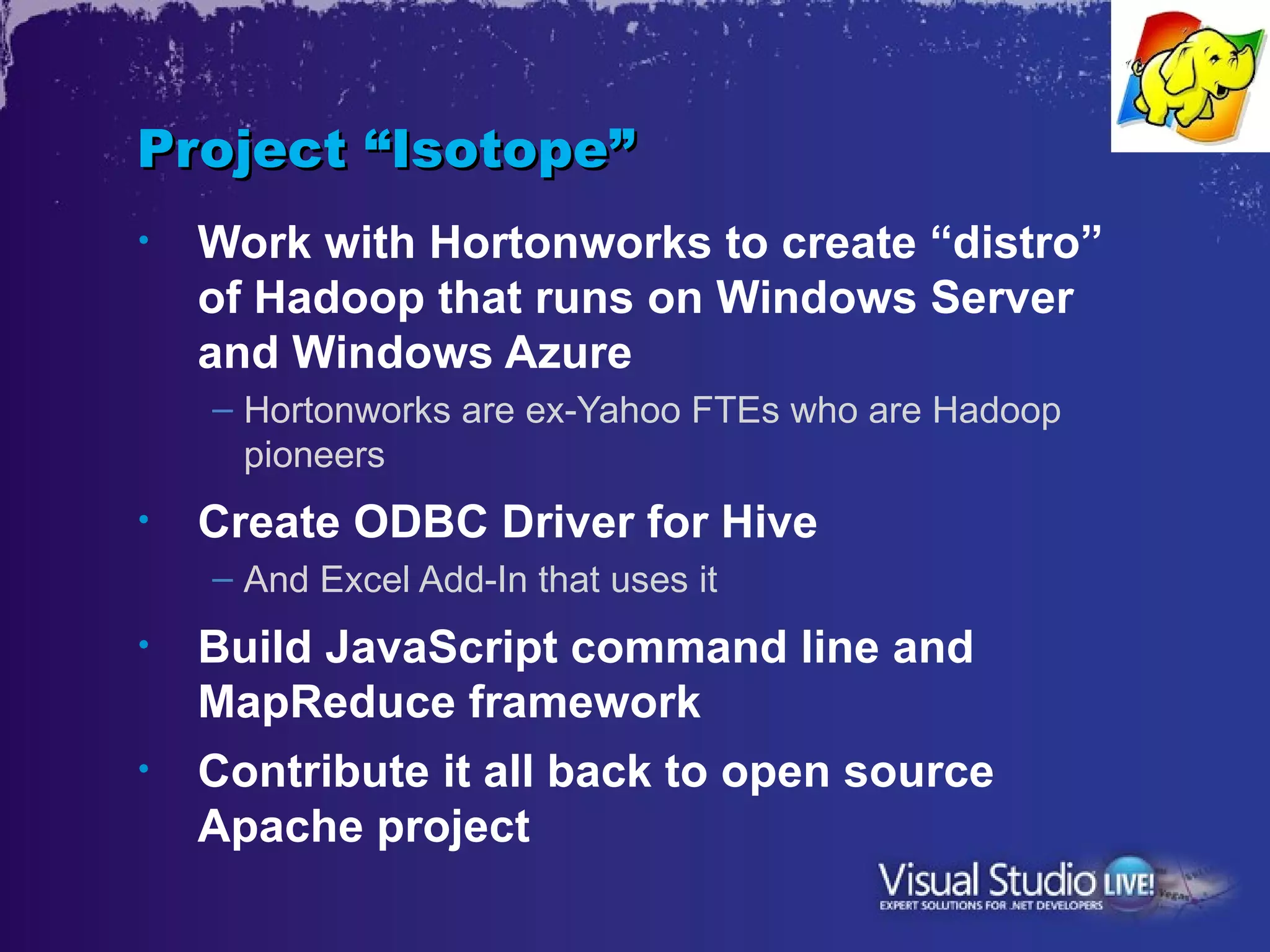
Project “Isotope”
•   Work with Hortonworks to create “distro”
    of Hadoop that runs on Windows Server
    and Windows Azure
    – Hortonworks are ex-Yahoo FTEs who are Hadoop
      pioneers
•   Create ODBC Driver for Hive
    – And Excel Add-In that uses it
•   Build JavaScript command line and
    MapReduce framework
•   Contribute it all back to open source
    Apache project
Hadoop on Azure
•   Install onto your own Azure VMs and build
    a cluster, or…
•   Provision a cluster in one step
    – Give it a name
    – Choose number of nodes and storage size in cluster
    – Wait for it to provision
    – Go!
Provisioning a Cluster
Submitting, Running and
Monitoring Jobs
•   Upload a JAR
•   Use .NET
•   Use the JavaScript Console
•   Use the Hive Console
Running MapReduce
Jobs
Hadoop on Azure Data Sources
•   Files in HDFS
•   Azure Blob Storage
•   Amazon S3 Storage
•   Hive Tables
•   HBase?
Review: ODBC Connection Types
•   Registry-based
    – User Data Source Name (DSN)
    – System DSN
•   File-based
    – File DSN
•   String-based
    – DSN-less connection
•   We need file-based
•   Wizard obfuscates how to do this
•   Don’t forget to open the ODBC port!
Hive ODBC Setup,
Excel Add-In
ODBC Driver’s Untold Story
•   Works with any Hive install/Hadoop
    cluster, not just Windows-based ones.
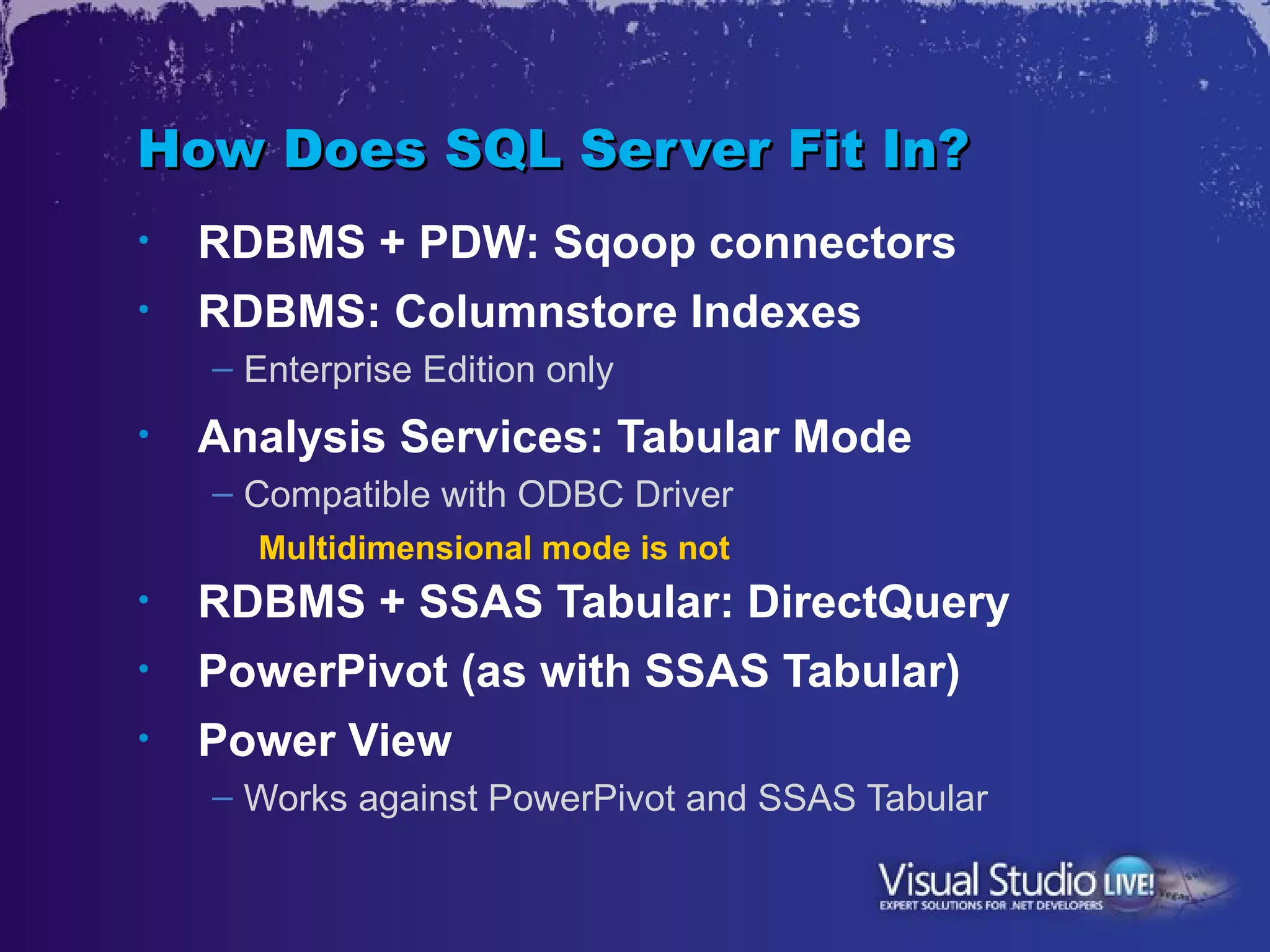
How Does SQL Server Fit In?
•   RDBMS + PDW: Sqoop connectors
•   RDBMS: Columnstore Indexes
    – Enterprise Edition only
•   Analysis Services: Tabular Mode
    – Compatible with ODBC Driver
      Multidimensional mode is not
•   RDBMS + SSAS Tabular: DirectQuery
•   PowerPivot (as with SSAS Tabular)
•   Power View
    – Works against PowerPivot and SSAS Tabular
Querying Hadoop from
SQL Server BI
The “Data-Refinery” Idea
•   Use Hadoop to “on-board” unstructured
    data, then extract manageable subsets
•   Load the subsets into conventional DW/BI
    servers and use familiar analytics tools to
    examine
•   This is the current rationalization of
    Hadoop + BI tools’ coexistence
•   Will it stay this way?
Usability Impact
•   PowerPivot makes analysis much easier,
    self-service
•   Power View is great for discovery and
    visualization; also self-service
•   Combine with the Hive ODBC driver and
    suddenly Hadoop is accessible to
    business users
•   Caveats
    – Someone has to write the HiveQL
    – Can query Big Data, but must have smaller result
Other Relevant MS Technologies
•   SQL Server Components:
    – SQL Server Parallel Data Warehouse
    – StreamInsight
•   Azure Components:
    – Data Explorer
    – DataMarket
•   Deprecated MSR Project
    – Dryad
Resources
•   Big On Data blog
    – http://www.zdnet.com/blog/big-data
•   Apache Hadoop home page
    – http://hadoop.apache.org/
•   Hive & Pig home pages
    – http://hive.apache.org/
    – http://pig.apache.org/
•   Hadoop on Azure home page
    – https://www.hadooponazure.com/
•   SQL Server 2012 Big Data
    – http://bit.ly/sql2012bigdata
Thank you


•   andrew.brust@bluebadgeinsights.com
•   @andrewbrust on twitter
•   Want to get the free “Redmond Roundup
    Plus?”
    – Text “bluebadge” to 22828

Microsoft's Big Play for Big Data- Visual Studio Live! NY 2012

  • 1.
    Microsoft's Big Playfor Big Data Andrew J. Brust CEO and Founder Blue Badge Insights Level: Intermediate
  • 2.
    Meet Andrew • CEO and Founder, Blue Badge Insights • Big Data blogger for ZDNet • Microsoft Regional Director, MVP • Co-chair VSLive! and 17 years as a speaker • Founder, Microsoft BI User Group of NYC – http://www.msbinyc.com • Co-moderator, NYC .NET Developers Group – http://www.nycdotnetdev.com • “Redmond Review” columnist for Visual Studio Magazine and Redmond Developer News • brustblog.com, Twitter: @andrewbrust
  • 3.
    My New Blog(bit.ly/bigondata)
  • 4.
  • 5.
    What is BigData? • 100s of TB into PB and higher • Involving data from: financial data, sensors, Web logs, social media, etc. • Distributed/parallel processing often involved – Hadoop is emblematic, but other technologies are Big Data too • Processing of data sets too large for transactional databases – Analyzing interactions, rather than transactions – The three V’s: Volume, Velocity, Variety • Big Data tech sometimes imposed on small data problems
  • 6.
    What’s MapReduce? • “Big” input data as key-value pair series • Partition the data and send to mappers (nodes in cluster) • Mappers pre-aggregate by key, then all output for (a) given key(s) goes to a reducer • Reducer completes aggregations; one output per key, with value • Map and Reduce code natively written as Java functions
  • 7.
    MapReduce, in aDiagram Input mapper Output K1 Input mapper Output Input reducer Output K2 mapper Output Output Input Input reducer Output Input K3 Input mapper Output Input reducer Output Input mapper Output Input mapper Output
  • 8.
    What’s a DistributedFile System? • One where data gets distributed over commodity drives on commodity servers • Data is replicated • If one box goes down, no data lost – Except the name node = SPOF! • BUT: HDFS is immutable – Files can only be written to once – So updates require drop + re-write (slow)
  • 9.
    Hadoop = MapReduce+ HDFS • Modeled after Google MapReduce + GFS • Have more data? Just add more nodes to cluster. – Mappers execute in parallel – Hardware is commodity – “Scaling out” • Use of HDFS means data may well be local to mapper processing • So, not just parallel, but minimal data movement, which avoids network bottlenecks
  • 10.
    What’s NoSQL? • Databases that are non-relational (don’t let name fool you, some actually use SQL) • Four kinds: – Key-Value Store Schema-free FYI: Azure Table Storage is an example – Document Store All data stored in JSON objects – Wide-Column Store Define column families, but not columns – Graph database Manage relationships between objects
  • 11.
    What’s HBase? • A Wide-Column Store • Modeled after Google BigTable • Born at Powerset in 2007 – Powerset acquired by Microsoft in 2008 – Adopted in 2010 by Facebook for messaging platform • Uses HDFS – Therefore, Hadoop-compatible • Hadoop often used with HBase – But you can use either without the other
  • 12.
    The Hadoop Stack • Hadoop – MapReduce, HDFS • HBase – Lesser extent: Cassandra, HyperTable • Hive, Pig – SQL-like “data warehouse” system – Data transformation language • Sqoop – Import/export between HDFS, HBase, Hive and relational data warehouses • Flume – Log file integration • Mahout – Data Mining
  • 13.
    What’s Hive? • Began as Hadoop sub-project – Now top-level Apache project • Provides a SQL-like (“HiveQL”) abstraction over MapReduce • Has its own HDFS table file format (and it’s fully schema-bound) • Can also work over HBase • Acts as a bridge to many BI products which expect tabular data
  • 14.
    Hadoop Distributions • Cloudera • Hortonworks – HCatalog: Hive/Pig/MR Interop • MapR – Network File System replaces HDFS • IBM InfoSphere BigInsights – HDFS<->DB2 integration • And now Microsoft…
  • 15.
    Project “Isotope” • Work with Hortonworks to create “distro” of Hadoop that runs on Windows Server and Windows Azure – Hortonworks are ex-Yahoo FTEs who are Hadoop pioneers • Create ODBC Driver for Hive – And Excel Add-In that uses it • Build JavaScript command line and MapReduce framework • Contribute it all back to open source Apache project
  • 16.
    Hadoop on Azure • Install onto your own Azure VMs and build a cluster, or… • Provision a cluster in one step – Give it a name – Choose number of nodes and storage size in cluster – Wait for it to provision – Go!
  • 17.
  • 18.
    Submitting, Running and MonitoringJobs • Upload a JAR • Use .NET • Use the JavaScript Console • Use the Hive Console
  • 19.
  • 20.
    Hadoop on AzureData Sources • Files in HDFS • Azure Blob Storage • Amazon S3 Storage • Hive Tables • HBase?
  • 21.
    Review: ODBC ConnectionTypes • Registry-based – User Data Source Name (DSN) – System DSN • File-based – File DSN • String-based – DSN-less connection • We need file-based • Wizard obfuscates how to do this • Don’t forget to open the ODBC port!
  • 22.
  • 23.
    ODBC Driver’s UntoldStory • Works with any Hive install/Hadoop cluster, not just Windows-based ones.
  • 24.
    How Does SQLServer Fit In? • RDBMS + PDW: Sqoop connectors • RDBMS: Columnstore Indexes – Enterprise Edition only • Analysis Services: Tabular Mode – Compatible with ODBC Driver Multidimensional mode is not • RDBMS + SSAS Tabular: DirectQuery • PowerPivot (as with SSAS Tabular) • Power View – Works against PowerPivot and SSAS Tabular
  • 25.
  • 26.
    The “Data-Refinery” Idea • Use Hadoop to “on-board” unstructured data, then extract manageable subsets • Load the subsets into conventional DW/BI servers and use familiar analytics tools to examine • This is the current rationalization of Hadoop + BI tools’ coexistence • Will it stay this way?
  • 27.
    Usability Impact • PowerPivot makes analysis much easier, self-service • Power View is great for discovery and visualization; also self-service • Combine with the Hive ODBC driver and suddenly Hadoop is accessible to business users • Caveats – Someone has to write the HiveQL – Can query Big Data, but must have smaller result
  • 28.
    Other Relevant MSTechnologies • SQL Server Components: – SQL Server Parallel Data Warehouse – StreamInsight • Azure Components: – Data Explorer – DataMarket • Deprecated MSR Project – Dryad
  • 29.
    Resources • Big On Data blog – http://www.zdnet.com/blog/big-data • Apache Hadoop home page – http://hadoop.apache.org/ • Hive & Pig home pages – http://hive.apache.org/ – http://pig.apache.org/ • Hadoop on Azure home page – https://www.hadooponazure.com/ • SQL Server 2012 Big Data – http://bit.ly/sql2012bigdata
  • 30.
    Thank you • andrew.brust@bluebadgeinsights.com • @andrewbrust on twitter • Want to get the free “Redmond Roundup Plus?” – Text “bluebadge” to 22828

Editor's Notes

  • #2 Visual Studio Live! New York 2012 © 2012 Visual Studio Live! All rights reserved.
  • #6 Visual Studio Live! Las Vegas 2011 © 2012 Visual Studio Live! All rights reserved.