Concepts Involving
Digital Circuits: Binary
Numbers
Computers use binary codes to
represent and interpret letters,
numbers and special characters with
bits. A commonly used code is the
American Standard Code for
Information Interchange (ASCII).
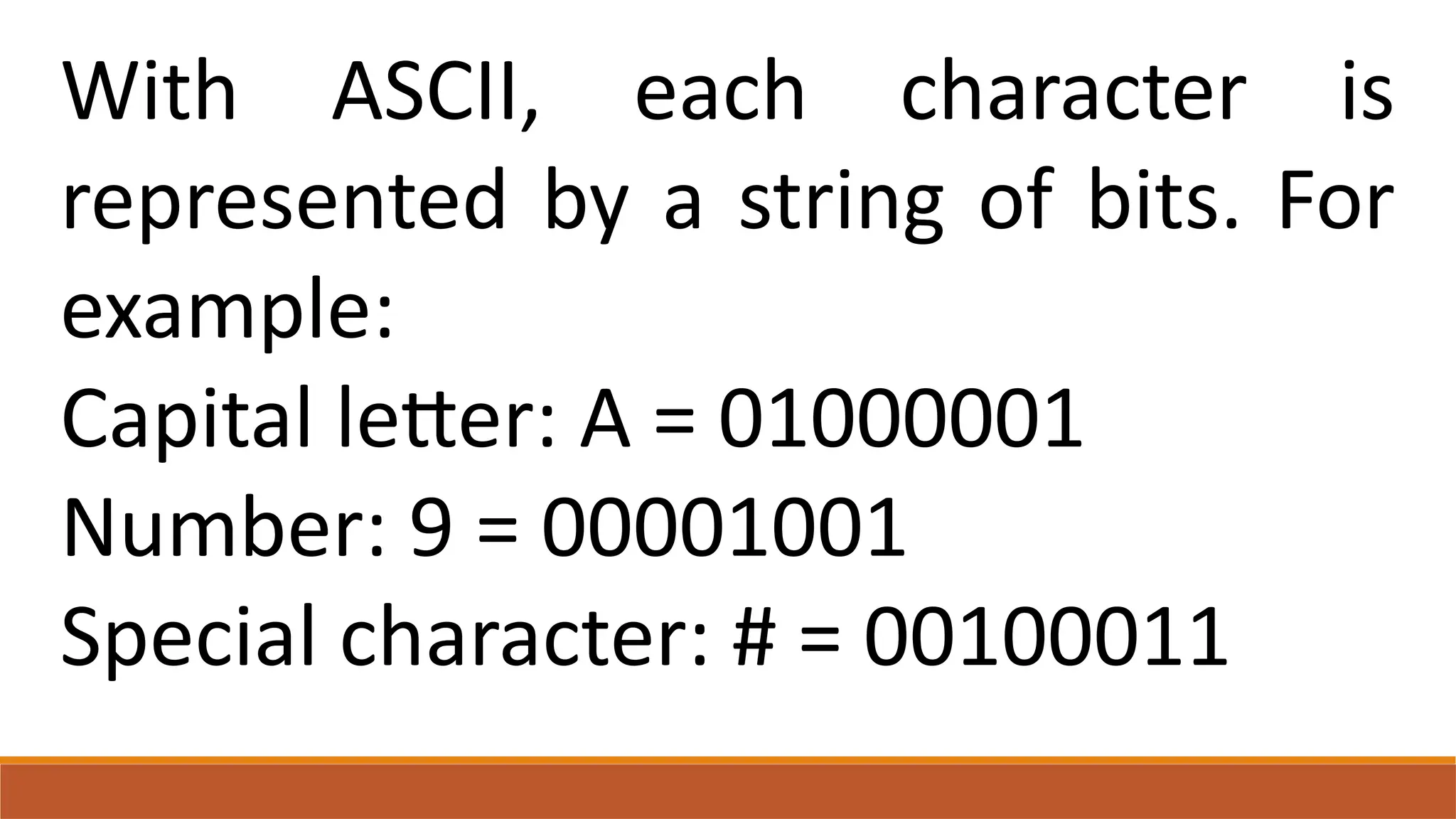
With ASCII, each character is
represented by a string of bits. For
example:
Capital letter: A = 01000001
Number: 9 = 00001001
Special character: # = 00100011
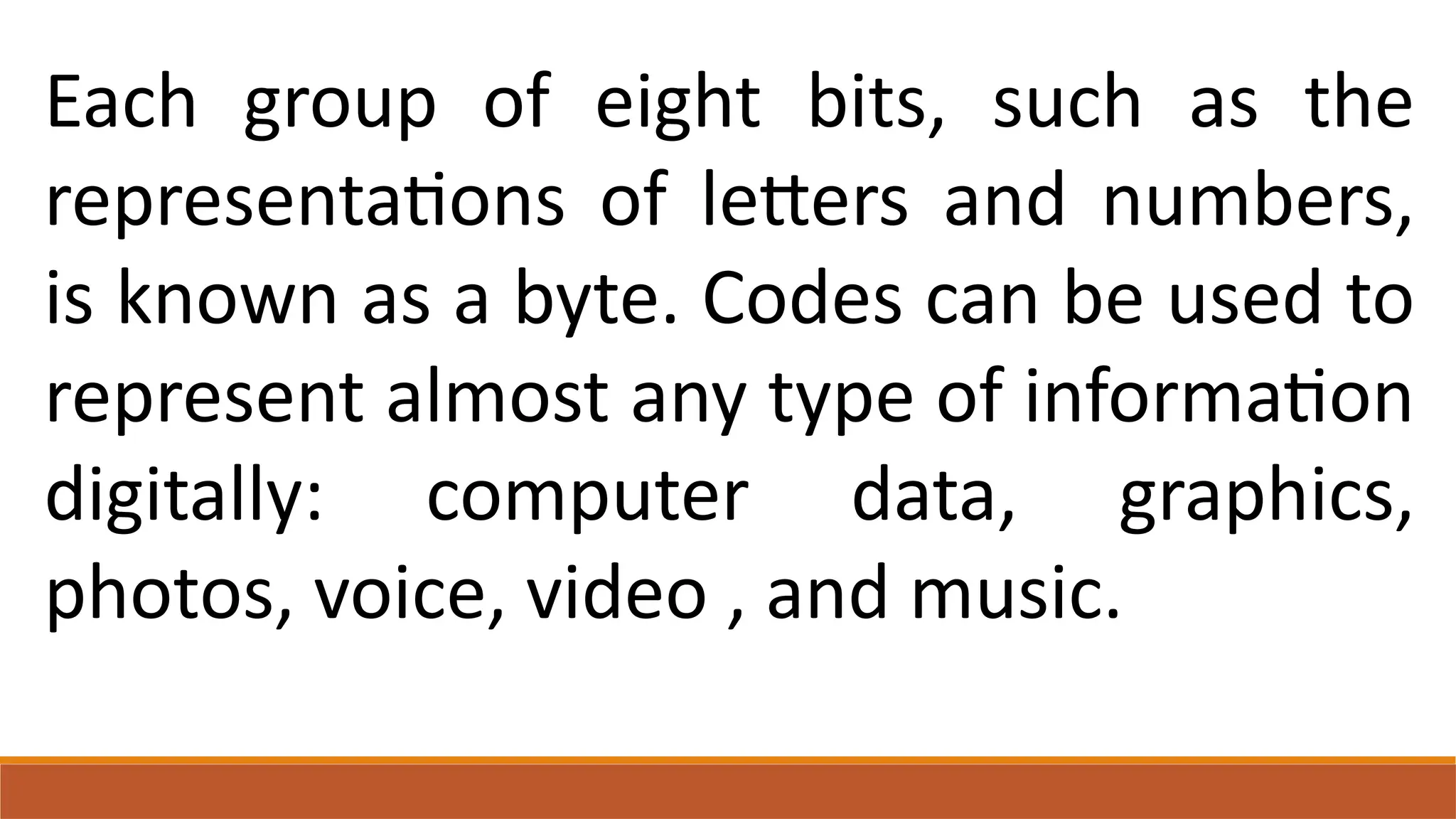
Each group of eight bits, such as the
representations of letters and numbers,
is known as a byte. Codes can be used to
represent almost any type of information
digitally: computer data, graphics,
photos, voice, video , and music.
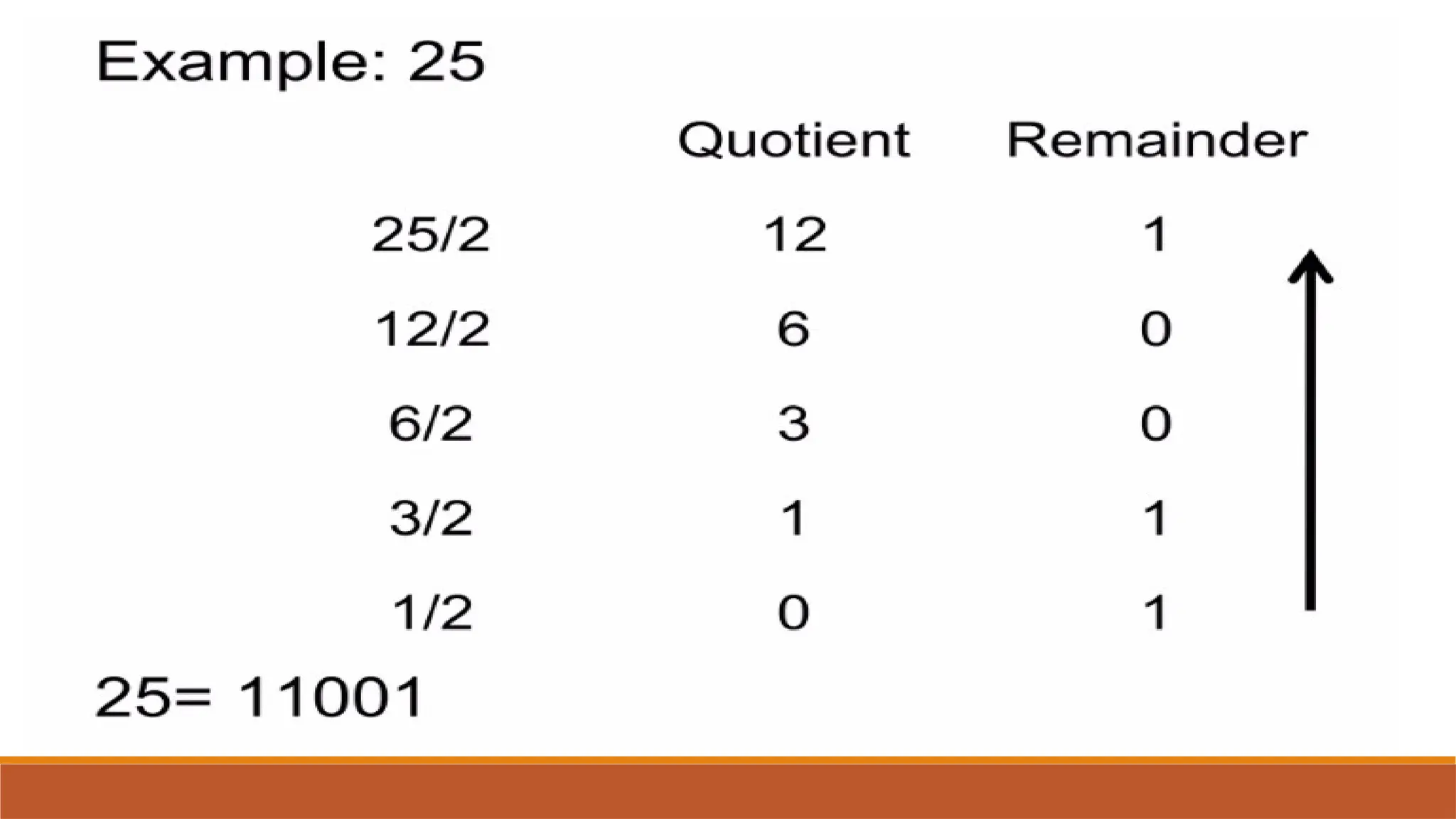
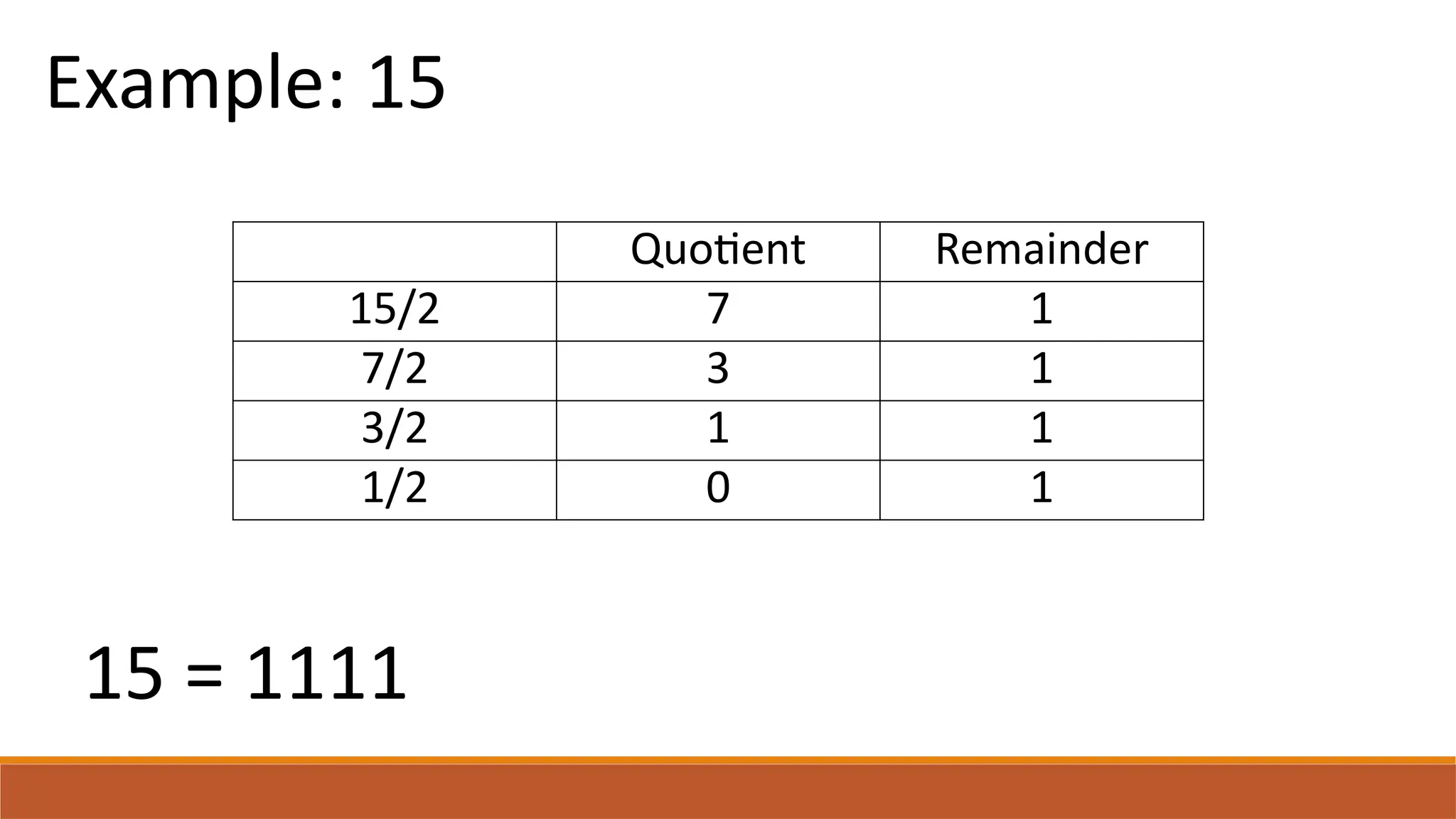
Quotient Remainder
15/2 7 1
7/2 3 1
3/2 1 1
1/2 0 1
Example: 15
15 = 1111
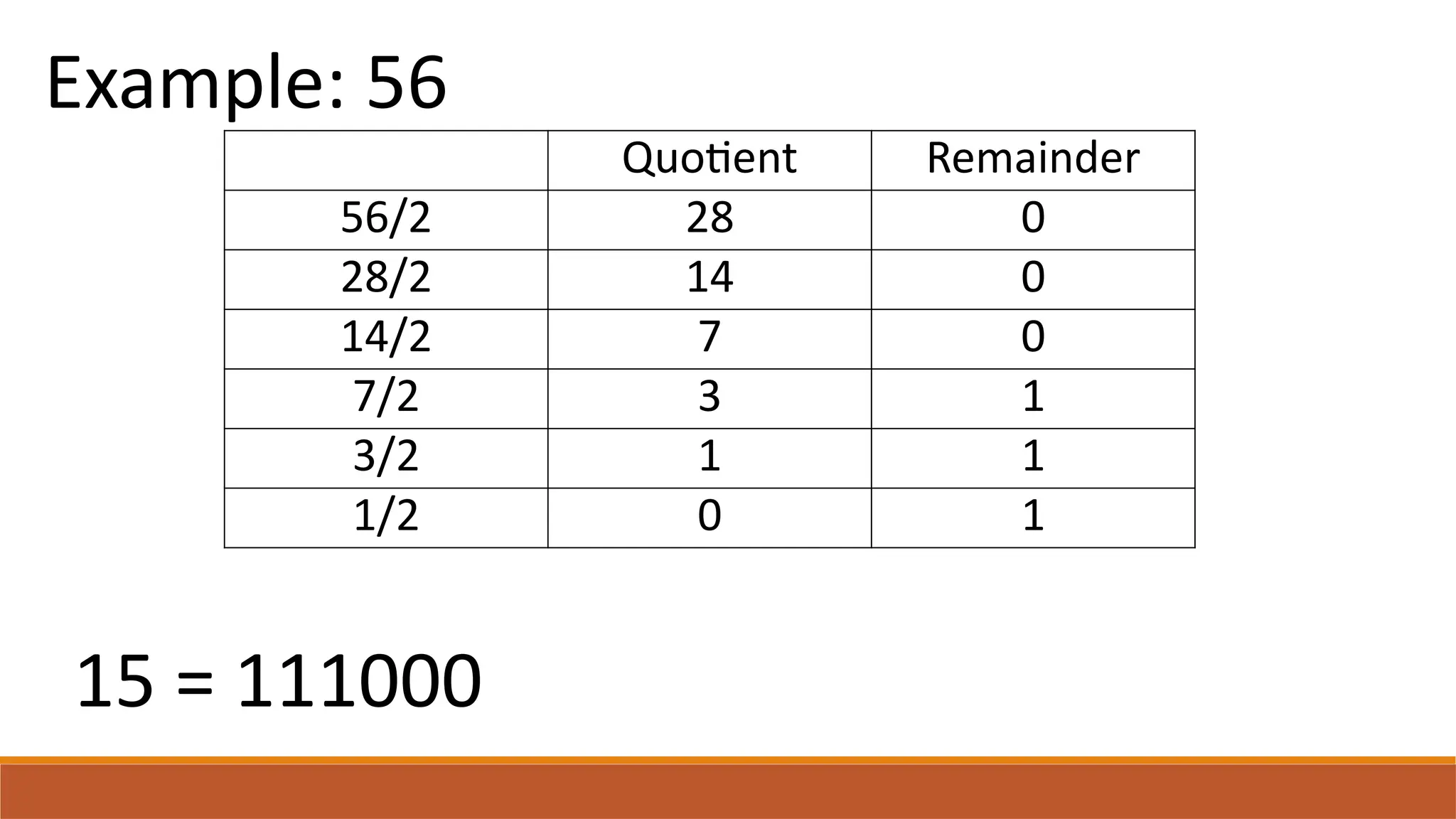
Quotient Remainder
56/2 28 0
28/2 14 0
14/2 7 0
7/2 3 1
3/2 1 1
1/2 0 1
Example: 56
15 = 111000
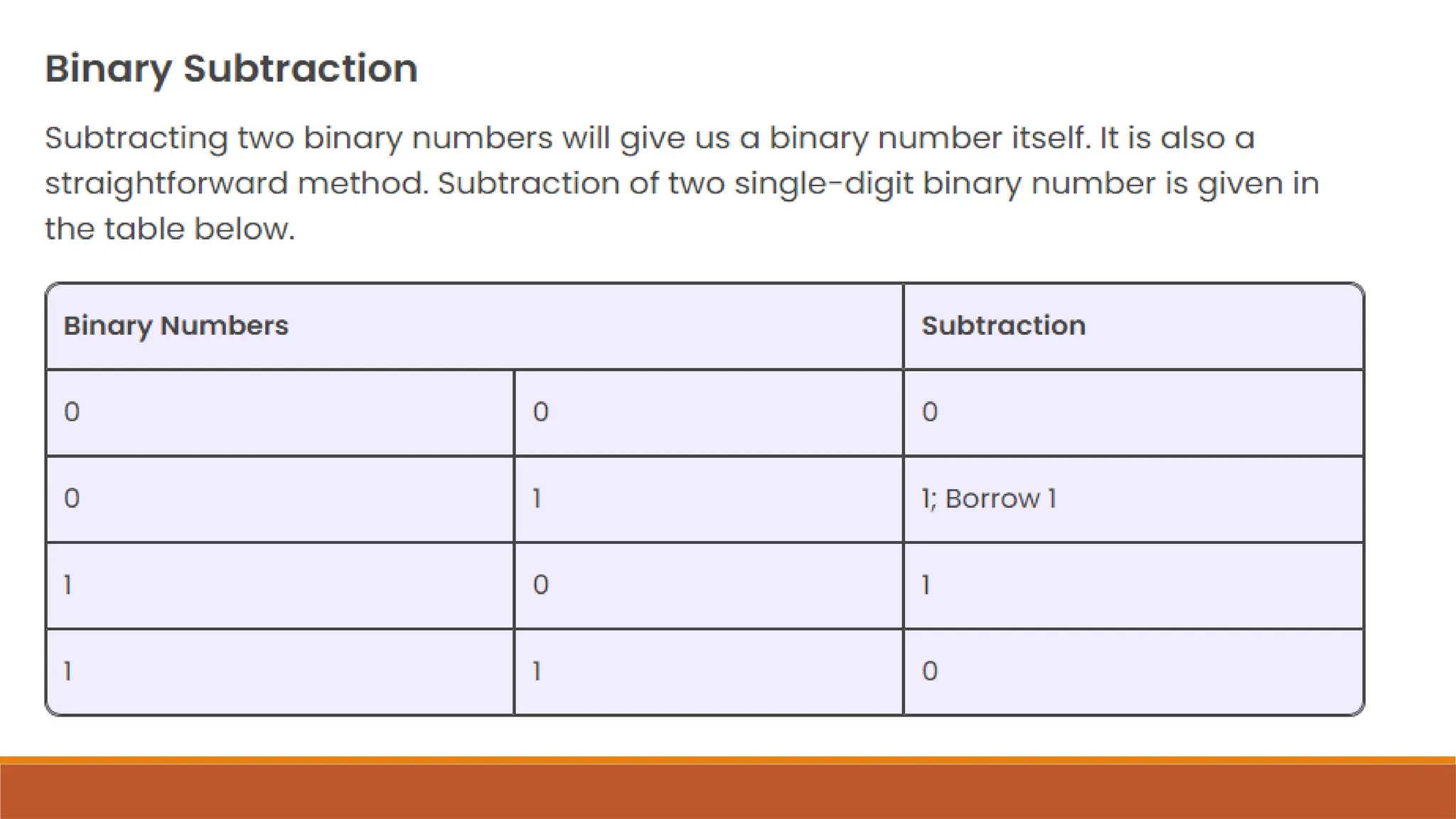
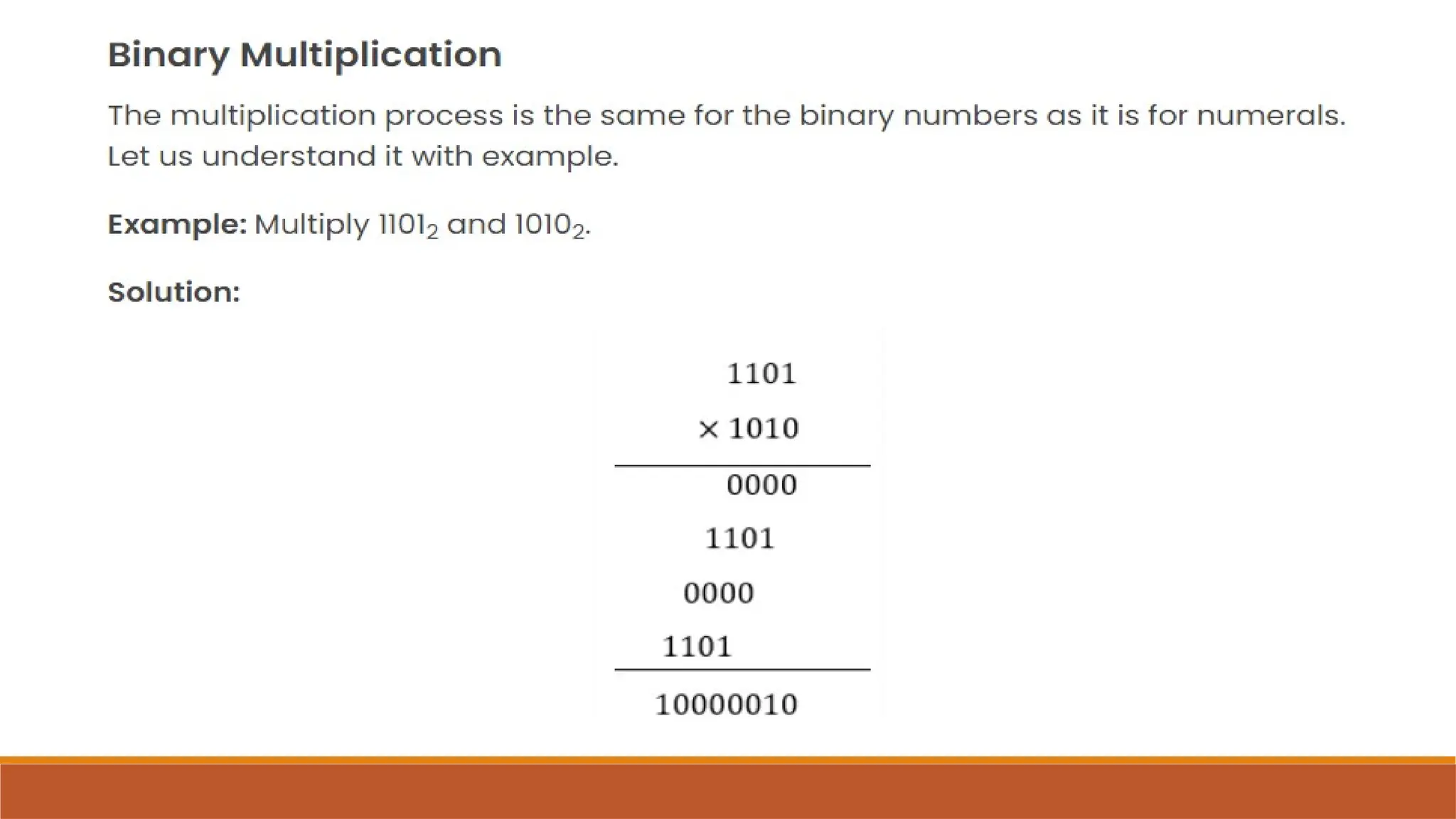
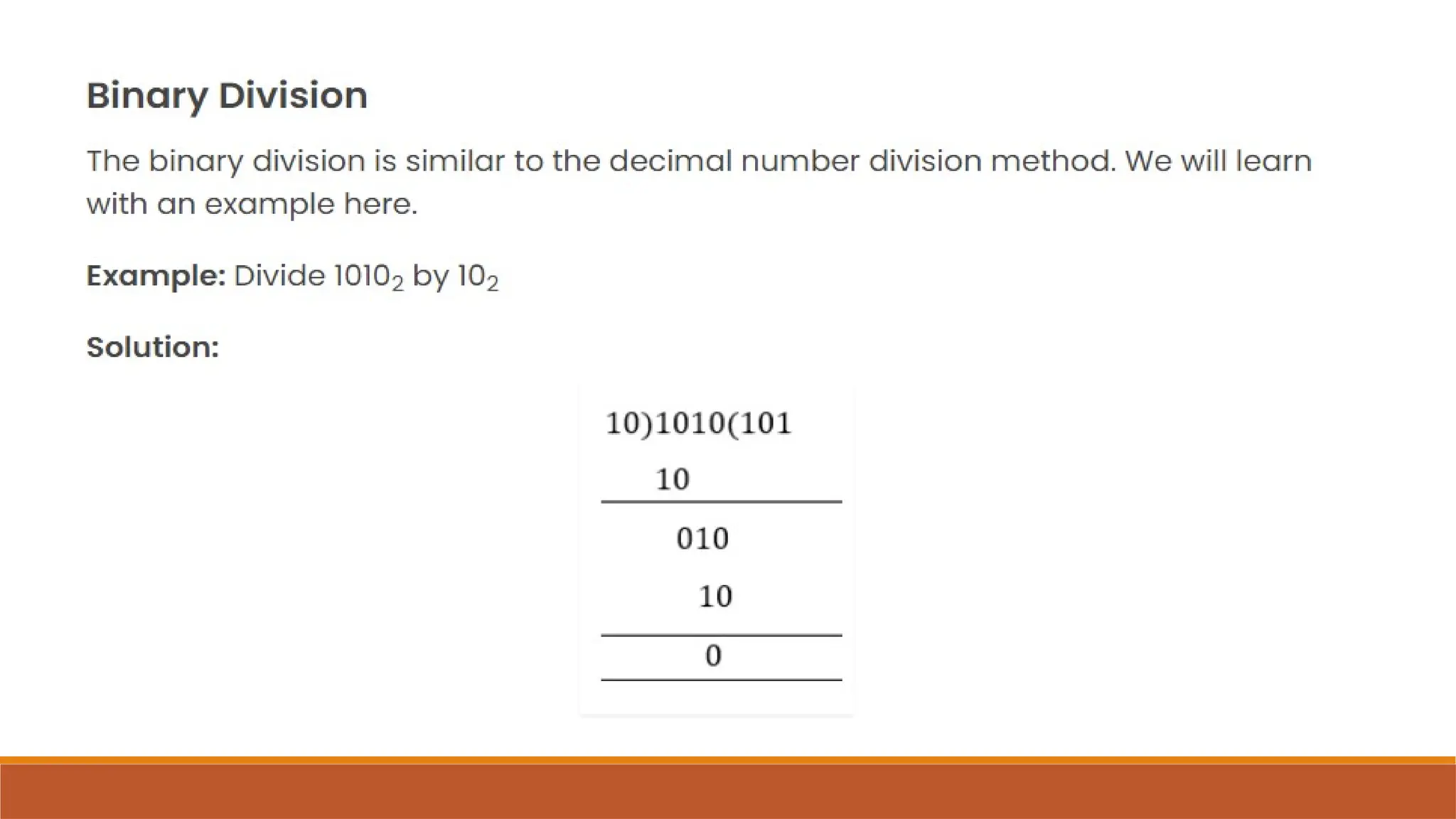
Binary Arithmetic Operations
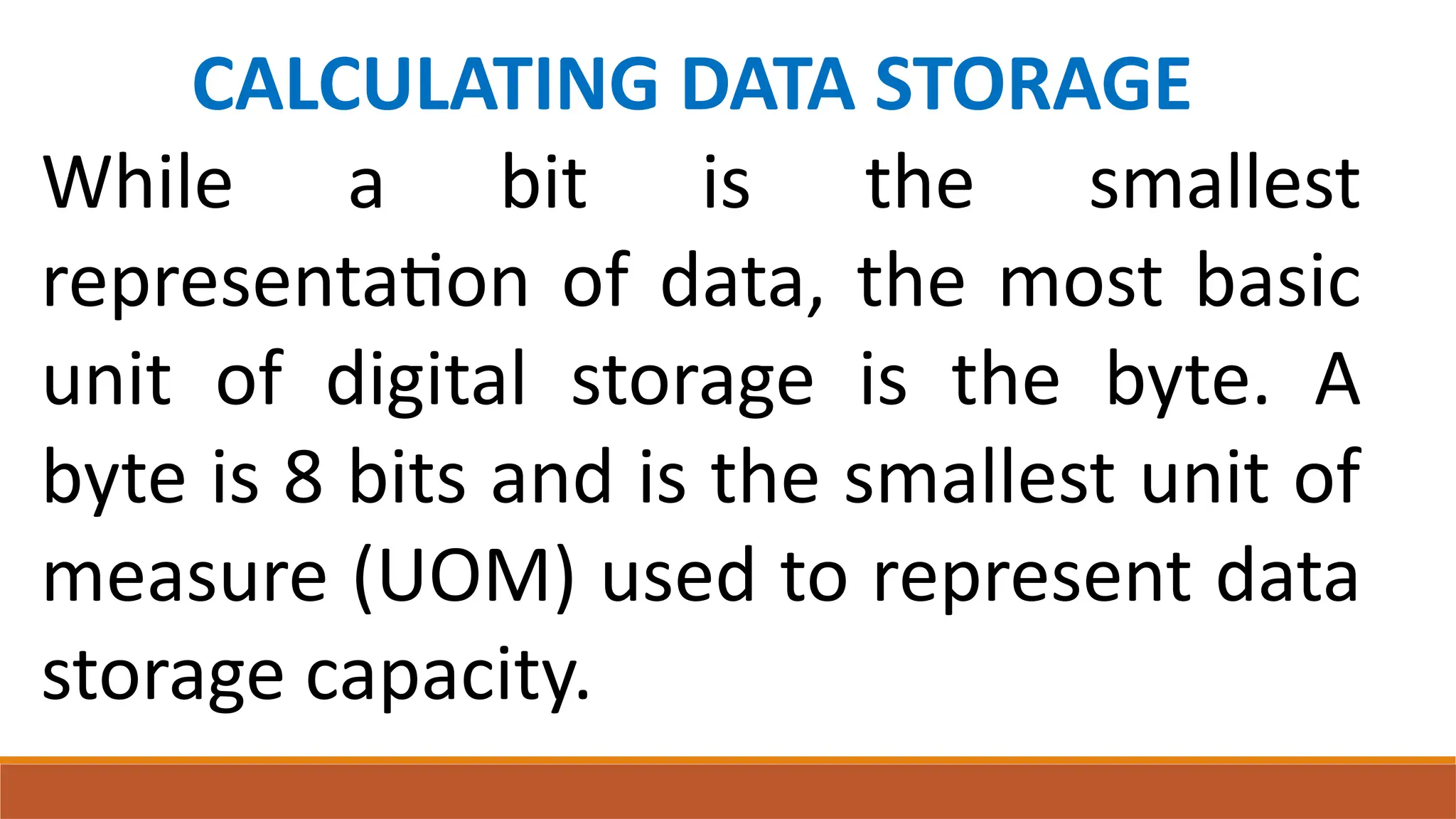
CALCULATING DATA STORAGE
While a bit is the smallest
representation of data, the most basic
unit of digital storage is the byte. A
byte is 8 bits and is the smallest unit of
measure (UOM) used to represent data
storage capacity.
When referring to storage
space, we use the terms bytes
(B), kilobytes (KB), megabytes
(MB), gigabytes (GB), and
terabytes (TB).
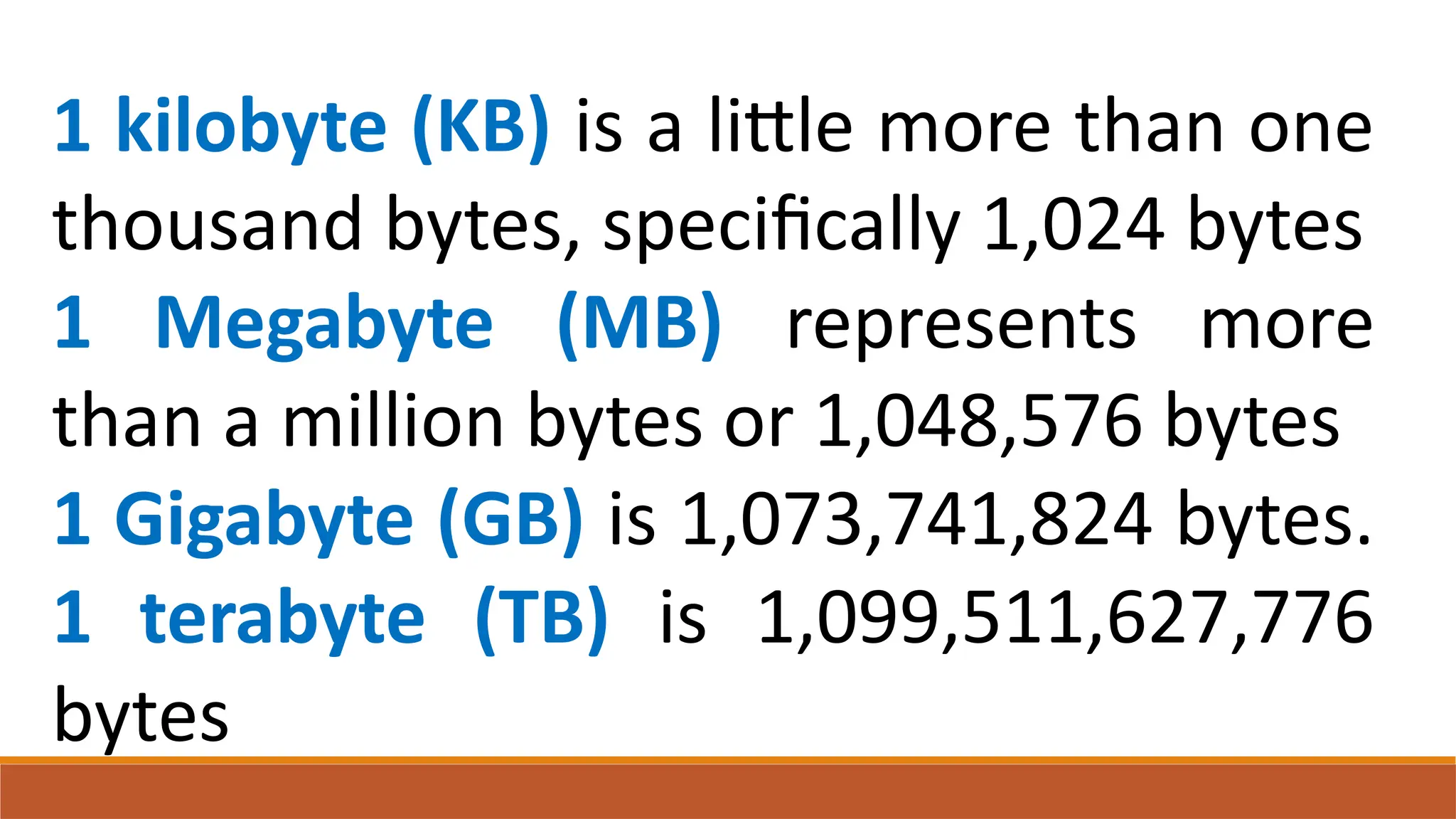
1 kilobyte (KB) is a little more than one
thousand bytes, specifically 1,024 bytes
1 Megabyte (MB) represents more
than a million bytes or 1,048,576 bytes
1 Gigabyte (GB) is 1,073,741,824 bytes.
1 terabyte (TB) is 1,099,511,627,776
bytes
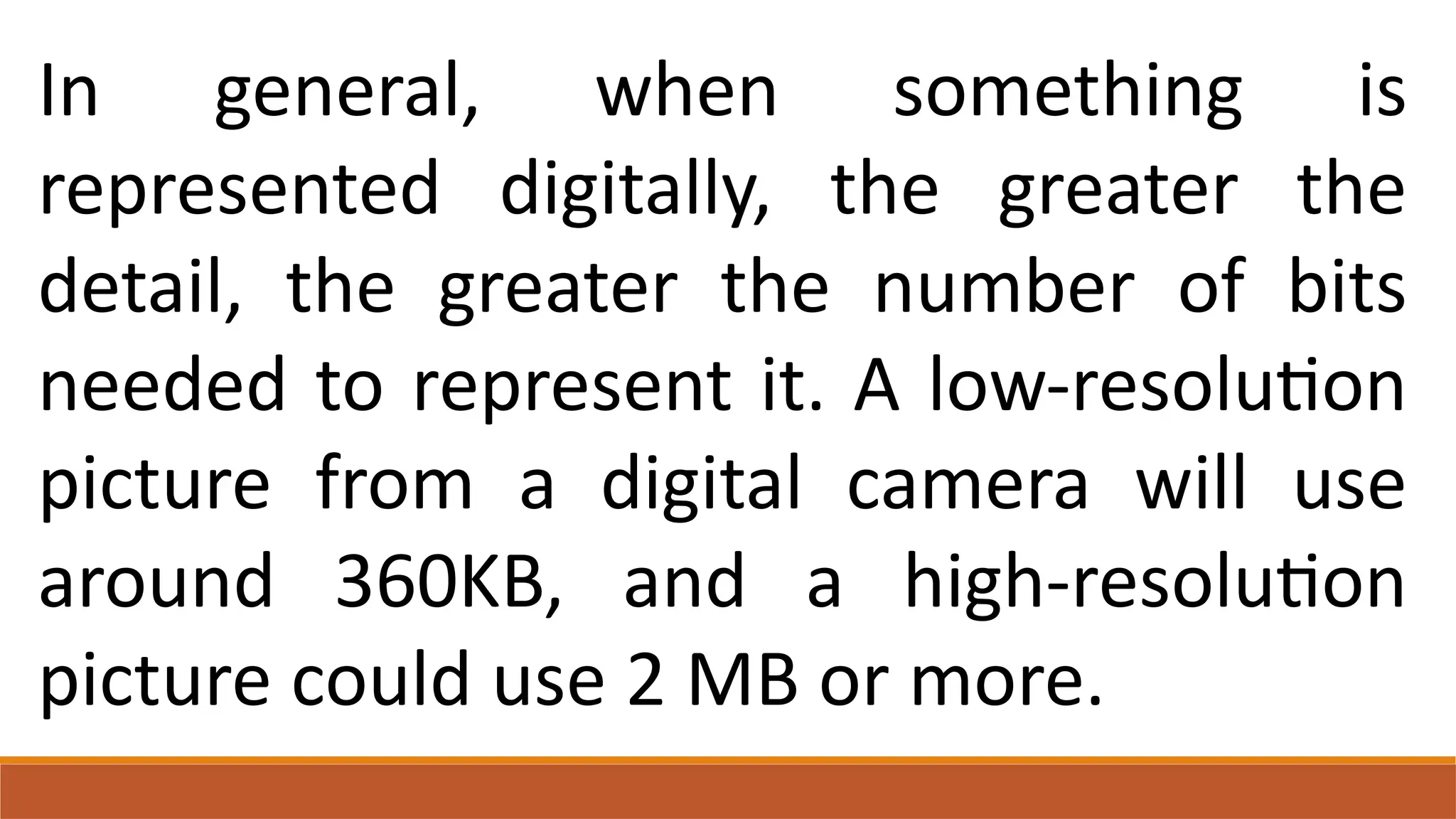
In general, when something is
represented digitally, the greater the
detail, the greater the number of bits
needed to represent it. A low-resolution
picture from a digital camera will use
around 360KB, and a high-resolution
picture could use 2 MB or more.
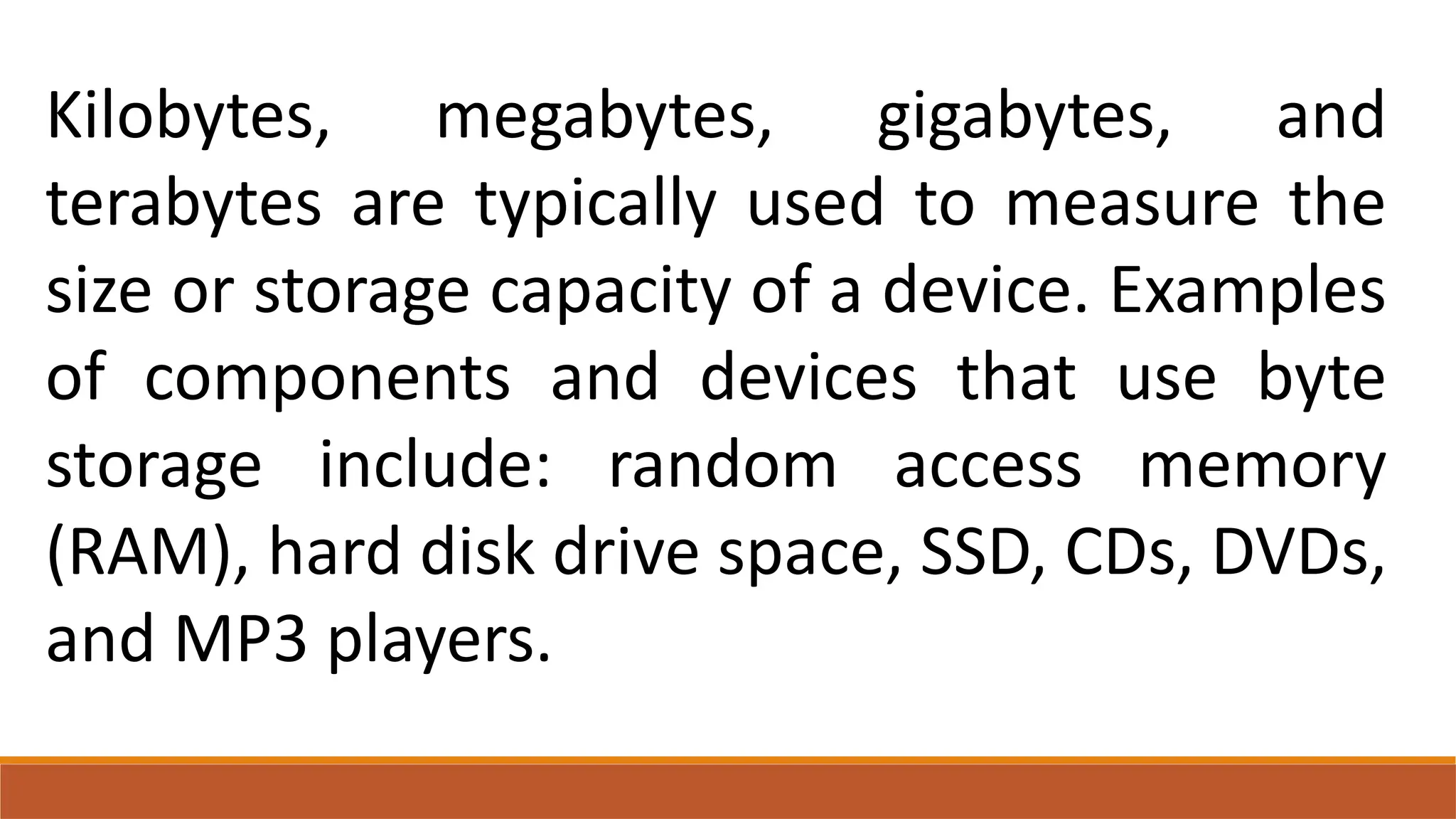
Kilobytes, megabytes, gigabytes, and
terabytes are typically used to measure the
size or storage capacity of a device. Examples
of components and devices that use byte
storage include: random access memory
(RAM), hard disk drive space, SSD, CDs, DVDs,
and MP3 players.
Once we know the size of a file or folder, it is possible
to determine the number of bytes being used.
For example: A file is 20 KB in size
1 KB = 1,024 Bytes
20 * 1,024 = 20,480 bytes in a 20 KB file
If a 20 KB file is stored in a 1 MB folder (1 MB =
1,048,576 bytes of space); then approximately a total
of 51 files can be stored in that folder (1,048,576 /
20,480 = 51.2).
Directions: Convert the decimal numbers
shown below to binary. Perform checking to
verify answers.
1. 19
2. 28
3. 37
4. 50
5. 9
Directions: Solve the problem indicated
below then show your solution.
1. How many 60 KB jpg files can be stored on
a 2 MB folder in your hard drive?
2. How many 5 MB mp3 files can be stored on
a 1 GB flash drive?
3. How many 750 MB avi files can be stored
on a 4.3 GB DVD-R?

BINARY NUMBERS IN ELECTRONICS AND ROBOTICS.pptx

  • 1.
  • 4.
    Computers use binarycodes to represent and interpret letters, numbers and special characters with bits. A commonly used code is the American Standard Code for Information Interchange (ASCII).
  • 5.
    With ASCII, eachcharacter is represented by a string of bits. For example: Capital letter: A = 01000001 Number: 9 = 00001001 Special character: # = 00100011
  • 6.
    Each group ofeight bits, such as the representations of letters and numbers, is known as a byte. Codes can be used to represent almost any type of information digitally: computer data, graphics, photos, voice, video , and music.
  • 9.
    Quotient Remainder 15/2 71 7/2 3 1 3/2 1 1 1/2 0 1 Example: 15 15 = 1111
  • 10.
    Quotient Remainder 56/2 280 28/2 14 0 14/2 7 0 7/2 3 1 3/2 1 1 1/2 0 1 Example: 56 15 = 111000
  • 11.
  • 16.
    CALCULATING DATA STORAGE Whilea bit is the smallest representation of data, the most basic unit of digital storage is the byte. A byte is 8 bits and is the smallest unit of measure (UOM) used to represent data storage capacity.
  • 17.
    When referring tostorage space, we use the terms bytes (B), kilobytes (KB), megabytes (MB), gigabytes (GB), and terabytes (TB).
  • 18.
    1 kilobyte (KB)is a little more than one thousand bytes, specifically 1,024 bytes 1 Megabyte (MB) represents more than a million bytes or 1,048,576 bytes 1 Gigabyte (GB) is 1,073,741,824 bytes. 1 terabyte (TB) is 1,099,511,627,776 bytes
  • 19.
    In general, whensomething is represented digitally, the greater the detail, the greater the number of bits needed to represent it. A low-resolution picture from a digital camera will use around 360KB, and a high-resolution picture could use 2 MB or more.
  • 20.
    Kilobytes, megabytes, gigabytes,and terabytes are typically used to measure the size or storage capacity of a device. Examples of components and devices that use byte storage include: random access memory (RAM), hard disk drive space, SSD, CDs, DVDs, and MP3 players.
  • 21.
    Once we knowthe size of a file or folder, it is possible to determine the number of bytes being used. For example: A file is 20 KB in size 1 KB = 1,024 Bytes 20 * 1,024 = 20,480 bytes in a 20 KB file If a 20 KB file is stored in a 1 MB folder (1 MB = 1,048,576 bytes of space); then approximately a total of 51 files can be stored in that folder (1,048,576 / 20,480 = 51.2).
  • 22.
    Directions: Convert thedecimal numbers shown below to binary. Perform checking to verify answers. 1. 19 2. 28 3. 37 4. 50 5. 9
  • 23.
    Directions: Solve theproblem indicated below then show your solution. 1. How many 60 KB jpg files can be stored on a 2 MB folder in your hard drive? 2. How many 5 MB mp3 files can be stored on a 1 GB flash drive? 3. How many 750 MB avi files can be stored on a 4.3 GB DVD-R?