Collaboration Tools
Cindy Royal, Ph.D
Associate Professor
Texas State University
School of Journalism
and Mass Communication
croyal@txstate.edu
cindyroyal.com
@cindyroyal
slideshare.net/cindyroyal
Collaboration Tools
• Many tools exist that can help you
collaborate and manage projects
• Many are free, at least for basic usage
• Understand “the cloud”
• Decide your most pressing need and focus
on tool for that first
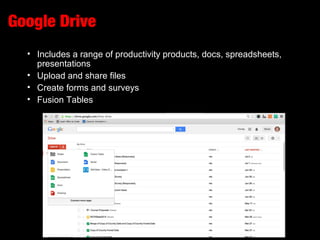
Google Drive
• Includes a range of productivity products, docs, spreadsheets,
presentations
• Upload and share files
• Create forms and surveys
• Fusion Tables
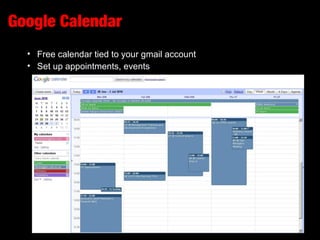
Google Calendar
• Free calendar tied to your gmail account
• Set up appointments, events
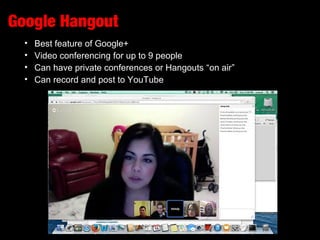
Google Hangout
• Best feature of Google+
• Video conferencing for up to 9 people
• Can have private conferences or Hangouts “on air”
• Can record and post to YouTube
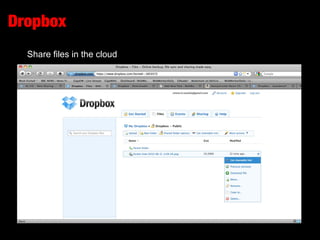
Dropbox
Share files in the cloud
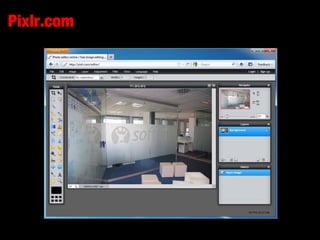
Pixlr.com
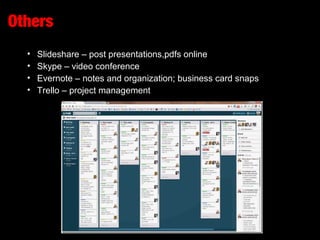
Others
• Slideshare – post presentations, pdfs online
• Skype – video conference
• Evernote – notes and organization; business card snaps
• Trello – project management
• Messaging – WhatsApp or GroupMe

Bienestar - Collaboration Tools

  • 1.
    Collaboration Tools Cindy Royal,Ph.D Associate Professor Texas State University School of Journalism and Mass Communication croyal@txstate.edu cindyroyal.com @cindyroyal slideshare.net/cindyroyal
  • 2.
    Collaboration Tools • Manytools exist that can help you collaborate and manage projects • Many are free, at least for basic usage • Understand “the cloud” • Decide your most pressing need and focus on tool for that first
  • 3.
    Google Drive • Includesa range of productivity products, docs, spreadsheets, presentations • Upload and share files • Create forms and surveys • Fusion Tables
  • 4.
    Google Calendar • Freecalendar tied to your gmail account • Set up appointments, events
  • 5.
    Google Hangout • Bestfeature of Google+ • Video conferencing for up to 9 people • Can have private conferences or Hangouts “on air” • Can record and post to YouTube
  • 6.
  • 7.
  • 8.
    Others • Slideshare –post presentations, pdfs online • Skype – video conference • Evernote – notes and organization; business card snaps • Trello – project management • Messaging – WhatsApp or GroupMe

Editor's Notes

  • #2 Teach Web design and online journalism Dramatic, unpredictable changes over the past decade Blogs, podcasts, social media Online audio, video, slideshows, animated graphics Wikipedia, Craigslist, MySpace, YouTube, Flickr, Google Maps, Second Life