Collaboration Tools Training  By James Doty, Jay Pathan
“ How can I trust your information when you’re using such outdated technology?”
Table of Contents Introduction Issues in Collaboration Benefits of Collaboration Collaboration Tools Summary References Q & A
Introduction Have you ever been trying to get something across to someone at the other end of the phone about a project, web site, or application?      Perhaps you’re trying to instruct them in how to use a website or software application.
Issues in Collaboration Multi-generation workforce An increasingly decentralized workplace.  Need to train employees in various locations
Generations in the Workforce Traditional Workers Generation  X Baby  Boomers Generation Y Age Timeline
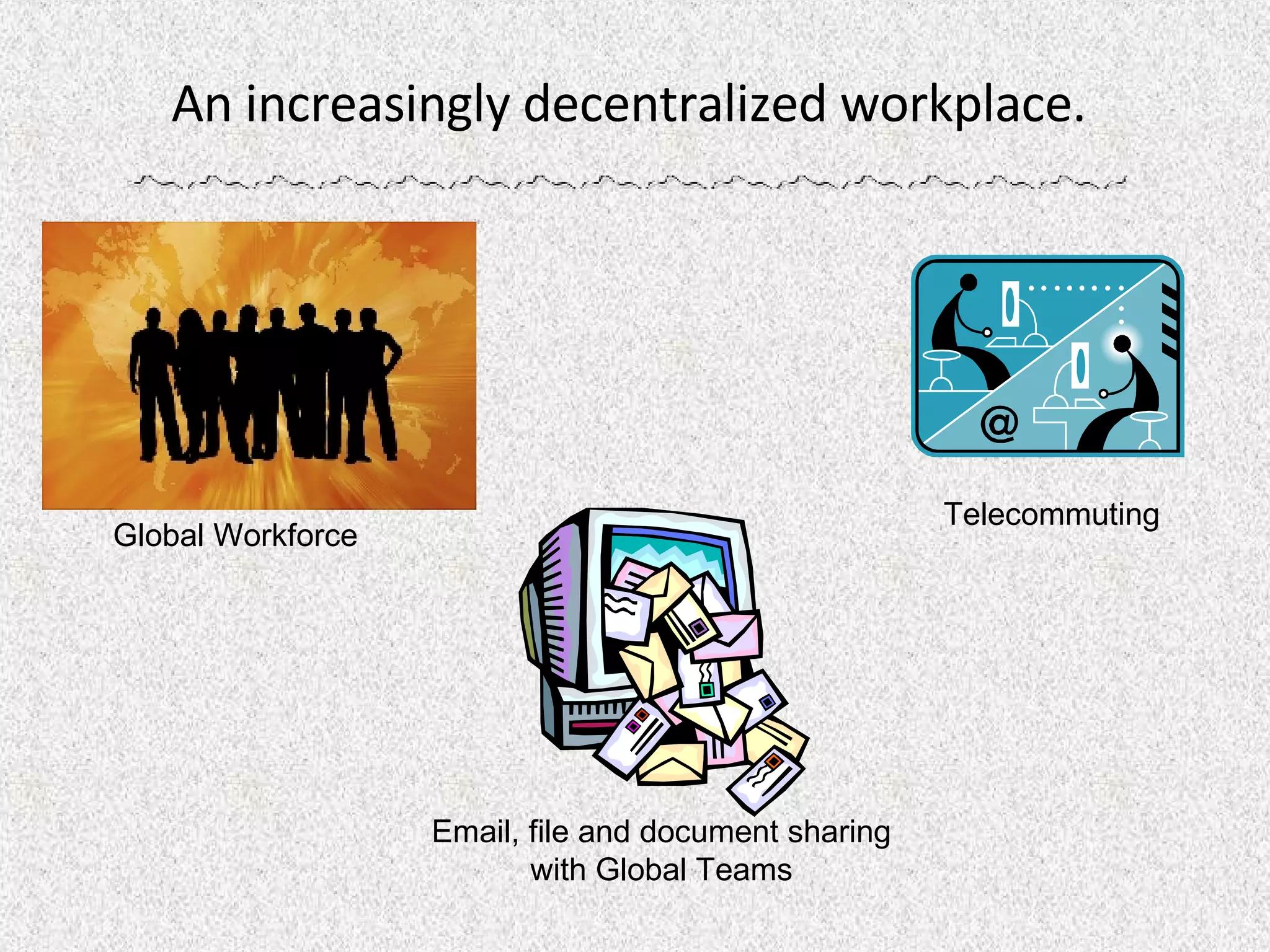
An increasingly decentralized workplace.  Global Workforce  Email, file and document sharing with Global Teams Telecommuting
Need to train employees in  various locations Distance learning   geographically dispersed employees training about new products, policies, or procedures  skills training to field locations.
Benefits of Collaboration Easily communicate and coordinate projects and training.  Enhances Transfer of Knowledge Student \ Teacher Live Interaction
Easily communicate and coordinate on projects.  Conversations are able to happen in real-time File and document sharing Control another desktop remotely  Deliver presentations  Demonstrate any application
Enhances Transfer of Knowledge Collaboration is one way of transferring new knowledge, especially tacit knowledge. Collaboration can be a source of stimulation and creativity.  Can be used for customer support training and problem resolution
Student \ Teacher Live Interaction Public / Private Chat Conference Call ScreenSharing  Annotation Tools Whiteboard
Collaboration Tools Windows   Live Messenger : Online chat in real time Sharing photos and files Webcam video Application sharing & whiteboard SlideShare  : World's largest community for sharing presentations on the web.  Yahoo Messenger : Online chat in real time  Share photos and files Voice calls and webcam video. Google Docs & Spreadsheets  : Free web-based word processing and spreadsheet program Lets the people you choose update files from their own computers.
Collaboration Tools Yugma :  Free Web Conferencing Online Meetings Web Collaboration Service Desktop and application sharing Online chat (public & private) Windows Meeting Space Windows Meeting Space  Enables face-to-face collaboration among small groups of Windows  Vista  users virtually anytime, anywhere.  Share work on  computer-based projects with other  people more easily and comfortably. Skype  Software that lets you use  your computer & internet connection to communicate with anyone,  anywhere in the world. Webex eLearning Desktop and application sharing Web Meetings & Webinars Instructor/Student interaction
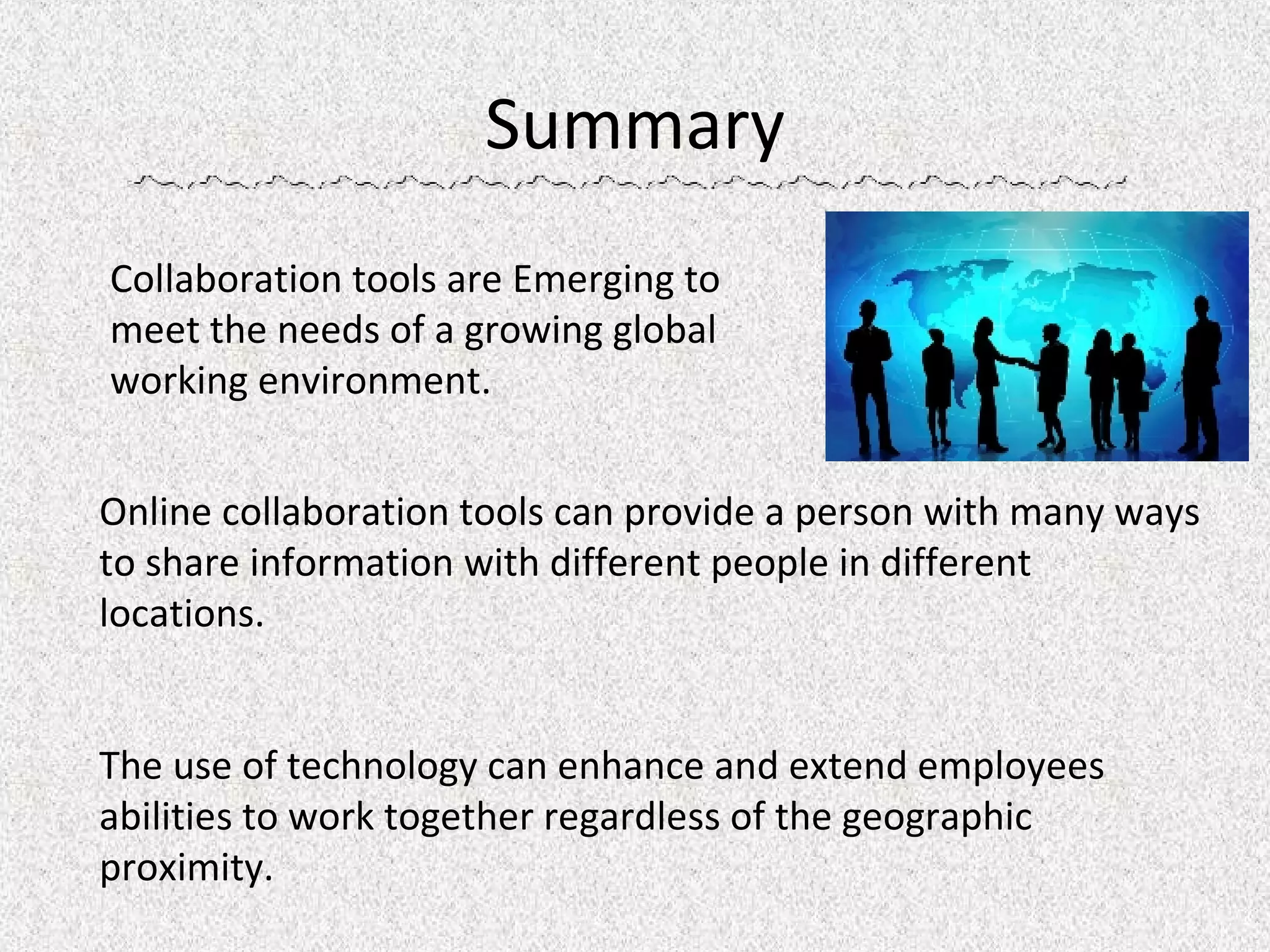
Summary Collaboration tools are Emerging to meet the needs of a growing global working environment. Online collaboration tools can provide a person with many ways to share information with different people in different locations. The use of technology can enhance and extend employees abilities to work together regardless of the geographic proximity.
References Adecco , (2007), Managing Today's Multigenerational Workforce,  http://www.employmenttimesonline.com/career_advisor/article.php?ID=760 Boutelle, Jonathan, (2005), Grassroots Collaboration Tools,  http://www.jonathanboutelle.com/mt/archives/2005/07/grassroots_coll.html Loan-Clarke & Preston, (2002), Benefits of Research Collaboration,  http://www.rcr.emich.edu/module9/i4_benefits.html Noe, Raymond, (2007), Employee Training & Development, Boston, McGraw-Hill Ortizcazarin, Ricardo, (2007), Collaboration with a Remote Office,  http://www.cazarin.com/services/collaboration_RemoteOffice.cfm WebEx, (2007), Small & Medium Business Solutions,  http://www.webex.com/smb/index.html Yugma, (2007),  Free Web Conferencing, Online Meetings, Web Collaboration   http://www.yugma.com/
Q & A

Collaboration Tools

  • 1.
    Collaboration Tools Training By James Doty, Jay Pathan
  • 2.
    “ How canI trust your information when you’re using such outdated technology?”
  • 3.
    Table of ContentsIntroduction Issues in Collaboration Benefits of Collaboration Collaboration Tools Summary References Q & A
  • 4.
    Introduction Have youever been trying to get something across to someone at the other end of the phone about a project, web site, or application?     Perhaps you’re trying to instruct them in how to use a website or software application.
  • 5.
    Issues in CollaborationMulti-generation workforce An increasingly decentralized workplace. Need to train employees in various locations
  • 6.
    Generations in theWorkforce Traditional Workers Generation X Baby Boomers Generation Y Age Timeline
  • 7.
    An increasingly decentralizedworkplace. Global Workforce Email, file and document sharing with Global Teams Telecommuting
  • 8.
    Need to trainemployees in various locations Distance learning geographically dispersed employees training about new products, policies, or procedures skills training to field locations.
  • 9.
    Benefits of CollaborationEasily communicate and coordinate projects and training. Enhances Transfer of Knowledge Student \ Teacher Live Interaction
  • 10.
    Easily communicate andcoordinate on projects. Conversations are able to happen in real-time File and document sharing Control another desktop remotely Deliver presentations Demonstrate any application
  • 11.
    Enhances Transfer ofKnowledge Collaboration is one way of transferring new knowledge, especially tacit knowledge. Collaboration can be a source of stimulation and creativity. Can be used for customer support training and problem resolution
  • 12.
    Student \ TeacherLive Interaction Public / Private Chat Conference Call ScreenSharing Annotation Tools Whiteboard
  • 13.
    Collaboration Tools Windows Live Messenger : Online chat in real time Sharing photos and files Webcam video Application sharing & whiteboard SlideShare : World's largest community for sharing presentations on the web. Yahoo Messenger : Online chat in real time Share photos and files Voice calls and webcam video. Google Docs & Spreadsheets : Free web-based word processing and spreadsheet program Lets the people you choose update files from their own computers.
  • 14.
    Collaboration Tools Yugma: Free Web Conferencing Online Meetings Web Collaboration Service Desktop and application sharing Online chat (public & private) Windows Meeting Space Windows Meeting Space Enables face-to-face collaboration among small groups of Windows Vista users virtually anytime, anywhere. Share work on computer-based projects with other people more easily and comfortably. Skype Software that lets you use your computer & internet connection to communicate with anyone, anywhere in the world. Webex eLearning Desktop and application sharing Web Meetings & Webinars Instructor/Student interaction
  • 15.
    Summary Collaboration toolsare Emerging to meet the needs of a growing global working environment. Online collaboration tools can provide a person with many ways to share information with different people in different locations. The use of technology can enhance and extend employees abilities to work together regardless of the geographic proximity.
  • 16.
    References Adecco ,(2007), Managing Today's Multigenerational Workforce, http://www.employmenttimesonline.com/career_advisor/article.php?ID=760 Boutelle, Jonathan, (2005), Grassroots Collaboration Tools, http://www.jonathanboutelle.com/mt/archives/2005/07/grassroots_coll.html Loan-Clarke & Preston, (2002), Benefits of Research Collaboration, http://www.rcr.emich.edu/module9/i4_benefits.html Noe, Raymond, (2007), Employee Training & Development, Boston, McGraw-Hill Ortizcazarin, Ricardo, (2007), Collaboration with a Remote Office, http://www.cazarin.com/services/collaboration_RemoteOffice.cfm WebEx, (2007), Small & Medium Business Solutions, http://www.webex.com/smb/index.html Yugma, (2007), Free Web Conferencing, Online Meetings, Web Collaboration http://www.yugma.com/
  • 17.