The document outlines best practices for using RTI Connext DDS to create efficient, scalable, and high-performance systems. It covers architectural considerations, application design, network configuration, and QoS settings, emphasizing the importance of a well-structured data model and timely entity creation. Additional recommendations include using keyed data for object representation, avoiding blocking callbacks, and optimizing OS settings for better throughput.
Your systems. Workingas one.
Best Practices using RTI Connext DDS
Rose Wahlin
Principal Software Engineer
2.
Best Practices
• Introduction
•Types of best practices
– Architectural
– Application design and implementation
– Network and QoS configuration
• Where to find more information
3.
Introduction
• Best practicesguide you in building a system that
is
– Future-proof
– Scalable
– High performance
– Testable
• Without best practices, may be building
suboptimal systems
– Lose time figuring out best approach
– System quality suffers
4.
Categories
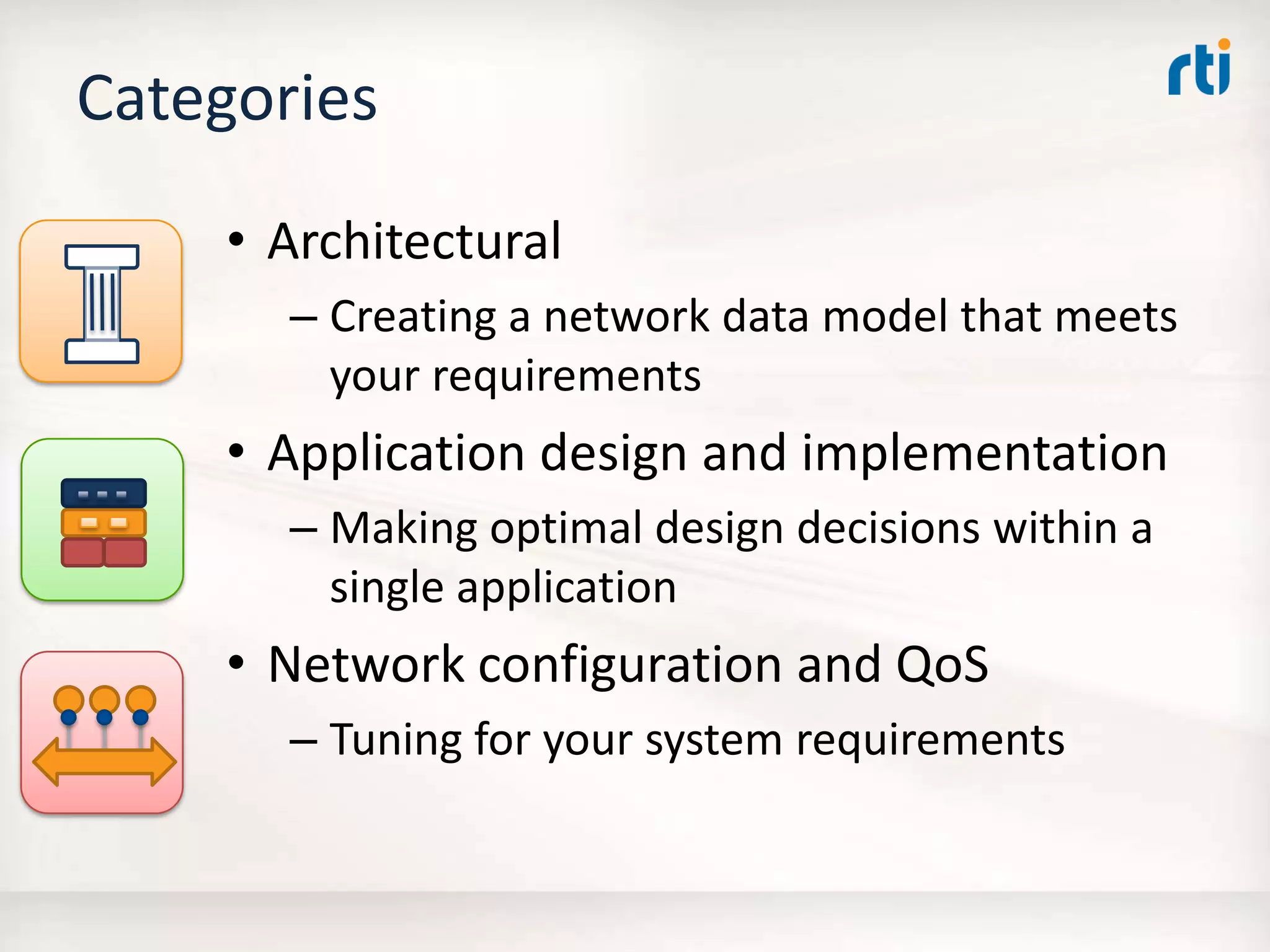
• Architectural
– Creatinga network data model that meets
your requirements
• Application design and implementation
– Making optimal design decisions within a
single application
• Network configuration and QoS
– Tuning for your system requirements
5.
Create a NetworkData Model
• Determine the structure of the data you will send
over the network based on
– The state you want to represent
– The delivery characteristics of the data
• For example:
– Representing state data for a fleet of trucks
– Trucks have license plate numbers, position, oil
levels, maintenance information
– These change at different rates, or aperiodically
• This can map to Topics:
– TruckGPS, TruckOilLevel, and TruckMaintenance
6.
Use Typed Data
Giveyour data a type instead of sending binary
• Middleware handles endianness
• Automatically plug in applications
– Data visualization and debugging (Excel, RTI DDS Spy)
– Data recording, replay, and database integration (RTI
Recorder, RTI Replay, Real-Time Connect)
– Mediation and transformation (RTI Routing Service)
• RTI Connext DDS can filter data based on the
content
• Encourages good design with discrete updates
7.
Use Keyed Data
Representdata-objects within the middleware
• Keying data tells Connext DDS about unique data-
objects – or instances – inside your Topics
– Example: VIN is the unique ID of a truck, and maps to a key
field in all data types representing trucks
• Connext notifies you about instance lifecycle
– New instance, instance alive, instance not alive
• Connext can have behavior per-instance
– Notifications of delayed instance updates
– Cache allocated per-instance
– Failure/failover mechanisms per-instance
8.
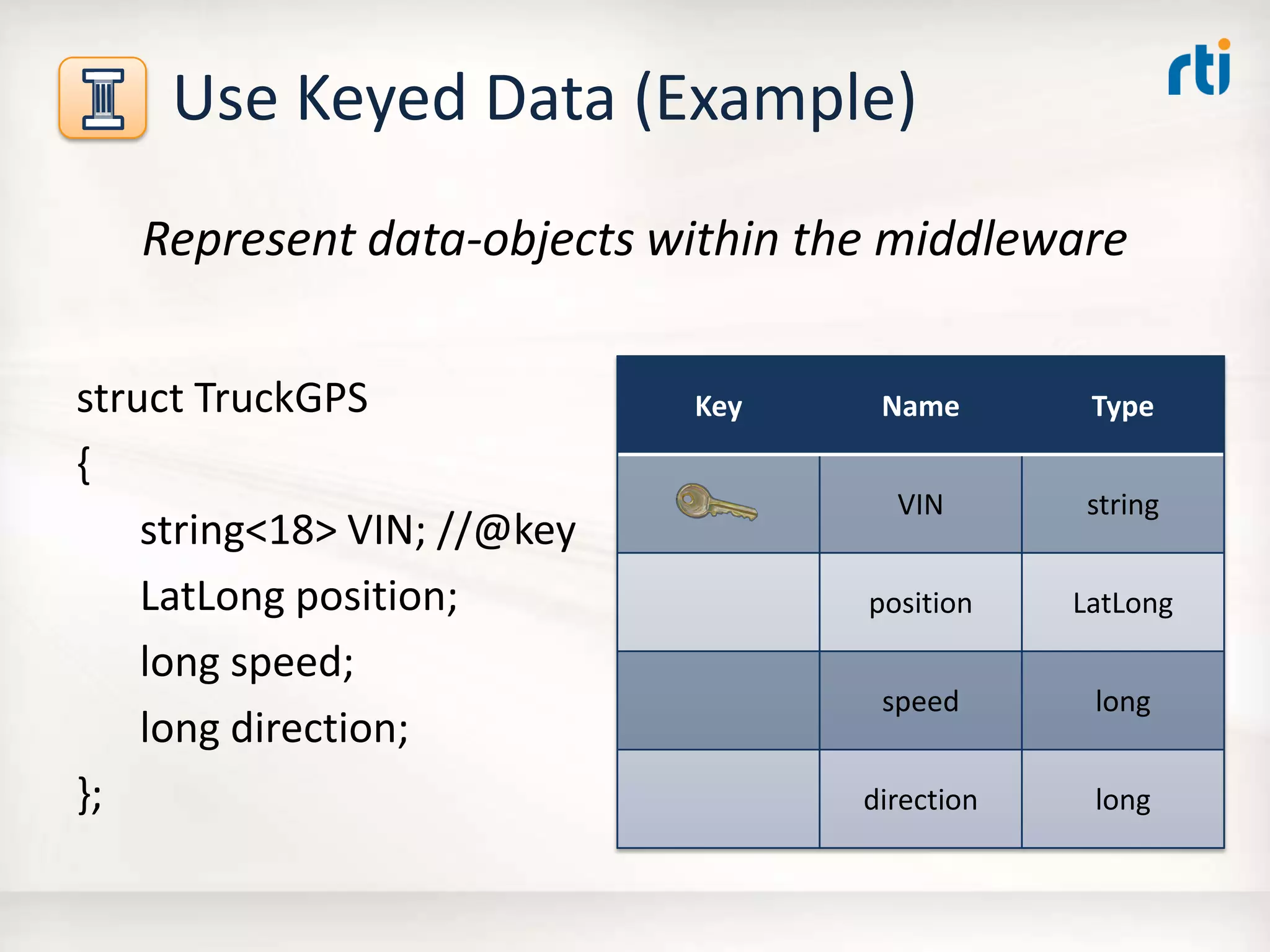
Use Keyed Data(Example)
Represent data-objects within the middleware
struct TruckGPS
{
string<18> VIN; //@key
LatLong position;
long speed;
long direction;
};
Key Name Type
VIN string
position LatLong
speed long
direction long
9.
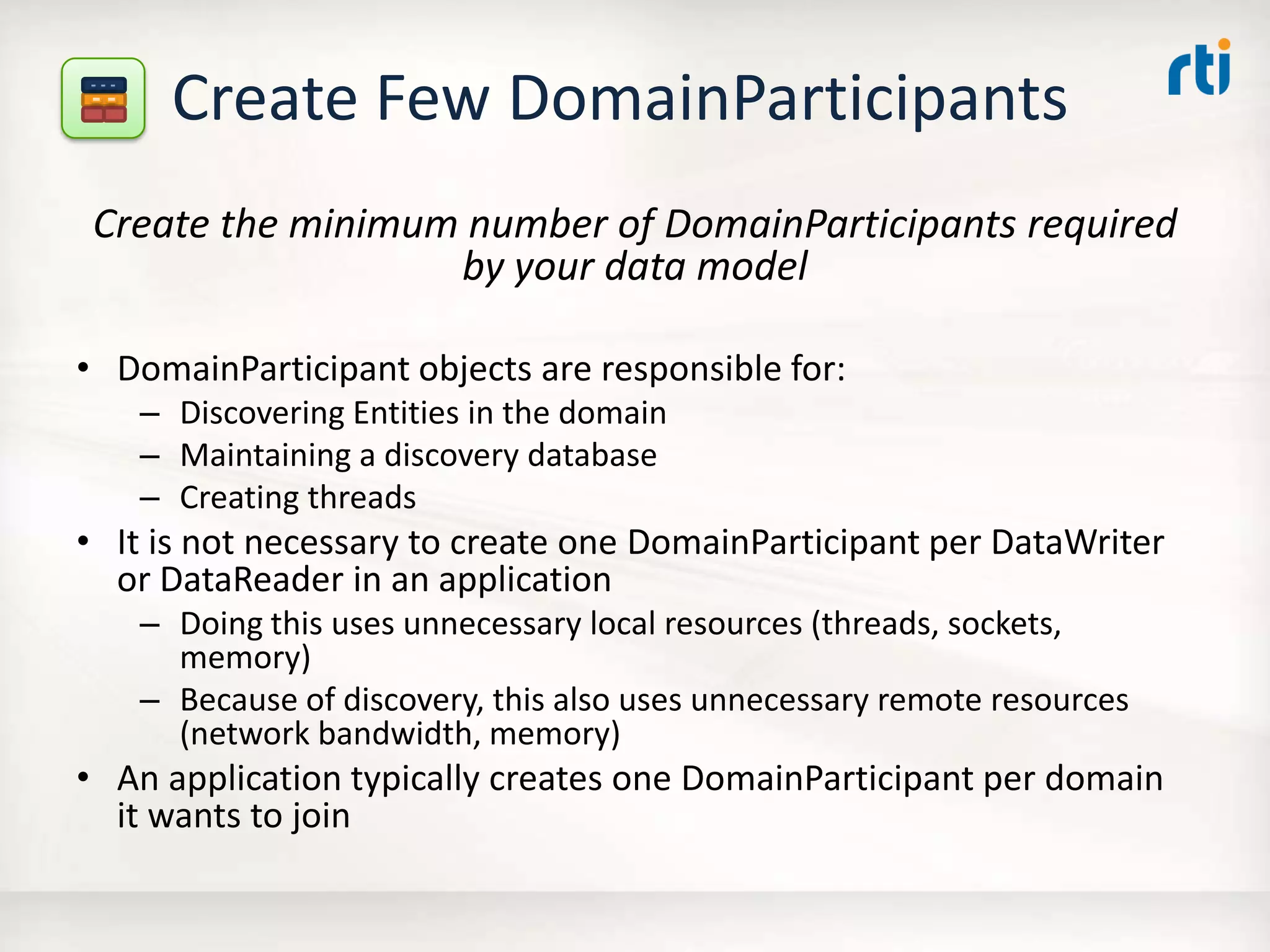
Create Few DomainParticipants
Createthe minimum number of DomainParticipants required
by your data model
• DomainParticipant objects are responsible for:
– Discovering Entities in the domain
– Maintaining a discovery database
– Creating threads
• It is not necessary to create one DomainParticipant per DataWriter
or DataReader in an application
– Doing this uses unnecessary local resources (threads, sockets,
memory)
– Because of discovery, this also uses unnecessary remote resources
(network bandwidth, memory)
• An application typically creates one DomainParticipant per domain
it wants to join
10.
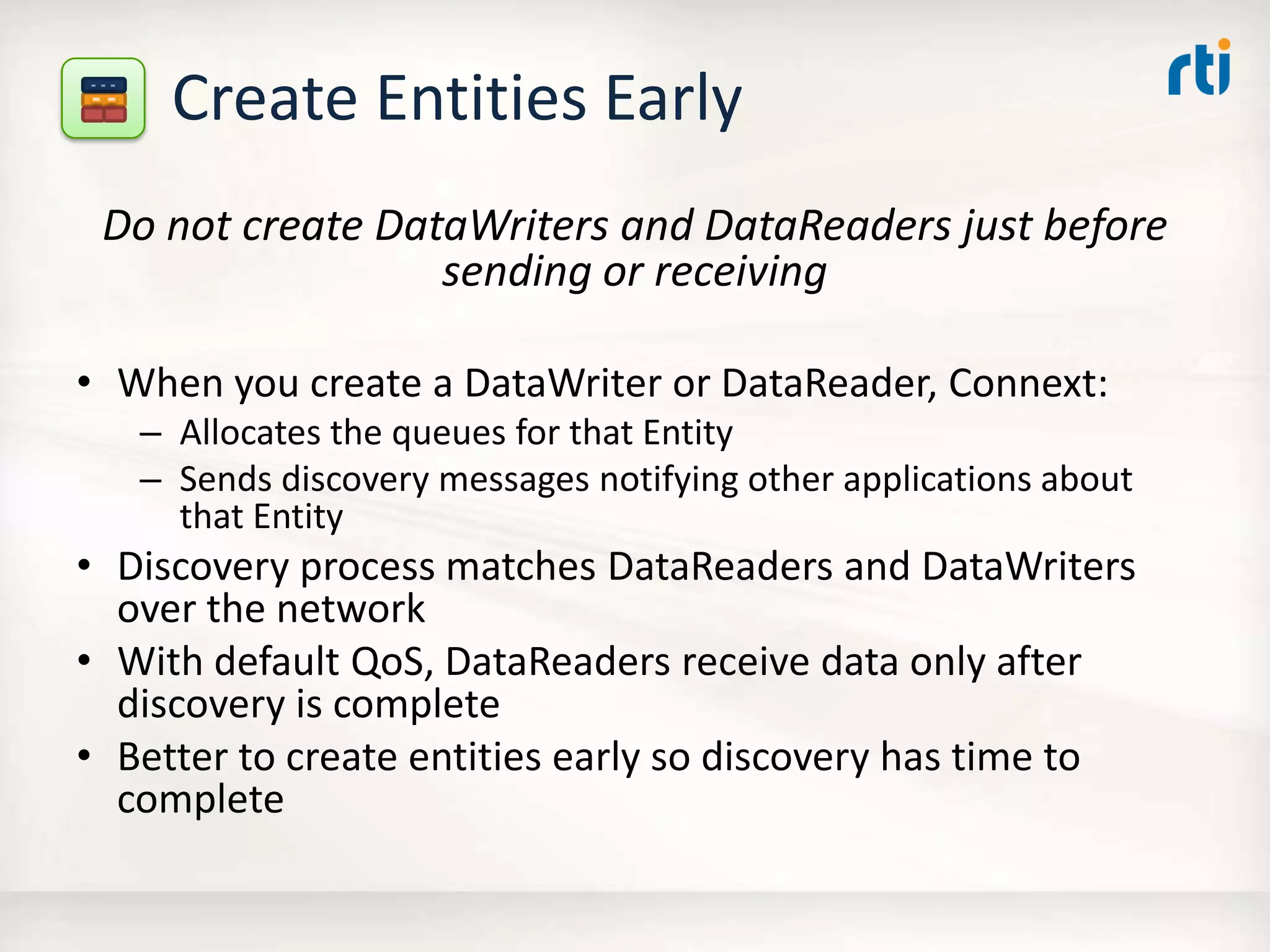
Create Entities Early
Donot create DataWriters and DataReaders just before
sending or receiving
• When you create a DataWriter or DataReader, Connext:
– Allocates the queues for that Entity
– Sends discovery messages notifying other applications about
that Entity
• Discovery process matches DataReaders and DataWriters
over the network
• With default QoS, DataReaders receive data only after
discovery is complete
• Better to create entities early so discovery has time to
complete
11.
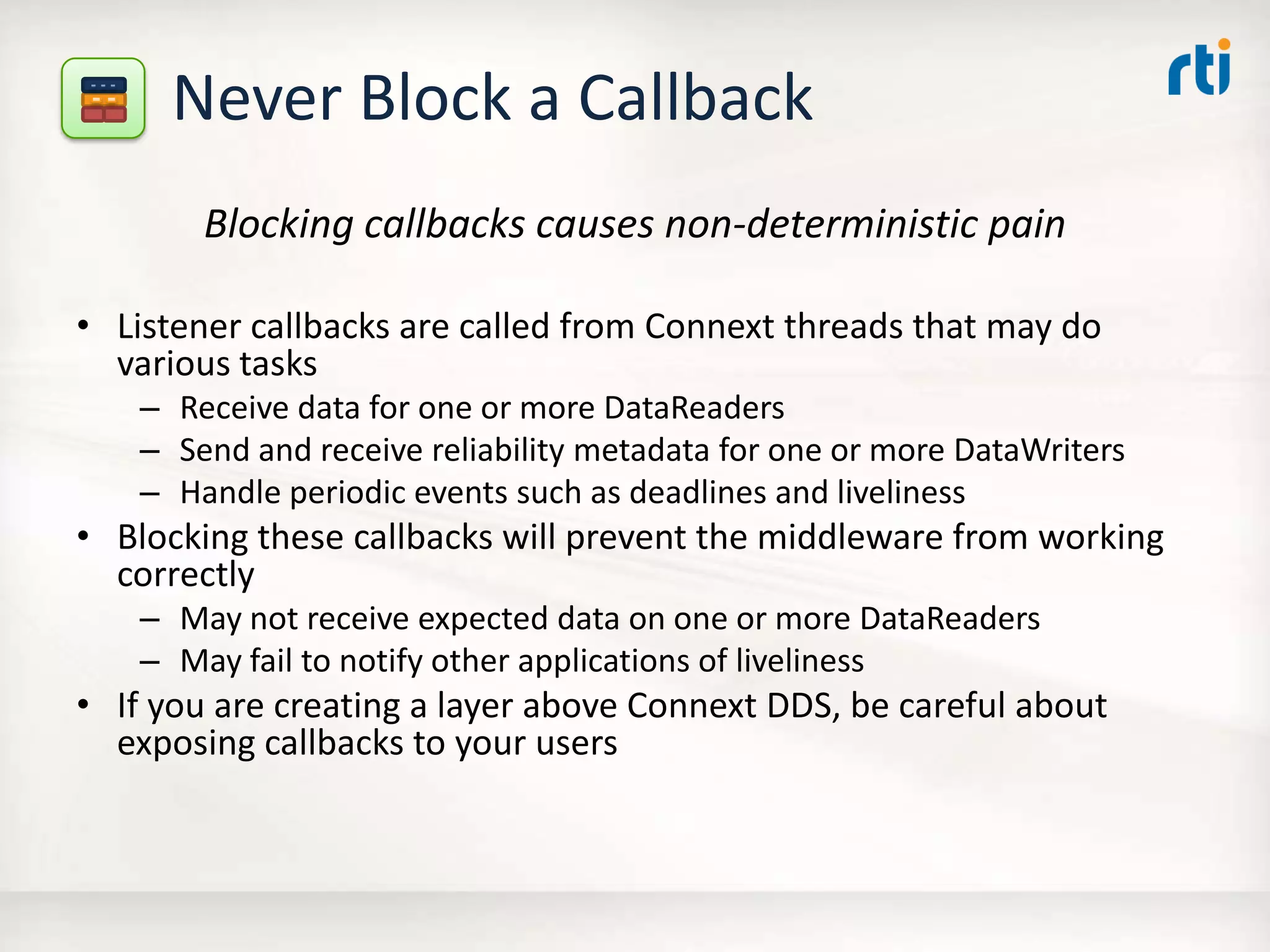
Never Block aCallback
Blocking callbacks causes non-deterministic pain
• Listener callbacks are called from Connext threads that may do
various tasks
– Receive data for one or more DataReaders
– Send and receive reliability metadata for one or more DataWriters
– Handle periodic events such as deadlines and liveliness
• Blocking these callbacks will prevent the middleware from working
correctly
– May not receive expected data on one or more DataReaders
– May fail to notify other applications of liveliness
• If you are creating a layer above Connext DDS, be careful about
exposing callbacks to your users
12.
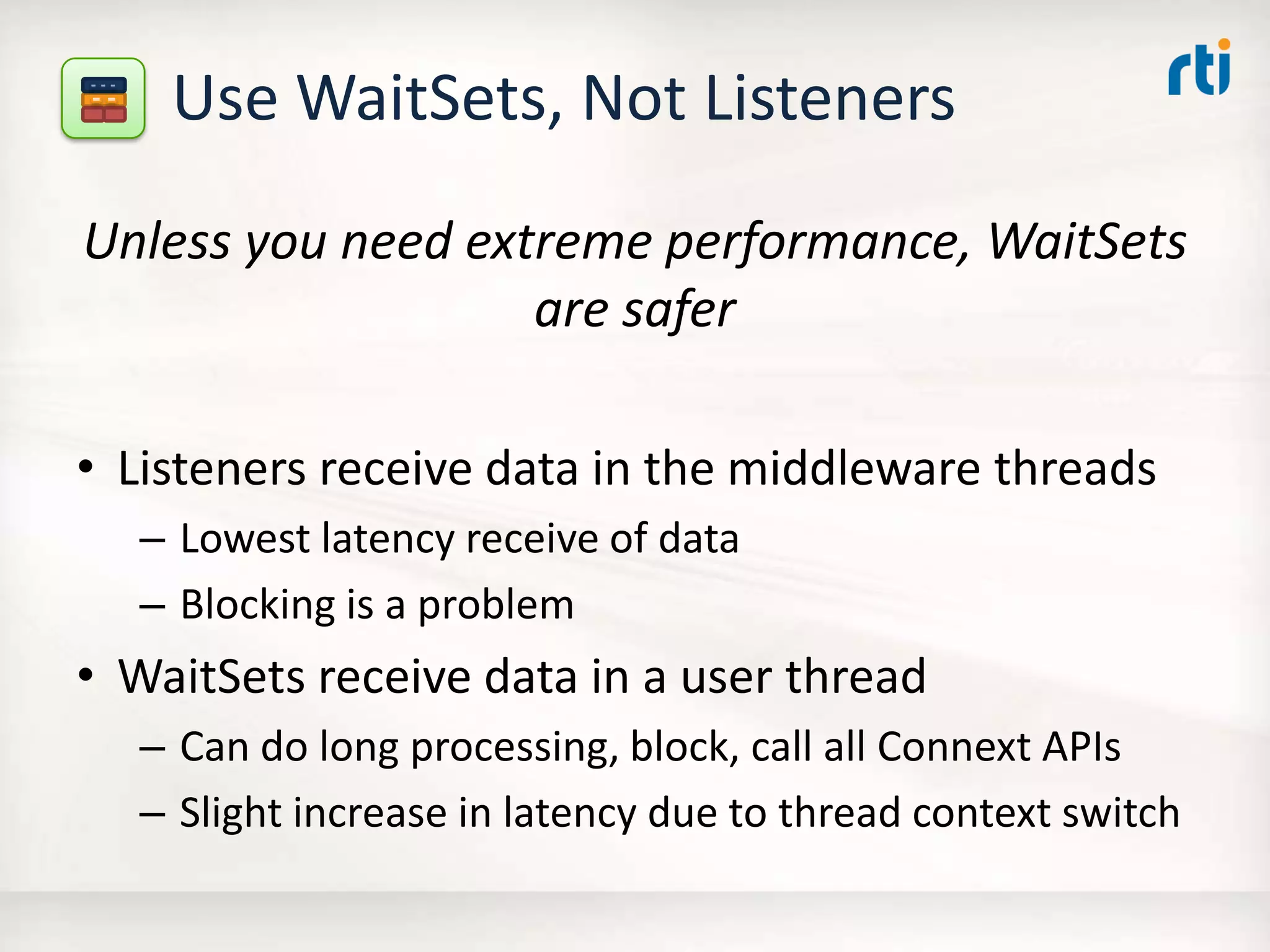
Use WaitSets, NotListeners
Unless you need extreme performance, WaitSets
are safer
• Listeners receive data in the middleware threads
– Lowest latency receive of data
– Blocking is a problem
• WaitSets receive data in a user thread
– Can do long processing, block, call all Connext APIs
– Slight increase in latency due to thread context switch
13.
Use the RightReliability
Decoupling protocol and data definition allows you to specify different
reliability per-channel
• If your data is modeled as discrete updates to object state, you often do
not need strict reliability
– Example: “I need the current state of this turbine rotor, and the previous
state.”
• Strict reliability requires higher overhead to store and deliver all data
• Choose reliability level depending on your requirements instead of
defaulting to strict reliability:
– Strict reliability: DataWriter is not allowed to overwrite data if existing
DataReaders have not received it.
– Non-strict reliability: DataWriter keeps the last N data samples to reliably
deliver to DataReaders. Is allowed to overwrite samples even if DataReaders
have not received it.
– Best effort: DataWriters do not keep a queue of data for DataReaders and
make no guarantees of delivery
14.
Use the MaximumTransport Sizes
Larger transport sizes increase throughput
(up to a point)
• Transports have different max data sizes
– UDPv4 supports data sizes of 65507 on most platforms (64K –
overhead)
– TCP and shared memory support higher
• Choose the highest reasonable value supported by all
transports
• Reasonable is determined by:
– Memory usage
– OS limitations
– Bandwidth limitations
15.
Use Multicast forOne-to-Many
You can get significant increases in one-to-many
throughput with multicast
• Advantages:
– Increased throughput – on DataReaders similar throughput
to one-to-one
– Significant reduction of CPU load on DataWriter
• Disadvantages:
– If DataWriter is reliable, may need to tune reliability to
avoid ACK storms
– Some switches block bursts of multicast traffic
• Note that multicast is not required for Connext DDS
16.
Configure Switches forIGMP Snooping
If switches can snoop multicast traffic, they can
filter data in hardware
• Typical applications use multicast for discovery
• May also use multicast for user data
• By default, Layer 2 devices treat IP multicast as
broadcast traffic
– Subscribers receive all the data, and must filter
• Enabling IGMP snooping can increase scalability
of discovery and multicast user data
17.
Tune Your OSfor Throughput
Linux and Windows can be tuned for better throughput than
out of the box
• Most OSes are not configured for high throughput
– Neither Linux nor Windows have ideal throughput out of the box
– Embedded systems are often tuned for small footprint rather than
high-throughput
• You can increase throughput by configuring:
– The Windows registry
– Sysctl.conf
– Settings specific to your embedded platform
• Details can be found in RTI’s Community Portal Knowledge Base:
– Community.rti.com/kb
18.
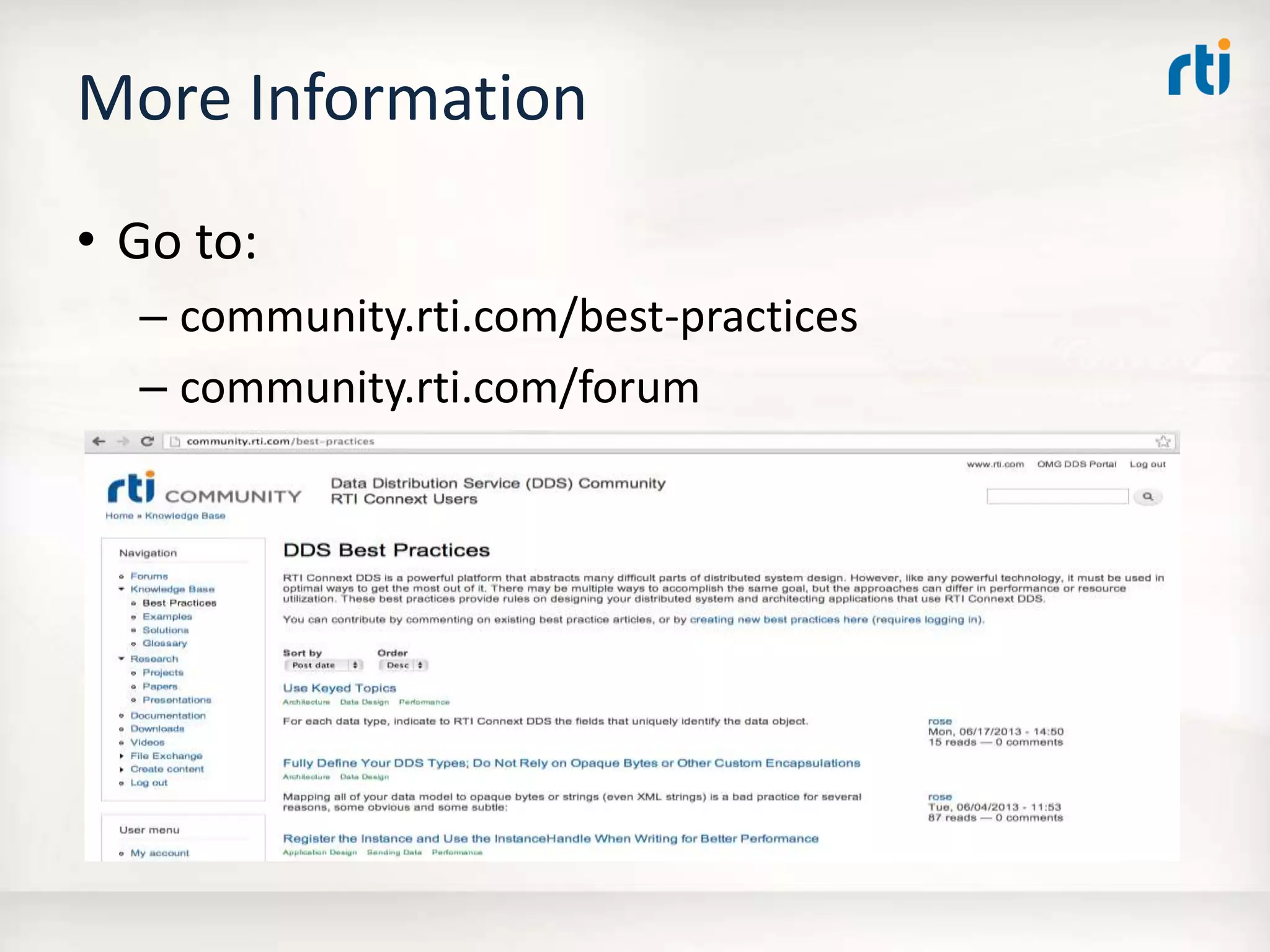
More Information
• Goto:
– community.rti.com/best-practices
– community.rti.com/forum