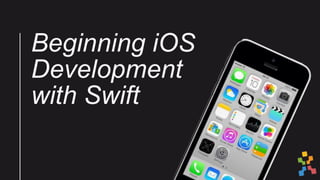
Beginning iOS
Development
with Swift
What you need to create
an app
• Programming language
• Frameworks / APIs
• Tools
What you need to create
an app
• Programming language (Swift 2.2)
• Frameworks / APIs (Apple APIs, Firebase)
• Tools (Xcode 7.3.1, also Balsamiq or Sketch if you
like)
Swift
safe
fast
powerful
modern
concise
expressive
functional
Swift
• Released in 2014 by Apple
• Intended to make writing OSX and iOS apps simpler
• Works ‘seamlessly’ with Apple’s frameworks andAPIs
Analogy
• How are driving and flying different?
• What are the pros and cons of each?
Frameworks
• Inversion of control – the framework does most
of the heavy repetitive and otherwise mundane
lifting, but it also in the driver’s seat.
• Gives you places where you can run your code.
“Don't call us, we'll call you” – Hollywood Principal
Frameworks and APIs
Navigation
Frameworks and APIs
Media / Camera
Frameworks and APIs
Networking
XML
JSON
HTTP
iOS Java
Storing files
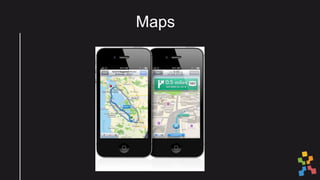
Maps
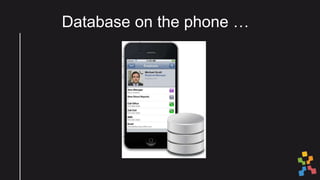
Database on the phone …
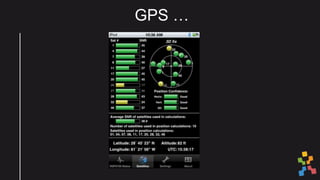
GPS …
Xcode
“Apple's integrated development environment (IDE).
Xcode provides tools to manage your entire
development workflow—from creating your app, to
testing, optimizing, and submitting it to the App Store.”

Beginning iOS Development with Swift

Editor's Notes

  • #13 Button: Simple Function
  • #14 Button: Simple Function
  • #15 Button: Simple Function
  • #16 Button: Simple Function