Download to read offline










![Net - GET request
Net.get("https://httpbin.org/get?user_id=1") do |response|
if response.status == 200
response.body['args']['user_id'] # 1
end
end](https://image.slidesharecdn.com/webinarsrijan-160602051211/85/Srijan-Wednesday-Webinars-Building-Full-Fledged-Native-Apps-Using-RubyMotion-64-320.jpg)
![Net - POST request
options = {
headers: {
content_type: :json,
body: { user_id: 1 }
}
}
Net.post("https://httpbin.org/post", options) do |response|
if response.status == 200
response.body['json']['user_id'] # 1
end
end](https://image.slidesharecdn.com/webinarsrijan-160602051211/85/Srijan-Wednesday-Webinars-Building-Full-Fledged-Native-Apps-Using-RubyMotion-65-320.jpg)
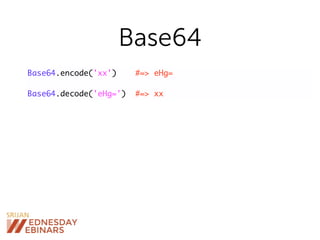
![Store
Store['key'] = 42
Store[‘key'] #=> 42
Store.all #=> { 'hey' => 42 }
Store.delete('key')](https://image.slidesharecdn.com/webinarsrijan-160602051211/85/Srijan-Wednesday-Webinars-Building-Full-Fledged-Native-Apps-Using-RubyMotion-70-320.jpg)
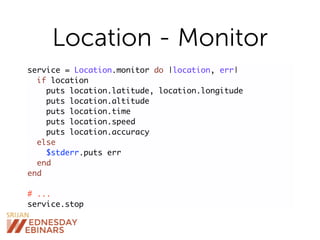
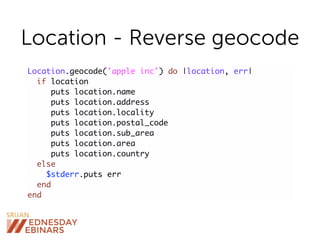
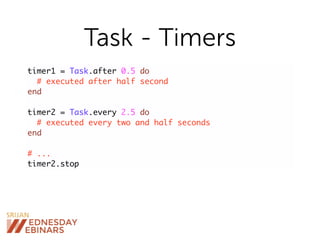
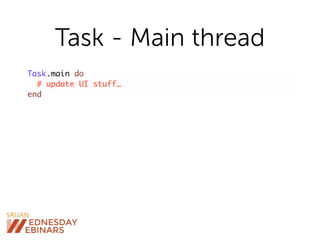
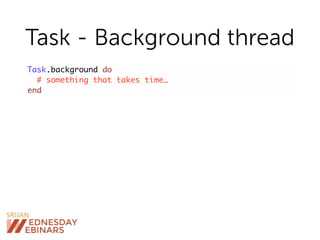
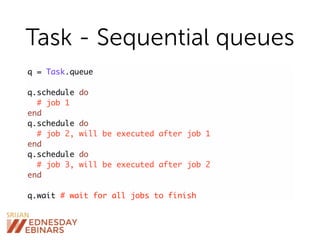
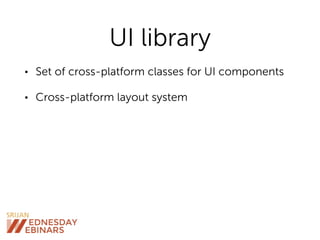
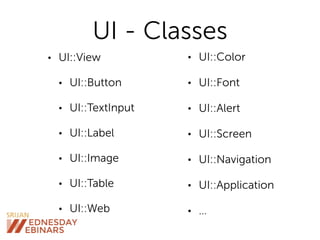
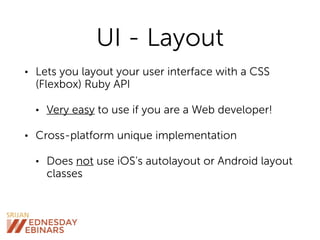
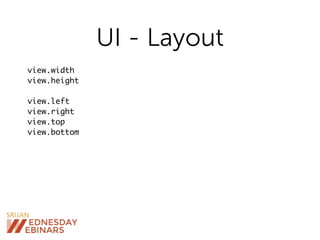
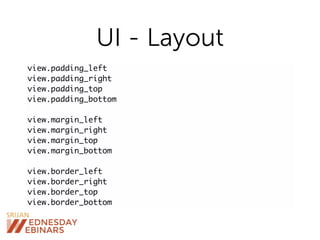
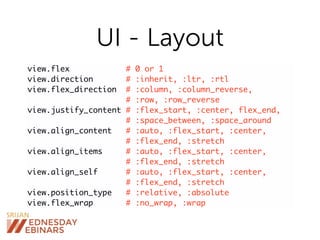

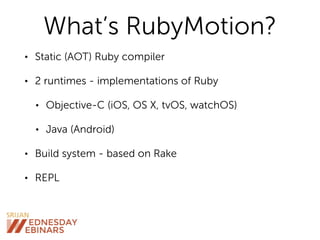
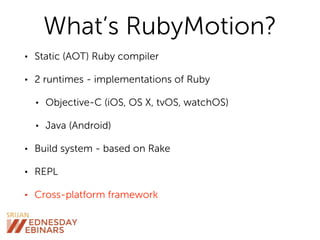



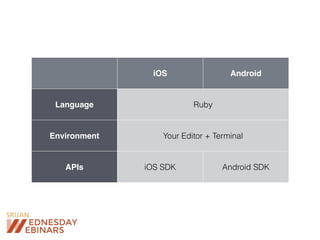
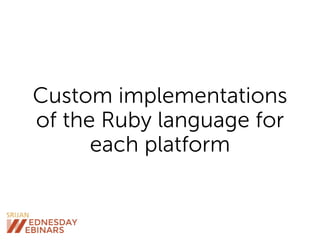
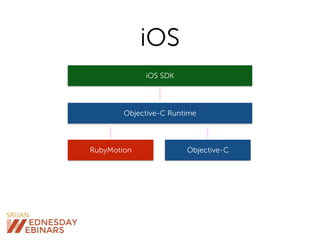
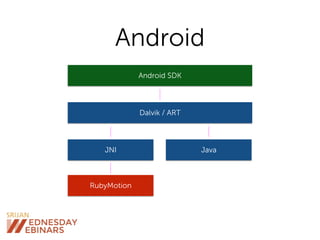
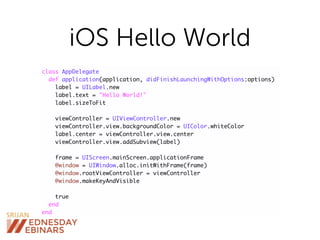
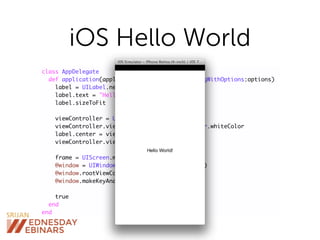
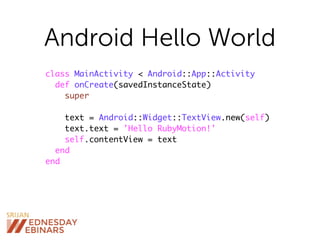
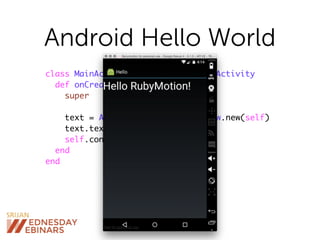
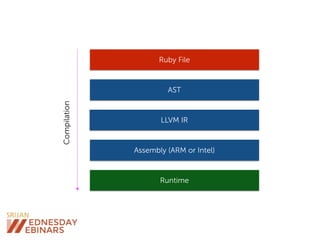
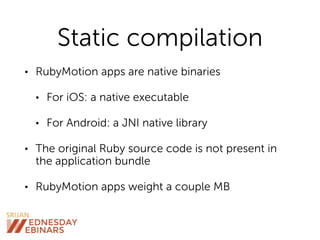
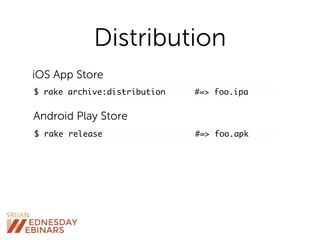
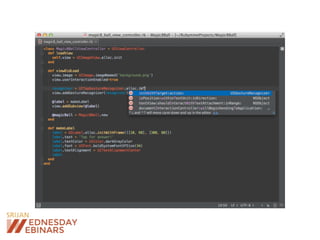
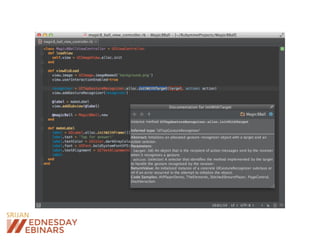
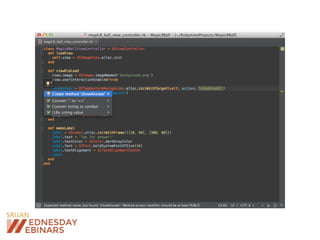
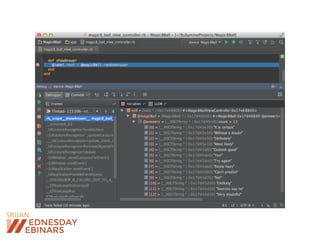
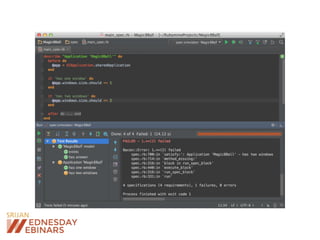
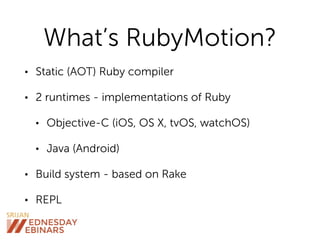
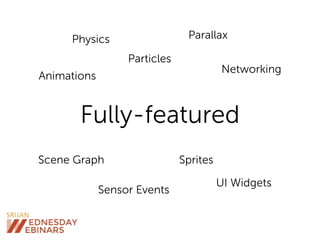
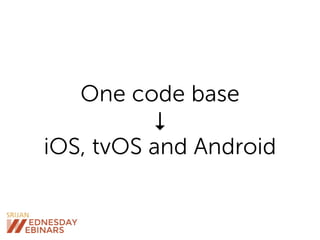
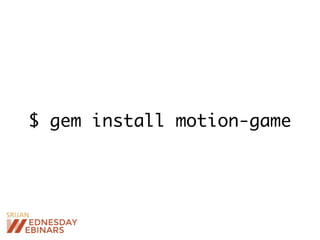
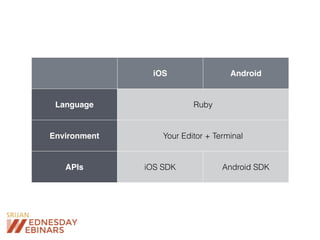
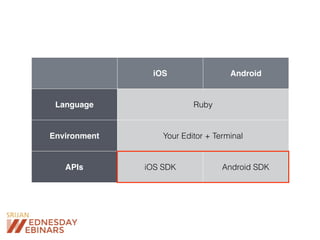
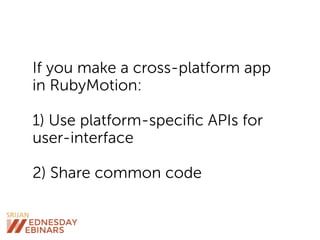
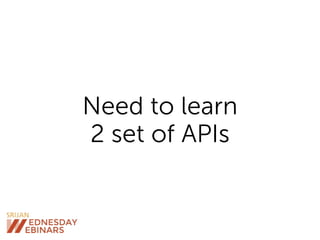
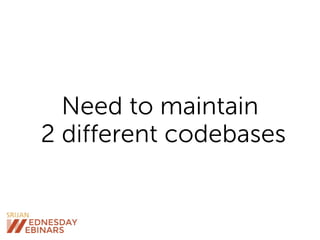
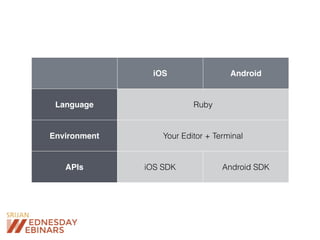
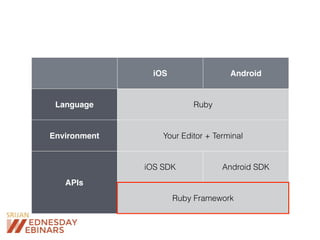
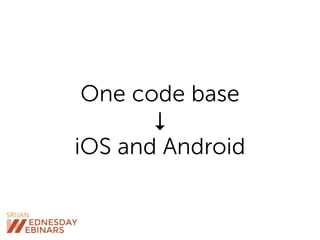
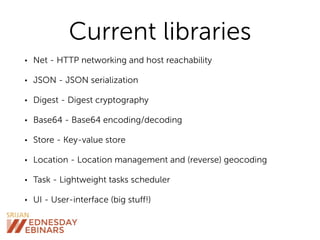
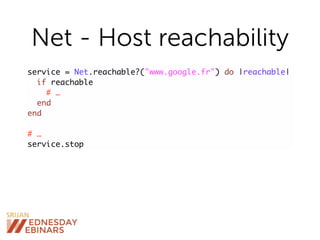
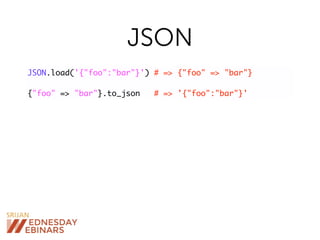
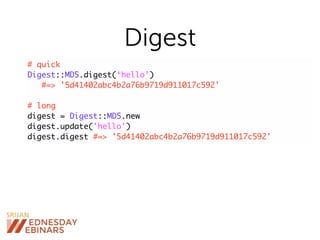
RubyMotion is a toolchain for developing native mobile apps in Ruby, designed to create cross-platform applications for iOS and Android with a unified Ruby runtime. It allows developers to compile Ruby code to native binaries while offering access to platform-specific APIs and a single codebase. The framework includes several built-in libraries for networking, JSON handling, and UI components, aiming to streamline mobile app development for Ruby programmers.


![[Srijan Wednesday Webinars] Opportunities and Challenges in Enterprise UX Design](https://cdn.slidesharecdn.com/ss_thumbnails/opportunitiesandchallengesinenterpriseuxdesign-161006091903-thumbnail.jpg?width=640&height=640&fit=bounds)


![[Srijan Wednesday Webinar] How to Run Stateless and Stateful Services on K8S ...](https://cdn.slidesharecdn.com/ss_thumbnails/webinarbyadheip-190829125159-thumbnail.jpg?width=640&height=640&fit=bounds)
![[Srijan Wednesday Webinars] How to Set Up a Node.js Microservices Architectur...](https://cdn.slidesharecdn.com/ss_thumbnails/webinarbywilson-190221124622-thumbnail.jpg?width=640&height=640&fit=bounds)
![[Srijan Wednesday Webinars] How to Build a Cloud Native Platform for Enterpri...](https://cdn.slidesharecdn.com/ss_thumbnails/srijanwwcloudnativeplatformfordrupal-181213101558-thumbnail.jpg?width=640&height=640&fit=bounds)
![[Srijan Wednesday Webinars] Using Drupal as Data Pipeline for Digital Signage](https://cdn.slidesharecdn.com/ss_thumbnails/2018-srijanwebinardatapipelines-180607133946-thumbnail.jpg?width=640&height=640&fit=bounds)
![[Srijan Wednesday Webinars] New Recipe of Decoupling: Drupal 8, Symfony and S...](https://cdn.slidesharecdn.com/ss_thumbnails/webinarwithjyotisingh1-180426112348-thumbnail.jpg?width=640&height=640&fit=bounds)
![[Srijan Wednesday Webinars] Let’s Take the Best Route - Exploring Drupal 8 Ro...](https://cdn.slidesharecdn.com/ss_thumbnails/webinarbysurbhi-180405093703-thumbnail.jpg?width=640&height=640&fit=bounds)
![[Srijan Wednesday Webinars] Is Your Business Ready for GDPR](https://cdn.slidesharecdn.com/ss_thumbnails/webinartemplateformatt-180125105251-thumbnail.jpg?width=640&height=640&fit=bounds)
![[Srijan Wednesday Webinars] Artificial Intelligence & the Future of Business](https://cdn.slidesharecdn.com/ss_thumbnails/disrupt4-171207140409-thumbnail.jpg?width=640&height=640&fit=bounds)
![[Srijan Wednesday Webinars] How to Design a Chatbot that Works](https://cdn.slidesharecdn.com/ss_thumbnails/webinarbyjess-171012044154-thumbnail.jpg?width=640&height=640&fit=bounds)
![[Srijan Wednesday Webinars] Simplifying Migration to Drupal 8](https://cdn.slidesharecdn.com/ss_thumbnails/webinarbysugandh-170817143543-thumbnail.jpg?width=640&height=640&fit=bounds)

![[Srijan Wednesday Webinar] Leveraging the OGD Platform and Visualization Engine](https://cdn.slidesharecdn.com/ss_thumbnails/webinar-leveragingtheogdplatformandvisualizationengine-28-6-20171-170630114628-thumbnail.jpg?width=640&height=640&fit=bounds)
![[Srijan Wednesday Webinars] Why Adopt Analytics Driven Testing](https://cdn.slidesharecdn.com/ss_thumbnails/srijanwednesdaywebinarsanalyticsdriventesting2-170615131224-thumbnail.jpg?width=640&height=640&fit=bounds)
![[Srijan Wednesday Webinar] Key ingredients of a Powerful Test Automation System](https://cdn.slidesharecdn.com/ss_thumbnails/webinarbynitin-170406054723-thumbnail.jpg?width=640&height=640&fit=bounds)
![[Srijan Wednesday Webinar] Building BPMN Web Portals with Camunda and Drupal](https://cdn.slidesharecdn.com/ss_thumbnails/srijanwebinarbyishan-170323055342-thumbnail.jpg?width=640&height=640&fit=bounds)
![[Srijan Wednesday Webinar] Decoupled Demystified: The Present & Future of Dr...](https://cdn.slidesharecdn.com/ss_thumbnails/srijanwebinartemplatebypreston-170310083838-thumbnail.jpg?width=640&height=640&fit=bounds)
![[Srijan Wednesday Webinars] Automating Visual Regression using ‘Galen’](https://cdn.slidesharecdn.com/ss_thumbnails/swwbysoumyajitanddeepshikha-170210122854-thumbnail.jpg?width=640&height=640&fit=bounds)
![[Srijan Wednesday Webinars] NASA, Netflix, Tinder: Digital Transformation and...](https://cdn.slidesharecdn.com/ss_thumbnails/node-170126155947-thumbnail.jpg?width=640&height=640&fit=bounds)
![[Srijan Wednesday Webinars] Building a High Performance QA Team](https://cdn.slidesharecdn.com/ss_thumbnails/srijan2016karim-161117105408-thumbnail.jpg?width=640&height=640&fit=bounds)
![[Srijan Wednesday Webinar] Mastering Mobile Test Automation with Appium](https://cdn.slidesharecdn.com/ss_thumbnails/srijan-webinar-161103125140-thumbnail.jpg?width=640&height=640&fit=bounds)


![谷歌留痕技术教程[ 𝙩𝙤𝙥 𝟮𝟯𝟯. 𝙘 𝙤𝙢 ]](https://cdn.slidesharecdn.com/ss_thumbnails/top233-260130173900-2eb784f9-thumbnail.jpg?width=640&height=640&fit=bounds)


