Independent Development
and Writing Your Own Engine
Using Ananse’s Engine as an Example
Who Am I?
• Born and raised in The Bronx, NY
• CMU SCS 2008
• Interned at EALA on Medal of Honor
  Airborne
• Worked at Demiurge Studios for 2 years
• Started Ananse Productions in
  November 2010
• Stem Stumper released in April 2011
• Background is mostly in Programming!
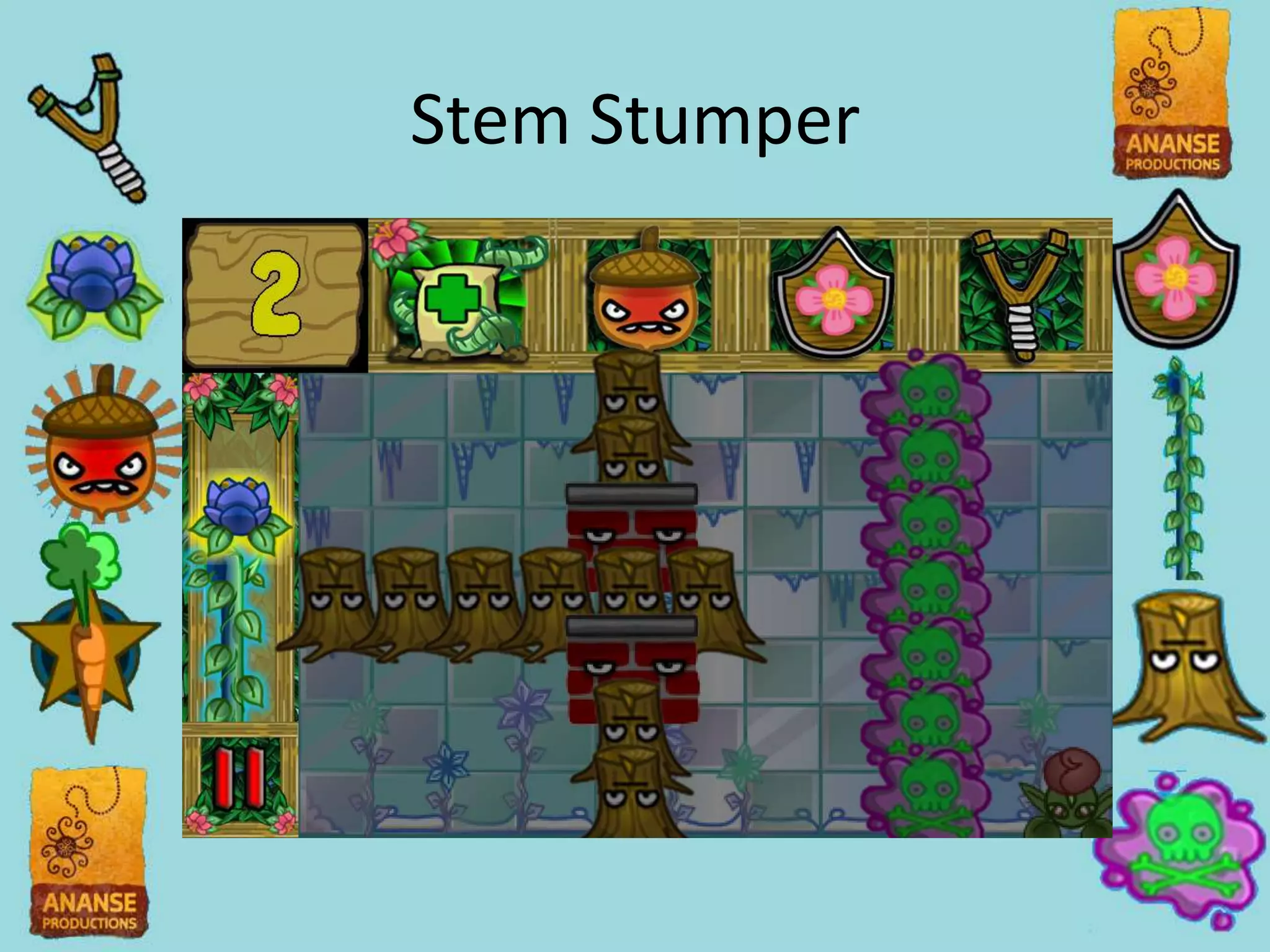
Stem Stumper
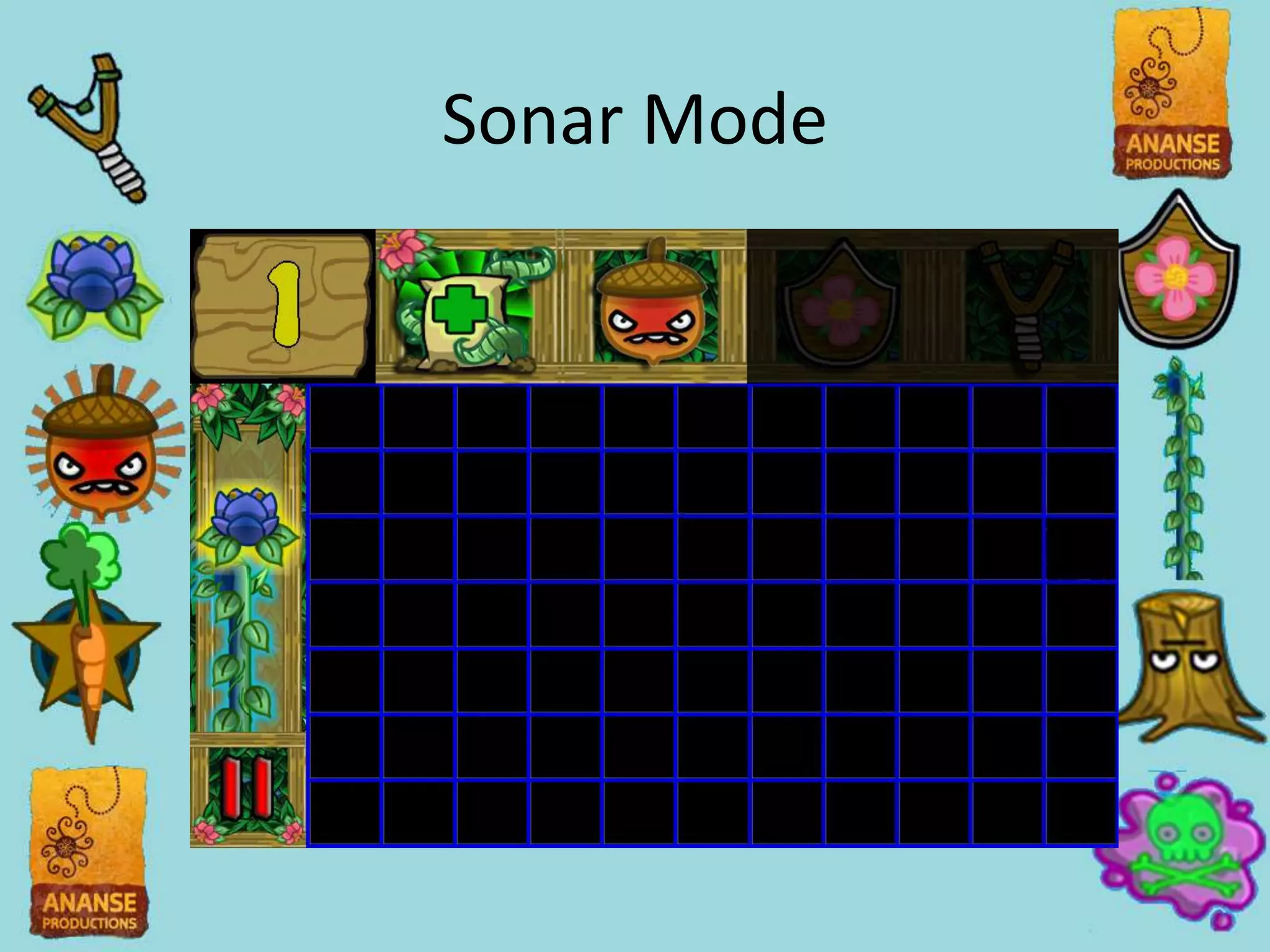
Sonar Mode
Today’s Talk
• Reasons why we went on our own
• Lessons learned
• Ask questions!
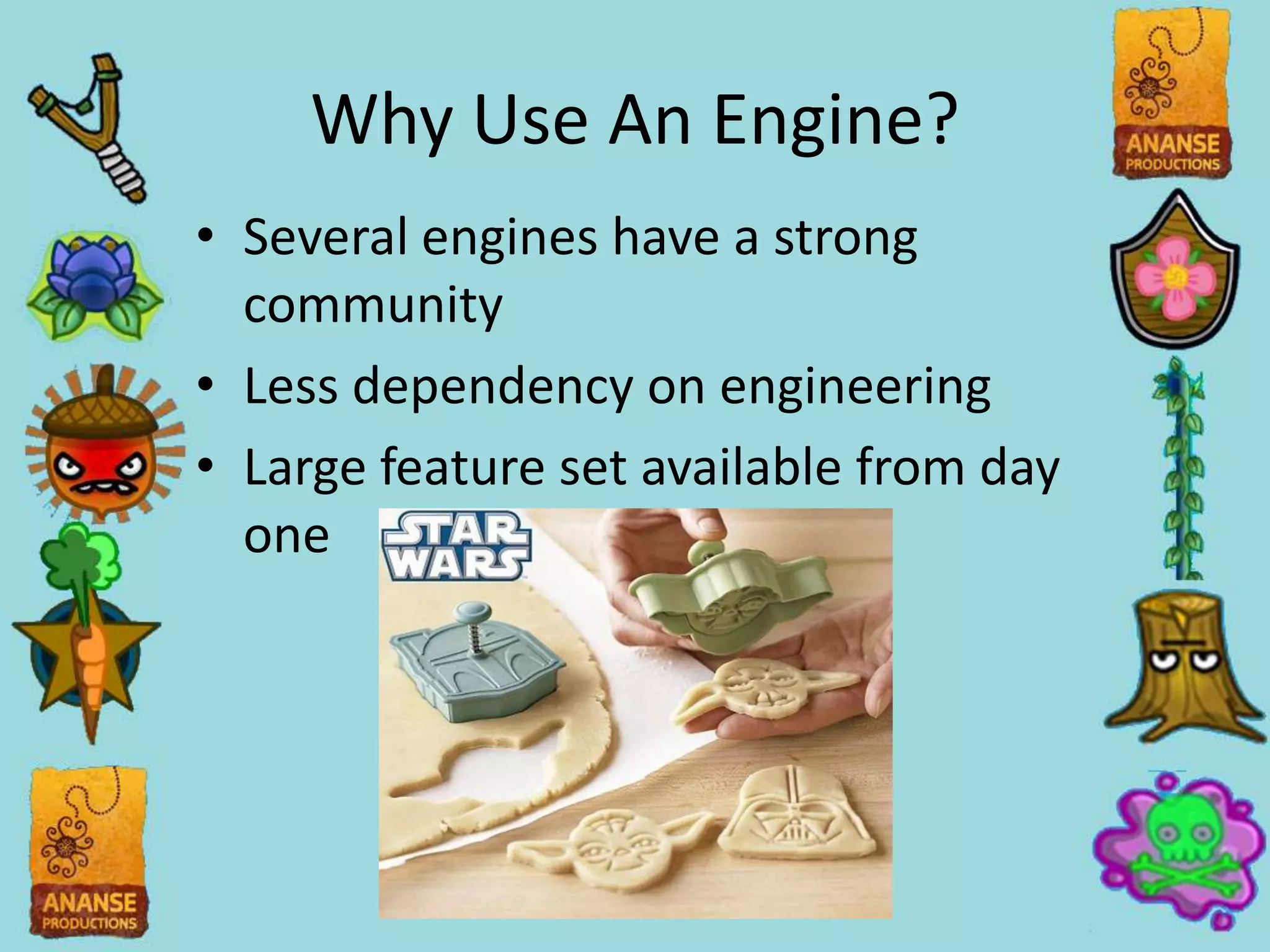
Why Use An Engine?
• Several engines have a strong
  community
• Less dependency on engineering
• Large feature set available from day
  one
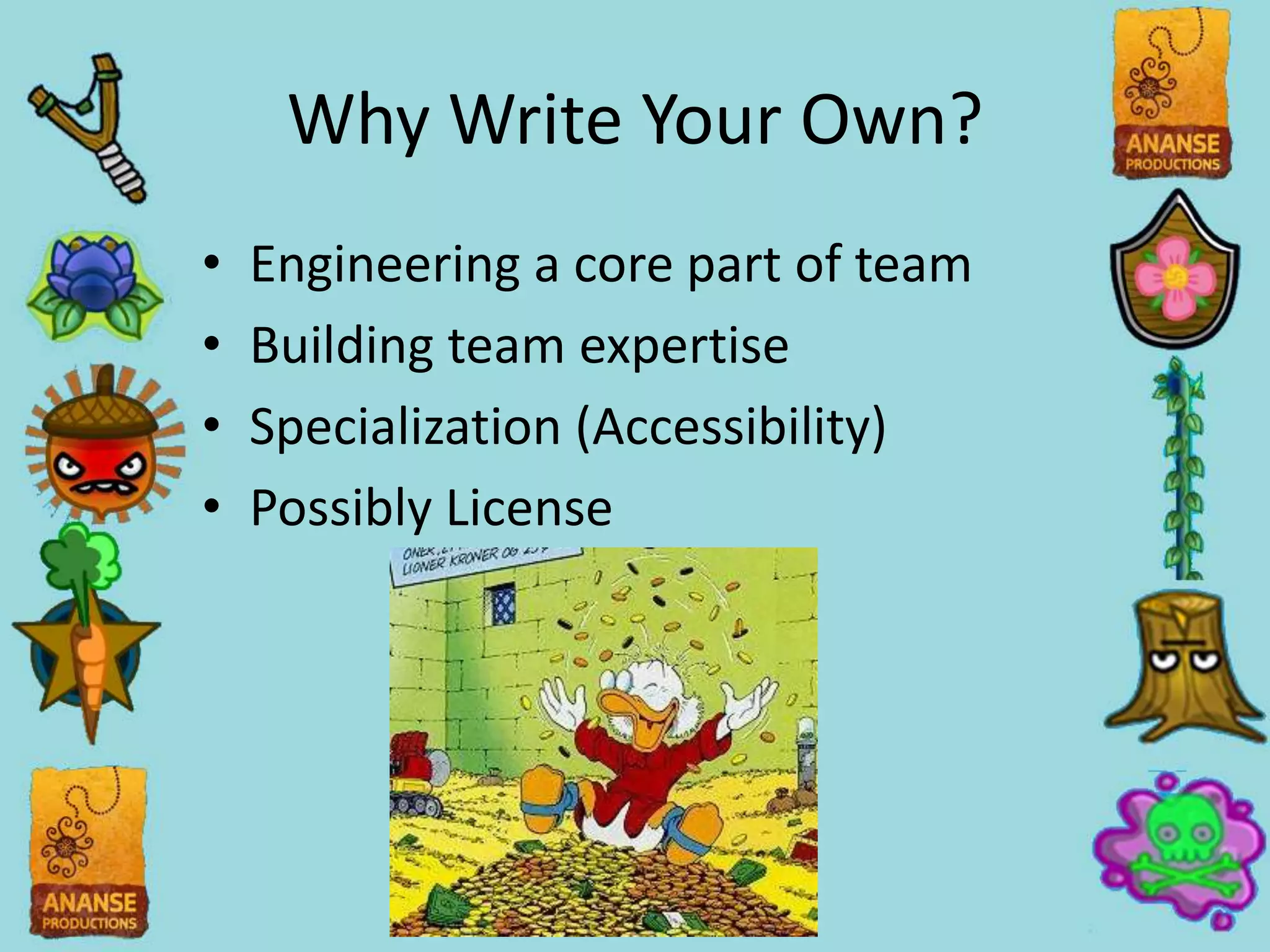
Why Write Your Own?
•   Engineering a core part of team
•   Building team expertise
•   Specialization (Accessibility)
•   Possibly License
Ananse’s UI Goals
• Platform independent
• Works with accessibility tech
• Visual guide to making UI that’s
  easy to integrate in game
• Non-programmers could easily
  design UI
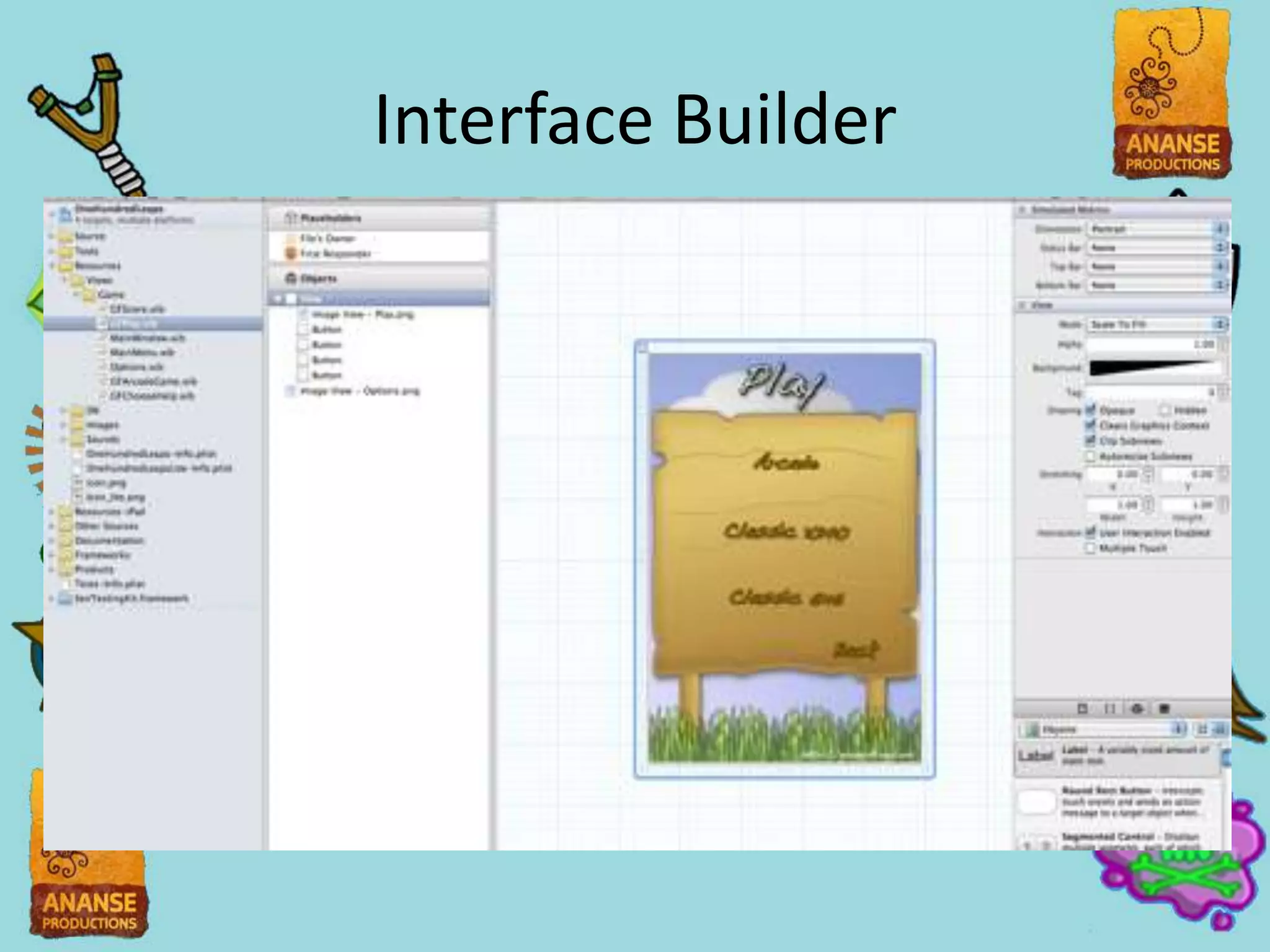
Interface Builder
Interface Builder
• Has accessibility and localization
  built into it
• IOS standard way of making UI
• Lots of documentation and tutorials
• Very platform specific
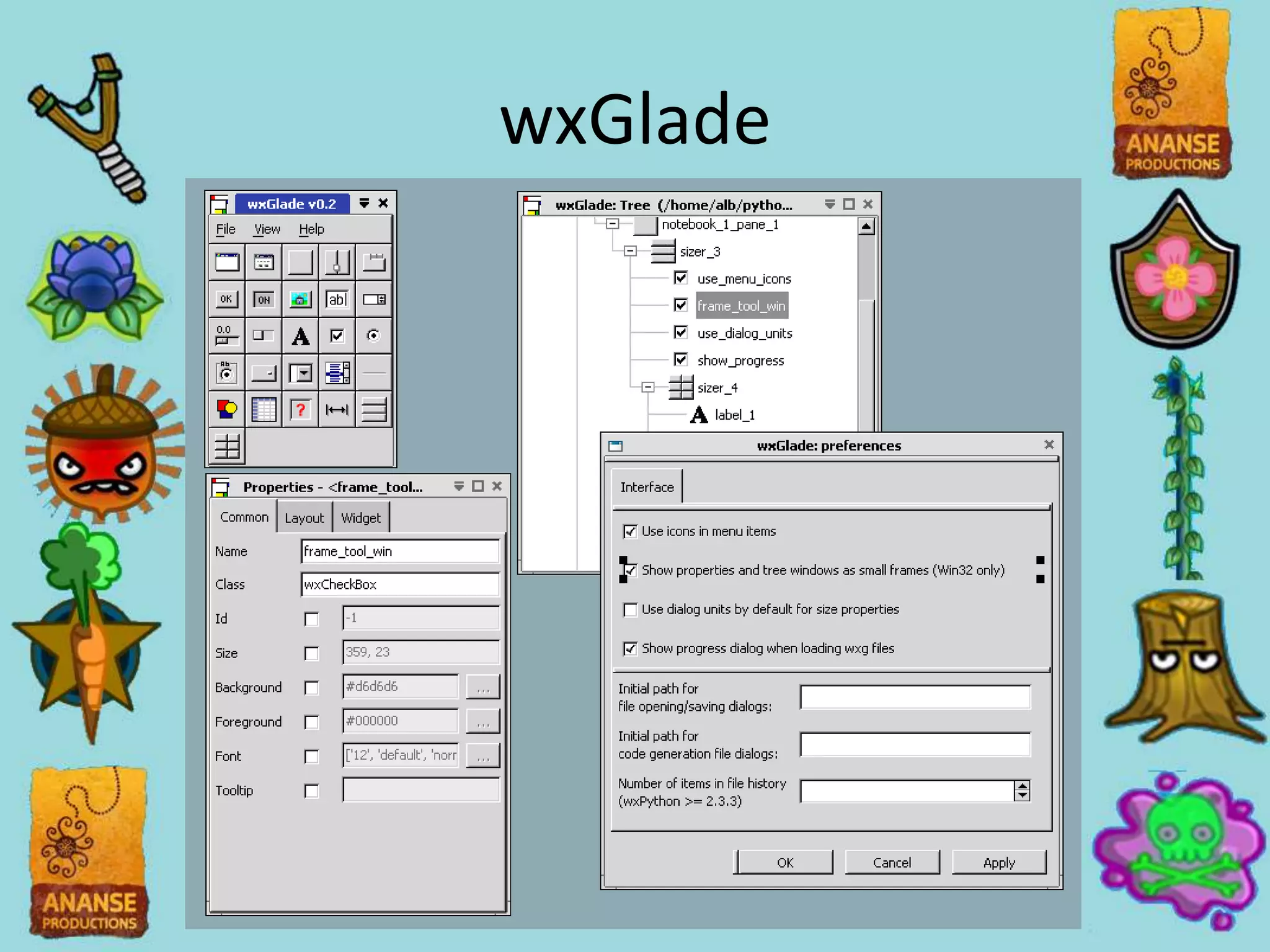
wxGlade
wxGlade
• Tried to use open source standard
• Lets you design UI graphically
• Had to parse XML ourselves
  (libxml2)
• Used for the first month of project
• No absolute positioning!
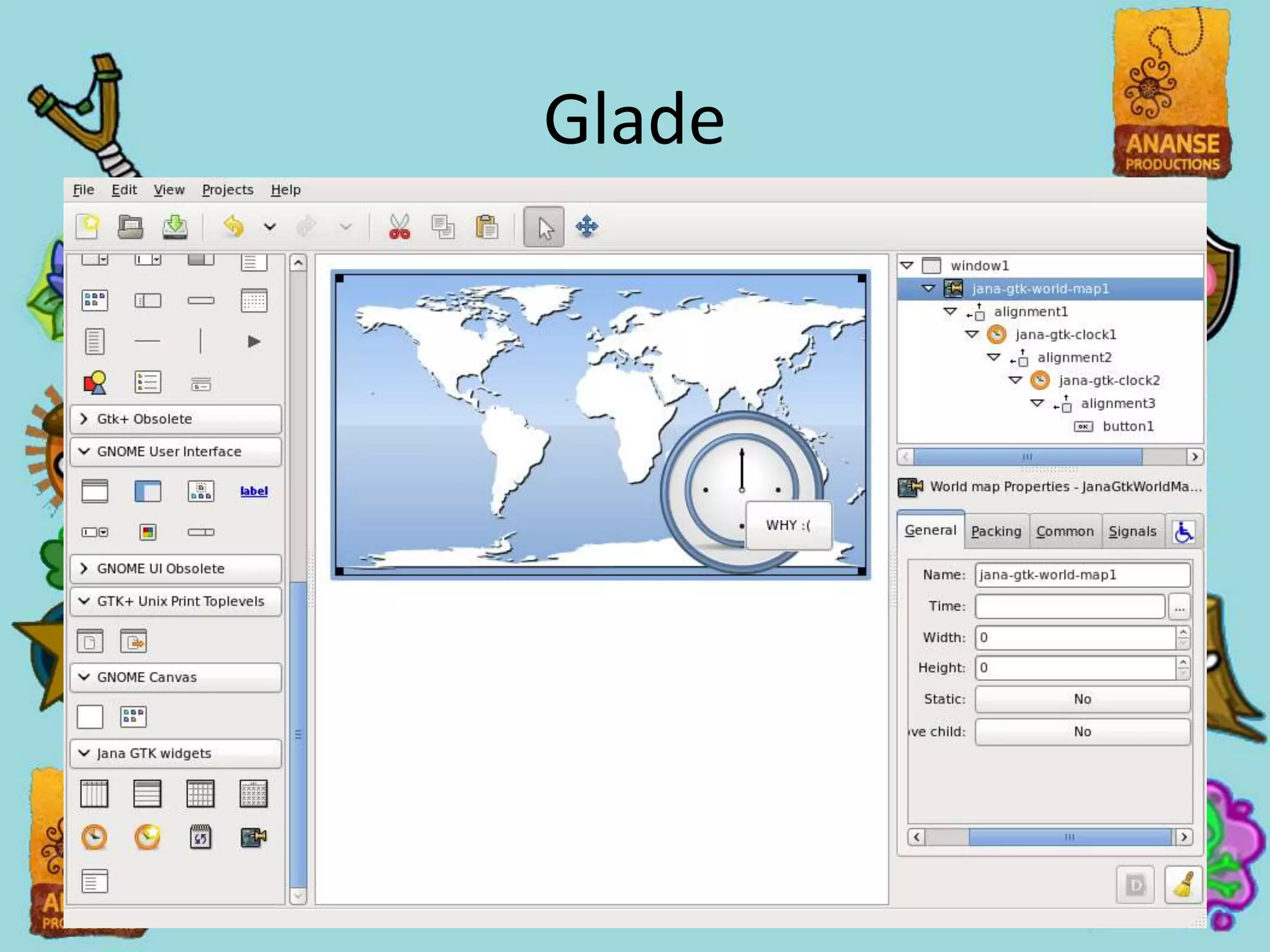
Glade
Glade
• A different open source standard
• Allowed for easy placement
• Still not non-programmer friendly
  but we ran out of time!
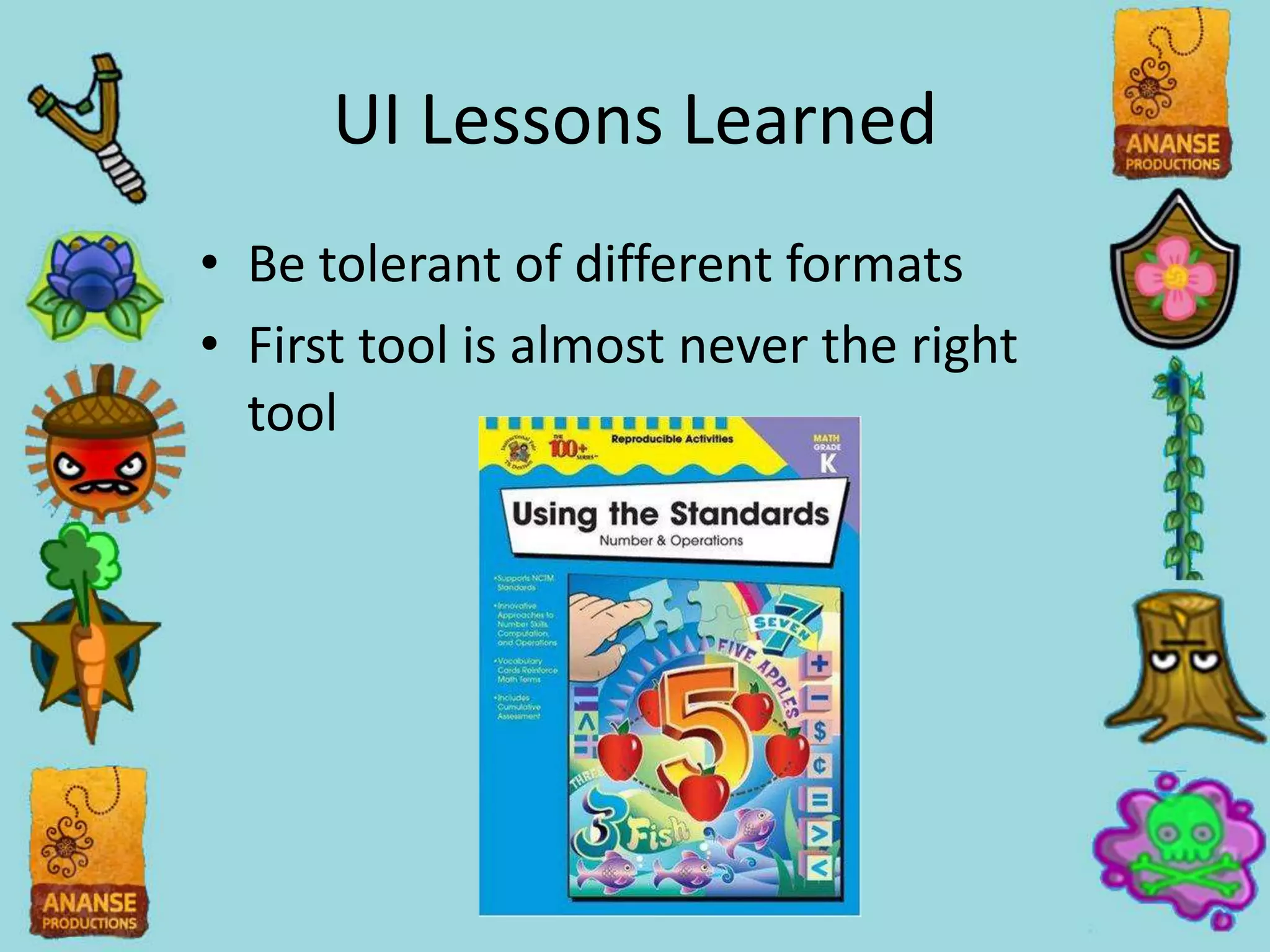
UI Lessons Learned
• Be tolerant of different formats
• First tool is almost never the right
  tool
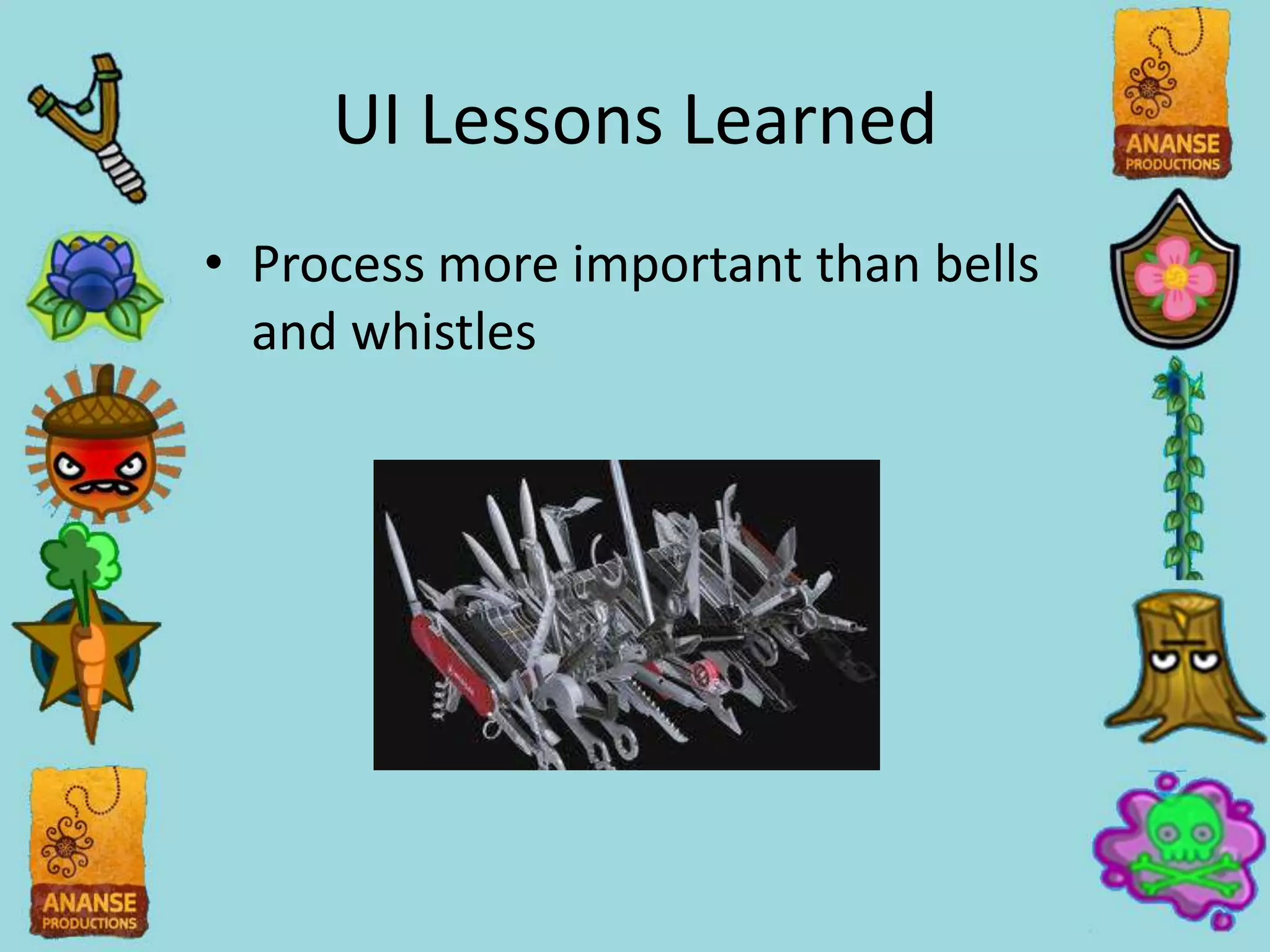
UI Lessons Learned
• Process more important than bells
  and whistles
UI Lessons Learned
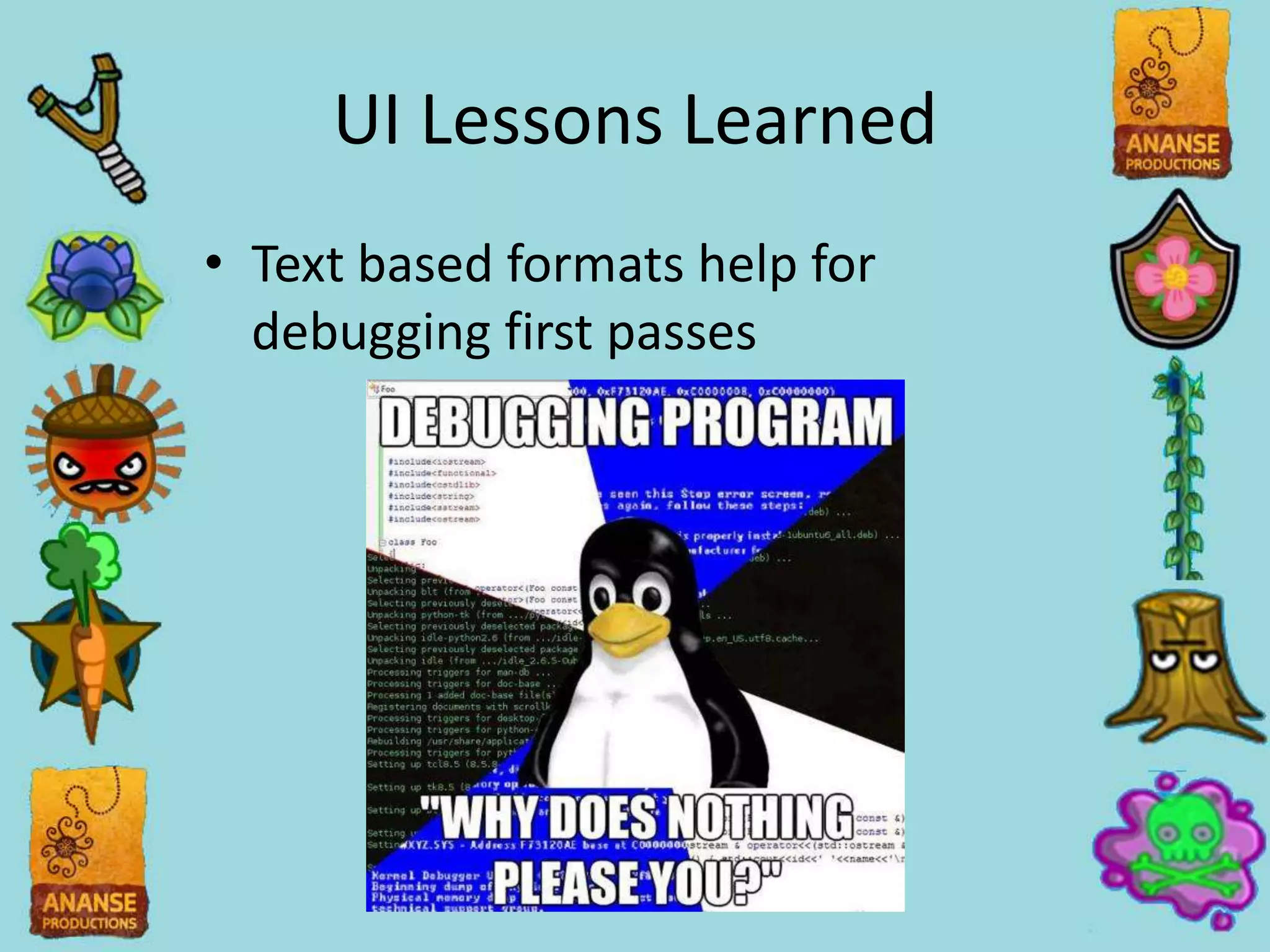
• Text based formats help for
  debugging first passes
Platform Specific Tech
• File IO
• Accessibility Tech
• OpenGL
C++, Java, and Android
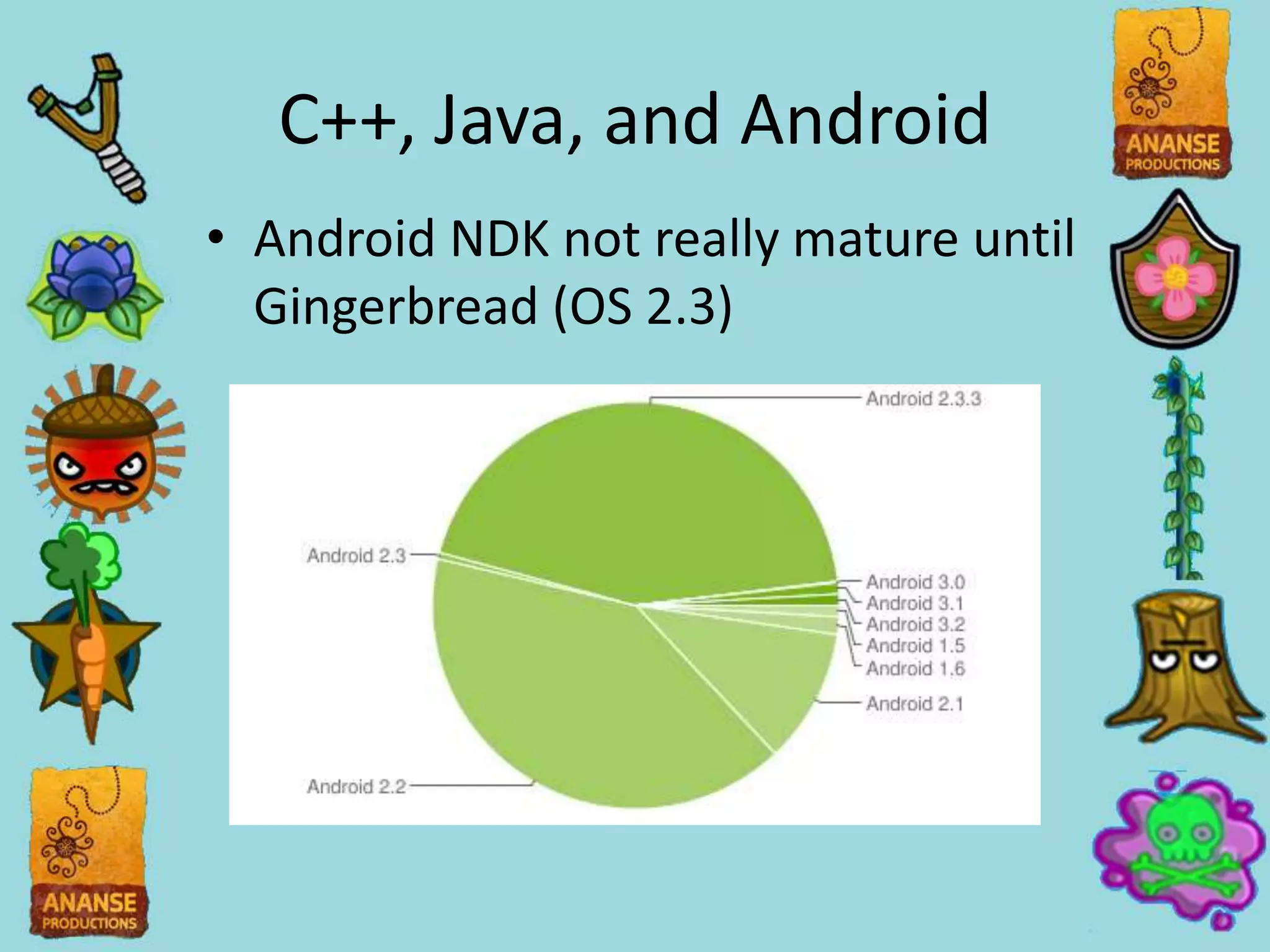
• Android NDK not really mature until
  Gingerbread (OS 2.3)
C++, Java, and Android
• Still need familiarity with JNI
• Try to stay in one language as long
  as possible
• Be mindful of threading and
  garbage collection issues
File IO on Android
• Assets live in gzip-ed package
  requiring Android API to read
• IO abstracted to reader/writer
  classes which internally handle
  specific
Accessibility on Android
• Apple has VoiceOver, a very robust
  touch based screen reader
• Android catching up with Eyes-Free
  project which is key based
• Android introduces arrow
  navigation control
• Don’t need to double tap instead of
  single tap
OpenGL
• Too much work to abstract draw
  calls
• All OpenGL functionality limited to
  one set of cpp files
• Still abstract things like texture
  loading, etc.
• One place Android and Apple agree
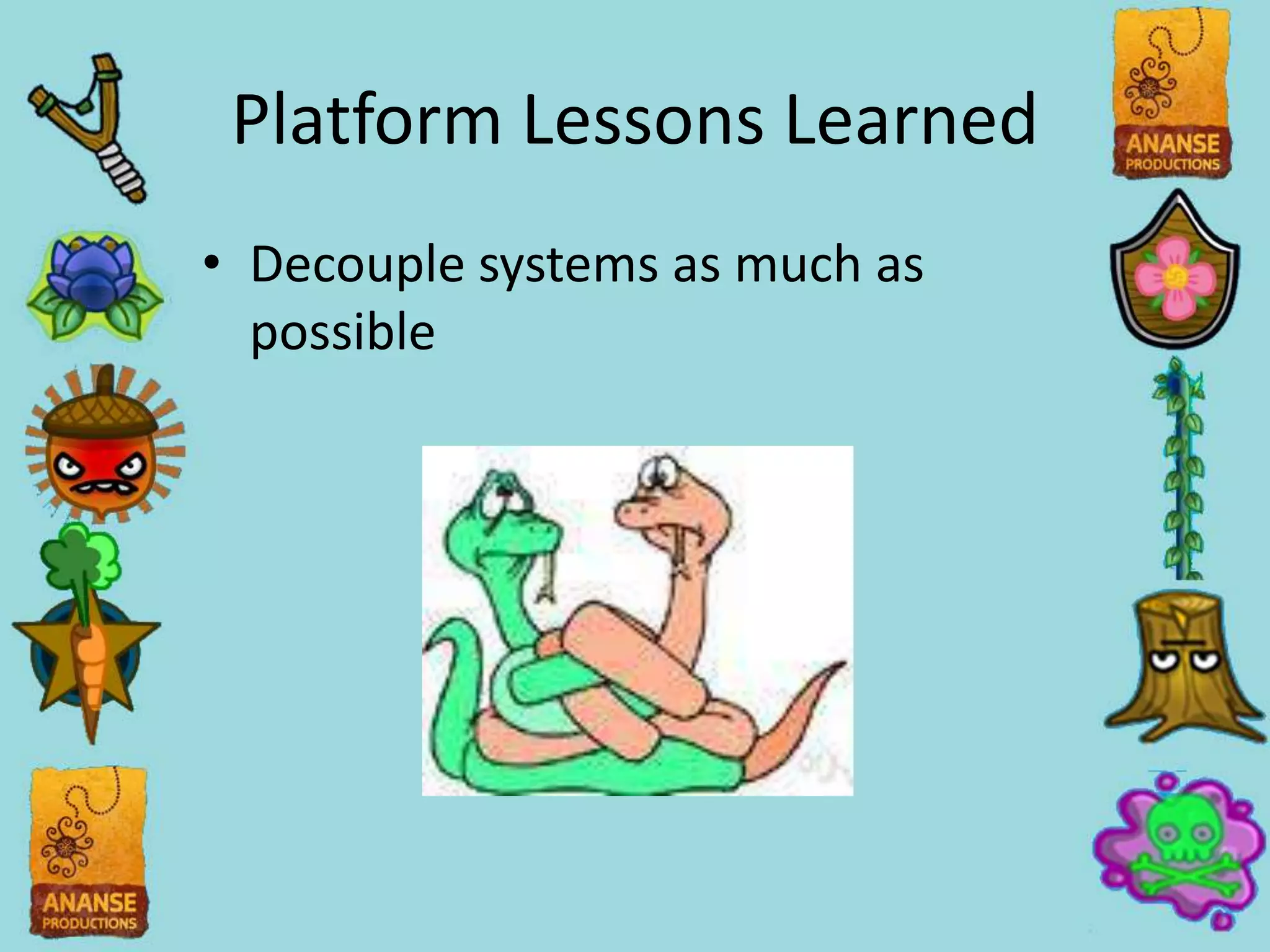
Platform Lessons Learned
• Decouple systems as much as
  possible
Platform Lessons Learned
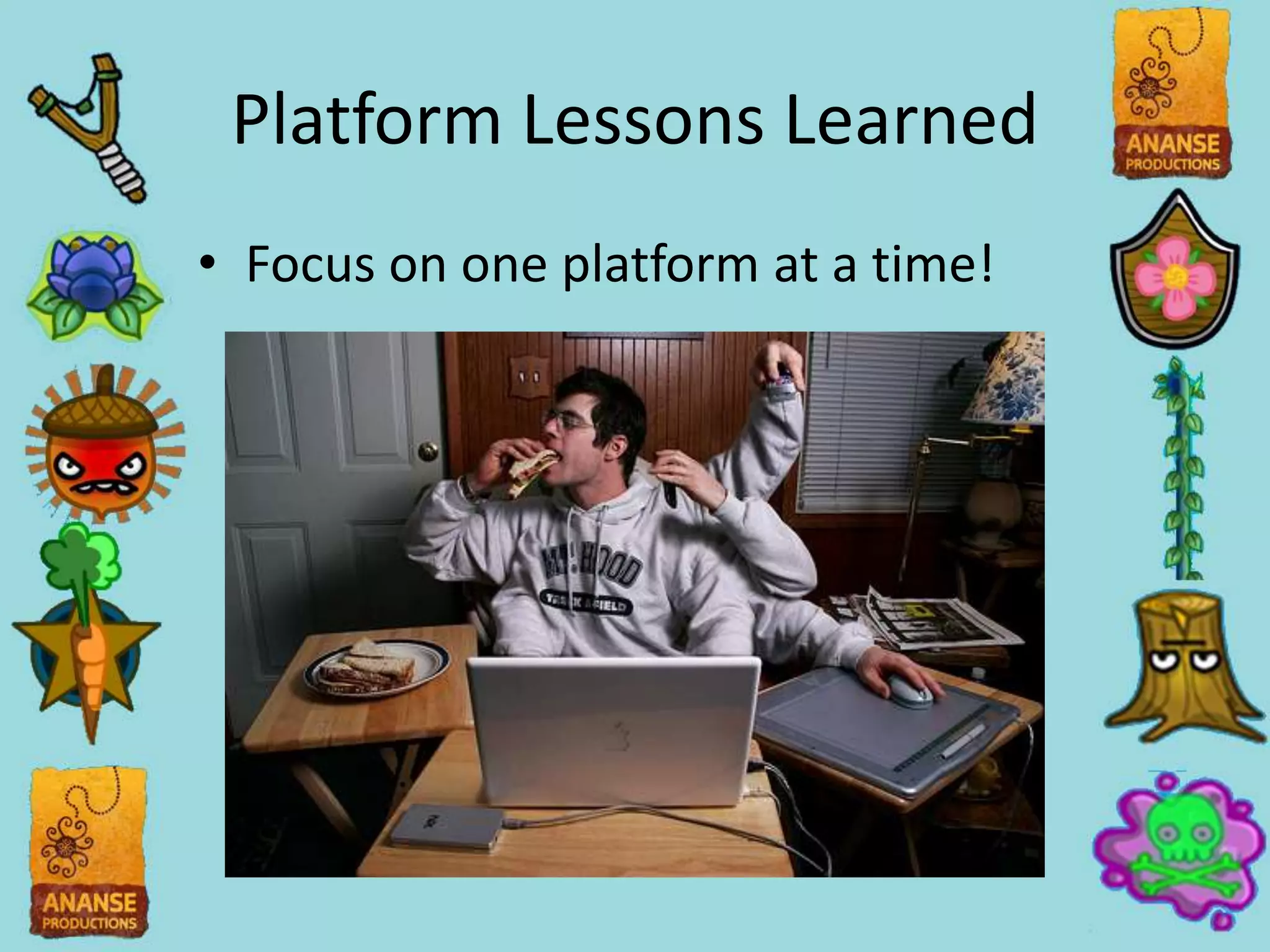
• Focus on one platform at a time!
Q&A
• kmensah@ananseproductions.com
• @AnanseProds/@insomniac2846

Independent Development and Writing Your Own Engine

  • 1.
    Independent Development and WritingYour Own Engine Using Ananse’s Engine as an Example
  • 2.
    Who Am I? •Born and raised in The Bronx, NY • CMU SCS 2008 • Interned at EALA on Medal of Honor Airborne • Worked at Demiurge Studios for 2 years • Started Ananse Productions in November 2010 • Stem Stumper released in April 2011 • Background is mostly in Programming!
  • 3.
  • 4.
  • 5.
    Today’s Talk • Reasonswhy we went on our own • Lessons learned • Ask questions!
  • 6.
    Why Use AnEngine? • Several engines have a strong community • Less dependency on engineering • Large feature set available from day one
  • 7.
    Why Write YourOwn? • Engineering a core part of team • Building team expertise • Specialization (Accessibility) • Possibly License
  • 8.
    Ananse’s UI Goals •Platform independent • Works with accessibility tech • Visual guide to making UI that’s easy to integrate in game • Non-programmers could easily design UI
  • 9.
  • 10.
    Interface Builder • Hasaccessibility and localization built into it • IOS standard way of making UI • Lots of documentation and tutorials • Very platform specific
  • 11.
  • 12.
    wxGlade • Tried touse open source standard • Lets you design UI graphically • Had to parse XML ourselves (libxml2) • Used for the first month of project • No absolute positioning!
  • 13.
  • 14.
    Glade • A differentopen source standard • Allowed for easy placement • Still not non-programmer friendly but we ran out of time!
  • 15.
    UI Lessons Learned •Be tolerant of different formats • First tool is almost never the right tool
  • 16.
    UI Lessons Learned •Process more important than bells and whistles
  • 17.
    UI Lessons Learned •Text based formats help for debugging first passes
  • 18.
    Platform Specific Tech •File IO • Accessibility Tech • OpenGL
  • 19.
    C++, Java, andAndroid • Android NDK not really mature until Gingerbread (OS 2.3)
  • 20.
    C++, Java, andAndroid • Still need familiarity with JNI • Try to stay in one language as long as possible • Be mindful of threading and garbage collection issues
  • 21.
    File IO onAndroid • Assets live in gzip-ed package requiring Android API to read • IO abstracted to reader/writer classes which internally handle specific
  • 22.
    Accessibility on Android •Apple has VoiceOver, a very robust touch based screen reader • Android catching up with Eyes-Free project which is key based • Android introduces arrow navigation control • Don’t need to double tap instead of single tap
  • 23.
    OpenGL • Too muchwork to abstract draw calls • All OpenGL functionality limited to one set of cpp files • Still abstract things like texture loading, etc. • One place Android and Apple agree
  • 24.
    Platform Lessons Learned •Decouple systems as much as possible
  • 25.
    Platform Lessons Learned •Focus on one platform at a time!
  • 26.

Editor's Notes

  • #4 Finding fertiliizer spread out on the fieldMore music layers as you get closerStumper, Weed Killer, Brikck Wall in the wayDon’t run out of Flower Power
  • #5 And we also have a mode the forces you to play by sound only. It’s to force the sighted to begin to understand how the blind would play the game. Not quite a one to one but it’s a start.
  • #6 I hated lectures in school. Let’s make this a discussion!I’m going to be biased towards writing your own tech.
  • #7 There are already a slew of solutions you can use to make games today. Unity lets you run under almost any platform you can think of. This also lets you hit the ground running, especially if you have a large team or don’t have engineering expertise.
  • #8 Obviously my bias! It works for Ananse because we’re willing to start small. And it aligns well with our focus on gameplay over features for now. That and we really wanted to focus on making our games as accessible as possible.General rule of thumb on deciding what to outsource/license: If you want to specialize it keep it in house.
  • #9 I’m going to focus on our UI because I think it’s a prime example of our do it yourself methodology. Feel free to ask about any other systems (I could gush about our task system!). We didn’t achieve all of these goals! But they drove the decisions we made.
  • #10 Screenshot of Interface Builder
  • #11 While I didn’t plan an Android version at the outset of making Stem Stumper I knew I didn’t want to tie us to one platform. But if there was a tool as robust as Interface Builder but not tied to iOS I’d use it in a heartbeat.Since Interface builder can spit out an xml format, I was tempted to to just parse that with libxml2 but decided against it since the format was really obtuse.
  • #12 Screenshot of wxGlade
  • #13 It spits out an XML file for use with the wxWidgets library for cross platform UI. In game we parse the XML into our own data structures.I was never in love with wxGlade. It has the visual interface I wanted but it had a big focus on resolution independence. People making UI for desktop applications have to worry about users stretching the UI every which way. So wxGlade focused on positioning items relative to each other using rows and columns.In games however, we work on very standard resolutions (Android being an exception we can work around). So it can be easier to create UI in a fixed resolution. wxGlade didn’t allow that which made iterating on moving objects in the UI very tedious.
  • #14 Screenshot of Glad
  • #15 Found out about Glade a month into project. I was getting frustrated with wxGlade and re-researched options. I was tempted to stick with wxGlade because it was a working solution (however tedious it was) but it turned out only 3-4 functions in our codebase really cared what the xml format was. I only took about a day to switch over.I still couldn’t hand off UI to our artist or designer. Getting actions hooked up to button presses, dealing with special cases, and quirks of Glade would have just added another set of dependcies in our workflow and that’s the last thing you need on a small team.
  • #16 Don’t make assumpetions about the format of the data you’re going to use. Or if you have to, keep those assumptions encapsulated from the rest of your codebase. It makes swapping things out easier and you’re going to be doing a lot of that when you starting a system.Also, you don’t have to stick with the first tool you get working. Does the time the new tool save outweigh the time getting the engine to work with it? And if it doesn’t work out there’s always source control (you’re using it right!?)?
  • #17 Stem Stumper’s UI is just labels and buttons. Not that we’re doing anything sophisticated but you can get really far with a small amount of functionality if you use it well. Focus on the features you know are going to be used. And doing everything to make them quick to use.
  • #18 Almost every tool you’re going work with has a text based format specifically for this purpose. Yes, the text parsing makes them slower to load but it makes debugging infinitely easier. You can worry about adding a binary format once you have the system up and running. On Stem Stumper we were able to stick to a text format for UI since it didn’t take up a significant amount of loading time (loading ogg is where most of our loading time goes).
  • #19 Now we’re going to talk about issues we had getting the game from iPhone to Android. I didn’t plan to do an Android port of Stem Stumper but my console experience helped me setup to make this less painful than it could’ve been. I’m going to focus on how we handled File IO, Accessibility Tech, and OpenGL across the two platforms.
  • #20 Ananse’s engine is written in C++. While that’s a first class citizen on iOS on Android we have to do a lot of finagling to get up and running on Android. Java already has the Java Native Interface to allow calls into precompiled code. In fact if you look at the Android source a fair amount of its API implemented as native code with JNI bridge. Unfortunately, the Android API designers consider this an implementation detail and provide very little access to native code running in the background.Android NDK gives outside developers access to native libraries that are guarenteed to be on all Android phones. However, the parts that make it easier to move away from using Java aren’t availabe until OS 2.3 and OS fragmentation makes it hard to aim for it.
  • #21 Either way, you’re going to have to get familiar with JNI. It takes some getting used to and it can be very tedious to pass things between the Java/C++ barrier. We try not to switch between the two unless absolutely necessary.You need to error check after every JNI call! Errors can corrupt Java’s internal stack and you’ll get weird results instead of proper error codes. You also have to be carful of spawning native threads since that makes you responsible for garbage collection. JNI has functions for manually managing the reference counts of Java objects created in native code.There’s so many other small quirks (a debug only memory leak when restarting an app or when reusing a static voice) that are really frustrating. Google and the Android source are invaluable.
  • #22 There are so many systems trying to access files that you can’t have all of them caring what platform your own. We wrapped all the file reading into an interface and the implementation takes care of sorting out the difference.Furthermore, Android doesn’t make reading pre-packaged assets easy. All of the app’s data is gziped into a singel archive. For Stem Stumper we made sure the contents we’re compressed (since we were already using compressed formats like ogg and png for our “heavy” assets). Then we have to use Android specific API to get pointer to the start of a file in the archive and could read straight from there. And since the regular fread/fwritefuntions worked for non-packaged data like saves we could still use that pipeline if we could tell that the file wasn’t an asset.
  • #23 Some platforms do things fundamentally differently. Online gaming on Xbox 360 and PS3 are an example. For Stem Stumper it was the screen reader tech. Everyone’s familiar with a screen reader right?This had implications in the game’s design which we didn’t fully address. When dragging is natural for iOS users and the main way we saw people interacting with the game, we had to convince Android users to put their fingers on the screen. There were also bigger issues with how we handle taps/double taps and cursor movement.
  • #24 Optimizing calls to OpenGL even for something graphically simple like Stem Stumper requires a fair amount of control. The easiest thing was to have functions call OpenGL functions directly. But in order to make sure OpenGL dependencies weren’t all through out the code base, all functions that need to use OpenGL live in one cpp file.Normally, if you declare a function in a header file named Foo.h you have its definition in Foo.cpp. And languages like Java force definiations and declarations to live really close to each other. But C/C++ doesn’t care where you implement a function as long as the linker can find it. Most people know this and go ‘duh’ but not a lot people realize you can use this to encapsulate dependencies. It’s a really helpful technique.
  • #25 All the other systems in the game talked to File IO through it’s interface. As long as we didn’t change that, we could swap out the implementation. Its software engineering 101 but if direct calls to fread and fwrite were littered throughout the codebase as a whole it’d be a lot harder to swap out. A lot of problems can be solved by adding en extra layer of indirection (except for the person that has to optimize it).
  • #26 This is definitely true when you have one programmer! Even on bigger teams though, I’ve seen problems with focusing on multiple platforms at the same time. Getting something working and then using that experience to figure out how to approach the next platform is way more valuable than having something half working on both platforms.Even if you have to make wholesale changes to support the platform B, that’s a lot easier to do when you have a product on the shelf for platform A and you can take your time getting platform A to work again.Bigger games have more pressure to release on multiple platforms at the same time though. Even so, you can focus on having a platform specific feature set done before trying to get on to the next one.