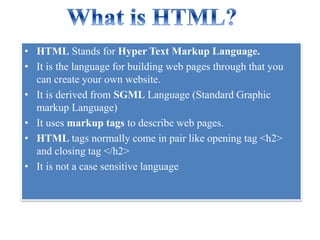


• HTML Stands for Hyper Text Markup Language.
• It is the language for building web pages through that you
can create your own website.
• It is derived from SGML Language (Standard Graphic
markup Language)
• It uses markup tags to describe web pages.
• HTML tags normally come in pair like opening tag <h2>
and closing tag </h2>
• It is not a case sensitive language
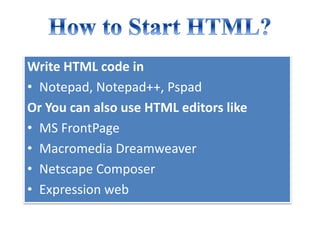
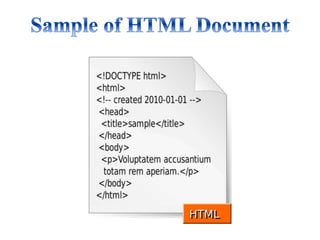
Write HTML code in
• Notepad, Notepad++, Pspad
Or You can also use HTML editors like
• MS FrontPage
• Macromedia Dreamweaver
• Netscape Composer
• Expression web
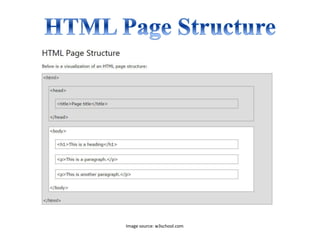
Image source: w3school.com
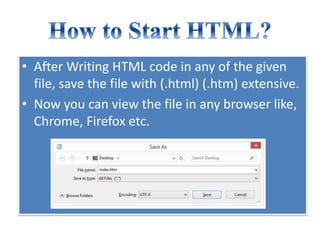
• After Writing HTML code in any of the given
file, save the file with (.html) (.htm) extensive.
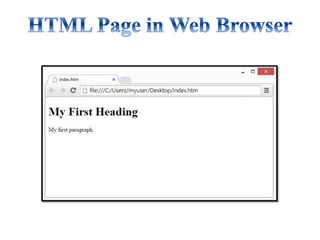
• Now you can view the file in any browser like,
Chrome, Firefox etc.
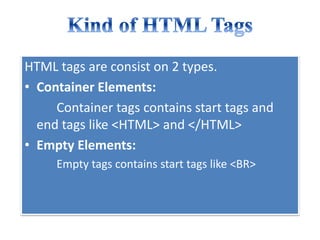
HTML tags are consist on 2 types.
• Container Elements:
Container tags contains start tags and
end tags like <HTML> and </HTML>
• Empty Elements:
Empty tags contains start tags like <BR>
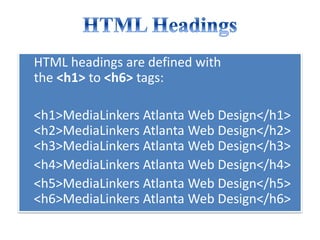
HTML headings are defined with
the <h1> to <h6> tags:
<h1>MediaLinkers Atlanta Web Design</h1>
<h2>MediaLinkers Atlanta Web Design</h2>
<h3>MediaLinkers Atlanta Web Design</h3>
<h4>MediaLinkers Atlanta Web Design</h4>
<h5>MediaLinkers Atlanta Web Design</h5>
<h6>MediaLinkers Atlanta Web Design</h6>
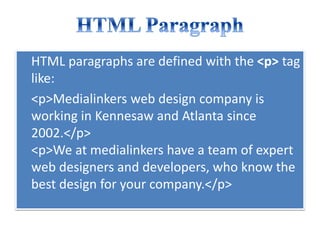
HTML paragraphs are defined with the <p> tag
like:
<p>Medialinkers web design company is
working in Kennesaw and Atlanta since
2002.</p>
<p>We at medialinkers have a team of expert
web designers and developers, who know the
best design for your company.</p>
HTML links are defined with the <a> tag:
<a href="http://www.medialinkers.com">Web Design Atlanta</a>
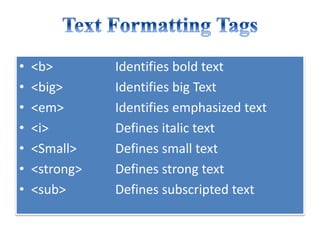
• <b> Identifies bold text
• <big> Identifies big Text
• <em> Identifies emphasized text
• <i> Defines italic text
• <Small> Defines small text
• <strong> Defines strong text
• <sub> Defines subscripted text
• <super> Superscripted text
• <ins> Inserted text
• <del> Deleted text
• <tt> Teletype text
• <u> Underline text
• <strike> strike text
• The <img> tag defines an image in an HTML
page.
• The <img> tag has two required attributes: src
and alt.
– Alt Specifies an alternate text for an image
– Src Specifies the URL of an image
The attribute bgcolor is used for changing
the back ground color of the page.
<body bgcolor=“Blue” >
Text is use to change the color of the
enclosed text.
<body text=“white”>
• Left alignment <align=“left”>
• Right alignment <align=“right”>
• Center alignment <align=“center”>
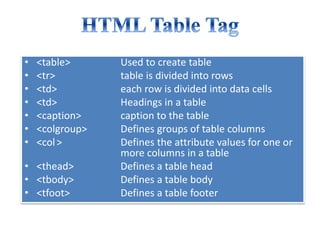
• <table> Used to create table
• <tr> table is divided into rows
• <td> each row is divided into data cells
• <td> Headings in a table
• <caption> caption to the table
• <colgroup> Defines groups of table columns
• <col> Defines the attribute values for one or
more columns in a table
• <thead> Defines a table head
• <tbody> Defines a table body
• <tfoot> Defines a table footer
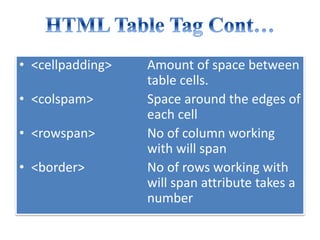
• <cellpadding> Amount of space between
table cells.
• <colspam> Space around the edges of
each cell
• <rowspan> No of column working
with will span
• <border> No of rows working with
will span attribute takes a
number
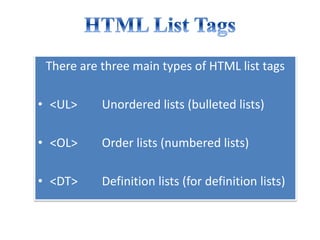
There are three main types of HTML list tags
• <UL> Unordered lists (bulleted lists)
• <OL> Order lists (numbered lists)
• <DT> Definition lists (for definition lists)
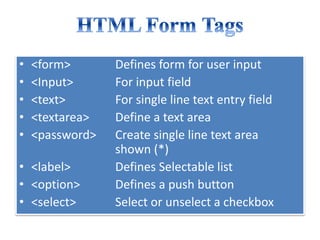
• <form> Defines form for user input
• <Input> For input field
• <text> For single line text entry field
• <textarea> Define a text area
• <password> Create single line text area
shown (*)
• <label> Defines Selectable list
• <option> Defines a push button
• <select> Select or unselect a checkbox
Medialinkers is a Kennesaw and Atlanta based
web design company.
For more info visit: www.medialinkers.com
Address: 350 Wooten Lake Rd NW Suite 102,
Kennesaw, GA 30144, United States
Phone:+1 678-369-6000
Medialinkers Kennesaw Web development

Basics of HTML 5 for Beginners

  • 3.
    • HTML Standsfor Hyper Text Markup Language. • It is the language for building web pages through that you can create your own website. • It is derived from SGML Language (Standard Graphic markup Language) • It uses markup tags to describe web pages. • HTML tags normally come in pair like opening tag <h2> and closing tag </h2> • It is not a case sensitive language
  • 4.
    Write HTML codein • Notepad, Notepad++, Pspad Or You can also use HTML editors like • MS FrontPage • Macromedia Dreamweaver • Netscape Composer • Expression web
  • 6.
  • 7.
    • After WritingHTML code in any of the given file, save the file with (.html) (.htm) extensive. • Now you can view the file in any browser like, Chrome, Firefox etc.
  • 9.
    HTML tags areconsist on 2 types. • Container Elements: Container tags contains start tags and end tags like <HTML> and </HTML> • Empty Elements: Empty tags contains start tags like <BR>
  • 10.
    HTML headings aredefined with the <h1> to <h6> tags: <h1>MediaLinkers Atlanta Web Design</h1> <h2>MediaLinkers Atlanta Web Design</h2> <h3>MediaLinkers Atlanta Web Design</h3> <h4>MediaLinkers Atlanta Web Design</h4> <h5>MediaLinkers Atlanta Web Design</h5> <h6>MediaLinkers Atlanta Web Design</h6>
  • 11.
    HTML paragraphs aredefined with the <p> tag like: <p>Medialinkers web design company is working in Kennesaw and Atlanta since 2002.</p> <p>We at medialinkers have a team of expert web designers and developers, who know the best design for your company.</p>
  • 12.
    HTML links aredefined with the <a> tag: <a href="http://www.medialinkers.com">Web Design Atlanta</a>
  • 13.
    • <b> Identifiesbold text • <big> Identifies big Text • <em> Identifies emphasized text • <i> Defines italic text • <Small> Defines small text • <strong> Defines strong text • <sub> Defines subscripted text
  • 14.
    • <super> Superscriptedtext • <ins> Inserted text • <del> Deleted text • <tt> Teletype text • <u> Underline text • <strike> strike text
  • 15.
    • The <img>tag defines an image in an HTML page. • The <img> tag has two required attributes: src and alt. – Alt Specifies an alternate text for an image – Src Specifies the URL of an image
  • 16.
    The attribute bgcoloris used for changing the back ground color of the page. <body bgcolor=“Blue” > Text is use to change the color of the enclosed text. <body text=“white”>
  • 17.
    • Left alignment<align=“left”> • Right alignment <align=“right”> • Center alignment <align=“center”>
  • 18.
    • <table> Usedto create table • <tr> table is divided into rows • <td> each row is divided into data cells • <td> Headings in a table • <caption> caption to the table • <colgroup> Defines groups of table columns • <col> Defines the attribute values for one or more columns in a table • <thead> Defines a table head • <tbody> Defines a table body • <tfoot> Defines a table footer
  • 19.
    • <cellpadding> Amountof space between table cells. • <colspam> Space around the edges of each cell • <rowspan> No of column working with will span • <border> No of rows working with will span attribute takes a number
  • 20.
    There are threemain types of HTML list tags • <UL> Unordered lists (bulleted lists) • <OL> Order lists (numbered lists) • <DT> Definition lists (for definition lists)
  • 21.
    • <form> Definesform for user input • <Input> For input field • <text> For single line text entry field • <textarea> Define a text area • <password> Create single line text area shown (*) • <label> Defines Selectable list • <option> Defines a push button • <select> Select or unselect a checkbox
  • 22.
    Medialinkers is aKennesaw and Atlanta based web design company. For more info visit: www.medialinkers.com Address: 350 Wooten Lake Rd NW Suite 102, Kennesaw, GA 30144, United States Phone:+1 678-369-6000
  • 23.