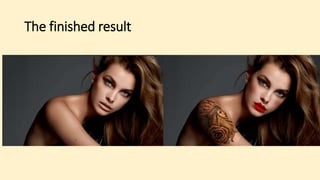
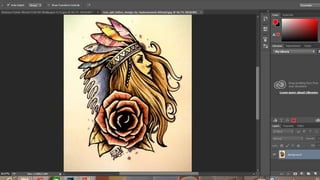
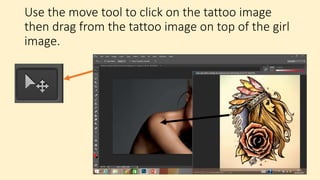
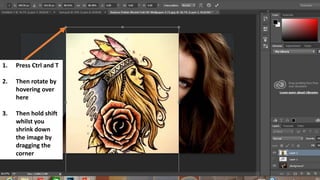
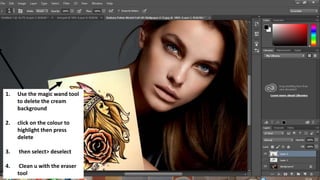
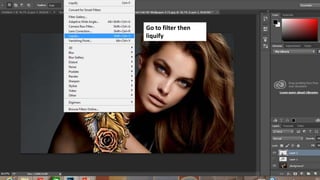
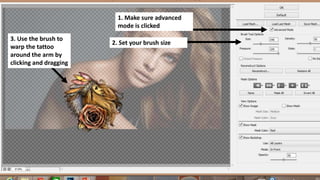
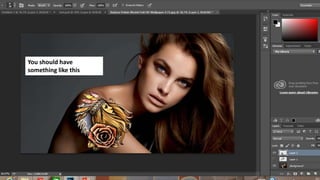
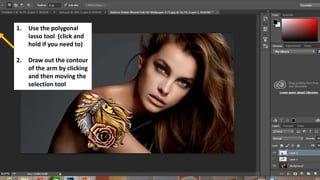
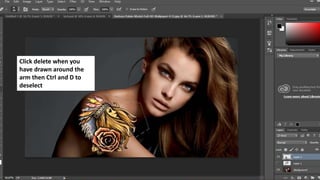
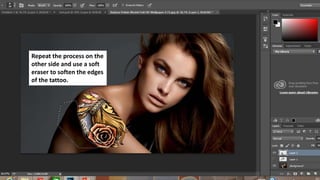
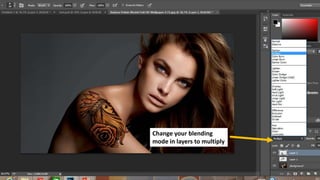
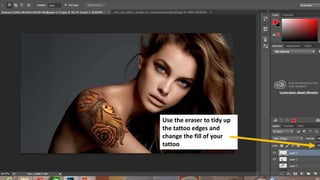
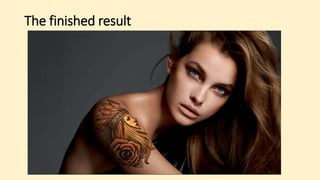
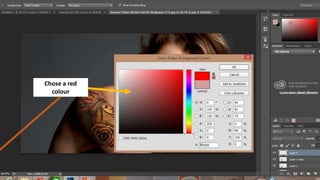
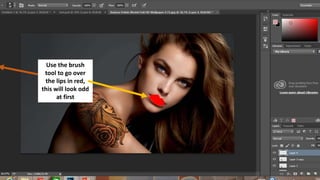
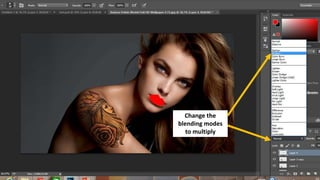
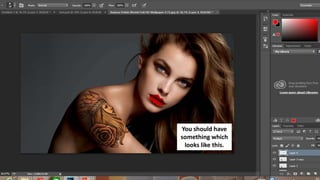
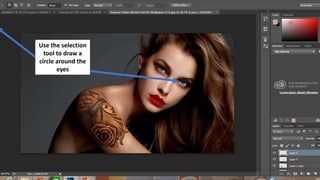
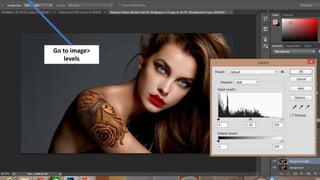
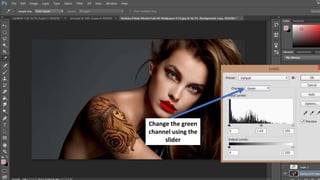
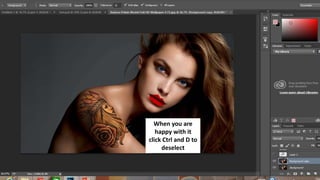
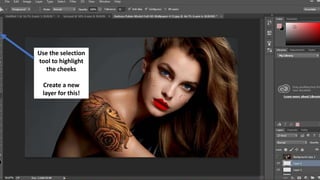
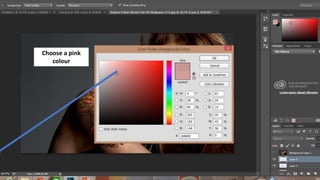
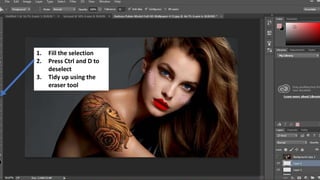
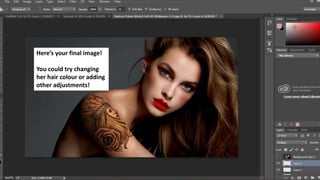
This document provides instructions for using Photoshop to add a tattoo and makeup effects to an image of a girl. The steps include opening images in Photoshop, using tools like the move tool and magic wand to add a tattoo from another image onto the girl's arm, adjusting the tattoo size and shape using transform and liquify tools, and adding makeup effects like red lips and green-toned eyes by filling selections and adjusting levels and blending modes. Following all the steps results in a final edited image of the girl with an added tattoo and makeup effects.