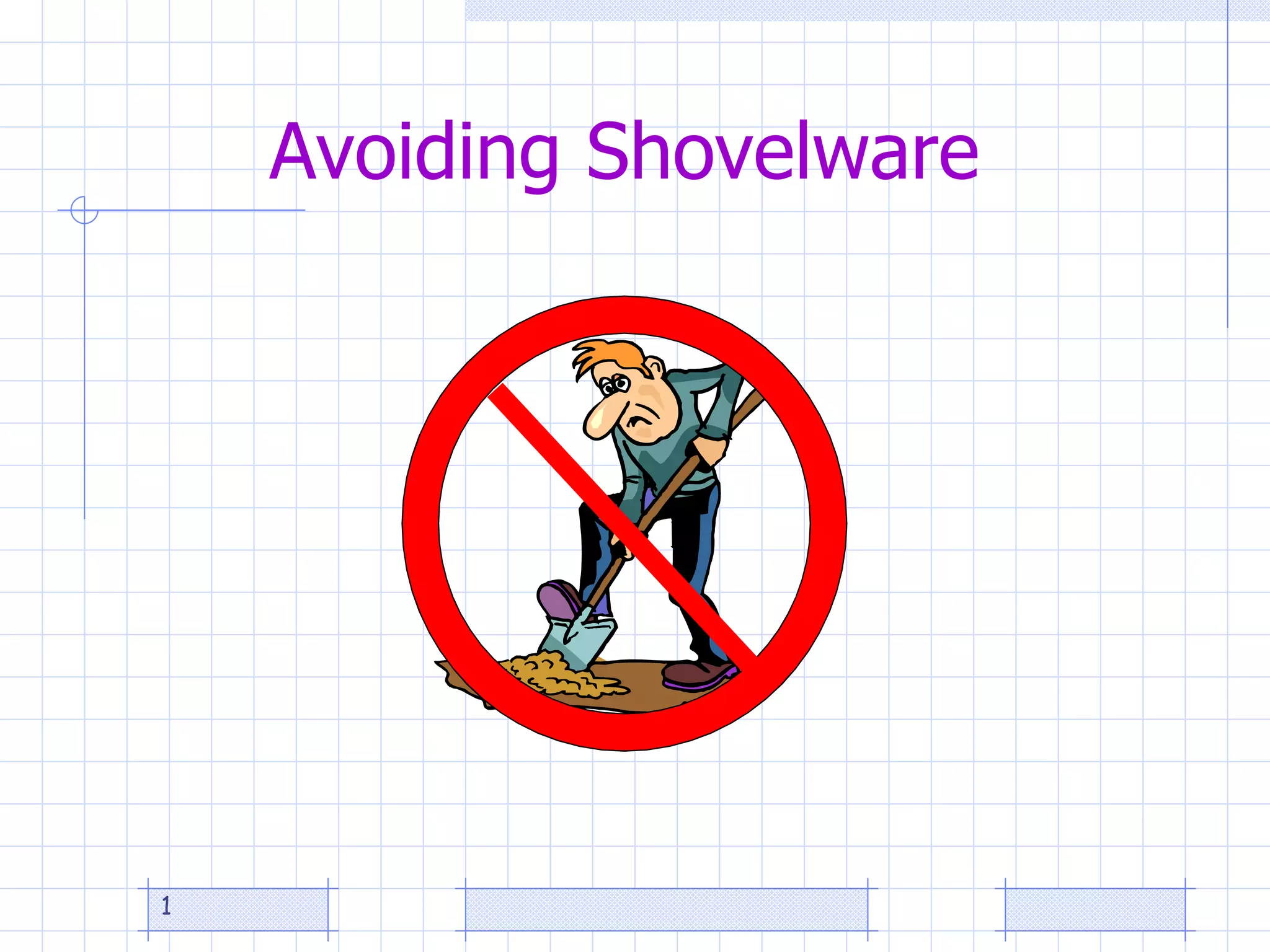
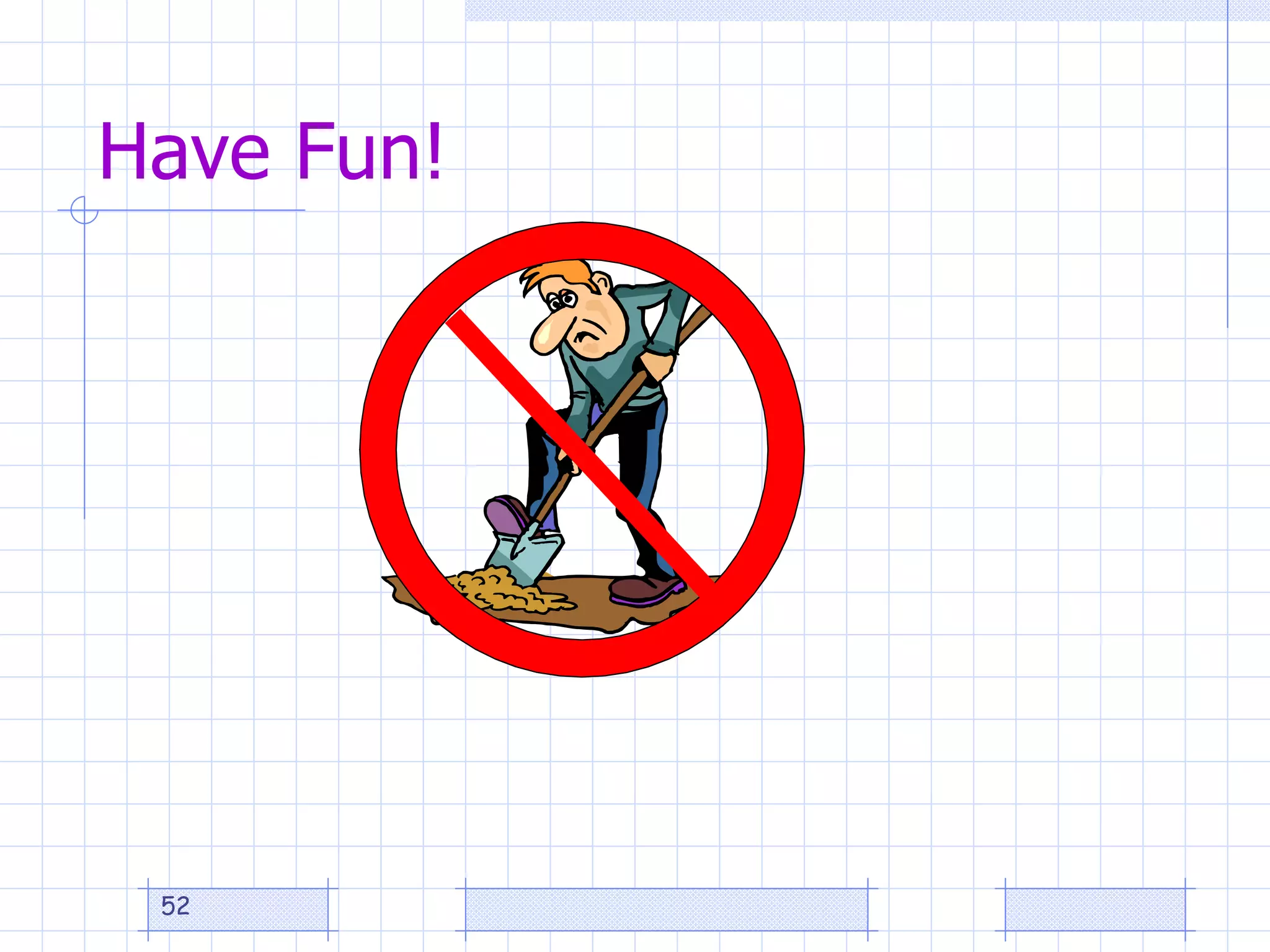
Avoiding Shovelware
Innovative Strategies toward Improving Online Course Quality   Instructional Designer,  Susan J. Clark, PhD Designing for Quality
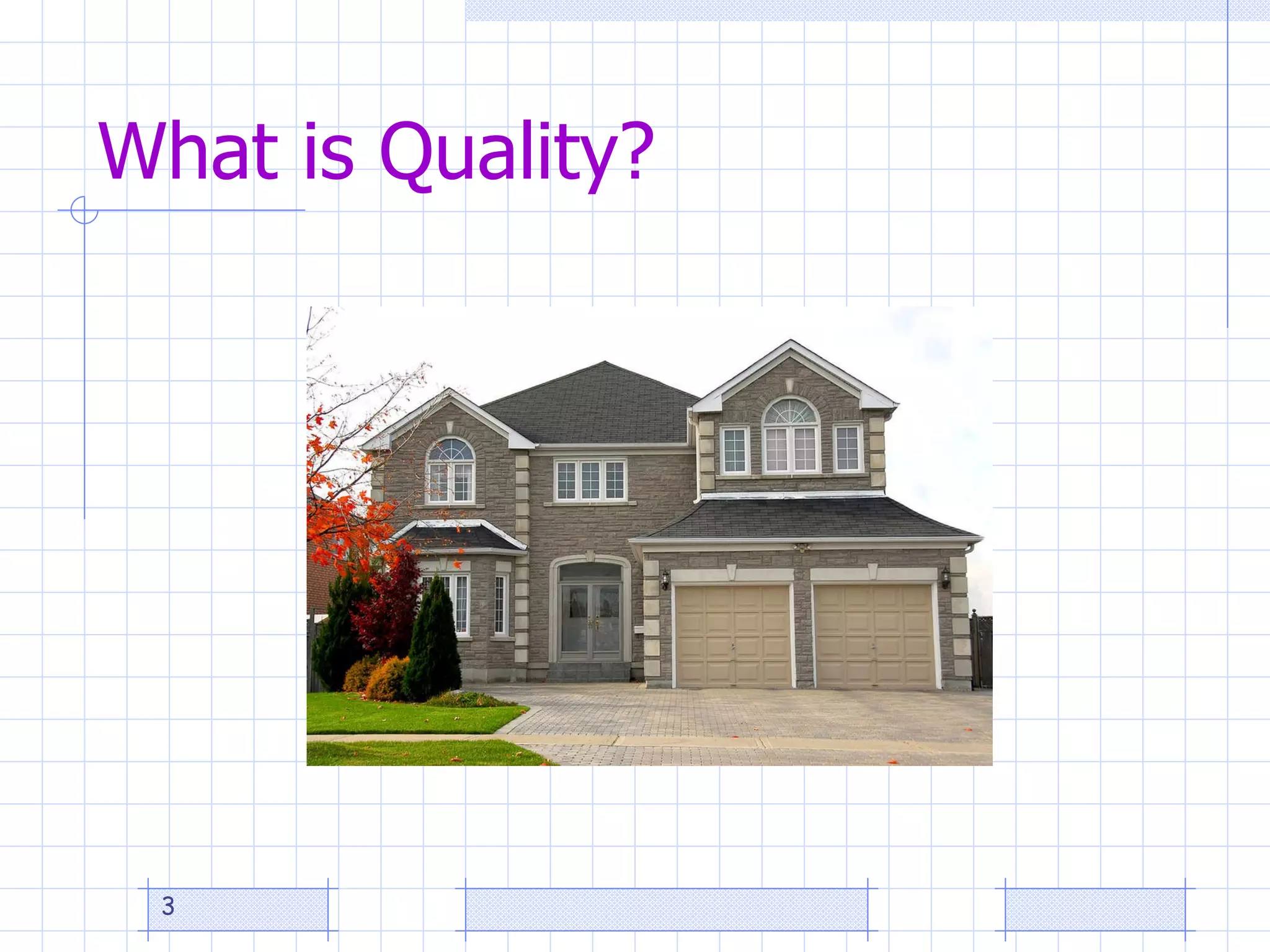
What is Quality?
Factors Affecting Course Quality Course design   QM REVIEWS THIS Course delivery (i.e. teaching, faculty performance, online facilitation) Course content Course management system Institutional infrastructure Faculty training and readiness Student engagement and readiness
Definition Instructional Design is --a  planning process  for the development of instructional specifications using learning theory and best practices to ensure the quality of instructional materials and activities to meet learning needs.
Biggest factor in design quality
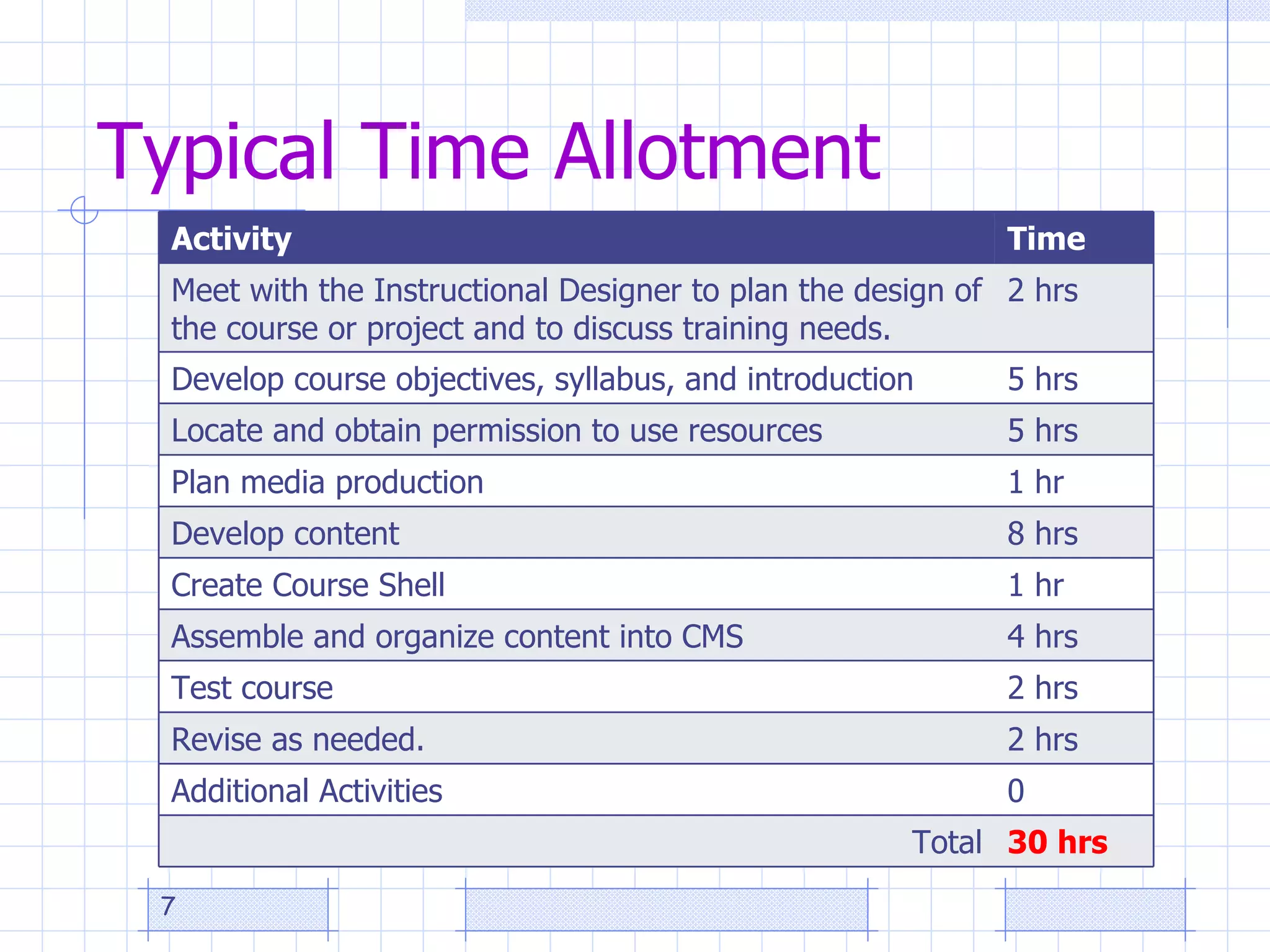
Typical Time Allotment Activity  Time Meet with the Instructional Designer to plan the design of the course or project and to discuss training needs.  2 hrs Develop course objectives, syllabus, and introduction  5 hrs Locate and obtain permission to use resources  5 hrs Plan media production  1 hr Develop content 8 hrs Create Course Shell 1 hr Assemble and organize content into CMS 4 hrs Test course  2 hrs Revise as needed.  2 hrs Additional Activities 0 Total 30 hrs
Strategies Ways to promote quality in online courses : Dispel eLearning myths. Determine faculty-developer needs. Promote application of quality standards. Emphasize alignment, engagement, and accessibility.  Support online facilitation.
Dispel Myths   Myth 4: eLearning is quick and easy  How is  developing  eLearning while  delivering  eLearning like the  video clip ?
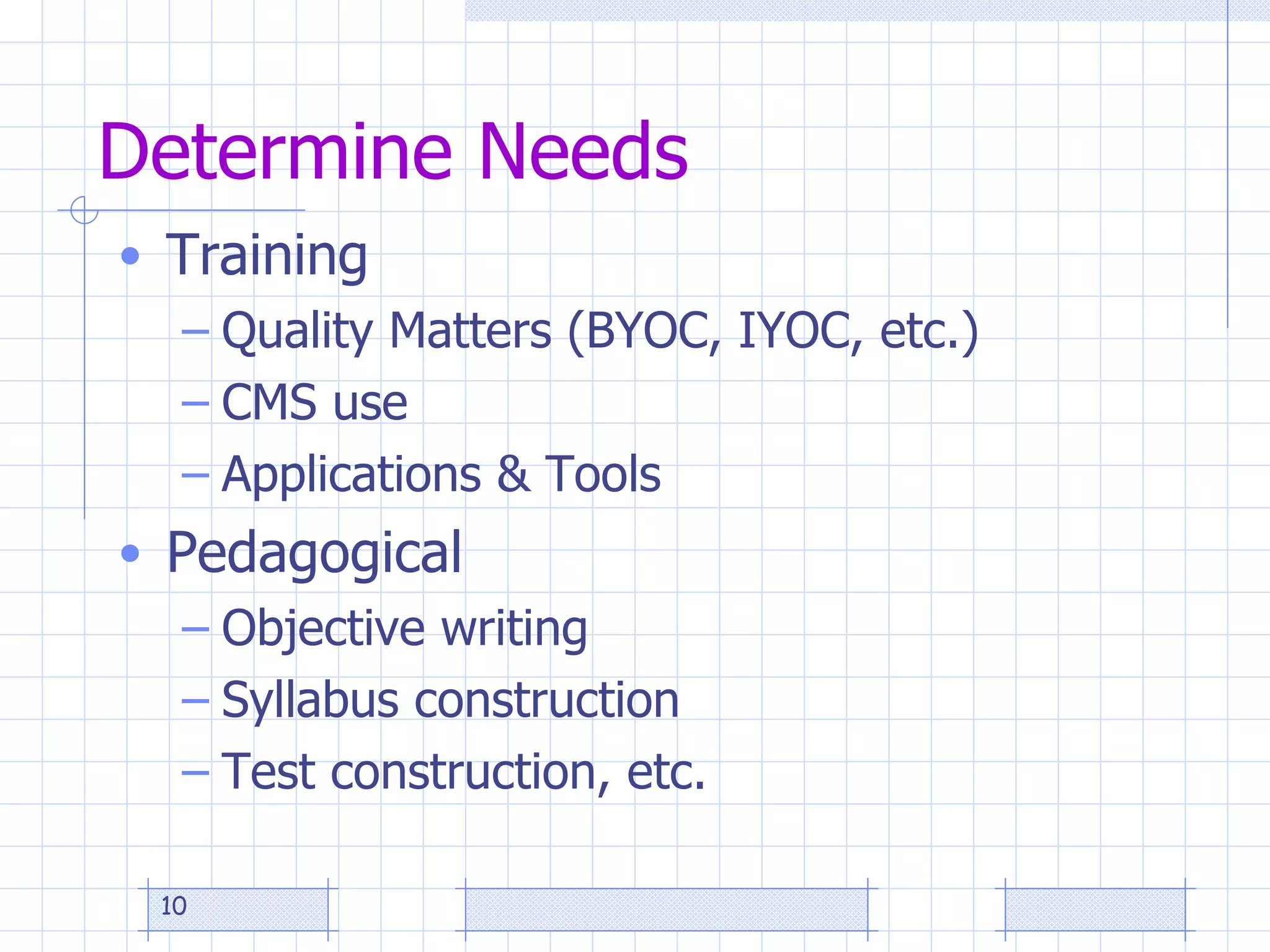
Determine Needs Training Quality Matters (BYOC, IYOC, etc.) CMS use Applications & Tools Pedagogical Objective writing Syllabus construction Test construction, etc.
Apply Standards (QM) Alignment Engagement Accessibility
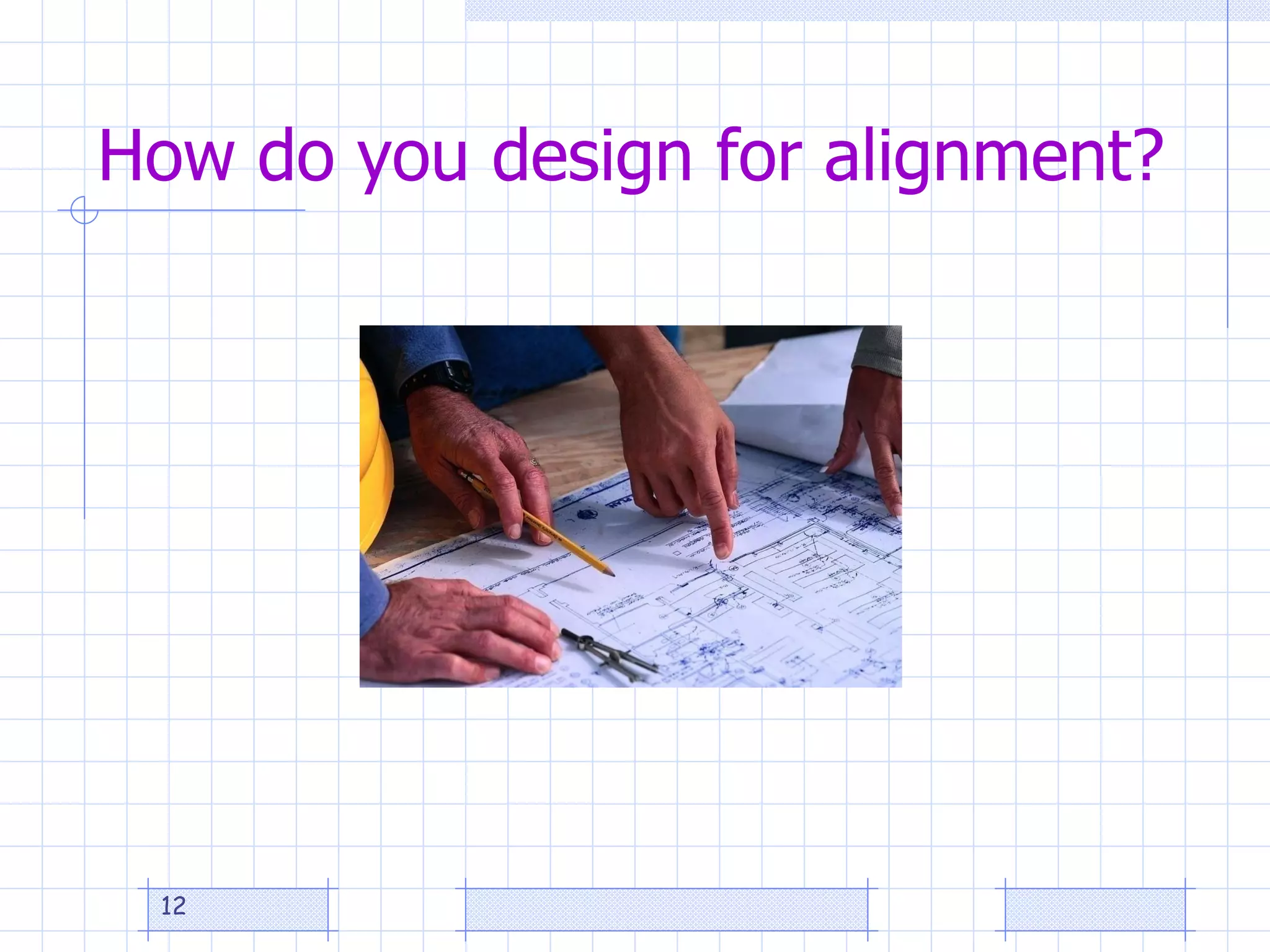
How do you design for alignment?
Alignment Exercise Write one objective. List an interaction and activity. List the corresponding resources, materials, and technology or media to be used. List one way the objective can be assessed
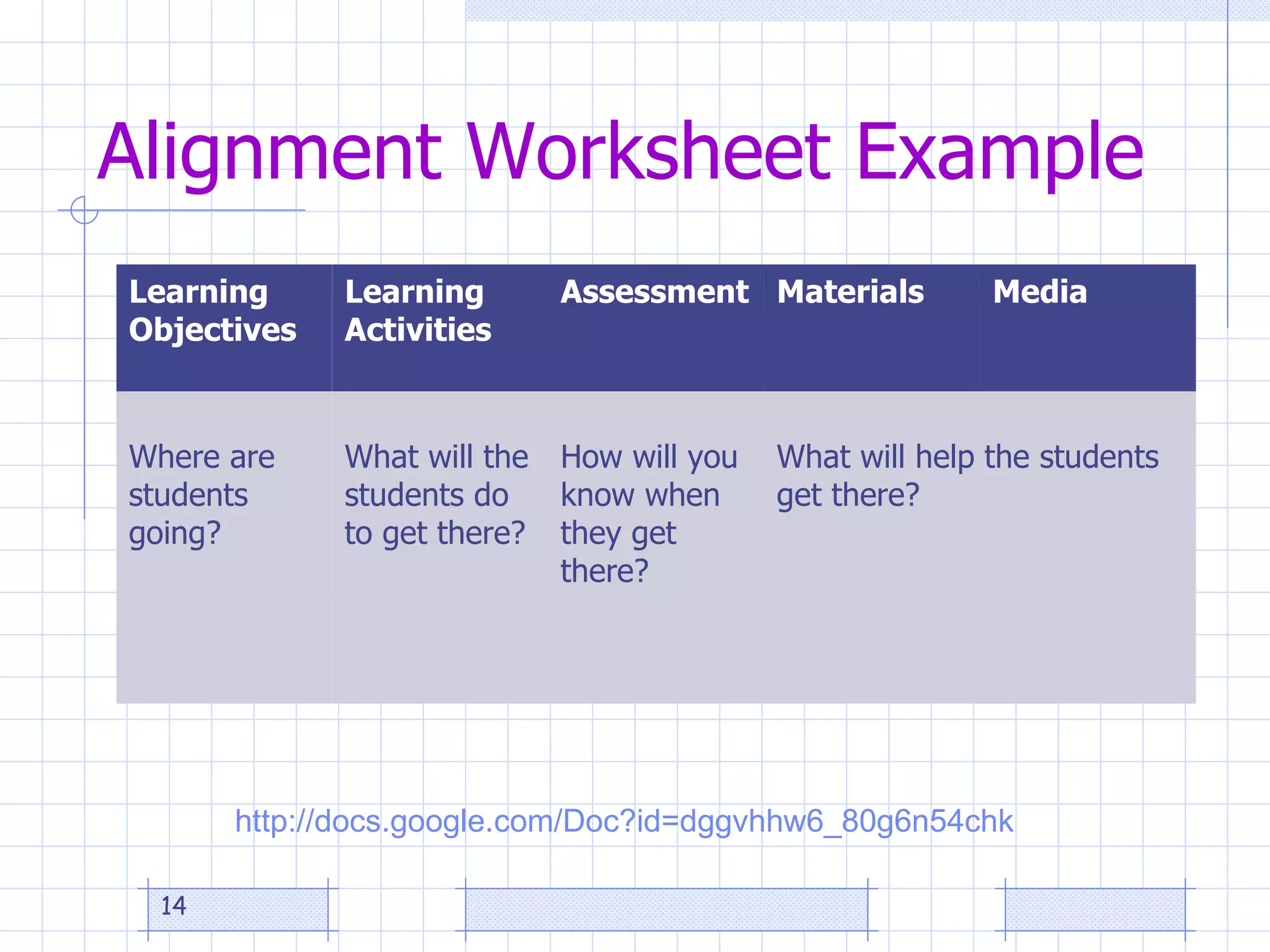
Alignment Worksheet Example http://docs.google.com/Doc?id=dggvhhw6_80g6n54chk   Learning Objectives Learning Activities Assessment Materials Media Where are students going? What will the students do to get there? How will you know when they get there? What will help the students get there?
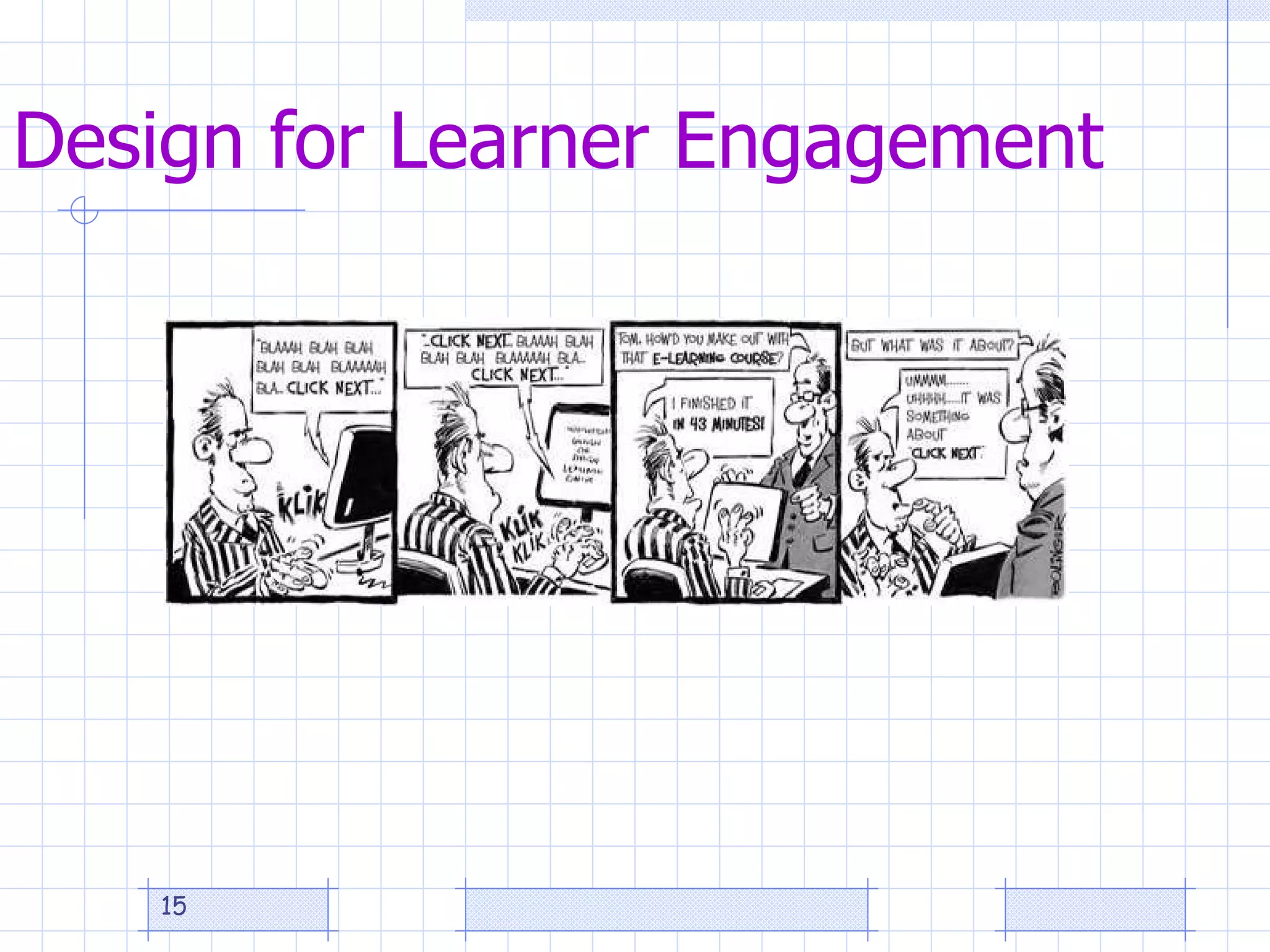
Design for Learner Engagement
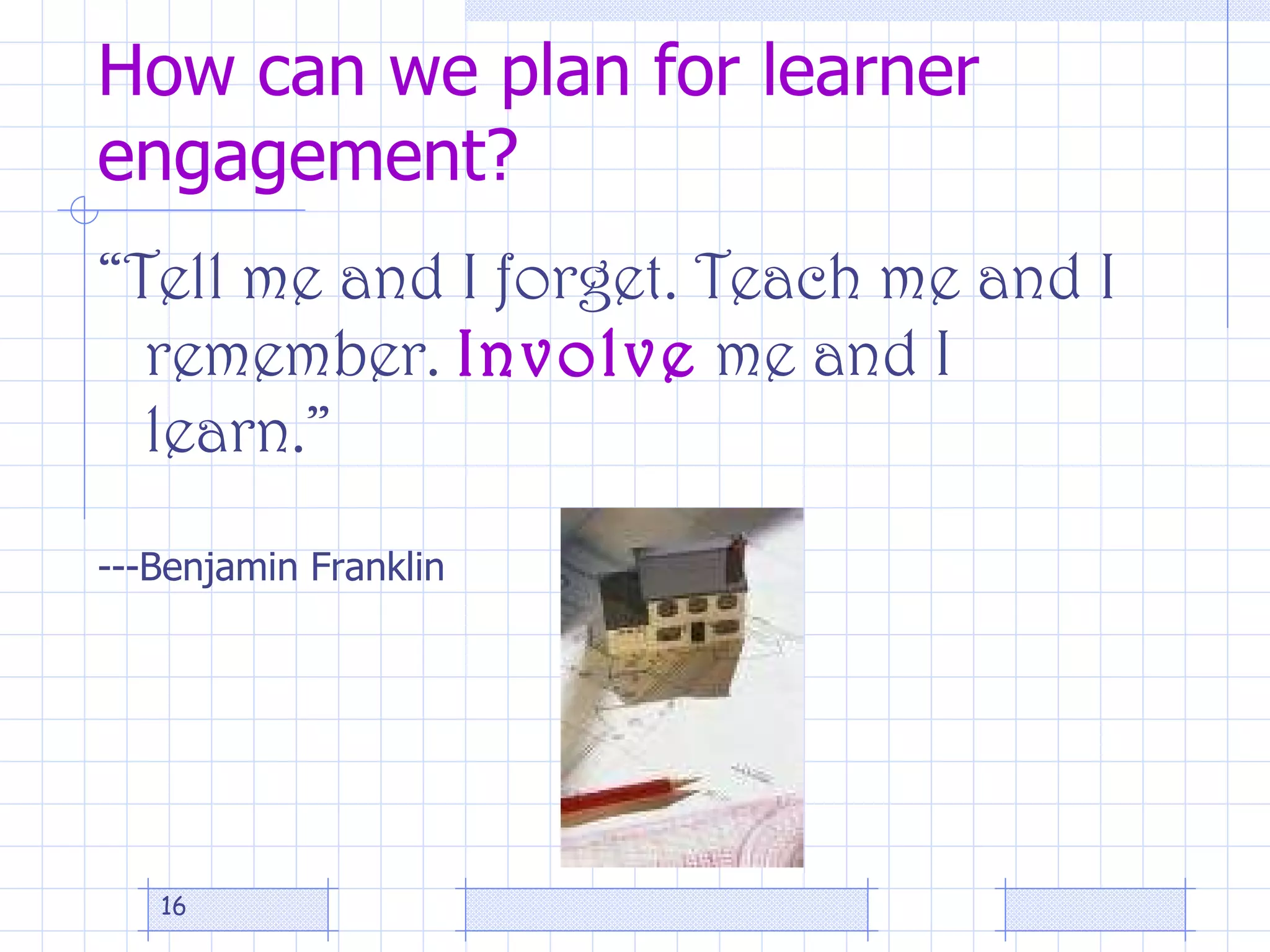
How can we plan for learner engagement? ā€œ Tell me and I forget. Teach me and I remember.  Involve  me and I learn.ā€ ---Benjamin Franklin
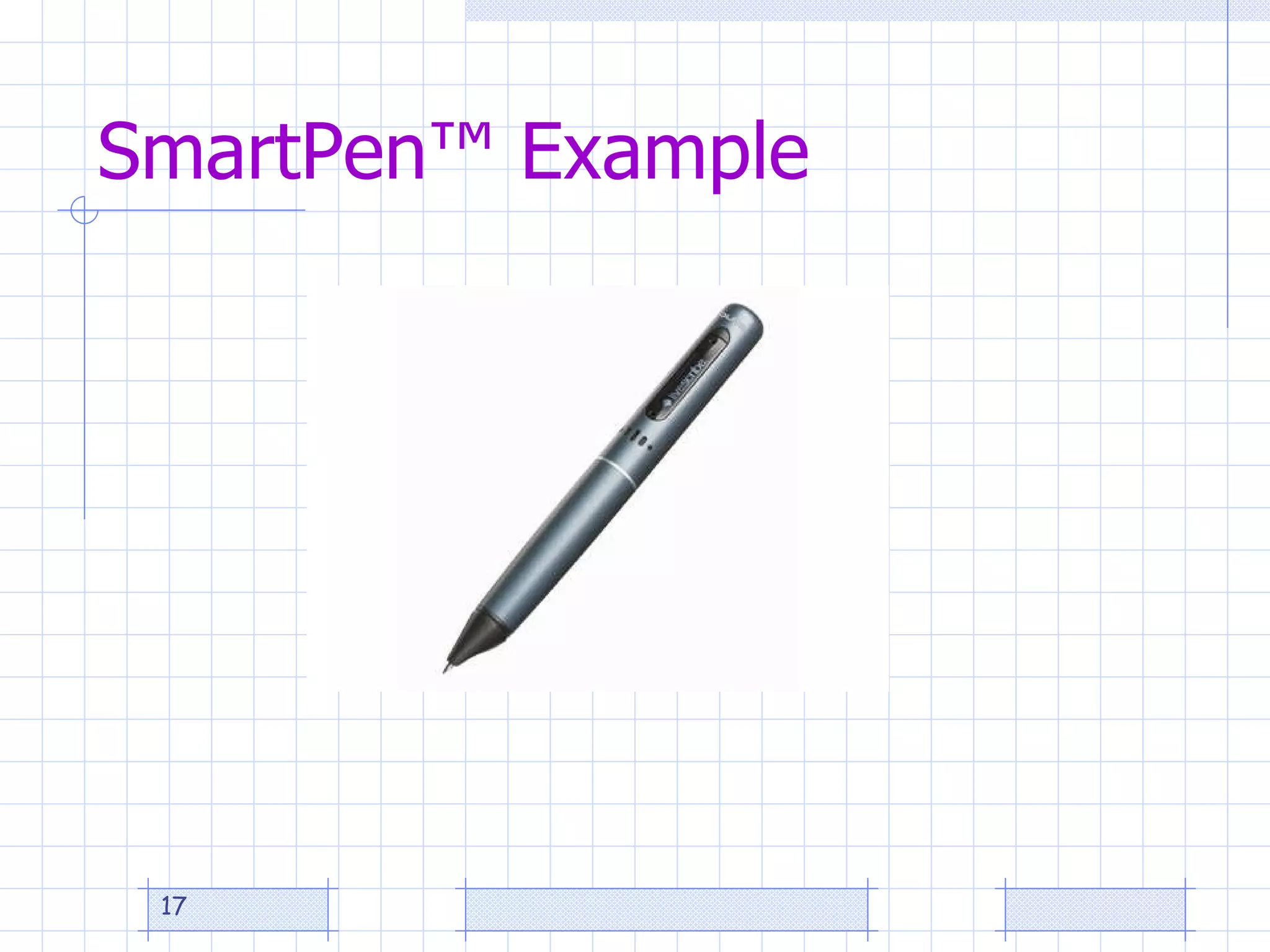
SmartPenā„¢ Example
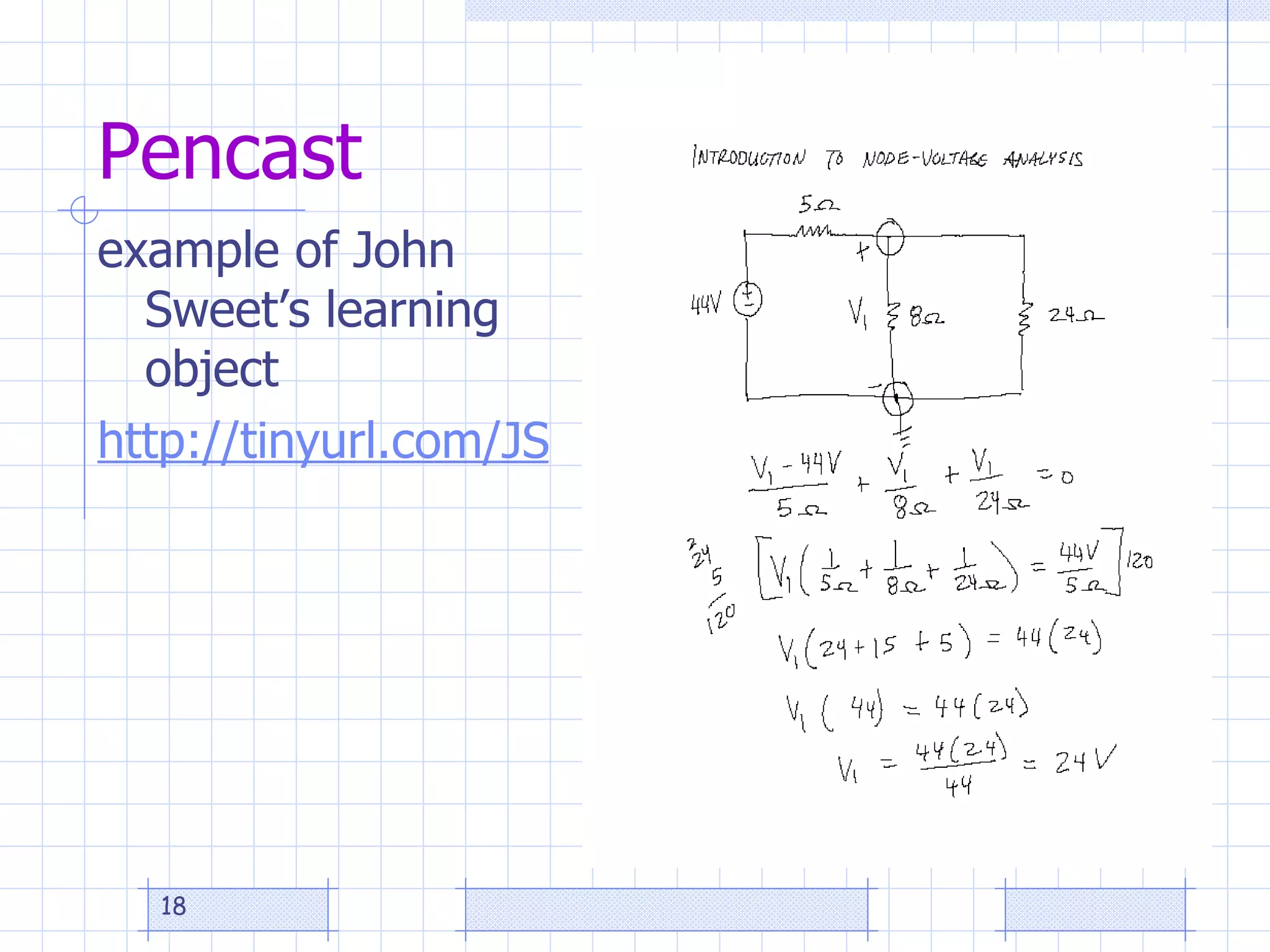
Pencast example of John Sweet’s learning object http://tinyurl.com/JSlearningobject1
Design for Accessibility  (Universal Usability) Universal Design is the "design of products and environments to be usable by all people, to the greatest extent possible, without the need for adaptation or specialized design"  (Center for Universal Design, North Carolina State University).  Universal Design for Instruction (UDI) is the application of this construct to college teaching.
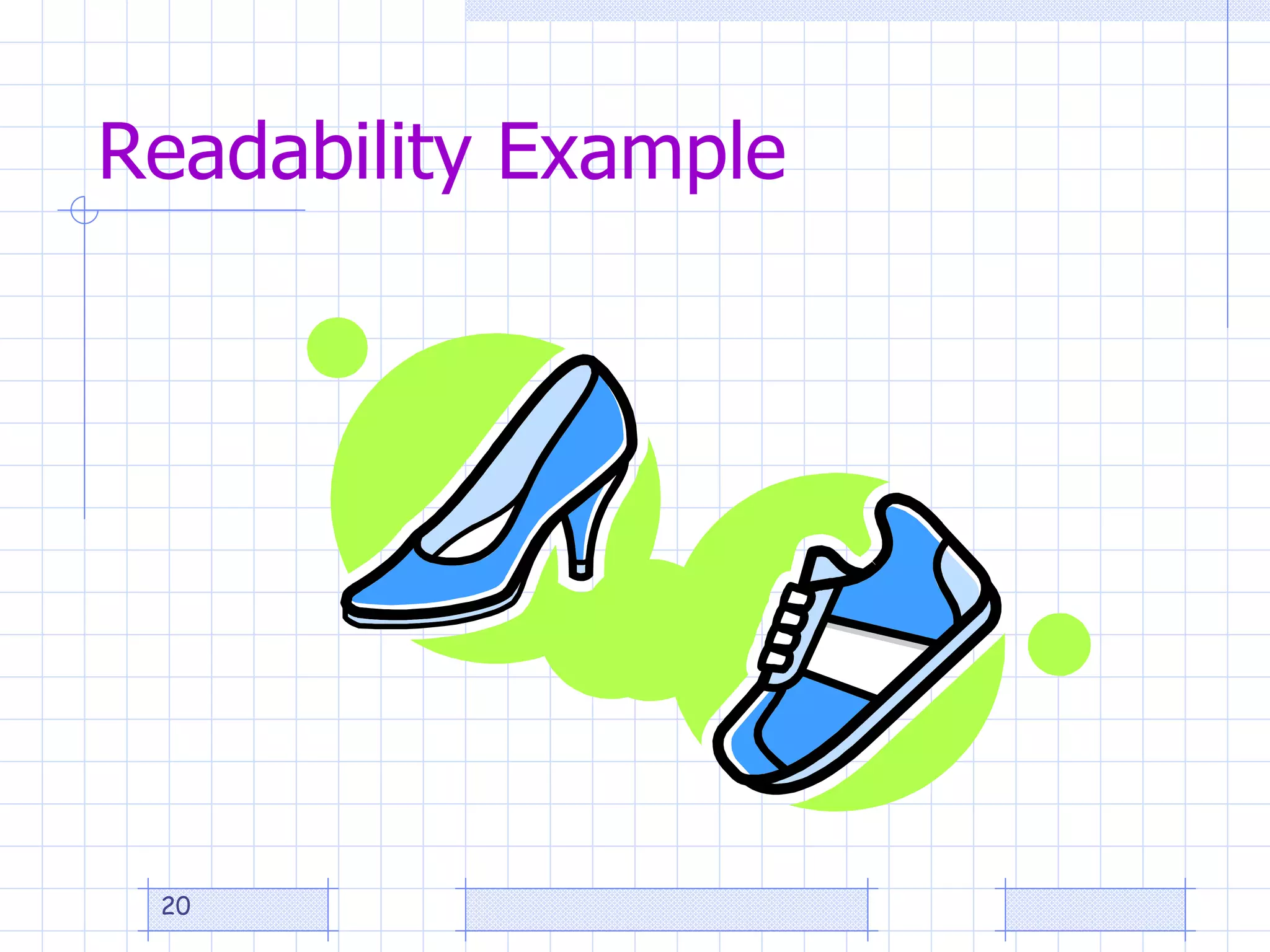
Readability Example
Rules of Thumb
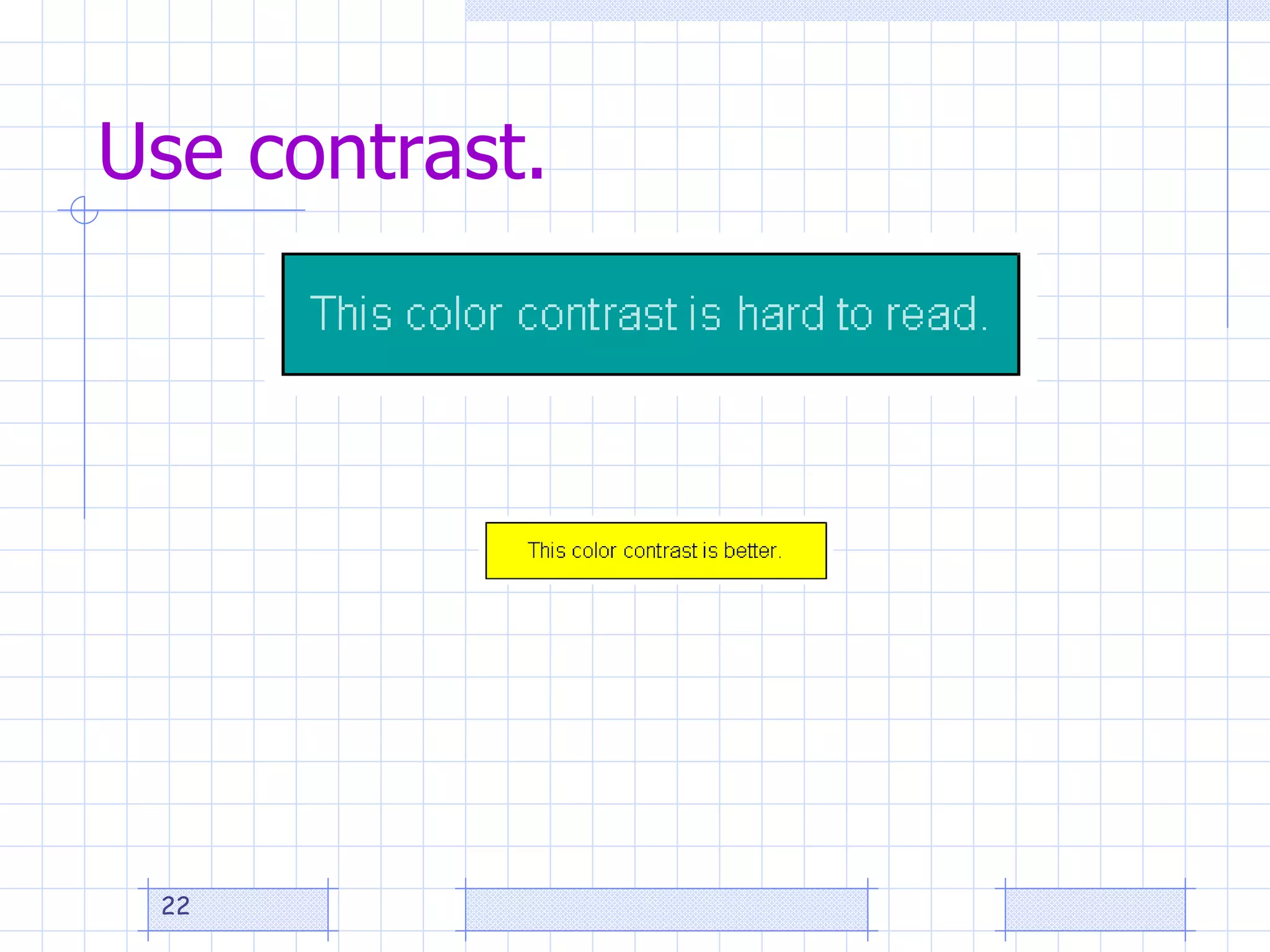
Use contrast.
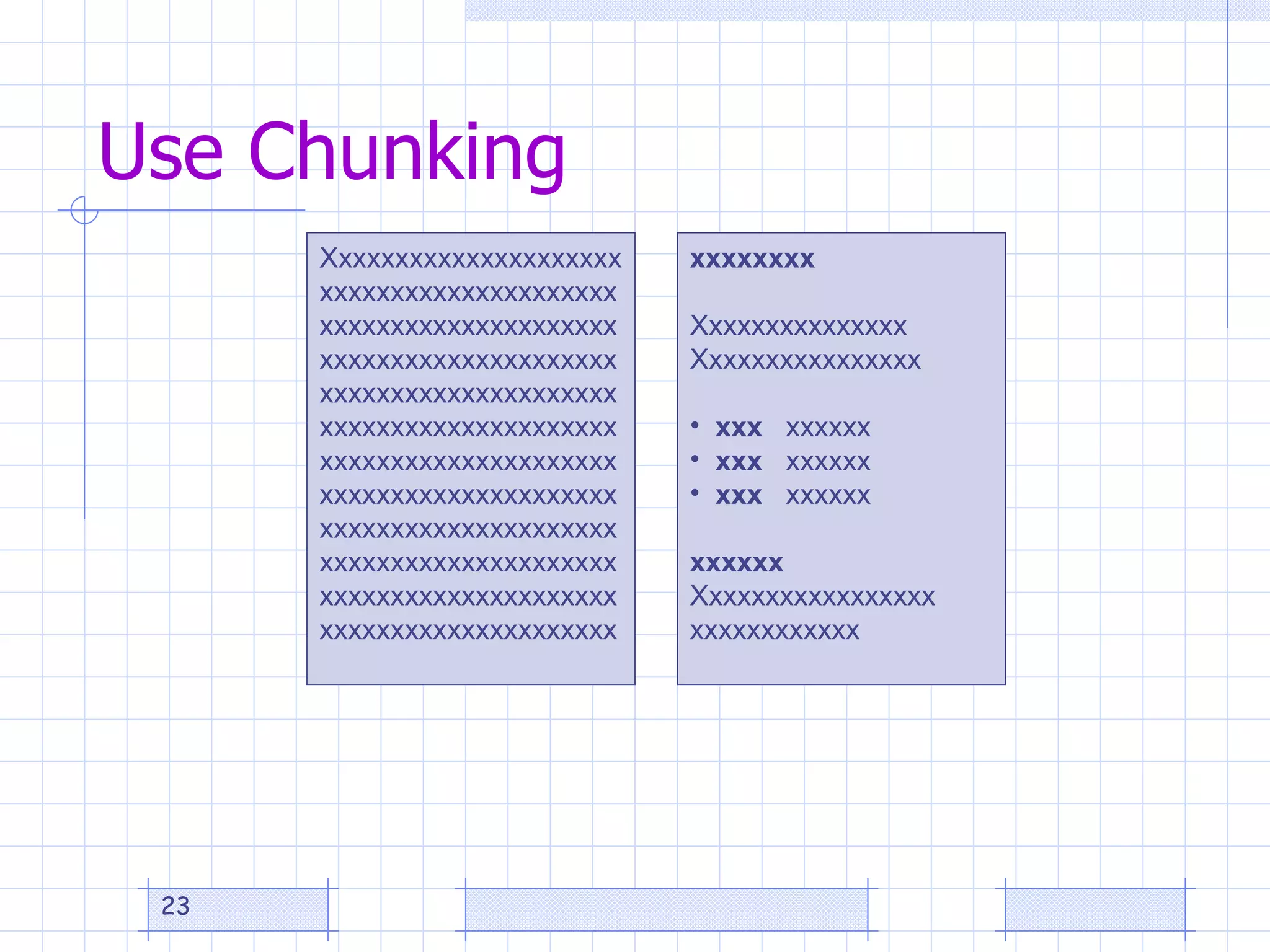
Use Chunking Xxxxxxxxxxxxxxxxxxxxxxxxxxxxxxxxxxxxxxxxxxxxxxxxxxxxxxxxxxxxxxxxxxxxxxxxxxxxxxxxxxxxxxxxxxxxxxxxxxxxxxxxxxxxxxxxxxxxxxxxxxxxxxxxxxxxxxxxxxxxxxxxxxxxxxxxxxxxxxxxxxxxxxxxxxxxxxxxxxxxxxxxxxxxxxxxxxxxxxxxxxxxxxxxxxxxxxxxxxxxxxxxxxxxxxxxxxxxxxxxxxxxxxxxxxxx xxxxxxxx Xxxxxxxxxxxxxxx Xxxxxxxxxxxxxxxx xxx  xxxxxx xxx  xxxxxx xxx  xxxxxx xxxxxx Xxxxxxxxxxxxxxxxx xxxxxxxxxxxx
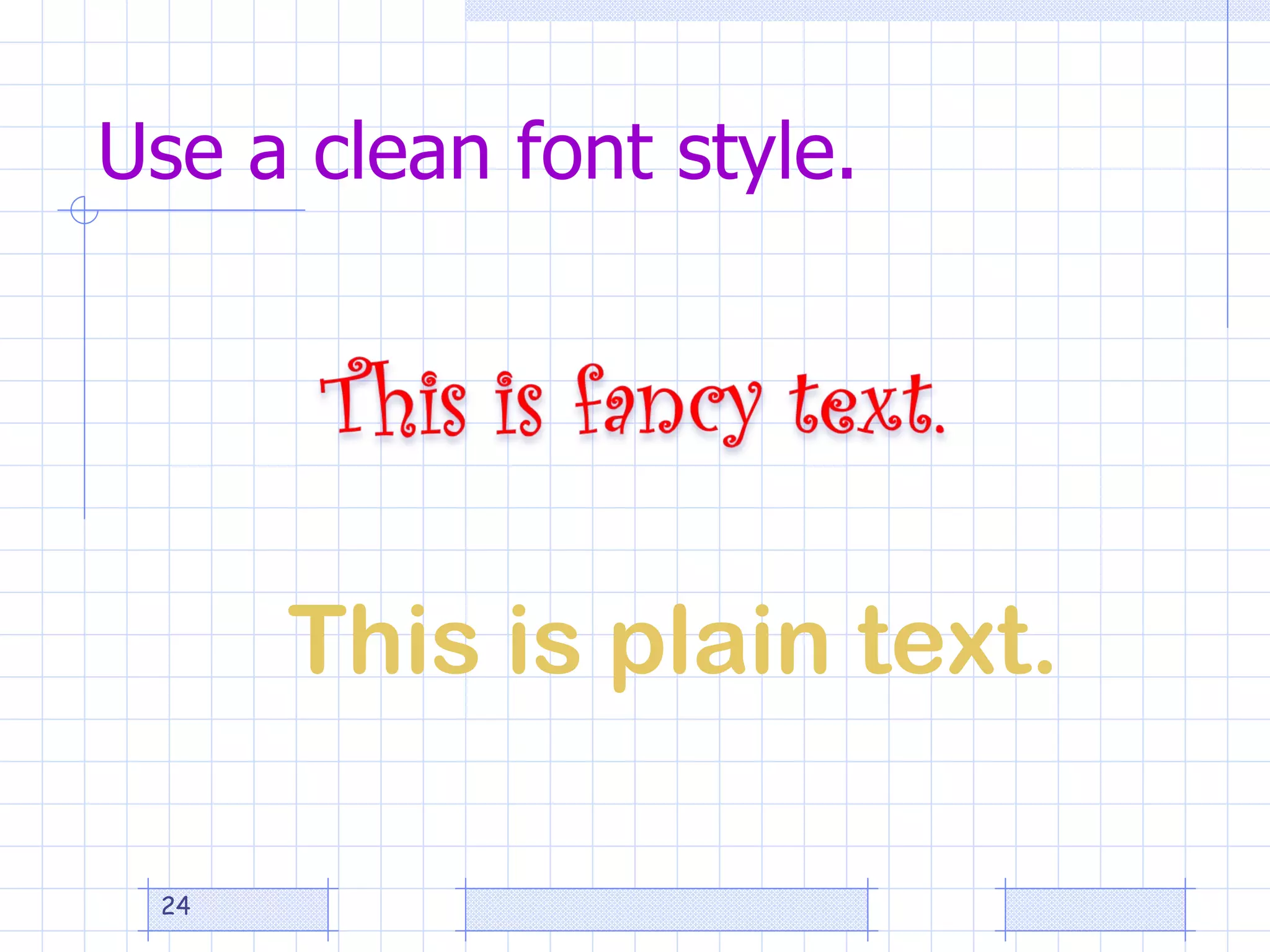
Use a clean font style. This is plain text.
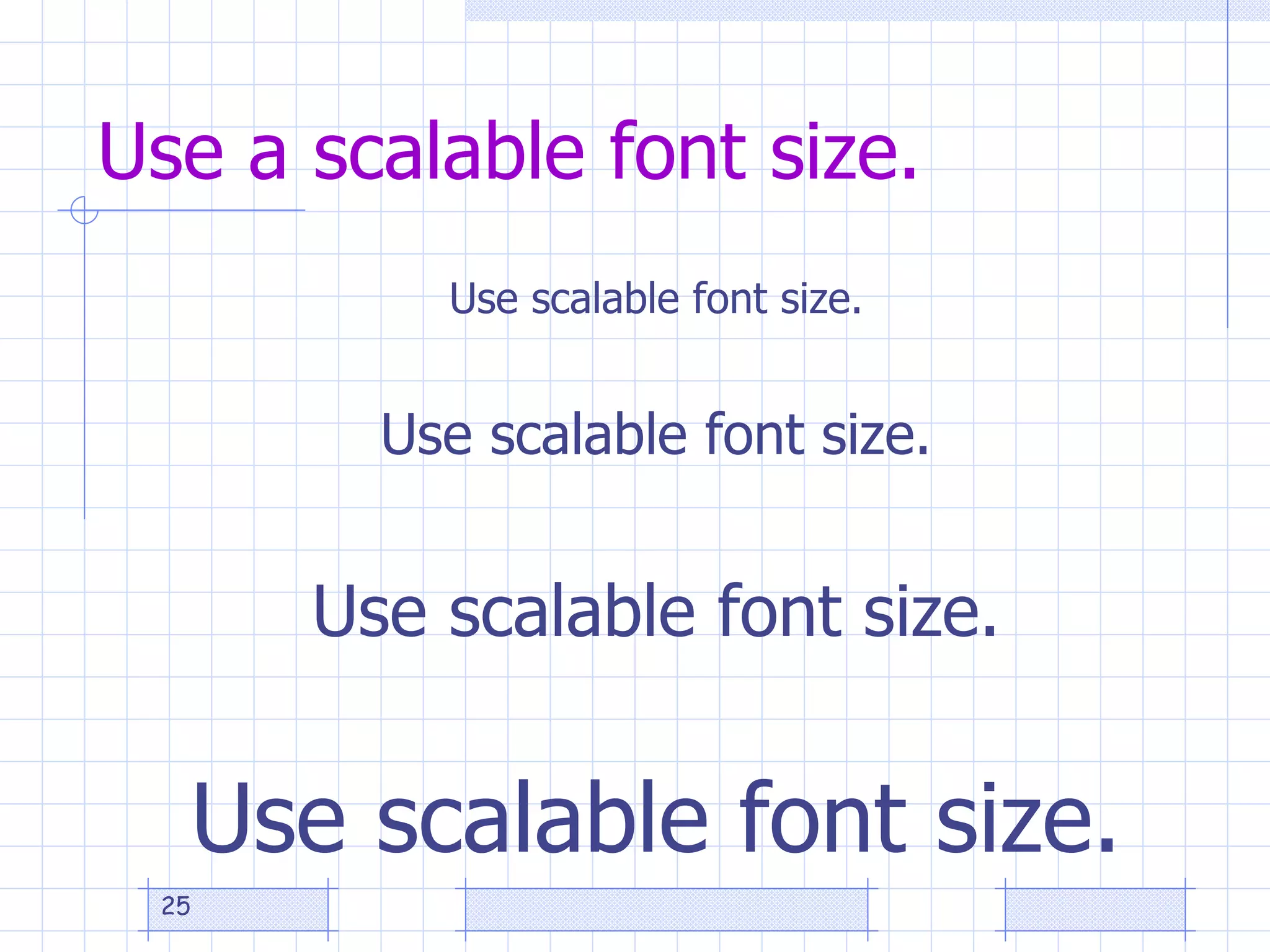
Use a scalable font size. Use scalable font size. Use scalable font size. Use scalable font size. Use scalable font size.
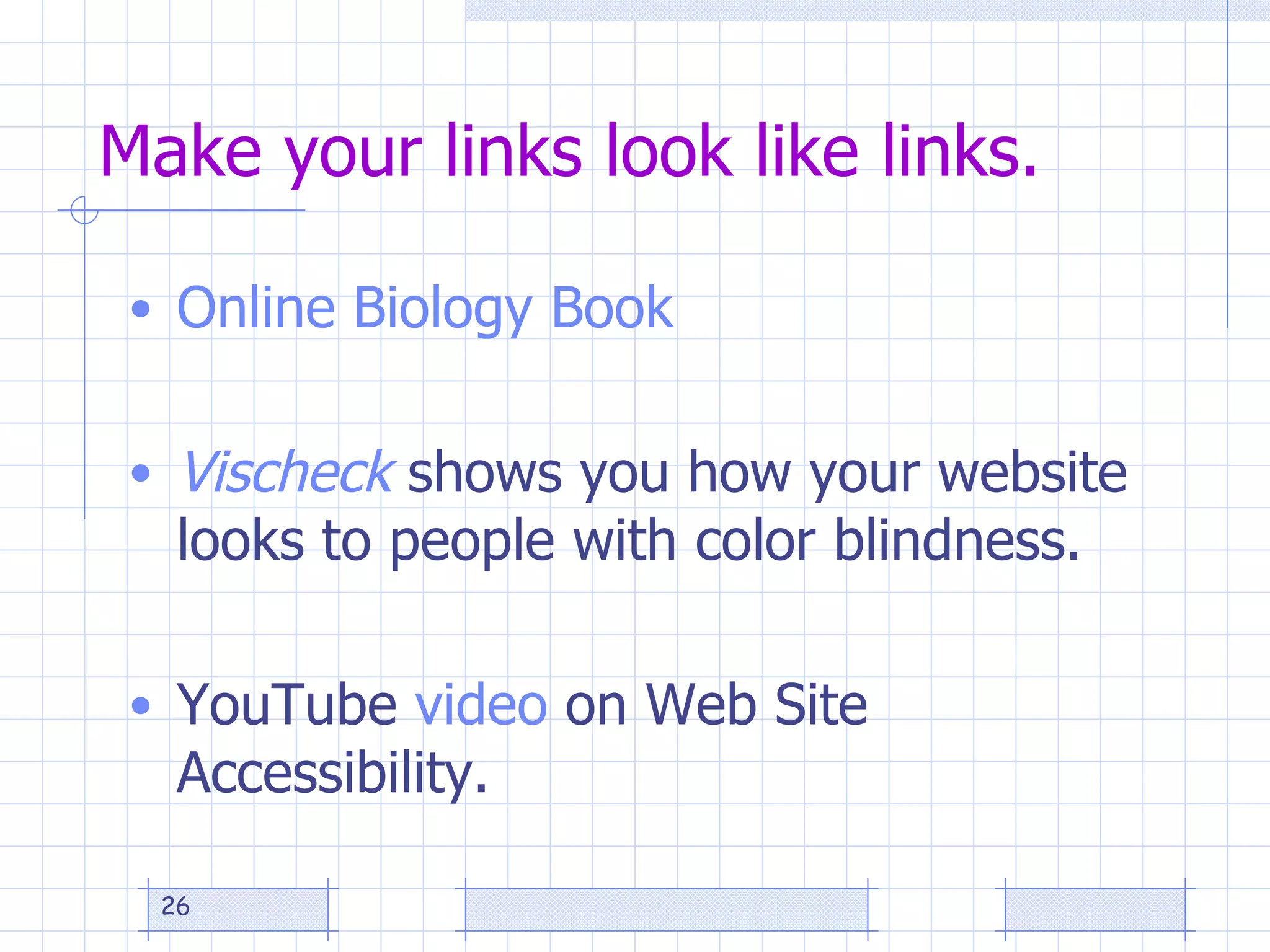
  Make your links look like links. Online Biology Book Vischeck  shows you how your website looks to people with color blindness.  YouTube  video  on Web Site Accessibility.
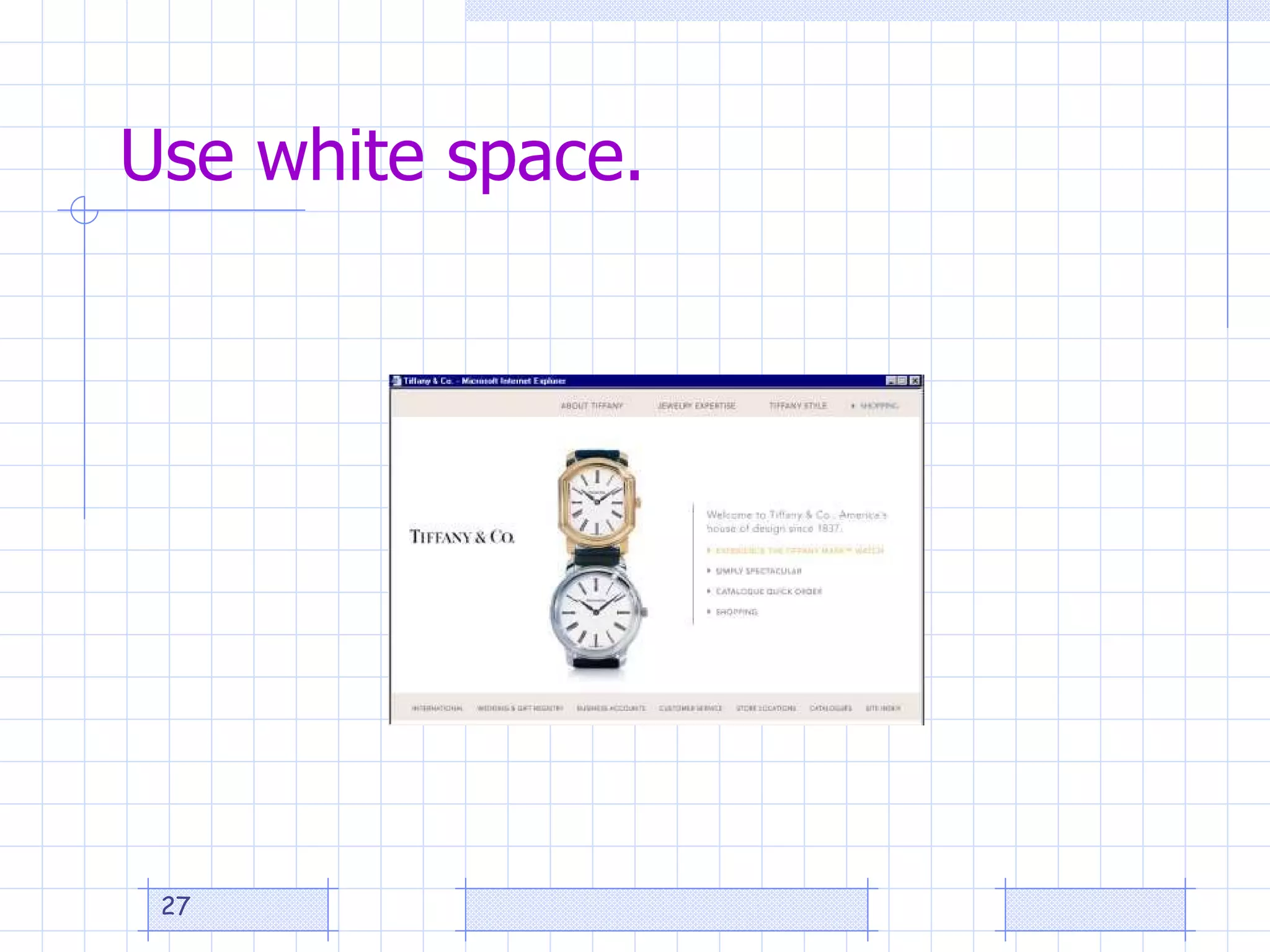
  Use white space.
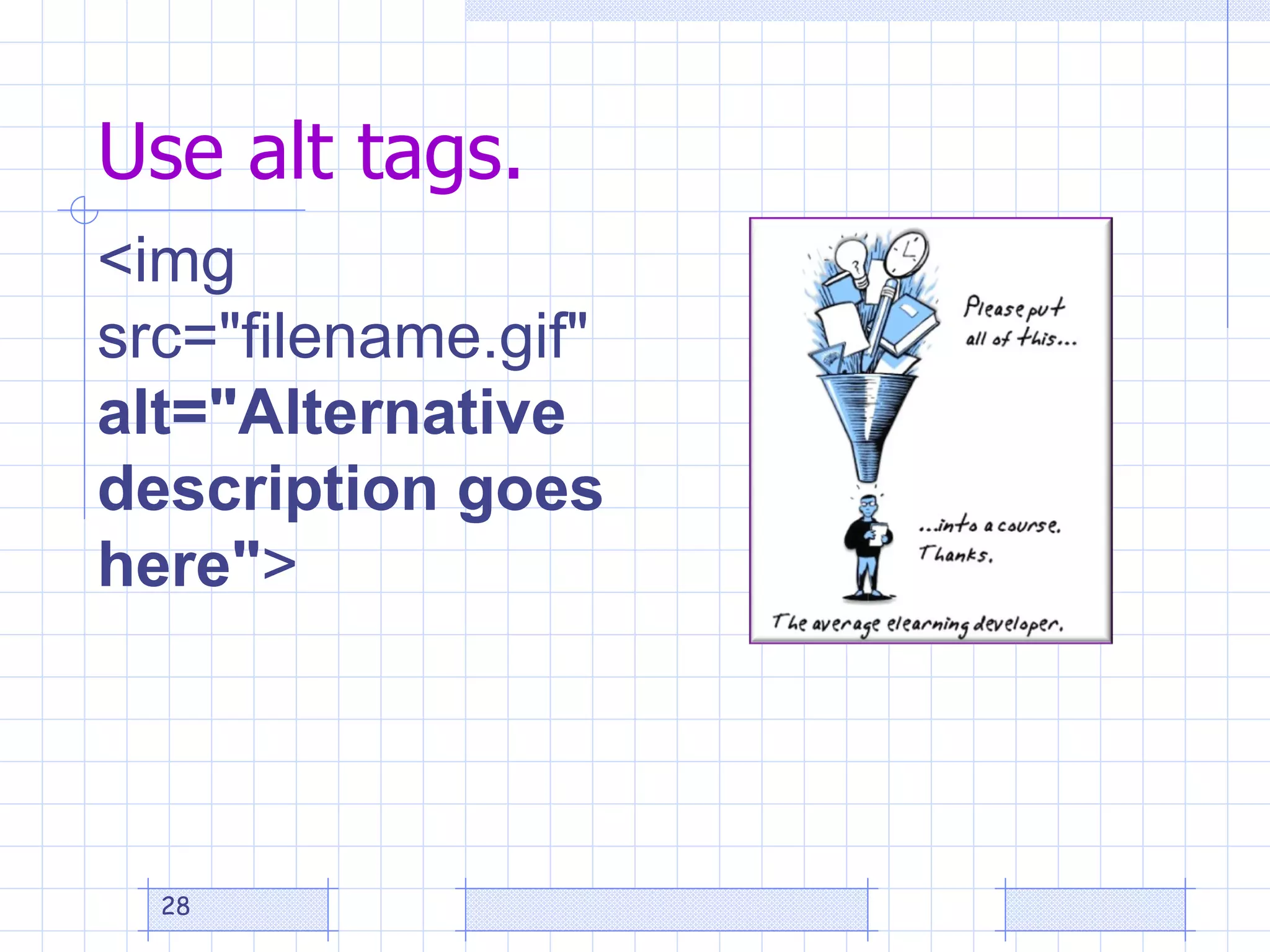
Use alt tags. <img src=&quot;filename.gif&quot;  alt=&quot;Alternative description goes here&quot; >
No-no’s
Facilitate Online Instruction Managerial Tasks Pedagogical Tasks Social Tasks Technical Tasks http://www.humboldt.edu/~aof/AssessingOnlineFacilitationInstrument.pdf
Innovative Strategies toward Improving Online Course Quality   Learning Technologies Facilitator Beth Hale Reviewing for Course Readiness
Chemeketa’s New Course Development Process Step 1:  Initial Consultation Meeting   Scheduled with the faculty Tech Hub contact to discuss the development phase, Quality Matters rubric, an overview of the eLearn system, course design, online teaching methods, Tech Hub training and support options, and to schedule future review dates.
Chemeketa’s New Course Development Process Step 2: Media Consultation Meeting  Consultation with the media specialist as needed for multimedia projects such as video, audio, Adobe Presenter, PowerPoint , Web 2.0 tools, and other methods of incorporating media into online courses.
Chemeketa’s New Course Development Process Step 3:  New Online Instructor Training   Recommended for all new online instructors, and required for faculty receiving curriculum development funding.  The eLearn Institute is our comprehensive new instructor training course, and is offered winter and summer terms.  Individualized training may be arranged with the Tech Hub.
Chemeketa’s New Course Development Process Step 4:  Final Course Readiness Review   Course is reviewed before the term begins with the  Course Readiness Review checklist .  A final consultation meeting for faculty and their tech hub contact to discuss the final review and other start-of-term information.
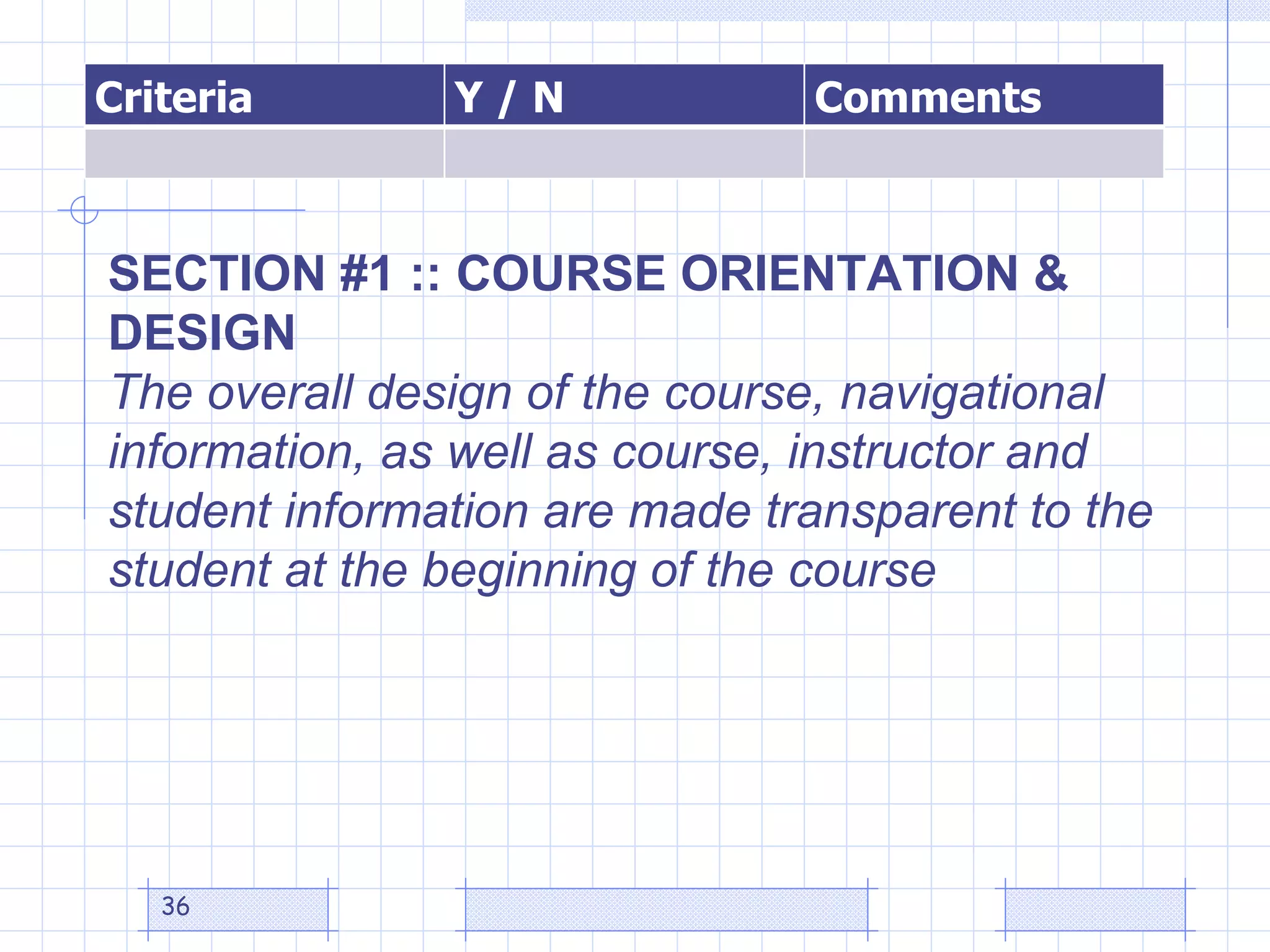
SECTION #1 :: COURSE ORIENTATION & DESIGN The overall design of the course, navigational information, as well as course, instructor and student information are made transparent to the student at the beginning of the course  Criteria Y / N Comments
SECTION #2 :: COMMUNICATION The effective design of instructor-learner interaction, meaningful learner cooperation, and learner-content interaction is essential to learner motivation, intellectual commitment and personal development.  Criteria Y / N Comments
SECTION #3 :: ASSESSMENT Assessment strategies use established ways to measure effective learning, assess learner progress by reference to stated learning objectives, and are designed as essential to the learning process.  Criteria Y / N Comments
SECTION #4 :: CONTENT PRESENTATION Instructional materials are designed to be sufficiently comprehensive to achieve announced objectives and learning outcomes and are prepared by qualified persons competent in their fields (Materials, other than standard textbooks produced by recognized publishers, are prepared by the instructor or distance educators skilled in preparing materials for distance learning.)  Criteria Y / N Comments
Innovative Strategies toward Improving Online Course Quality   Instructional Computing Facilitator Greg Kaminski Mentoring for Quality
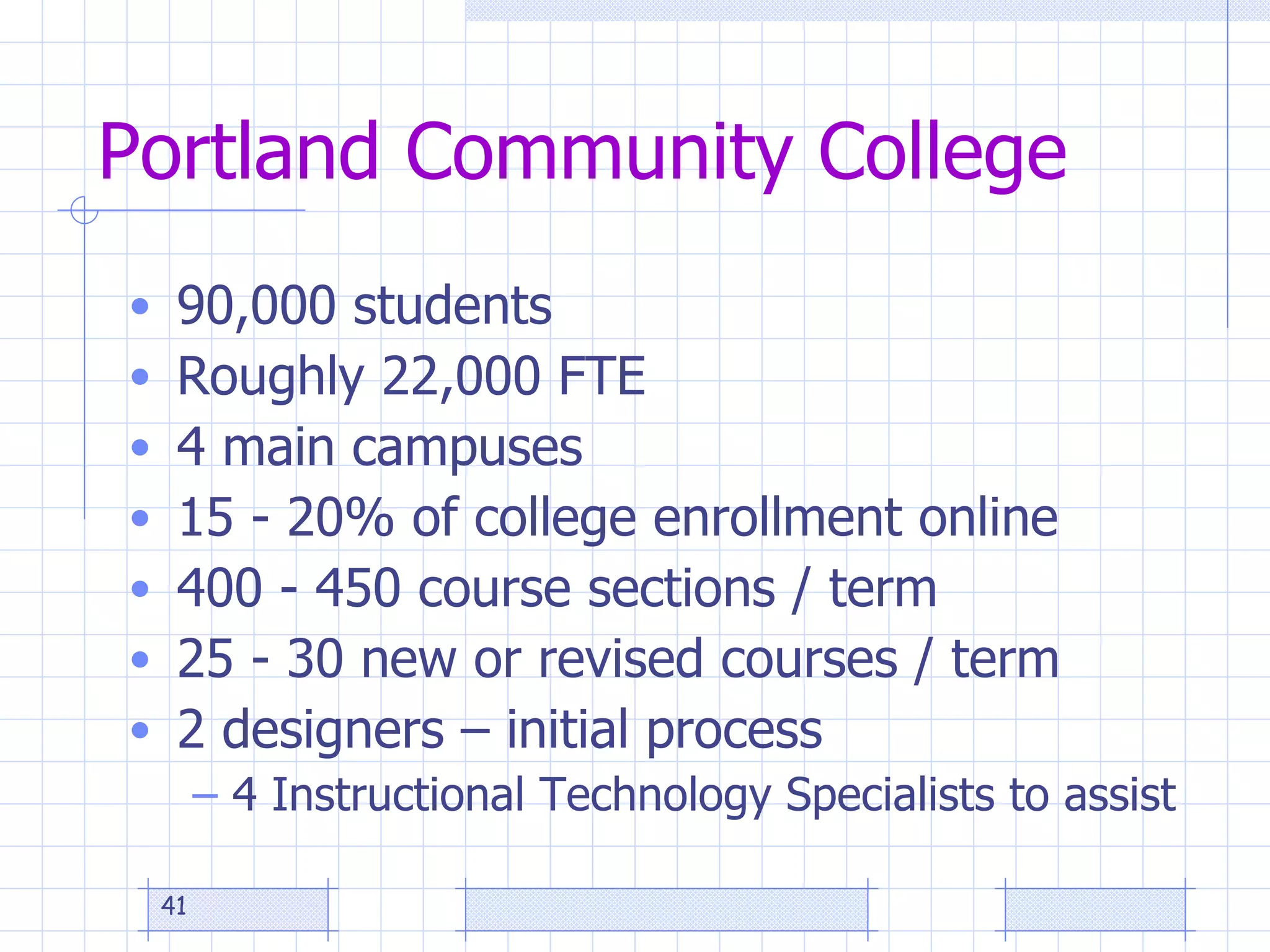
Portland Community College 90,000 students Roughly 22,000 FTE 4 main campuses 15 - 20% of college enrollment online 400 - 450 course sections / term 25 - 30 new or revised courses / term 2 designers – initial process 4 Instructional Technology Specialists to assist
Addressing Course Quality Issues New instructor training (online + f2f) ā€œ Online Faculty Mentorā€ program Best Practices sharing sessions More interactive technology to address different learning styles
Course Quality Assessment Prior to 2005: course design checklist Sp 2005: Simplified version of Quality Matters Designer recommends / Dean approves Winter 2007:  Quality Matters at ā€œ70% levelā€
Results of Review Process Improved course quality, with issues: Huge time commitment for 2 people Difficult to hire a 3rd Large number of old courses never reviewed Limited SME scope
Online Faculty Mentor Inspired by ā€œOnline Faculty Leadā€ approach at Front Range Community College, CO 14 online lead faculty cover the disciplines Assist with getting faculty trained, course assignments, course reviews, student advising, development of standards
PCC  Online Faculty Mentor Pilot ā€œ Online mentorā€ vs. ā€œOnline leadā€ FT / PT Implied power 6 mentors: cover many  disciplines  (not enough yet) Responsibilities: Mentor new faculty in related disciplines Course shell selection (takeover course) Course reviews Input on training process Assist with development of standards Compensation:  Hourly project rate
Results Promising so far: Saving time SME appeal Issues: They don’t always have time Time for follow-up mentoring Many ā€œoldā€ course shells to get to know Getting quick access to shells FT / PT
On the Horizon More in-depth mentoring during 1 st  term Ways to insure quality of ā€œoldā€ courses Movement toward ā€œcore course shellsā€ created by unified team of instructors (with input of the mentor) Process for looking at ā€œdeliveryā€ of course in addition to design  ( Observation tool )  likely dept. chair instead of mentor
Best Practices Sharing Sessions Virtual sessions for instructors to share Elluminate  (recorded) Themes Promoting interaction & community Group projects Retention Time management Assessment methods Publisher resources Graphics & multimedia use
Avoiding shovelware Direct use of PowerPoint designed for classroom lectures (ineffective online) Add voice through Camtasia Trained by Instructional Support Specialists Time consuming process, but worthwhile for subject that doesn’t change often, e.g.  Art History Elluminate for synchronous interaction Wimba Voice Tools for voice introductions, discussions
Questions
Have Fun!
Slideshow URL

Avoiding Shovelware

  • 1.
  • 2.
    Innovative Strategies towardImproving Online Course Quality Instructional Designer, Susan J. Clark, PhD Designing for Quality
  • 3.
  • 4.
    Factors Affecting CourseQuality Course design QM REVIEWS THIS Course delivery (i.e. teaching, faculty performance, online facilitation) Course content Course management system Institutional infrastructure Faculty training and readiness Student engagement and readiness
  • 5.
    Definition Instructional Designis --a planning process for the development of instructional specifications using learning theory and best practices to ensure the quality of instructional materials and activities to meet learning needs.
  • 6.
    Biggest factor indesign quality
  • 7.
    Typical Time AllotmentActivity Time Meet with the Instructional Designer to plan the design of the course or project and to discuss training needs. 2 hrs Develop course objectives, syllabus, and introduction 5 hrs Locate and obtain permission to use resources 5 hrs Plan media production 1 hr Develop content 8 hrs Create Course Shell 1 hr Assemble and organize content into CMS 4 hrs Test course 2 hrs Revise as needed. 2 hrs Additional Activities 0 Total 30 hrs
  • 8.
    Strategies Ways topromote quality in online courses : Dispel eLearning myths. Determine faculty-developer needs. Promote application of quality standards. Emphasize alignment, engagement, and accessibility. Support online facilitation.
  • 9.
    Dispel Myths Myth 4: eLearning is quick and easy How is developing eLearning while delivering eLearning like the video clip ?
  • 10.
    Determine Needs TrainingQuality Matters (BYOC, IYOC, etc.) CMS use Applications & Tools Pedagogical Objective writing Syllabus construction Test construction, etc.
  • 11.
    Apply Standards (QM)Alignment Engagement Accessibility
  • 12.
    How do youdesign for alignment?
  • 13.
    Alignment Exercise Writeone objective. List an interaction and activity. List the corresponding resources, materials, and technology or media to be used. List one way the objective can be assessed
  • 14.
    Alignment Worksheet Examplehttp://docs.google.com/Doc?id=dggvhhw6_80g6n54chk Learning Objectives Learning Activities Assessment Materials Media Where are students going? What will the students do to get there? How will you know when they get there? What will help the students get there?
  • 15.
  • 16.
    How can weplan for learner engagement? ā€œ Tell me and I forget. Teach me and I remember. Involve me and I learn.ā€ ---Benjamin Franklin
  • 17.
  • 18.
    Pencast example ofJohn Sweet’s learning object http://tinyurl.com/JSlearningobject1
  • 19.
    Design for Accessibility (Universal Usability) Universal Design is the &quot;design of products and environments to be usable by all people, to the greatest extent possible, without the need for adaptation or specialized design&quot; (Center for Universal Design, North Carolina State University). Universal Design for Instruction (UDI) is the application of this construct to college teaching.
  • 20.
  • 21.
  • 22.
  • 23.
  • 24.
    Use a cleanfont style. This is plain text.
  • 25.
    Use a scalablefont size. Use scalable font size. Use scalable font size. Use scalable font size. Use scalable font size.
  • 26.
    Makeyour links look like links. Online Biology Book Vischeck shows you how your website looks to people with color blindness. YouTube video on Web Site Accessibility.
  • 27.
    Usewhite space.
  • 28.
    Use alt tags.<img src=&quot;filename.gif&quot; alt=&quot;Alternative description goes here&quot; >
  • 29.
  • 30.
    Facilitate Online InstructionManagerial Tasks Pedagogical Tasks Social Tasks Technical Tasks http://www.humboldt.edu/~aof/AssessingOnlineFacilitationInstrument.pdf
  • 31.
    Innovative Strategies towardImproving Online Course Quality Learning Technologies Facilitator Beth Hale Reviewing for Course Readiness
  • 32.
    Chemeketa’s New CourseDevelopment Process Step 1: Initial Consultation Meeting Scheduled with the faculty Tech Hub contact to discuss the development phase, Quality Matters rubric, an overview of the eLearn system, course design, online teaching methods, Tech Hub training and support options, and to schedule future review dates.
  • 33.
    Chemeketa’s New CourseDevelopment Process Step 2: Media Consultation Meeting Consultation with the media specialist as needed for multimedia projects such as video, audio, Adobe Presenter, PowerPoint , Web 2.0 tools, and other methods of incorporating media into online courses.
  • 34.
    Chemeketa’s New CourseDevelopment Process Step 3: New Online Instructor Training Recommended for all new online instructors, and required for faculty receiving curriculum development funding. The eLearn Institute is our comprehensive new instructor training course, and is offered winter and summer terms. Individualized training may be arranged with the Tech Hub.
  • 35.
    Chemeketa’s New CourseDevelopment Process Step 4: Final Course Readiness Review Course is reviewed before the term begins with the Course Readiness Review checklist . A final consultation meeting for faculty and their tech hub contact to discuss the final review and other start-of-term information.
  • 36.
    SECTION #1 ::COURSE ORIENTATION & DESIGN The overall design of the course, navigational information, as well as course, instructor and student information are made transparent to the student at the beginning of the course Criteria Y / N Comments
  • 37.
    SECTION #2 ::COMMUNICATION The effective design of instructor-learner interaction, meaningful learner cooperation, and learner-content interaction is essential to learner motivation, intellectual commitment and personal development. Criteria Y / N Comments
  • 38.
    SECTION #3 ::ASSESSMENT Assessment strategies use established ways to measure effective learning, assess learner progress by reference to stated learning objectives, and are designed as essential to the learning process. Criteria Y / N Comments
  • 39.
    SECTION #4 ::CONTENT PRESENTATION Instructional materials are designed to be sufficiently comprehensive to achieve announced objectives and learning outcomes and are prepared by qualified persons competent in their fields (Materials, other than standard textbooks produced by recognized publishers, are prepared by the instructor or distance educators skilled in preparing materials for distance learning.) Criteria Y / N Comments
  • 40.
    Innovative Strategies towardImproving Online Course Quality Instructional Computing Facilitator Greg Kaminski Mentoring for Quality
  • 41.
    Portland Community College90,000 students Roughly 22,000 FTE 4 main campuses 15 - 20% of college enrollment online 400 - 450 course sections / term 25 - 30 new or revised courses / term 2 designers – initial process 4 Instructional Technology Specialists to assist
  • 42.
    Addressing Course QualityIssues New instructor training (online + f2f) ā€œ Online Faculty Mentorā€ program Best Practices sharing sessions More interactive technology to address different learning styles
  • 43.
    Course Quality AssessmentPrior to 2005: course design checklist Sp 2005: Simplified version of Quality Matters Designer recommends / Dean approves Winter 2007: Quality Matters at ā€œ70% levelā€
  • 44.
    Results of ReviewProcess Improved course quality, with issues: Huge time commitment for 2 people Difficult to hire a 3rd Large number of old courses never reviewed Limited SME scope
  • 45.
    Online Faculty MentorInspired by ā€œOnline Faculty Leadā€ approach at Front Range Community College, CO 14 online lead faculty cover the disciplines Assist with getting faculty trained, course assignments, course reviews, student advising, development of standards
  • 46.
    PCC OnlineFaculty Mentor Pilot ā€œ Online mentorā€ vs. ā€œOnline leadā€ FT / PT Implied power 6 mentors: cover many disciplines (not enough yet) Responsibilities: Mentor new faculty in related disciplines Course shell selection (takeover course) Course reviews Input on training process Assist with development of standards Compensation: Hourly project rate
  • 47.
    Results Promising sofar: Saving time SME appeal Issues: They don’t always have time Time for follow-up mentoring Many ā€œoldā€ course shells to get to know Getting quick access to shells FT / PT
  • 48.
    On the HorizonMore in-depth mentoring during 1 st term Ways to insure quality of ā€œoldā€ courses Movement toward ā€œcore course shellsā€ created by unified team of instructors (with input of the mentor) Process for looking at ā€œdeliveryā€ of course in addition to design ( Observation tool ) likely dept. chair instead of mentor
  • 49.
    Best Practices SharingSessions Virtual sessions for instructors to share Elluminate (recorded) Themes Promoting interaction & community Group projects Retention Time management Assessment methods Publisher resources Graphics & multimedia use
  • 50.
    Avoiding shovelware Directuse of PowerPoint designed for classroom lectures (ineffective online) Add voice through Camtasia Trained by Instructional Support Specialists Time consuming process, but worthwhile for subject that doesn’t change often, e.g. Art History Elluminate for synchronous interaction Wimba Voice Tools for voice introductions, discussions
  • 51.
  • 52.
  • 53.

Editor's Notes

  • #3Ā Give handouts. Ask why are you taking this workshop? Ask someone to use SmartPen for notes.
  • #4Ā How do you recognize it when you see it? Brainstorm quality construction in home-building and liken to online course-building. Does it look appealing? Is it sound, safe, with a usable layout? (Is it instructionally sound , intuitive, organized, accessible, etc.) Important to be on the same page! My definition of quality in an online course is: The degree of alignment , engagemen t, and accessibility it possesses.
  • #5Ā There are many factors that affect the quality of an online course. Among these factors are: the course design (the forethought and planning that goes into an online course, the course delivery (i.e. the way the course is taught, also known as faculty performance), the course content, the course management system and its functionality; technical support the institutional infrastructure (help desk, online library access, online tutoring access, etc), a faculty member ’ s training and readiness for online teaching, and the students ’ role with respect to engagement and readiness for an online course. QM reviews just one aspect of online course quality – Course Design .
  • #6Ā That’s an extremely long definition, but the best I’ve seen that encompasses all of what ID is. Let’s pick it apart…
  • #7Ā Time! How can we give faculty the time they need?
  • #8Ā With our (now defunked) ITEC grants faculty-developers are limited to 30 hours of curriculum development or released time for a 3-credit course. It’s simply not enough time for quality!
  • #9Ā Even though I can’t give faculty more time, generally this is what I do. (Explain each briefly) None of these sound particularly innovative, do they?
  • #10Ā (Clip is the ā€œBuilding planes in the skyā€ commercial). Some people think it should be just as easy as stepping into the classroom. Flying by the seat of our pants is doing something difficult without the necessary experience or ability. Developing eLearning while delivering eLearning really isn’t a feasible approach, but it’s what usually happens, at least first in higher education because development time is so short. Students may also be under the notion that eLearning is easier than f2f. (video clip at http://www.youtube.com/watch?v=t39EAeE8ehc )
  • #12Ā Design Specifications for 3 basic qualities of online course. Make sure Pedagogy drives technology (not visa versa)!
  • #13Ā Quality Matters Peer Reviewer Training Ā© MarylandOnline, Inc. Alignment is also a central theme of the Quality Matters program. The QM rubric Highlights the General Review Standards that must work together. Use Alignment Worksheet
  • #14Ā Questions: Where are the students going? What should students be able to do, know, or even feel as a result of the instruction? How can they get there? (teaching strategy) What will the students do? (interaction &amp; activity) Who/What can help them get there? (resources, etc.) How will they/you know when they get there?
  • #15Ā http://docs.google.com/Doc?id=dggvhhw6_80g6n54chk Felicia’s Alignment worksheet (Once this is complete, you have a blueprint for the course!)
  • #16Ā This is NOT our idea of Learner Engagement! Designing for engagement is something I always recommend.
  • #18Ā Physics Instructor, learning to use BlackBoard, ā€œWhat I really wish was that there was some easy way to capture what I write and draw and present it to the students online. Not everyone has a smart board.ā€ –David Reil, Physical Science Instructor.
  • #19Ā Another example http://tinyurl.com/PencastPhysFluids2
  • #21Ā 1st we need to put ourselves in the learners’ shoes! We need to consider the purpose of the text and how the learner will use it. Is the text a multipage document that requires deep reading or is it information or instructions that can be briefly written and understood? Will the learner want to print it for review? What other questions should we ask?
  • #22Ā See handout.
  • #23Ā Use contrasting colors . Text is easiest to read when the font text color and the background color are in high contrast. Low contrast irritates the reader and causes eye fatigue. Viewers with impaired vision may not be able to read low contrast text at all. You can check this with the Vischeck 1 , http://www.vischeck.com/vischeck/vischeckURL.php which shows you how your website looks to color blind people. Bold important points
  • #24Ā That&apos;s technical talk for make your page more scan-friendly. Large blocks of dense text intimidate the reader and causes &amp;quot;information overload&amp;quot;. Look at the two pages. Which one would you rather read? Use bullets and subheadings . They help get the readers attention and say &amp;quot;Hey you - this is important!&amp;quot; Colored bullets are an easy way to add color and visual interest to a text heavy page. Subheadings should be brief and convey a summary of the section. Too often we&apos;re tempted to use clever titles whose meaning is lost on the reader. Keep your paragraphs short . Breaking a long paragraph into several smaller sections invites the viewer in to read. A little white space between the paragraphs gives the site a clean look. Impatient visitors want to be able to glance at your page and hit the important points. You can help them by bolding important points or highlighting the text in a different color to draw their eye. Use columns to control text width . Your goal here is to avoid running your text all the way across the page. Pick up any newspaper. Notice how they place the text in columns. The shorter width makes the text easier to read. Did the Online Biology Text use chunking?
  • #25Ā Strive for a clean font style for maximum readability . Imagine trying to read a web page in the decorative style below. Compare that with the sans-serif font next to it. 6 Want more font style tips? Keep these principles in mind. Plain text is easier to read than italicised text . Mixed case is easier to read than all upper case. Studies have demonstrated that it takes people longer to read upper case than mixed case. Besides, upper case has become synonymous with screaming on the web - and I&apos;m sure you don&apos;t want to scream at anyone. A sans-serif font is easier to read than a serif font. If you were wondering, serifs are the little marks at the end of letters. Sans serif fonts do not have serifs. Examples of serif fonts are Times New Roman and Courier New. Popular … Did the Online Biology Book use a clean font syle? Why do we usually use a serif font for printed text?
  • #26Ā Ideally it&apos;s recommended that you leave the font size scalable so users can control the size they want. [Demonstrate changing text size in browser– view/text size/largest]
  • #27Ā Make your links look like links. If you just can&apos;t bring yourself to color your links blue (the Internet convention for links) at least underline them. And don&apos;t underline anything that isn&apos;t a link. That faux pas makes readers mad, fast. Embedded links (links within the body of the text) work well and according to a Wichita State usability study 7 they are preferred by readers. Why did I use words instead of the URL?
  • #28Ā Ahhhh, white space! This is perhaps one of the most misunderstood elements of web design. Yet, when used properly, it can be one of the most effective! White space, or negative space, are the blank areas between the graphics and text on your web page. Most web designers focus solely on the graphics and text. However, white space is also an essential design element. Think about the best ads you have seen in glossy magazines that promote luxury items. Usually, the best of those advertisements have a common feature - an uncluttered layout. Cluttered layouts tire the eye quickly and hinder clarity.
  • #29Ā For accessibility, Alt tags are added so that screen readers can read aloud the alternative text given to images. What alternative description would you insert for this image?
  • #30Ā Don&apos;t use all caps. Don’t use busy backgrounds. Don’t use itsy-bitsy font size. Don’t use fully justified or centered text. Don’t use flashing or moving text. Don’t underline text that isn’t a link. Why not?
  • #31Ā AOF is at http://www.humboldt.edu/~aof/AssessingOnlineFacilitationInstrument.pdf used to
  • #41Ā Give handouts. Ask why are you taking this workshop? Ask someone to use SmartPen for notes.
  • #52Ā Take questions then have them look at pretest and see if their answers would be different after the workshop.
  • #53Ā Please complete the feedback survey in your email. Thank you!