AUTOMATE
BUILDING YOUR VM
TEMPLATES WITH
PACKER
WHAT IS
PACKER?
 A free, open source tool for creating machine images
for multiple platforms
 Cross-platform – run from Windows, Mac, or Linux
 Image builds are defined in code, using the
HashiCorp configuration language (HCL) or JSON
(old way)
 Plugins to support building images for many
platforms like vSphere, AWS, Azure, Docker, and
more
 “Provisioners” like shell scripts, Ansible, Salt, and
more to configure your images
WHY?
 Consistency – get the same result every time
 Images as code – easier to document, version
control (history!), and automate
 Create identical images across environments –
vSphere, Workstation/Fusion, public clouds, etc.
 No more monthly “convert to VM, boot up, install
updates, shut down, convert to template” cycle –
just rebuild!
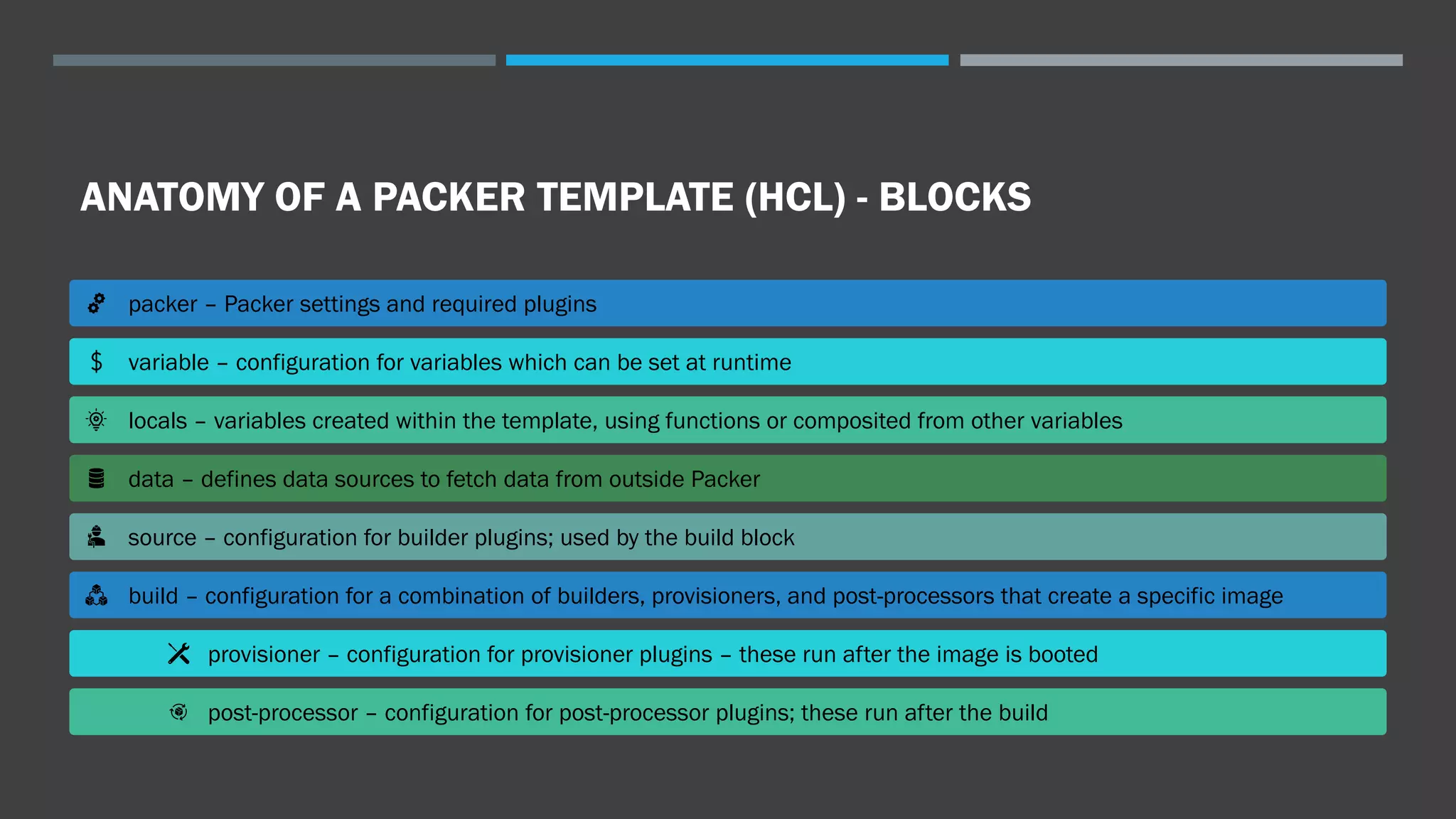
ANATOMY OF A PACKER TEMPLATE (HCL) - BLOCKS
packer – Packer settings and required plugins
variable – configuration for variables which can be set at runtime
locals – variables created within the template, using functions or composited from other variables
data – defines data sources to fetch data from outside Packer
source – configuration for builder plugins; used by the build block
build – configuration for a combination of builders, provisioners, and post-processors that create a specific image
provisioner – configuration for provisioner plugins – these run after the image is booted
post-processor – configuration for post-processor plugins; these run after the build
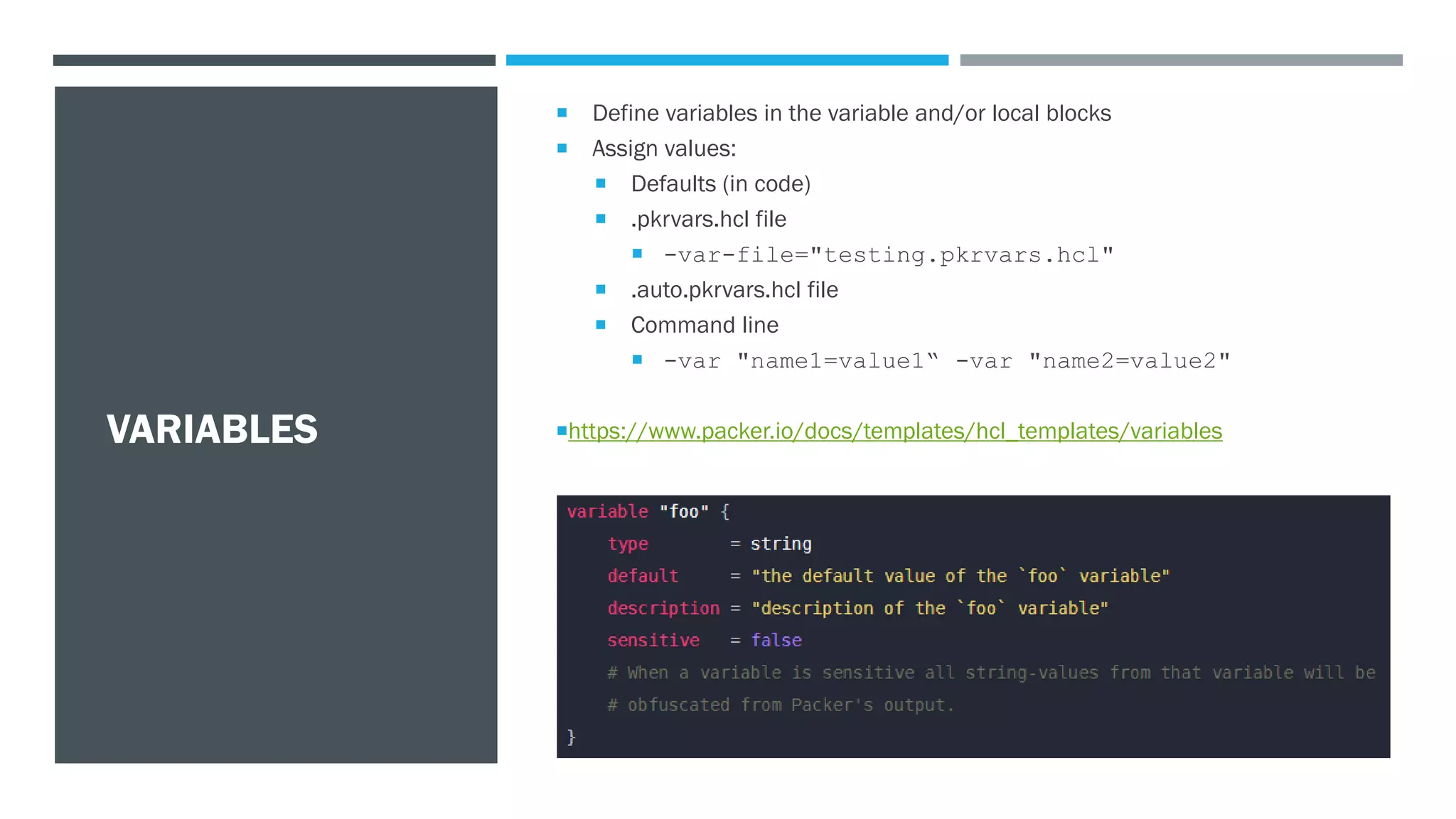
VARIABLES
 Define variables in the variable and/or local blocks
 Assign values:
 Defaults (in code)
 .pkrvars.hcl file
 -var-file="testing.pkrvars.hcl"
 .auto.pkrvars.hcl file
 Command line
 -var "name1=value1“ -var "name2=value2"
https://www.packer.io/docs/templates/hcl_templates/variables
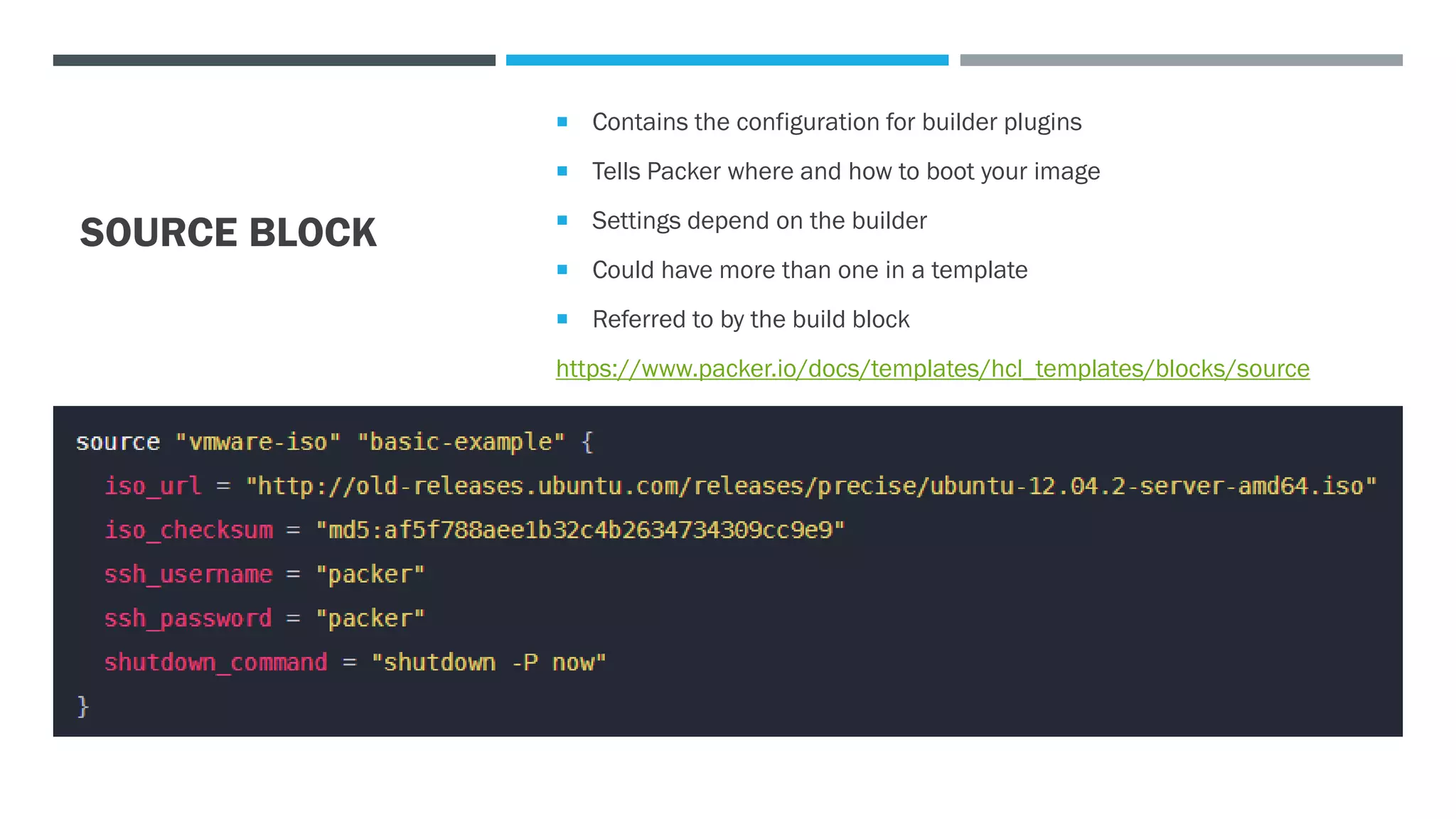
SOURCE BLOCK
 Contains the configuration for builder plugins
 Tells Packer where and how to boot your image
 Settings depend on the builder
 Could have more than one in a template
 Referred to by the build block
https://www.packer.io/docs/templates/hcl_templates/blocks/source
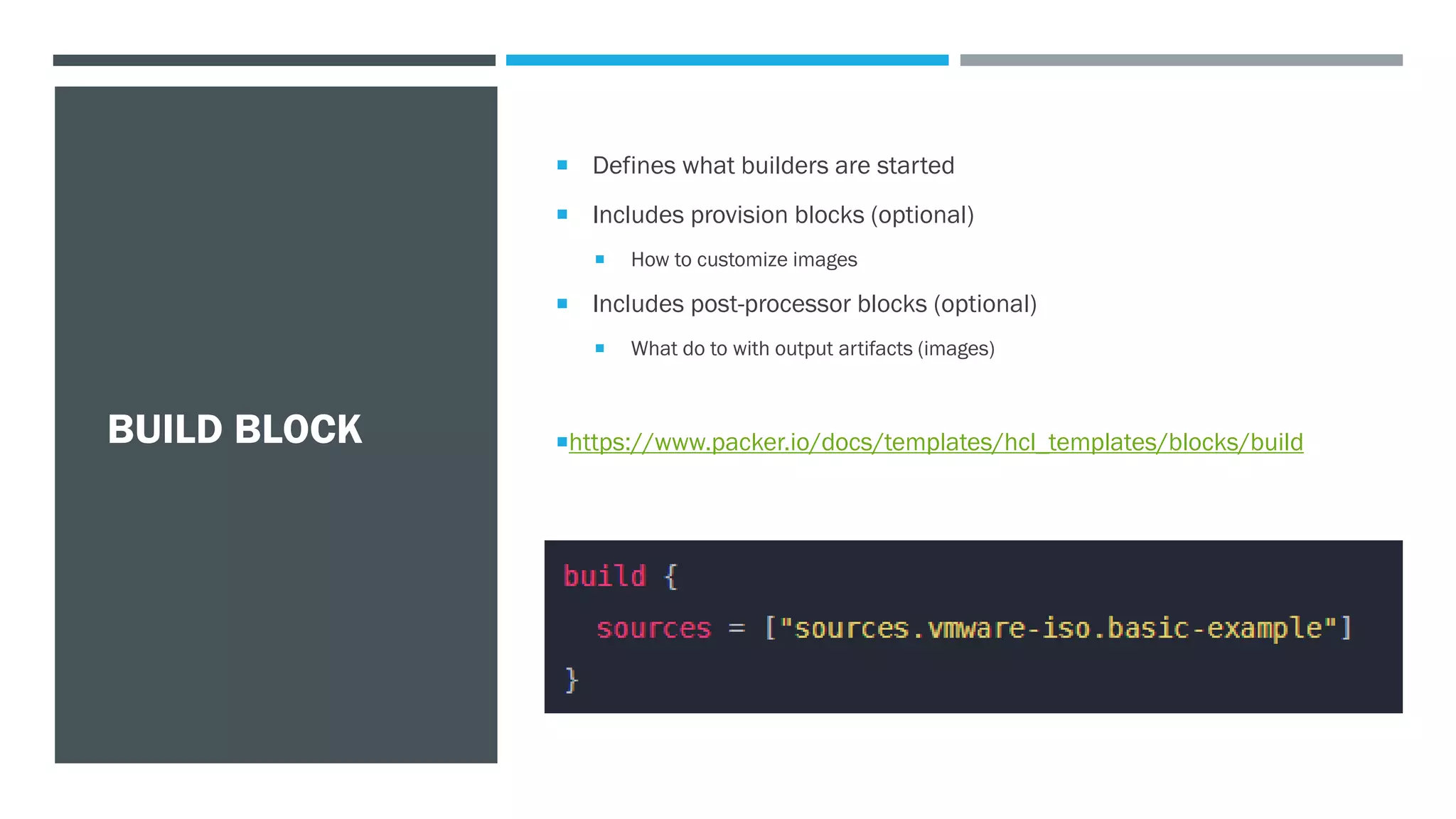
BUILD BLOCK
 Defines what builders are started
 Includes provision blocks (optional)
 How to customize images
 Includes post-processor blocks (optional)
 What do to with output artifacts (images)
https://www.packer.io/docs/templates/hcl_templates/blocks/build
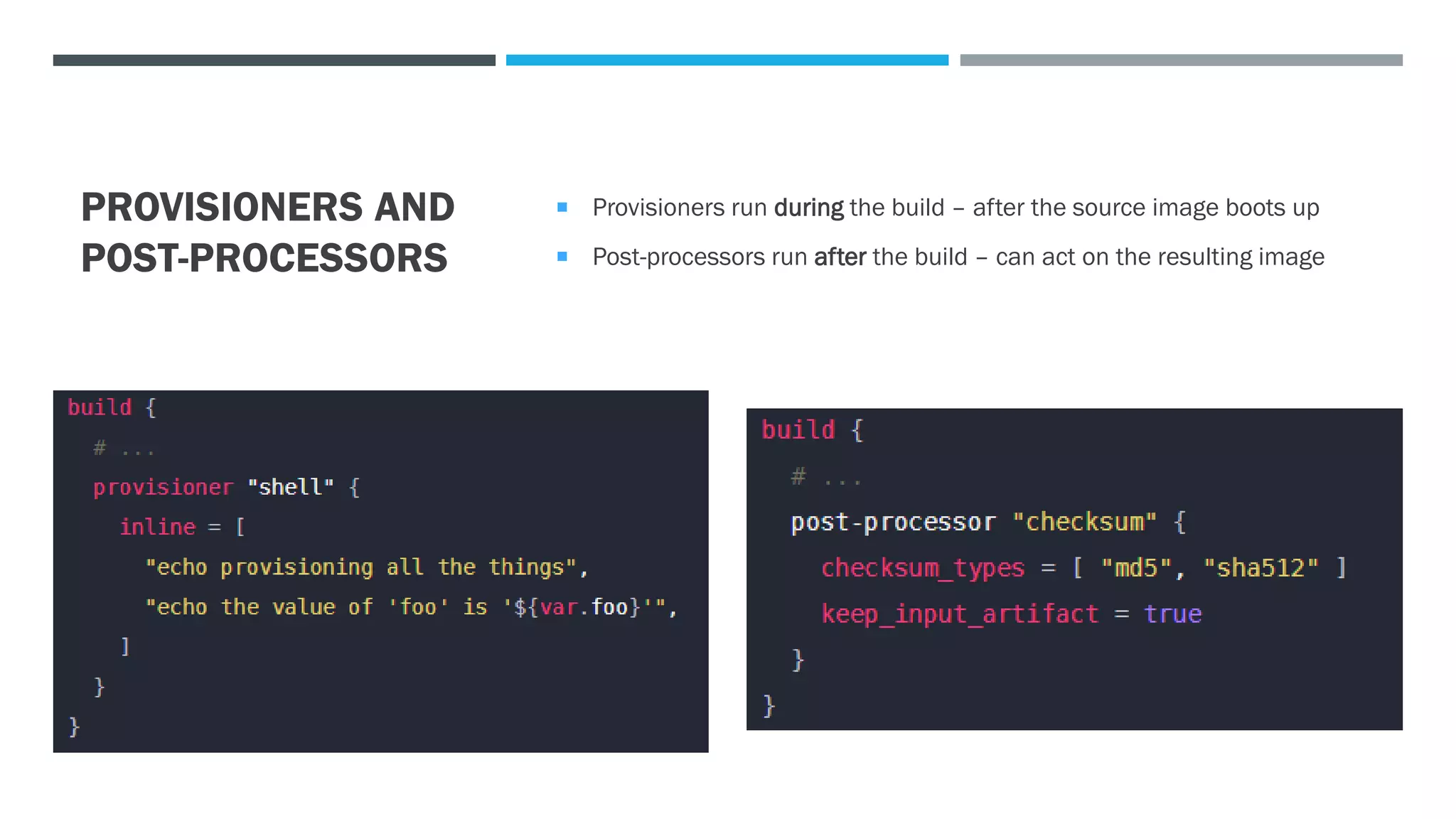
PROVISIONERS AND
POST-PROCESSORS
 Provisioners run during the build – after the source image boots up
 Post-processors run after the build – can act on the resulting image
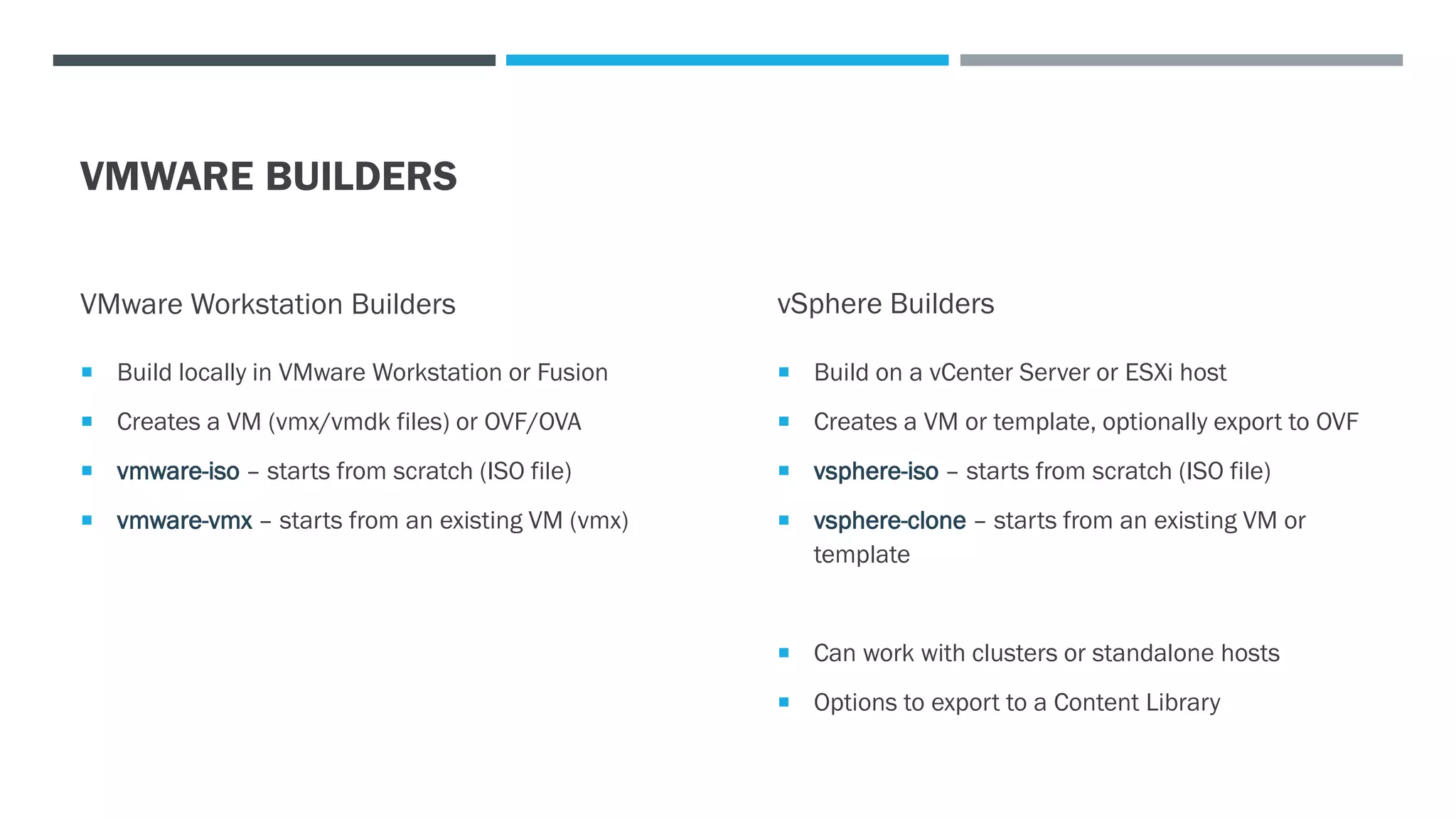
VMWARE BUILDERS
VMware Workstation Builders
 Build locally in VMware Workstation or Fusion
 Creates a VM (vmx/vmdk files) or OVF/OVA
 vmware-iso – starts from scratch (ISO file)
 vmware-vmx – starts from an existing VM (vmx)
vSphere Builders
 Build on a vCenter Server or ESXi host
 Creates a VM or template, optionally export to OVF
 vsphere-iso – starts from scratch (ISO file)
 vsphere-clone – starts from an existing VM or
template
 Can work with clusters or standalone hosts
 Options to export to a Content Library
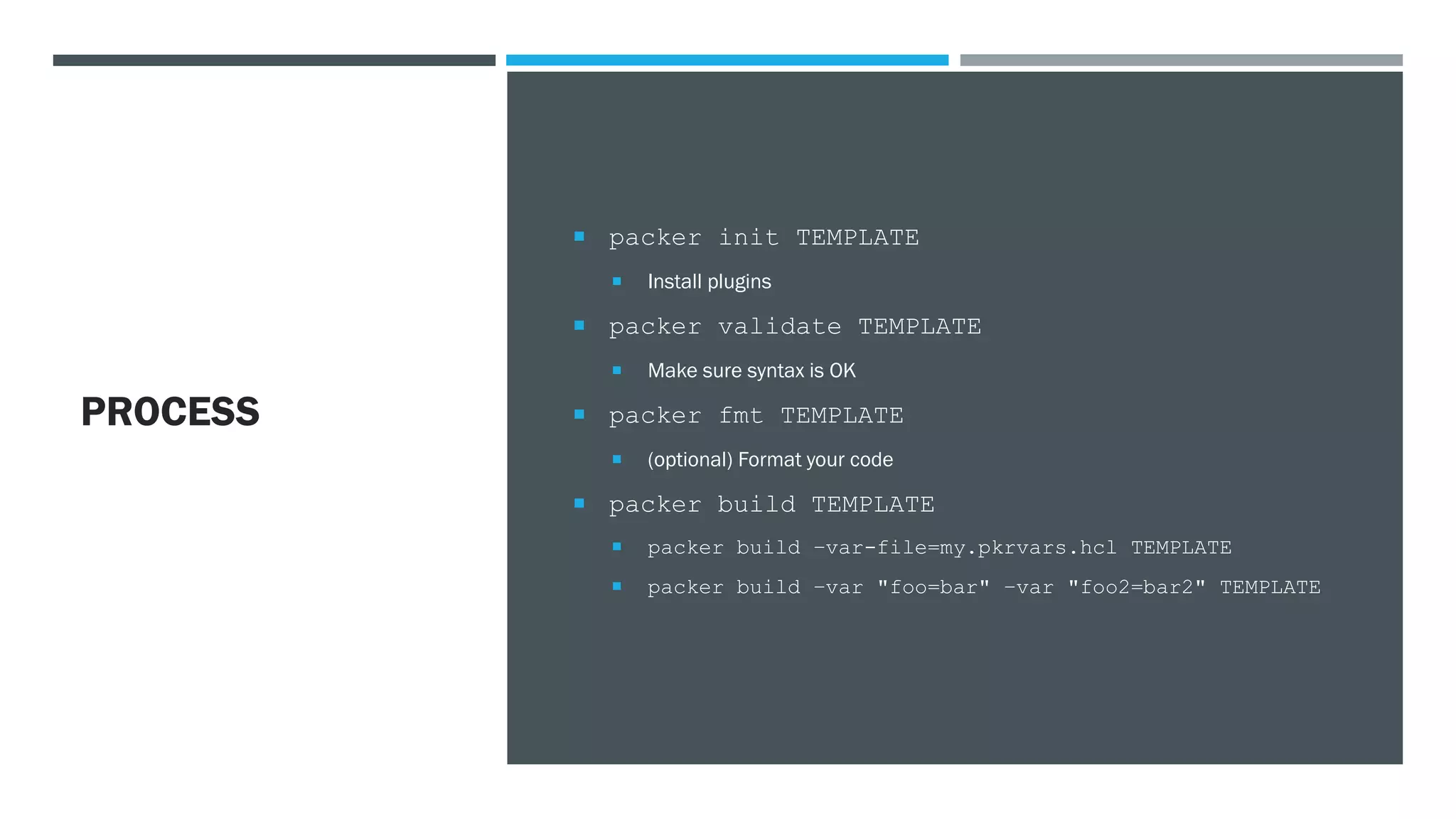
PROCESS
 packer init TEMPLATE
 Install plugins
 packer validate TEMPLATE
 Make sure syntax is OK
 packer fmt TEMPLATE
 (optional) Format your code
 packer build TEMPLATE
 packer build –var-file=my.pkrvars.hcl TEMPLATE
 packer build –var "foo=bar" –var "foo2=bar2" TEMPLATE
https://github.com/danbarr/packer-example
RESOURCE:
EXAMPLE
VSPHERE
TEMPLATES
https://github.com/vmware-samples/packer-examples-for-vsphere
 Excellent collection of Packer templates for many operating
systems
 Great examples to use as-is, or to get ideas on how to use
Packer
RESOURCES
 Download - https://www.packer.io/downloads
 Tutorials - https://learn.hashicorp.com/packer
 Documentation - https://www.packer.io/docs

Automate Building your VM Templates with Packer - CPAVMUG 2021-12-02

  • 1.
  • 2.
    WHAT IS PACKER?  Afree, open source tool for creating machine images for multiple platforms  Cross-platform – run from Windows, Mac, or Linux  Image builds are defined in code, using the HashiCorp configuration language (HCL) or JSON (old way)  Plugins to support building images for many platforms like vSphere, AWS, Azure, Docker, and more  “Provisioners” like shell scripts, Ansible, Salt, and more to configure your images
  • 3.
    WHY?  Consistency –get the same result every time  Images as code – easier to document, version control (history!), and automate  Create identical images across environments – vSphere, Workstation/Fusion, public clouds, etc.  No more monthly “convert to VM, boot up, install updates, shut down, convert to template” cycle – just rebuild!
  • 4.
    ANATOMY OF APACKER TEMPLATE (HCL) - BLOCKS packer – Packer settings and required plugins variable – configuration for variables which can be set at runtime locals – variables created within the template, using functions or composited from other variables data – defines data sources to fetch data from outside Packer source – configuration for builder plugins; used by the build block build – configuration for a combination of builders, provisioners, and post-processors that create a specific image provisioner – configuration for provisioner plugins – these run after the image is booted post-processor – configuration for post-processor plugins; these run after the build
  • 5.
    VARIABLES  Define variablesin the variable and/or local blocks  Assign values:  Defaults (in code)  .pkrvars.hcl file  -var-file="testing.pkrvars.hcl"  .auto.pkrvars.hcl file  Command line  -var "name1=value1“ -var "name2=value2" https://www.packer.io/docs/templates/hcl_templates/variables
  • 6.
    SOURCE BLOCK  Containsthe configuration for builder plugins  Tells Packer where and how to boot your image  Settings depend on the builder  Could have more than one in a template  Referred to by the build block https://www.packer.io/docs/templates/hcl_templates/blocks/source
  • 7.
    BUILD BLOCK  Defineswhat builders are started  Includes provision blocks (optional)  How to customize images  Includes post-processor blocks (optional)  What do to with output artifacts (images) https://www.packer.io/docs/templates/hcl_templates/blocks/build
  • 8.
    PROVISIONERS AND POST-PROCESSORS  Provisionersrun during the build – after the source image boots up  Post-processors run after the build – can act on the resulting image
  • 9.
    VMWARE BUILDERS VMware WorkstationBuilders  Build locally in VMware Workstation or Fusion  Creates a VM (vmx/vmdk files) or OVF/OVA  vmware-iso – starts from scratch (ISO file)  vmware-vmx – starts from an existing VM (vmx) vSphere Builders  Build on a vCenter Server or ESXi host  Creates a VM or template, optionally export to OVF  vsphere-iso – starts from scratch (ISO file)  vsphere-clone – starts from an existing VM or template  Can work with clusters or standalone hosts  Options to export to a Content Library
  • 10.
    PROCESS  packer initTEMPLATE  Install plugins  packer validate TEMPLATE  Make sure syntax is OK  packer fmt TEMPLATE  (optional) Format your code  packer build TEMPLATE  packer build –var-file=my.pkrvars.hcl TEMPLATE  packer build –var "foo=bar" –var "foo2=bar2" TEMPLATE
  • 11.
  • 12.
    RESOURCE: EXAMPLE VSPHERE TEMPLATES https://github.com/vmware-samples/packer-examples-for-vsphere  Excellent collectionof Packer templates for many operating systems  Great examples to use as-is, or to get ideas on how to use Packer
  • 13.
    RESOURCES  Download -https://www.packer.io/downloads  Tutorials - https://learn.hashicorp.com/packer  Documentation - https://www.packer.io/docs