Immutable AWS Deployments
with Packer and Jenkins
Scale by the Bay, 2017
Manish Pandit
About
Manish Pandit
Director of Platform Engineering @Marqeta
Twitter : @lobster1234
Blog: lobster1234.github.io
Show of hands
Deployments
DevOps, CI/CD, Tooling,..
AWS (or something similar!)
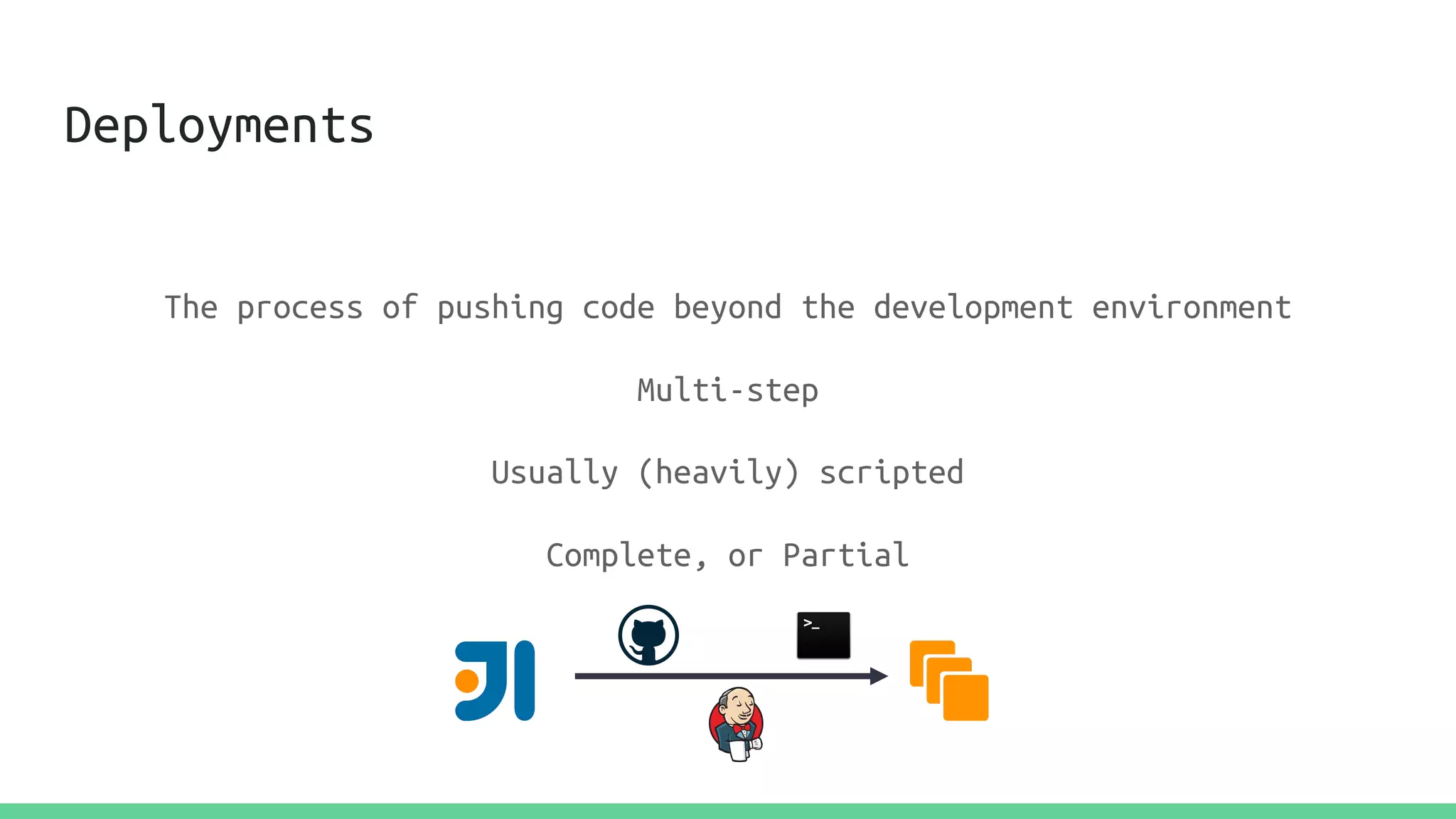
Deployments
The process of pushing code beyond the development environment
Multi-step
Usually (heavily) scripted
Complete, or Partial
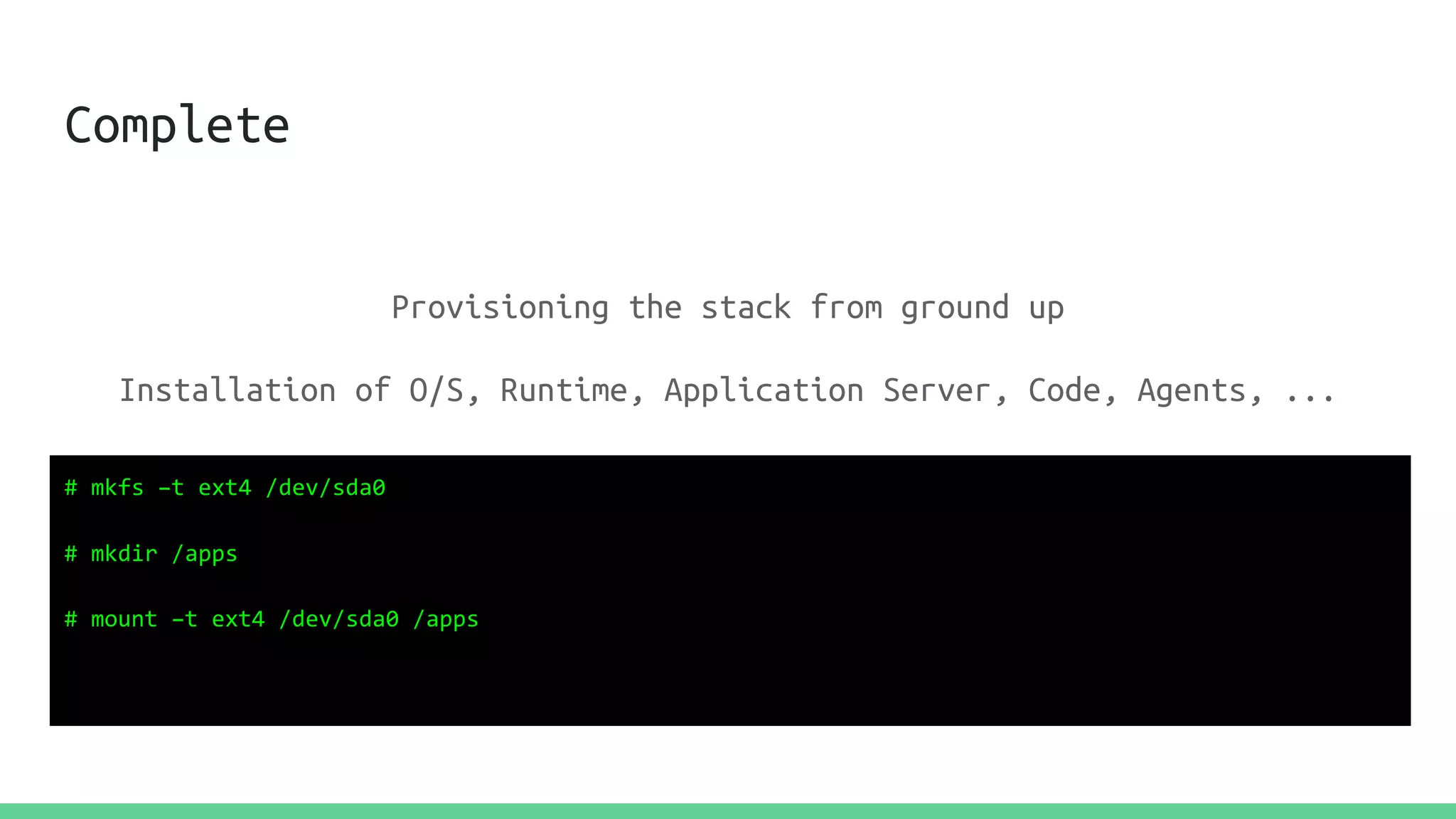
Complete
Provisioning the stack from ground up
Installation of O/S, Runtime, Application Server, Code, Agents, ...
# mkfs –t ext4 /dev/sda0
# mkdir /apps
# mount –t ext4 /dev/sda0 /apps
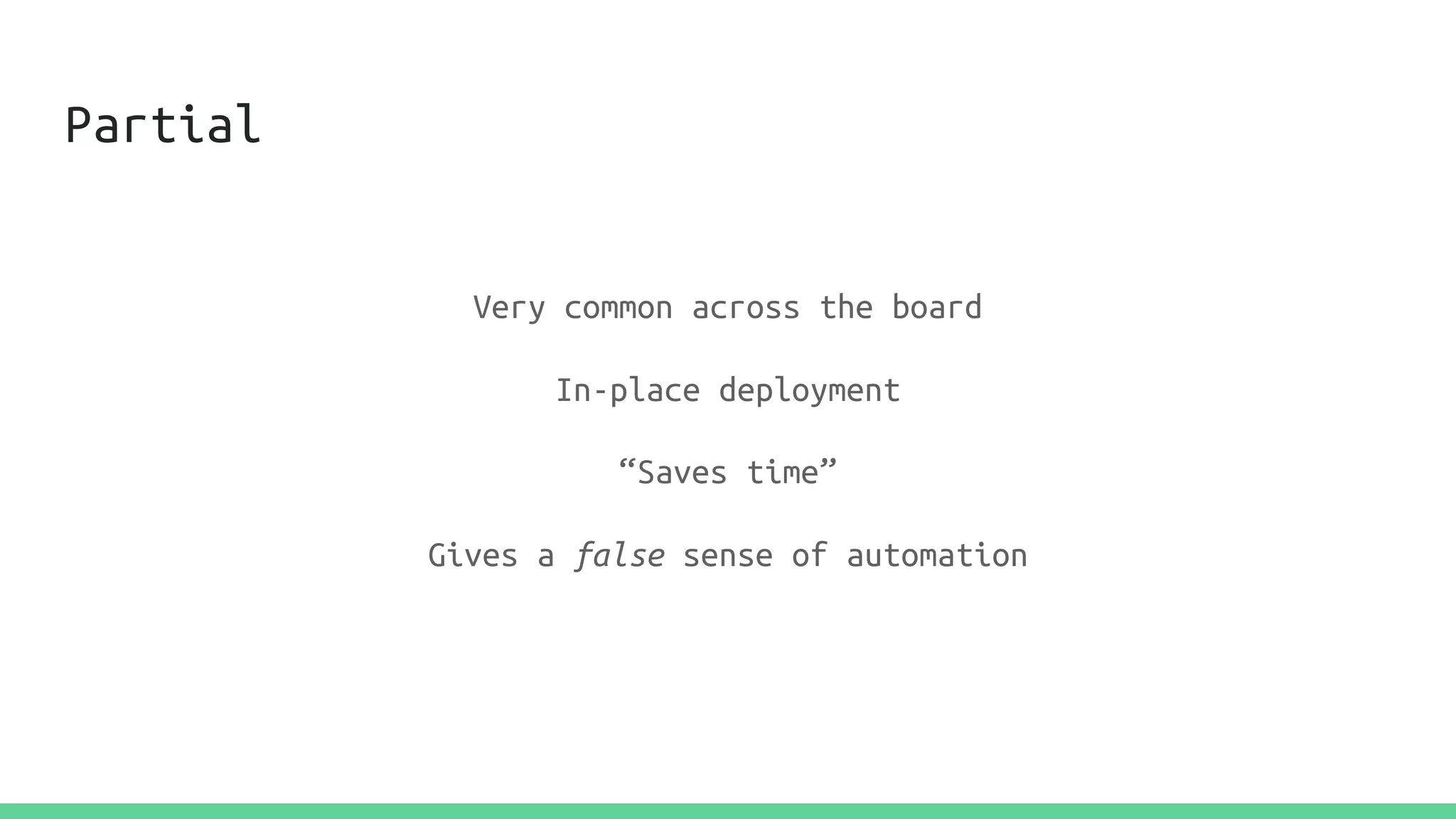
Partial
Very common across the board
In-place deployment
“Saves time”
Gives a false sense of automation
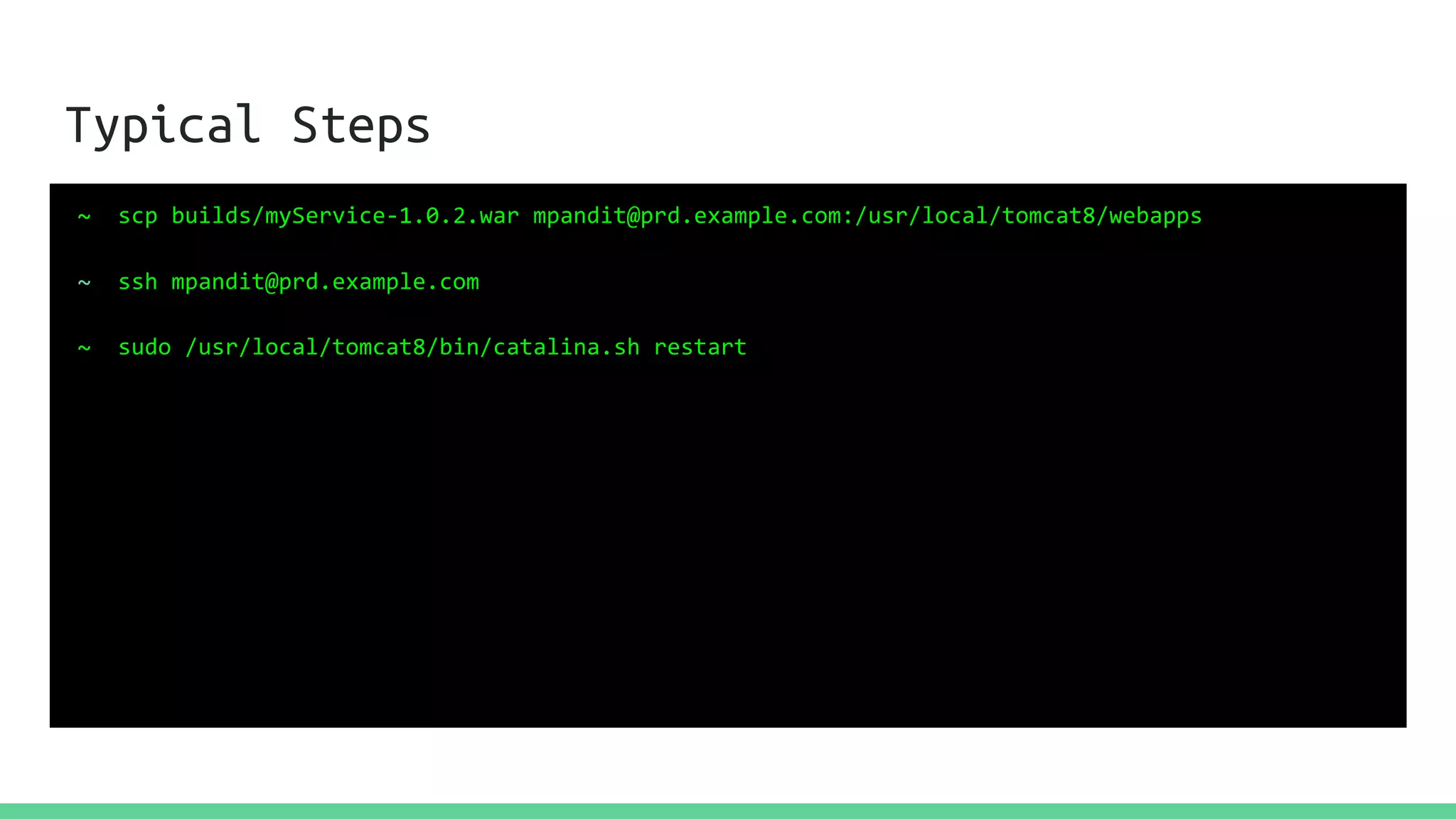
Typical Steps
~ scp builds/myService-1.0.2.war mpandit@prd.example.com:/usr/local/tomcat8/webapps
~ ssh mpandit@prd.example.com
~ sudo /usr/local/tomcat8/bin/catalina.sh restart
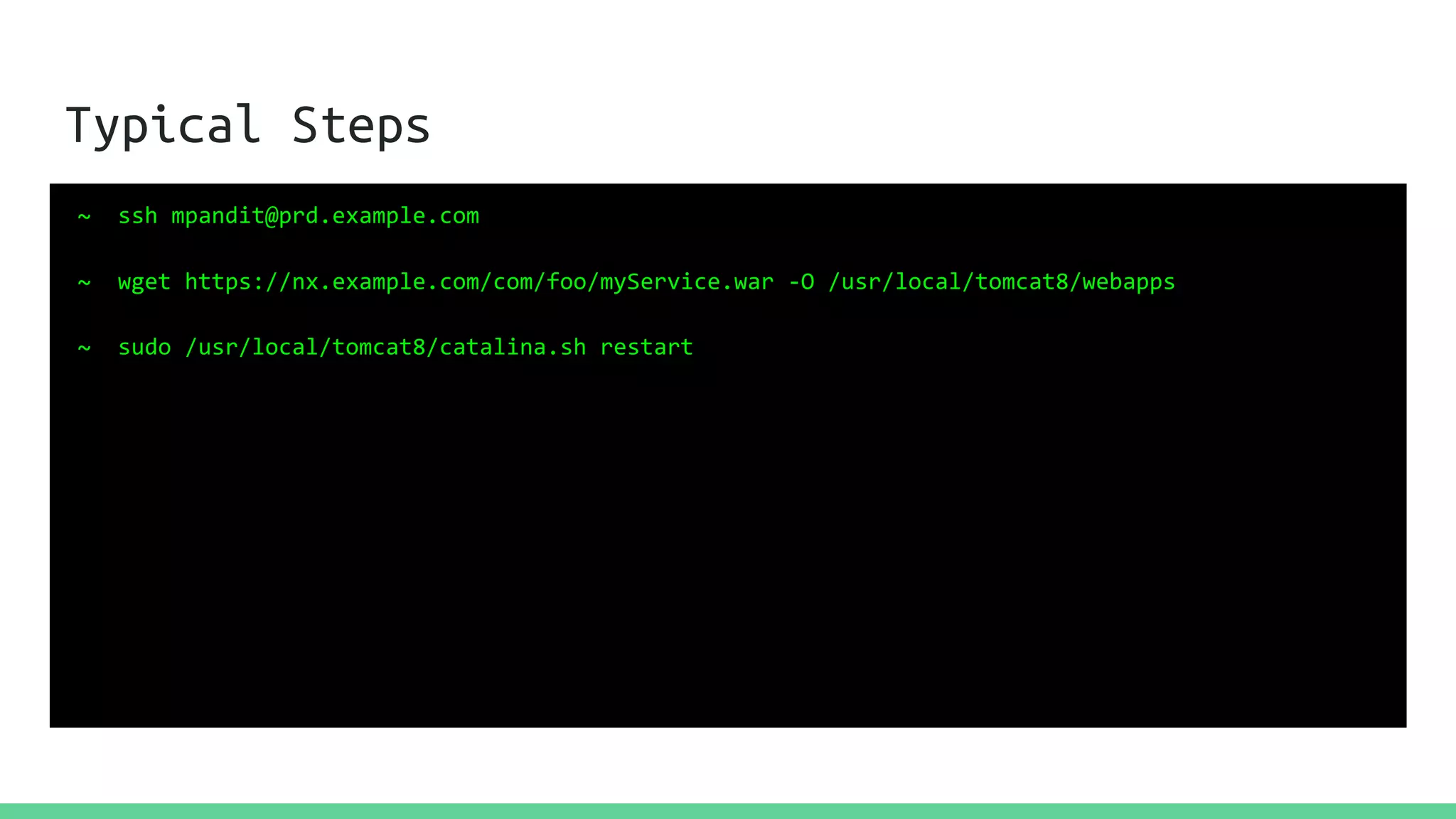
Typical Steps
~ ssh mpandit@prd.example.com
~ wget https://nx.example.com/com/foo/myService.war -O /usr/local/tomcat8/webapps
~ sudo /usr/local/tomcat8/catalina.sh restart
Automation?
Script this all
Run via a Jenkins job
Fabric (Python), Capistrano, etc.
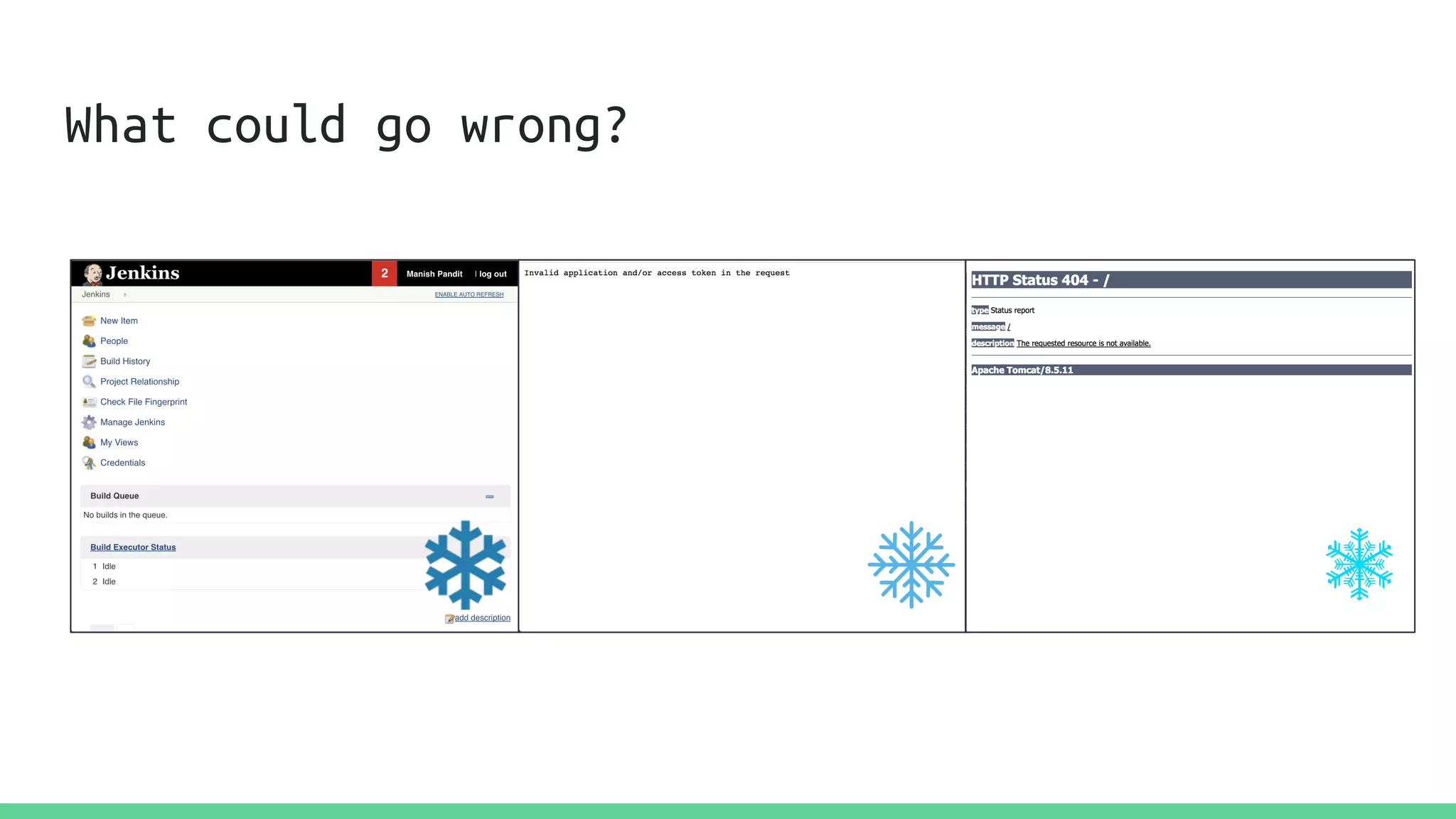
What could go wrong?
Unpatched, outdated dependencies
Inconsistent app behavior
Changes outside of the deployment cycle
Human Error(s)
Does not scale
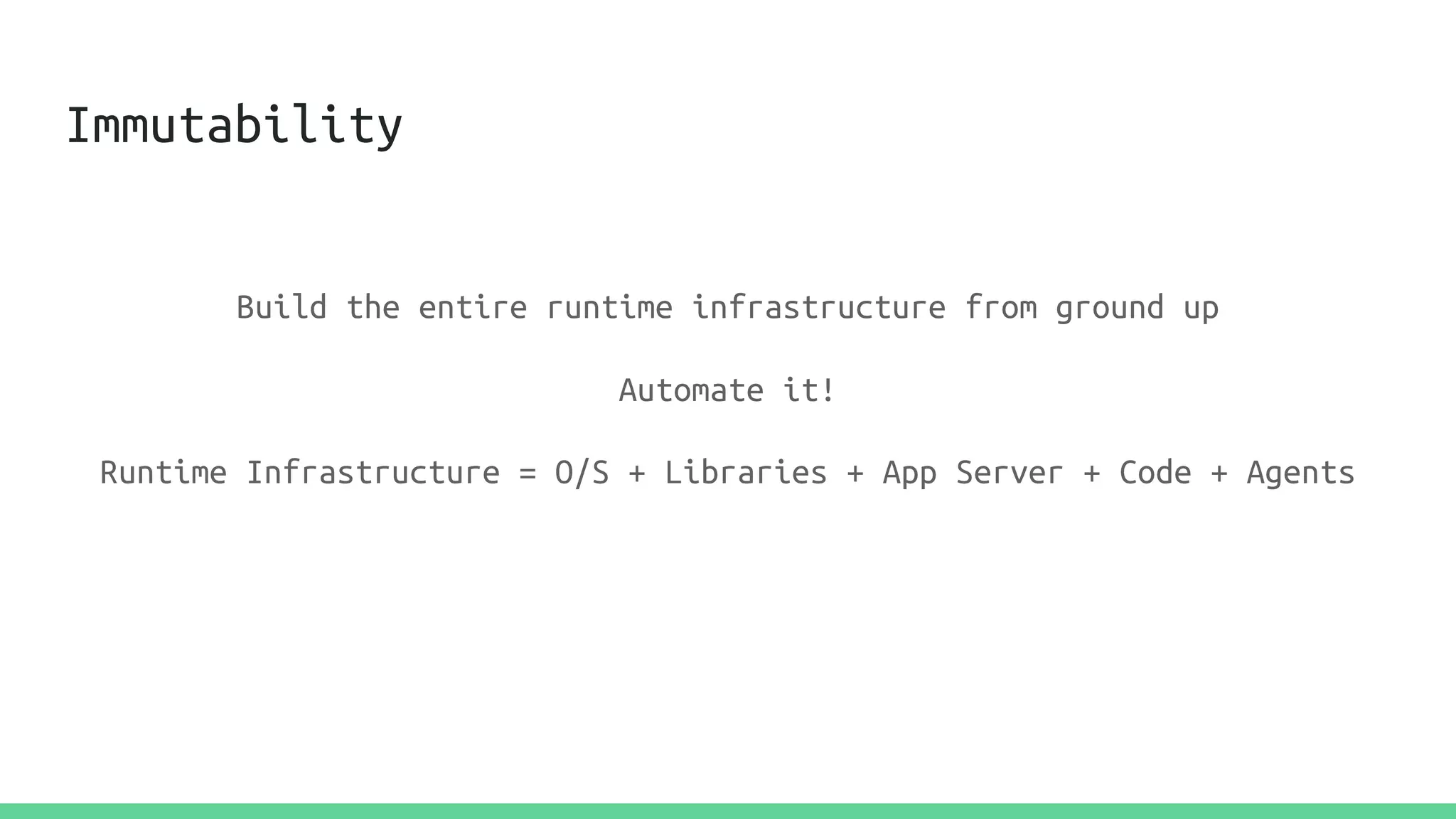
Immutability
Build the entire runtime infrastructure from ground up
Automate it!
Immutability
Build the entire runtime infrastructure from ground up
Automate it!
Runtime Infrastructure = O/S + Libraries + App Server + Code + Agents
AWS
AWS is collection of services for..
Compute
Storage
Databases
Messaging
+ many, many more...
AWS
AWS helps build architectures that are -
Highly Available
Fault Tolerant
Scalable
Cost-efficient
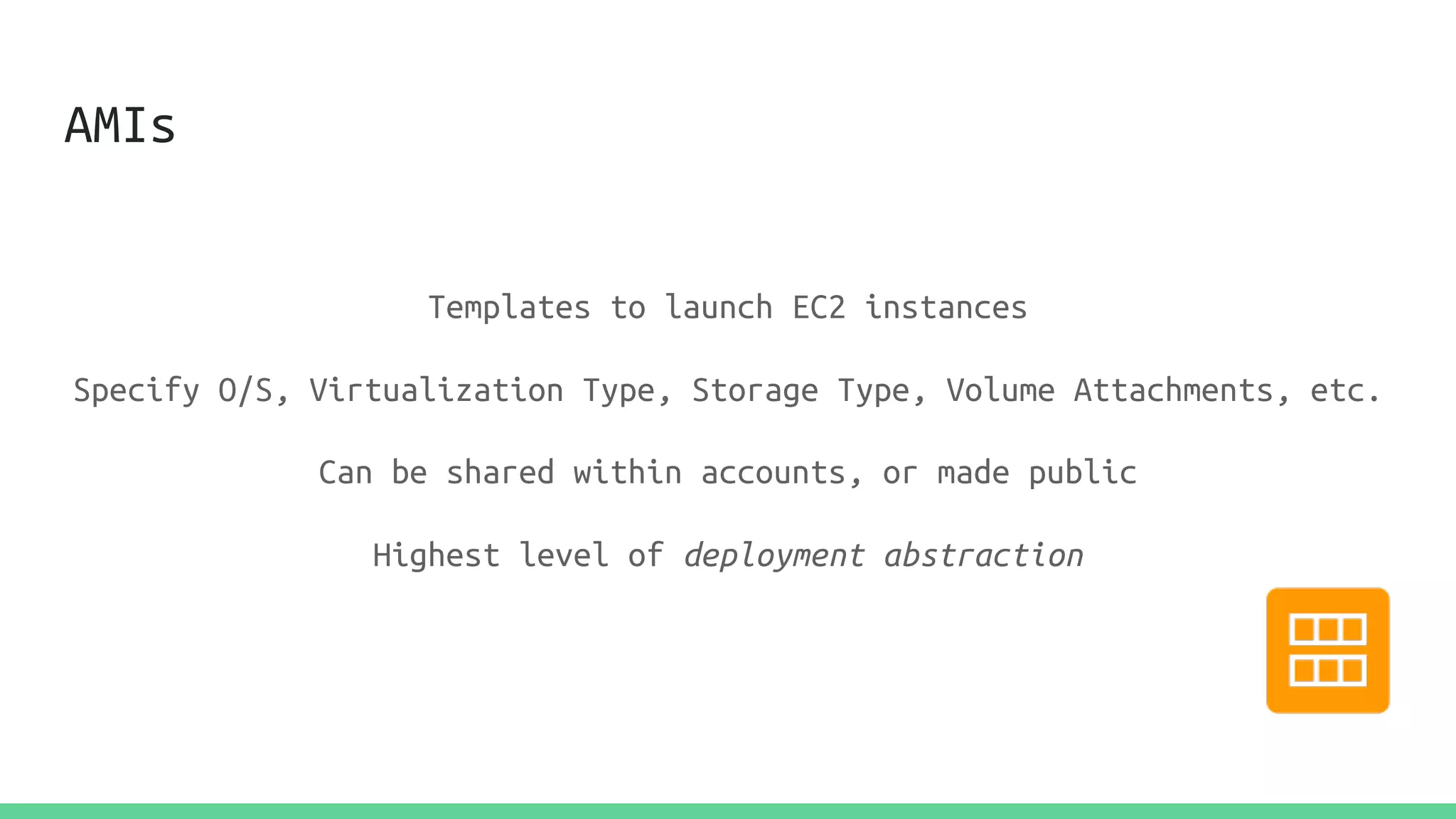
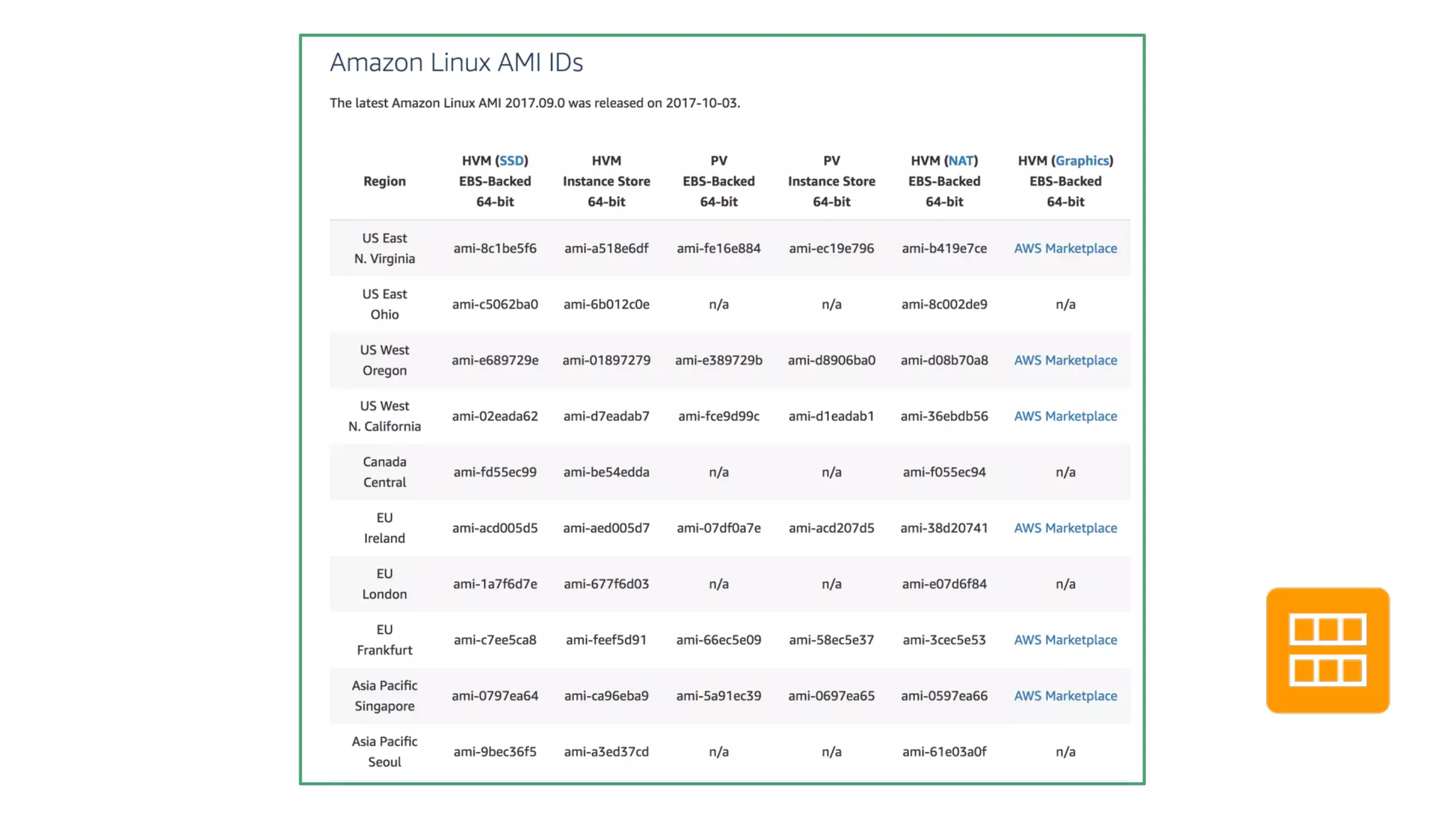
AMIs
Templates to launch EC2 instances
Specify O/S, Virtualization Type, Storage Type, Volume Attachments, etc.
Can be shared within accounts, or made public
Highest level of deployment abstraction
Customize AMIs
Trim the fat
Configure the libraries, tune the parameters
Summary : Make infrastructure, not war*
* Java Reference
Packer
A tool from Hashicorp to create Machine Images
Supports multiple providers
Supports multiple provisioners
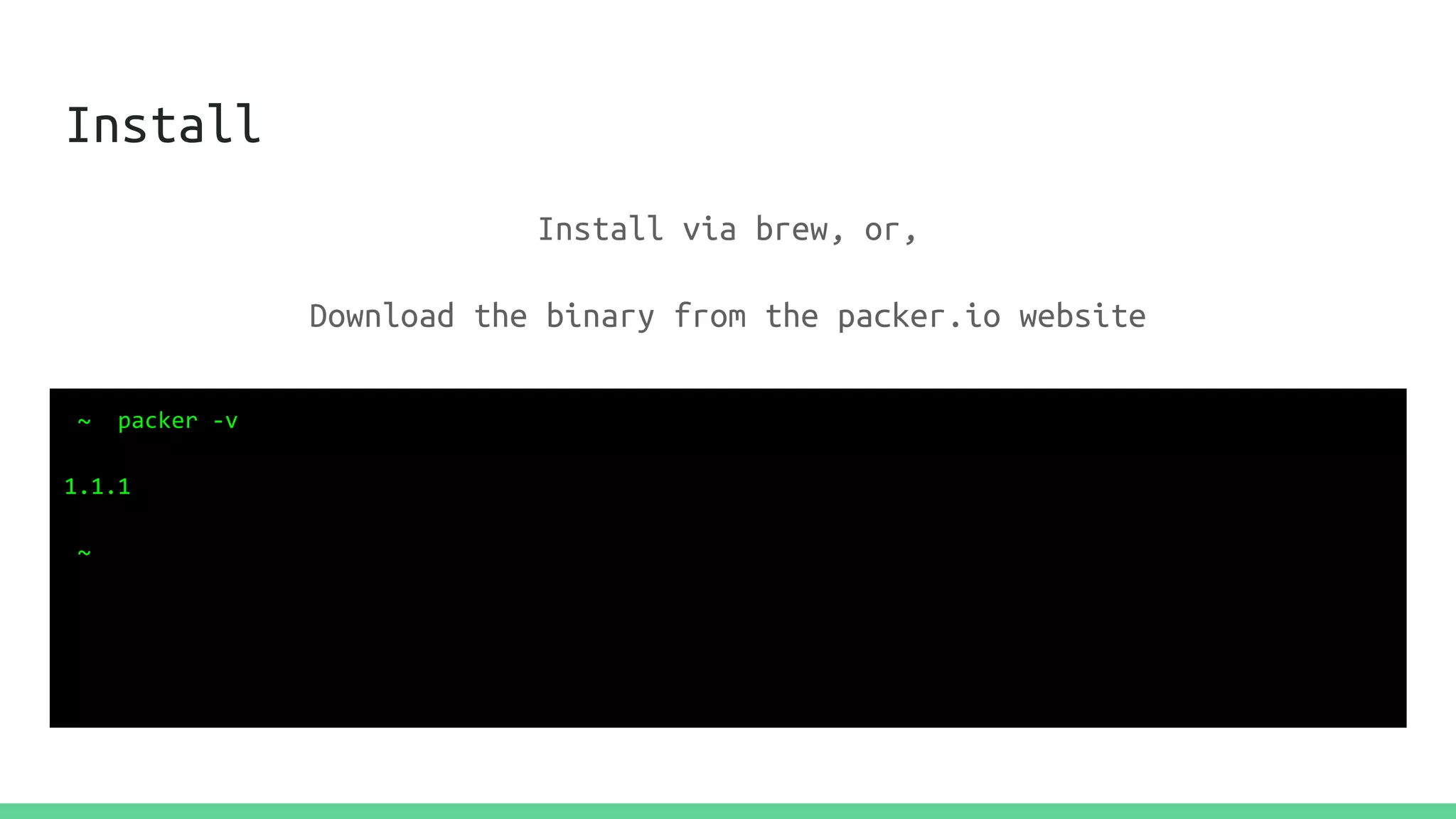
Install
~ packer -v
1.1.1
~
Install via brew, or,
Download the binary from the packer.io website
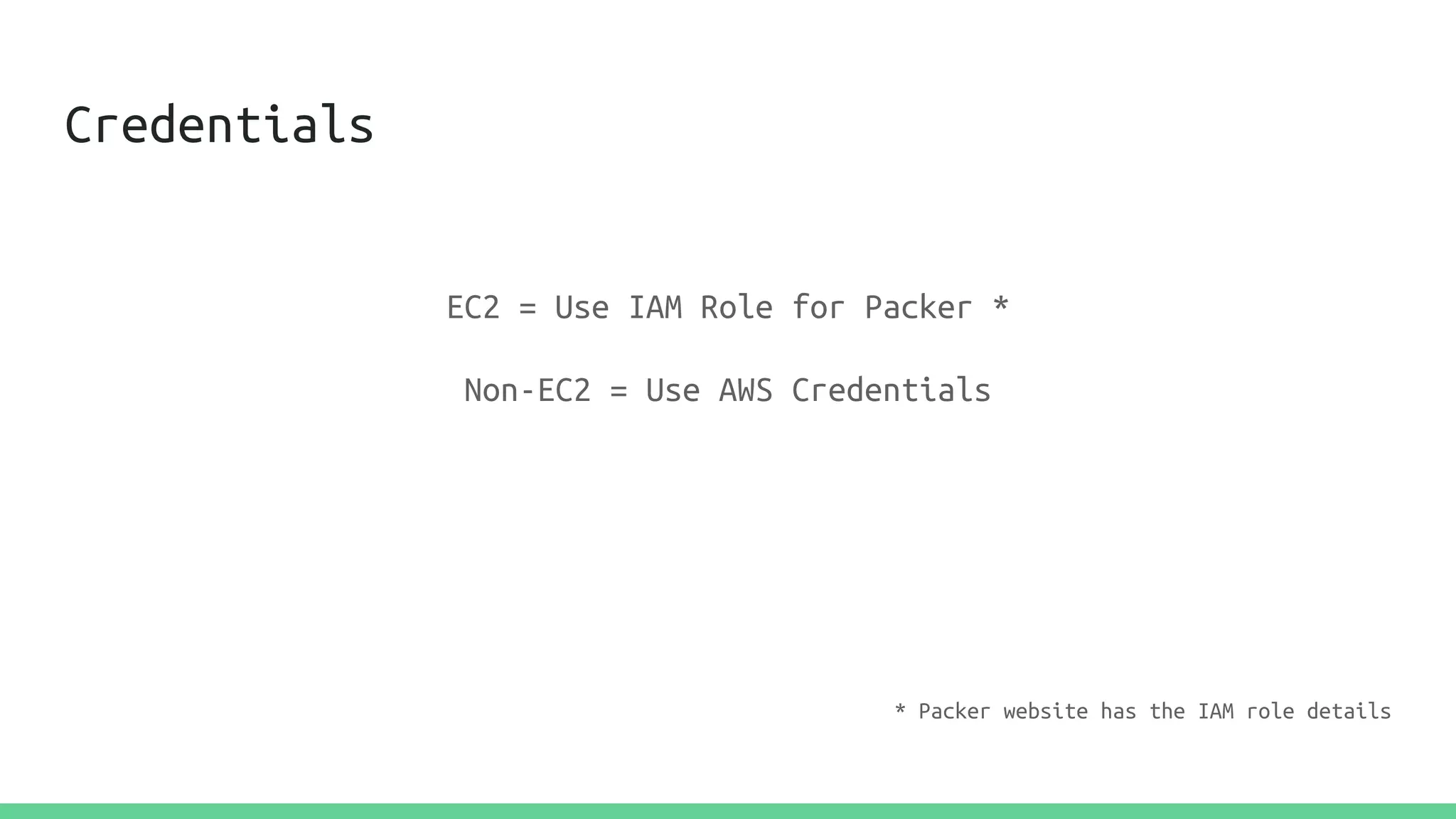
Credentials
EC2 = Use IAM Role for Packer *
Non-EC2 = Use AWS Credentials
* Packer website has the IAM role details
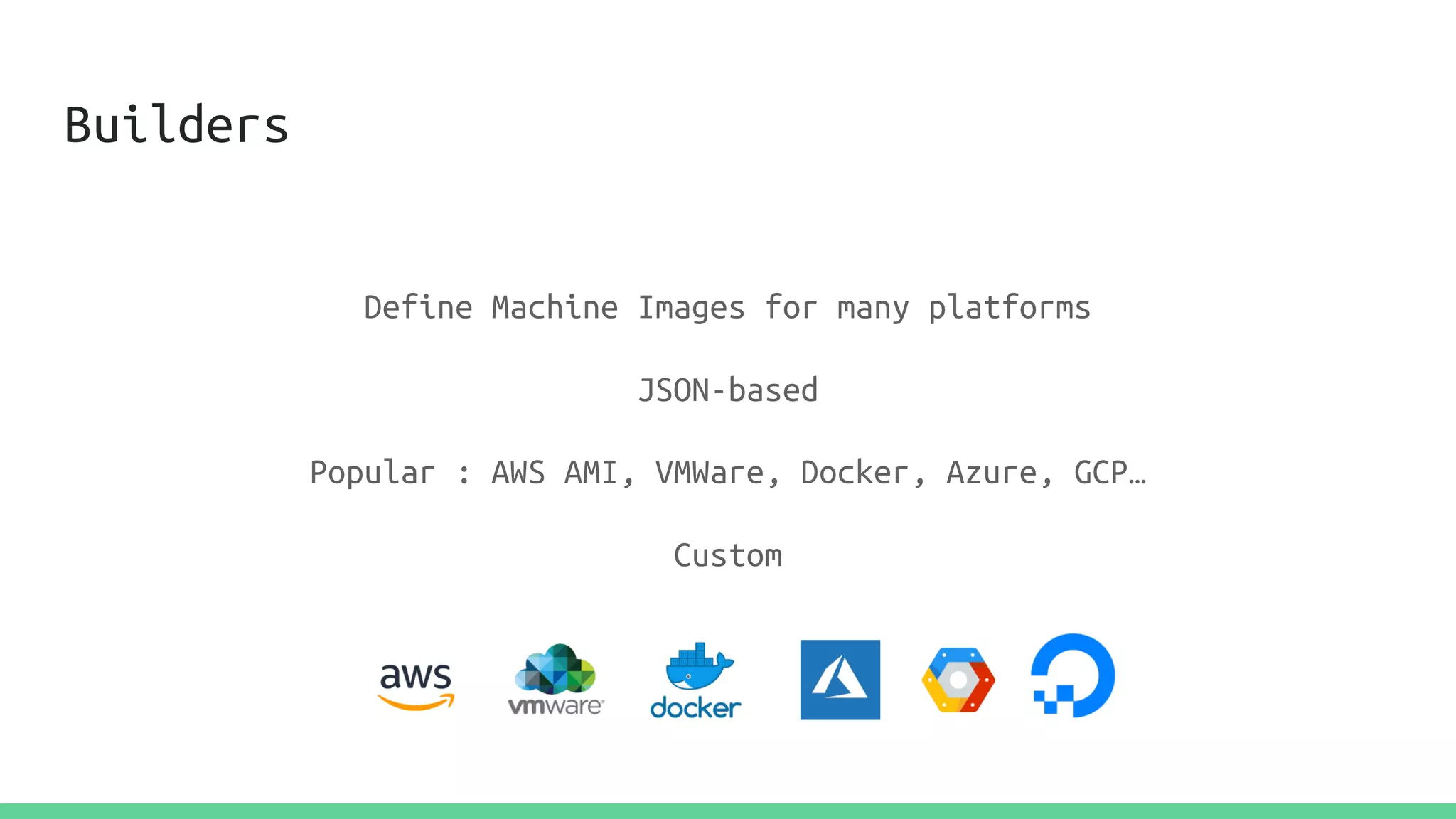
Builders
Define Machine Images for many platforms
JSON-based
Popular : AWS AMI, VMWare, Docker, Azure, GCP…
Custom
AWS AMI Builder
{
"_comment":"Simple Packer Template using Amazon Linux 2017.09.0",
"variables":{
"aws_access_key":"",
"aws_secret_key":""
},
"builders":[
{
"type":"amazon-ebs",
"access_key":"{{user `aws_access_key`}}",
"secret_key":"{{user `aws_secret_key`}}",
"region":"us-east-1",
"source_ami":"ami-8c1be5f6",
"instance_type":"t2.micro",
"ssh_username":"ec2-user",
"ami_name":"ScaleByTheBay AMI"
}
]
}
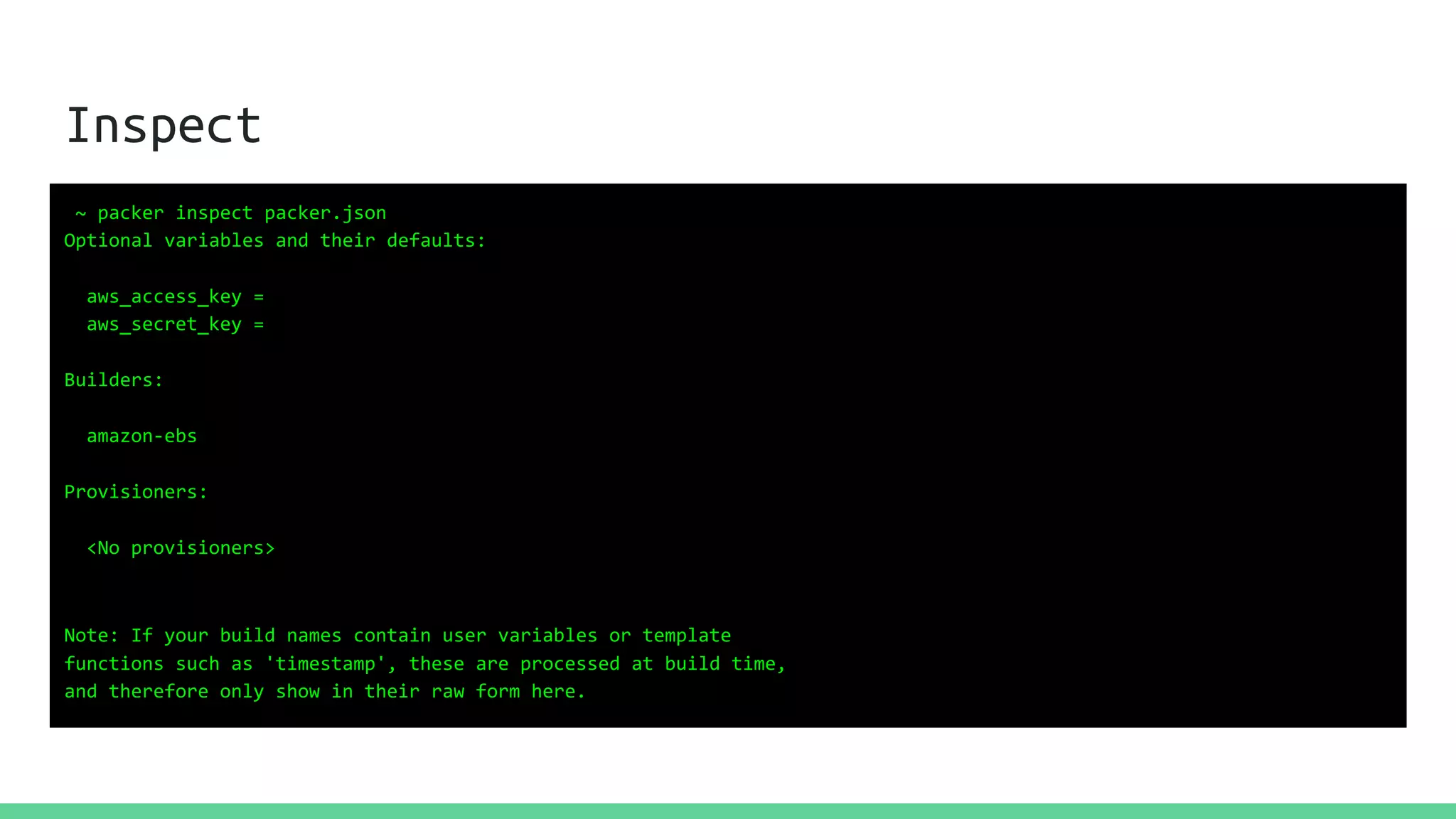
Inspect
~ packer inspect packer.json
Optional variables and their defaults:
aws_access_key =
aws_secret_key =
Builders:
amazon-ebs
Provisioners:
<No provisioners>
Note: If your build names contain user variables or template
functions such as 'timestamp', these are processed at build time,
and therefore only show in their raw form here.
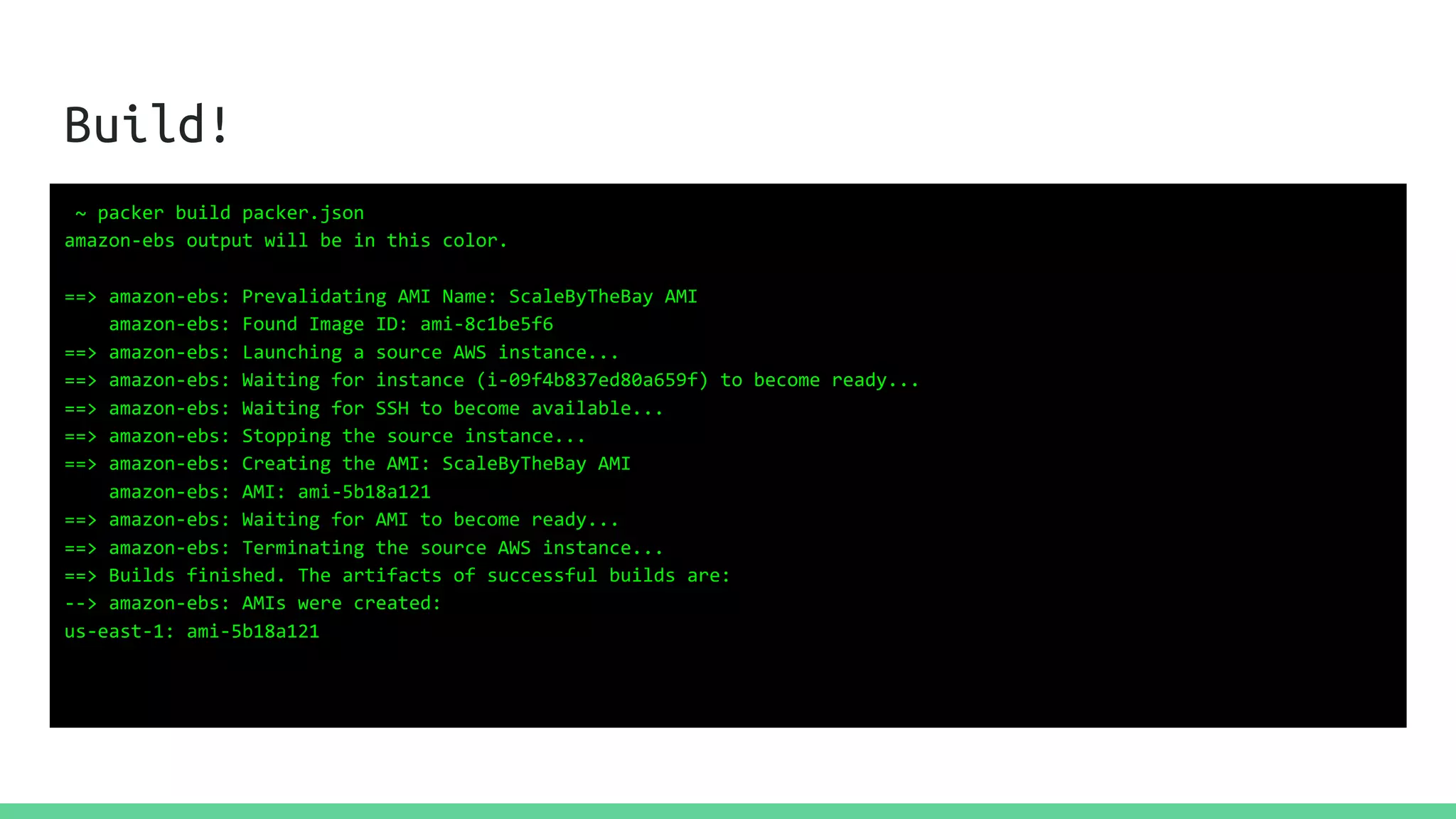
Build!
~ packer build packer.json
amazon-ebs output will be in this color.
==> amazon-ebs: Prevalidating AMI Name: ScaleByTheBay AMI
amazon-ebs: Found Image ID: ami-8c1be5f6
==> amazon-ebs: Launching a source AWS instance...
==> amazon-ebs: Waiting for instance (i-09f4b837ed80a659f) to become ready...
==> amazon-ebs: Waiting for SSH to become available...
==> amazon-ebs: Stopping the source instance...
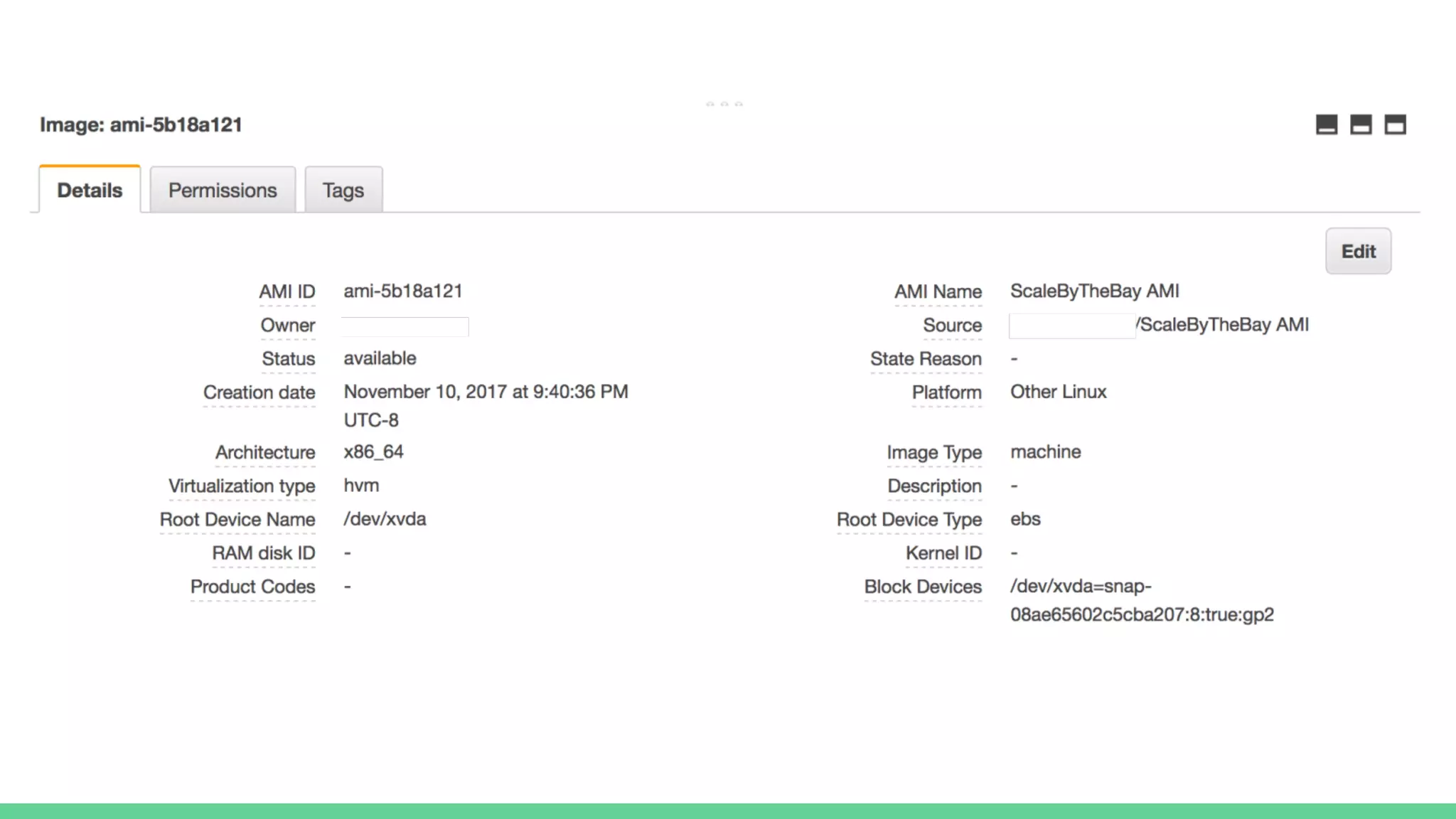
==> amazon-ebs: Creating the AMI: ScaleByTheBay AMI
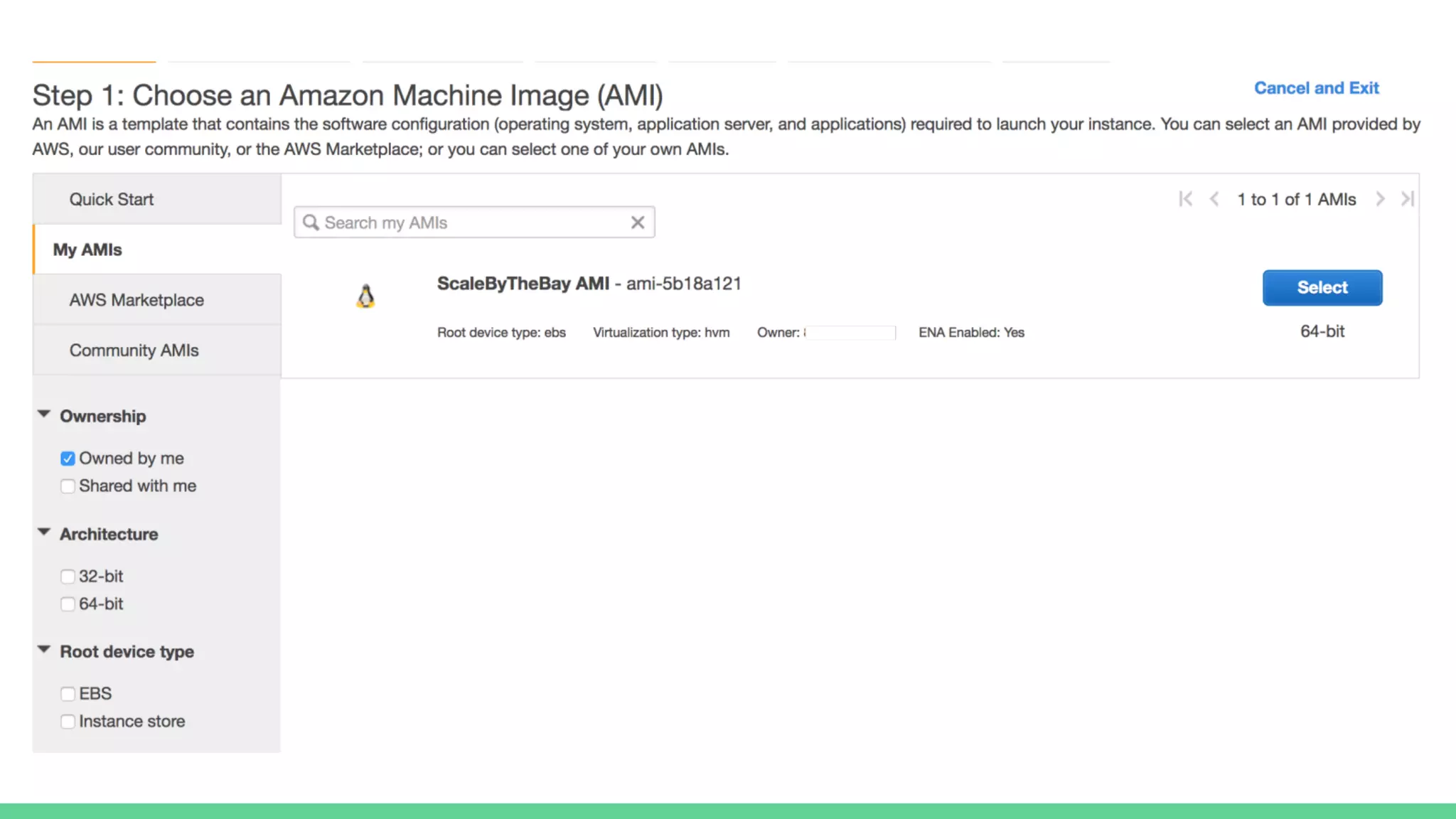
amazon-ebs: AMI: ami-5b18a121
==> amazon-ebs: Waiting for AMI to become ready...
==> amazon-ebs: Terminating the source AWS instance...
==> Builds finished. The artifacts of successful builds are:
--> amazon-ebs: AMIs were created:
us-east-1: ami-5b18a121
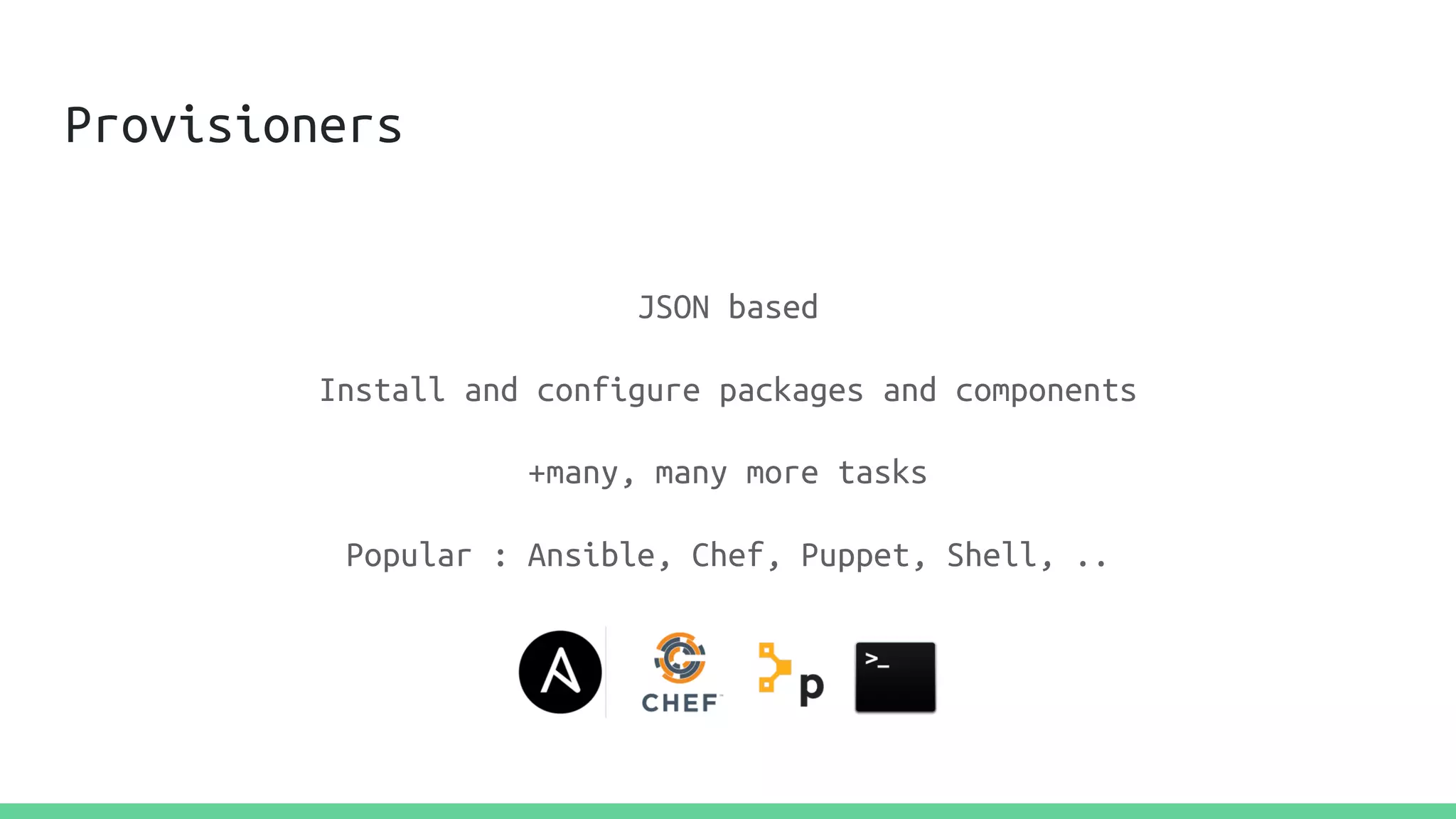
Provisioners
JSON based
Install and configure packages and components
+many, many more tasks
Popular : Ansible, Chef, Puppet, Shell, ..
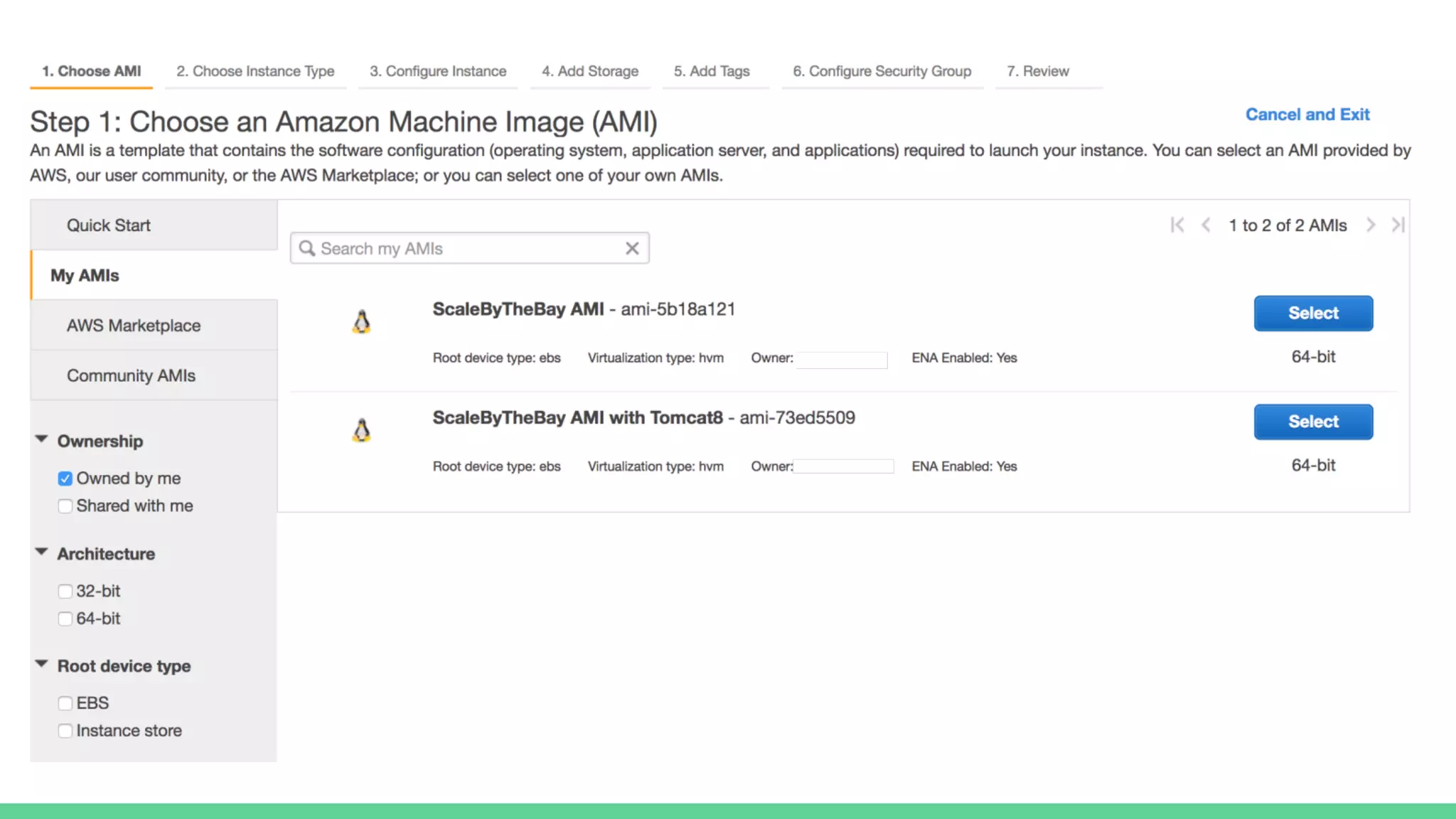
Make our AMI ...useful
1. Apply updates and patches
2. Install OpenJDK 8
3. Install Tomcat 8
4. Download the application artifact, the war
5. Configure Tomcat to run at startup
Let’s Provision our AMI
"provisioners": [{
"type": "shell",
"inline": [
"sudo yum update -y",
"sudo yum install java-1.8.0 java-1.8.0-openjdk-devel tomcat8-webapps -y",
"sudo yum remove java-1.7.0-openjdk -y",
"sudo wget https://github.com/lobster1234/helloworld-api/files/953511/helloworld-api.war.gz -O
/usr/share/tomcat8/webapps/helloworld-api.war.gz",
"sudo gunzip /usr/share/tomcat8/webapps/helloworld-api.war.gz",
"sudo chkconfig tomcat8 on"
]
}]
{
"_comment":"Simple Packer Template using Amazon Linux 2017.09.0",
"variables":{
"aws_access_key":"",
"aws_secret_key":""
},
"builders":[
{
"type":"amazon-ebs",
"access_key":"{{user `aws_access_key`}}",
"secret_key":"{{user `aws_secret_key`}}",
"region":"us-east-1",
"source_ami":"ami-8c1be5f6",
"instance_type":"t2.micro",
"ssh_username":"ec2-user",
"ami_name":"ScaleByTheBay AMI with Tomcat8"
}
],
"provisioners": [{
"type": "shell",
"inline": [
"sleep 30",
"sudo yum update -y",
"sudo yum install java-1.8.0 java-1.8.0-openjdk-devel tomcat8-webapps -y",
"sudo yum remove java-1.7.0-openjdk -y",
"sudo wget https://github.com/lobster1234/helloworld-api/files/953511/helloworld-api.war.gz -O /usr/share/tomcat8/webapps/helloworld-
api.war.gz",
"sudo gunzip /usr/share/tomcat8/webapps/helloworld-api.war.gz",
"sudo chkconfig tomcat8 on"
]
}]
}
Build!
~ packer build packer.json
....
==> amazon-ebs: Connected to SSH!
==> amazon-ebs: Provisioning with shell script: /var/folders/vf/d0q4kjg964581kjjz4969dbny407x7/T/packer-shell539435218
amazon-ebs: Loaded plugins: priorities, update-motd, upgrade-helper
amazon-ebs: Resolving Dependencies
amazon-ebs: --> Running transaction check
amazon-ebs: ---> Package amazon-ssm-agent.x86_64 0:2.1.4.0-1.amzn1 will be updated
amazon-ebs:
amazon-ebs: 2017-11-11 07:51:33 (64.0 MB/s) - ‘/usr/share/tomcat8/webapps/helloworld-api.war.gz’ saved
[1918559/1918559]
amazon-ebs:
==> amazon-ebs: Creating the AMI: ScaleByTheBay AMI with Tomcat8
amazon-ebs: AMI: ami-73ed5509
==> amazon-ebs: Waiting for AMI to become ready...
Build 'amazon-ebs' finished.
==> Builds finished. The artifacts of successful builds are:
--> amazon-ebs: AMIs were created:
us-east-1: ami-73ed5509
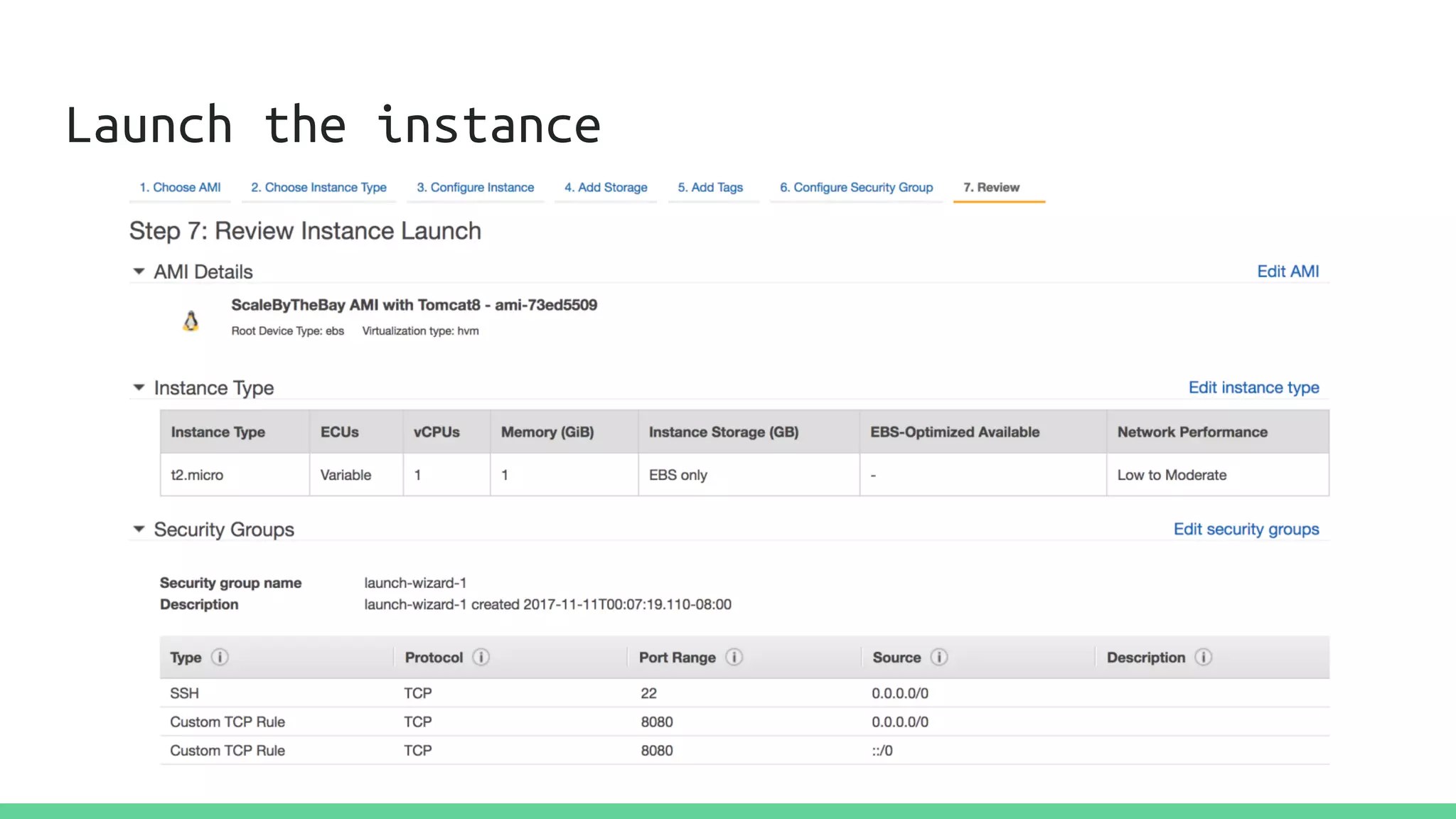
Launch the instance
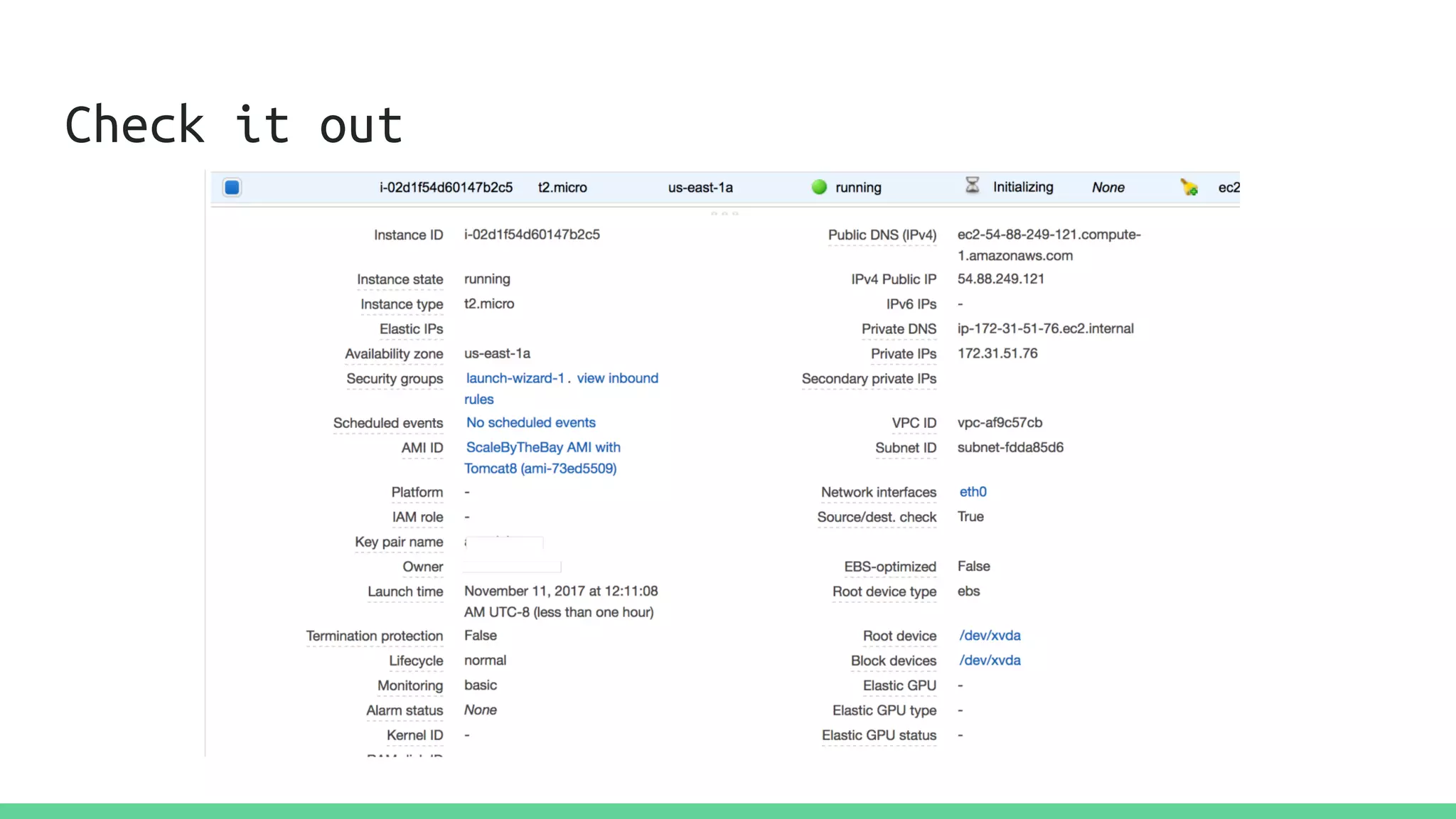
Check it out
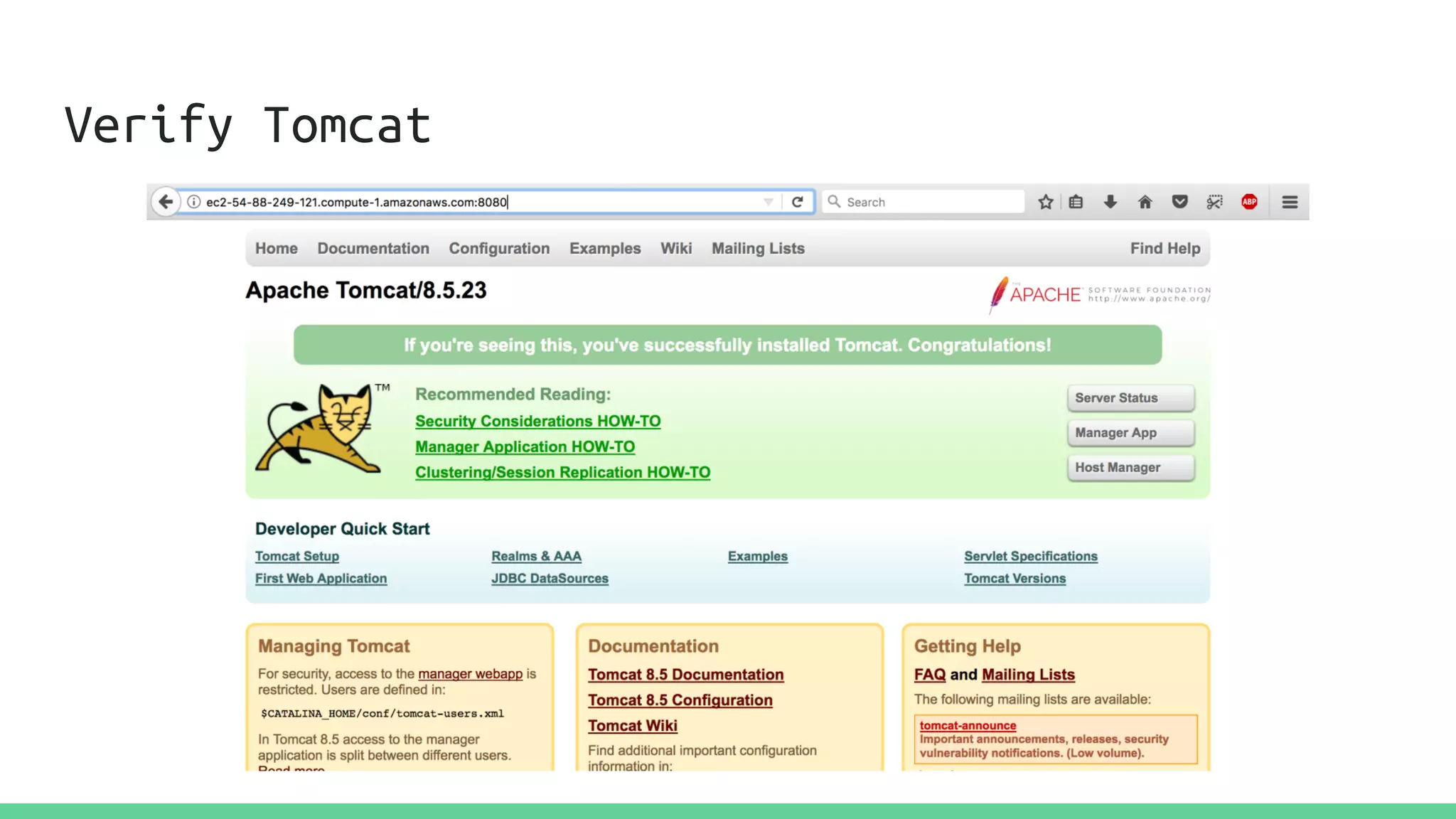
Verify Tomcat
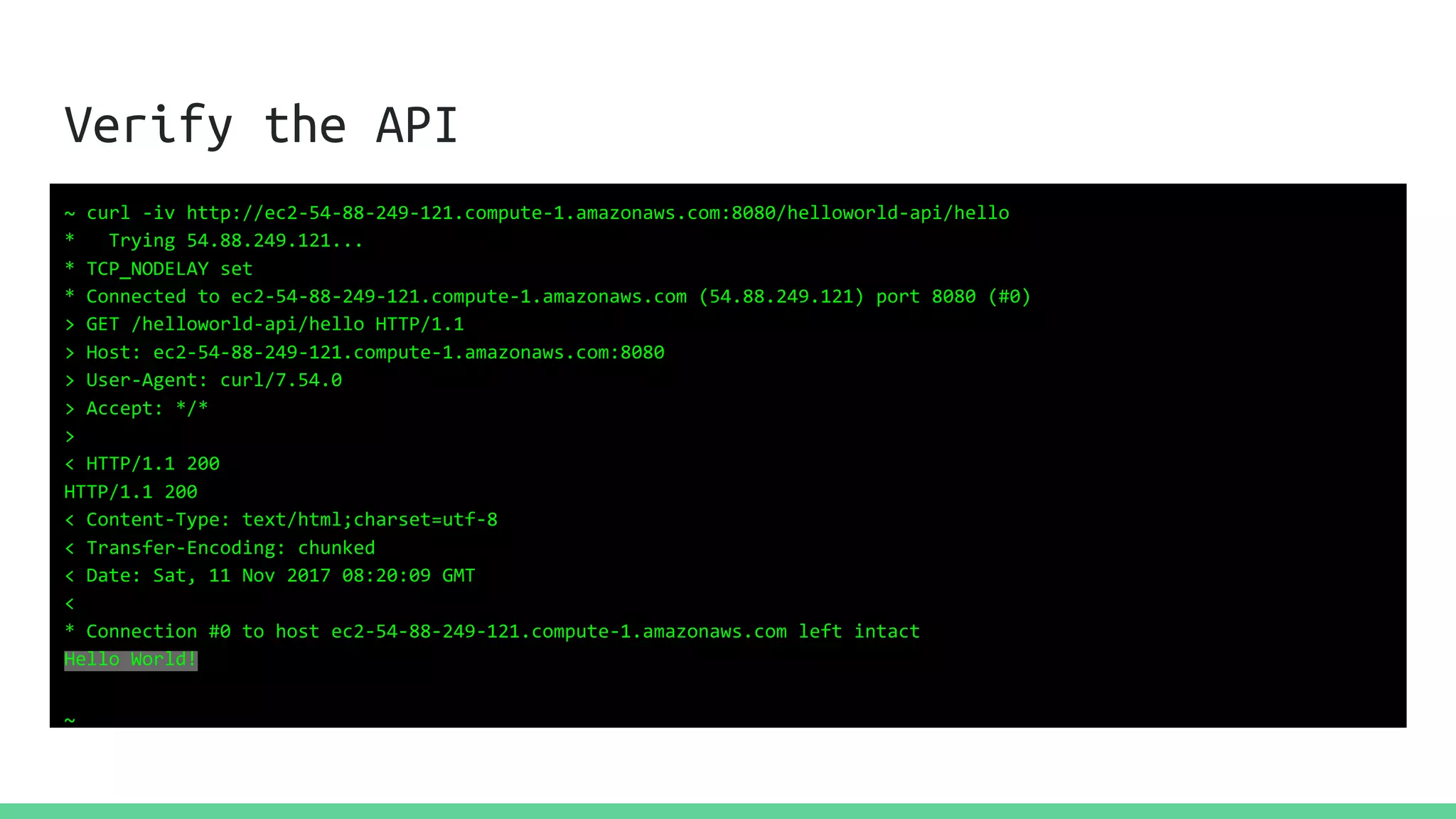
Verify the API
~ curl -iv http://ec2-54-88-249-121.compute-1.amazonaws.com:8080/helloworld-api/hello
* Trying 54.88.249.121...
* TCP_NODELAY set
* Connected to ec2-54-88-249-121.compute-1.amazonaws.com (54.88.249.121) port 8080 (#0)
> GET /helloworld-api/hello HTTP/1.1
> Host: ec2-54-88-249-121.compute-1.amazonaws.com:8080
> User-Agent: curl/7.54.0
> Accept: */*
>
< HTTP/1.1 200
HTTP/1.1 200
< Content-Type: text/html;charset=utf-8
< Transfer-Encoding: chunked
< Date: Sat, 11 Nov 2017 08:20:09 GMT
<
* Connection #0 to host ec2-54-88-249-121.compute-1.amazonaws.com left intact
Hello World!
~
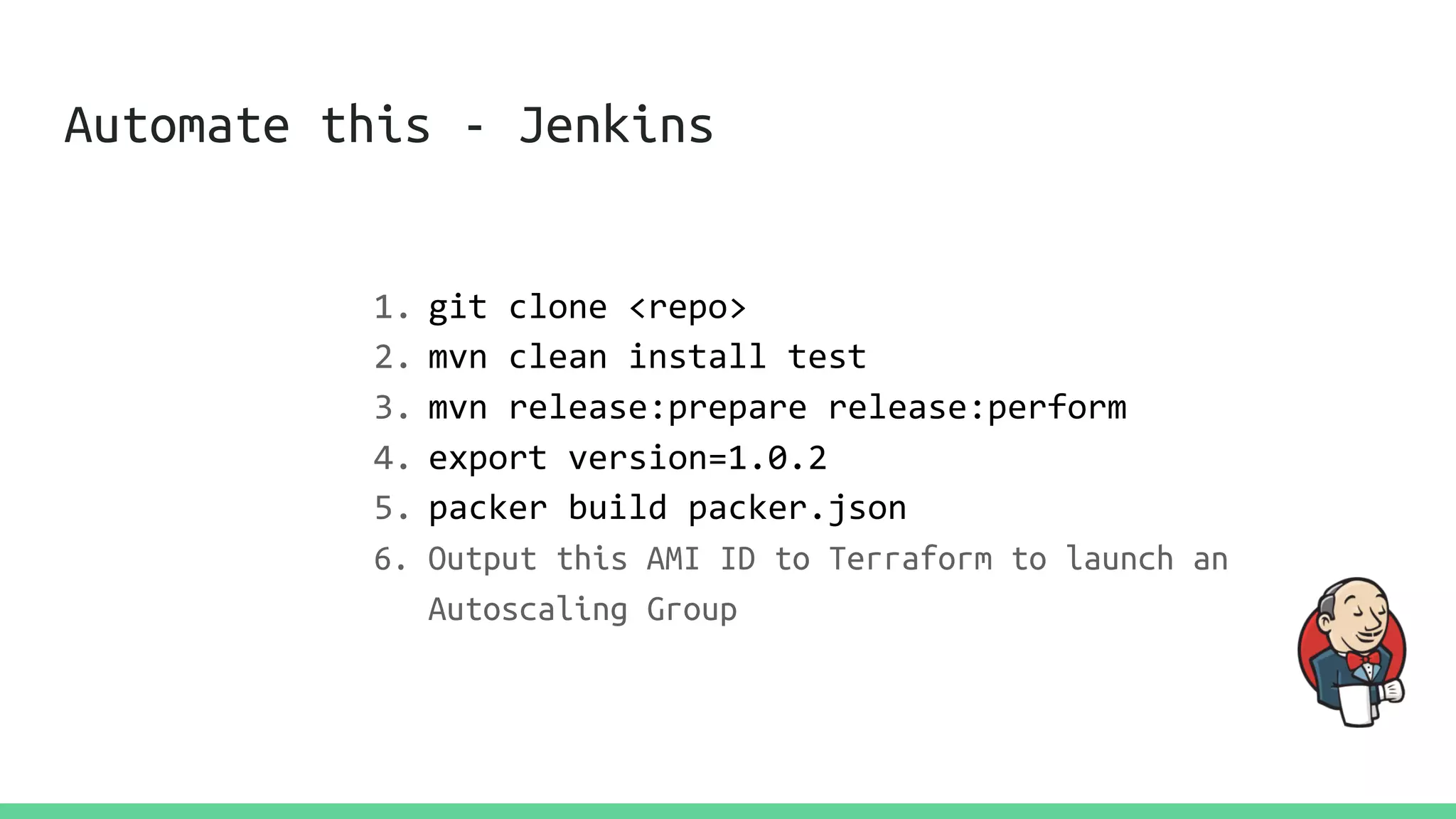
Automate this - Jenkins
1. git clone <repo>
2. mvn clean install test
3. mvn release:prepare release:perform
4. export version=1.0.2
5. packer build packer.json
6. Output this AMI ID to Terraform to launch an
Autoscaling Group
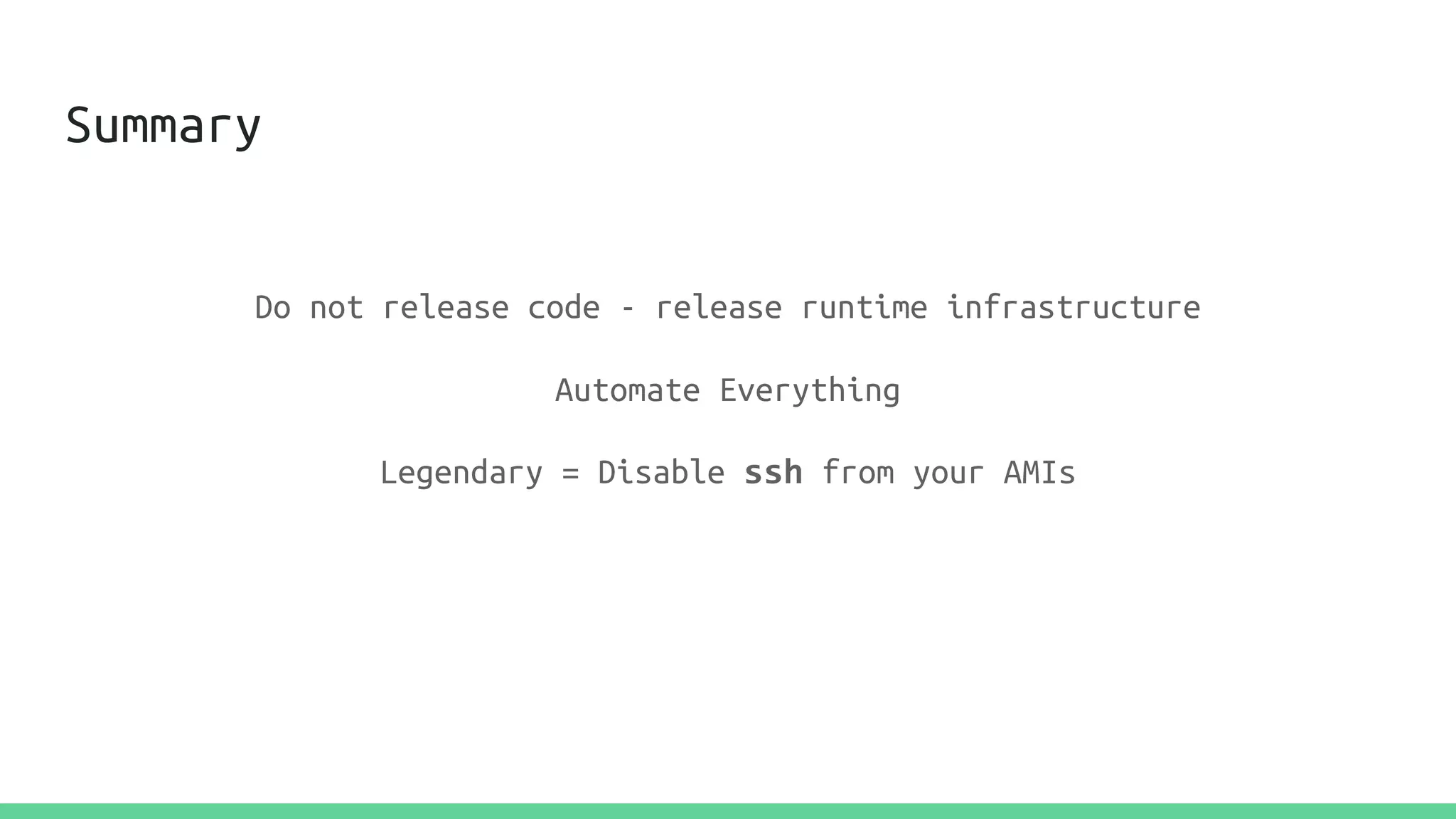
Summary
Do not release code - release runtime infrastructure
Automate Everything
Legendary = Disable ssh from your AMIs
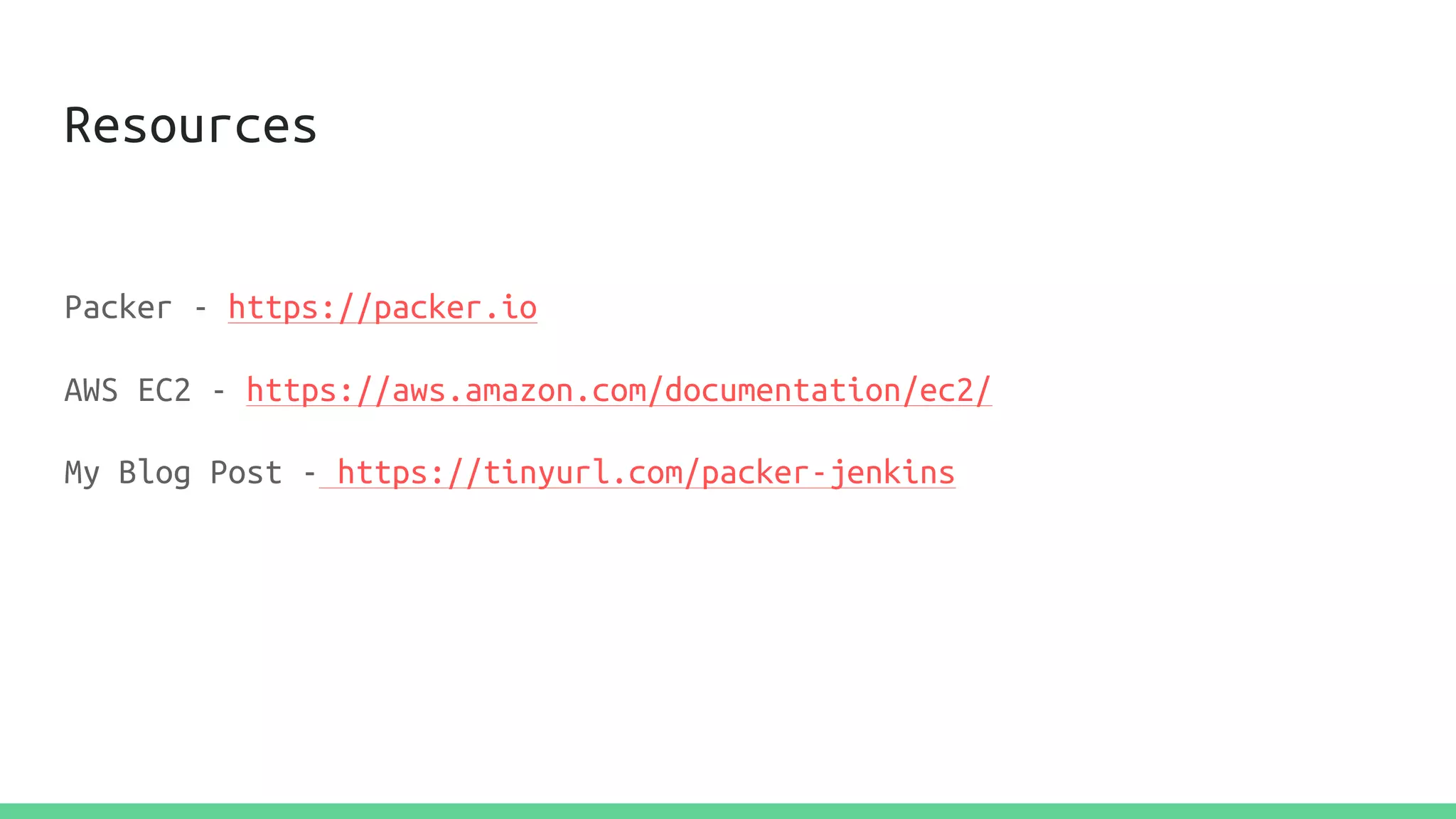
Resources
Packer - https://packer.io
AWS EC2 - https://aws.amazon.com/documentation/ec2/
My Blog Post - https://tinyurl.com/packer-jenkins
Questions
Manish Pandit
@lobster1234
lobster1234.github.io
Like what you saw? Come work with me @Marqeta!

Immutable AWS Deployments with Packer and Jenkins

  • 1.
    Immutable AWS Deployments withPacker and Jenkins Scale by the Bay, 2017 Manish Pandit
  • 2.
    About Manish Pandit Director ofPlatform Engineering @Marqeta Twitter : @lobster1234 Blog: lobster1234.github.io
  • 3.
    Show of hands Deployments DevOps,CI/CD, Tooling,.. AWS (or something similar!)
  • 4.
    Deployments The process ofpushing code beyond the development environment Multi-step Usually (heavily) scripted Complete, or Partial
  • 5.
    Complete Provisioning the stackfrom ground up Installation of O/S, Runtime, Application Server, Code, Agents, ... # mkfs –t ext4 /dev/sda0 # mkdir /apps # mount –t ext4 /dev/sda0 /apps
  • 6.
    Partial Very common acrossthe board In-place deployment “Saves time” Gives a false sense of automation
  • 7.
    Typical Steps ~ scpbuilds/myService-1.0.2.war mpandit@prd.example.com:/usr/local/tomcat8/webapps ~ ssh mpandit@prd.example.com ~ sudo /usr/local/tomcat8/bin/catalina.sh restart
  • 8.
    Typical Steps ~ sshmpandit@prd.example.com ~ wget https://nx.example.com/com/foo/myService.war -O /usr/local/tomcat8/webapps ~ sudo /usr/local/tomcat8/catalina.sh restart
  • 9.
    Automation? Script this all Runvia a Jenkins job Fabric (Python), Capistrano, etc.
  • 10.
  • 11.
    What could gowrong? Unpatched, outdated dependencies Inconsistent app behavior Changes outside of the deployment cycle Human Error(s) Does not scale
  • 12.
    Immutability Build the entireruntime infrastructure from ground up Automate it!
  • 13.
    Immutability Build the entireruntime infrastructure from ground up Automate it! Runtime Infrastructure = O/S + Libraries + App Server + Code + Agents
  • 14.
    AWS AWS is collectionof services for.. Compute Storage Databases Messaging + many, many more...
  • 15.
    AWS AWS helps buildarchitectures that are - Highly Available Fault Tolerant Scalable Cost-efficient
  • 16.
    AMIs Templates to launchEC2 instances Specify O/S, Virtualization Type, Storage Type, Volume Attachments, etc. Can be shared within accounts, or made public Highest level of deployment abstraction
  • 18.
    Customize AMIs Trim thefat Configure the libraries, tune the parameters Summary : Make infrastructure, not war* * Java Reference
  • 19.
    Packer A tool fromHashicorp to create Machine Images Supports multiple providers Supports multiple provisioners
  • 20.
    Install ~ packer -v 1.1.1 ~ Installvia brew, or, Download the binary from the packer.io website
  • 21.
    Credentials EC2 = UseIAM Role for Packer * Non-EC2 = Use AWS Credentials * Packer website has the IAM role details
  • 22.
    Builders Define Machine Imagesfor many platforms JSON-based Popular : AWS AMI, VMWare, Docker, Azure, GCP… Custom
  • 23.
    AWS AMI Builder { "_comment":"SimplePacker Template using Amazon Linux 2017.09.0", "variables":{ "aws_access_key":"", "aws_secret_key":"" }, "builders":[ { "type":"amazon-ebs", "access_key":"{{user `aws_access_key`}}", "secret_key":"{{user `aws_secret_key`}}", "region":"us-east-1", "source_ami":"ami-8c1be5f6", "instance_type":"t2.micro", "ssh_username":"ec2-user", "ami_name":"ScaleByTheBay AMI" } ] }
  • 24.
    Inspect ~ packer inspectpacker.json Optional variables and their defaults: aws_access_key = aws_secret_key = Builders: amazon-ebs Provisioners: <No provisioners> Note: If your build names contain user variables or template functions such as 'timestamp', these are processed at build time, and therefore only show in their raw form here.
  • 25.
    Build! ~ packer buildpacker.json amazon-ebs output will be in this color. ==> amazon-ebs: Prevalidating AMI Name: ScaleByTheBay AMI amazon-ebs: Found Image ID: ami-8c1be5f6 ==> amazon-ebs: Launching a source AWS instance... ==> amazon-ebs: Waiting for instance (i-09f4b837ed80a659f) to become ready... ==> amazon-ebs: Waiting for SSH to become available... ==> amazon-ebs: Stopping the source instance... ==> amazon-ebs: Creating the AMI: ScaleByTheBay AMI amazon-ebs: AMI: ami-5b18a121 ==> amazon-ebs: Waiting for AMI to become ready... ==> amazon-ebs: Terminating the source AWS instance... ==> Builds finished. The artifacts of successful builds are: --> amazon-ebs: AMIs were created: us-east-1: ami-5b18a121
  • 28.
    Provisioners JSON based Install andconfigure packages and components +many, many more tasks Popular : Ansible, Chef, Puppet, Shell, ..
  • 29.
    Make our AMI...useful 1. Apply updates and patches 2. Install OpenJDK 8 3. Install Tomcat 8 4. Download the application artifact, the war 5. Configure Tomcat to run at startup
  • 30.
    Let’s Provision ourAMI "provisioners": [{ "type": "shell", "inline": [ "sudo yum update -y", "sudo yum install java-1.8.0 java-1.8.0-openjdk-devel tomcat8-webapps -y", "sudo yum remove java-1.7.0-openjdk -y", "sudo wget https://github.com/lobster1234/helloworld-api/files/953511/helloworld-api.war.gz -O /usr/share/tomcat8/webapps/helloworld-api.war.gz", "sudo gunzip /usr/share/tomcat8/webapps/helloworld-api.war.gz", "sudo chkconfig tomcat8 on" ] }]
  • 31.
    { "_comment":"Simple Packer Templateusing Amazon Linux 2017.09.0", "variables":{ "aws_access_key":"", "aws_secret_key":"" }, "builders":[ { "type":"amazon-ebs", "access_key":"{{user `aws_access_key`}}", "secret_key":"{{user `aws_secret_key`}}", "region":"us-east-1", "source_ami":"ami-8c1be5f6", "instance_type":"t2.micro", "ssh_username":"ec2-user", "ami_name":"ScaleByTheBay AMI with Tomcat8" } ], "provisioners": [{ "type": "shell", "inline": [ "sleep 30", "sudo yum update -y", "sudo yum install java-1.8.0 java-1.8.0-openjdk-devel tomcat8-webapps -y", "sudo yum remove java-1.7.0-openjdk -y", "sudo wget https://github.com/lobster1234/helloworld-api/files/953511/helloworld-api.war.gz -O /usr/share/tomcat8/webapps/helloworld- api.war.gz", "sudo gunzip /usr/share/tomcat8/webapps/helloworld-api.war.gz", "sudo chkconfig tomcat8 on" ] }] }
  • 32.
    Build! ~ packer buildpacker.json .... ==> amazon-ebs: Connected to SSH! ==> amazon-ebs: Provisioning with shell script: /var/folders/vf/d0q4kjg964581kjjz4969dbny407x7/T/packer-shell539435218 amazon-ebs: Loaded plugins: priorities, update-motd, upgrade-helper amazon-ebs: Resolving Dependencies amazon-ebs: --> Running transaction check amazon-ebs: ---> Package amazon-ssm-agent.x86_64 0:2.1.4.0-1.amzn1 will be updated amazon-ebs: amazon-ebs: 2017-11-11 07:51:33 (64.0 MB/s) - ‘/usr/share/tomcat8/webapps/helloworld-api.war.gz’ saved [1918559/1918559] amazon-ebs: ==> amazon-ebs: Creating the AMI: ScaleByTheBay AMI with Tomcat8 amazon-ebs: AMI: ami-73ed5509 ==> amazon-ebs: Waiting for AMI to become ready... Build 'amazon-ebs' finished. ==> Builds finished. The artifacts of successful builds are: --> amazon-ebs: AMIs were created: us-east-1: ami-73ed5509
  • 34.
  • 35.
  • 36.
  • 37.
    Verify the API ~curl -iv http://ec2-54-88-249-121.compute-1.amazonaws.com:8080/helloworld-api/hello * Trying 54.88.249.121... * TCP_NODELAY set * Connected to ec2-54-88-249-121.compute-1.amazonaws.com (54.88.249.121) port 8080 (#0) > GET /helloworld-api/hello HTTP/1.1 > Host: ec2-54-88-249-121.compute-1.amazonaws.com:8080 > User-Agent: curl/7.54.0 > Accept: */* > < HTTP/1.1 200 HTTP/1.1 200 < Content-Type: text/html;charset=utf-8 < Transfer-Encoding: chunked < Date: Sat, 11 Nov 2017 08:20:09 GMT < * Connection #0 to host ec2-54-88-249-121.compute-1.amazonaws.com left intact Hello World! ~
  • 38.
    Automate this -Jenkins 1. git clone <repo> 2. mvn clean install test 3. mvn release:prepare release:perform 4. export version=1.0.2 5. packer build packer.json 6. Output this AMI ID to Terraform to launch an Autoscaling Group
  • 39.
    Summary Do not releasecode - release runtime infrastructure Automate Everything Legendary = Disable ssh from your AMIs
  • 40.
    Resources Packer - https://packer.io AWSEC2 - https://aws.amazon.com/documentation/ec2/ My Blog Post - https://tinyurl.com/packer-jenkins
  • 41.