AUDIO VISUAL EDUCATIONAL TECHNOLOGIES
Menu
Introduction
Presentations
Podcasts
Screen Capture
Social Learning
LMS
References
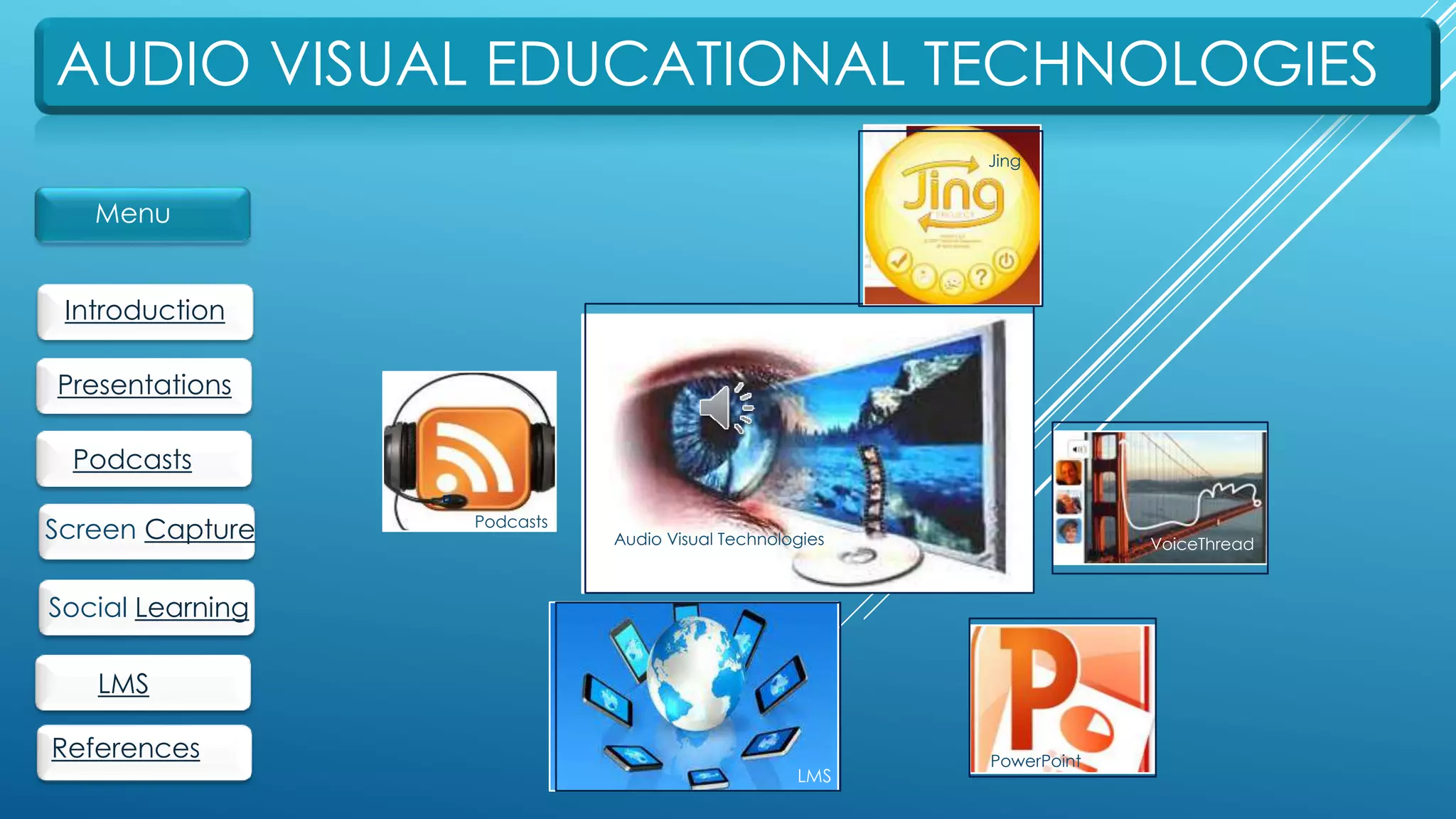
Audio Visual Technologies
Jing
VoiceThread
Podcasts
PowerPoint
LMS
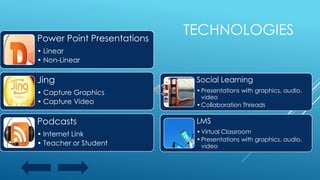
Power Point Presentations
• Linear
• Non-Linear
Jing
• Capture Graphics
• Capture Video
Podcasts
• Internet Link
• Teacher or Student
Social Learning
•Presentations with graphics, audio,
video
•Collaboration Threads
LMS
•Virtual Classroom
•Presentations with graphics, audio,
video
TECHNOLOGIES
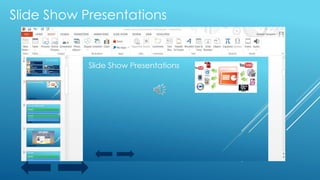
Slide Show Presentations
In conjunction with a history lesson,
a teacher could prepare a
slideshow summarizing a new topic
or unit. SmartArt could be used to
create text embedded in graphic
organizers that would enhance
learning through visualization. The
students could then be grouped
together to prepare a slideshow to
demonstrate what they have
learned.
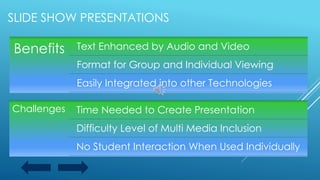
SLIDE SHOW PRESENTATIONS
Benefits Text Enhanced by Audio and Video
Format for Group and Individual Viewing
Easily Integrated into other Technologies
Challenges Time Needed to Create Presentation
Difficulty Level of Multi Media Inclusion
No Student Interaction When Used Individually
PODCASTS
PODCASTS
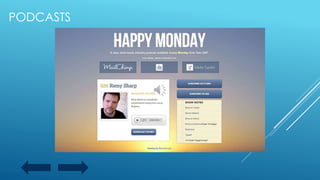
In a history class, the teacher could insert an internet
link to a podcast, or to a podcast created by the
teacher, to a classroom website so that students
could listen to information about a topic relevant to
classroom content in advance of instructional time.
In preparation for the lesson, the student would have
time to reflect and be prepared to engage in a
discussion.
Students could create a podcast to respond to
instructional content or a classroom activity.
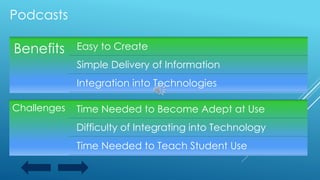
Benefits Easy to Create
Simple Delivery of Information
Integration into Technologies
Challenges Time Needed to Become Adept at Use
Difficulty of Integrating into Technology
Time Needed to Teach Student Use
Podcasts
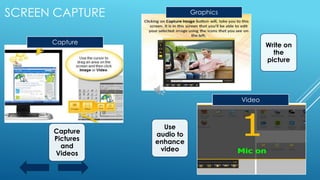
Capture
Pictures
and
Videos
Capture Write on
the
picture
Video
Use
audio to
enhance
video
GraphicsSCREEN CAPTURE
SCREEN CAPTURE
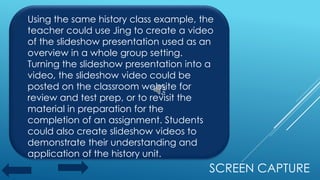
Using the same history class example, the
teacher could use Jing to create a video
of the slideshow presentation used as an
overview in a whole group setting.
Turning the slideshow presentation into a
video, the slideshow video could be
posted on the classroom website for
review and test prep, or to revisit the
material in preparation for the
completion of an assignment. Students
could also create slideshow videos to
demonstrate their understanding and
application of the history unit.
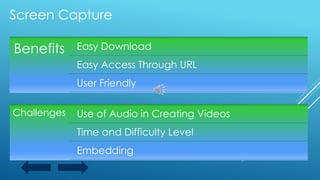
Benefits Easy Download
Easy Access Through URL
User Friendly
Challenges Use of Audio in Creating Videos
Time and Difficulty Level
Embedding
Screen Capture
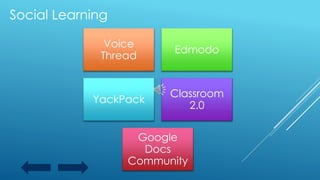
Social Learning
Voice
Thread
Edmodo
YackPack
Classroom
2.0
Google
Docs
Community
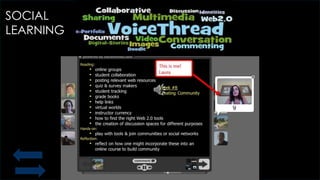
SOCIAL
LEARNING
Social Learning
Taking the history lesson a bit further, the slideshow
video could be posted for students to access in the
virtual learning environment. They could be
directed to choose a topic from the overview and
organize themselves into groups. These groups
would then create a presentation on a particular
sub-topic from the overview. They would work
collaboratively to create a project which would
include text, graphics, and audio. The students
would collaborate to edit and revise their project.
When all projects were posted, they would be
expected to provide audio feedback to a number
of the projects.
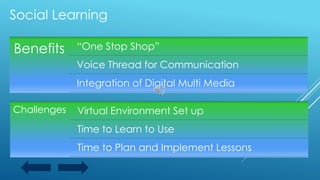
Benefits “One Stop Shop”
Voice Thread for Communication
Integration of Digital Multi Media
Challenges Virtual Environment Set up
Time to Learn to Use
Time to Plan and Implement Lessons
Social Learning
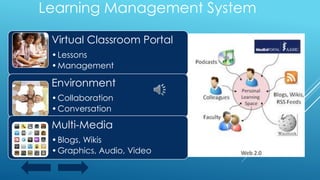
Learning Management System
Virtual Classroom Portal
•Lessons
•Management
Environment
•Collaboration
•Conversation
Multi-Media
•Blogs, Wikis
•Graphics, Audio, Video
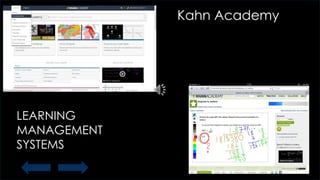
Kahn Academy
LEARNING
MANAGEMENT
SYSTEMS
Learning Management System
In this virtual learning environment, the teacher could
present the slideshow presentation synchronously or
asynchronously depending on the instructional needs of the
class. Students would enter the virtual learning environment
to view the slideshow presentation. They could use audio or
text chat to respond to the presentation and answer
questions. The students could then be assigned a project to
complete and upload for submission. The teacher would
then use a rubric to grade the project and post grades to be
viewed by administrators, parents, and students. Students
could also present projects in the virtual “meeting room”
where they could receive feedback from students, as well
as, the teacher.
Benefits A Portal for Students to Access Learning
Synchronous and/or Asynchronous
Platform for Collaboration and Teamwork
Challenges Time to Learn Software
Time to Plan Instructional Design and Lessons
Time to Respond to Students and Assignments
Learning Management Systems
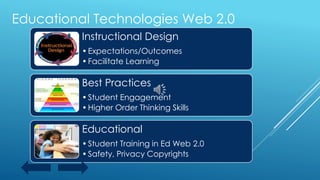
Educational Technologies Web 2.0
Instructional Design
•Expectations/Outcomes
•Facilitate Learning
Best Practices
•Student Engagement
•Higher Order Thinking Skills
Educational
•Student Training in Ed Web 2.0
•Safety, Privacy Copyrights
REFERENCES
 Brunvand, S, Byrd, S.Using VoiceThread to Promote Learning Engagement and Success for All Students.
Teaching Exceptional Children. 2011, 43.4, p.28-37.
 Franceschi, K., Lee R., Zanakis, S. Engaging Group E-Learning in Virtual Worlds. Journal of Management
Information Systems. 2009, 26.1, p73-100.
 Lever-Duffy, Judy, Jean B. McDonald, and Al P. Mizell. "Chapter 3." Teaching and Learning with Technology.
4th ed. Boston: Allyn and Bacon, 2003. N. pag. Print.
 Nelson, J. ,Christopher, A., Mims, C. TPACK and Web 2.0: Transformation of Teaching and Learning.
TechTrends: Linking Research & Practice to Improve Learning.2009, 53. 5, p80-87.
 Noer, M. Superstar Teacher. Forbes Asia. 12/2012, 8 I.14, p56-62.
 Richardson, W. Becoming Network-Wise. Educational Leadership. 2009, 66.6, p26-31.
 Vayliss, S. Flip It Now. School Library Journal. 2013, 59.11, p1-1.

Audio visual educational technologies

  • 1.
    AUDIO VISUAL EDUCATIONALTECHNOLOGIES Menu Introduction Presentations Podcasts Screen Capture Social Learning LMS References Audio Visual Technologies Jing VoiceThread Podcasts PowerPoint LMS
  • 2.
    Power Point Presentations •Linear • Non-Linear Jing • Capture Graphics • Capture Video Podcasts • Internet Link • Teacher or Student Social Learning •Presentations with graphics, audio, video •Collaboration Threads LMS •Virtual Classroom •Presentations with graphics, audio, video TECHNOLOGIES
  • 3.
  • 4.
    Slide Show Presentations Inconjunction with a history lesson, a teacher could prepare a slideshow summarizing a new topic or unit. SmartArt could be used to create text embedded in graphic organizers that would enhance learning through visualization. The students could then be grouped together to prepare a slideshow to demonstrate what they have learned.
  • 5.
    SLIDE SHOW PRESENTATIONS BenefitsText Enhanced by Audio and Video Format for Group and Individual Viewing Easily Integrated into other Technologies Challenges Time Needed to Create Presentation Difficulty Level of Multi Media Inclusion No Student Interaction When Used Individually
  • 6.
  • 7.
    PODCASTS In a historyclass, the teacher could insert an internet link to a podcast, or to a podcast created by the teacher, to a classroom website so that students could listen to information about a topic relevant to classroom content in advance of instructional time. In preparation for the lesson, the student would have time to reflect and be prepared to engage in a discussion. Students could create a podcast to respond to instructional content or a classroom activity.
  • 8.
    Benefits Easy toCreate Simple Delivery of Information Integration into Technologies Challenges Time Needed to Become Adept at Use Difficulty of Integrating into Technology Time Needed to Teach Student Use Podcasts
  • 9.
  • 10.
    SCREEN CAPTURE Using thesame history class example, the teacher could use Jing to create a video of the slideshow presentation used as an overview in a whole group setting. Turning the slideshow presentation into a video, the slideshow video could be posted on the classroom website for review and test prep, or to revisit the material in preparation for the completion of an assignment. Students could also create slideshow videos to demonstrate their understanding and application of the history unit.
  • 11.
    Benefits Easy Download EasyAccess Through URL User Friendly Challenges Use of Audio in Creating Videos Time and Difficulty Level Embedding Screen Capture
  • 12.
  • 13.
  • 14.
    Social Learning Taking thehistory lesson a bit further, the slideshow video could be posted for students to access in the virtual learning environment. They could be directed to choose a topic from the overview and organize themselves into groups. These groups would then create a presentation on a particular sub-topic from the overview. They would work collaboratively to create a project which would include text, graphics, and audio. The students would collaborate to edit and revise their project. When all projects were posted, they would be expected to provide audio feedback to a number of the projects.
  • 15.
    Benefits “One StopShop” Voice Thread for Communication Integration of Digital Multi Media Challenges Virtual Environment Set up Time to Learn to Use Time to Plan and Implement Lessons Social Learning
  • 16.
    Learning Management System VirtualClassroom Portal •Lessons •Management Environment •Collaboration •Conversation Multi-Media •Blogs, Wikis •Graphics, Audio, Video
  • 17.
  • 18.
    Learning Management System Inthis virtual learning environment, the teacher could present the slideshow presentation synchronously or asynchronously depending on the instructional needs of the class. Students would enter the virtual learning environment to view the slideshow presentation. They could use audio or text chat to respond to the presentation and answer questions. The students could then be assigned a project to complete and upload for submission. The teacher would then use a rubric to grade the project and post grades to be viewed by administrators, parents, and students. Students could also present projects in the virtual “meeting room” where they could receive feedback from students, as well as, the teacher.
  • 19.
    Benefits A Portalfor Students to Access Learning Synchronous and/or Asynchronous Platform for Collaboration and Teamwork Challenges Time to Learn Software Time to Plan Instructional Design and Lessons Time to Respond to Students and Assignments Learning Management Systems
  • 20.
    Educational Technologies Web2.0 Instructional Design •Expectations/Outcomes •Facilitate Learning Best Practices •Student Engagement •Higher Order Thinking Skills Educational •Student Training in Ed Web 2.0 •Safety, Privacy Copyrights
  • 21.
    REFERENCES  Brunvand, S,Byrd, S.Using VoiceThread to Promote Learning Engagement and Success for All Students. Teaching Exceptional Children. 2011, 43.4, p.28-37.  Franceschi, K., Lee R., Zanakis, S. Engaging Group E-Learning in Virtual Worlds. Journal of Management Information Systems. 2009, 26.1, p73-100.  Lever-Duffy, Judy, Jean B. McDonald, and Al P. Mizell. "Chapter 3." Teaching and Learning with Technology. 4th ed. Boston: Allyn and Bacon, 2003. N. pag. Print.  Nelson, J. ,Christopher, A., Mims, C. TPACK and Web 2.0: Transformation of Teaching and Learning. TechTrends: Linking Research & Practice to Improve Learning.2009, 53. 5, p80-87.  Noer, M. Superstar Teacher. Forbes Asia. 12/2012, 8 I.14, p56-62.  Richardson, W. Becoming Network-Wise. Educational Leadership. 2009, 66.6, p26-31.  Vayliss, S. Flip It Now. School Library Journal. 2013, 59.11, p1-1.