


Flipping Not Flopping: 
Infusing Active Learning in Online 
and Blended Courses 
St. Mary’s University of Minnesota 
September 19, 2014
Jason Rhode, Ph.D. 
Director 
Faculty Development and 
Instructional Design Center 
Northern Illinois University 
jasonrhode.com 
jrhode@niu.edu 
@jrhode
Our Roadmap… 
Photo credit: CC BY flickr.com/photos/jfxie/6448173183
Tenets of Flipping
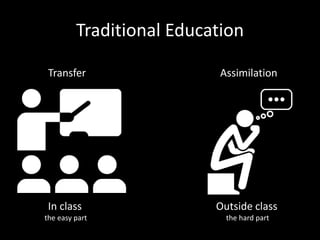
Traditional Education 
Transfer 
In class 
the easy part 
Assimilation 
Outside class 
the hard part
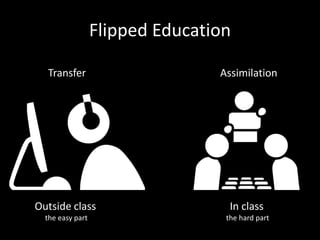
Flipped Education 
Transfer 
Outside class 
the easy part 
Assimilation 
In class 
the hard part
Using technology in a new way to 
maximize deep learning
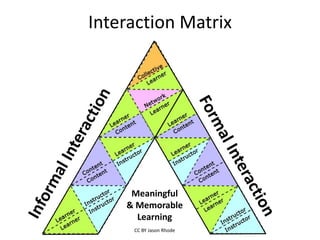
Interaction = key to deep learning 
experiences
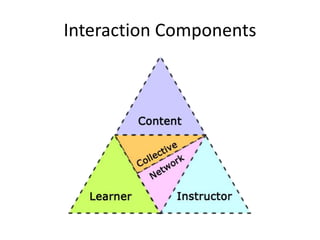
Interaction Components
Interaction Matrix 
Meaningful 
& Memorable 
Learning 
CC BY Jason Rhode
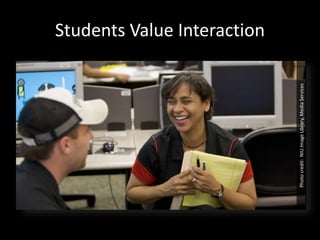
Students Value Interaction 
Photo credit: NIU Image Library, Media Services
Collaborative Learning
Informal Learning
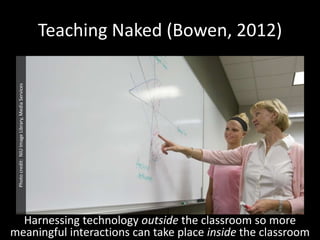
Teaching Naked (Bowen, 2012) 
Harnessing technology outside the classroom so more 
Photo credit: NIU Image Library, Media Services 
meaningful interactions can take place inside the classroom
Technology in Teaching
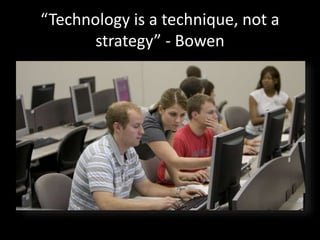
“Technology is a technique, not a 
strategy” - Bowen
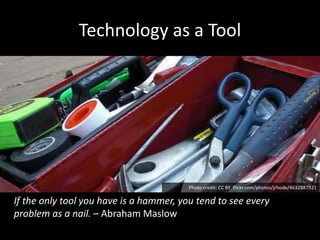
Technology as a Tool 
Photo credit: CC BY flickr.com/photos/jrhode/4632887921 
If the only tool you have is a hammer, you tend to see every 
problem as a nail. – Abraham Maslow
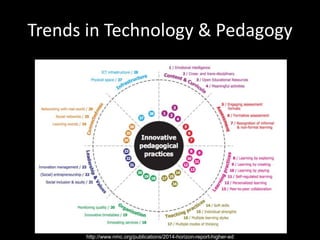
Trends in Technology & Pedagogy 
http://www.nmc.org/publications/2014-horizon-report-higher-ed
19 
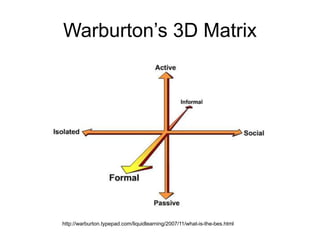
Warburton’s 3D Matrix 
http://warburton.typepad.com/liquidlearning/2007/11/what-is-the-bes.html
20 
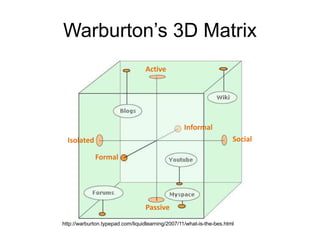
Warburton’s 3D Matrix 
Active 
Isolated Social 
Formal 
Informal 
Passive 
http://warburton.typepad.com/liquidlearning/2007/11/what-is-the-bes.html
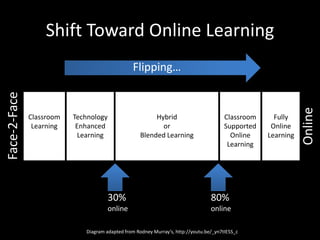
Shift Toward Online Learning 
Face-2-Face 
Online 
Classroom 
Supported 
Online 
Learning 
Hybrid 
or 
Blended Learning 
Diagram adapted from Rodney Murray’s, http://youtu.be/_yn7tIE5S_c 
Fully 
Online 
Learning 
Technology 
Enhanced 
Learning 
Classroom 
Learning 
30% 
online 
80% 
online 
Flipping…
What it means to “flip” online?
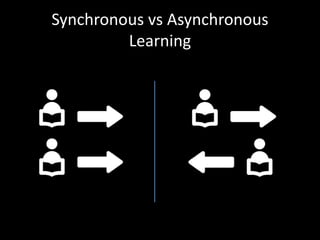
Synchronous vs Asynchronous 
Learning
Connected Learning
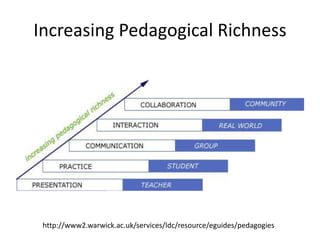
Increasing Pedagogical Richness 
http://www2.warwick.ac.uk/services/ldc/resource/eguides/pedagogies
What makes a quality 
online learning experience?
..begins with course design
What constitutes quality online?
Baseline Standards a Must
Variety of Quality Definitions
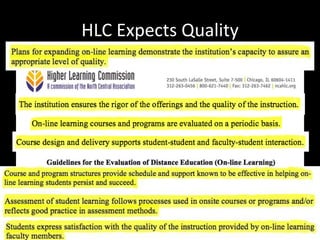
HLC Expects Quality
Blackboard Catalyst Program 
The Blackboard Catalyst Award Program honors 
those who push the boundaries of their 
educational programs and technology in order 
to delivery innovative and effective learning 
experiences.
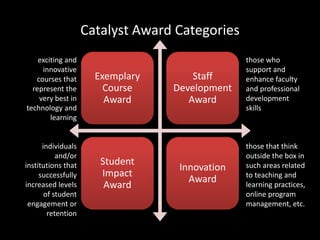
Catalyst Award Categories 
Exemplary 
Course 
Award 
Staff 
Development 
Award 
Student 
Impact 
Award 
Innovation 
Award 
exciting and 
innovative 
courses that 
represent the 
very best in 
technology and 
learning 
individuals 
and/or 
institutions that 
successfully 
increased levels 
of student 
engagement or 
retention 
those who 
support and 
enhance faculty 
and professional 
development 
skills 
those that think 
outside the box in 
such areas related 
to teaching and 
learning practices, 
online program 
management, etc.
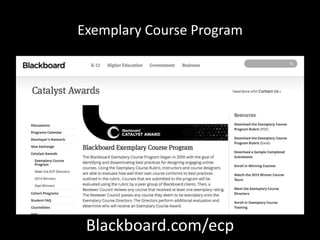
Exemplary Course Program 
Blackboard.com/ecp
Exemplary Course Program Rubric 
Developed based on research and best practices, used for evaluating in four areas: 
Course Design, Interaction & Collaboration, Assessment, and Learner Support
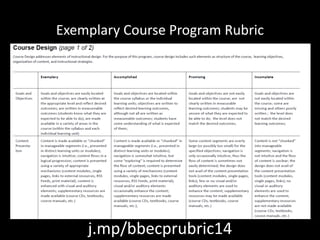
Exemplary Course Program Rubric 
j.mp/bbecprubric14
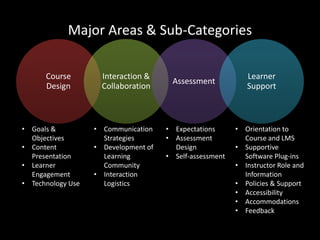
Major Areas & Sub-Categories 
Course 
Design 
Interaction & 
Collaboration 
Assessment 
Learner 
Support 
• Goals & 
Objectives 
• Content 
Presentation 
• Learner 
Engagement 
• Technology Use 
• Communication 
Strategies 
• Development of 
Learning 
Community 
• Interaction 
Logistics 
• Expectations 
• Assessment 
Design 
• Self-assessment 
• Orientation to 
Course and LMS 
• Supportive 
Software Plug-ins 
• Instructor Role and 
Information 
• Policies & Support 
• Accessibility 
• Accommodations 
• Feedback
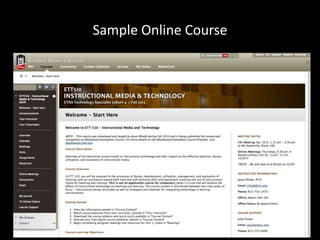
Sample Online Course
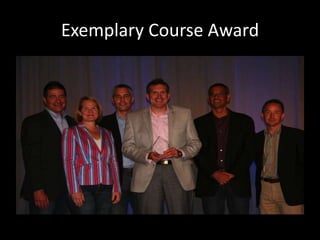
Exemplary Course Award 
Instructional Media and Technology – more info at jasonrhode.com/ett510exemplarycourse
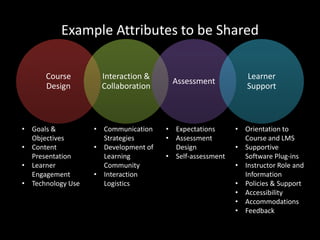
Example Attributes to be Shared 
Course 
Design 
Interaction & 
Collaboration 
Assessment 
Learner 
Support 
• Goals & 
Objectives 
• Content 
Presentation 
• Learner 
Engagement 
• Technology Use 
• Communication 
Strategies 
• Development of 
Learning 
Community 
• Interaction 
Logistics 
• Expectations 
• Assessment 
Design 
• Self-assessment 
• Orientation to 
Course and LMS 
• Supportive 
Software Plug-ins 
• Instructor Role and 
Information 
• Policies & Support 
• Accessibility 
• Accommodations 
• Feedback
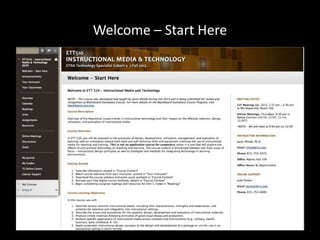
Welcome – Start Here
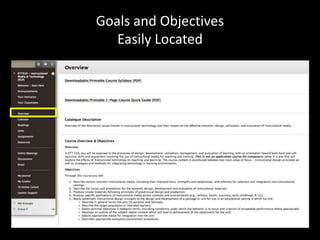
Goals and Objectives 
Easily Located
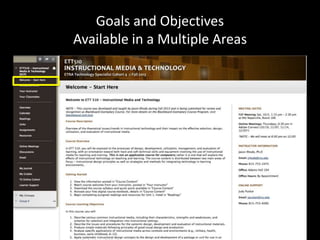
Goals and Objectives 
Available in a Multiple Areas
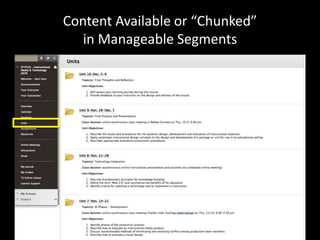
Content Available or “Chunked” 
in Manageable Segments
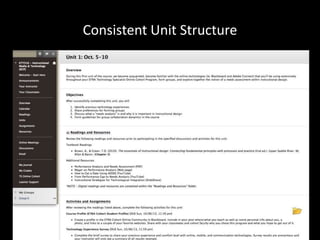
Consistent Unit Structure
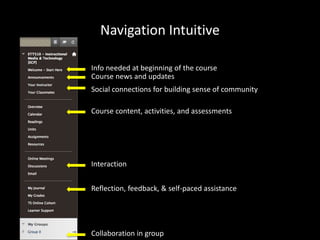
Navigation Intuitive 
Info needed at beginning of the course 
Course news and updates 
Social connections for building sense of community 
Course content, activities, and assessments 
Interaction 
Reflection, feedback, & self-paced assistance 
Collaboration in group
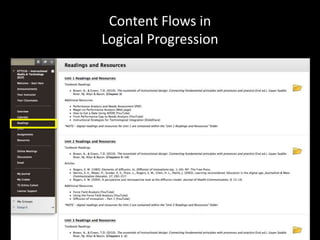
Content Flows in 
Logical Progression
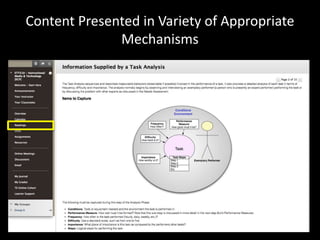
Content Presented in Variety of Appropriate 
Mechanisms
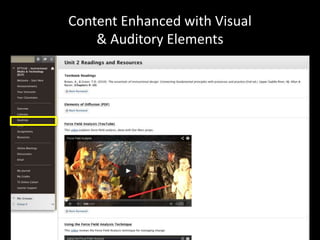
Content Enhanced with Visual 
& Auditory Elements
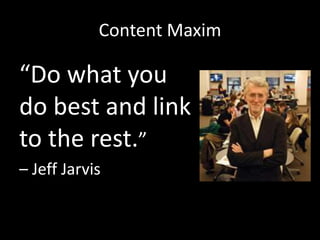
Content Maxim 
“Do what you 
do best and link 
to the rest.” 
– Jeff Jarvis
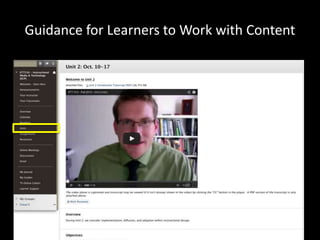
Guidance for Learners to Work with Content
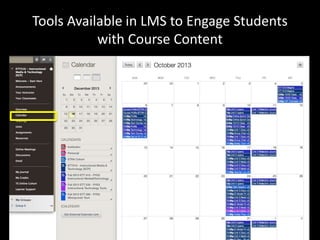
Tools Available in LMS to Engage Students 
with Course Content
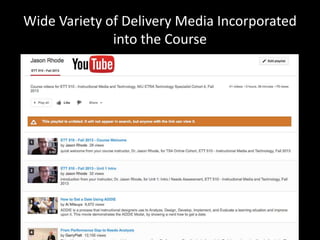
Wide Variety of Delivery Media Incorporated 
into the Course
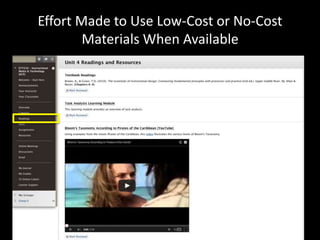
Effort Made to Use Low-Cost or No-Cost 
Materials When Available
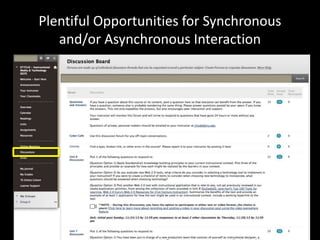
Plentiful Opportunities for Synchronous 
and/or Asynchronous Interaction
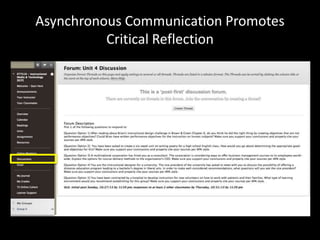
Asynchronous Communication Promotes 
Critical Reflection
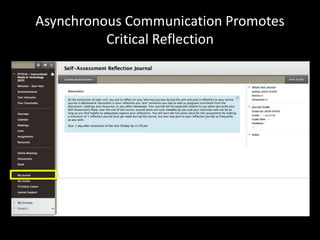
Asynchronous Communication Promotes 
Critical Reflection
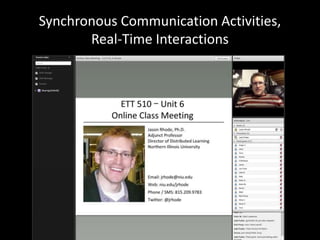
Synchronous Communication Activities, 
Real-Time Interactions
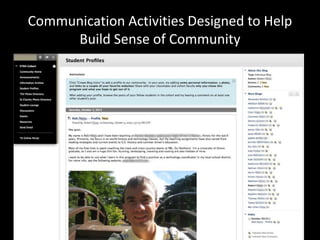
Communication Activities Designed to Help 
Build Sense of Community
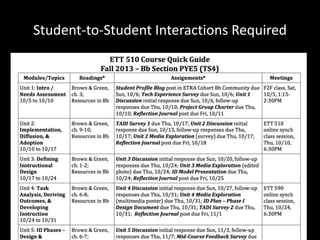
Student-to-Student Interactions Required
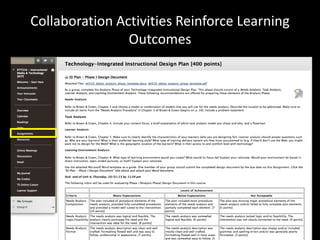
Collaboration Activities Reinforce Learning 
Outcomes
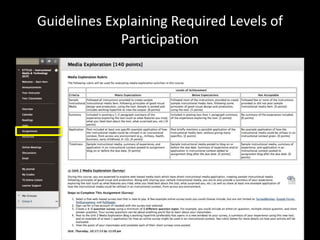
Guidelines Explaining Required Levels of 
Participation
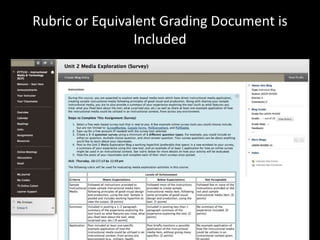
Rubric or Equivalent Grading Document is 
Included
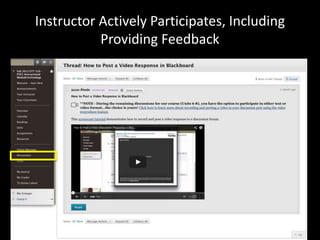
Instructor Actively Participates, Including 
Providing Feedback
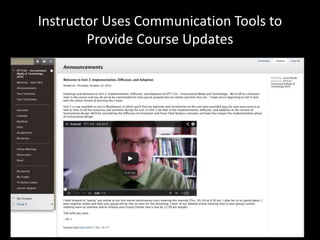
Instructor Uses Communication Tools to 
Provide Course Updates
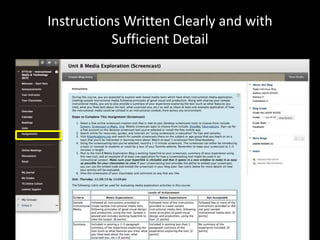
Instructions Written Clearly and with 
Sufficient Detail
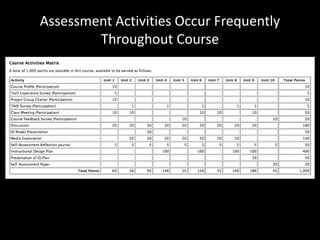
Assessment Activities Occur Frequently 
Throughout Course
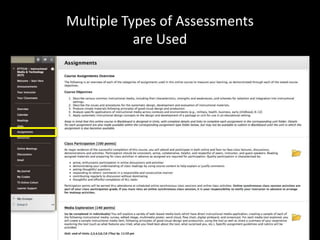
Multiple Types of Assessments 
are Used
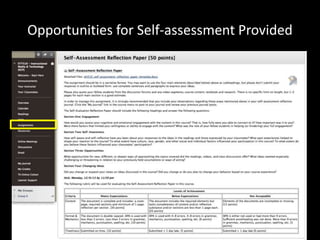
Opportunities for Self-assessment Provided
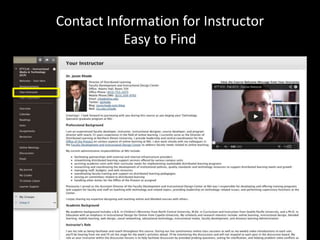
Contact Information for Instructor 
Easy to Find
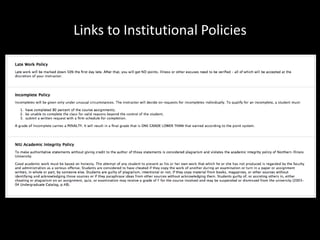
Links to Institutional Policies
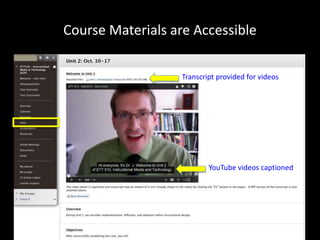
Course Materials are Accessible 
Transcript provided for videos 
YouTube videos captioned
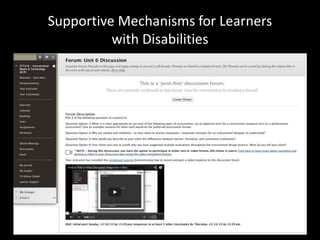
Supportive Mechanisms for Learners 
with Disabilities
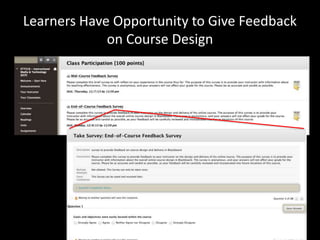
Learners Have Opportunity to Give Feedback 
on Course Design
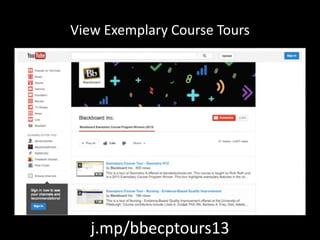
View Exemplary Course Tours 
j.mp/bbecptours13
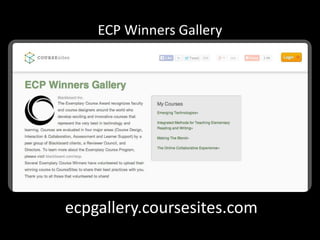
ECP Winners Gallery 
ecpgallery.coursesites.com
Volunteer to Review 
• Explore in-depth a variety of different online courses 
and get ideas and inspiration for your own online 
courses 
• Apply lessons learned from the Exemplary Course 
Rubric to your own courses or those you are helping to 
develop 
• Share your knowledge and experience with others by 
providing feedback on their course designs 
• Gain professional development experience and 
recognition for your accomplishments and 
participation in the program
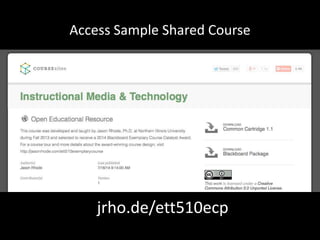
Access Sample Shared Course 
jrho.de/ett510ecp
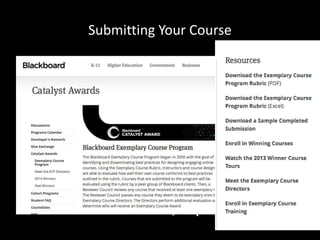
Submitting Your Course 
Blackboard.com/ecp
…realized through online teaching
Developing Online Learning 
Community
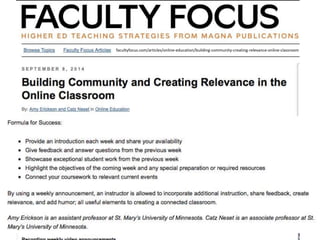
Tips from St. Mary’s Faculty 
facultyfocus.com/articles/online-education/building-community-creating-relevance-online-classroom/
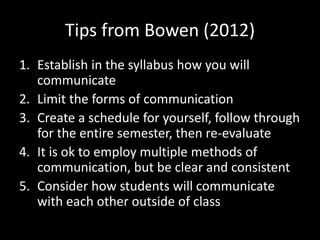
Tips from Bowen (2012) 
1. Establish in the syllabus how you will 
communicate 
2. Limit the forms of communication 
3. Create a schedule for yourself, follow through 
for the entire semester, then re-evaluate 
4. It is ok to employ multiple methods of 
communication, but be clear and consistent 
5. Consider how students will communicate 
with each other outside of class
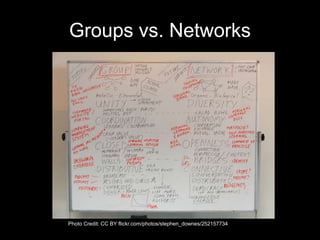
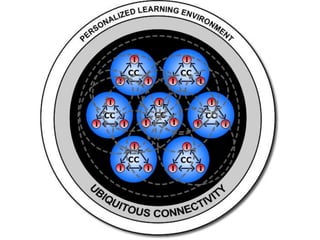
Groups vs. Networks 
Photo Credit: CC BY flickr.com/photos/stephen_downes/252157734
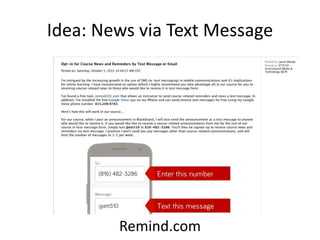
Idea: News via Text Message 
Remind.com
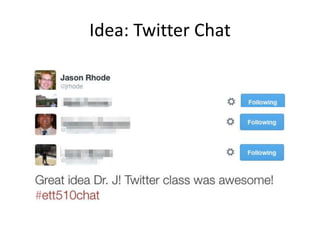
Idea: Twitter Chat
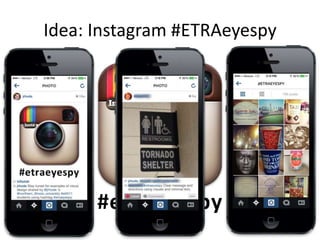
Idea: Instagram #ETRAeyespy
slides : resources : conversations 
jasonrhode.com/smumn14 
@jrhode 
jrhode@niu.edu
Credits 
• Active Learning icon by Duke Innovation Co-Lab, The 
Noun Project 
• Flipped Classroom icon by Duke Innovation Co-Lab, The 
Noun Project 
• Informal Learning icon by Duke Innovation Co-Lab, The 
Noun Project 
• Education icon by Duke Innovation Co-Lab, The Noun 
Project 
• Synchronous Learning icon by Duke Innovation Co-Lab, 
The Noun Project 
• Asynchronous Learning icon by Duke Innovation Co- 
Lab, The Noun Project
Credits (cont.) 
• Connected Learning icon by Duke Innovation Co-Lab, 
The Noun Project 
• Collaborative Learning icon by Duke Innovation Co-Lab, 
The Noun Project 
• Question icon by Henry Ryder, The Noun Project 
• User icon by Luis Prado, The Noun Project 
• School icon by Ricardo Augosto Cherem, The Noun 
Project 
• Education icon by Claire Jones, The Noun Project 
• Thinking icon by Michael V. Suriano, The Noun Project
Credits (cont.) 
• Meeting icon by Slava Strizh, The Noun Project 
• Meeting icon by Michael V. Suriano, The Noun 
Project 
• Architect icon by Luis Prado, The Noun Project 
• Thumbs-Up icon by Yamini Chandra, The Noun 
Project 
• User icon by Max Hancock, The Noun Project 
• Network icon by Matthew Hawdon, The Noun 
Project

Flipping Not Flopping: Infusing Active Learning in Online and Blended Courses