Download to read offline

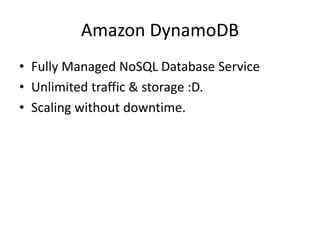
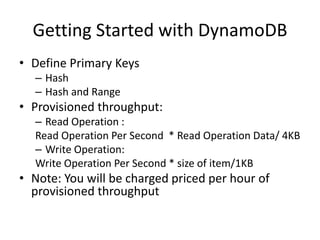
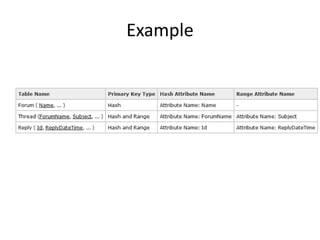
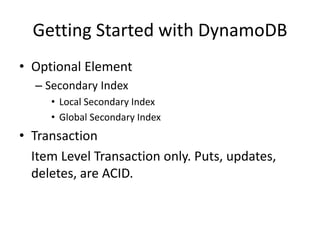

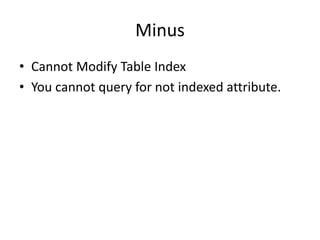
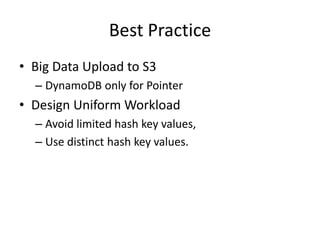

DynamoDB is a fully managed NoSQL database service from Amazon that provides unlimited storage and throughput scaling without downtime. The document discusses getting started with DynamoDB, including defining primary keys like hash and hash-range, provisioning throughput, and using secondary indexes. Best practices include uploading big data to S3 and having DynamoDB only store pointers, as well as designing uniform workloads that avoid limited hash keys and use distinct values.


![[Habli] tds agustus](https://cdn.slidesharecdn.com/ss_thumbnails/hablitdsagustus-141103193242-conversion-gate01-thumbnail.jpg?width=640&height=640&fit=bounds)


