A QUICK GUIDE TO TOOLS YOU CAN USE Web  2.0  for Teachers Lori Franklin  Olathe USD#233  April 17, 2009
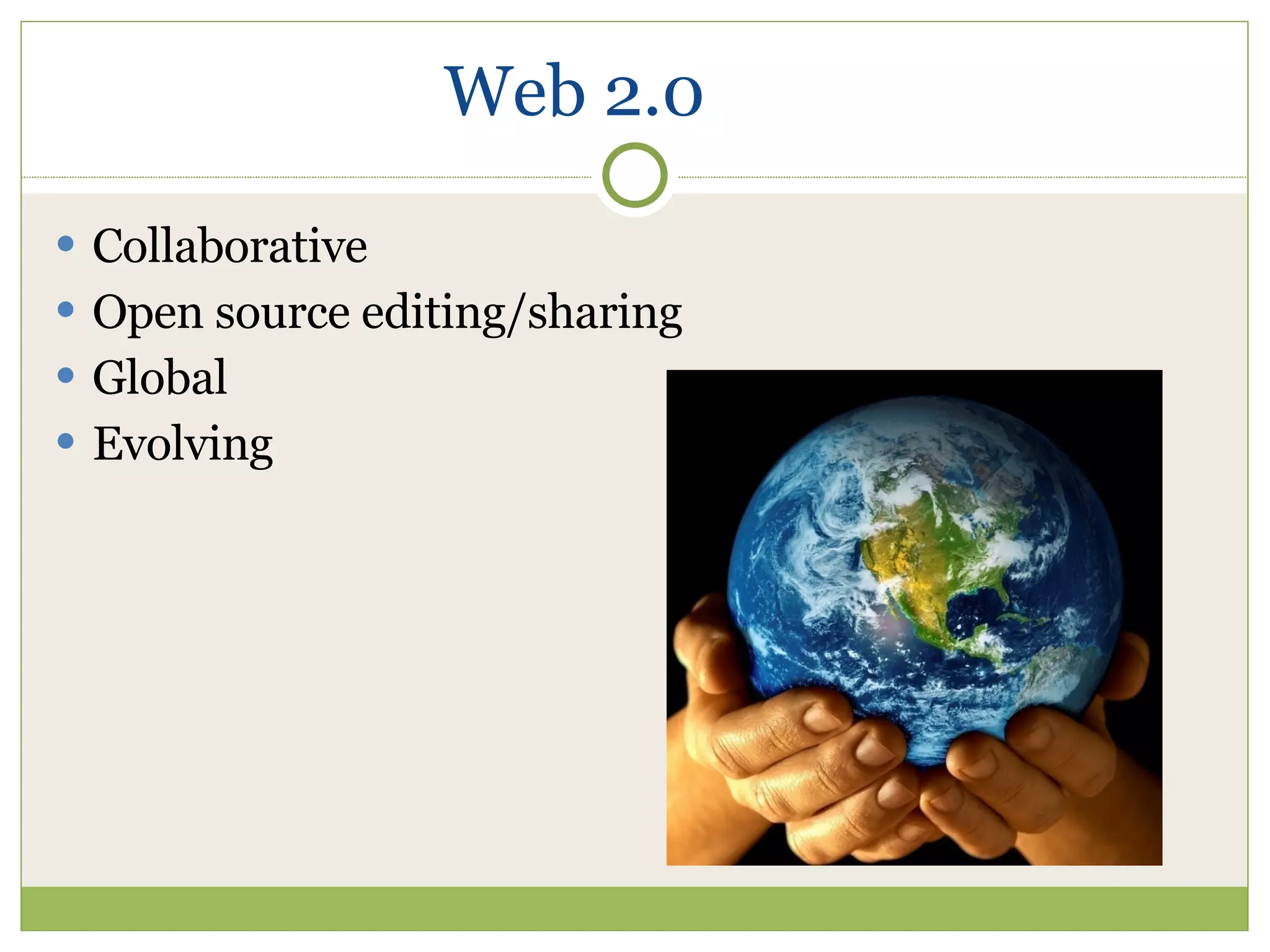
Web 2.0 Collaborative Open source editing/sharing Global Evolving
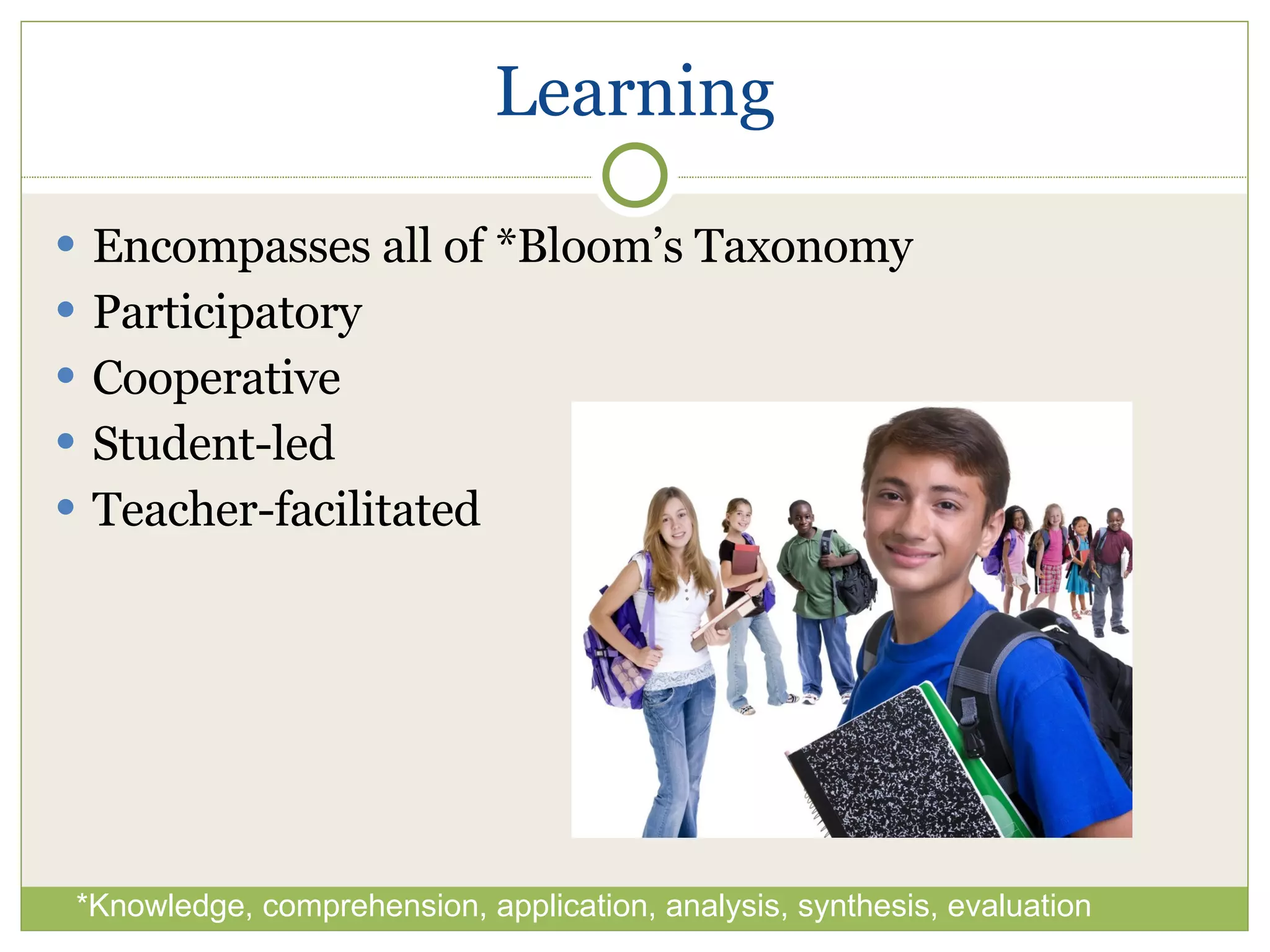
Learning Encompasses all of *Bloom’s Taxonomy Participatory Cooperative Student-led Teacher-facilitated *Knowledge, comprehension, application, analysis, synthesis, evaluation
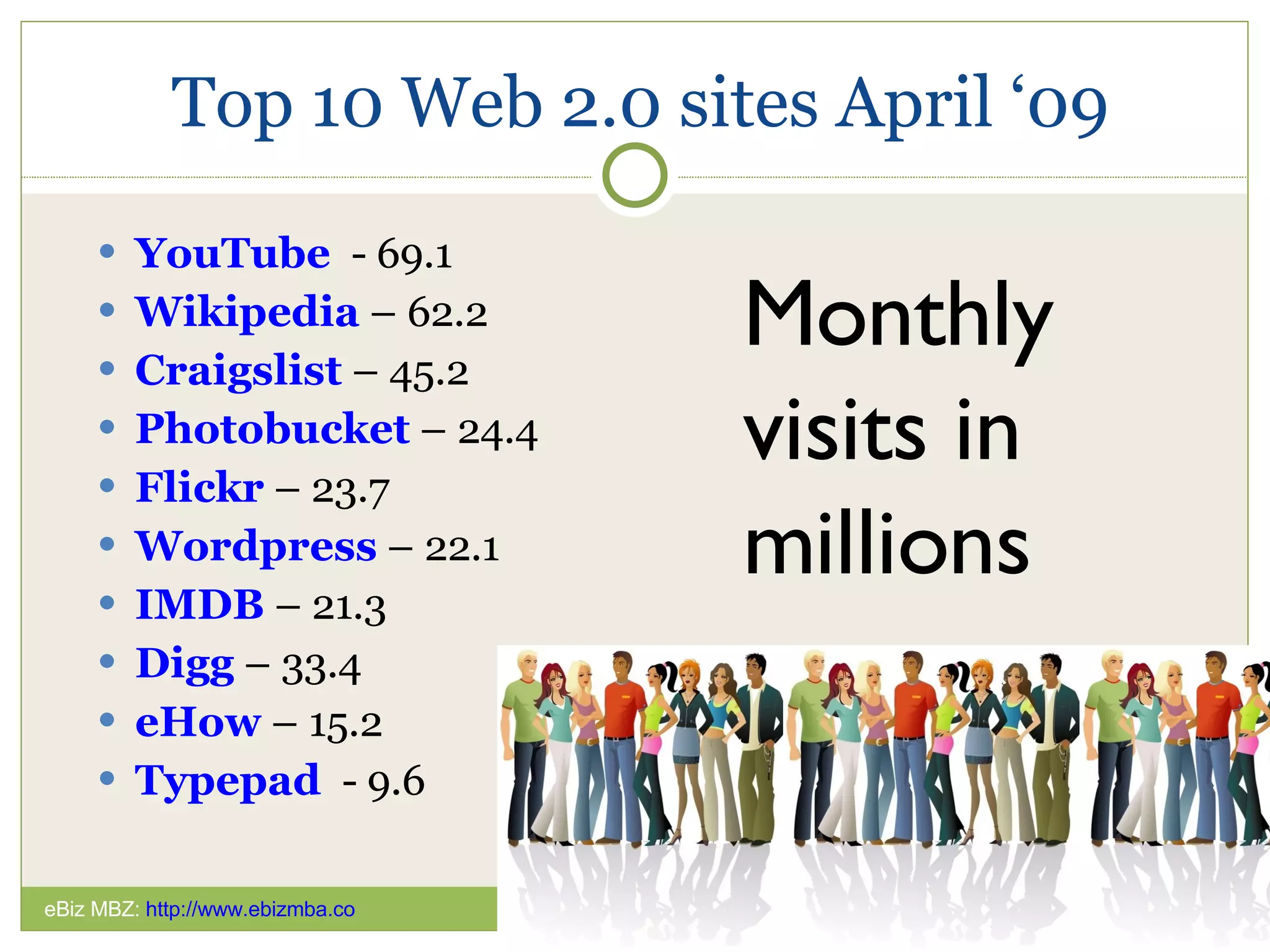
Top 10 Web 2.0 sites April ‘09 YouTube   - 69.1 Wikipedia  – 62.2 Craigslist  – 45.2 Photobucket  – 24.4 Flickr  – 23.7 Wordpress  – 22.1 IMDB  – 21.3 Digg  – 33.4 eHow  – 15.2 Typepad   - 9.6 Monthly  visits in millions eBiz MBZ:  http://www.ebizmba.co
Teens and technologies
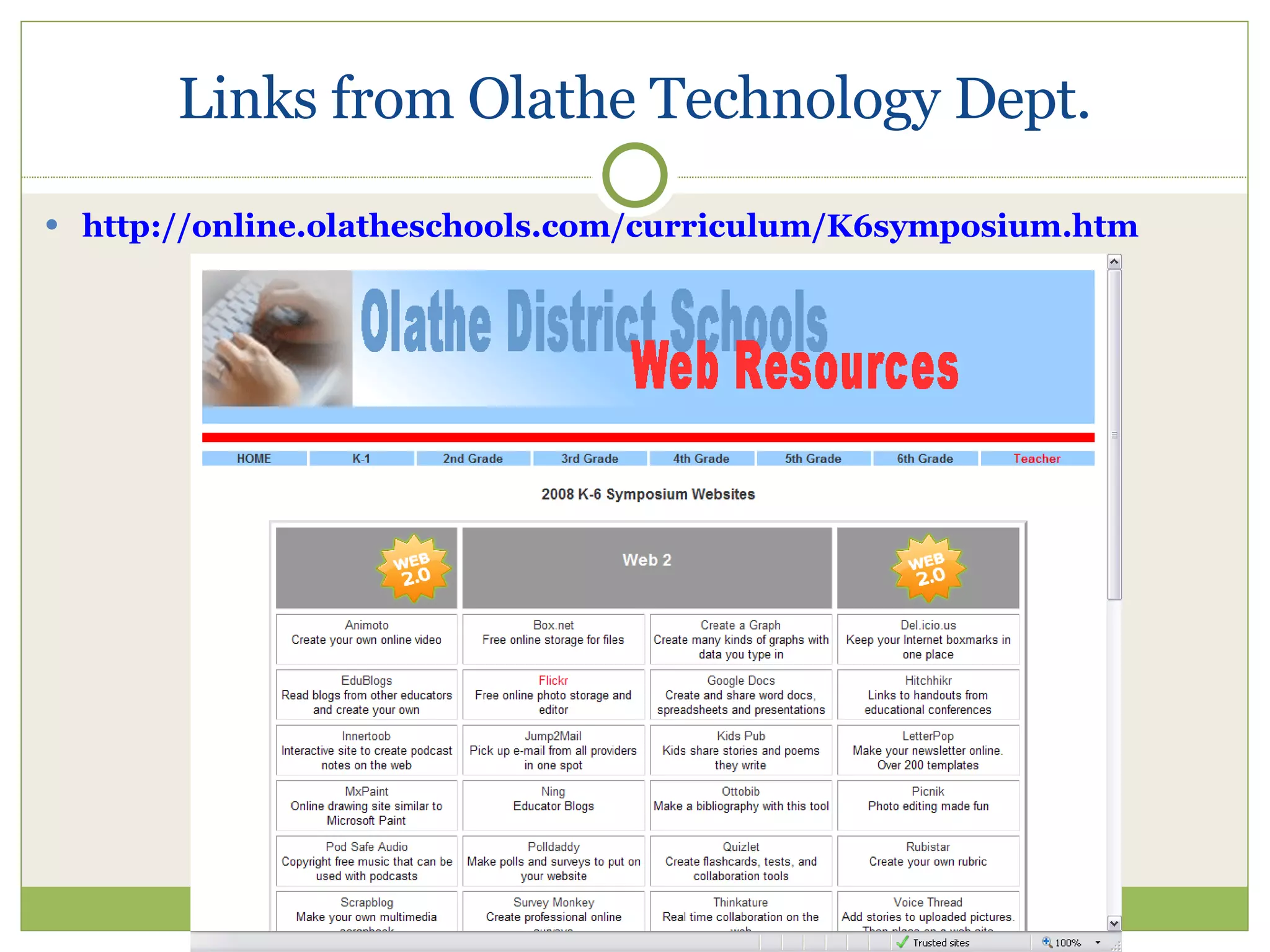
Links from Olathe Technology Dept. http://online.olatheschools.com/curriculum/K6symposium.htm
Speaking of top sites: eBiz MBA  provides monthly web rankings Might be used as a template for creating a class project for ranking information sites for a research project Don’t miss:  Top 20 Science Web Sites   20 Most Popular Political Sites
More on “Open Source” Shared spaces Ownership not emphasized Co-creation with many Crosses boundaries Non-proprietary
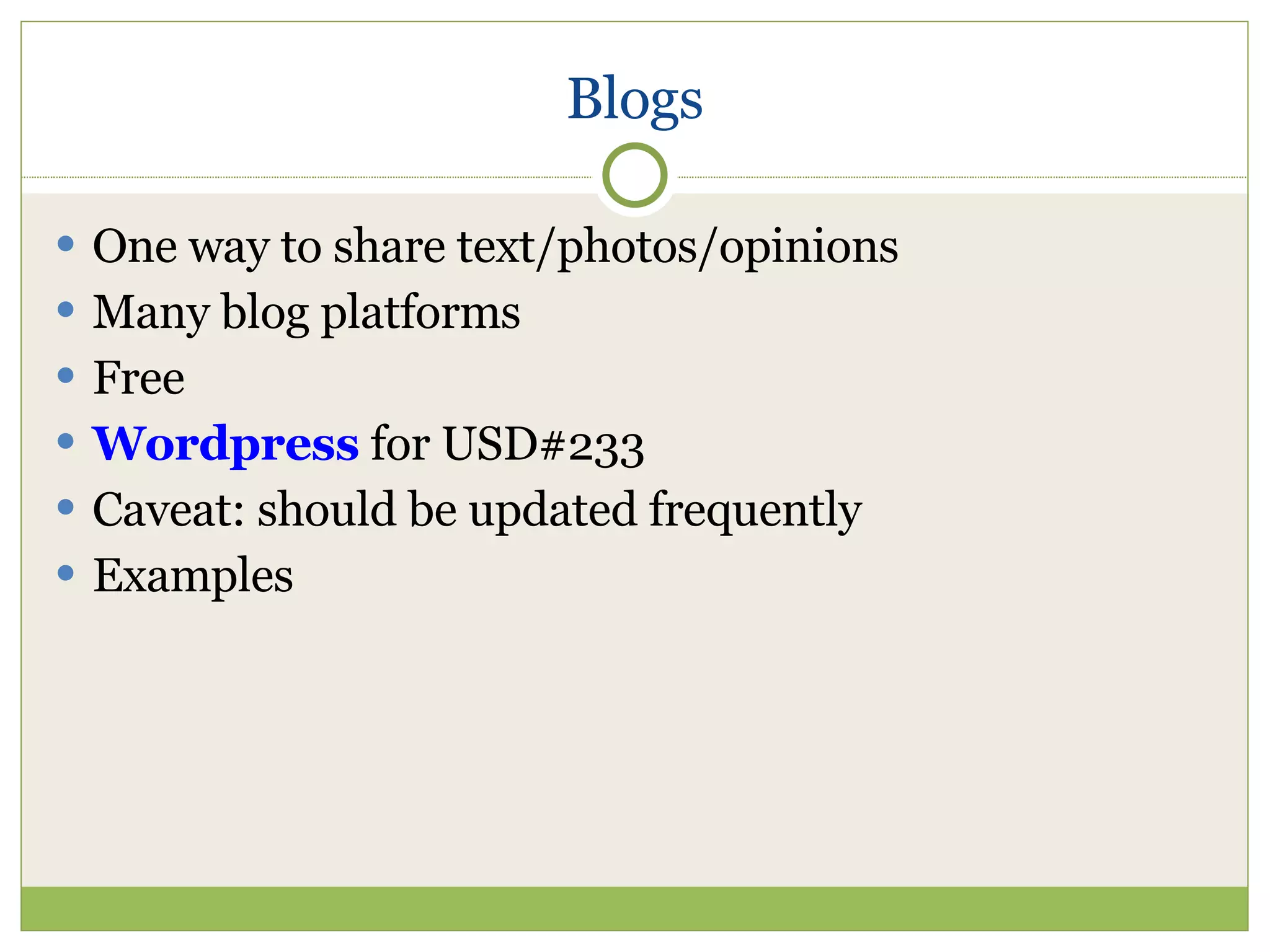
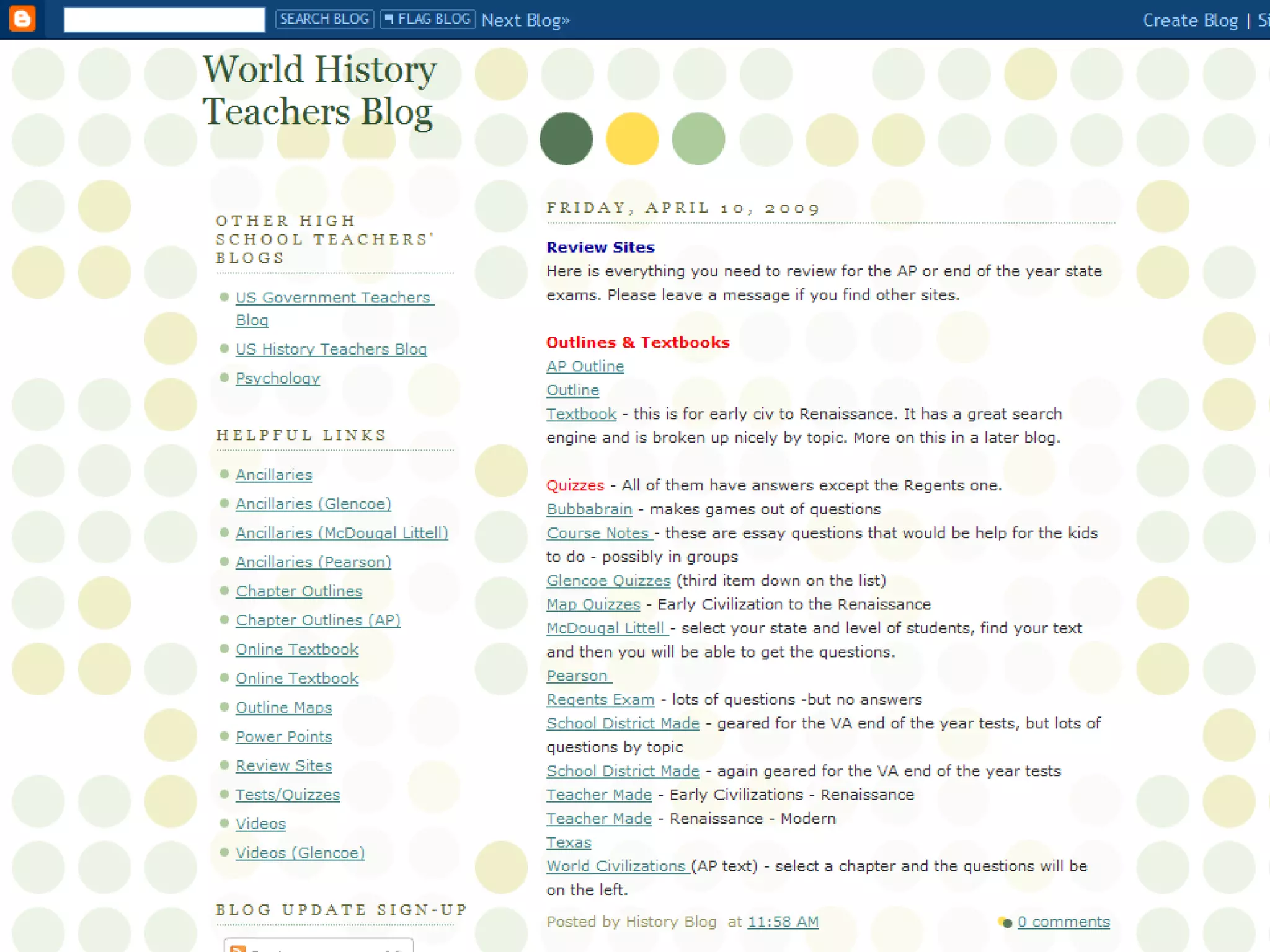
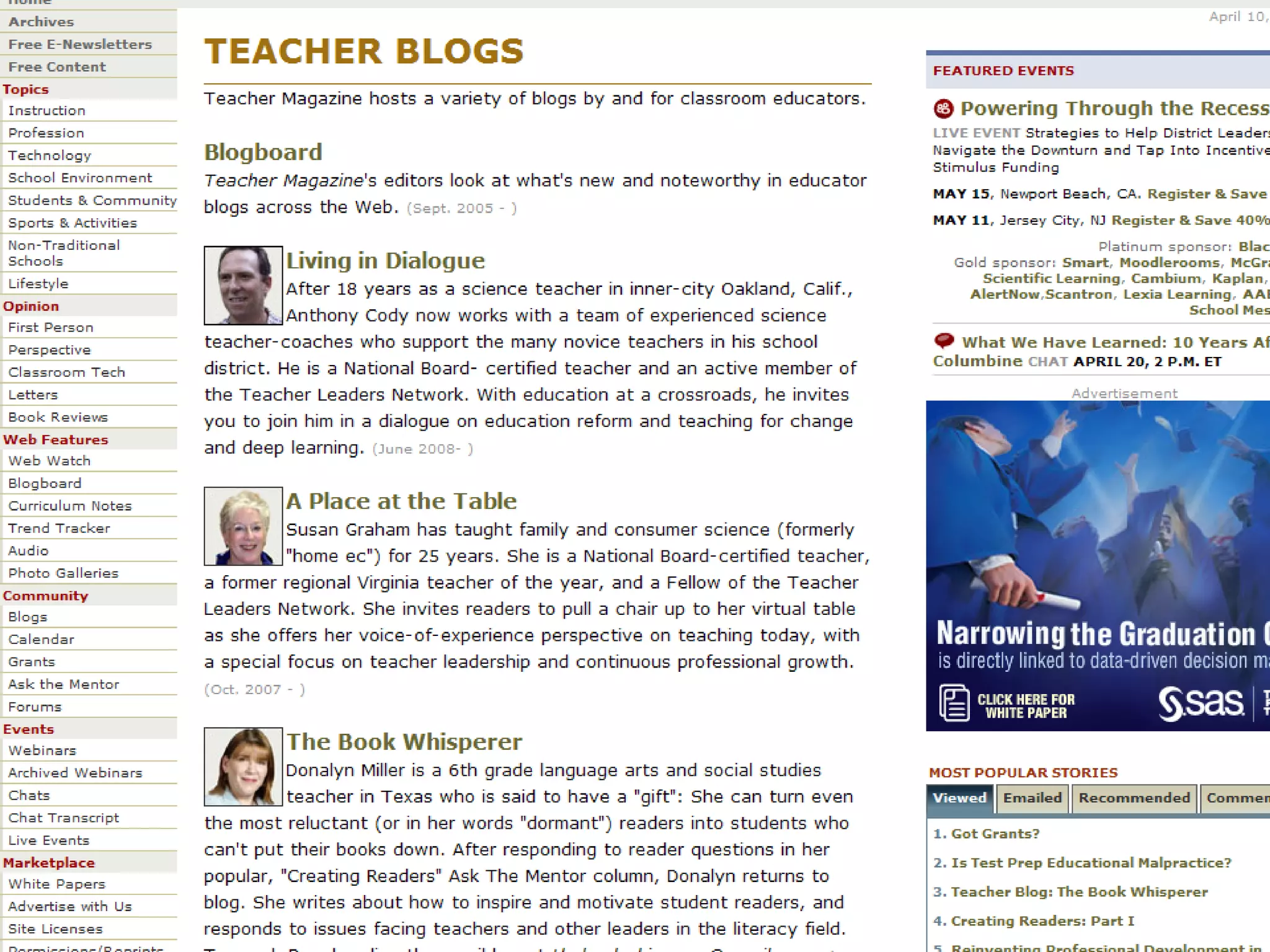
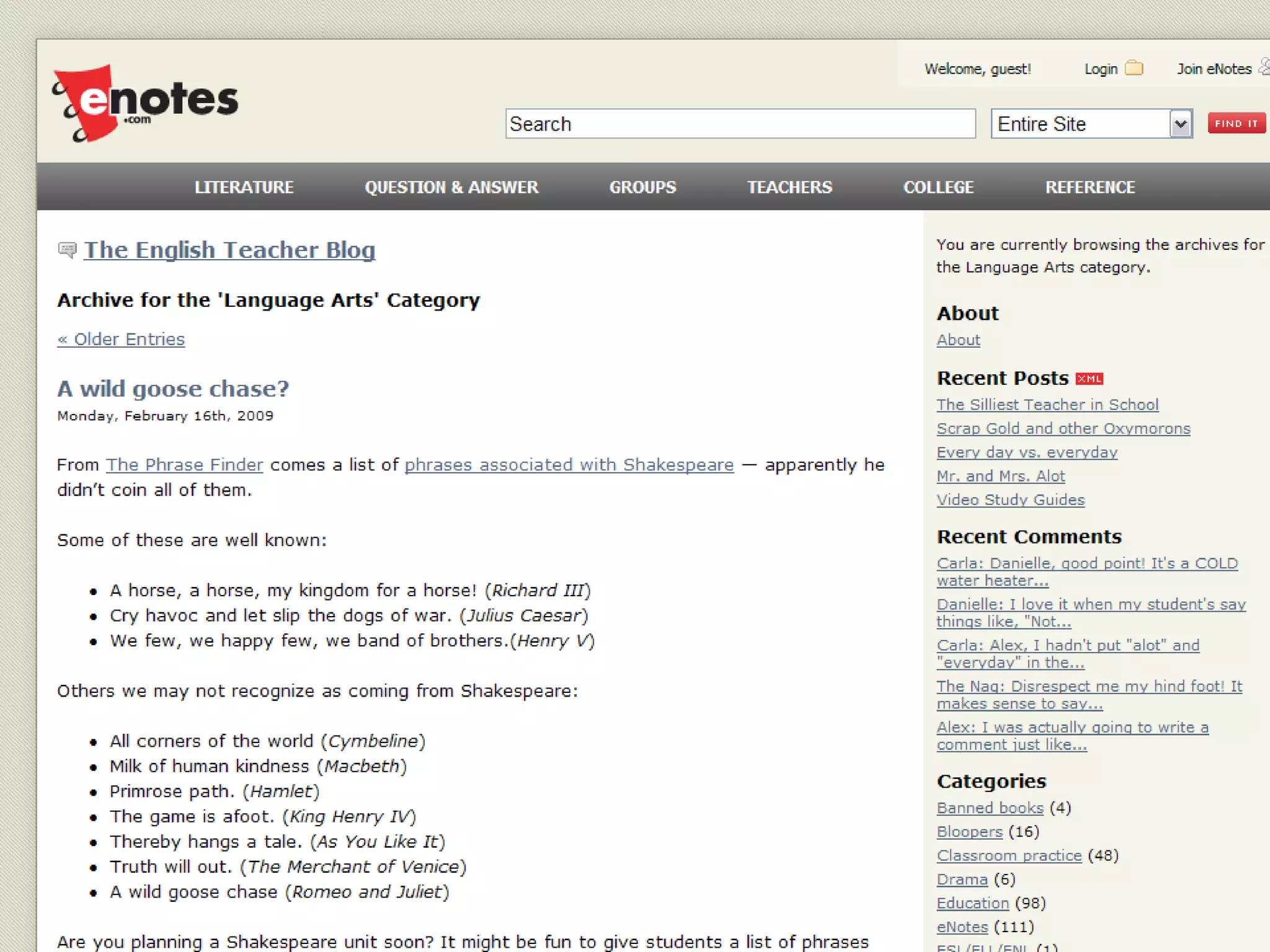
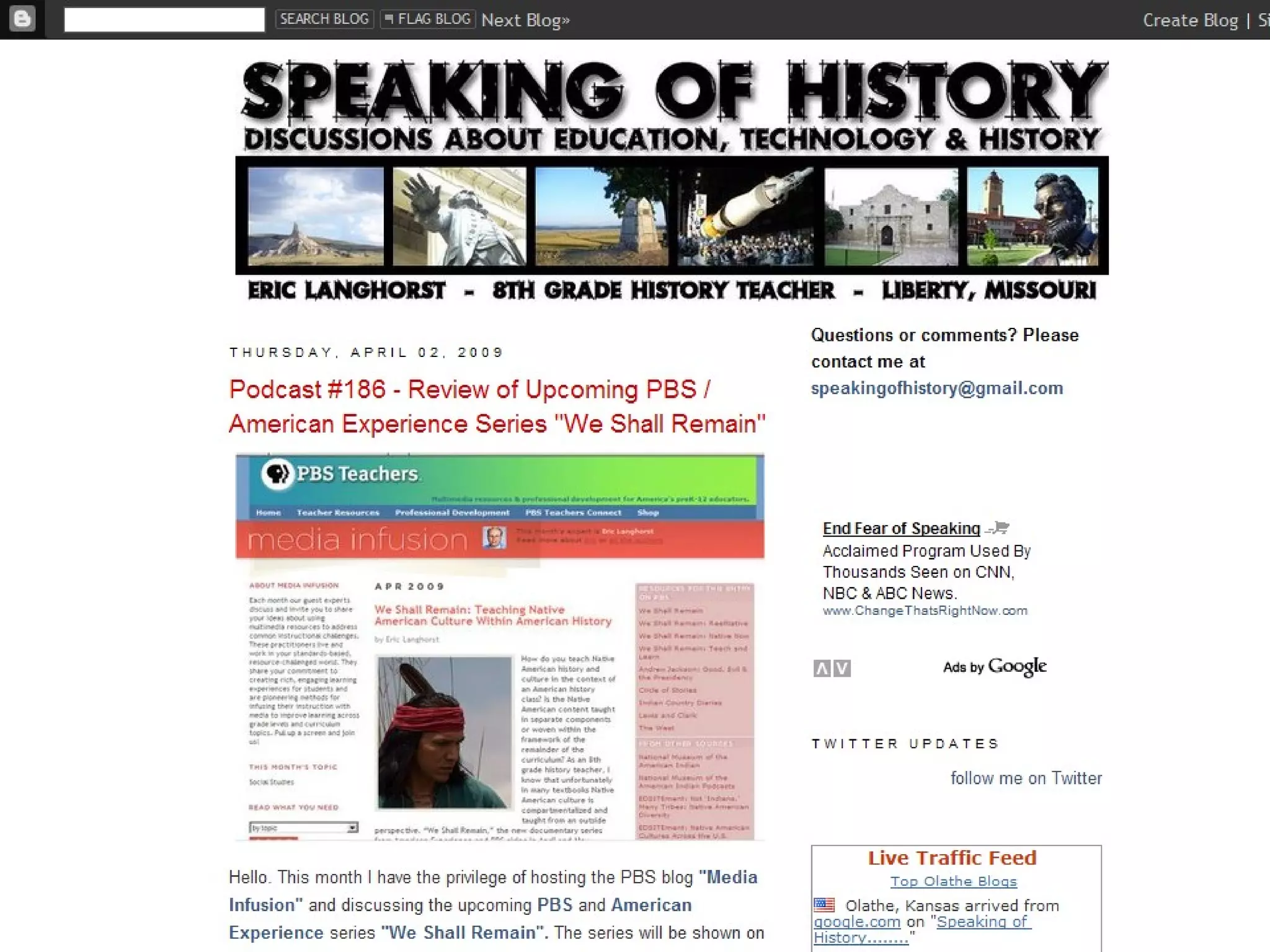
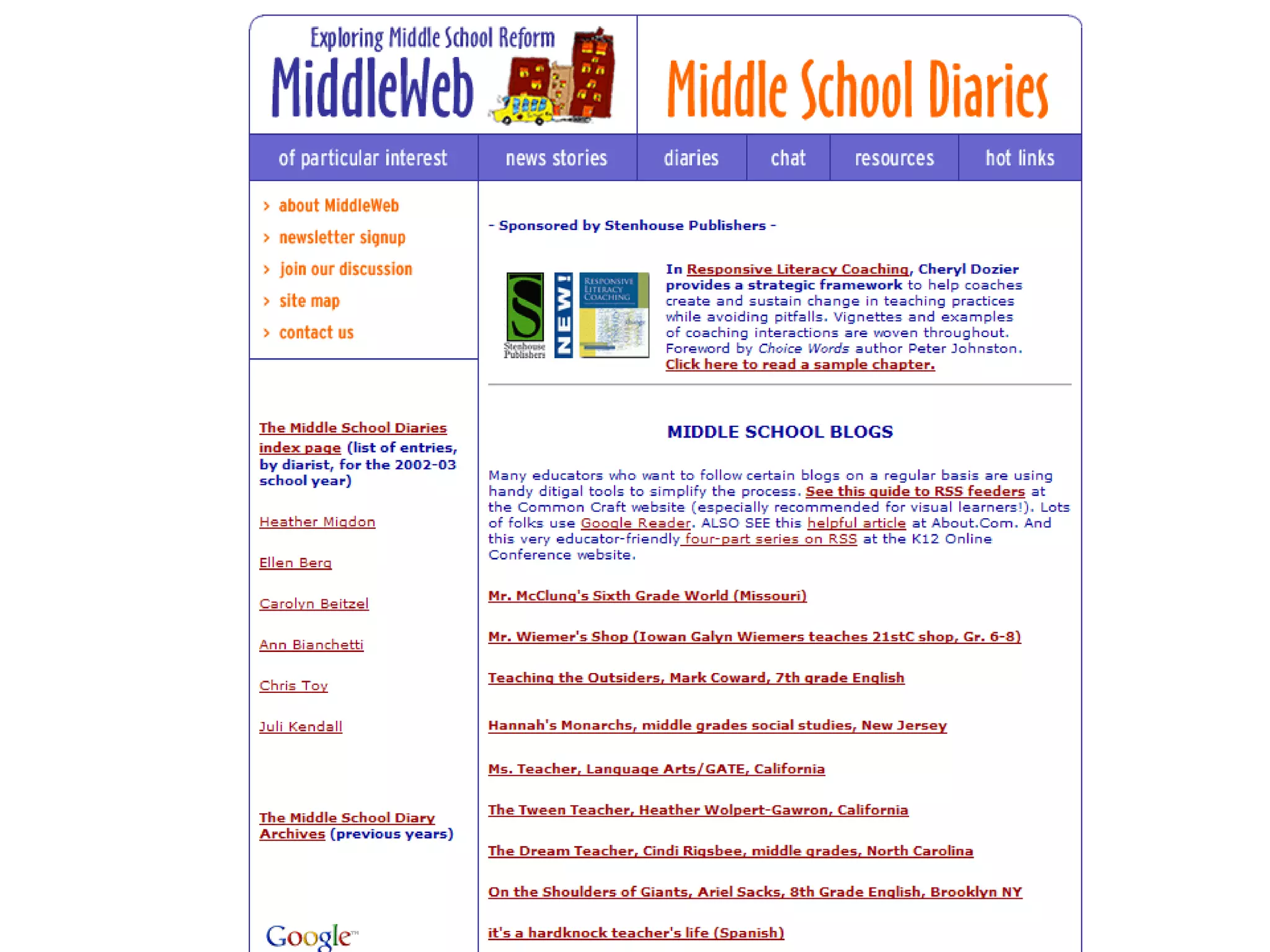
Blogs One way to share text/photos/opinions Many blog platforms Free Wordpress  for USD#233 Caveat: should be updated frequently Examples


School Library Blogs http://www.blogwithoutalibrary.net/links/index.php?title=School_libraries http://blog.schoollibrarymedia.com/ http://www.schoollibraryjournal.com/blog/1340000334.html
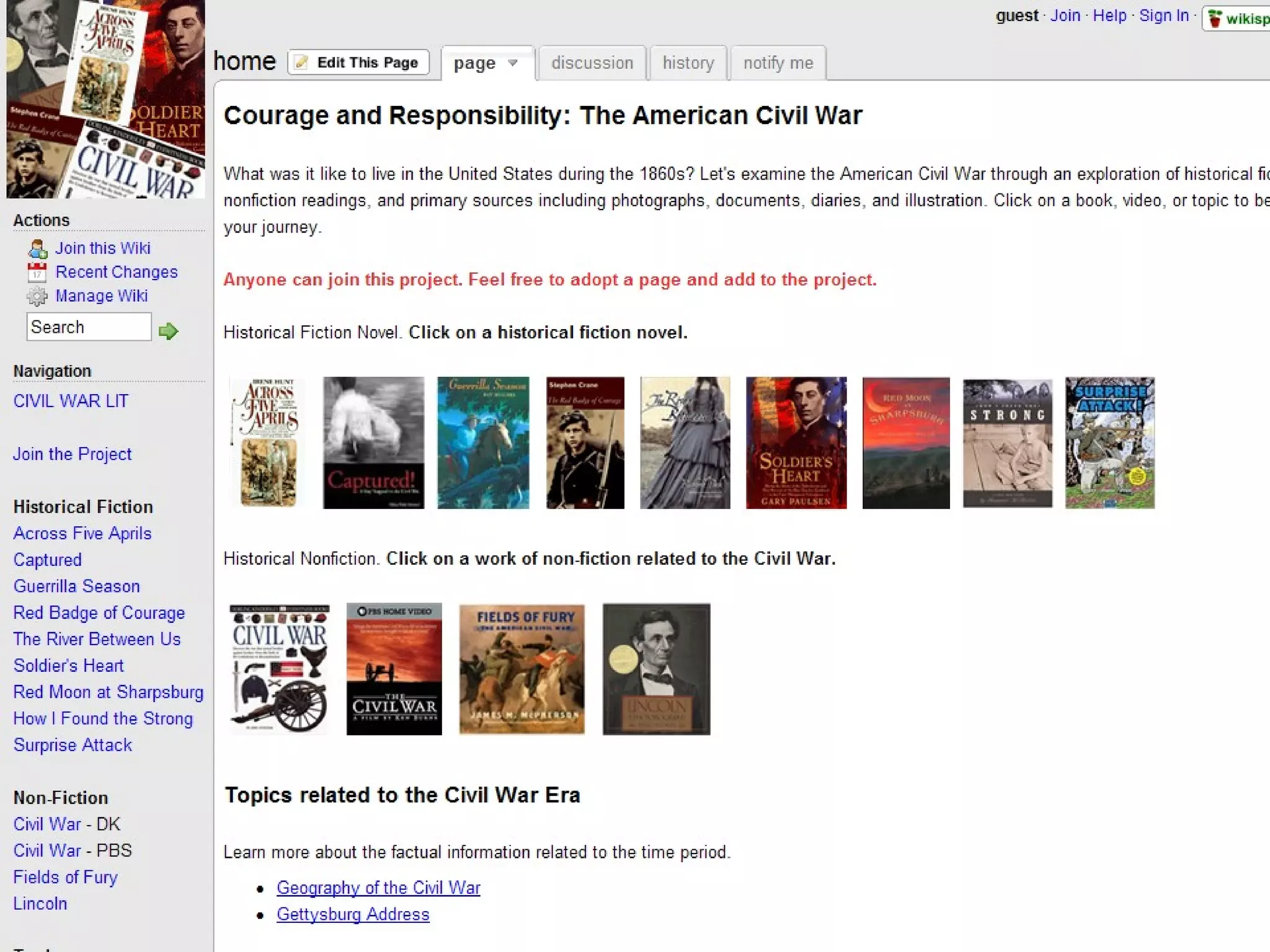
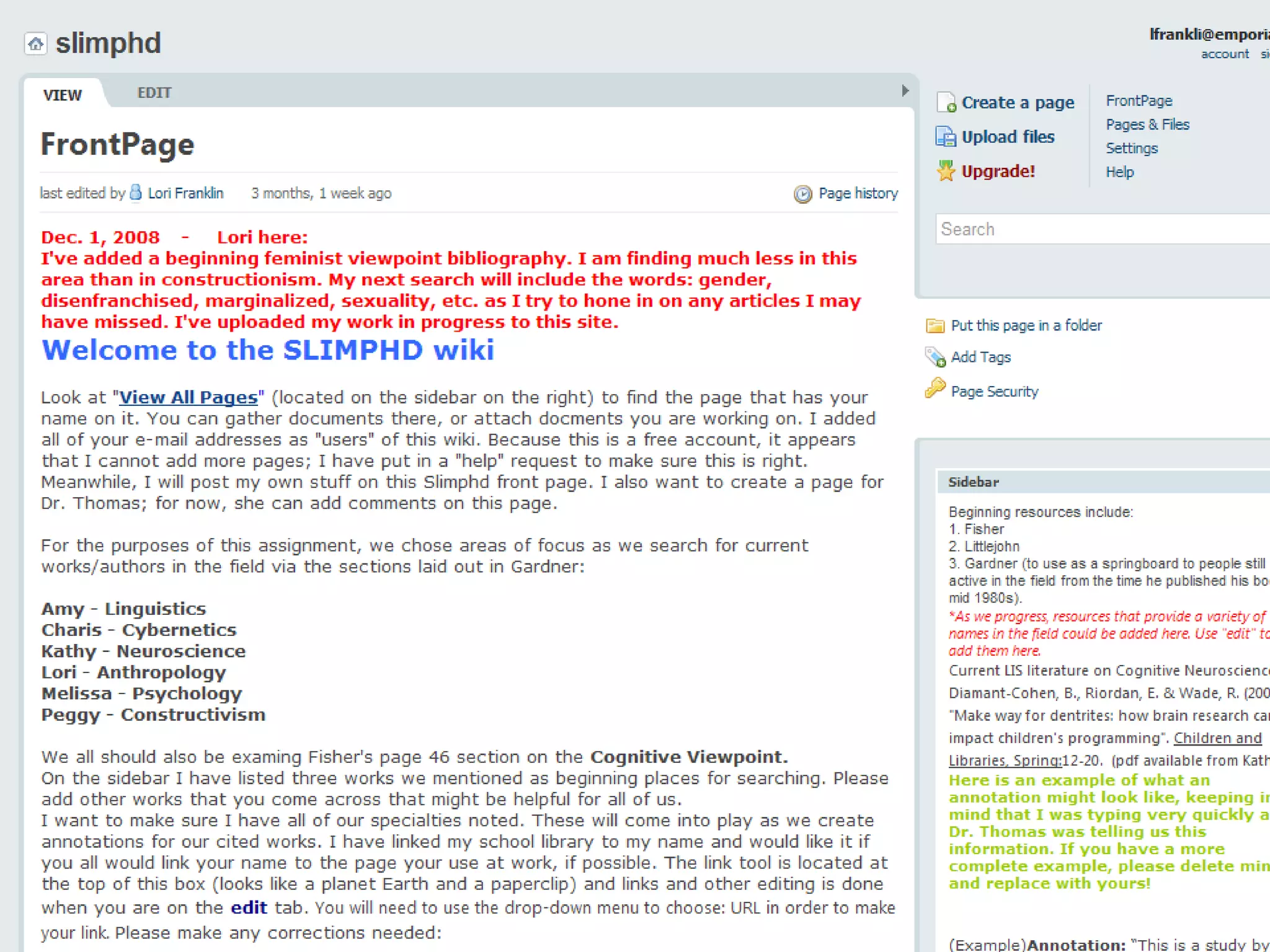
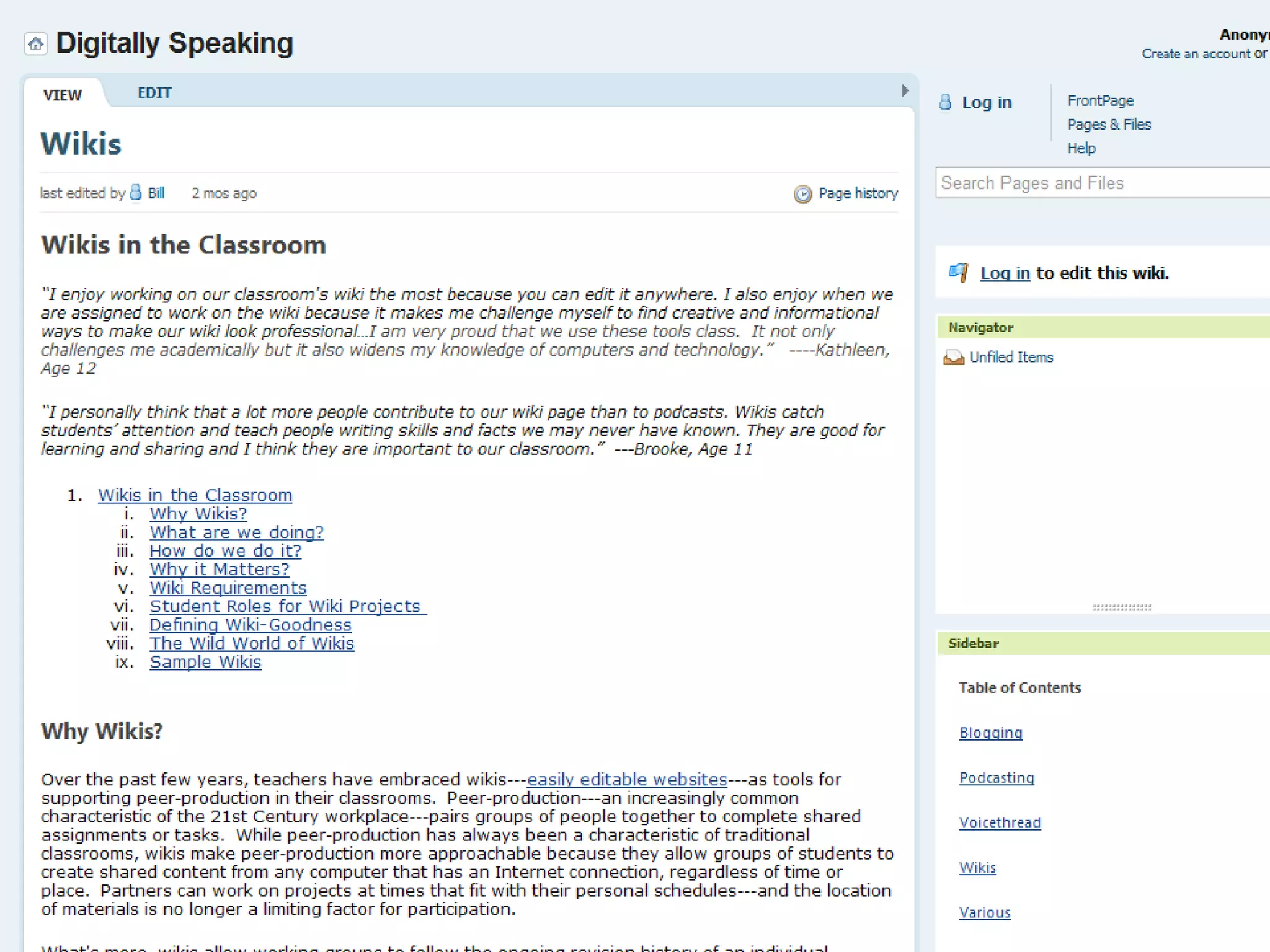
Wiki world Sharing Gathering Editing Publishing Archiving
Wrap your head around it… Online space Anybody can edit Can password protect What ways can you use a wiki?
Quick wiki example From pbwiki: http://pbwiki.com/content/viewdemo


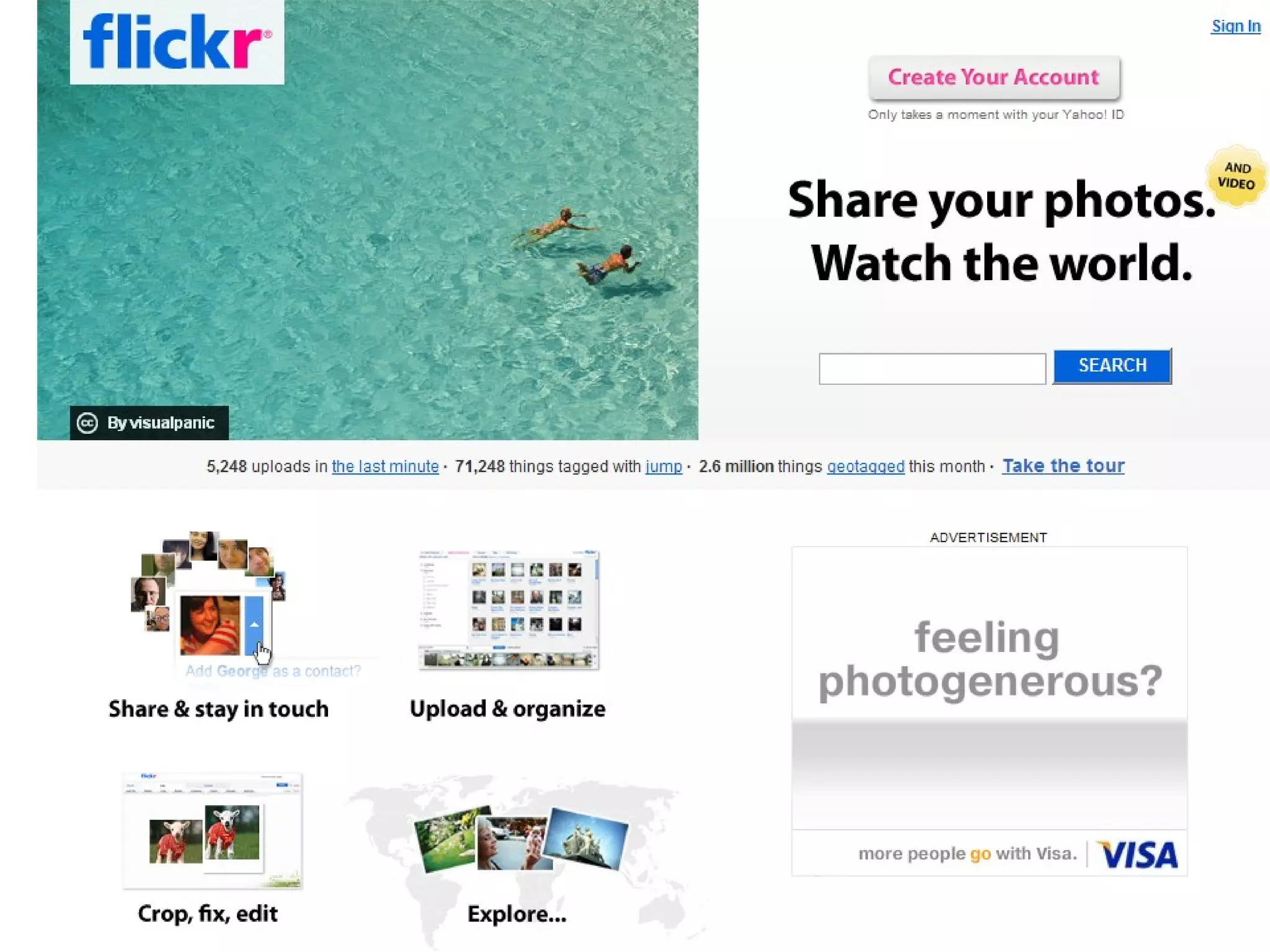
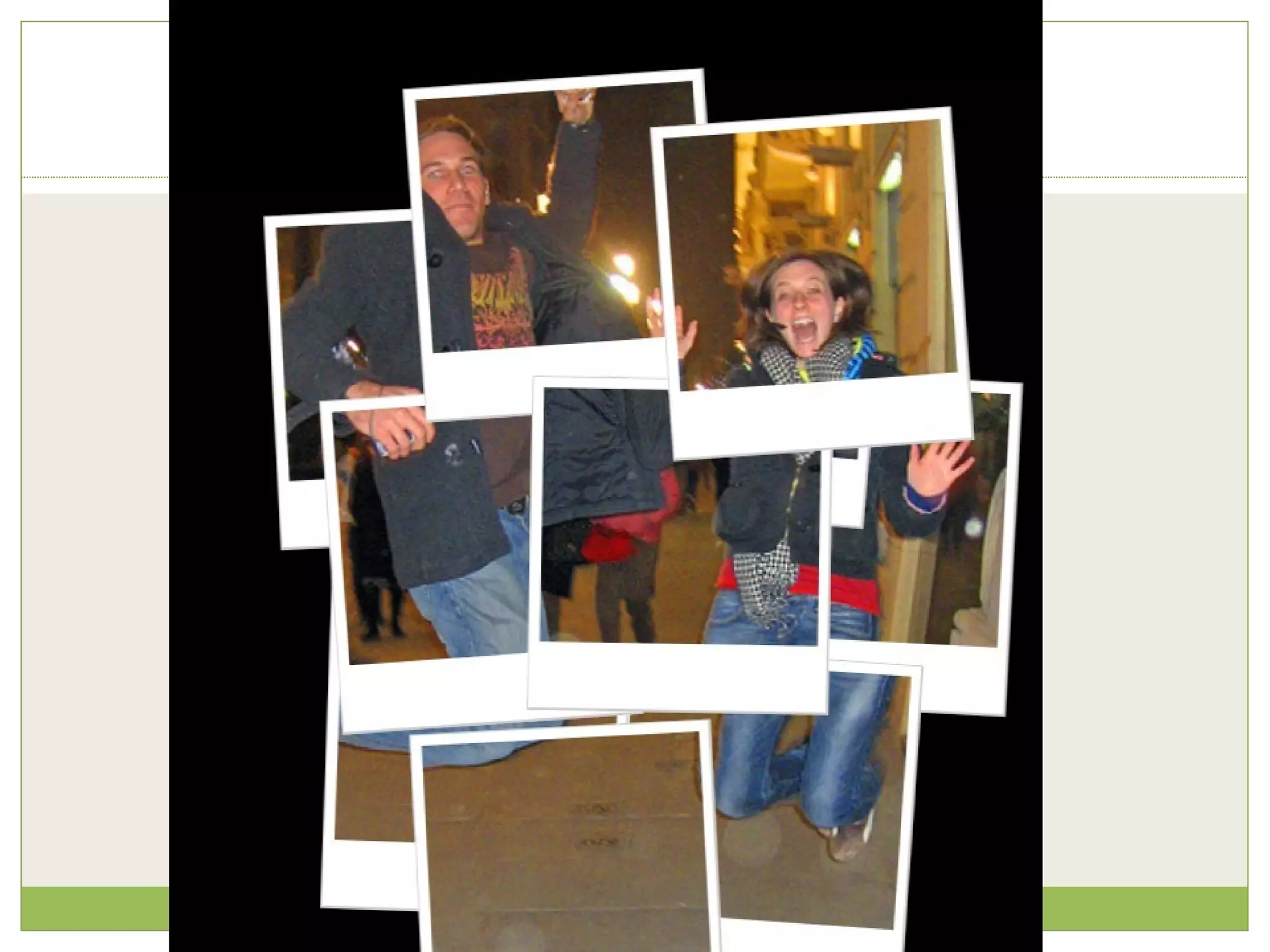
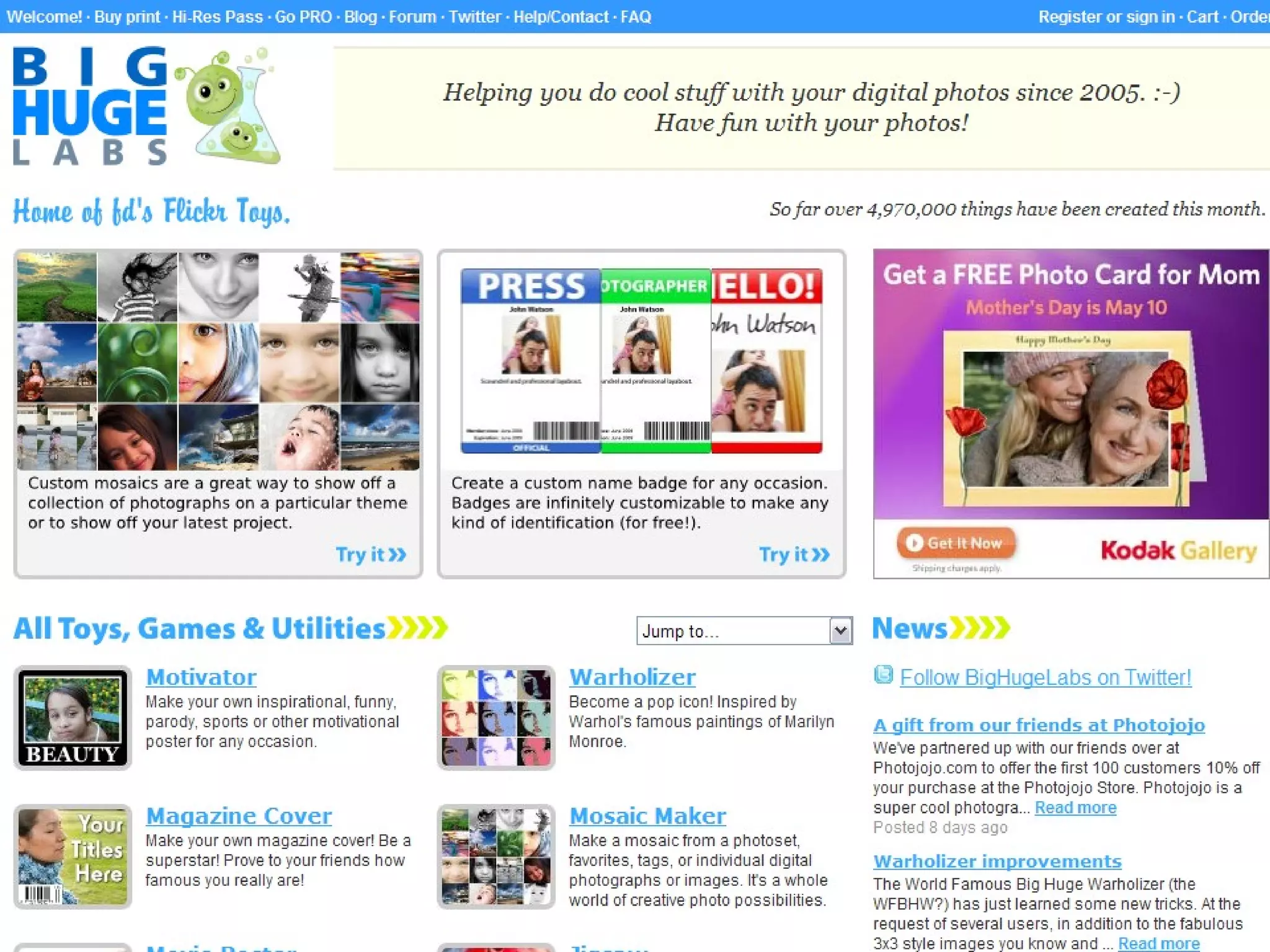
Creative tools Flickr Upload photos and share/create slideshows Scroll down and click on: Explore F.D.’s Flickr Toys Mash up with Flickr lets you create amazing graphics
 
 
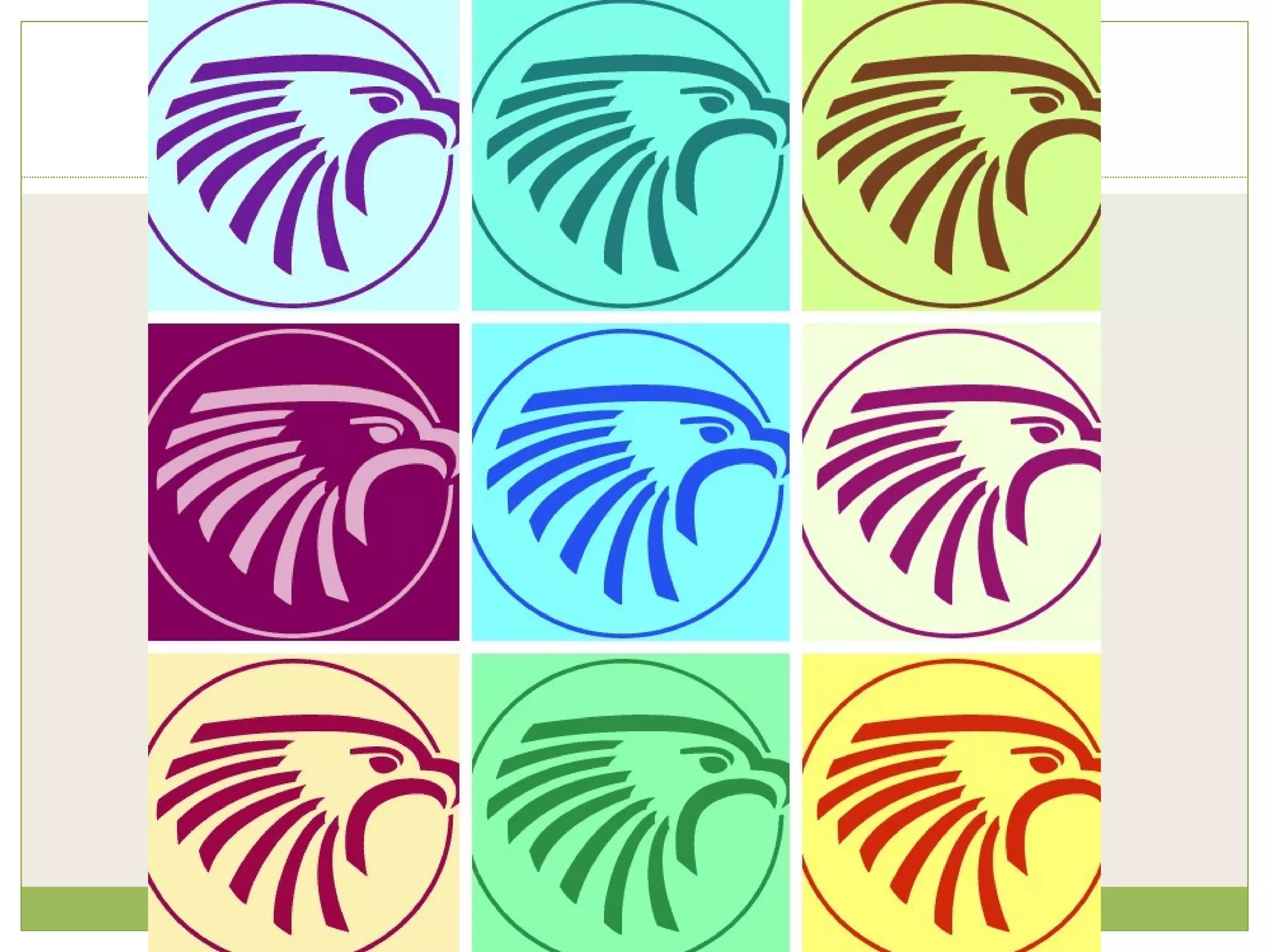
Warholize it!
 
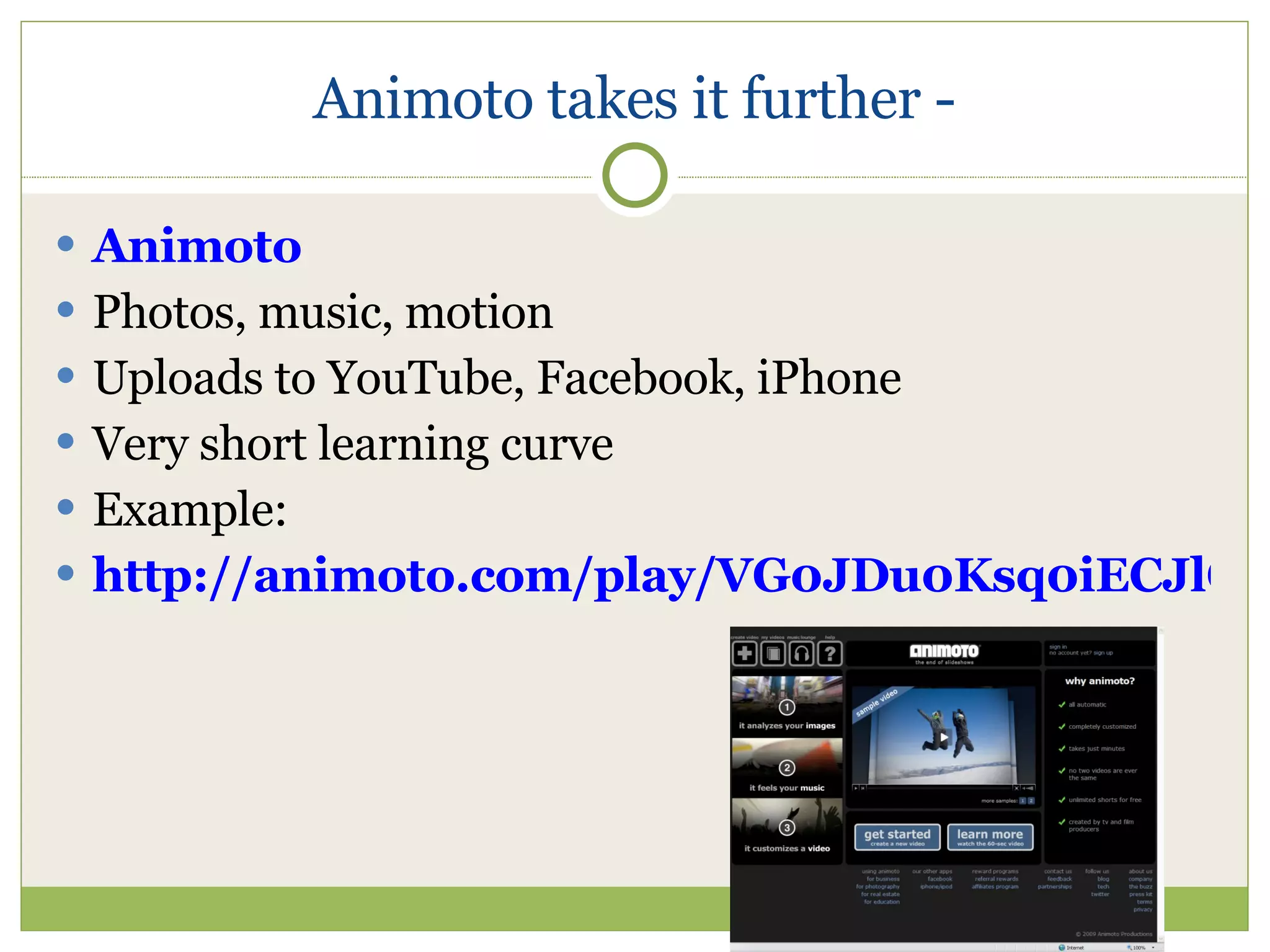
Animoto takes it further - Animoto Photos, music, motion Uploads to YouTube, Facebook, iPhone Very short learning curve Example: http://animoto.com/play/VG0JDu0Ksq0iECJlGlflfg
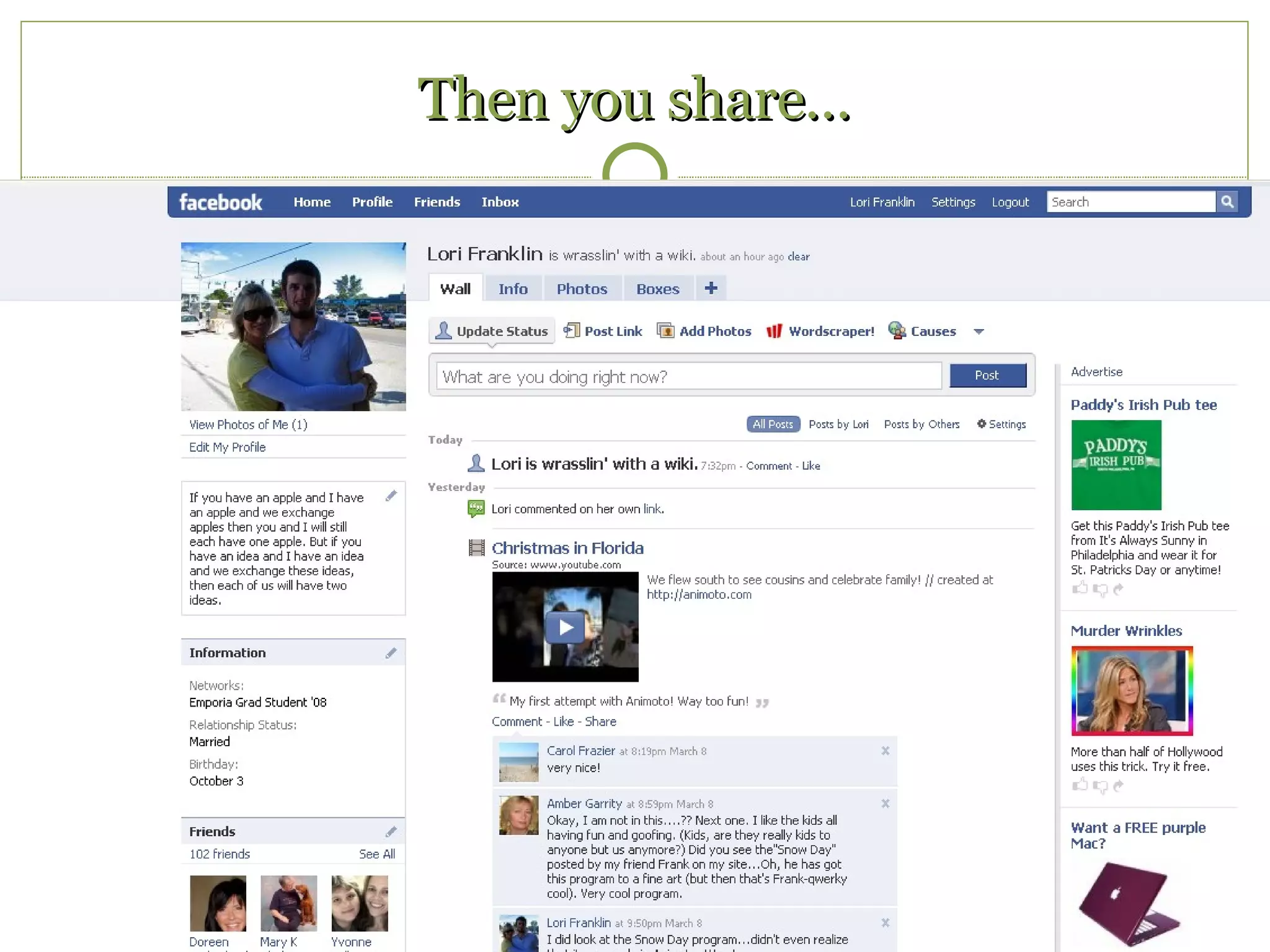
Then you share…
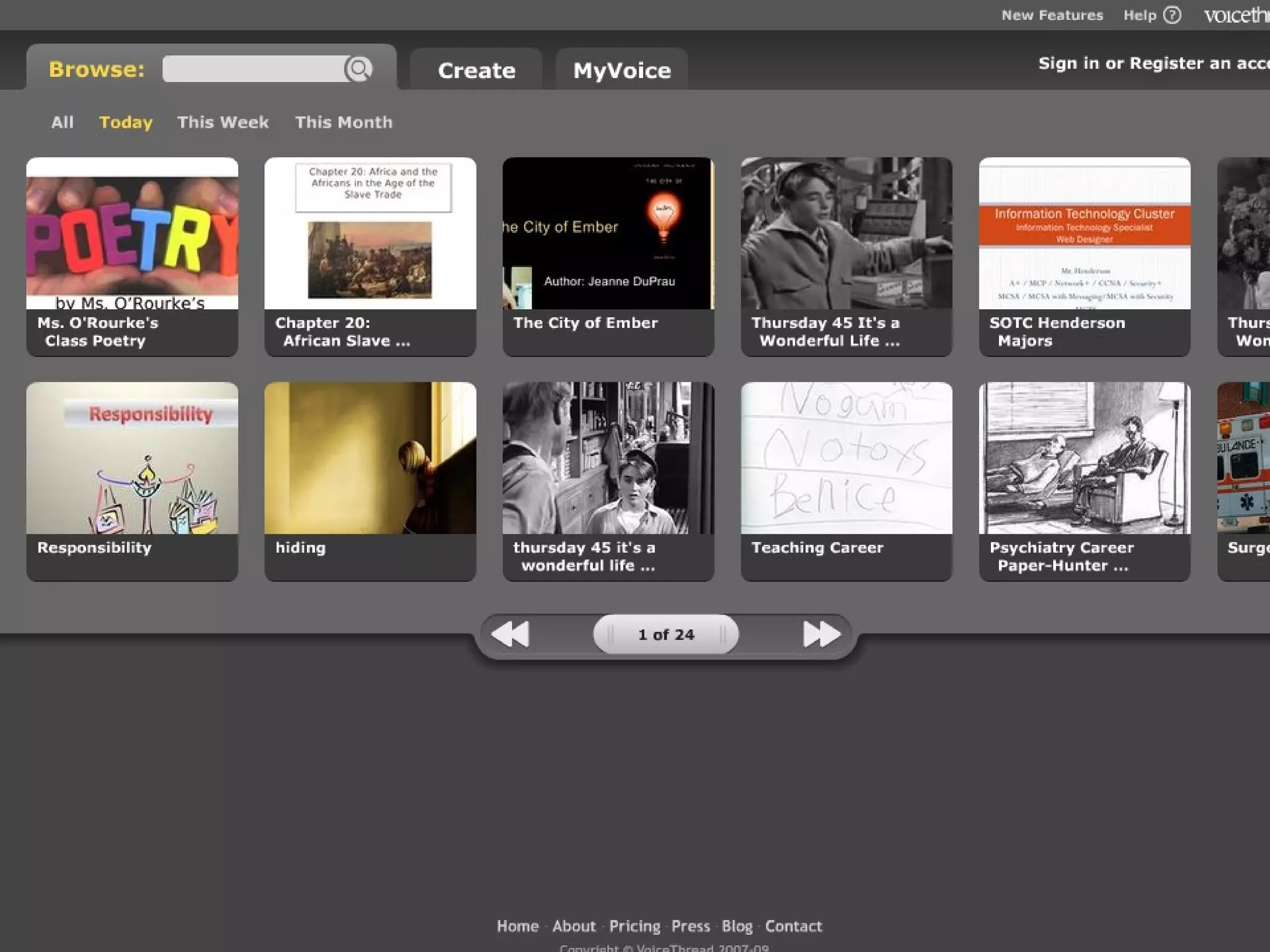
Digital storytelling Voice Thread Demo Example
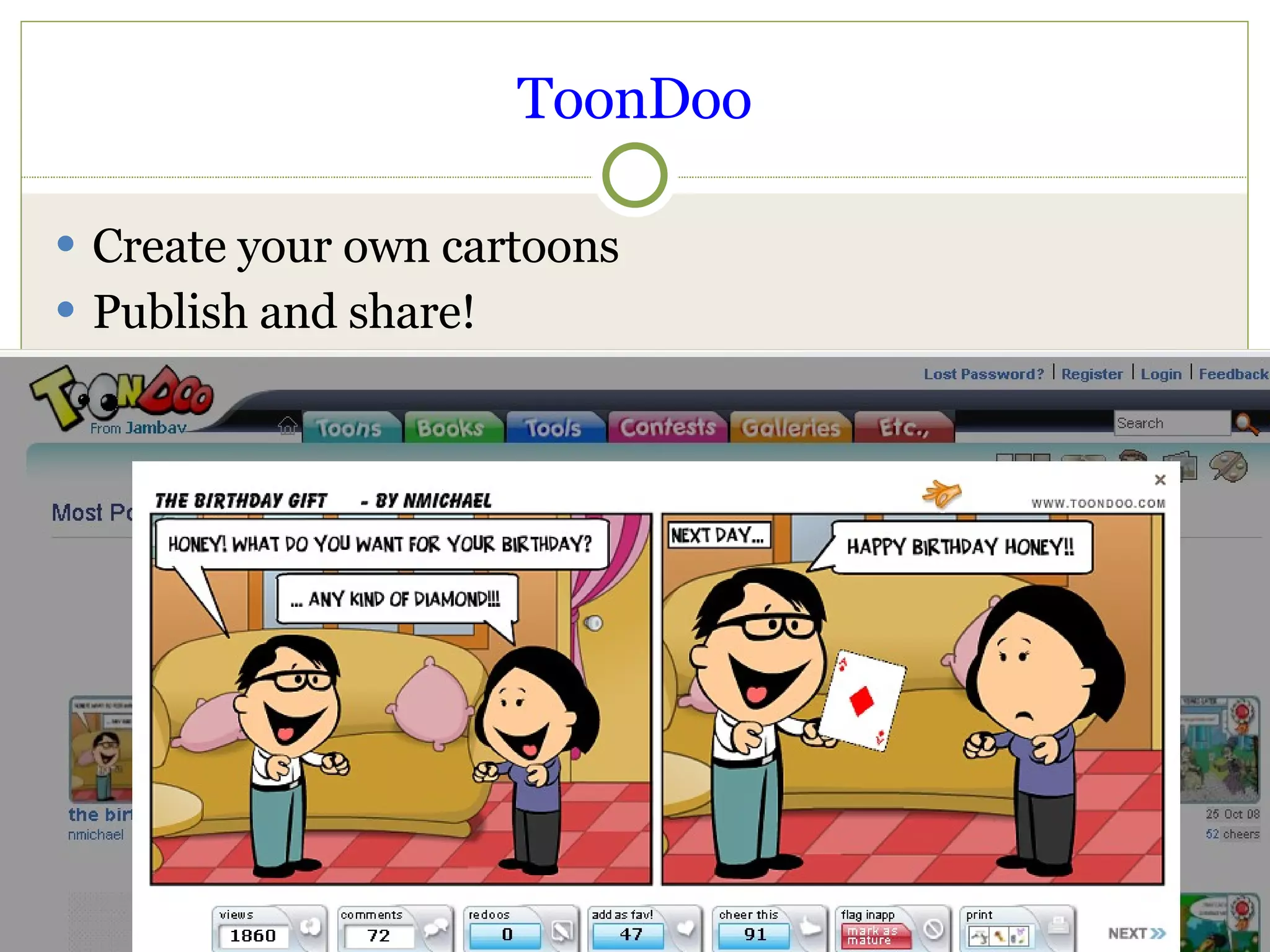
ToonDoo Create your own cartoons Publish and share!
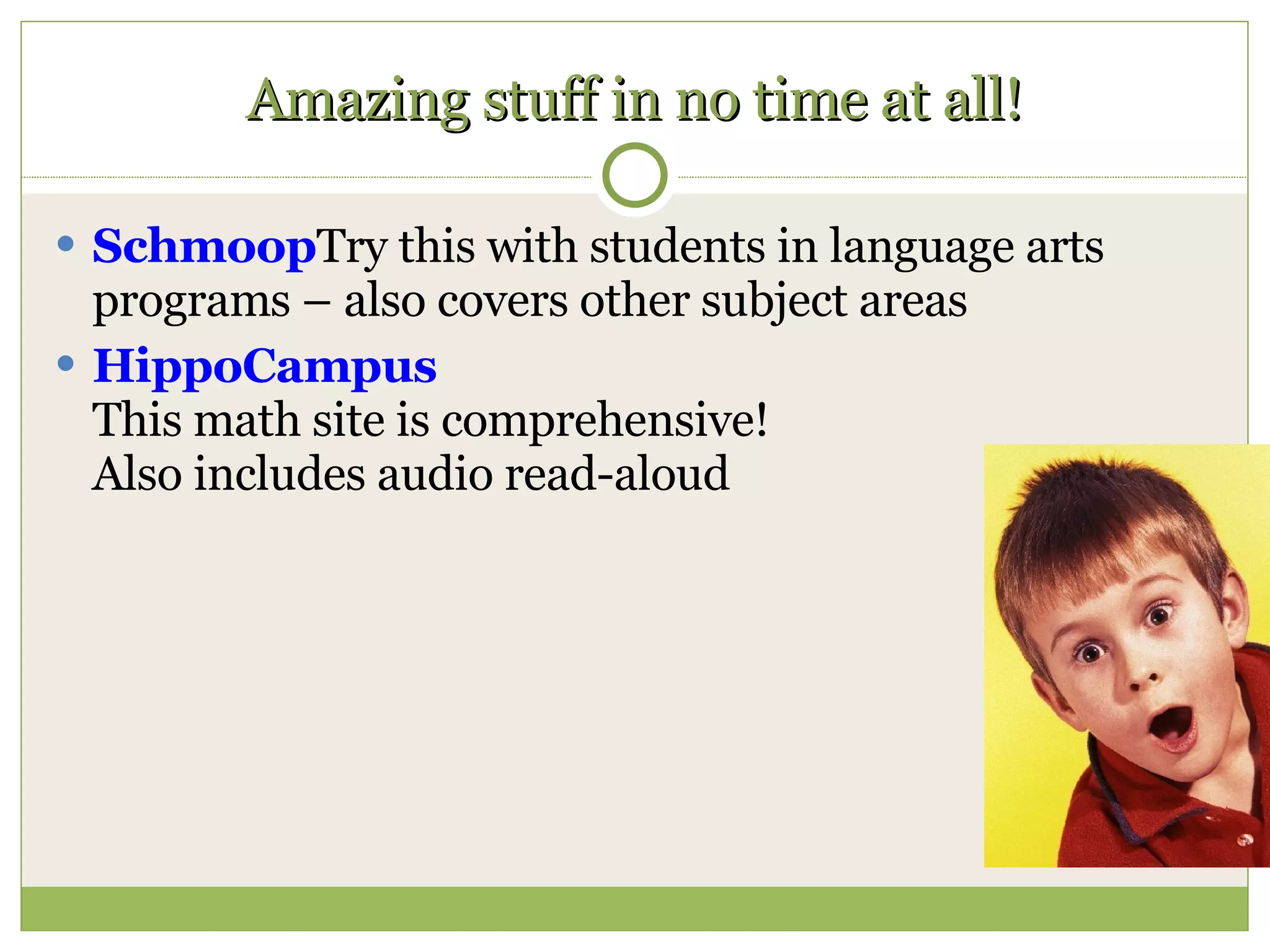
Amazing stuff in no time at all! Schmoop Try this with students in language arts programs – also covers other subject areas HippoCampus This math site is comprehensive! Also includes audio read-aloud
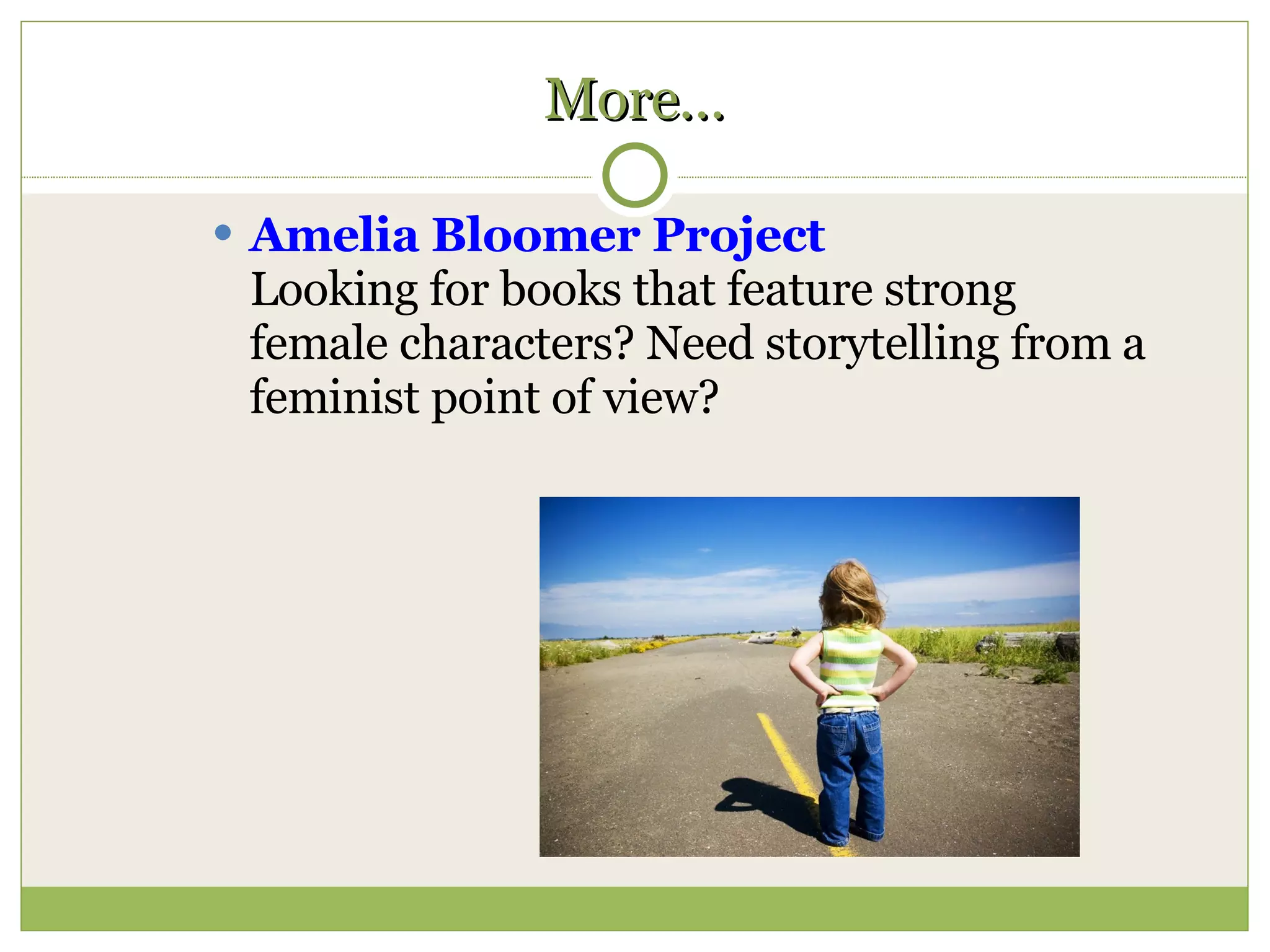
More… Amelia Bloomer Project Looking for books that feature strong female characters? Need storytelling from a feminist point of view?
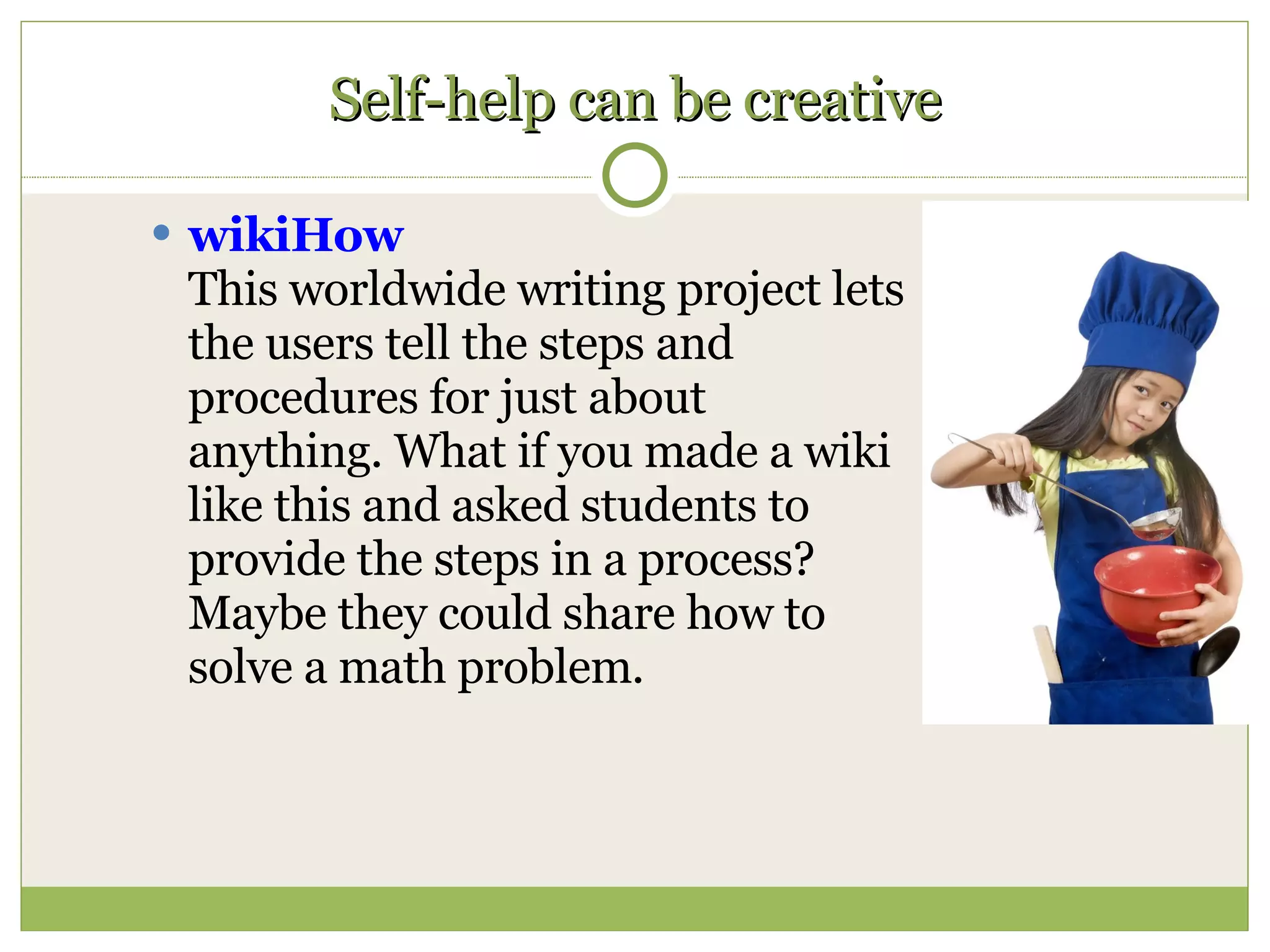
Self-help can be creative wikiHow This worldwide writing project lets the users tell the steps and procedures for just about anything. What if you made a wiki like this and asked students to provide the steps in a process? Maybe they could share how to solve a math problem.
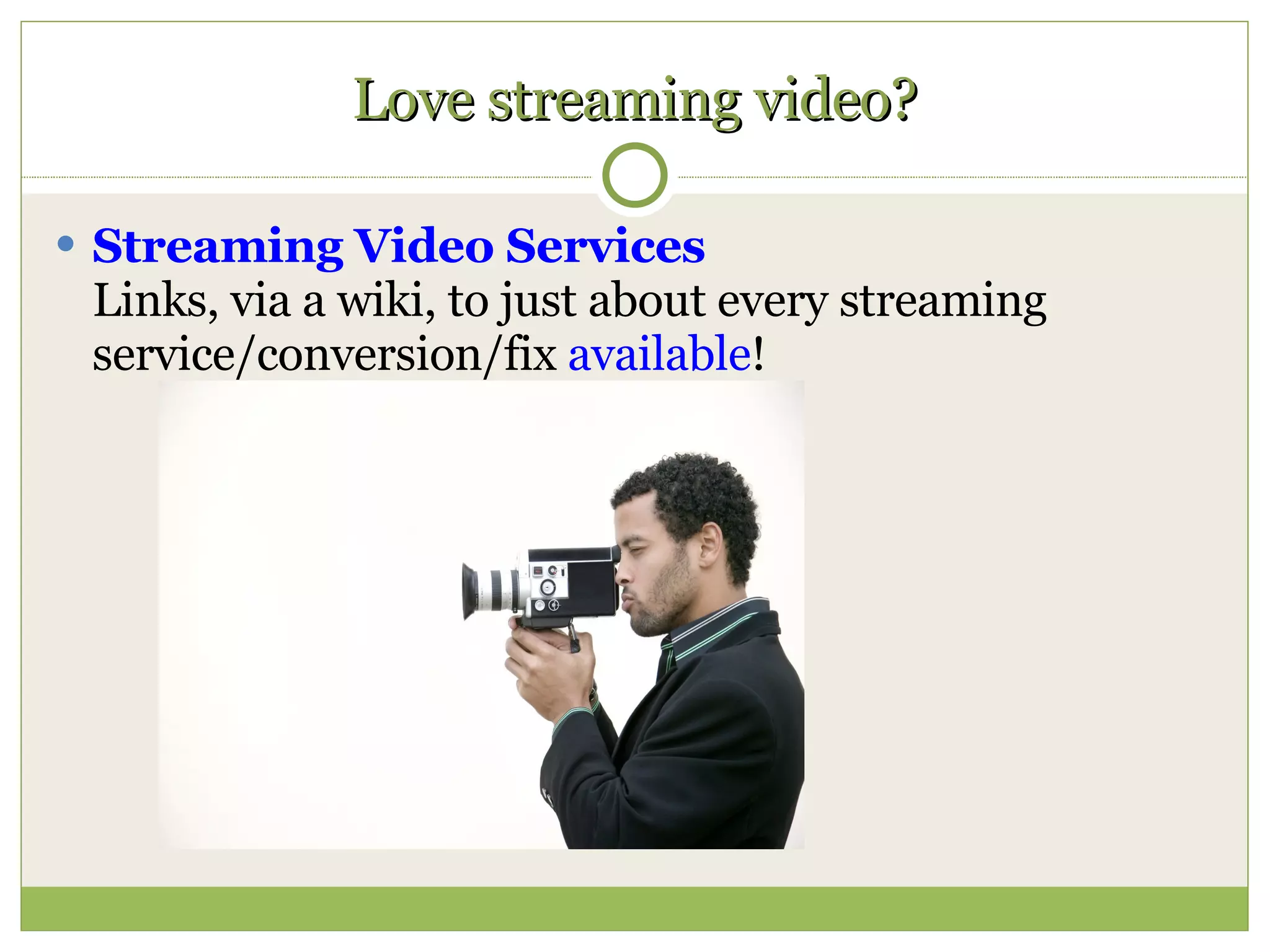
Love streaming video? Streaming Video Services Links, via a wiki, to just about every streaming service/conversion/fix  available !
Get the 411 Goog-411 Directory Calling Demo
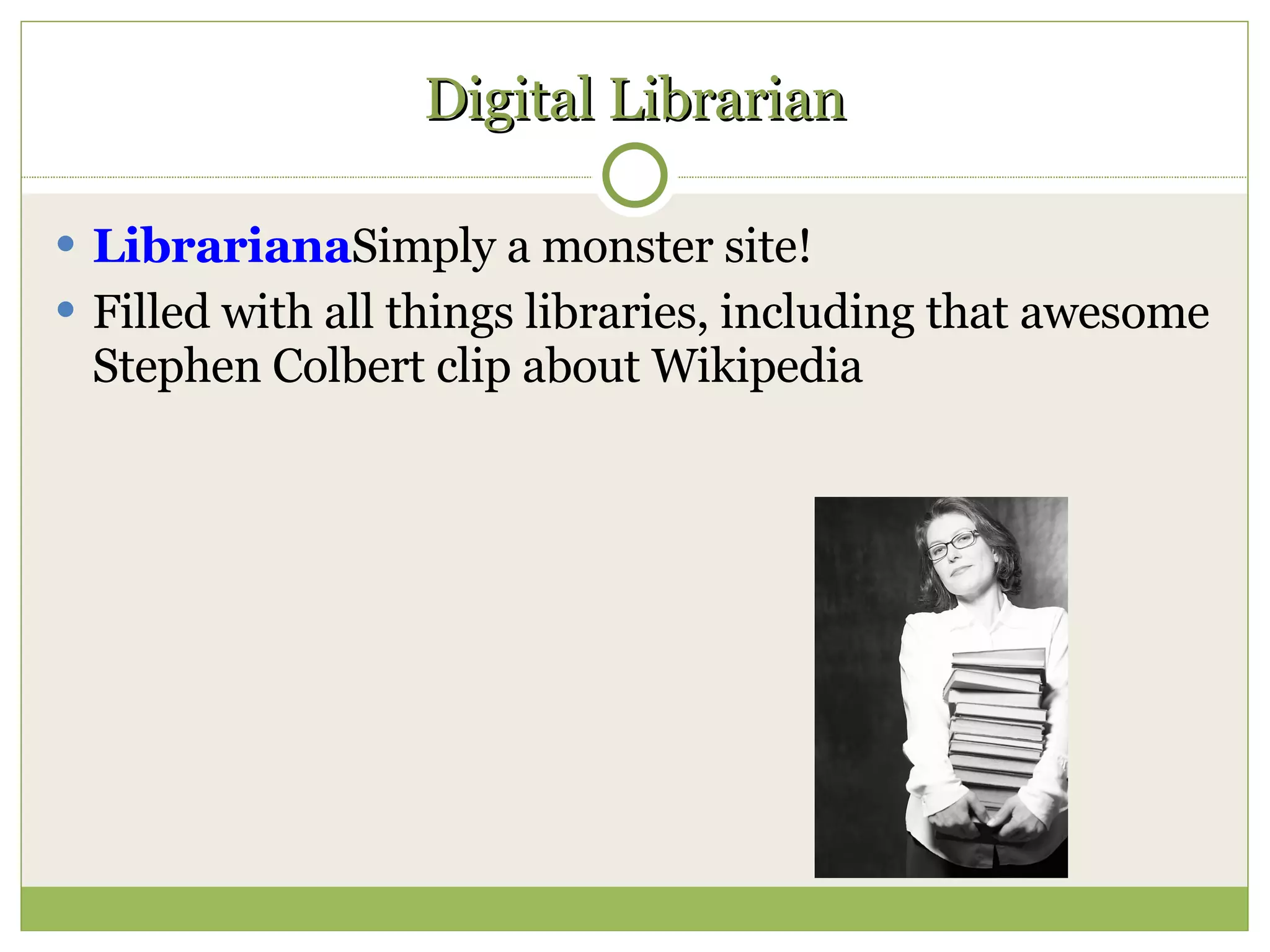
Digital Librarian Librariana Simply a monster site!  Filled with all things libraries, including that awesome Stephen Colbert clip about Wikipedia
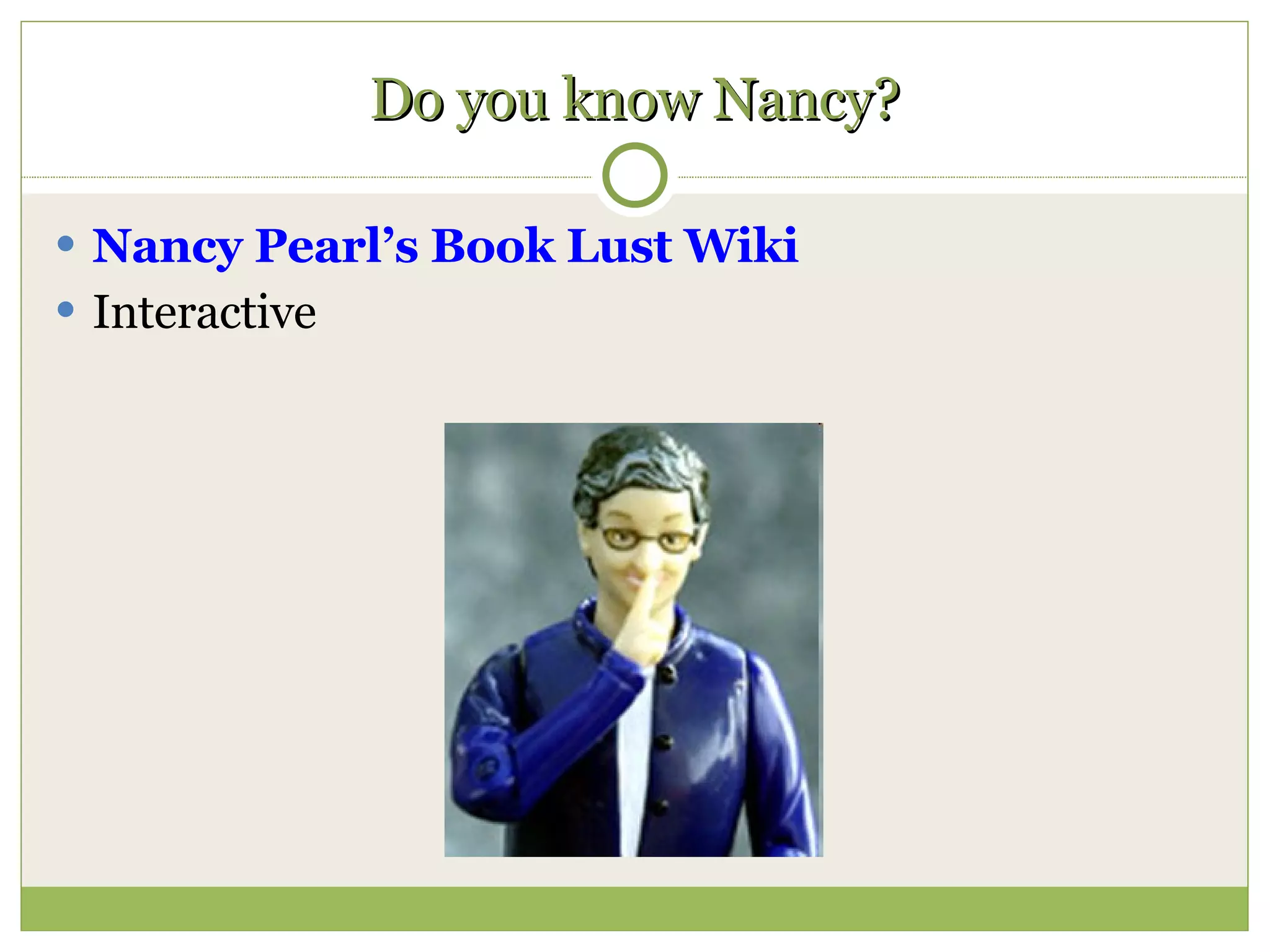
Do you know Nancy? Nancy Pearl’s Book Lust Wiki Interactive
Like to listen? Best of iTunes University Scroll down for suggestions Great literature for listening
For example… Lit2go Download pdf of the text to go along with the audio!
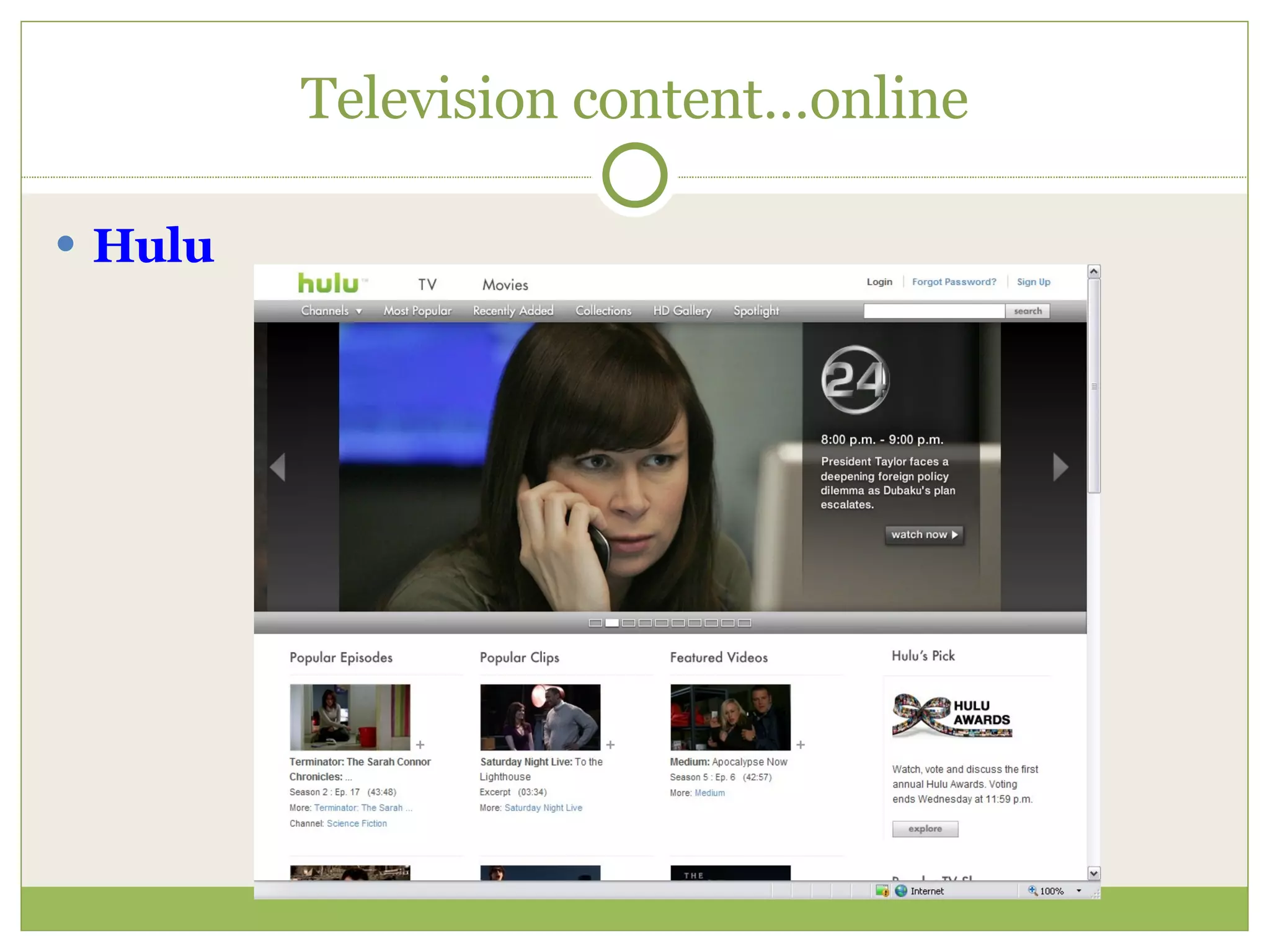
Television content…online Hulu
Read Alikes Novelist Literature Map
File Converters Allow you to transfer from one platform or file format to another Useful for many reasons:   - students don’t have MS Word - conflicting versions of word processors - video/audio applications
Use these… Zamzar  – provides many conversions, including YouTube for playing at school Vixy  – also allows video conversion to MP4 format PDF to Word  – Great for  changing PDF files into  MS Word formatting Media-Convert  – conversions appear quickly
Think about passwords… For school use of Web 2.0 products, you could use the same username/password combo that you originally set up for one product – it makes it easier to remember
My favorite… RoboForm Will generate usernames and passwords One-touch entry into sites requiring username/password combo Stores up to 10 for free
Want to learn more? 100 Helpful Web Tools 100 Free Library Web 2.0 Tutorials
Ready to really dig into Web 2.0? The Best Web 2.0 Applications for Education YouTube Sucks: Four Sites that do Video Better PBS Frontline videos Seven Things You Should Know Web 2.0’s Most Ridiculous Sites Three Ways to Find the Latest iTunes Freebies Open Office Google Labs Google Docs
This presentation… SlideShare  –  Example: http://www.slideshare.net/lfranklinoe Also on OE Library page http://teachers.olatheschools.com/oelibrary/presentations.html

Web 2 For Teachers

  • 1.
    A QUICK GUIDETO TOOLS YOU CAN USE Web 2.0 for Teachers Lori Franklin Olathe USD#233 April 17, 2009
  • 2.
    Web 2.0 CollaborativeOpen source editing/sharing Global Evolving
  • 3.
    Learning Encompasses allof *Bloom’s Taxonomy Participatory Cooperative Student-led Teacher-facilitated *Knowledge, comprehension, application, analysis, synthesis, evaluation
  • 4.
    Top 10 Web2.0 sites April ‘09 YouTube - 69.1 Wikipedia – 62.2 Craigslist – 45.2 Photobucket – 24.4 Flickr – 23.7 Wordpress – 22.1 IMDB – 21.3 Digg – 33.4 eHow – 15.2 Typepad - 9.6 Monthly visits in millions eBiz MBZ: http://www.ebizmba.co
  • 5.
  • 6.
    Links from OlatheTechnology Dept. http://online.olatheschools.com/curriculum/K6symposium.htm
  • 7.
    Speaking of topsites: eBiz MBA provides monthly web rankings Might be used as a template for creating a class project for ranking information sites for a research project Don’t miss: Top 20 Science Web Sites 20 Most Popular Political Sites
  • 8.
    More on “OpenSource” Shared spaces Ownership not emphasized Co-creation with many Crosses boundaries Non-proprietary
  • 9.
    Blogs One wayto share text/photos/opinions Many blog platforms Free Wordpress for USD#233 Caveat: should be updated frequently Examples
  • 10.
  • 11.
  • 12.
  • 13.
  • 14.
    School Library Blogshttp://www.blogwithoutalibrary.net/links/index.php?title=School_libraries http://blog.schoollibrarymedia.com/ http://www.schoollibraryjournal.com/blog/1340000334.html
  • 15.
    Wiki world SharingGathering Editing Publishing Archiving
  • 16.
    Wrap your headaround it… Online space Anybody can edit Can password protect What ways can you use a wiki?
  • 17.
    Quick wiki exampleFrom pbwiki: http://pbwiki.com/content/viewdemo
  • 18.
  • 19.
  • 20.
  • 21.
    Creative tools FlickrUpload photos and share/create slideshows Scroll down and click on: Explore F.D.’s Flickr Toys Mash up with Flickr lets you create amazing graphics
  • 22.
  • 23.
  • 24.
  • 25.
  • 26.
    Animoto takes itfurther - Animoto Photos, music, motion Uploads to YouTube, Facebook, iPhone Very short learning curve Example: http://animoto.com/play/VG0JDu0Ksq0iECJlGlflfg
  • 27.
  • 28.
    Digital storytelling VoiceThread Demo Example
  • 29.
    ToonDoo Create yourown cartoons Publish and share!
  • 30.
    Amazing stuff inno time at all! Schmoop Try this with students in language arts programs – also covers other subject areas HippoCampus This math site is comprehensive! Also includes audio read-aloud
  • 31.
    More… Amelia BloomerProject Looking for books that feature strong female characters? Need storytelling from a feminist point of view?
  • 32.
    Self-help can becreative wikiHow This worldwide writing project lets the users tell the steps and procedures for just about anything. What if you made a wiki like this and asked students to provide the steps in a process? Maybe they could share how to solve a math problem.
  • 33.
    Love streaming video?Streaming Video Services Links, via a wiki, to just about every streaming service/conversion/fix available !
  • 34.
    Get the 411Goog-411 Directory Calling Demo
  • 35.
    Digital Librarian LibrarianaSimply a monster site! Filled with all things libraries, including that awesome Stephen Colbert clip about Wikipedia
  • 36.
    Do you knowNancy? Nancy Pearl’s Book Lust Wiki Interactive
  • 37.
    Like to listen?Best of iTunes University Scroll down for suggestions Great literature for listening
  • 38.
    For example… Lit2goDownload pdf of the text to go along with the audio!
  • 39.
  • 40.
    Read Alikes NovelistLiterature Map
  • 41.
    File Converters Allowyou to transfer from one platform or file format to another Useful for many reasons: - students don’t have MS Word - conflicting versions of word processors - video/audio applications
  • 42.
    Use these… Zamzar – provides many conversions, including YouTube for playing at school Vixy – also allows video conversion to MP4 format PDF to Word – Great for changing PDF files into MS Word formatting Media-Convert – conversions appear quickly
  • 43.
    Think about passwords…For school use of Web 2.0 products, you could use the same username/password combo that you originally set up for one product – it makes it easier to remember
  • 44.
    My favorite… RoboFormWill generate usernames and passwords One-touch entry into sites requiring username/password combo Stores up to 10 for free
  • 45.
    Want to learnmore? 100 Helpful Web Tools 100 Free Library Web 2.0 Tutorials
  • 46.
    Ready to reallydig into Web 2.0? The Best Web 2.0 Applications for Education YouTube Sucks: Four Sites that do Video Better PBS Frontline videos Seven Things You Should Know Web 2.0’s Most Ridiculous Sites Three Ways to Find the Latest iTunes Freebies Open Office Google Labs Google Docs
  • 47.
    This presentation… SlideShare – Example: http://www.slideshare.net/lfranklinoe Also on OE Library page http://teachers.olatheschools.com/oelibrary/presentations.html