AN OVERVIEW OF
ASSISTIVE TECHNOLOGY
ED505
Sarah Mobley
Dr. Lisa McMillin
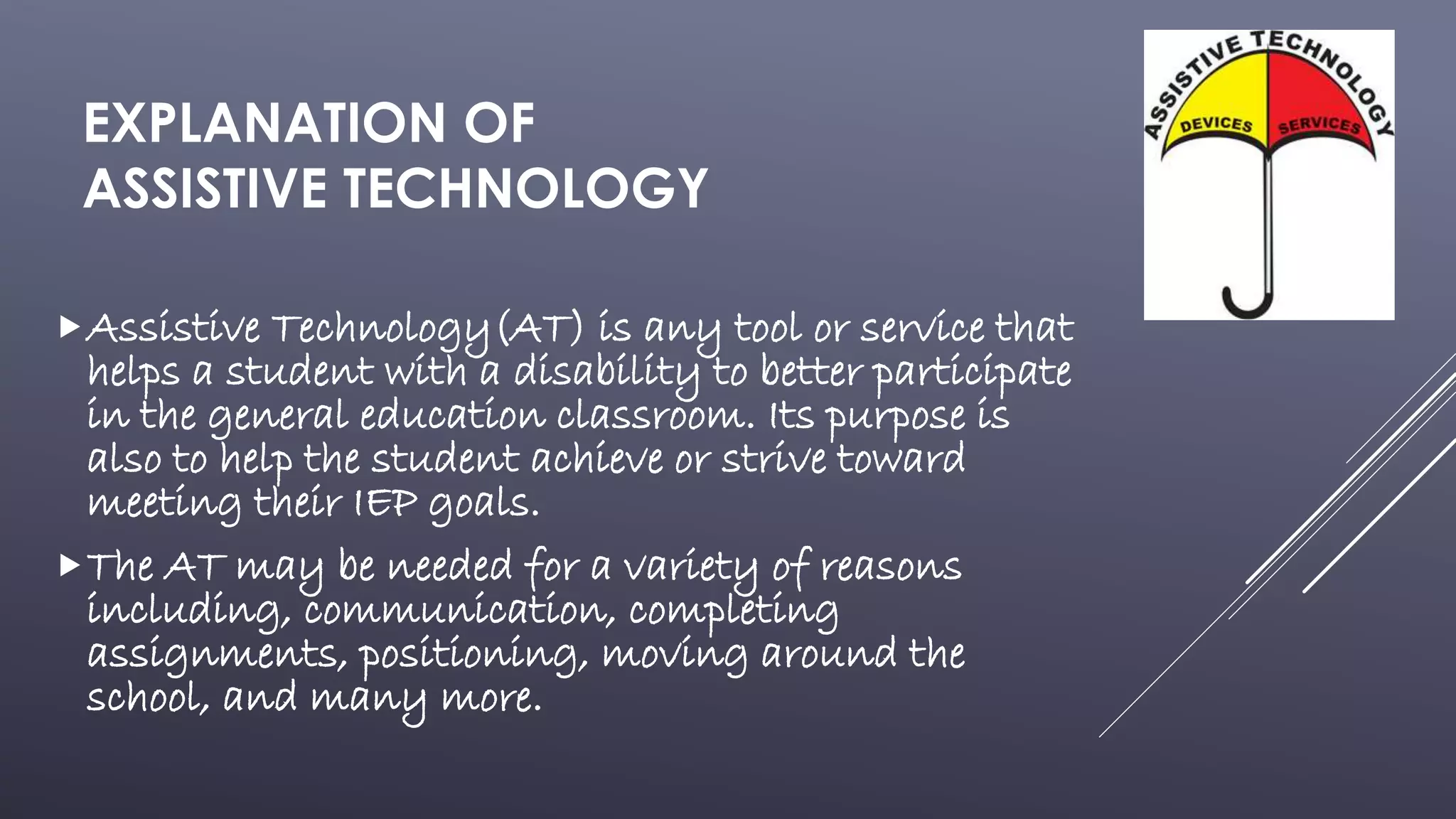
Assistive Technology(AT) is any tool or service that
helps a student with a disability to better participate
in the general education classroom. Its purpose is
also to help the student achieve or strive toward
meeting their IEP goals.
The AT may be needed for a variety of reasons
including, communication, completing
assignments, positioning, moving around the
school, and many more.
EXPLANATION OF
ASSISTIVE TECHNOLOGY
LAWS REGARDING
ASSISTIVE TECHNOLOGY
 The Individual’s with Disabilities Act of 2004 (IDEA ‘04) states that
schools must make any Assistive Technologies available to a child
with a disability as needed to achieve their Special Education
services.
 FAPE is “a provision of IDEA ensuring that students with
disabilities receive necessary education and services without cost to
the child or family.”
 The IEP team must meet to evaluate what Assistive Technologies are
needed and how to correctly implement them. They must also
reevaluate after a AT is chosen and implemented to be sure that it is
achieving the wanted goal.
ASSISTIVE TECHNOLOGY FOR
THE HEARING IMPAIRED
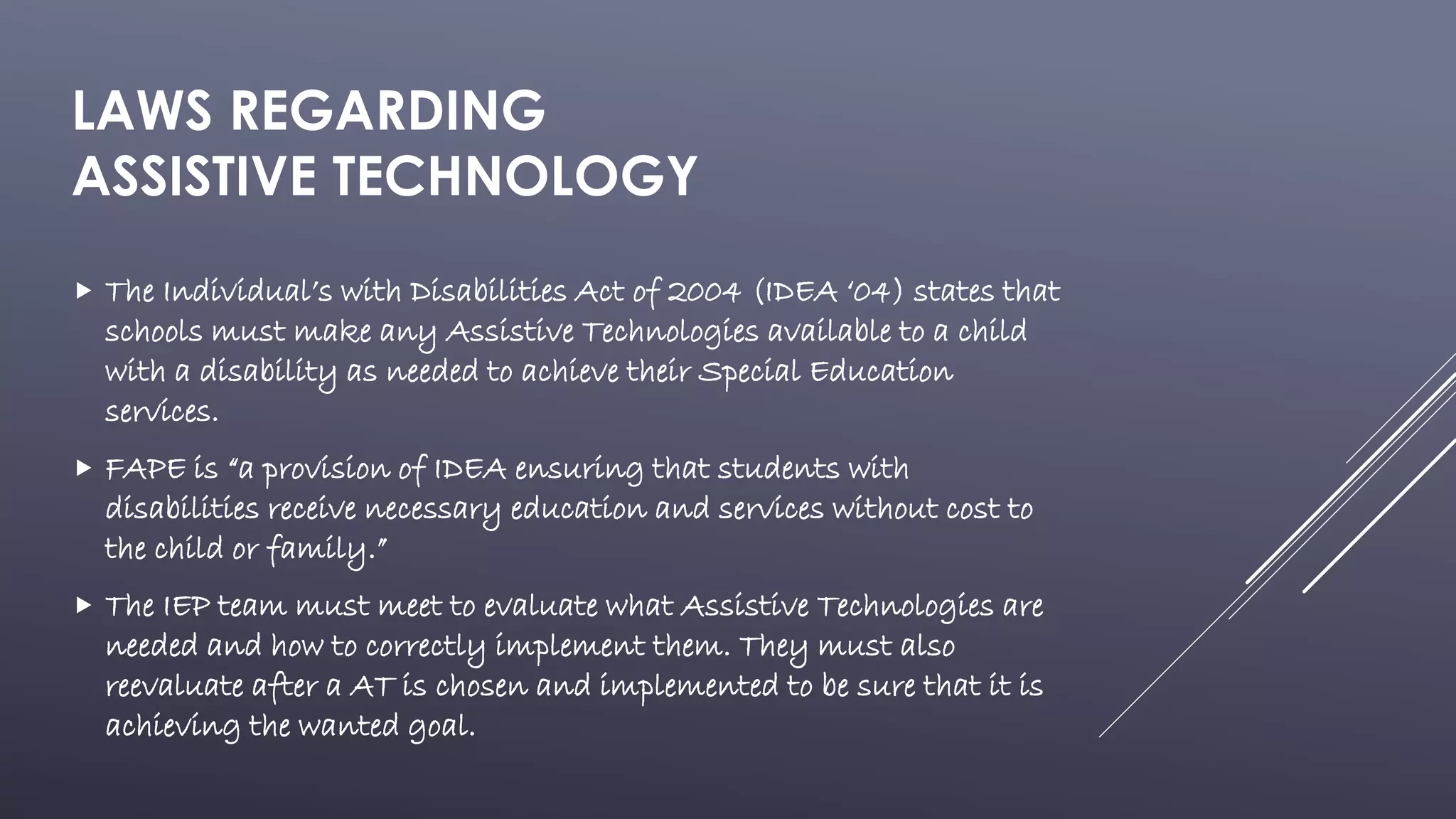
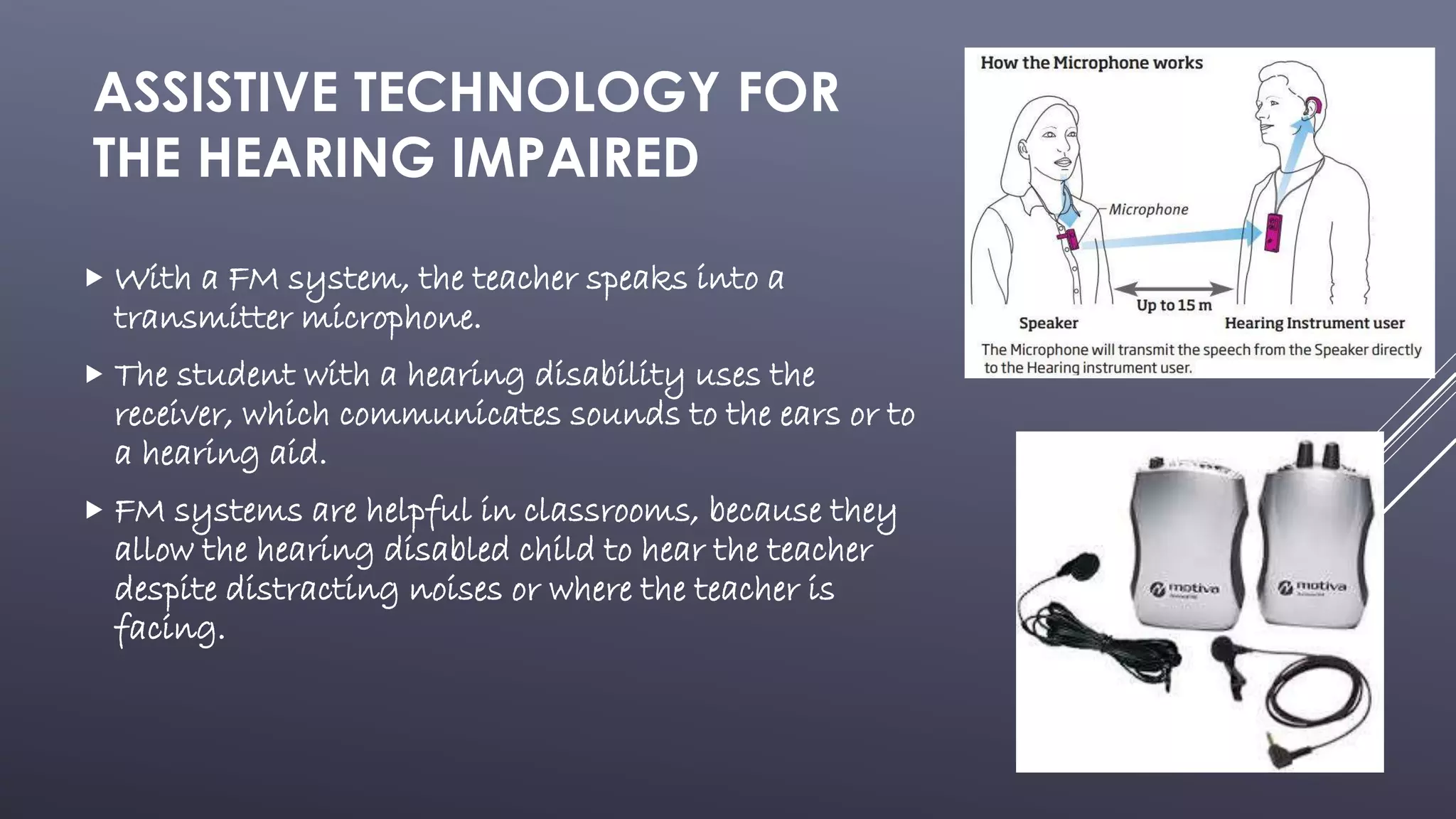
 With a FM system, the teacher speaks into a
transmitter microphone.
 The student with a hearing disability uses the
receiver, which communicates sounds to the ears or to
a hearing aid.
 FM systems are helpful in classrooms, because they
allow the hearing disabled child to hear the teacher
despite distracting noises or where the teacher is
facing.
ASSISTIVE TECHNOLOGY FOR
THE SEEING IMPAIRED
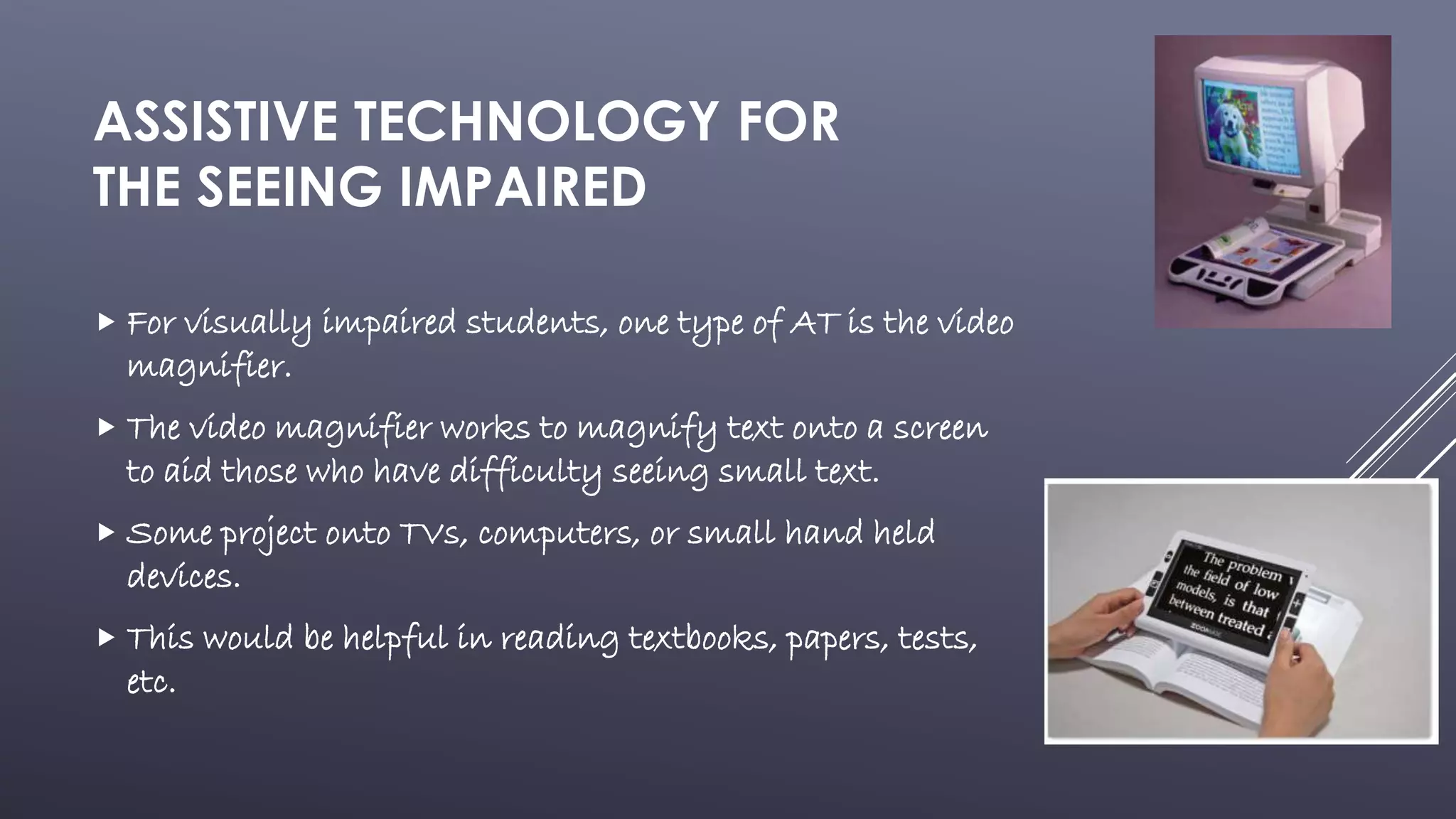
 For visually impaired students, one type of AT is the video
magnifier.
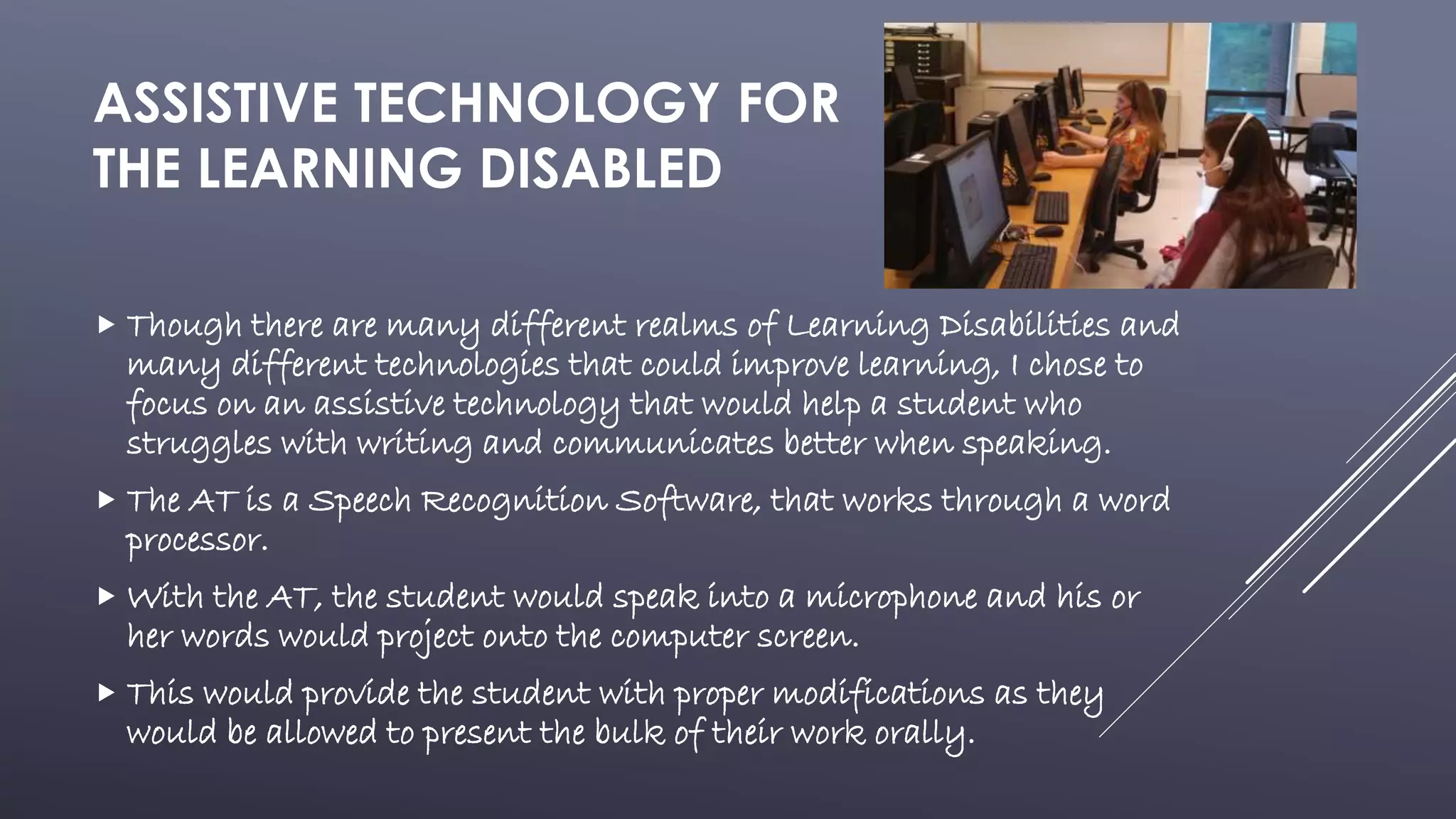
 The video magnifier works to magnify text onto a screen
to aid those who have difficulty seeing small text.
 Some project onto TVs, computers, or small hand held
devices.
 This would be helpful in reading textbooks, papers, tests,
etc.
ASSISTIVE TECHNOLOGY FOR
THE LEARNING DISABLED
 Though there are many different realms of Learning Disabilities and
many different technologies that could improve learning, I chose to
focus on an assistive technology that would help a student who
struggles with writing and communicates better when speaking.
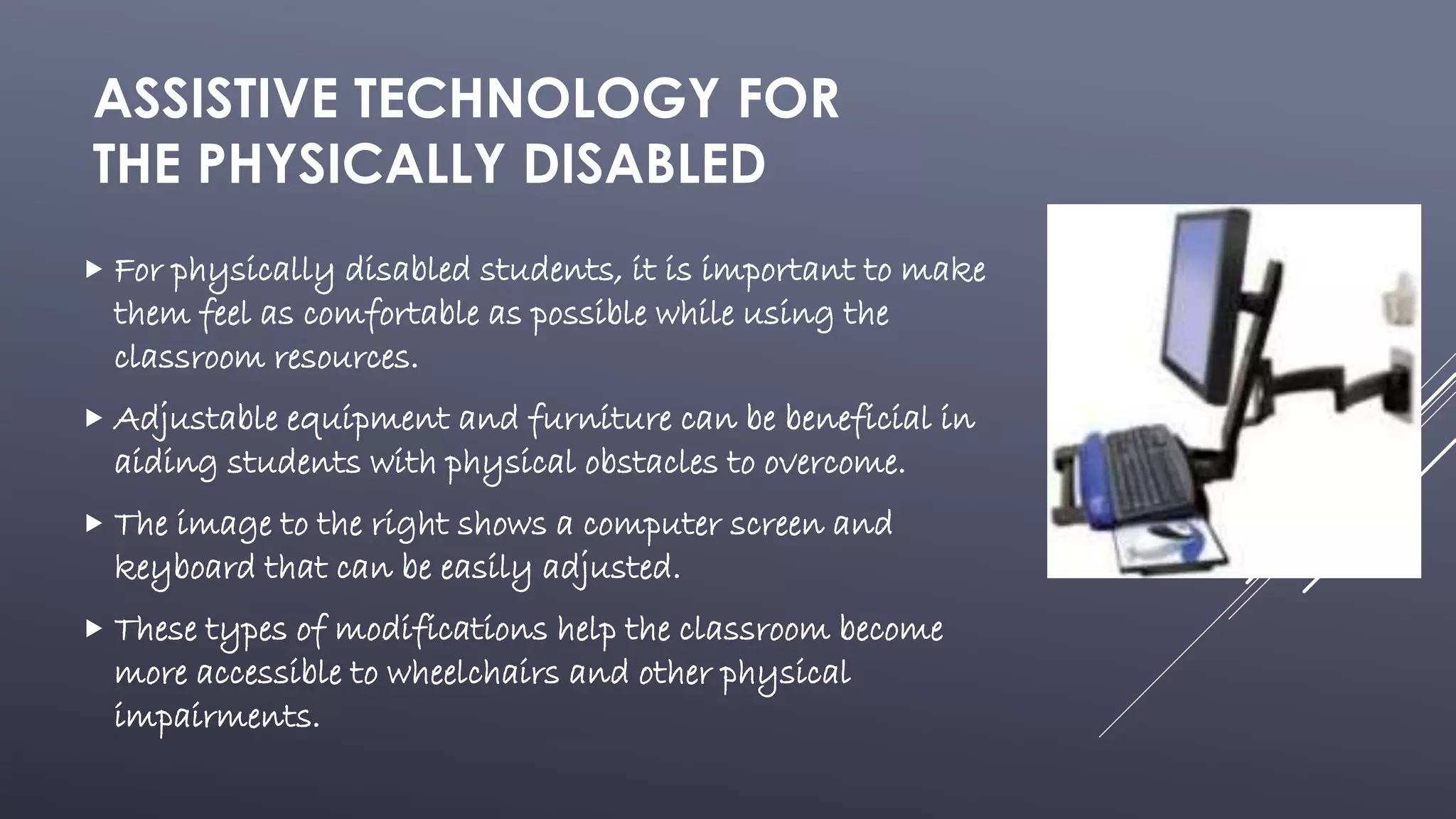
 The AT is a Speech Recognition Software, that works through a word
processor.
 With the AT, the student would speak into a microphone and his or
her words would project onto the computer screen.
 This would provide the student with proper modifications as they
would be allowed to present the bulk of their work orally.
ASSISTIVE TECHNOLOGY FOR
THE PHYSICALLY DISABLED
 For physically disabled students, it is important to make
them feel as comfortable as possible while using the
classroom resources.
 Adjustable equipment and furniture can be beneficial in
aiding students with physical obstacles to overcome.
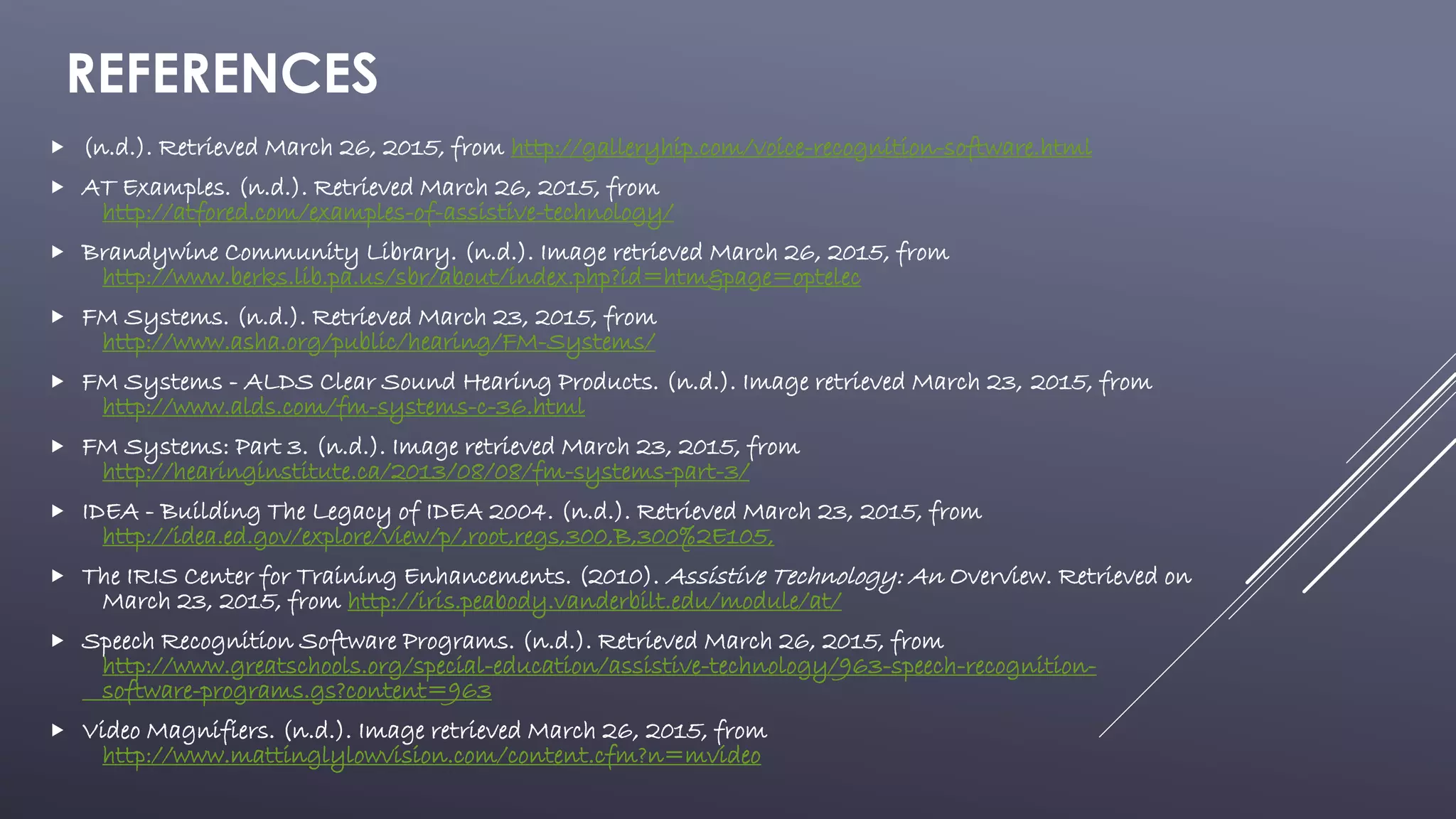
 The image to the right shows a computer screen and
keyboard that can be easily adjusted.
 These types of modifications help the classroom become
more accessible to wheelchairs and other physical
impairments.
REFERENCES
 (n.d.). Retrieved March 26, 2015, from http://galleryhip.com/voice-recognition-software.html
 AT Examples. (n.d.). Retrieved March 26, 2015, from
http://atfored.com/examples-of-assistive-technology/
 Brandywine Community Library. (n.d.). Image retrieved March 26, 2015, from
http://www.berks.lib.pa.us/sbr/about/index.php?id=htm&page=optelec
 FM Systems. (n.d.). Retrieved March 23, 2015, from
http://www.asha.org/public/hearing/FM-Systems/
 FM Systems - ALDS Clear Sound Hearing Products. (n.d.). Image retrieved March 23, 2015, from
http://www.alds.com/fm-systems-c-36.html
 FM Systems: Part 3. (n.d.). Image retrieved March 23, 2015, from
http://hearinginstitute.ca/2013/08/08/fm-systems-part-3/
 IDEA - Building The Legacy of IDEA 2004. (n.d.). Retrieved March 23, 2015, from
http://idea.ed.gov/explore/view/p/,root,regs,300,B,300%2E105,
 The IRIS Center for Training Enhancements. (2010). Assistive Technology: An Overview. Retrieved on
March 23, 2015, from http://iris.peabody.vanderbilt.edu/module/at/
 Speech Recognition Software Programs. (n.d.). Retrieved March 26, 2015, from
http://www.greatschools.org/special-education/assistive-technology/963-speech-recognition-
software-programs.gs?content=963
 Video Magnifiers. (n.d.). Image retrieved March 26, 2015, from
http://www.mattinglylowvision.com/content.cfm?n=mvideo

Assistive Technologies

  • 1.
    AN OVERVIEW OF ASSISTIVETECHNOLOGY ED505 Sarah Mobley Dr. Lisa McMillin
  • 2.
    Assistive Technology(AT) isany tool or service that helps a student with a disability to better participate in the general education classroom. Its purpose is also to help the student achieve or strive toward meeting their IEP goals. The AT may be needed for a variety of reasons including, communication, completing assignments, positioning, moving around the school, and many more. EXPLANATION OF ASSISTIVE TECHNOLOGY
  • 3.
    LAWS REGARDING ASSISTIVE TECHNOLOGY The Individual’s with Disabilities Act of 2004 (IDEA ‘04) states that schools must make any Assistive Technologies available to a child with a disability as needed to achieve their Special Education services.  FAPE is “a provision of IDEA ensuring that students with disabilities receive necessary education and services without cost to the child or family.”  The IEP team must meet to evaluate what Assistive Technologies are needed and how to correctly implement them. They must also reevaluate after a AT is chosen and implemented to be sure that it is achieving the wanted goal.
  • 4.
    ASSISTIVE TECHNOLOGY FOR THEHEARING IMPAIRED  With a FM system, the teacher speaks into a transmitter microphone.  The student with a hearing disability uses the receiver, which communicates sounds to the ears or to a hearing aid.  FM systems are helpful in classrooms, because they allow the hearing disabled child to hear the teacher despite distracting noises or where the teacher is facing.
  • 5.
    ASSISTIVE TECHNOLOGY FOR THESEEING IMPAIRED  For visually impaired students, one type of AT is the video magnifier.  The video magnifier works to magnify text onto a screen to aid those who have difficulty seeing small text.  Some project onto TVs, computers, or small hand held devices.  This would be helpful in reading textbooks, papers, tests, etc.
  • 6.
    ASSISTIVE TECHNOLOGY FOR THELEARNING DISABLED  Though there are many different realms of Learning Disabilities and many different technologies that could improve learning, I chose to focus on an assistive technology that would help a student who struggles with writing and communicates better when speaking.  The AT is a Speech Recognition Software, that works through a word processor.  With the AT, the student would speak into a microphone and his or her words would project onto the computer screen.  This would provide the student with proper modifications as they would be allowed to present the bulk of their work orally.
  • 7.
    ASSISTIVE TECHNOLOGY FOR THEPHYSICALLY DISABLED  For physically disabled students, it is important to make them feel as comfortable as possible while using the classroom resources.  Adjustable equipment and furniture can be beneficial in aiding students with physical obstacles to overcome.  The image to the right shows a computer screen and keyboard that can be easily adjusted.  These types of modifications help the classroom become more accessible to wheelchairs and other physical impairments.
  • 8.
    REFERENCES  (n.d.). RetrievedMarch 26, 2015, from http://galleryhip.com/voice-recognition-software.html  AT Examples. (n.d.). Retrieved March 26, 2015, from http://atfored.com/examples-of-assistive-technology/  Brandywine Community Library. (n.d.). Image retrieved March 26, 2015, from http://www.berks.lib.pa.us/sbr/about/index.php?id=htm&page=optelec  FM Systems. (n.d.). Retrieved March 23, 2015, from http://www.asha.org/public/hearing/FM-Systems/  FM Systems - ALDS Clear Sound Hearing Products. (n.d.). Image retrieved March 23, 2015, from http://www.alds.com/fm-systems-c-36.html  FM Systems: Part 3. (n.d.). Image retrieved March 23, 2015, from http://hearinginstitute.ca/2013/08/08/fm-systems-part-3/  IDEA - Building The Legacy of IDEA 2004. (n.d.). Retrieved March 23, 2015, from http://idea.ed.gov/explore/view/p/,root,regs,300,B,300%2E105,  The IRIS Center for Training Enhancements. (2010). Assistive Technology: An Overview. Retrieved on March 23, 2015, from http://iris.peabody.vanderbilt.edu/module/at/  Speech Recognition Software Programs. (n.d.). Retrieved March 26, 2015, from http://www.greatschools.org/special-education/assistive-technology/963-speech-recognition- software-programs.gs?content=963  Video Magnifiers. (n.d.). Image retrieved March 26, 2015, from http://www.mattinglylowvision.com/content.cfm?n=mvideo