Assessing Your Security
September 2016
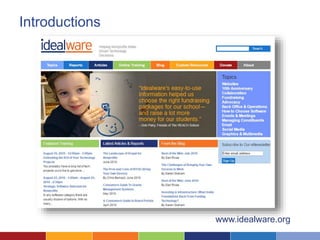
Introductions
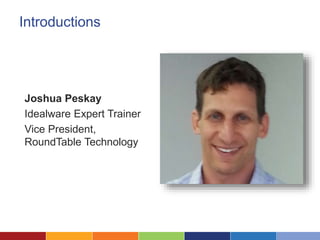
Joshua Peskay
Idealware Expert Trainer
Vice President,
RoundTable Technology
Introductions
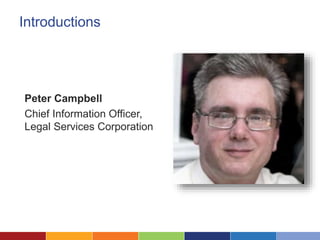
Peter Campbell
Chief Information Officer,
Legal Services Corporation
Introductions
www.idealware.org
WhatWe’ll Cover Today
• Imperfect Security
• Assessing Your Risk
• Common Risky Practices
• What Do You Do if You Experience a Data Breach?
• Establishing Policies for Your Organization
Poll Question
On a scale of 1-5, how concerned are you with
your data security?
A False Sense of Security
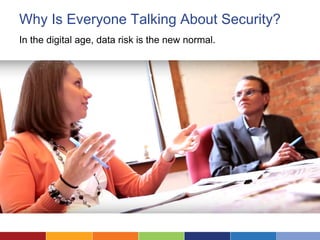
Why Is Everyone Talking About Security?
In the digital age, data risk is the new normal.
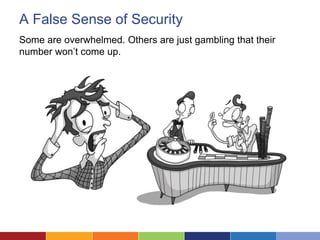
A False Sense of Security
Some are overwhelmed. Others are just gambling that their
number won’t come up.
Survey link:
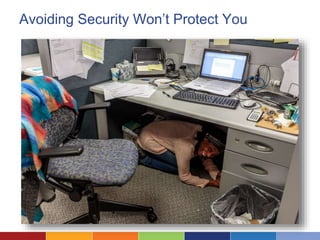
Avoiding Security Won’t Protect You
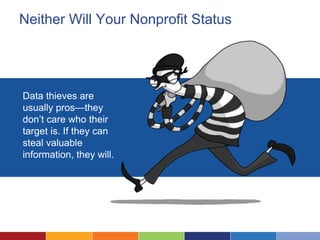
Neither Will Your Nonprofit Status
Survey link:
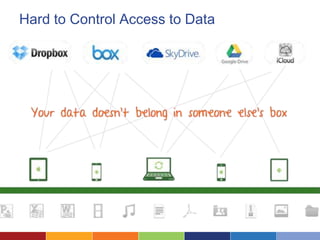
Data thieves are
usually pros—they
don’t care who their
target is. If they can
steal valuable
information, they will.
Small Nonprofits Are Attractive Targets
• Fewer
resources
• Limited IT
security
• Not likely to
notice an attack
until much later
What Are Your Risks?
And what should
you do about
them?
Photo Credit: Women of Color in Tech Chat
Assessing Your Risk
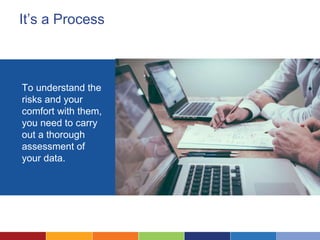
It’s a Process
To understand the
risks and your
comfort with them,
you need to carry
out a thorough
assessment of
your data.
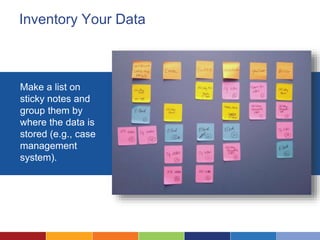
Inventory Your Data
Make a list on
sticky notes and
group them by
where the data is
stored (e.g., case
management
system).
Classify Your Information
• Confidentiality: Data
that can’t be
exposed.
• Integrity: Data you
can’t lose.
• Availability: Data you
can’t lose access to
for any period of time.
If you have data that’s not very high in any of these categories,
then it’s likely not essential to your organization.
Consider the Risks
Think through:
• What could happen to
your data?
• How likely is it to happen?
• How bad would it be if
something happened?
Photo Credit: Women of Color in Tech Chat
Into the Chat: What Risks Worry You?
Are there specific risks that keep you up at night?
8 Common Risky Practices
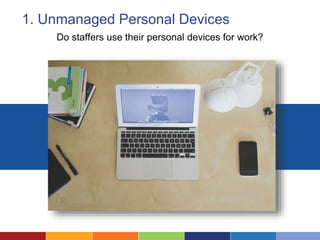
1. Unmanaged Personal Devices
Do staffers use their personal devices for work?
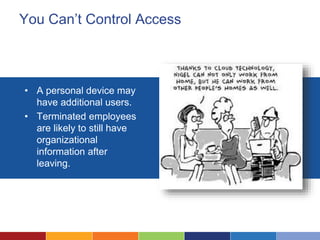
You Can’t Control Access
• A personal device may
have additional users.
• Terminated employees
are likely to still have
organizational
information after
leaving.
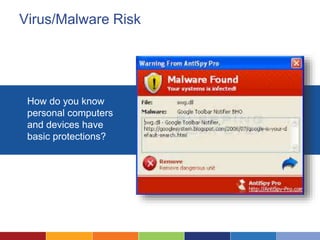
Virus/Malware Risk
How do you know
personal computers
and devices have
basic protections?
Software Ownership
Your nonprofit might
purchase the software,
but not control the
license.
What Can You Do?
• Provide virus and
malware software.
• Establish software
licensing policies.
• Provide devices for
work, if possible.
• Mobile Device
Management exists,
but is expensive.
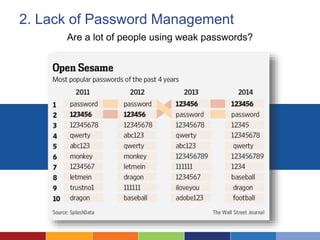
2. Lack of Password Management
Are a lot of people using weak passwords?
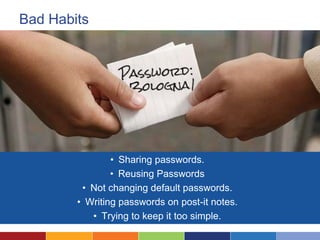
Bad Habits
• Sharing passwords.
• Reusing Passwords
• Not changing default passwords.
• Writing passwords on post-it notes.
• Trying to keep it too simple.
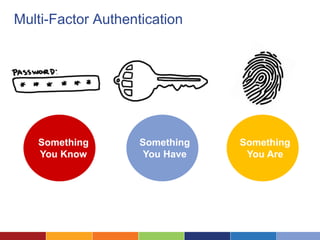
Multi-Factor Authentication
Something
You Know
Something
You Have
Something
You Are
Password Managers
What Can You Do?
• Implement password
management
software such as
OneLogin.
• Dual-factor
authentication.
• Establish password
creation policies.
• Provide training.
3. Consumer-Grade Cloud Storage
Is there a difference between Dropbox and Dropbox for business?
Hard to Control Access to Data
• Convenience
• Cost Savings
• Staff preference
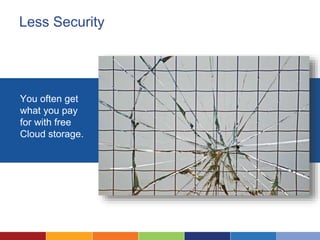
Less Security
You often get
what you pay
for with free
Cloud storage.
What Can You Do?
• Use business-grade
Cloud storage and
set controls that limit
access to your data.
• Add-on services
such as BetterCloud
can also give you
deeper audit and
policy controls.
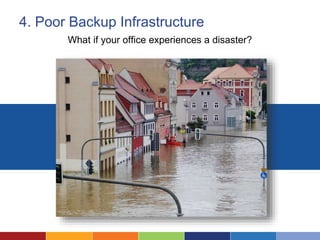
4. Poor Backup Infrastructure
What if your office experiences a disaster?
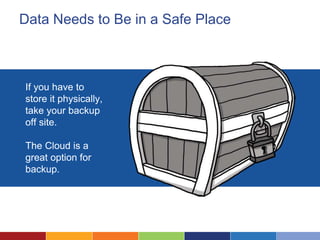
Data Needs to Be in a Safe Place
If you have to
store it physically,
take your backup
off site.
The Cloud is a
great option for
backup.
Think Beyond Backup
It’s just one of many business continuity challenges. What will
you do if the data is unavailable for a period of time or you
experience a data breach?
What Can You Do?
• Regularly
schedule backups.
• Create incident
response,
business
continuity, and
disaster recovery
plans—and test
them!
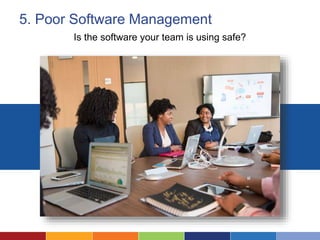
5. Poor Software Management
Is the software your team is using safe?
DIY Downloads Don’t Happen
It’s inconvenient, so
people are likely to skip
downloading patches
and updates.
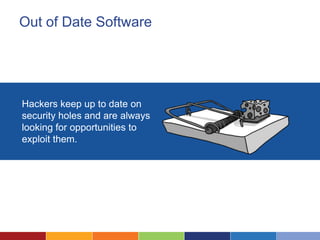
Out of Date Software
Hackers keep up to date on
security holes and are always
looking for opportunities to
exploit them.
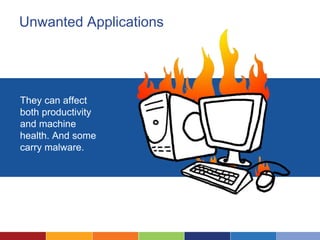
Unwanted Applications
They can affect
both productivity
and machine
health. And some
carry malware.
What Can You Do?
• Establish patch
management
procedures.
• Manage software
installations.
• Perform regular
tune-ups.
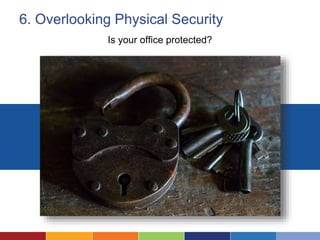
6. Overlooking Physical Security
Is your office protected?
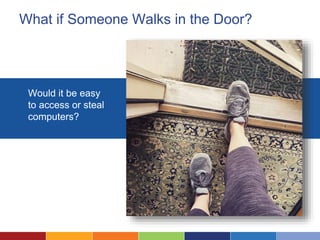
What if Someone Walks in the Door?
Would it be easy
to access or steal
computers?
What Can You Do?
• Take basic office
security measures.
• Lock computers to
desks.
• Institute a check
out policy for
shared devices and
keep them locked
away.
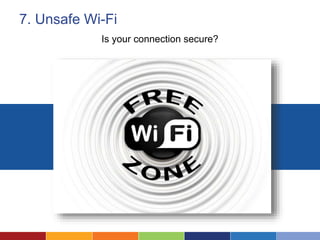
7. Unsafe Wi-Fi
Is your connection secure?
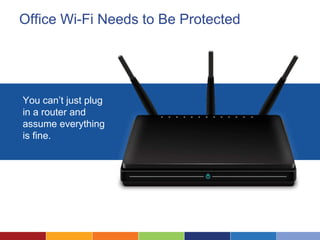
Office Wi-Fi Needs to Be Protected
You can’t just plug
in a router and
assume everything
is fine.
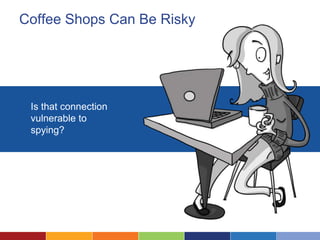
Coffee Shops Can Be Risky
Is that connection
vulnerable to
spying?
What Can You Do?
• Make sure your
network is
protected by a
firewall and a
password.
• Avoid working
in unsecure
environments.
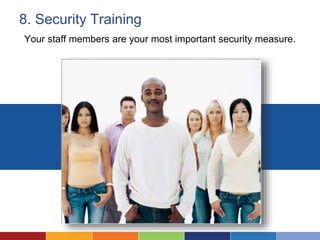
8. Security Training
Your staff members are your most important security measure.
Awareness Can Prevent Many Incidents
People want to do the
right thing, but they
often don’t know what
that is or why it’s
important.
What Can You Do?
• Regularly
provide short
training
sessions.
• Incorporate
security
issues/discussi
ons in existing
meetings.
Establishing Policies
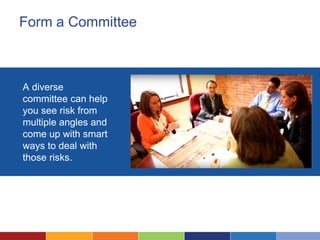
Form a Committee
A diverse
committee can help
you see risk from
multiple angles and
come up with smart
ways to deal with
those risks.
Ask Tough Questions
Anything you
overlook has the
potential to be a
hazard in the
future.
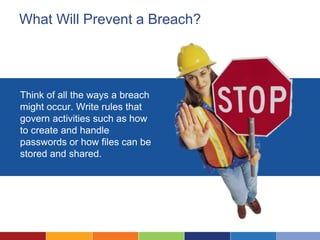
What Will Prevent a Breach?
Think of all the ways a breach
might occur. Write rules that
govern activities such as how
to create and handle
passwords or how files can be
stored and shared.
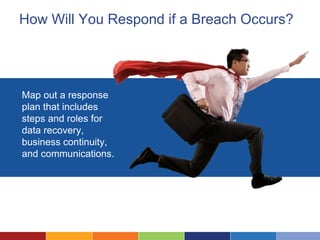
How Will You Respond if a Breach Occurs?
Map out a response
plan that includes
steps and roles for
data recovery,
business continuity,
and communications.
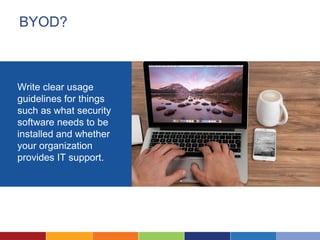
BYOD?
Write clear usage
guidelines for things
such as what security
software needs to be
installed and whether
your organization
provides IT support.
Policy Making Is Iterative
You’ll need to review
your rules and update
them periodically to
make sure they’re
addressing your
needs.
Policy Examples
Go to http://bit.ly/SecurityPolicyExamples to find examples and
templates that you can use as your starting point.
Additional Resources
Idealware and RoundTable technology have many resources
that can help you better secure your technology and data.
• What Nonprofits Need to Know About Security: A Practical
Guide to Managing Risk (Idealware)
• Incident Report Form (RoundTable)
• Backup, Data Recovery, and Business Continuity Primer
(RoundTable)
• Information Identification and Classification Template
(RoundTable)
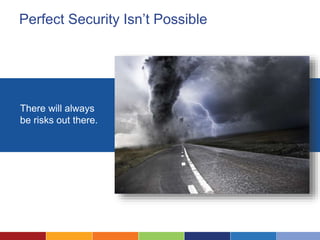
Perfect Security Isn’t Possible
There will always
be risks out there.
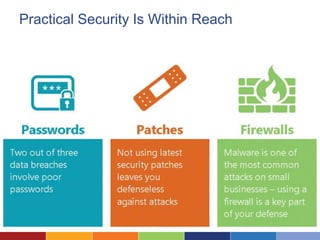
Practical Security Is Within Reach
Into the Chat: What Resonated?
What security steps will you take over the next month?
Questions?
Ask Idealware…
On Twitter: @idealware
On Facebook: /idealware

Assessing Your security

  • 1.
  • 2.
    Introductions Joshua Peskay Idealware ExpertTrainer Vice President, RoundTable Technology
  • 3.
    Introductions Peter Campbell Chief InformationOfficer, Legal Services Corporation
  • 4.
  • 5.
    WhatWe’ll Cover Today •Imperfect Security • Assessing Your Risk • Common Risky Practices • What Do You Do if You Experience a Data Breach? • Establishing Policies for Your Organization
  • 6.
    Poll Question On ascale of 1-5, how concerned are you with your data security?
  • 7.
    A False Senseof Security
  • 8.
    Why Is EveryoneTalking About Security? In the digital age, data risk is the new normal.
  • 9.
    A False Senseof Security Some are overwhelmed. Others are just gambling that their number won’t come up. Survey link:
  • 10.
  • 11.
    Neither Will YourNonprofit Status Survey link: Data thieves are usually pros—they don’t care who their target is. If they can steal valuable information, they will.
  • 12.
    Small Nonprofits AreAttractive Targets • Fewer resources • Limited IT security • Not likely to notice an attack until much later
  • 13.
    What Are YourRisks? And what should you do about them? Photo Credit: Women of Color in Tech Chat
  • 14.
  • 15.
    It’s a Process Tounderstand the risks and your comfort with them, you need to carry out a thorough assessment of your data.
  • 16.
    Inventory Your Data Makea list on sticky notes and group them by where the data is stored (e.g., case management system).
  • 17.
    Classify Your Information •Confidentiality: Data that can’t be exposed. • Integrity: Data you can’t lose. • Availability: Data you can’t lose access to for any period of time. If you have data that’s not very high in any of these categories, then it’s likely not essential to your organization.
  • 18.
    Consider the Risks Thinkthrough: • What could happen to your data? • How likely is it to happen? • How bad would it be if something happened? Photo Credit: Women of Color in Tech Chat
  • 19.
    Into the Chat:What Risks Worry You? Are there specific risks that keep you up at night?
  • 20.
    8 Common RiskyPractices
  • 21.
    1. Unmanaged PersonalDevices Do staffers use their personal devices for work?
  • 22.
    You Can’t ControlAccess • A personal device may have additional users. • Terminated employees are likely to still have organizational information after leaving.
  • 23.
    Virus/Malware Risk How doyou know personal computers and devices have basic protections?
  • 24.
    Software Ownership Your nonprofitmight purchase the software, but not control the license.
  • 25.
    What Can YouDo? • Provide virus and malware software. • Establish software licensing policies. • Provide devices for work, if possible. • Mobile Device Management exists, but is expensive.
  • 26.
    2. Lack ofPassword Management Are a lot of people using weak passwords?
  • 27.
    Bad Habits • Sharingpasswords. • Reusing Passwords • Not changing default passwords. • Writing passwords on post-it notes. • Trying to keep it too simple.
  • 28.
  • 29.
  • 30.
    What Can YouDo? • Implement password management software such as OneLogin. • Dual-factor authentication. • Establish password creation policies. • Provide training.
  • 31.
    3. Consumer-Grade CloudStorage Is there a difference between Dropbox and Dropbox for business?
  • 32.
    Hard to ControlAccess to Data • Convenience • Cost Savings • Staff preference
  • 33.
    Less Security You oftenget what you pay for with free Cloud storage.
  • 34.
    What Can YouDo? • Use business-grade Cloud storage and set controls that limit access to your data. • Add-on services such as BetterCloud can also give you deeper audit and policy controls.
  • 35.
    4. Poor BackupInfrastructure What if your office experiences a disaster?
  • 36.
    Data Needs toBe in a Safe Place If you have to store it physically, take your backup off site. The Cloud is a great option for backup.
  • 37.
    Think Beyond Backup It’sjust one of many business continuity challenges. What will you do if the data is unavailable for a period of time or you experience a data breach?
  • 38.
    What Can YouDo? • Regularly schedule backups. • Create incident response, business continuity, and disaster recovery plans—and test them!
  • 39.
    5. Poor SoftwareManagement Is the software your team is using safe?
  • 40.
    DIY Downloads Don’tHappen It’s inconvenient, so people are likely to skip downloading patches and updates.
  • 41.
    Out of DateSoftware Hackers keep up to date on security holes and are always looking for opportunities to exploit them.
  • 42.
    Unwanted Applications They canaffect both productivity and machine health. And some carry malware.
  • 43.
    What Can YouDo? • Establish patch management procedures. • Manage software installations. • Perform regular tune-ups.
  • 44.
    6. Overlooking PhysicalSecurity Is your office protected?
  • 45.
    What if SomeoneWalks in the Door? Would it be easy to access or steal computers?
  • 46.
    What Can YouDo? • Take basic office security measures. • Lock computers to desks. • Institute a check out policy for shared devices and keep them locked away.
  • 47.
    7. Unsafe Wi-Fi Isyour connection secure?
  • 48.
    Office Wi-Fi Needsto Be Protected You can’t just plug in a router and assume everything is fine.
  • 49.
    Coffee Shops CanBe Risky Is that connection vulnerable to spying?
  • 50.
    What Can YouDo? • Make sure your network is protected by a firewall and a password. • Avoid working in unsecure environments.
  • 51.
    8. Security Training Yourstaff members are your most important security measure.
  • 52.
    Awareness Can PreventMany Incidents People want to do the right thing, but they often don’t know what that is or why it’s important.
  • 53.
    What Can YouDo? • Regularly provide short training sessions. • Incorporate security issues/discussi ons in existing meetings.
  • 54.
  • 55.
    Form a Committee Adiverse committee can help you see risk from multiple angles and come up with smart ways to deal with those risks.
  • 56.
    Ask Tough Questions Anythingyou overlook has the potential to be a hazard in the future.
  • 57.
    What Will Preventa Breach? Think of all the ways a breach might occur. Write rules that govern activities such as how to create and handle passwords or how files can be stored and shared.
  • 58.
    How Will YouRespond if a Breach Occurs? Map out a response plan that includes steps and roles for data recovery, business continuity, and communications.
  • 59.
    BYOD? Write clear usage guidelinesfor things such as what security software needs to be installed and whether your organization provides IT support.
  • 60.
    Policy Making IsIterative You’ll need to review your rules and update them periodically to make sure they’re addressing your needs.
  • 61.
    Policy Examples Go tohttp://bit.ly/SecurityPolicyExamples to find examples and templates that you can use as your starting point.
  • 62.
    Additional Resources Idealware andRoundTable technology have many resources that can help you better secure your technology and data. • What Nonprofits Need to Know About Security: A Practical Guide to Managing Risk (Idealware) • Incident Report Form (RoundTable) • Backup, Data Recovery, and Business Continuity Primer (RoundTable) • Information Identification and Classification Template (RoundTable)
  • 63.
    Perfect Security Isn’tPossible There will always be risks out there.
  • 64.
  • 65.
    Into the Chat:What Resonated? What security steps will you take over the next month?
  • 66.
    Questions? Ask Idealware… On Twitter:@idealware On Facebook: /idealware