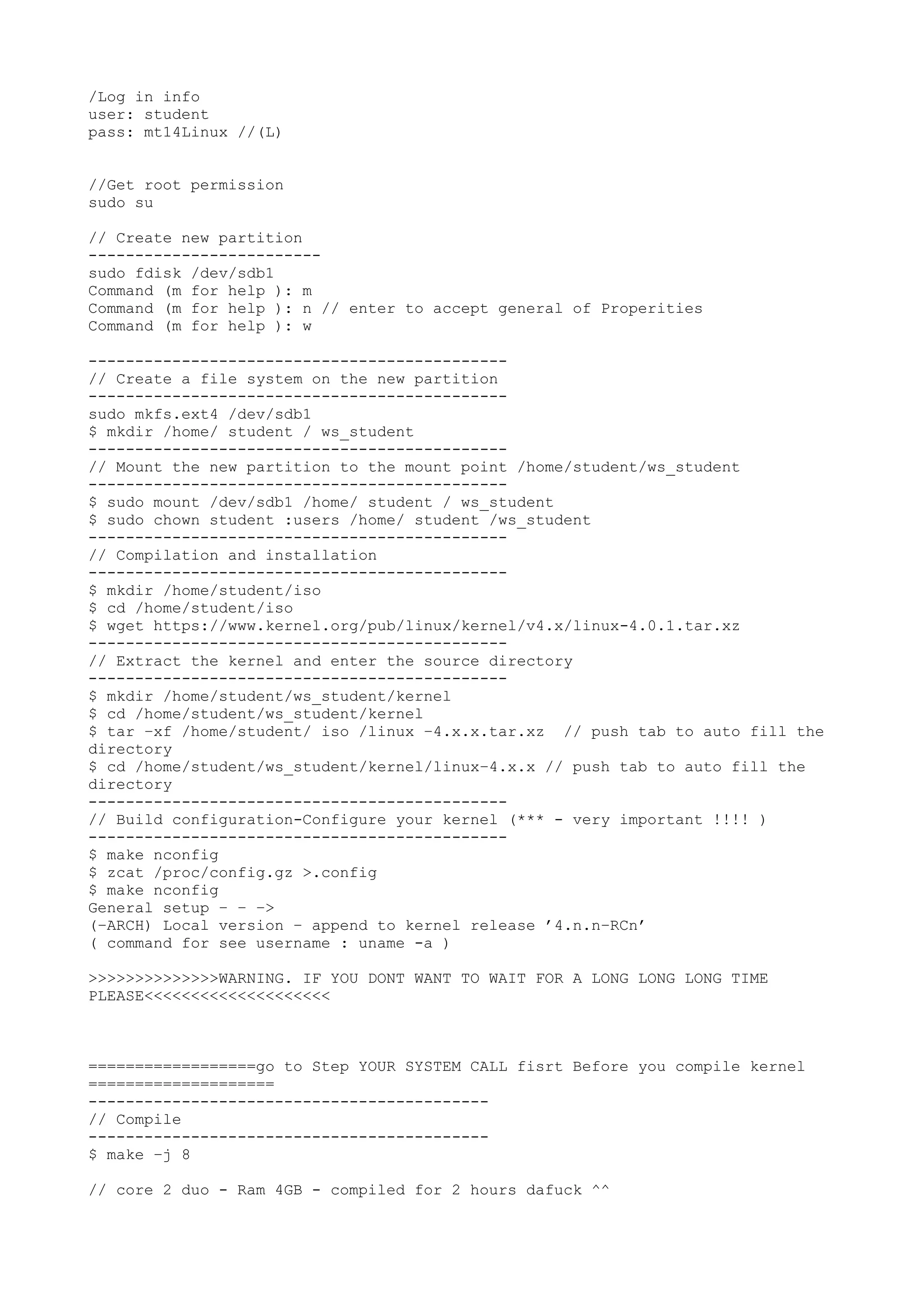
/Log in info
user: student
pass: mt14Linux //(L)
//Get root permission
sudo su
// Create new partition
-------------------------
sudo fdisk /dev/sdb1
Command (m for help ): m
Command (m for help ): n // enter to accept general of Properities
Command (m for help ): w
---------------------------------------------
// Create a file system on the new partition
---------------------------------------------
sudo mkfs.ext4 /dev/sdb1
$ mkdir /home/ student / ws_student
---------------------------------------------
// Mount the new partition to the mount point /home/student/ws_student
---------------------------------------------
$ sudo mount /dev/sdb1 /home/ student / ws_student
$ sudo chown student :users /home/ student /ws_student
---------------------------------------------
// Compilation and installation
---------------------------------------------
$ mkdir /home/student/iso
$ cd /home/student/iso
$ wget https://www.kernel.org/pub/linux/kernel/v4.x/linux-4.0.1.tar.xz
---------------------------------------------
// Extract the kernel and enter the source directory
---------------------------------------------
$ mkdir /home/student/ws_student/kernel
$ cd /home/student/ws_student/kernel
$ tar −xf /home/student/ iso /linux −4.x.x.tar.xz // push tab to auto fill the
directory
$ cd /home/student/ws_student/kernel/linux−4.x.x // push tab to auto fill the
directory
---------------------------------------------
// Build configuration-Configure your kernel (*** - very important !!!! )
---------------------------------------------
$ make nconfig
$ zcat /proc/config.gz >.config
$ make nconfig
General setup − − −>
(−ARCH) Local version − append to kernel release ’4.n.n−RCn’
( command for see username : uname -a )
>>>>>>>>>>>>>>WARNING. IF YOU DONT WANT TO WAIT FOR A LONG LONG LONG TIME
PLEASE<<<<<<<<<<<<<<<<<<<<
==================go to Step YOUR SYSTEM CALL fisrt Before you compile kernel
====================
-------------------------------------------
// Compile
-------------------------------------------
$ make −j 8
// core 2 duo - Ram 4GB - compiled for 2 hours dafuck ^^
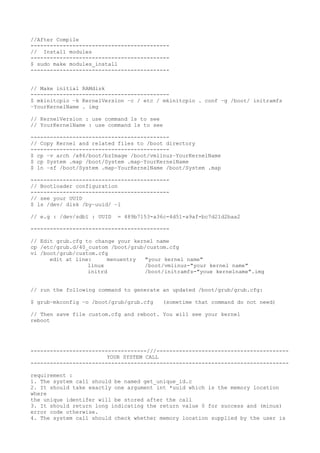
//After Compile
-------------------------------------------
// Install modules
-------------------------------------------
$ sudo make modules_install
-------------------------------------------
// Make initial RAMdisk
-------------------------------------------
$ mkinitcpio −k KernelVersion −c / etc / mkinitcpio . conf −g /boot/ initramfs
−YourKernelName . img
// KernelVersion : use command ls to see
// YourKernelName : use command ls to see
-------------------------------------------
// Copy Kernel and related files to /boot directory
-------------------------------------------
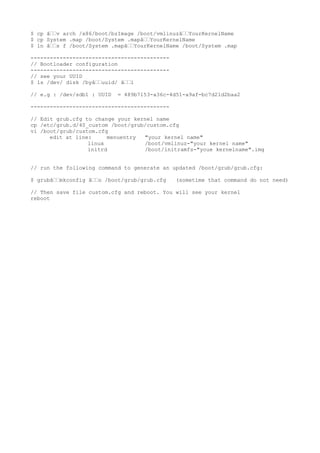
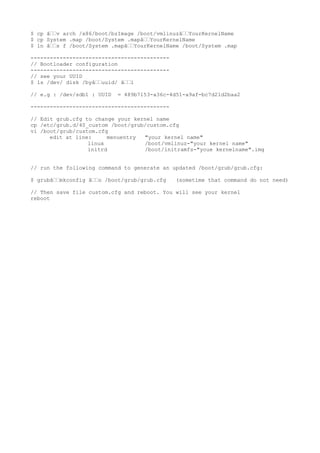
$ cp −v arch /x86/boot/bzImage /boot/vmlinuz−YourKernelName
$ cp System .map /boot/System .map−YourKernelName
$ ln −sf /boot/System .map−YourKernelName /boot/System .map
-------------------------------------------
// Bootloader configuration
-------------------------------------------
// see your UUID
$ ls /dev/ disk /by−uuid/ −l
// e.g : /dev/sdb1 : UUID = 489b7153-a36c-4d51-a9af-bc7d21d2baa2
-------------------------------------------
// Edit grub.cfg to change your kernel name
cp /etc/grub.d/40_custom /boot/grub/custom.cfg
vi /boot/grub/custom.cfg
edit at line: menuentry "your kernel name"
linux /boot/vmlinuz-"your kernel name"
initrd /boot/initramfs-"youe kernelname".img
// run the following command to generate an updated /boot/grub/grub.cfg:
$ grub−mkconfig −o /boot/grub/grub.cfg (sometime that command do not need)
// Then save file custom.cfg and reboot. You will see your kernel
reboot
------------------------------------///-----------------------------------------
YOUR SYSTEM CALL
--------------------------------------------------------------------------------
requirement :
1. The system call should be named get_unique_id.c
2. It should take exactly one argument int *uuid which is the memory location
where
the unique identifer will be stored after the call
3. It should return long indicating the return value 0 for success and (minus)
error code otherwise.
4. The system call should check whether memory location supplied by the user is
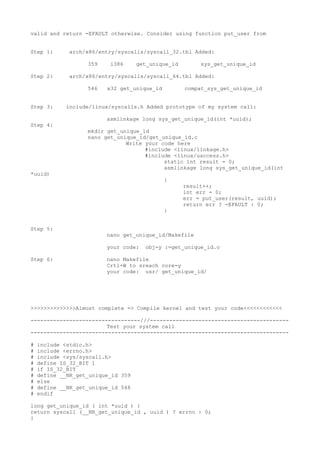
valid and return -EFAULT otherwise. Consider using function put_user from
Step 1: arch/x86/entry/syscalls/syscall_32.tbl Added:
359 i386 get_unique_id sys_get_unique_id
Step 2: arch/x86/entry/syscalls/syscall_64.tbl Added:
546 x32 get_unique_id compat_sys_get_unique_id
Step 3: include/linux/syscalls.h Added prototype of my system call:
asmlinkage long sys_get_unique_id(int *uuid);
Step 4:
mkdir get_unique_id
nano get_unique_id/get_unique_id.c
Write your code here
#include <linux/linkage.h>
#include <linux/uaccess.h>
static int result = 0;
asmlinkage long sys_get_unique_id(int
*uuid)
{
result++;
int err = 0;
err = put_user(result, uuid);
return err ? -EFAULT : 0;
}
Step 5:
nano get_unique_id/Makefile
your code: obj-y :=get_unique_id.o
Step 6: nano Makefile
Crtl+W to sreach core-y
your code: usr/ get_unique_id/
>>>>>>>>>>>>>>Almost complete => Compile kernel and test your code<<<<<<<<<<<<
----------------------------------///-------------------------------------------
Test your system call
--------------------------------------------------------------------------------
# include <stdio.h>
# include <errno.h>
# include <sys/syscall.h>
# define IS_32_BIT 1
# if IS_32_BIT
# define __NR_get_unique_id 359
# else
# define __NR_get_unique_id 548
# endif
long get_unique_id ( int *uuid ) {
return syscall (__NR_get_unique_id , uuid ) ? errno : 0;
}
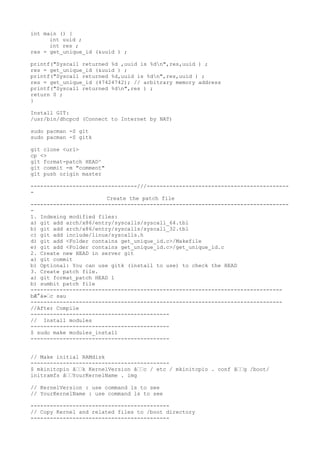
int main () {
int uuid ;
int res ;
res = get_unique_id (&uuid ) ;
printf("Syscall returned %d ,uuid is %dn",res,uuid ) ;
res = get_unique_id (&uuid ) ;
printf("Syscall returned %d,uuid is %dn",res,uuid ) ;
res = get_unique_id (47424742); // arbitrary memory address
printf("Syscall returned %dn",res ) ;
return 0 ;
}
Install GIT:
/usr/bin/dhcpcd (Connect to Internet by NAT)
sudo pacman -S git
sudo pacman -S gitk
git clone <url>
cp <>
git format-patch HEAD^
git commit -m "comment"
git push origin master
---------------------------------///--------------------------------------------
-
Create the patch file
--------------------------------------------------------------------------------
-
1. Indexing modified files:
a) git add arch/x86/entry/syscalls/syscall_64.tbl
b) git add arch/x86/entry/syscalls/syscall_32.tbl
c) git add include/linux/syscalls.h
d) git add <Folder contains get_unique_id.c>/Makefile
e) git add <Folder contains get_unique_id.c>/get_unique_id.c
2. Create new HEAD in server git
a) git commit
b) Optional: You can use gitk (install to use) to check the HEAD
3. Create patch file.
a) git format_patch HEAD 1
b) sumbit patch file
------------------------------------------------------------------------------
bước sau
------------------------------------------------------------------------------
//After Compile
-------------------------------------------
// Install modules
-------------------------------------------
$ sudo make modules_install
-------------------------------------------
// Make initial RAMdisk
-------------------------------------------
$ mkinitcpio â››k KernelVersion â››c / etc / mkinitcpio . conf â››g /boot/
initramfs â››YourKernelName . img
// KernelVersion : use command ls to see
// YourKernelName : use command ls to see
-------------------------------------------
// Copy Kernel and related files to /boot directory
-------------------------------------------
$ cp ∈v arch /x86/boot/bzImage /boot/vmlinuz∈YourKernelName
$ cp System .map /boot/System .map∈YourKernelName
$ ln ∈s f /boot/System .map∈YourKernelName /boot/System .map
-------------------------------------------
// Bootloader configuration
-------------------------------------------
// see your UUID
$ ls /dev/ disk /by∈uuid/ ∈l
// e.g : /dev/sdb1 : UUID = 489b7153-a36c-4d51-a9af-bc7d21d2baa2
-------------------------------------------
// Edit grub.cfg to change your kernel name
cp /etc/grub.d/40_custom /boot/grub/custom.cfg
vi /boot/grub/custom.cfg
edit at line: menuentry "your kernel name"
linux /boot/vmlinuz-"your kernel name"
initrd /boot/initramfs-"youe kernelname".img
// run the following command to generate an updated /boot/grub/grub.cfg:
$ grub∈mkconfig ∈o /boot/grub/grub.cfg (sometime that command do not need)
// Then save file custom.cfg and reboot. You will see your kernel
reboot
$ cp ∈v arch /x86/boot/bzImage /boot/vmlinuz∈YourKernelName
$ cp System .map /boot/System .map∈YourKernelName
$ ln ∈s f /boot/System .map∈YourKernelName /boot/System .map
-------------------------------------------
// Bootloader configuration
-------------------------------------------
// see your UUID
$ ls /dev/ disk /by∈uuid/ ∈l
// e.g : /dev/sdb1 : UUID = 489b7153-a36c-4d51-a9af-bc7d21d2baa2
-------------------------------------------
// Edit grub.cfg to change your kernel name
cp /etc/grub.d/40_custom /boot/grub/custom.cfg
vi /boot/grub/custom.cfg
edit at line: menuentry "your kernel name"
linux /boot/vmlinuz-"your kernel name"
initrd /boot/initramfs-"youe kernelname".img
// run the following command to generate an updated /boot/grub/grub.cfg:
$ grub∈mkconfig ∈o /boot/grub/grub.cfg (sometime that command do not need)
// Then save file custom.cfg and reboot. You will see your kernel
reboot

Ass OS

  • 1.
    /Log in info user:student pass: mt14Linux //(L) //Get root permission sudo su // Create new partition ------------------------- sudo fdisk /dev/sdb1 Command (m for help ): m Command (m for help ): n // enter to accept general of Properities Command (m for help ): w --------------------------------------------- // Create a file system on the new partition --------------------------------------------- sudo mkfs.ext4 /dev/sdb1 $ mkdir /home/ student / ws_student --------------------------------------------- // Mount the new partition to the mount point /home/student/ws_student --------------------------------------------- $ sudo mount /dev/sdb1 /home/ student / ws_student $ sudo chown student :users /home/ student /ws_student --------------------------------------------- // Compilation and installation --------------------------------------------- $ mkdir /home/student/iso $ cd /home/student/iso $ wget https://www.kernel.org/pub/linux/kernel/v4.x/linux-4.0.1.tar.xz --------------------------------------------- // Extract the kernel and enter the source directory --------------------------------------------- $ mkdir /home/student/ws_student/kernel $ cd /home/student/ws_student/kernel $ tar −xf /home/student/ iso /linux −4.x.x.tar.xz // push tab to auto fill the directory $ cd /home/student/ws_student/kernel/linux−4.x.x // push tab to auto fill the directory --------------------------------------------- // Build configuration-Configure your kernel (*** - very important !!!! ) --------------------------------------------- $ make nconfig $ zcat /proc/config.gz >.config $ make nconfig General setup − − −> (−ARCH) Local version − append to kernel release ’4.n.n−RCn’ ( command for see username : uname -a ) >>>>>>>>>>>>>>WARNING. IF YOU DONT WANT TO WAIT FOR A LONG LONG LONG TIME PLEASE<<<<<<<<<<<<<<<<<<<< ==================go to Step YOUR SYSTEM CALL fisrt Before you compile kernel ==================== ------------------------------------------- // Compile ------------------------------------------- $ make −j 8 // core 2 duo - Ram 4GB - compiled for 2 hours dafuck ^^
  • 2.
    //After Compile ------------------------------------------- // Installmodules ------------------------------------------- $ sudo make modules_install ------------------------------------------- // Make initial RAMdisk ------------------------------------------- $ mkinitcpio −k KernelVersion −c / etc / mkinitcpio . conf −g /boot/ initramfs −YourKernelName . img // KernelVersion : use command ls to see // YourKernelName : use command ls to see ------------------------------------------- // Copy Kernel and related files to /boot directory ------------------------------------------- $ cp −v arch /x86/boot/bzImage /boot/vmlinuz−YourKernelName $ cp System .map /boot/System .map−YourKernelName $ ln −sf /boot/System .map−YourKernelName /boot/System .map ------------------------------------------- // Bootloader configuration ------------------------------------------- // see your UUID $ ls /dev/ disk /by−uuid/ −l // e.g : /dev/sdb1 : UUID = 489b7153-a36c-4d51-a9af-bc7d21d2baa2 ------------------------------------------- // Edit grub.cfg to change your kernel name cp /etc/grub.d/40_custom /boot/grub/custom.cfg vi /boot/grub/custom.cfg edit at line: menuentry "your kernel name" linux /boot/vmlinuz-"your kernel name" initrd /boot/initramfs-"youe kernelname".img // run the following command to generate an updated /boot/grub/grub.cfg: $ grub−mkconfig −o /boot/grub/grub.cfg (sometime that command do not need) // Then save file custom.cfg and reboot. You will see your kernel reboot ------------------------------------///----------------------------------------- YOUR SYSTEM CALL -------------------------------------------------------------------------------- requirement : 1. The system call should be named get_unique_id.c 2. It should take exactly one argument int *uuid which is the memory location where the unique identifer will be stored after the call 3. It should return long indicating the return value 0 for success and (minus) error code otherwise. 4. The system call should check whether memory location supplied by the user is
  • 3.
    valid and return-EFAULT otherwise. Consider using function put_user from Step 1: arch/x86/entry/syscalls/syscall_32.tbl Added: 359 i386 get_unique_id sys_get_unique_id Step 2: arch/x86/entry/syscalls/syscall_64.tbl Added: 546 x32 get_unique_id compat_sys_get_unique_id Step 3: include/linux/syscalls.h Added prototype of my system call: asmlinkage long sys_get_unique_id(int *uuid); Step 4: mkdir get_unique_id nano get_unique_id/get_unique_id.c Write your code here #include <linux/linkage.h> #include <linux/uaccess.h> static int result = 0; asmlinkage long sys_get_unique_id(int *uuid) { result++; int err = 0; err = put_user(result, uuid); return err ? -EFAULT : 0; } Step 5: nano get_unique_id/Makefile your code: obj-y :=get_unique_id.o Step 6: nano Makefile Crtl+W to sreach core-y your code: usr/ get_unique_id/ >>>>>>>>>>>>>>Almost complete => Compile kernel and test your code<<<<<<<<<<<< ----------------------------------///------------------------------------------- Test your system call -------------------------------------------------------------------------------- # include <stdio.h> # include <errno.h> # include <sys/syscall.h> # define IS_32_BIT 1 # if IS_32_BIT # define __NR_get_unique_id 359 # else # define __NR_get_unique_id 548 # endif long get_unique_id ( int *uuid ) { return syscall (__NR_get_unique_id , uuid ) ? errno : 0; }
  • 4.
    int main (){ int uuid ; int res ; res = get_unique_id (&uuid ) ; printf("Syscall returned %d ,uuid is %dn",res,uuid ) ; res = get_unique_id (&uuid ) ; printf("Syscall returned %d,uuid is %dn",res,uuid ) ; res = get_unique_id (47424742); // arbitrary memory address printf("Syscall returned %dn",res ) ; return 0 ; } Install GIT: /usr/bin/dhcpcd (Connect to Internet by NAT) sudo pacman -S git sudo pacman -S gitk git clone <url> cp <> git format-patch HEAD^ git commit -m "comment" git push origin master ---------------------------------///-------------------------------------------- - Create the patch file -------------------------------------------------------------------------------- - 1. Indexing modified files: a) git add arch/x86/entry/syscalls/syscall_64.tbl b) git add arch/x86/entry/syscalls/syscall_32.tbl c) git add include/linux/syscalls.h d) git add <Folder contains get_unique_id.c>/Makefile e) git add <Folder contains get_unique_id.c>/get_unique_id.c 2. Create new HEAD in server git a) git commit b) Optional: You can use gitk (install to use) to check the HEAD 3. Create patch file. a) git format_patch HEAD 1 b) sumbit patch file ------------------------------------------------------------------------------ bước sau ------------------------------------------------------------------------------ //After Compile ------------------------------------------- // Install modules ------------------------------------------- $ sudo make modules_install ------------------------------------------- // Make initial RAMdisk ------------------------------------------- $ mkinitcpio ⛛k KernelVersion ⛛c / etc / mkinitcpio . conf ⛛g /boot/ initramfs ⛛YourKernelName . img // KernelVersion : use command ls to see // YourKernelName : use command ls to see ------------------------------------------- // Copy Kernel and related files to /boot directory -------------------------------------------
  • 5.
    $ cp ∈varch /x86/boot/bzImage /boot/vmlinuz∈YourKernelName $ cp System .map /boot/System .map∈YourKernelName $ ln ∈s f /boot/System .map∈YourKernelName /boot/System .map ------------------------------------------- // Bootloader configuration ------------------------------------------- // see your UUID $ ls /dev/ disk /by∈uuid/ ∈l // e.g : /dev/sdb1 : UUID = 489b7153-a36c-4d51-a9af-bc7d21d2baa2 ------------------------------------------- // Edit grub.cfg to change your kernel name cp /etc/grub.d/40_custom /boot/grub/custom.cfg vi /boot/grub/custom.cfg edit at line: menuentry "your kernel name" linux /boot/vmlinuz-"your kernel name" initrd /boot/initramfs-"youe kernelname".img // run the following command to generate an updated /boot/grub/grub.cfg: $ grub∈mkconfig ∈o /boot/grub/grub.cfg (sometime that command do not need) // Then save file custom.cfg and reboot. You will see your kernel reboot
  • 6.
    $ cp ∈varch /x86/boot/bzImage /boot/vmlinuz∈YourKernelName $ cp System .map /boot/System .map∈YourKernelName $ ln ∈s f /boot/System .map∈YourKernelName /boot/System .map ------------------------------------------- // Bootloader configuration ------------------------------------------- // see your UUID $ ls /dev/ disk /by∈uuid/ ∈l // e.g : /dev/sdb1 : UUID = 489b7153-a36c-4d51-a9af-bc7d21d2baa2 ------------------------------------------- // Edit grub.cfg to change your kernel name cp /etc/grub.d/40_custom /boot/grub/custom.cfg vi /boot/grub/custom.cfg edit at line: menuentry "your kernel name" linux /boot/vmlinuz-"your kernel name" initrd /boot/initramfs-"youe kernelname".img // run the following command to generate an updated /boot/grub/grub.cfg: $ grub∈mkconfig ∈o /boot/grub/grub.cfg (sometime that command do not need) // Then save file custom.cfg and reboot. You will see your kernel reboot