Ask Your Users
 Redesigning the Western site with User
               Studies
Project Overview
   Nov 2010 – Sept 2011
Quick Project History
• Branding nearly finished by
  Marketing before we began
• Nov 2010 project proposal
  approved
• Features presented 2/11
• Page Flow (Architecture) presented
  5/11
• Design presented 6/11; FAILS!
  Re-worked and presented 7/11
• Site delivered 8/29/11
Quick Project Structure
• Small volunteer committee from
  different areas of campus
• (all volunteer design group)
• One full-time implementer!
• Reported to President’s Council at
  end of each deadline
Quick Drupal Summary
• Drupal 7
• Hosted at WWU: 2 redundant servers
• 1.5M hits / month
• Using Zend for caching and back-
  end monitoring
• Integrated with Google Search
  Appliance
• Currently building multi-domain sites
  for colleges/depts across campus
  (different Drupal 7 instance)
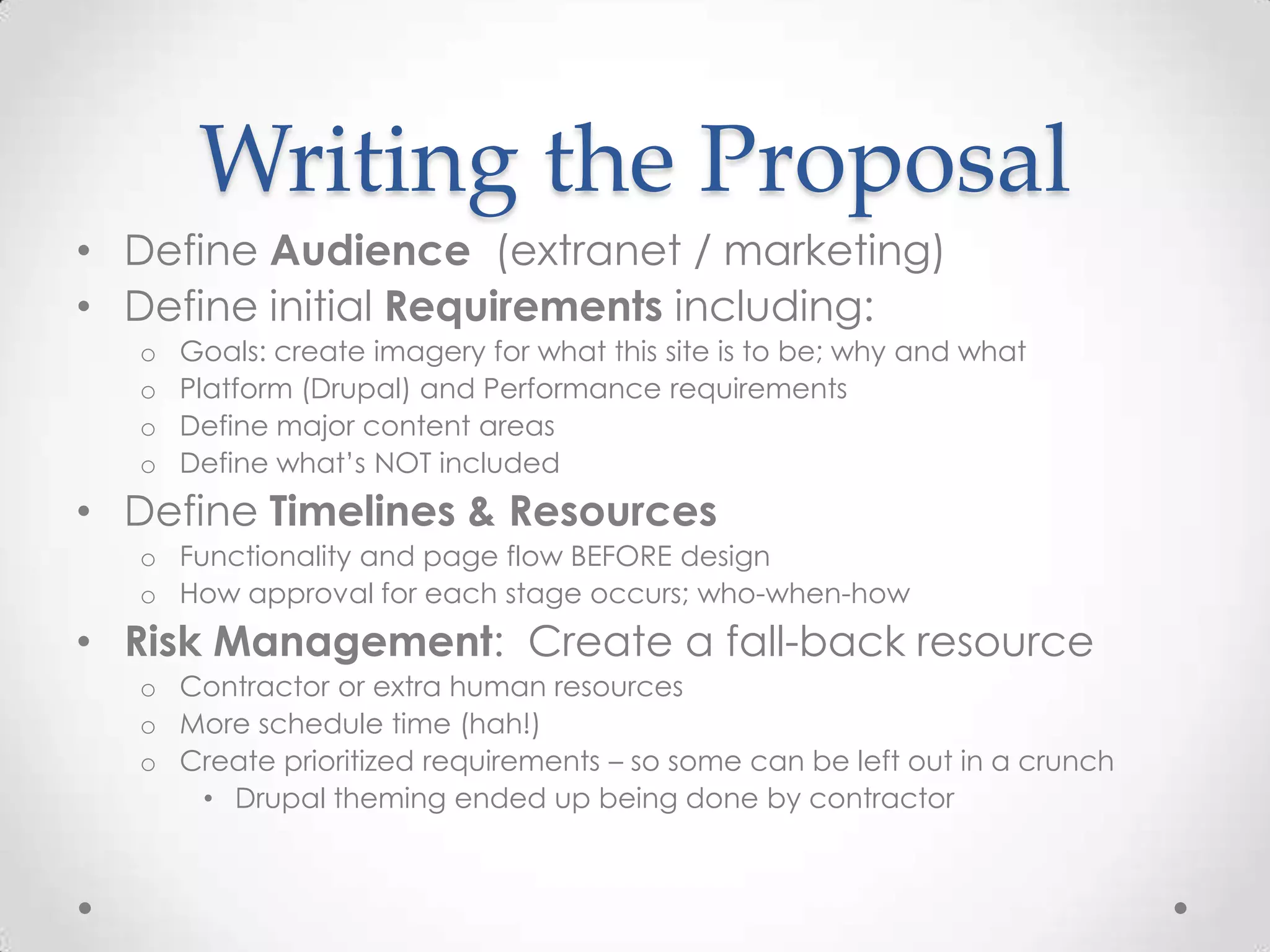
Writing the Proposal
• Define Audience (extranet / marketing)
• Define initial Requirements including:
  o   Goals: create imagery for what this site is to be; why and what
  o   Platform (Drupal) and Performance requirements
  o   Define major content areas
  o   Define what’s NOT included
• Define Timelines & Resources
  o Functionality and page flow BEFORE design
  o How approval for each stage occurs; who-when-how
• Risk Management: Create a fall-back resource
  o Contractor or extra human resources
  o More schedule time (hah!)
  o Create prioritized requirements – so some can be left out in a crunch
     • Drupal theming ended up being done by contractor
User Studies
And tools that might be useful
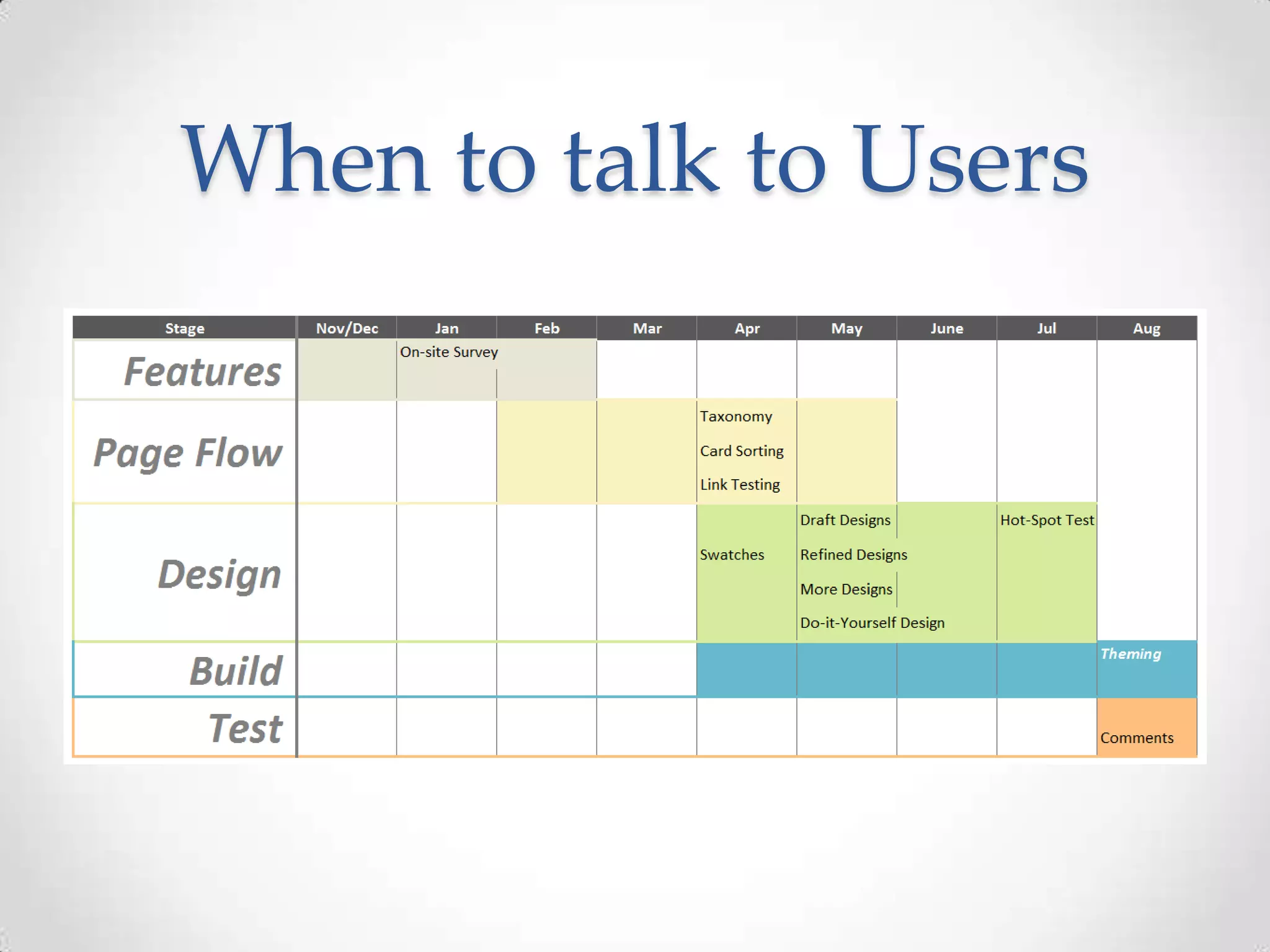
When to talk to Users
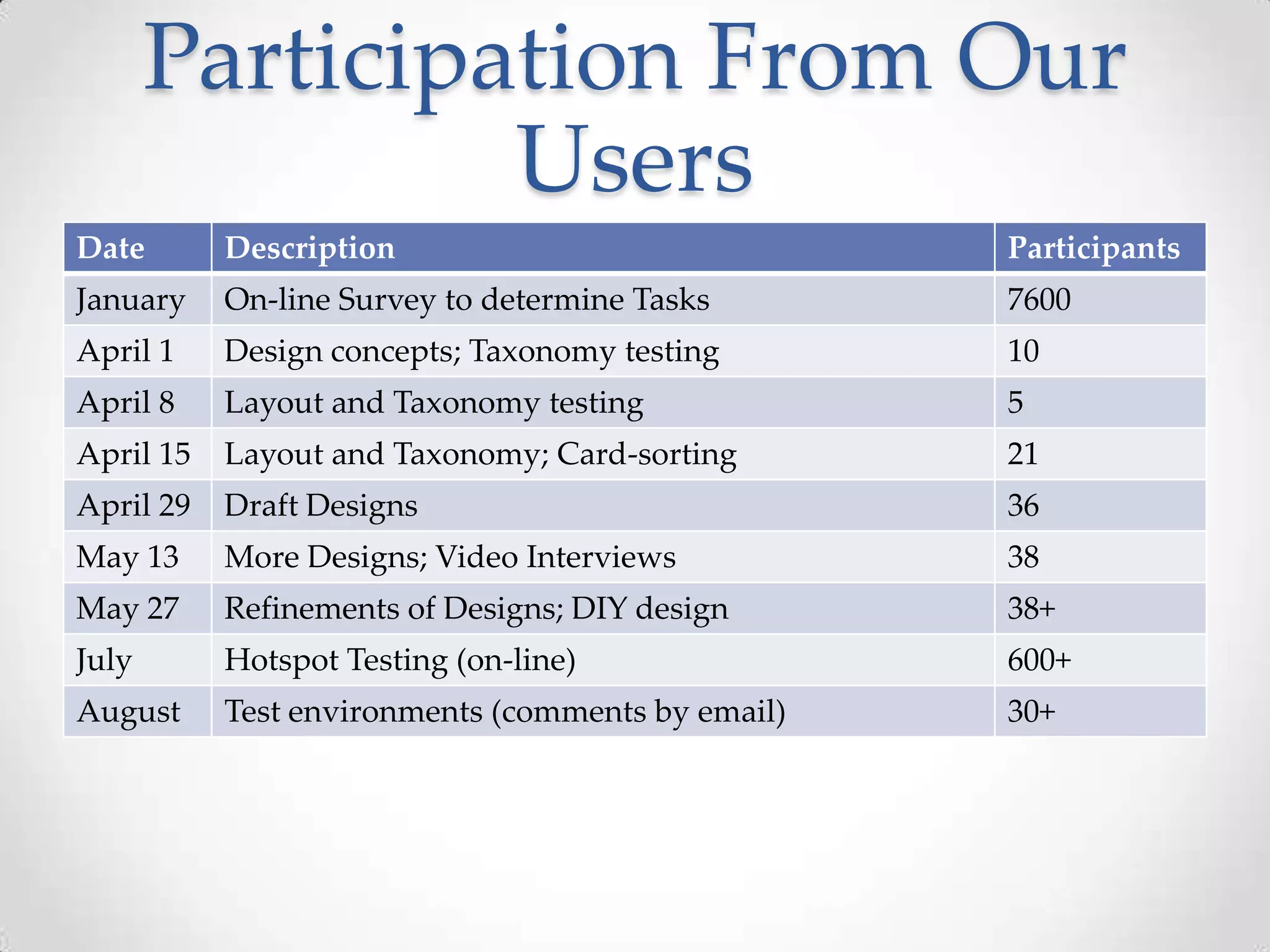
Participation From Our
                Users
Date       Description                             Participants
January    On-line Survey to determine Tasks       7600
April 1    Design concepts; Taxonomy testing       10
April 8    Layout and Taxonomy testing             5
April 15   Layout and Taxonomy; Card-sorting       21
April 29   Draft Designs                           36
May 13     More Designs; Video Interviews          38
May 27     Refinements of Designs; DIY design      38+
July       Hotspot Testing (on-line)               600+
August     Test environments (comments by email)   30+
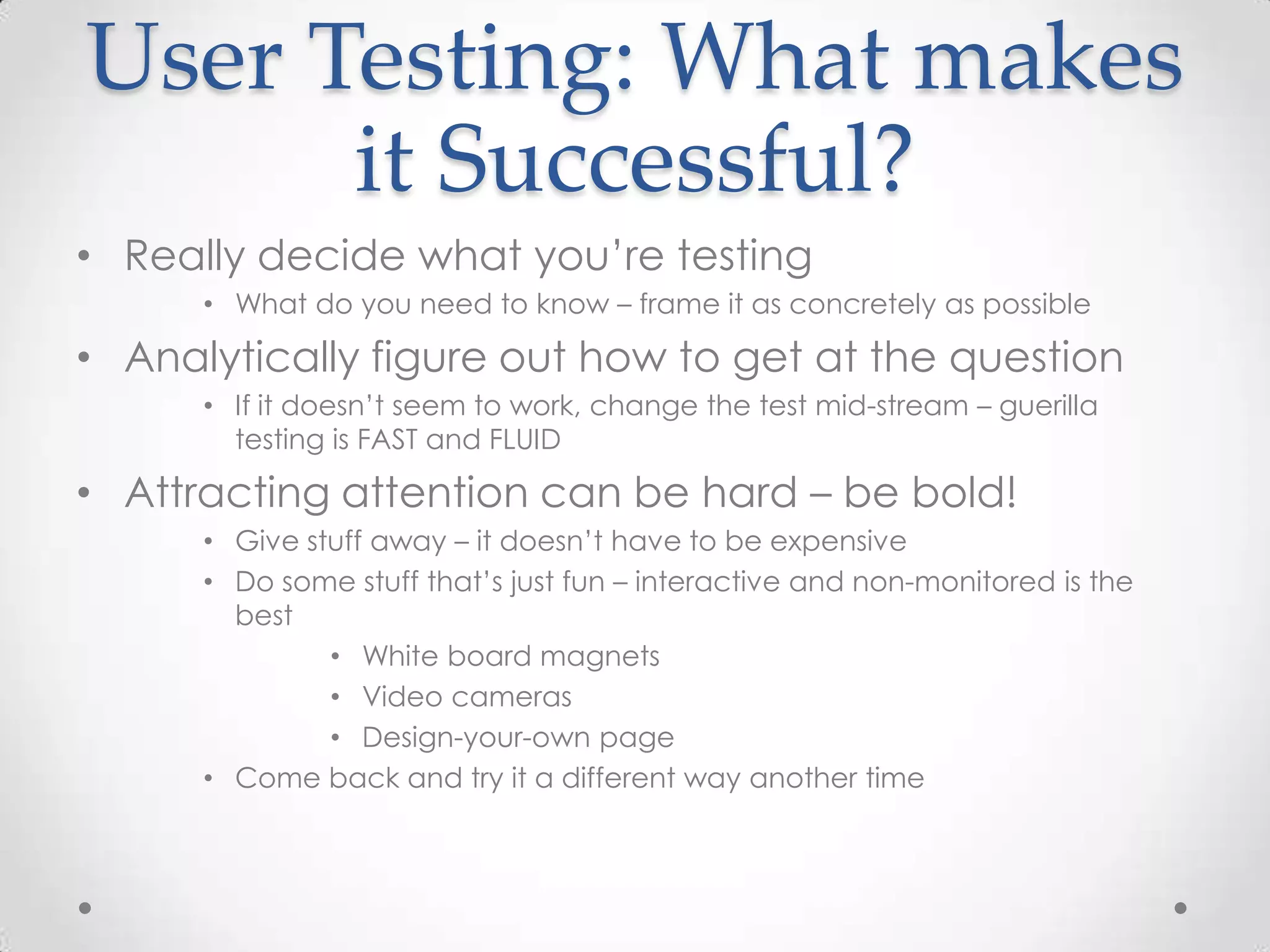
User Testing: What makes
      it Successful?
• Really decide what you’re testing
      • What do you need to know – frame it as concretely as possible

• Analytically figure out how to get at the question
      • If it doesn’t seem to work, change the test mid-stream – guerilla
        testing is FAST and FLUID

• Attracting attention can be hard – be bold!
      • Give stuff away – it doesn’t have to be expensive
      • Do some stuff that’s just fun – interactive and non-monitored is the
        best
               • White board magnets
               • Video cameras
               • Design-your-own page
      • Come back and try it a different way another time
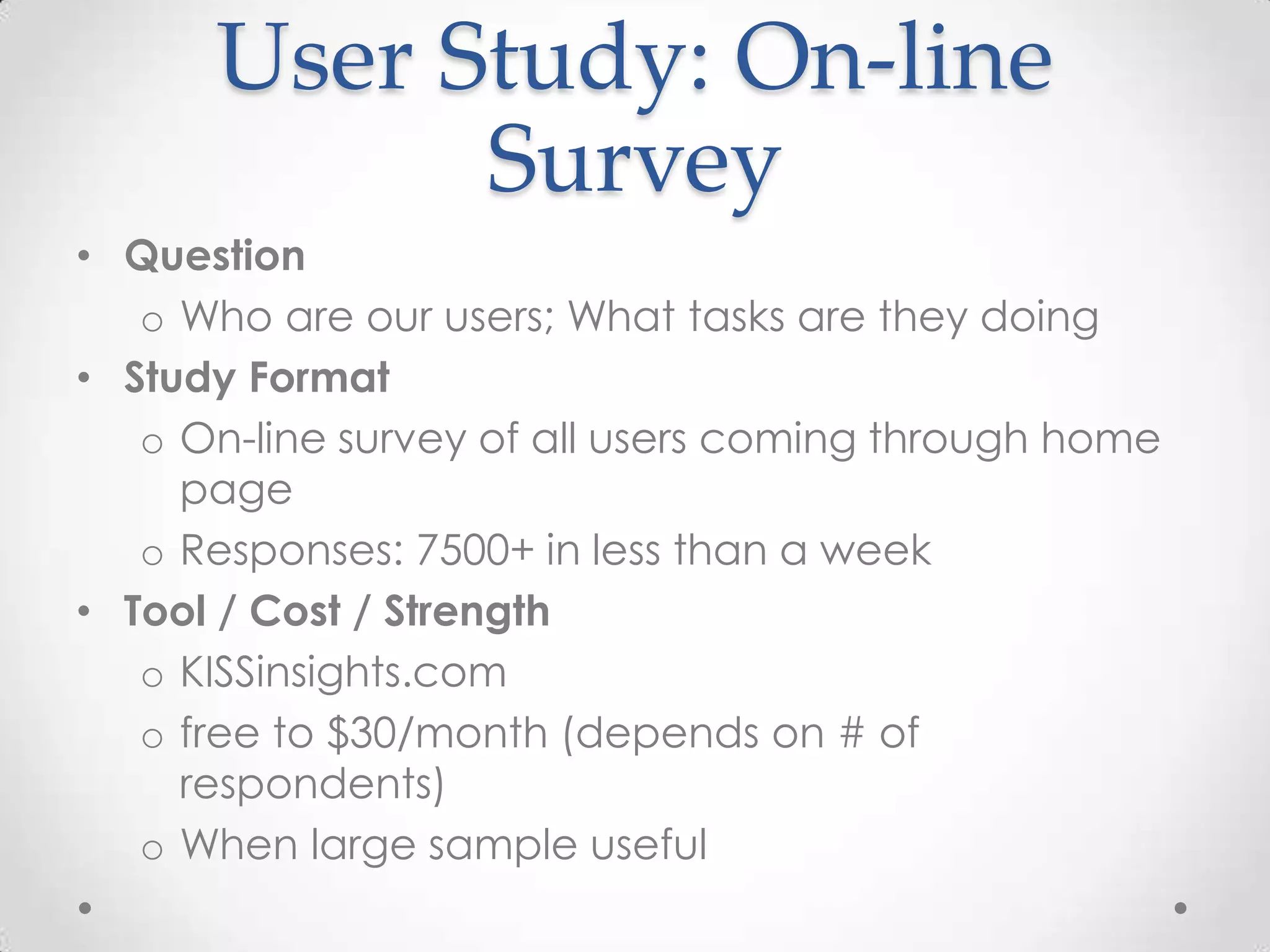
User Study: On-line
            Survey
• Question
   o Who are our users; What tasks are they doing
• Study Format
   o On-line survey of all users coming through home
     page
   o Responses: 7500+ in less than a week
• Tool / Cost / Strength
   o KISSinsights.com
   o free to $30/month (depends on # of
     respondents)
   o When large sample useful
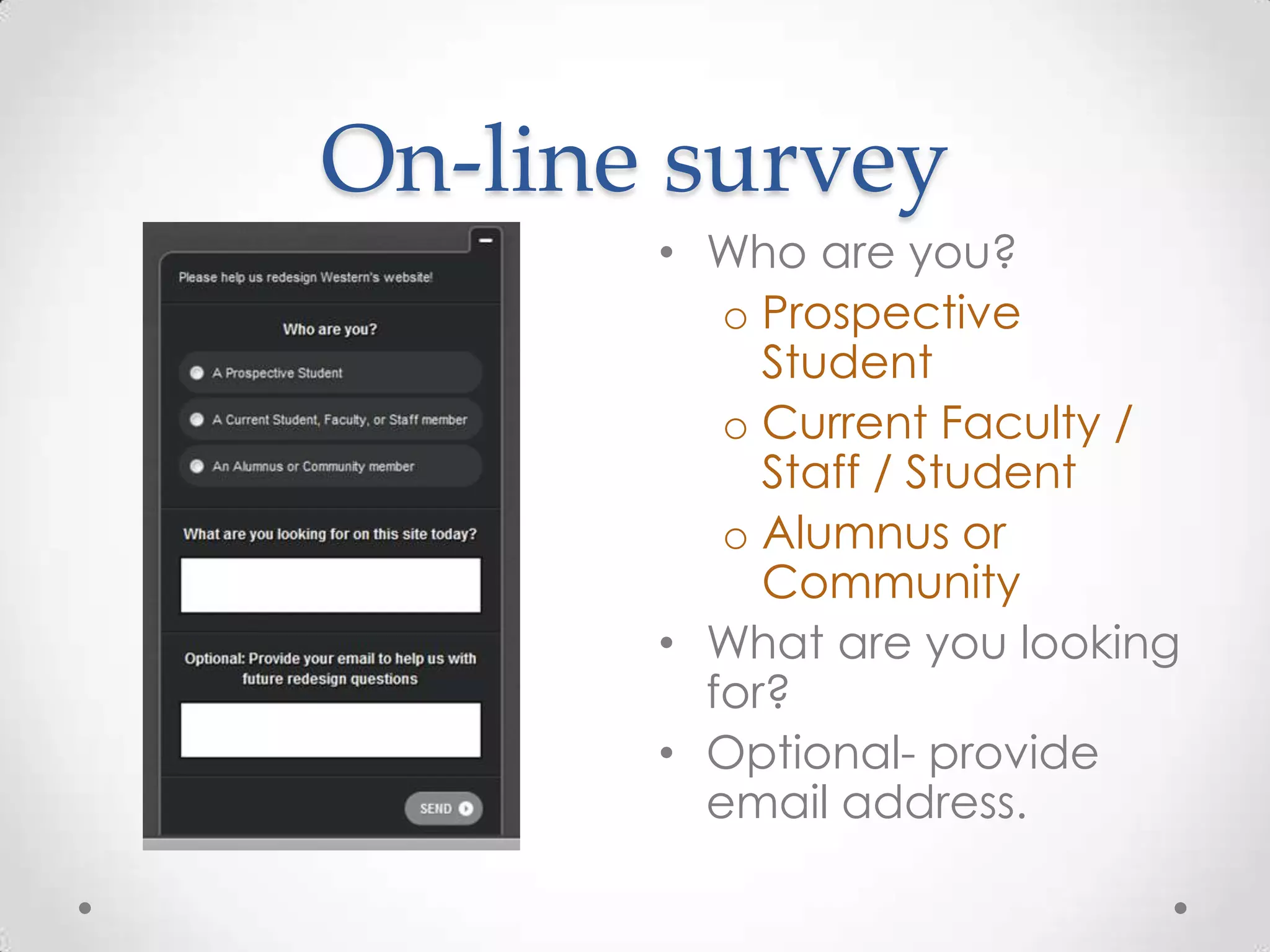
On-line survey
       • Who are you?
          o Prospective
            Student
          o Current Faculty /
            Staff / Student
          o Alumnus or
            Community
       • What are you looking
         for?
       • Optional- provide
         email address.
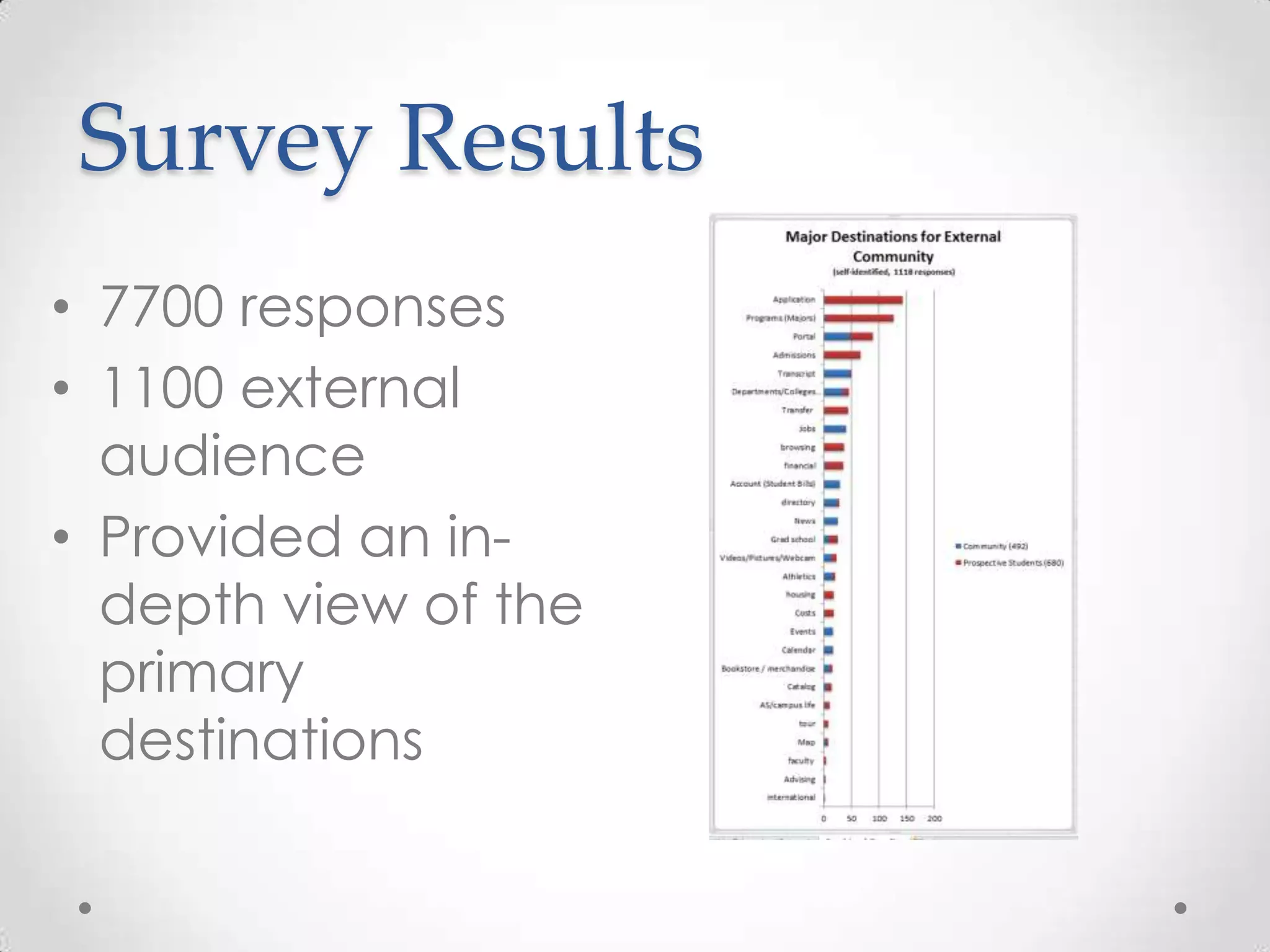
Survey Results
• 7700 responses
• 1100 external
  audience
• Provided an in-
  depth view of the
  primary
  destinations
Guerilla User Studies
• Who to use as Subjects
   o Best case – find your users
   o Adequate – find users of similar
     demographics
• Attracting Subjects
   o Give encouragement
     (sweets or coffee cards)
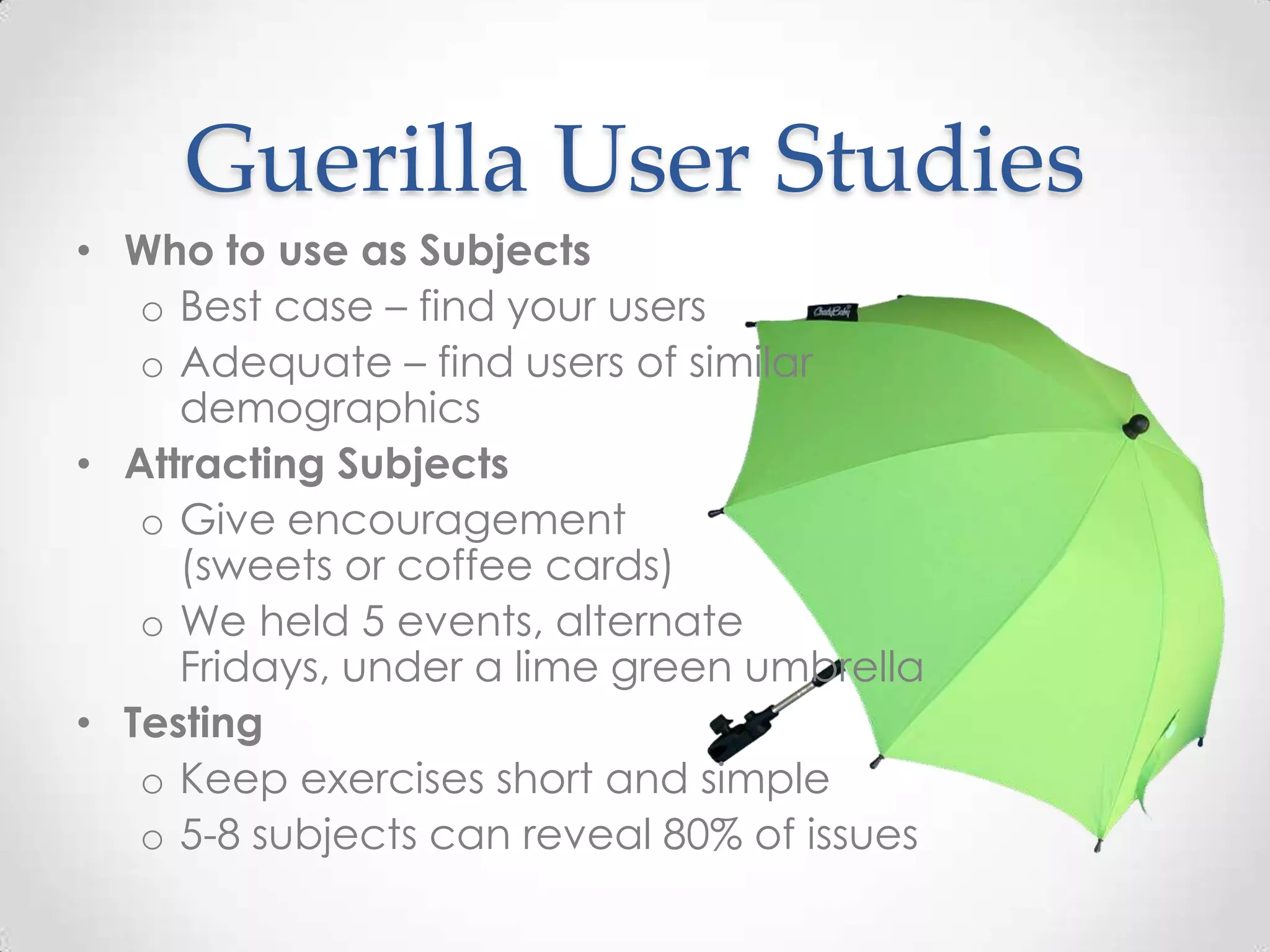
   o We held 5 events, alternate
     Fridays, under a lime green umbrella
• Testing
   o Keep exercises short and simple
   o 5-8 subjects can reveal 80% of issues
User Study: Tasks and
         Taxonomy
• Question
   o What tasks are they looking for; What do they
     call the tasks
• Study Format
   o Guerilla model; one-on-one interviews
   o Screen mock-up provided
• Tool / Cost / Strength
   o Paper and Recording device
   o Livescribe.com Recording Pen ($79)
   o Good for subjective interviews
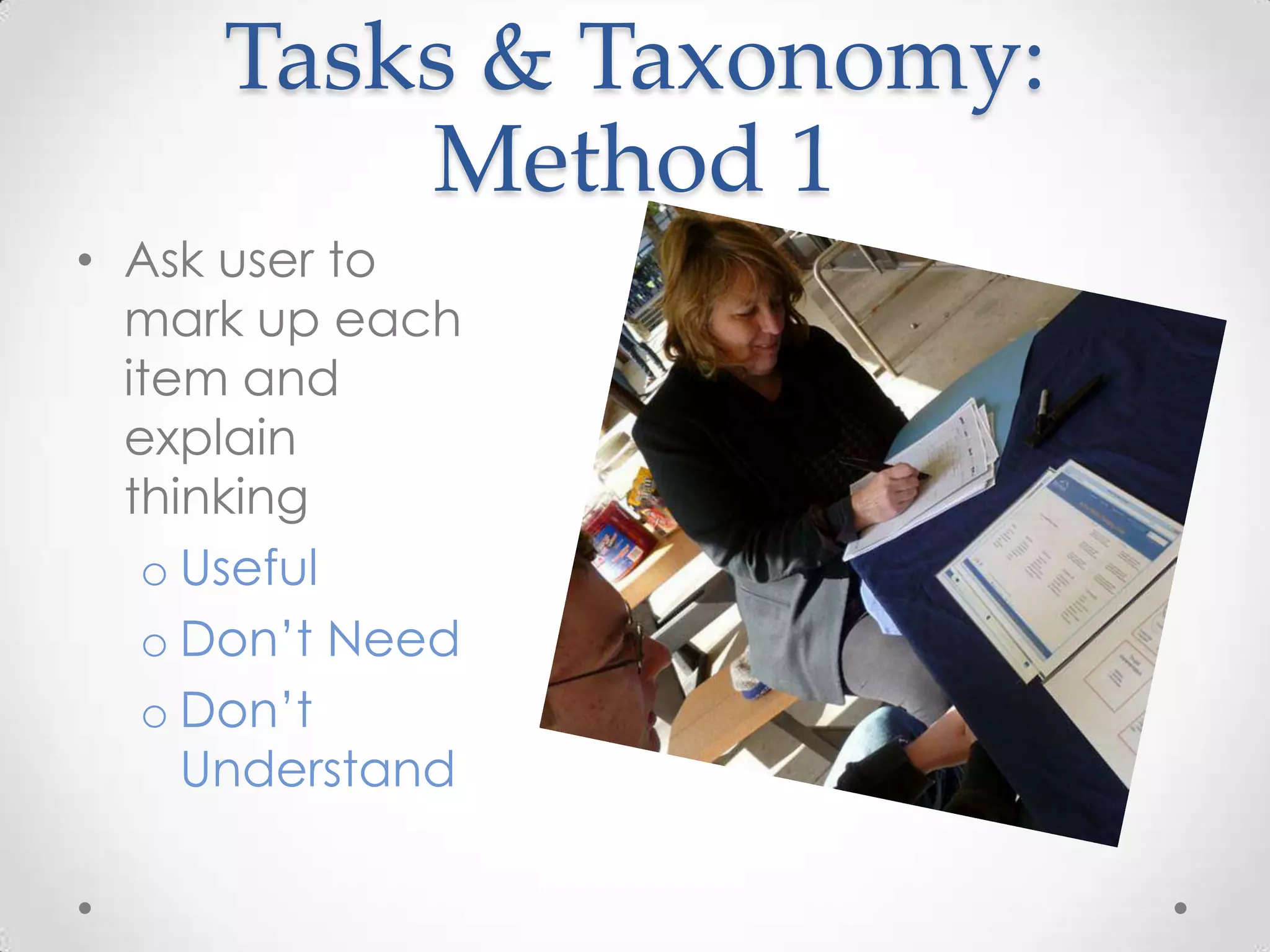
Tasks & Taxonomy:
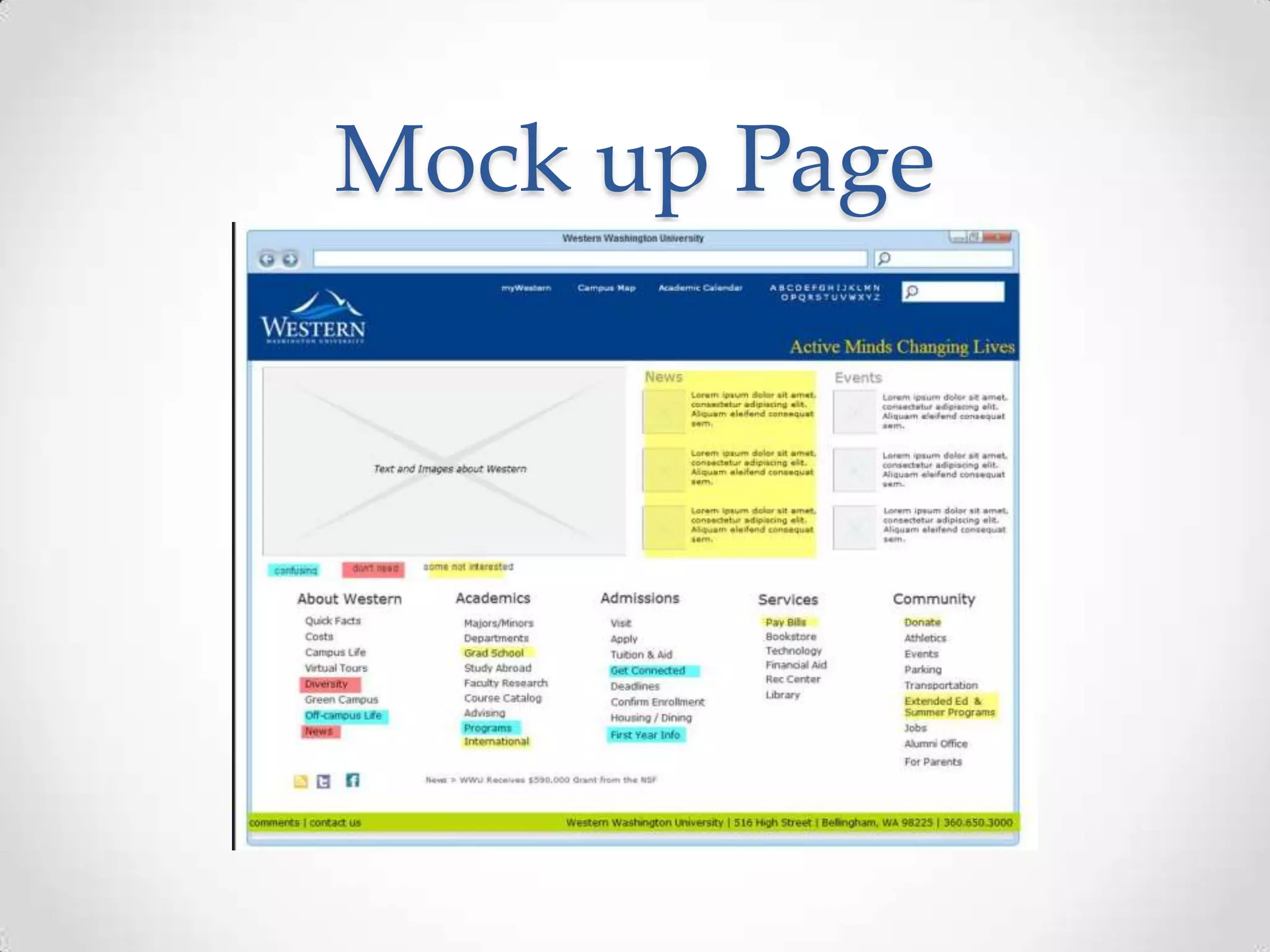
         Method 1
• Ask user to
  mark up each
  item and
  explain
  thinking
   o Useful
   o Don’t Need
   o Don’t
     Understand
Mock up Page
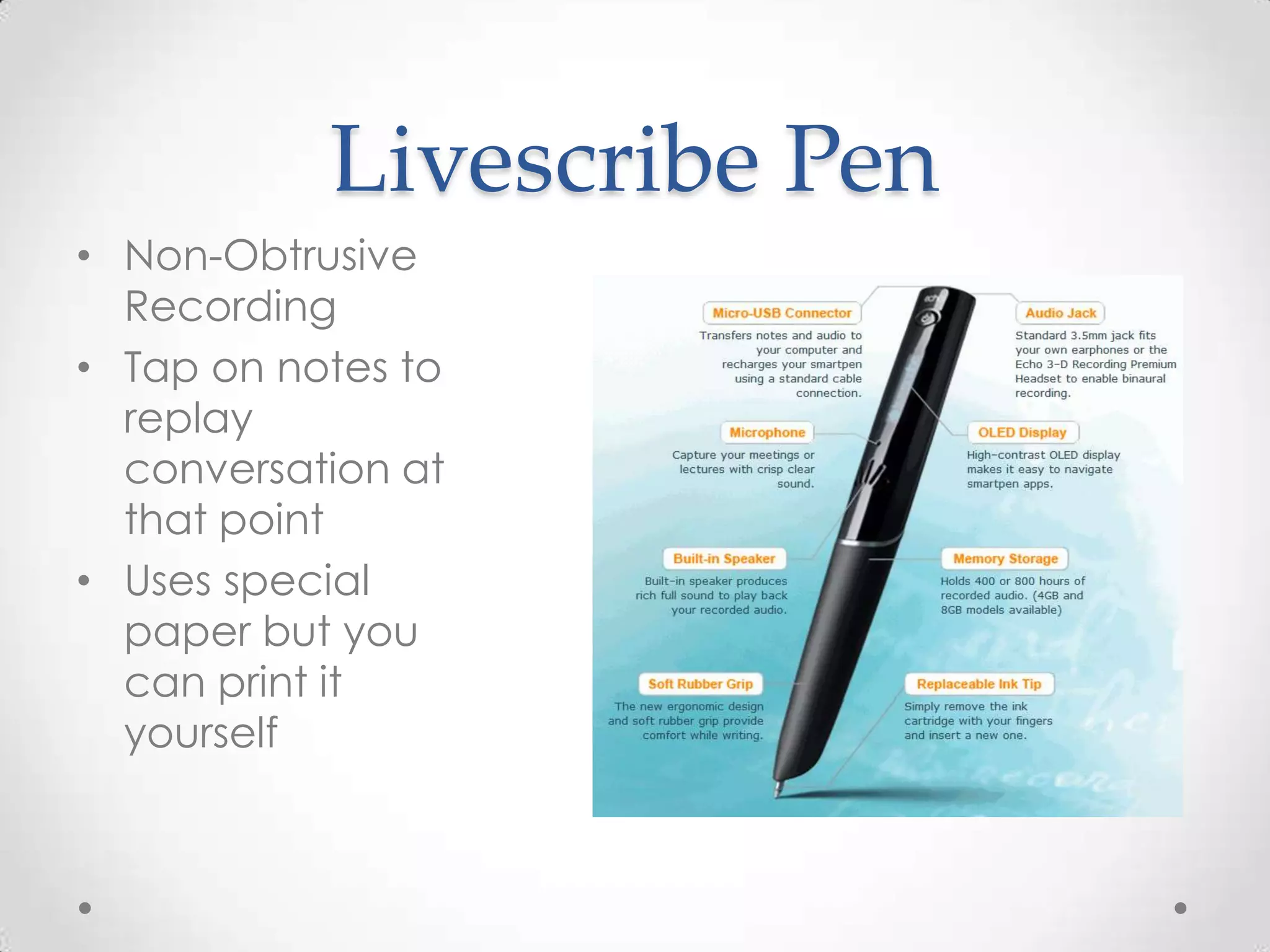
Livescribe Pen
• Non-Obtrusive
  Recording
• Tap on notes to
  replay
  conversation at
  that point
• Uses special
  paper but you
  can print it
  yourself
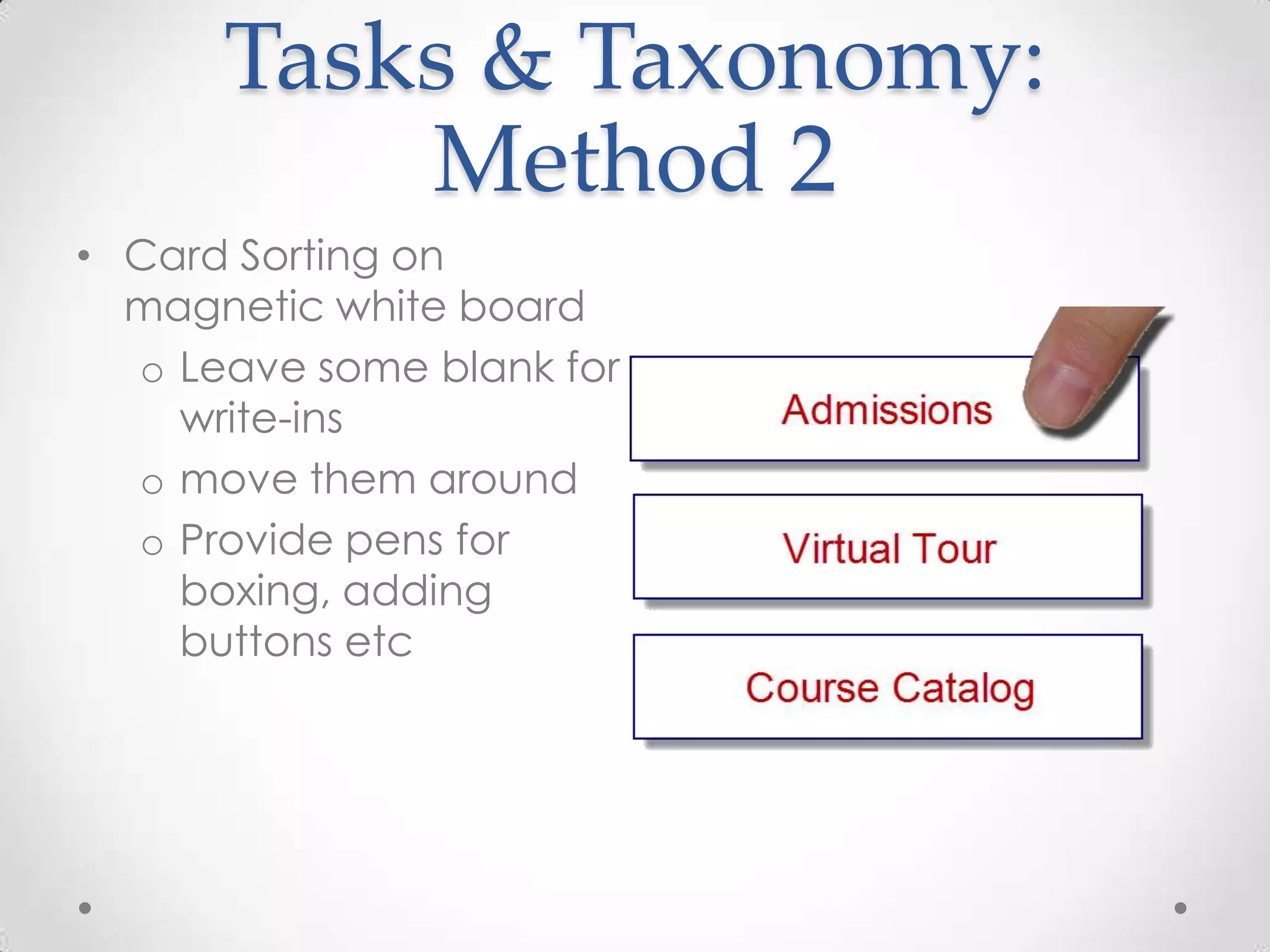
Tasks & Taxonomy:
          Method 2
• Card Sorting on
  magnetic white board
  o Leave some blank for
    write-ins
  o move them around
  o Provide pens for
    boxing, adding
    buttons etc
Tasks & Taxonomy:
    Method 2
        Biggest strength:

        • Users enjoyed it
        • Drew people in to our
          testing station
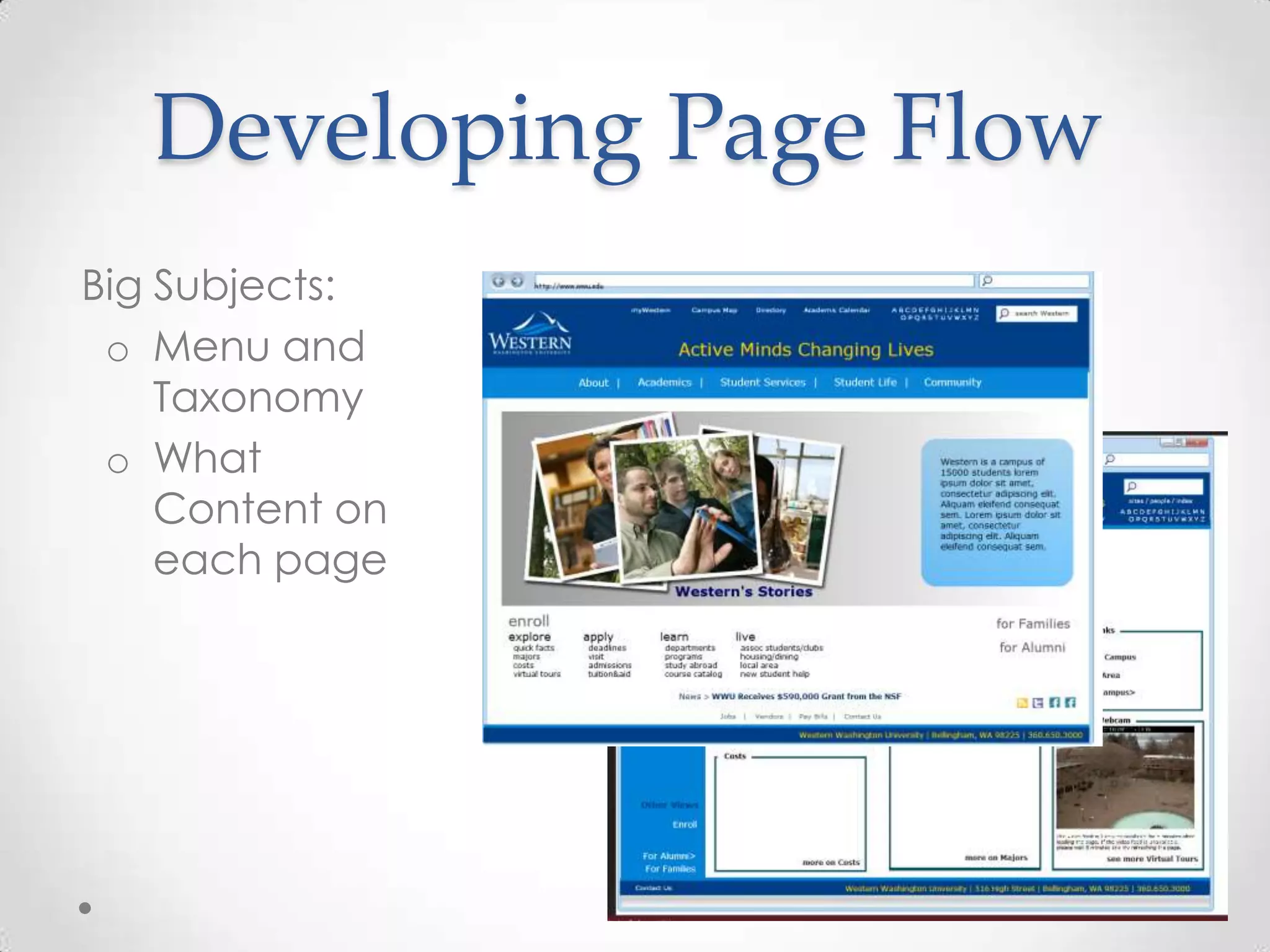
Developing Page Flow
Big Subjects:
 o Menu and
    Taxonomy
 o What
    Content on
    each page
User Study: Page Flow
• Question
   o What are the tasks; how do they proceed
• Study Format
   o On-line, let users play and comment
• Tool / Cost / Strength
  o iPlotz.com – online and desktop models together
  o free to $99/year (depends on # of pages) and
    $75 for desktop perpetual license (PC only)
  o Good for modeling and demo-ing page flow
    dynamically; also easy to create pages
Page Flow: Wireframing
          Tools
               • Not just a drawing tool:
                 Dynamic linking
Why we chose   • Master pages (Templates)
iplotz.com     • Online for best access / also
                 desktop for speed
               • Good library of web objects
                 and graphic tools
               • Can also put in photos
               • Reasonable Price
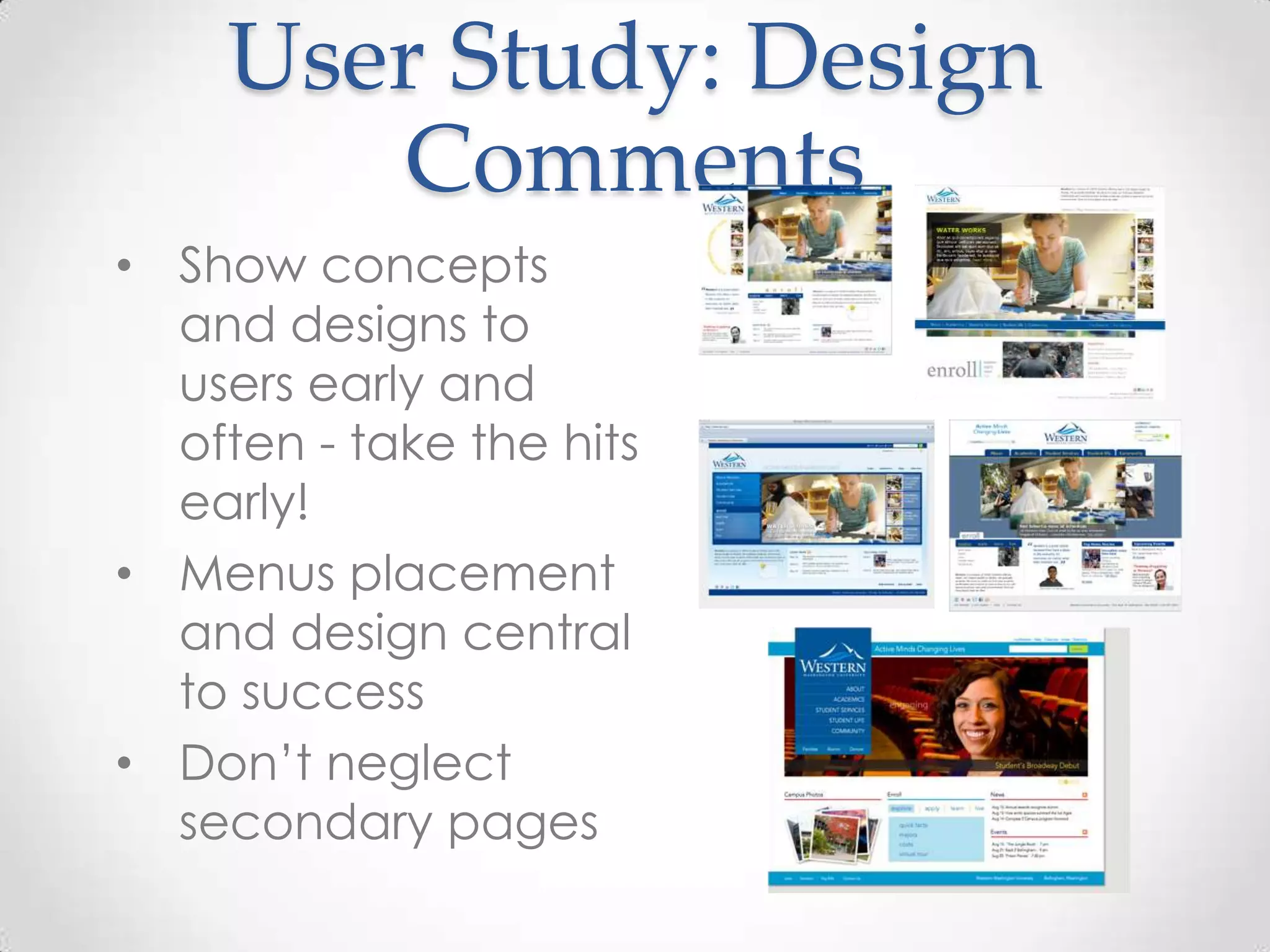
User Study: Design
       Comments
• Show concepts
  and designs to
  users early and
  often - take the hits
  early!
• Menus placement
  and design central
  to success
• Don’t neglect
  secondary pages
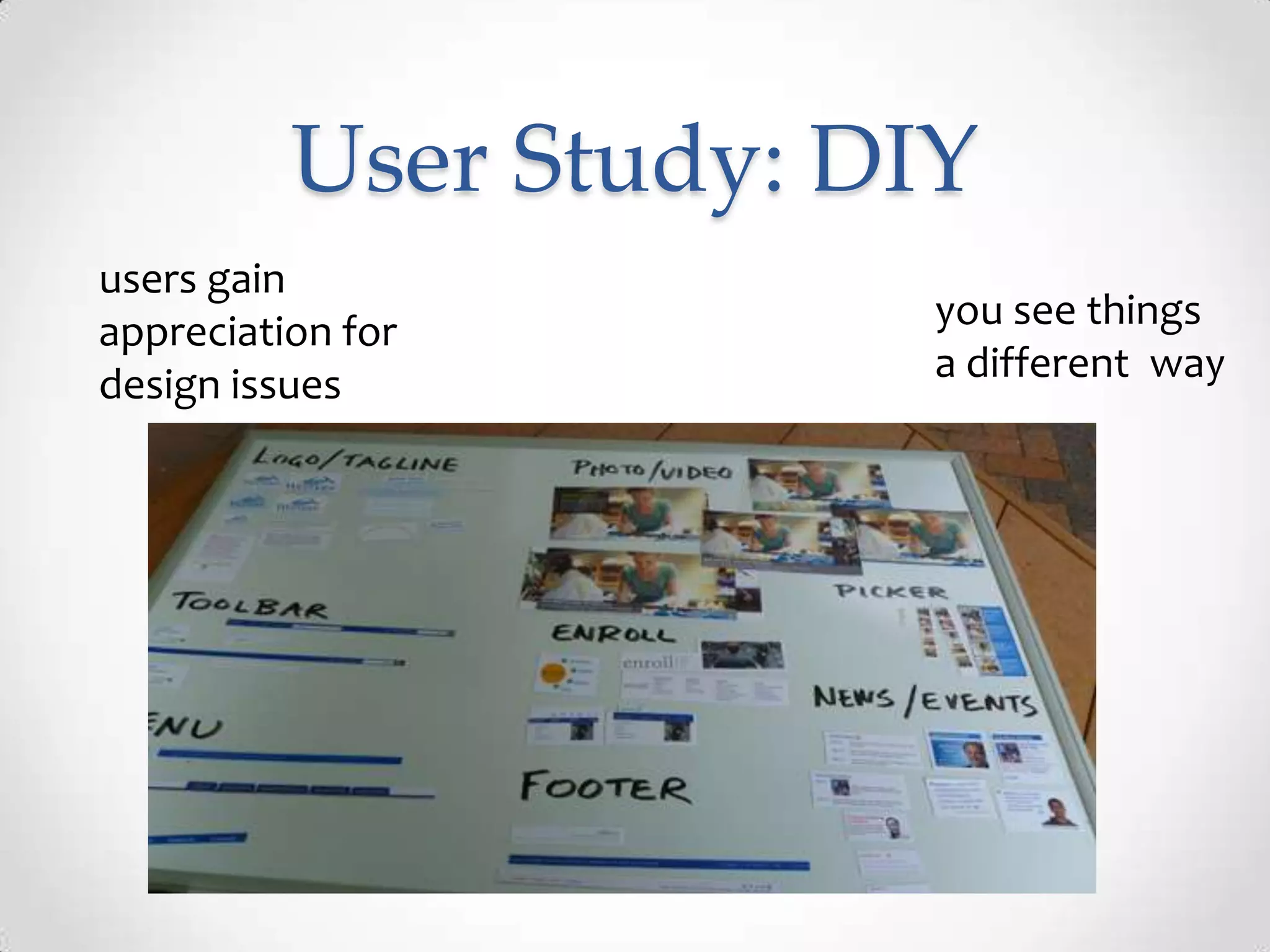
User Study: DIY
users gain
appreciation for        you see things
design issues           a different way
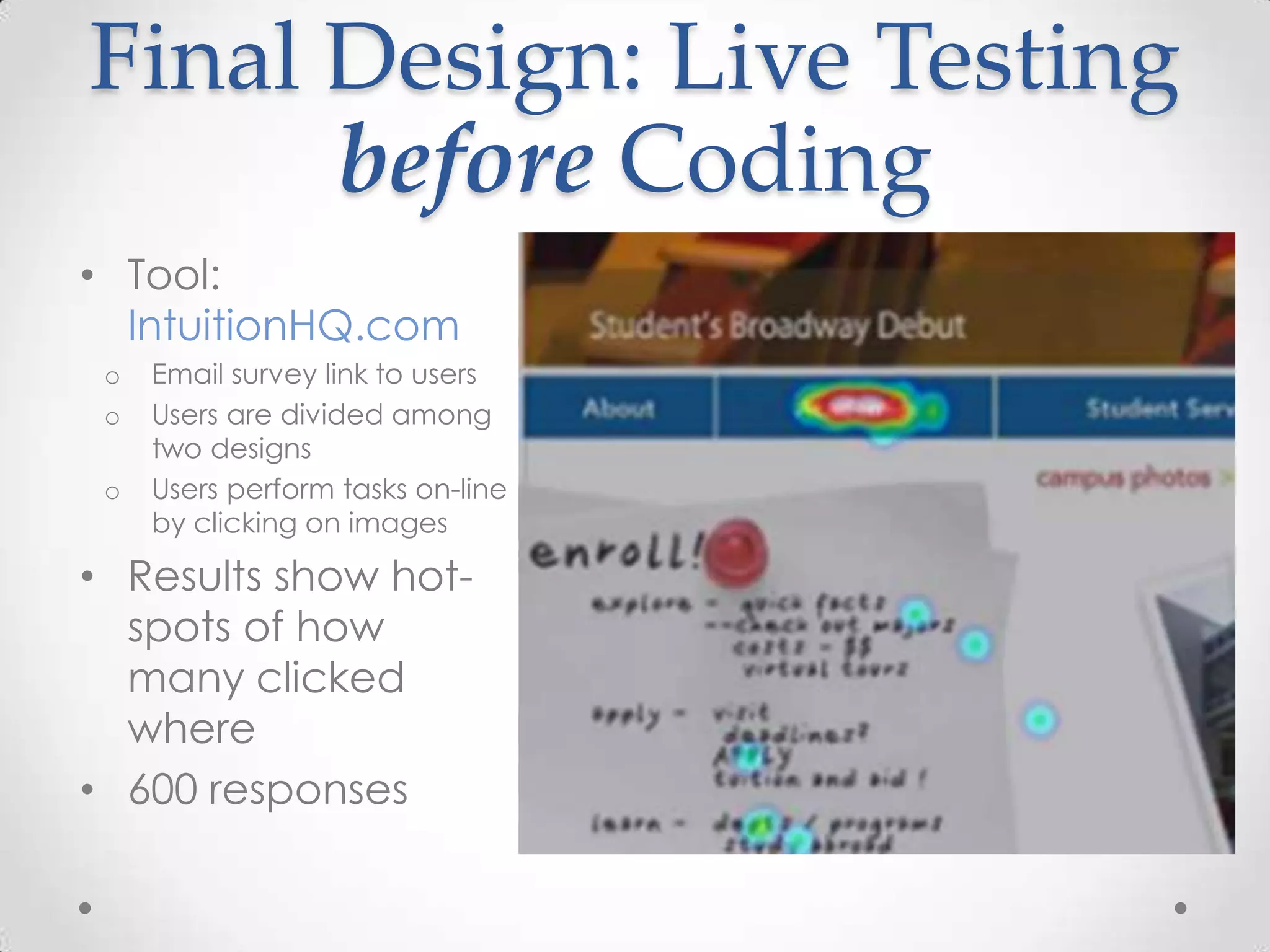
Final Design: Live Testing
      before Coding
• Tool:
  IntuitionHQ.com
 o   Email survey link to users
 o   Users are divided among
     two designs
 o   Users perform tasks on-line
     by clicking on images

• Results show hot-
  spots of how
  many clicked
  where
• 600 responses
Other Tools for Teams
• Dropbox or other cloud
  storage to share files
• Grou.ps – CMS for wiki,
  chat, blogs, file
  storage/sharing, forums,
  $3/mo
• Unfuddle.com – During site
  building, provides ticketing,
  GIT repository, server log /
  notebook capability
  ($10/month)
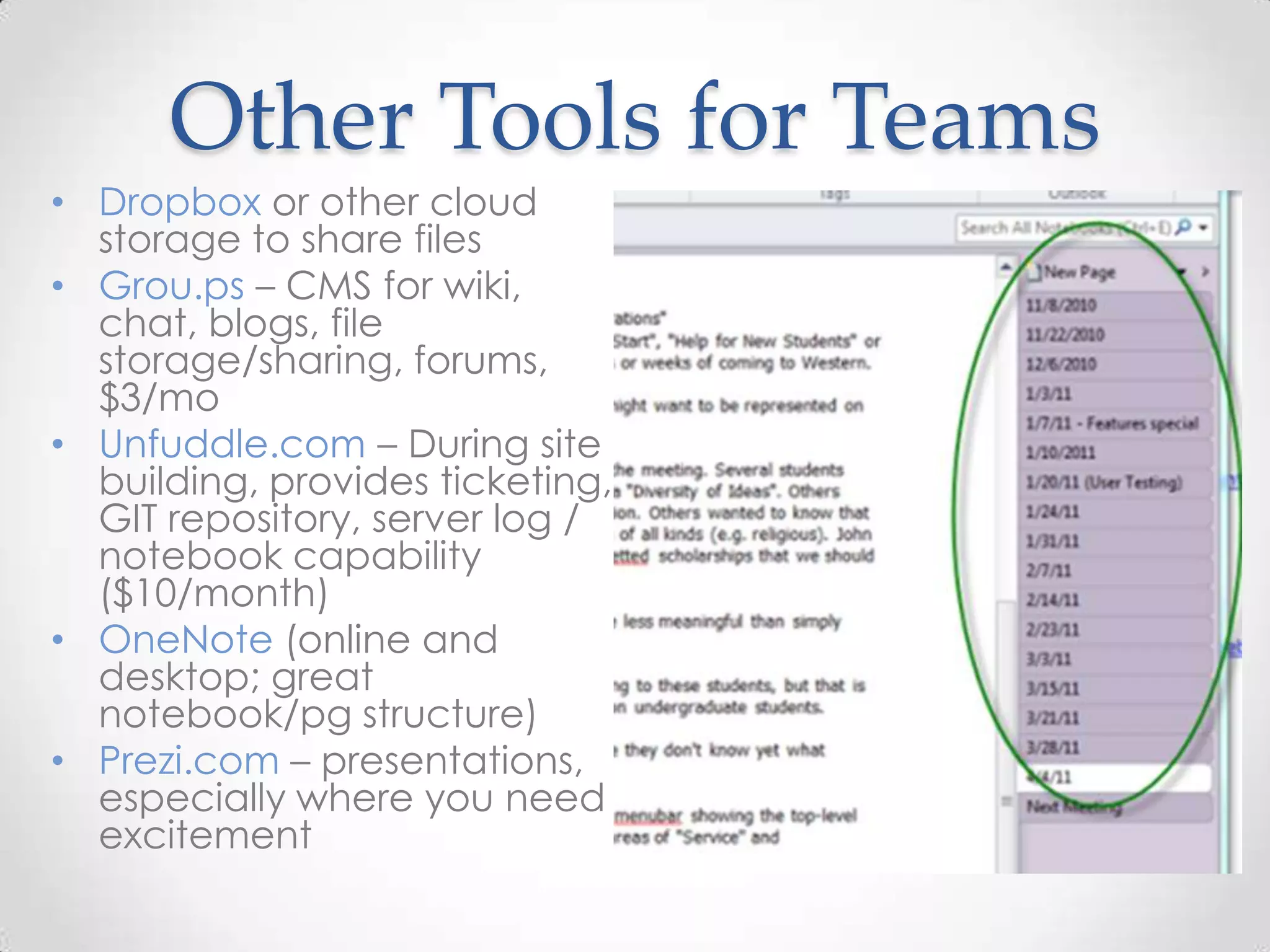
• OneNote (online and
  desktop; great
  notebook/pg structure)
• Prezi.com – presentations,
  especially where you need
  excitement
Summary
• Survey - online surveys good for
  gathering lots of responses
• Guerilla testing good for quickly
  engaging the user: qualitative
  testing, specific task testing,
  functionality lists, specific
  questions
• Hot-Spot testing good for testing
  visual designs before you code
Summary: Tools
• KISSinsights.com (survey tool)
• Livescribe.com (recording pen)
• iPlotz.com (wireframing tool)
• IntuitionHQ.com (hot-spot tool)
• Team tools: dropbox, grou.ps,
  unfuddle.com, prezi.com
• Always – your imagination!
Questions?


For later questions: marie.raney@wwu.edu

Ask your users

  • 1.
    Ask Your Users Redesigning the Western site with User Studies
  • 2.
    Project Overview Nov 2010 – Sept 2011
  • 3.
    Quick Project History •Branding nearly finished by Marketing before we began • Nov 2010 project proposal approved • Features presented 2/11 • Page Flow (Architecture) presented 5/11 • Design presented 6/11; FAILS! Re-worked and presented 7/11 • Site delivered 8/29/11
  • 4.
    Quick Project Structure •Small volunteer committee from different areas of campus • (all volunteer design group) • One full-time implementer! • Reported to President’s Council at end of each deadline
  • 5.
    Quick Drupal Summary •Drupal 7 • Hosted at WWU: 2 redundant servers • 1.5M hits / month • Using Zend for caching and back- end monitoring • Integrated with Google Search Appliance • Currently building multi-domain sites for colleges/depts across campus (different Drupal 7 instance)
  • 6.
    Writing the Proposal •Define Audience (extranet / marketing) • Define initial Requirements including: o Goals: create imagery for what this site is to be; why and what o Platform (Drupal) and Performance requirements o Define major content areas o Define what’s NOT included • Define Timelines & Resources o Functionality and page flow BEFORE design o How approval for each stage occurs; who-when-how • Risk Management: Create a fall-back resource o Contractor or extra human resources o More schedule time (hah!) o Create prioritized requirements – so some can be left out in a crunch • Drupal theming ended up being done by contractor
  • 7.
    User Studies And toolsthat might be useful
  • 8.
    When to talkto Users
  • 9.
    Participation From Our Users Date Description Participants January On-line Survey to determine Tasks 7600 April 1 Design concepts; Taxonomy testing 10 April 8 Layout and Taxonomy testing 5 April 15 Layout and Taxonomy; Card-sorting 21 April 29 Draft Designs 36 May 13 More Designs; Video Interviews 38 May 27 Refinements of Designs; DIY design 38+ July Hotspot Testing (on-line) 600+ August Test environments (comments by email) 30+
  • 10.
    User Testing: Whatmakes it Successful? • Really decide what you’re testing • What do you need to know – frame it as concretely as possible • Analytically figure out how to get at the question • If it doesn’t seem to work, change the test mid-stream – guerilla testing is FAST and FLUID • Attracting attention can be hard – be bold! • Give stuff away – it doesn’t have to be expensive • Do some stuff that’s just fun – interactive and non-monitored is the best • White board magnets • Video cameras • Design-your-own page • Come back and try it a different way another time
  • 11.
    User Study: On-line Survey • Question o Who are our users; What tasks are they doing • Study Format o On-line survey of all users coming through home page o Responses: 7500+ in less than a week • Tool / Cost / Strength o KISSinsights.com o free to $30/month (depends on # of respondents) o When large sample useful
  • 12.
    On-line survey • Who are you? o Prospective Student o Current Faculty / Staff / Student o Alumnus or Community • What are you looking for? • Optional- provide email address.
  • 13.
    Survey Results • 7700responses • 1100 external audience • Provided an in- depth view of the primary destinations
  • 14.
    Guerilla User Studies •Who to use as Subjects o Best case – find your users o Adequate – find users of similar demographics • Attracting Subjects o Give encouragement (sweets or coffee cards) o We held 5 events, alternate Fridays, under a lime green umbrella • Testing o Keep exercises short and simple o 5-8 subjects can reveal 80% of issues
  • 15.
    User Study: Tasksand Taxonomy • Question o What tasks are they looking for; What do they call the tasks • Study Format o Guerilla model; one-on-one interviews o Screen mock-up provided • Tool / Cost / Strength o Paper and Recording device o Livescribe.com Recording Pen ($79) o Good for subjective interviews
  • 16.
    Tasks & Taxonomy: Method 1 • Ask user to mark up each item and explain thinking o Useful o Don’t Need o Don’t Understand
  • 17.
  • 18.
    Livescribe Pen • Non-Obtrusive Recording • Tap on notes to replay conversation at that point • Uses special paper but you can print it yourself
  • 19.
    Tasks & Taxonomy: Method 2 • Card Sorting on magnetic white board o Leave some blank for write-ins o move them around o Provide pens for boxing, adding buttons etc
  • 20.
    Tasks & Taxonomy: Method 2 Biggest strength: • Users enjoyed it • Drew people in to our testing station
  • 21.
    Developing Page Flow BigSubjects: o Menu and Taxonomy o What Content on each page
  • 22.
    User Study: PageFlow • Question o What are the tasks; how do they proceed • Study Format o On-line, let users play and comment • Tool / Cost / Strength o iPlotz.com – online and desktop models together o free to $99/year (depends on # of pages) and $75 for desktop perpetual license (PC only) o Good for modeling and demo-ing page flow dynamically; also easy to create pages
  • 23.
    Page Flow: Wireframing Tools • Not just a drawing tool: Dynamic linking Why we chose • Master pages (Templates) iplotz.com • Online for best access / also desktop for speed • Good library of web objects and graphic tools • Can also put in photos • Reasonable Price
  • 24.
    User Study: Design Comments • Show concepts and designs to users early and often - take the hits early! • Menus placement and design central to success • Don’t neglect secondary pages
  • 25.
    User Study: DIY usersgain appreciation for you see things design issues a different way
  • 26.
    Final Design: LiveTesting before Coding • Tool: IntuitionHQ.com o Email survey link to users o Users are divided among two designs o Users perform tasks on-line by clicking on images • Results show hot- spots of how many clicked where • 600 responses
  • 27.
    Other Tools forTeams • Dropbox or other cloud storage to share files • Grou.ps – CMS for wiki, chat, blogs, file storage/sharing, forums, $3/mo • Unfuddle.com – During site building, provides ticketing, GIT repository, server log / notebook capability ($10/month) • OneNote (online and desktop; great notebook/pg structure) • Prezi.com – presentations, especially where you need excitement
  • 28.
    Summary • Survey -online surveys good for gathering lots of responses • Guerilla testing good for quickly engaging the user: qualitative testing, specific task testing, functionality lists, specific questions • Hot-Spot testing good for testing visual designs before you code
  • 29.
    Summary: Tools • KISSinsights.com(survey tool) • Livescribe.com (recording pen) • iPlotz.com (wireframing tool) • IntuitionHQ.com (hot-spot tool) • Team tools: dropbox, grou.ps, unfuddle.com, prezi.com • Always – your imagination!
  • 30.