Design & Development

Techniques for
Accessibility

(a11y)
Robert Jolly


Project Strategy and Management

with a focus on web accessibility

@iamjolly
What is accessibility?
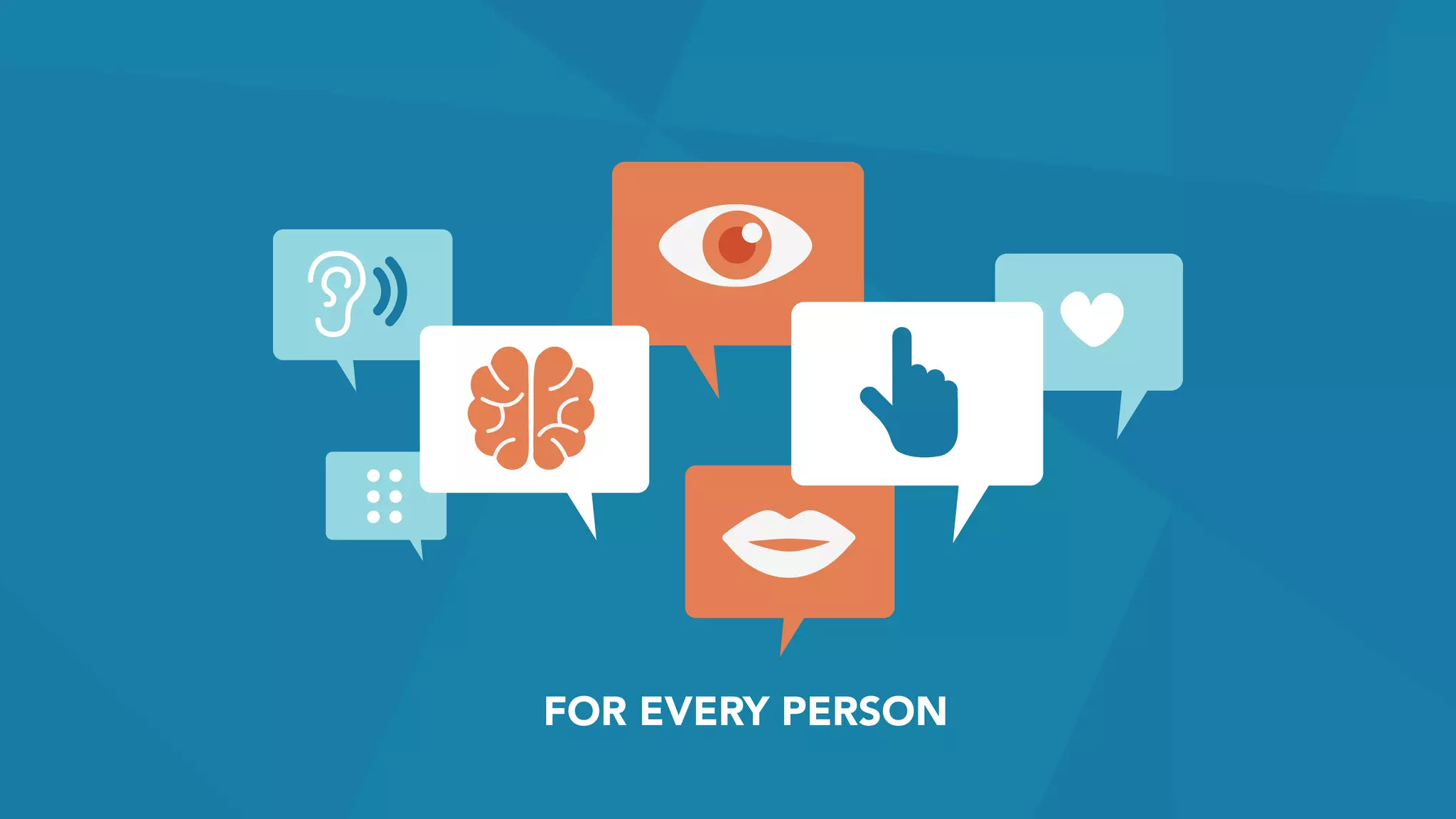
FOR EVERY PERSON
FOR EVERY DEVICE
making things work for everyone
regardless of their abilities
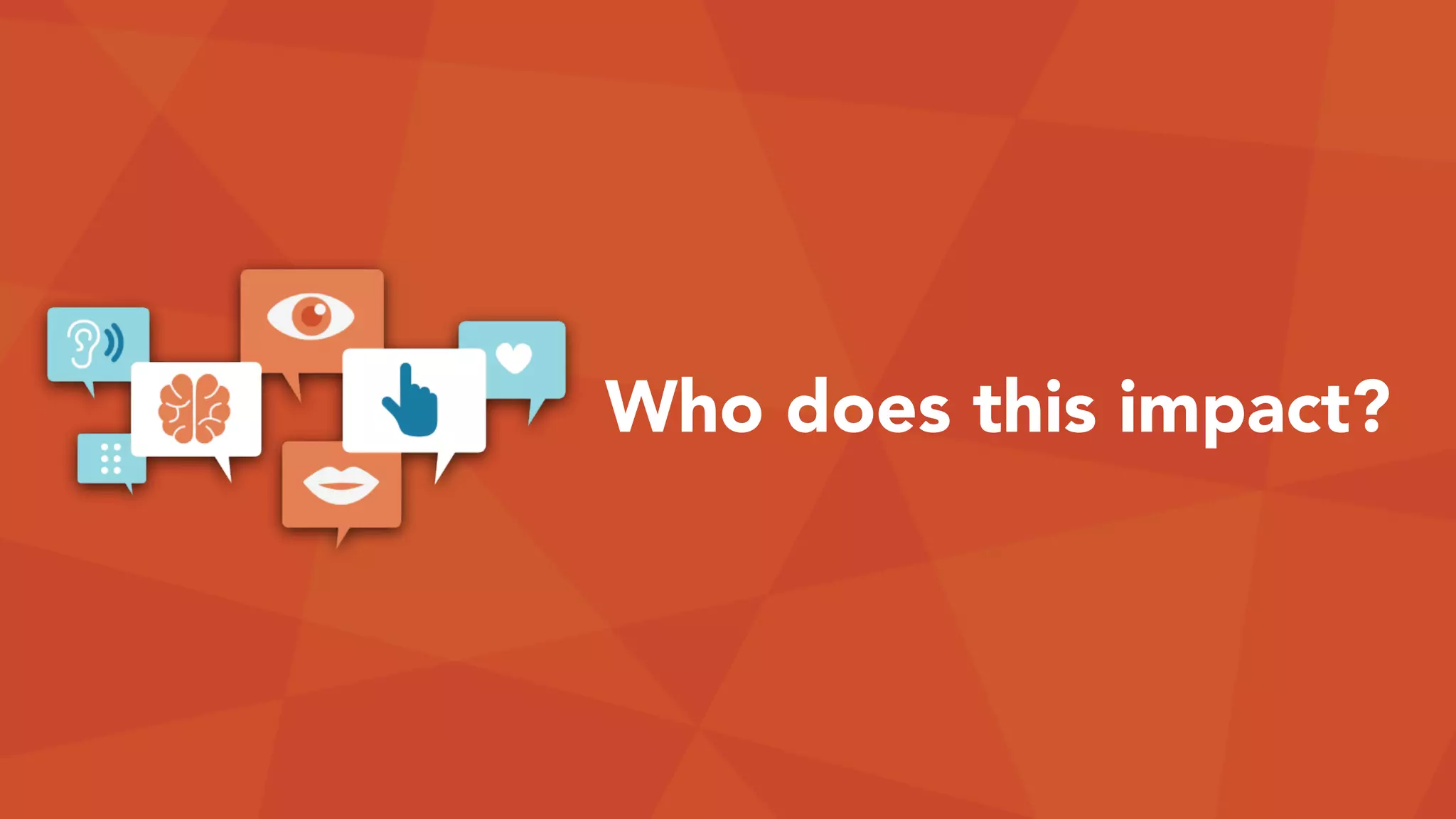
Who does this impact?
People with disabilities in:
• Vision
• Hearing
• Motor (Physical)
• Cognitive
Visual Disabilities
• Blindness
• 39 milllion
• Low vision
• 246 million
• Color blindness
• 8-10% of men
• Only 0.5% of women
Hearing Disabilities
• Deafness
• Hearing Loss
360 million people worldwide have disabling
hearing loss. (WHO, 2015)
• Ages 45 to 54 = 2%
• Ages 55 to 64 = 8.5%
• Ages 65 to 74 = 25%
• Ages 75 and older = 50%
Motor Disabilities
• Arthritis, fibromyalgia, & rheumatism
• Muscular dystrophy
• Amputation and deformity
• Tremors and spasms
• Paralysis / spinal cord injury
• Repetitive stress injury
Cognitive Disabilities
• Learning disabilities / Dyslexia
• Autism
• ADHD
• Acquired brain injuries
• Neurodegenerative diseases
• Age-related dementia
BlindnessCognitive
Situational disabilities
Chemo brain
Color blindness
Cystic fibrosis
Gamer’s thumb
Dyslexia
Language barriers
Photosensitive epilepsy
Astigmatism
Hard of hearing
Lazy-Eyes
Directionally challenged
Poor hearing
Age-related macular degeneration
Multiple sclerosis
Learning difficulties
Visual impairments
Tremors
Muscle slowness
Deuteranopia
Monochromacy
Dichromacy
Anomalous trichromacy
Protanopia
Protanomaly
Deuteranomaly
Tritanopia
Tritanomaly
Deafness
Achromatopsia
Loss of fine muscle control
Parkinson’s disease
Muscular dystrophy
Cerebral palsy
Stroke
Photoepileptic seizures
Developmental disabilities
Dyscalculia
Attention deficit disorder
Dementia
Acquired brain injuries
Neurodegenerative diseases
Difficulty concentrating
Dysgraphia
Getting older
Post-concussion syndrome
Sleep deprivation
Vertigo
Illiteracy
Amputation
Cataracts
Glaucoma
Hearing
Autism
Motor Diabetic retinopathy
Low vision
Noise-induced hearing loss
Aphasia
Reading disordersVisual
Vestibular disorders
1,000,000,000people have a disability
on our planet today
1 in 7 15%
People with disabilities are, by far, the
largest minority group on the Web.
People with disabilities have
$175 billion
in discretionary spending, per year.
Situational challenges
• Broken mouse
• Fractured wrists
• Using mobile devices
• Sun glare on screens
• Feeling tired or unwell
• Noisy environments
• Kids playing around
• Long, stressful day
Accessibility benefits all of us.
+ +
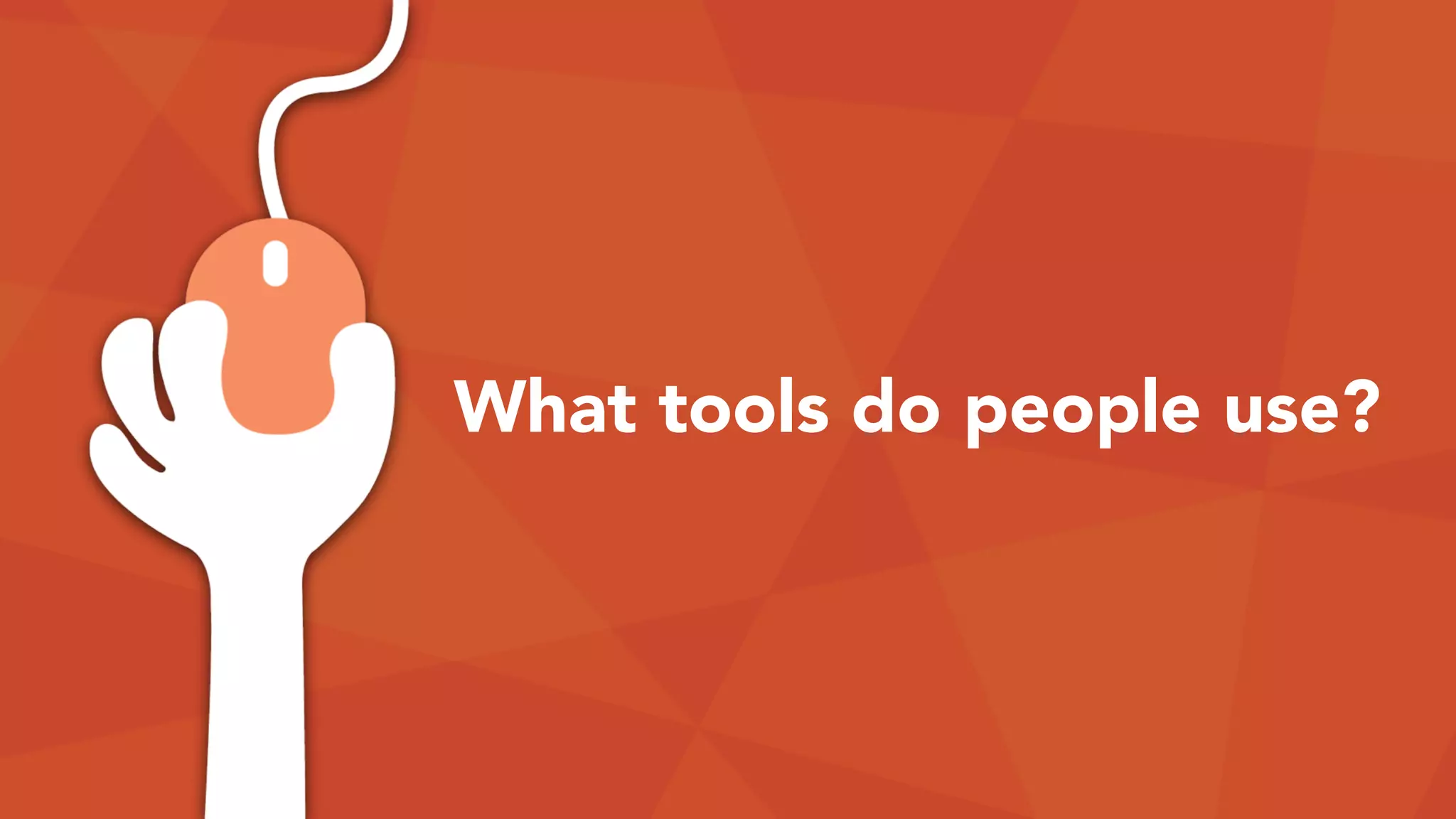
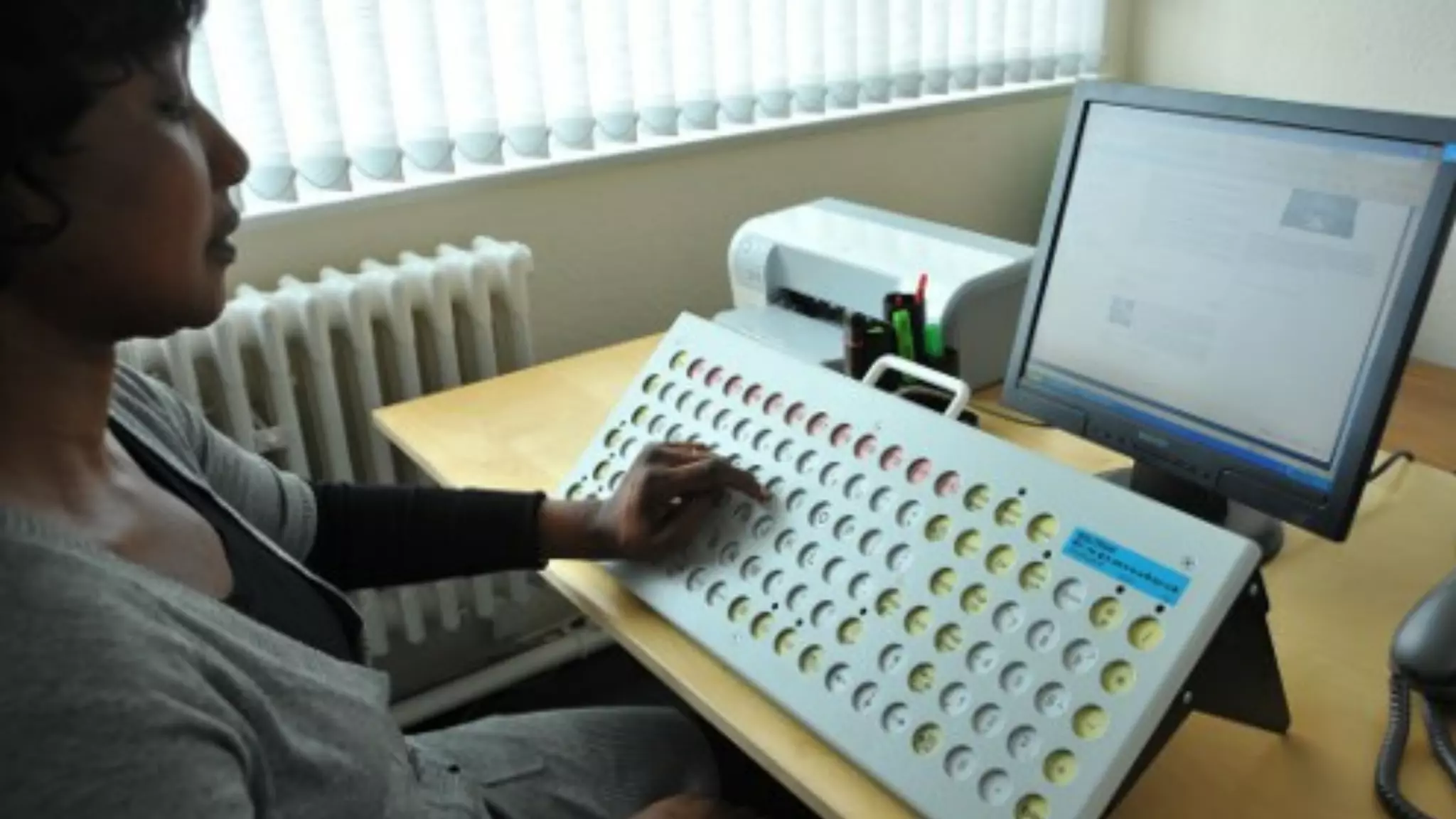
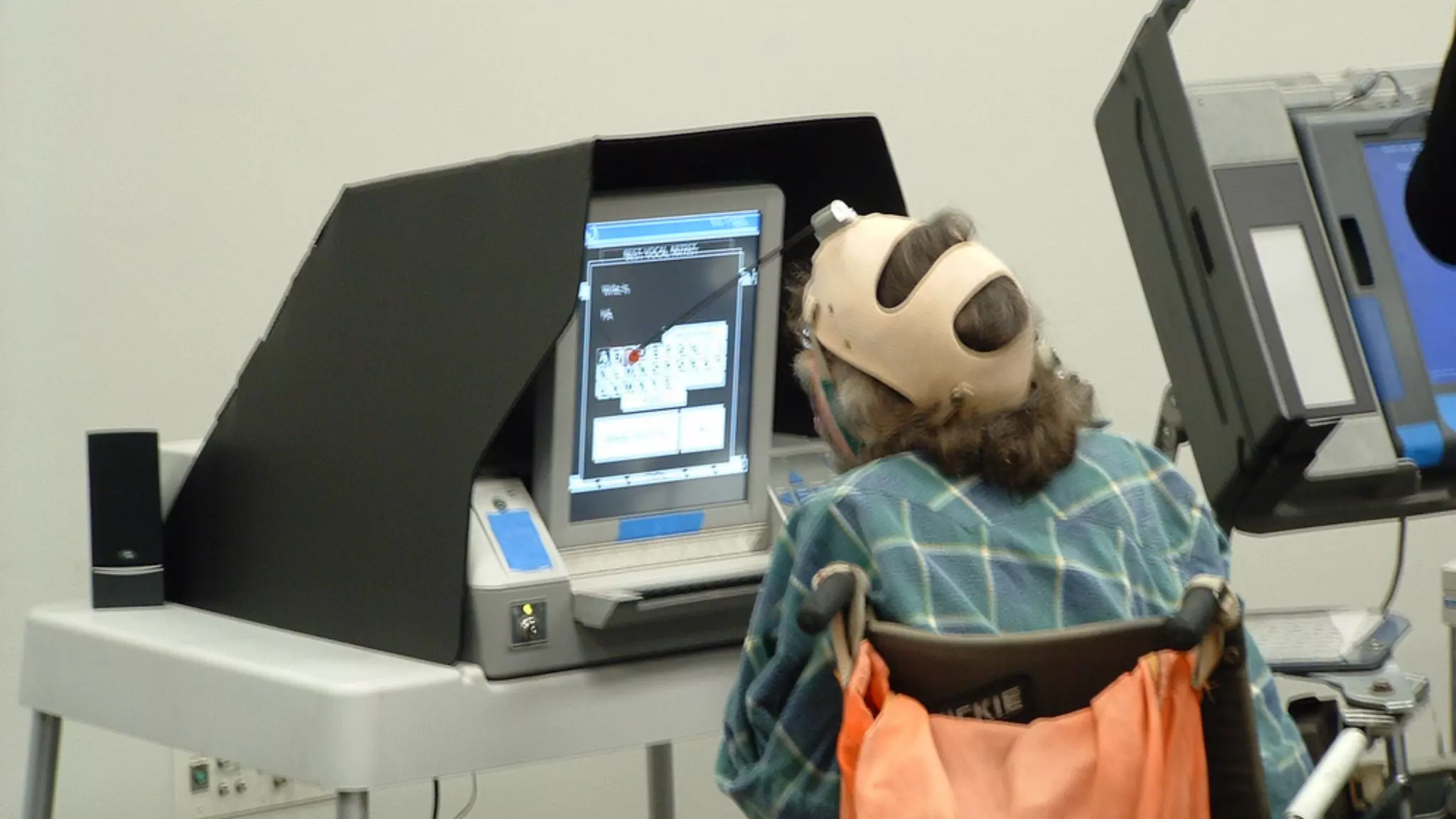
What tools do people use?
Devices
Windows high contrast theme
Across most of the Internet, the current
state of web accessibility isn’t great.
• Awareness: Most of us design and
develop for people just like us.
• Bad defaults: Our “starter” code is
problematic.
It’s NOT ALL BAD, though.
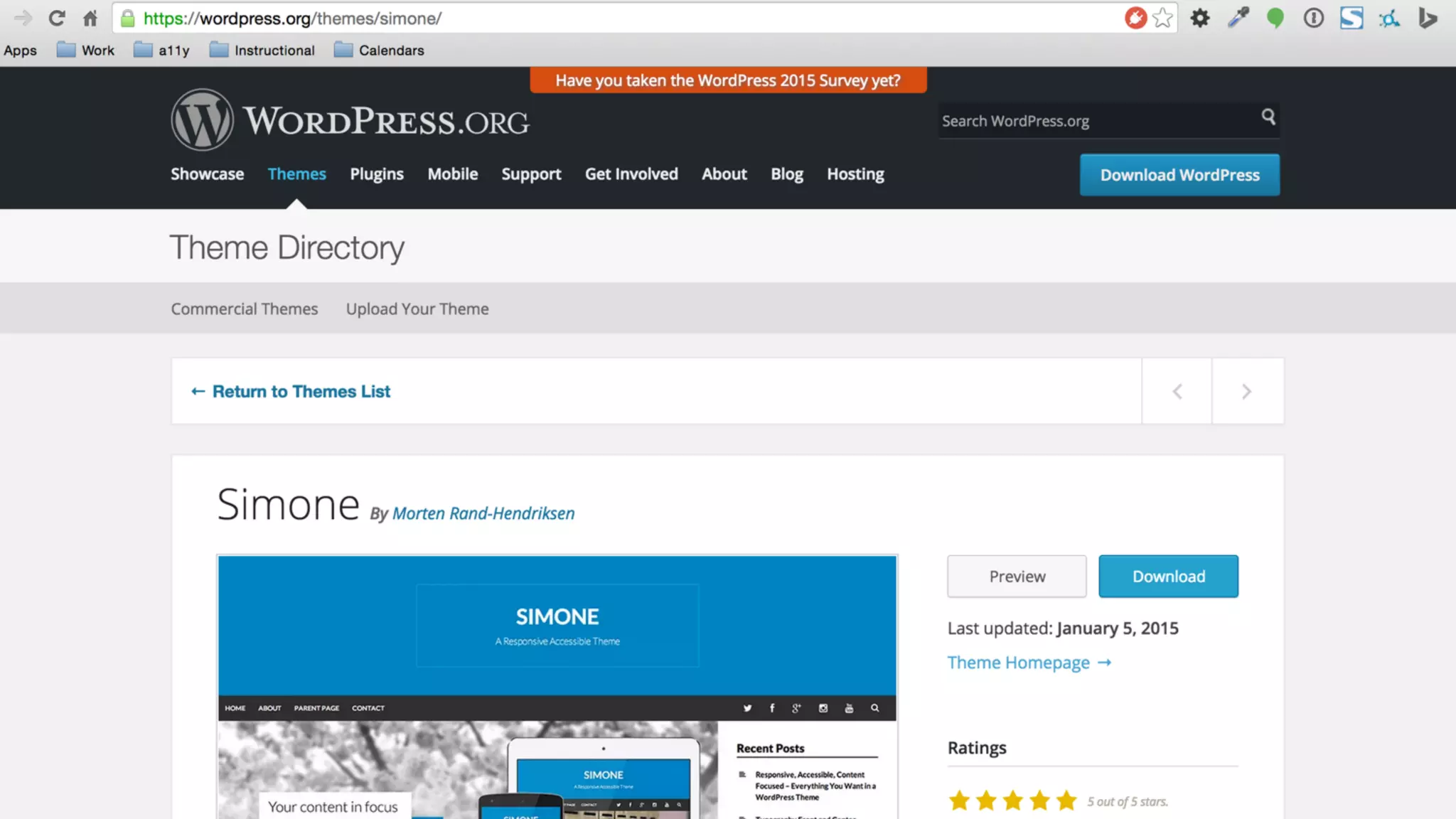
Not too shabby, WordPress!
• WP Core/Accessibility Teams
• WP is largely accessible, by default.
• Default themes (2015, 2016, etc.)
• Creating standards for theme/plugin devs.
we don’t need accessibility plugins

to fix other plugins and themes.
How do we even…?
We have guidelines!
Technical standard for web site accessibility:

Web Content Accessibility Guidelines (WCAG) 2.0
• 4 Principles, broken into 

12 guidelines and 61 success criteria
• Success criteria fits at Level A, AA or AAA
• 25 are level A
• 13 are level AA
• 23 are level AAA
Principles of accessibility
erceivable
perable
nderstandable
obust
P
O
U
R
What are some
techniques?
Accessibility as an MVP
Keyboard Images Forms Dynamic content Everything else
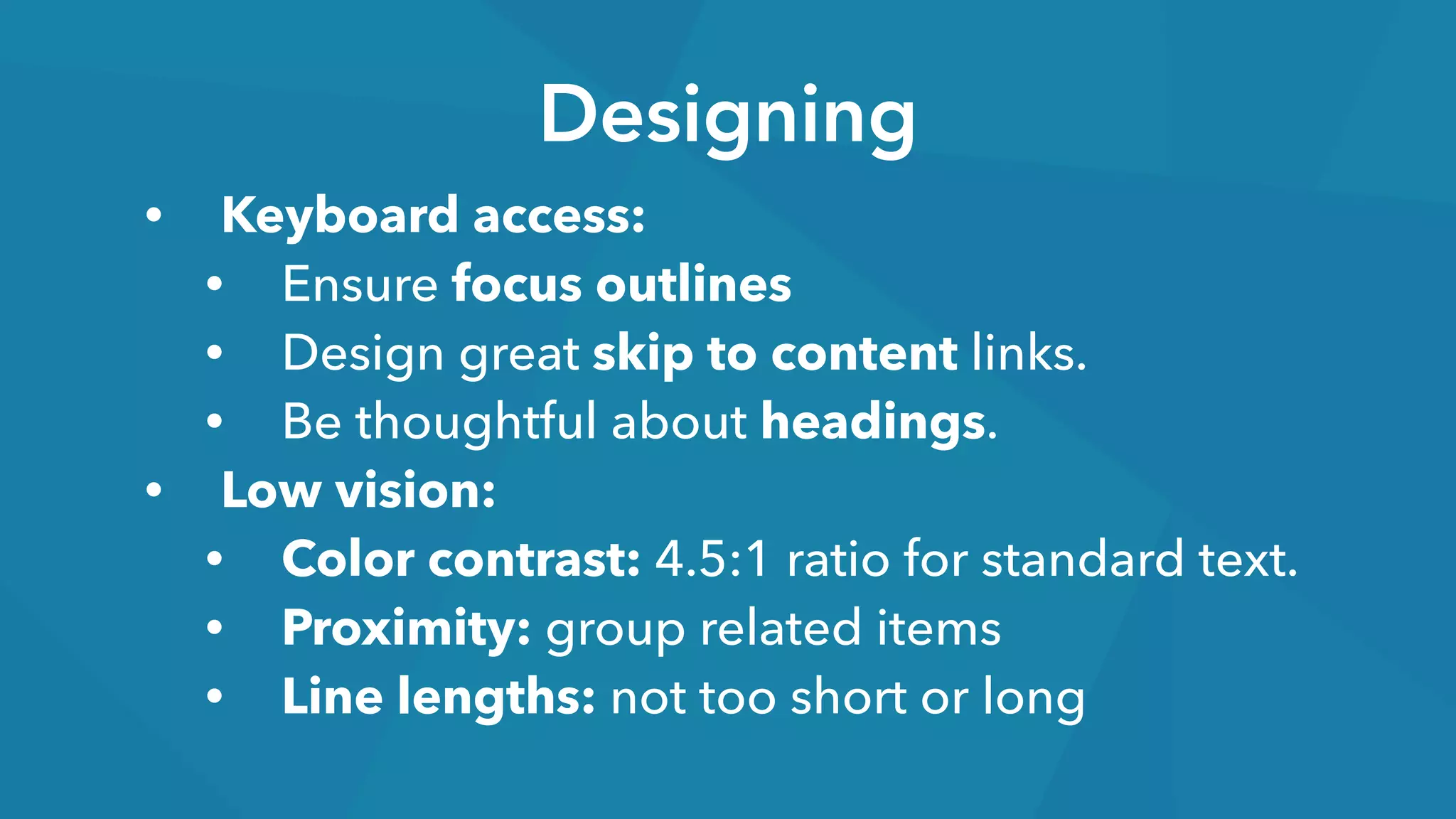
Designing
• Keyboard access:
• Ensure focus outlines
• Design great skip to content links.
• Be thoughtful about headings.
• Low vision:
• Color contrast: 4.5:1 ratio for standard text.
• Proximity: group related items
• Line lengths: not too short or long
Designing
• Form error handling
• Make it easy for users to succeed, but…
• Design for failures.
• Animation & Carousels (if you must)
• Design user controls for motion/carousels.
• Avoid: rapid flashing elements
• Avoid overuse of parallax effects.
Designing
• Content design
• Mobile-first, responsive = big accessibility
gains.
• Plain language and consistent interfaces.
• Link text should be unique.
AVOID: “Read more…”
Developing
• Keyboard access ALL THE THINGS
• Focus outlines: change default resets!
• Ensure tab order matches source order.
• Be responsible for modal interactions.
• Maps, media, and other controls.
• Alternate text
• Images - functional, content, and decorative.
Developing
• Document Structure
• Set the language for every page.
• Use unique page titles.
• Heading structure should make sense
when linearized.
• Employ semantic markup.
Developing
• Forms and error handling
• Every form field requires a label.
• You can hide labels visually, if needed. :)
• Provide contextual help.
• Make it easy to correct errors.
• Link to error fields from error summary
text.
Developing
• Maintain/set focus on changes
• Ensure audiences know when on-page
changes occur—not just visually.
• Provide contextual help.
• Make it easy to correct errors.
• Link to error fields from error summary
text.
accessibility problems are 

best solved lower in the stack!
Tools for accessibility
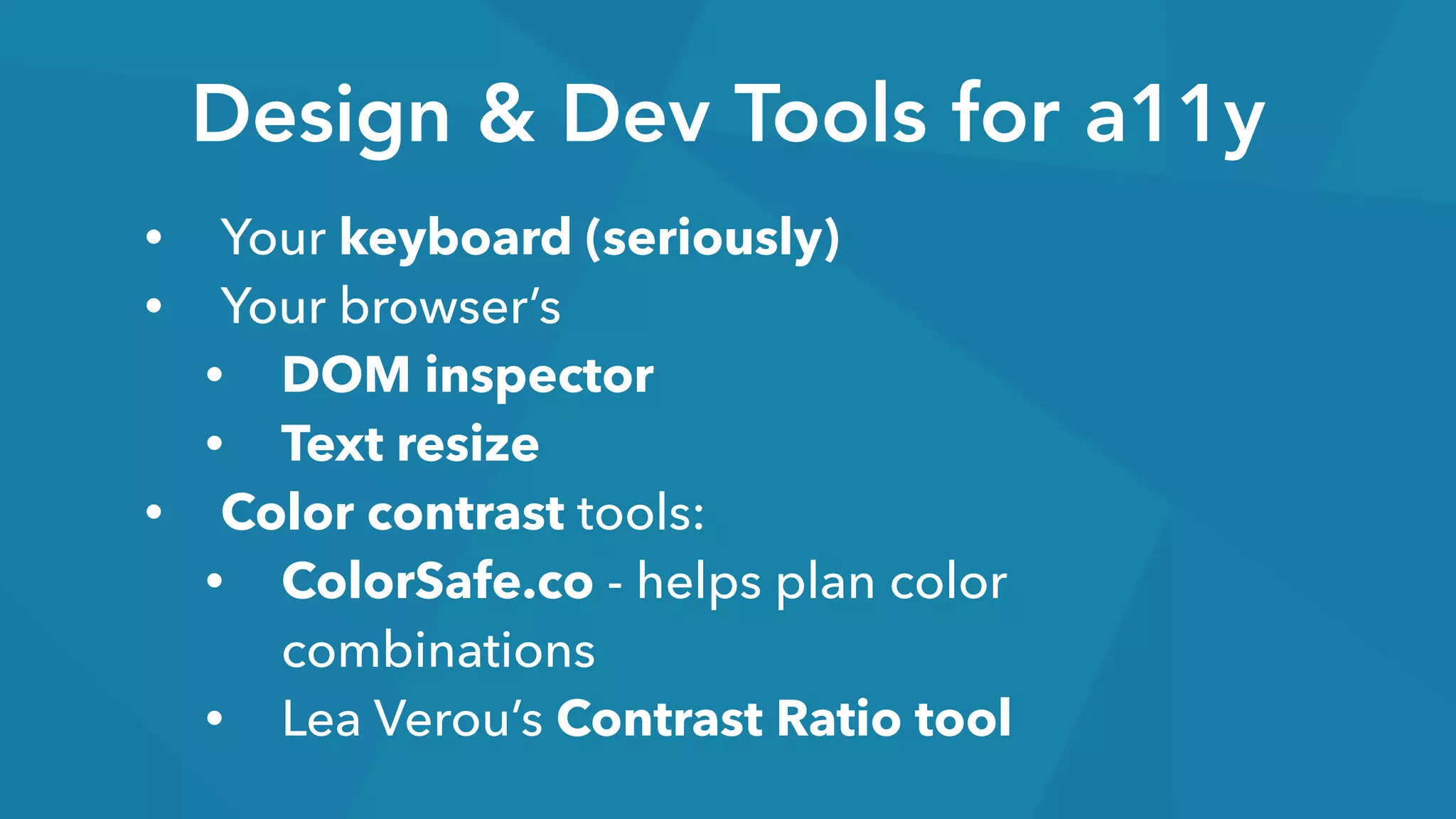
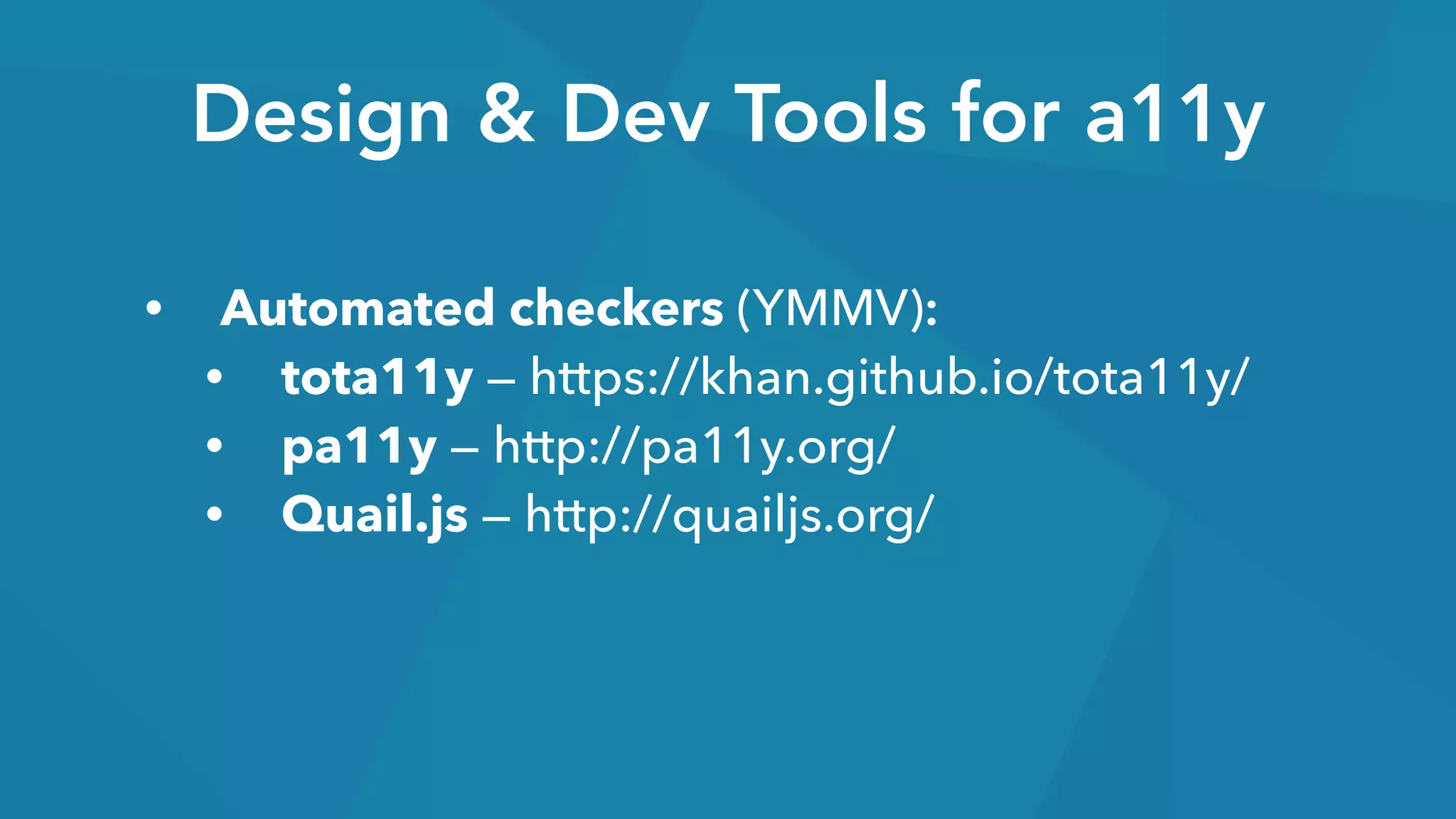
Design & Dev Tools for a11y
• Your keyboard (seriously)
• Your browser’s
• DOM inspector
• Text resize
• Color contrast tools:
• ColorSafe.co - helps plan color
combinations
• Lea Verou’s Contrast Ratio tool
Design & Dev Tools for a11y
• Automated checkers (YMMV):
• tota11y — https://khan.github.io/tota11y/
• pa11y — http://pa11y.org/
• Quail.js — http://quailjs.org/
Design & Dev Tools for a11y
• And… most importantly:
• Usability testing with people with
disabilities
• Younger and older people are great to test
with, too!
every project team member

has a role to play in accessibility
Questions?
Thank you! :)
@iamjolly

Design and Development Techniques for Accessibility: WordCamp Tampa 2015

  • 1.
    Design & Development
 Techniquesfor Accessibility
 (a11y)
  • 2.
    Robert Jolly
 
 Project Strategyand Management
 with a focus on web accessibility
 @iamjolly
  • 4.
  • 5.
  • 6.
  • 7.
    making things workfor everyone regardless of their abilities
  • 8.
  • 9.
    People with disabilitiesin: • Vision • Hearing • Motor (Physical) • Cognitive
  • 10.
    Visual Disabilities • Blindness •39 milllion • Low vision • 246 million • Color blindness • 8-10% of men • Only 0.5% of women
  • 11.
    Hearing Disabilities • Deafness •Hearing Loss 360 million people worldwide have disabling hearing loss. (WHO, 2015) • Ages 45 to 54 = 2% • Ages 55 to 64 = 8.5% • Ages 65 to 74 = 25% • Ages 75 and older = 50%
  • 12.
    Motor Disabilities • Arthritis,fibromyalgia, & rheumatism • Muscular dystrophy • Amputation and deformity • Tremors and spasms • Paralysis / spinal cord injury • Repetitive stress injury
  • 13.
    Cognitive Disabilities • Learningdisabilities / Dyslexia • Autism • ADHD • Acquired brain injuries • Neurodegenerative diseases • Age-related dementia
  • 14.
    BlindnessCognitive Situational disabilities Chemo brain Colorblindness Cystic fibrosis Gamer’s thumb Dyslexia Language barriers Photosensitive epilepsy Astigmatism Hard of hearing Lazy-Eyes Directionally challenged Poor hearing Age-related macular degeneration Multiple sclerosis Learning difficulties Visual impairments Tremors Muscle slowness Deuteranopia Monochromacy Dichromacy Anomalous trichromacy Protanopia Protanomaly Deuteranomaly Tritanopia Tritanomaly Deafness Achromatopsia Loss of fine muscle control Parkinson’s disease Muscular dystrophy Cerebral palsy Stroke Photoepileptic seizures Developmental disabilities Dyscalculia Attention deficit disorder Dementia Acquired brain injuries Neurodegenerative diseases Difficulty concentrating Dysgraphia Getting older Post-concussion syndrome Sleep deprivation Vertigo Illiteracy Amputation Cataracts Glaucoma Hearing Autism Motor Diabetic retinopathy Low vision Noise-induced hearing loss Aphasia Reading disordersVisual Vestibular disorders
  • 16.
    1,000,000,000people have adisability on our planet today 1 in 7 15%
  • 17.
    People with disabilitiesare, by far, the largest minority group on the Web.
  • 18.
    People with disabilitieshave $175 billion in discretionary spending, per year.
  • 20.
    Situational challenges • Brokenmouse • Fractured wrists • Using mobile devices • Sun glare on screens • Feeling tired or unwell • Noisy environments • Kids playing around • Long, stressful day
  • 22.
  • 23.
    What tools dopeople use?
  • 28.
  • 33.
  • 34.
    Across most ofthe Internet, the current state of web accessibility isn’t great.
  • 35.
    • Awareness: Mostof us design and develop for people just like us. • Bad defaults: Our “starter” code is problematic.
  • 37.
    It’s NOT ALLBAD, though.
  • 38.
    Not too shabby,WordPress! • WP Core/Accessibility Teams • WP is largely accessible, by default. • Default themes (2015, 2016, etc.) • Creating standards for theme/plugin devs.
  • 42.
    we don’t needaccessibility plugins
 to fix other plugins and themes.
  • 43.
    How do weeven…?
  • 44.
  • 45.
    Technical standard forweb site accessibility:
 Web Content Accessibility Guidelines (WCAG) 2.0 • 4 Principles, broken into 
 12 guidelines and 61 success criteria • Success criteria fits at Level A, AA or AAA • 25 are level A • 13 are level AA • 23 are level AAA
  • 46.
  • 47.
  • 48.
  • 49.
    Accessibility as anMVP Keyboard Images Forms Dynamic content Everything else
  • 50.
    Designing • Keyboard access: •Ensure focus outlines • Design great skip to content links. • Be thoughtful about headings. • Low vision: • Color contrast: 4.5:1 ratio for standard text. • Proximity: group related items • Line lengths: not too short or long
  • 51.
    Designing • Form errorhandling • Make it easy for users to succeed, but… • Design for failures. • Animation & Carousels (if you must) • Design user controls for motion/carousels. • Avoid: rapid flashing elements • Avoid overuse of parallax effects.
  • 52.
    Designing • Content design •Mobile-first, responsive = big accessibility gains. • Plain language and consistent interfaces. • Link text should be unique. AVOID: “Read more…”
  • 53.
    Developing • Keyboard accessALL THE THINGS • Focus outlines: change default resets! • Ensure tab order matches source order. • Be responsible for modal interactions. • Maps, media, and other controls. • Alternate text • Images - functional, content, and decorative.
  • 54.
    Developing • Document Structure •Set the language for every page. • Use unique page titles. • Heading structure should make sense when linearized. • Employ semantic markup.
  • 55.
    Developing • Forms anderror handling • Every form field requires a label. • You can hide labels visually, if needed. :) • Provide contextual help. • Make it easy to correct errors. • Link to error fields from error summary text.
  • 56.
    Developing • Maintain/set focuson changes • Ensure audiences know when on-page changes occur—not just visually. • Provide contextual help. • Make it easy to correct errors. • Link to error fields from error summary text.
  • 57.
    accessibility problems are
 best solved lower in the stack!
  • 58.
  • 59.
    Design & DevTools for a11y • Your keyboard (seriously) • Your browser’s • DOM inspector • Text resize • Color contrast tools: • ColorSafe.co - helps plan color combinations • Lea Verou’s Contrast Ratio tool
  • 60.
    Design & DevTools for a11y • Automated checkers (YMMV): • tota11y — https://khan.github.io/tota11y/ • pa11y — http://pa11y.org/ • Quail.js — http://quailjs.org/
  • 61.
    Design & DevTools for a11y • And… most importantly: • Usability testing with people with disabilities • Younger and older people are great to test with, too!
  • 62.
    every project teammember
 has a role to play in accessibility
  • 63.
  • 64.