Cascade Server Web Services
           Artur Tomusiak
     Senior Software Developer
Introduction


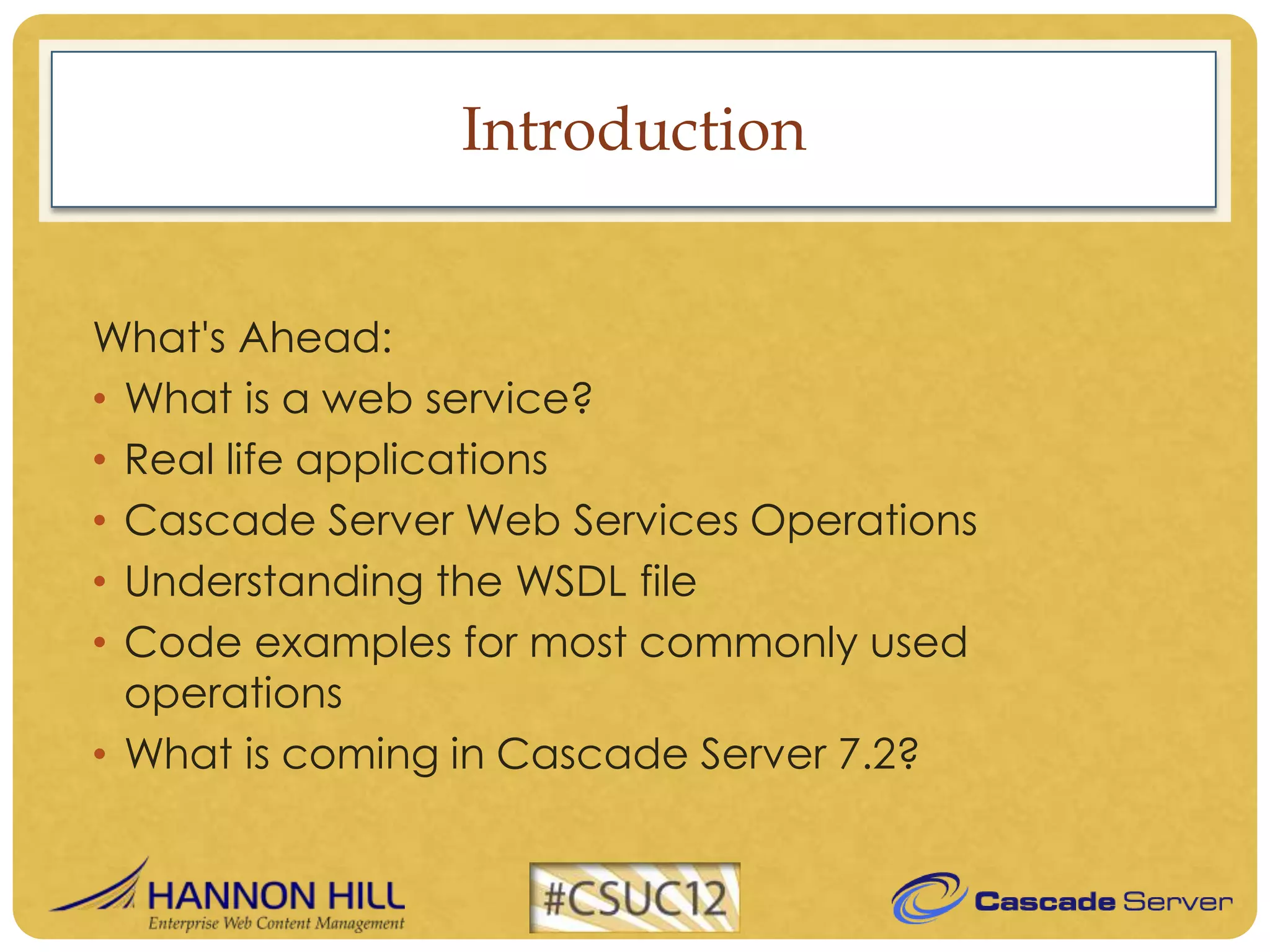
What's Ahead:
• What is a web service?
• Real life applications
• Cascade Server Web Services Operations
• Understanding the WSDL file
• Code examples for most commonly used
  operations
• What is coming in Cascade Server 7.2?
What is a web service?


Web Service is a way to communicate between your
       own application and Cascade Server.
 Cascade Server uses SOAP for web services which
  uses XML format to send and receive information
Real life applications

• Importing/exporting content
• Handling form submissions
• Updating access rights on multiple assets for a single
  user or group
• Advanced bulk change
• Bulk update content
• Selective publishing of specific assets only
• Data Definition Page to Data Definition Block
  conversion
Authentication


Each operation needs to be authenticated using a
username and password

The operation is then executed as if that User
performed the operation in the web UI:
 • Given User is the author of the operation
 • Permissions and abilities are verified
 • Audits are created for that User
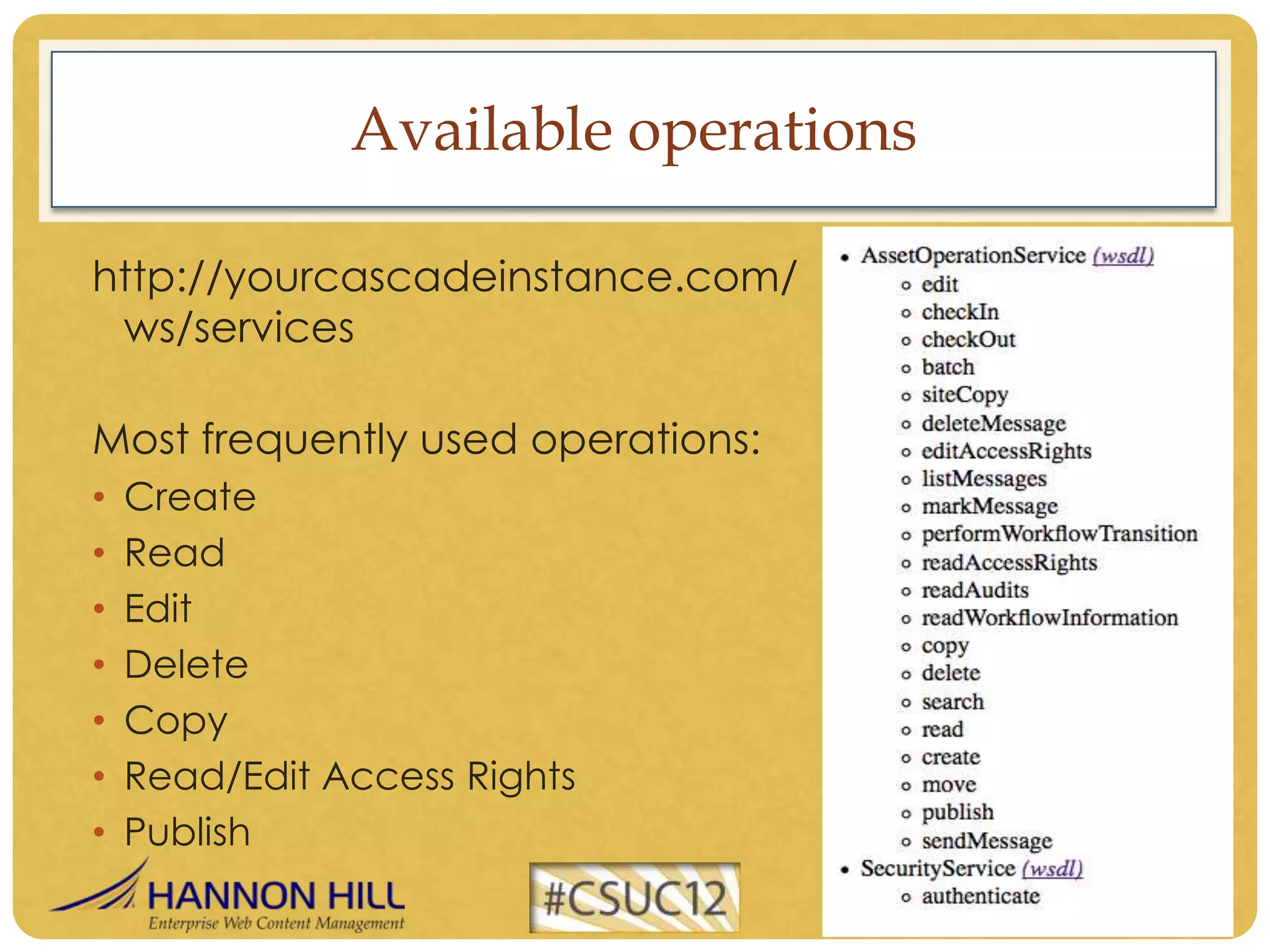
Available operations

http://yourcascadeinstance.com/
 ws/services

Most frequently used operations:
•   Create
•   Read
•   Edit
•   Delete
•   Copy
•   Read/Edit Access Rights
•   Publish
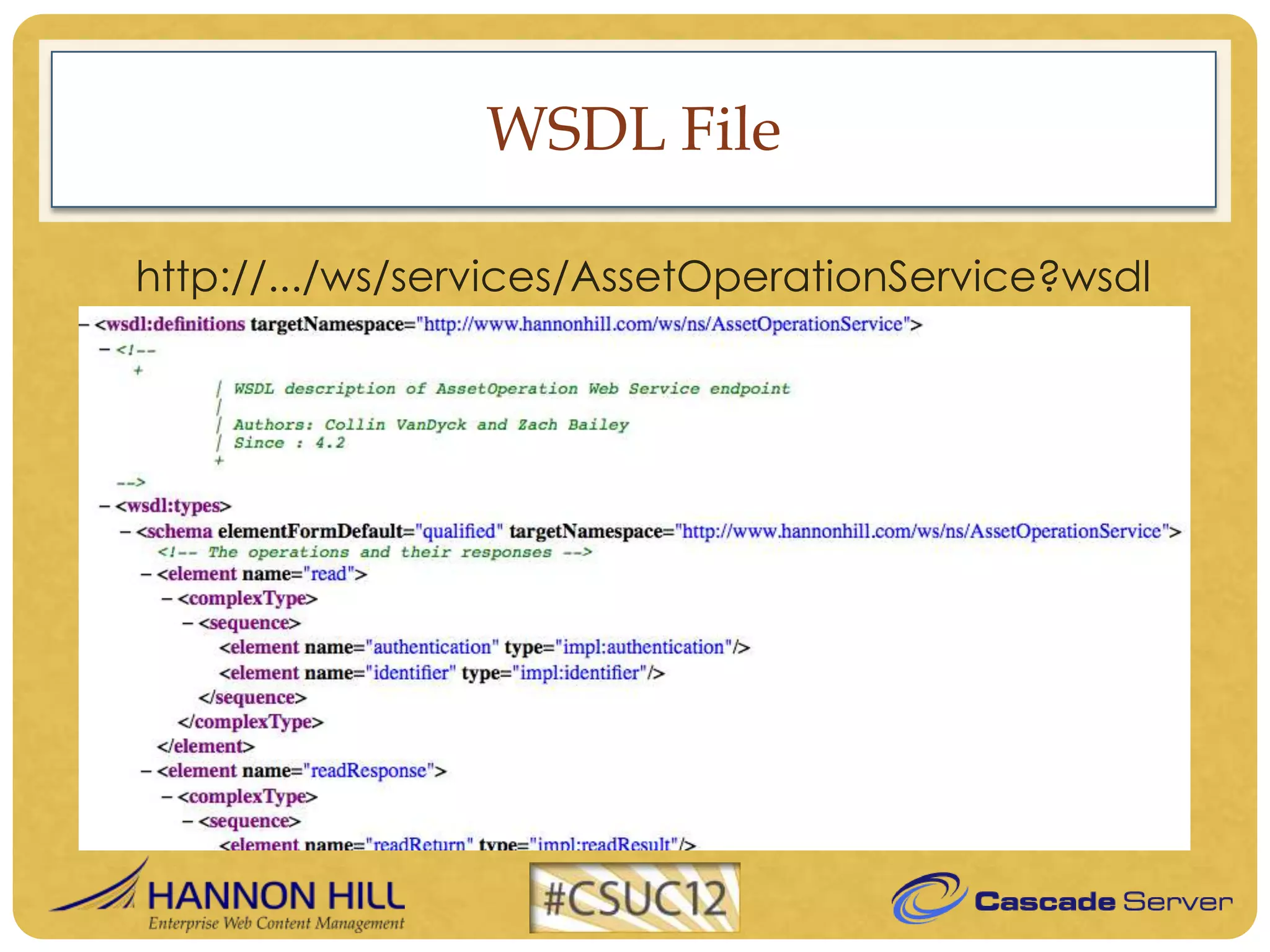
WSDL File

http://.../ws/services/AssetOperationService?wsdl
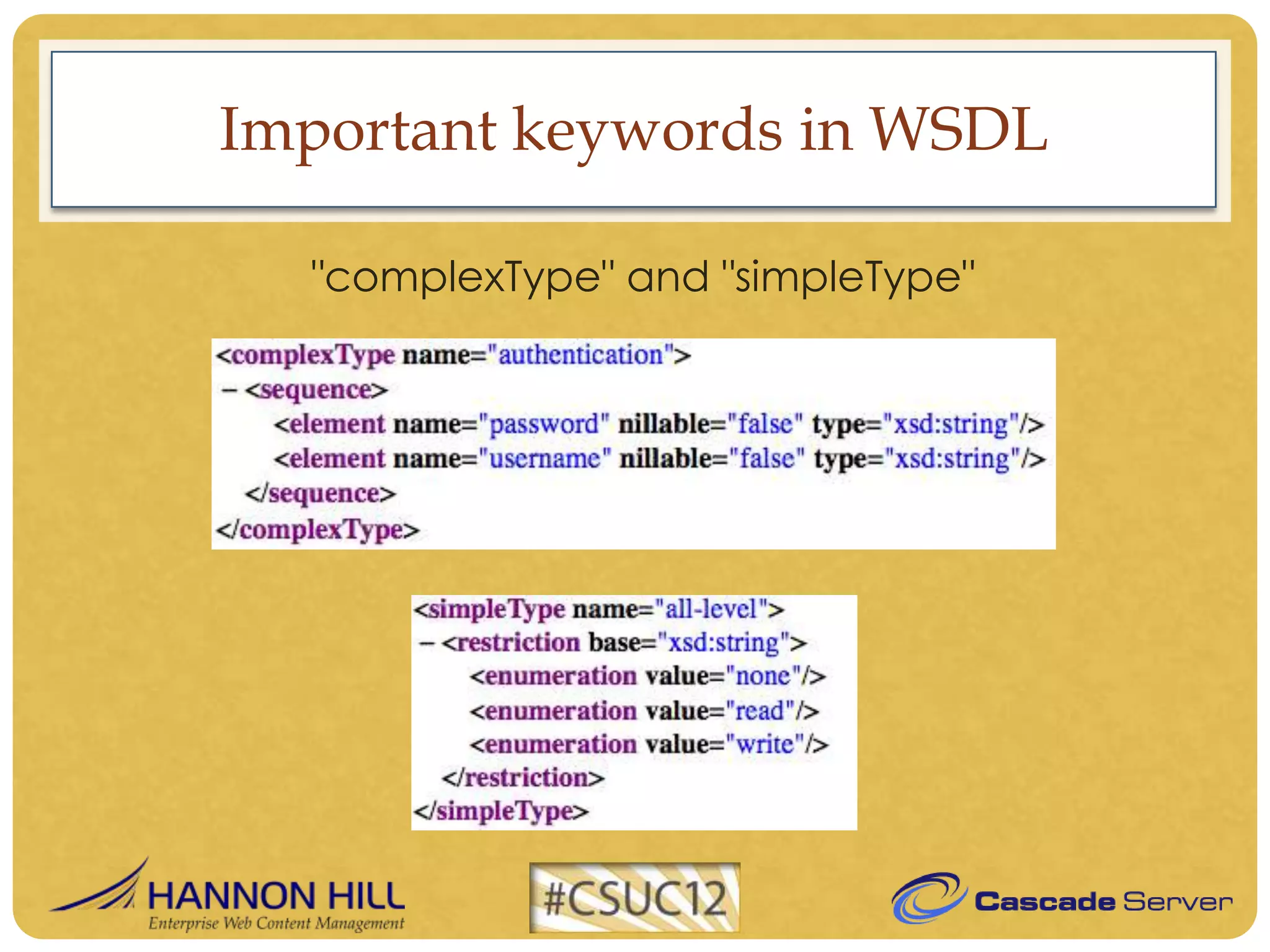
Important keywords in WSDL

  "complexType" and "simpleType"
Important keywords in WSDL

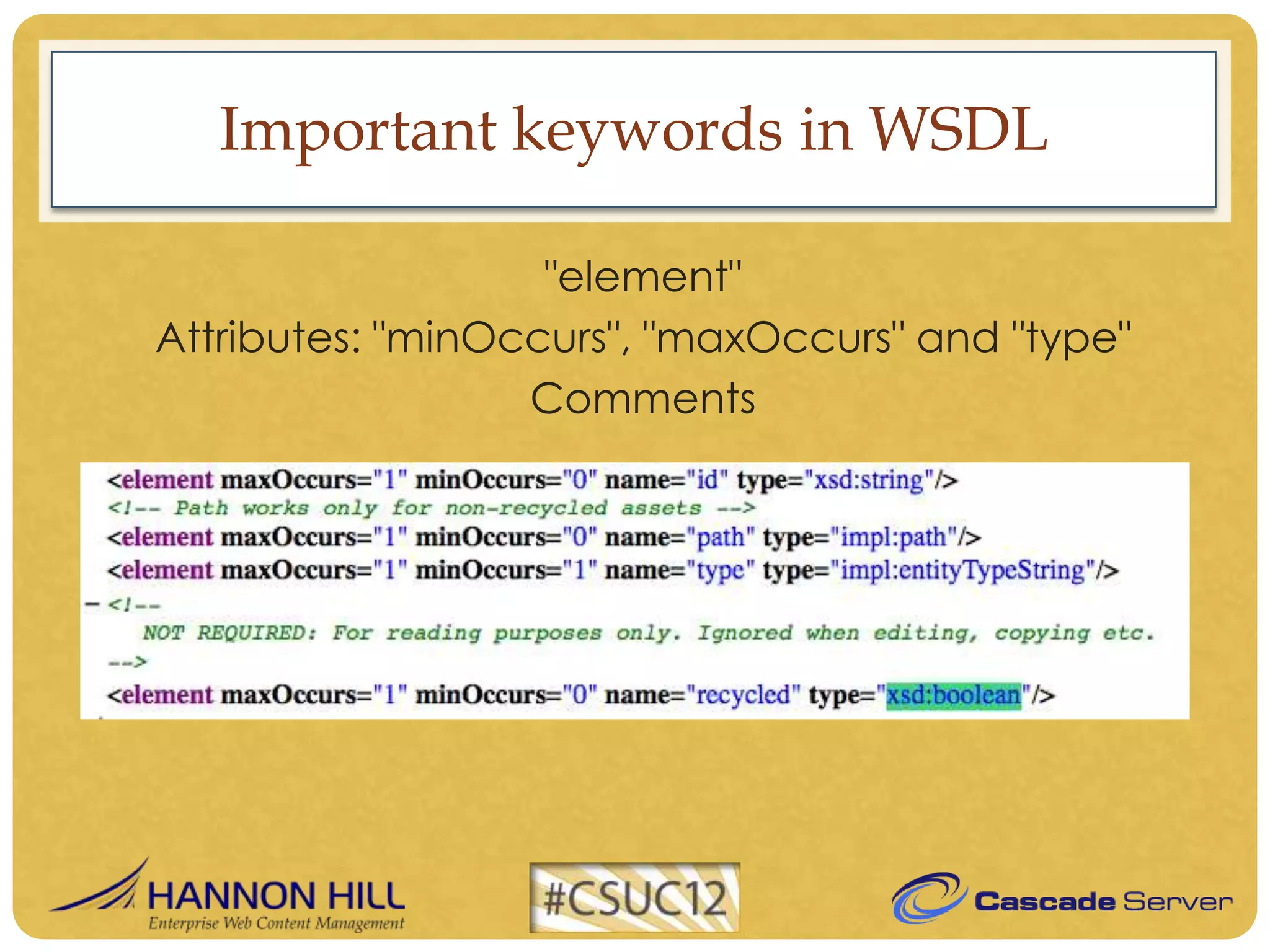
                   "element"
Attributes: "minOccurs", "maxOccurs" and "type"
                  Comments
Important keywords in WSDL

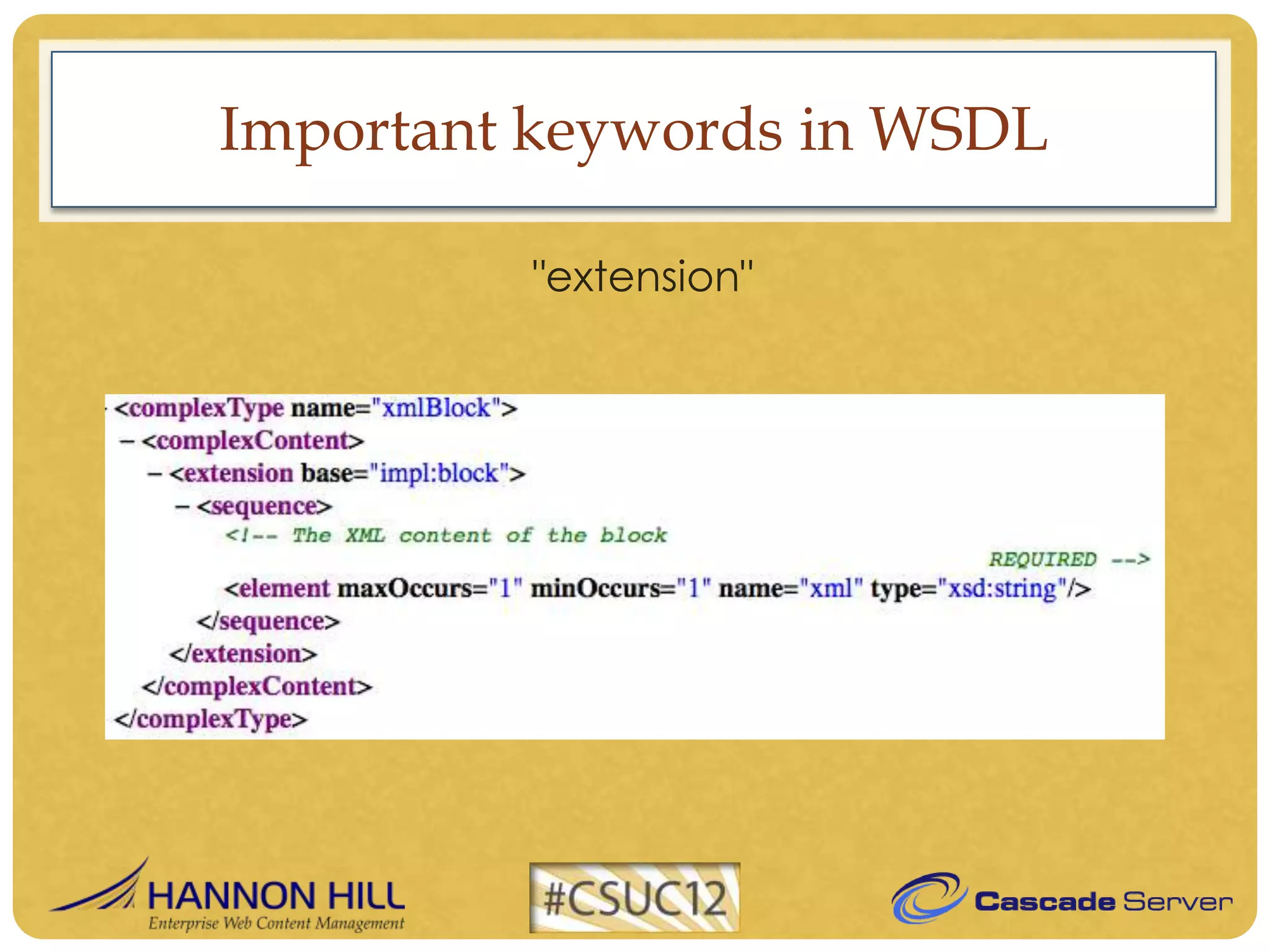
         "extension"
Important keywords in WSDL

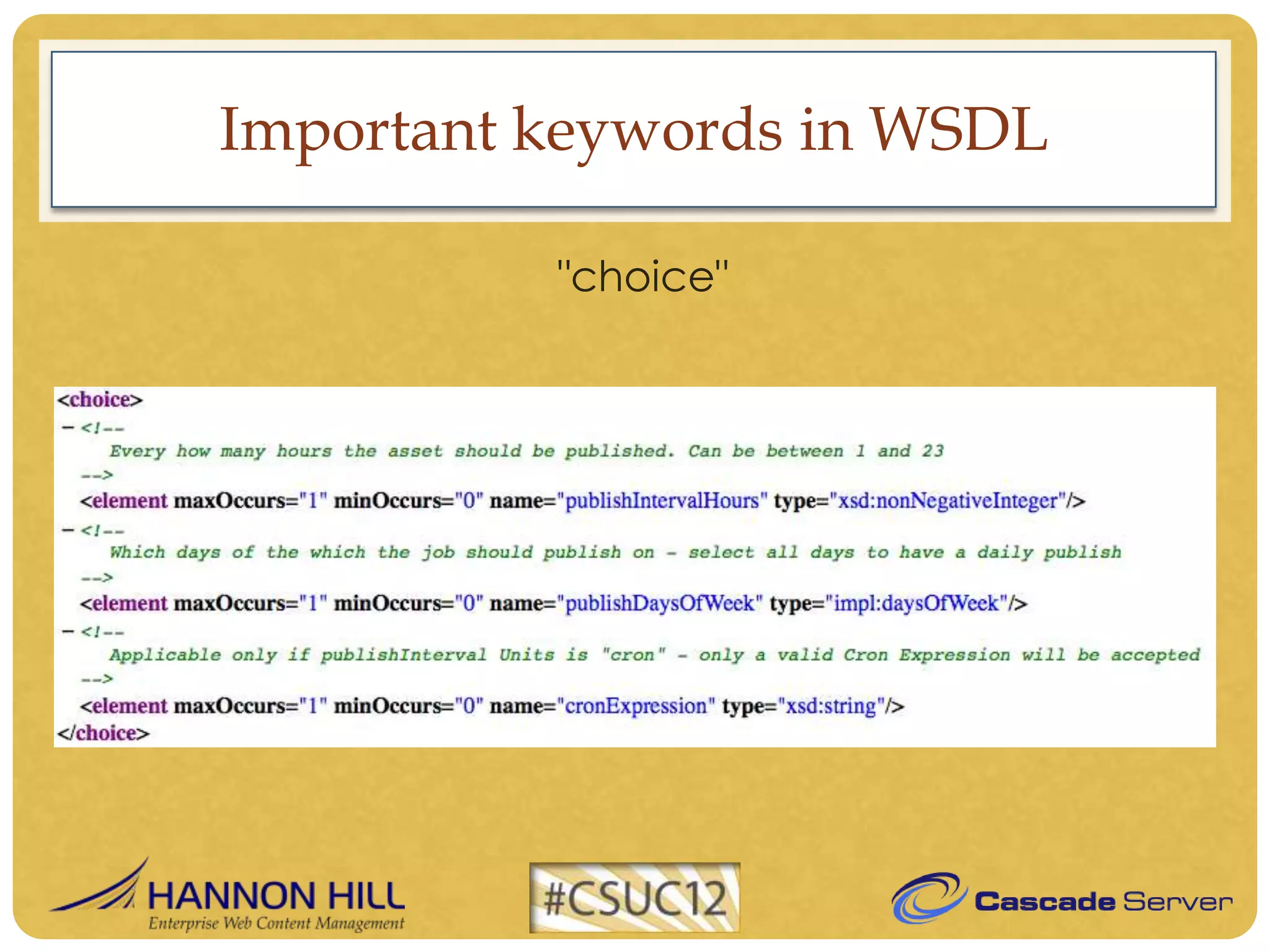
          "choice"
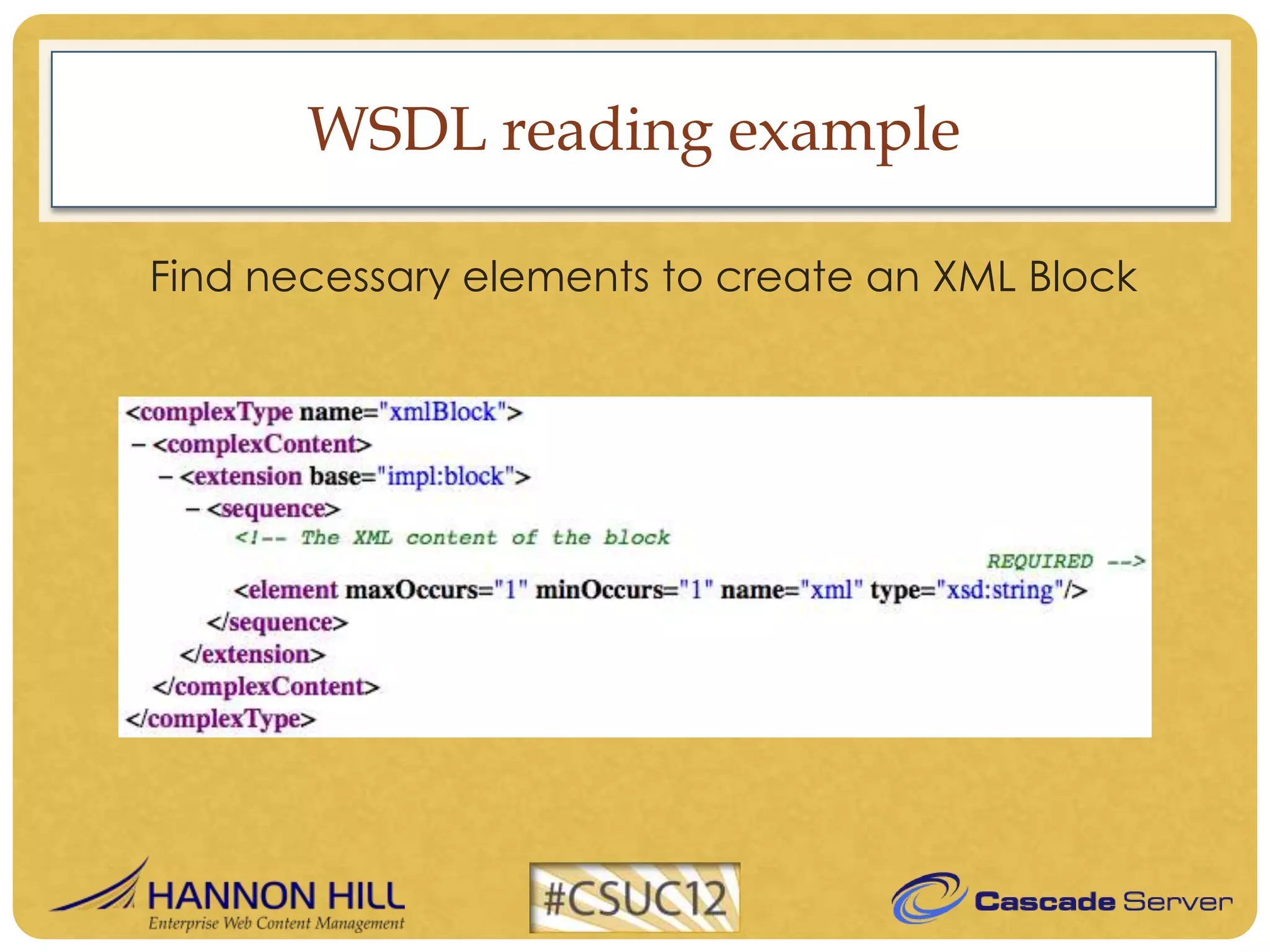
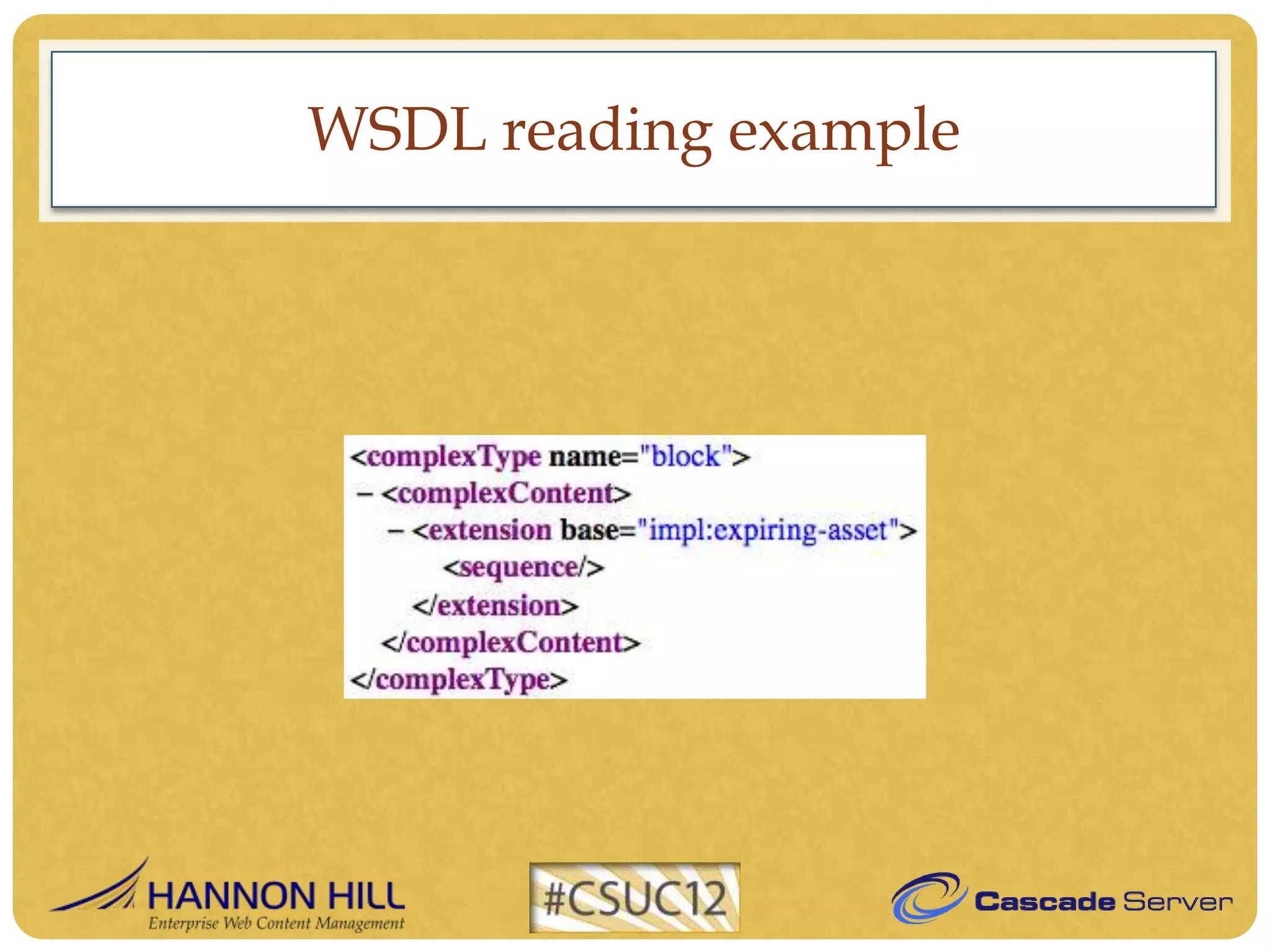
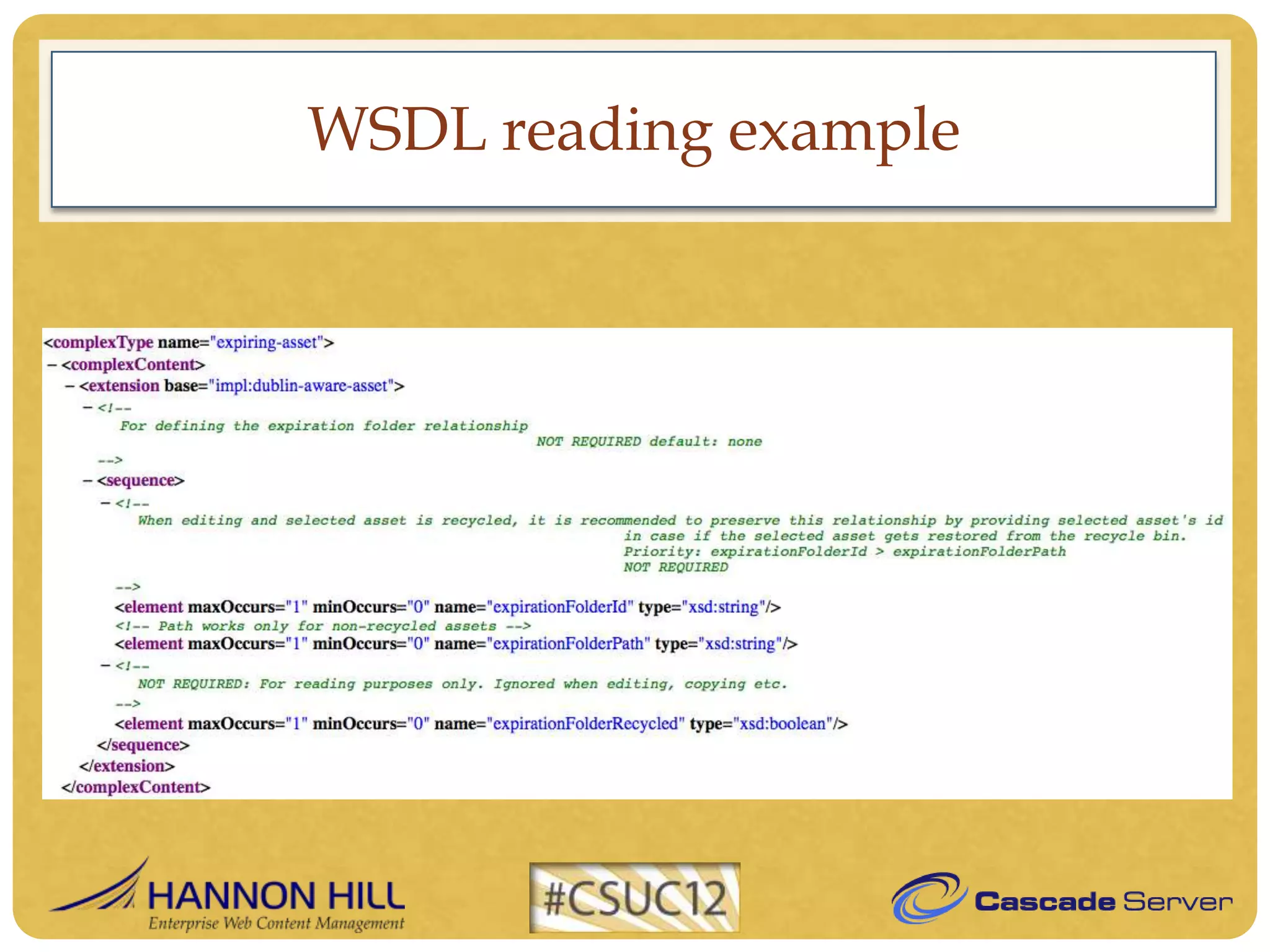
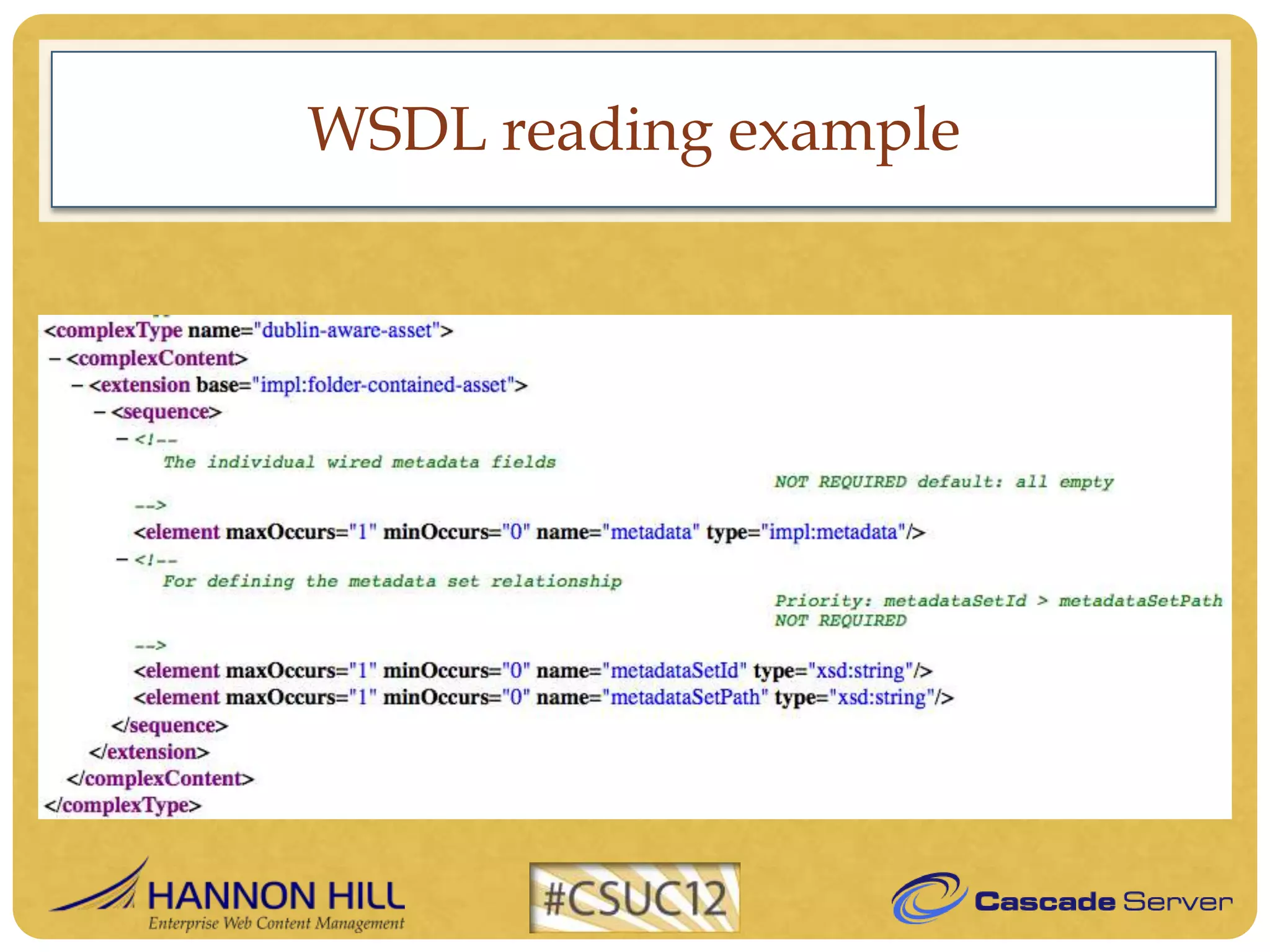
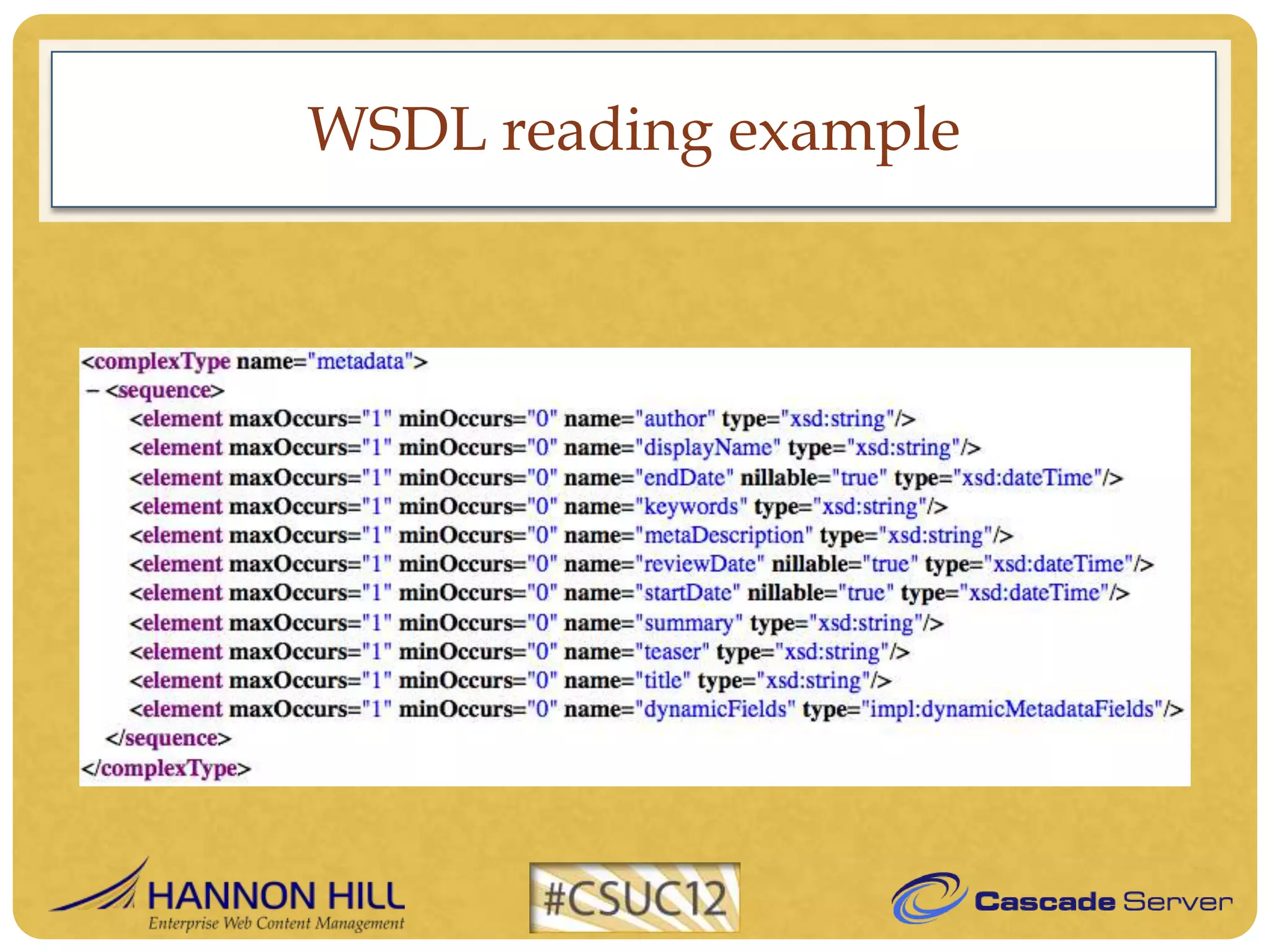
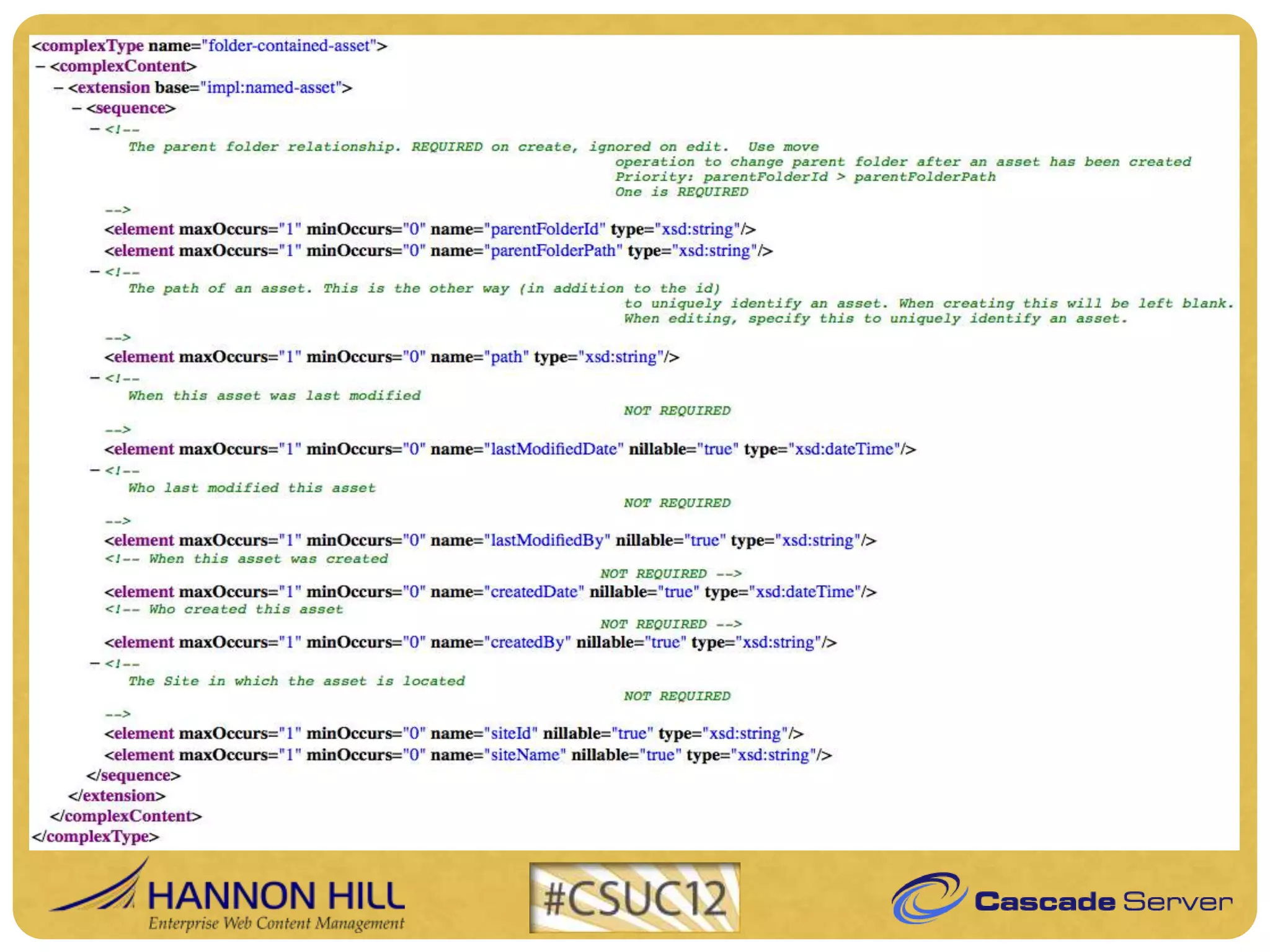
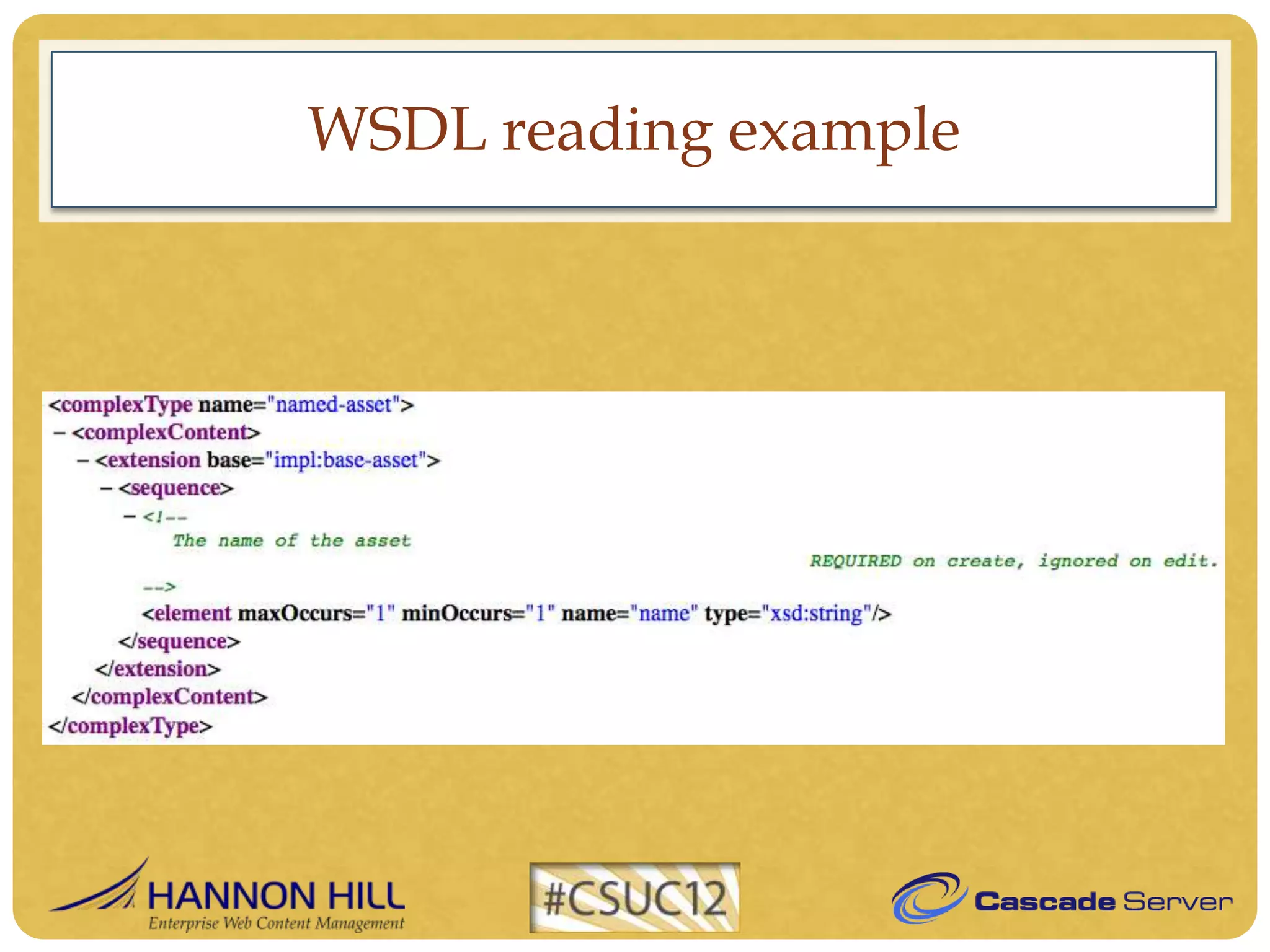
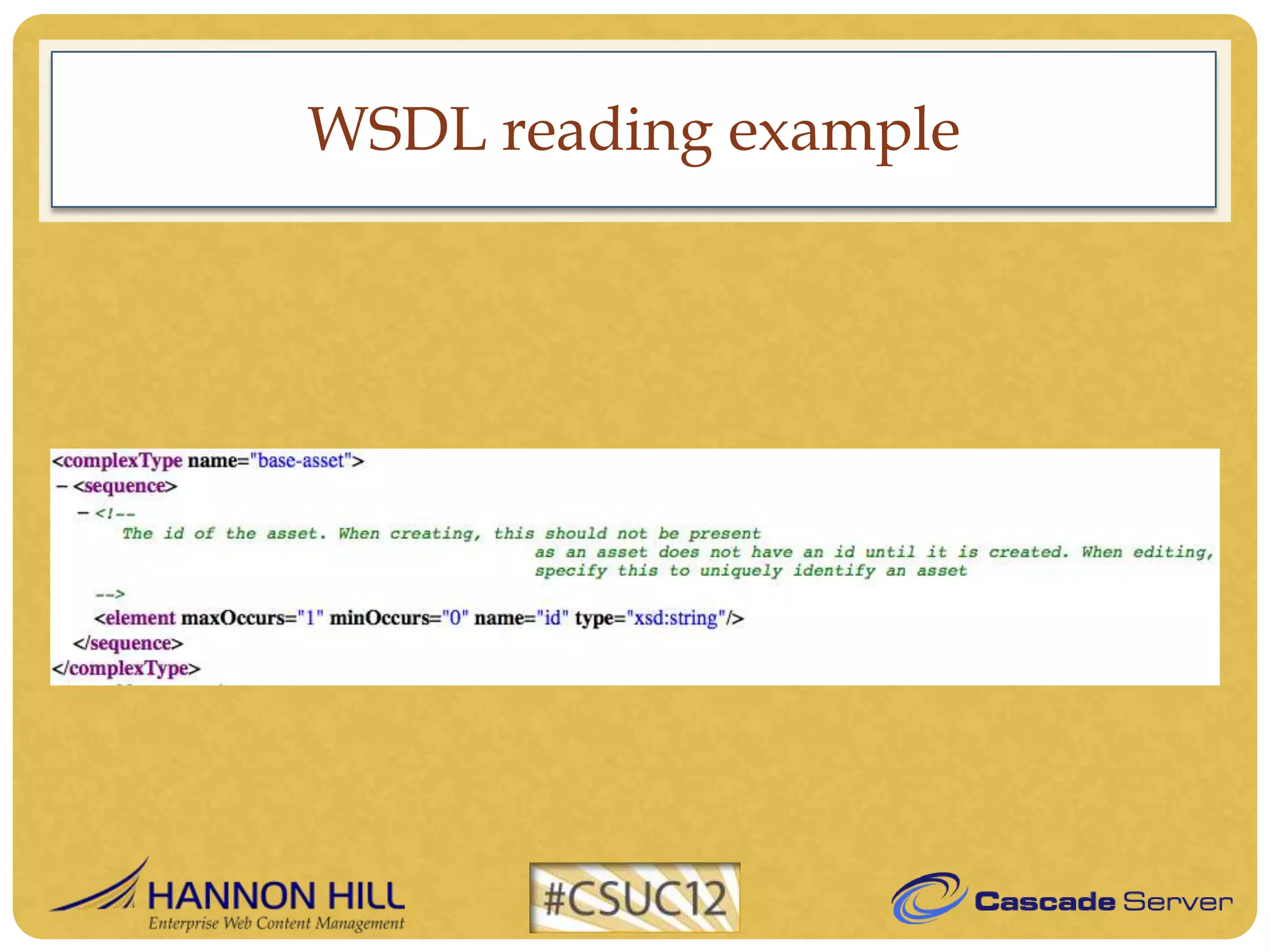
WSDL reading example

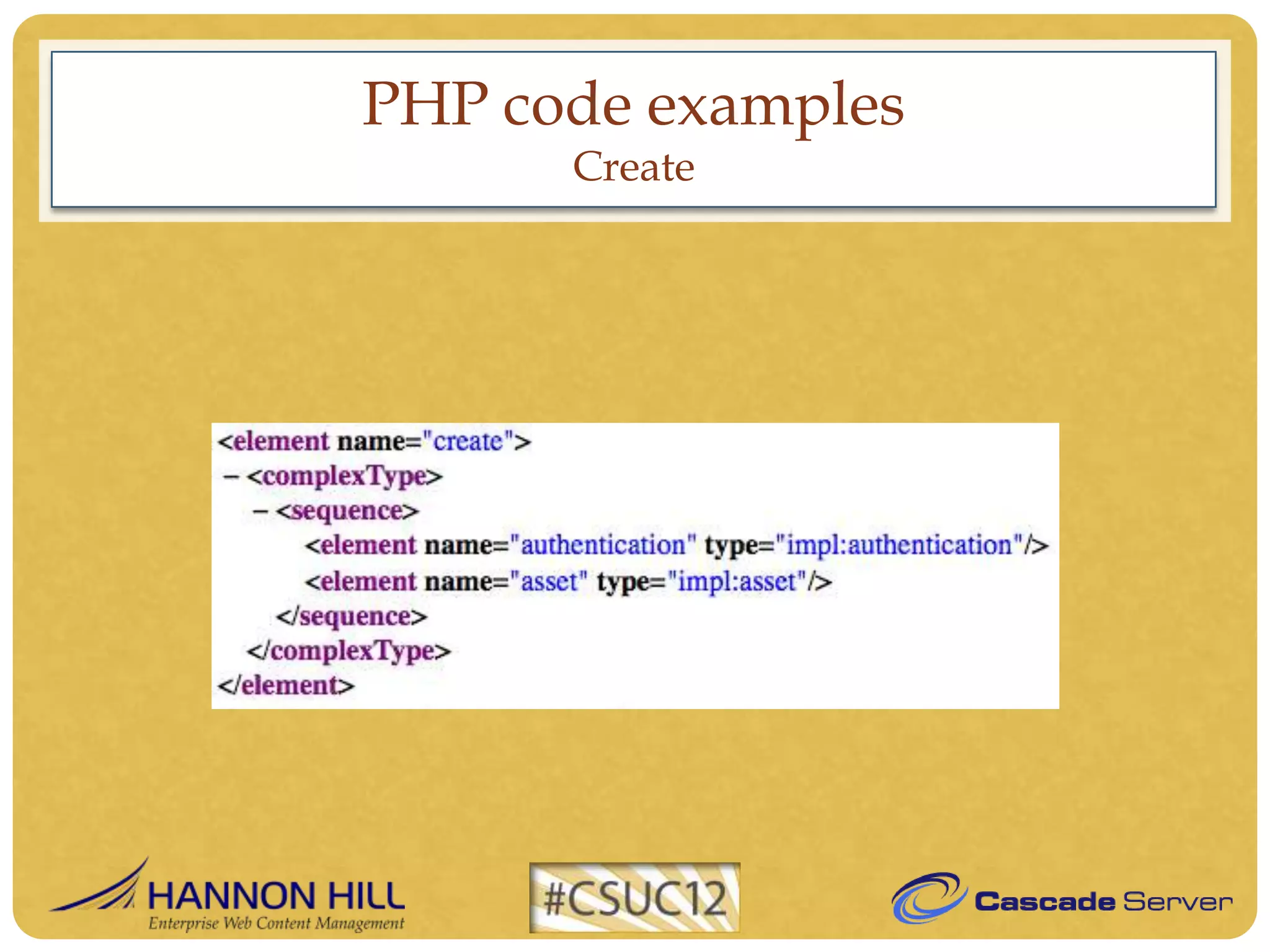
Find necessary elements to create an XML Block
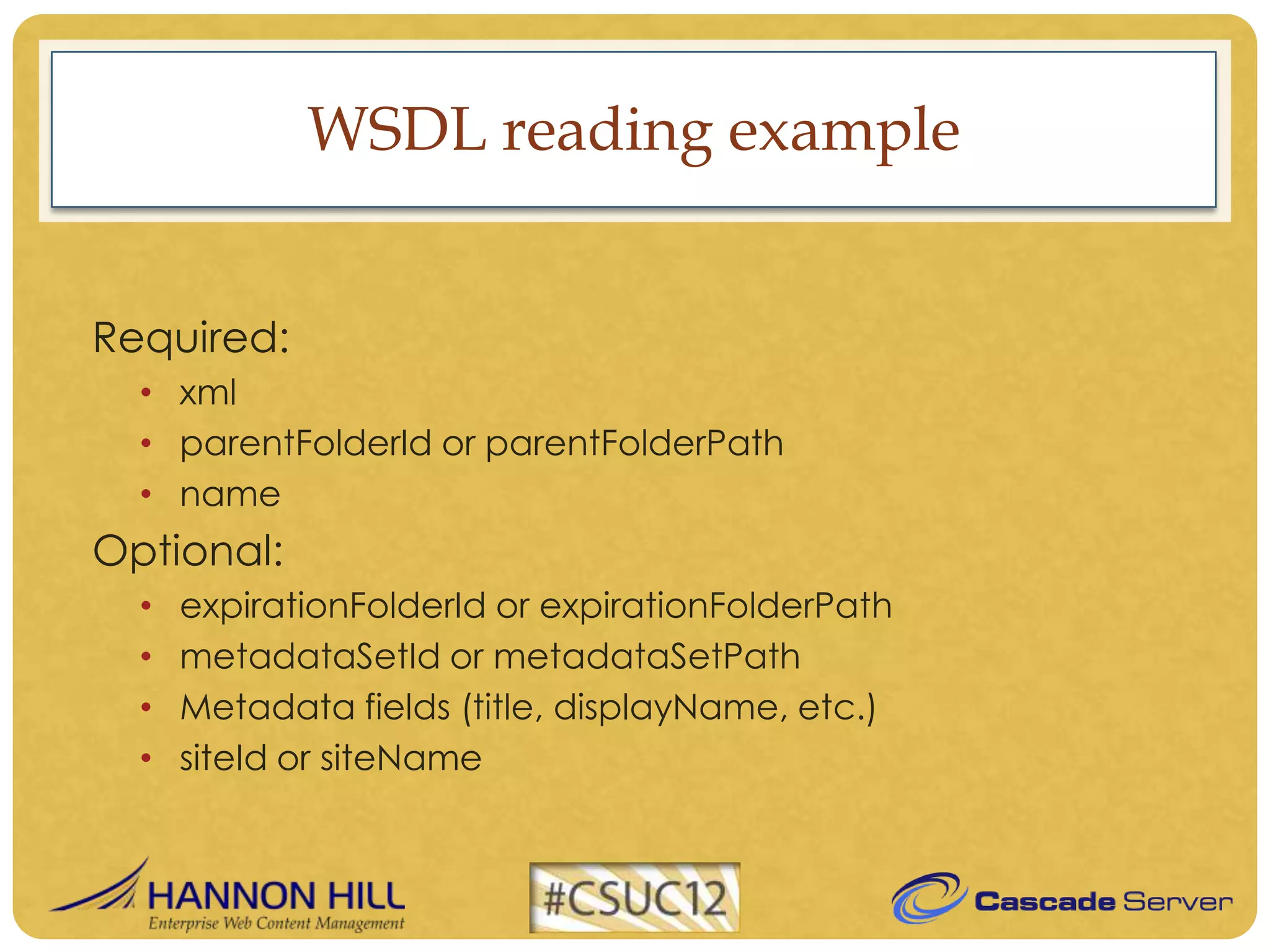
WSDL reading example


Required:
  • xml
  • parentFolderId or parentFolderPath
  • name
Optional:
  •   expirationFolderId or expirationFolderPath
  •   metadataSetId or metadataSetPath
  •   Metadata fields (title, displayName, etc.)
  •   siteId or siteName
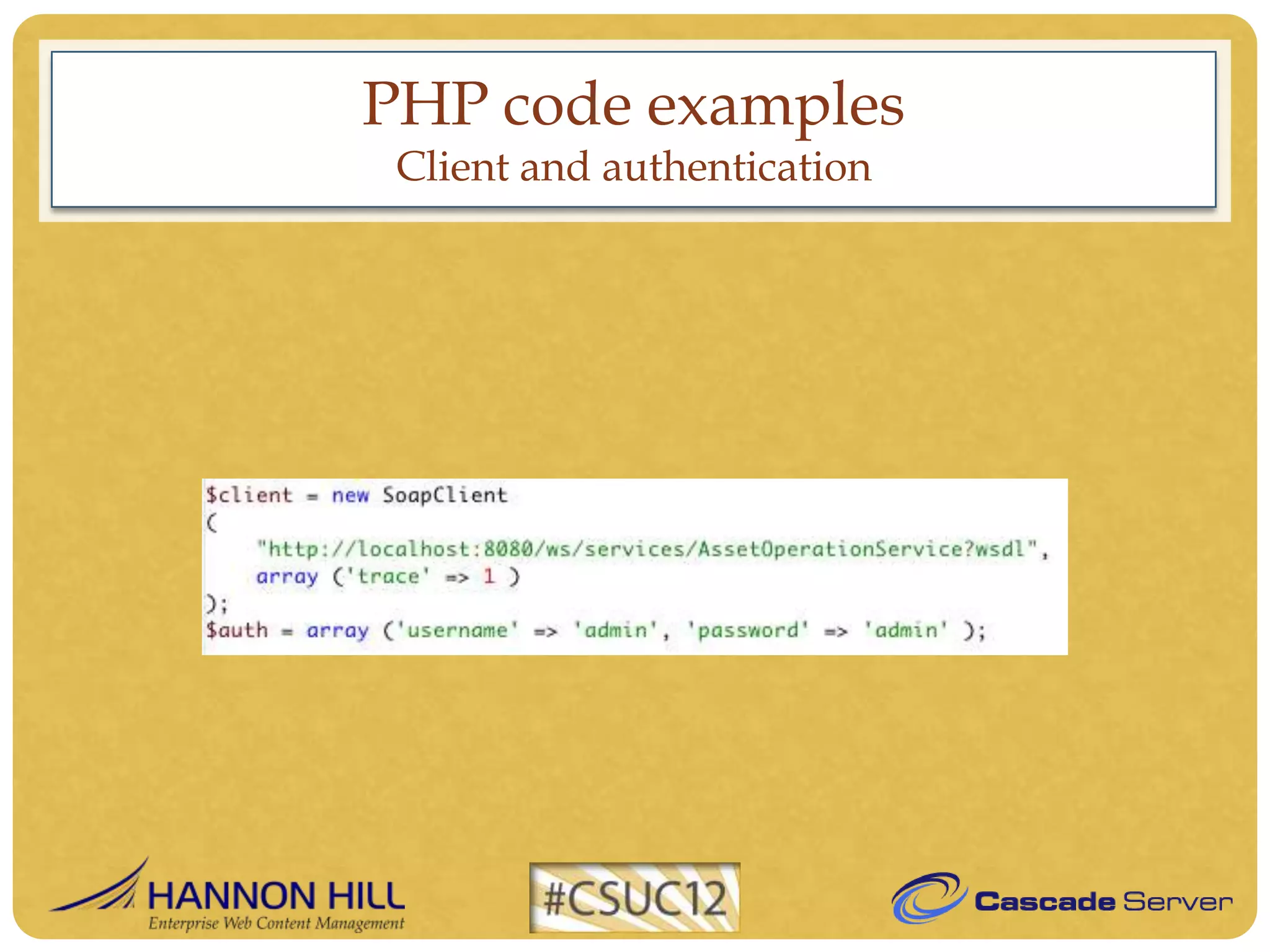
PHP code examples
 Client and authentication
PHP code examples
      Create
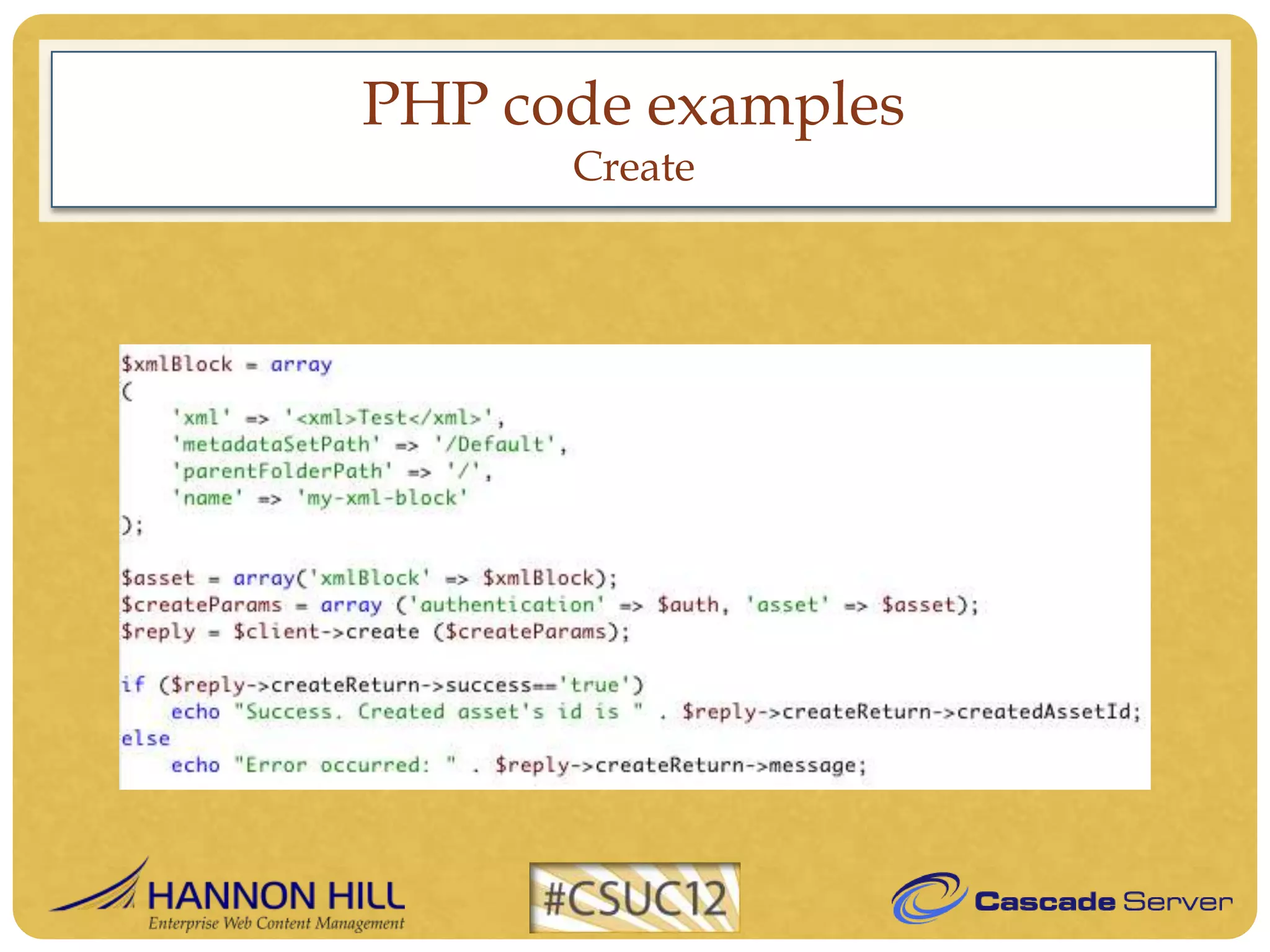
PHP code examples
      Create
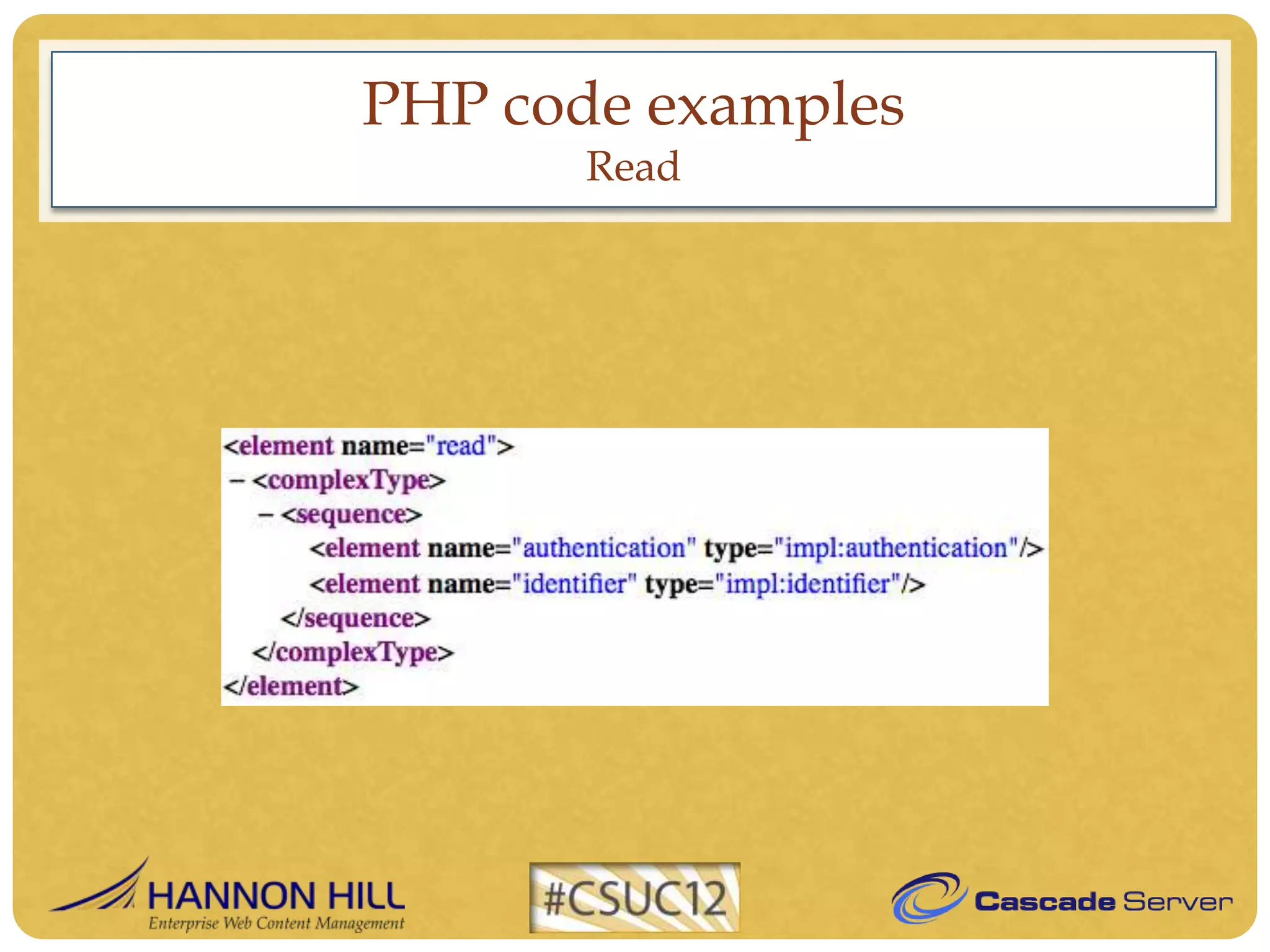
PHP code examples
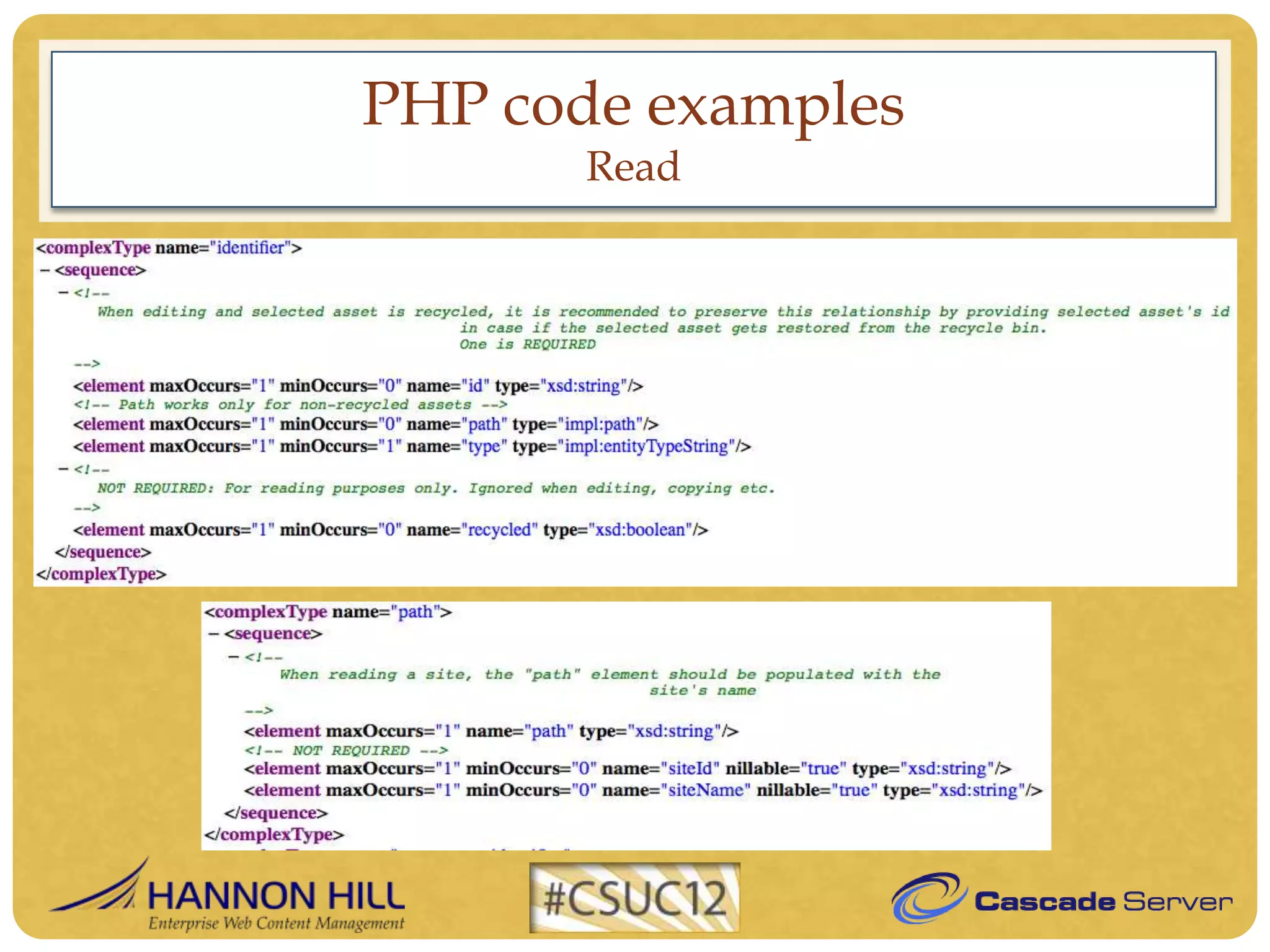
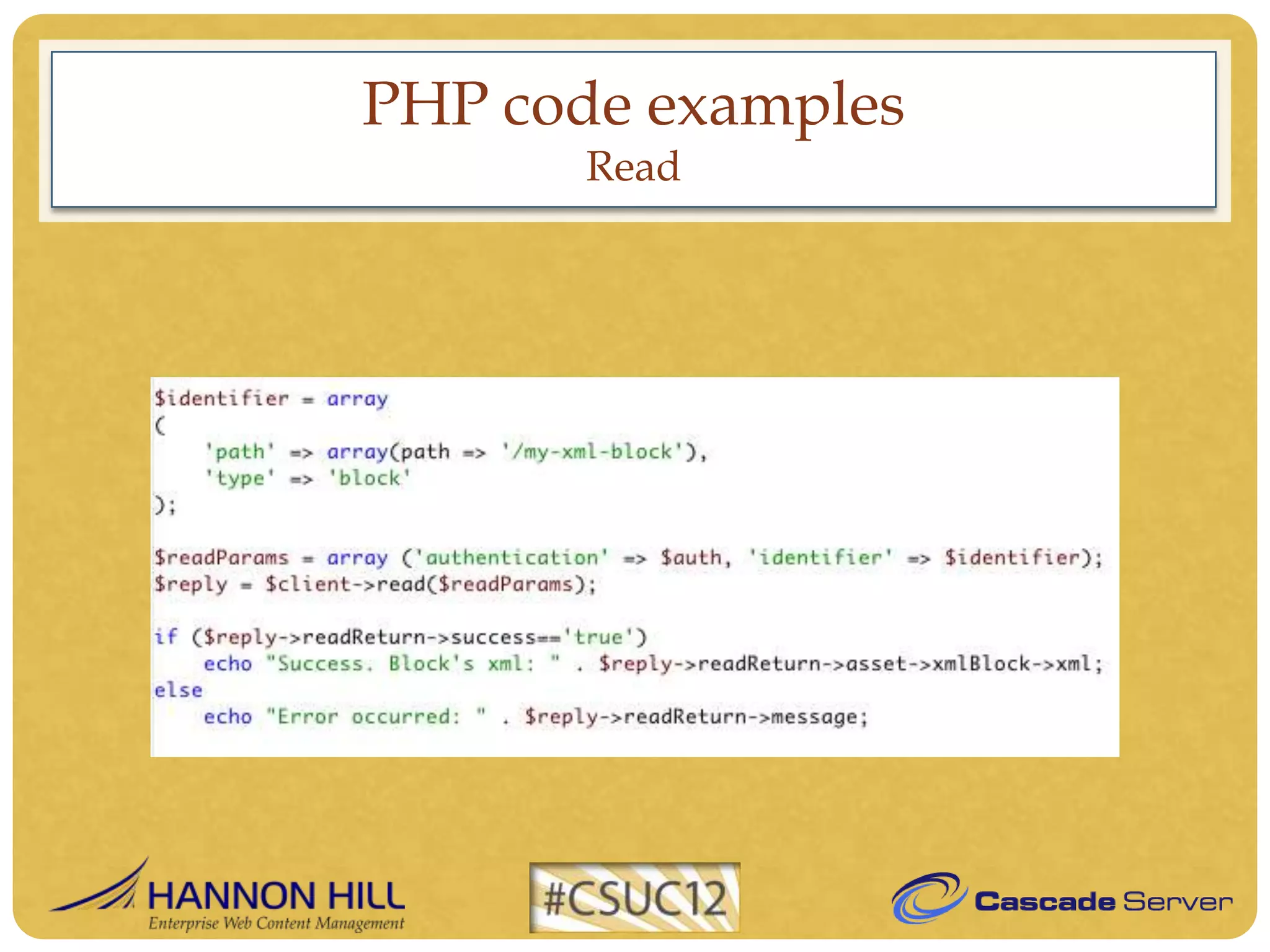
       Read
PHP code examples
       Read
PHP code examples
       Read
PHP code examples
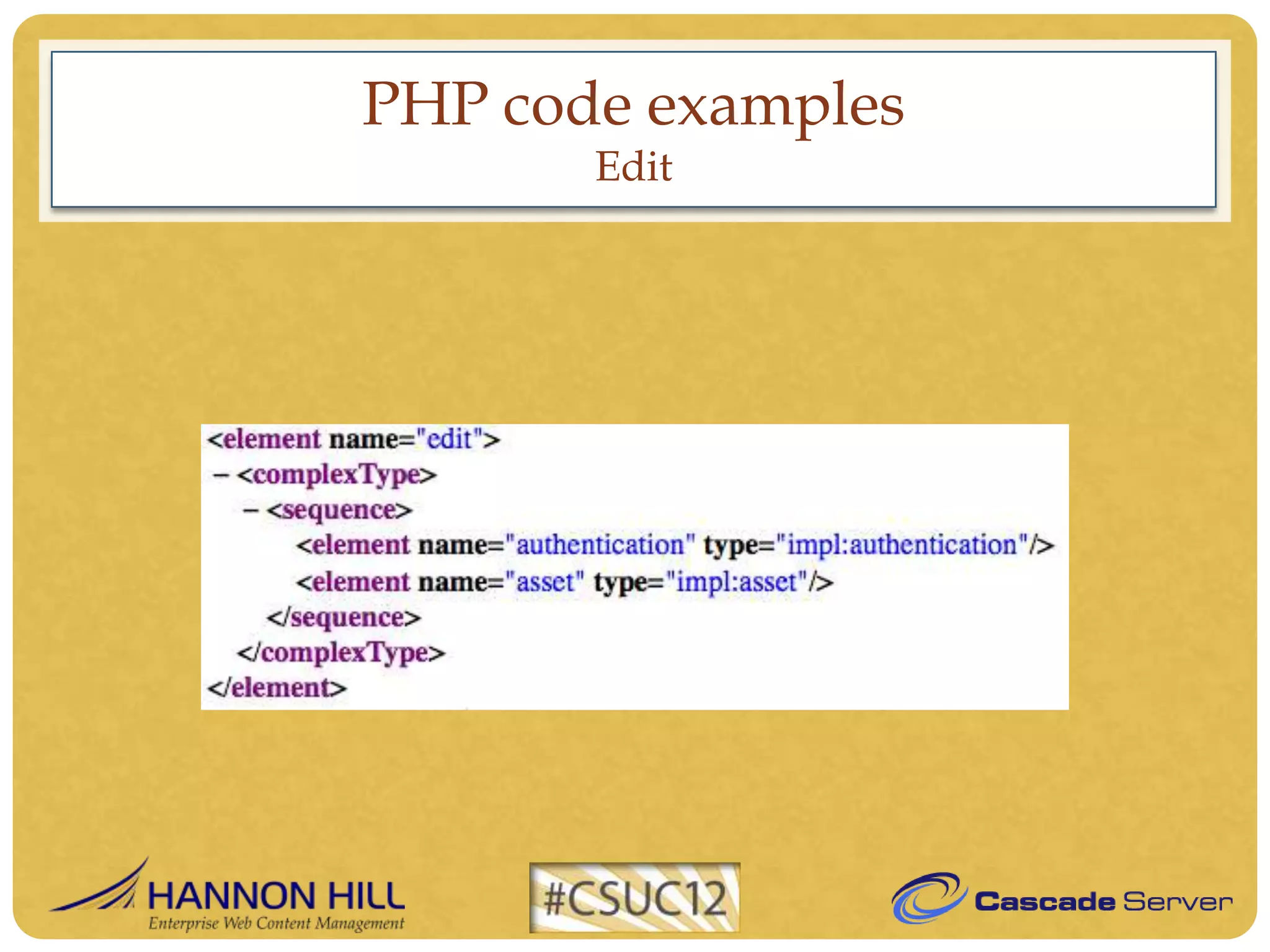
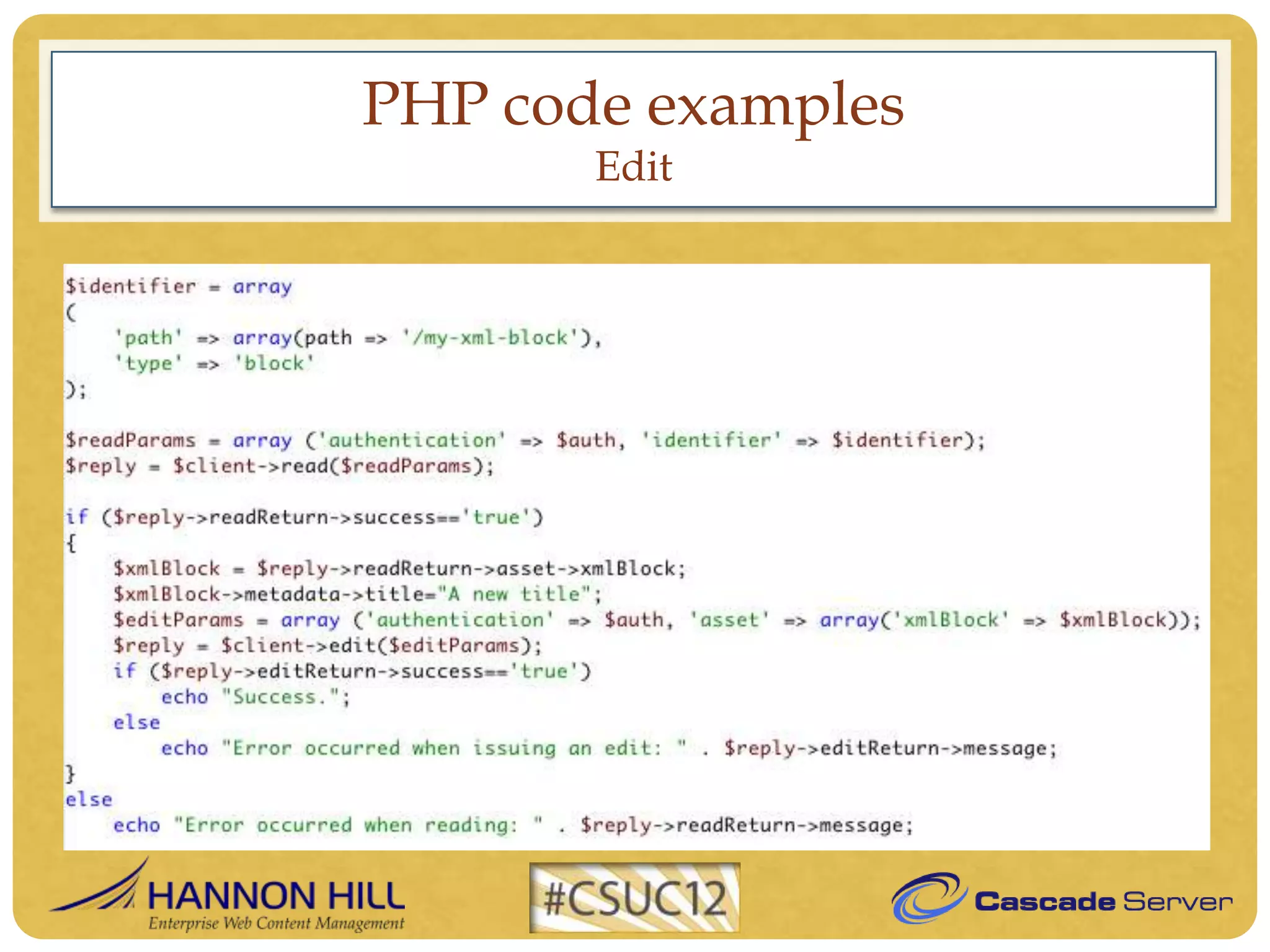
       Edit
PHP code examples
       Edit
PHP code examples
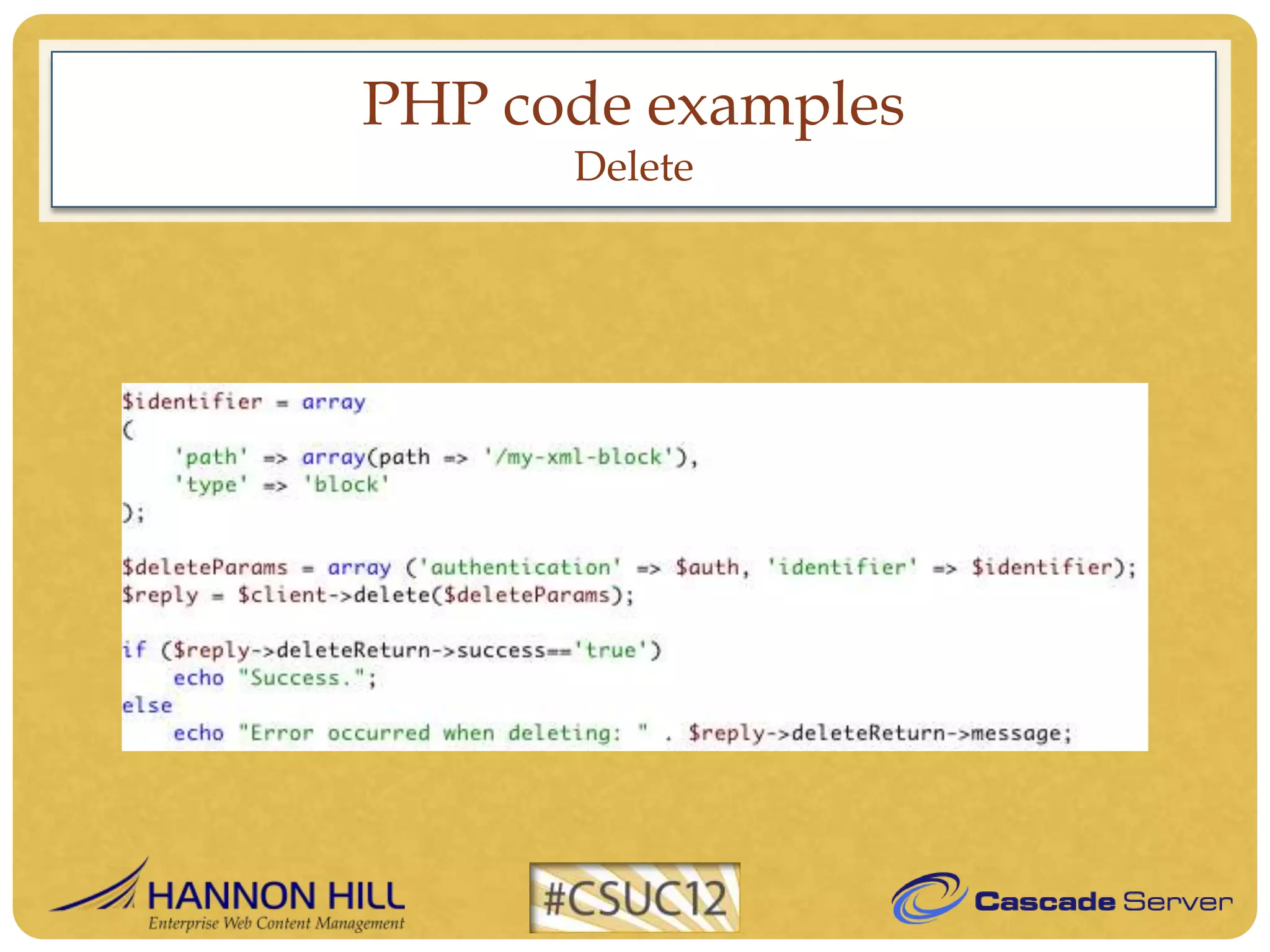
      Delete
PHP code examples
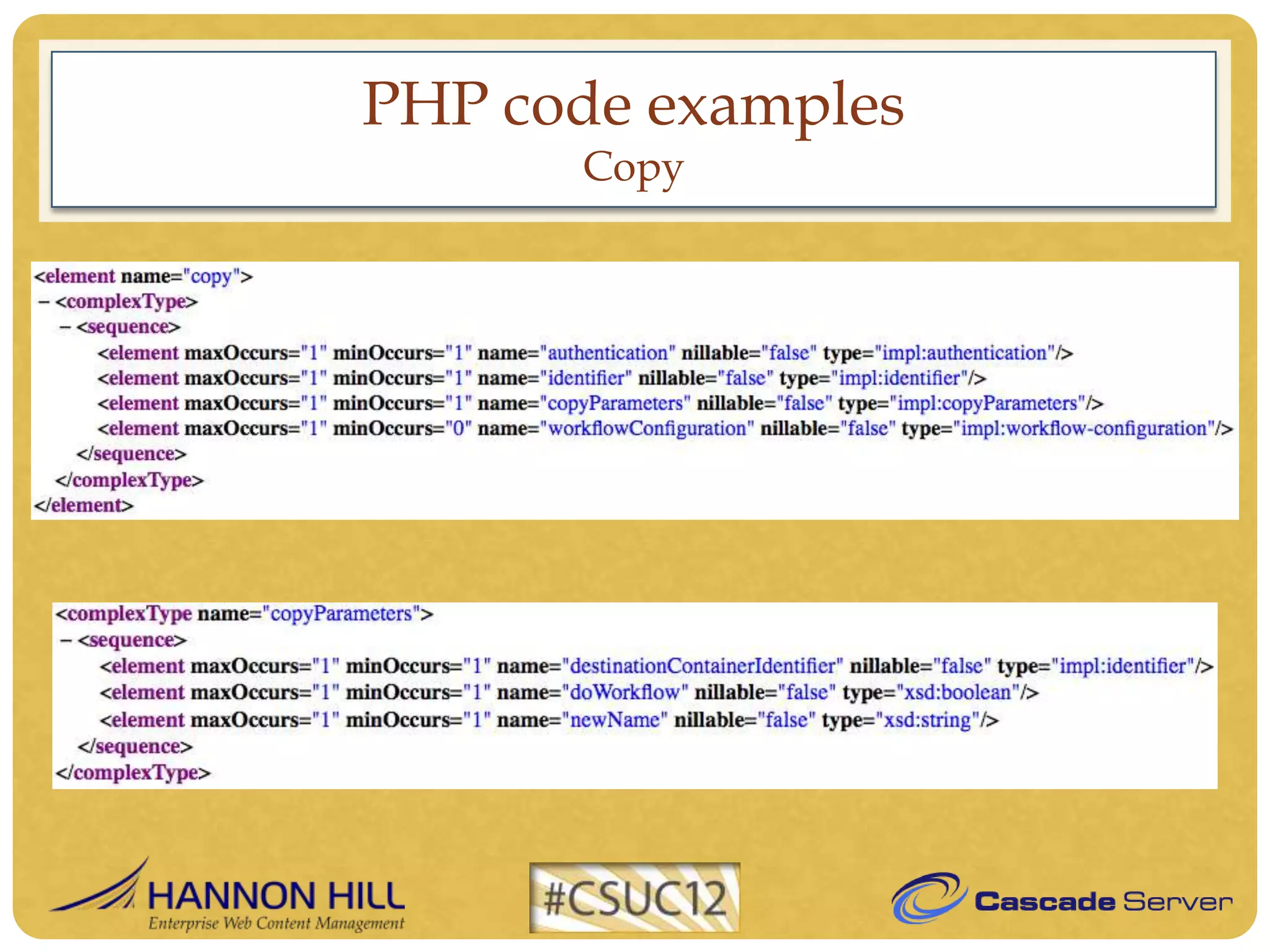
      Copy
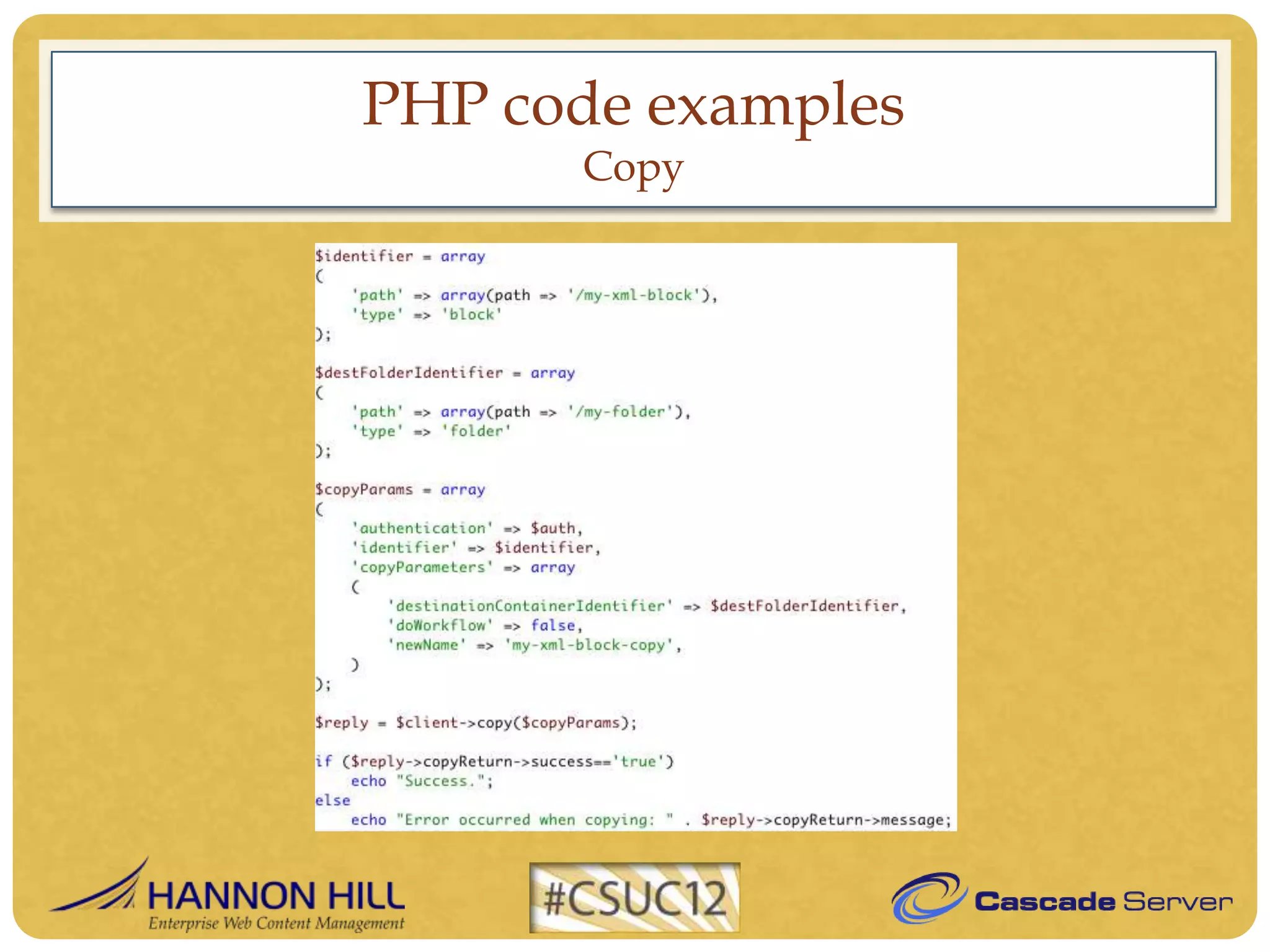
PHP code examples
      Copy
PHP code examples
      Copy
PHP code examples
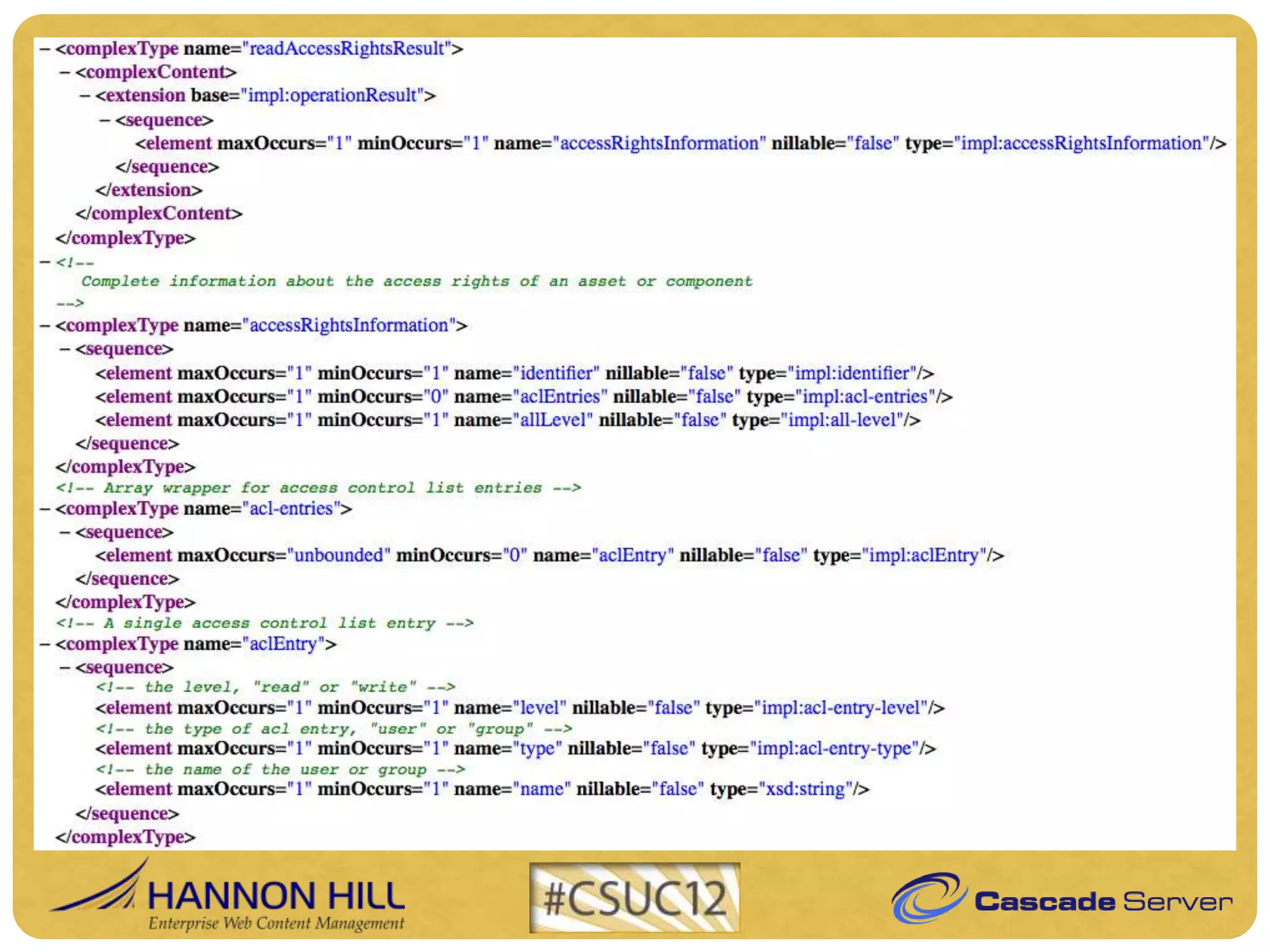
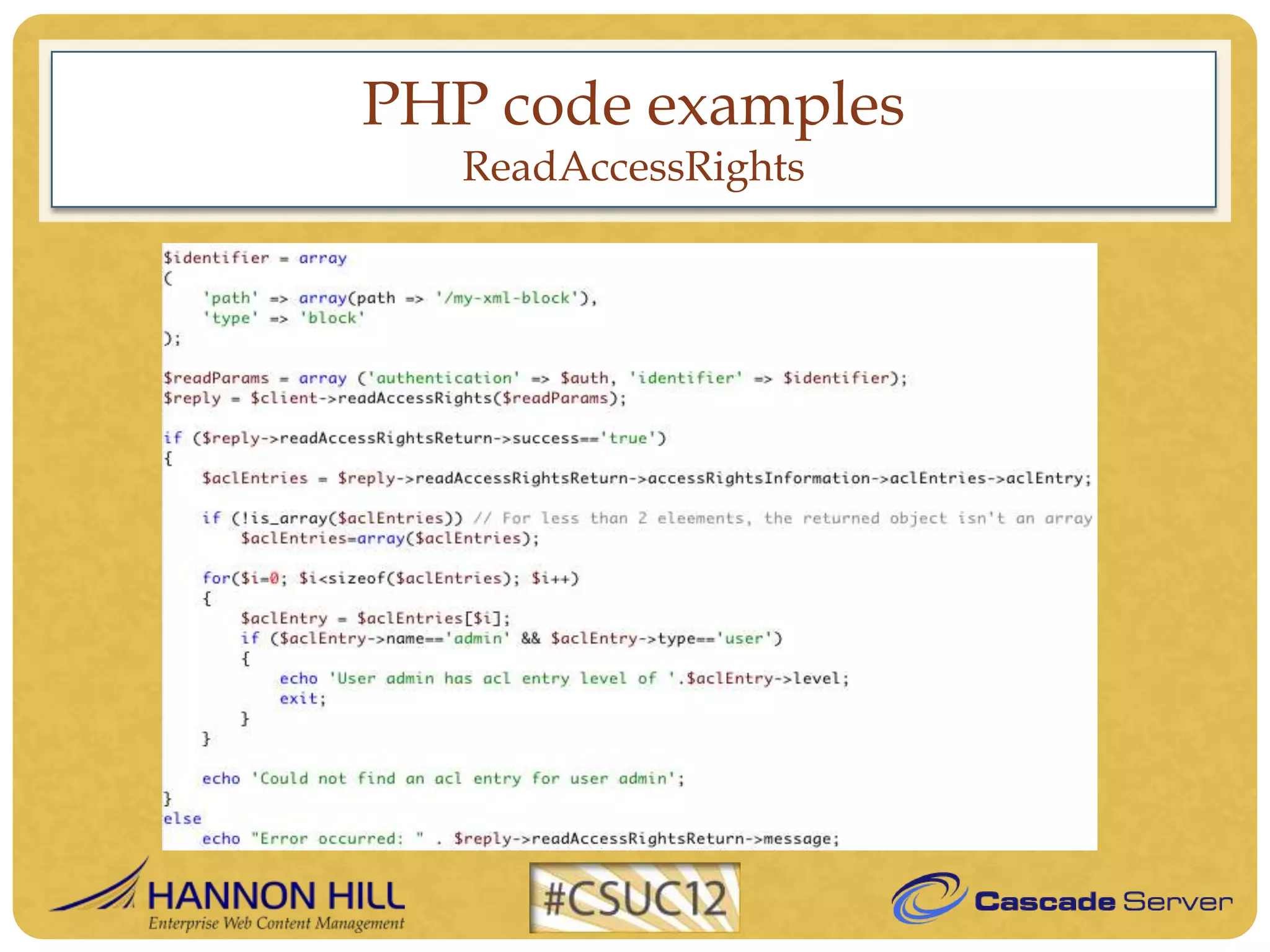
   ReadAccessRights
PHP code examples
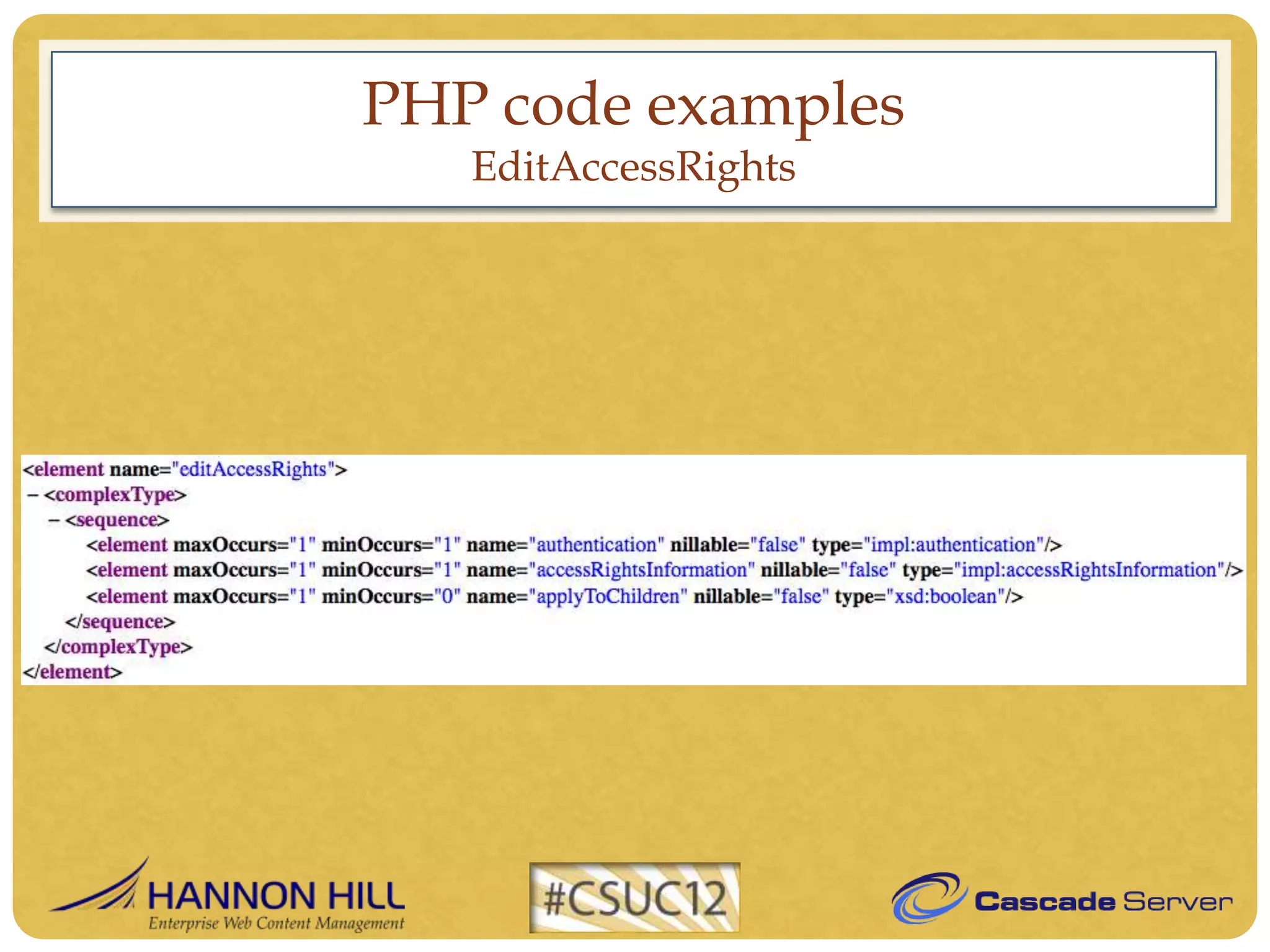
   EditAccessRights
PHP code examples
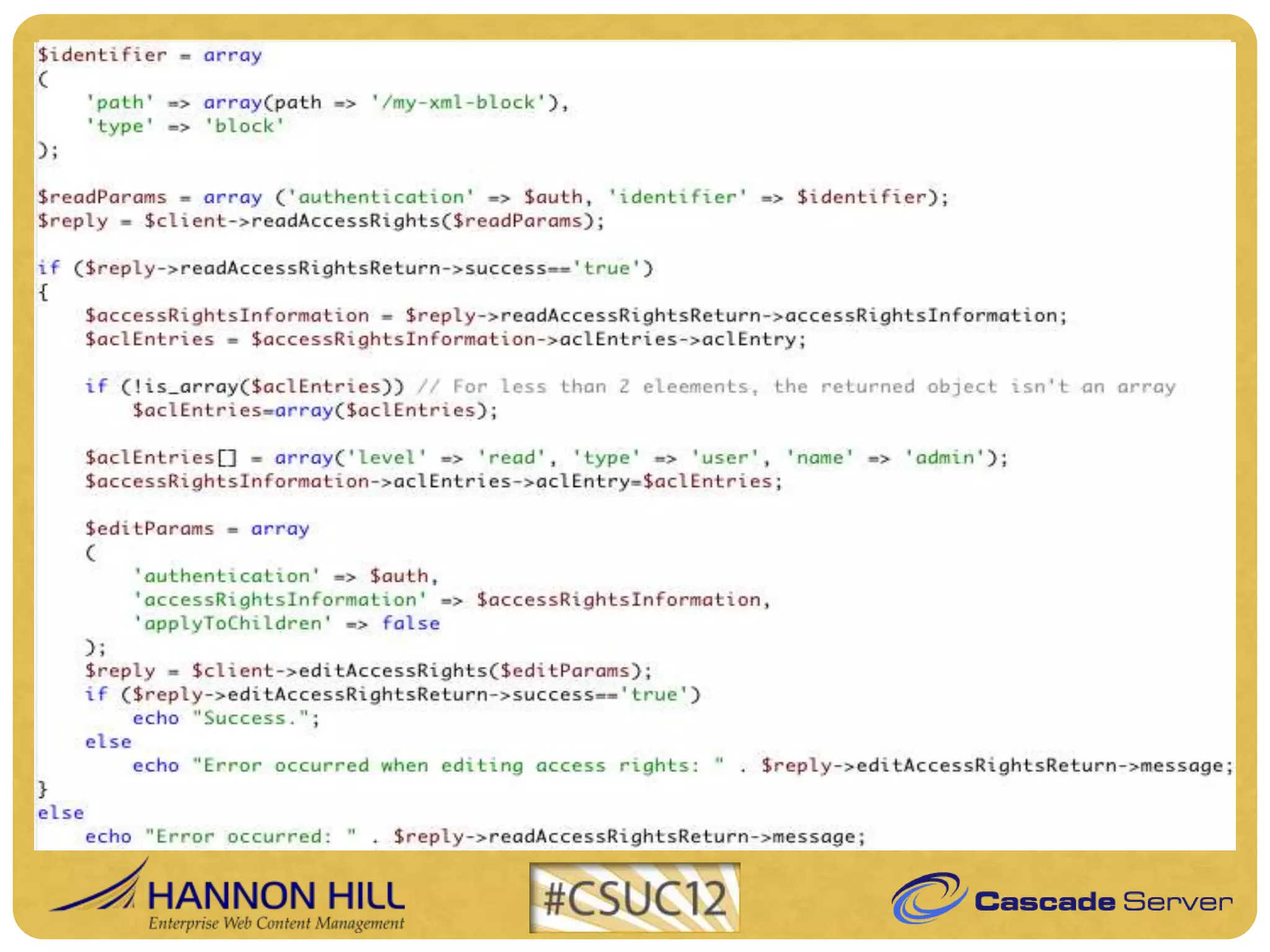
   EditAccessRights
PHP code examples

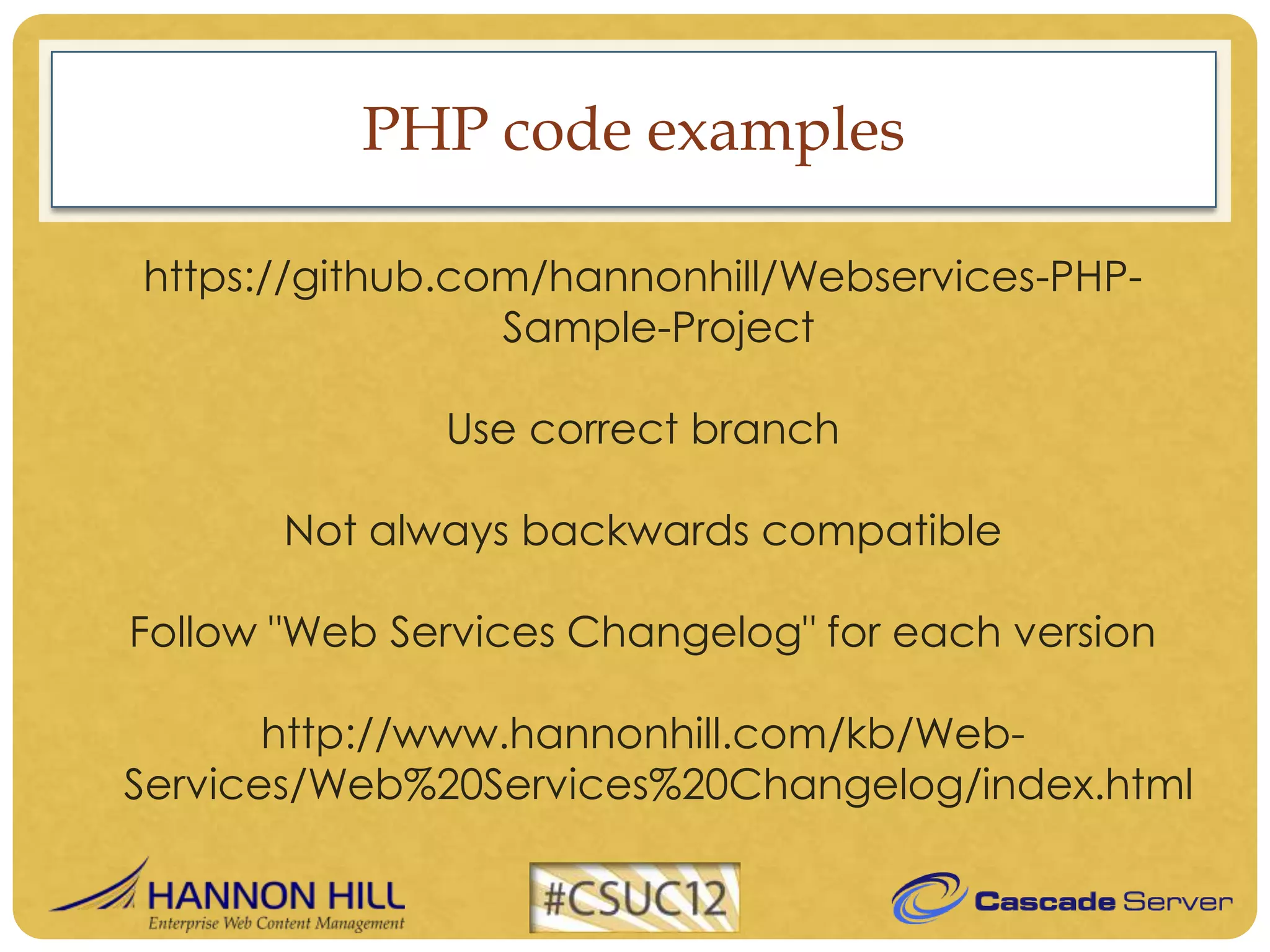
https://github.com/hannonhill/Webservices-PHP-
                 Sample-Project

              Use correct branch

       Not always backwards compatible

Follow "Web Services Changelog" for each version

       http://www.hannonhill.com/kb/Web-
Services/Web%20Services%20Changelog/index.html
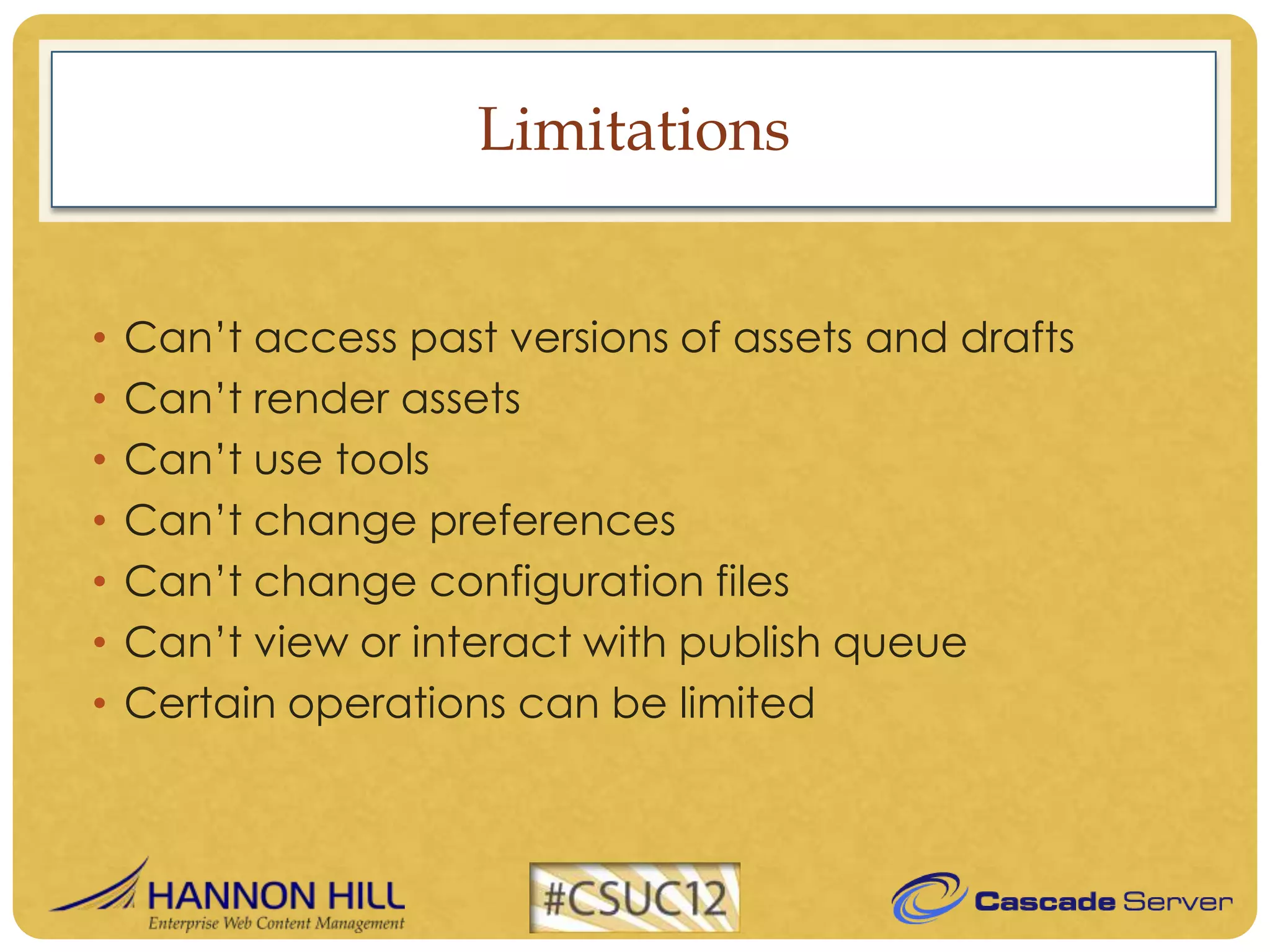
Limitations


•   Can’t access past versions of assets and drafts
•   Can’t render assets
•   Can’t use tools
•   Can’t change preferences
•   Can’t change configuration files
•   Can’t view or interact with publish queue
•   Certain operations can be limited
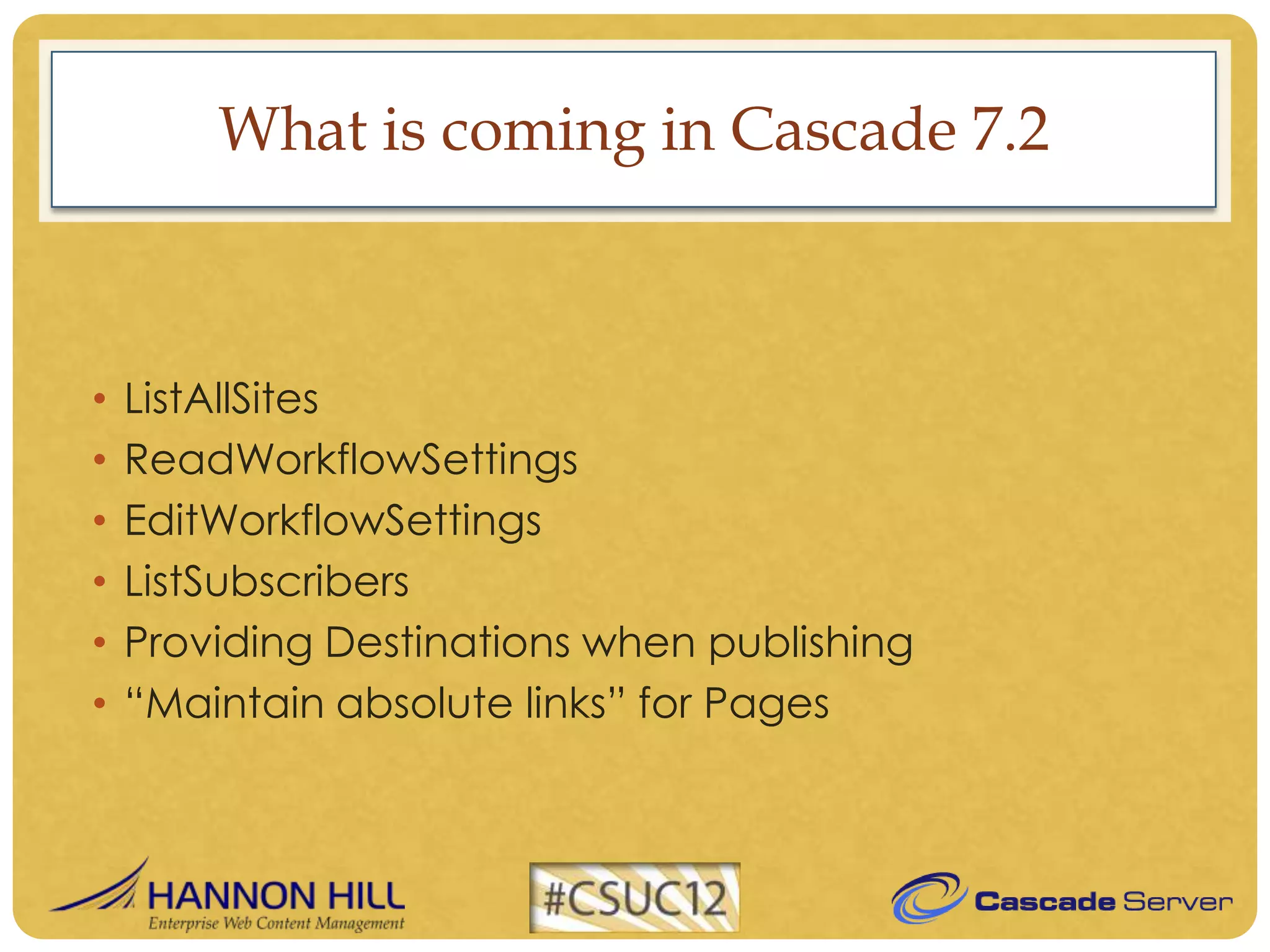
What is coming in Cascade 7.2


•   ListAllSites
•   ReadWorkflowSettings
•   EditWorkflowSettings
•   ListSubscribers
•   Providing Destinations when publishing
•   “Maintain absolute links” for Pages
Questions
Thank you


         Artur Tomusiak
artur.tomusiak@hannonhill.com

Using the Cascade Server Web Service API, by Artur Tomusiak