Apache Performance Tuning

        Part 1: Scaling Up

   Sander Temme <sander@temme.net>
http://httpd.apache.org/docs/1.3/misc/perf-tuning.html
                          says:


“Apache is a general webserver, which is designed to be correct
first, and fast second. Even so, its performance is quite
satisfactory. Most sites have less than 10Mbits of outgoing
bandwidth, which Apache can fill using only a low end Pentium-
based webserver.”


                                                              2
3
The Silver Bullet

“Make my web server go
     fast, please”
5
Sorry

There is No Silver Bullet
No Silver Bullet
• Every site is different
  – Dynamic Content
  – Static Content
• Different Traffic Patterns
• SSL or Plaintext
• No Cookie Cutter Approach


                               7
Performance Tuning
•   Ready
•   Aim
•   Fire
•   Aim some more
•   Understand
•   Aim even more
•   Fire

                            8
In practice
•   Setup for analysis
•   Monitor and analyse
•   Tune configuration
•   Lather, rinse, repeat


                             9
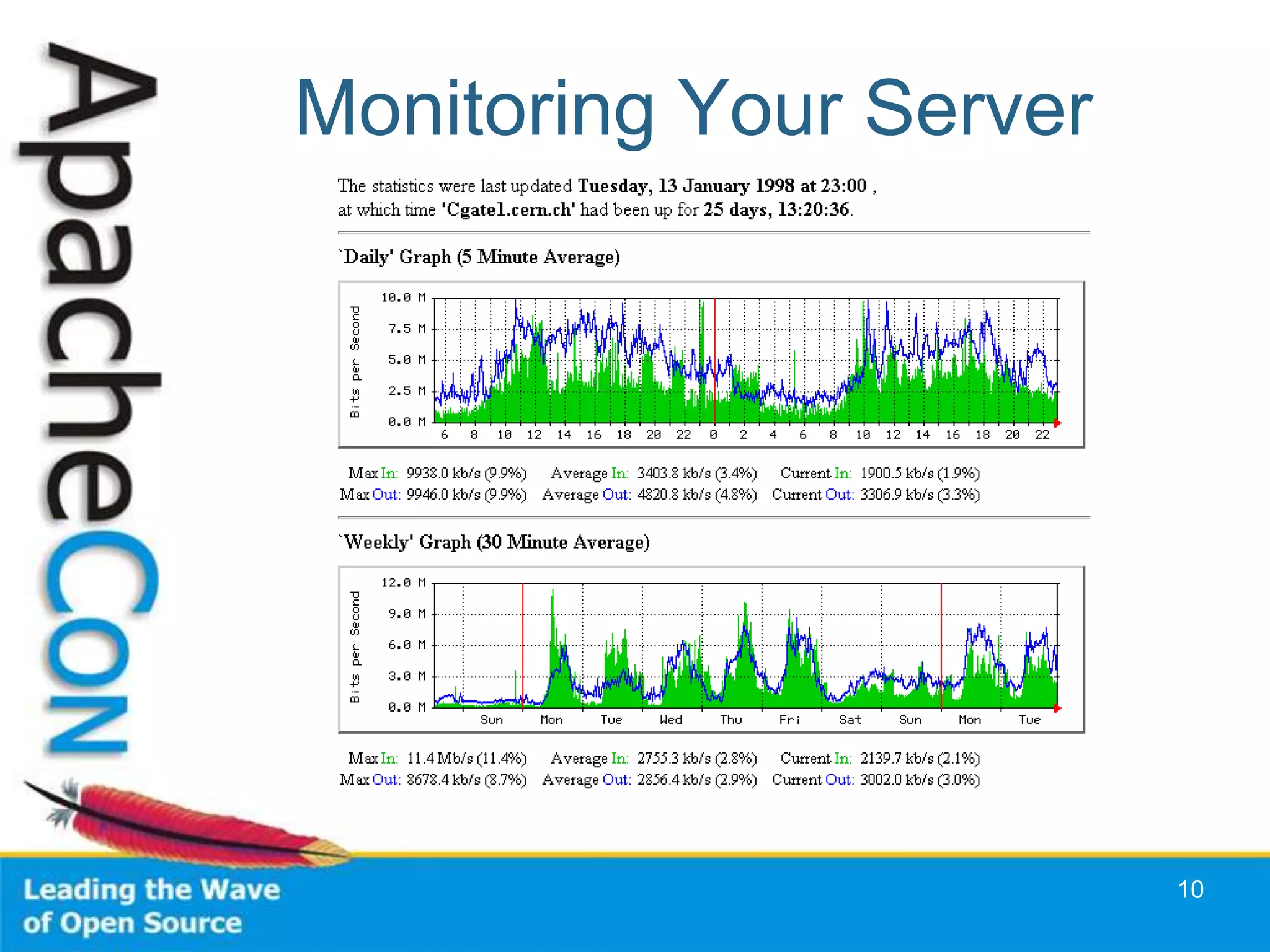
Monitoring Your Server


                         10
Purposes of Monitoring
•   Observation
•   Extrapolation
•   Signals/Alerts
•   Testing


                               11
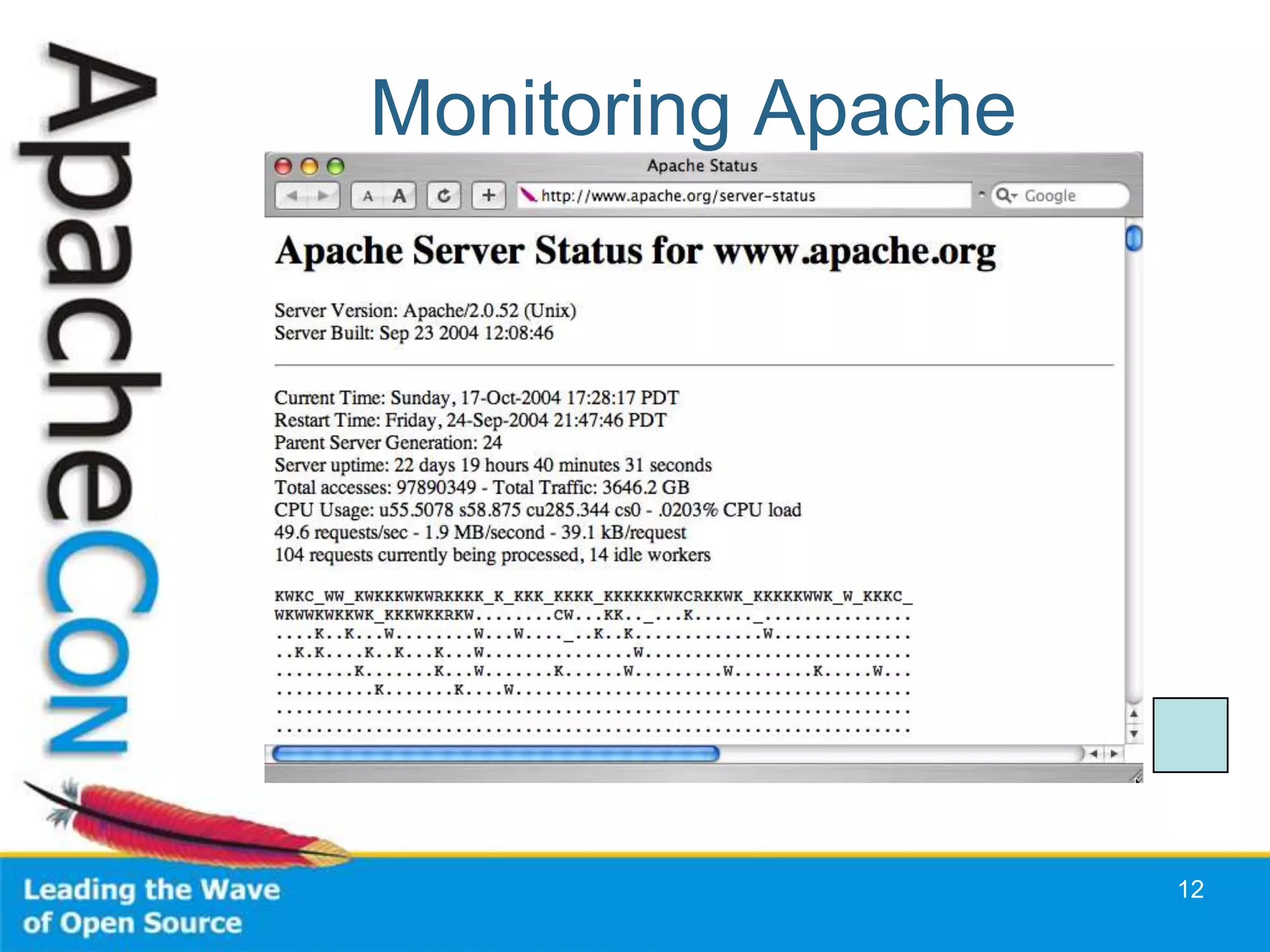
Monitoring Apache


                    12
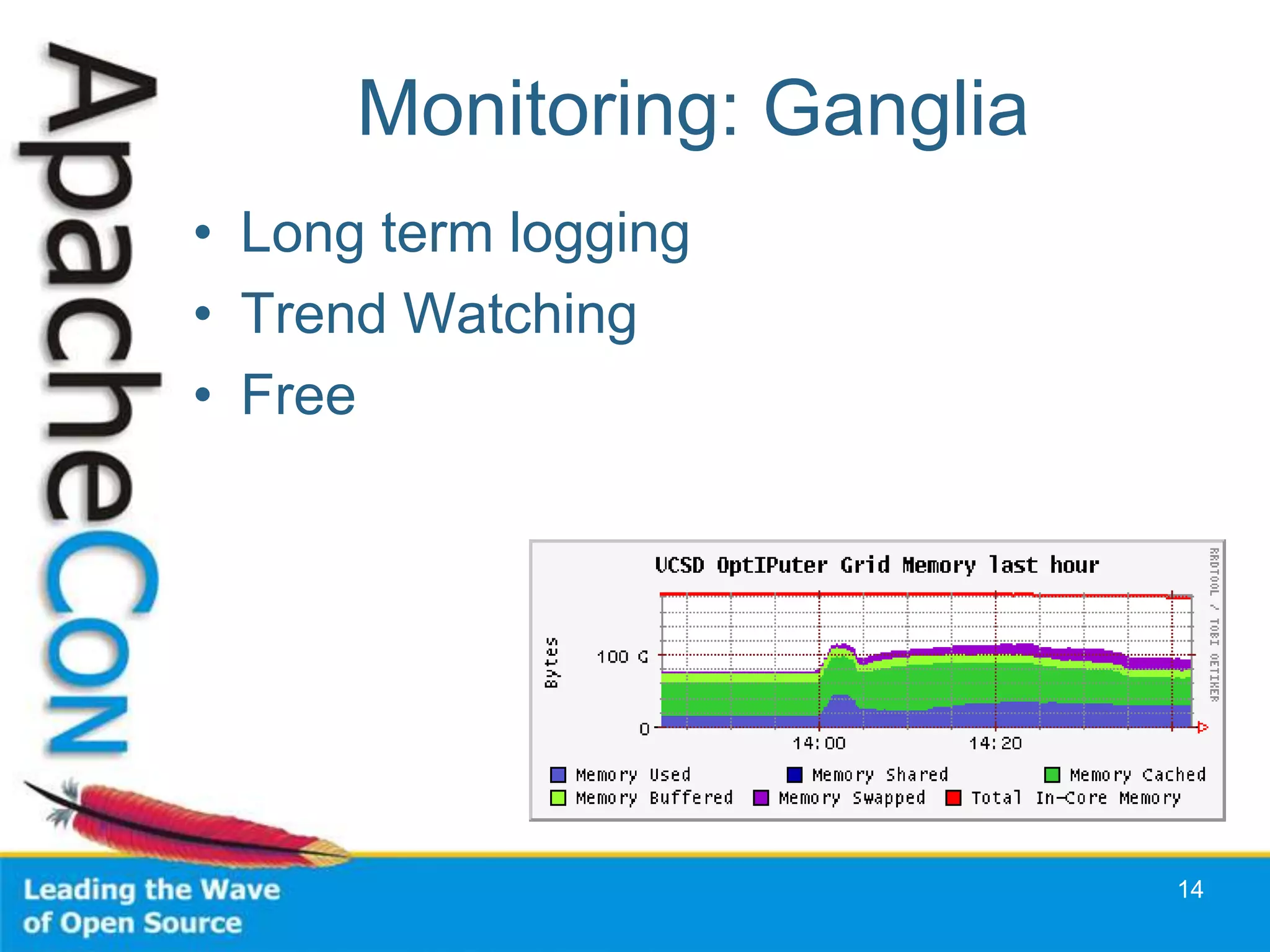
Monitoring: Ganglia
• Long term logging
• Trend Watching
• Free


                            14
Other Monitoring Tools
•   vmstat
•   iostat
•   top
•   free
•   netstat -s


                               15
Web Server Logs
• ErrorLog
  – LogLevel:
    debug, info, notice, warn, error, crit
• Access Log: TransferLog or
  CustomLog
  – Common Log Format


                                             16
Combined Log Format
222.127.111.234 - - [09/Apr/2008:07:46:54 +0000] "GET /sander/SanderMugshot2.jpg
HTTP/1.1" 200 22992 "http://people.apache.org/gallery.html" "Mozilla/5.0 (Windows; U;
Windows NT 5.1; en-US; rv:1.8.1.13) Gecko/20080311 Firefox/2.0.0.13"

Client IP           222.127.111.234
RFC 1413 ident      -
username            -
timestamp           [09/Apr/2008:07:46:54 +0000]
Request             "GET /sander/SanderMugshot2.jpg HTTP/1.1"
Status Code         200
Content Bytes       22992
Referer             "http://people.apache.org/gallery.html"
User-Agent          "Mozilla/5.0 (Windows; U; Windows NT 5.1; en-US;
                    rv:1.8.1.13) Gecko/20080311 Firefox/2.0.0.13"

            "%h %l %u %t "%r" %>s %b "%{Referer}i" "%{User-Agent}i""


                                                                                   17
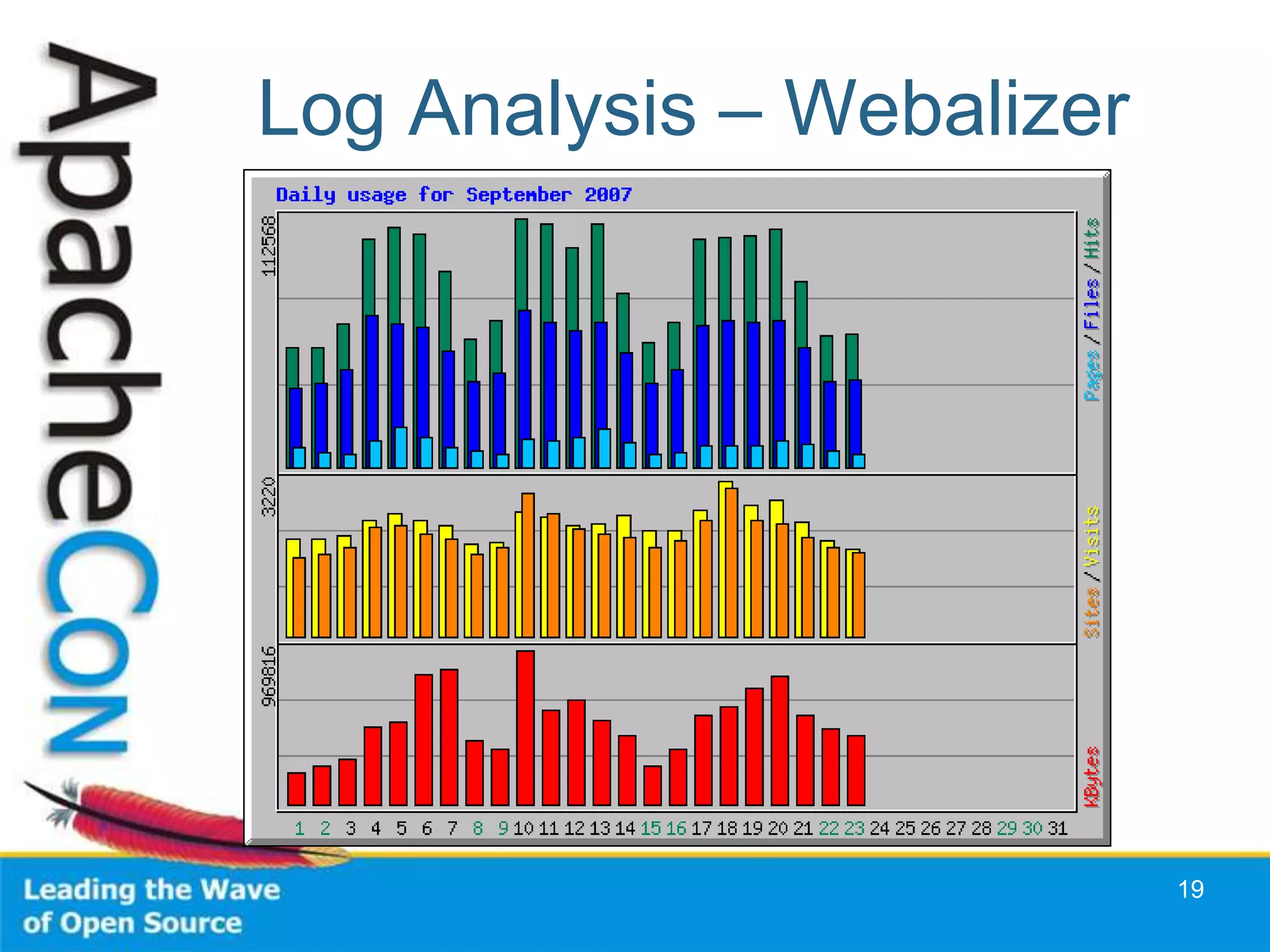
Log Analysis
• Analyse Apache log files
• Periodically run vmstat, iostat
  – Set up a script
• Watch for Trends
  – Tells you when to buy new kit
• Watch for Peaks
  – And how your system behaves


                                    18
Log Analysis – Webalizer


                           19
Configuring for Performance
• Configuring Apache
• Tuning the Operating System


                                20
Apache Configuration
•   Process/Thread Management
•   DNS Lookups
•   Avoid .htaccess Files
•   Disable unused modules
•   Tune your App Tier


                                21
DNS Lookups
• HostnameLookups
• Access Control
  – Bad: Deny from example.com
  – Good: Deny from 172.160.234.5


                                    22
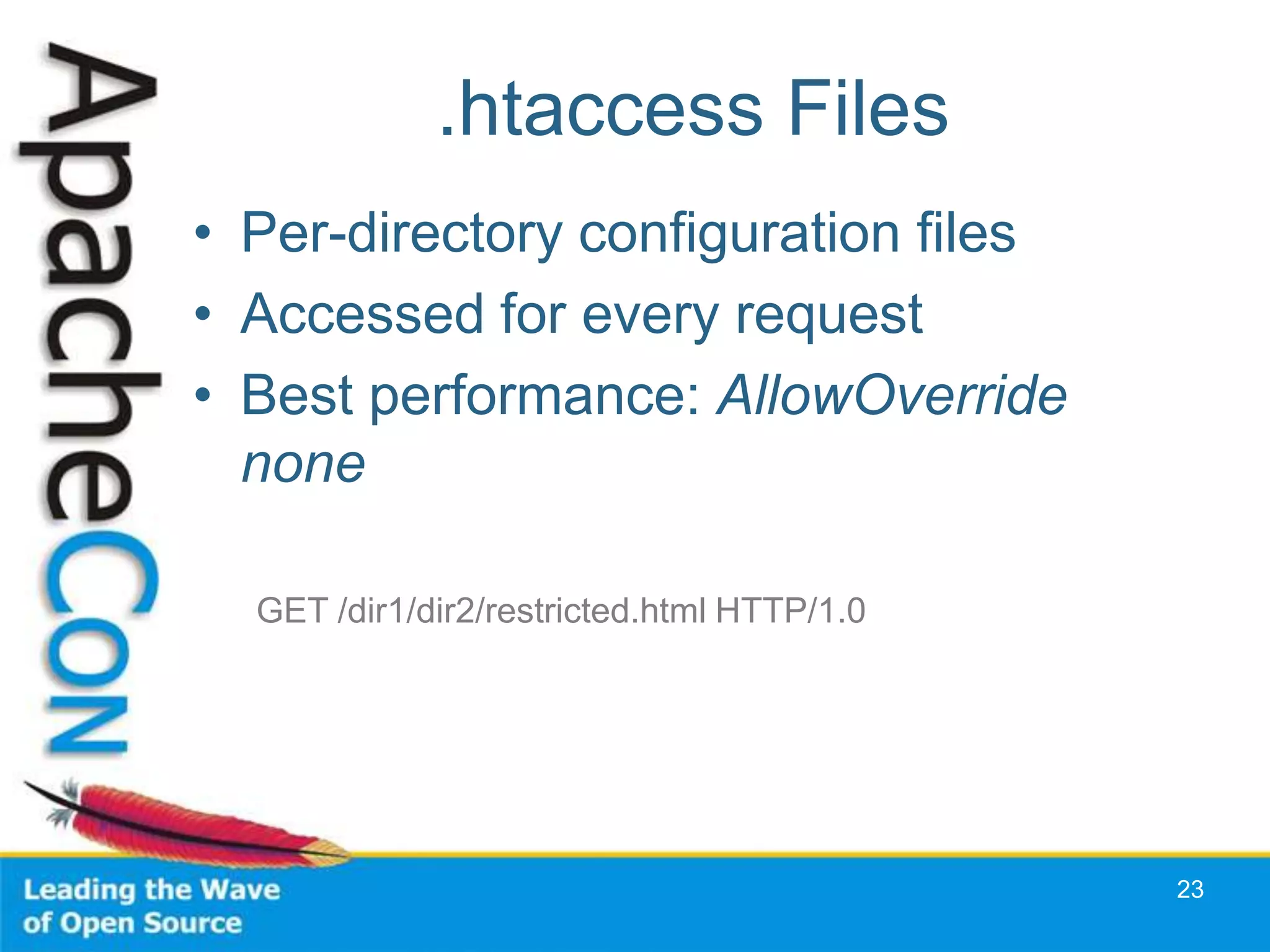
.htaccess Files
• Per-directory configuration files
• Accessed for every request
• Best performance: AllowOverride
  none

  GET /dir1/dir2/restricted.html HTTP/1.0


                                            23
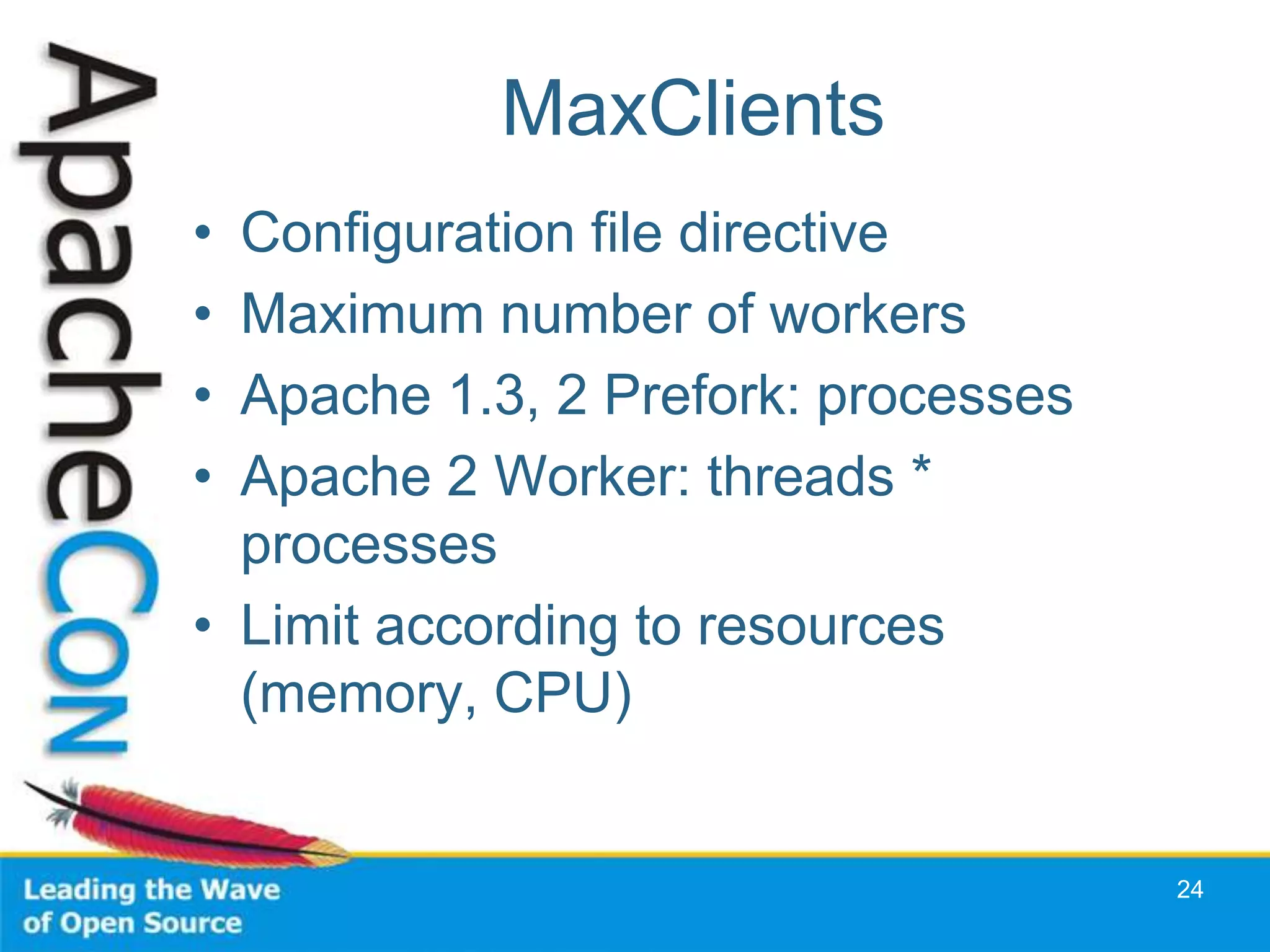
MaxClients
• Configuration file directive
• Maximum number of workers
• Apache 1.3, 2 Prefork: processes
• Apache 2 Worker: threads *
  processes
• Limit according to resources
  (memory, CPU)


                                     24
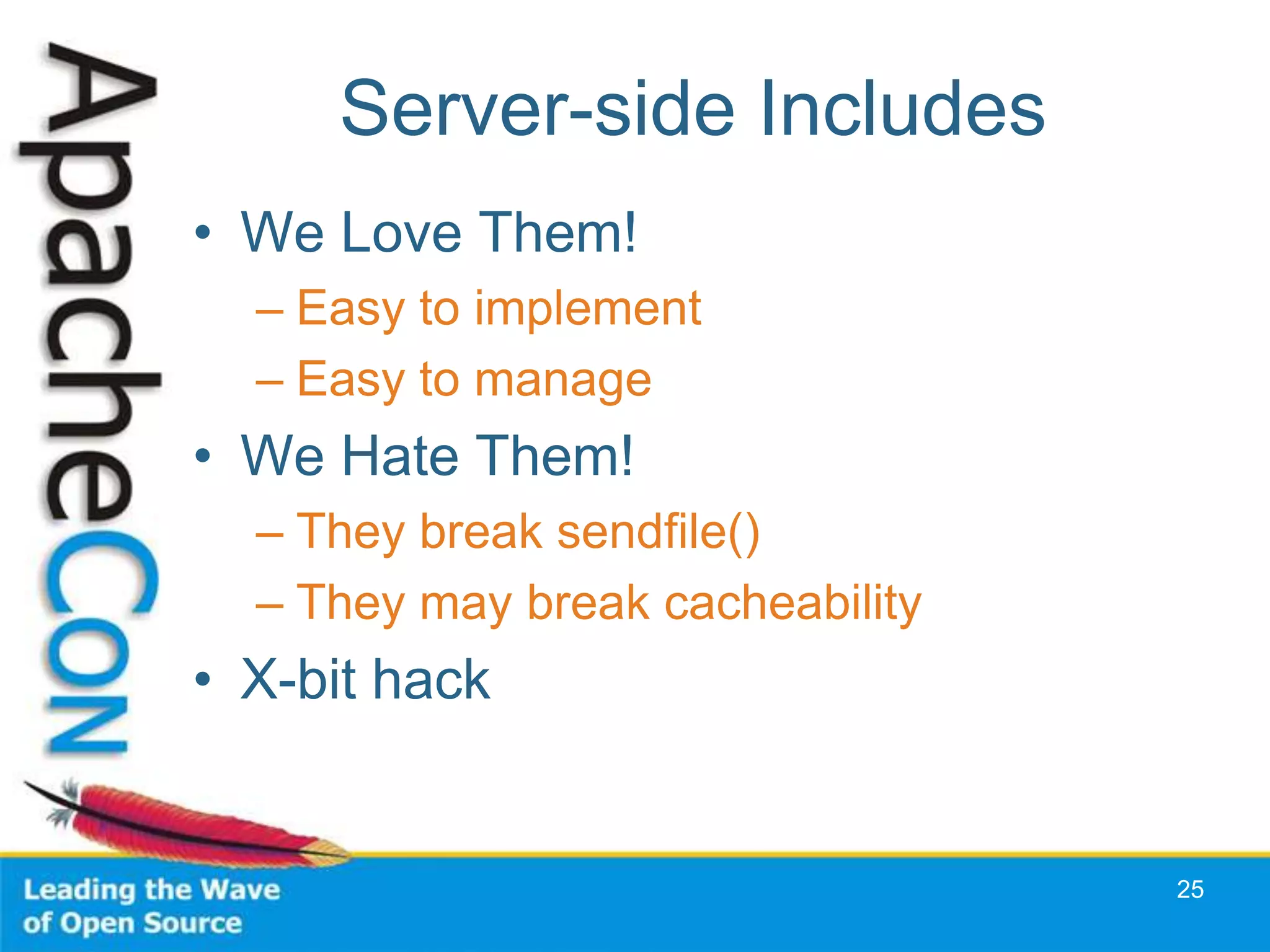
Server-side Includes
• We Love Them!
  – Easy to implement
  – Easy to manage
• We Hate Them!
  – They break sendfile()
  – They may break cacheability
• X-bit hack


                                  25
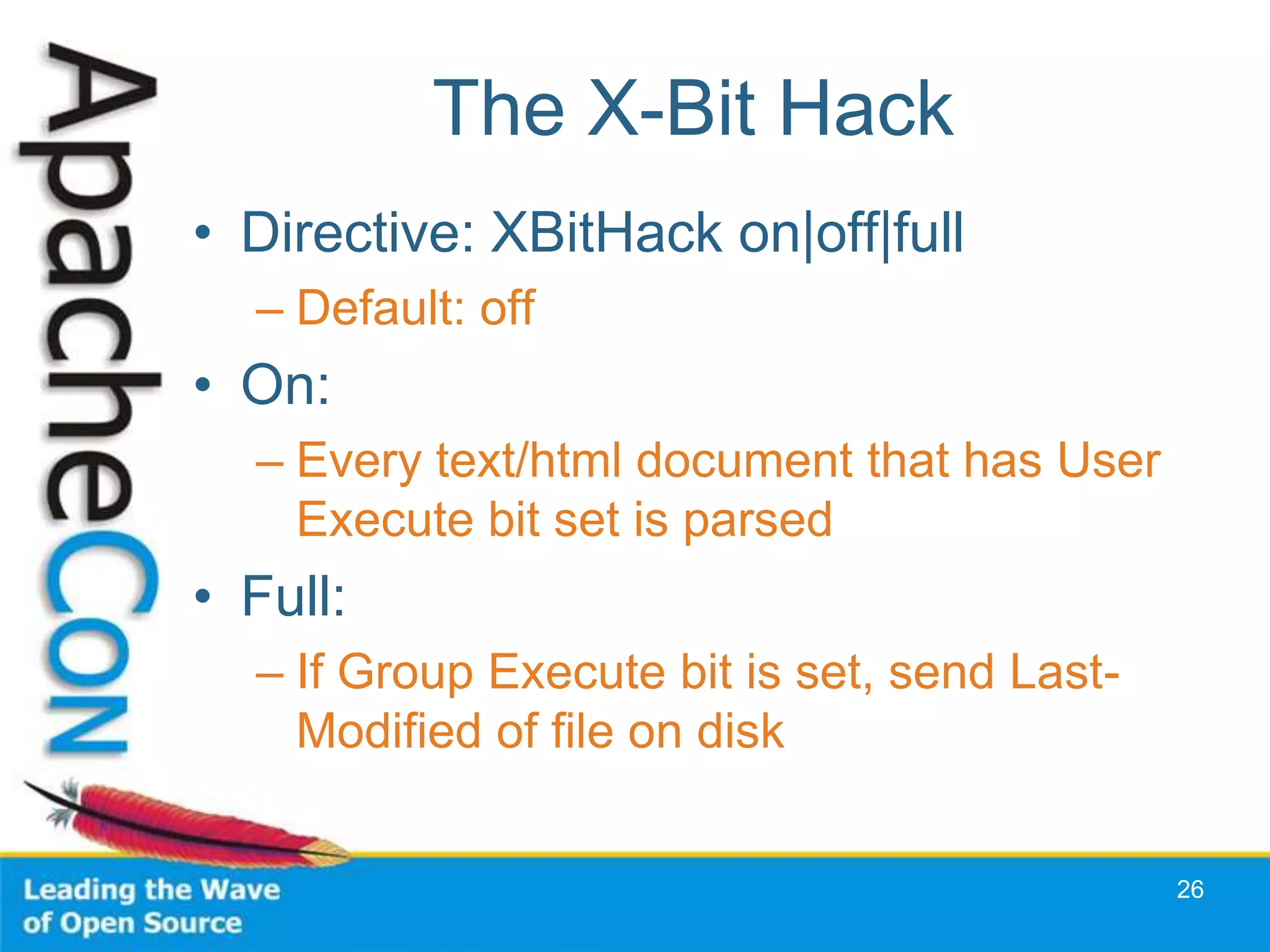
The X-Bit Hack
• Directive: XBitHack on|off|full
  – Default: off
• On:
  – Every text/html document that has User
    Execute bit set is parsed
• Full:
  – If Group Execute bit is set, send Last-
    Modified of file on disk


                                              26
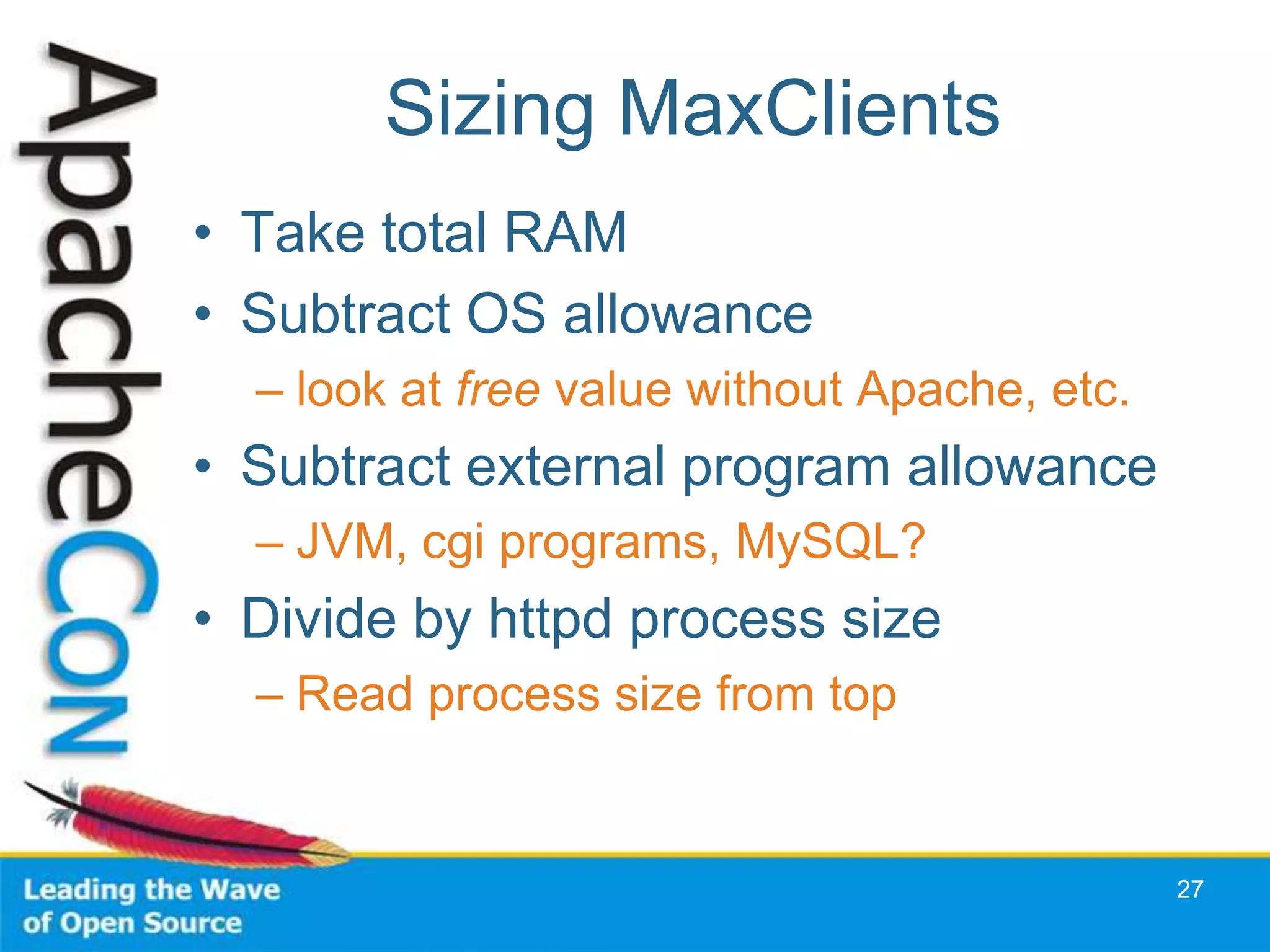
Sizing MaxClients
• Take total RAM
• Subtract OS allowance
  – look at free value without Apache, etc.
• Subtract external program allowance
  – JVM, cgi programs, MySQL?
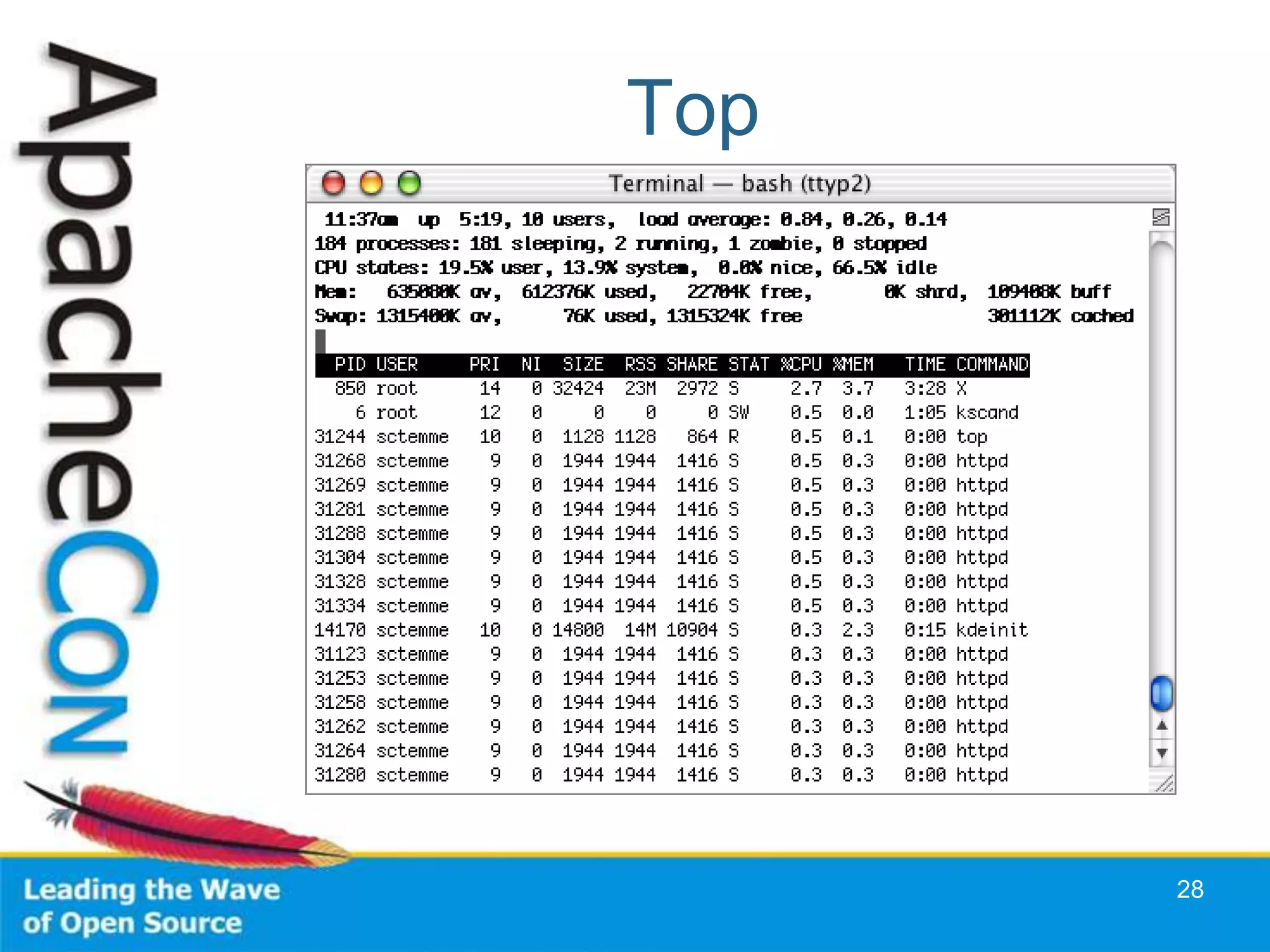
• Divide by httpd process size
  – Read process size from top


                                              27
Top


      28
Selecting Your MPM
• Processes and Threads
• Differences between platforms
• Thread-safety issues


                                  29
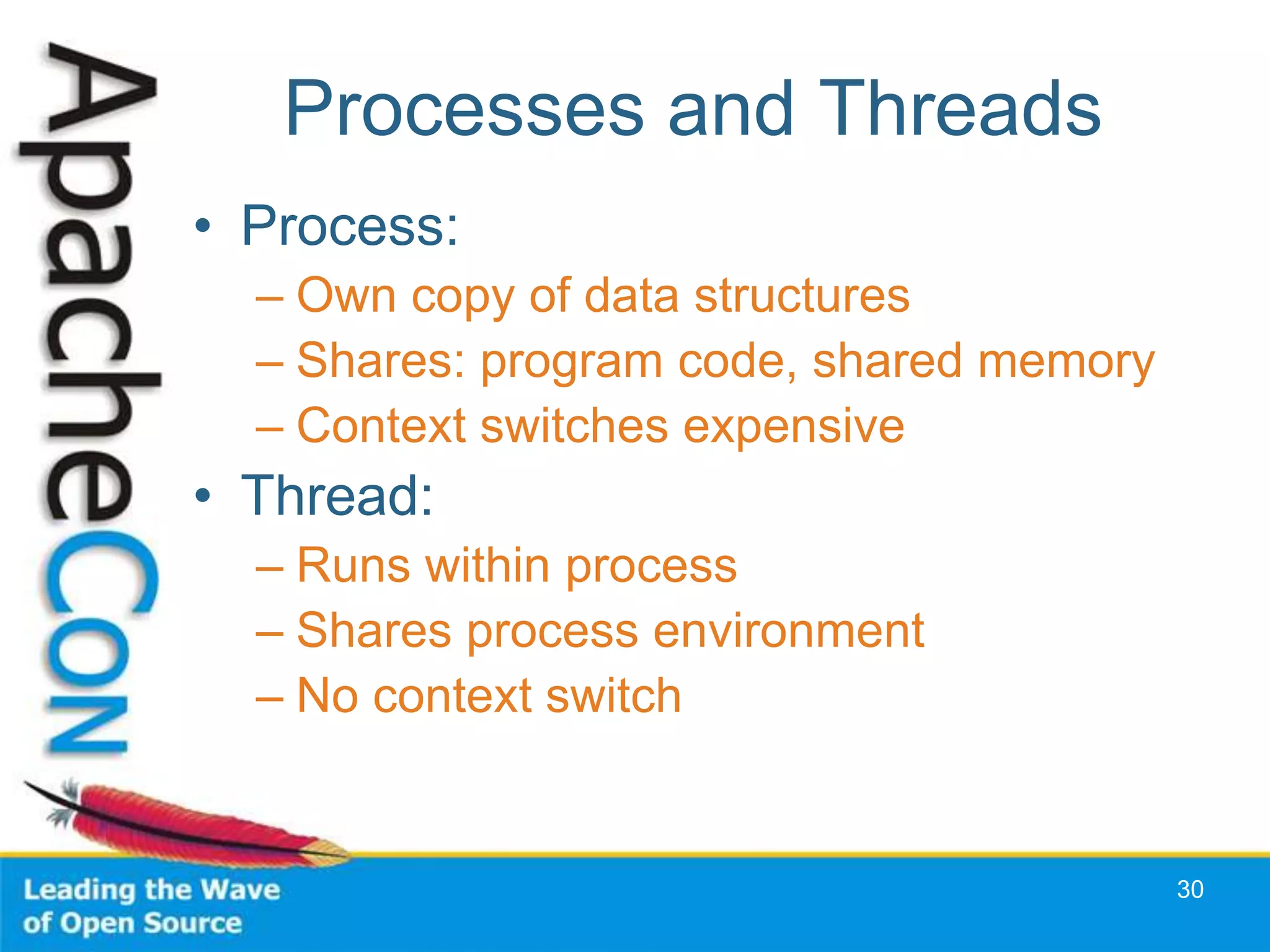
Processes and Threads
• Process:
  – Own copy of data structures
  – Shares: program code, shared memory
  – Context switches expensive
• Thread:
  – Runs within process
  – Shares process environment
  – No context switch


                                          30
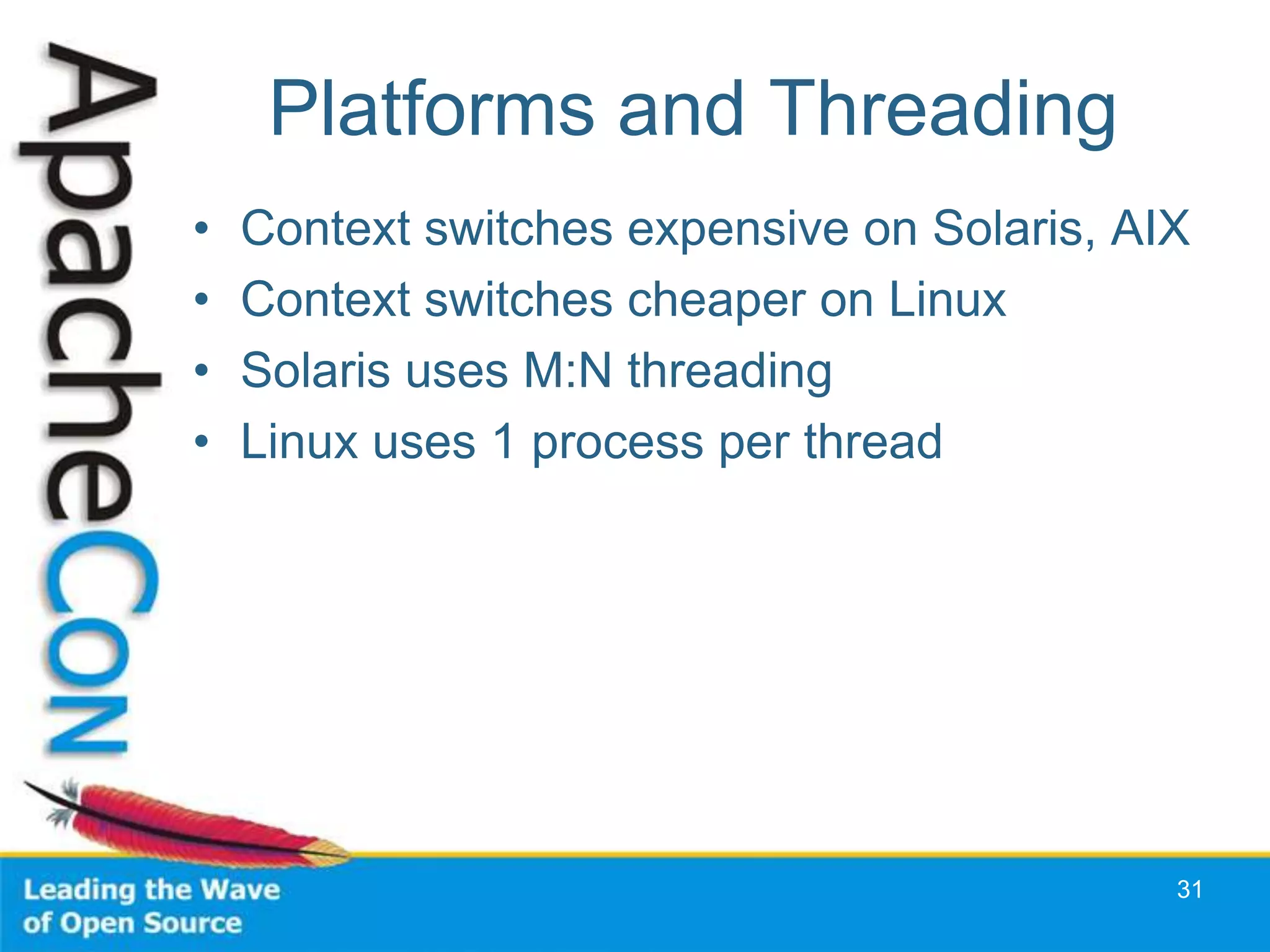
Platforms and Threading
•   Context switches expensive on Solaris, AIX
•   Context switches cheaper on Linux
•   Solaris uses M:N threading
•   Linux uses 1 process per thread


                                             31
Thread-safety
• Third-party modules and libraries
  – mod_perl: experimental threading in Perl
    5.6; more mature in Perl 5.8
  – PHP: uses many third-party libraries
• FreeBSD: threading not reliable until
  5.x
  – Apache 2.2 Worker MPM runs on
    FreeBSD


                                           32
Tune your App Tier
• Tomcat
  – Edit server.xml, tune
    minProcessors, maxProcessors
  – Use APR -> Persistent connections
  – Tune JVM (Heap, Garbage Collection)
• MySQL
  – Ships with various scenarios in support-files:
     • my-{small,medium,large,huge}.conf
  – PHP & prefork: every child makes a connection
  – Tune max_connections variable in my.cnf


                                                     33
System Tuning Tips
• RAM and swap space
• ulimit: files and processes
• Turn off unused services and
  modules


                                 34
RAM and Swap
•   Swap is disk-based Extension of RAM
•   Excessive swapping kills performance
•   Tune MaxClients
•   Never have more memory than swap
    – Upgrade RAM -> add more swap space


                                           35
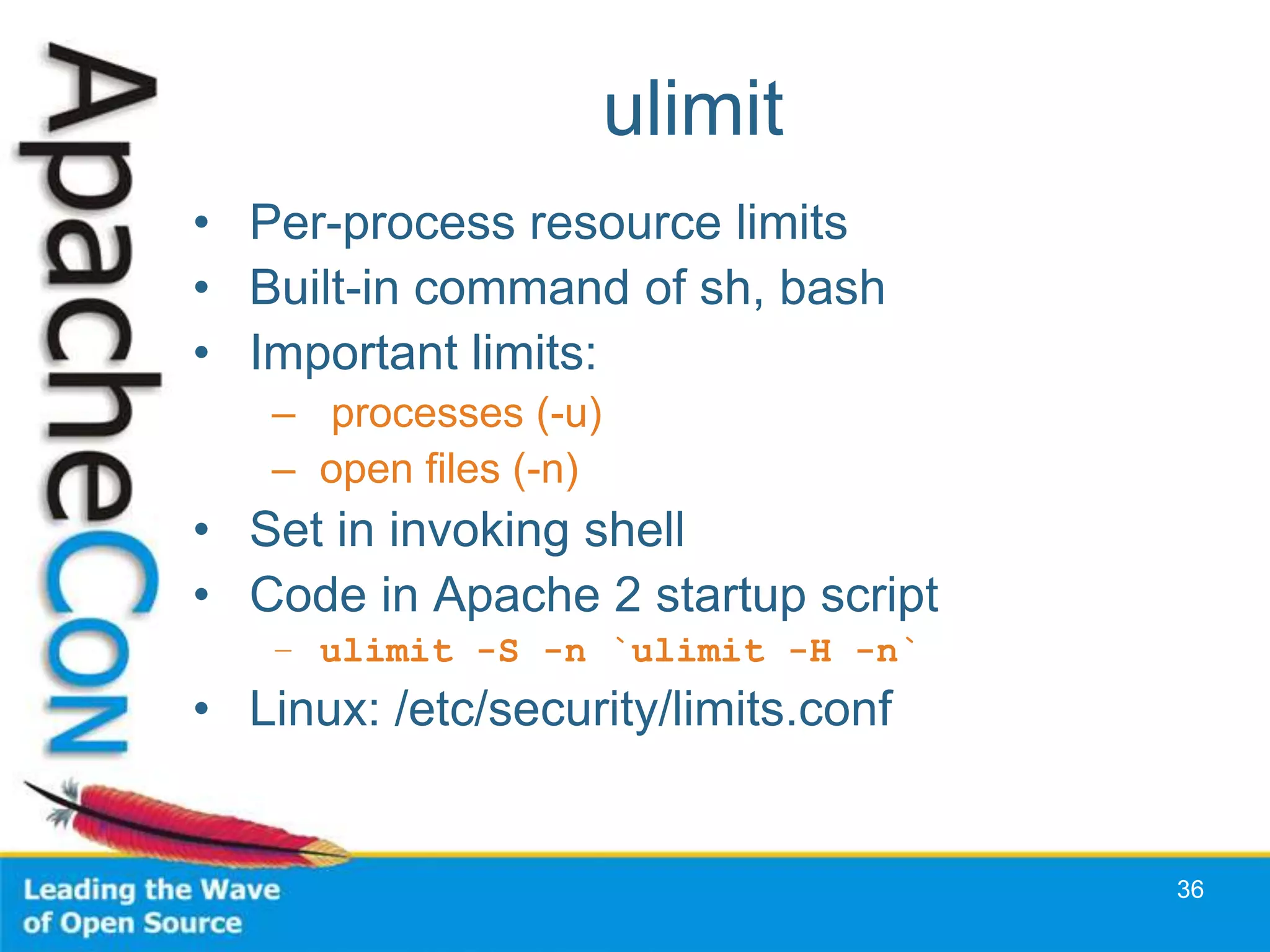
ulimit
• Per-process resource limits
• Built-in command of sh, bash
• Important limits:
   – processes (-u)
   – open files (-n)
• Set in invoking shell
• Code in Apache 2 startup script
   – ulimit -S -n `ulimit -H -n`
• Linux: /etc/security/limits.conf


                                     36
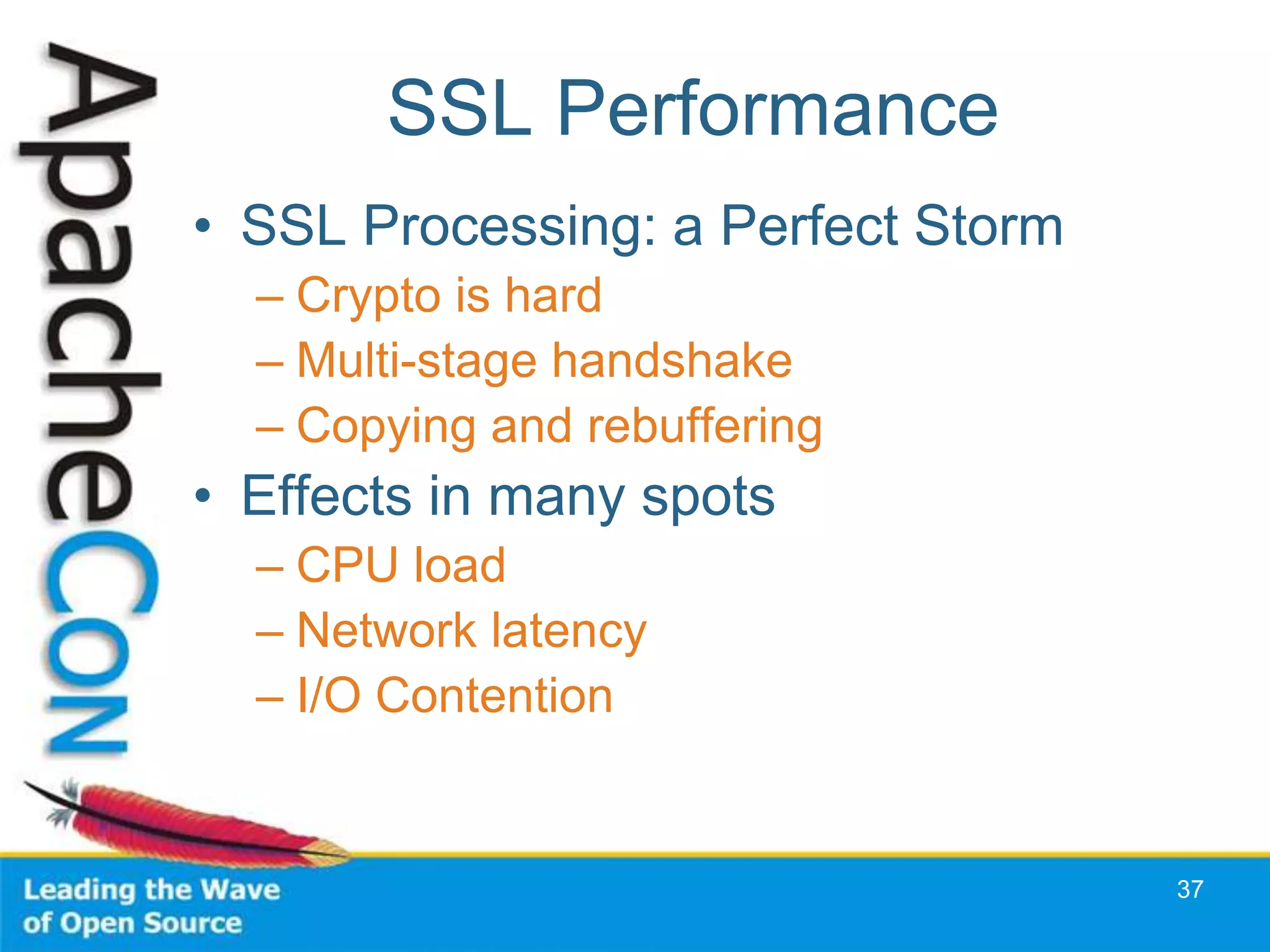
SSL Performance
• SSL Processing: a Perfect Storm
  – Crypto is hard
  – Multi-stage handshake
  – Copying and rebuffering
• Effects in many spots
  – CPU load
  – Network latency
  – I/O Contention


                                    37
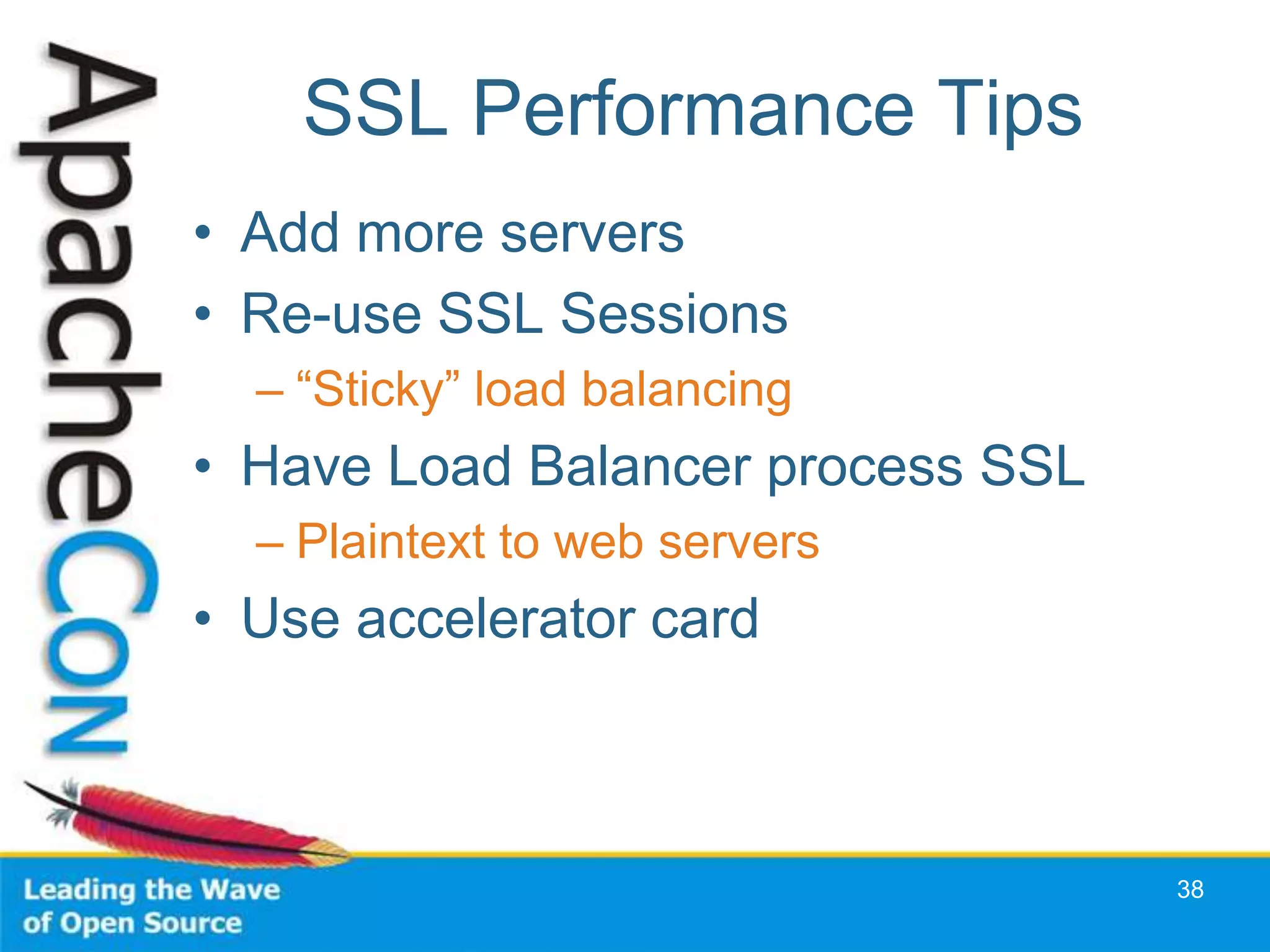
SSL Performance Tips
• Add more servers
• Re-use SSL Sessions
  – “Sticky” load balancing
• Have Load Balancer process SSL
  – Plaintext to web servers
• Use accelerator card


                                   38
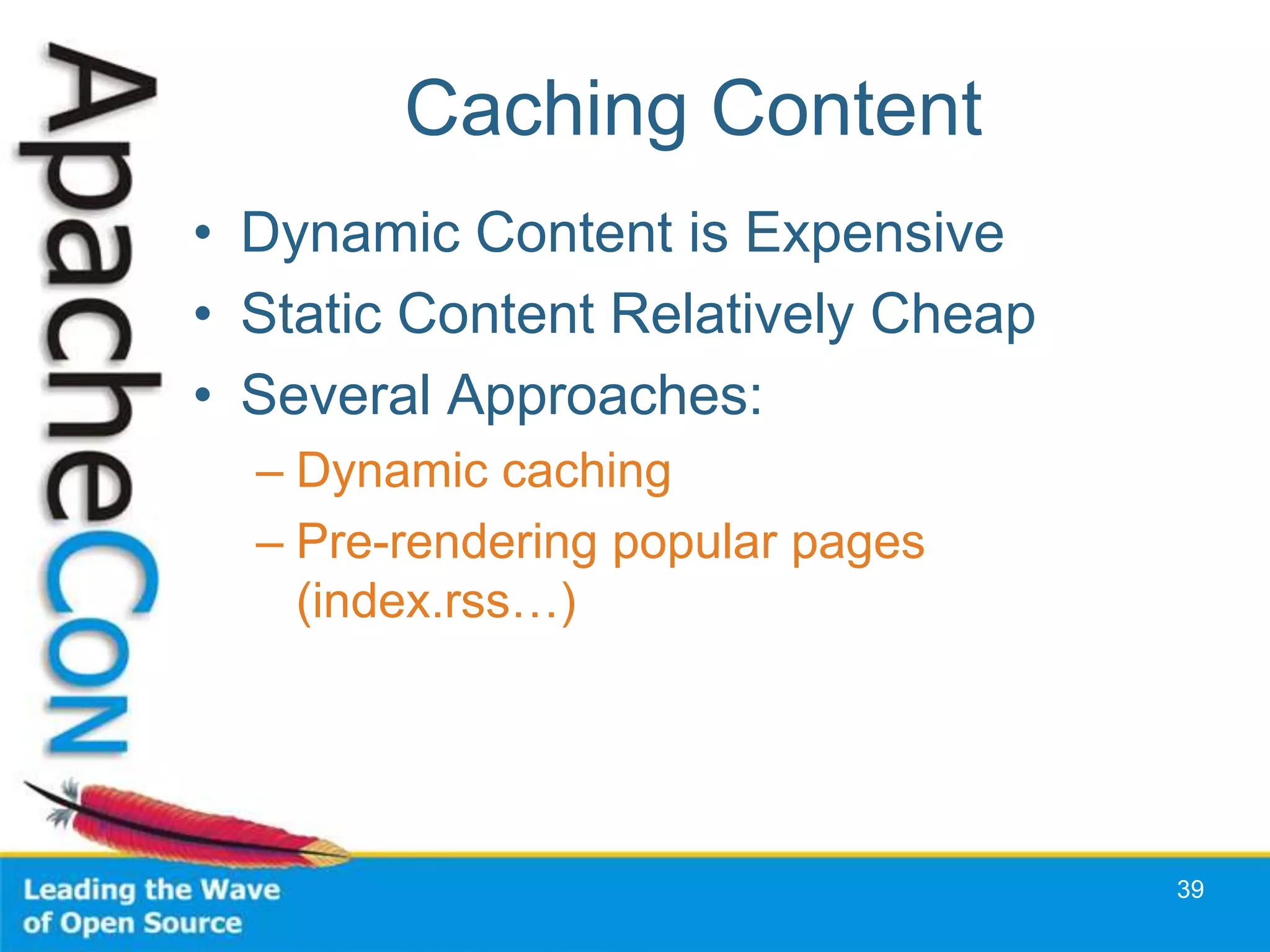
Caching Content
• Dynamic Content is Expensive
• Static Content Relatively Cheap
• Several Approaches:
  – Dynamic caching
  – Pre-rendering popular pages
    (index.rss…)


                                    39
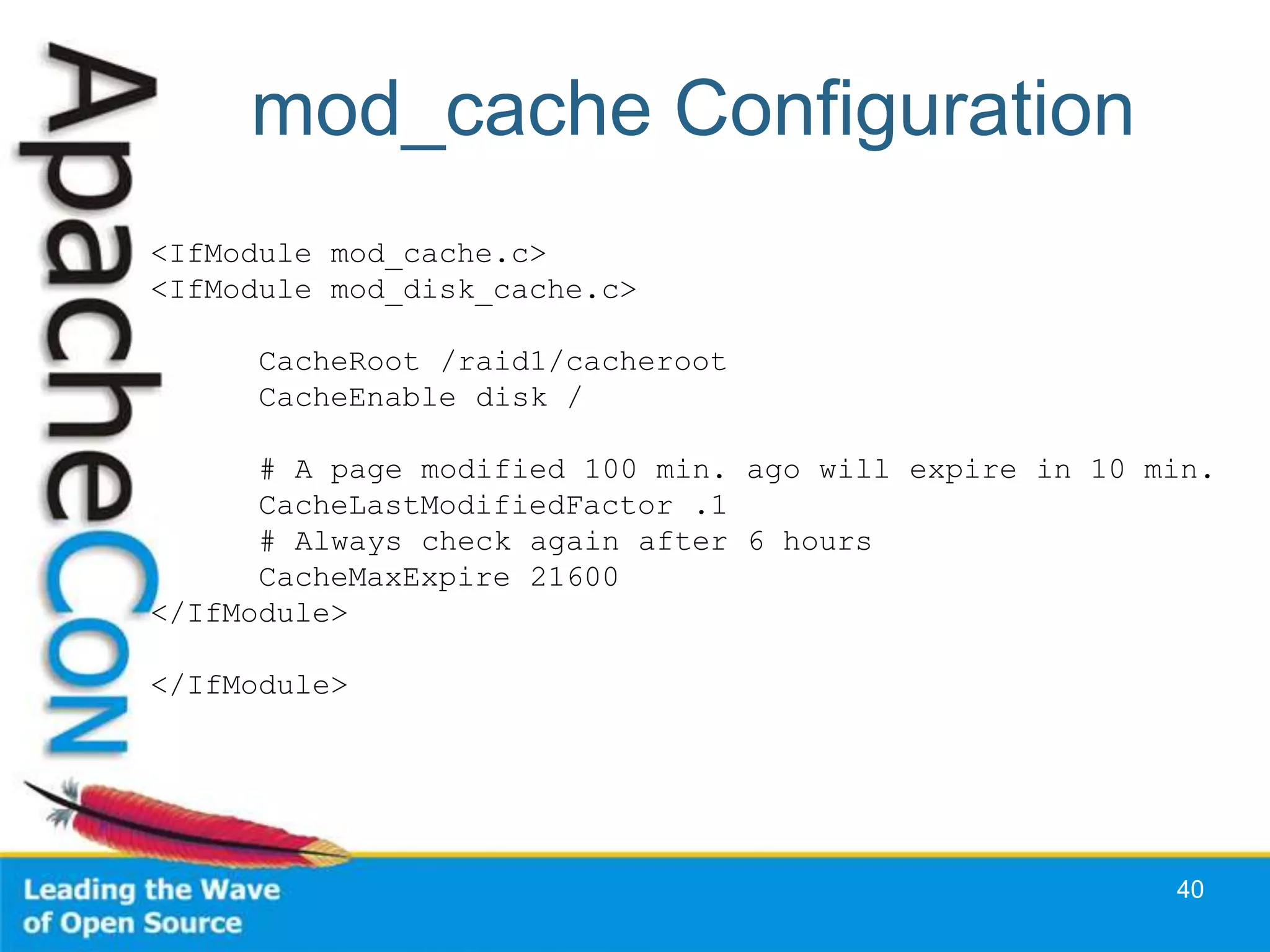
mod_cache Configuration
<IfModule mod_cache.c>
<IfModule mod_disk_cache.c>

      CacheRoot /raid1/cacheroot
      CacheEnable disk /

      # A page modified 100 min. ago will expire in 10 min.
      CacheLastModifiedFactor .1
      # Always check again after 6 hours
      CacheMaxExpire 21600
</IfModule>

</IfModule>


                                                        40
Make Popular Pages Static
• RSS Feeds
• Popular catalog queries
• … (Check your access log)


                              41
Static Page Substitution
<Directory "/home/sctemme/inst/blog/httpd/htdocs">

    Options +Indexes

    Order allow,deny
    Allow from all

    RewriteEngine on

    RewriteCond %{REQUEST_FILENAME} !-f
    RewriteCond %{REQUEST_FILENAME} !-d
    RewriteRule ^(.*)$ /cgi-bin/blosxom.cgi/$1 [L,QSA]

</Directory>


                                                     42
Tips
• Observe Before You Act
• Act on Monitoring Results
• Don’t Overload Your System


                               43
Q&A
Conference Roadmap
• Apache Web Server Cookbook (Training)
• Break My Site
• Apache Performance Tuning Part 2:
  Scaling Out


                                          45
Current Version

http://people.apache.org/~sctemme/ApconEU2008/
Thank You

Apache Performance Tuning: Scaling Up

  • 1.
    Apache Performance Tuning Part 1: Scaling Up Sander Temme <sander@temme.net>
  • 2.
    http://httpd.apache.org/docs/1.3/misc/perf-tuning.html says: “Apache is a general webserver, which is designed to be correct first, and fast second. Even so, its performance is quite satisfactory. Most sites have less than 10Mbits of outgoing bandwidth, which Apache can fill using only a low end Pentium- based webserver.” 2
  • 3.
  • 4.
    The Silver Bullet “Makemy web server go fast, please”
  • 5.
  • 6.
    Sorry There is NoSilver Bullet
  • 7.
    No Silver Bullet •Every site is different – Dynamic Content – Static Content • Different Traffic Patterns • SSL or Plaintext • No Cookie Cutter Approach 7
  • 8.
    Performance Tuning • Ready • Aim • Fire • Aim some more • Understand • Aim even more • Fire 8
  • 9.
    In practice • Setup for analysis • Monitor and analyse • Tune configuration • Lather, rinse, repeat 9
  • 10.
  • 11.
    Purposes of Monitoring • Observation • Extrapolation • Signals/Alerts • Testing 11
  • 12.
  • 13.
    Monitoring: Ganglia • Longterm logging • Trend Watching • Free 14
  • 14.
    Other Monitoring Tools • vmstat • iostat • top • free • netstat -s 15
  • 15.
    Web Server Logs •ErrorLog – LogLevel: debug, info, notice, warn, error, crit • Access Log: TransferLog or CustomLog – Common Log Format 16
  • 16.
    Combined Log Format 222.127.111.234- - [09/Apr/2008:07:46:54 +0000] "GET /sander/SanderMugshot2.jpg HTTP/1.1" 200 22992 "http://people.apache.org/gallery.html" "Mozilla/5.0 (Windows; U; Windows NT 5.1; en-US; rv:1.8.1.13) Gecko/20080311 Firefox/2.0.0.13" Client IP 222.127.111.234 RFC 1413 ident - username - timestamp [09/Apr/2008:07:46:54 +0000] Request "GET /sander/SanderMugshot2.jpg HTTP/1.1" Status Code 200 Content Bytes 22992 Referer "http://people.apache.org/gallery.html" User-Agent "Mozilla/5.0 (Windows; U; Windows NT 5.1; en-US; rv:1.8.1.13) Gecko/20080311 Firefox/2.0.0.13" "%h %l %u %t "%r" %>s %b "%{Referer}i" "%{User-Agent}i"" 17
  • 17.
    Log Analysis • AnalyseApache log files • Periodically run vmstat, iostat – Set up a script • Watch for Trends – Tells you when to buy new kit • Watch for Peaks – And how your system behaves 18
  • 18.
    Log Analysis –Webalizer 19
  • 19.
    Configuring for Performance •Configuring Apache • Tuning the Operating System 20
  • 20.
    Apache Configuration • Process/Thread Management • DNS Lookups • Avoid .htaccess Files • Disable unused modules • Tune your App Tier 21
  • 21.
    DNS Lookups • HostnameLookups •Access Control – Bad: Deny from example.com – Good: Deny from 172.160.234.5 22
  • 22.
    .htaccess Files • Per-directoryconfiguration files • Accessed for every request • Best performance: AllowOverride none GET /dir1/dir2/restricted.html HTTP/1.0 23
  • 23.
    MaxClients • Configuration filedirective • Maximum number of workers • Apache 1.3, 2 Prefork: processes • Apache 2 Worker: threads * processes • Limit according to resources (memory, CPU) 24
  • 24.
    Server-side Includes • WeLove Them! – Easy to implement – Easy to manage • We Hate Them! – They break sendfile() – They may break cacheability • X-bit hack 25
  • 25.
    The X-Bit Hack •Directive: XBitHack on|off|full – Default: off • On: – Every text/html document that has User Execute bit set is parsed • Full: – If Group Execute bit is set, send Last- Modified of file on disk 26
  • 26.
    Sizing MaxClients • Taketotal RAM • Subtract OS allowance – look at free value without Apache, etc. • Subtract external program allowance – JVM, cgi programs, MySQL? • Divide by httpd process size – Read process size from top 27
  • 27.
    Top 28
  • 28.
    Selecting Your MPM •Processes and Threads • Differences between platforms • Thread-safety issues 29
  • 29.
    Processes and Threads •Process: – Own copy of data structures – Shares: program code, shared memory – Context switches expensive • Thread: – Runs within process – Shares process environment – No context switch 30
  • 30.
    Platforms and Threading • Context switches expensive on Solaris, AIX • Context switches cheaper on Linux • Solaris uses M:N threading • Linux uses 1 process per thread 31
  • 31.
    Thread-safety • Third-party modulesand libraries – mod_perl: experimental threading in Perl 5.6; more mature in Perl 5.8 – PHP: uses many third-party libraries • FreeBSD: threading not reliable until 5.x – Apache 2.2 Worker MPM runs on FreeBSD 32
  • 32.
    Tune your AppTier • Tomcat – Edit server.xml, tune minProcessors, maxProcessors – Use APR -> Persistent connections – Tune JVM (Heap, Garbage Collection) • MySQL – Ships with various scenarios in support-files: • my-{small,medium,large,huge}.conf – PHP & prefork: every child makes a connection – Tune max_connections variable in my.cnf 33
  • 33.
    System Tuning Tips •RAM and swap space • ulimit: files and processes • Turn off unused services and modules 34
  • 34.
    RAM and Swap • Swap is disk-based Extension of RAM • Excessive swapping kills performance • Tune MaxClients • Never have more memory than swap – Upgrade RAM -> add more swap space 35
  • 35.
    ulimit • Per-process resourcelimits • Built-in command of sh, bash • Important limits: – processes (-u) – open files (-n) • Set in invoking shell • Code in Apache 2 startup script – ulimit -S -n `ulimit -H -n` • Linux: /etc/security/limits.conf 36
  • 36.
    SSL Performance • SSLProcessing: a Perfect Storm – Crypto is hard – Multi-stage handshake – Copying and rebuffering • Effects in many spots – CPU load – Network latency – I/O Contention 37
  • 37.
    SSL Performance Tips •Add more servers • Re-use SSL Sessions – “Sticky” load balancing • Have Load Balancer process SSL – Plaintext to web servers • Use accelerator card 38
  • 38.
    Caching Content • DynamicContent is Expensive • Static Content Relatively Cheap • Several Approaches: – Dynamic caching – Pre-rendering popular pages (index.rss…) 39
  • 39.
    mod_cache Configuration <IfModule mod_cache.c> <IfModulemod_disk_cache.c> CacheRoot /raid1/cacheroot CacheEnable disk / # A page modified 100 min. ago will expire in 10 min. CacheLastModifiedFactor .1 # Always check again after 6 hours CacheMaxExpire 21600 </IfModule> </IfModule> 40
  • 40.
    Make Popular PagesStatic • RSS Feeds • Popular catalog queries • … (Check your access log) 41
  • 41.
    Static Page Substitution <Directory"/home/sctemme/inst/blog/httpd/htdocs"> Options +Indexes Order allow,deny Allow from all RewriteEngine on RewriteCond %{REQUEST_FILENAME} !-f RewriteCond %{REQUEST_FILENAME} !-d RewriteRule ^(.*)$ /cgi-bin/blosxom.cgi/$1 [L,QSA] </Directory> 42
  • 42.
    Tips • Observe BeforeYou Act • Act on Monitoring Results • Don’t Overload Your System 43
  • 43.
  • 44.
    Conference Roadmap • ApacheWeb Server Cookbook (Training) • Break My Site • Apache Performance Tuning Part 2: Scaling Out 45
  • 45.
  • 46.