

JAMES FULLER
                                   02/13/2013


Simply Scale
w/ Nginx, Memcached, PHP-FPM and APC
In this talk...
● my experiences working in a high-traffic
  environment

● intro to nginx for apache users

● running php with php-fpm

● memcached & caching tips

● identifying bottlenecks / open discussion
The Early Years


Cheap Shared Hosting
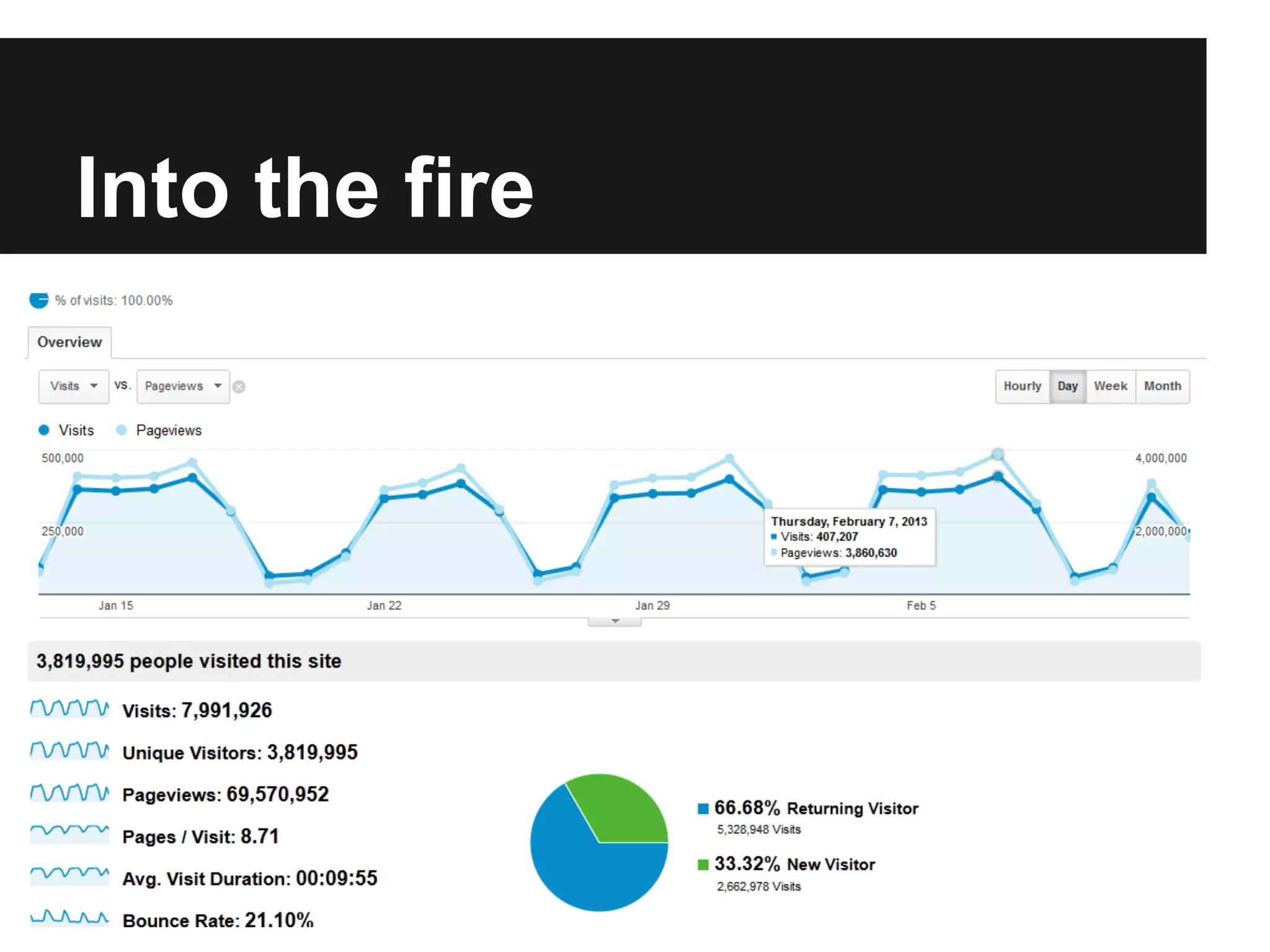
Into the fire
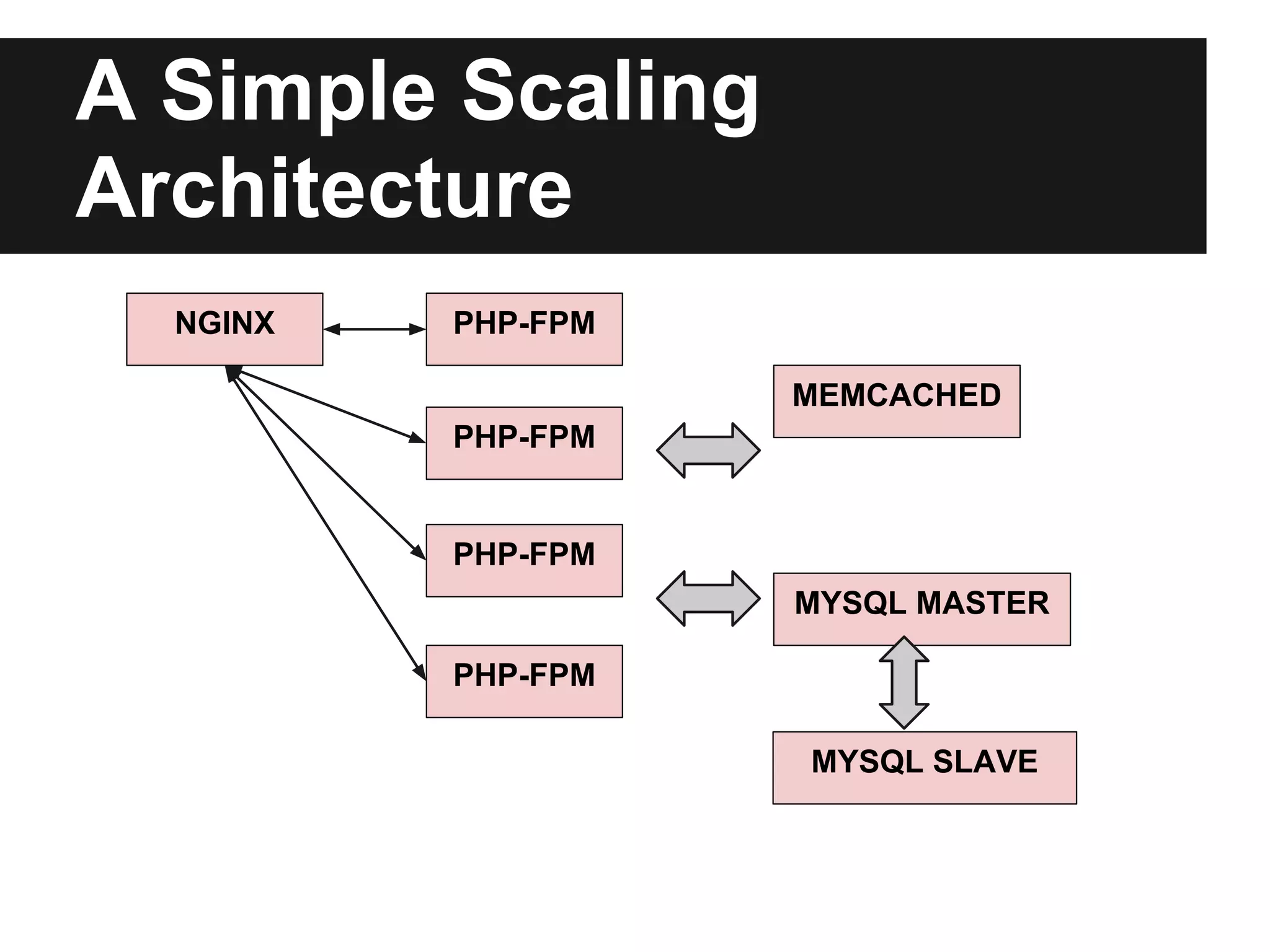
A Simple Scaling
Architecture
  NGINX   PHP-FPM

                    MEMCACHED
          PHP-FPM


          PHP-FPM
                    MYSQL MASTER

          PHP-FPM

                    MYSQL SLAVE
Apache
Awesome when you need to assault your server
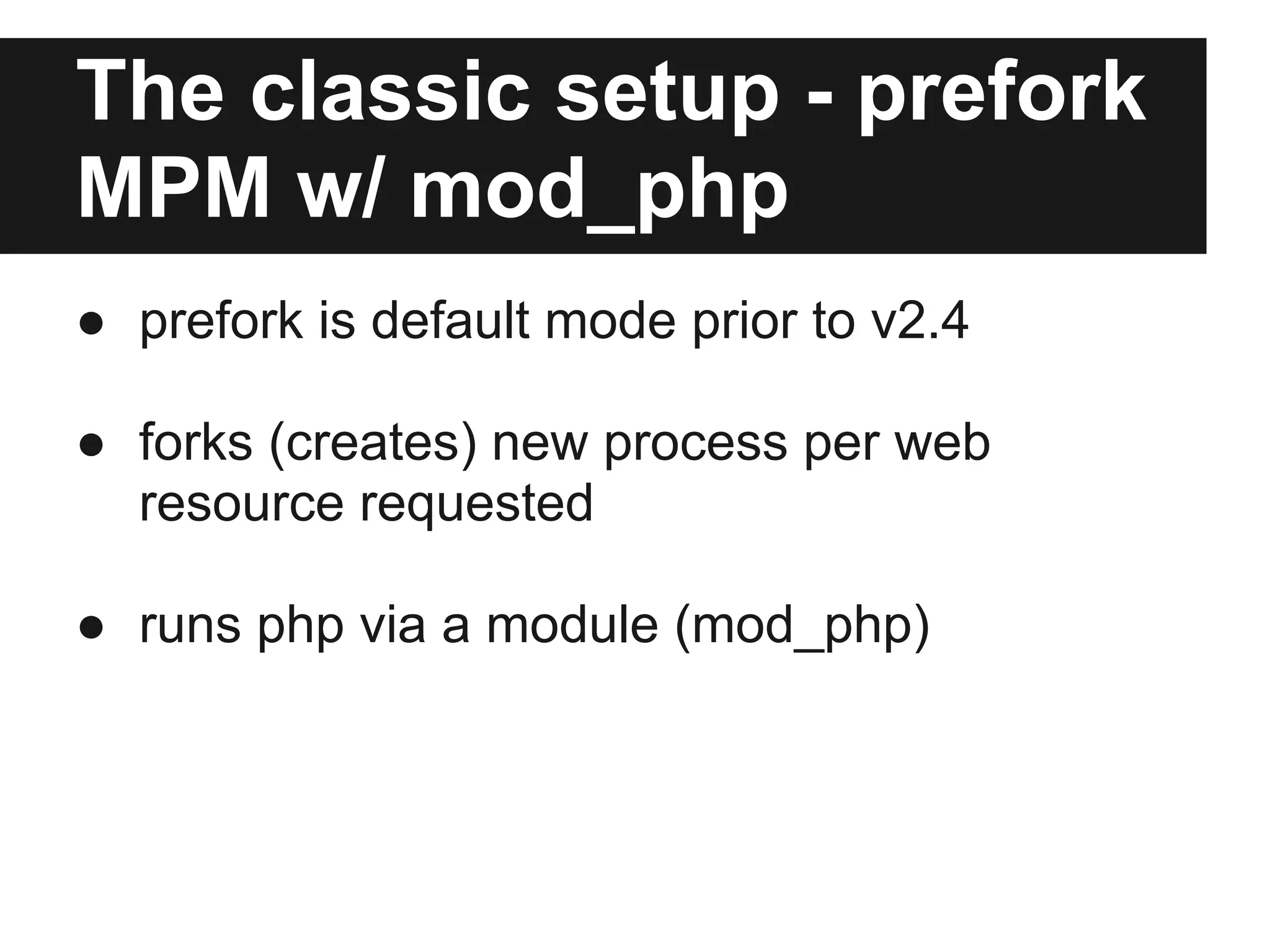
The classic setup - prefork
MPM w/ mod_php
● prefork is default mode prior to v2.4

● forks (creates) new process per web
  resource requested

● runs php via a module (mod_php)
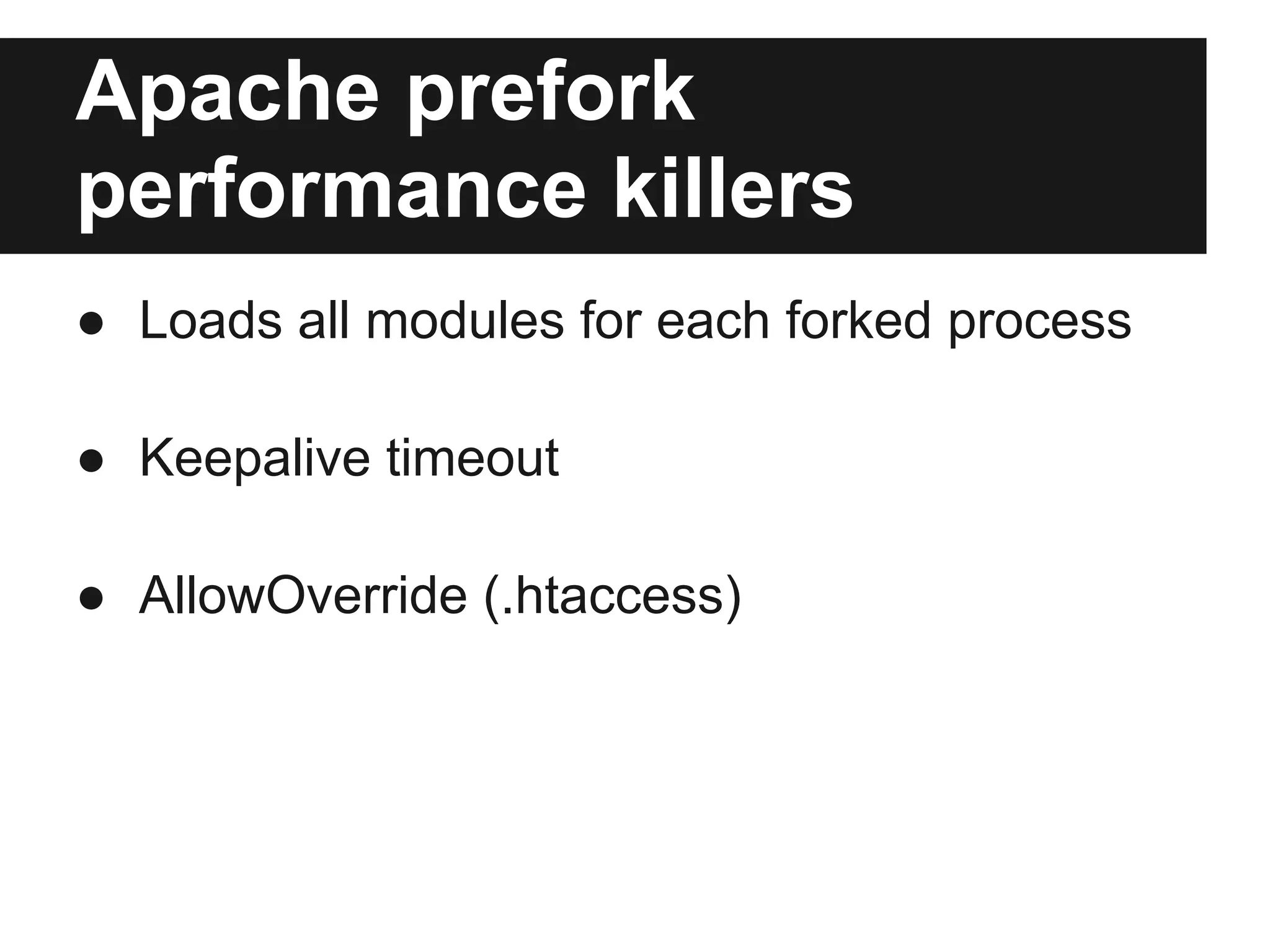
Apache prefork
performance killers
● Loads all modules for each forked process

● Keepalive timeout

● AllowOverride (.htaccess)
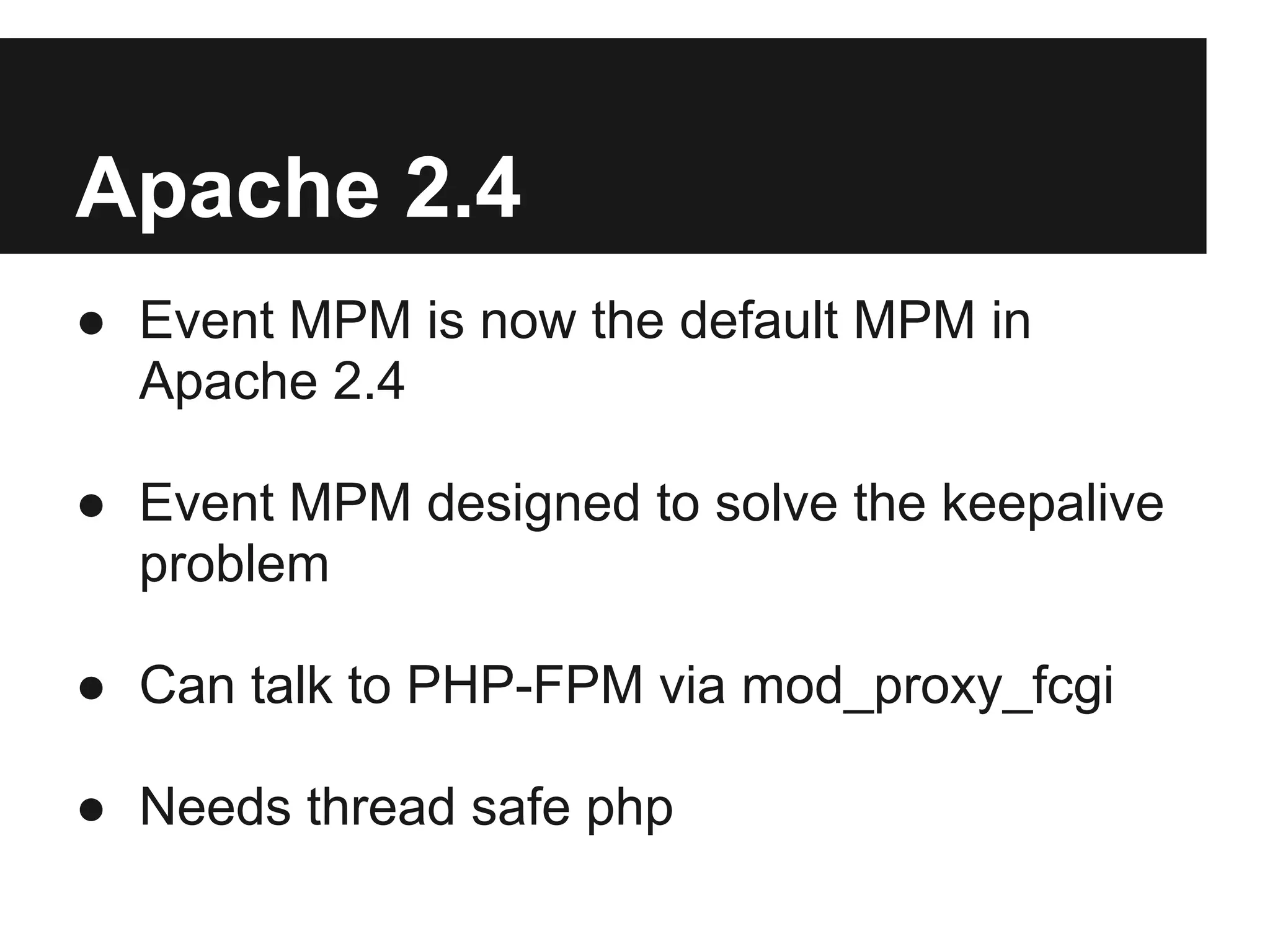
Apache 2.4
● Event MPM is now the default MPM in
  Apache 2.4

● Event MPM designed to solve the keepalive
  problem

● Can talk to PHP-FPM via mod_proxy_fcgi

● Needs thread safe php
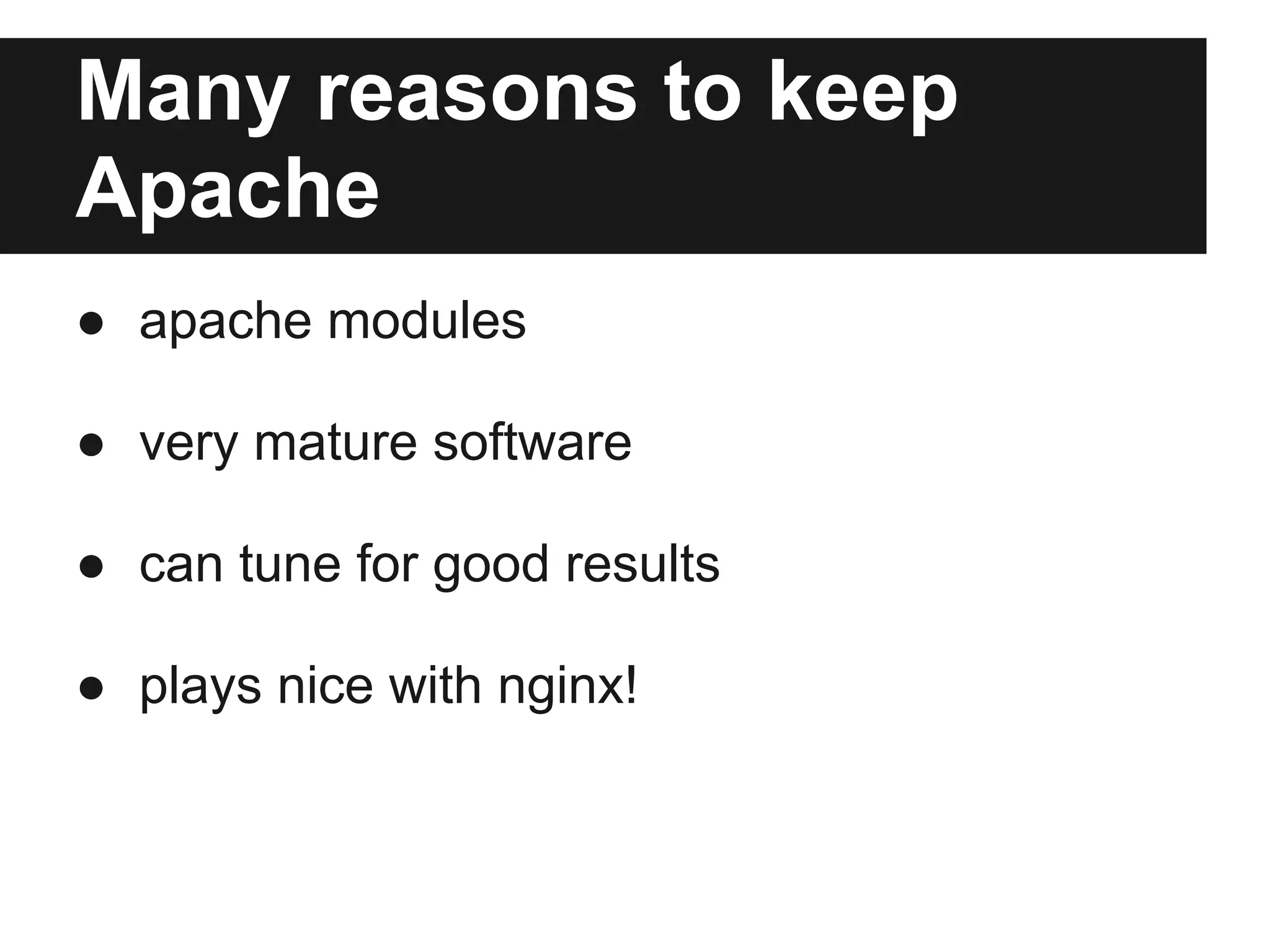
Many reasons to keep
Apache
● apache modules

● very mature software

● can tune for good results

● plays nice with nginx!
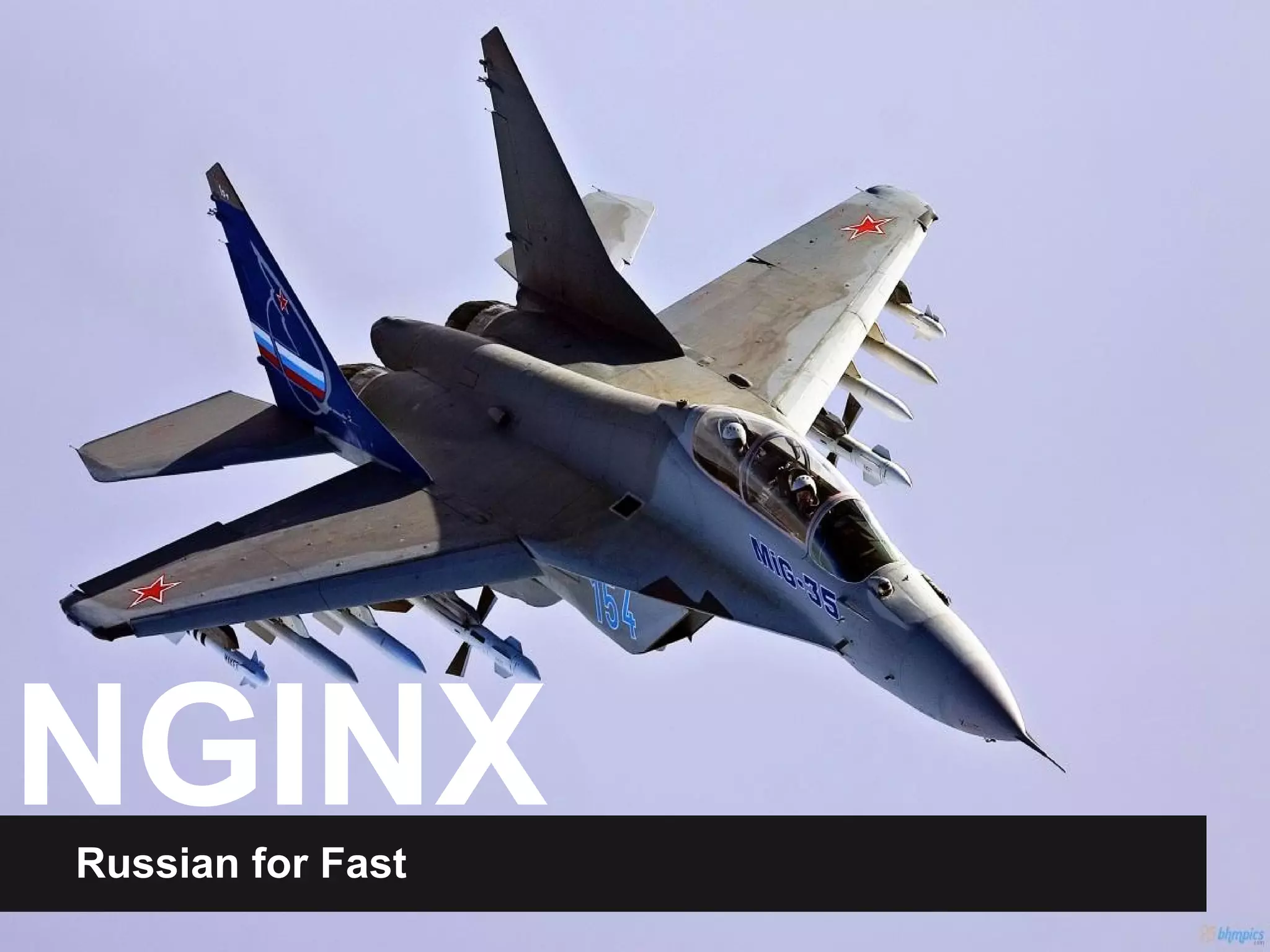
NGINX
Russian for Fast
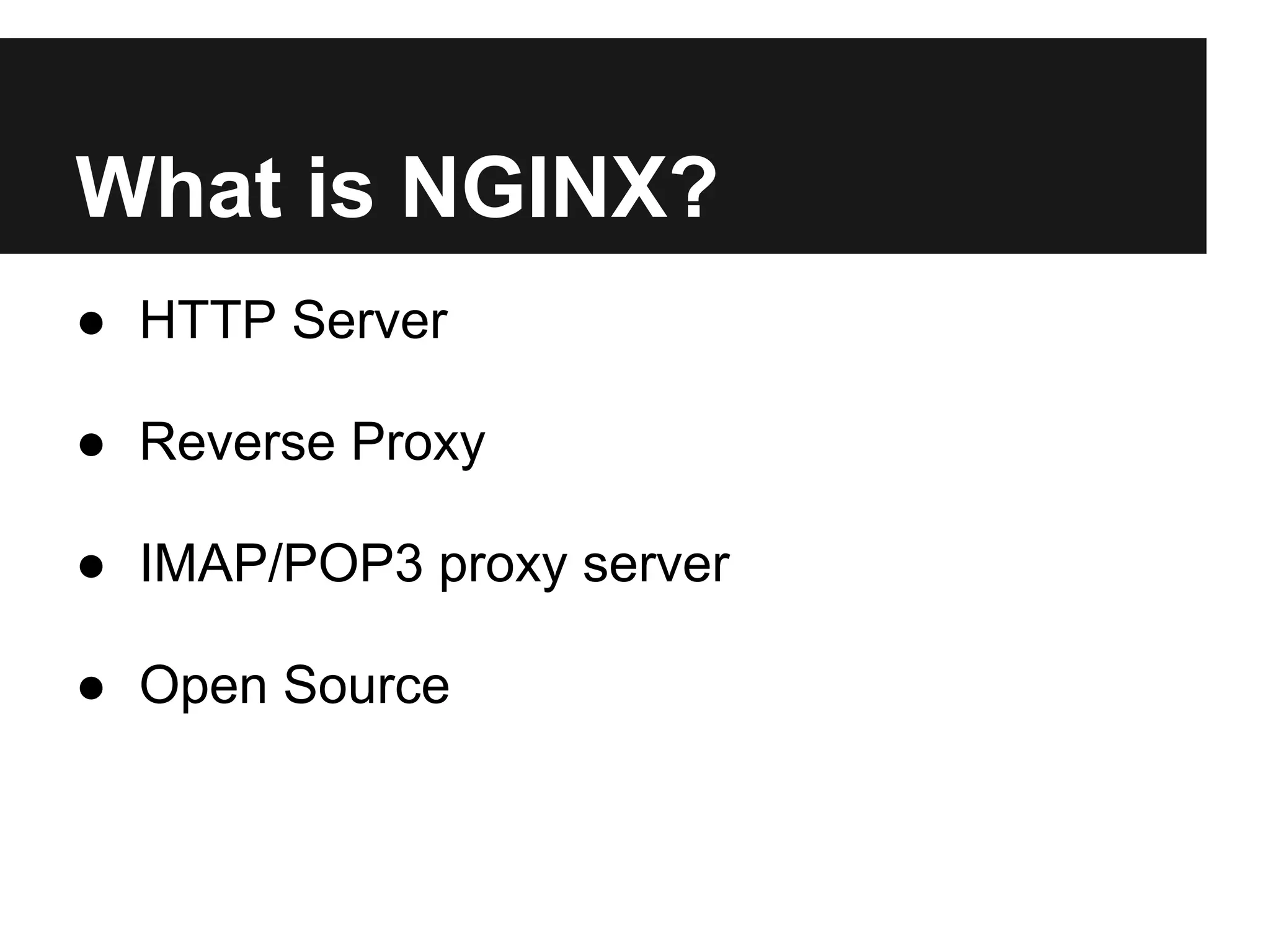
What is NGINX?
● HTTP Server

● Reverse Proxy

● IMAP/POP3 proxy server

● Open Source
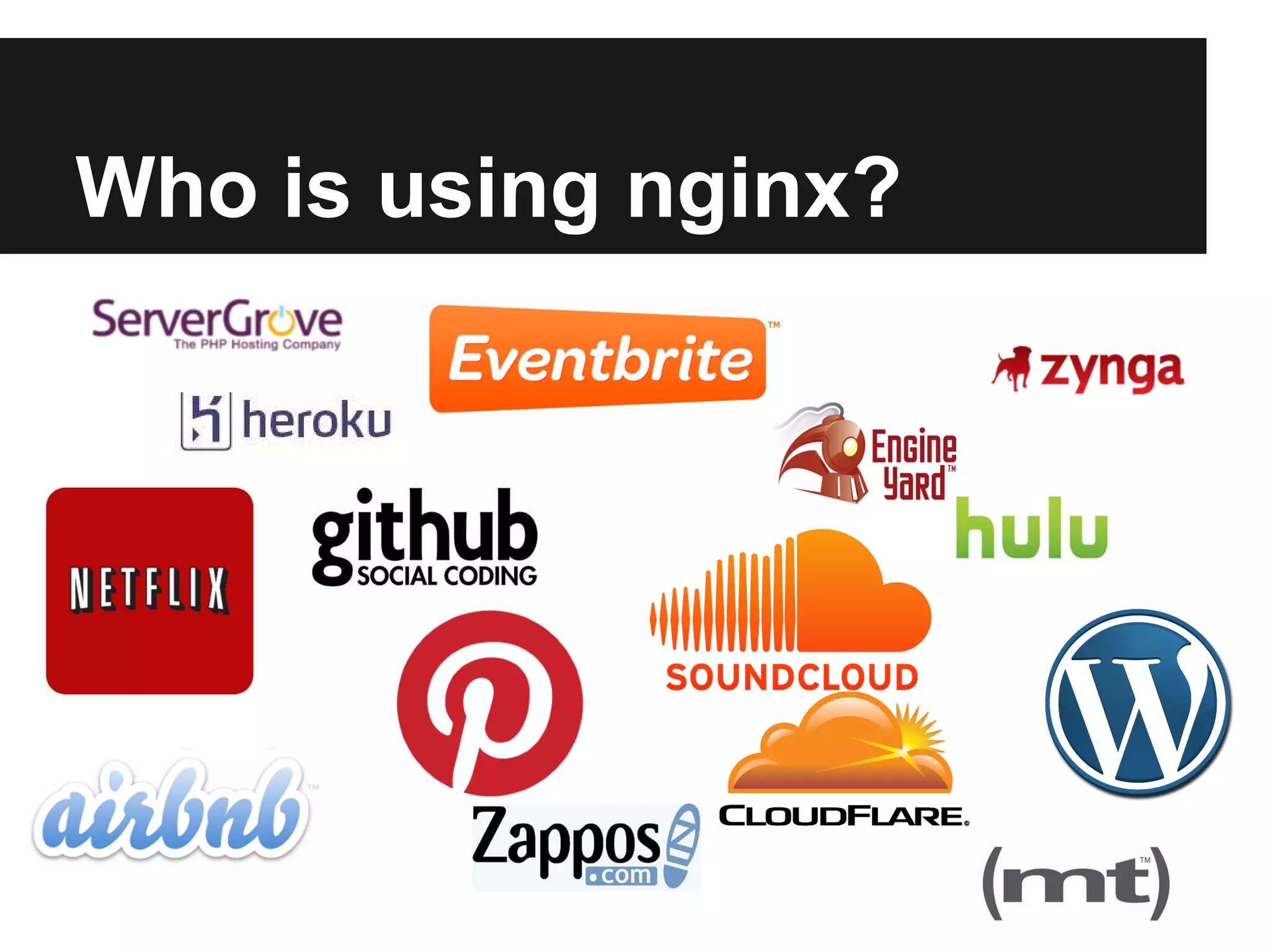
Who is using nginx?
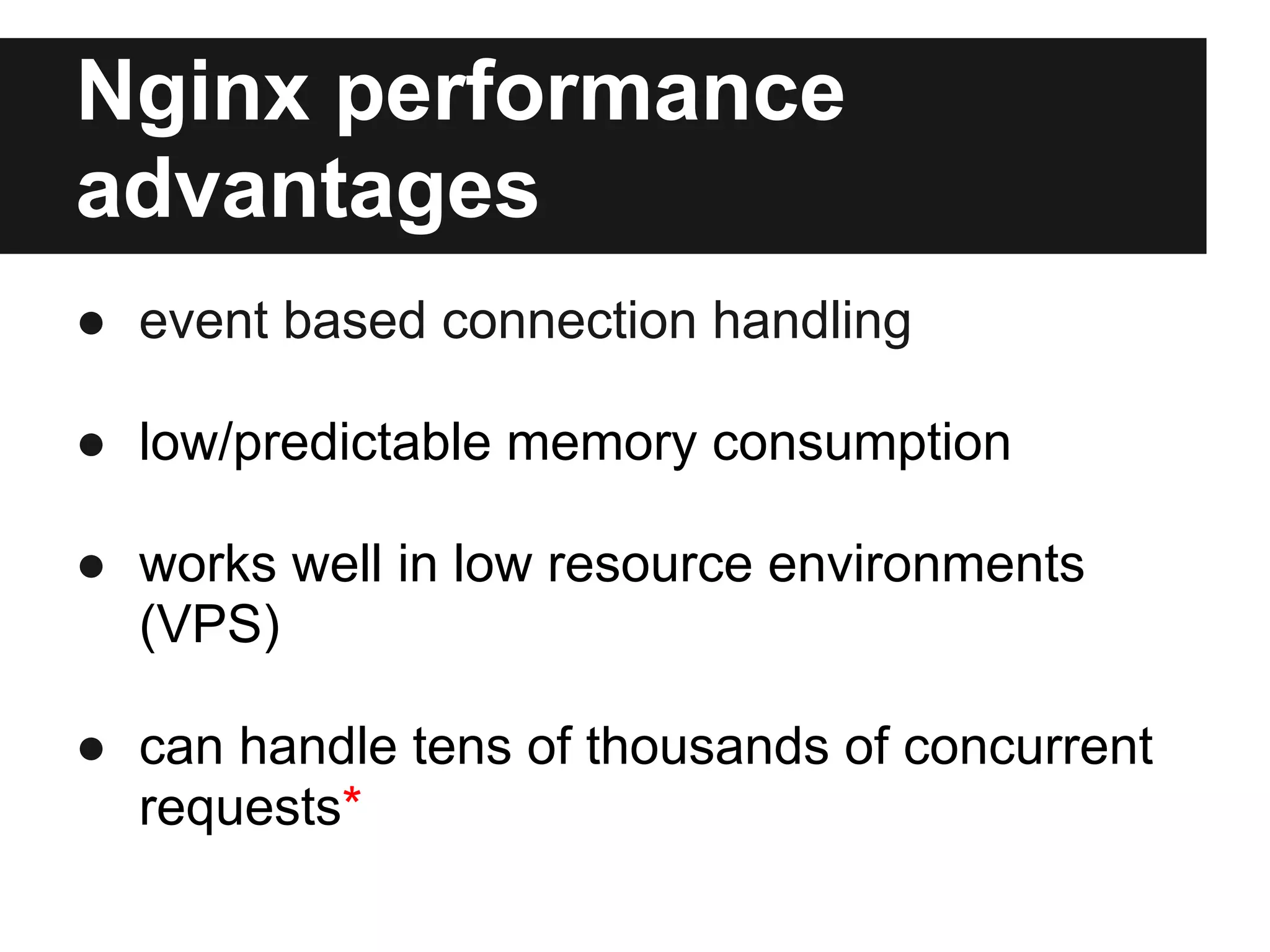
Nginx performance
advantages
● event based connection handling

● low/predictable memory consumption

● works well in low resource environments
  (VPS)

● can handle tens of thousands of concurrent
  requests*
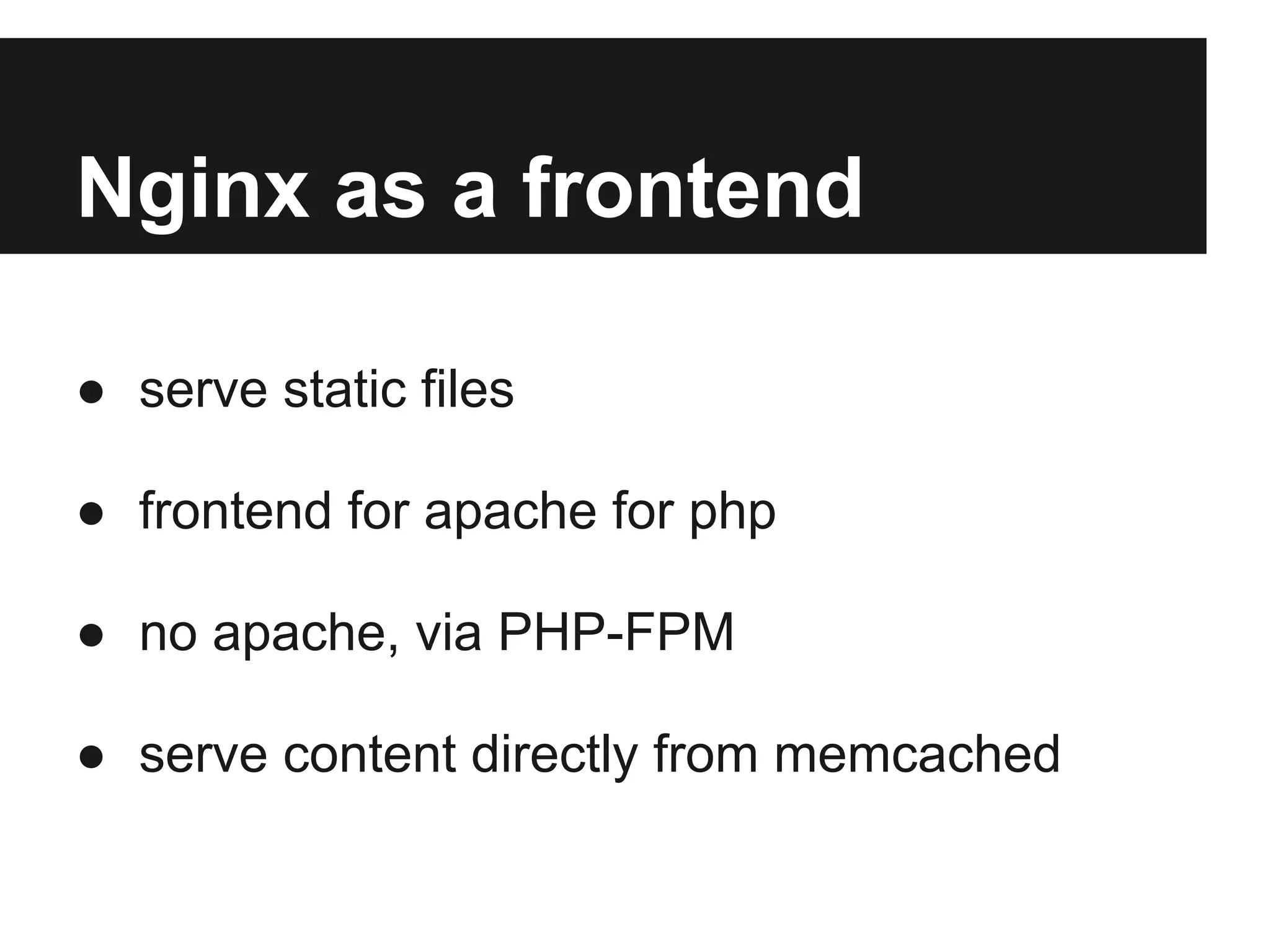
Nginx as a frontend

● serve static files

● frontend for apache for php

● no apache, via PHP-FPM

● serve content directly from memcached
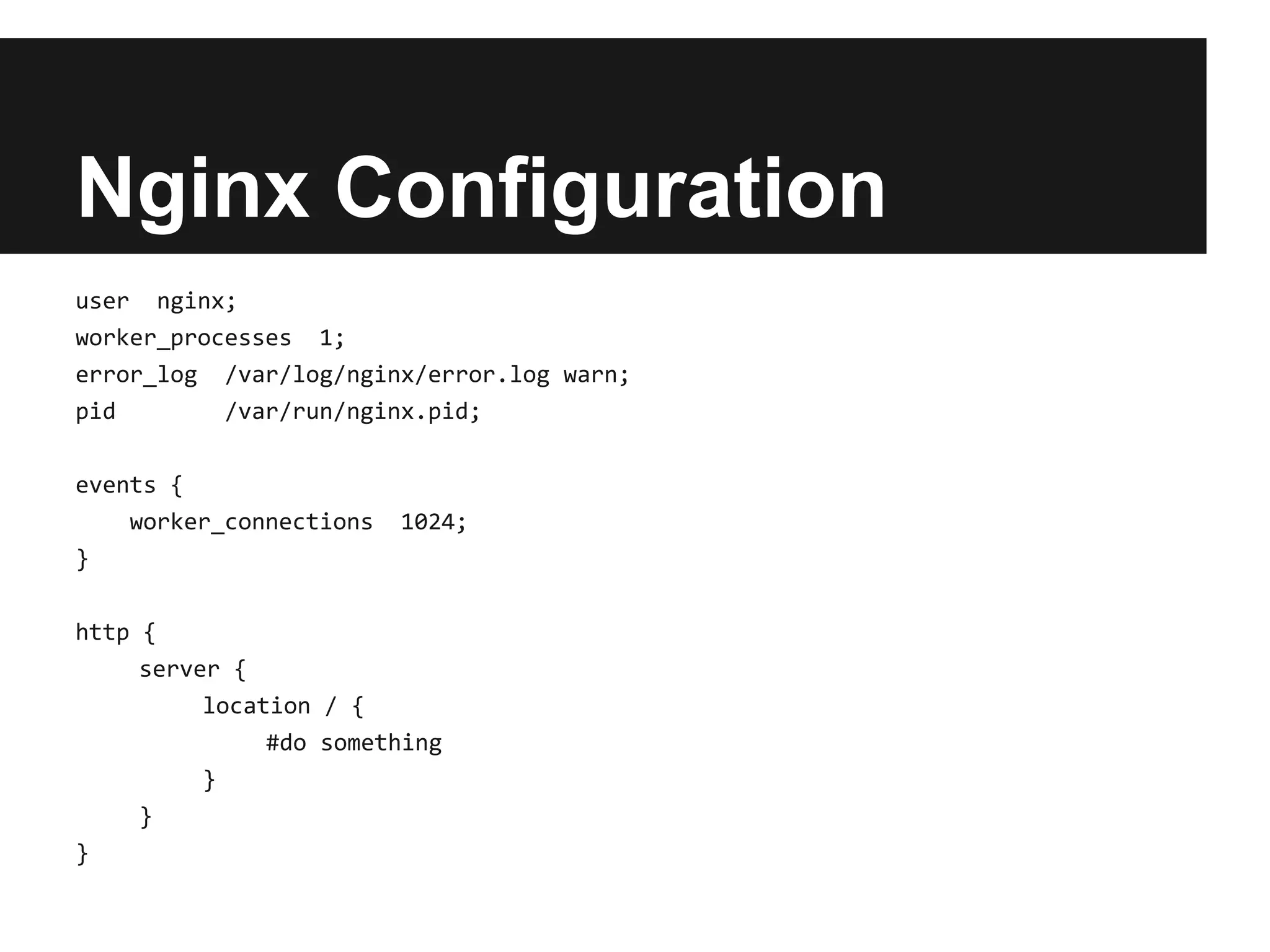
Nginx Configuration
user nginx;
worker_processes 1;
error_log /var/log/nginx/error.log warn;
pid        /var/run/nginx.pid;

events {
    worker_connections   1024;
}

http {
     server {
          location / {
               #do something
          }
     }
}
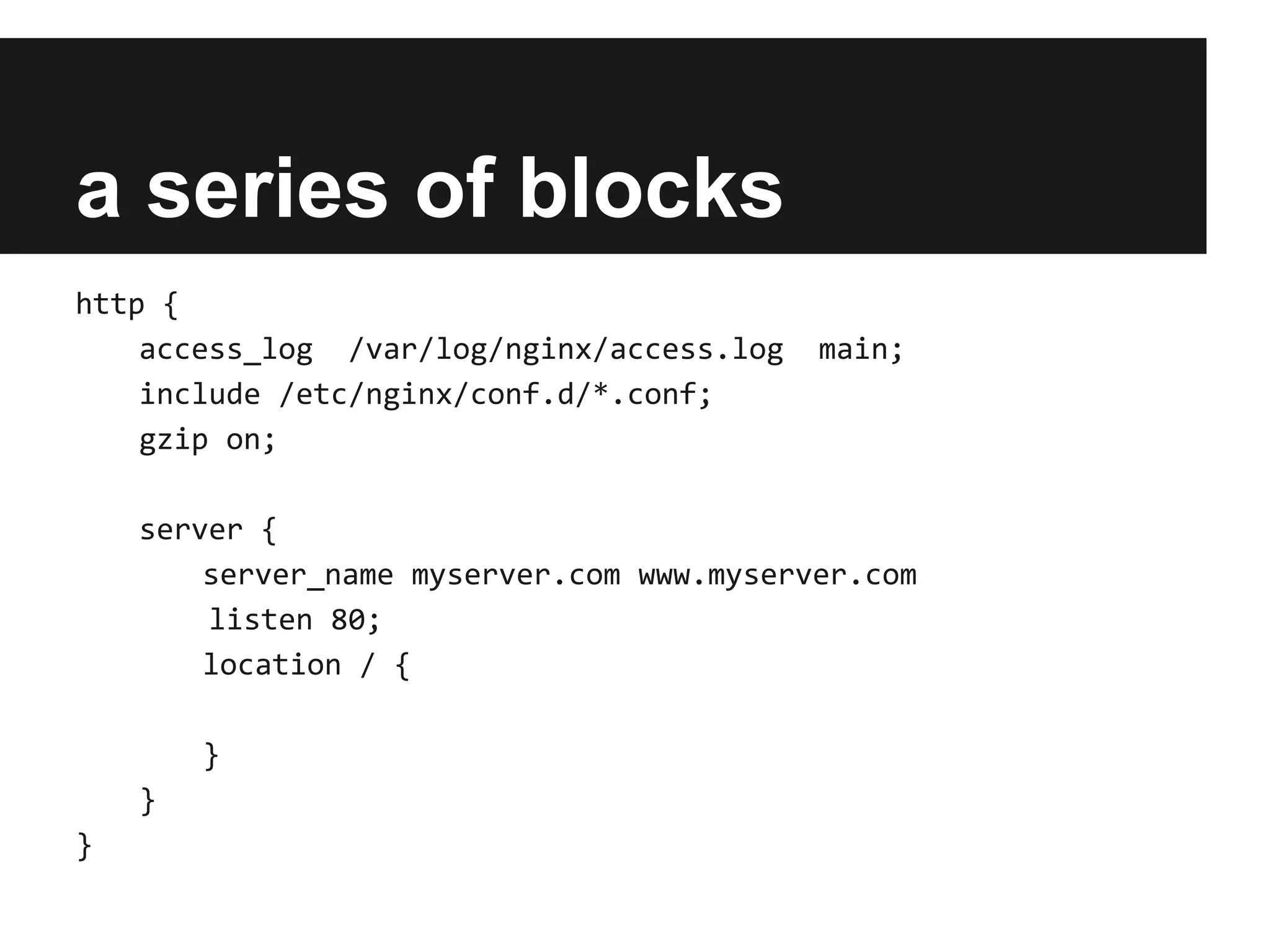
a series of blocks
http {
    access_log /var/log/nginx/access.log   main;
    include /etc/nginx/conf.d/*.conf;
    gzip on;

    server {
        server_name myserver.com www.myserver.com
        listen 80;
        location / {

        }
    }
}
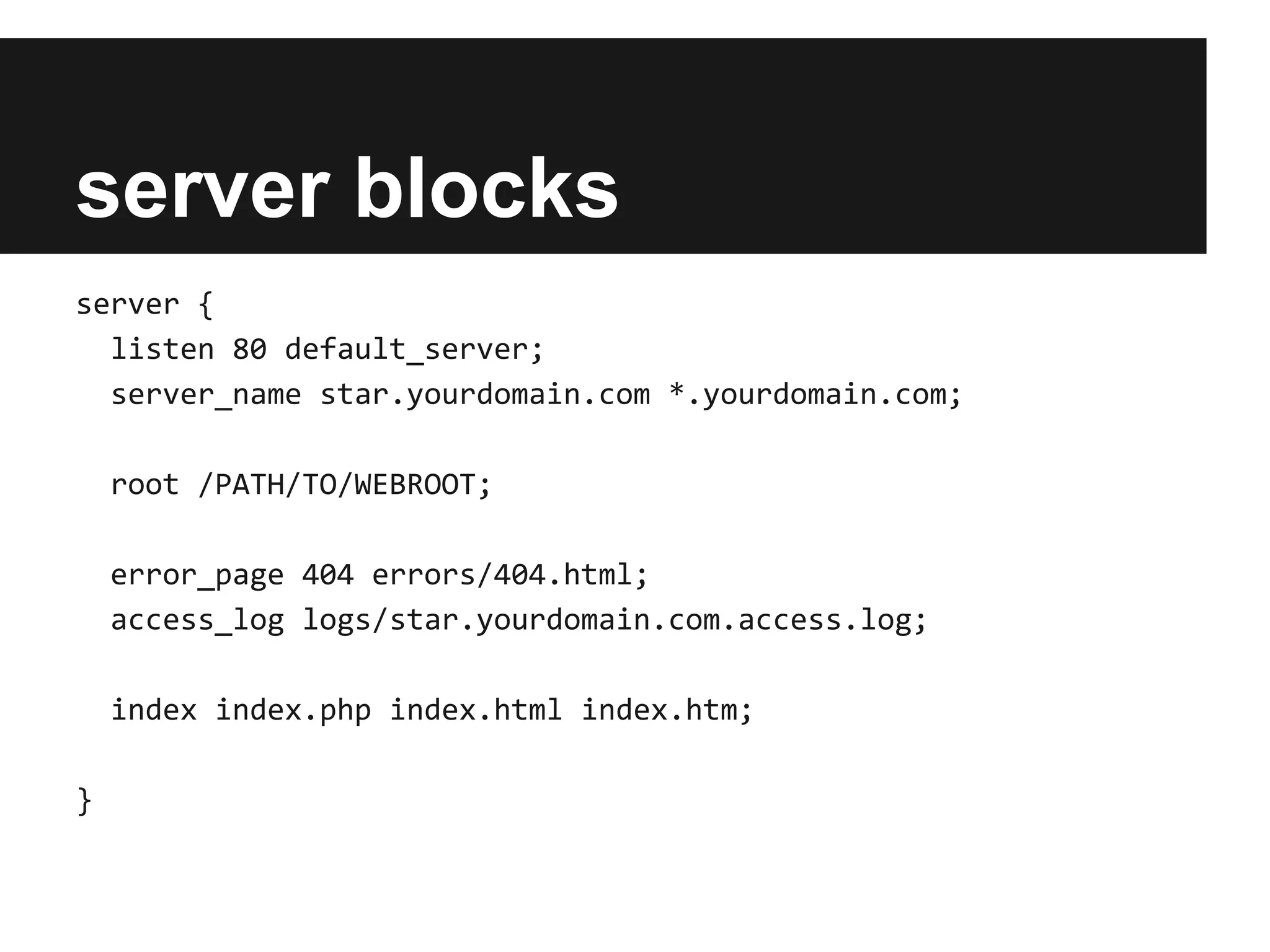
server blocks
server {
  listen 80 default_server;
  server_name star.yourdomain.com *.yourdomain.com;

    root /PATH/TO/WEBROOT;

    error_page 404 errors/404.html;
    access_log logs/star.yourdomain.com.access.log;

    index index.php index.html index.htm;

}
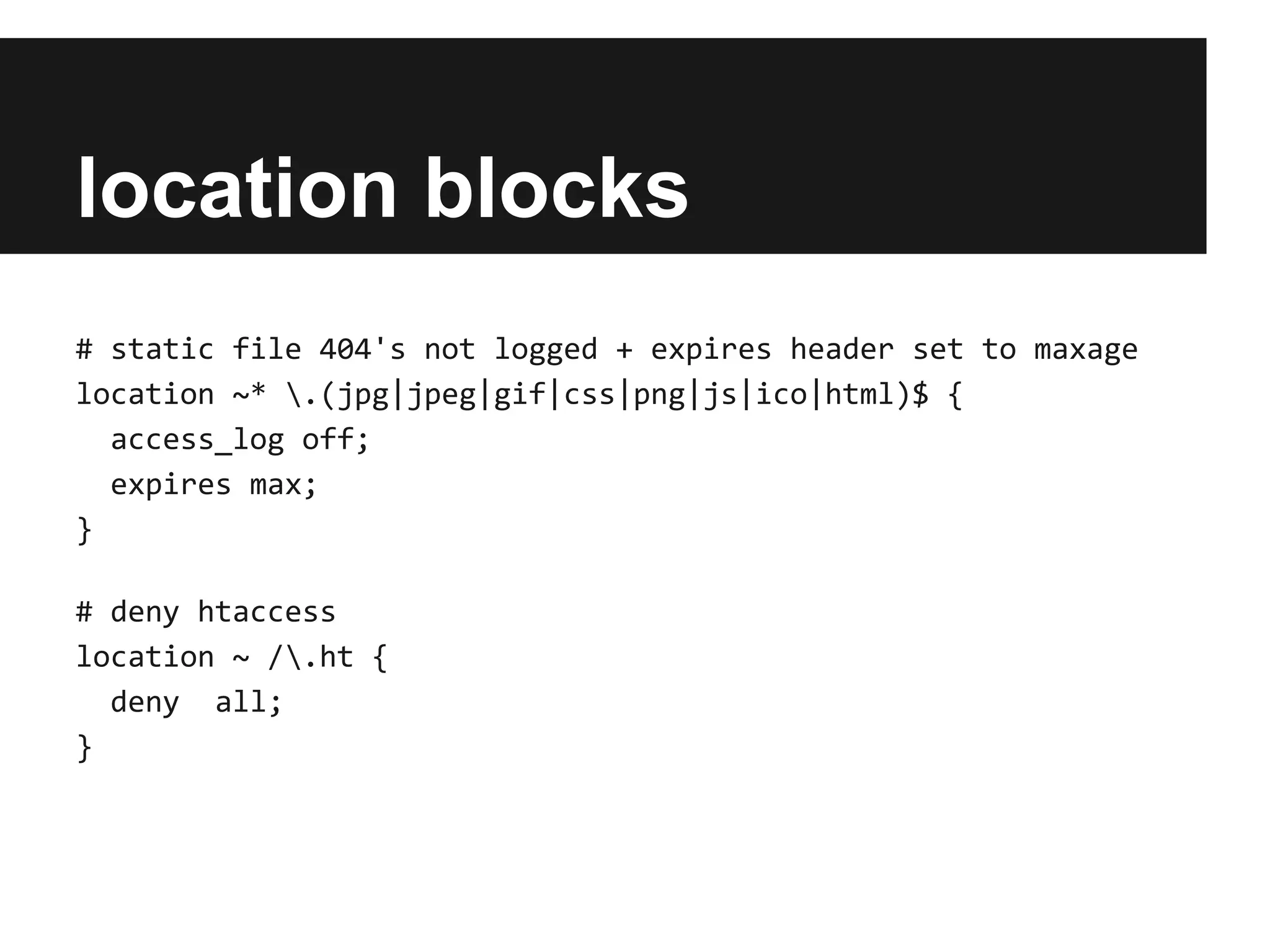
location blocks
# static file 404's not logged + expires header set to maxage
location ~* .(jpg|jpeg|gif|css|png|js|ico|html)$ {
  access_log off;
  expires max;
}

# deny htaccess
location ~ /.ht {
  deny all;
}
PHP-FPM
it's like mod_php without Apache
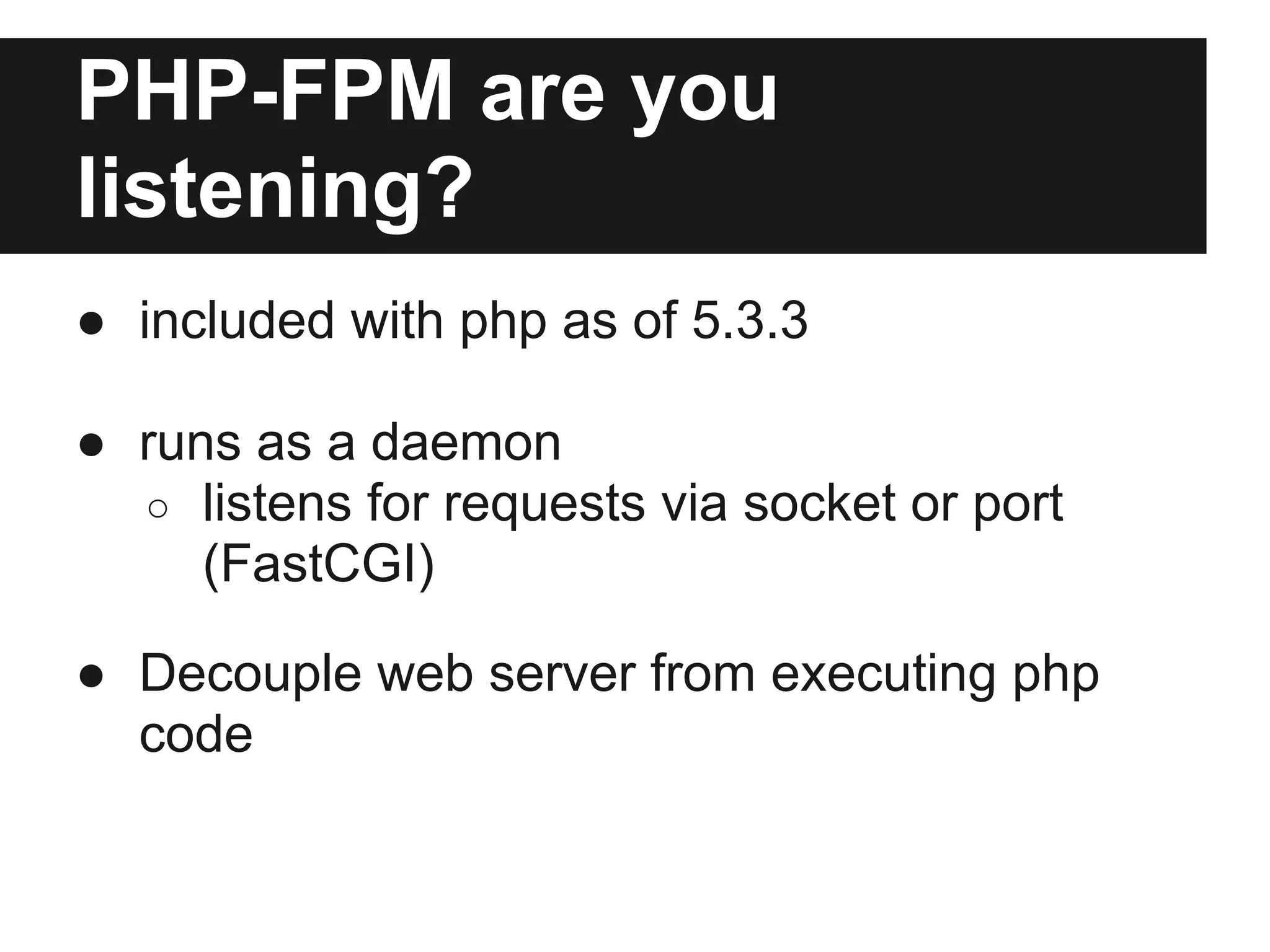
PHP-FPM are you
listening?
● included with php as of 5.3.3

● runs as a daemon
  ○ listens for requests via socket or port
     (FastCGI)

● Decouple web server from executing php
  code
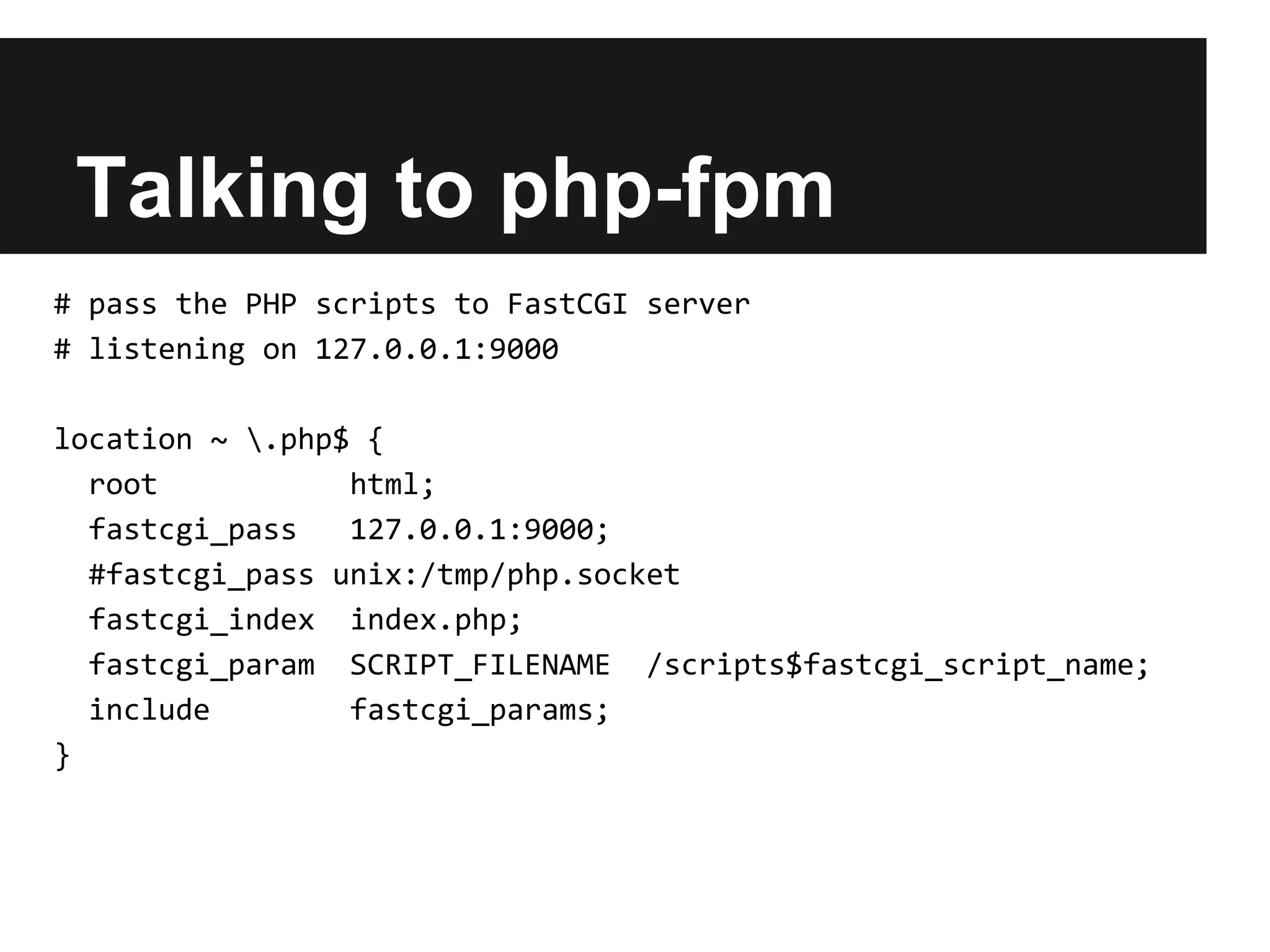
Talking to php-fpm
# pass the PHP scripts to FastCGI server
# listening on 127.0.0.1:9000

location ~ .php$ {
  root           html;
  fastcgi_pass   127.0.0.1:9000;
  #fastcgi_pass unix:/tmp/php.socket
  fastcgi_index index.php;
  fastcgi_param SCRIPT_FILENAME /scripts$fastcgi_script_name;
  include        fastcgi_params;
}
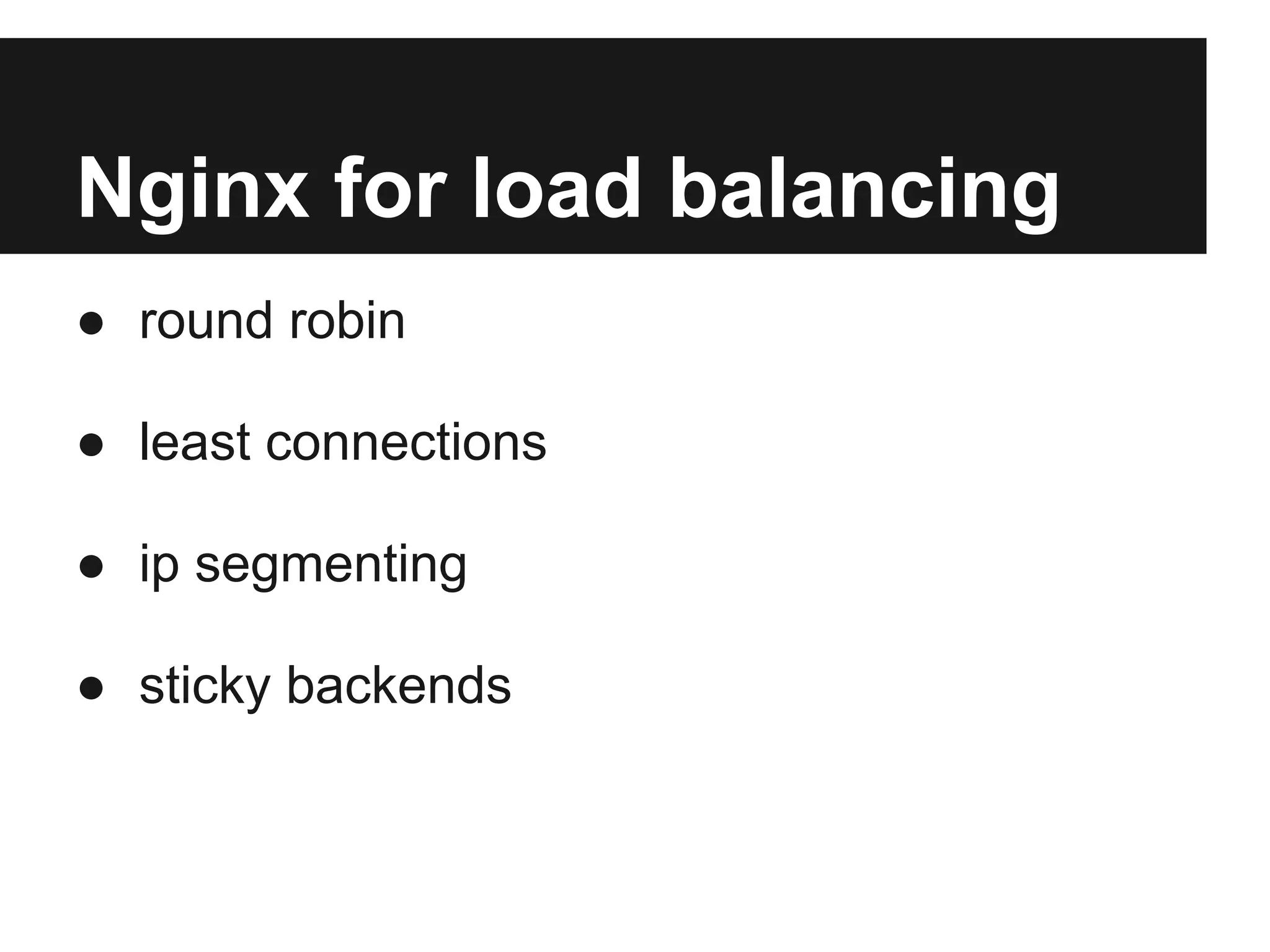
Nginx for load balancing
● round robin

● least connections

● ip segmenting

● sticky backends
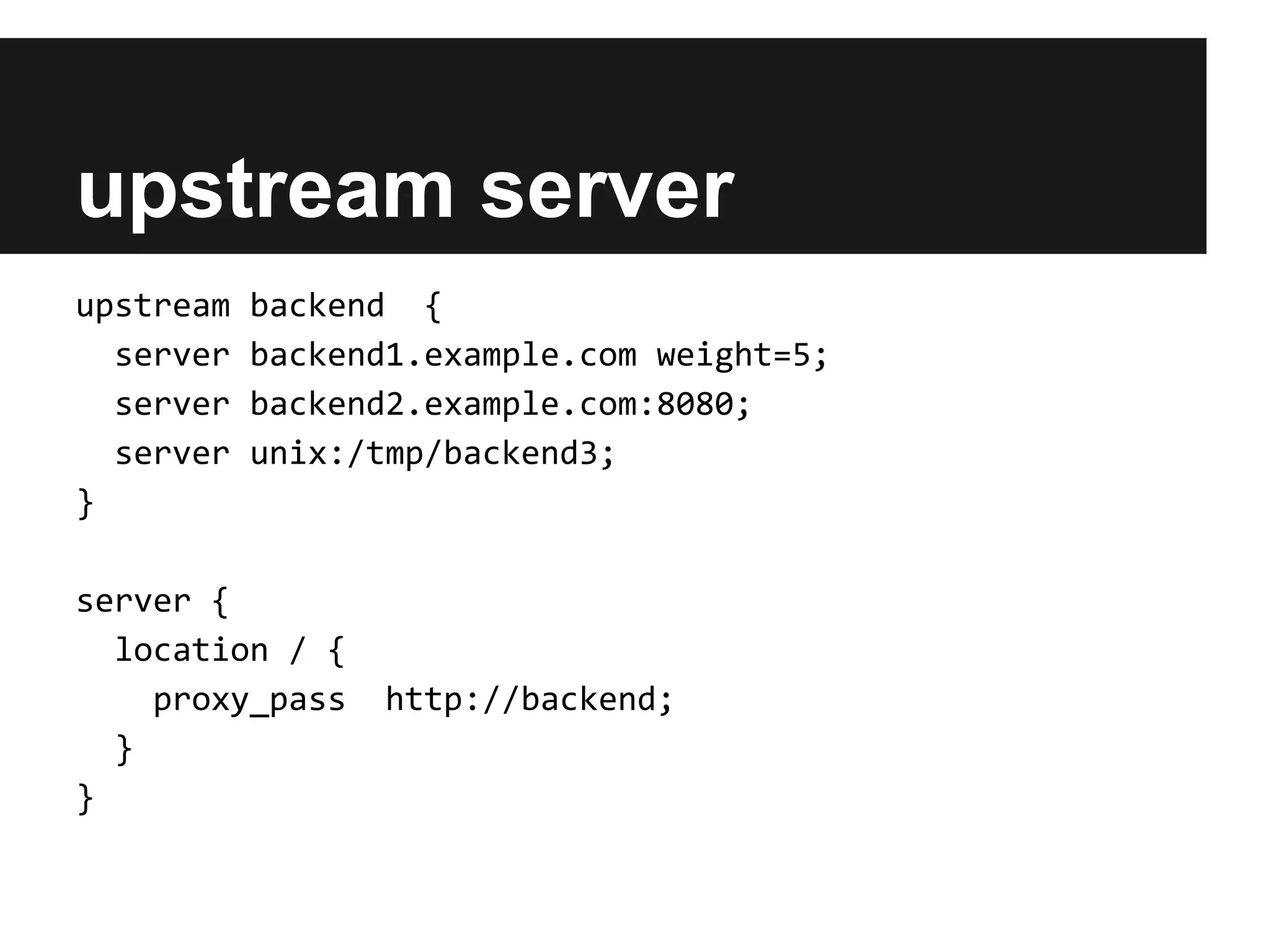
upstream server
upstream   backend {
  server   backend1.example.com weight=5;
  server   backend2.example.com:8080;
  server   unix:/tmp/backend3;
}

server {
  location / {
    proxy_pass   http://backend;
  }
}
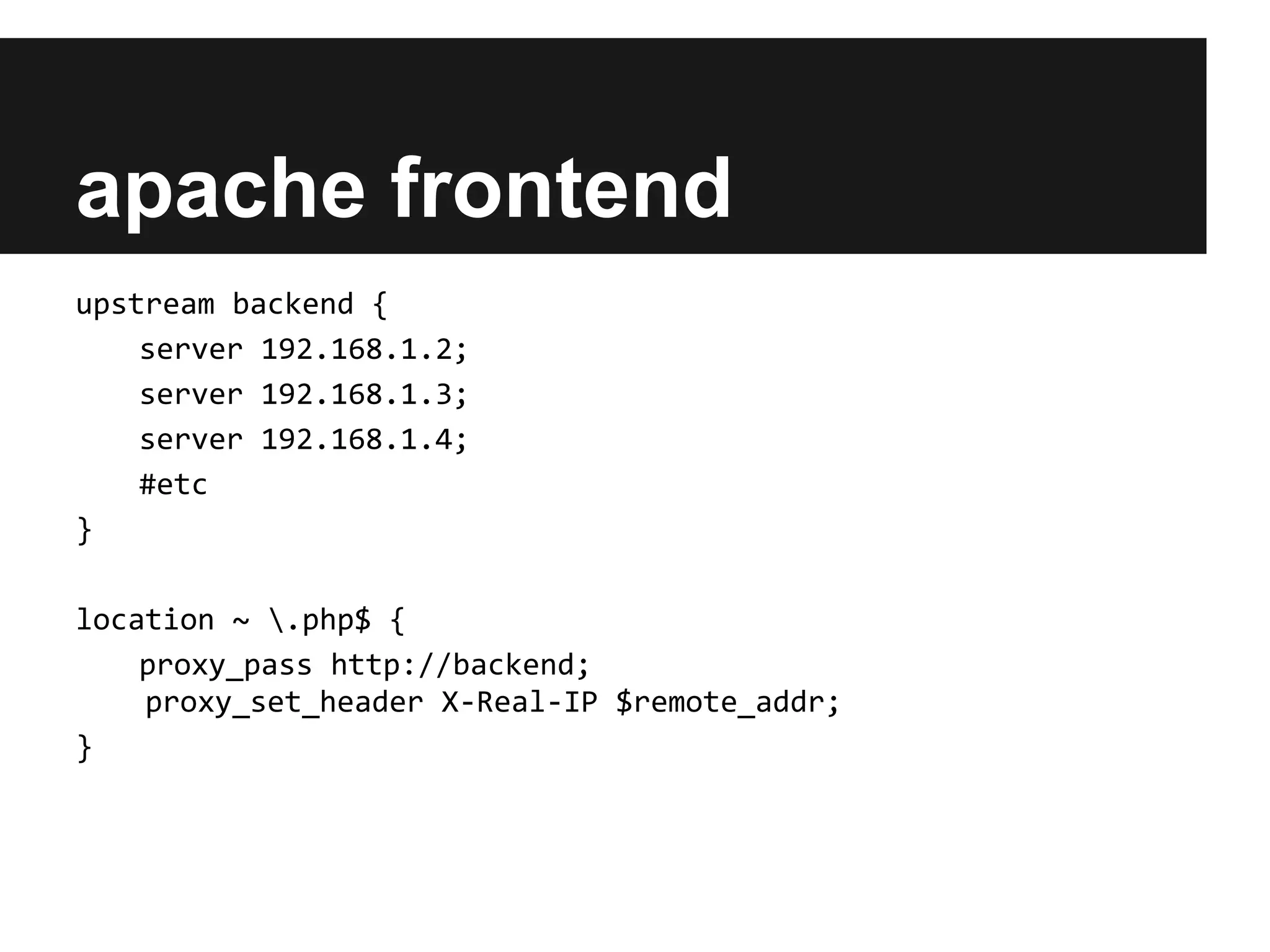
apache frontend
upstream backend {
    server 192.168.1.2;
    server 192.168.1.3;
    server 192.168.1.4;
    #etc
}

location ~ .php$ {
    proxy_pass http://backend;
    proxy_set_header X-Real-IP $remote_addr;
}
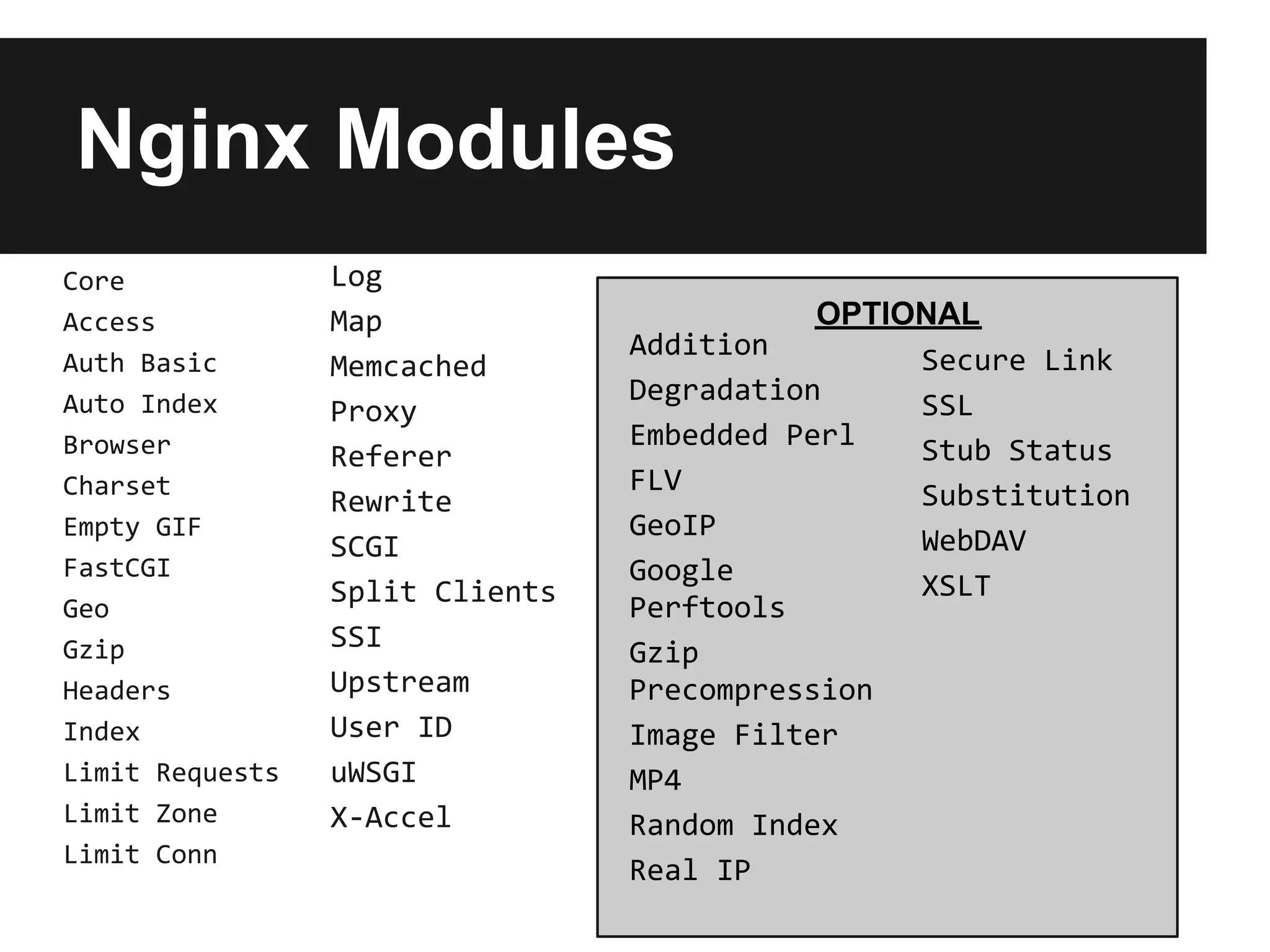
Nginx Modules
Core             Log
Access           Map                        OPTIONAL
                                 Addition        Secure Link
Auth Basic       Memcached
Auto Index                       Degradation     SSL
                 Proxy
Browser                          Embedded Perl   Stub Status
                 Referer
Charset                          FLV             Substitution
                 Rewrite
Empty GIF                        GeoIP           WebDAV
                 SCGI
FastCGI                          Google
                 Split Clients                   XSLT
Geo                              Perftools
Gzip             SSI             Gzip
Headers          Upstream        Precompression
Index            User ID         Image Filter
Limit Requests   uWSGI           MP4
Limit Zone       X-Accel         Random Index
Limit Conn
                                 Real IP
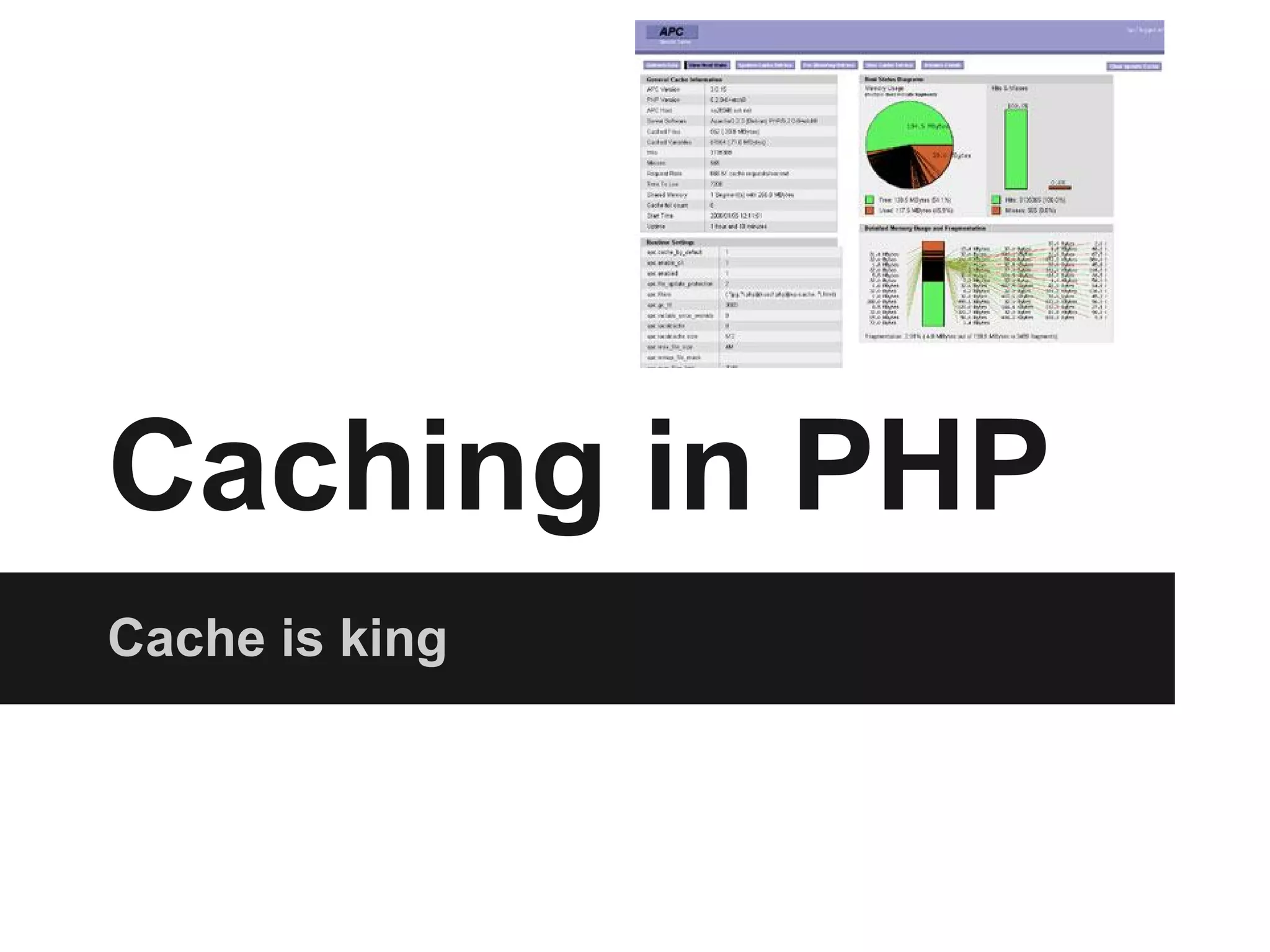
Caching in PHP
Cache is king
What is Memcached?


● invented by Brad Fitzpatrick to solve
  livejournal performance problems

● distributed key value store

● super fast
Set up Memcached
instances


● small sites can use as little as 25MB

● best results and reliability in a cluster
Talking to Memcached with
PHP
● naming disaster

● php has two memcached extensions
  ○ memcache
  ○ memcached - better support for advanced
    features
  ○ wtf?

● memcache(d) php extension only on nix
  platforms (no windows)
Connecting to Memcached
<?php
$cache = new Memcache;
$cache
  ->addServer('192.168.1.2',   11211, ..[OPTIONS]..);
$cache
  ->addServer('192.168.1.3',   11211, ..[OPTIONS]..);
$cache
  ->addServer('192.168.1.4',   11211, ..[OPTIONS]..);
$cache
  ->addServer('192.168.1.5',   11211, ..[OPTIONS]..);
Simple Cache strategy
<?php
$key = 'mystash';
$data = $cache->get($key);

if ($data === false) {
  $data = 'fill up the data';
  $cache->set($key, $data, ..[OPTIONS]..);
}
Be smart about caching

● cache expensive things (network, db)

● stale content can be much worse than slow
  content

● have a plan to expire cache entries
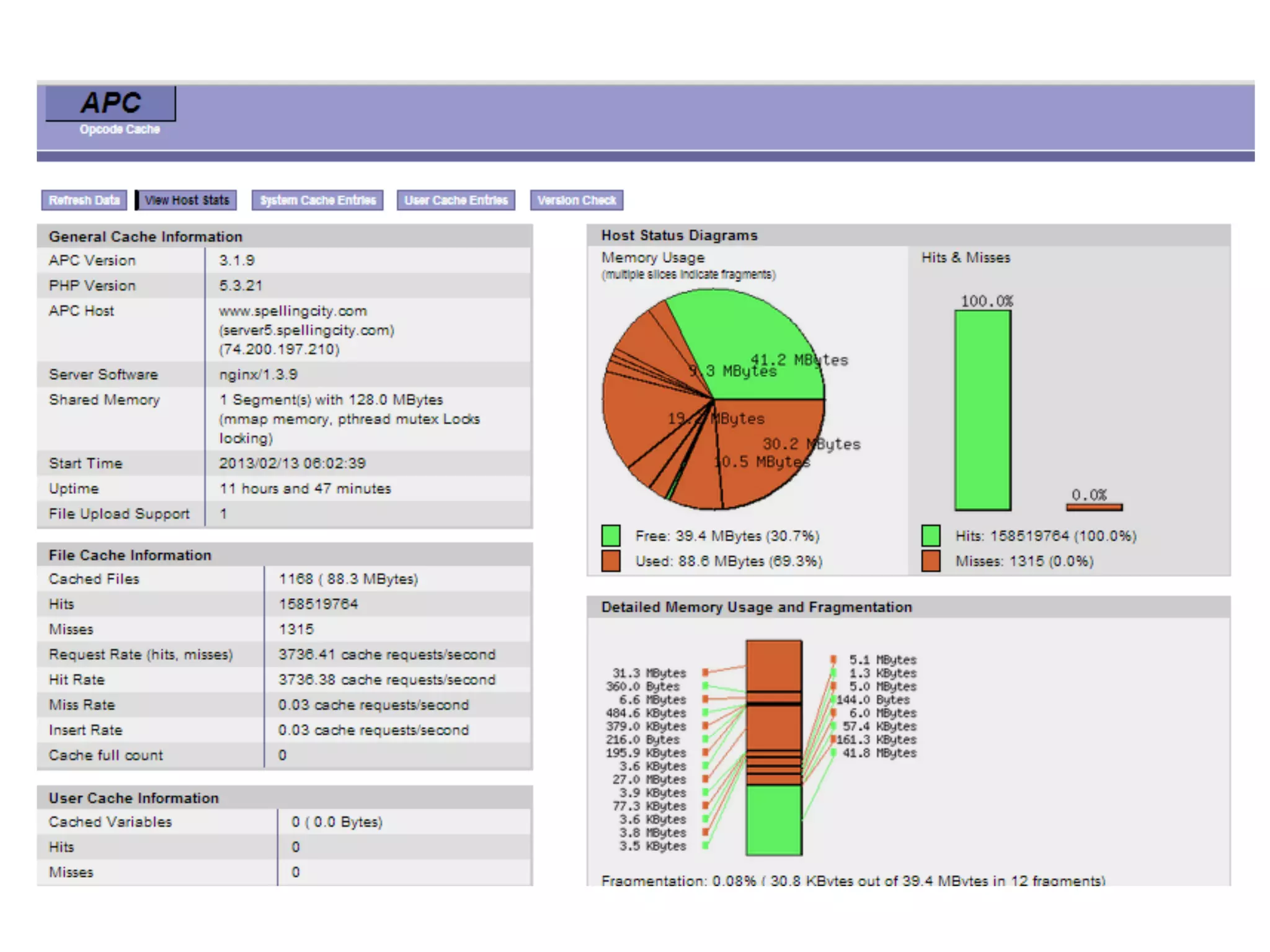
APC
● Opcode cache

● Stores ready-to-run machine code

● will eventually be replaced by zend optimizer
  (php 5.5)

● has data caching api
Bottlenecks &
 Benchmarking


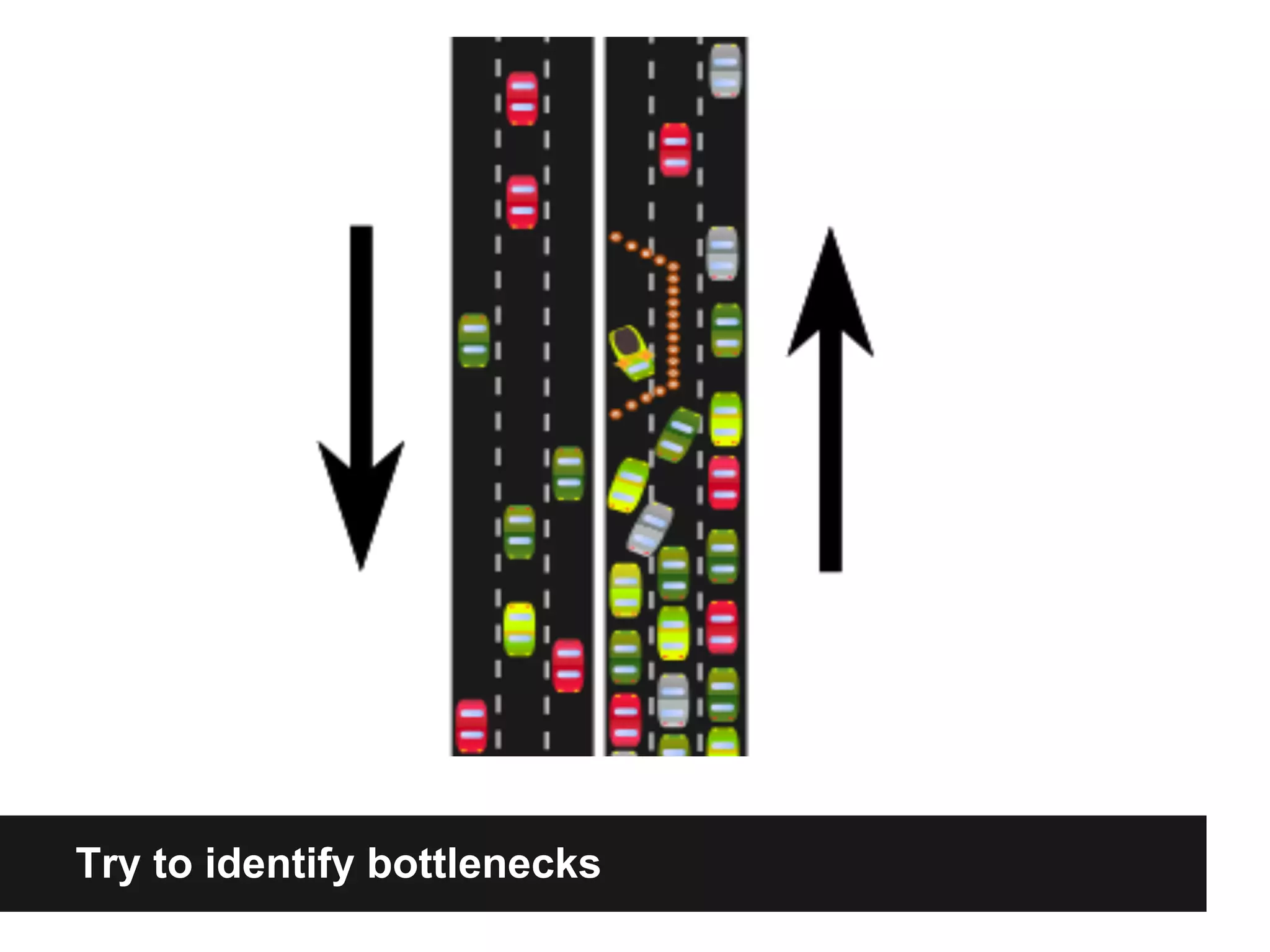
Try to identify bottlenecks
Find out what is slow
● web server

● database

● bandwidth / infrastructure

● php code
Avoid the file system
● does not scale well

● expensive to make fast

● cloud hosting and multi-server
  implementations more complicated
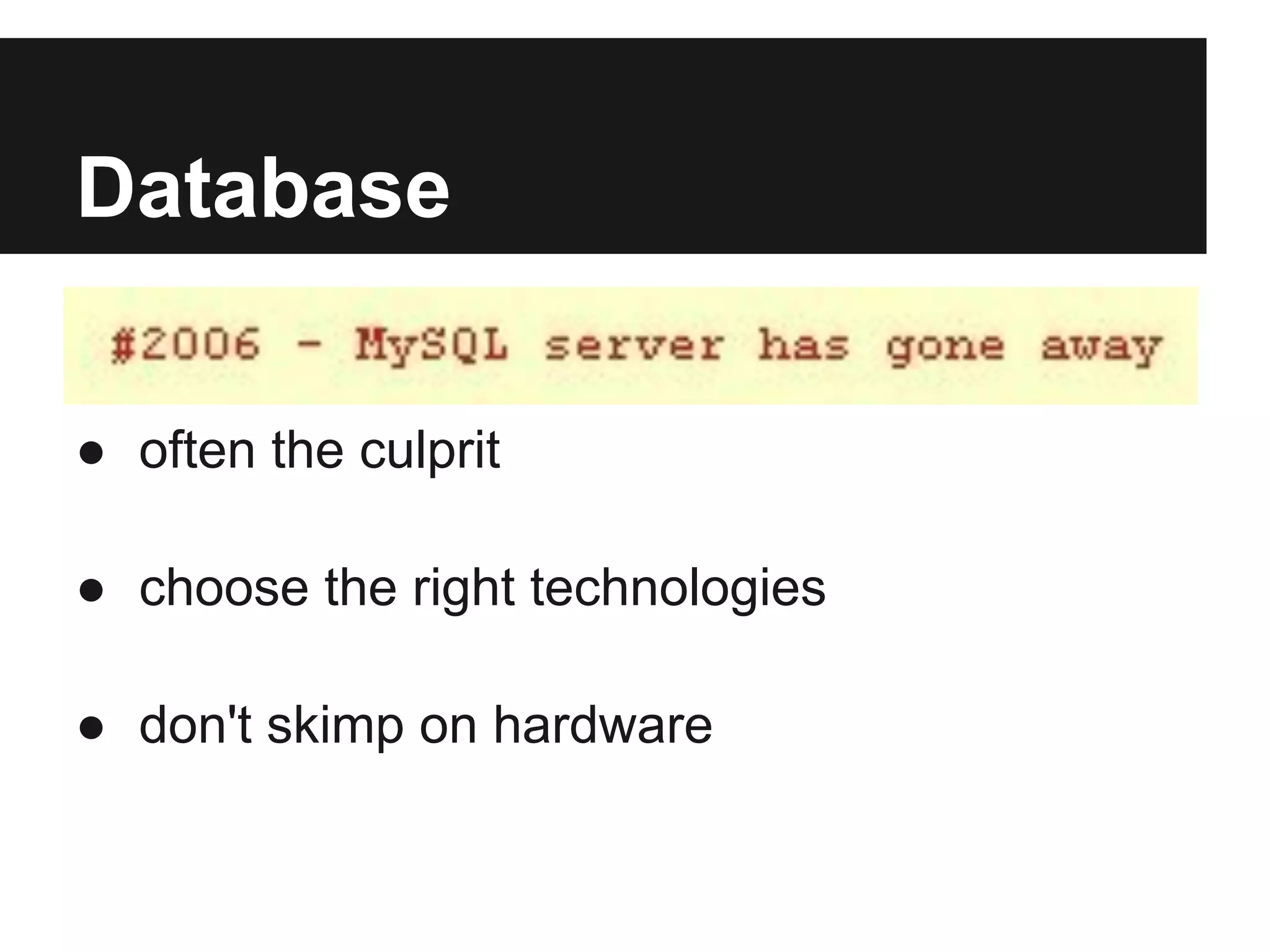
Database

● often the culprit

● choose the right technologies

● don't skimp on hardware
Other people's benchmarks
● Monitoring and testing is key

● avoid magical thinking:
   ○   "Magical thinking is thinking that one's thoughts by themselves can
       bring about effects in the world or that thinking something corresponds
       with doing it"

● use tools like newrelic with actual users
It's all about the end user

● avoid blocking javascript

● be aware of static assets

● use expires headers correctly
Seriously, try New Relic
● FREE basic account, with PRO TRIAL

● runs as a deamon + php extension

● allows deep inspection of web transactions

● need ability to install package on server
Homework
Dig one level deeper
● We work in abstractions

● Understand the systems that deliver your
  code to the browser

● Identify the problems before implementing
  the solutions
Resources
● nginx wiki - http://wiki.nginx.org/
● php-fpm - http://php.net/manual/en/install.fpm.php
● memcached - http://memcached.org/
● memcache extensions
  ○ memcache - http://php.net/manual/en/book.
     memcache.php
  ○ memcache(d) - http://php.net/manual/en/book.
     memcached.php
● apc - http://php.net/manual/en/book.apc.php
● newrelic - http://newrelic.com/
Questions?
   James Fuller
   @j_blotus

   http://www.jblotus.com

Nginx pres

  • 1.
    JAMES FULLER 02/13/2013 Simply Scale w/ Nginx, Memcached, PHP-FPM and APC
  • 2.
    In this talk... ●my experiences working in a high-traffic environment ● intro to nginx for apache users ● running php with php-fpm ● memcached & caching tips ● identifying bottlenecks / open discussion
  • 3.
    The Early Years CheapShared Hosting
  • 4.
  • 5.
    A Simple Scaling Architecture NGINX PHP-FPM MEMCACHED PHP-FPM PHP-FPM MYSQL MASTER PHP-FPM MYSQL SLAVE
  • 7.
    Apache Awesome when youneed to assault your server
  • 8.
    The classic setup- prefork MPM w/ mod_php ● prefork is default mode prior to v2.4 ● forks (creates) new process per web resource requested ● runs php via a module (mod_php)
  • 9.
    Apache prefork performance killers ●Loads all modules for each forked process ● Keepalive timeout ● AllowOverride (.htaccess)
  • 10.
    Apache 2.4 ● EventMPM is now the default MPM in Apache 2.4 ● Event MPM designed to solve the keepalive problem ● Can talk to PHP-FPM via mod_proxy_fcgi ● Needs thread safe php
  • 11.
    Many reasons tokeep Apache ● apache modules ● very mature software ● can tune for good results ● plays nice with nginx!
  • 12.
  • 13.
    What is NGINX? ●HTTP Server ● Reverse Proxy ● IMAP/POP3 proxy server ● Open Source
  • 14.
  • 15.
    Nginx performance advantages ● eventbased connection handling ● low/predictable memory consumption ● works well in low resource environments (VPS) ● can handle tens of thousands of concurrent requests*
  • 16.
    Nginx as afrontend ● serve static files ● frontend for apache for php ● no apache, via PHP-FPM ● serve content directly from memcached
  • 17.
    Nginx Configuration user nginx; worker_processes1; error_log /var/log/nginx/error.log warn; pid /var/run/nginx.pid; events { worker_connections 1024; } http { server { location / { #do something } } }
  • 18.
    a series ofblocks http { access_log /var/log/nginx/access.log main; include /etc/nginx/conf.d/*.conf; gzip on; server { server_name myserver.com www.myserver.com listen 80; location / { } } }
  • 19.
    server blocks server { listen 80 default_server; server_name star.yourdomain.com *.yourdomain.com; root /PATH/TO/WEBROOT; error_page 404 errors/404.html; access_log logs/star.yourdomain.com.access.log; index index.php index.html index.htm; }
  • 20.
    location blocks # staticfile 404's not logged + expires header set to maxage location ~* .(jpg|jpeg|gif|css|png|js|ico|html)$ { access_log off; expires max; } # deny htaccess location ~ /.ht { deny all; }
  • 21.
  • 22.
    PHP-FPM are you listening? ●included with php as of 5.3.3 ● runs as a daemon ○ listens for requests via socket or port (FastCGI) ● Decouple web server from executing php code
  • 23.
    Talking to php-fpm #pass the PHP scripts to FastCGI server # listening on 127.0.0.1:9000 location ~ .php$ { root html; fastcgi_pass 127.0.0.1:9000; #fastcgi_pass unix:/tmp/php.socket fastcgi_index index.php; fastcgi_param SCRIPT_FILENAME /scripts$fastcgi_script_name; include fastcgi_params; }
  • 24.
    Nginx for loadbalancing ● round robin ● least connections ● ip segmenting ● sticky backends
  • 25.
    upstream server upstream backend { server backend1.example.com weight=5; server backend2.example.com:8080; server unix:/tmp/backend3; } server { location / { proxy_pass http://backend; } }
  • 26.
    apache frontend upstream backend{ server 192.168.1.2; server 192.168.1.3; server 192.168.1.4; #etc } location ~ .php$ { proxy_pass http://backend; proxy_set_header X-Real-IP $remote_addr; }
  • 27.
    Nginx Modules Core Log Access Map OPTIONAL Addition Secure Link Auth Basic Memcached Auto Index Degradation SSL Proxy Browser Embedded Perl Stub Status Referer Charset FLV Substitution Rewrite Empty GIF GeoIP WebDAV SCGI FastCGI Google Split Clients XSLT Geo Perftools Gzip SSI Gzip Headers Upstream Precompression Index User ID Image Filter Limit Requests uWSGI MP4 Limit Zone X-Accel Random Index Limit Conn Real IP
  • 28.
  • 29.
    What is Memcached? ●invented by Brad Fitzpatrick to solve livejournal performance problems ● distributed key value store ● super fast
  • 30.
    Set up Memcached instances ●small sites can use as little as 25MB ● best results and reliability in a cluster
  • 31.
    Talking to Memcachedwith PHP ● naming disaster ● php has two memcached extensions ○ memcache ○ memcached - better support for advanced features ○ wtf? ● memcache(d) php extension only on nix platforms (no windows)
  • 32.
    Connecting to Memcached <?php $cache= new Memcache; $cache ->addServer('192.168.1.2', 11211, ..[OPTIONS]..); $cache ->addServer('192.168.1.3', 11211, ..[OPTIONS]..); $cache ->addServer('192.168.1.4', 11211, ..[OPTIONS]..); $cache ->addServer('192.168.1.5', 11211, ..[OPTIONS]..);
  • 33.
    Simple Cache strategy <?php $key= 'mystash'; $data = $cache->get($key); if ($data === false) { $data = 'fill up the data'; $cache->set($key, $data, ..[OPTIONS]..); }
  • 34.
    Be smart aboutcaching ● cache expensive things (network, db) ● stale content can be much worse than slow content ● have a plan to expire cache entries
  • 35.
    APC ● Opcode cache ●Stores ready-to-run machine code ● will eventually be replaced by zend optimizer (php 5.5) ● has data caching api
  • 37.
    Bottlenecks & Benchmarking Tryto identify bottlenecks
  • 38.
    Find out whatis slow ● web server ● database ● bandwidth / infrastructure ● php code
  • 39.
    Avoid the filesystem ● does not scale well ● expensive to make fast ● cloud hosting and multi-server implementations more complicated
  • 40.
    Database ● often theculprit ● choose the right technologies ● don't skimp on hardware
  • 41.
    Other people's benchmarks ●Monitoring and testing is key ● avoid magical thinking: ○ "Magical thinking is thinking that one's thoughts by themselves can bring about effects in the world or that thinking something corresponds with doing it" ● use tools like newrelic with actual users
  • 42.
    It's all aboutthe end user ● avoid blocking javascript ● be aware of static assets ● use expires headers correctly
  • 43.
    Seriously, try NewRelic ● FREE basic account, with PRO TRIAL ● runs as a deamon + php extension ● allows deep inspection of web transactions ● need ability to install package on server
  • 44.
  • 45.
    Dig one leveldeeper ● We work in abstractions ● Understand the systems that deliver your code to the browser ● Identify the problems before implementing the solutions
  • 46.
    Resources ● nginx wiki- http://wiki.nginx.org/ ● php-fpm - http://php.net/manual/en/install.fpm.php ● memcached - http://memcached.org/ ● memcache extensions ○ memcache - http://php.net/manual/en/book. memcache.php ○ memcache(d) - http://php.net/manual/en/book. memcached.php ● apc - http://php.net/manual/en/book.apc.php ● newrelic - http://newrelic.com/
  • 47.
    Questions? James Fuller @j_blotus http://www.jblotus.com