© 2014 VMware Inc. All rights reserved. 
Airwatch od VMware
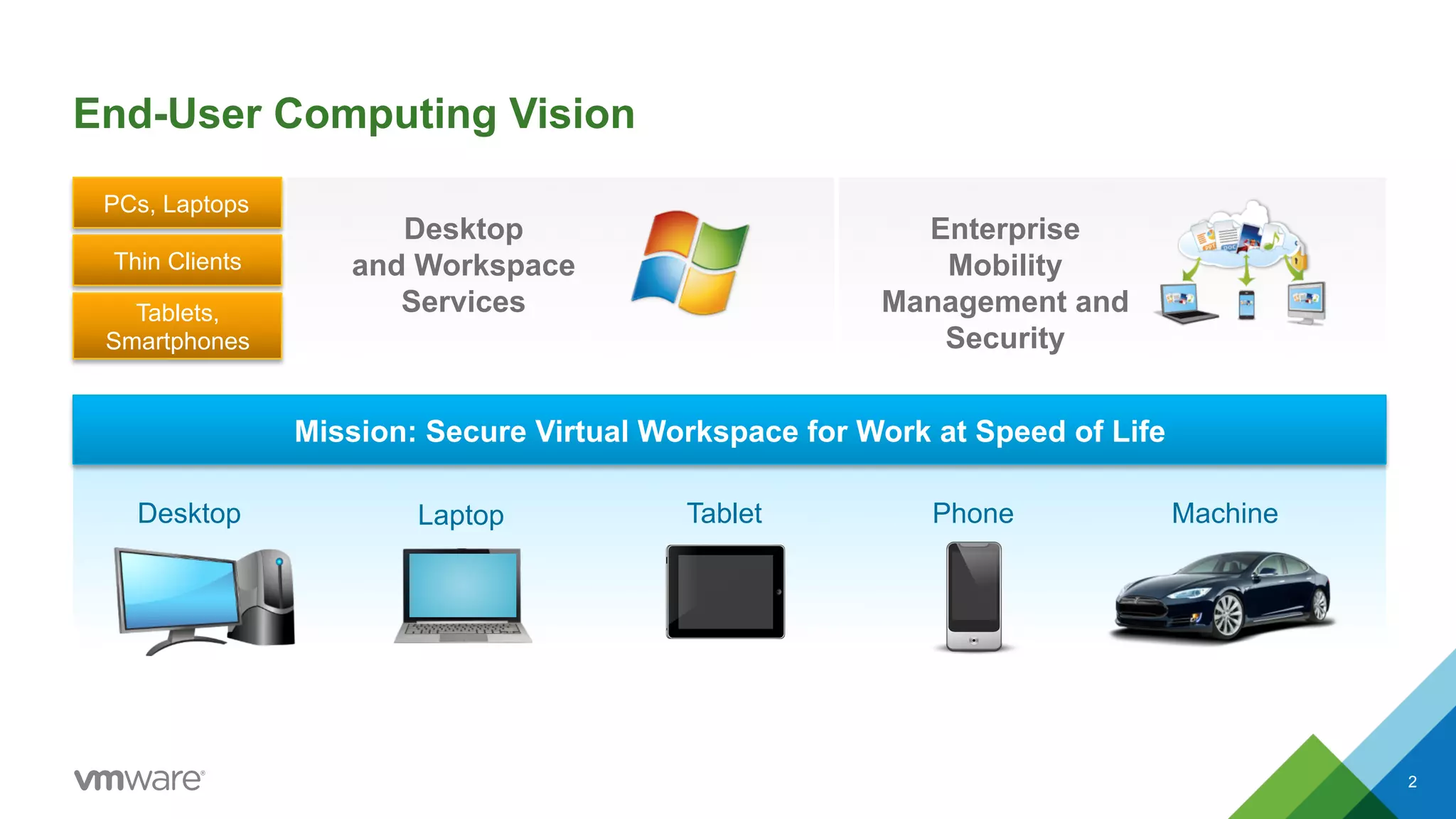
End-User Computing Vision 
Tablets, 
Smartphones 
Mission: Secure Virtual Workspace for Work at Speed of Life 
Desktop Laptop Tablet Phone Machine 
2 
PCs, Laptops 
Thin Clients 
Desktop 
and Workspace 
Services 
Enterprise 
Mobility 
Management and 
Security
VMware is Uniquely Positioned to Deliver on this Vision 
Desktop Mobile 
Social Identity Data 
3 
End-User Computing
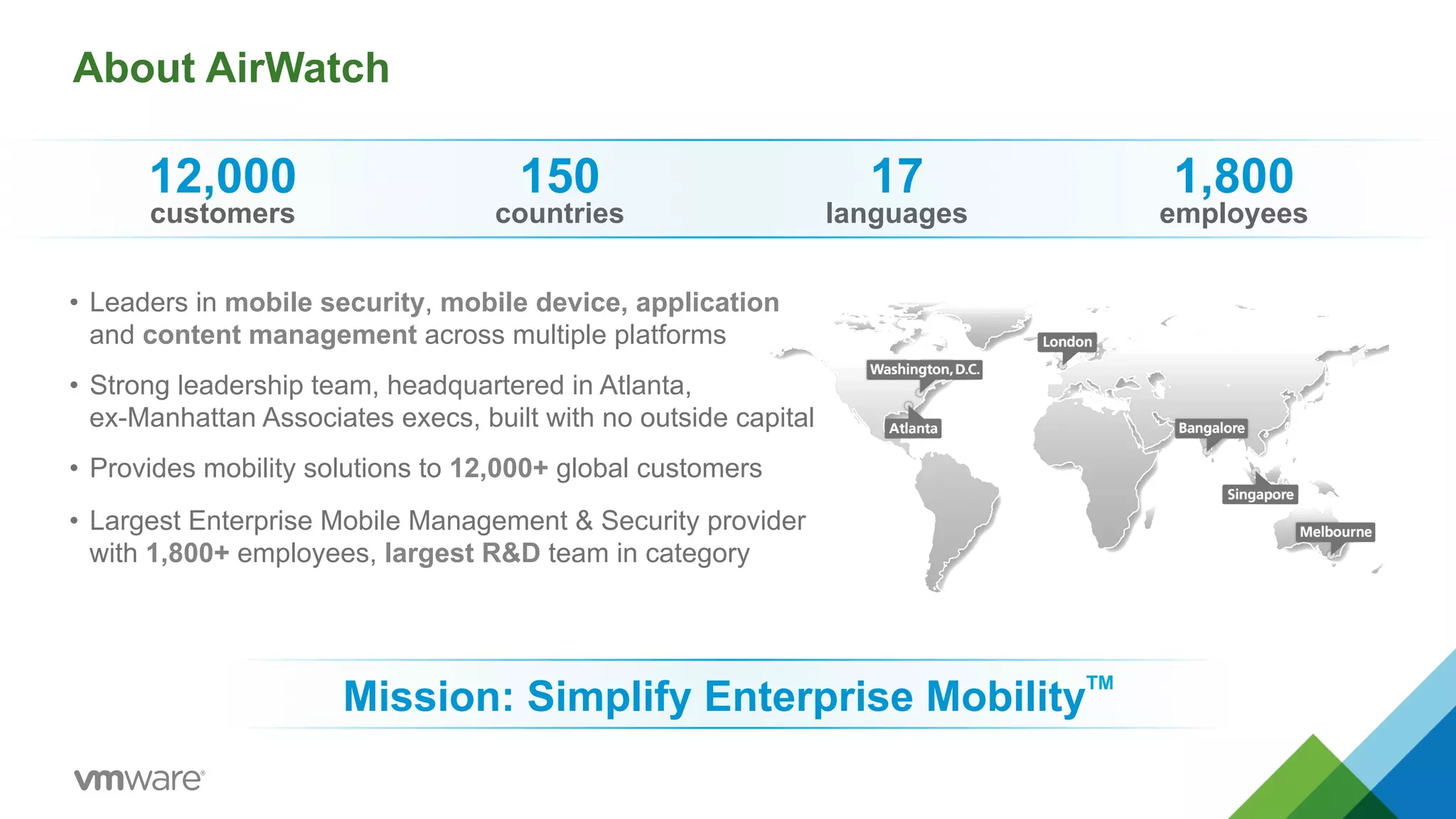
About AirWatch 
• Leaders in mobile security, mobile device, application 
and content management across multiple platforms 
• Strong leadership team, headquartered in Atlanta, 
ex-Manhattan Associates execs, built with no outside capital 
• Provides mobility solutions to 12,000+ global customers 
• Largest Enterprise Mobile Management & Security provider 
with 1,800+ employees, largest R&D team in category 
Mission: Simplify Enterprise MobilityTM 
12,000 
customers 
150 
countries 
17 
languages 
1,800 
employees
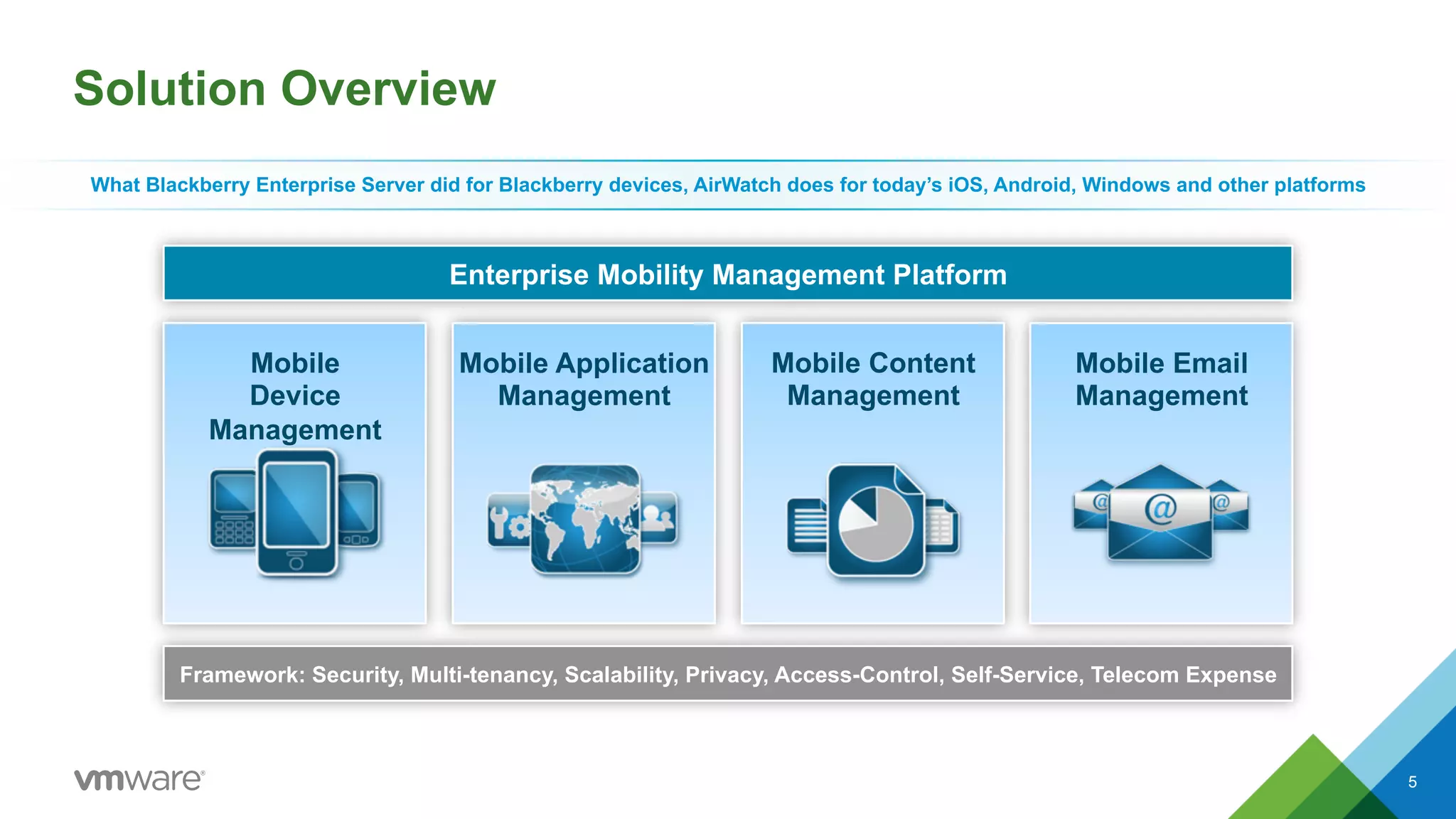
Solution Overview 
What Blackberry Enterprise Server did for Blackberry devices, AirWatch does for today’s iOS, Android, Windows and other platforms 
Enterprise Mobility Management Platform 
Mobile 
Device 
Management 
Mobile Application 
Management 
Mobile Content 
Management 
Mobile Email 
Management 
Framework: Security, Multi-tenancy, Scalability, Privacy, Access-Control, Self-Service, Telecom Expense 
5
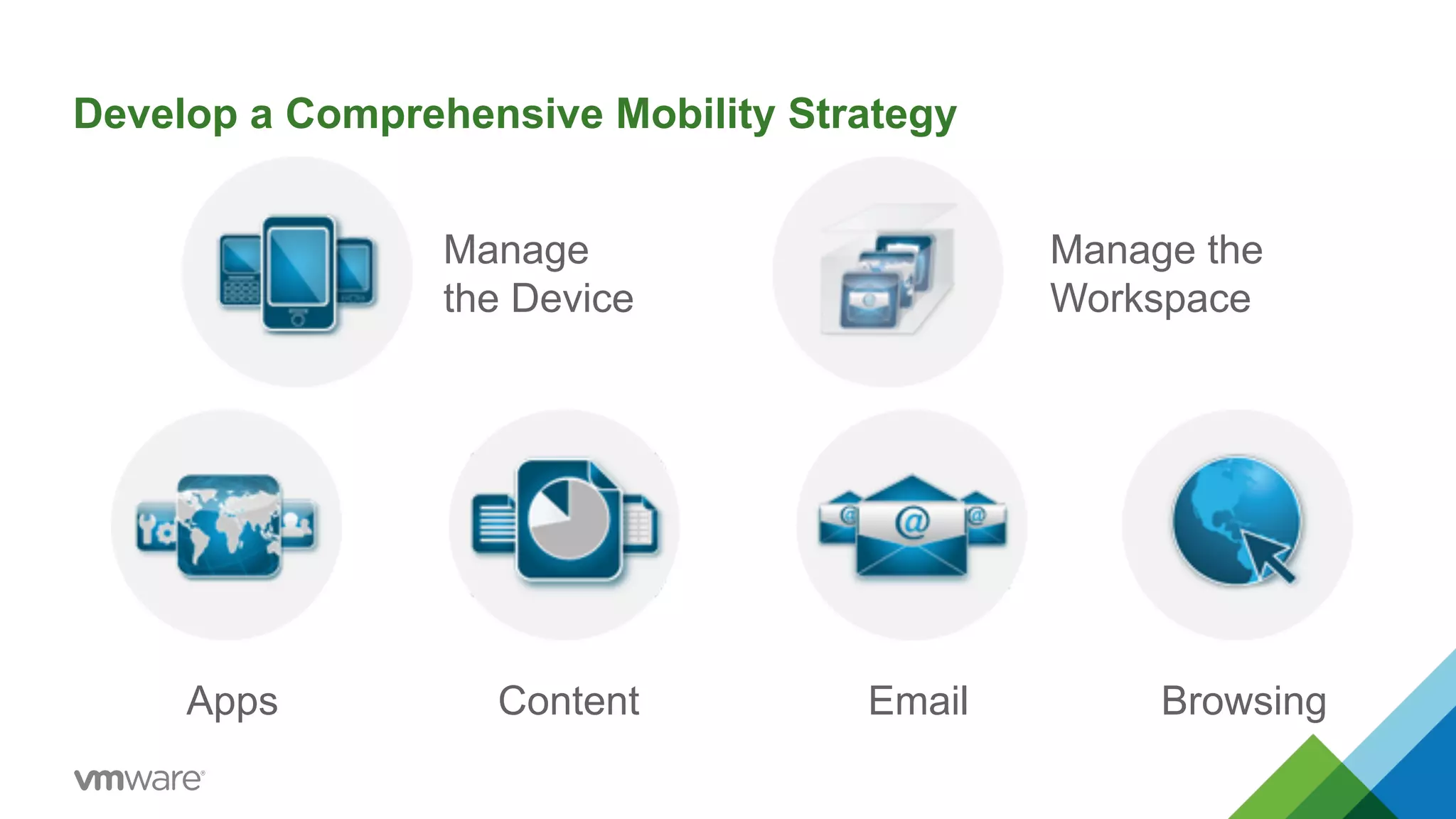
Develop a Comprehensive Mobility Strategy 
Manage 
the Device 
Manage the 
Workspace 
Apps Content Email Browsing
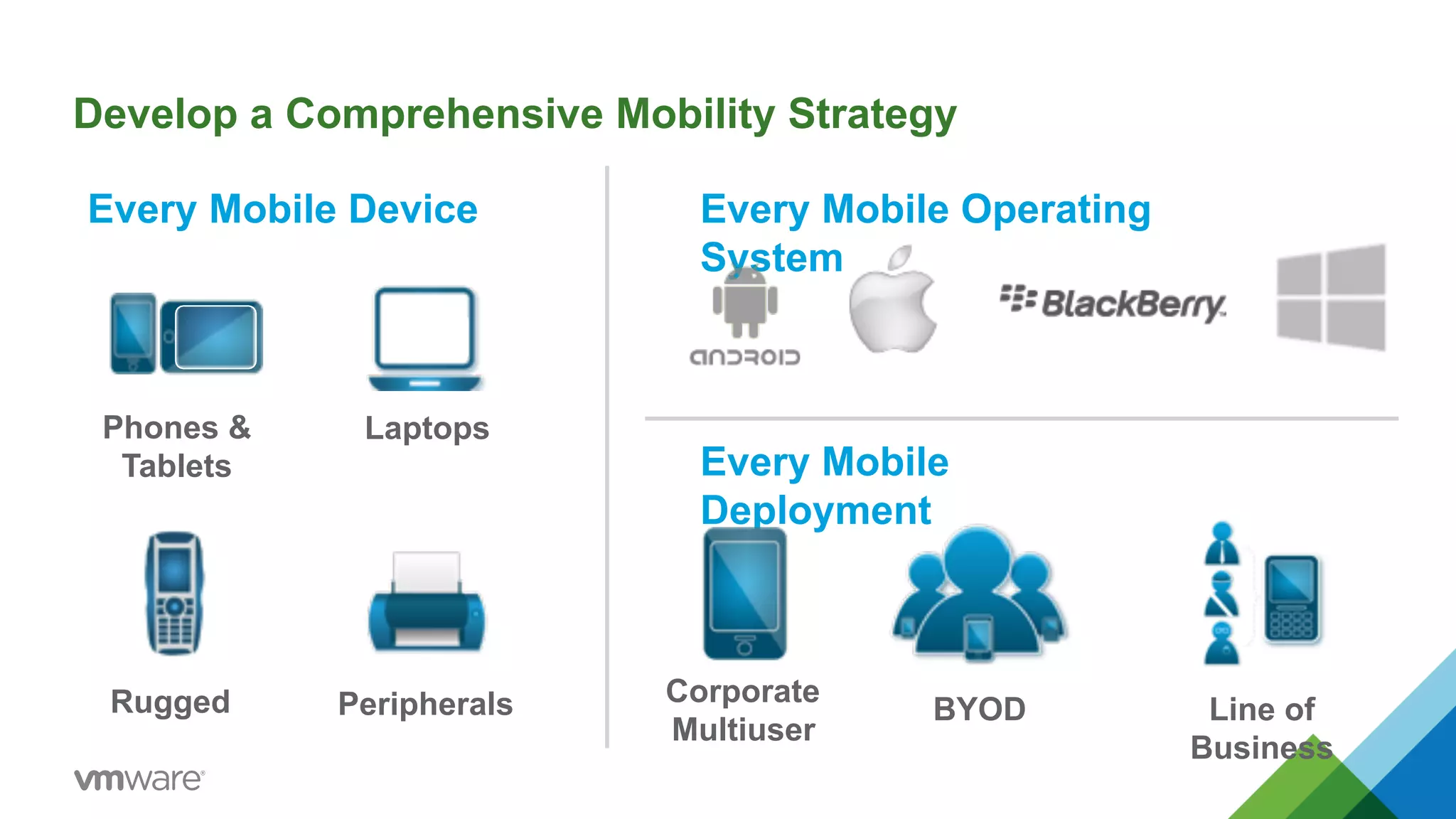
Develop a Comprehensive Mobility Strategy 
Every Mobile Device Every Mobile Operating 
System 
Every Mobile 
Deployment 
Phones & 
Tablets 
Laptops 
Rugged Peripherals Corporate 
Multiuser BYOD Line of 
Business
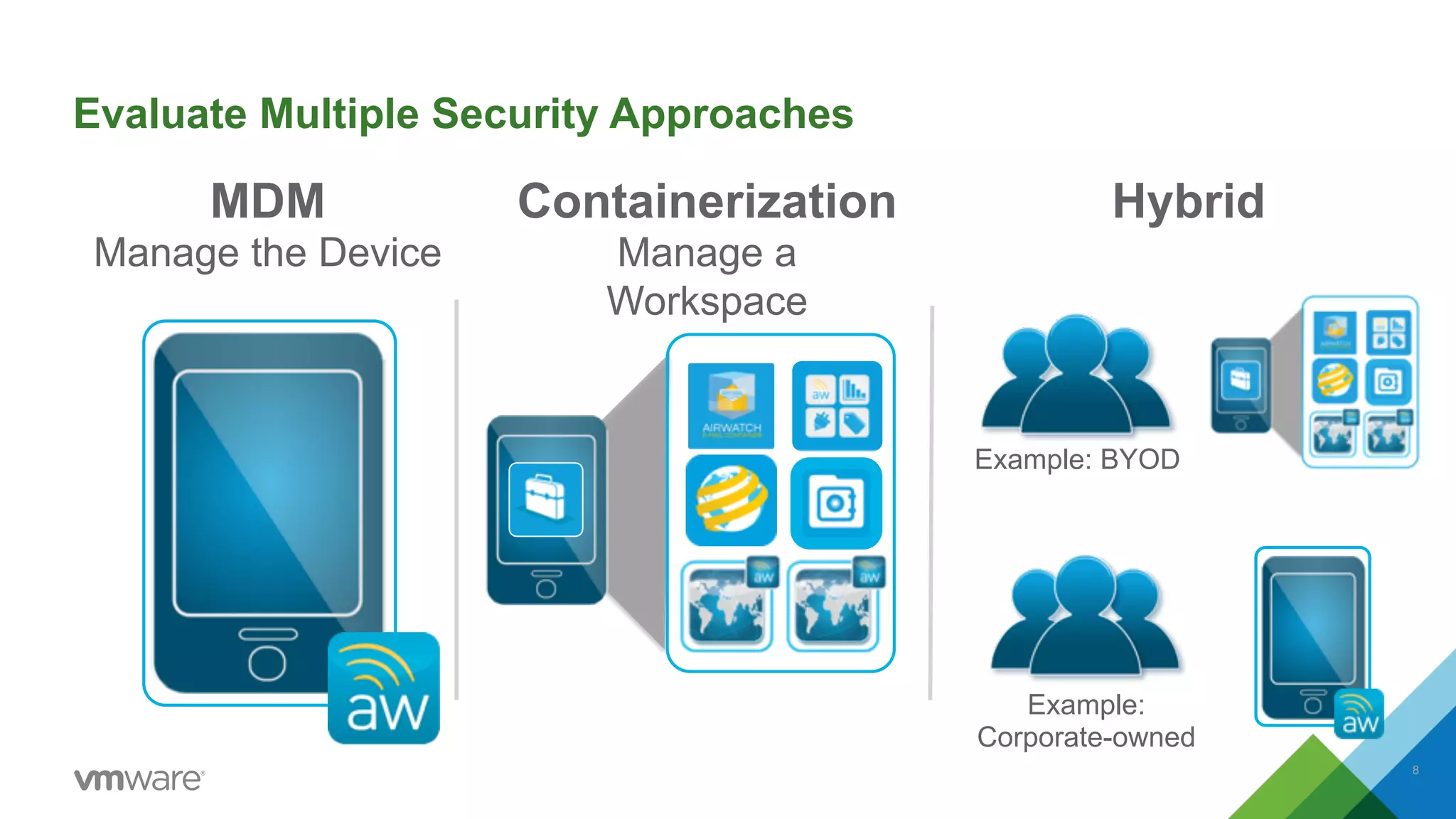
Evaluate Multiple Security Approaches 
MDM 
Manage the Device 
Containerization 
Manage a 
Workspace 
Hybrid 
Example: BYOD 
Example: 
Corporate-owned 
8
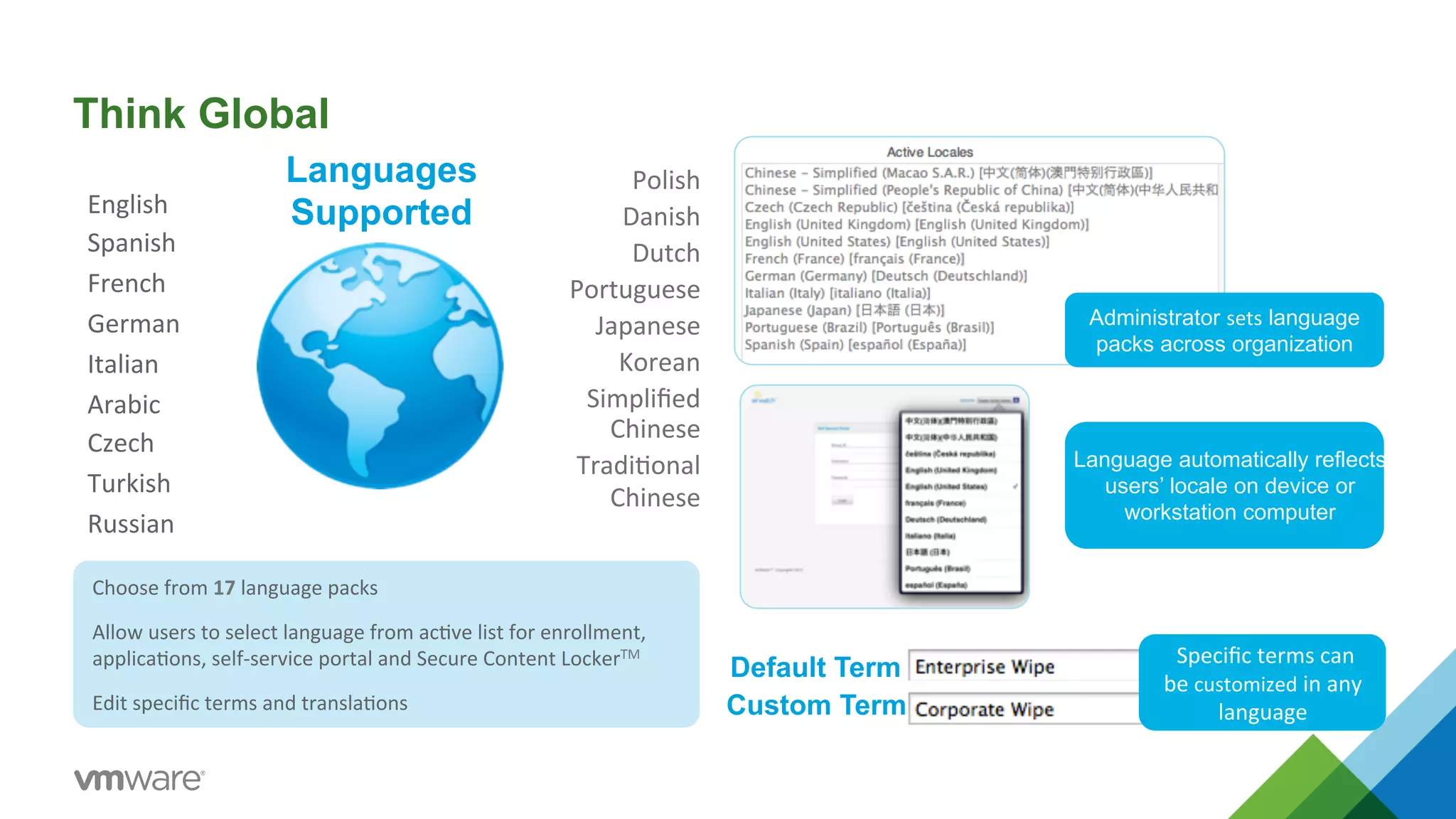
Think Global 
Choose 
from 
17 
language 
packs 
Allow 
users 
to 
select 
language 
from 
ac5ve 
list 
for 
enrollment, 
applica5ons, 
self-­‐service 
portal 
and 
Secure 
Content 
LockerTM 
Edit 
specific 
terms 
and 
transla5ons 
Administrator sets language 
packs across organization 
Default Term 
Custom Term 
Language automatically reflects 
users’ locale on device or 
workstation computer 
Specific 
terms 
can 
be 
customized 
in 
any 
language 
Polish 
Danish 
Dutch 
Portuguese 
Japanese 
Korean 
Simplified 
Chinese 
Tradi5onal 
Chinese 
Languages 
English 
Supported 
Spanish 
French 
German 
Italian 
Arabic 
Czech 
Turkish 
Russian
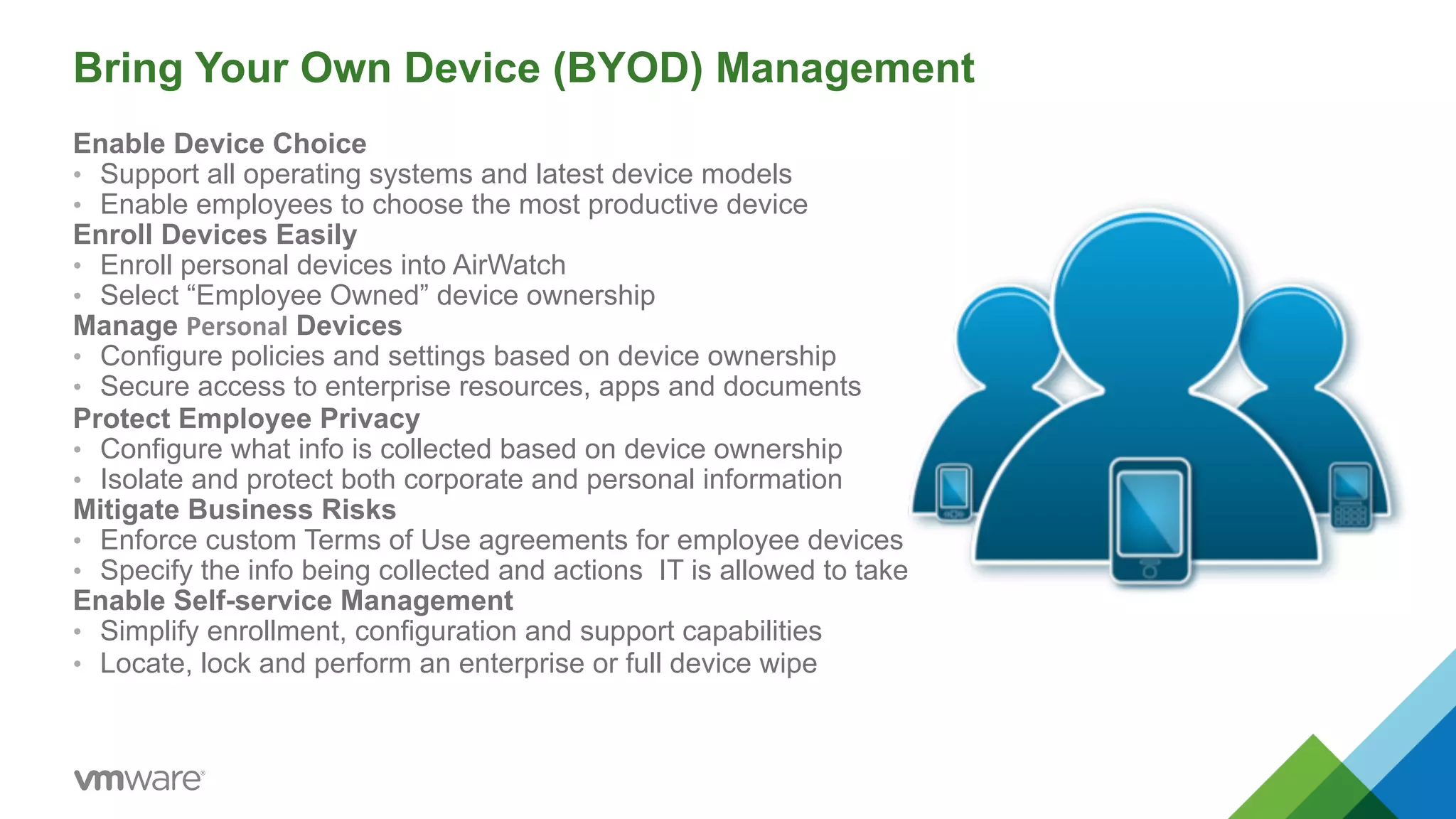
Bring Your Own Device (BYOD) Management 
Enable Device Choice 
• Support all operating systems and latest device models 
• Enable employees to choose the most productive device 
Enroll Devices Easily 
• Enroll personal devices into AirWatch 
• Select “Employee Owned” device ownership 
Manage Personal Devices 
• Configure policies and settings based on device ownership 
• Secure access to enterprise resources, apps and documents 
Protect Employee Privacy 
• Configure what info is collected based on device ownership 
• Isolate and protect both corporate and personal information 
Mitigate Business Risks 
• Enforce custom Terms of Use agreements for employee devices 
• Specify the info being collected and actions IT is allowed to take 
Enable Self-service Management 
• Simplify enrollment, configuration and support capabilities 
• Locate, lock and perform an enterprise or full device wipe
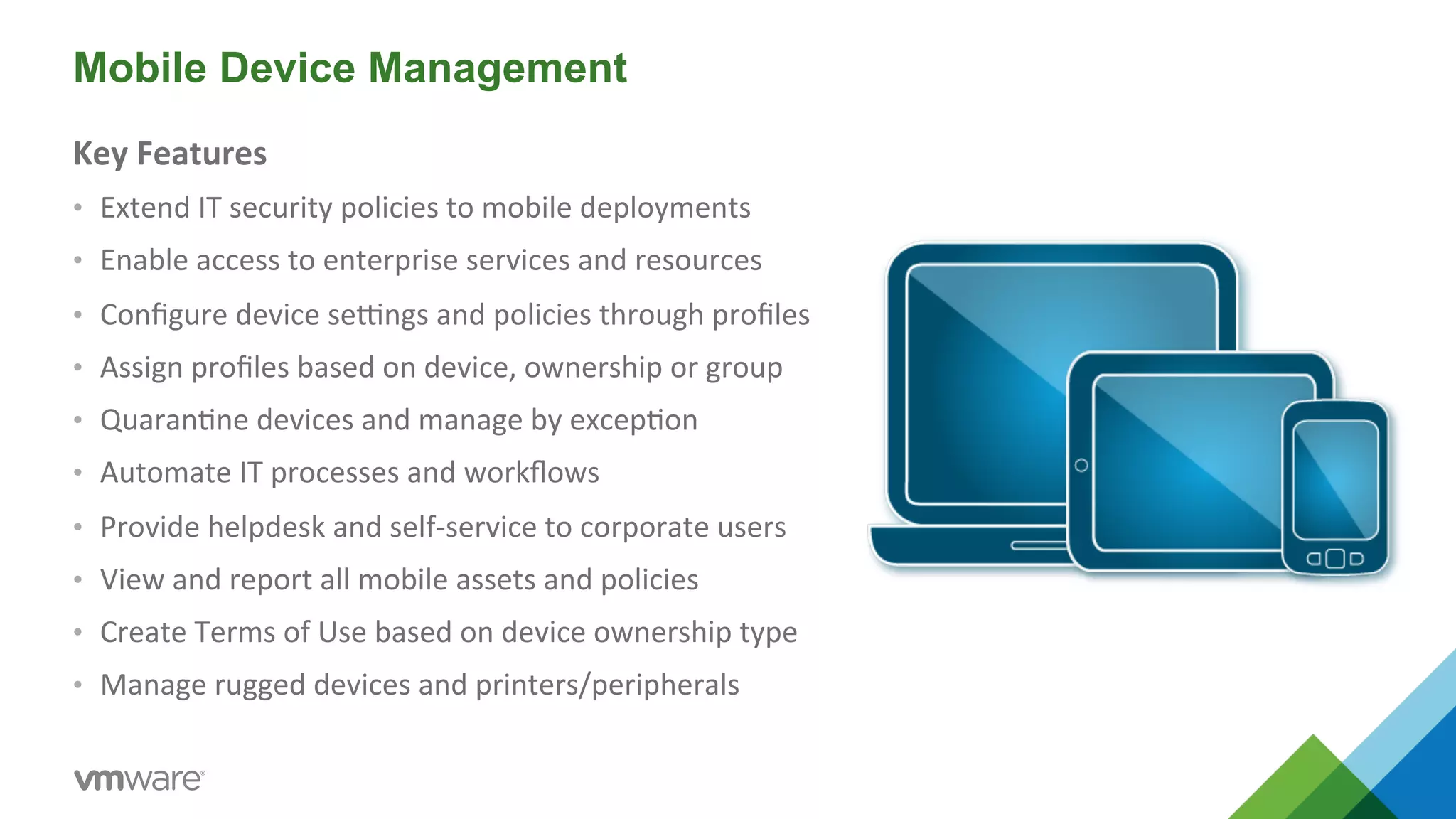
Mobile Device Management 
Key 
Features 
• Extend 
IT 
security 
policies 
to 
mobile 
deployments 
• Enable 
access 
to 
enterprise 
services 
and 
resources 
• Configure 
device 
seMngs 
and 
policies 
through 
profiles 
• Assign 
profiles 
based 
on 
device, 
ownership 
or 
group 
• Quaran5ne 
devices 
and 
manage 
by 
excep5on 
• Automate 
IT 
processes 
and 
workflows 
• Provide 
helpdesk 
and 
self-­‐service 
to 
corporate 
users 
• View 
and 
report 
all 
mobile 
assets 
and 
policies 
• Create 
Terms 
of 
Use 
based 
on 
device 
ownership 
type 
• Manage 
rugged 
devices 
and 
printers/peripherals
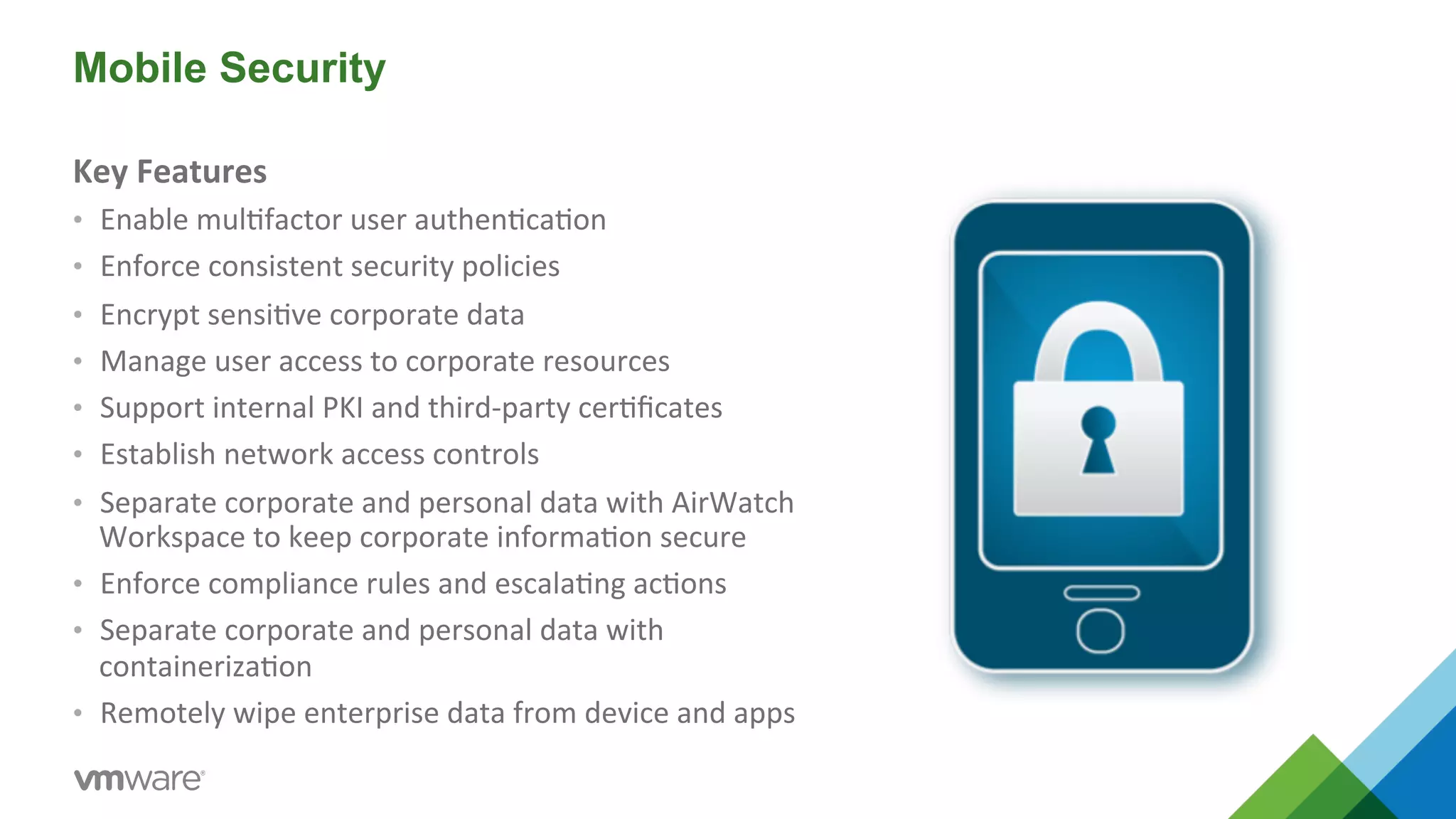
Mobile Security 
Key 
Features 
• Enable 
mul5factor 
user 
authen5ca5on 
• Enforce 
consistent 
security 
policies 
• Encrypt 
sensi5ve 
corporate 
data 
• Manage 
user 
access 
to 
corporate 
resources 
• Support 
internal 
PKI 
and 
third-­‐party 
cer5ficates 
• Establish 
network 
access 
controls 
• Separate 
corporate 
and 
personal 
data 
with 
AirWatch 
Workspace 
to 
keep 
corporate 
informa5on 
secure 
• Enforce 
compliance 
rules 
and 
escala5ng 
ac5ons 
• Separate 
corporate 
and 
personal 
data 
with 
containeriza5on 
• Remotely 
wipe 
enterprise 
data 
from 
device 
and 
apps
Mobile Application Management 
Key 
Features 
• Manage 
enterprise, 
public 
and 
purchased 
apps 
• Integrate 
with 
App 
Store, 
Google 
Play, 
Amazon 
• Create 
a 
custom 
Enterprise 
App 
Catalog 
• Deploy 
apps 
based 
on 
user, 
device 
role 
or 
smart 
group 
• Enforce 
compliance 
with 
app 
blacklists/whitelists 
• Build 
advanced 
enterprise 
apps 
using 
SDK 
• Add 
security 
to 
exis5ng 
applica5ons 
with 
App 
Wrapping 
• Track 
app 
inventory, 
versions 
and 
compliance 
• Enable 
single 
sign-­‐on 
for 
enterprise 
applica5ons 
• Run 
reputa5on 
scanning 
for 
internal 
and 
public 
apps
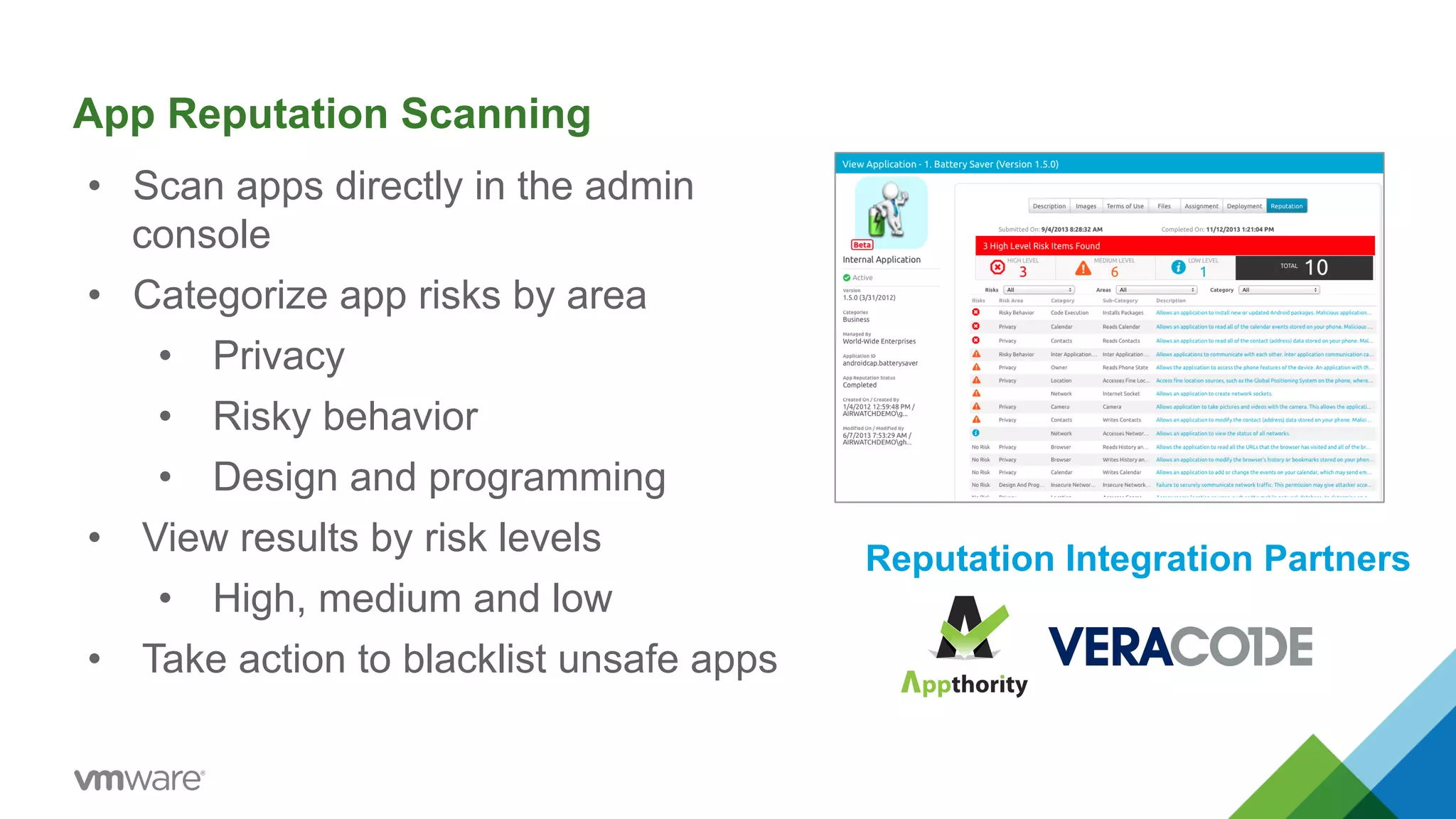
App Reputation Scanning 
• Scan apps directly in the admin 
console 
• Categorize app risks by area 
• Privacy 
• Risky behavior 
• Design and programming 
• View results by risk levels 
• High, medium and low 
• Take action to blacklist unsafe apps 
Reputation Integration Partners
Mobile Content Management 
Key 
Features 
• Share 
corporate 
documents 
via 
Secure 
Content 
Locker™ 
(SCL) 
• Enable 
two-­‐way 
sync 
from 
desktop 
to 
device 
via 
AirWatch 
SyncTM 
• Create 
a 
corporate 
container 
for 
documents 
• Integrate 
with 
cloud 
or 
on-­‐premise 
content 
repositories 
• Enforce 
mul5factor 
user 
authen5ca5on 
• Manage 
user 
access 
rights 
and 
file 
privileges 
• Delegate 
admin 
control 
across 
internal 
groups 
• Track 
document 
versions, 
updates 
and 
usage 
• Integrate 
user 
generated 
content 
from 
the 
Self-­‐Service 
Portal 
• Allow 
collabora5on 
through 
personal 
folders 
in 
SCL 
• Enable 
app-­‐to-­‐app 
collabora5on 
with 
single 
sign-­‐on 
• Enable 
edi5ng 
and 
annota5on 
of 
documents
Mobile Email Management 
Key 
Features 
• Integrate 
with 
enterprise 
email 
infrastructures 
• Enable 
a 
na5ve 
user 
experience 
with 
AirWatch 
Inbox 
• Automate 
configura5on 
of 
seMngs 
and 
creden5als 
• Define 
email 
compliance 
policies 
and 
ac5ons 
• Block 
email 
access 
based 
on 
make, 
model 
or 
OS 
• Install, 
remove 
and 
manage 
email 
cer5ficates 
• Encrypt 
email 
aYachments 
for 
data 
loss 
preven5on 
• Prevent 
copy/paste 
of 
data 
to 
3rd 
party 
apps 
• Wipe 
aYachment 
content 
from 
compromised 
devices 
• Monitor 
corporate 
email 
ac5vity 
24 
/ 
7 
/ 
365
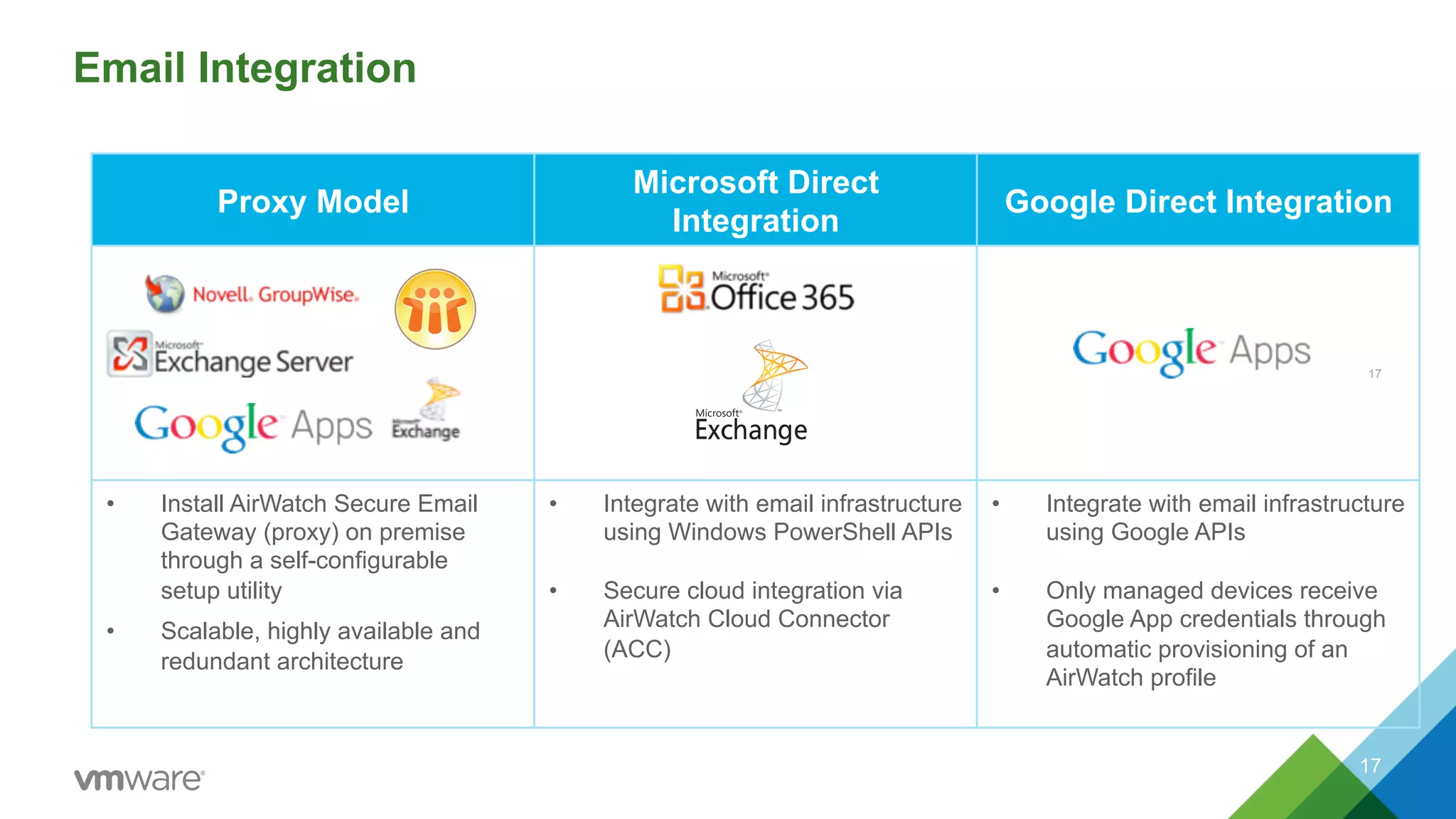
Proxy Model Microsoft Direct 
Integration Google Direct Integration 
• Install AirWatch Secure Email 
Gateway (proxy) on premise 
through a self-configurable 
setup utility 
• Scalable, highly available and 
redundant architecture 
• Integrate with email infrastructure 
using Windows PowerShell APIs 
• Secure cloud integration via 
AirWatch Cloud Connector 
(ACC) 
• Integrate with email infrastructure 
using Google APIs 
• Only managed devices receive 
Google App credentials through 
automatic provisioning of an 
AirWatch profile 
Email Integration 
17 
17
Mobile Browsing Management 
Key 
Features 
• Enable 
browsing 
through 
AirWatch 
Browser™ 
• Configure 
custom 
whitelists 
and 
blacklists 
• Connect 
to 
corporate 
intranet 
without 
device-­‐level 
VPN 
• Block 
na5ve 
browsers 
and 
public 
browser 
apps 
• Authen5cate 
users 
with 
corporate 
creden5als 
• Create 
and 
require 
custom 
Terms 
of 
Use 
acceptance 
• Disable 
the 
ability 
to 
copy 
or 
print 
• Define 
cookie 
acceptance 
and 
clear 
cookies 
upon 
exit 
• Enable 
tabbed 
browsing 
and 
pre-­‐defined 
bookmarks
Laptop Management 
Key 
Features 
• Support 
Mac 
OS 
and 
Windows 
PC 
laptops 
• Enroll 
laptops 
through 
the 
AirWatch 
Agent 
or 
URL 
• Authen5cate 
users 
with 
corporate 
creden5als 
• Deploy 
preconfigured 
profiles 
and 
products 
• Enable 
scalable 
distribu5on 
with 
imaging 
capabili5es 
• Sync, 
share 
and 
manage 
personal 
content 
• View 
a 
complete 
inventory 
of 
all 
connected 
devices 
• Send 
commands 
to 
request 
informa5on 
and 
perform 
ac5ons
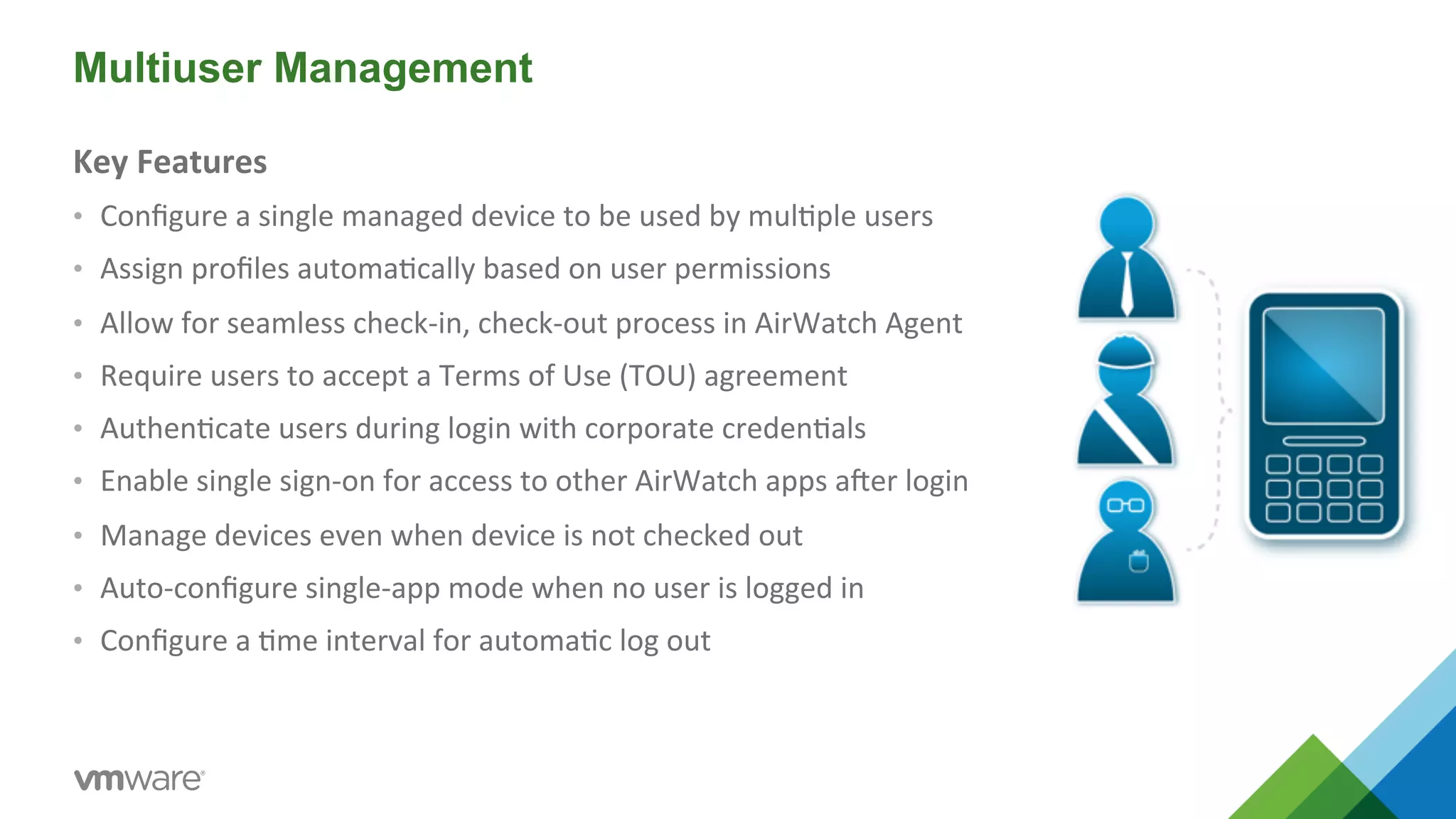
Multiuser Management 
Key 
Features 
• Configure 
a 
single 
managed 
device 
to 
be 
used 
by 
mul5ple 
users 
• Assign 
profiles 
automa5cally 
based 
on 
user 
permissions 
• Allow 
for 
seamless 
check-­‐in, 
check-­‐out 
process 
in 
AirWatch 
Agent 
• Require 
users 
to 
accept 
a 
Terms 
of 
Use 
(TOU) 
agreement 
• Authen5cate 
users 
during 
login 
with 
corporate 
creden5als 
• Enable 
single 
sign-­‐on 
for 
access 
to 
other 
AirWatch 
apps 
aber 
login 
• Manage 
devices 
even 
when 
device 
is 
not 
checked 
out 
• Auto-­‐configure 
single-­‐app 
mode 
when 
no 
user 
is 
logged 
in 
• Configure 
a 
5me 
interval 
for 
automa5c 
log 
out
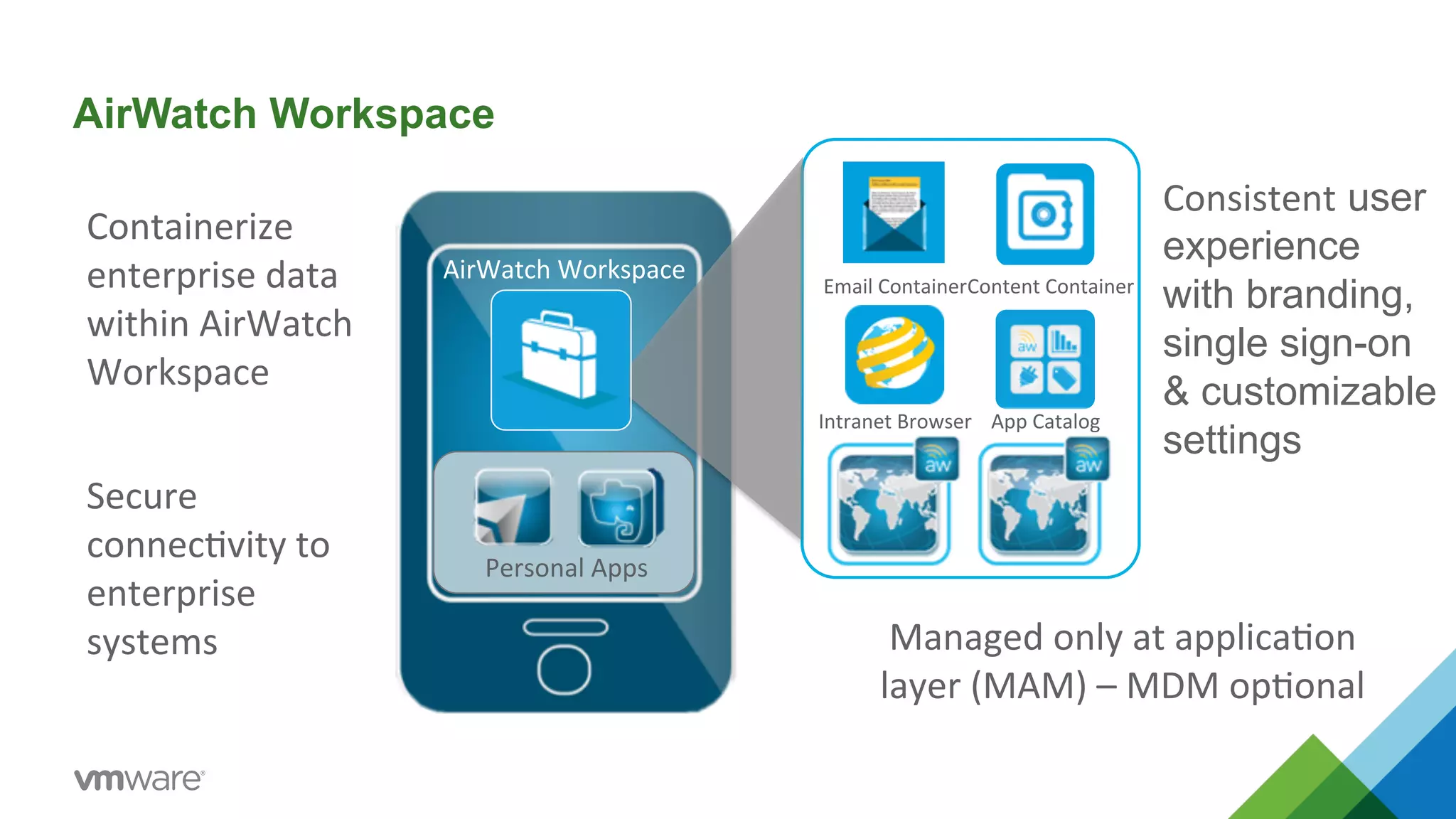
AirWatch Workspace 
Personal 
Apps 
Email 
Containe 
r 
Content 
Container 
Intranet 
Browser 
App 
Catalog 
AirWatch 
Workspace 
Consistent user 
experience 
with branding, 
single sign-on 
& customizable 
settings 
Containerize 
enterprise 
data 
within 
AirWatch 
Workspace 
Secure 
connec5vity 
to 
enterprise 
systems 
Managed 
only 
at 
applica5on 
layer 
(MAM) 
– 
MDM 
op5onal
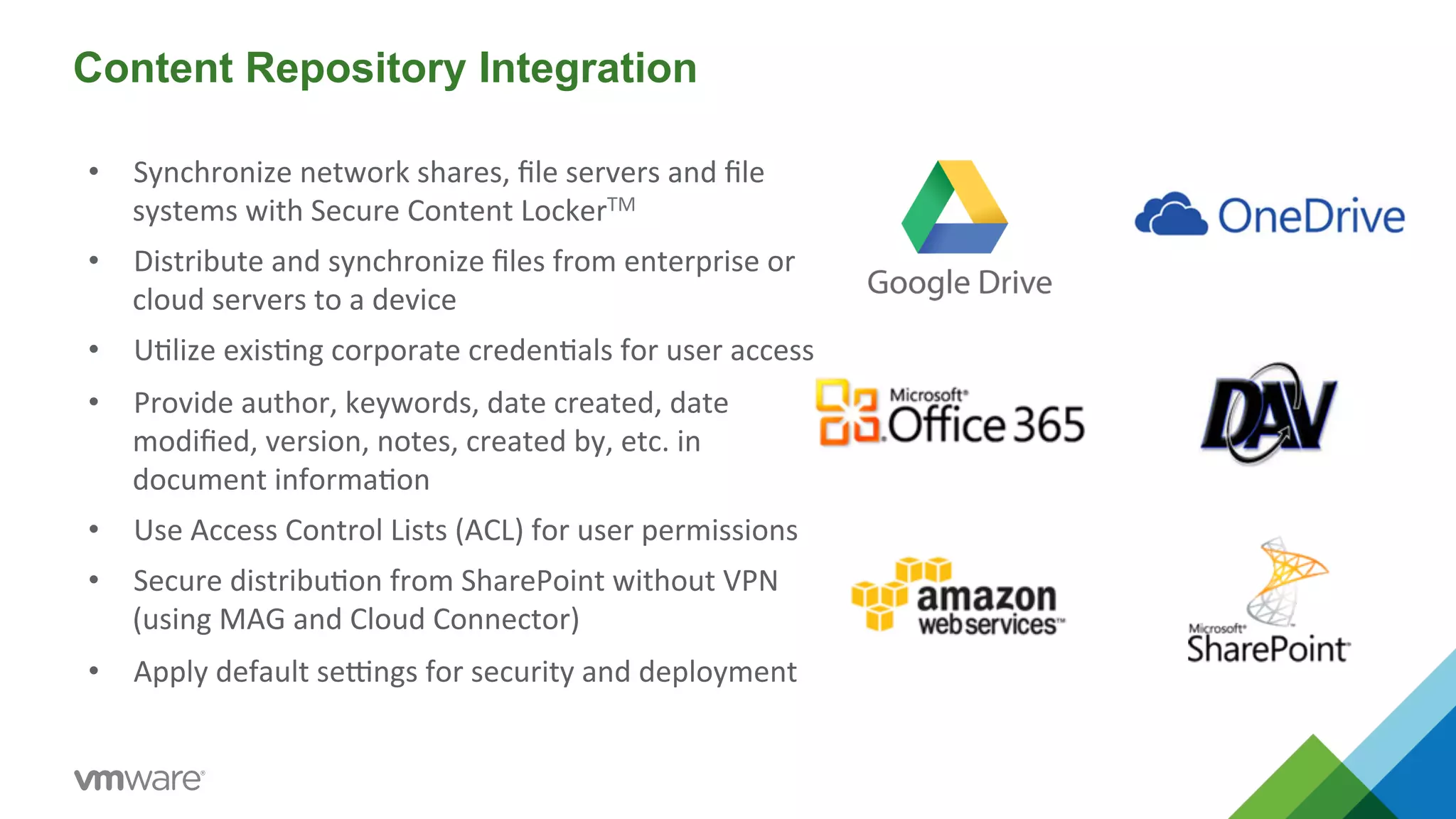
Content Repository Integration 
• Synchronize 
network 
shares, 
file 
servers 
and 
file 
systems 
with 
Secure 
Content 
LockerTM 
• Distribute 
and 
synchronize 
files 
from 
enterprise 
or 
cloud 
servers 
to 
a 
device 
• U5lize 
exis5ng 
corporate 
creden5als 
for 
user 
access 
• Provide 
author, 
keywords, 
date 
created, 
date 
modified, 
version, 
notes, 
created 
by, 
etc. 
in 
document 
informa5on 
• Use 
Access 
Control 
Lists 
(ACL) 
for 
user 
permissions 
• Secure 
distribu5on 
from 
SharePoint 
without 
VPN 
(using 
MAG 
and 
Cloud 
Connector) 
• Apply 
default 
seMngs 
for 
security 
and 
deployment
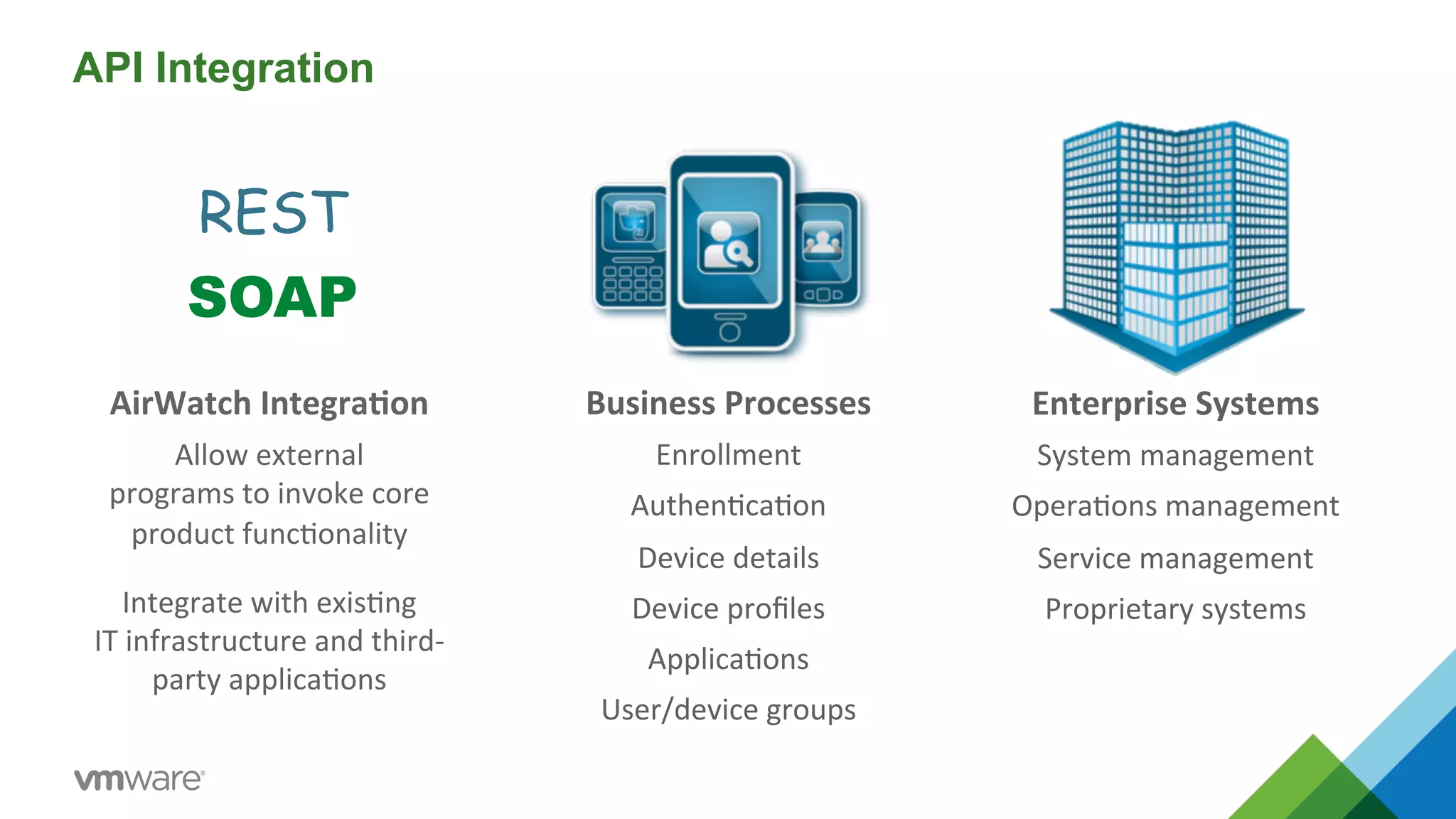
API Integration 
Business 
Processes 
Enrollment 
Authen5ca5on 
Device 
details 
Device 
profiles 
Applica5ons 
User/device 
groups 
Enterprise 
Systems 
System 
management 
Opera5ons 
management 
Service 
management 
Proprietary 
systems 
REST 
SOAP 
AirWatch 
Integra=on 
Allow 
external 
programs 
to 
invoke 
core 
product 
func5onality 
Integrate 
with 
exis5ng 
IT 
infrastructure 
and 
third-­‐ 
party 
applica5ons
Pricing and Packaging 
24
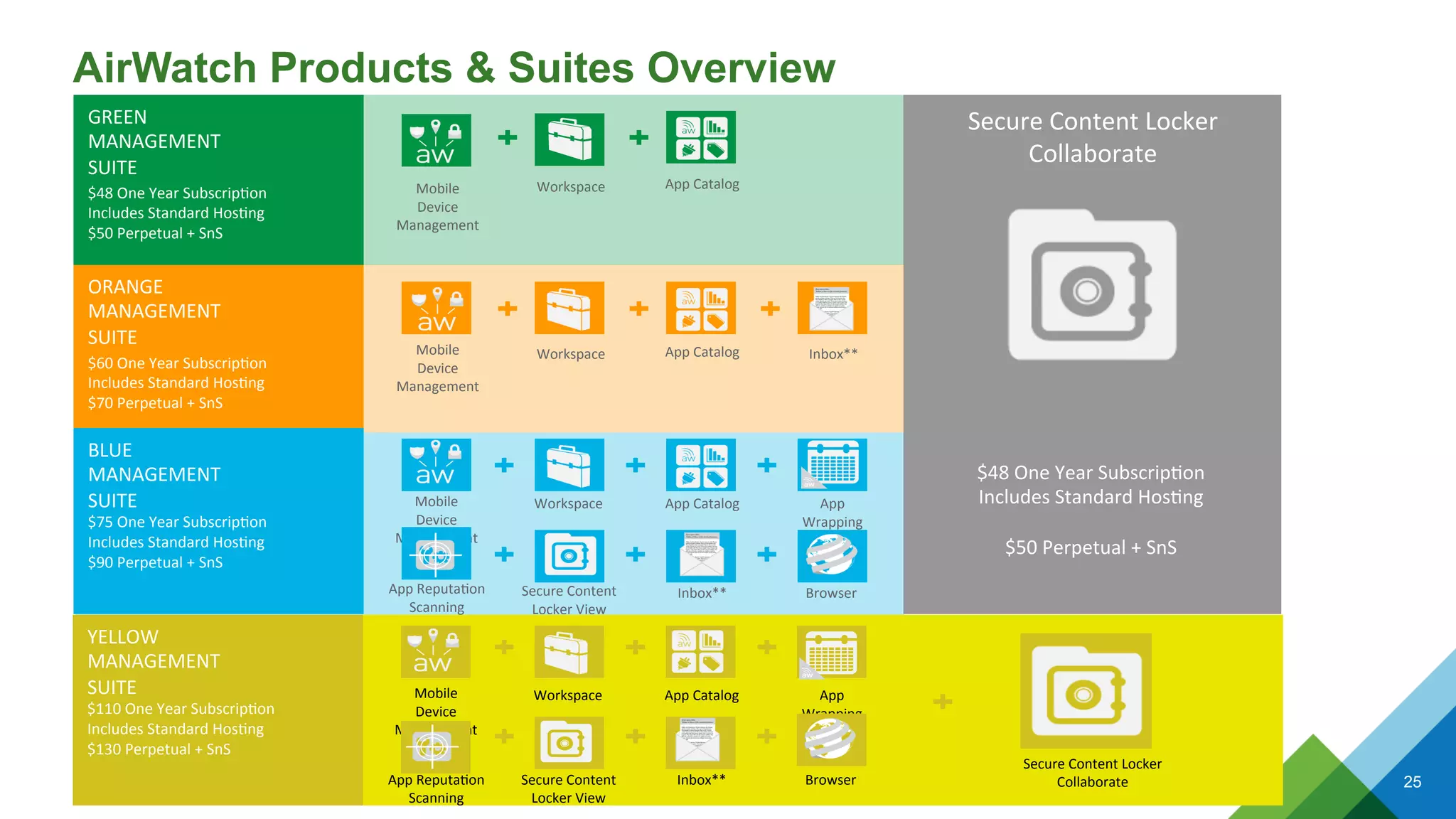
AirWatch Products & Suites Overview 
25 
Secure 
Content 
Locker 
Collaborate 
$48 
One 
Year 
Subscrip5on 
Includes 
Standard 
Hos5ng 
$50 
Perpetual 
+ 
SnS 
ORANGE 
MANAGEMENT 
SUITE 
$60 
One 
Year 
Subscrip5on 
Includes 
Standard 
Hos5ng 
$70 
Perpetual 
+ 
SnS 
Mobile 
Device 
Management 
Workspace 
App 
Catalog 
Inbox** 
BLUE 
MANAGEMENT 
SUITE 
$75 
One 
Year 
Subscrip5on 
Includes 
Standard 
Hos5ng 
$90 
Perpetual 
+ 
SnS 
Mobile 
Device 
Management 
Workspace 
App 
Catalog 
App 
Wrapping 
App 
Reputa5on 
Scanning 
Secure 
Content 
Locker 
View 
Inbox** 
Browser 
GREEN 
MANAGEMENT 
SUITE 
$48 
One 
Year 
Subscrip5on 
Includes 
Standard 
Hos5ng 
$50 
Perpetual 
+ 
SnS 
Mobile 
Device 
Management 
Workspace 
App 
Catalog 
YELLOW 
MANAGEMENT 
SUITE 
$110 
One 
Year 
Subscrip5on 
Includes 
Standard 
Hos5ng 
$130 
Perpetual 
+ 
SnS 
Mobile 
Device 
Management 
Workspace 
App 
Catalog 
App 
Wrapping 
App 
Reputa5on 
Scanning 
Secure 
Content 
Locker 
View 
Inbox** 
Browser 
Secure 
Content 
Locker 
Collaborate

Airwatch od VMware

  • 1.
    © 2014 VMwareInc. All rights reserved. Airwatch od VMware
  • 2.
    End-User Computing Vision Tablets, Smartphones Mission: Secure Virtual Workspace for Work at Speed of Life Desktop Laptop Tablet Phone Machine 2 PCs, Laptops Thin Clients Desktop and Workspace Services Enterprise Mobility Management and Security
  • 3.
    VMware is UniquelyPositioned to Deliver on this Vision Desktop Mobile Social Identity Data 3 End-User Computing
  • 4.
    About AirWatch •Leaders in mobile security, mobile device, application and content management across multiple platforms • Strong leadership team, headquartered in Atlanta, ex-Manhattan Associates execs, built with no outside capital • Provides mobility solutions to 12,000+ global customers • Largest Enterprise Mobile Management & Security provider with 1,800+ employees, largest R&D team in category Mission: Simplify Enterprise MobilityTM 12,000 customers 150 countries 17 languages 1,800 employees
  • 5.
    Solution Overview WhatBlackberry Enterprise Server did for Blackberry devices, AirWatch does for today’s iOS, Android, Windows and other platforms Enterprise Mobility Management Platform Mobile Device Management Mobile Application Management Mobile Content Management Mobile Email Management Framework: Security, Multi-tenancy, Scalability, Privacy, Access-Control, Self-Service, Telecom Expense 5
  • 6.
    Develop a ComprehensiveMobility Strategy Manage the Device Manage the Workspace Apps Content Email Browsing
  • 7.
    Develop a ComprehensiveMobility Strategy Every Mobile Device Every Mobile Operating System Every Mobile Deployment Phones & Tablets Laptops Rugged Peripherals Corporate Multiuser BYOD Line of Business
  • 8.
    Evaluate Multiple SecurityApproaches MDM Manage the Device Containerization Manage a Workspace Hybrid Example: BYOD Example: Corporate-owned 8
  • 9.
    Think Global Choose from 17 language packs Allow users to select language from ac5ve list for enrollment, applica5ons, self-­‐service portal and Secure Content LockerTM Edit specific terms and transla5ons Administrator sets language packs across organization Default Term Custom Term Language automatically reflects users’ locale on device or workstation computer Specific terms can be customized in any language Polish Danish Dutch Portuguese Japanese Korean Simplified Chinese Tradi5onal Chinese Languages English Supported Spanish French German Italian Arabic Czech Turkish Russian
  • 10.
    Bring Your OwnDevice (BYOD) Management Enable Device Choice • Support all operating systems and latest device models • Enable employees to choose the most productive device Enroll Devices Easily • Enroll personal devices into AirWatch • Select “Employee Owned” device ownership Manage Personal Devices • Configure policies and settings based on device ownership • Secure access to enterprise resources, apps and documents Protect Employee Privacy • Configure what info is collected based on device ownership • Isolate and protect both corporate and personal information Mitigate Business Risks • Enforce custom Terms of Use agreements for employee devices • Specify the info being collected and actions IT is allowed to take Enable Self-service Management • Simplify enrollment, configuration and support capabilities • Locate, lock and perform an enterprise or full device wipe
  • 11.
    Mobile Device Management Key Features • Extend IT security policies to mobile deployments • Enable access to enterprise services and resources • Configure device seMngs and policies through profiles • Assign profiles based on device, ownership or group • Quaran5ne devices and manage by excep5on • Automate IT processes and workflows • Provide helpdesk and self-­‐service to corporate users • View and report all mobile assets and policies • Create Terms of Use based on device ownership type • Manage rugged devices and printers/peripherals
  • 12.
    Mobile Security Key Features • Enable mul5factor user authen5ca5on • Enforce consistent security policies • Encrypt sensi5ve corporate data • Manage user access to corporate resources • Support internal PKI and third-­‐party cer5ficates • Establish network access controls • Separate corporate and personal data with AirWatch Workspace to keep corporate informa5on secure • Enforce compliance rules and escala5ng ac5ons • Separate corporate and personal data with containeriza5on • Remotely wipe enterprise data from device and apps
  • 13.
    Mobile Application Management Key Features • Manage enterprise, public and purchased apps • Integrate with App Store, Google Play, Amazon • Create a custom Enterprise App Catalog • Deploy apps based on user, device role or smart group • Enforce compliance with app blacklists/whitelists • Build advanced enterprise apps using SDK • Add security to exis5ng applica5ons with App Wrapping • Track app inventory, versions and compliance • Enable single sign-­‐on for enterprise applica5ons • Run reputa5on scanning for internal and public apps
  • 14.
    App Reputation Scanning • Scan apps directly in the admin console • Categorize app risks by area • Privacy • Risky behavior • Design and programming • View results by risk levels • High, medium and low • Take action to blacklist unsafe apps Reputation Integration Partners
  • 15.
    Mobile Content Management Key Features • Share corporate documents via Secure Content Locker™ (SCL) • Enable two-­‐way sync from desktop to device via AirWatch SyncTM • Create a corporate container for documents • Integrate with cloud or on-­‐premise content repositories • Enforce mul5factor user authen5ca5on • Manage user access rights and file privileges • Delegate admin control across internal groups • Track document versions, updates and usage • Integrate user generated content from the Self-­‐Service Portal • Allow collabora5on through personal folders in SCL • Enable app-­‐to-­‐app collabora5on with single sign-­‐on • Enable edi5ng and annota5on of documents
  • 16.
    Mobile Email Management Key Features • Integrate with enterprise email infrastructures • Enable a na5ve user experience with AirWatch Inbox • Automate configura5on of seMngs and creden5als • Define email compliance policies and ac5ons • Block email access based on make, model or OS • Install, remove and manage email cer5ficates • Encrypt email aYachments for data loss preven5on • Prevent copy/paste of data to 3rd party apps • Wipe aYachment content from compromised devices • Monitor corporate email ac5vity 24 / 7 / 365
  • 17.
    Proxy Model MicrosoftDirect Integration Google Direct Integration • Install AirWatch Secure Email Gateway (proxy) on premise through a self-configurable setup utility • Scalable, highly available and redundant architecture • Integrate with email infrastructure using Windows PowerShell APIs • Secure cloud integration via AirWatch Cloud Connector (ACC) • Integrate with email infrastructure using Google APIs • Only managed devices receive Google App credentials through automatic provisioning of an AirWatch profile Email Integration 17 17
  • 18.
    Mobile Browsing Management Key Features • Enable browsing through AirWatch Browser™ • Configure custom whitelists and blacklists • Connect to corporate intranet without device-­‐level VPN • Block na5ve browsers and public browser apps • Authen5cate users with corporate creden5als • Create and require custom Terms of Use acceptance • Disable the ability to copy or print • Define cookie acceptance and clear cookies upon exit • Enable tabbed browsing and pre-­‐defined bookmarks
  • 19.
    Laptop Management Key Features • Support Mac OS and Windows PC laptops • Enroll laptops through the AirWatch Agent or URL • Authen5cate users with corporate creden5als • Deploy preconfigured profiles and products • Enable scalable distribu5on with imaging capabili5es • Sync, share and manage personal content • View a complete inventory of all connected devices • Send commands to request informa5on and perform ac5ons
  • 20.
    Multiuser Management Key Features • Configure a single managed device to be used by mul5ple users • Assign profiles automa5cally based on user permissions • Allow for seamless check-­‐in, check-­‐out process in AirWatch Agent • Require users to accept a Terms of Use (TOU) agreement • Authen5cate users during login with corporate creden5als • Enable single sign-­‐on for access to other AirWatch apps aber login • Manage devices even when device is not checked out • Auto-­‐configure single-­‐app mode when no user is logged in • Configure a 5me interval for automa5c log out
  • 21.
    AirWatch Workspace Personal Apps Email Containe r Content Container Intranet Browser App Catalog AirWatch Workspace Consistent user experience with branding, single sign-on & customizable settings Containerize enterprise data within AirWatch Workspace Secure connec5vity to enterprise systems Managed only at applica5on layer (MAM) – MDM op5onal
  • 22.
    Content Repository Integration • Synchronize network shares, file servers and file systems with Secure Content LockerTM • Distribute and synchronize files from enterprise or cloud servers to a device • U5lize exis5ng corporate creden5als for user access • Provide author, keywords, date created, date modified, version, notes, created by, etc. in document informa5on • Use Access Control Lists (ACL) for user permissions • Secure distribu5on from SharePoint without VPN (using MAG and Cloud Connector) • Apply default seMngs for security and deployment
  • 23.
    API Integration Business Processes Enrollment Authen5ca5on Device details Device profiles Applica5ons User/device groups Enterprise Systems System management Opera5ons management Service management Proprietary systems REST SOAP AirWatch Integra=on Allow external programs to invoke core product func5onality Integrate with exis5ng IT infrastructure and third-­‐ party applica5ons
  • 24.
  • 25.
    AirWatch Products &Suites Overview 25 Secure Content Locker Collaborate $48 One Year Subscrip5on Includes Standard Hos5ng $50 Perpetual + SnS ORANGE MANAGEMENT SUITE $60 One Year Subscrip5on Includes Standard Hos5ng $70 Perpetual + SnS Mobile Device Management Workspace App Catalog Inbox** BLUE MANAGEMENT SUITE $75 One Year Subscrip5on Includes Standard Hos5ng $90 Perpetual + SnS Mobile Device Management Workspace App Catalog App Wrapping App Reputa5on Scanning Secure Content Locker View Inbox** Browser GREEN MANAGEMENT SUITE $48 One Year Subscrip5on Includes Standard Hos5ng $50 Perpetual + SnS Mobile Device Management Workspace App Catalog YELLOW MANAGEMENT SUITE $110 One Year Subscrip5on Includes Standard Hos5ng $130 Perpetual + SnS Mobile Device Management Workspace App Catalog App Wrapping App Reputa5on Scanning Secure Content Locker View Inbox** Browser Secure Content Locker Collaborate