ADVANCED JAVA (2160707)
1
TOPIC :JSP Session and Cookie Handling, JSP Session tracking, JSP database
access and JSP standard Tag libraries
Content:
• JSP Session and Cookie Handling
• JSP Session tracking
• JSP database access
• JSP standard Tag libraries
JSP Session and Cookie Handling
• Maintaining Session Between Web Client And Server
• Let us now discuss a few options to maintain the session between the
Web Client and the Web Server −
What is Cookie?
• Cookies are text files stored on the client computer and they are kept
for various information tracking purposes. JSP transparently supports
HTTP cookies using underlying servlet technology.
• There are three steps involved in identifying and returning users −
• Server script sends a set of cookies to the browser. For example, name,
age, or identification number, etc.
• Browser stores this information on the local machine for future use.
• When the next time the browser sends any request to the web server
then it sends those cookies information to the server and server uses
that information to identify the user or may be for some other purpose
as well.
JSP Session and Cookie Handling
• HTTP is a "stateless" protocol which means each time a client retrieves a
Webpage, the client opens a separate connection to the Web server and the
server automatically does not keep any record of previous client request.
• We can create cookies using Cookie class in the servlet API. We can add
cookies to response object using addCookie () method. We can access
cookies using getCookies () method. For Example: If we want to store
user’s name on our web site then we can use following simple code to store
that cookie.
String name=request.getParameter (“username”);
Cookie c=new Cookie (“yourname”, name);
response.addCookie(c);
JSP Session and Cookie Handling
• We can use HTTP cookies to perform session management. The web
container stores the session ID on the client machine. When the getSession
() method is called, the web container uses session ID cookie information to
find the session object.
• The cookie mechanism is the default HttpSession strategy. Some browsers
do not support cookies or some users turn off cookies on their browsers. If
that happens then cookie based session management fails.
• We can detect if cookies are being used for session management
using isRequestSessionIdFromCookie method in the HttpServletRequest
interface. It returns true if cookies are used.
• A similar method isRequestSessionIdFromURL method returns true if
URL-rewriting is used for session management.
JSP Session and Cookie Handling
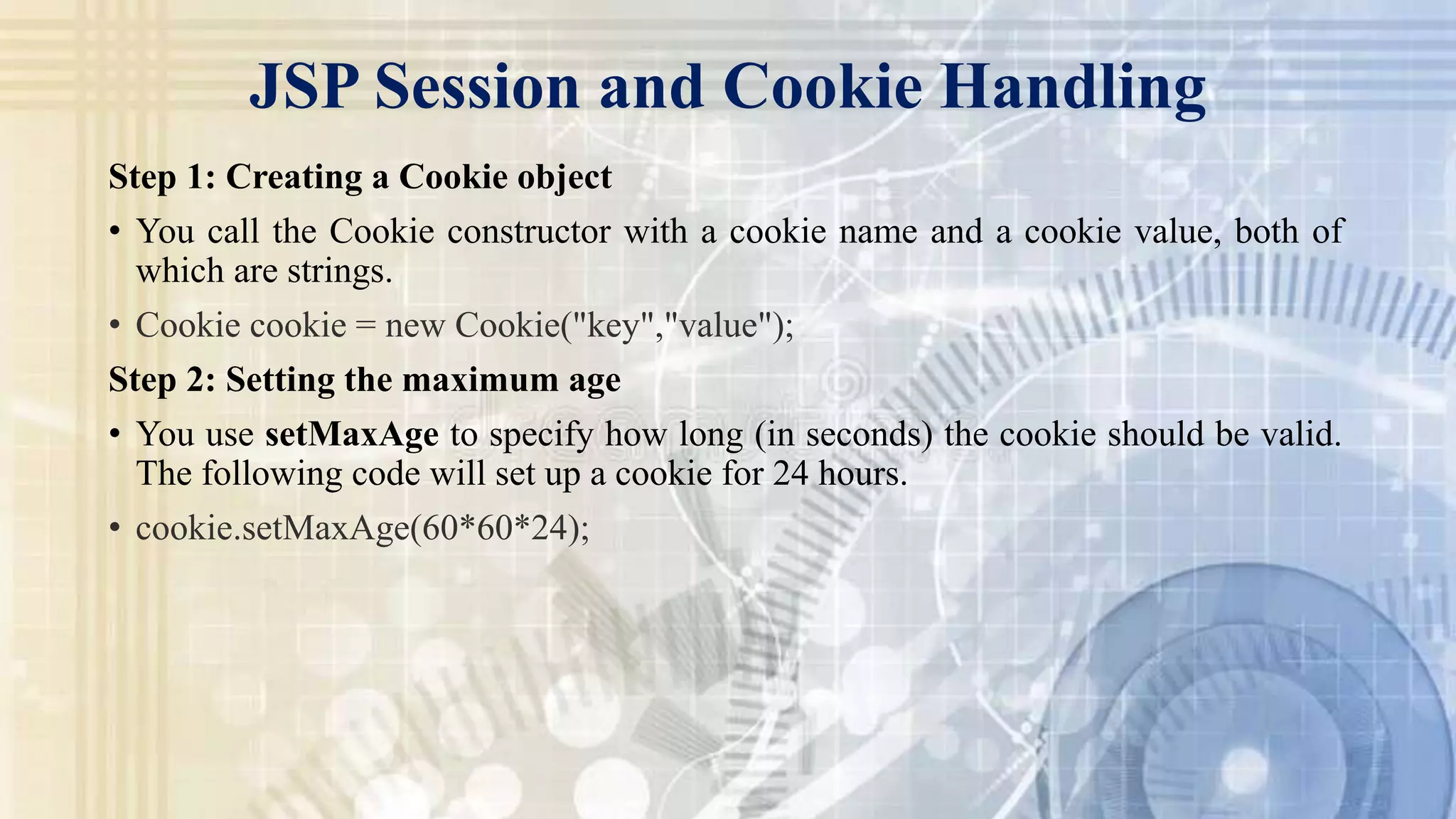
Step 1: Creating a Cookie object
• You call the Cookie constructor with a cookie name and a cookie value, both of
which are strings.
• Cookie cookie = new Cookie("key","value");
Step 2: Setting the maximum age
• You use setMaxAge to specify how long (in seconds) the cookie should be valid.
The following code will set up a cookie for 24 hours.
• cookie.setMaxAge(60*60*24);
JSP Session and Cookie Handling
Step 3: Sending the Cookie into the HTTP response headers
• You use response.addCookie to add cookies in the HTTP response header as
follows
• response.addCookie(cookie);
JSP Session and Cookie Handling
Step 3: Sending the Cookie into the HTTP response headers
• You use response.addCookie to add cookies in the HTTP response header as
follows
• response.addCookie(cookie);
JSP Session tracking and database access
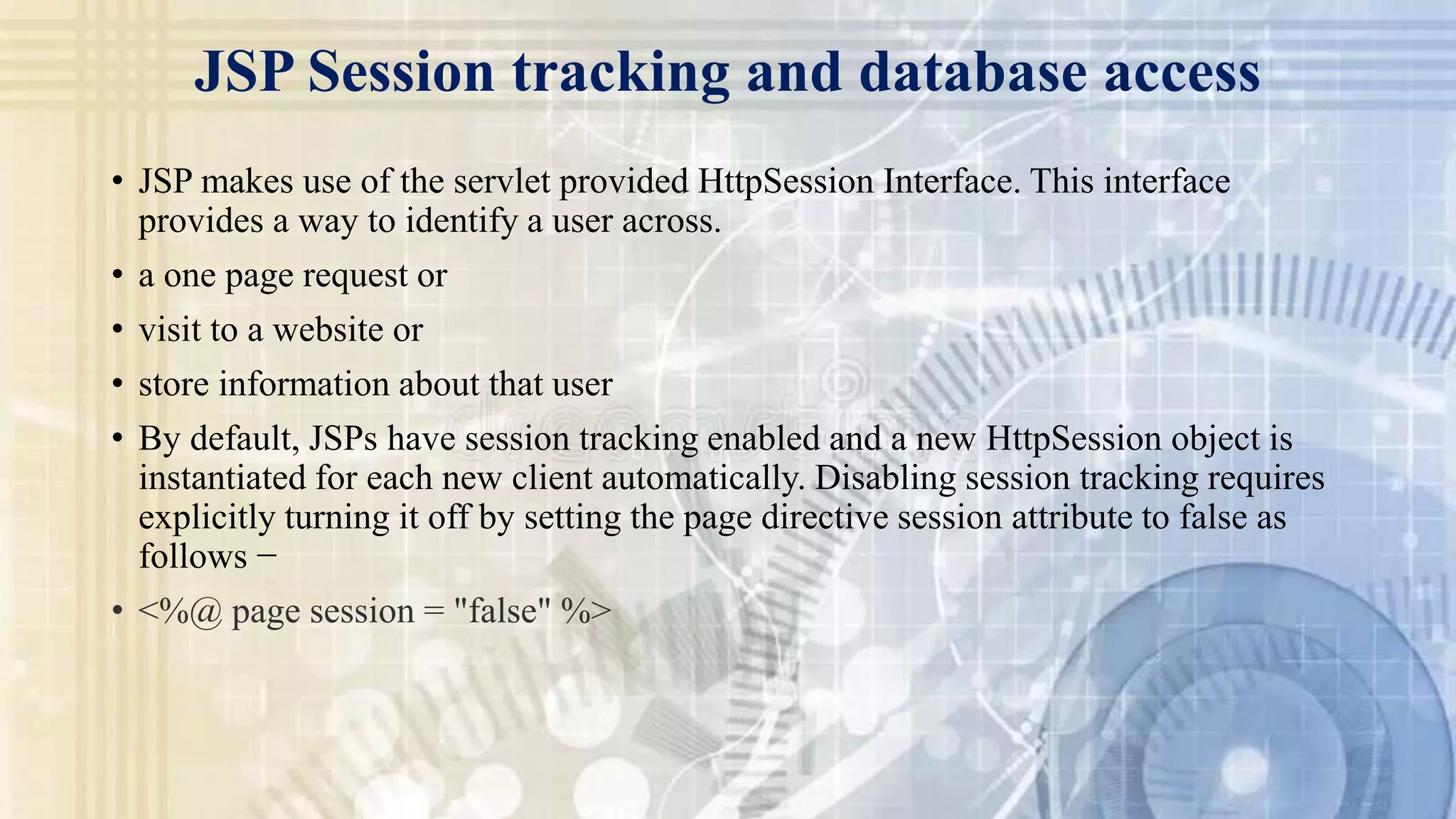
• JSP makes use of the servlet provided HttpSession Interface. This interface
provides a way to identify a user across.
• a one page request or
• visit to a website or
• store information about that user
• By default, JSPs have session tracking enabled and a new HttpSession object is
instantiated for each new client automatically. Disabling session tracking requires
explicitly turning it off by setting the page directive session attribute to false as
follows −
• <%@ page session = "false" %>
JSP Session tracking and database access
• The JSP engine exposes the HttpSession object to the JSP author through the
implicit session object. Since session object is already provided to the JSP
programmer, the programmer can immediately begin storing and retrieving data
from the object without any initialization or getSession().
JSP Session tracking and database access
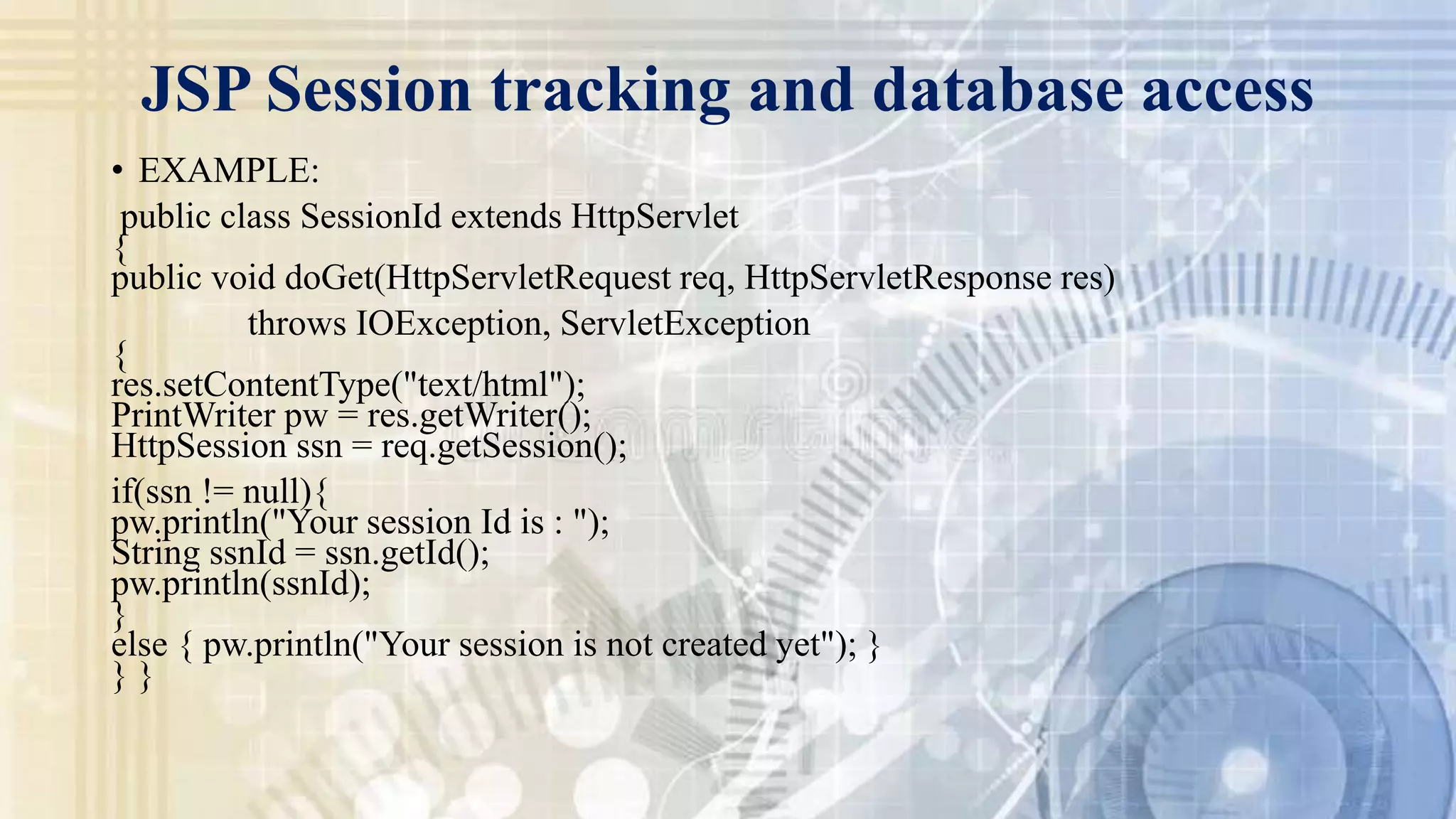
• EXAMPLE:
public class SessionId extends HttpServlet
{
public void doGet(HttpServletRequest req, HttpServletResponse res)
throws IOException, ServletException
{
res.setContentType("text/html");
PrintWriter pw = res.getWriter();
HttpSession ssn = req.getSession();
if(ssn != null){
pw.println("Your session Id is : ");
String ssnId = ssn.getId();
pw.println(ssnId);
}
else { pw.println("Your session is not created yet"); }
} }
JSP Session tracking and database access
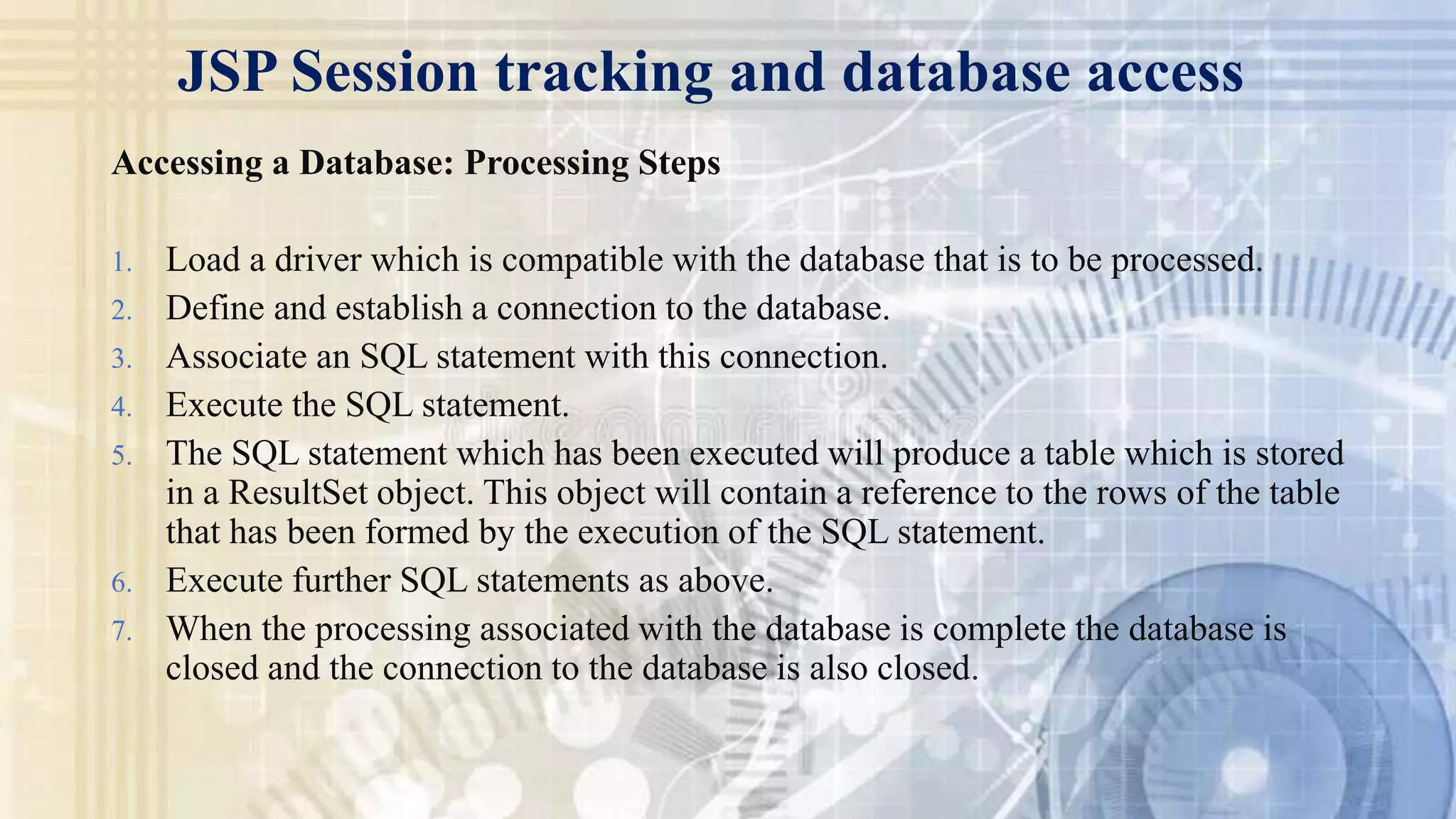
Accessing a Database: Processing Steps
1. Load a driver which is compatible with the database that is to be processed.
2. Define and establish a connection to the database.
3. Associate an SQL statement with this connection.
4. Execute the SQL statement.
5. The SQL statement which has been executed will produce a table which is stored
in a ResultSet object. This object will contain a reference to the rows of the table
that has been formed by the execution of the SQL statement.
6. Execute further SQL statements as above.
7. When the processing associated with the database is complete the database is
closed and the connection to the database is also closed.
JSP Standard Tag Libraries
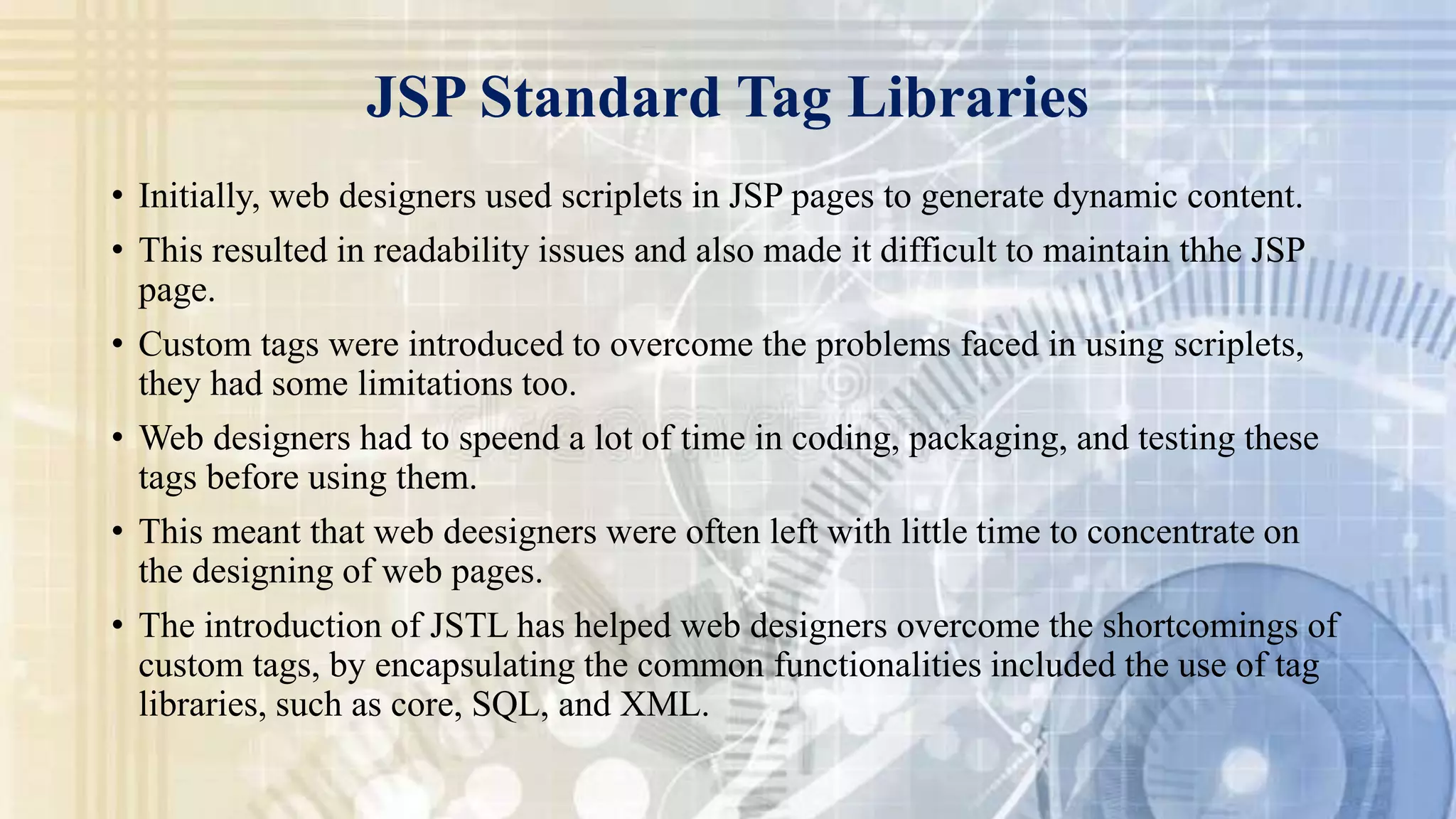
• Initially, web designers used scriplets in JSP pages to generate dynamic content.
• This resulted in readability issues and also made it difficult to maintain thhe JSP
page.
• Custom tags were introduced to overcome the problems faced in using scriplets,
they had some limitations too.
• Web designers had to speend a lot of time in coding, packaging, and testing these
tags before using them.
• This meant that web deesigners were often left with little time to concentrate on
the designing of web pages.
• The introduction of JSTL has helped web designers overcome the shortcomings of
custom tags, by encapsulating the common functionalities included the use of tag
libraries, such as core, SQL, and XML.
JSP Standard Tag Libraries
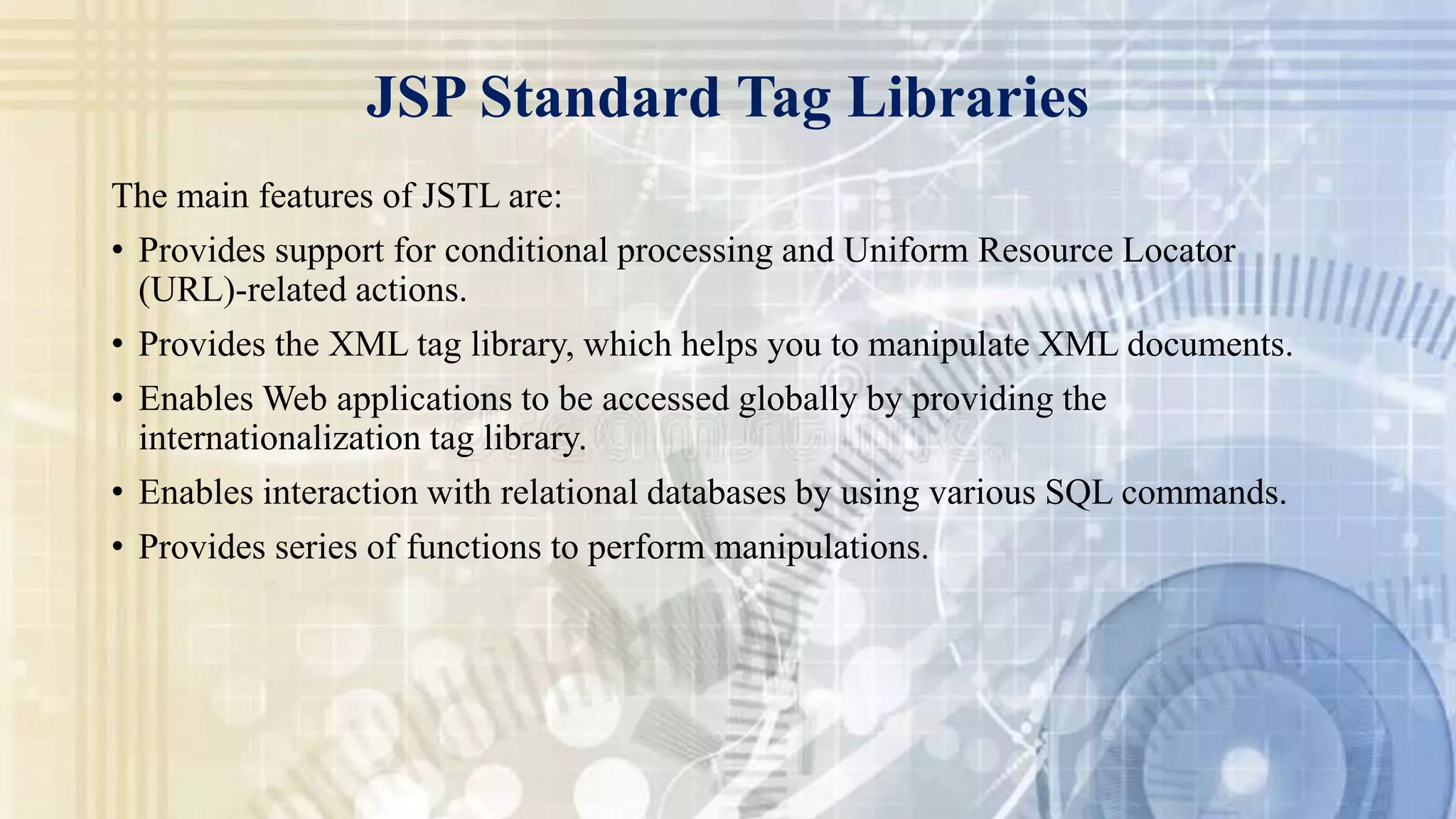
The main features of JSTL are:
• Provides support for conditional processing and Uniform Resource Locator
(URL)-related actions.
• Provides the XML tag library, which helps you to manipulate XML documents.
• Enables Web applications to be accessed globally by providing the
internationalization tag library.
• Enables interaction with relational databases by using various SQL commands.
• Provides series of functions to perform manipulations.
JSP Standard Tag Libraries
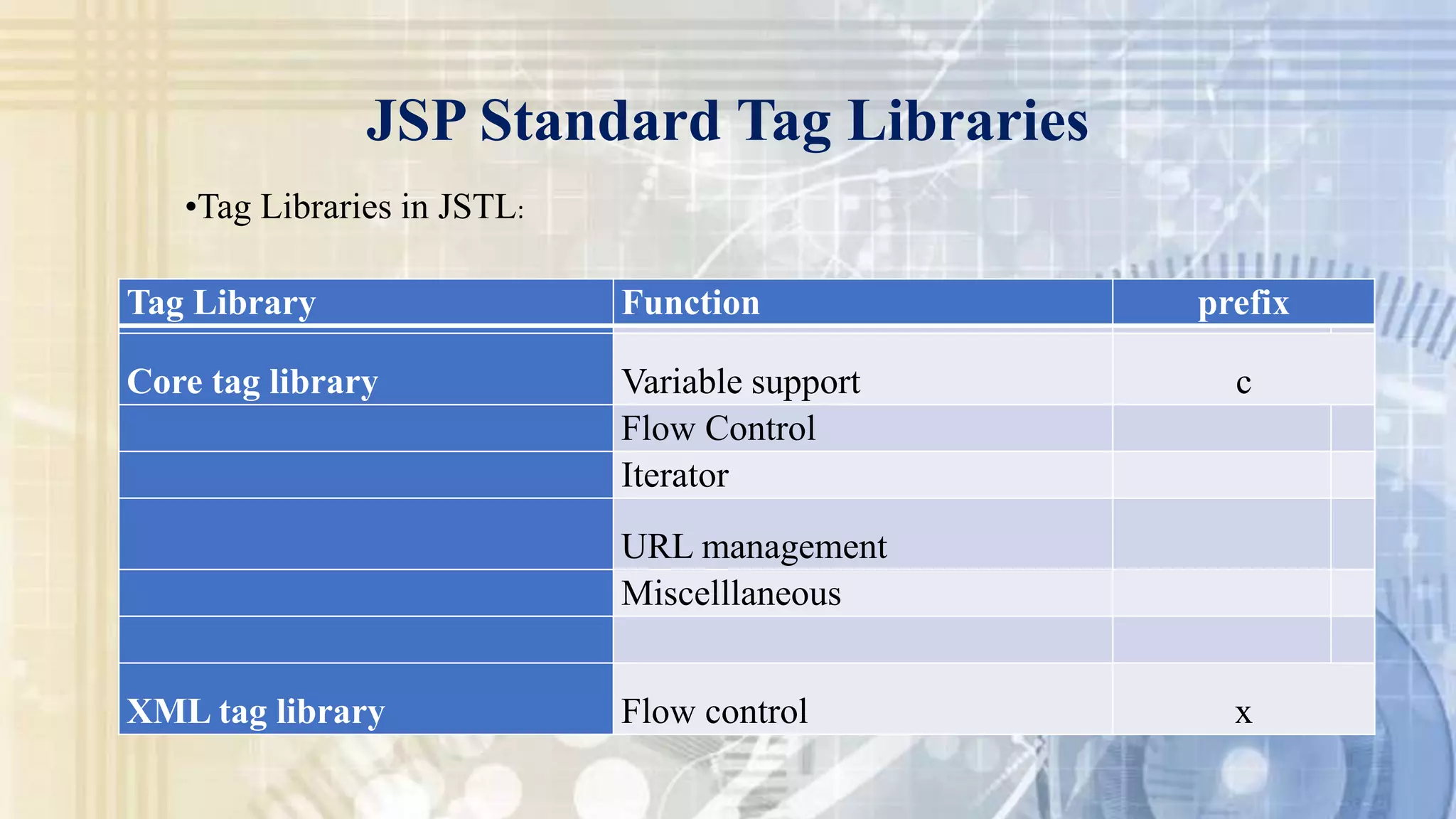
Tag Library Function prefix
Core tag library Variable support c
Flow Control
Iterator
URL management
Miscelllaneous
XML tag library Flow control x
•Tag Libraries in JSTL:
JSP Standard Tag Libraries
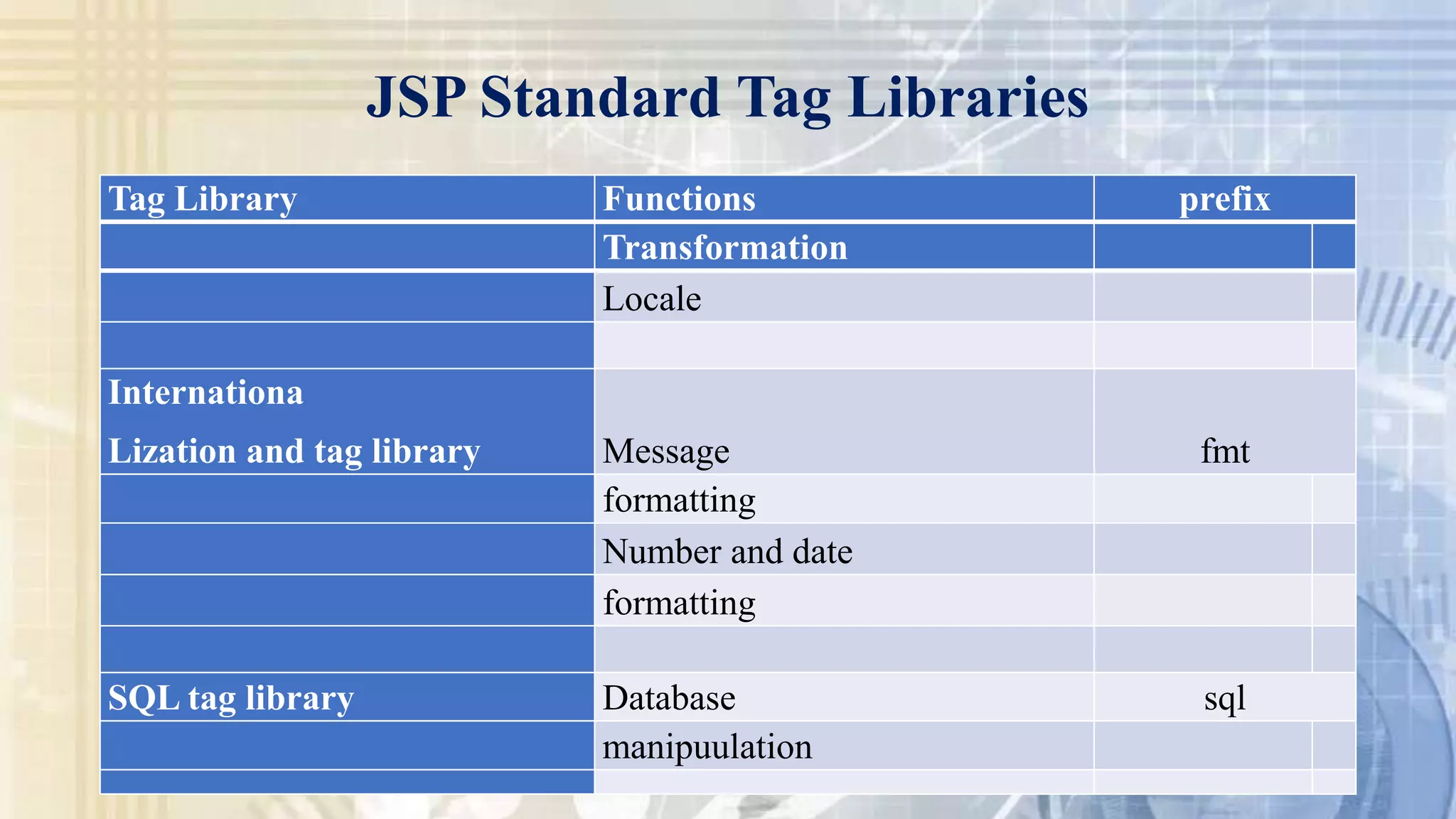
Transformation
Locale
Internationa
Lization and tag library Message fmt
formatting
Number and date
formatting
SQL tag library Database sql
manipuulation
Tag Library Functions prefix
Thank You

Advance Java

  • 1.
    ADVANCED JAVA (2160707) 1 TOPIC:JSP Session and Cookie Handling, JSP Session tracking, JSP database access and JSP standard Tag libraries
  • 2.
    Content: • JSP Sessionand Cookie Handling • JSP Session tracking • JSP database access • JSP standard Tag libraries
  • 3.
    JSP Session andCookie Handling • Maintaining Session Between Web Client And Server • Let us now discuss a few options to maintain the session between the Web Client and the Web Server − What is Cookie? • Cookies are text files stored on the client computer and they are kept for various information tracking purposes. JSP transparently supports HTTP cookies using underlying servlet technology.
  • 4.
    • There arethree steps involved in identifying and returning users − • Server script sends a set of cookies to the browser. For example, name, age, or identification number, etc. • Browser stores this information on the local machine for future use. • When the next time the browser sends any request to the web server then it sends those cookies information to the server and server uses that information to identify the user or may be for some other purpose as well. JSP Session and Cookie Handling
  • 5.
    JSP Session andCookie Handling • HTTP is a "stateless" protocol which means each time a client retrieves a Webpage, the client opens a separate connection to the Web server and the server automatically does not keep any record of previous client request. • We can create cookies using Cookie class in the servlet API. We can add cookies to response object using addCookie () method. We can access cookies using getCookies () method. For Example: If we want to store user’s name on our web site then we can use following simple code to store that cookie. String name=request.getParameter (“username”); Cookie c=new Cookie (“yourname”, name); response.addCookie(c);
  • 6.
    JSP Session andCookie Handling • We can use HTTP cookies to perform session management. The web container stores the session ID on the client machine. When the getSession () method is called, the web container uses session ID cookie information to find the session object. • The cookie mechanism is the default HttpSession strategy. Some browsers do not support cookies or some users turn off cookies on their browsers. If that happens then cookie based session management fails. • We can detect if cookies are being used for session management using isRequestSessionIdFromCookie method in the HttpServletRequest interface. It returns true if cookies are used. • A similar method isRequestSessionIdFromURL method returns true if URL-rewriting is used for session management.
  • 7.
    JSP Session andCookie Handling Step 1: Creating a Cookie object • You call the Cookie constructor with a cookie name and a cookie value, both of which are strings. • Cookie cookie = new Cookie("key","value"); Step 2: Setting the maximum age • You use setMaxAge to specify how long (in seconds) the cookie should be valid. The following code will set up a cookie for 24 hours. • cookie.setMaxAge(60*60*24);
  • 8.
    JSP Session andCookie Handling Step 3: Sending the Cookie into the HTTP response headers • You use response.addCookie to add cookies in the HTTP response header as follows • response.addCookie(cookie);
  • 9.
    JSP Session andCookie Handling Step 3: Sending the Cookie into the HTTP response headers • You use response.addCookie to add cookies in the HTTP response header as follows • response.addCookie(cookie);
  • 10.
    JSP Session trackingand database access • JSP makes use of the servlet provided HttpSession Interface. This interface provides a way to identify a user across. • a one page request or • visit to a website or • store information about that user • By default, JSPs have session tracking enabled and a new HttpSession object is instantiated for each new client automatically. Disabling session tracking requires explicitly turning it off by setting the page directive session attribute to false as follows − • <%@ page session = "false" %>
  • 11.
    JSP Session trackingand database access • The JSP engine exposes the HttpSession object to the JSP author through the implicit session object. Since session object is already provided to the JSP programmer, the programmer can immediately begin storing and retrieving data from the object without any initialization or getSession().
  • 12.
    JSP Session trackingand database access • EXAMPLE: public class SessionId extends HttpServlet { public void doGet(HttpServletRequest req, HttpServletResponse res) throws IOException, ServletException { res.setContentType("text/html"); PrintWriter pw = res.getWriter(); HttpSession ssn = req.getSession(); if(ssn != null){ pw.println("Your session Id is : "); String ssnId = ssn.getId(); pw.println(ssnId); } else { pw.println("Your session is not created yet"); } } }
  • 13.
    JSP Session trackingand database access Accessing a Database: Processing Steps 1. Load a driver which is compatible with the database that is to be processed. 2. Define and establish a connection to the database. 3. Associate an SQL statement with this connection. 4. Execute the SQL statement. 5. The SQL statement which has been executed will produce a table which is stored in a ResultSet object. This object will contain a reference to the rows of the table that has been formed by the execution of the SQL statement. 6. Execute further SQL statements as above. 7. When the processing associated with the database is complete the database is closed and the connection to the database is also closed.
  • 14.
    JSP Standard TagLibraries • Initially, web designers used scriplets in JSP pages to generate dynamic content. • This resulted in readability issues and also made it difficult to maintain thhe JSP page. • Custom tags were introduced to overcome the problems faced in using scriplets, they had some limitations too. • Web designers had to speend a lot of time in coding, packaging, and testing these tags before using them. • This meant that web deesigners were often left with little time to concentrate on the designing of web pages. • The introduction of JSTL has helped web designers overcome the shortcomings of custom tags, by encapsulating the common functionalities included the use of tag libraries, such as core, SQL, and XML.
  • 15.
    JSP Standard TagLibraries The main features of JSTL are: • Provides support for conditional processing and Uniform Resource Locator (URL)-related actions. • Provides the XML tag library, which helps you to manipulate XML documents. • Enables Web applications to be accessed globally by providing the internationalization tag library. • Enables interaction with relational databases by using various SQL commands. • Provides series of functions to perform manipulations.
  • 16.
    JSP Standard TagLibraries Tag Library Function prefix Core tag library Variable support c Flow Control Iterator URL management Miscelllaneous XML tag library Flow control x •Tag Libraries in JSTL:
  • 17.
    JSP Standard TagLibraries Transformation Locale Internationa Lization and tag library Message fmt formatting Number and date formatting SQL tag library Database sql manipuulation Tag Library Functions prefix
  • 18.