


Teaching with
Educational Technologies
Jeff Van de Poël | Senior Instructional Designer | Researcher
Institut pour la Formation et la Recherche en Enseignement Supérieur
Université de Liège - Belgium
SESSION OVERVIEW
• PART I : Some information and facts about eLearning and Educational
Technologies.
• PART II : Some thoughts for teachers starting to use Educational
Technologies.
• PART III : Around “blended learning” and various scenarios.
• PART IV : What About MOOCs
• PART V :
The gently difficult management of attentional resources.
PART I :
Some information and facts about
eLearning and Educational
Technologies
Dated 2014
Higher
Education
landscape is
changing …
So are the
Students
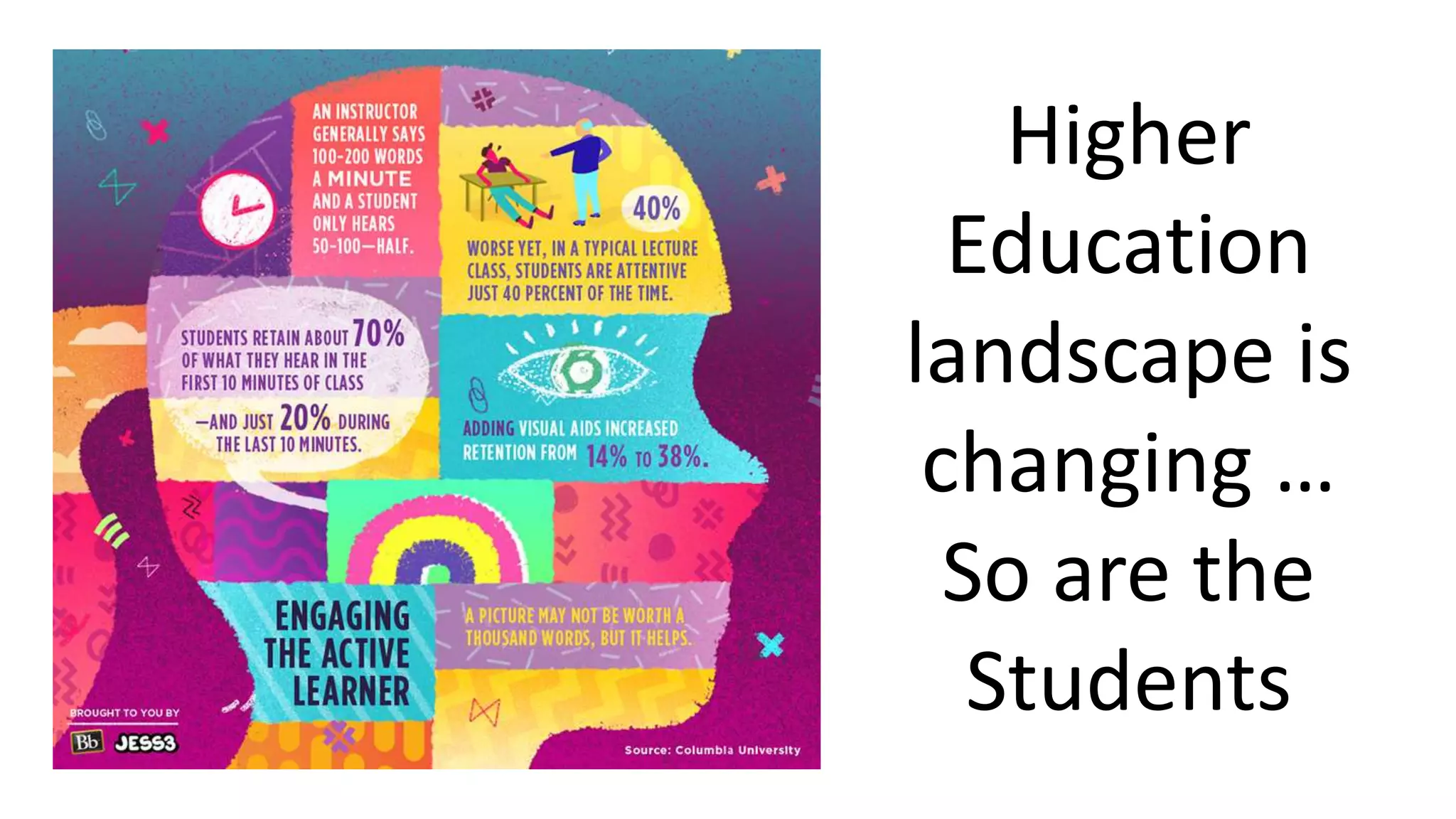
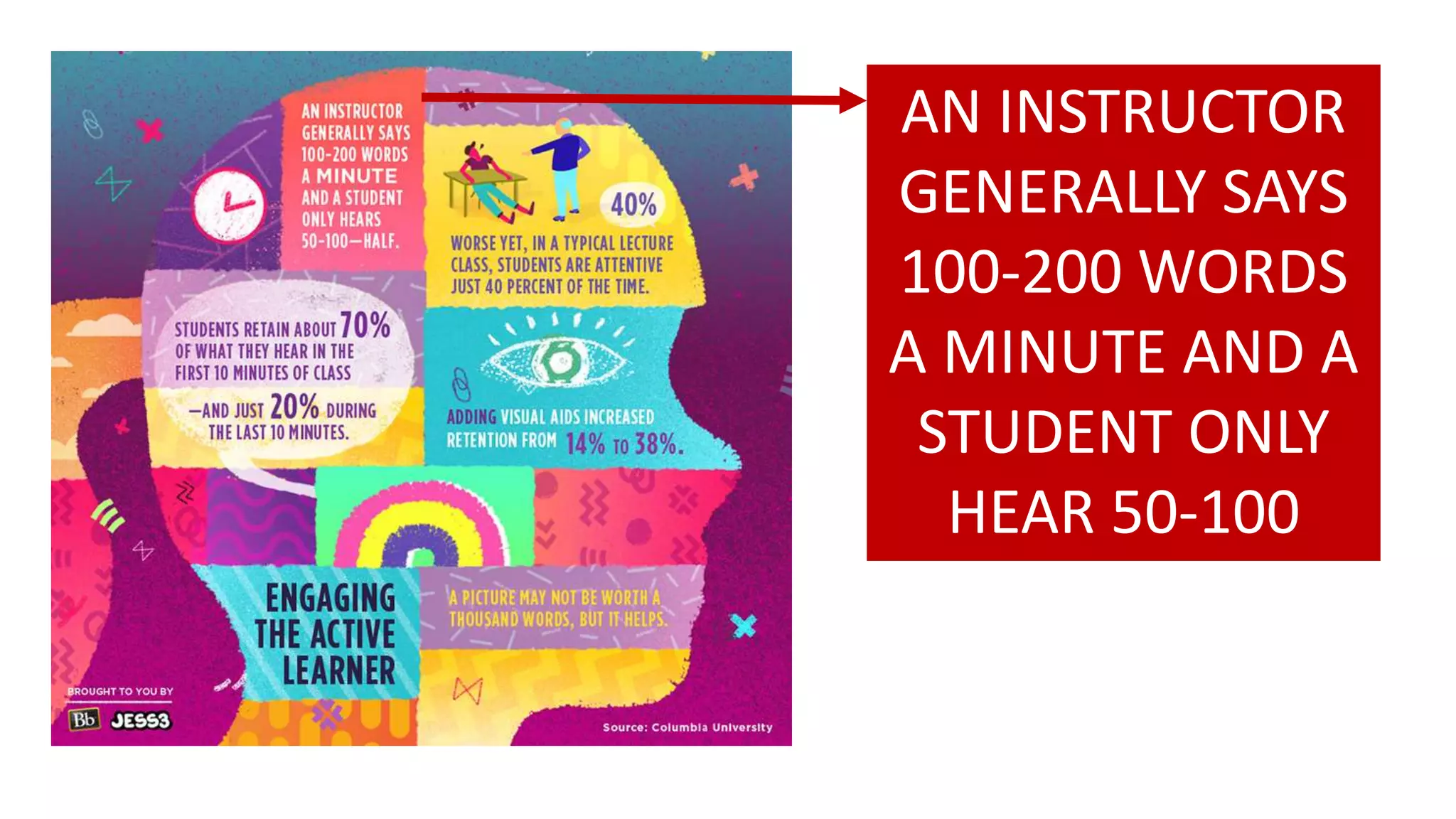
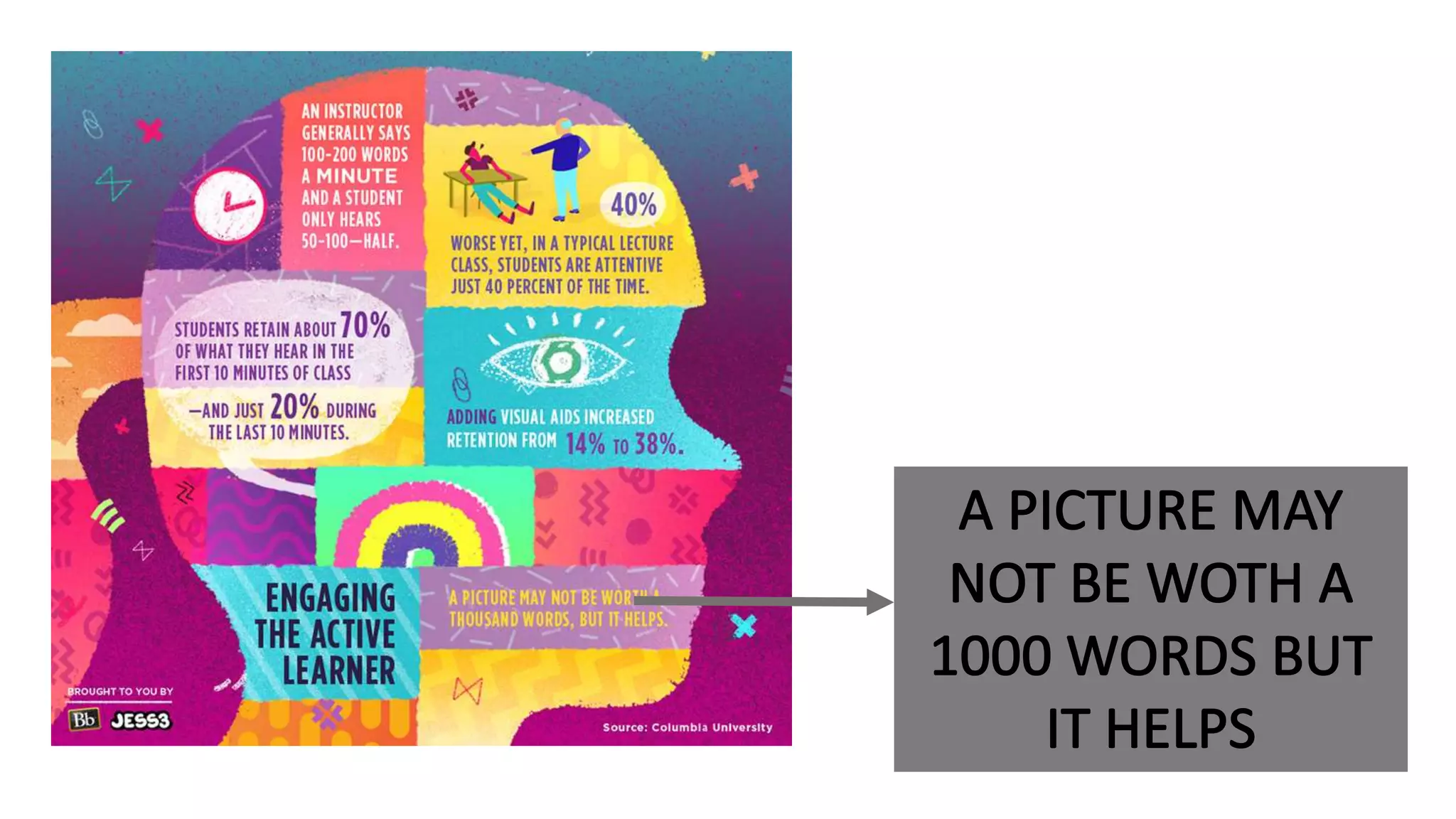
AN INSTRUCTOR
GENERALLY SAYS
100-200 WORDS
A MINUTE AND A
STUDENT ONLY
HEAR 50-100
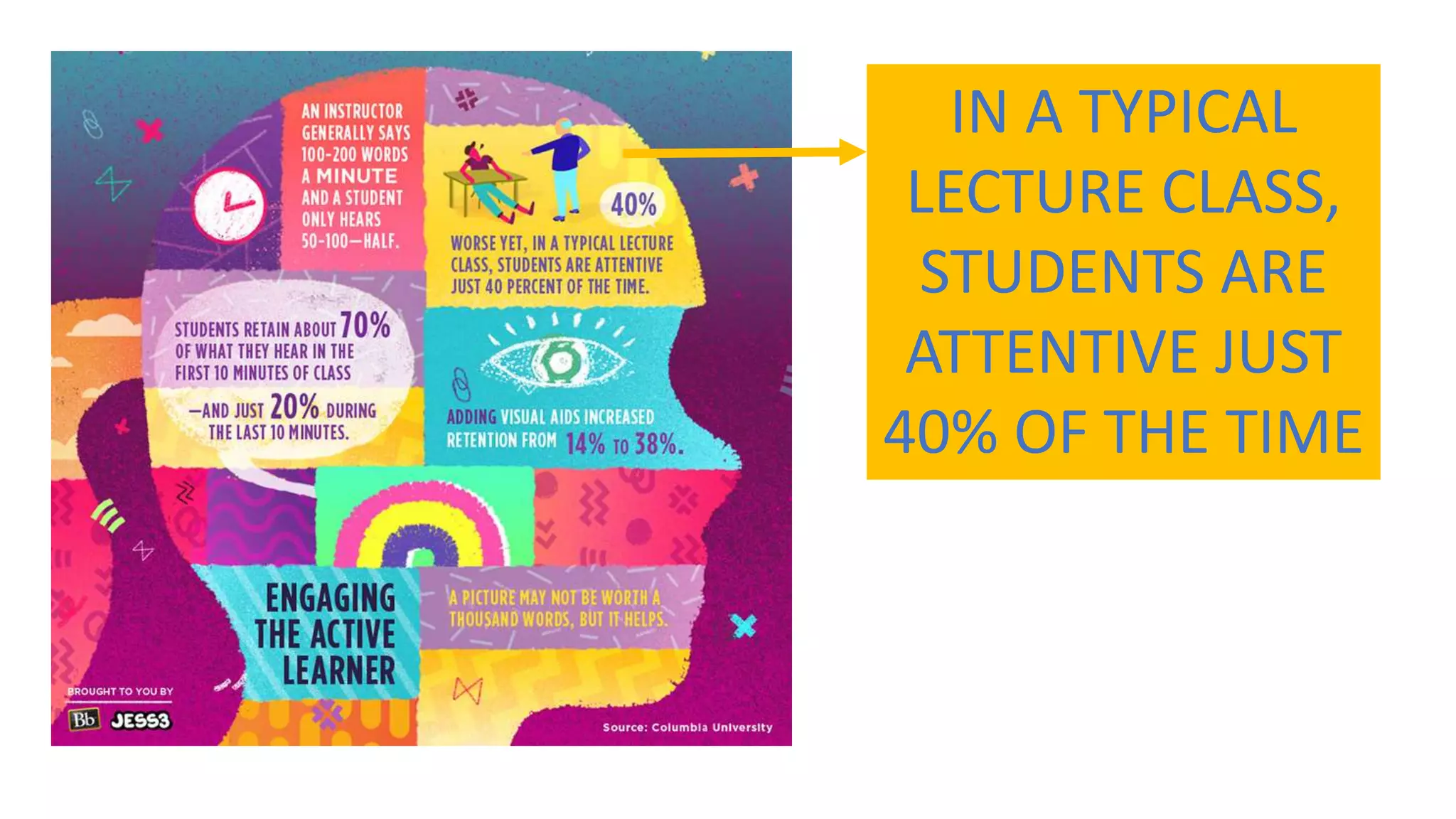
IN A TYPICAL
LECTURE CLASS,
STUDENTS ARE
ATTENTIVE JUST
40% OF THE TIME
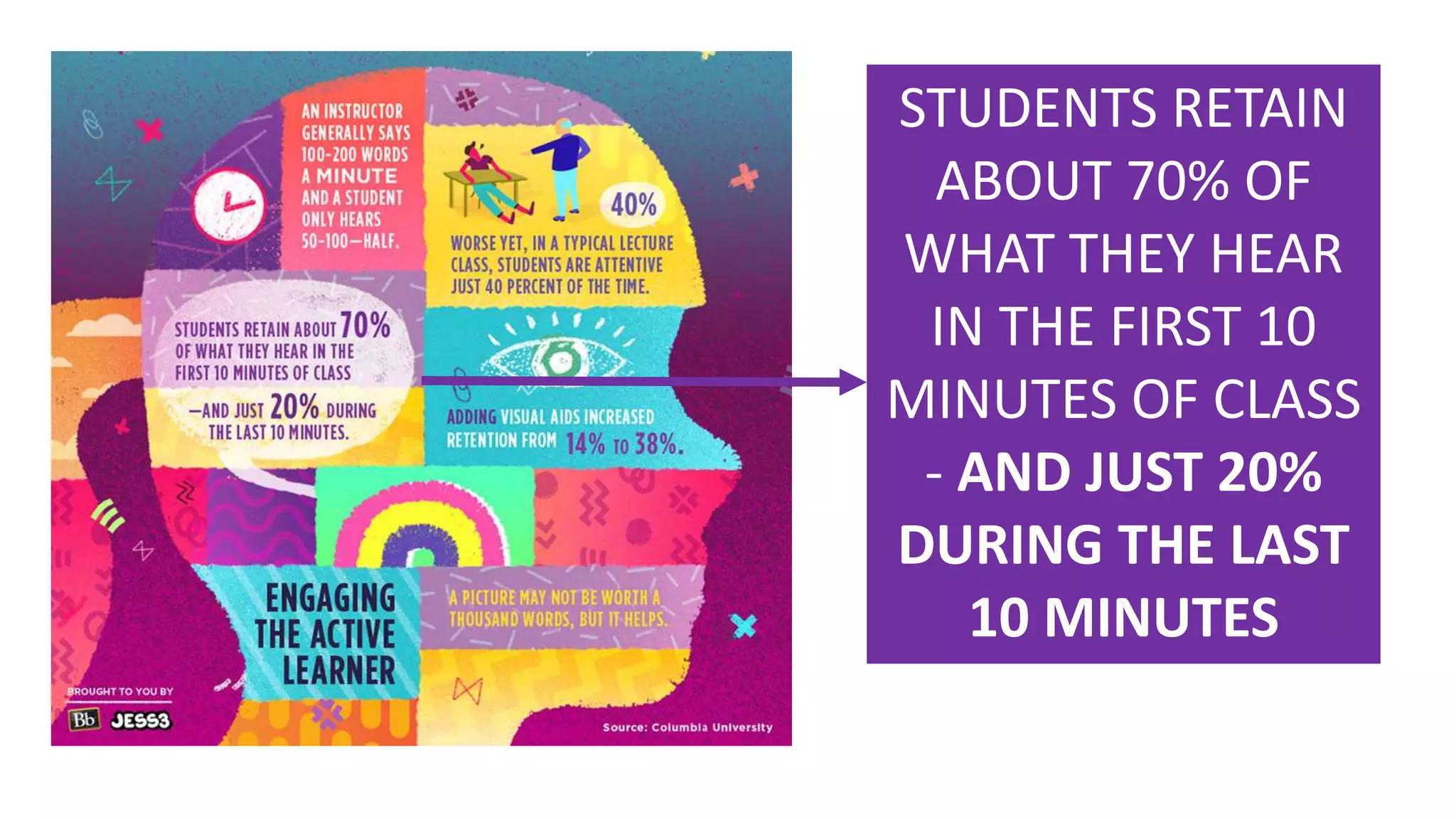
STUDENTS RETAIN
ABOUT 70% OF
WHAT THEY HEAR
IN THE FIRST 10
MINUTES OF CLASS
- AND JUST 20%
DURING THE LAST
10 MINUTES
IMPORTANT FACTS
• MOST OF LEARNING PROCESS
HAPPENS OUTSIDE THE
CLASSROOM
• THIS ENVIRONMENT NEED TO
BE PREPARED BY TEACHER FOR
STUDENTS.
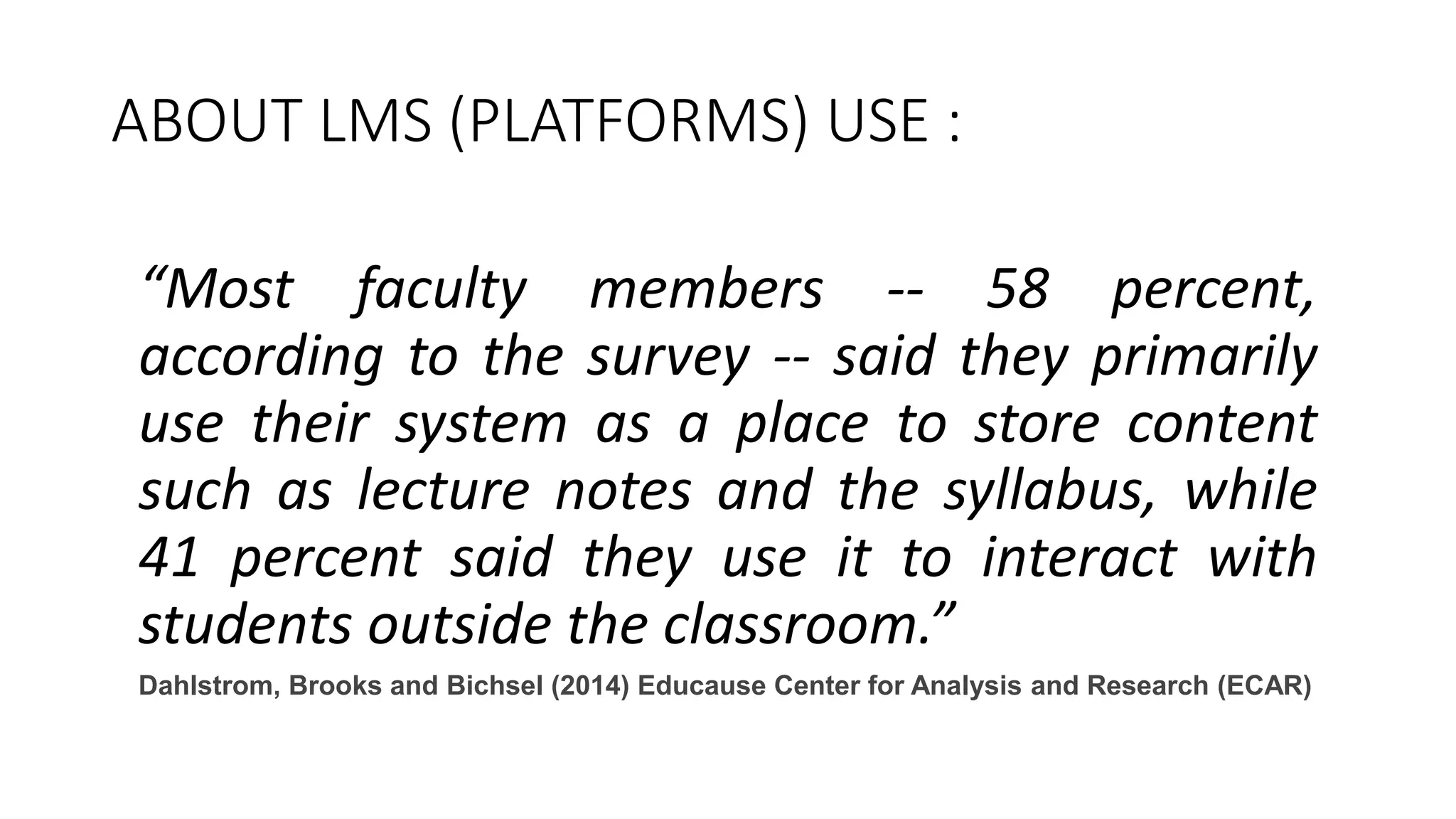
ABOUT LMS (PLATFORMS) USE :
“Most faculty members -- 58 percent,
according to the survey -- said they primarily
use their system as a place to store content
such as lecture notes and the syllabus, while
41 percent said they use it to interact with
students outside the classroom.”
Dahlstrom, Brooks and Bichsel (2014) Educause Center for Analysis and Research (ECAR)
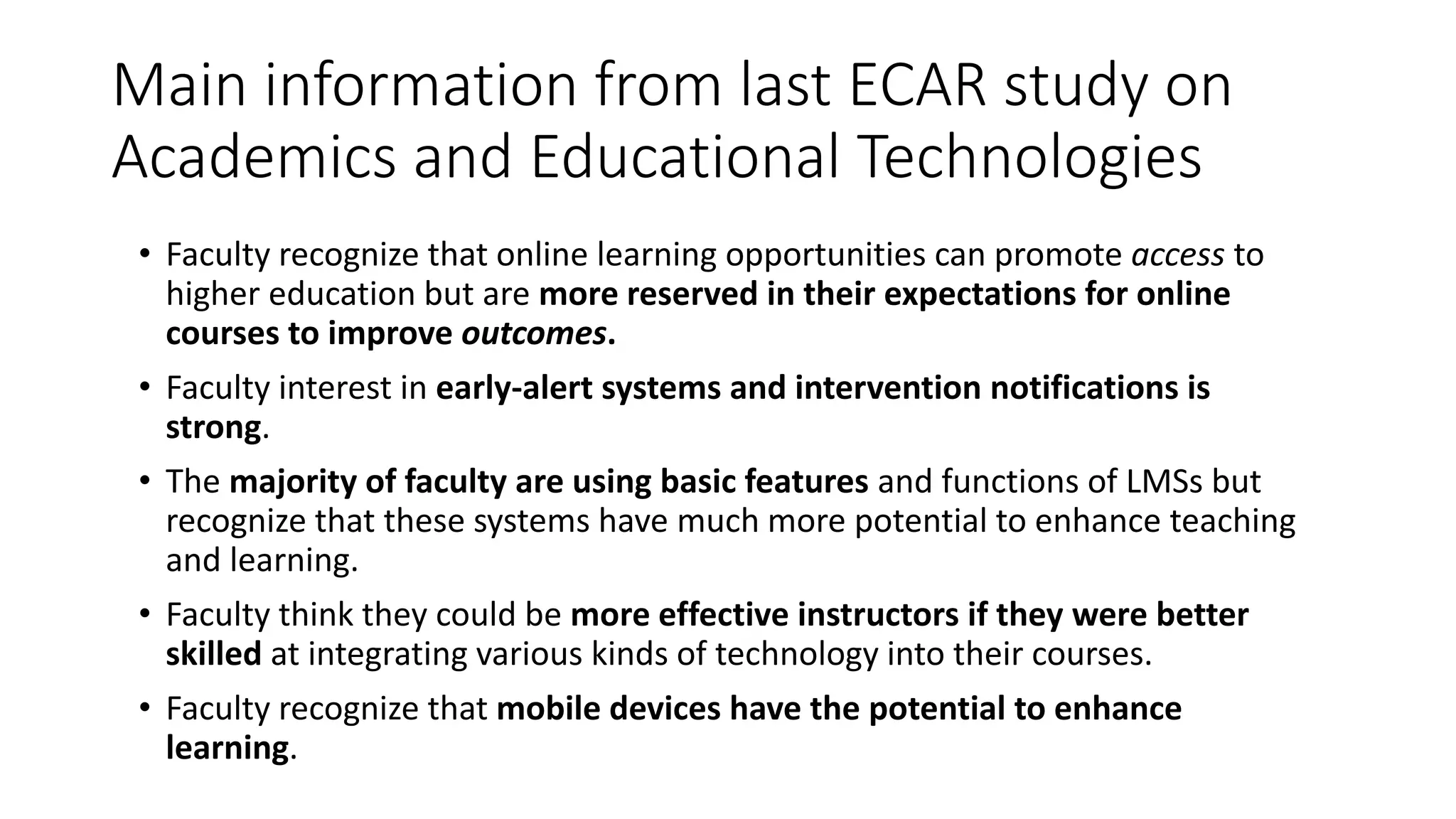
Main information from last ECAR study on
Academics and Educational Technologies
• Faculty recognize that online learning opportunities can promote access to
higher education but are more reserved in their expectations for online
courses to improve outcomes.
• Faculty interest in early-alert systems and intervention notifications is
strong.
• The majority of faculty are using basic features and functions of LMSs but
recognize that these systems have much more potential to enhance teaching
and learning.
• Faculty think they could be more effective instructors if they were better
skilled at integrating various kinds of technology into their courses.
• Faculty recognize that mobile devices have the potential to enhance
learning.
ECAR STUDY ABOUT STUDENTS AND
TECHNOLOGIES
• Technology is embedded into students’ lives, and students are generally inclined
to use and to have favorable attitudes toward technology.
• Students’ academic use of technology is widespread but not deep. They are
particularly interested in expanding the use of a few specific technologies.
• Many students use mobile devices for academic purposes. Their in-class use is
more likely when instructors encourage such use; however, both faculty and
students are concerned about their potential for distraction.
• More students than ever have experienced a digital learning environment. The
majority say they learn best with a blend of online and face-to-face work.
• Most students support institutional use of their data to advise them on academic
progress in courses and programs. Many of the analytic functions students seek
already exist in contemporary LMSs.
Link to ECAR studies
• http://www.educause.edu/library/resources/2014-
student-and-faculty-technology-research-studies
To summarise :
• Teachers need to prepare extended learning environment for their
students.
• They must think about various ways to propose learning contents and
activities to their students.
• It’s normal that teachers start to use technologies in a basic way at
the beginning.
• Creating an online learning environment is a longtime process.
PART II :
Some thoughts for teachers starting
to use Educational Technologies
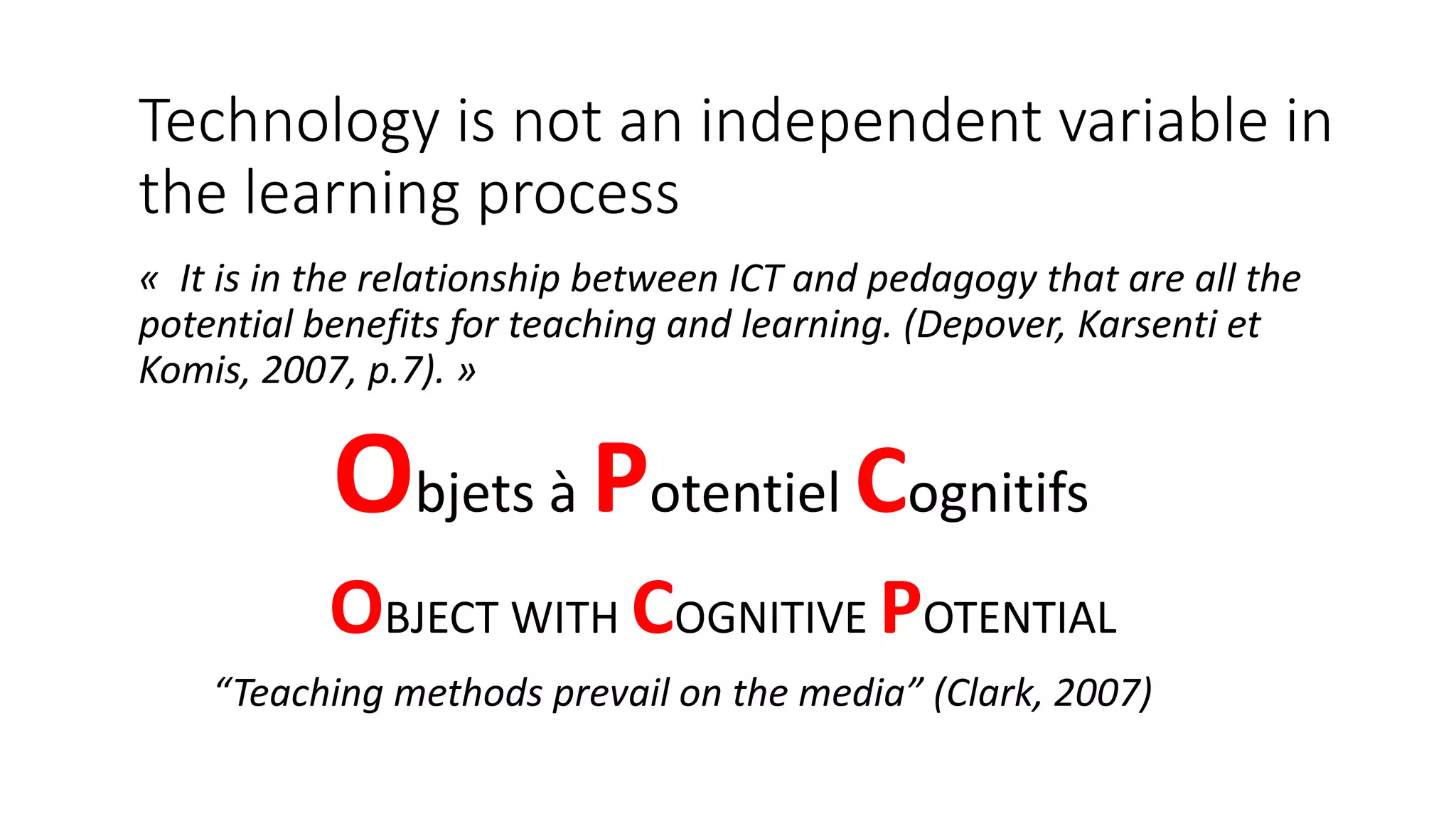
Technology is not an independent variable in
the learning process
« It is in the relationship between ICT and pedagogy that are all the
potential benefits for teaching and learning. (Depover, Karsenti et
Komis, 2007, p.7). »
Objets à Potentiel Cognitifs
“Teaching methods prevail on the media” (Clark, 2007)
OBJECT WITH COGNITIVE POTENTIAL
TPACK MODEL
A framework for teacher
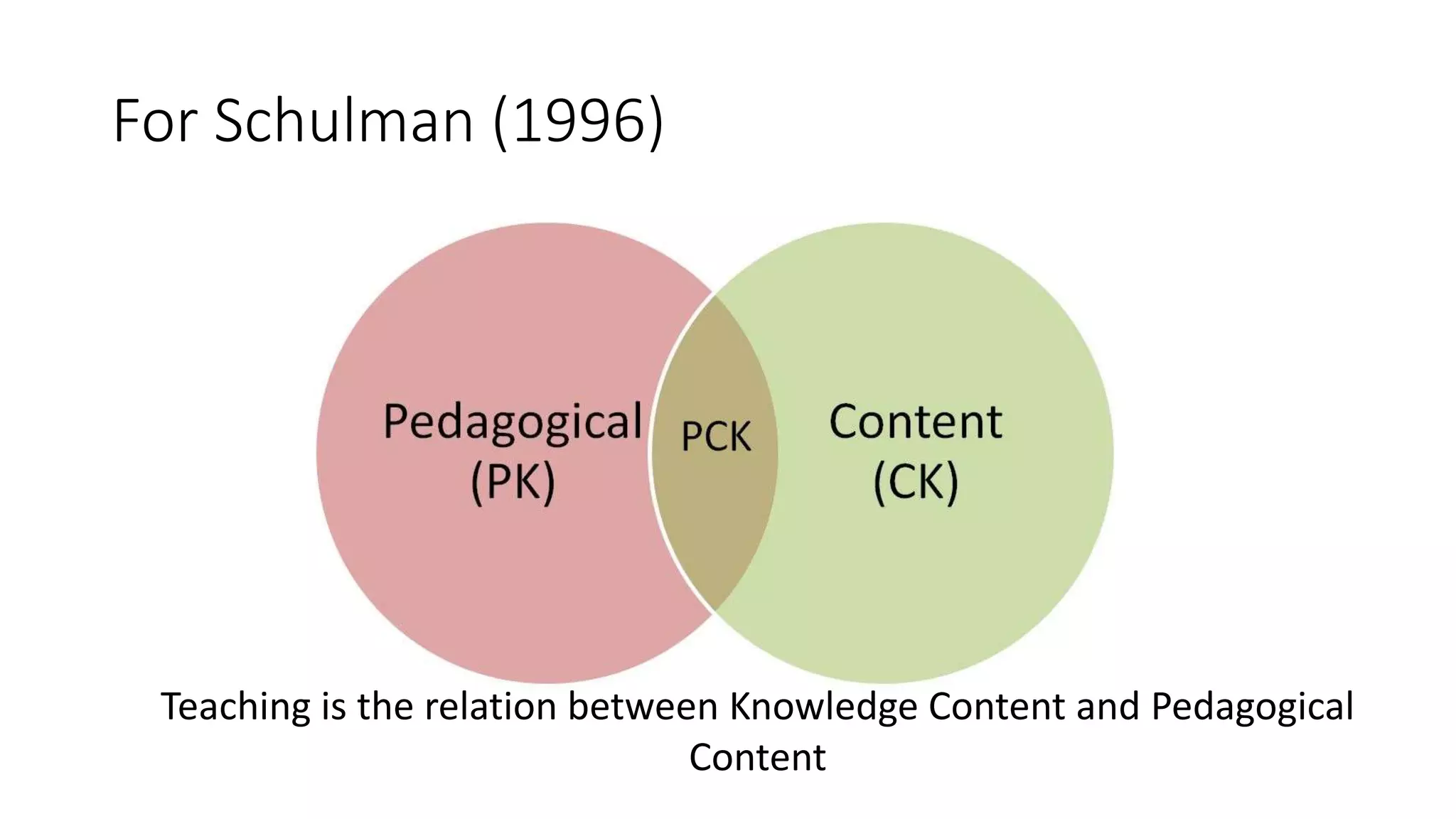
For Schulman (1996)
Teaching is the relation between Knowledge Content and Pedagogical
Content
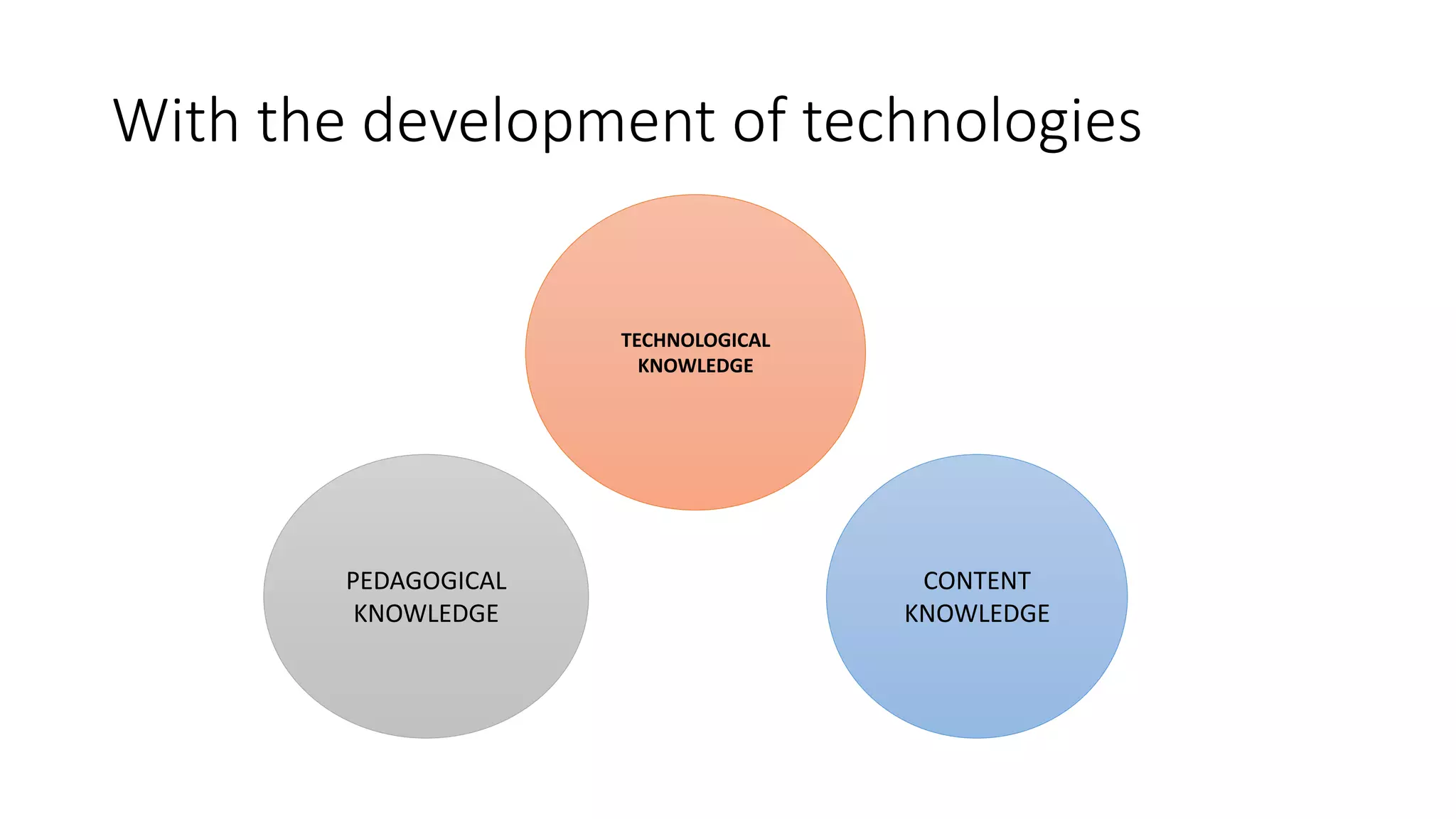
With the development of technologies
CONTENT
KNOWLEDGE
PEDAGOGICAL
KNOWLEDGE
TECHNOLOGICAL
KNOWLEDGE
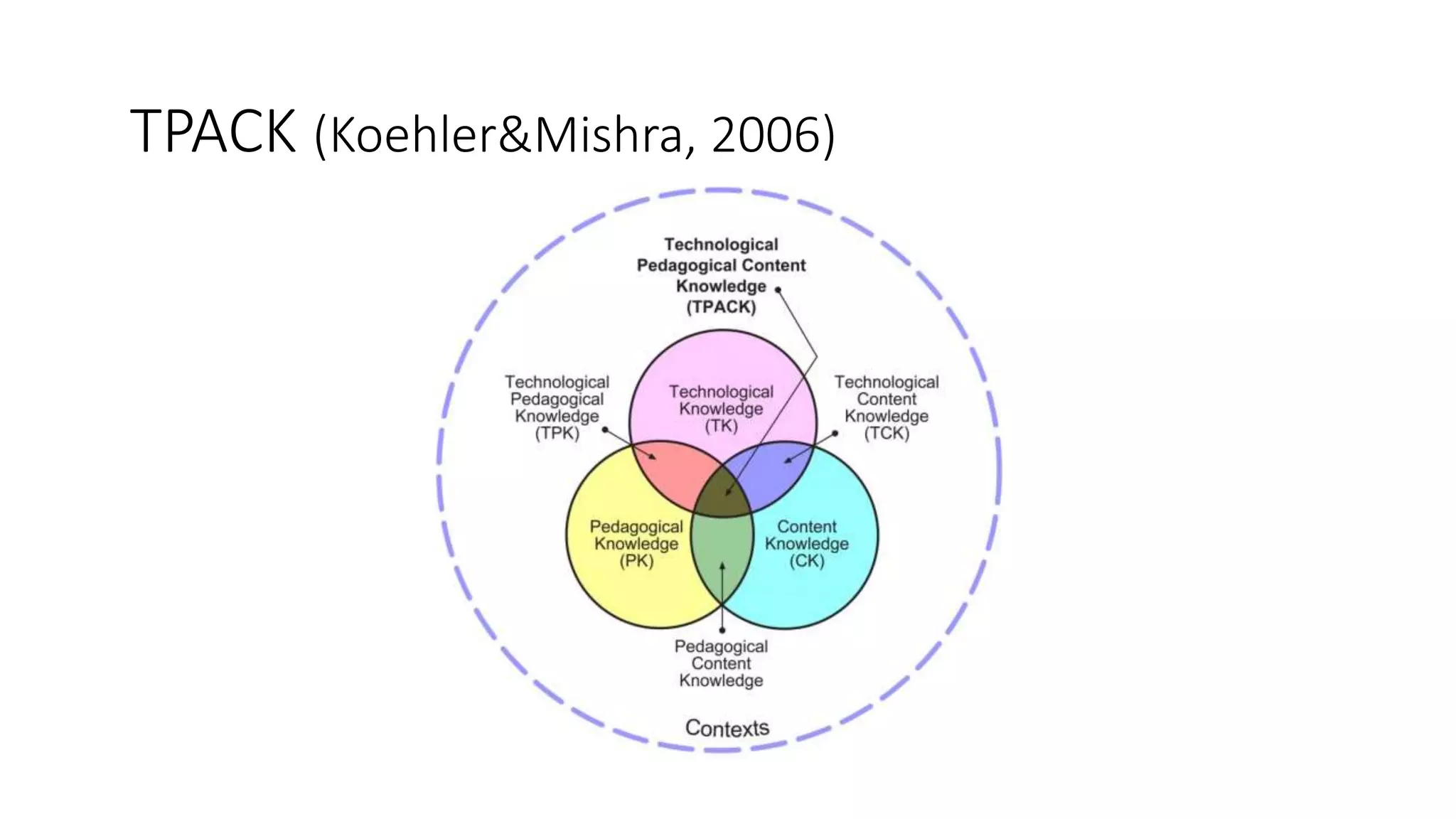
TPACK (Koehler&Mishra, 2006)
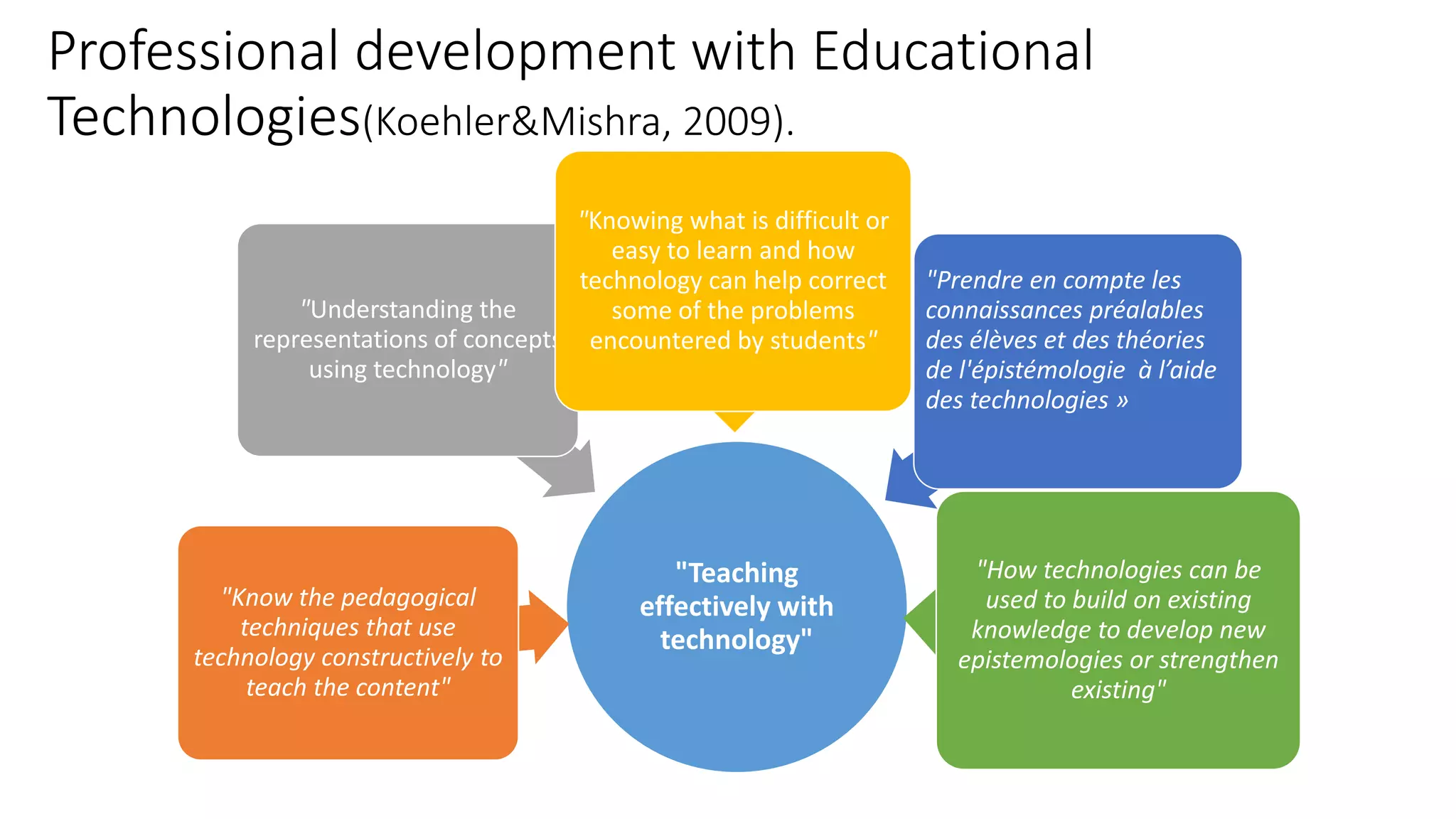
Professional development with Educational
Technologies(Koehler&Mishra, 2009).
"Teaching
effectively with
technology"
"Know the pedagogical
techniques that use
technology constructively to
teach the content"
"Understanding the
representations of concepts
using technology"
"Knowing what is difficult or
easy to learn and how
technology can help correct
some of the problems
encountered by students"
"Prendre en compte les
connaissances préalables
des élèves et des théories
de l'épistémologie à l’aide
des technologies »
"How technologies can be
used to build on existing
knowledge to develop new
epistemologies or strengthen
existing"
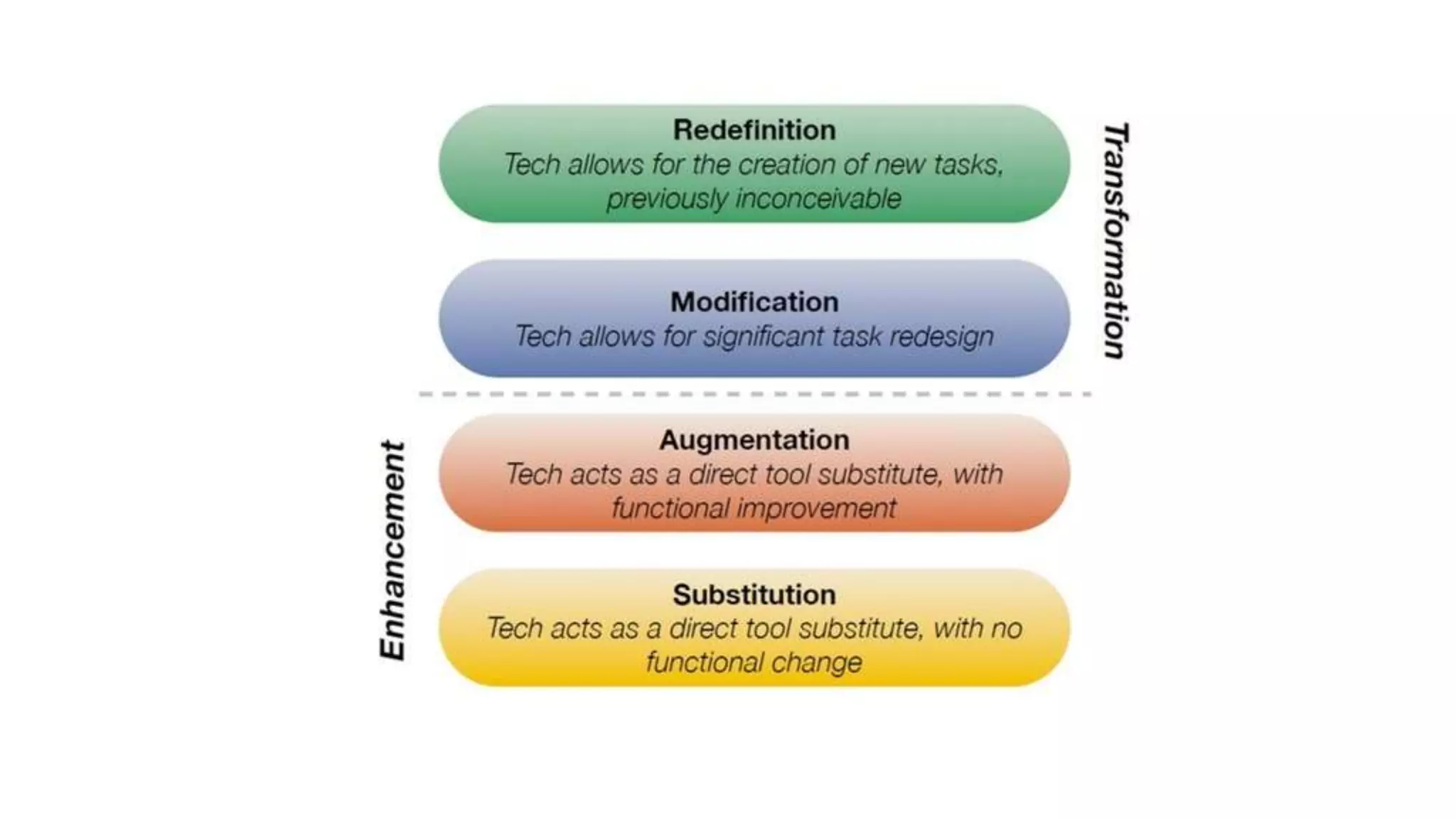
Le S.A.M.R.
A framework to integrate Educational Technologies
to your teaching practice
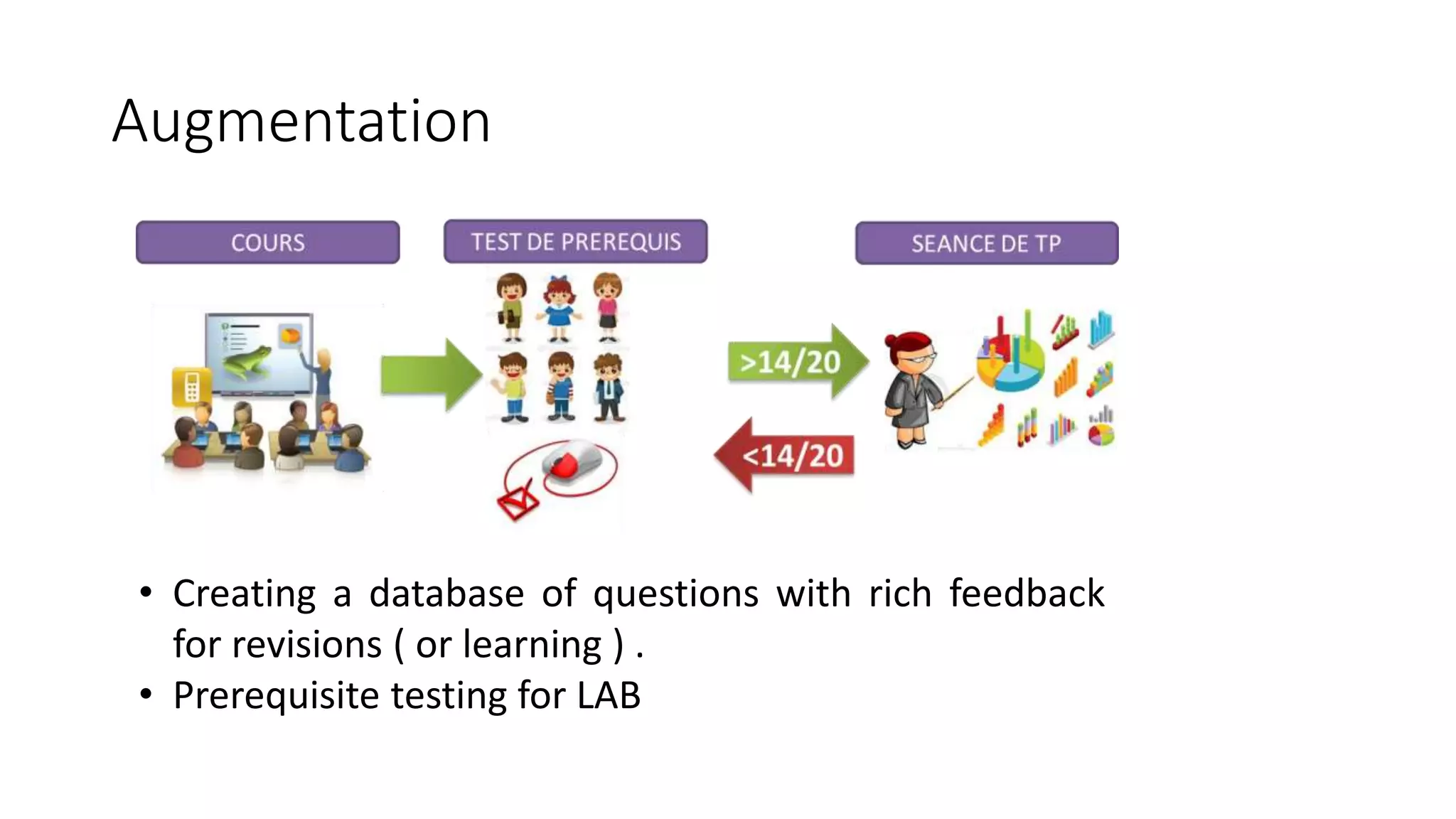
• Creating a database of questions with rich feedback
for revisions ( or learning ) .
• Prerequisite testing for LAB
Augmentation
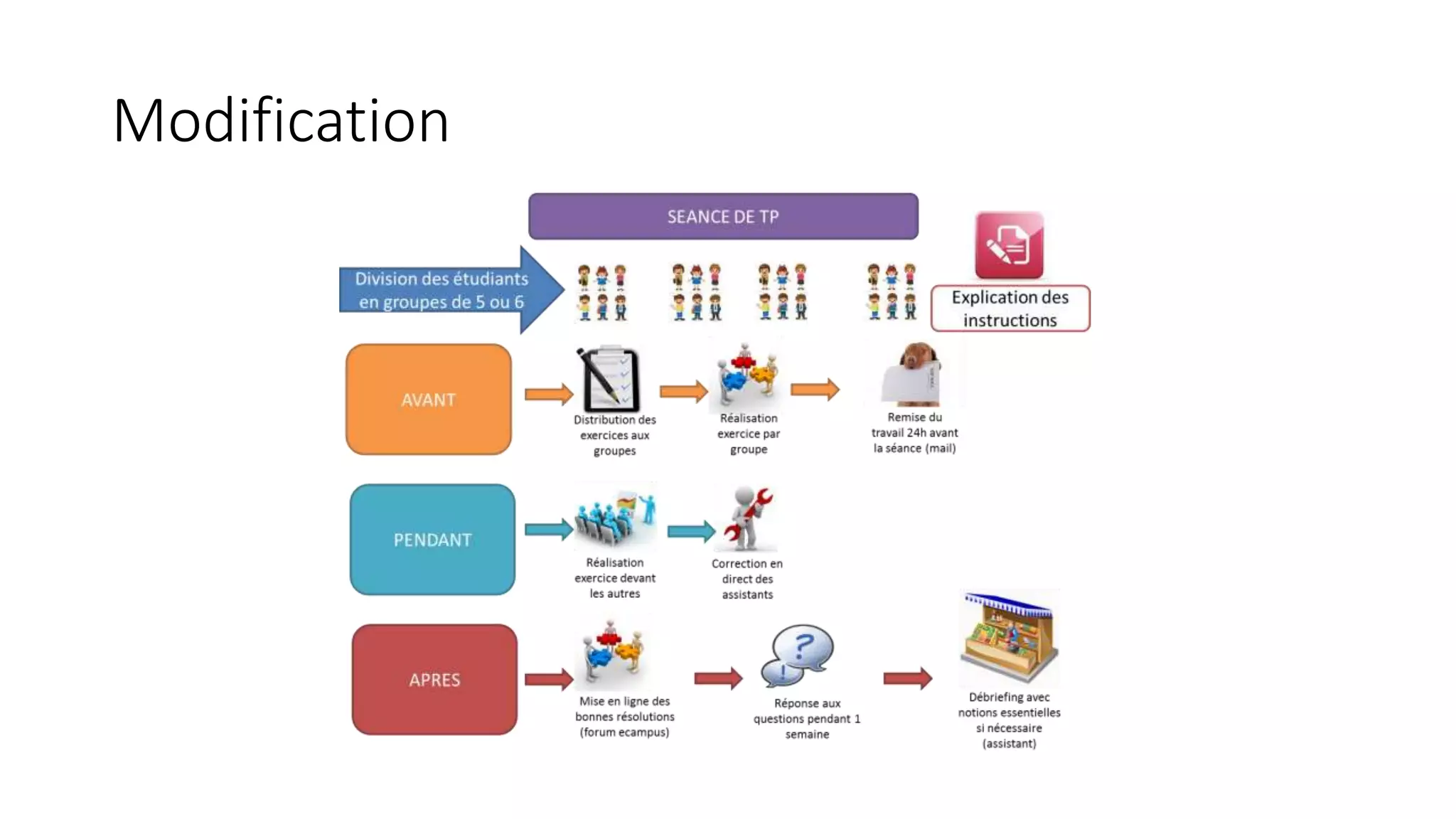
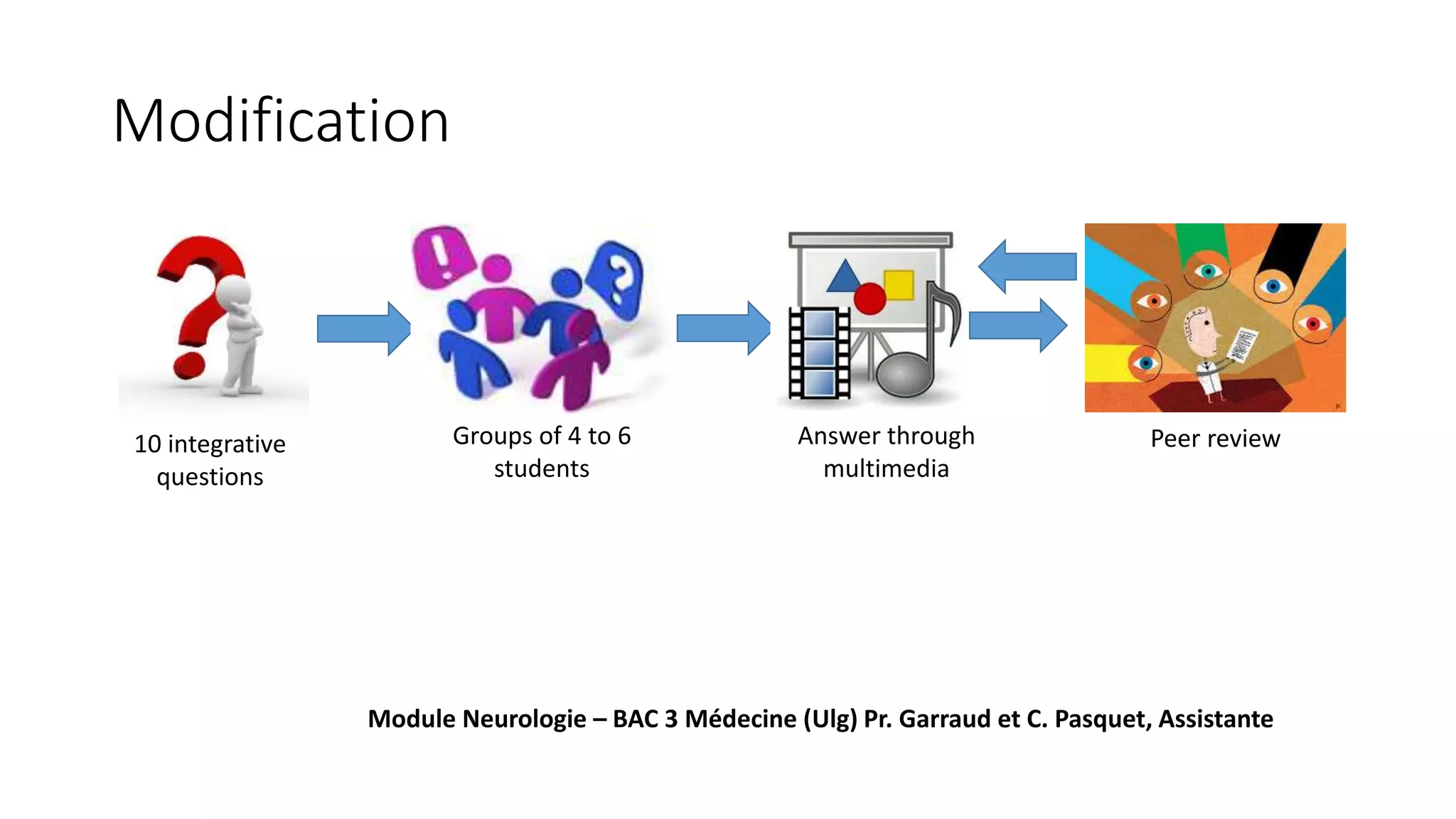
Modification
10 integrative
questions
Groups of 4 to 6
students
Answer through
multimedia
Peer review
Module Neurologie – BAC 3 Médecine (Ulg) Pr. Garraud et C. Pasquet, Assistante
Modification
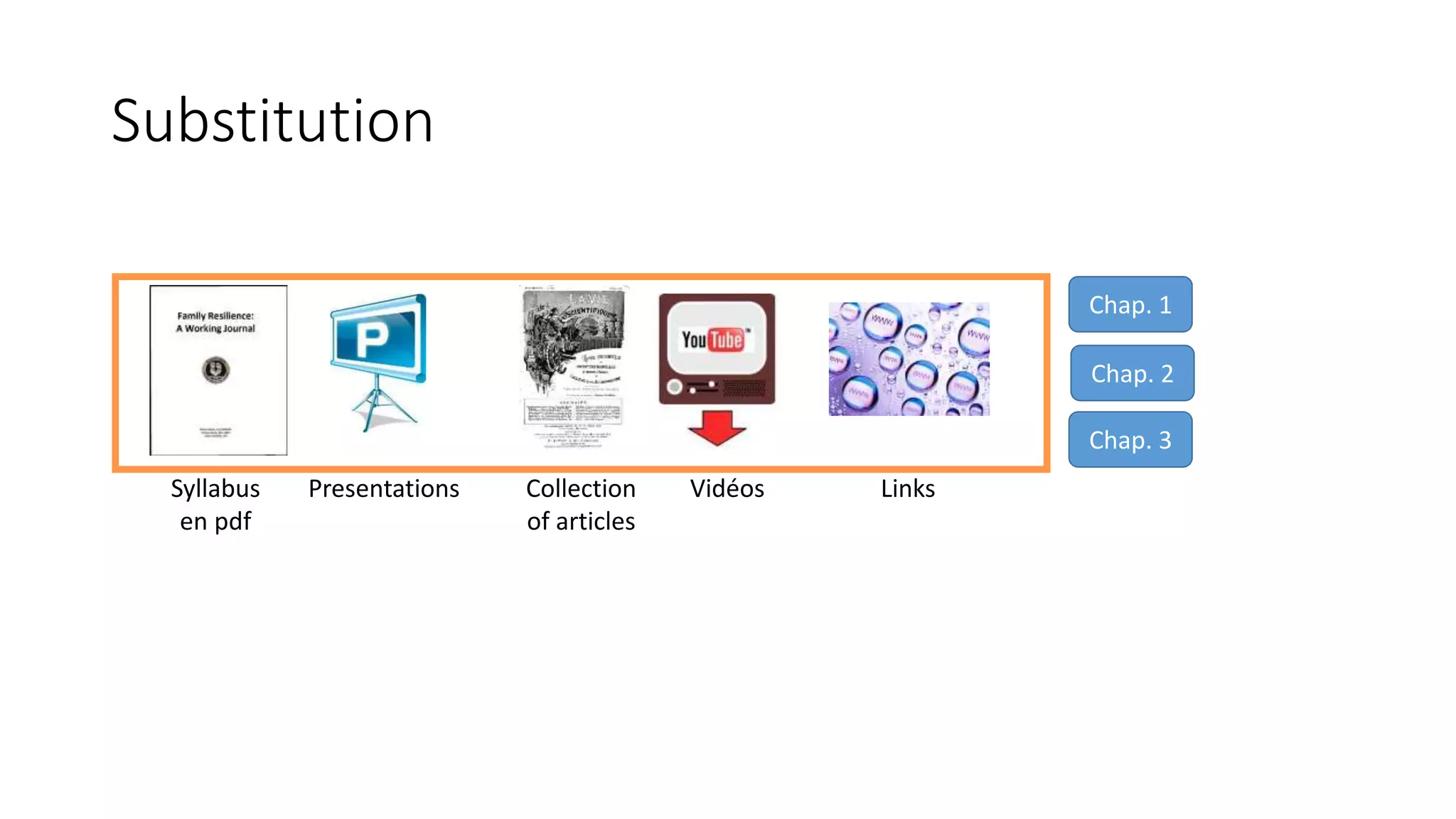
Syllabus
en pdf
Collection
of articles
VidéosPresentations
Chap. 1
Chap. 2
Chap. 3
Links
Substitution
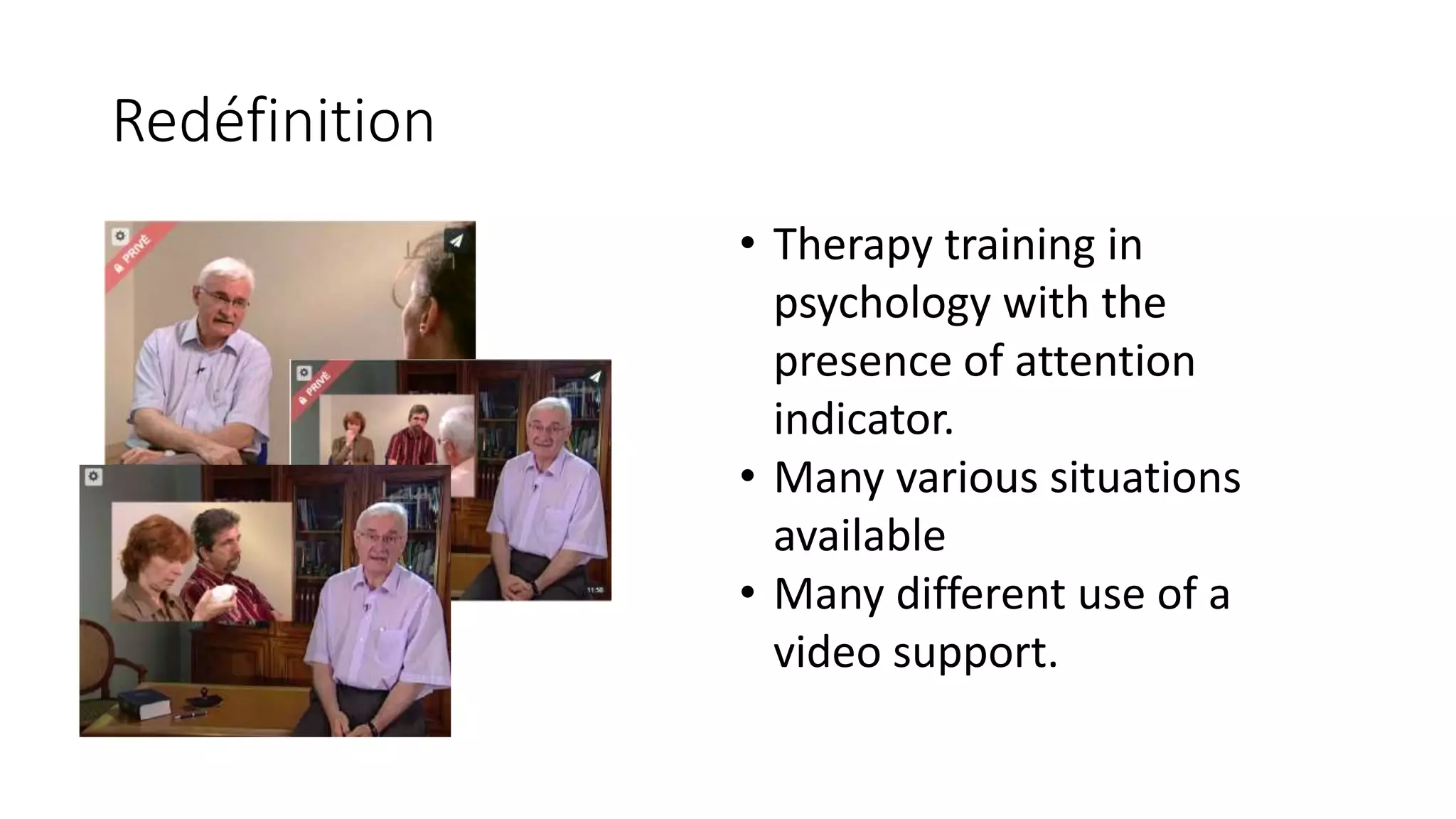
• Therapy training in
psychology with the
presence of attention
indicator.
• Many various situations
available
• Many different use of a
video support.
Redéfinition
PART III : Around “blended
learning” and various scenarios
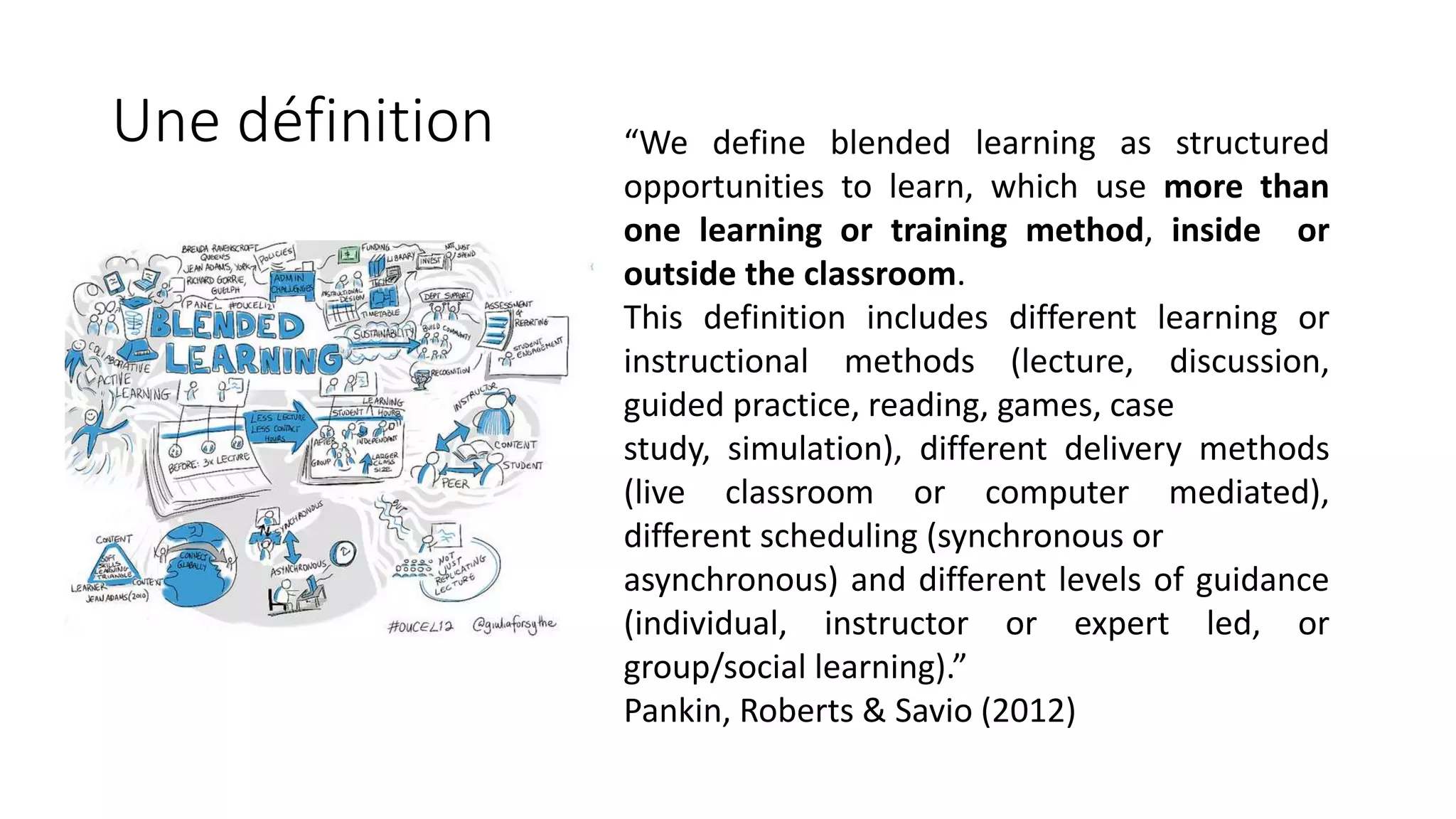
Une définition “We define blended learning as structured
opportunities to learn, which use more than
one learning or training method, inside or
outside the classroom.
This definition includes different learning or
instructional methods (lecture, discussion,
guided practice, reading, games, case
study, simulation), different delivery methods
(live classroom or computer mediated),
different scheduling (synchronous or
asynchronous) and different levels of guidance
(individual, instructor or expert led, or
group/social learning).”
Pankin, Roberts & Savio (2012)
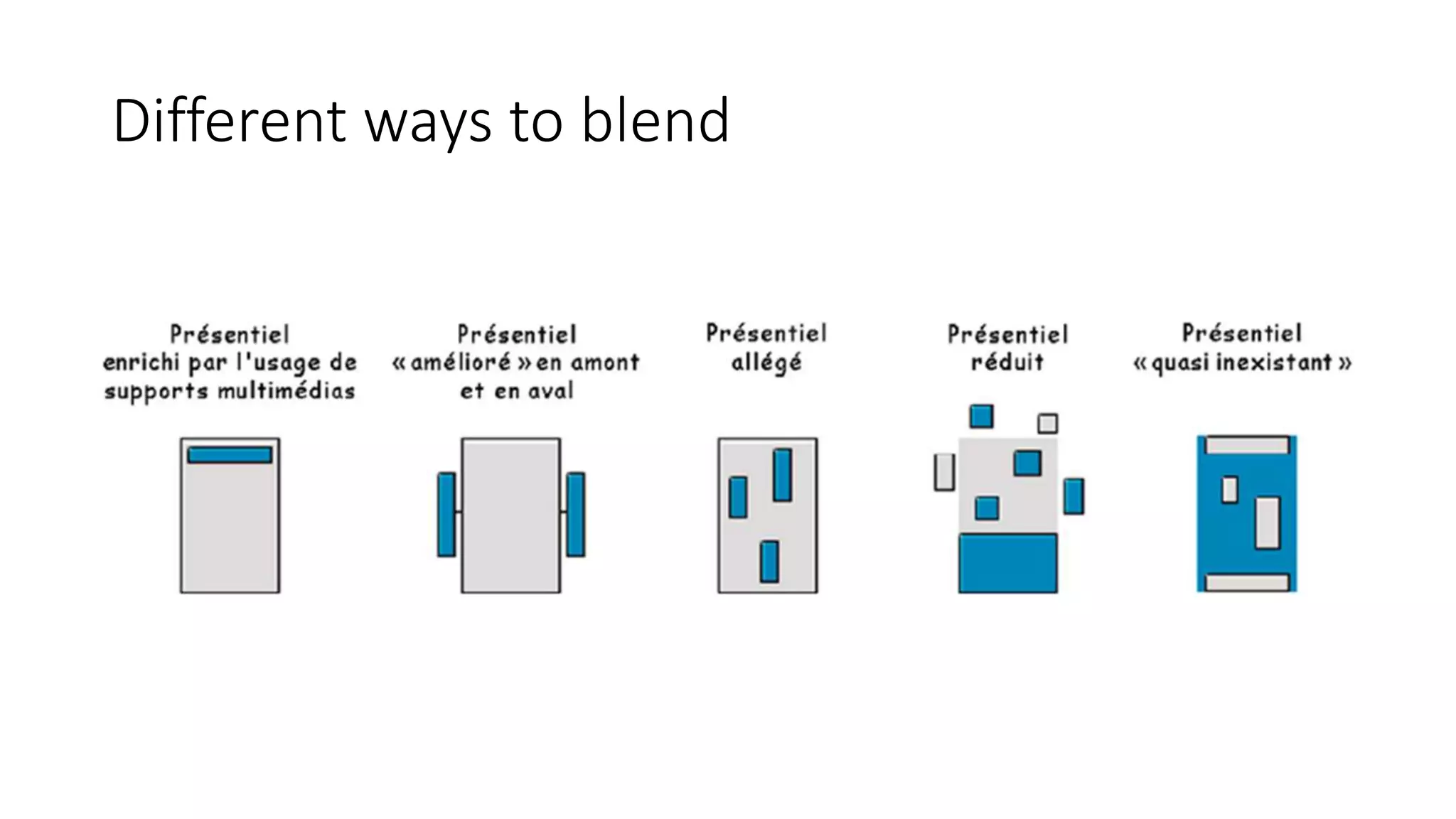
Different ways to blend
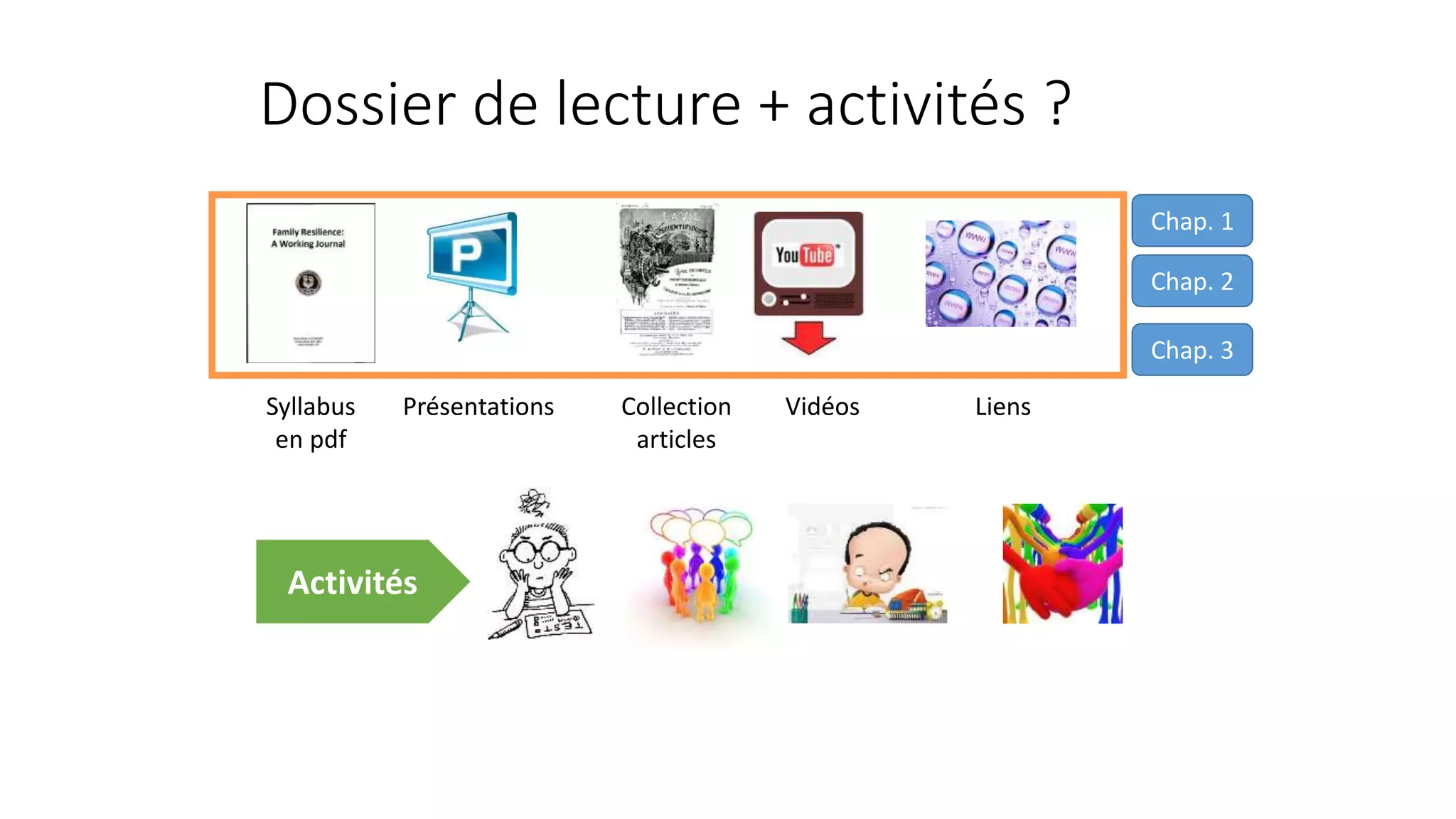
Dossier de lecture + activités ?
Syllabus
en pdf
Collection
articles
VidéosPrésentations
Chap. 1
Chap. 2
Chap. 3
Liens
Activités
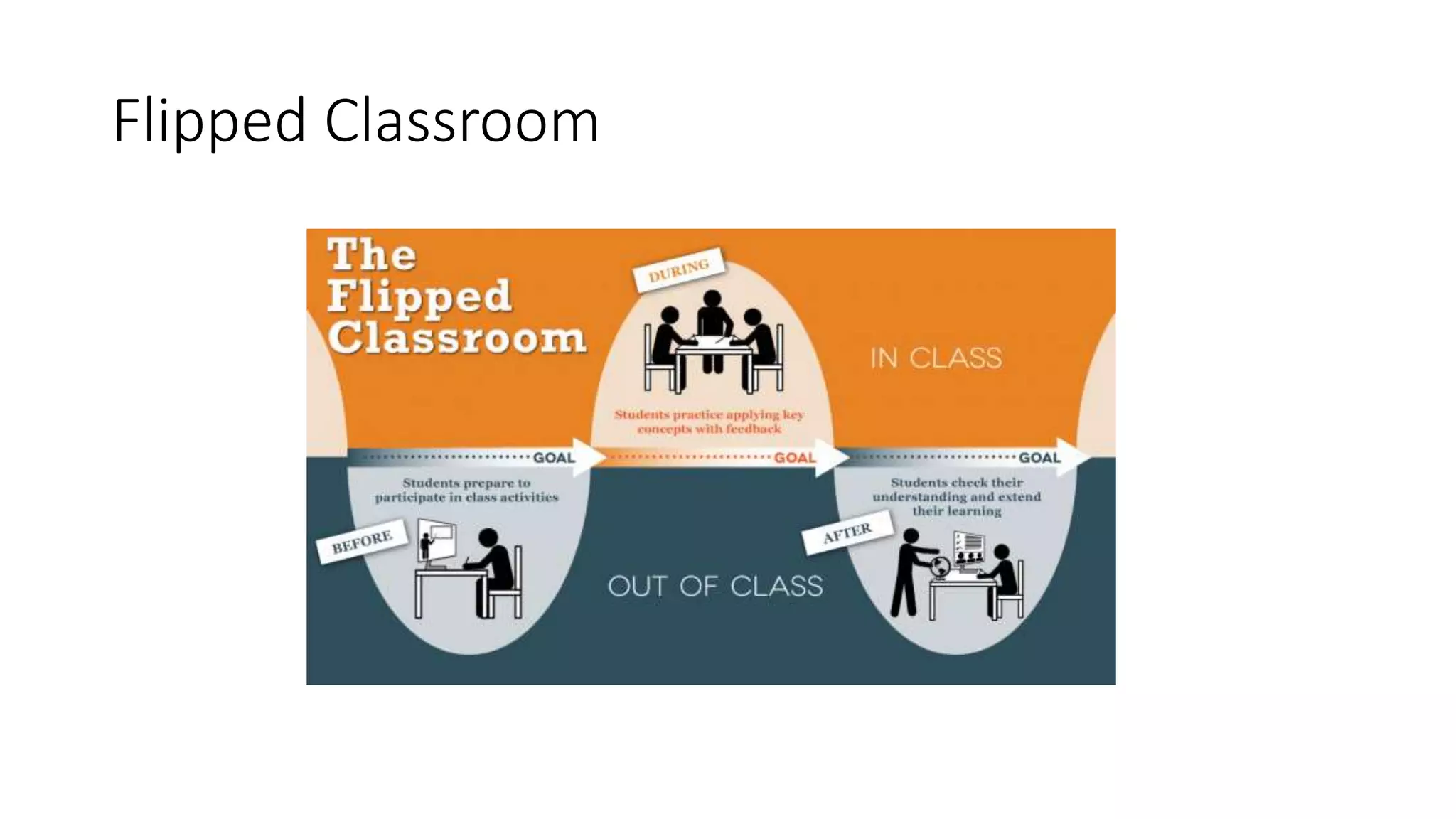
Flipped Classroom
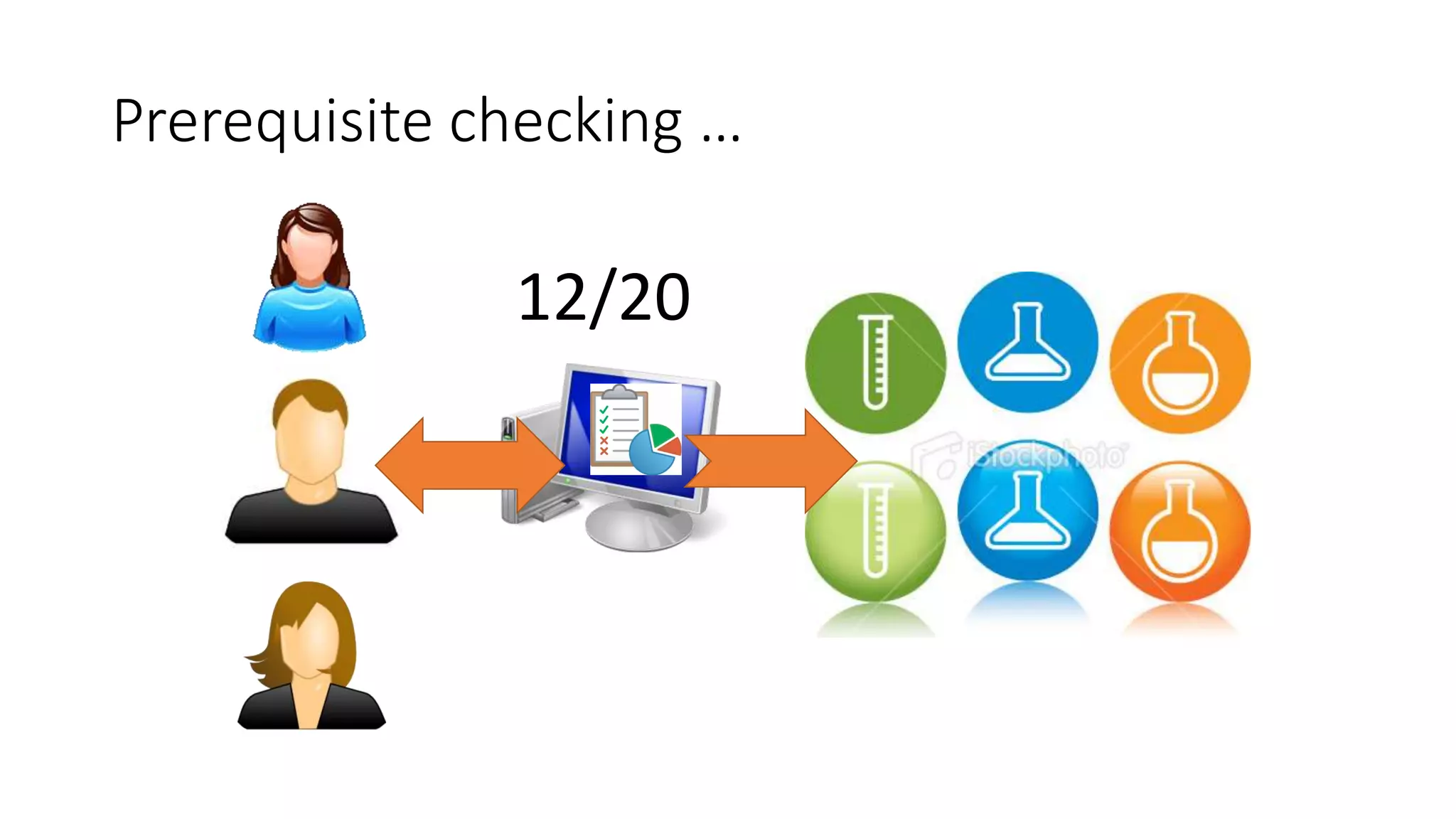
Prerequisite checking …
12/20
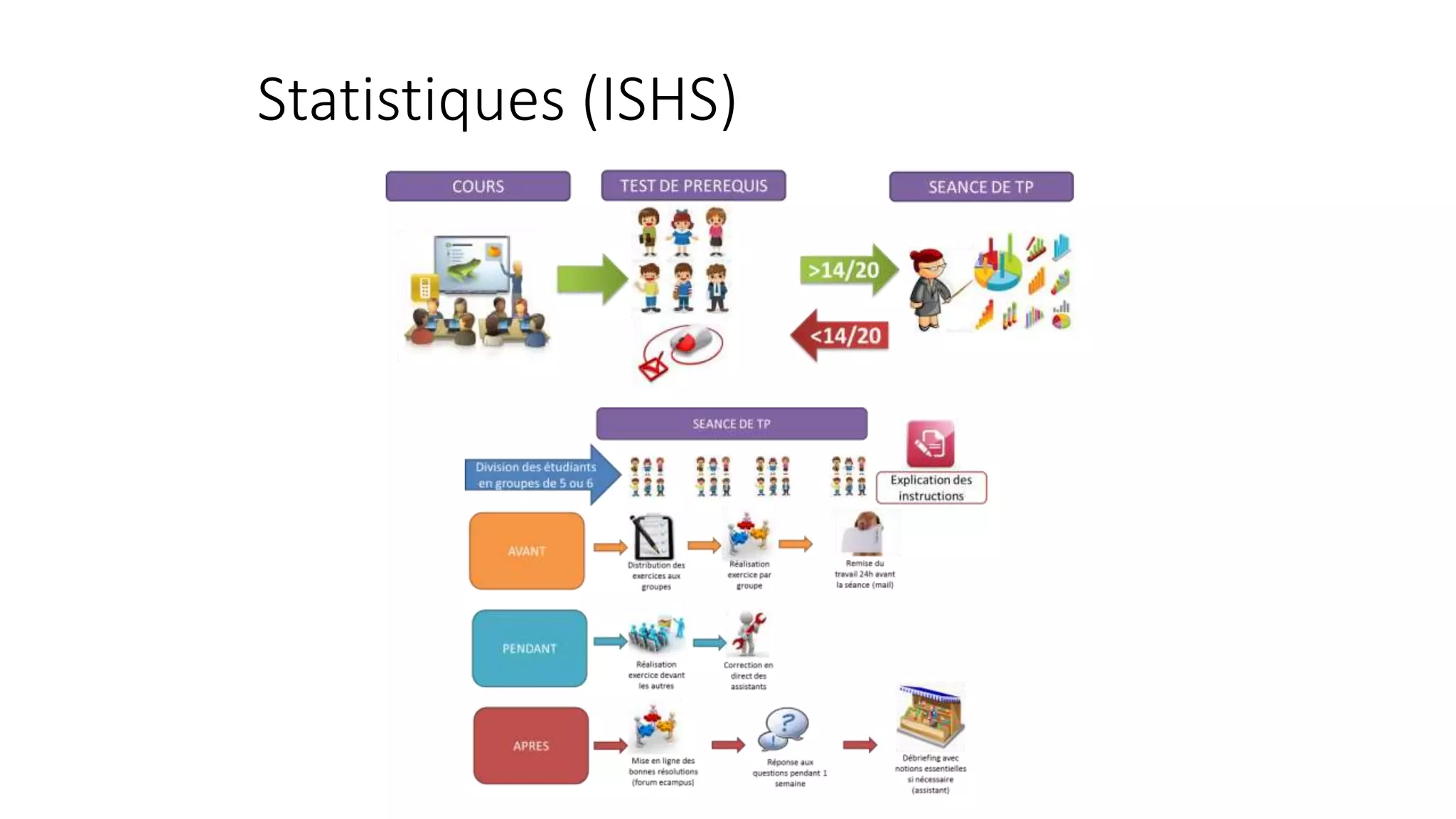
Statistiques (ISHS)
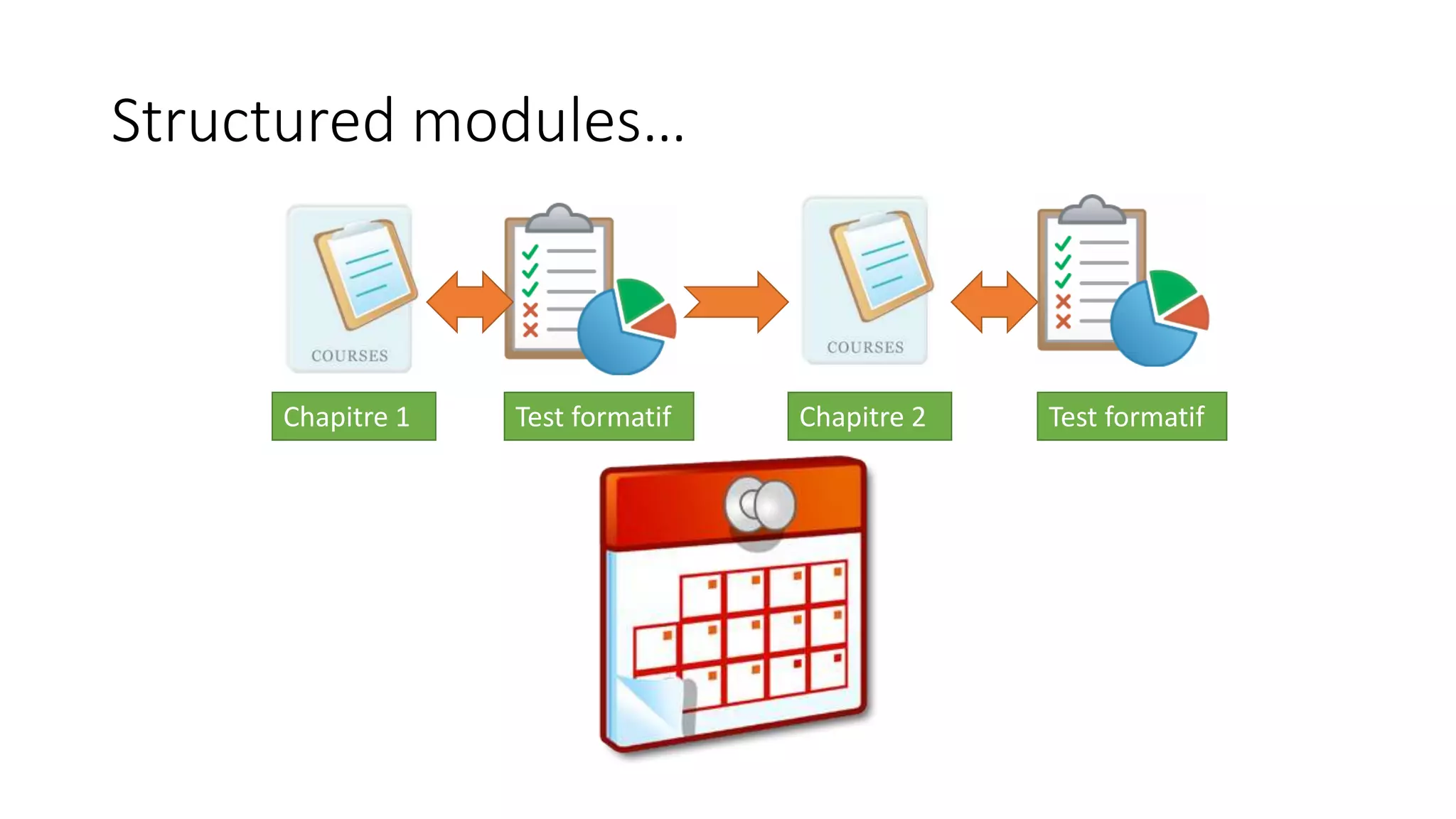
Structured modules…
Chapitre 1 Test formatif Chapitre 2 Test formatif
Etude de cas
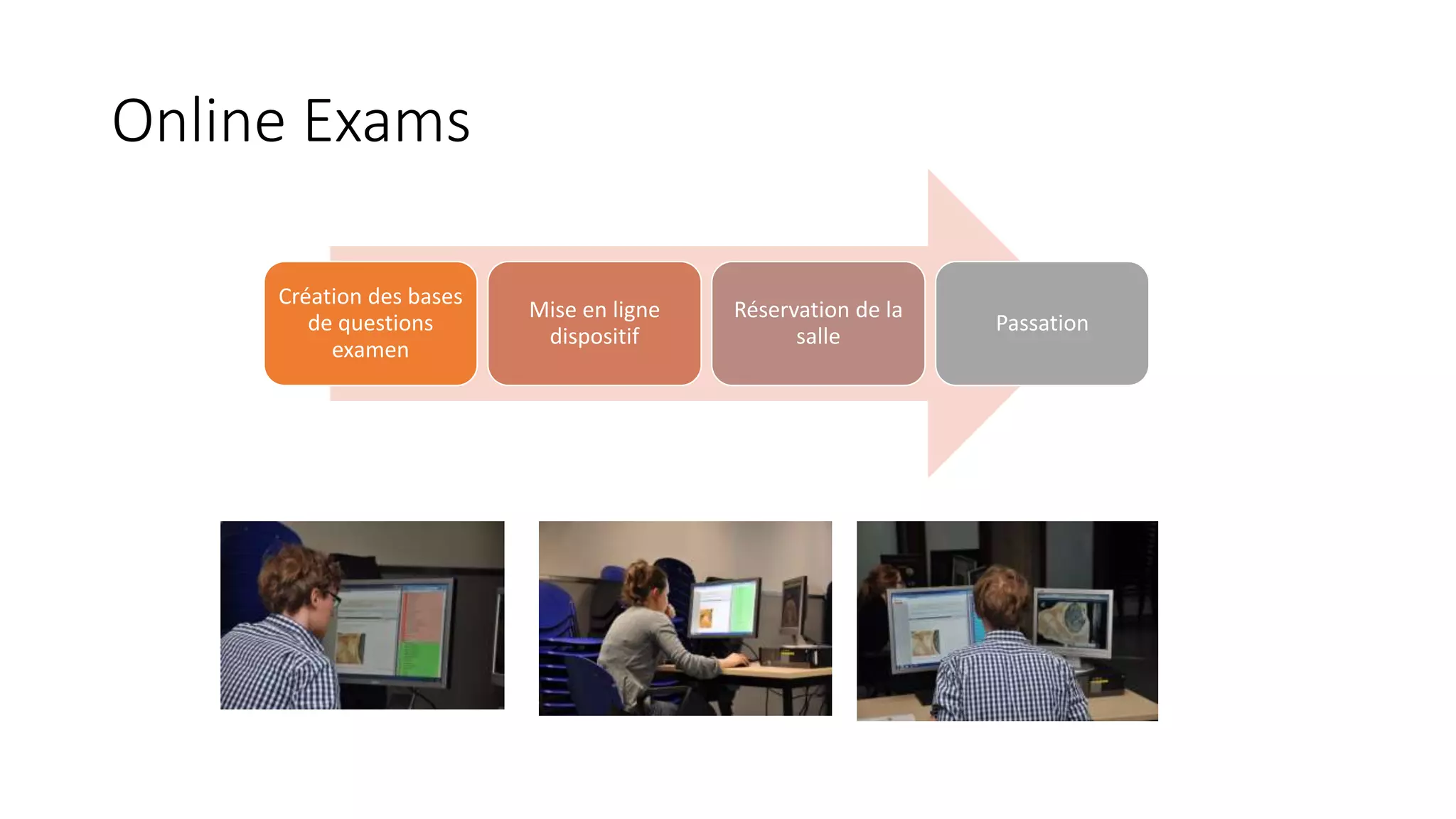
Online Exams
Création des bases
de questions
examen
Mise en ligne
dispositif
Réservation de la
salle
Passation
PART IV : What about MOOCs ?
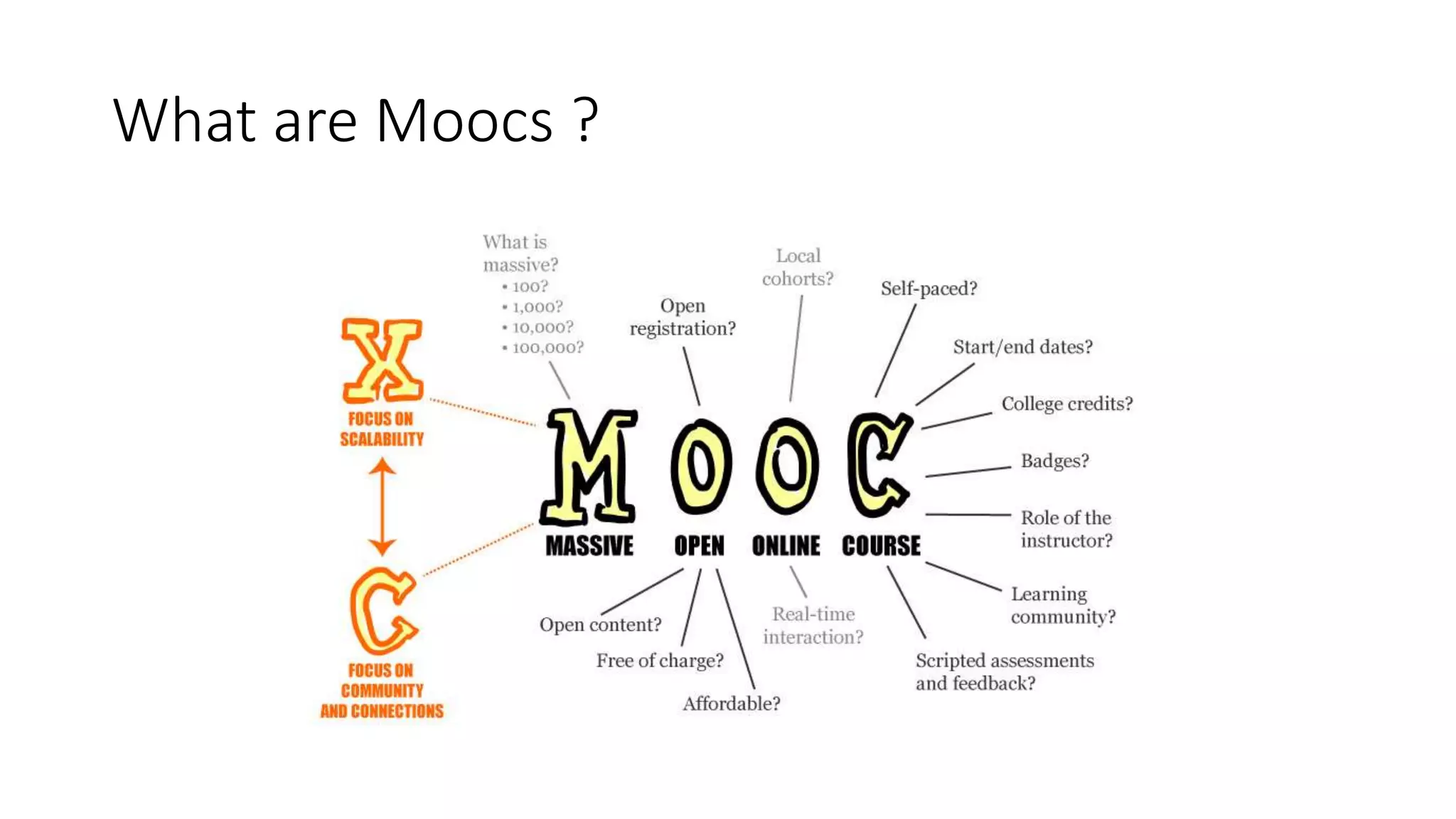
What are Moocs ?
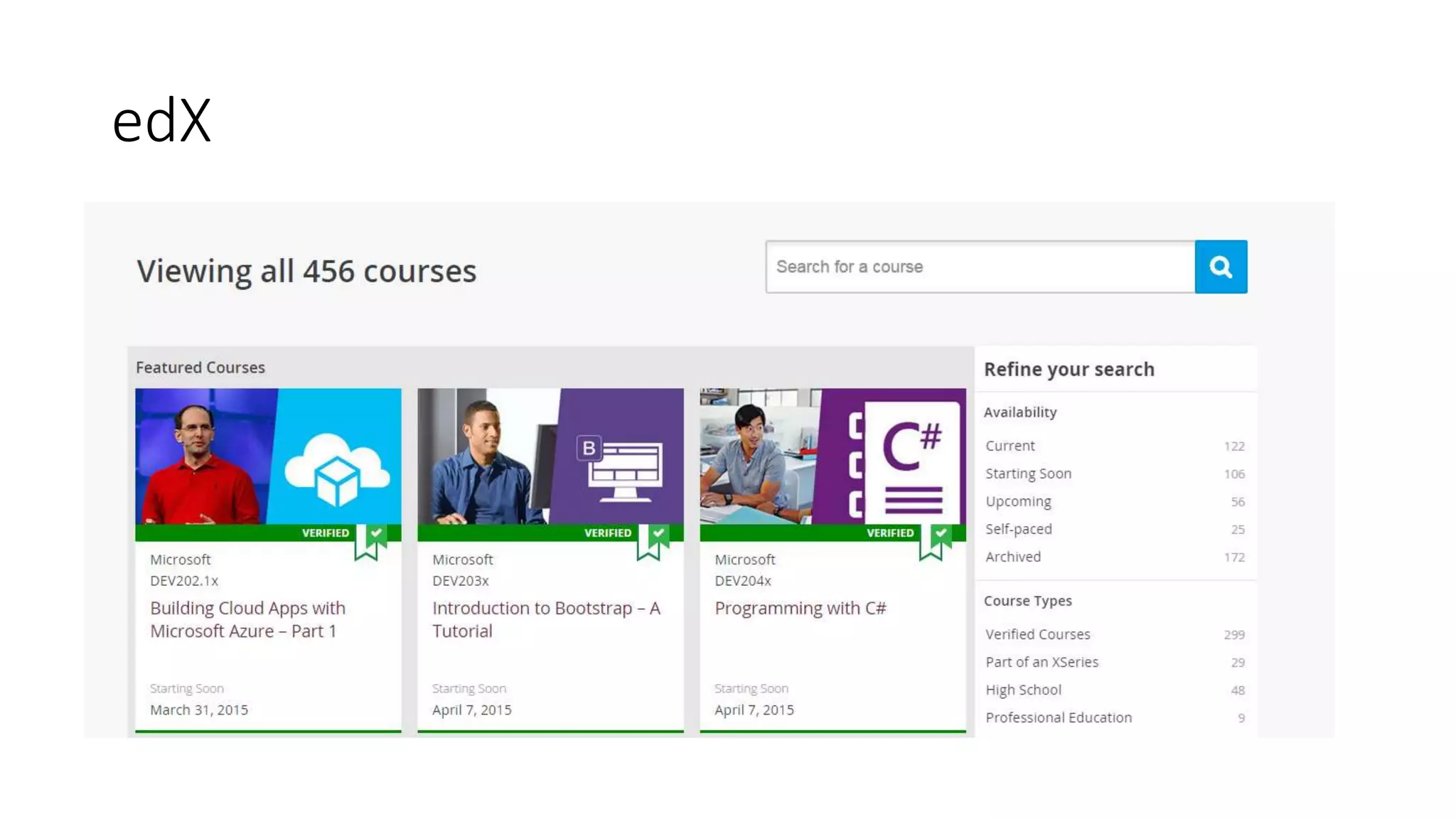
edX
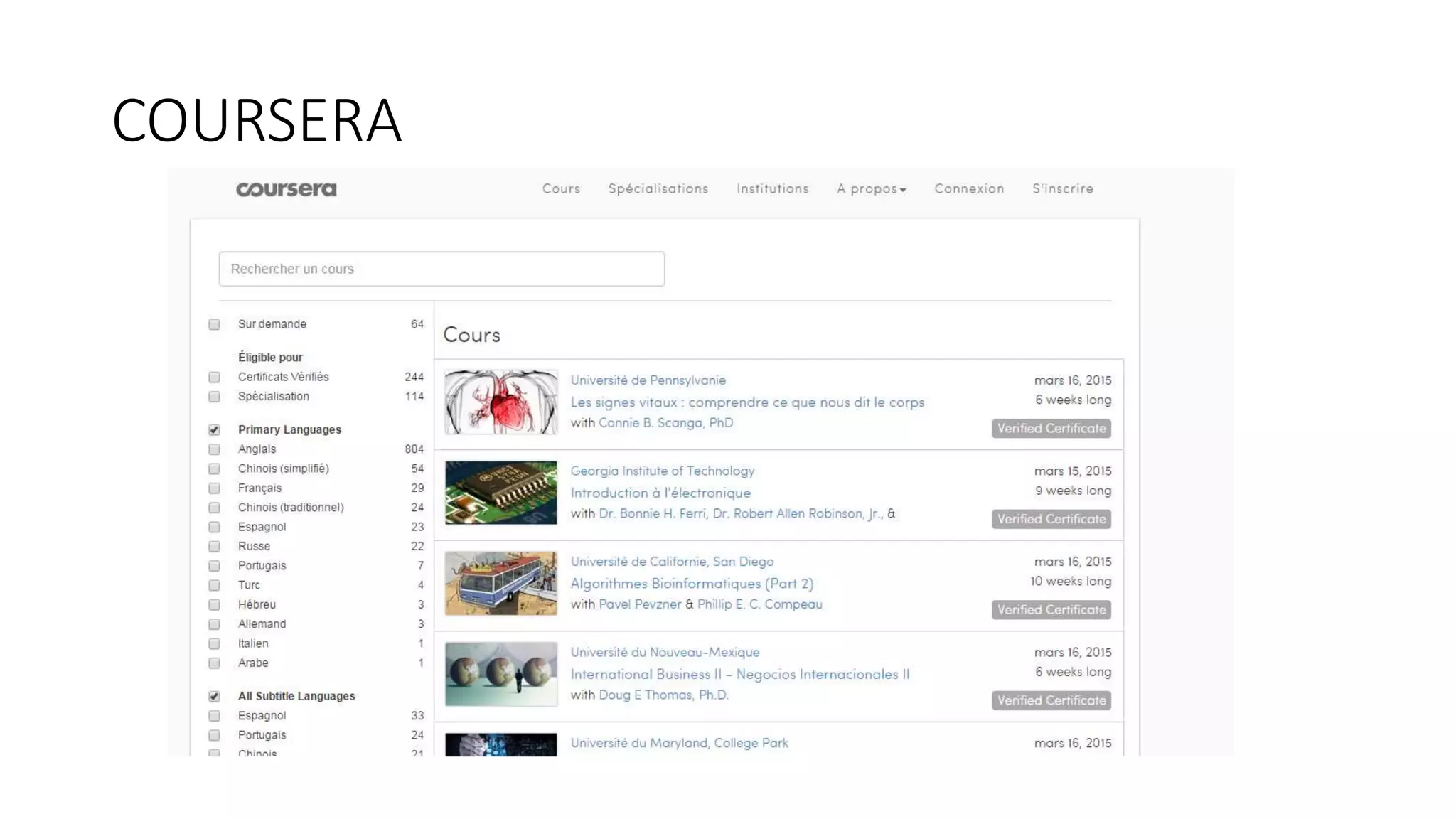
COURSERA
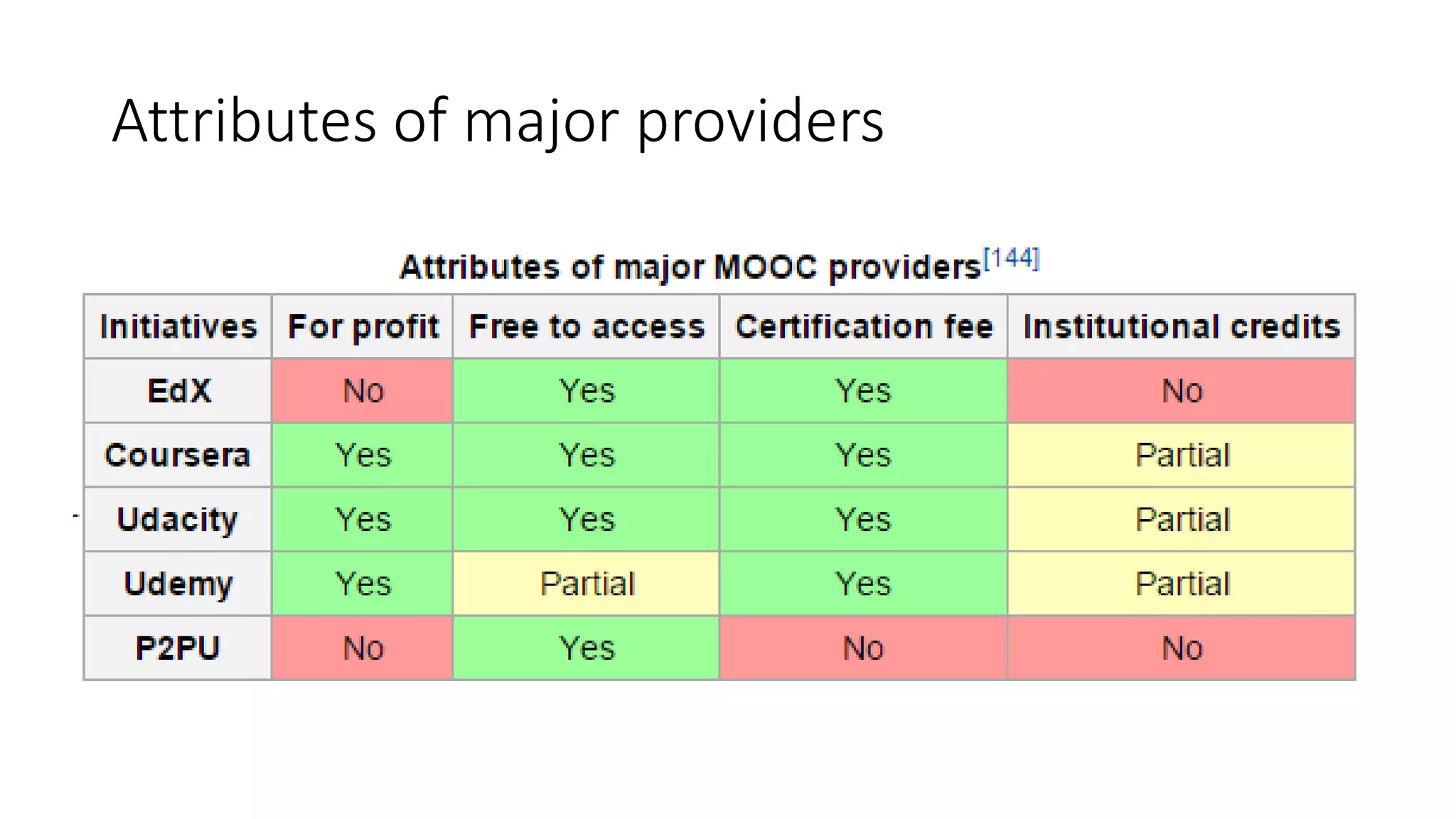
Attributes of major providers
PART V :
The gently difficult management of
attentional resources
Some advice
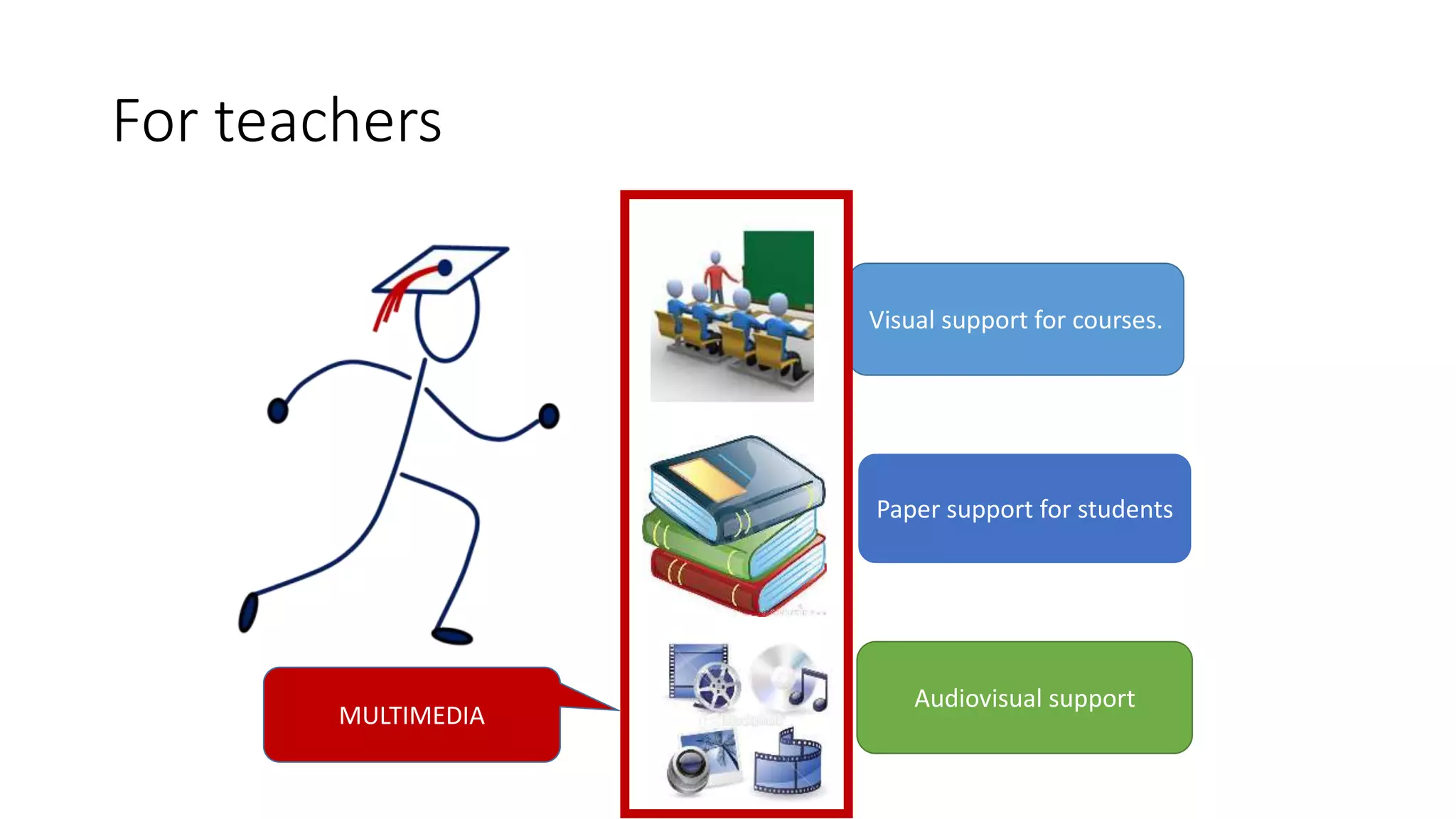
Visual support for courses.
Paper support for students
Audiovisual support
MULTIMEDIA
For teachers
FRAMEWORK
•We are in a mode in which learners are in a
“receiving information” posture.
•They are confronted to a message ,
information transmitted through a
combination of at least two of these
elements (images, text, sound, voice,
pattern , etc.)
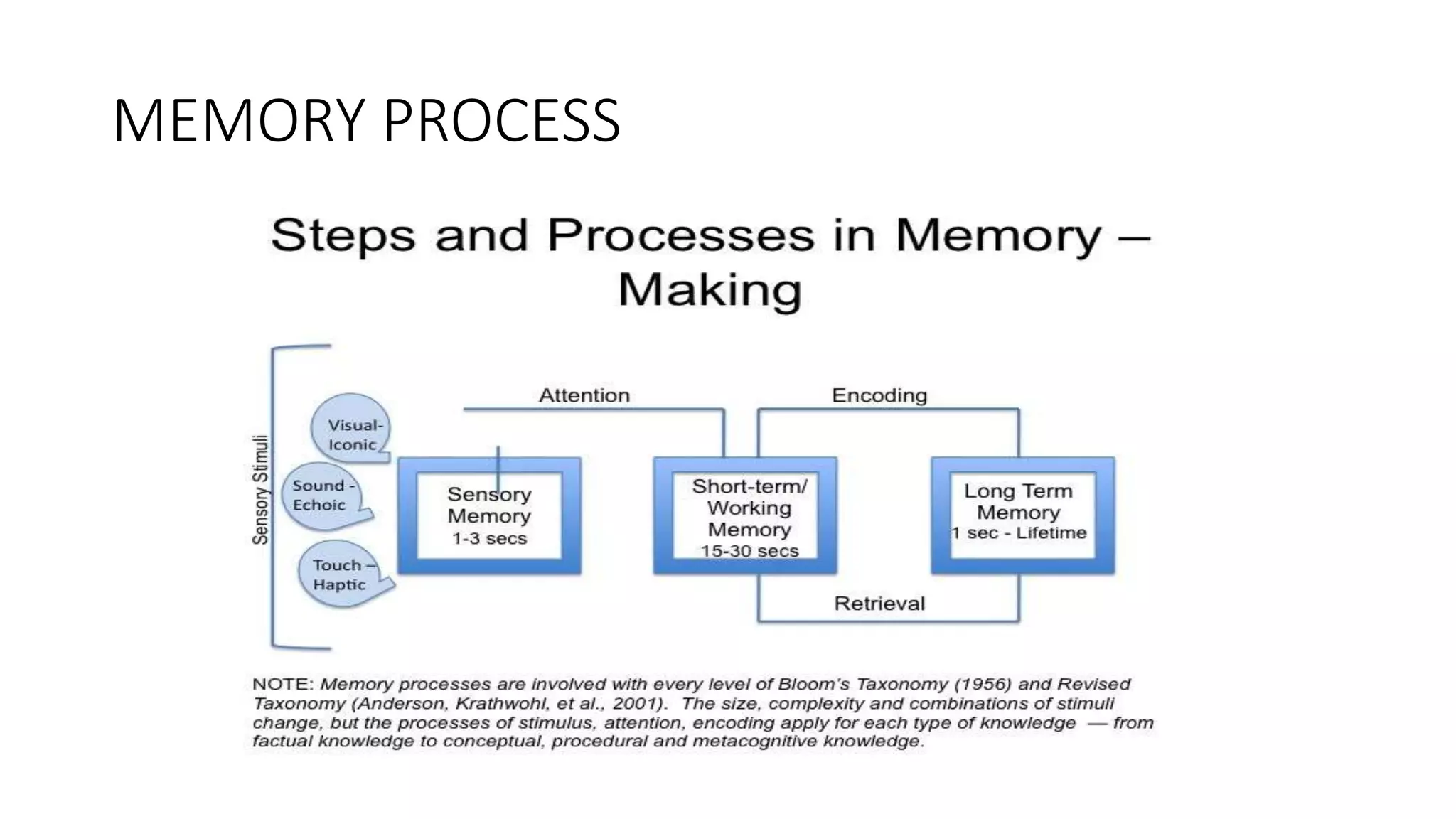
MEMORY PROCESS
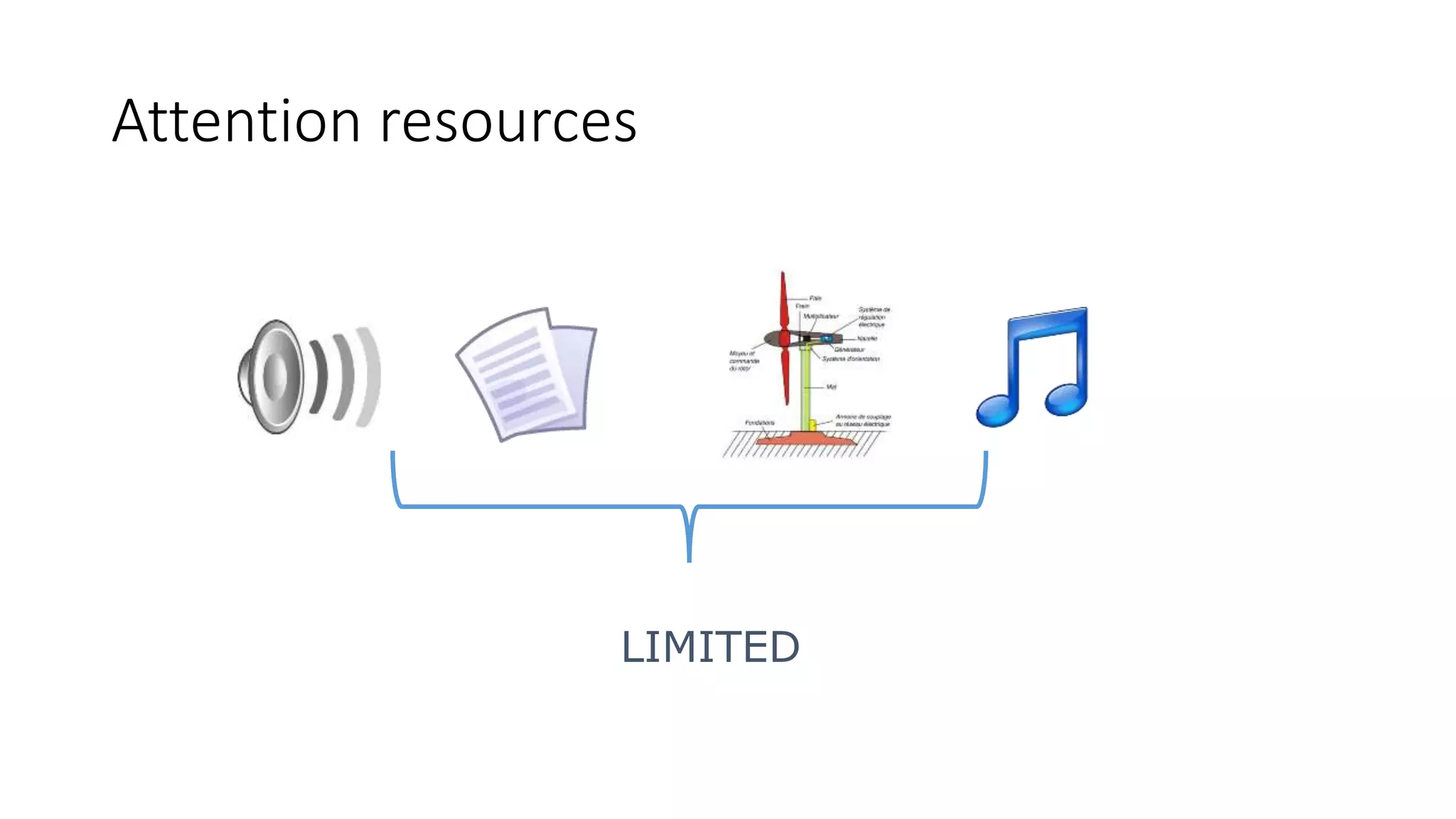
LIMITED
Attention resources
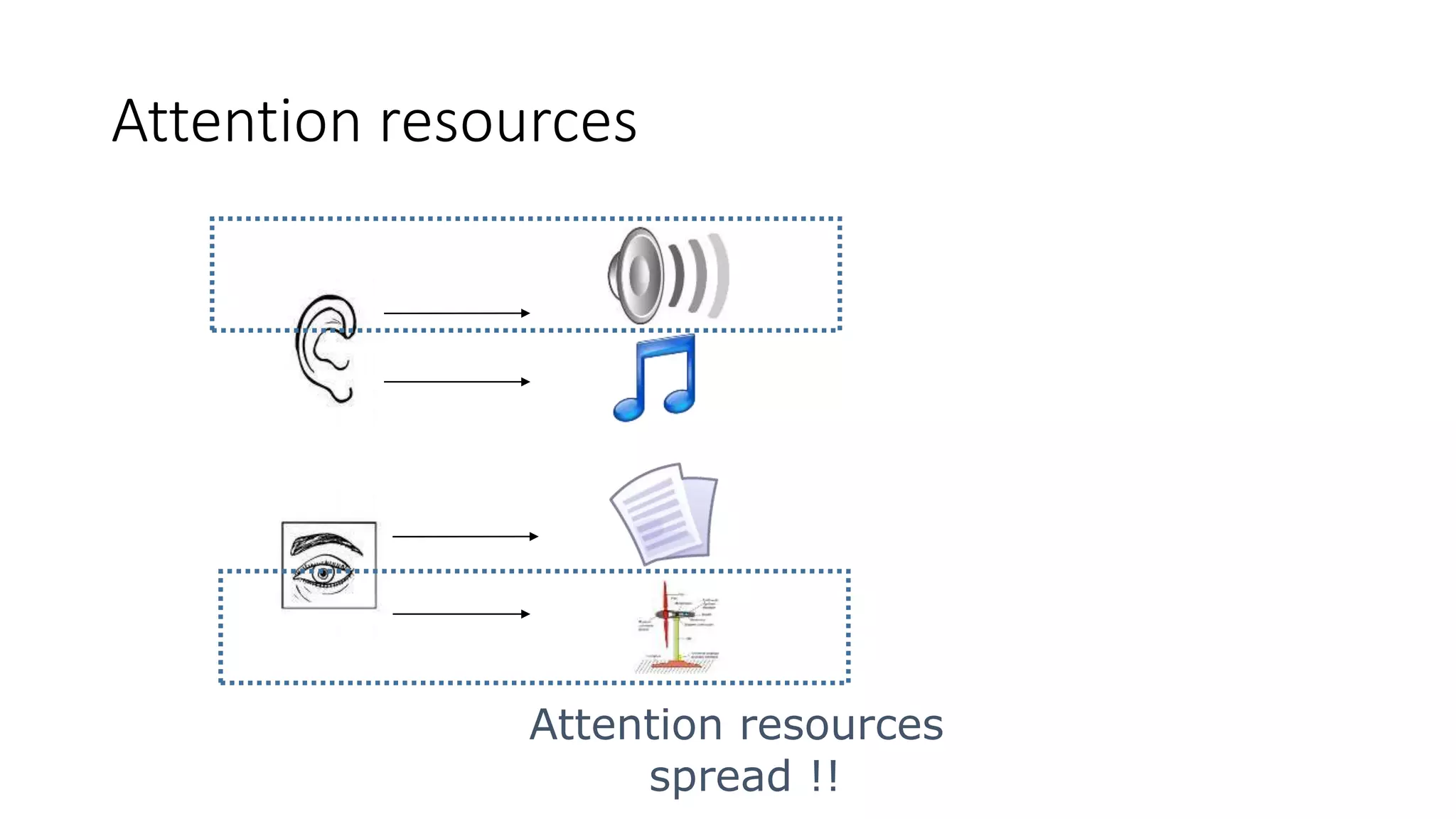
Attention resources
spread !!
Attention resources
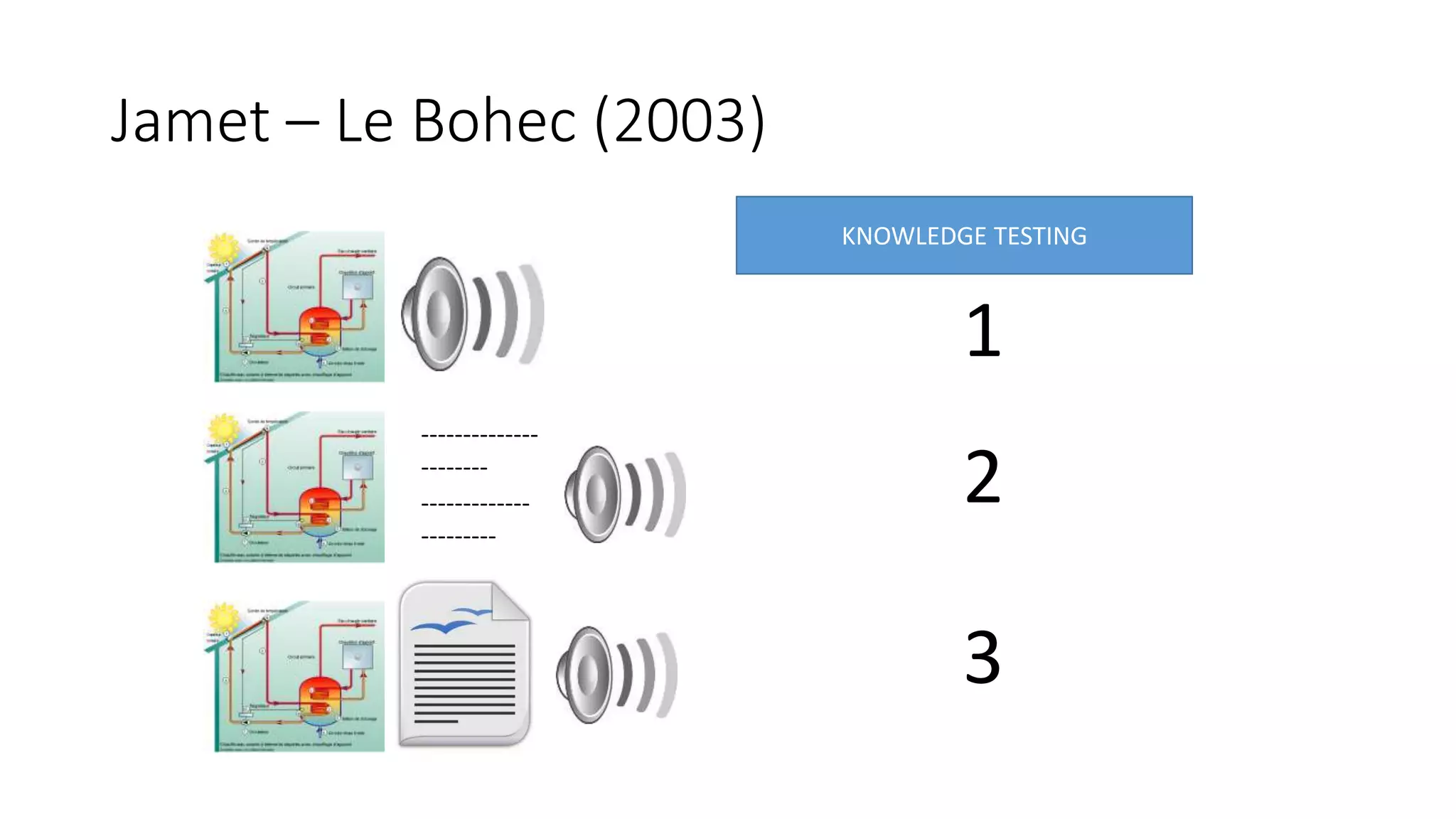
Jamet – Le Bohec (2003)
--------------
--------
-------------
---------
KNOWLEDGE TESTING
1
2
3
Some tips
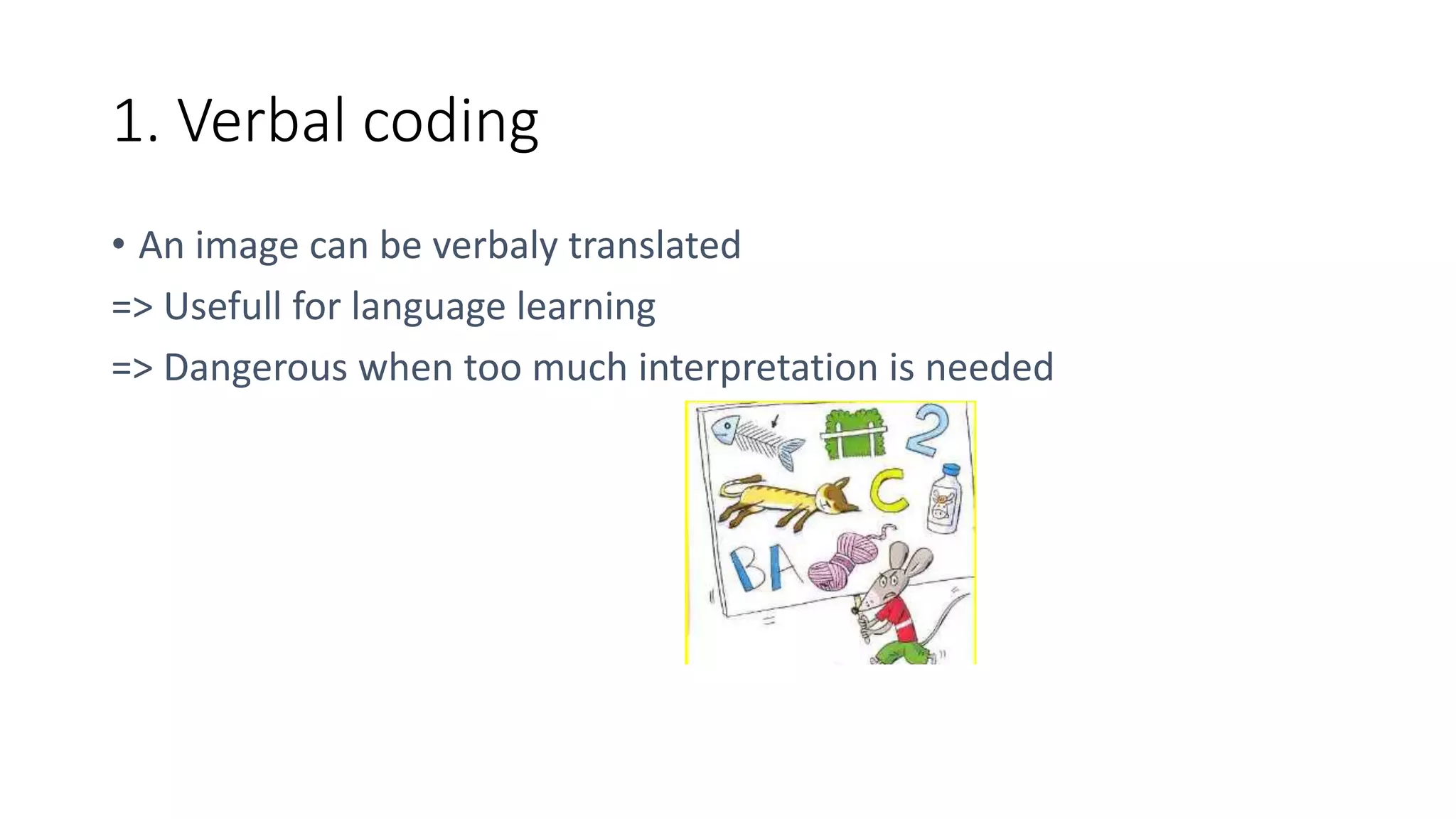
1. Verbal coding
• An image can be verbaly translated
=> Usefull for language learning
=> Dangerous when too much interpretation is needed
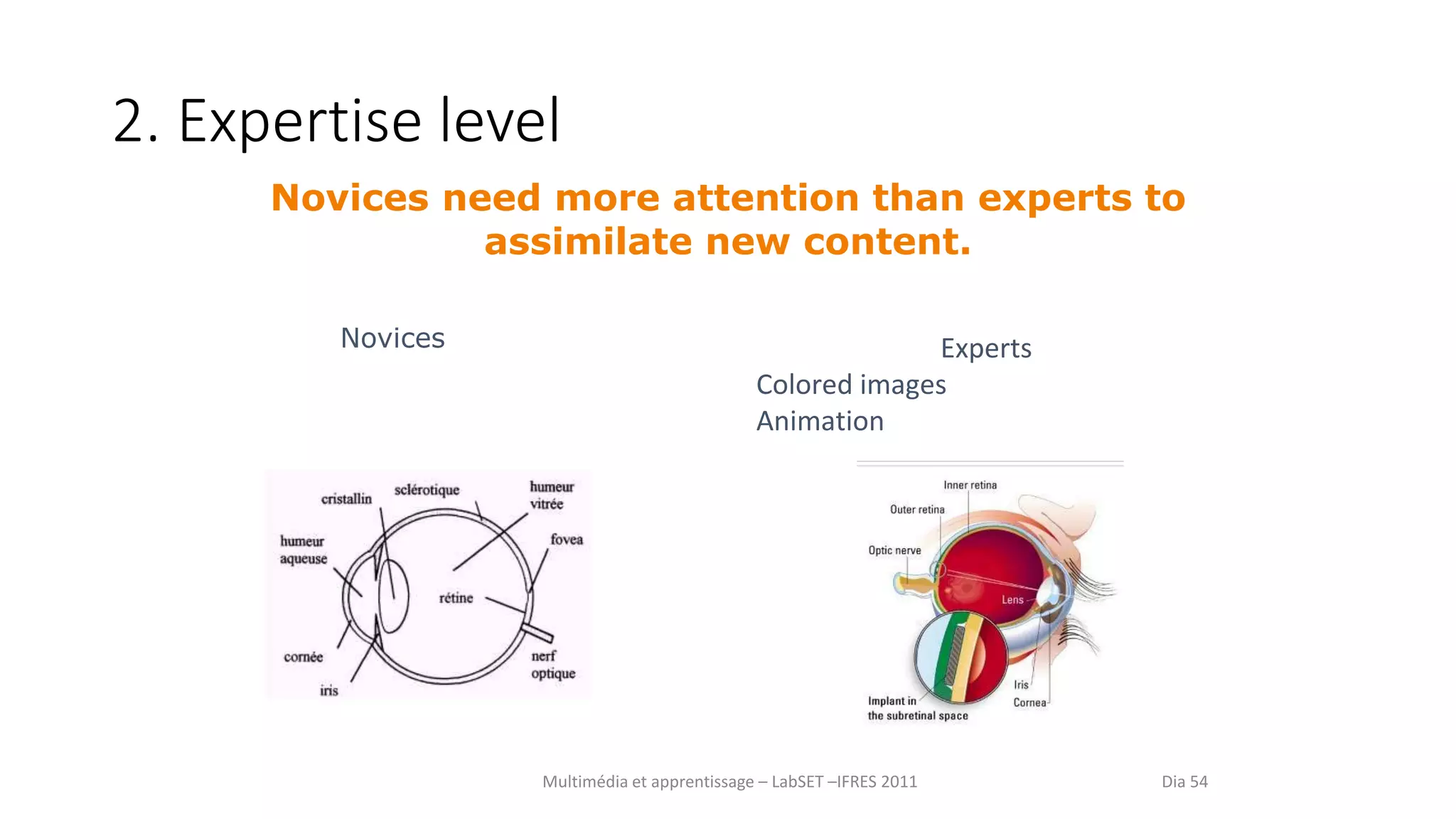
2. Expertise level
Experts
Colored images
Animation
Multimédia et apprentissage – LabSET –IFRES 2011 Dia 54
Novices need more attention than experts to
assimilate new content.
Novices
3. The pause
• Propose Pauses
- Consolidation
- Elaboration
- Preparation
4. Around Audio
• Give user the choice to play or stop
• Avoid surprise effect
• No need to overload
• Go to the essential
Mayer’s Principles
Some principles to guide you
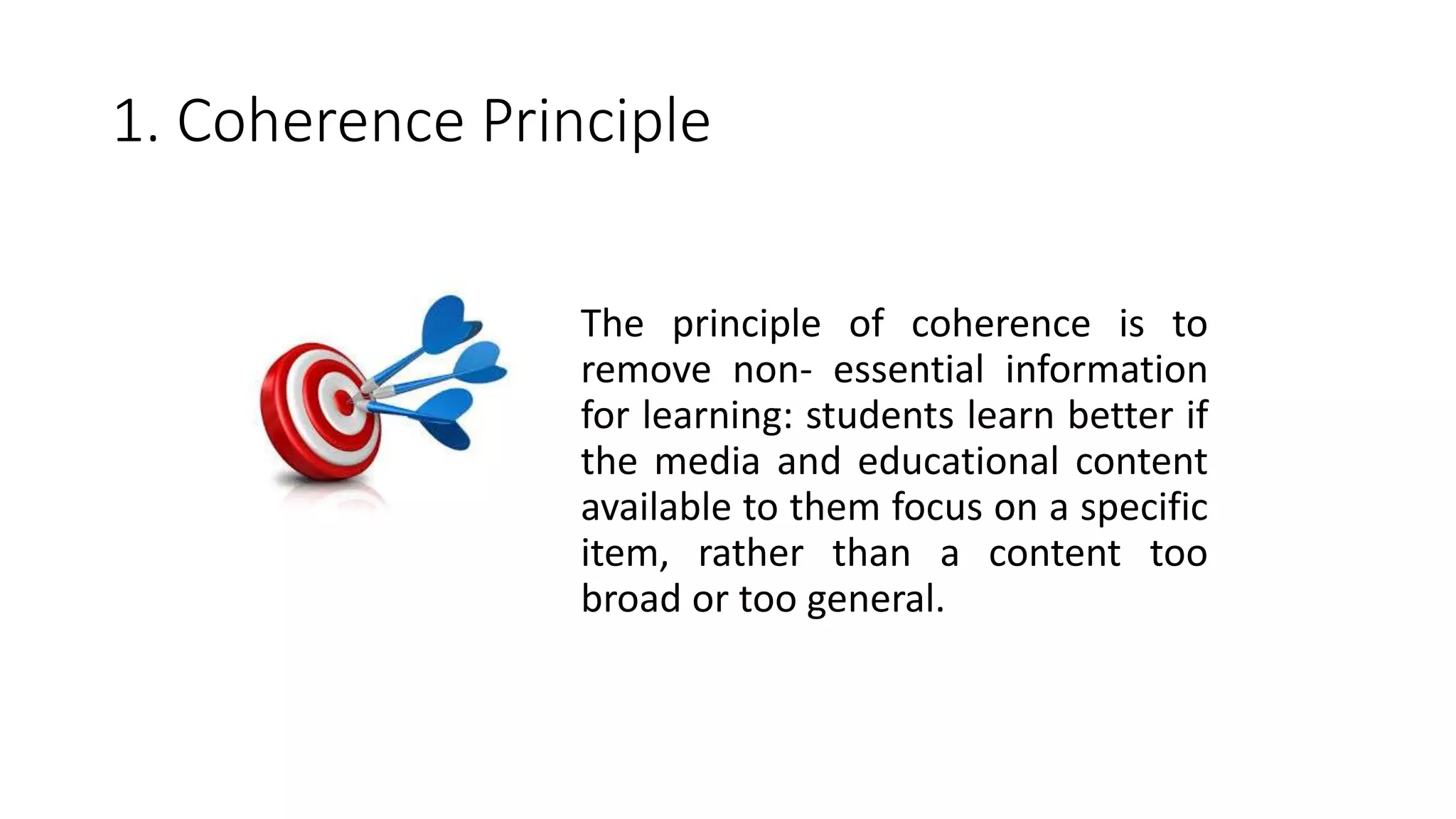
1. Coherence Principle
The principle of coherence is to
remove non- essential information
for learning: students learn better if
the media and educational content
available to them focus on a specific
item, rather than a content too
broad or too general.
2. Signaling Principle
This principle based on the
observation that the underlined
of bold information is retained
better than others : report
essential information allows
learners to better focus their
attention and increase retention
rates by reporting the underlined
items .
3. Redundancy Principle
Contrary to what one might think ,
have identical information in two
different modalities can be
detrimental to learning ( eg . To display
the equivalent screen of the oral text).
During a presentation , so do not
integrate too much text in your slides ,
and prefer the use of keywords.
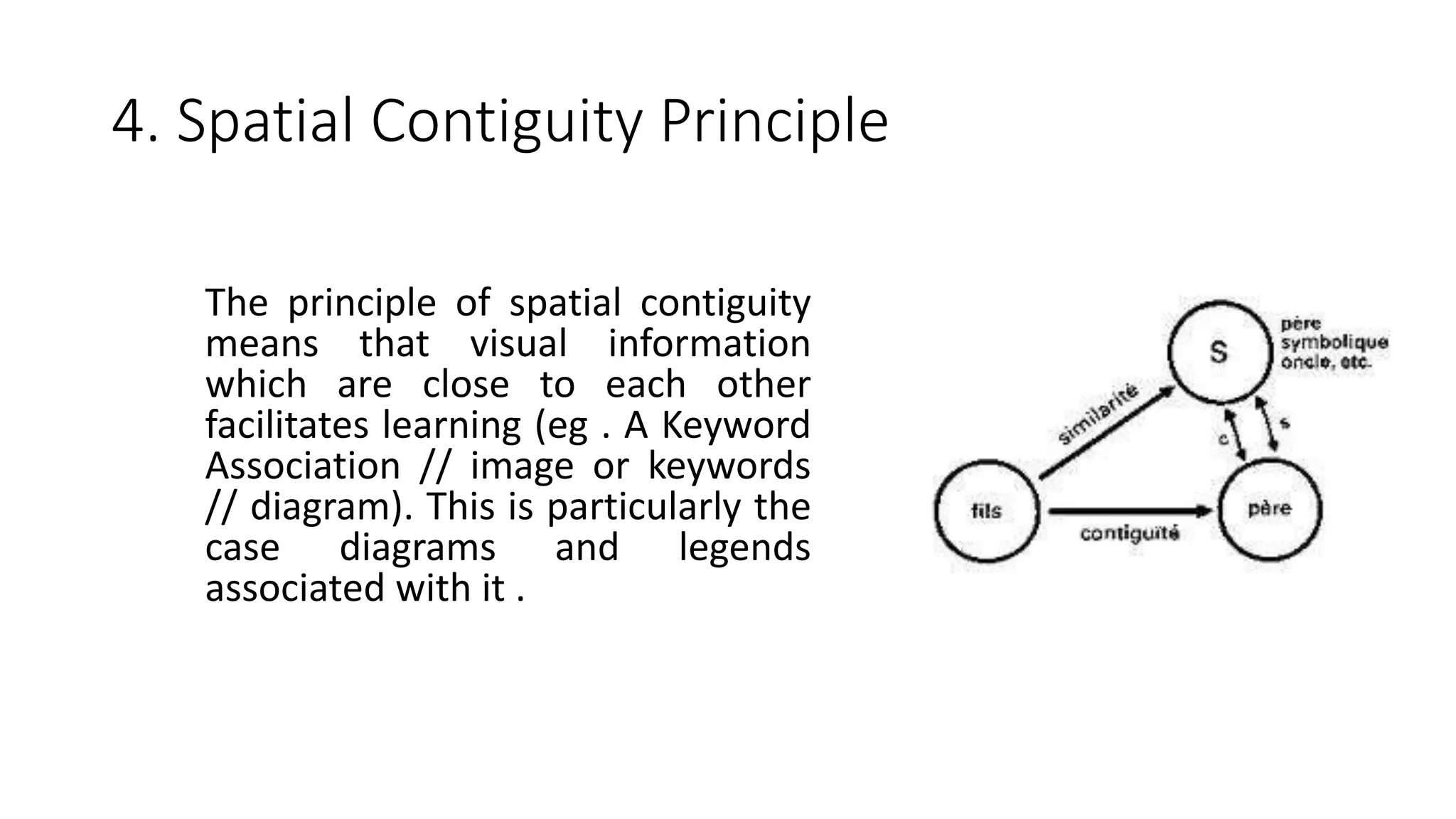
4. Spatial Contiguity Principle
The principle of spatial contiguity
means that visual information
which are close to each other
facilitates learning (eg . A Keyword
Association // image or keywords
// diagram). This is particularly the
case diagrams and legends
associated with it .
5. Temporal Contiguity Principle
Just as the spatial proximity of
visual information , the fact
strengthen their proximity in
time also facilitates learning. To
facilitate the working memory
task ( eg . As part of a
presentation ), so synchronize
the appearance of your slides
based on your speech!
6. Segmenting Principle
The principle of segmentation reveals
that students learn best when
educational content is segmented : that
is to say, cut into several sequences,
rather than a large block of indigestible
information (eg 3 times 5 minutes .
rather than 15 minutes at once) . This
keeps the attention of learners and to
avoid overloading their working
memory.
7. Pre-training Principle
According to the pre- training
principle , it is better learners
already spread key information
about the content (of course ,
training ...) before the main
learning sequence. This allows
them to warm up and already
build vital neural connections to
the acquisition of new knowledge.
8. Modality Principle
The modality principle reflects in
part the principle of redundancy (
see above ) in the sense that , to
present an image (eg on the
screen as in the case of a
presentation. ), It is preferable to
use oral rather than written
comments . This is to avoid the
saturation of video channels in
the learner .
9. Multimedia Principle
To promote information
processing and learning more
effective , choose the
integration of visual elements
in your slide , syllabi, teaching
notes ... Participants will learn
better from a combination of
words and images, rather that
mere words (eg . explanatory
illustrations in a book or in a
syllabus )
10. Personalization Principle
As part of a training course
(face or online) or
presentation , use a
conversational style of
language rather than formal.
Speak directly to your
participants using YOU .
Learners will tend to retain
more personalized
information and best
practice !
Will video killed the
amphitheatre star ?
Video use in my everyday pratice
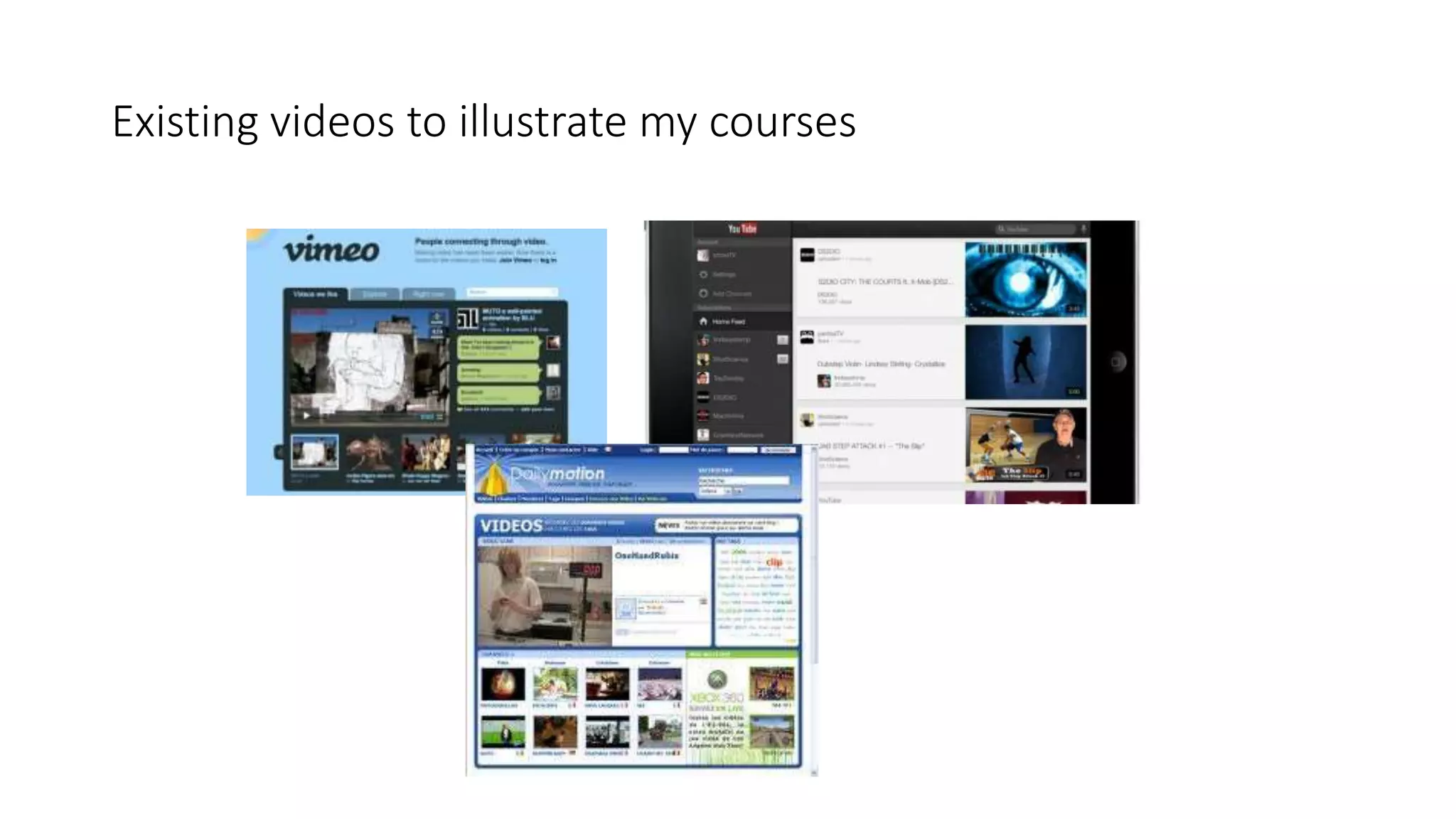
Existing videos to illustrate my courses
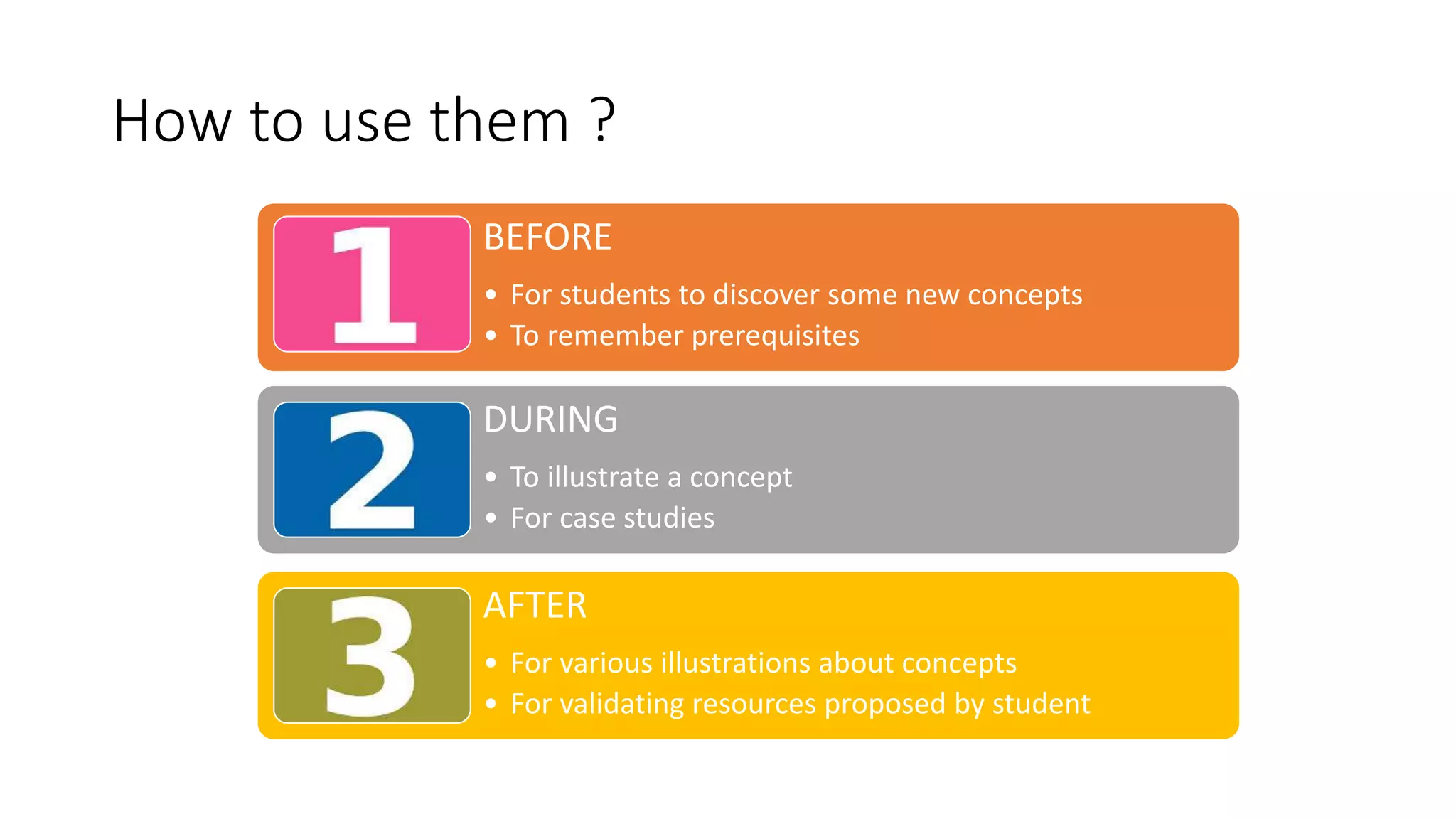
How to use them ?
BEFORE
• For students to discover some new concepts
• To remember prerequisites
DURING
• To illustrate a concept
• For case studies
AFTER
• For various illustrations about concepts
• For validating resources proposed by student
How to manage your video ?
• Create an account : VIMEO, YOUTUBE, ETC
• Upload your videos
• Embbed them in your teaching material
VIMEO nous paraît la meilleure solution pour le moment, il propose aussi un
abonnement annuel à 60,5 EUR permettant des options de publication privées et
une interface intuitive et efficace.
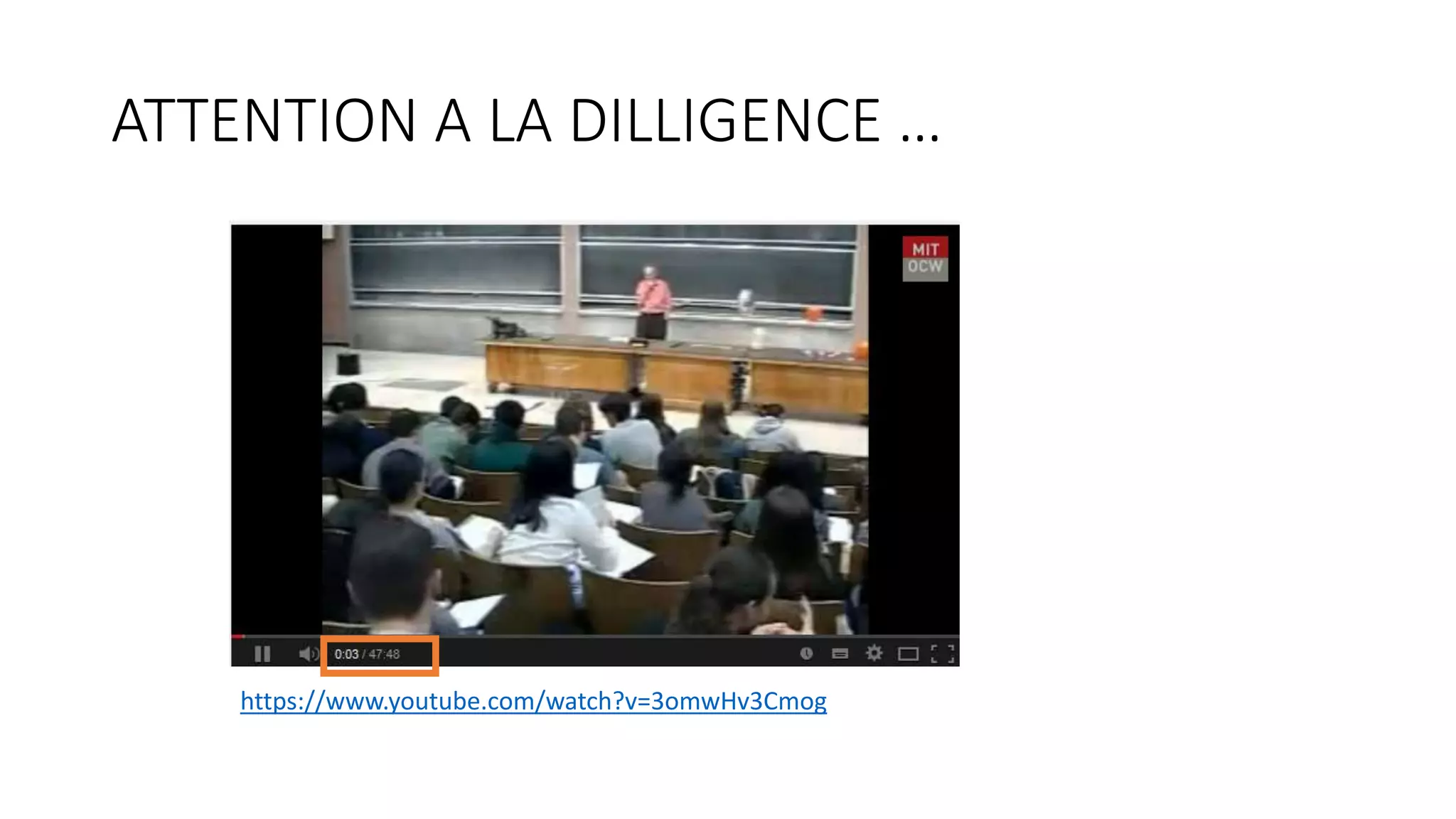
ATTENTION A LA DILLIGENCE …
https://www.youtube.com/watch?v=3omwHv3Cmog
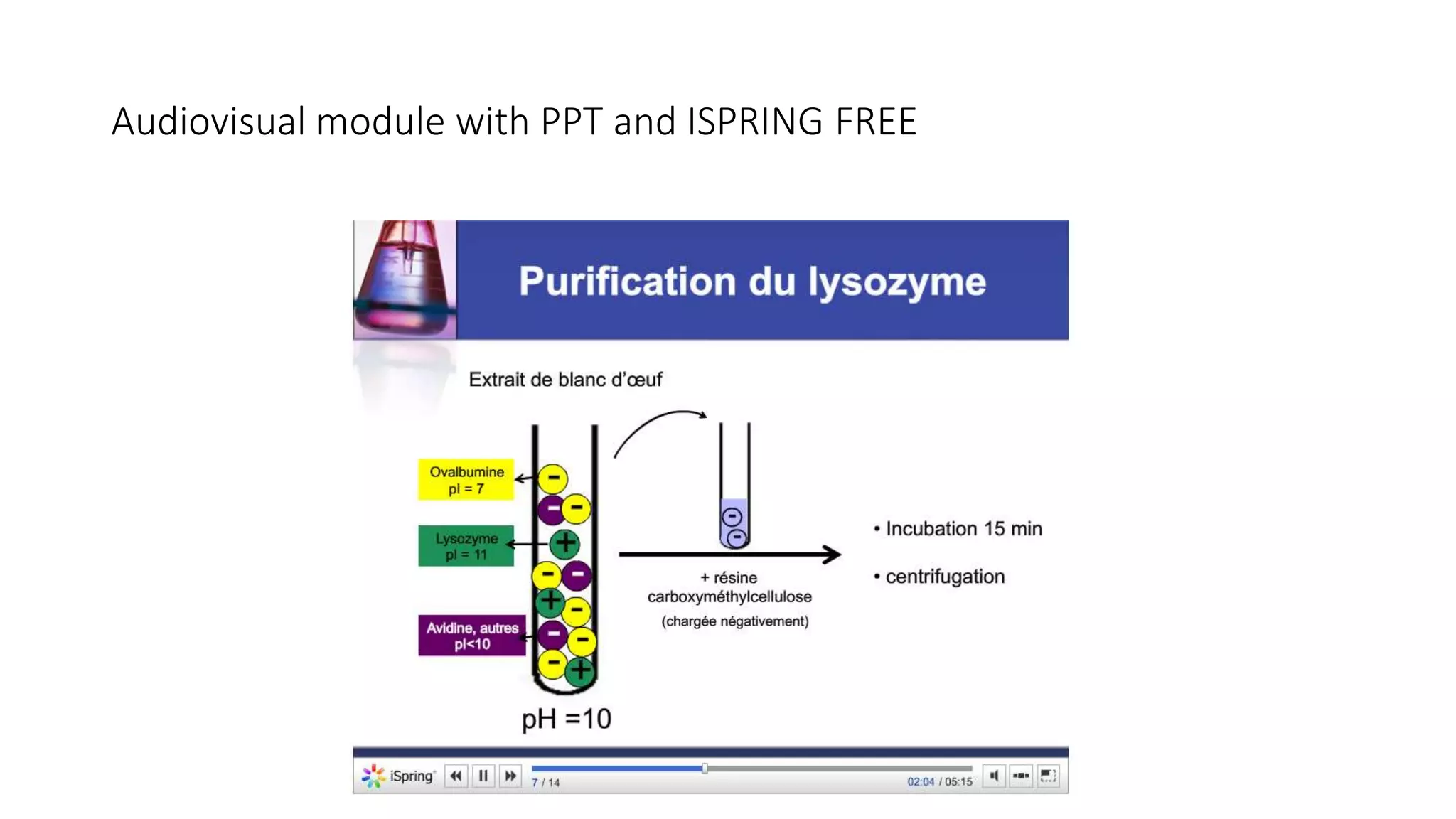
Audiovisual module with PPT and ISPRING FREE
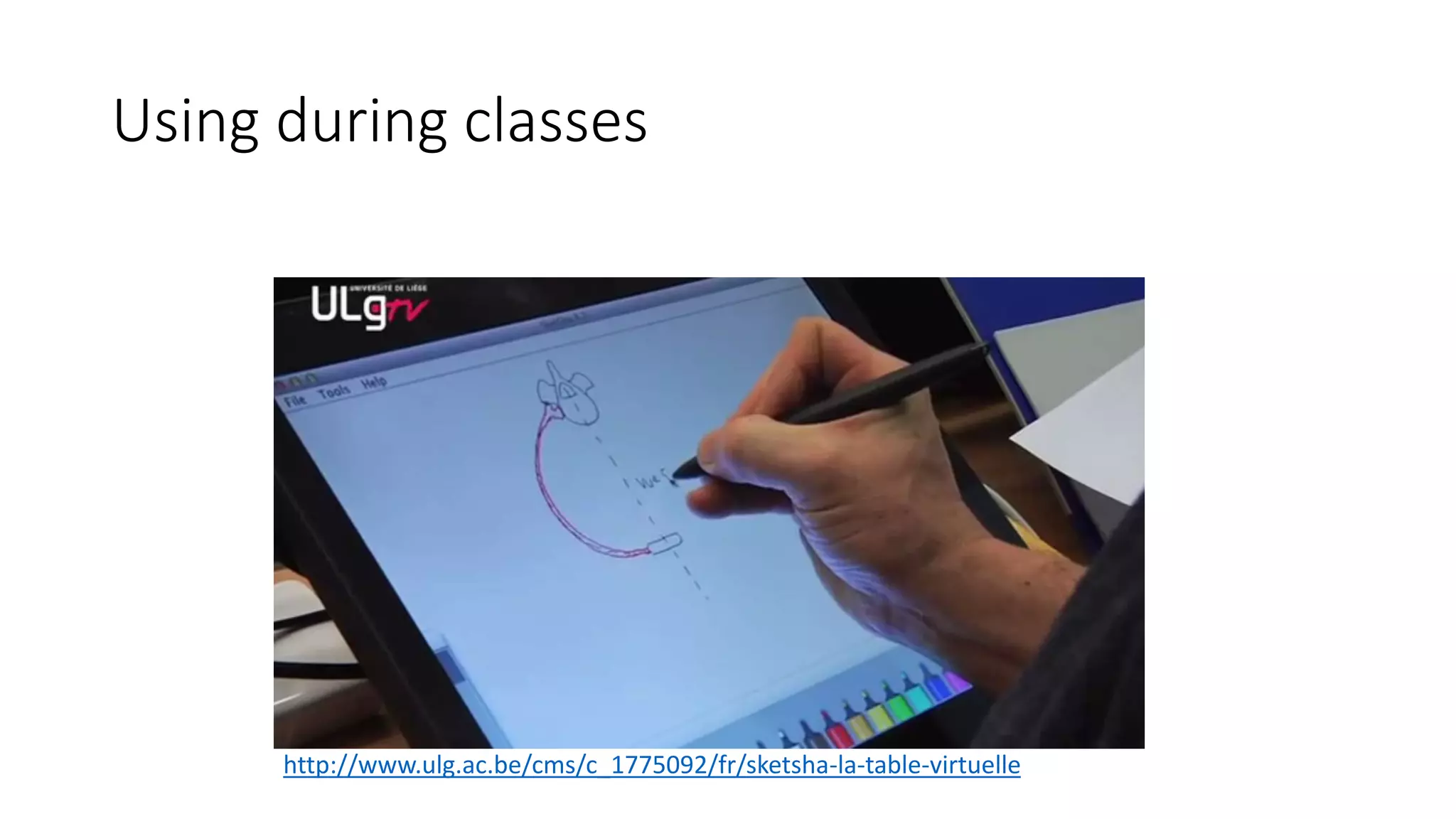
Using during classes
http://www.ulg.ac.be/cms/c_1775092/fr/sketsha-la-table-virtuelle
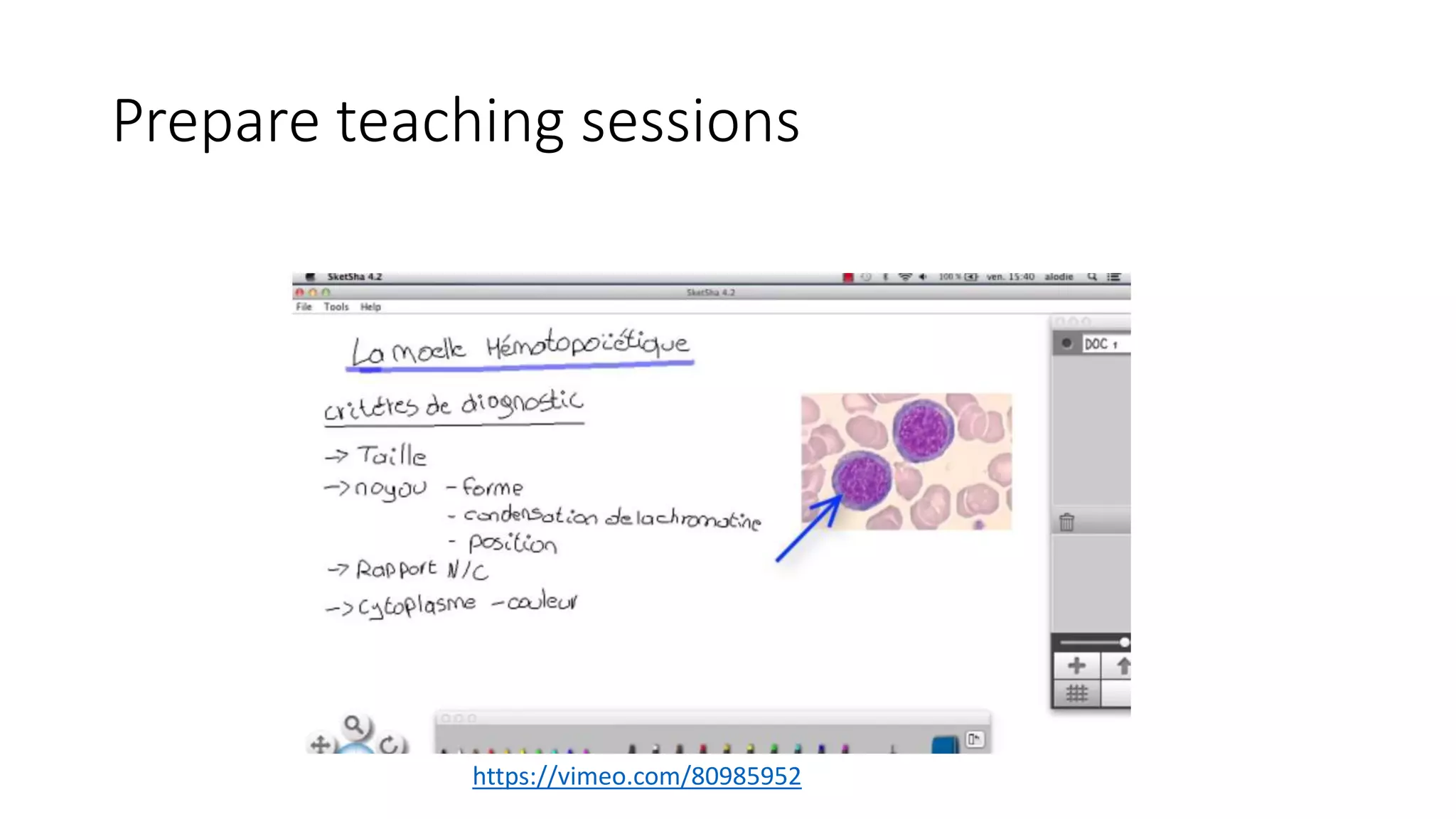
Prepare teaching sessions
https://vimeo.com/80985952
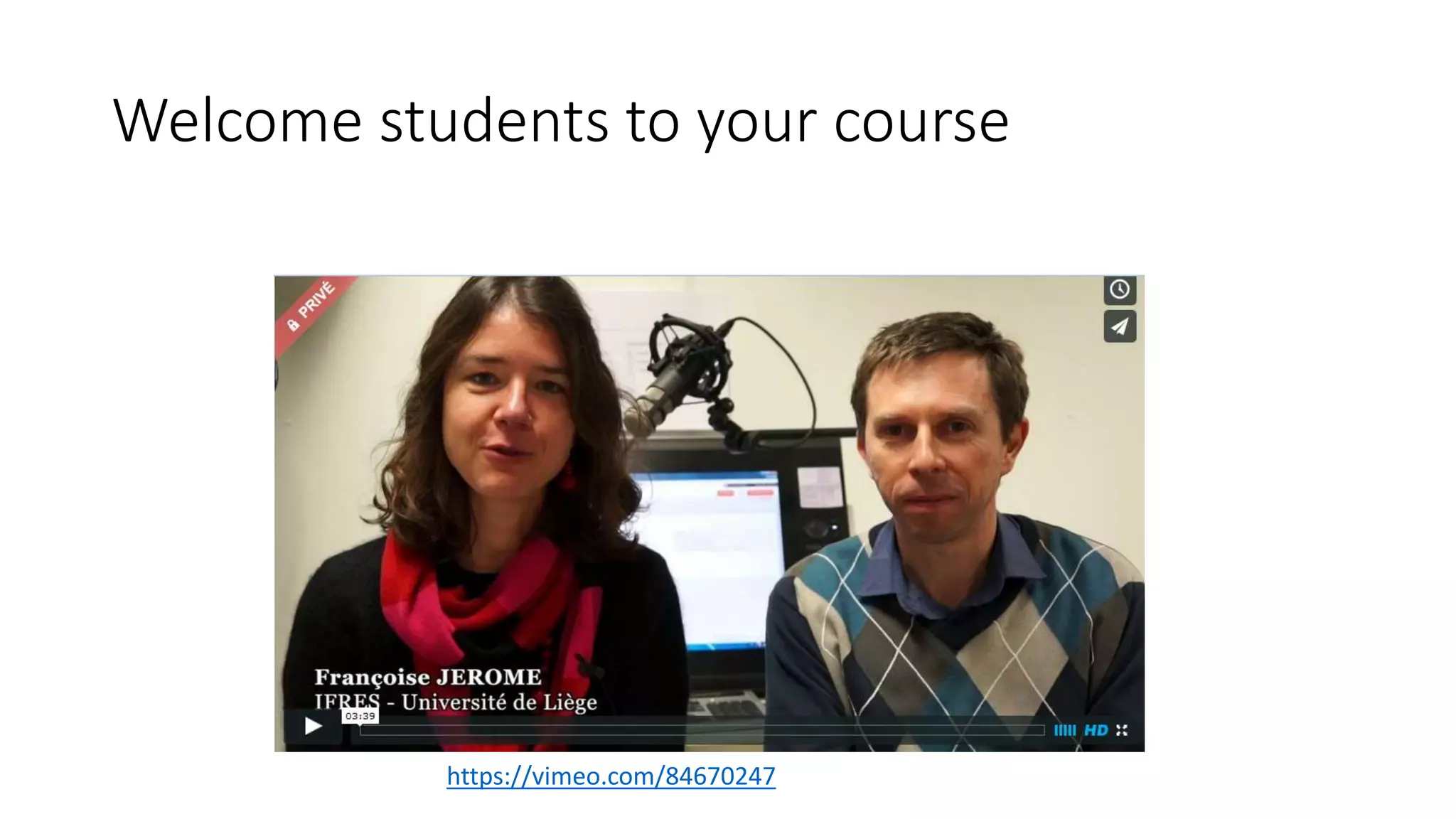
Welcome students to your course
https://vimeo.com/84670247
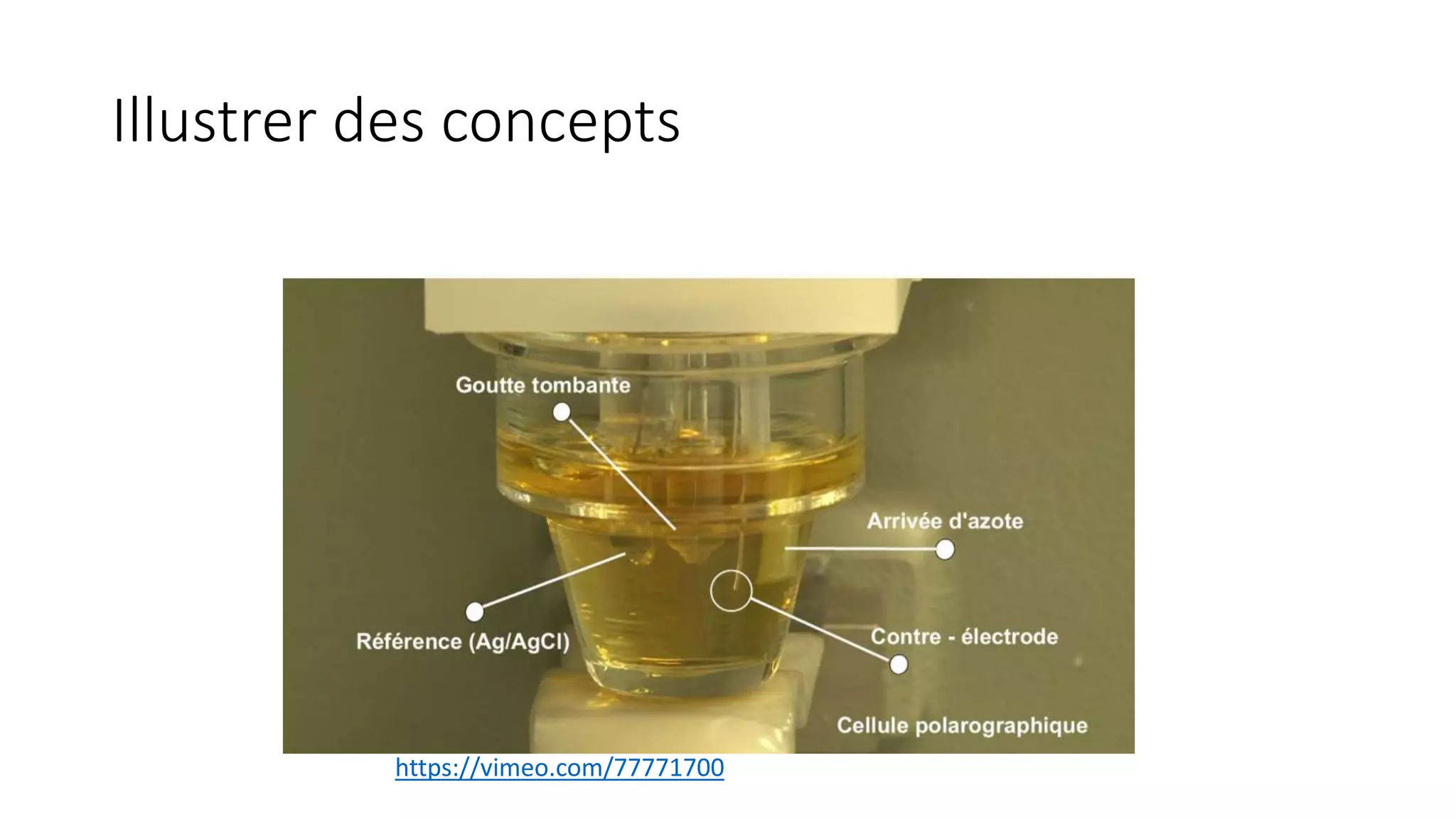
Illustrer des concepts
https://vimeo.com/77771700
Some Examples …
• https://www.youtube.com/watch?v=NeXIV-wMVUk
• Encore mieux :
https://www.youtube.com/watch?v=ty9QSiVC2g0
Some interesting chanels :
• https://www.youtube.com/user/1veritasium
• https://www.youtube.com/user/MIT
• https://www.youtube.com/user/khanacademy
• https://www.youtube.com/user/coursera
• https://www.youtube.com/channel/UC67Vc0fkLYeUPBp1f02VY9Q

Active Learning and Educational Technologies

  • 1.
    Teaching with Educational Technologies JeffVan de Poël | Senior Instructional Designer | Researcher Institut pour la Formation et la Recherche en Enseignement Supérieur Université de Liège - Belgium
  • 2.
    SESSION OVERVIEW • PARTI : Some information and facts about eLearning and Educational Technologies. • PART II : Some thoughts for teachers starting to use Educational Technologies. • PART III : Around “blended learning” and various scenarios. • PART IV : What About MOOCs • PART V : The gently difficult management of attentional resources.
  • 3.
    PART I : Someinformation and facts about eLearning and Educational Technologies Dated 2014
  • 4.
  • 5.
    AN INSTRUCTOR GENERALLY SAYS 100-200WORDS A MINUTE AND A STUDENT ONLY HEAR 50-100
  • 6.
    IN A TYPICAL LECTURECLASS, STUDENTS ARE ATTENTIVE JUST 40% OF THE TIME
  • 7.
    STUDENTS RETAIN ABOUT 70%OF WHAT THEY HEAR IN THE FIRST 10 MINUTES OF CLASS - AND JUST 20% DURING THE LAST 10 MINUTES
  • 10.
    IMPORTANT FACTS • MOSTOF LEARNING PROCESS HAPPENS OUTSIDE THE CLASSROOM • THIS ENVIRONMENT NEED TO BE PREPARED BY TEACHER FOR STUDENTS.
  • 11.
    ABOUT LMS (PLATFORMS)USE : “Most faculty members -- 58 percent, according to the survey -- said they primarily use their system as a place to store content such as lecture notes and the syllabus, while 41 percent said they use it to interact with students outside the classroom.” Dahlstrom, Brooks and Bichsel (2014) Educause Center for Analysis and Research (ECAR)
  • 12.
    Main information fromlast ECAR study on Academics and Educational Technologies • Faculty recognize that online learning opportunities can promote access to higher education but are more reserved in their expectations for online courses to improve outcomes. • Faculty interest in early-alert systems and intervention notifications is strong. • The majority of faculty are using basic features and functions of LMSs but recognize that these systems have much more potential to enhance teaching and learning. • Faculty think they could be more effective instructors if they were better skilled at integrating various kinds of technology into their courses. • Faculty recognize that mobile devices have the potential to enhance learning.
  • 13.
    ECAR STUDY ABOUTSTUDENTS AND TECHNOLOGIES • Technology is embedded into students’ lives, and students are generally inclined to use and to have favorable attitudes toward technology. • Students’ academic use of technology is widespread but not deep. They are particularly interested in expanding the use of a few specific technologies. • Many students use mobile devices for academic purposes. Their in-class use is more likely when instructors encourage such use; however, both faculty and students are concerned about their potential for distraction. • More students than ever have experienced a digital learning environment. The majority say they learn best with a blend of online and face-to-face work. • Most students support institutional use of their data to advise them on academic progress in courses and programs. Many of the analytic functions students seek already exist in contemporary LMSs.
  • 14.
    Link to ECARstudies • http://www.educause.edu/library/resources/2014- student-and-faculty-technology-research-studies
  • 15.
    To summarise : •Teachers need to prepare extended learning environment for their students. • They must think about various ways to propose learning contents and activities to their students. • It’s normal that teachers start to use technologies in a basic way at the beginning. • Creating an online learning environment is a longtime process.
  • 16.
    PART II : Somethoughts for teachers starting to use Educational Technologies
  • 17.
    Technology is notan independent variable in the learning process « It is in the relationship between ICT and pedagogy that are all the potential benefits for teaching and learning. (Depover, Karsenti et Komis, 2007, p.7). » Objets à Potentiel Cognitifs “Teaching methods prevail on the media” (Clark, 2007) OBJECT WITH COGNITIVE POTENTIAL
  • 18.
  • 19.
    For Schulman (1996) Teachingis the relation between Knowledge Content and Pedagogical Content
  • 20.
    With the developmentof technologies CONTENT KNOWLEDGE PEDAGOGICAL KNOWLEDGE TECHNOLOGICAL KNOWLEDGE
  • 21.
  • 22.
    Professional development withEducational Technologies(Koehler&Mishra, 2009). "Teaching effectively with technology" "Know the pedagogical techniques that use technology constructively to teach the content" "Understanding the representations of concepts using technology" "Knowing what is difficult or easy to learn and how technology can help correct some of the problems encountered by students" "Prendre en compte les connaissances préalables des élèves et des théories de l'épistémologie à l’aide des technologies » "How technologies can be used to build on existing knowledge to develop new epistemologies or strengthen existing"
  • 23.
    Le S.A.M.R. A frameworkto integrate Educational Technologies to your teaching practice
  • 25.
    • Creating adatabase of questions with rich feedback for revisions ( or learning ) . • Prerequisite testing for LAB Augmentation
  • 26.
  • 27.
    10 integrative questions Groups of4 to 6 students Answer through multimedia Peer review Module Neurologie – BAC 3 Médecine (Ulg) Pr. Garraud et C. Pasquet, Assistante Modification
  • 28.
  • 29.
    • Therapy trainingin psychology with the presence of attention indicator. • Many various situations available • Many different use of a video support. Redéfinition
  • 30.
    PART III :Around “blended learning” and various scenarios
  • 31.
    Une définition “Wedefine blended learning as structured opportunities to learn, which use more than one learning or training method, inside or outside the classroom. This definition includes different learning or instructional methods (lecture, discussion, guided practice, reading, games, case study, simulation), different delivery methods (live classroom or computer mediated), different scheduling (synchronous or asynchronous) and different levels of guidance (individual, instructor or expert led, or group/social learning).” Pankin, Roberts & Savio (2012)
  • 32.
  • 33.
    Dossier de lecture+ activités ? Syllabus en pdf Collection articles VidéosPrésentations Chap. 1 Chap. 2 Chap. 3 Liens Activités
  • 34.
  • 35.
  • 36.
  • 37.
    Structured modules… Chapitre 1Test formatif Chapitre 2 Test formatif
  • 38.
  • 39.
    Online Exams Création desbases de questions examen Mise en ligne dispositif Réservation de la salle Passation
  • 40.
    PART IV :What about MOOCs ?
  • 41.
  • 42.
  • 43.
  • 44.
  • 45.
    PART V : Thegently difficult management of attentional resources Some advice
  • 46.
    Visual support forcourses. Paper support for students Audiovisual support MULTIMEDIA For teachers
  • 47.
    FRAMEWORK •We are ina mode in which learners are in a “receiving information” posture. •They are confronted to a message , information transmitted through a combination of at least two of these elements (images, text, sound, voice, pattern , etc.)
  • 48.
  • 49.
  • 50.
  • 51.
    Jamet – LeBohec (2003) -------------- -------- ------------- --------- KNOWLEDGE TESTING 1 2 3
  • 52.
  • 53.
    1. Verbal coding •An image can be verbaly translated => Usefull for language learning => Dangerous when too much interpretation is needed
  • 54.
    2. Expertise level Experts Coloredimages Animation Multimédia et apprentissage – LabSET –IFRES 2011 Dia 54 Novices need more attention than experts to assimilate new content. Novices
  • 55.
    3. The pause •Propose Pauses - Consolidation - Elaboration - Preparation
  • 56.
    4. Around Audio •Give user the choice to play or stop • Avoid surprise effect • No need to overload • Go to the essential
  • 57.
  • 58.
    1. Coherence Principle Theprinciple of coherence is to remove non- essential information for learning: students learn better if the media and educational content available to them focus on a specific item, rather than a content too broad or too general.
  • 59.
    2. Signaling Principle Thisprinciple based on the observation that the underlined of bold information is retained better than others : report essential information allows learners to better focus their attention and increase retention rates by reporting the underlined items .
  • 60.
    3. Redundancy Principle Contraryto what one might think , have identical information in two different modalities can be detrimental to learning ( eg . To display the equivalent screen of the oral text). During a presentation , so do not integrate too much text in your slides , and prefer the use of keywords.
  • 61.
    4. Spatial ContiguityPrinciple The principle of spatial contiguity means that visual information which are close to each other facilitates learning (eg . A Keyword Association // image or keywords // diagram). This is particularly the case diagrams and legends associated with it .
  • 62.
    5. Temporal ContiguityPrinciple Just as the spatial proximity of visual information , the fact strengthen their proximity in time also facilitates learning. To facilitate the working memory task ( eg . As part of a presentation ), so synchronize the appearance of your slides based on your speech!
  • 63.
    6. Segmenting Principle Theprinciple of segmentation reveals that students learn best when educational content is segmented : that is to say, cut into several sequences, rather than a large block of indigestible information (eg 3 times 5 minutes . rather than 15 minutes at once) . This keeps the attention of learners and to avoid overloading their working memory.
  • 64.
    7. Pre-training Principle Accordingto the pre- training principle , it is better learners already spread key information about the content (of course , training ...) before the main learning sequence. This allows them to warm up and already build vital neural connections to the acquisition of new knowledge.
  • 65.
    8. Modality Principle Themodality principle reflects in part the principle of redundancy ( see above ) in the sense that , to present an image (eg on the screen as in the case of a presentation. ), It is preferable to use oral rather than written comments . This is to avoid the saturation of video channels in the learner .
  • 66.
    9. Multimedia Principle Topromote information processing and learning more effective , choose the integration of visual elements in your slide , syllabi, teaching notes ... Participants will learn better from a combination of words and images, rather that mere words (eg . explanatory illustrations in a book or in a syllabus )
  • 67.
    10. Personalization Principle Aspart of a training course (face or online) or presentation , use a conversational style of language rather than formal. Speak directly to your participants using YOU . Learners will tend to retain more personalized information and best practice !
  • 68.
    Will video killedthe amphitheatre star ? Video use in my everyday pratice
  • 69.
    Existing videos toillustrate my courses
  • 70.
    How to usethem ? BEFORE • For students to discover some new concepts • To remember prerequisites DURING • To illustrate a concept • For case studies AFTER • For various illustrations about concepts • For validating resources proposed by student
  • 71.
    How to manageyour video ? • Create an account : VIMEO, YOUTUBE, ETC • Upload your videos • Embbed them in your teaching material VIMEO nous paraît la meilleure solution pour le moment, il propose aussi un abonnement annuel à 60,5 EUR permettant des options de publication privées et une interface intuitive et efficace.
  • 72.
    ATTENTION A LADILLIGENCE … https://www.youtube.com/watch?v=3omwHv3Cmog
  • 73.
    Audiovisual module withPPT and ISPRING FREE
  • 74.
  • 75.
  • 76.
    Welcome students toyour course https://vimeo.com/84670247
  • 77.
  • 78.
    Some Examples … •https://www.youtube.com/watch?v=NeXIV-wMVUk • Encore mieux : https://www.youtube.com/watch?v=ty9QSiVC2g0 Some interesting chanels : • https://www.youtube.com/user/1veritasium • https://www.youtube.com/user/MIT • https://www.youtube.com/user/khanacademy • https://www.youtube.com/user/coursera • https://www.youtube.com/channel/UC67Vc0fkLYeUPBp1f02VY9Q